Introduction
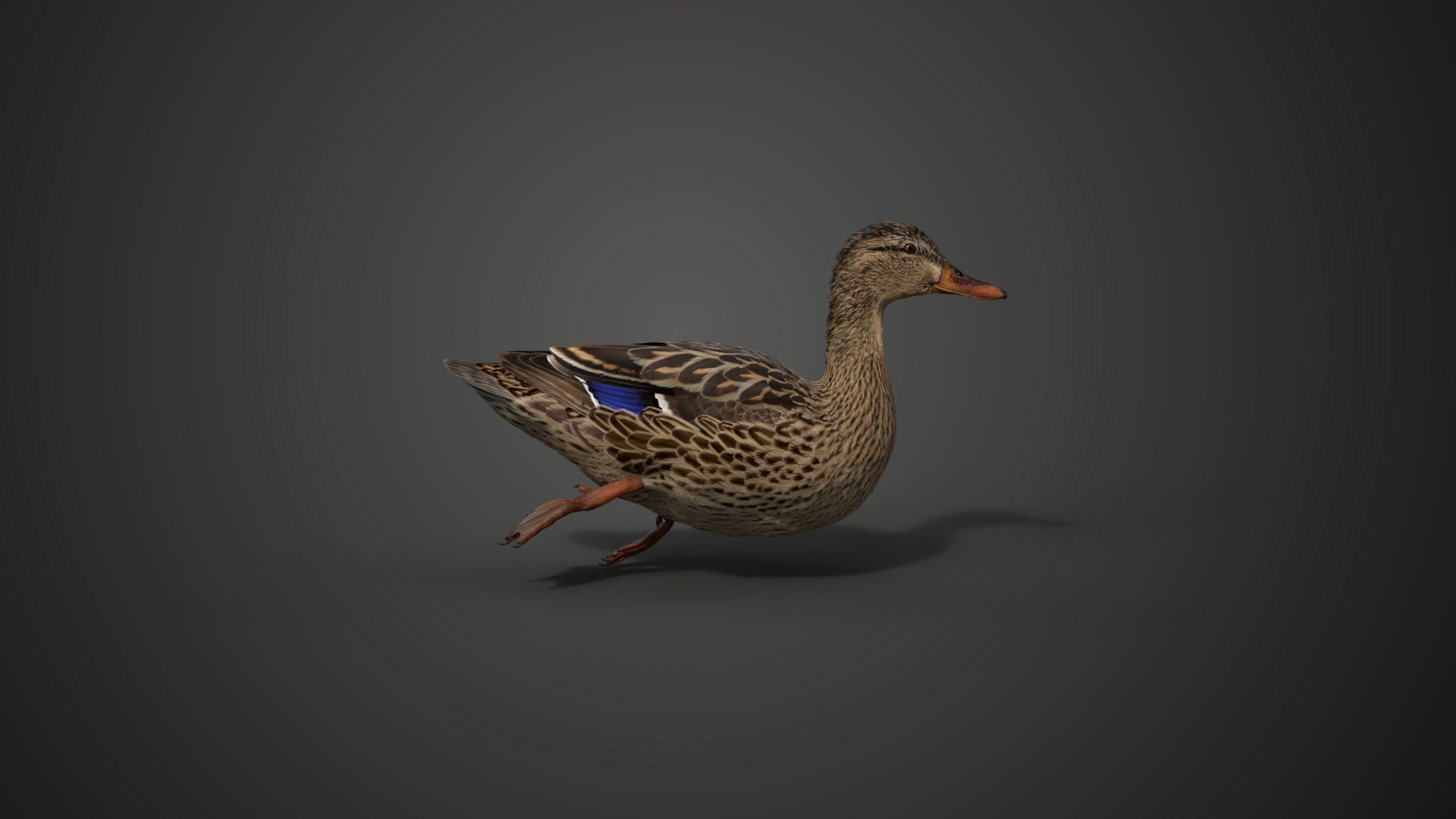
This is a female mallard model with textures, feathers, rigging and animations. It's made with Blender and Cycles renderer.
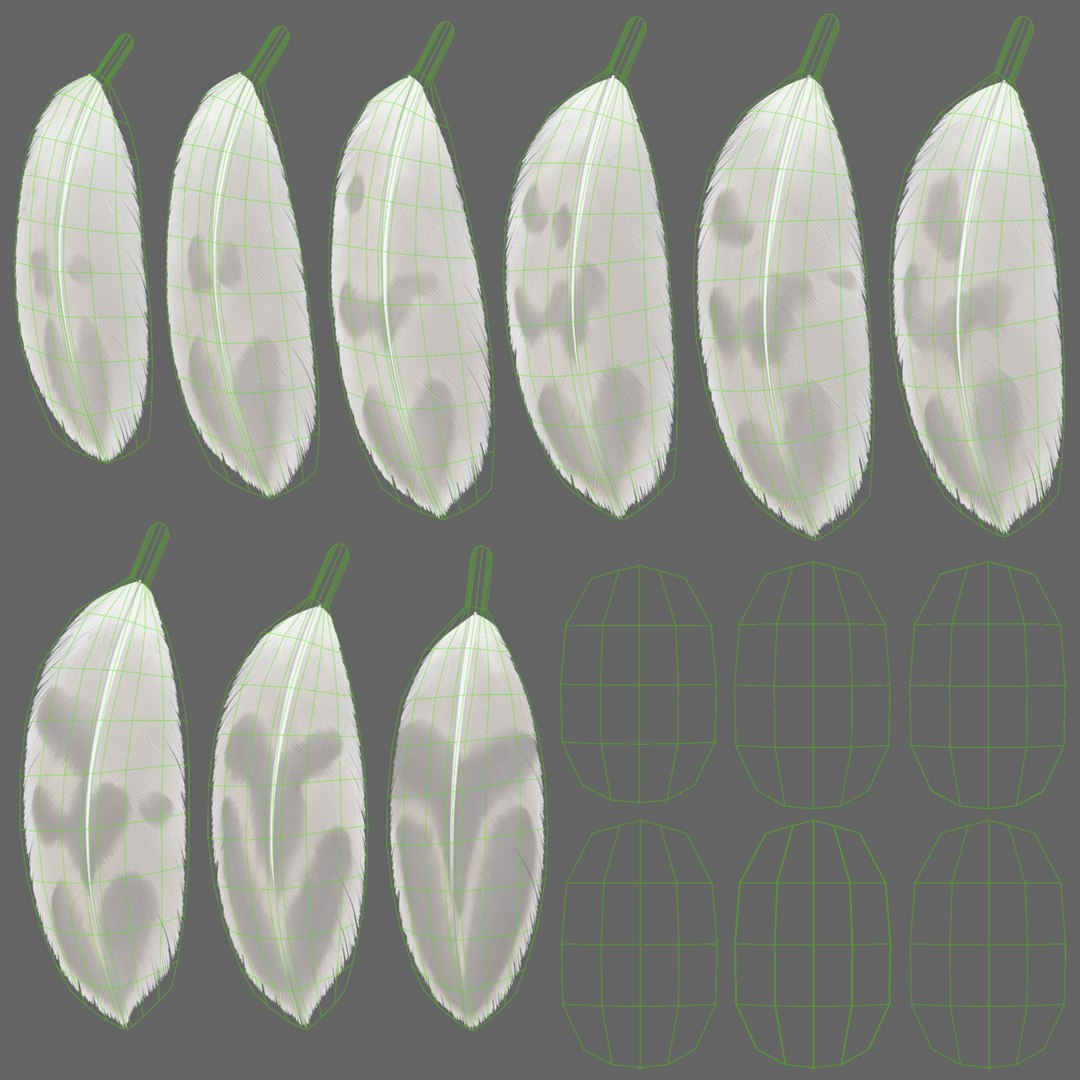
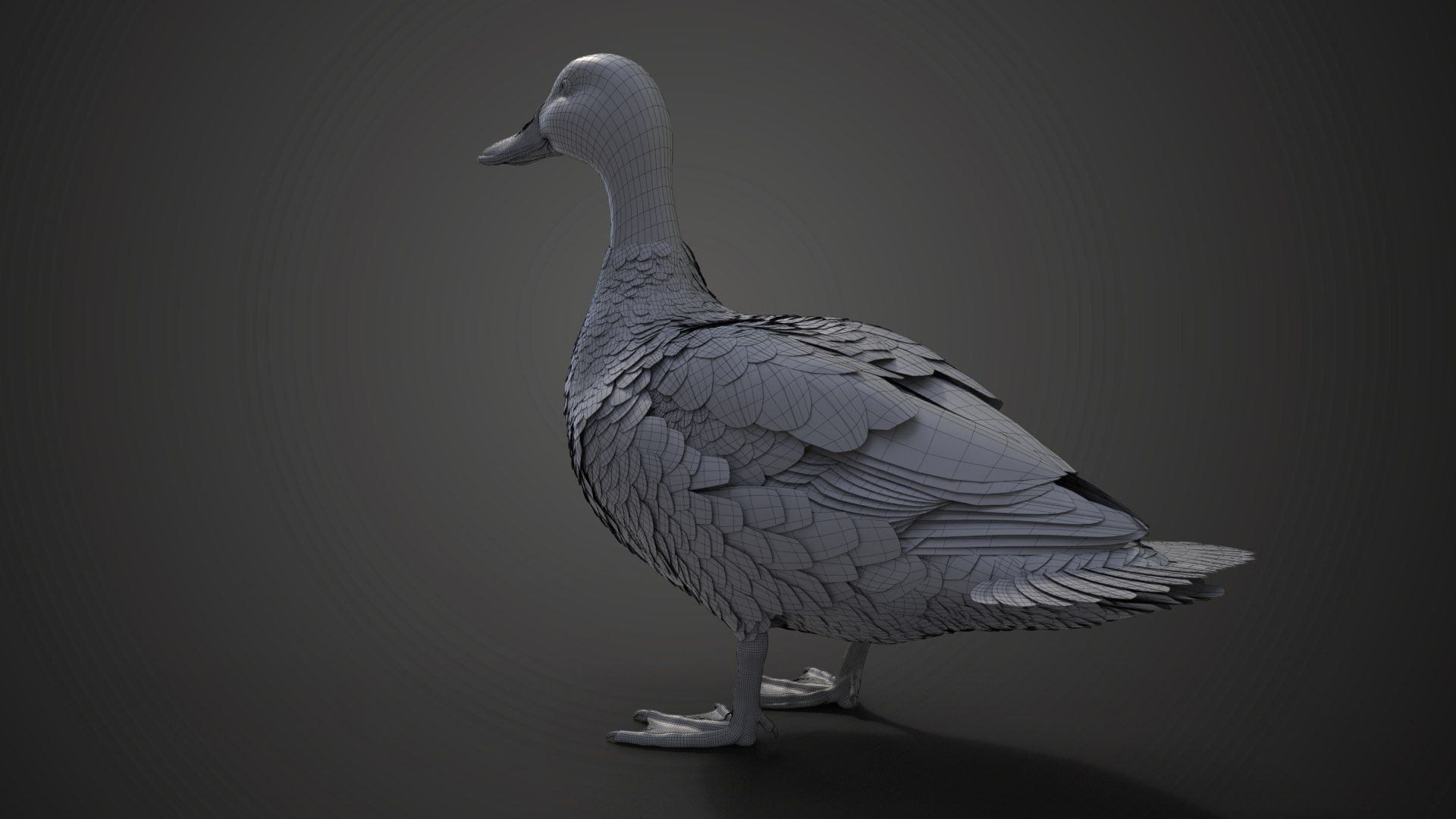
It consists of body, oral cavity, tongue, teeth, eyes, third eyelids, foot, claws, feathers.
Polygons
Body: vertices 3,658; polygons 3,615
Oral cavity: vertices 13,996; polygons 13,912
Tongue: vertices 7,885; polygons 7,884
Teeth: vertices 768; polygons 532
Eyes: vertices 616; polygons 656
Third eyelids: vertices 356; polygons 392
Foot: vertices 18,876; polygons 18,816
Claws: vertices 1,992; polygons 1,920
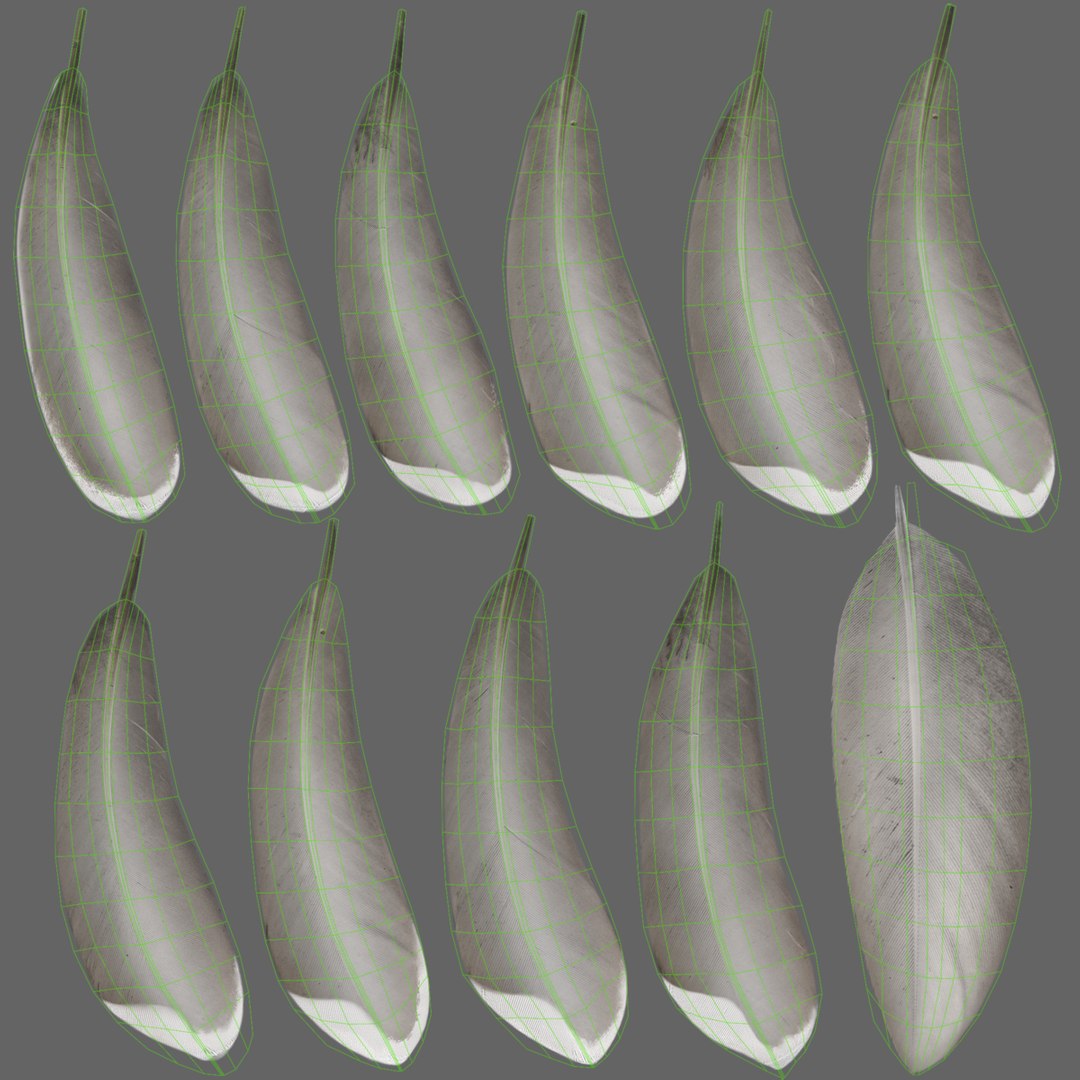
Feathers: vertices 203,249; polygons 146,001
Total: vertices 251,396; polygons 193,728
The objects are applied Mask and Solidify modifiers
Formats
There is a Blender project and an FBX file without rigging or animation.
Rigging
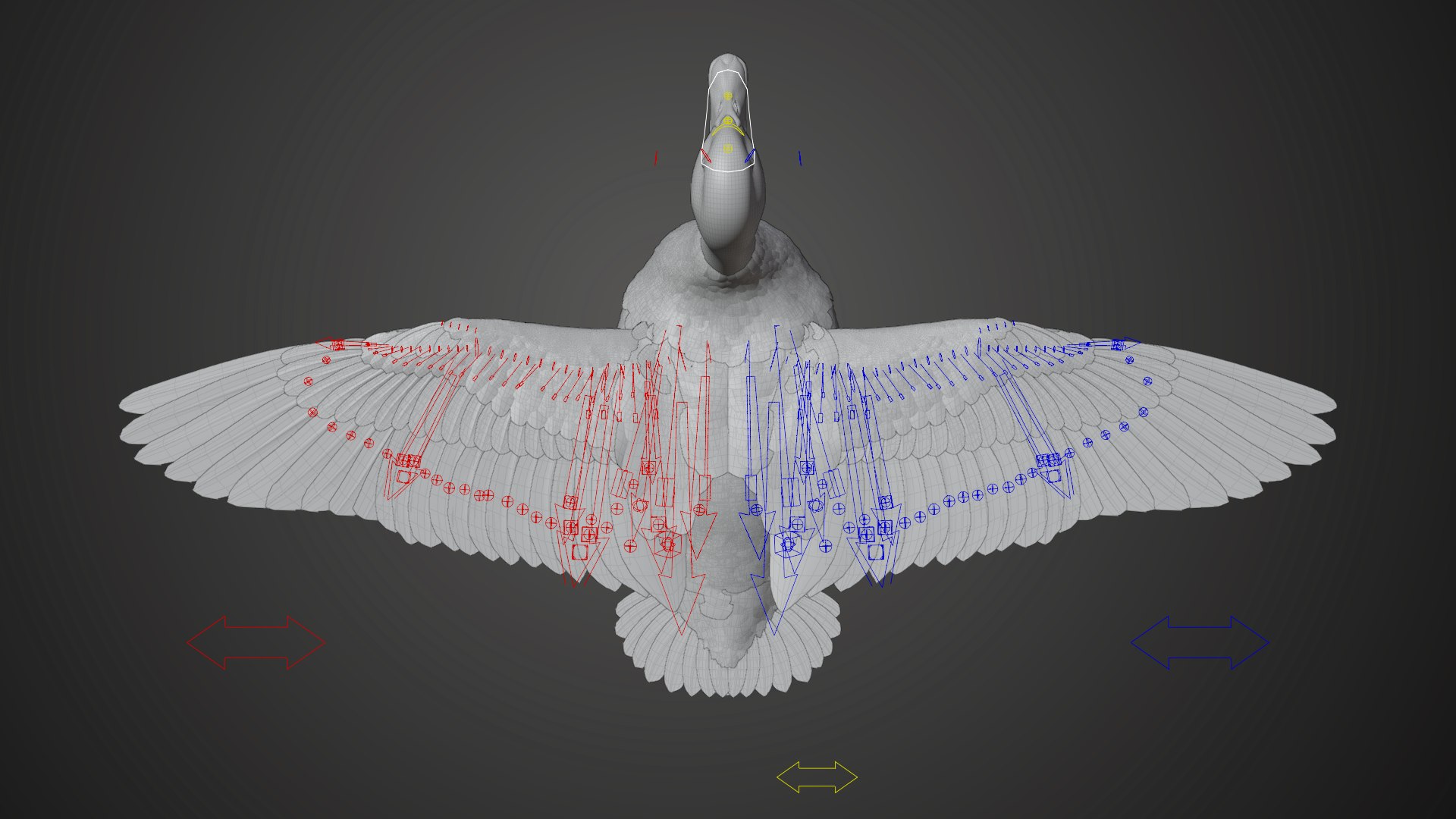
With full controllers, postures and animations are easy to create. The features are as follows:
CTR_root controls the entire model, and its customized attribute Neck_IK_FK controls the IK/FK switch of the neck; Neck_follow controls whether the neck moves following the parent controller.
CTR_FoldTail controls the folding of the wings by Location.
CTR_FoldTail controls the tail feather folding by the Location.
CTR_FoldWing.L and CTR_FoldWing.R control the folding of the wings by their Location.
CTR_leg_IKFK.L and CTR_leg_IKFK.R control the non-seamless IF/FK of the legs by their customized attributes.
CTR_FoldClaw.L and CTR_FoldClaw.R control the flexion and extension of the feet by their Location.
CTR_IK_head controls the head in IK mode, and its customized attribute Neck_IK_follow_Head_Roll controls whether the neck rotates following the head.
Fine rigging makes it possible to control every feather conveniently.
And more…
Animations
Loopable walking animation at 30 fps, frame range 0-26
Loopable swimming animation at 30 fps, frame range 0-15
Unlooped eating animation at 30 fps, frame range 0-300
Unlooped combing animation at 30 fps, frame range 0-360
Features
The model is in meter units at real-world scale.
The Display button of the fur is disabled.
To get a nice effect, the settings below are required for such thick feathers:
1. Set Total under Light Paths to 12 or larger;
2. Set Transparency under Light Paths to 8 or larger;
3. Set Transmission under Light Paths to 12 or larger;
This model cannot be scaled by controller ROOT. You can put the model into an empty object, and scale the empty object.