
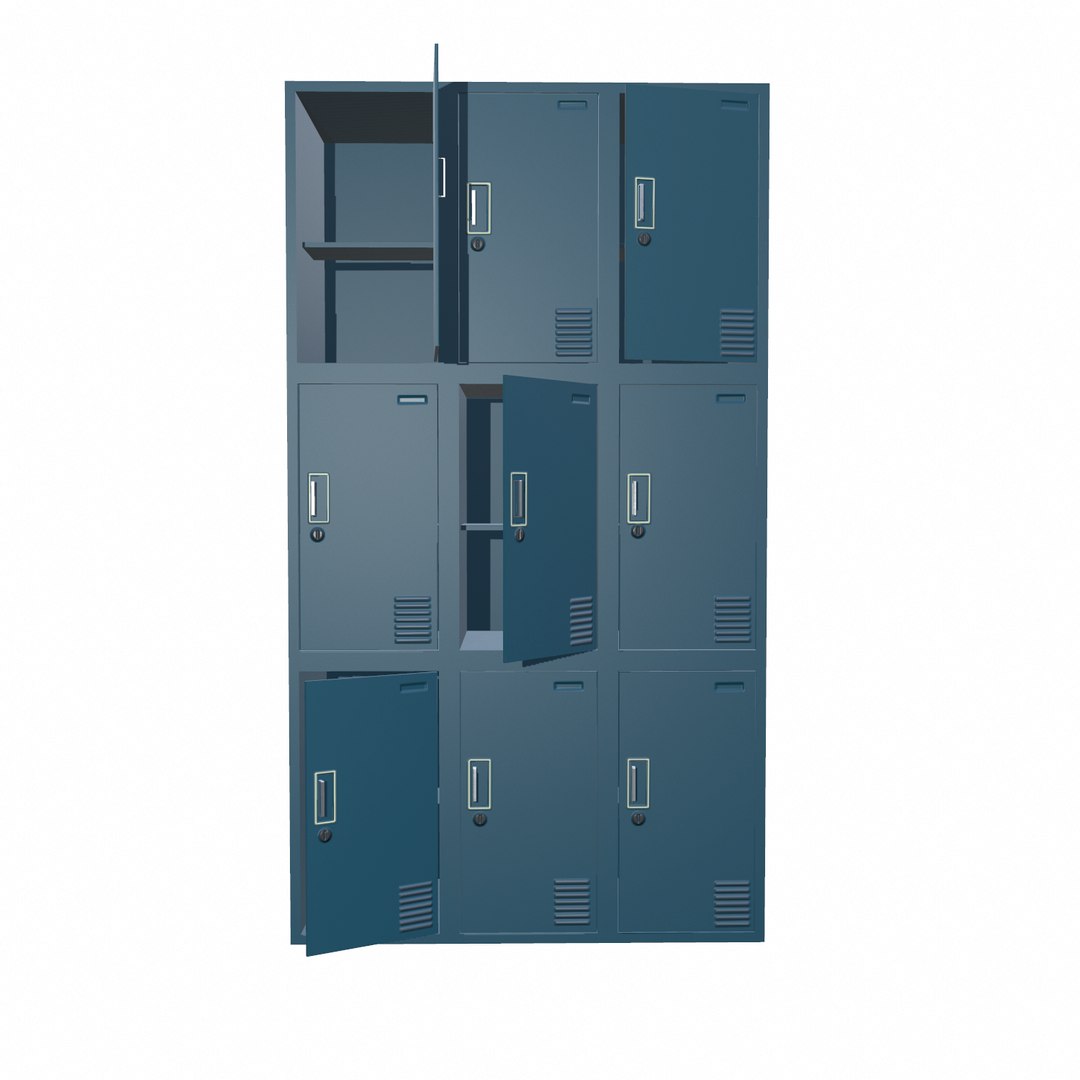
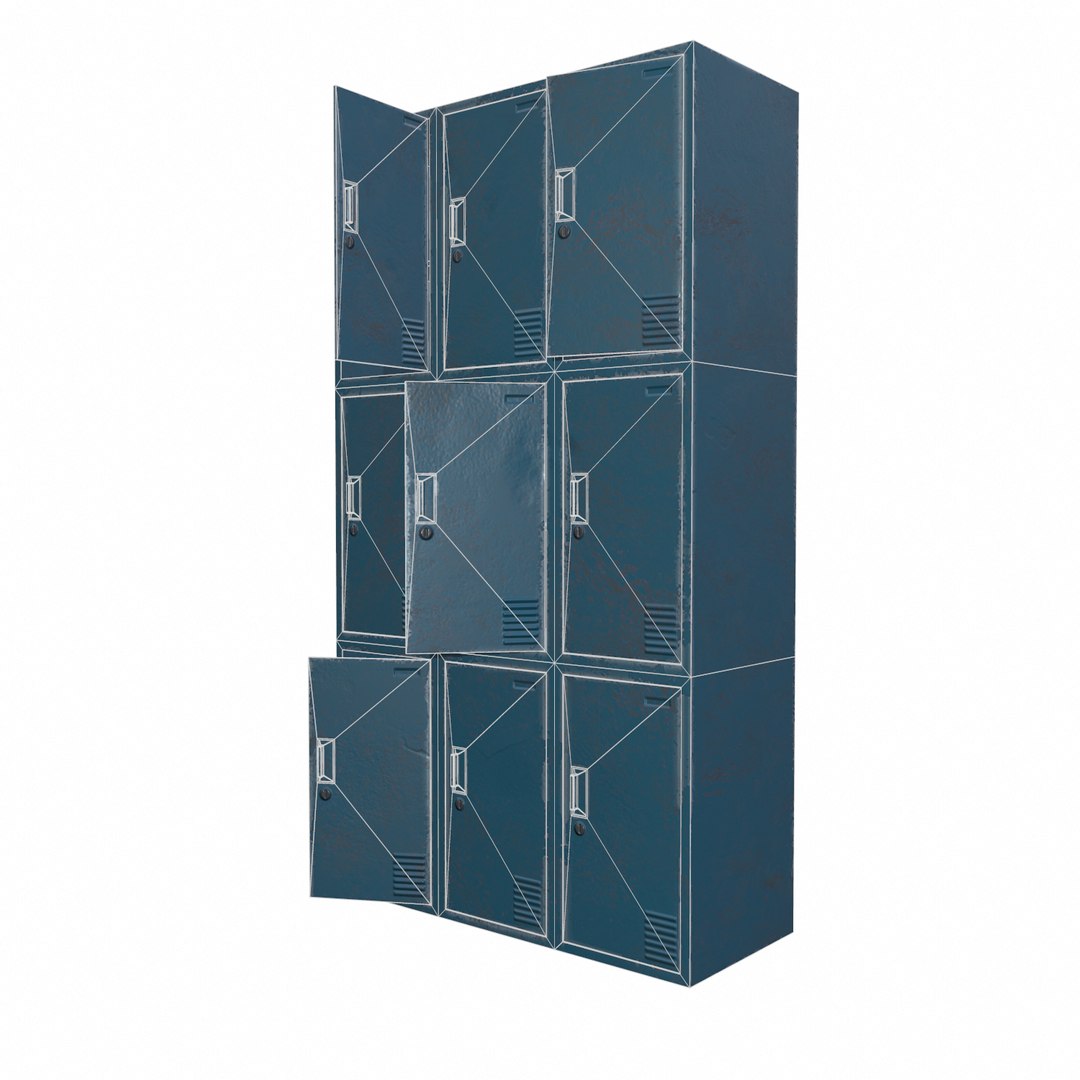
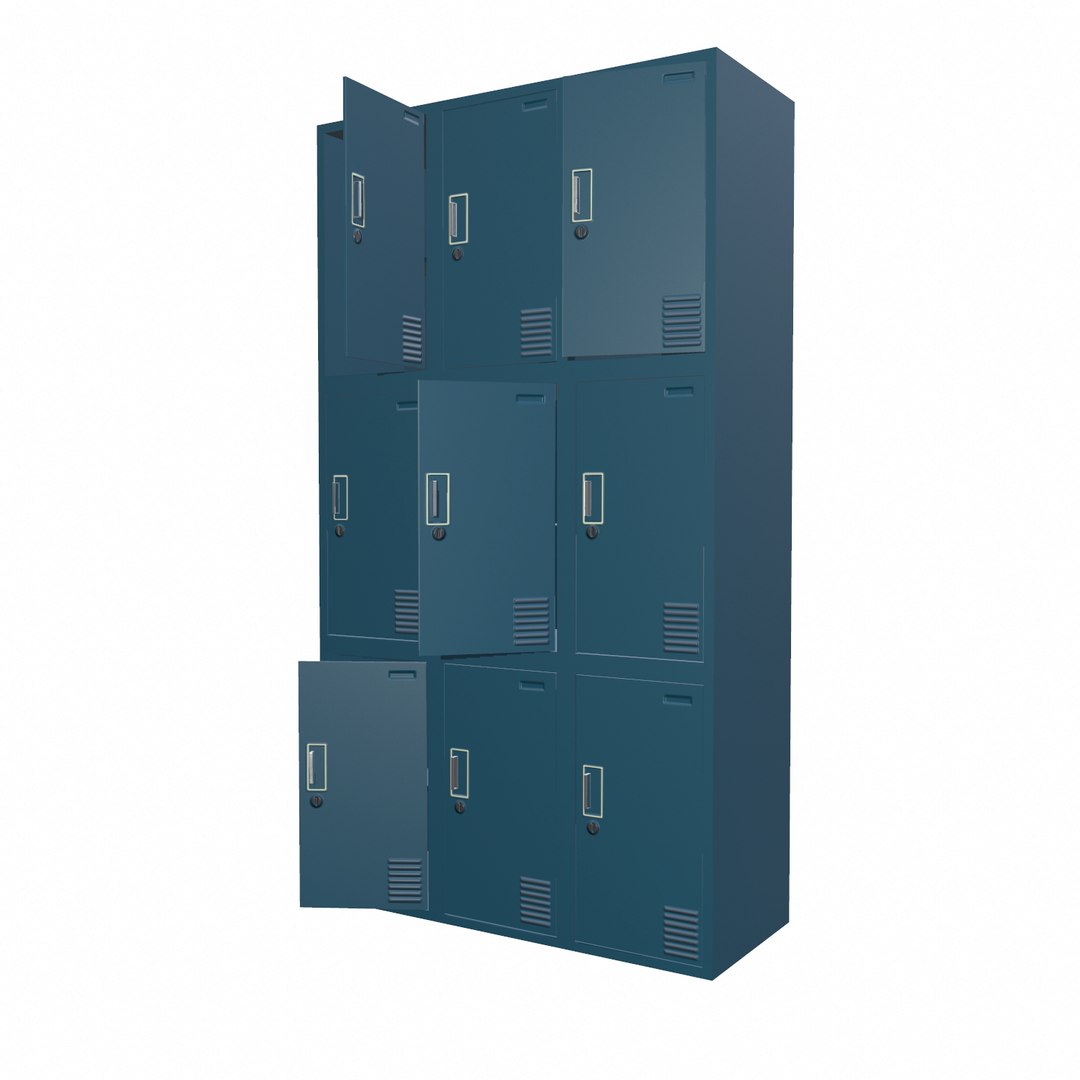
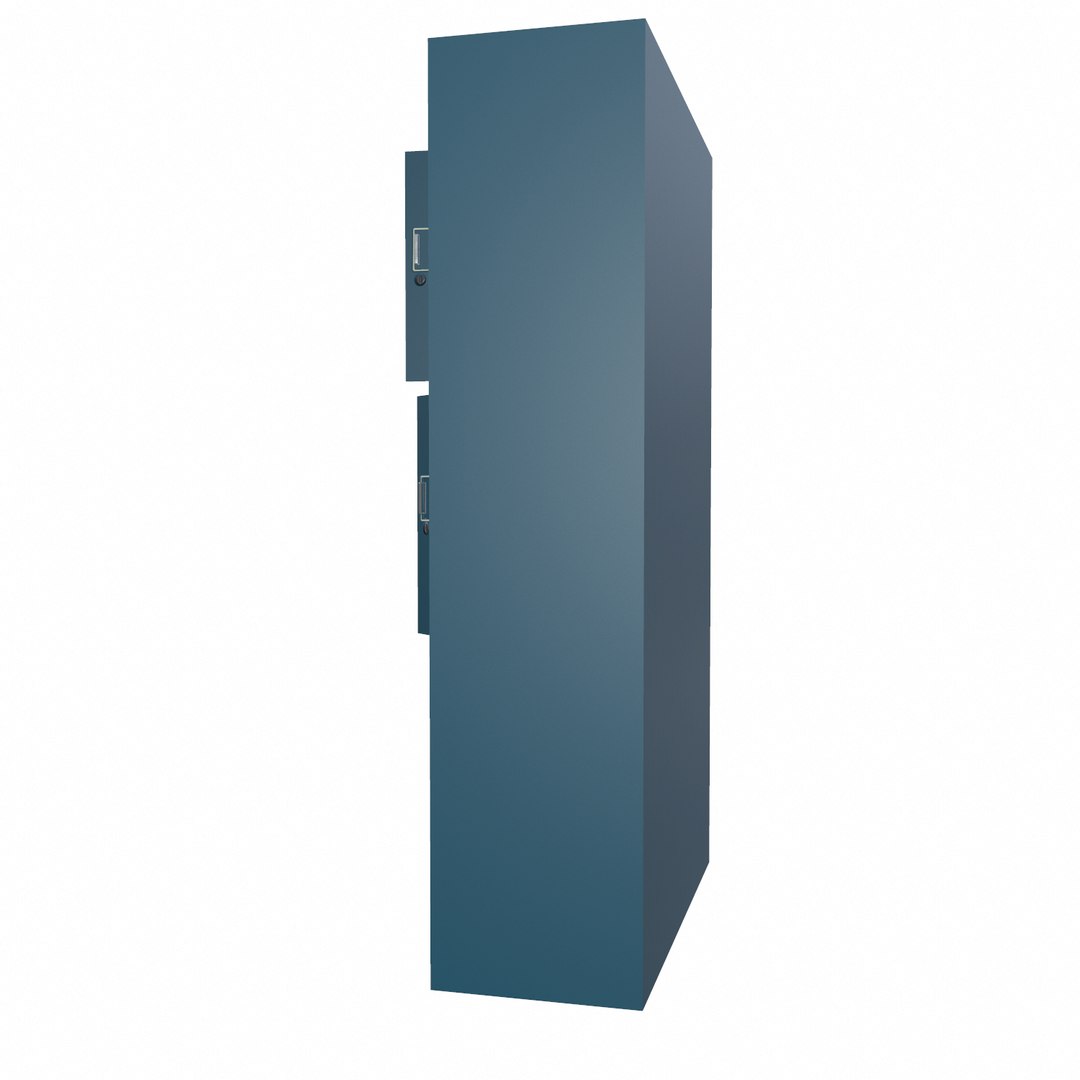
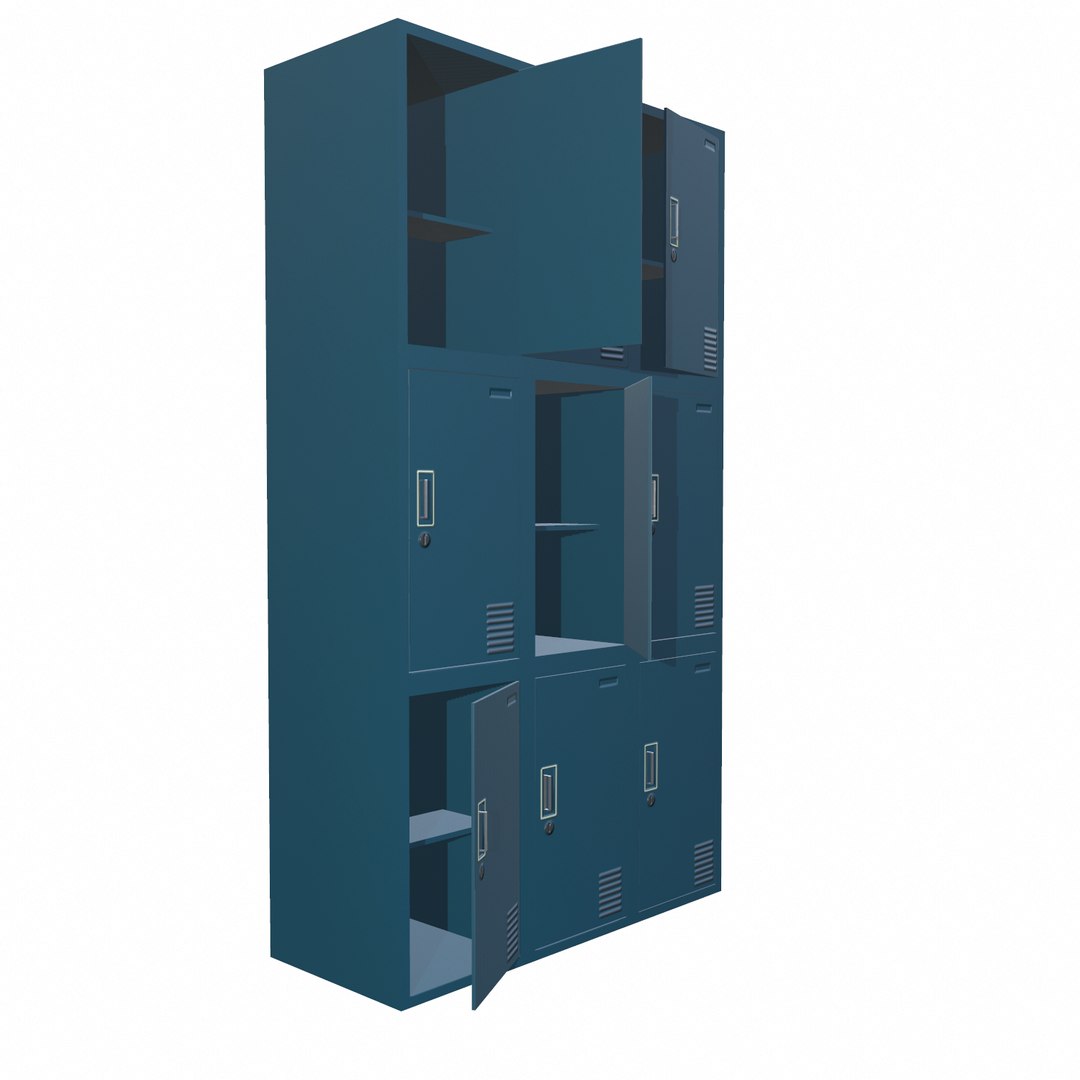
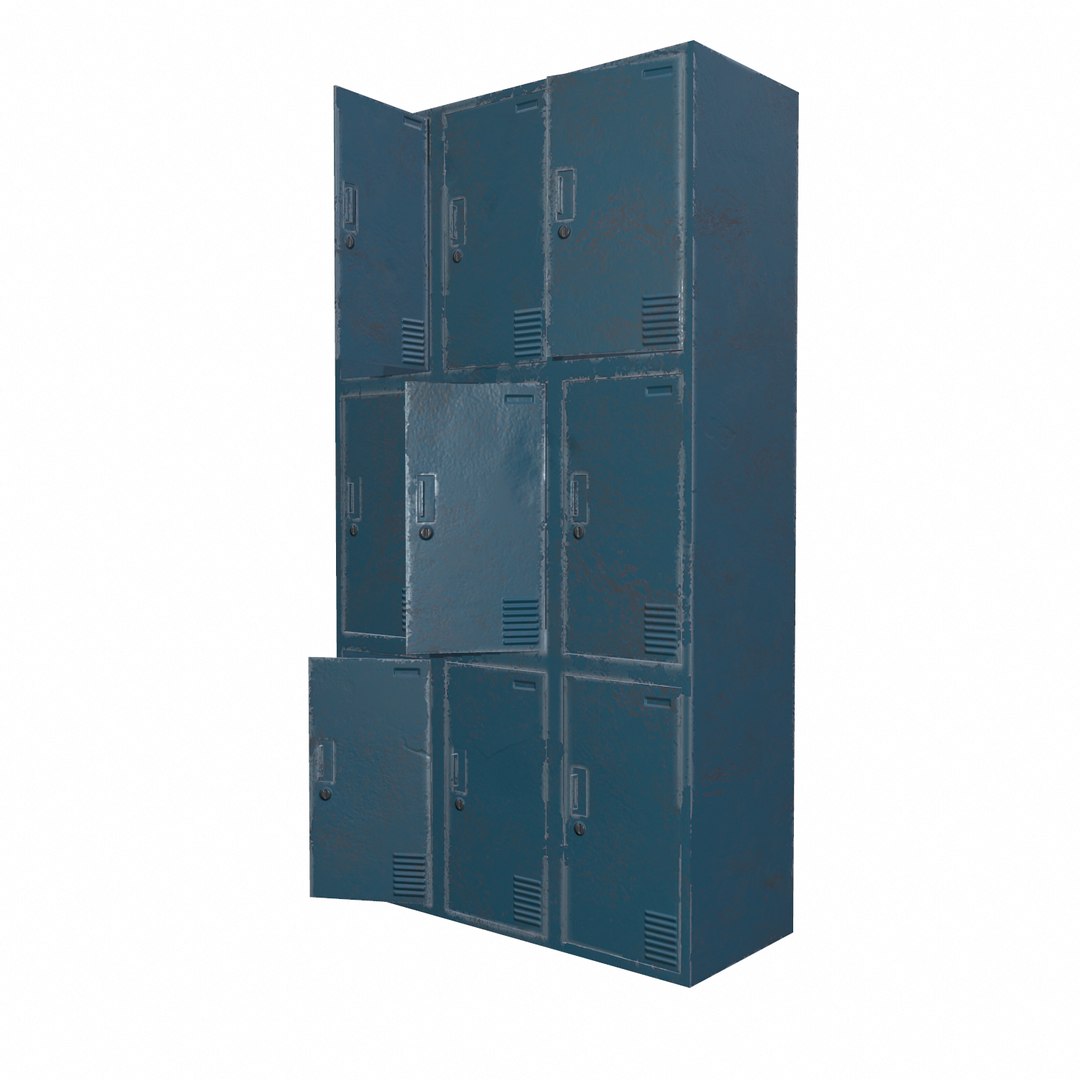
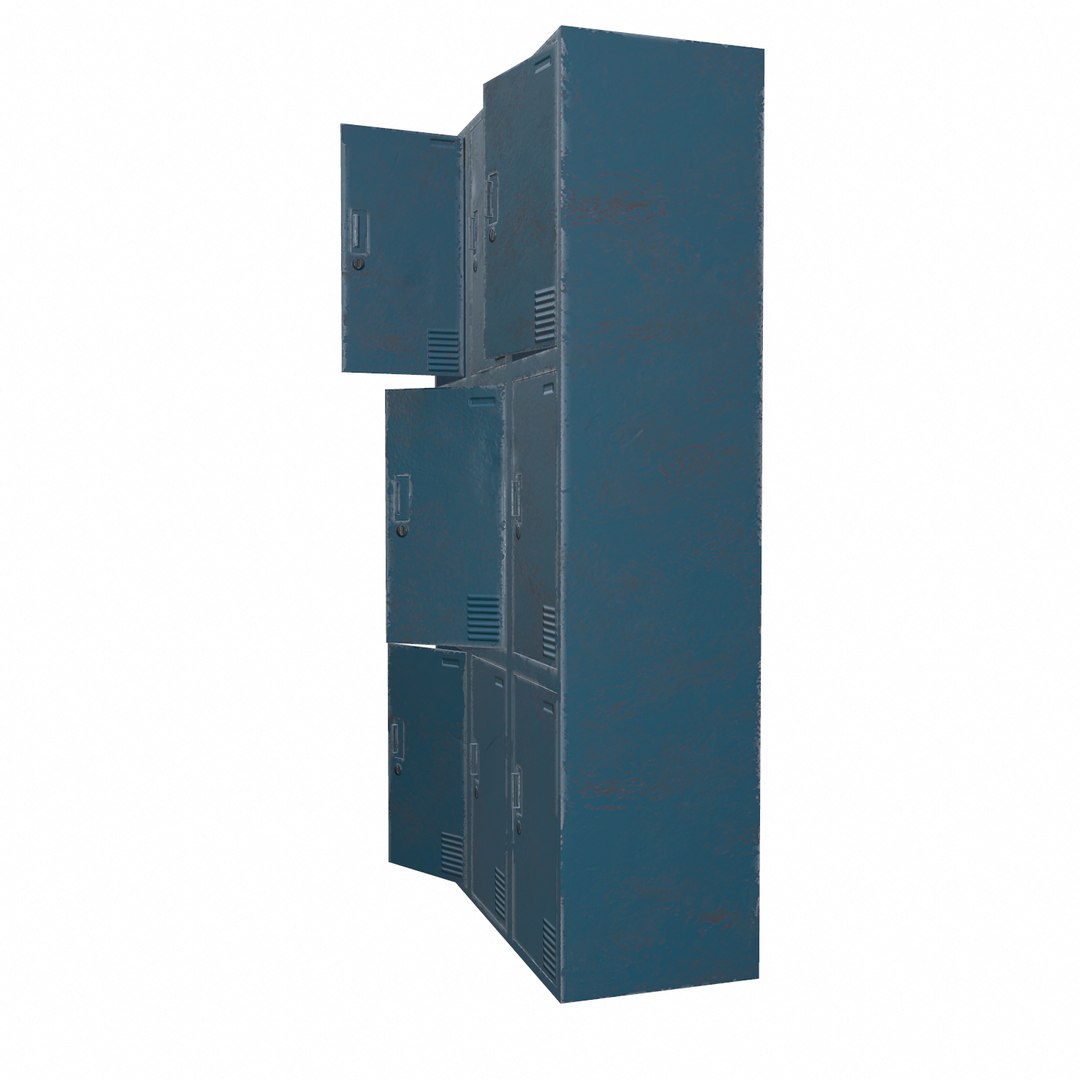
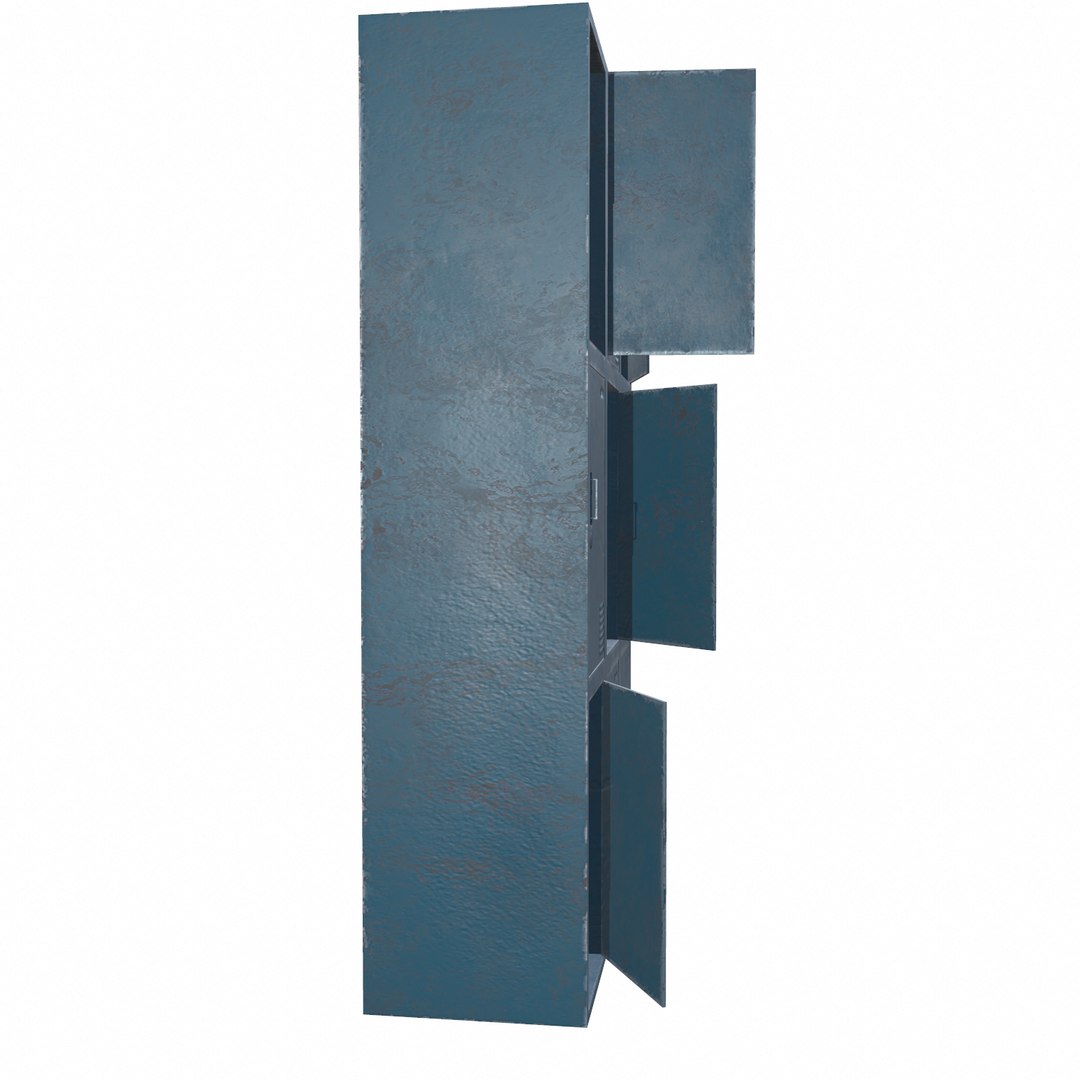
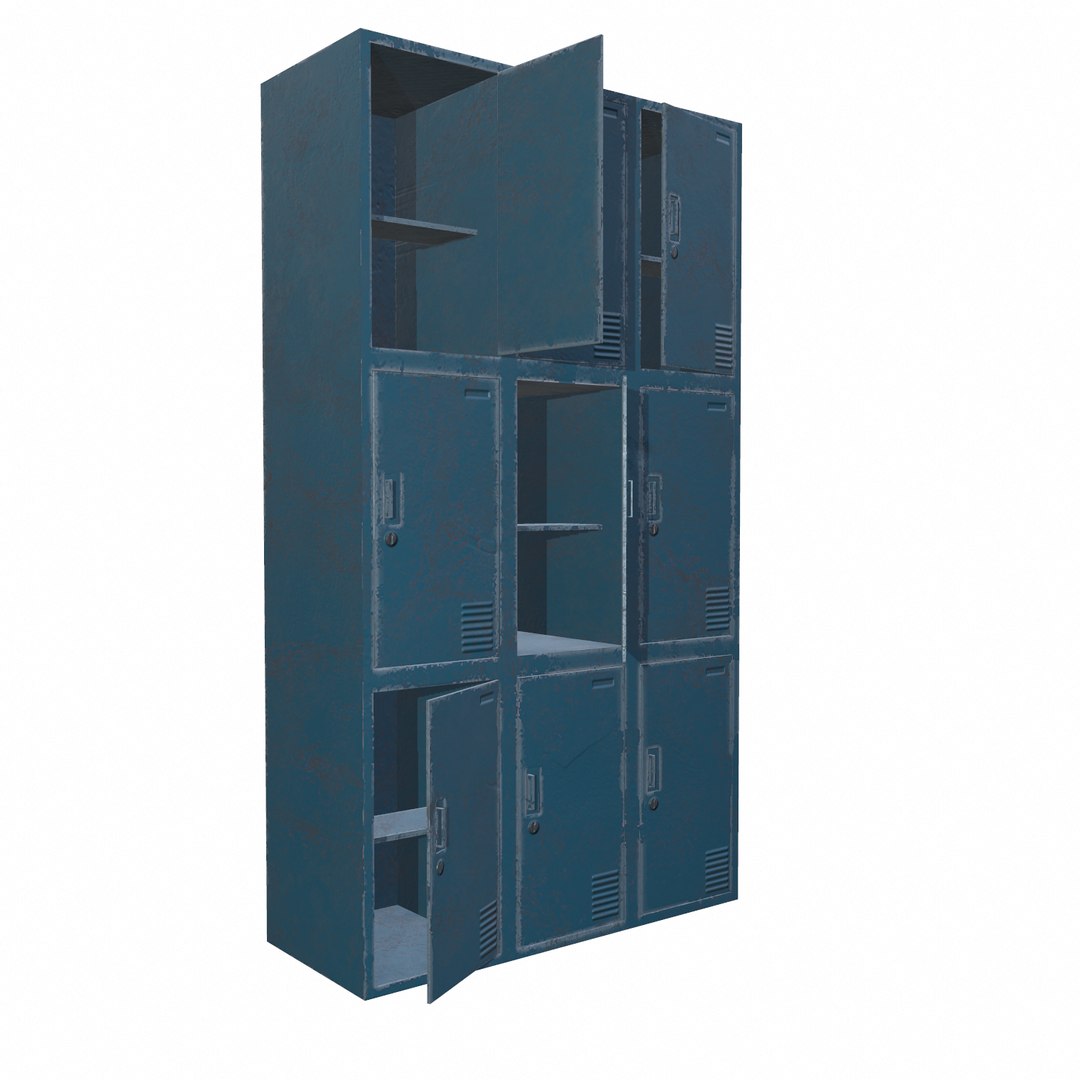
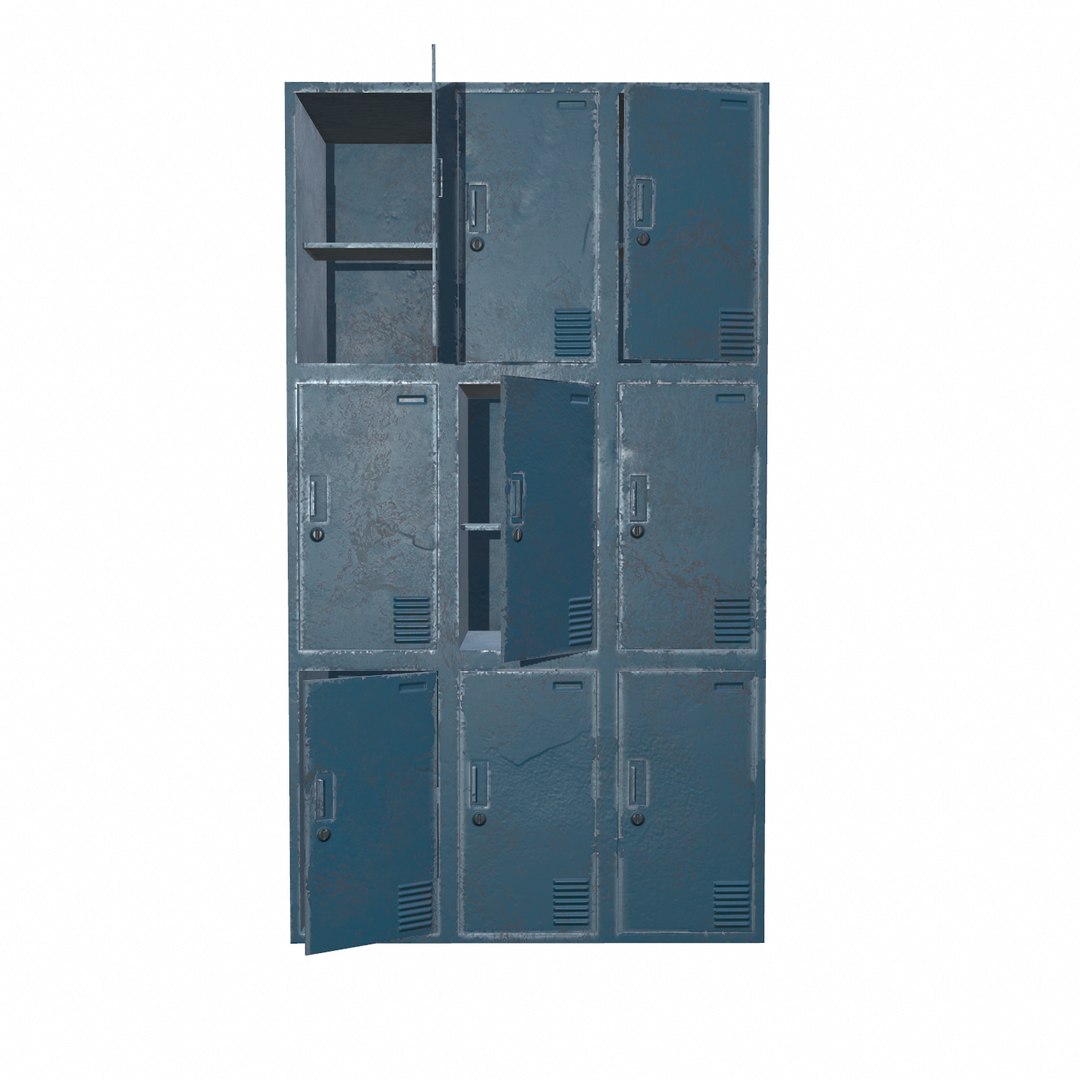
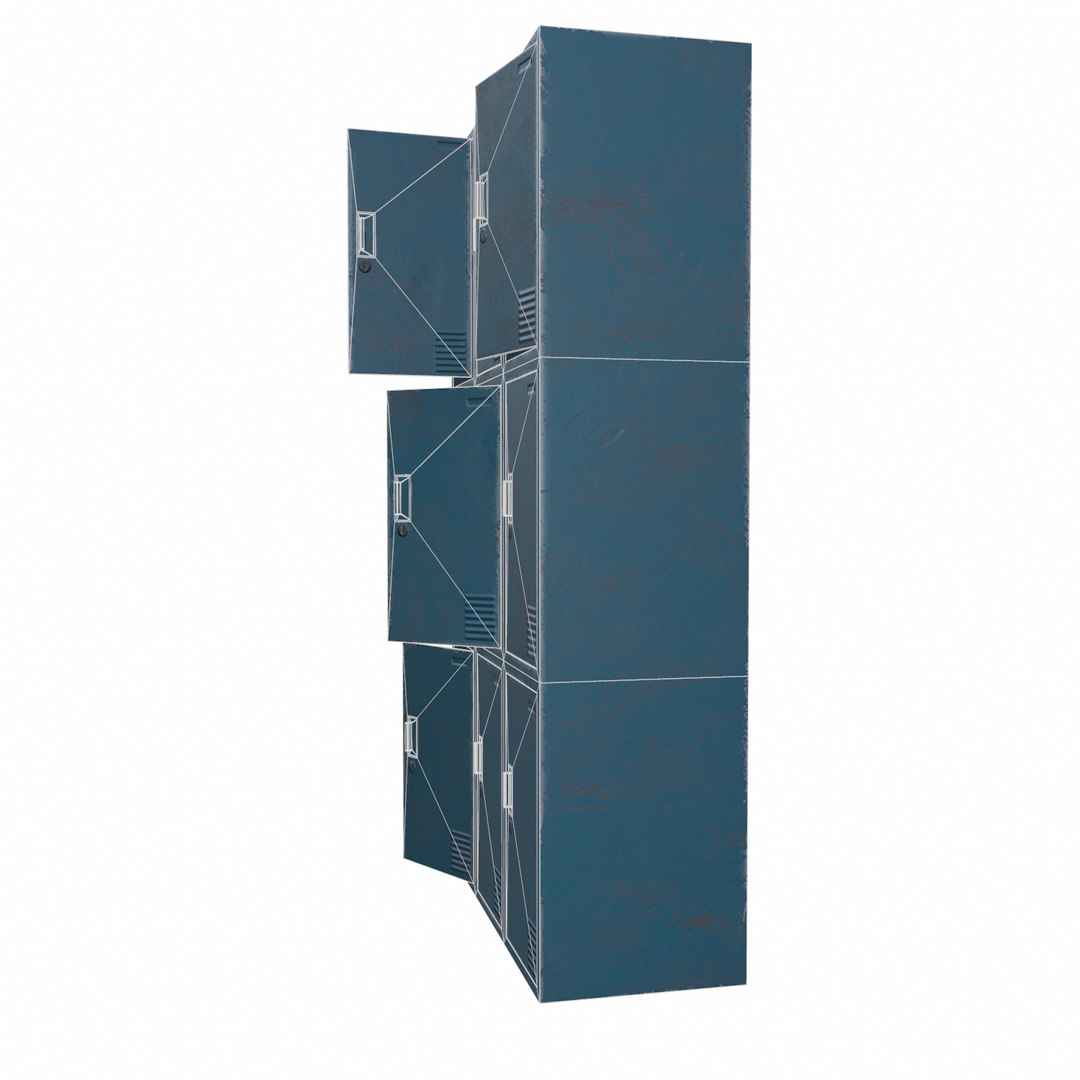
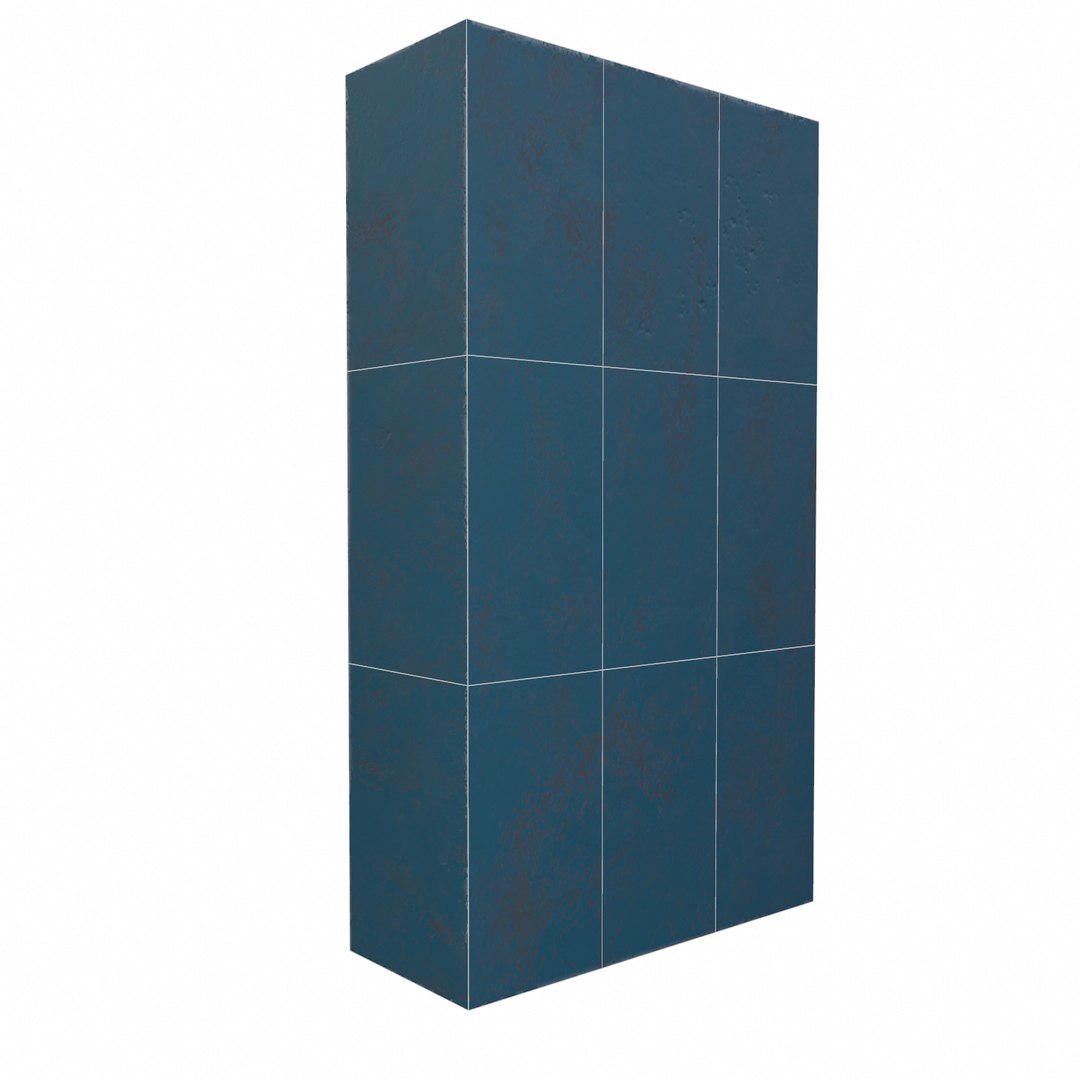
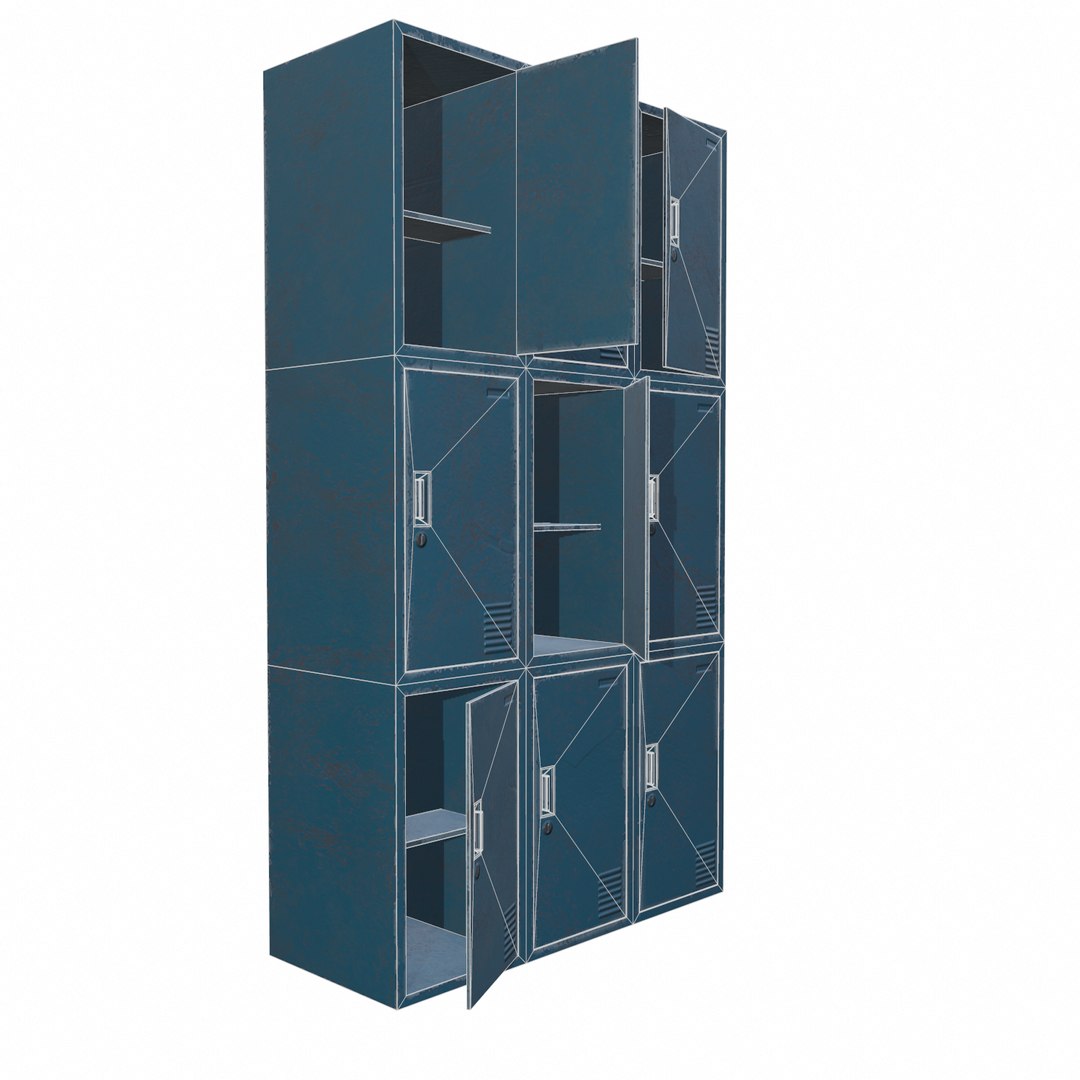
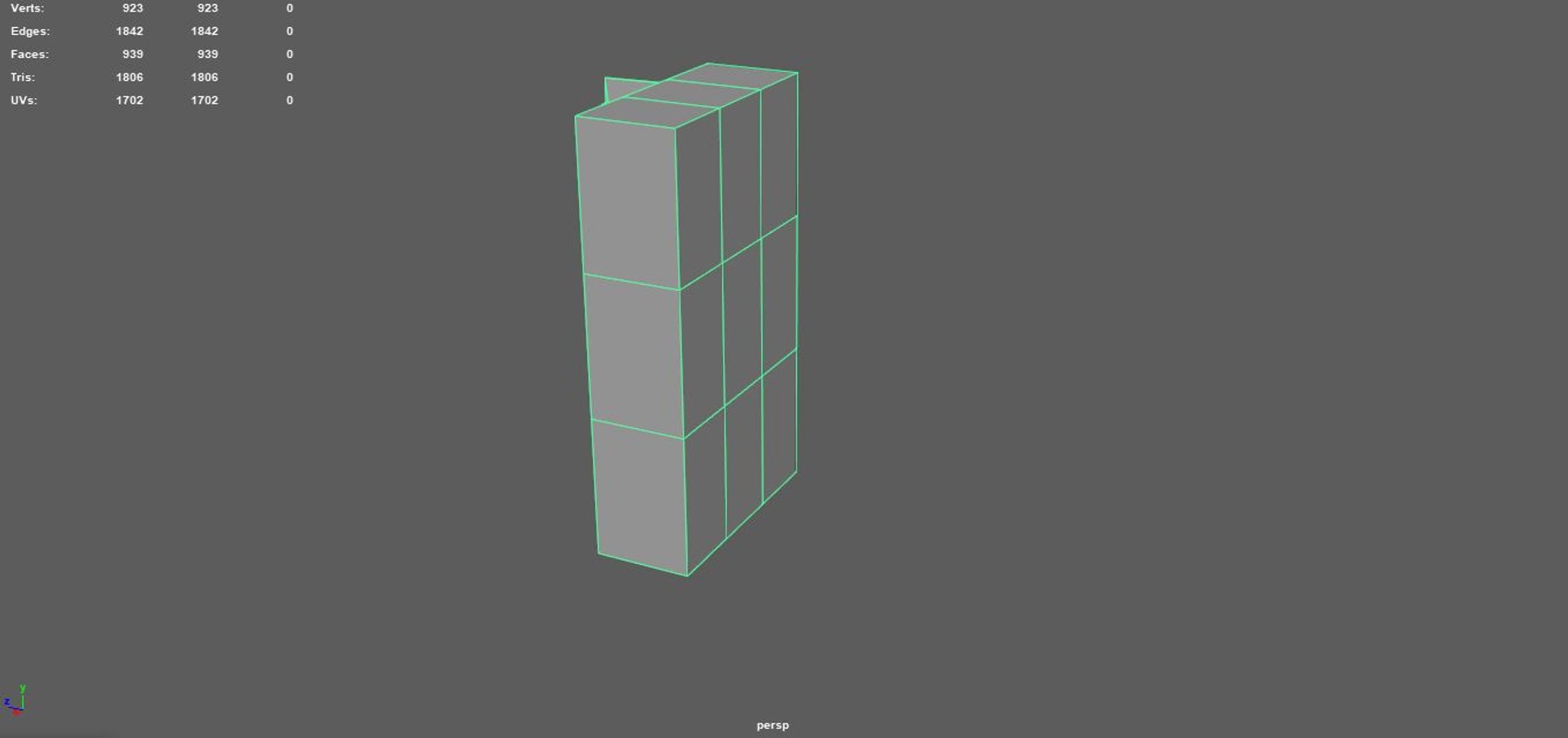
Oficina de taquillas - 03

$25

Licencia estándar | Licencia de actualización
Formatos (12)
Conversiones de formato de archivo gratuitas disponibles
Native | 3ds Max 2019 | Default Scanline
3ds Max 2016 | Default Scanline
3ds Max 2017 | Default Scanline
3ds Max 2018 | Default Scanline
Blender 2019 | Blender Render
Cinema 4D 2019 | Default Scanline
STL
FBX
OBJ
3D Studio
Collada
Especificaciones
Fecha de publicación July 08, 2020
identificación de producto 1588278
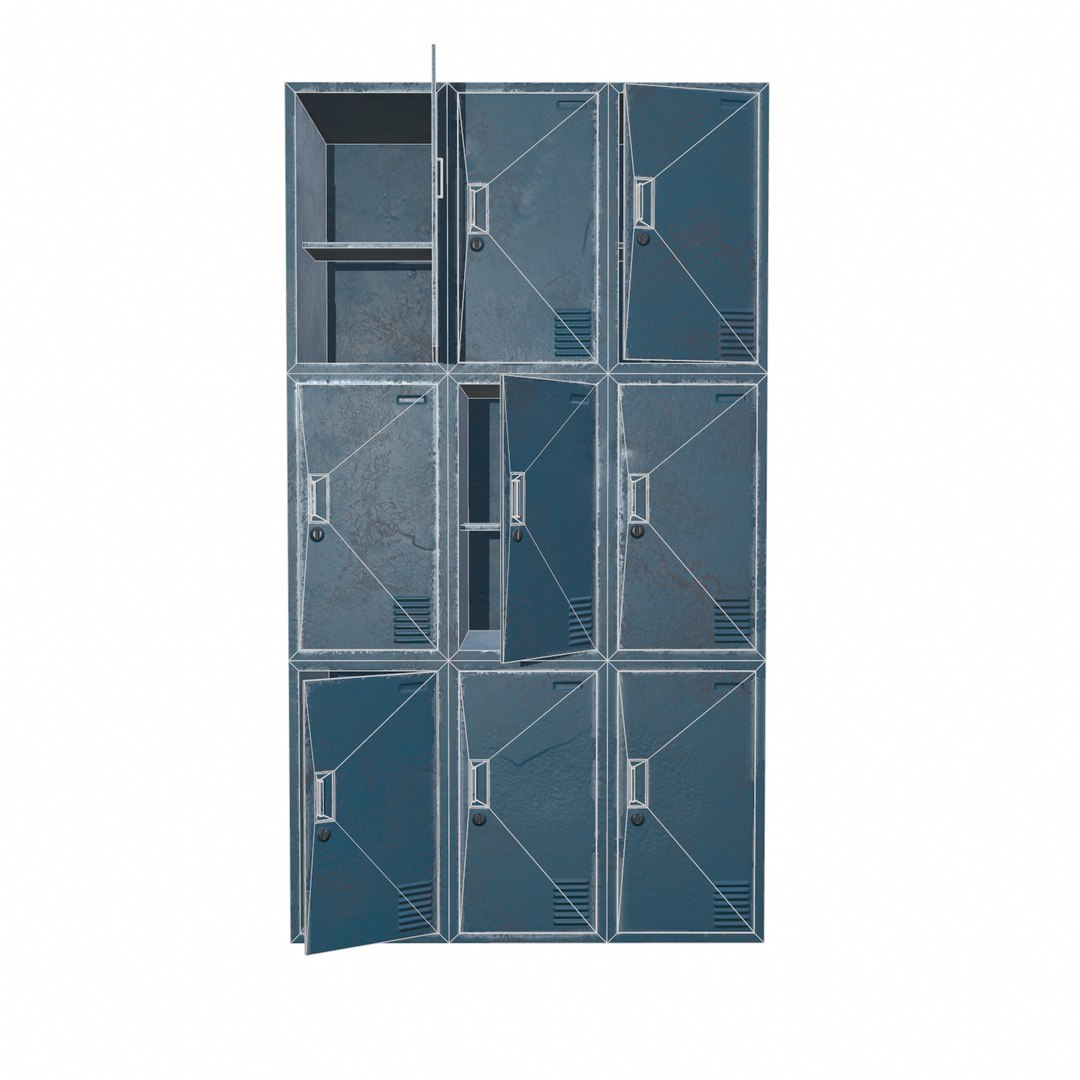
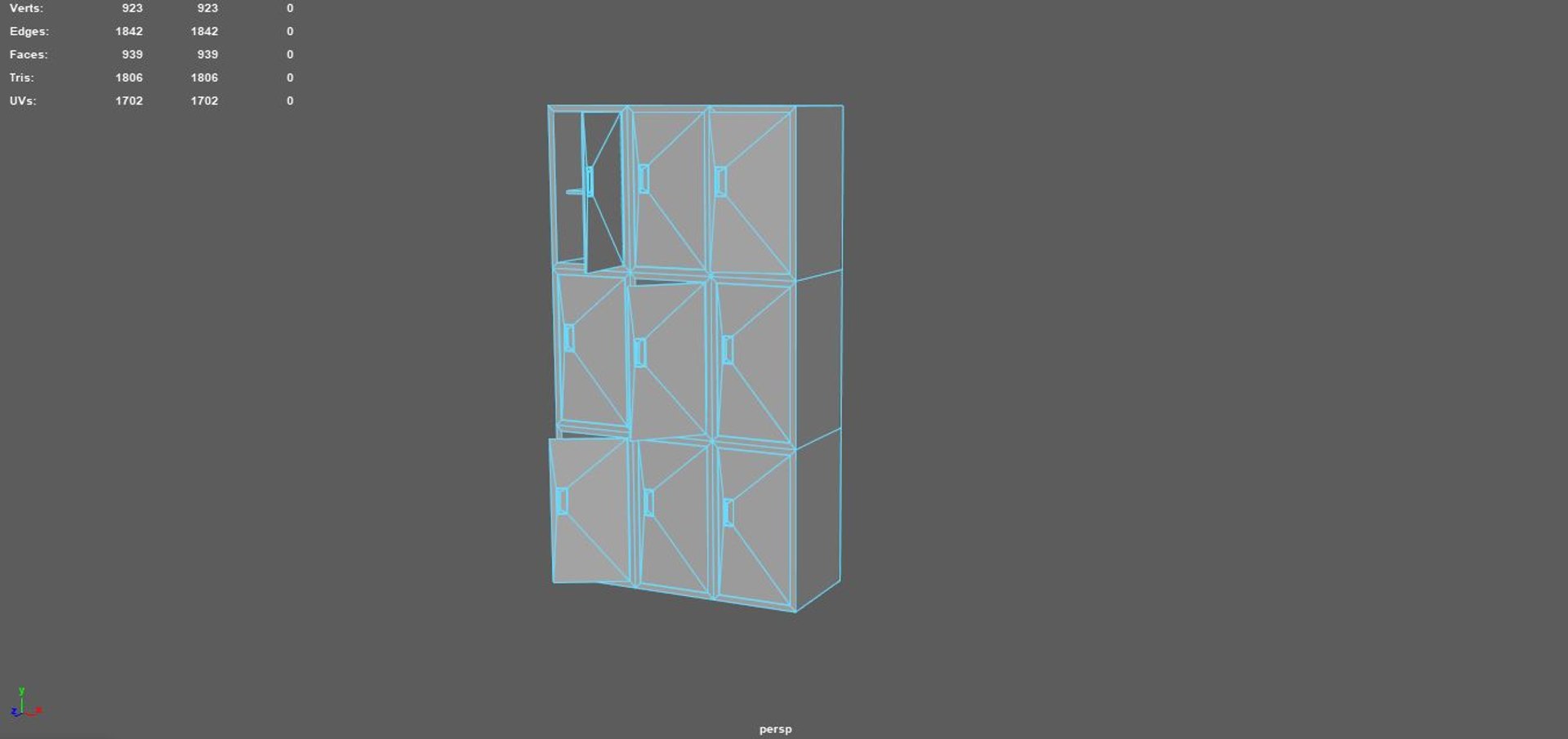
Poligonos 939
Vértices 923
Poligonal
Texturas
Mapeado UV
UV sin envolver que no se superponen
PBR

member avatar
Ertan zorlu
482 Productos | Contributor Desde 2018
¿Tener preguntas? Chatea con nosotros ahora.

descripción

Locker Office - 03

The models are in real-world scale, and are Intended for game/realtime/background use. They were created in Autodesk Maya, maya 2020 and were rendered using Marmoset Toolbag 3 render.

There are texture maps included (Diffuse,Normal,Golissiness,Height,Specular ), all in square resolutions (2048x2048). All objects, texture maps and materials are properly named for easy use. The models have clean topologies, and are centered to world (0,0,0).


The maps are available in 2 ways, dirty and clean.

Please note that the background scene, lights and render setup are not included in this product.

Texture resolutions:
2048x2048


Polygons: 939
Vertex: 923


File formats:
Autodesk maya 2018
OBJ multi format
FBX multi format
Maya mb format
Cinema 4d format
Blender format
Autodesk 3dsmax format
Autodesk 3dsmax 2019
Autodesk 3dsmax 2018
Autodesk 3dsmax 2017
Autodesk 3dsmax 2016
Collada format
3ds studio format

Seleccionar licencia mejorada

  • $10,000 en Protección Legal (Indemnización)
  • Protección Legal Sin Límite (Indemnización)
  • Renuncia a medidas cautelares
  • Derechos de modelo asignables
  • $1,000,000 en Protección Legal (Indemnización)
  • Renuncia a medidas cautelares
  • Derechos de modelo asignables
  • $250,000 en Protección Legal (Indemnización)
  • Derechos de modelo asignables

About Conversion Requests

To submit a conversion request for a purchased asset, please complete our Conversion Request Form.

If you have not yet purchased a model, please review our Documentation about Conversions to learn about what limitations you may encounter with a conversion.

For any additional questions about a model’s suitability for conversion, please contact TurboSquid Support.

Cargando...