
Impacto de asteroides

$239

Licencia estándar | Licencia de actualización
Formatos (22)
Native | 3ds Max 2017 | Default Scanline 2017
3ds Max 2014 | Default Scanline 2014
3ds Max 2017 | Default Scanline 2017
3ds Max 2016 | Default Scanline 2016
3ds Max 2015 | Default Scanline 2015
OBJ
FBX
Vistas previas
Especificaciones
Fecha de publicación October 14, 2015
identificación de producto 969088
Poligonos 1,000
Vértices 1,000
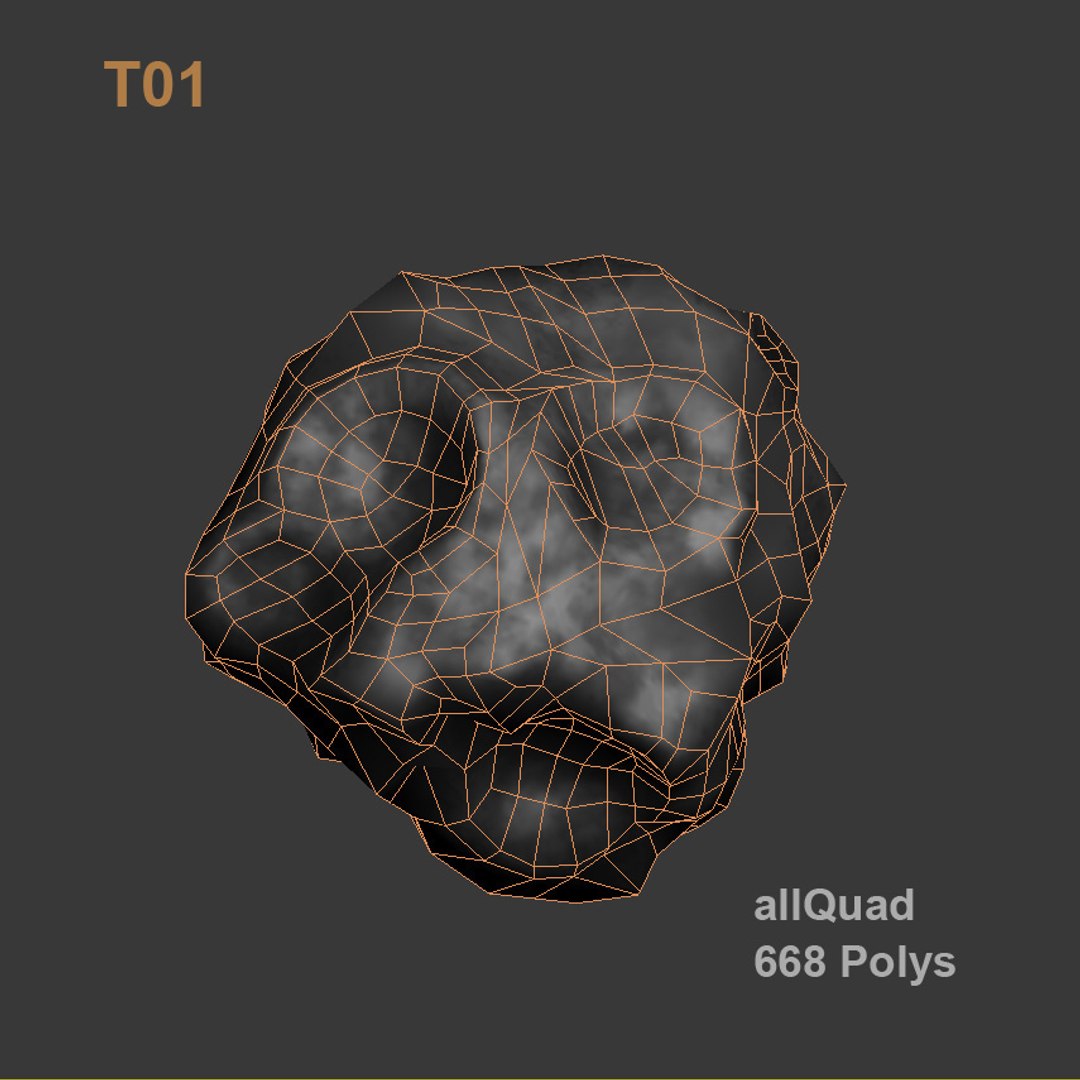
Sólo quads poligonales
Texturas
Materiales
Mapeado UV
UV mixtos sin envolver
Riggeado
Animado
Exclusivo de TurboSquid

member avatar
Ricmage
44 Productos | Contributor Desde 2009
¿Tener preguntas? Chatea con nosotros ahora.

descripción

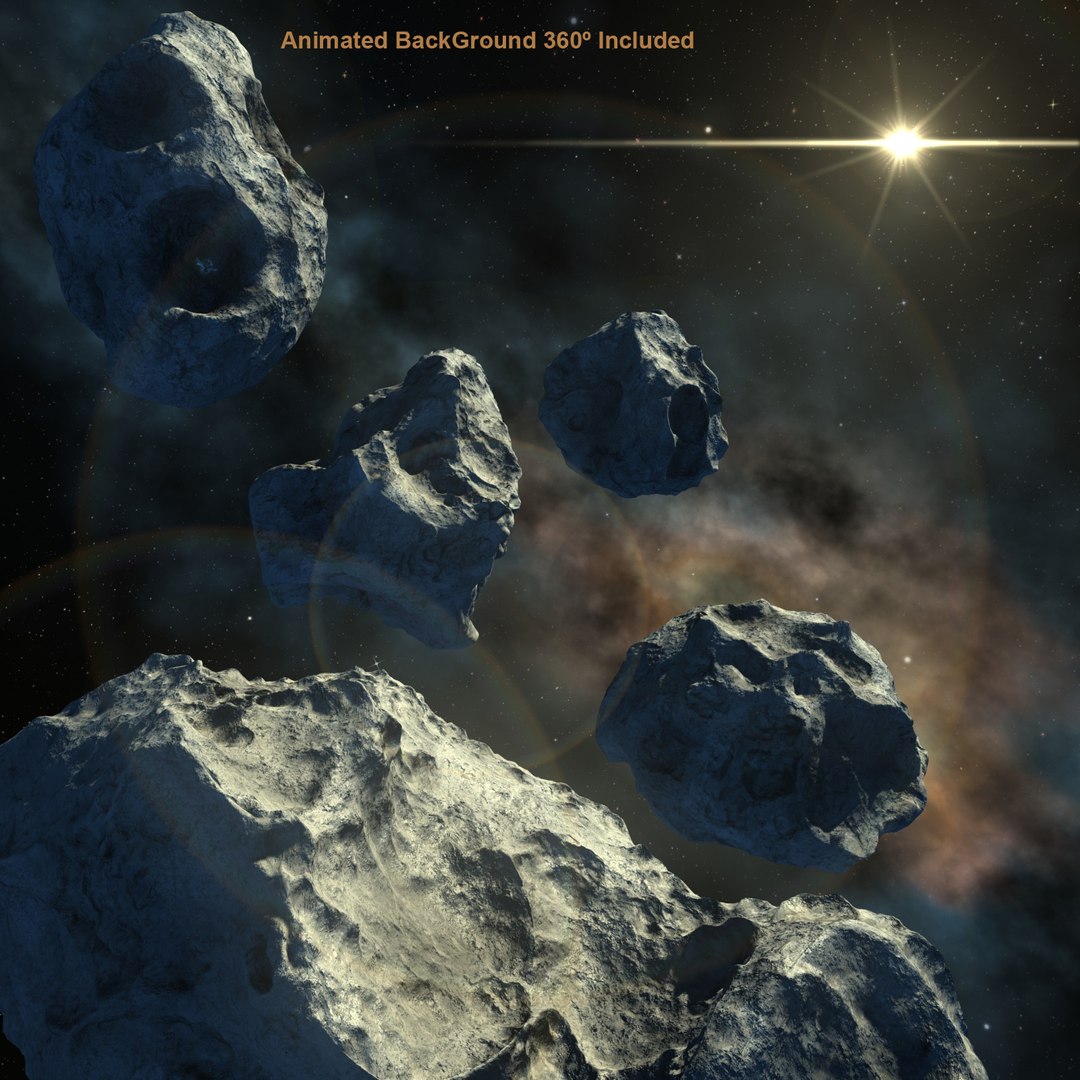
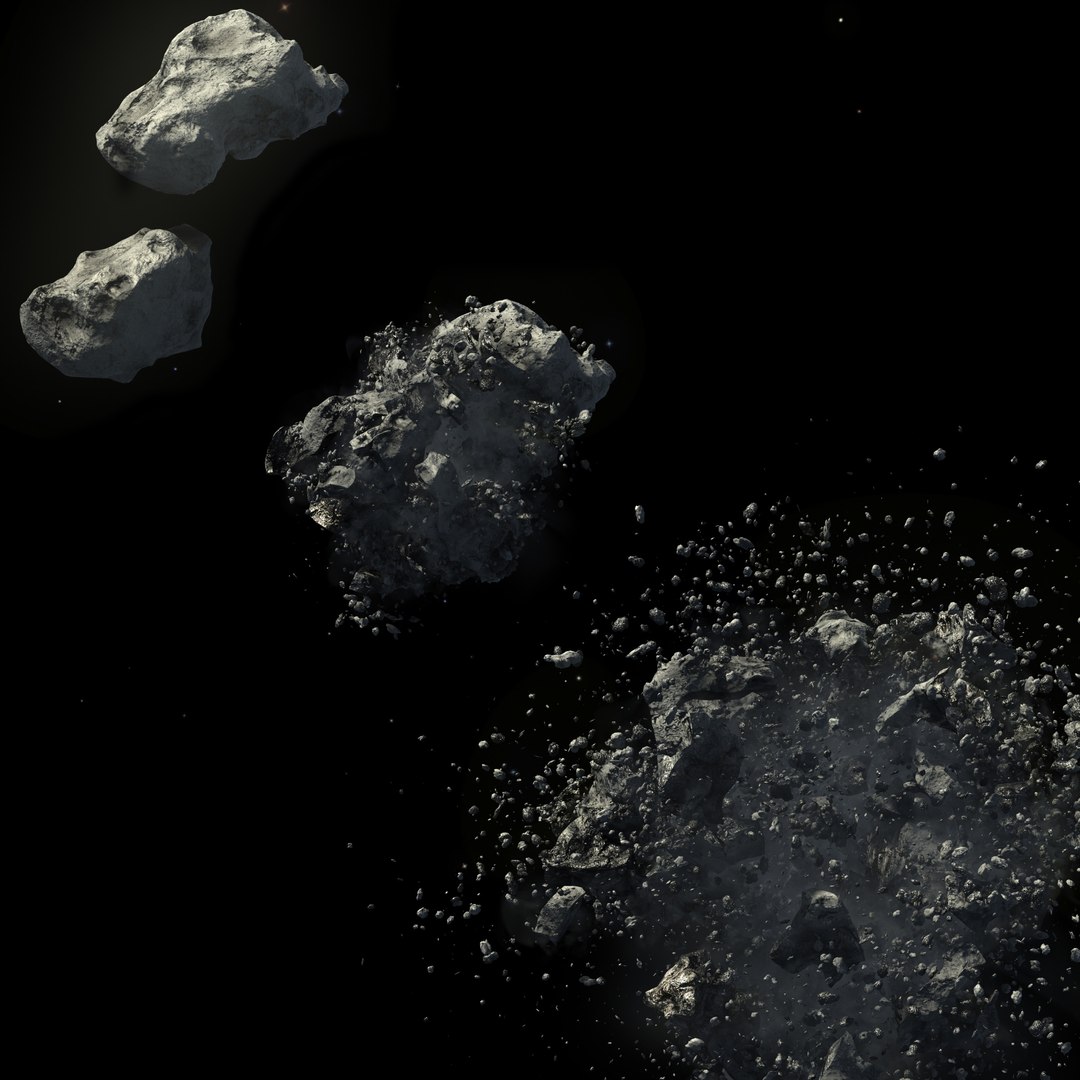
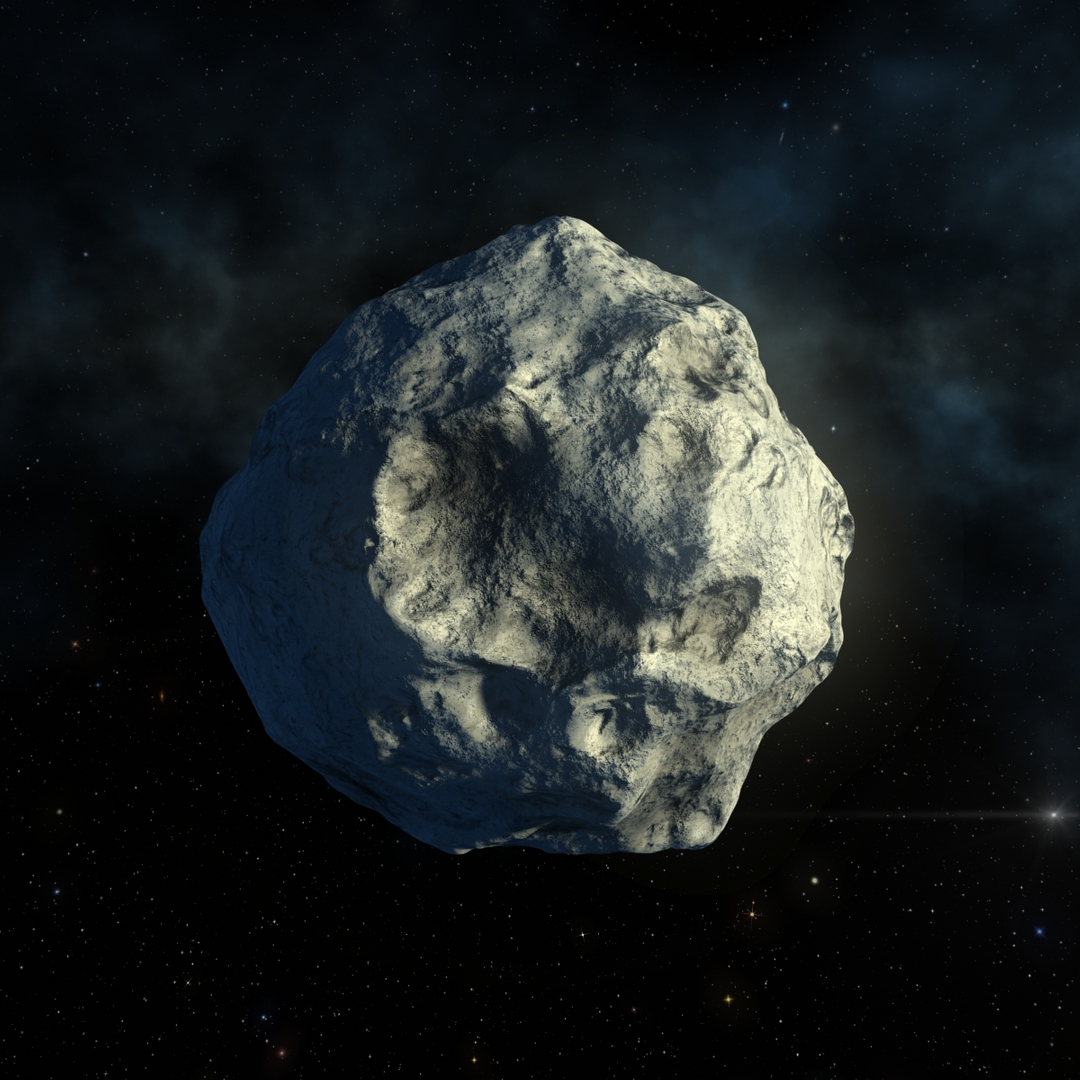
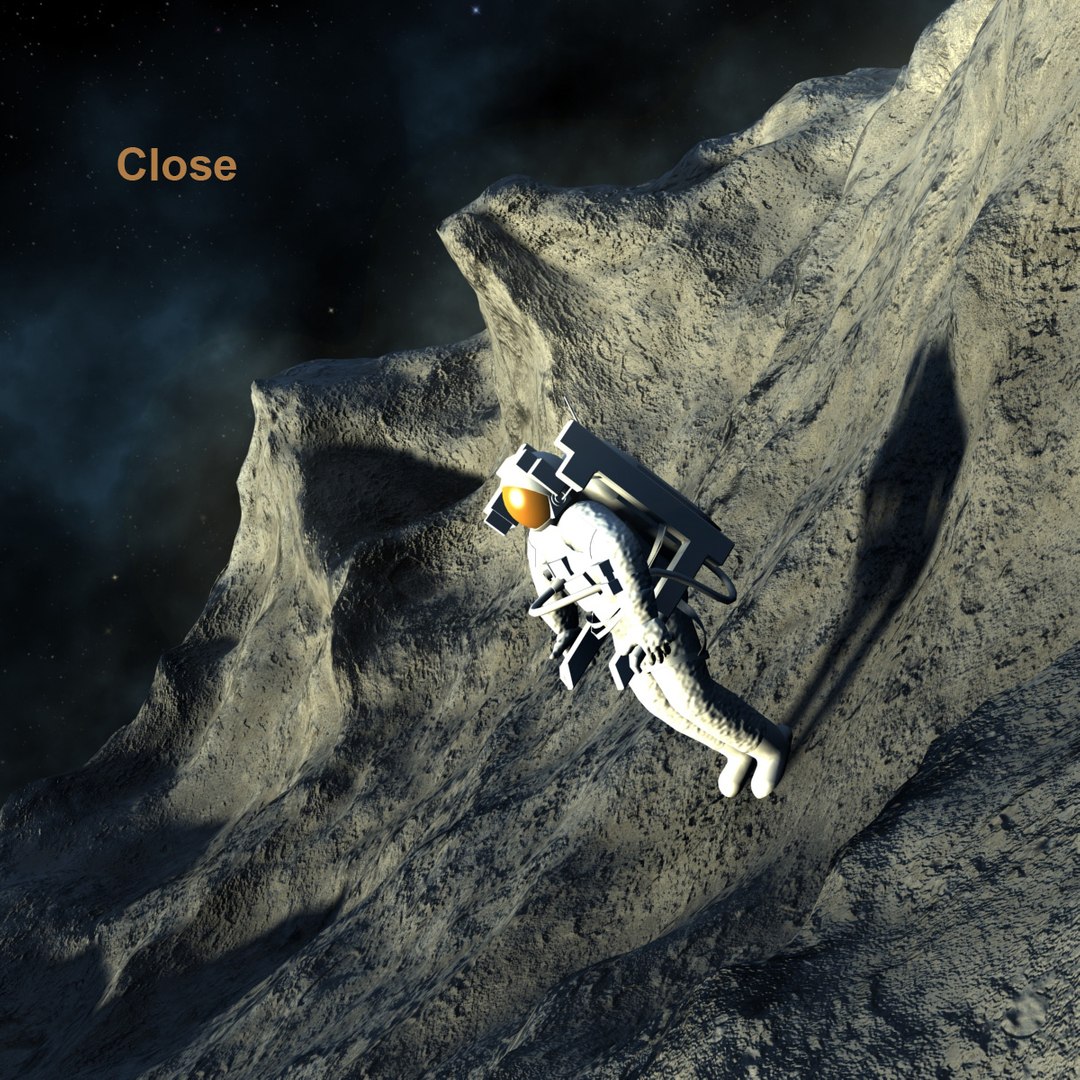
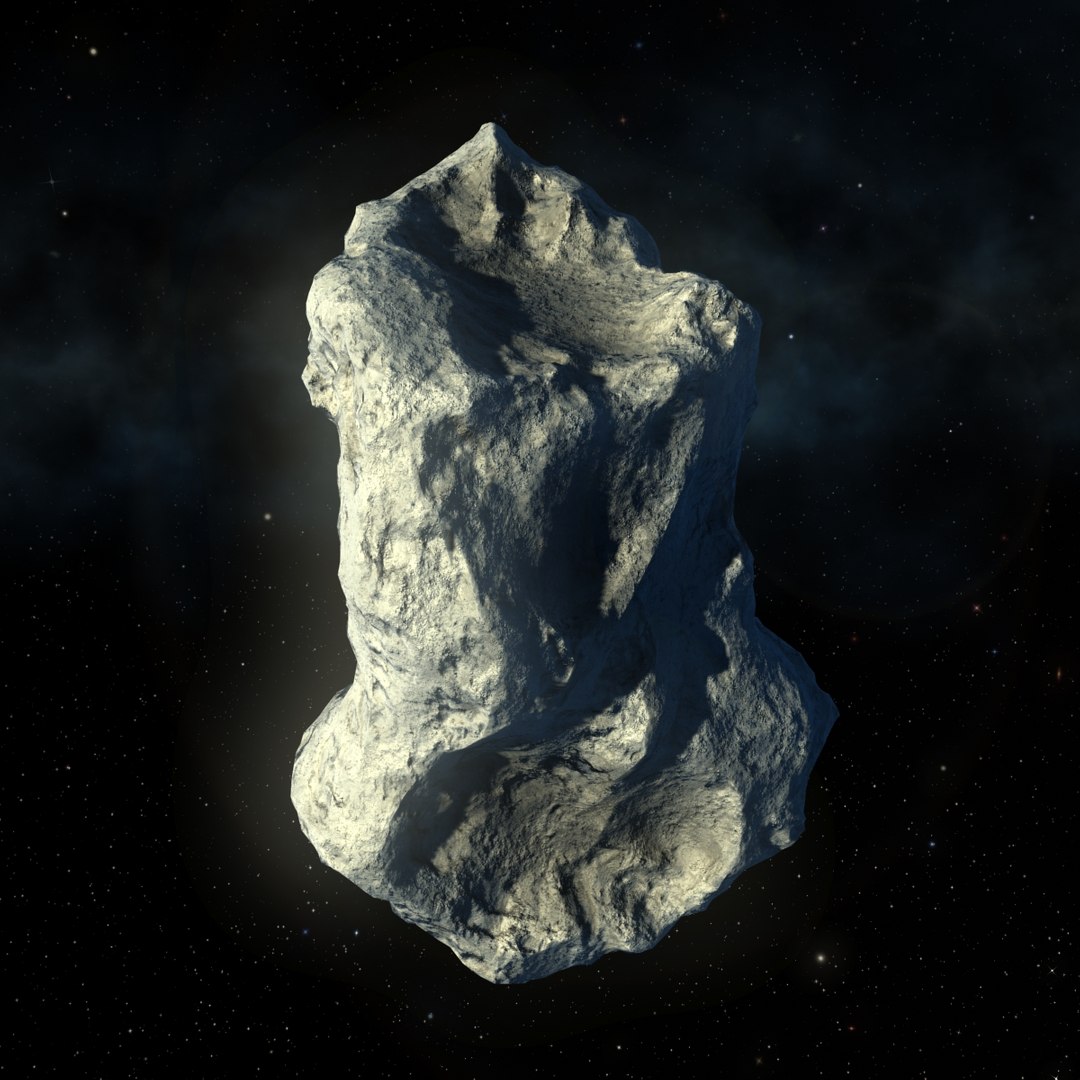
Two Animated Asteroid Impact types,
with Pflow
WITHOUT PLUGINS
WithOut Facing to dust

And

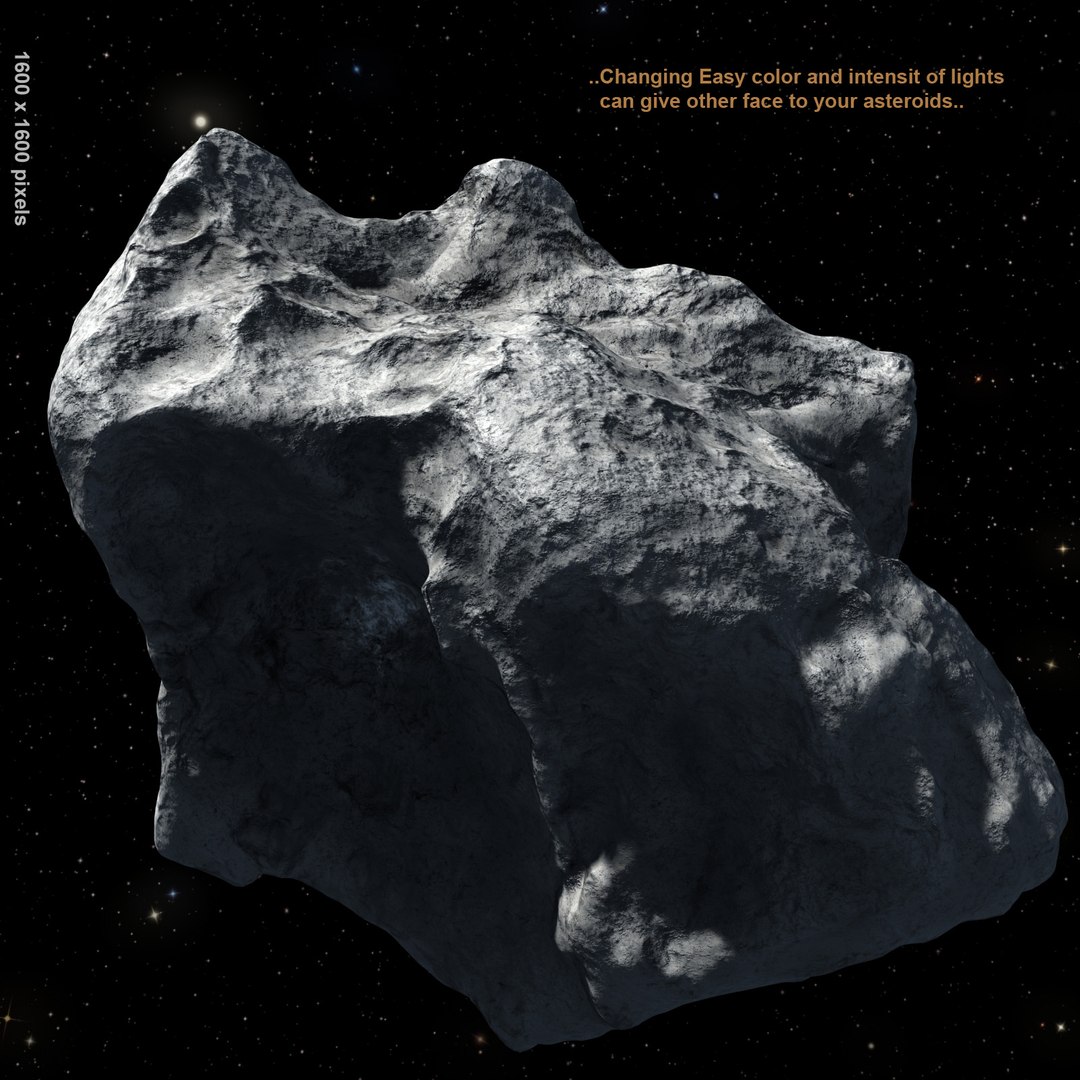
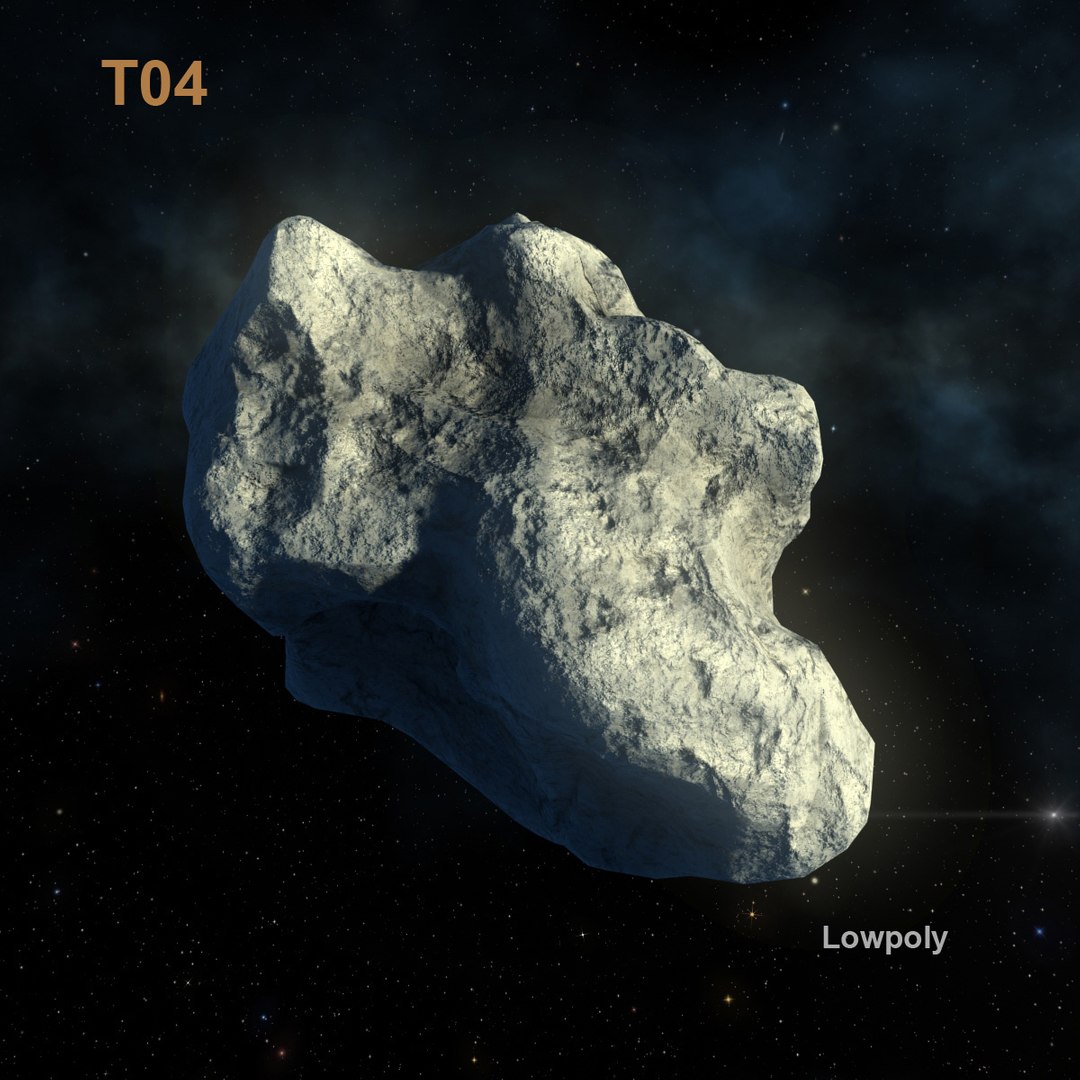
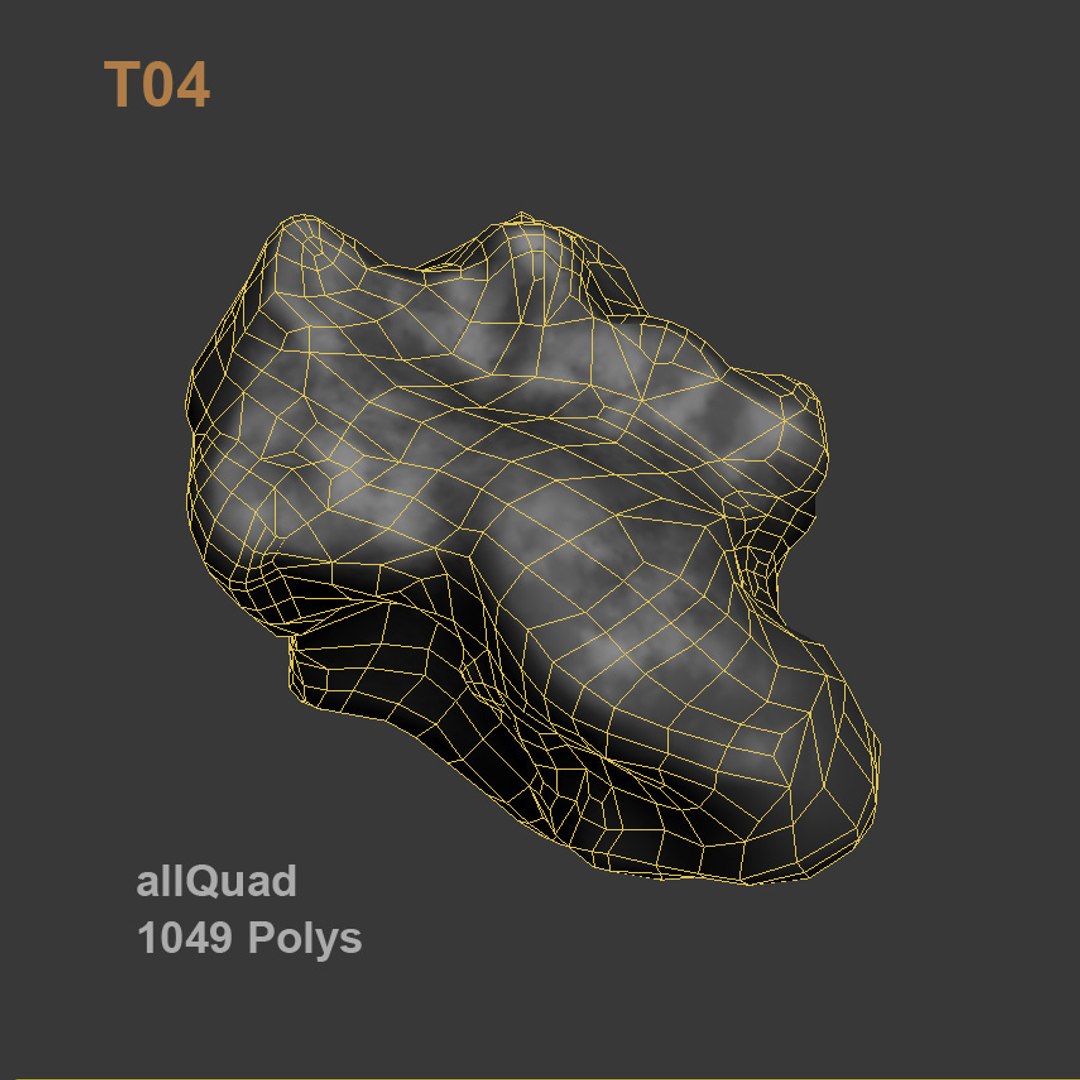
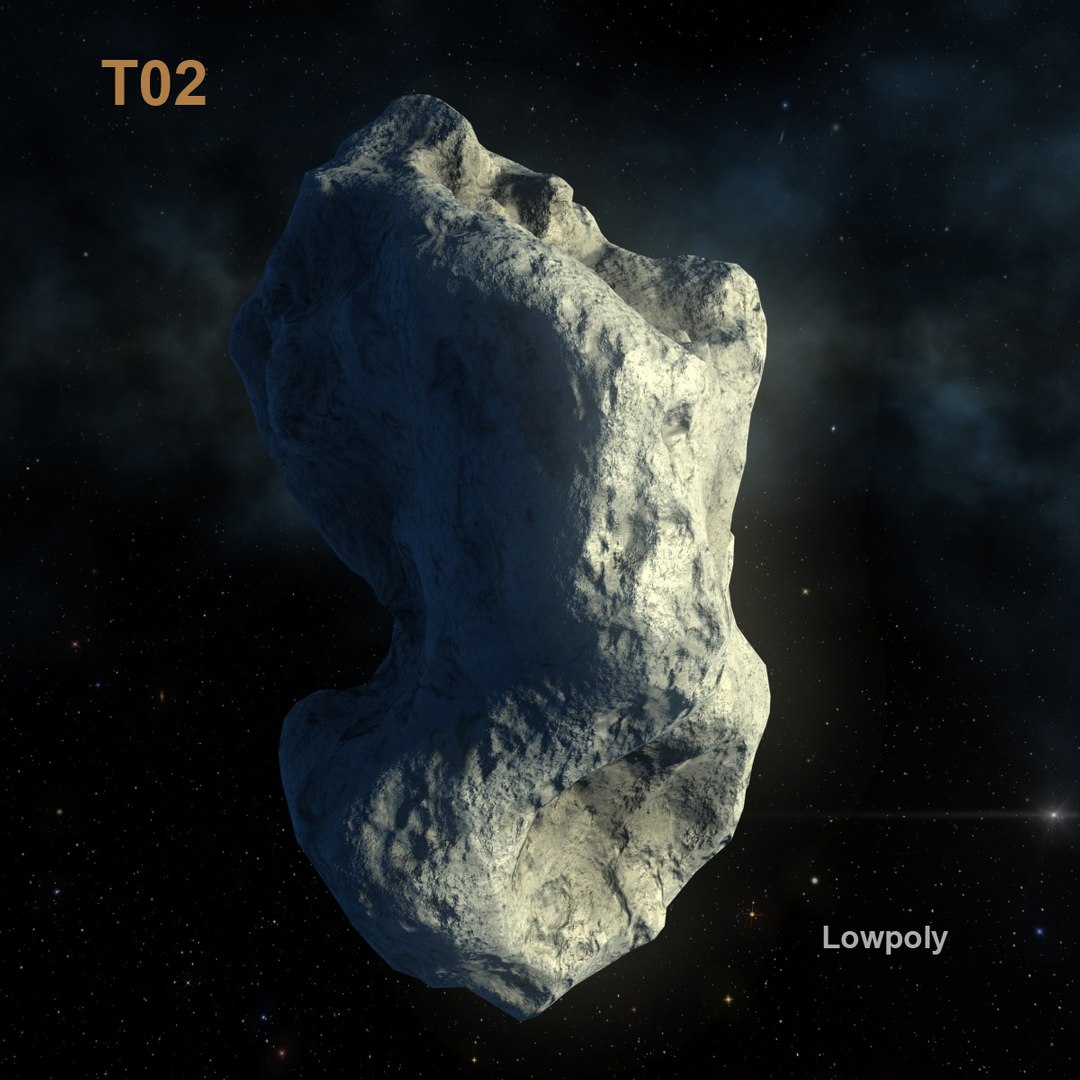
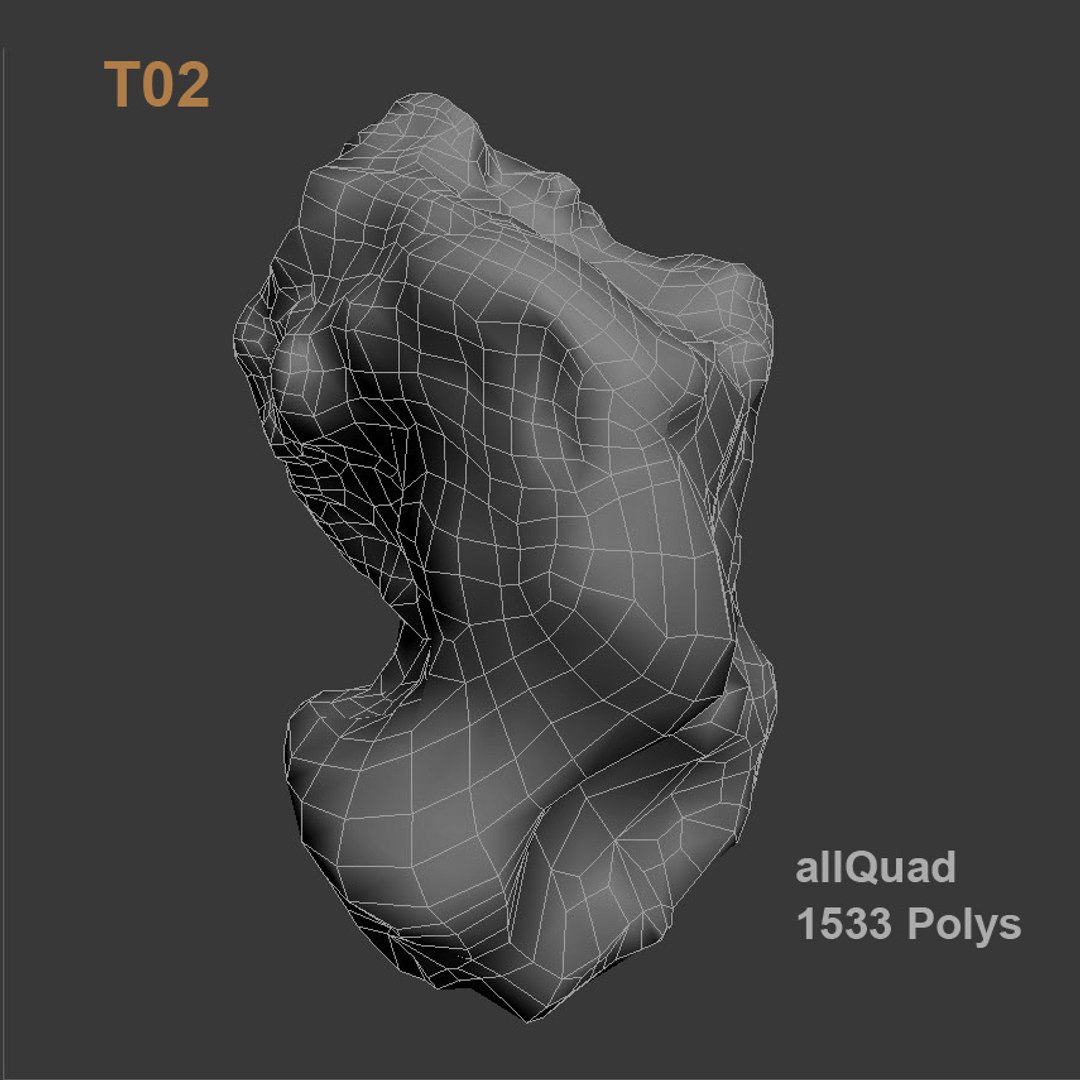
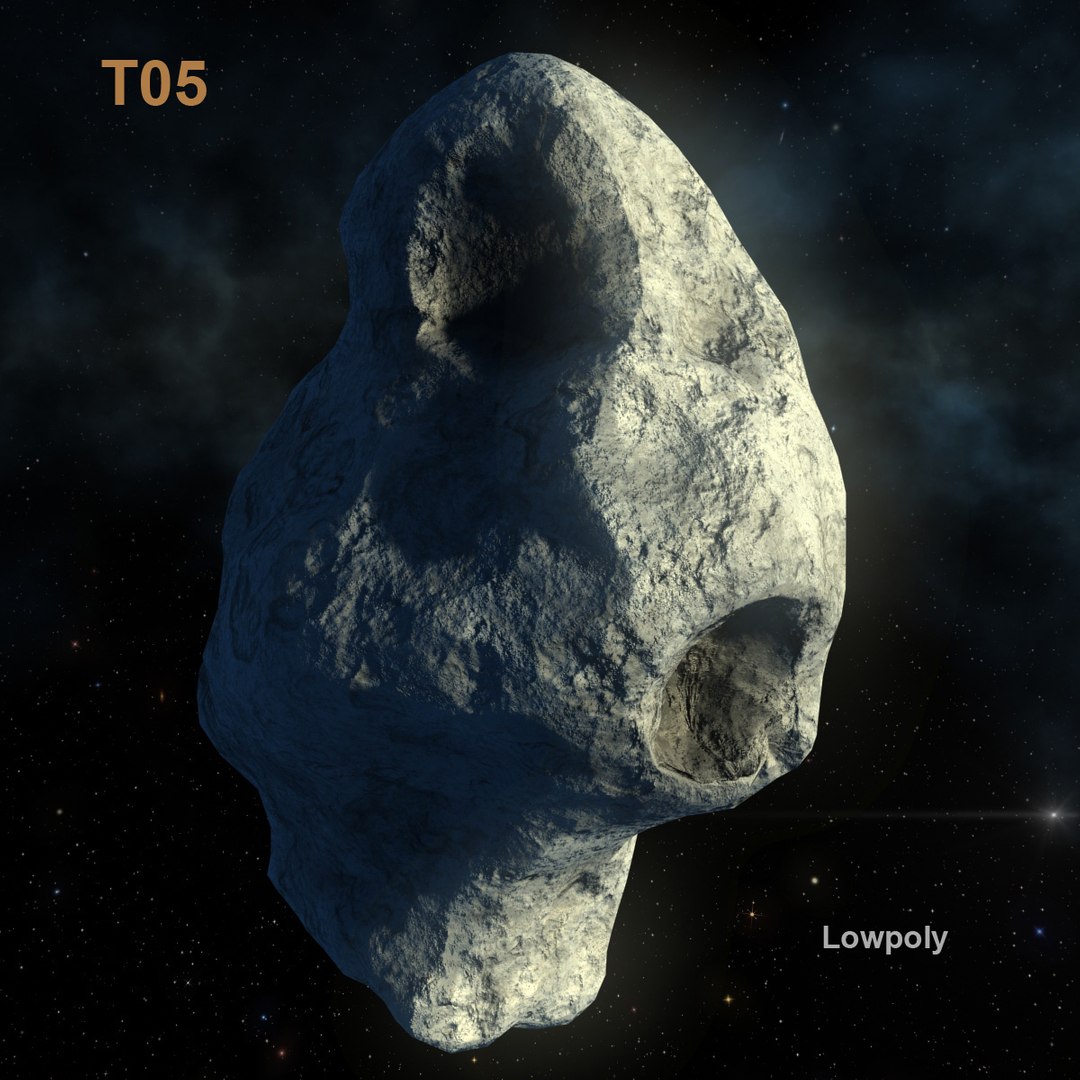
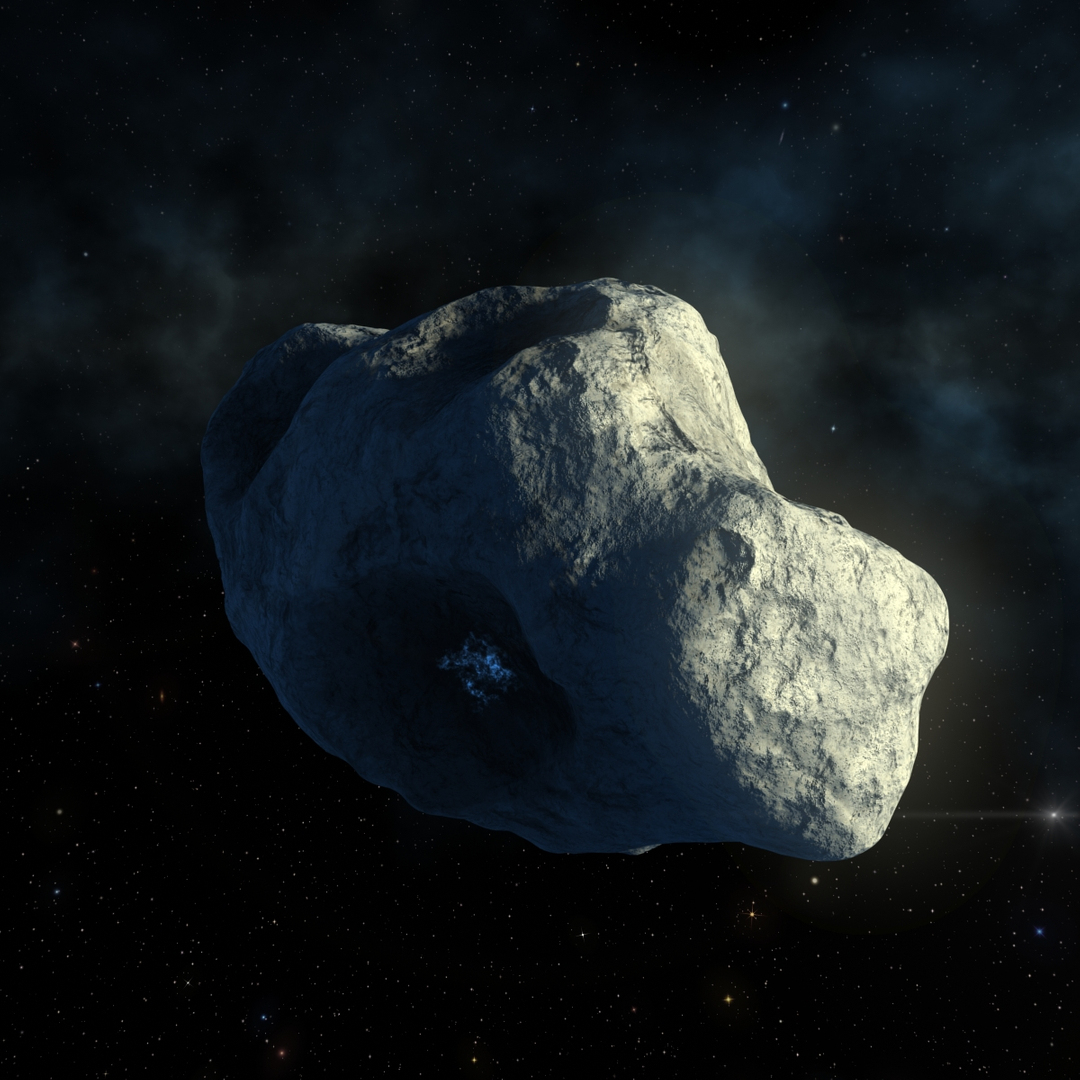
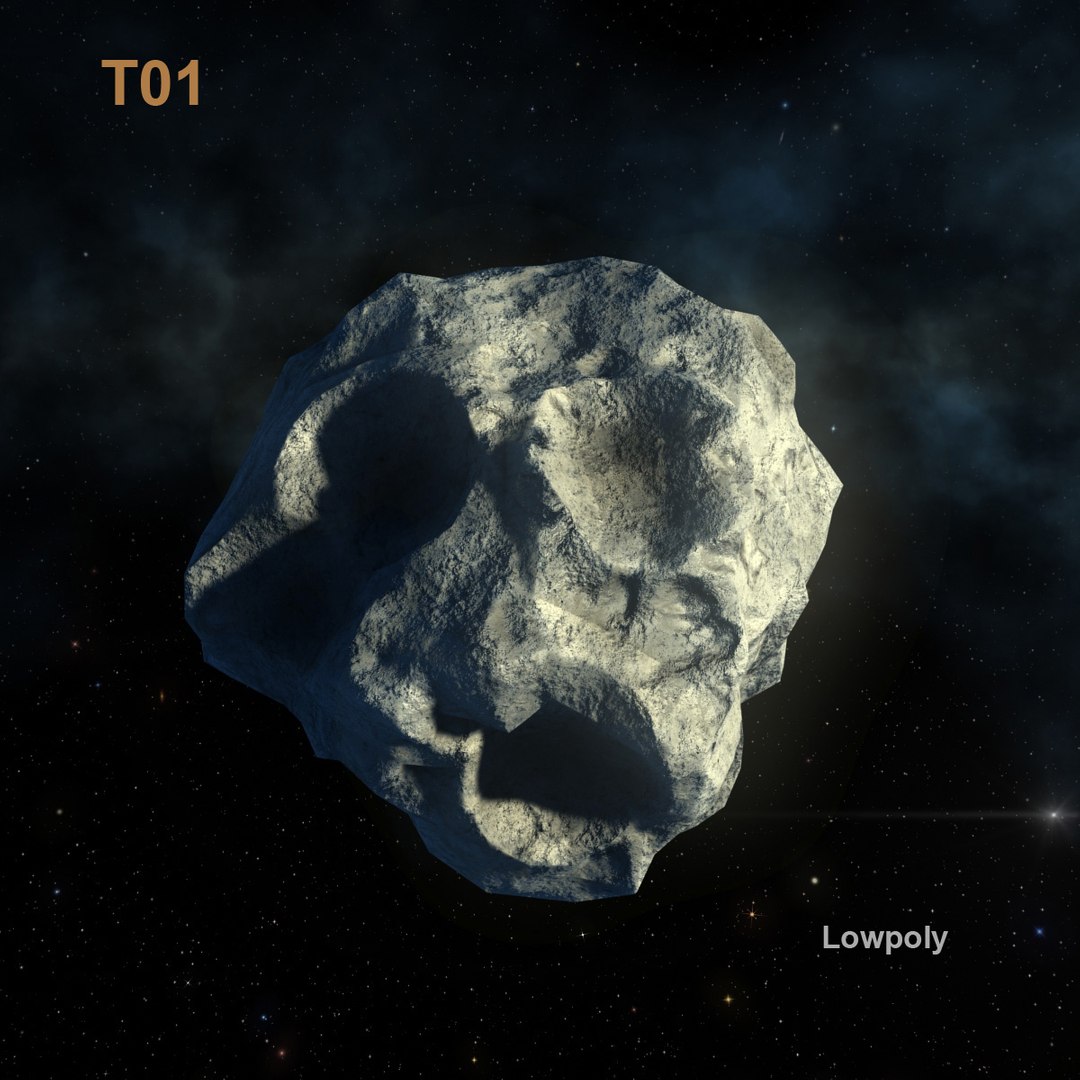
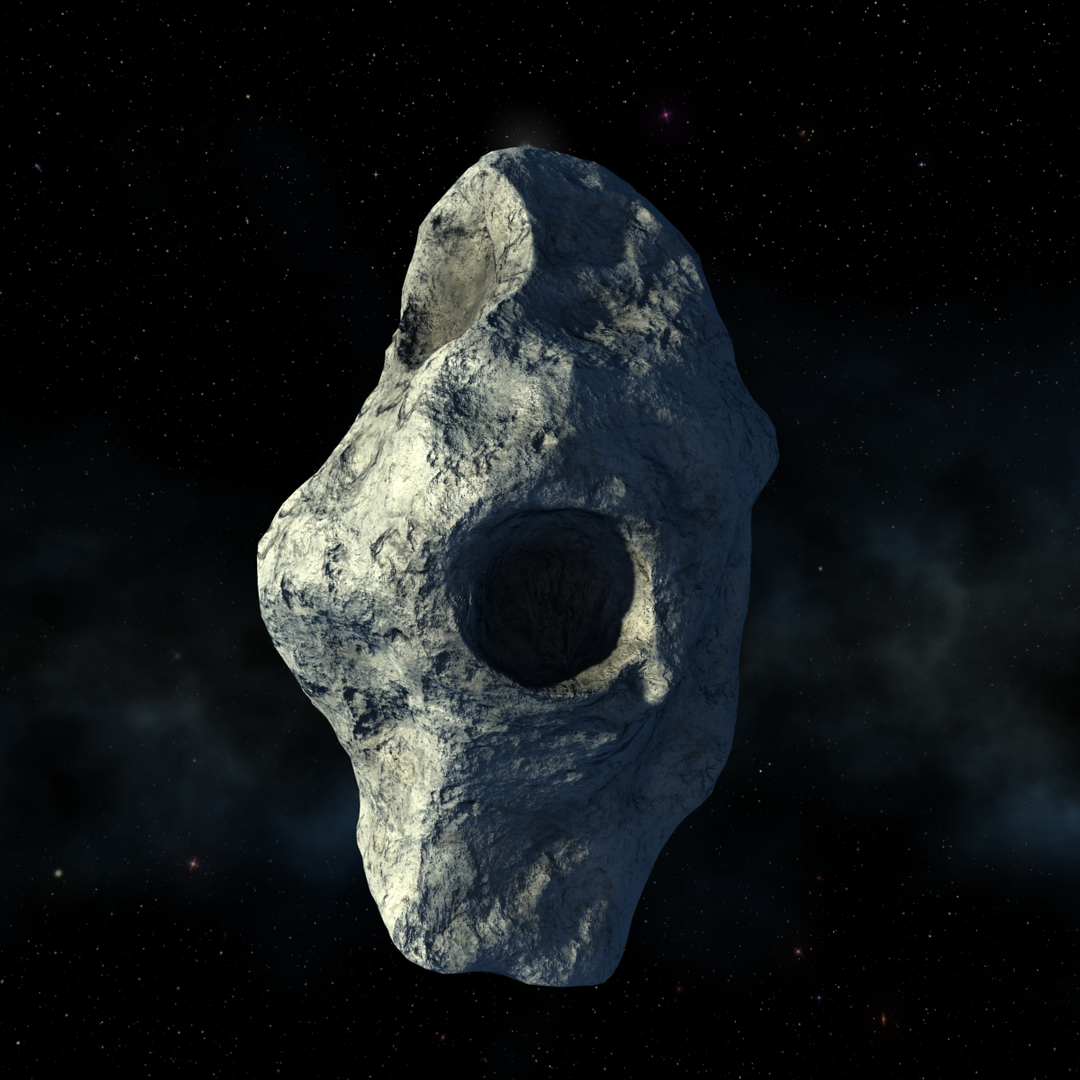
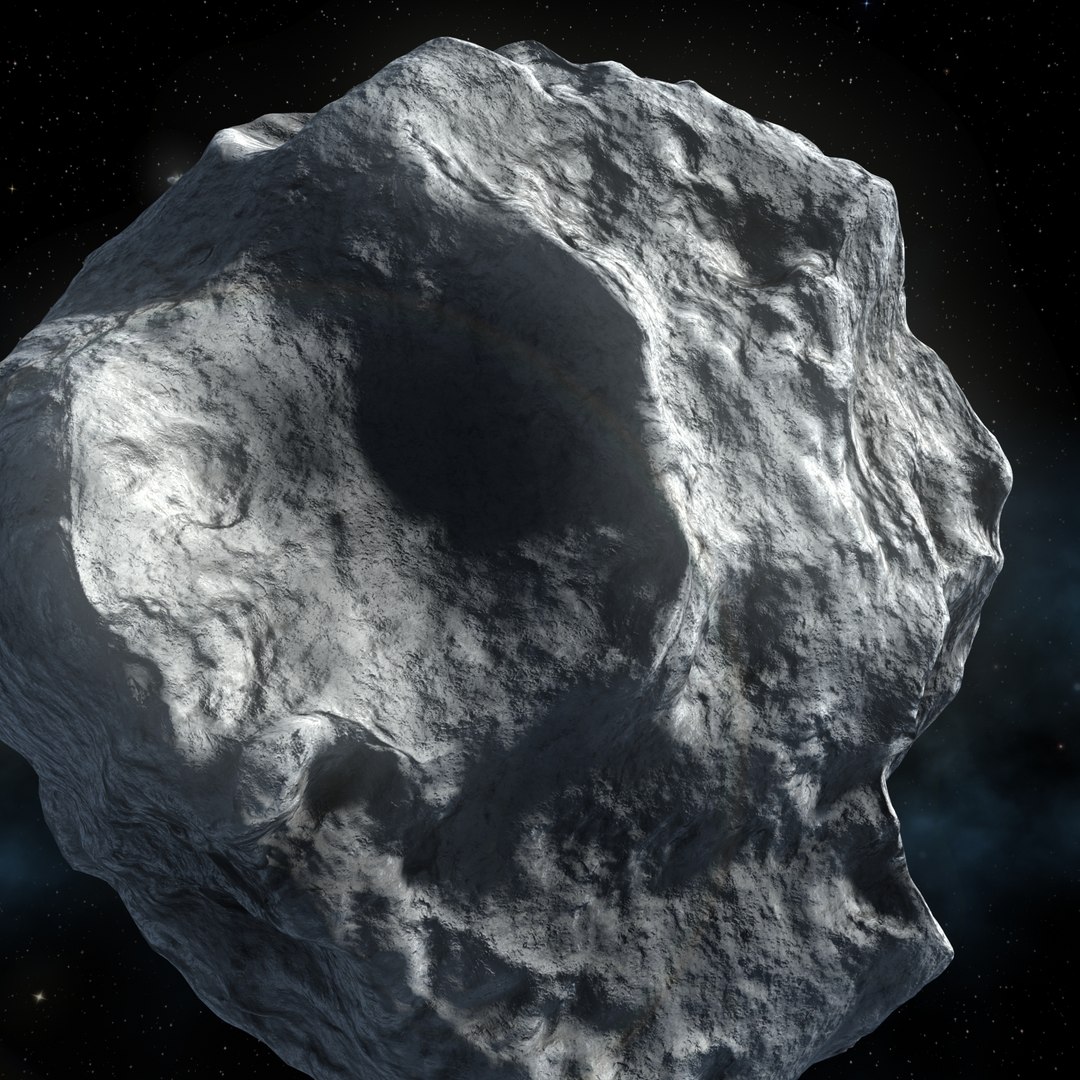
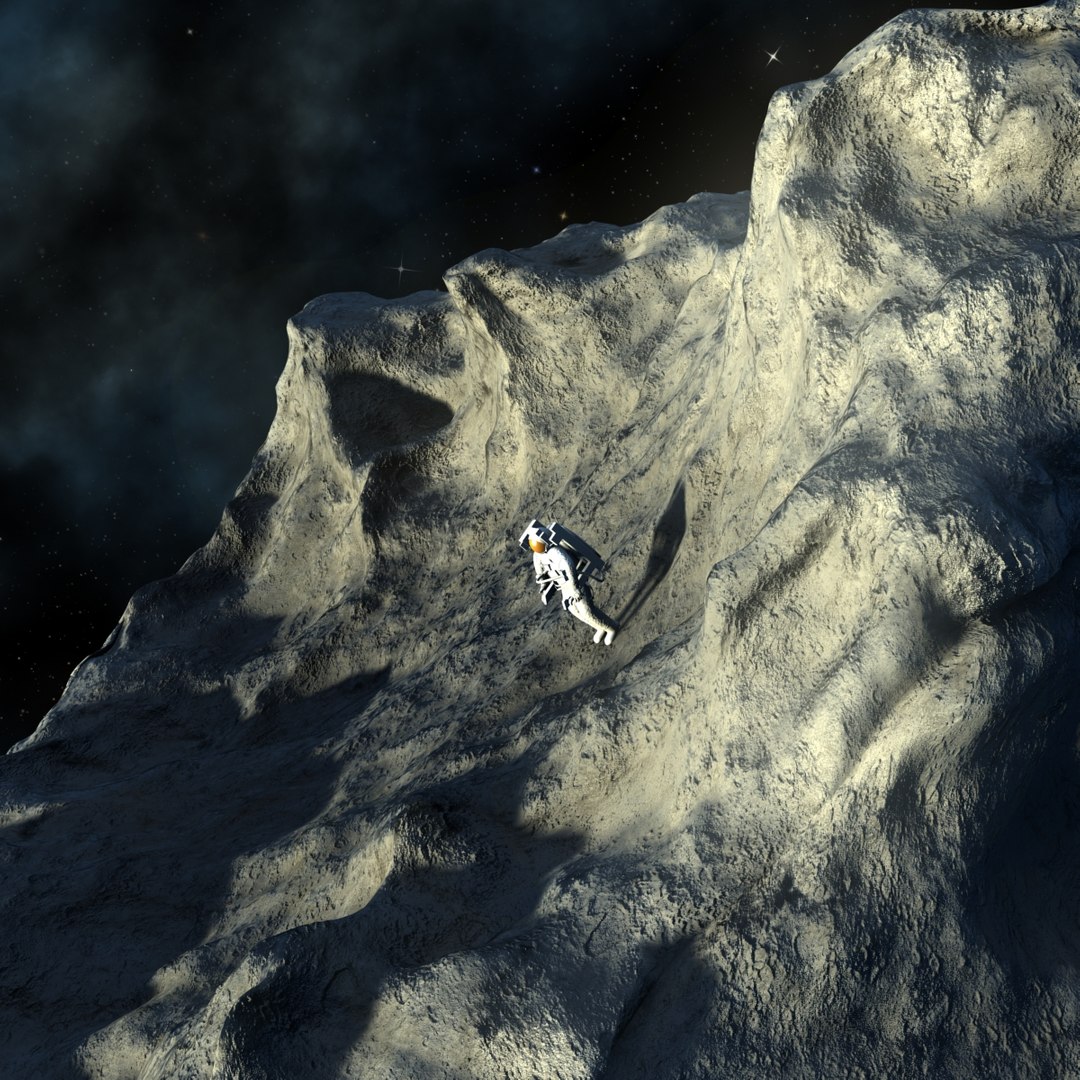
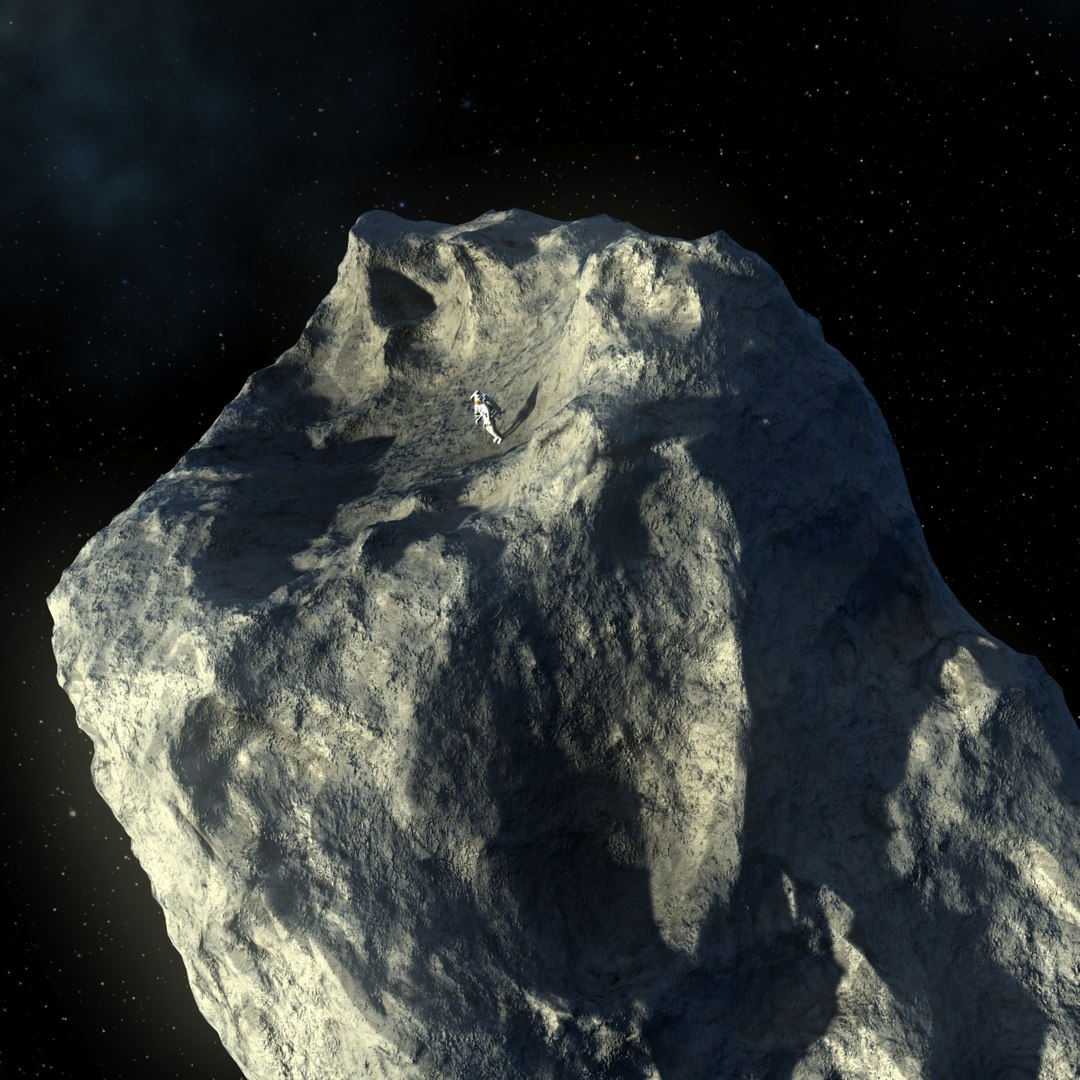
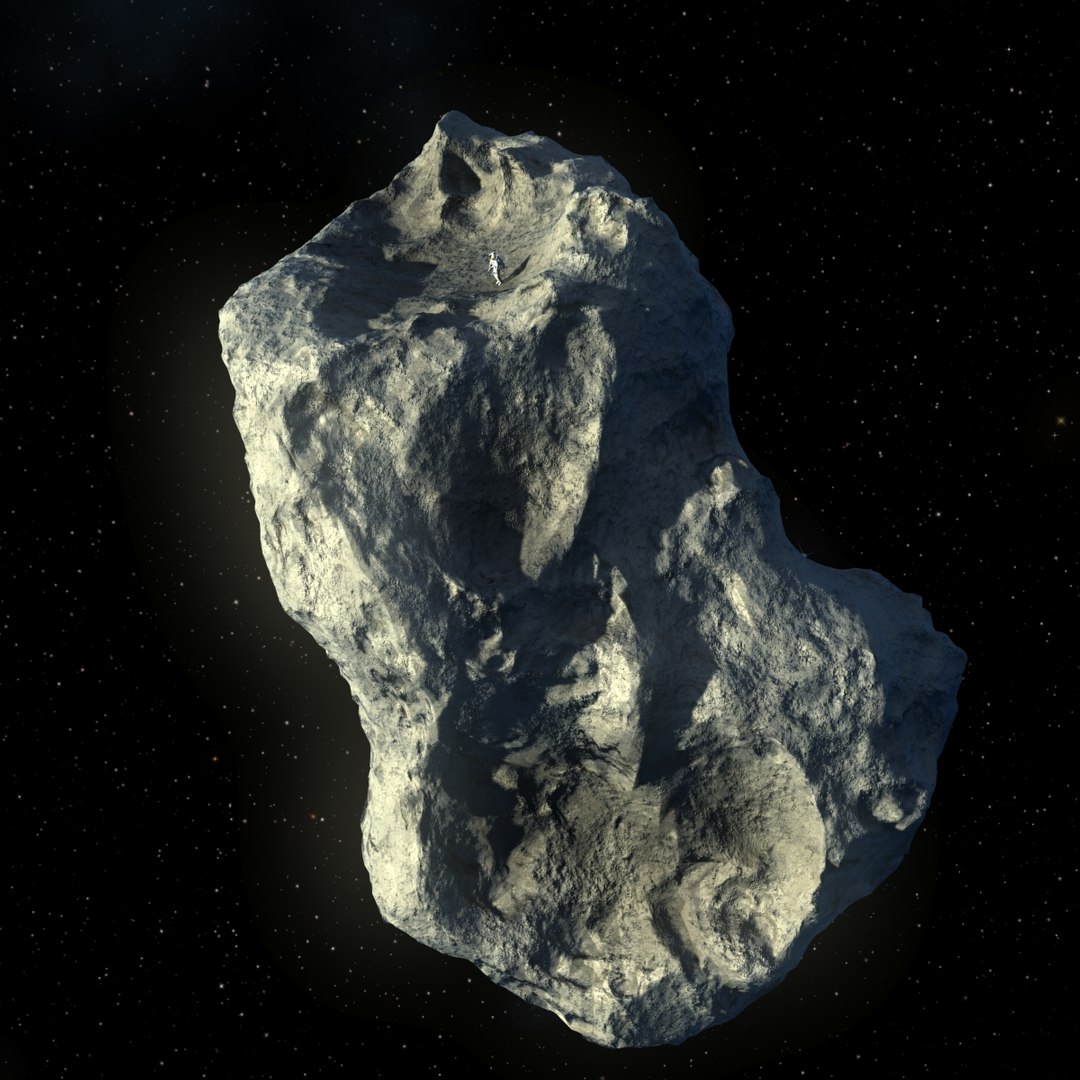
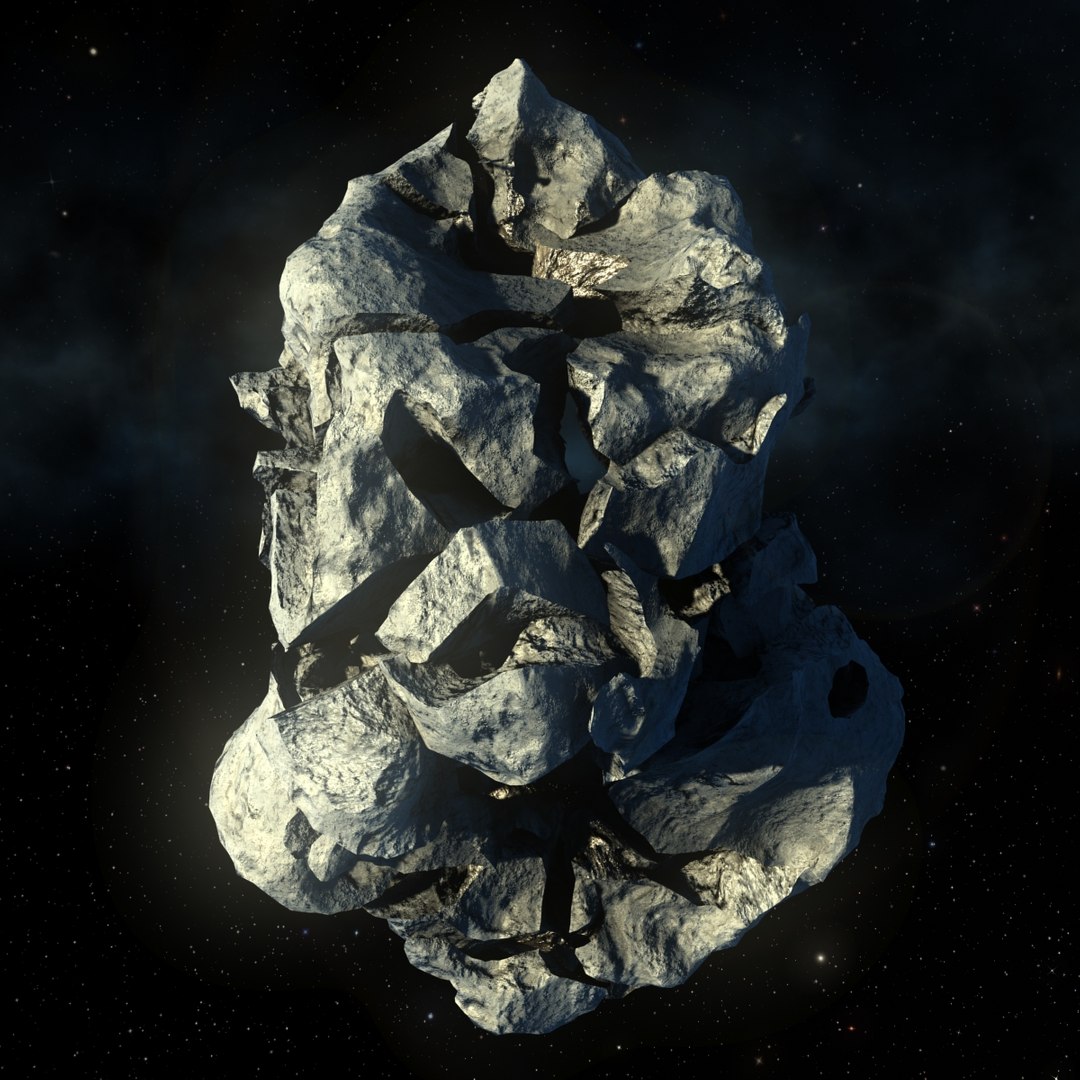
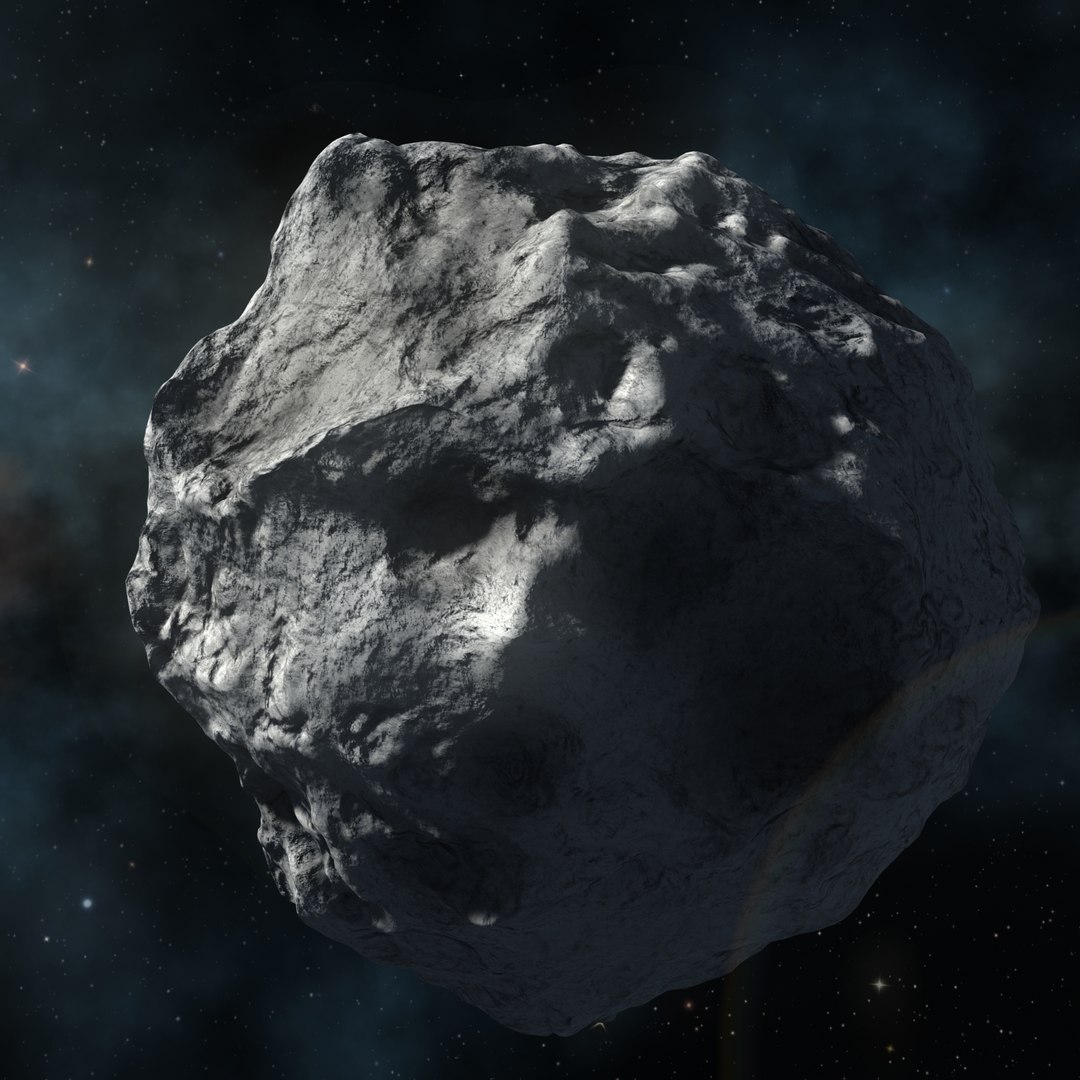
5 static Asteroids Shapes :
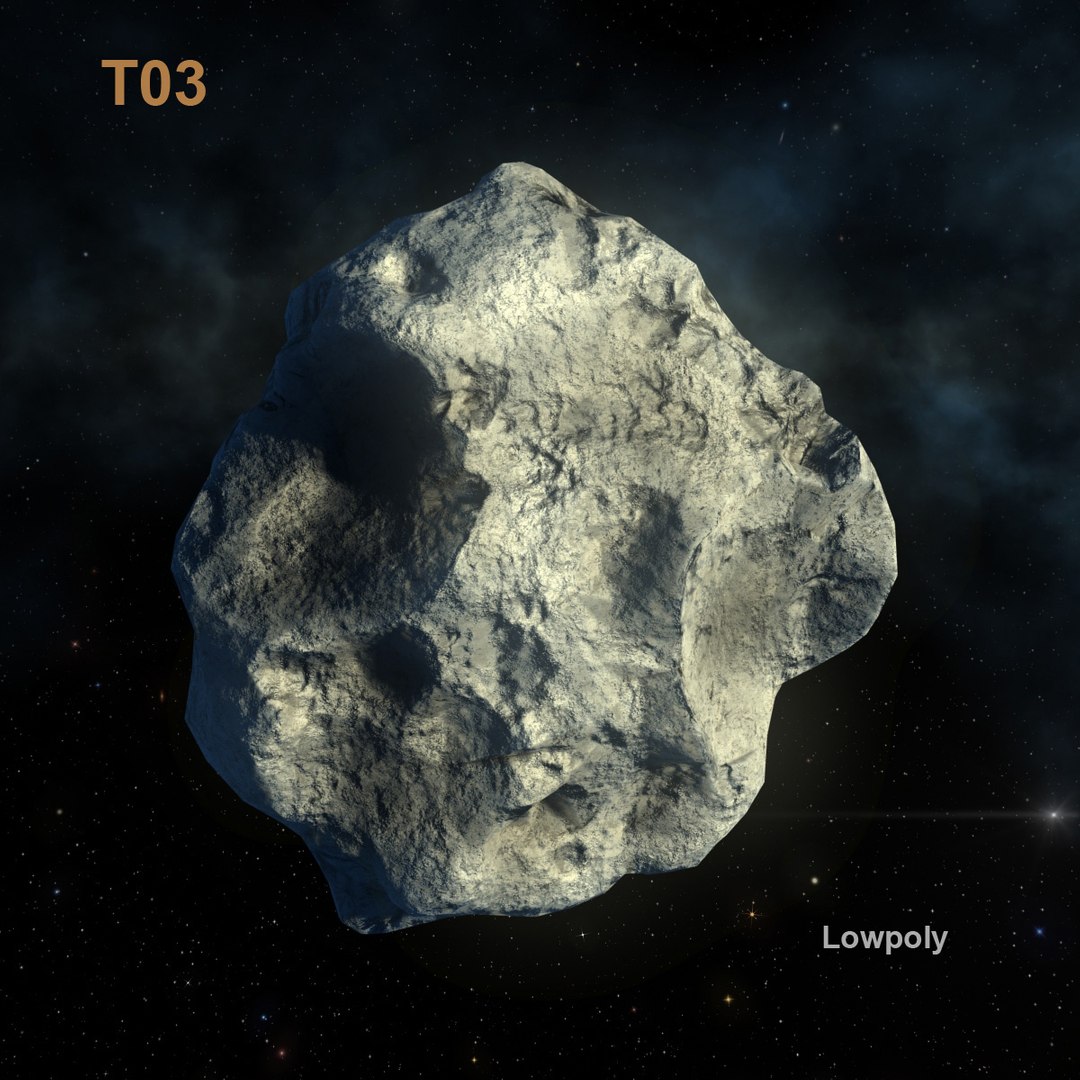
- Low poly
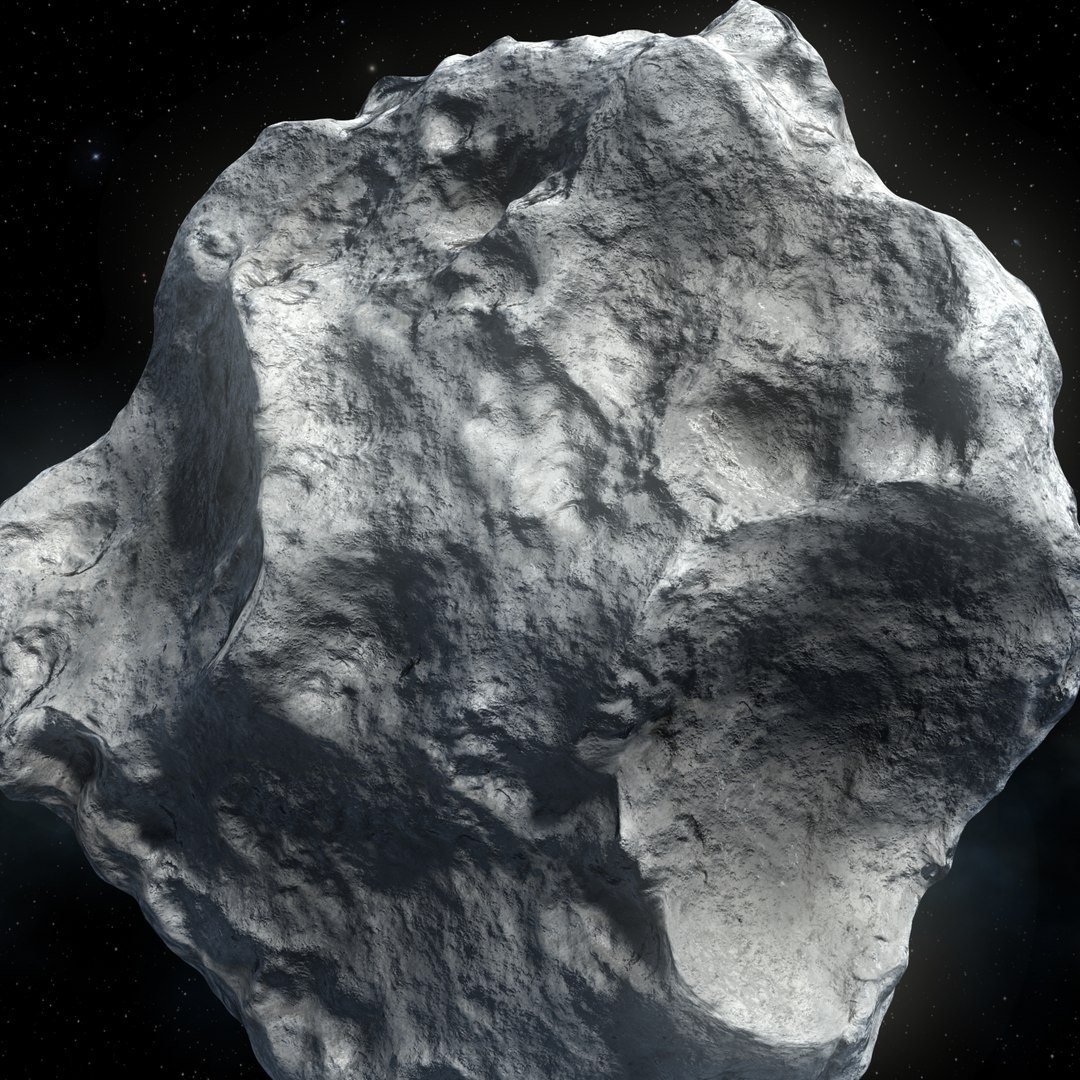
- High with opensubdiv and Displace(viewport),
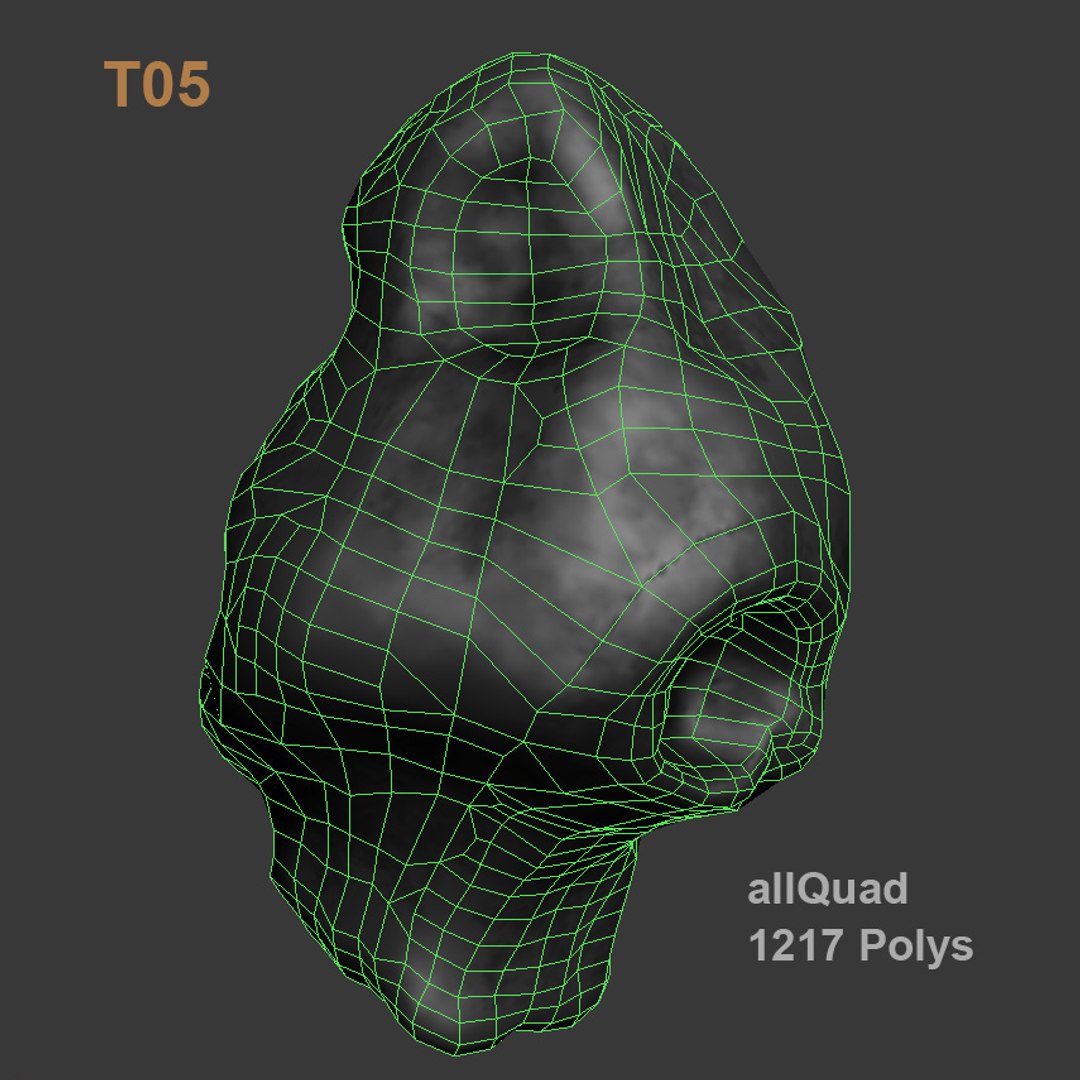
- AllQuads;
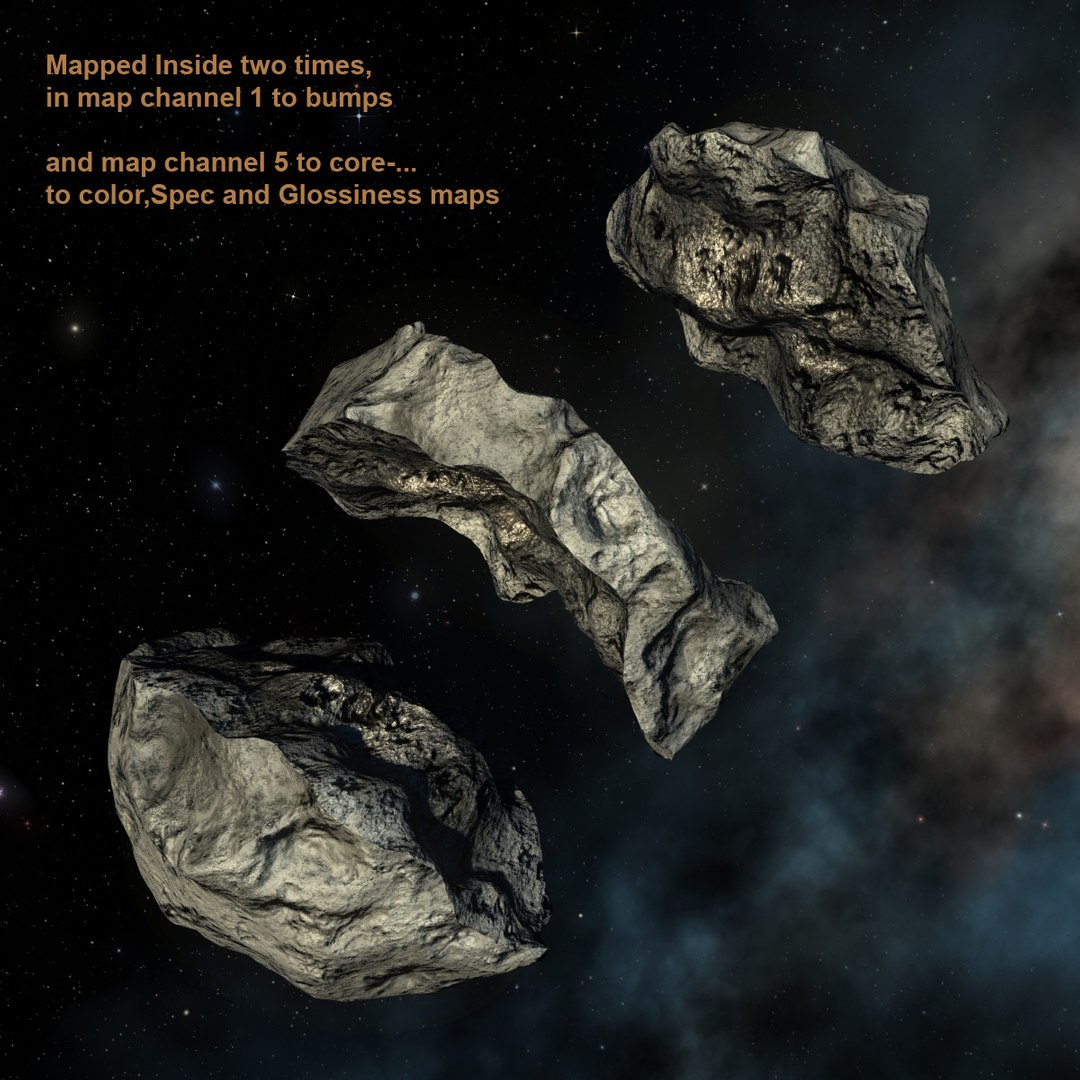
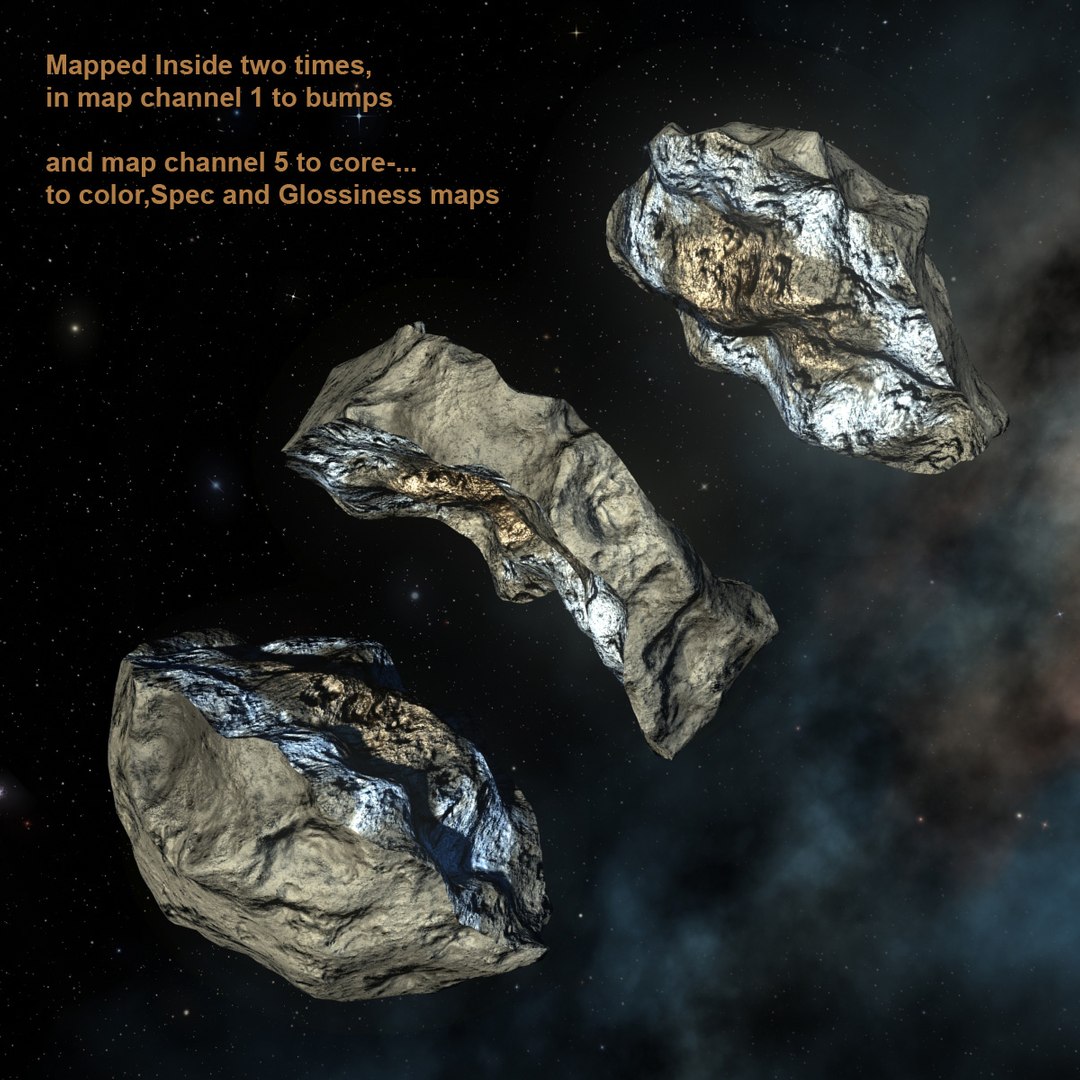
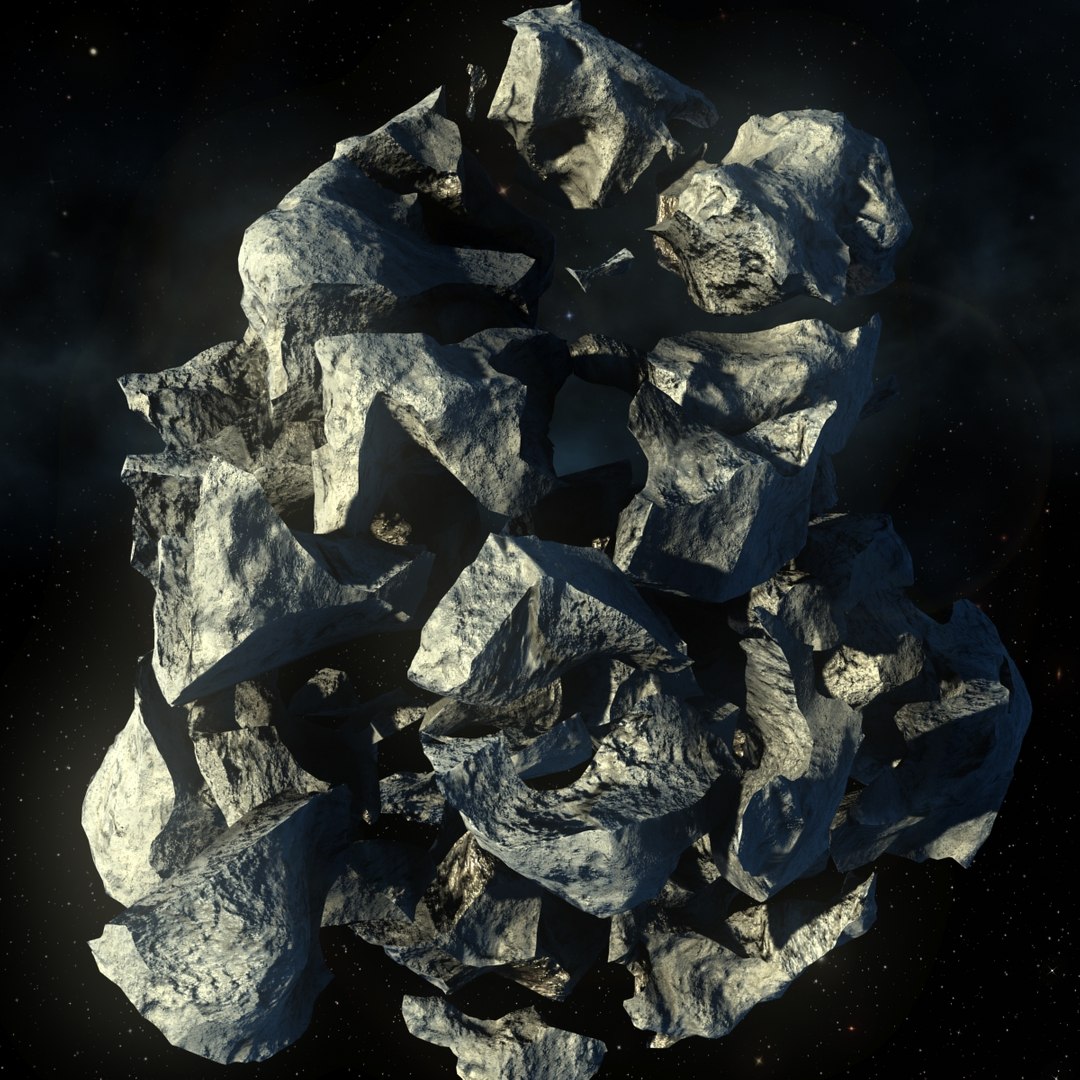
- Fractured version of Each asteroid, also with your pieces mapped inside , for some break explosion.
- Simple Rig to Pieces

- A Animated BackGround 360 ( mixed between high bitmaps and 3ds procedural maps )
of a Fantasy Milky-Way Galaxy; From other of my products " Galaxy MilkyWay BackGround "... Are included in this FOR FREE.

- A Simple but nice Scanline Fakeosity Light manual System.
With fast Renders only statics, ~ 30 Seconds frame 1200x1200, and ~3:30 min, the animated with impact Dust full screen. In a i7 8 threads, 16gbram.

- Lens camera effects to the " Sun " and asteroids Glow.

Normal maps with 4096x4096 pixels.

Tips -
1 - You can change color and intensit of lights to give other face to your asteroids.

2 - You Can change interior of asteroids color Specular and Glossines, Just changing the colors flags in your procedural gradient ramp maps,
OR Swaping map slots on yourself material editor by the relative with ICE in name... Have this maps in JPG with the textures too;

3 - In Case of animation, to better control or change in explode pieces case. You can just align and link the asteroid chosen to the Point Helper pivot center relative of your pieces. Like the "T05_SubDiv01" to " Point_Ctrl00_T05 " ;


4 - To give more details you can also Increase the displace amount and level subdivisions of open subdiv, like also decrease the blur in material editor in each jpgs bump( in animation this can ask more antialising to not got noise inssues from far distances).


Hope you Enjoy!


Ps.:

1 - At open the 3ds max file, he will ask for " AsteroidLOW_T02_NMapToDISP.jpg ", dont worry, dont need this.

2 - All images was generated in as i7 processor with 16gb RAM;

3 - The Astronaut are not included, is just to give size proportions;

4 - Probably, the fbx and obj files, you will have to remake the materials, or the mapping to inside faces of pieces. because was used some mix , percentages and others to procedurals maps in 3dsmax original files.
And the (Color, Specular and Gllossines) of internal faces of the broken pieces was mapped to channel 5 in 3dsmax.

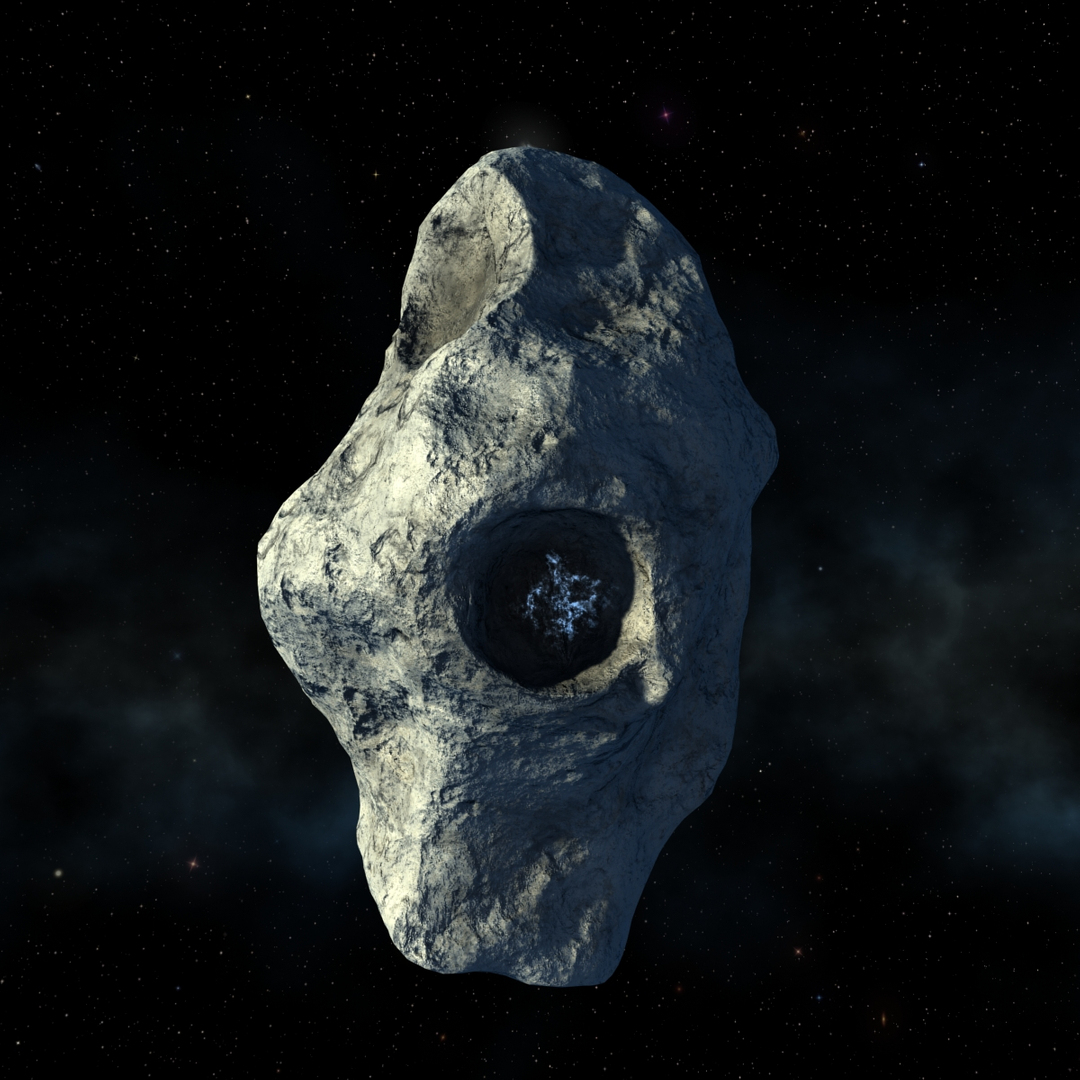
5 - The Asteroid t05 have diffuse map with, and with out Ice in some craters, to change just search for the same name diffuse map but with the word "NoIce" in your name. In textures pack to download.

6 - Animated is only Two Files,..Impact01, Impact02.
And have only in max 2017 and 2014(this is just saved from 2017, not tested)

Seleccionar licencia mejorada

  • $10,000 en Protección Legal (Indemnización)
  • Protección Legal Sin Límite (Indemnización)
  • Renuncia a medidas cautelares
  • Derechos de modelo asignables
  • $1,000,000 en Protección Legal (Indemnización)
  • Renuncia a medidas cautelares
  • Derechos de modelo asignables
  • $250,000 en Protección Legal (Indemnización)
  • Derechos de modelo asignables

About Conversion Requests

To submit a conversion request for a purchased asset, please complete our Conversion Request Form.

If you have not yet purchased a model, please review our Documentation about Conversions to learn about what limitations you may encounter with a conversion.

For any additional questions about a model’s suitability for conversion, please contact TurboSquid Support.

Cargando...