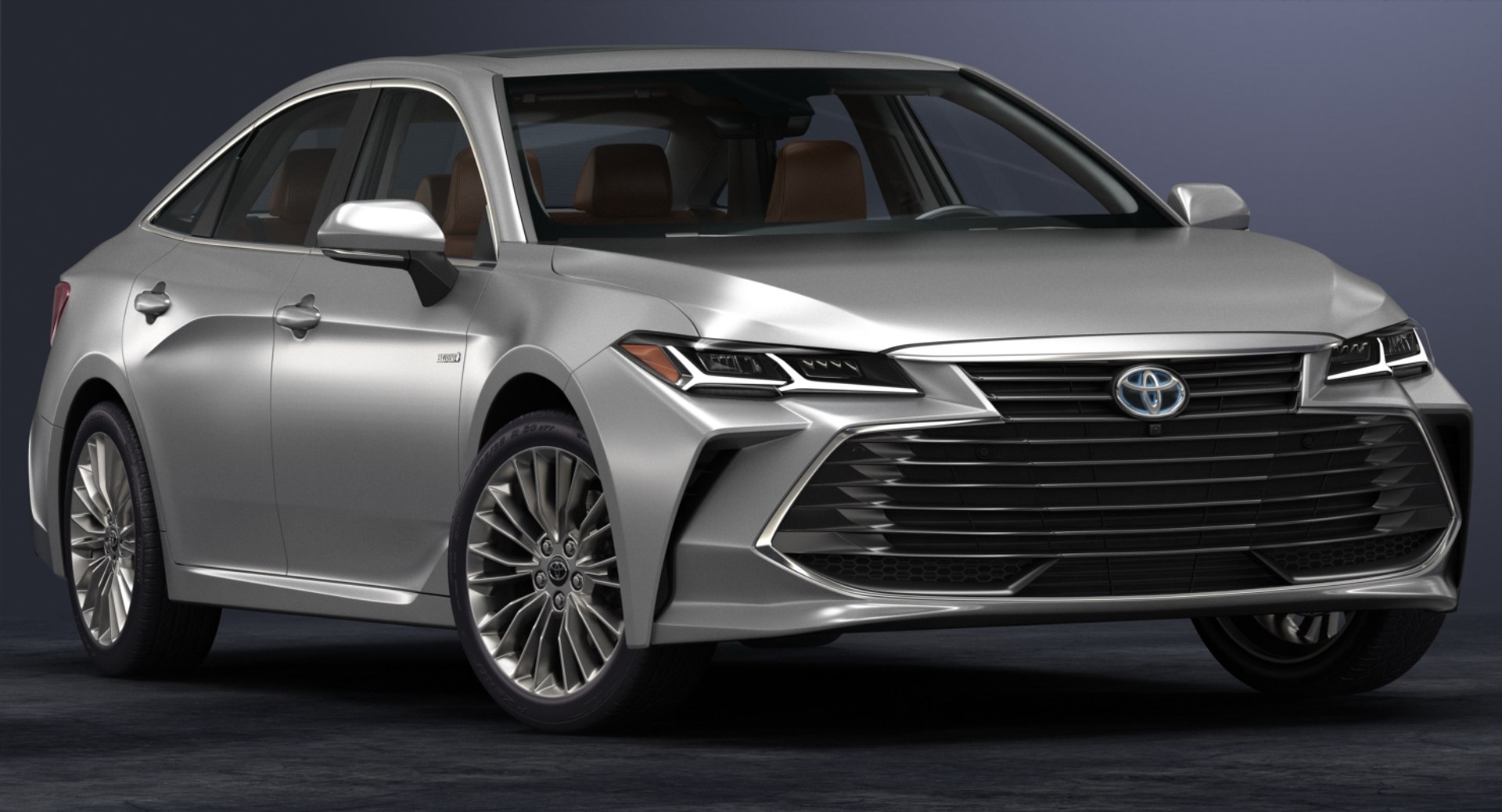
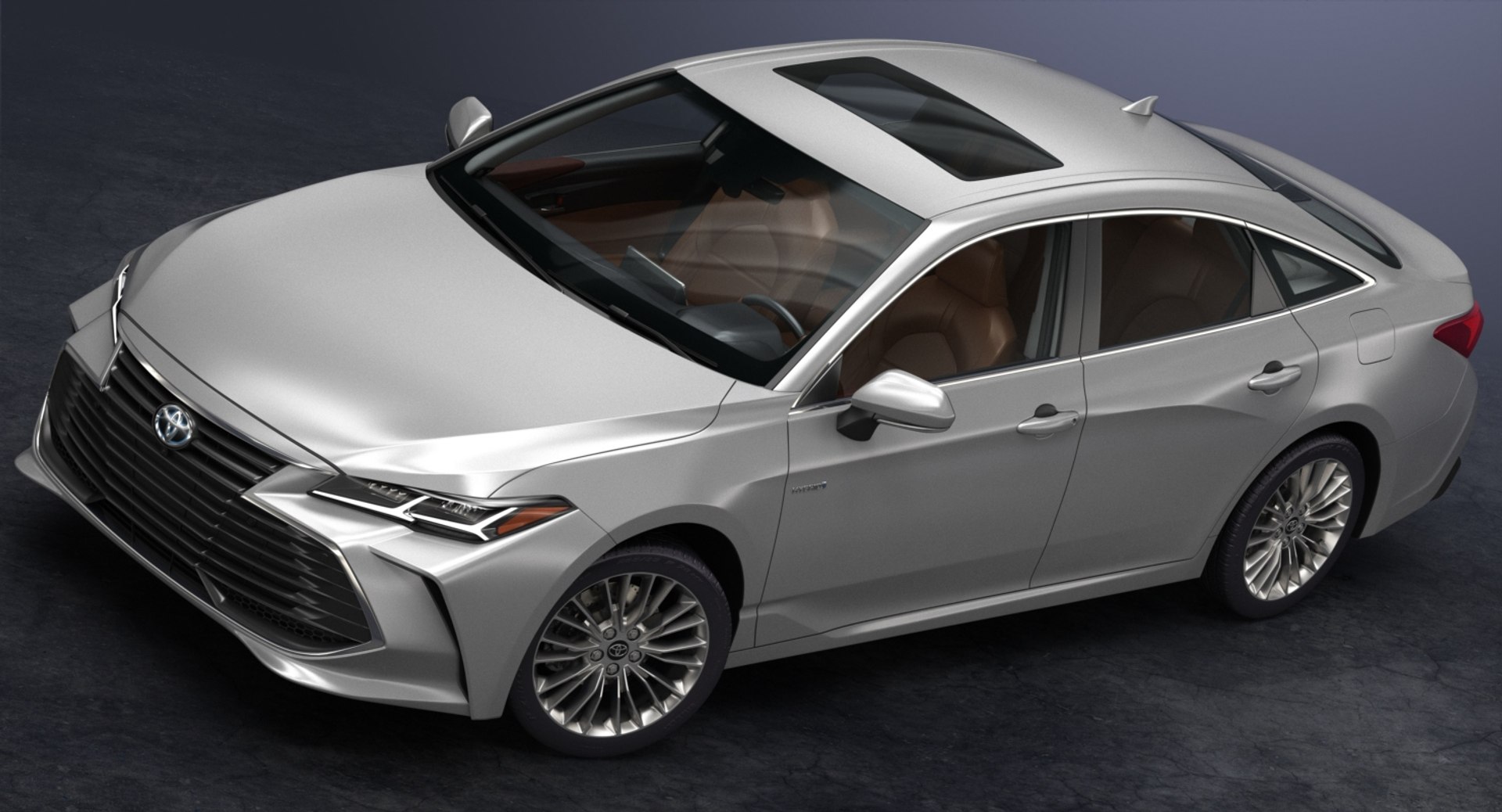
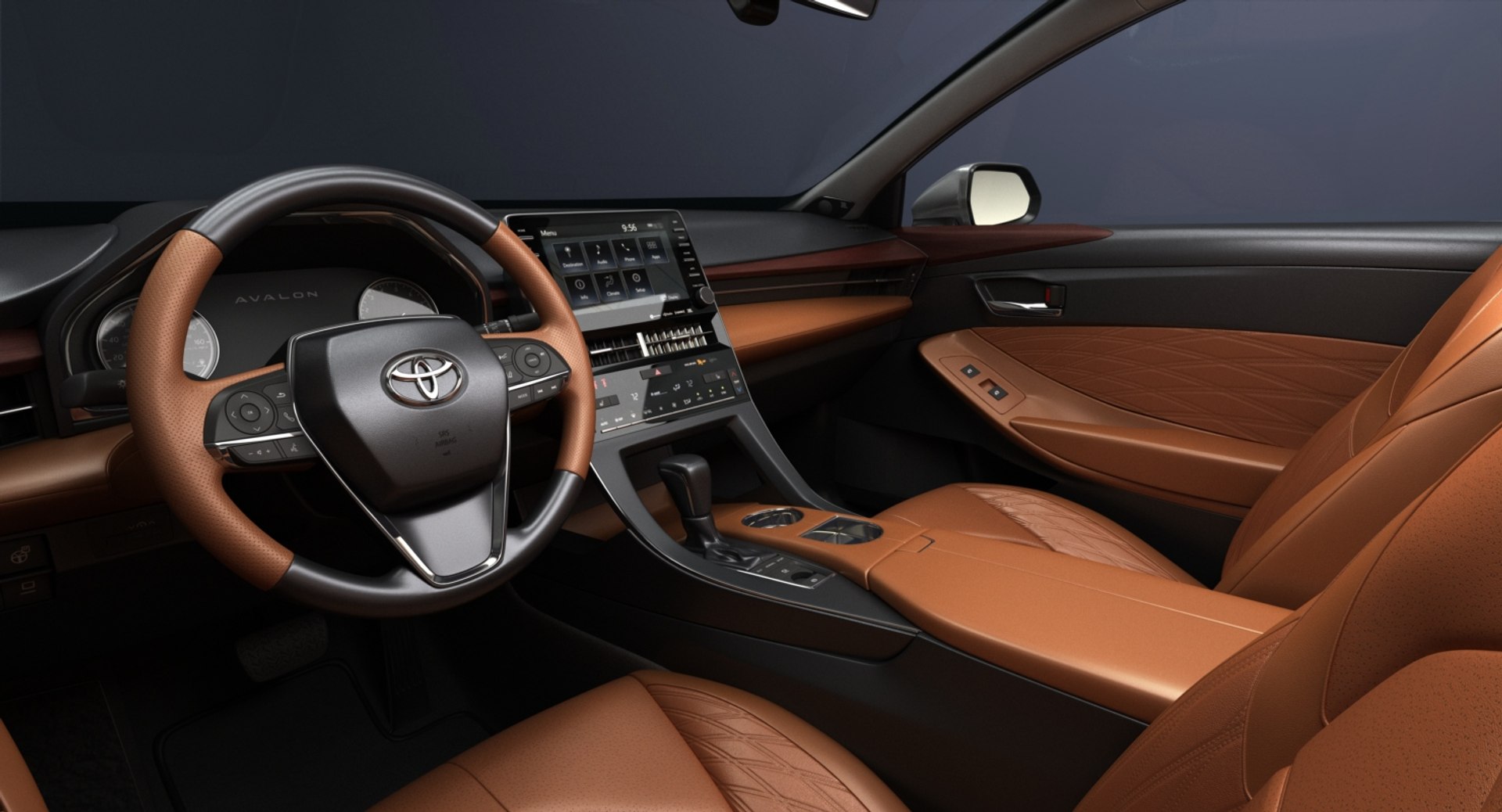
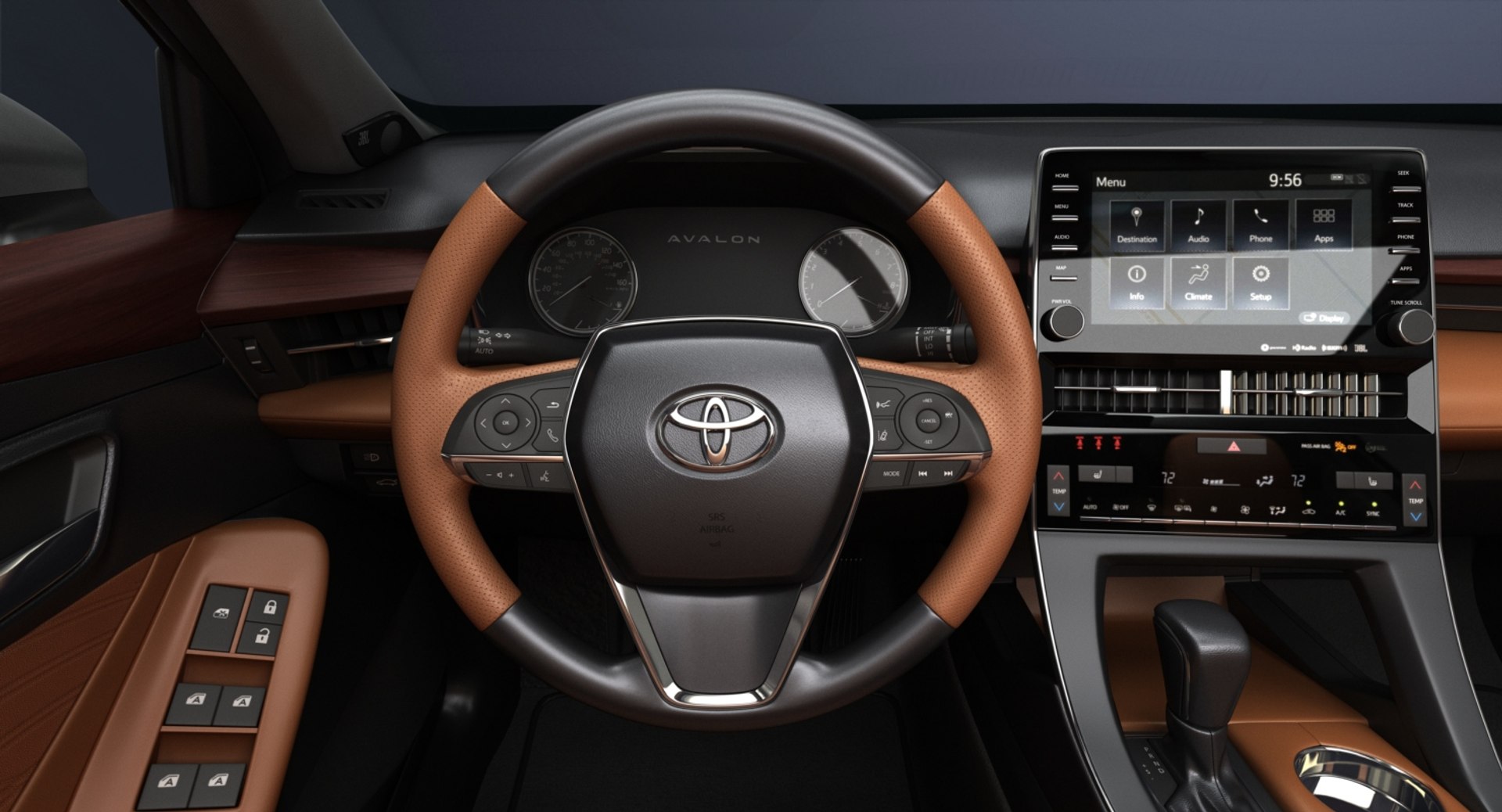
High detailed 3D model of 2019 Toyota Avalon with interior.
Main features:
- Originally created with 3ds Max 2015
- Two .MAX files with V-Ray and Standard 3ds Max materials
- Two .MB files with V-Ray and Standard Maya materials
- Subdivision modifier is available in the history for .MAX, .MB and .C4D file formats (subdivision iteration 1 is set for all objects). So you can get access to original non-smoothed mesh by deactivating the Subdivision modifier
- Separate objects like body, wheels and doors. Total number of objects is 20. All objects are intelligently named
- Doors can be opened
- Unit system is set to metric (millimeters). Real-world scale
- All textures and materials are included and assigned
- 19 textures, which vary in resolution from 250x250px to 4096x4096px
- Windshield, rear window and back side windows are using high resolution transparency mask texture
- Previews rendered in 3ds Max 2015 with V-Ray 3.50.04
Special notes:
- .OBJ format is recommended for import in other 3d software. If your software doesn't support .OBJ format, please use .3ds format; .OBJ format was exported from 3ds Max. The geometry for .OBJ format is set to quads
- .MAX files can be loaded in 3ds Max 2015 or higher. In order to use V-Ray rendering setups and materials, V-Ray 3.50.04 or higher is needed. V-Ray shaders and render setups are backwards compatible, so you can use V-Ray 2.0 or higher
- .MB files can be loaded in Autodesk Maya 2015 or higher. In order to use V-Ray rendering setups and materials in Maya, V-Ray 3.10.01 or higher is needed. Maya V-Ray renders are similar to 3ds Max V-Ray rendered previews, but not identical
- .C4D file can be loaded in MAXON Cinema4D R17 or higher. Only standard Cinema4D materials and Standard renderer used. Material reflections are set up using the new Reflectance channel introduced in R16
Polycounts:
- .MAX format (only one file included with MeshSmooth iteration 1 applied to all objects):
no MeshSmooth: 170,449 faces and 186,843 vertices
MeshSmooth iteration 1: 679,480 faces and 713,917 vertices
MeshSmooth iteration 2: 2,717,920 faces and 2,786,127 vertices
- .MB format (only one file included with Subdivision iteration 1 applied to all objects):
no Subdivision: 170,449 faces and 186,843 vertices
Subdivision iteration 1: 679,480 faces and 713,917 vertices
Subdivision iteration 2: 2,717,920 faces and 2,786,127 vertices
- .C4D format (only one file included with Subdivision iteration 1 applied to all objects):
no Subdivision: 170,448 faces and 186,839 vertices
Subdivision iteration 1: 679,480 faces and 713,910 vertices
Subdivision iteration 2: 2,717,904 faces and 2,786,108 vertices
- .FBX and .OBJ formats (3 files included for each format):
low: 170,449 faces and 186,843 vertices
medium: 679,476 faces and 713,917 vertices
high: 2,717,920 faces and 2,786,127 vertices
- .3DS format (3 files included):
low: 338,582 faces and 219,299 vertices
medium: 1,358,960 faces and 782,620 vertices
high: 5,435,840 faces and 2,968,909 vertices