

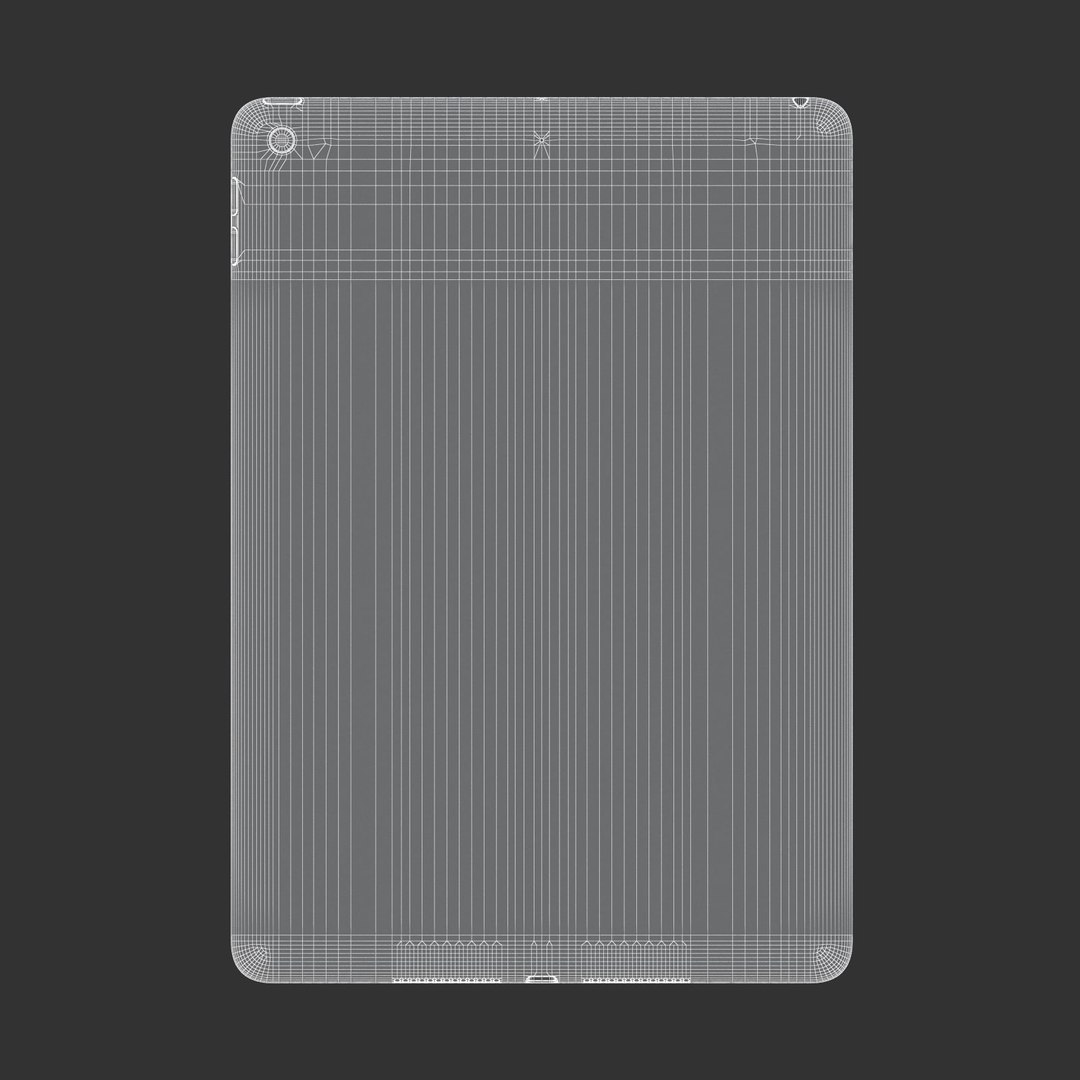
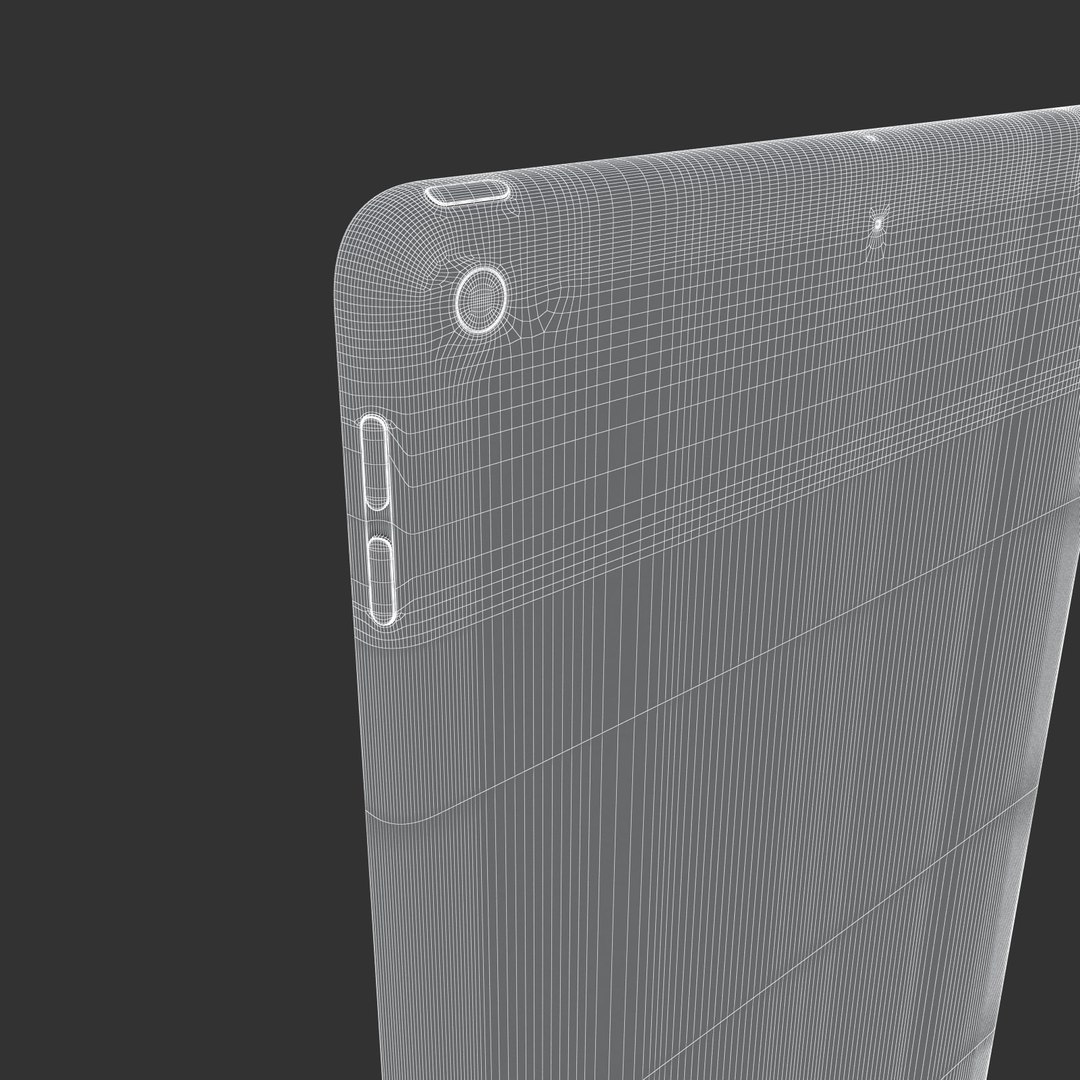


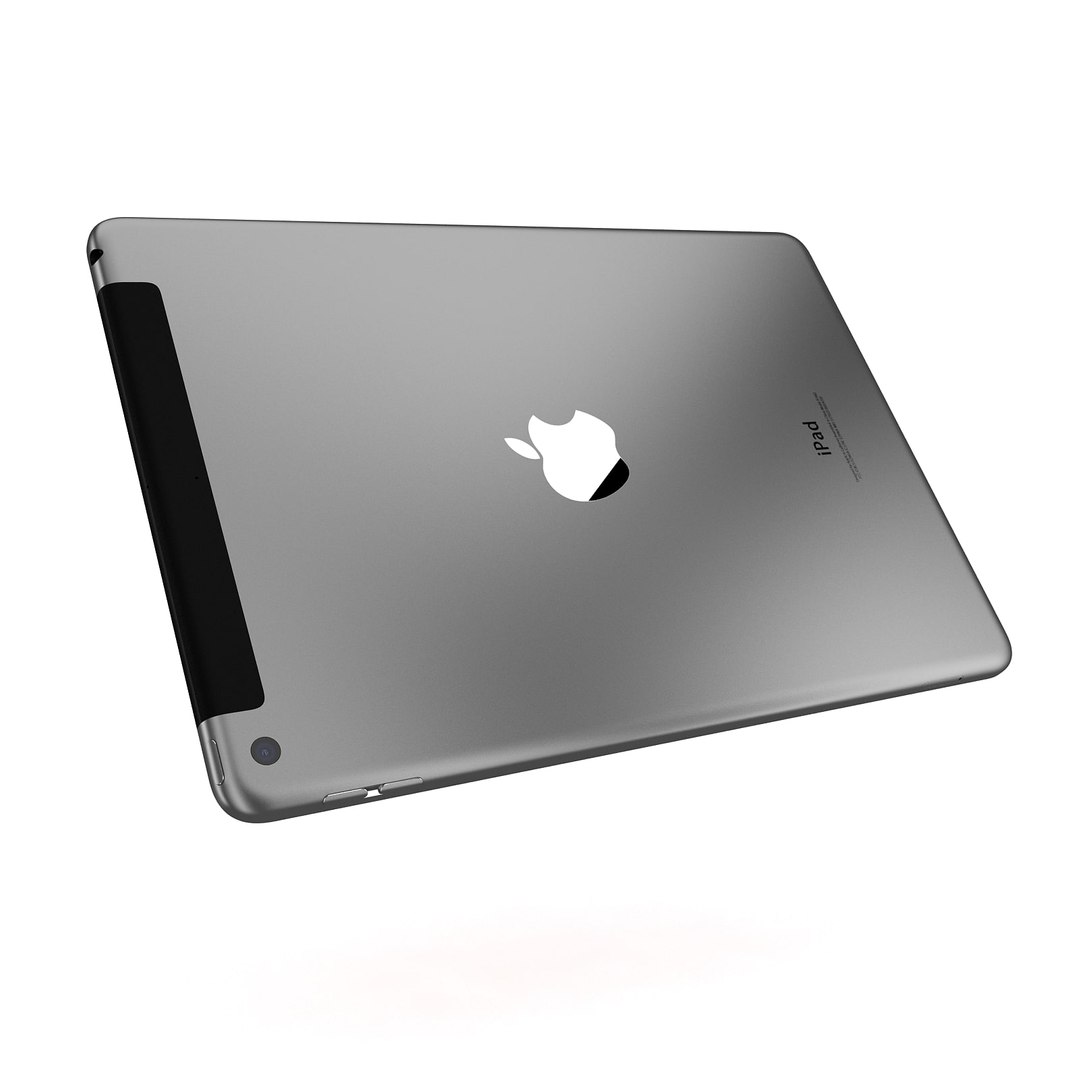
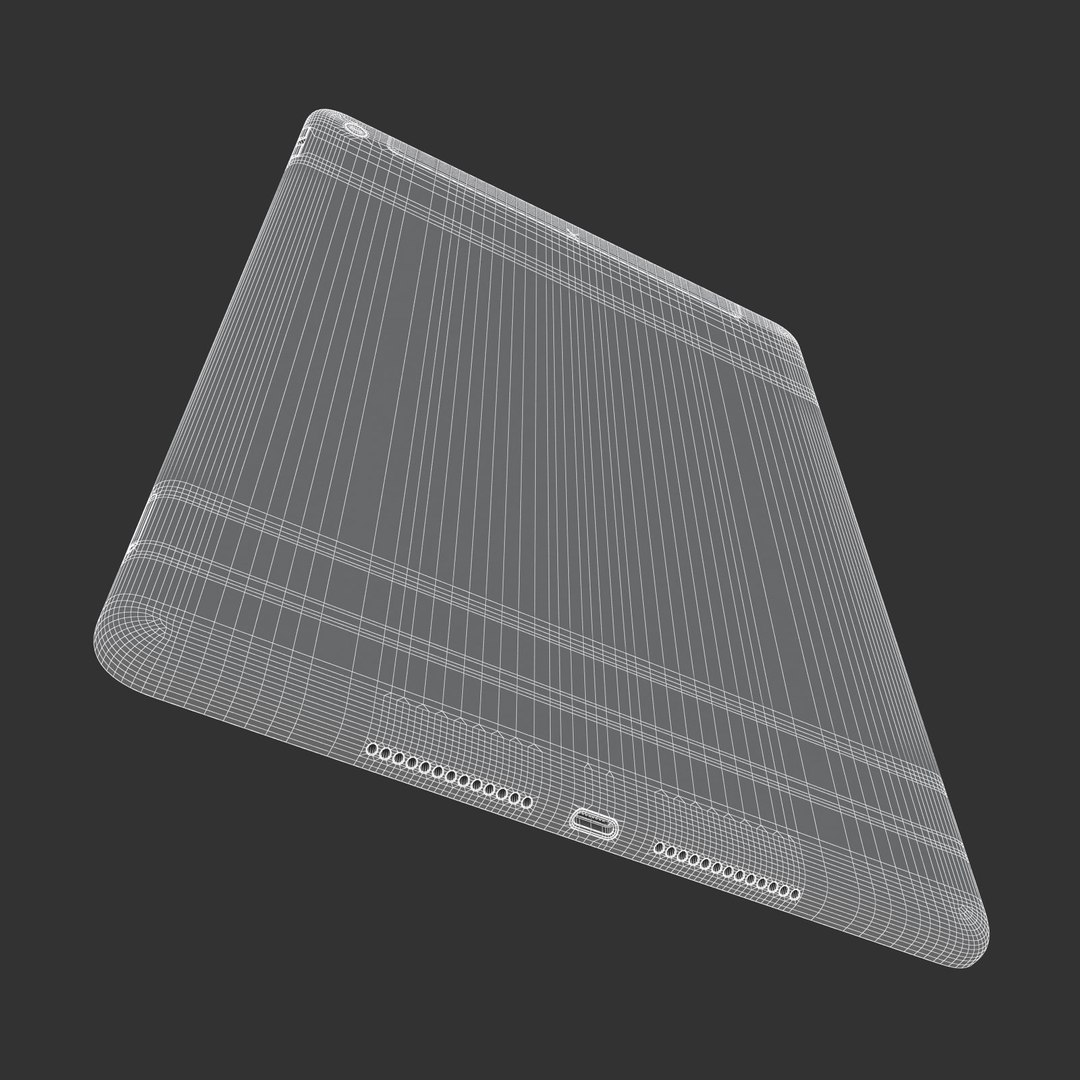
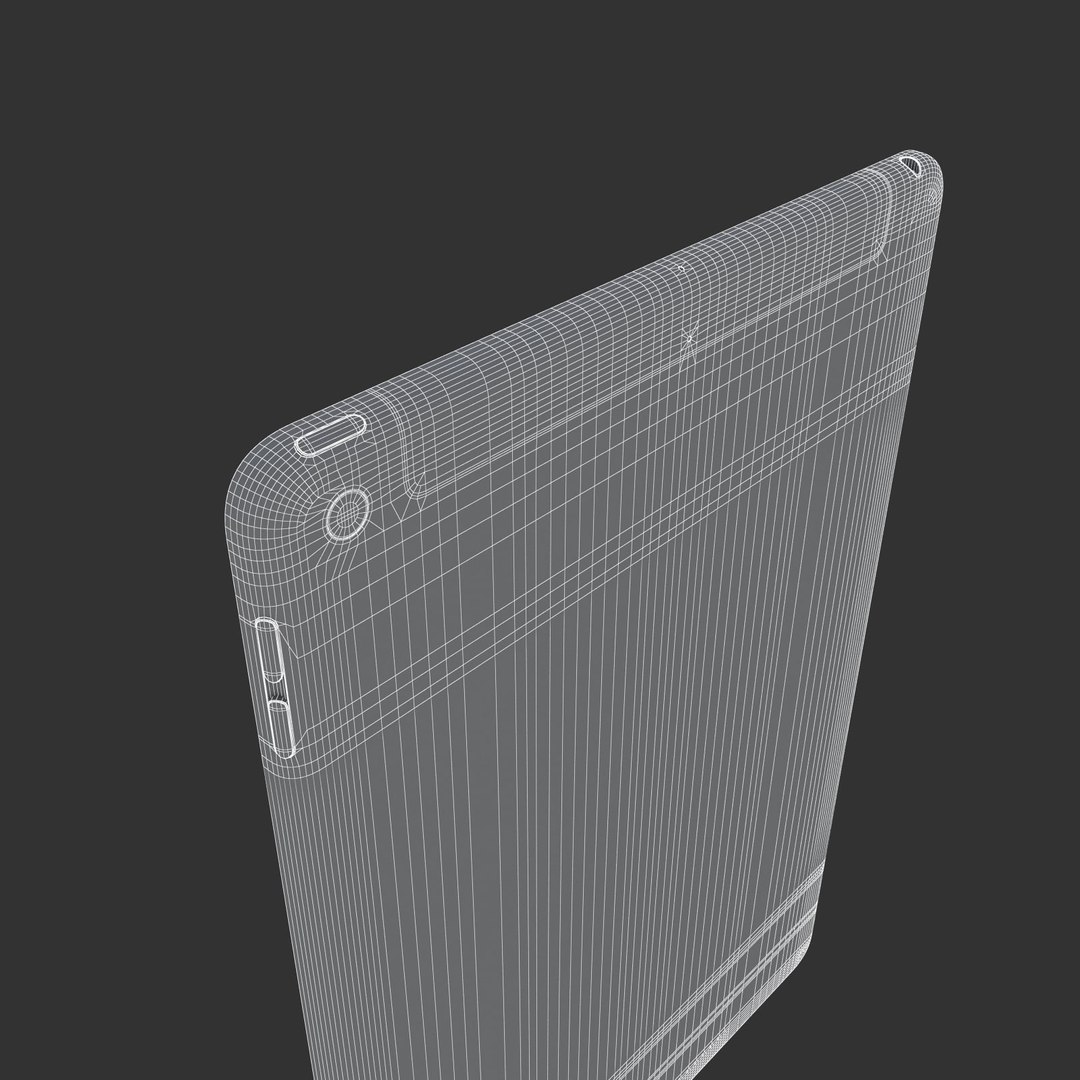


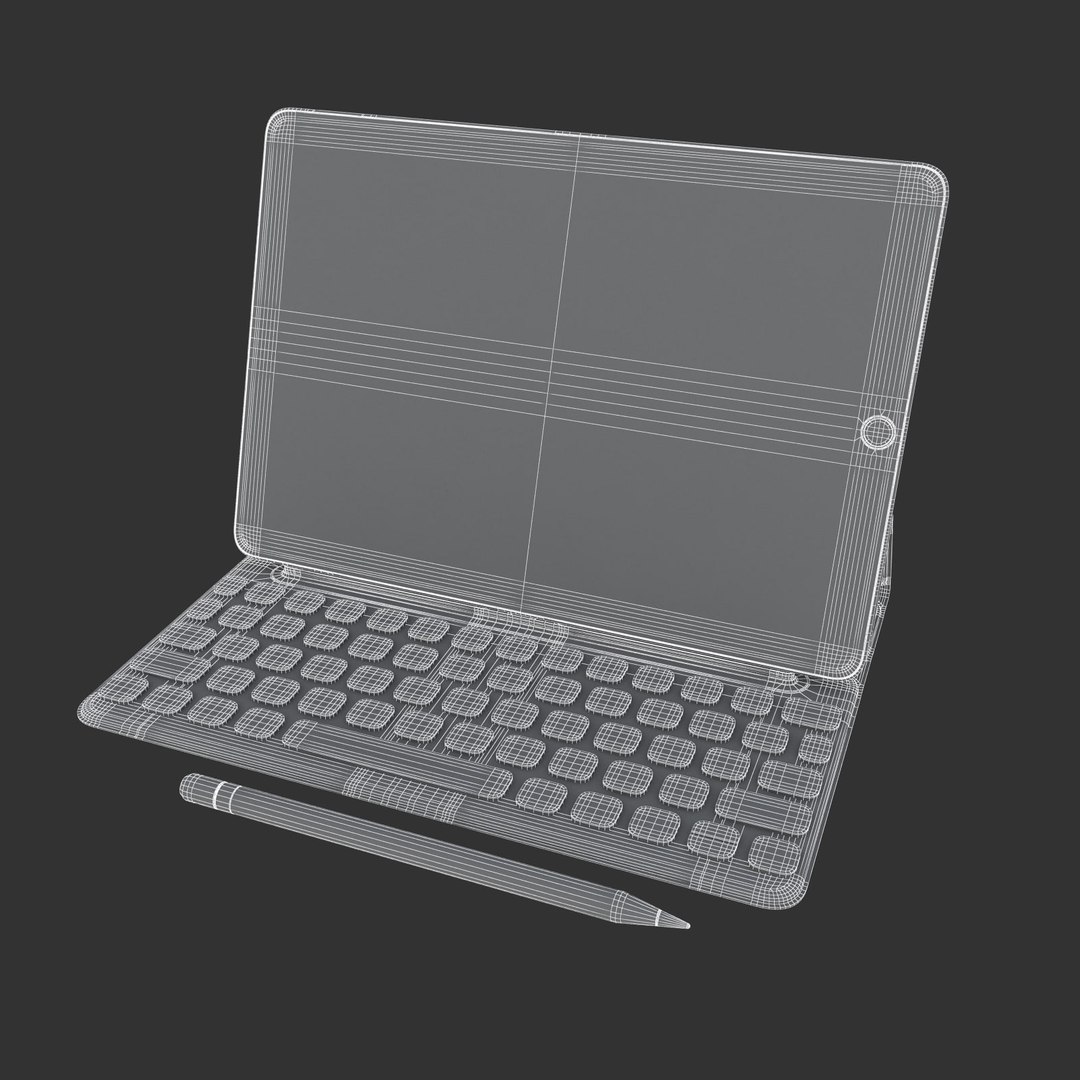
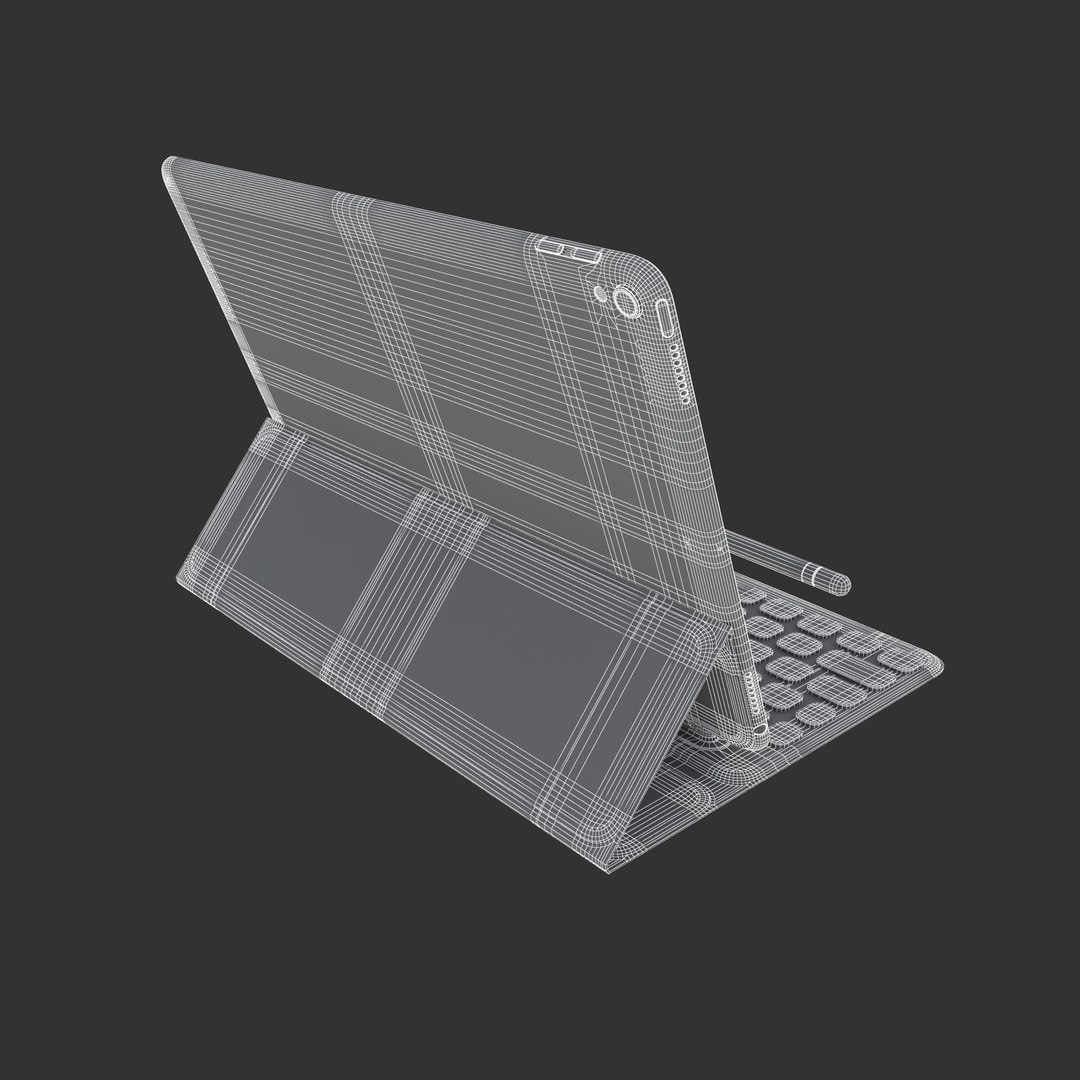
E3D - Apple iPad 2017 Kollektion

$45

Standardlizenz | Upgrade-Lizenz
Nur für redaktionelle Zwecke
Formate (16)
Native | 3ds Max 2012 | Default Scanline 2012
Cinema 4D R12 | Default Scanline R12
3ds Max 2012 | Default Scanline 2012
OBJ
Other Textures
Spezifikationen
Veröffentlichungsdatum July 03, 2017
Produkt ID 1174381
Polygone 1
Scheitelpunkte 1
Polygonale Quads/Tris-Geometrie
Texturen
Materialien
UV-kartiert
Gemischte, nicht verpackte UVs
member avatar
beeocean
248 Produkte | Contributor Seit 2013
Habe Fragen? Chatte jetzt mit uns.

Beschreibung

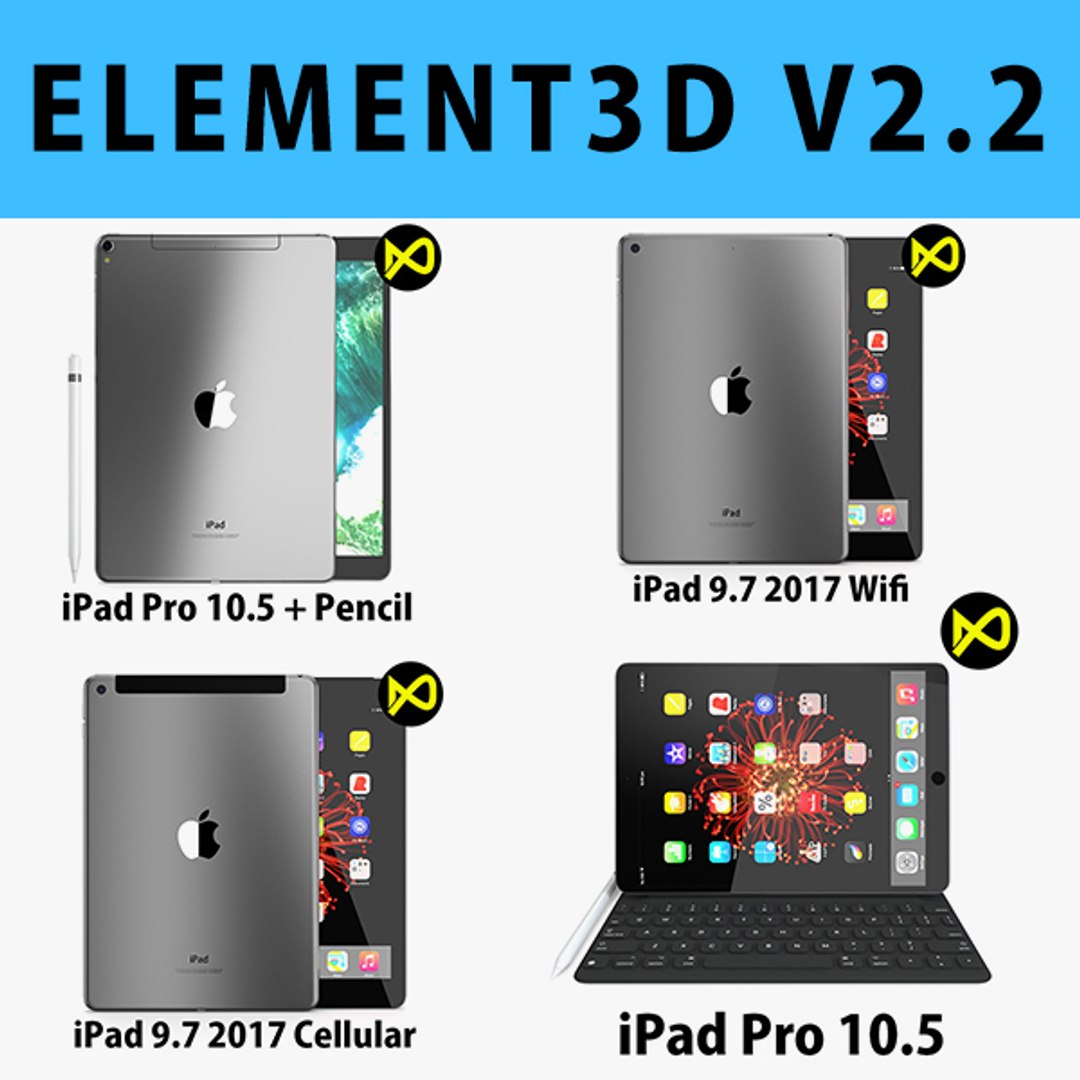
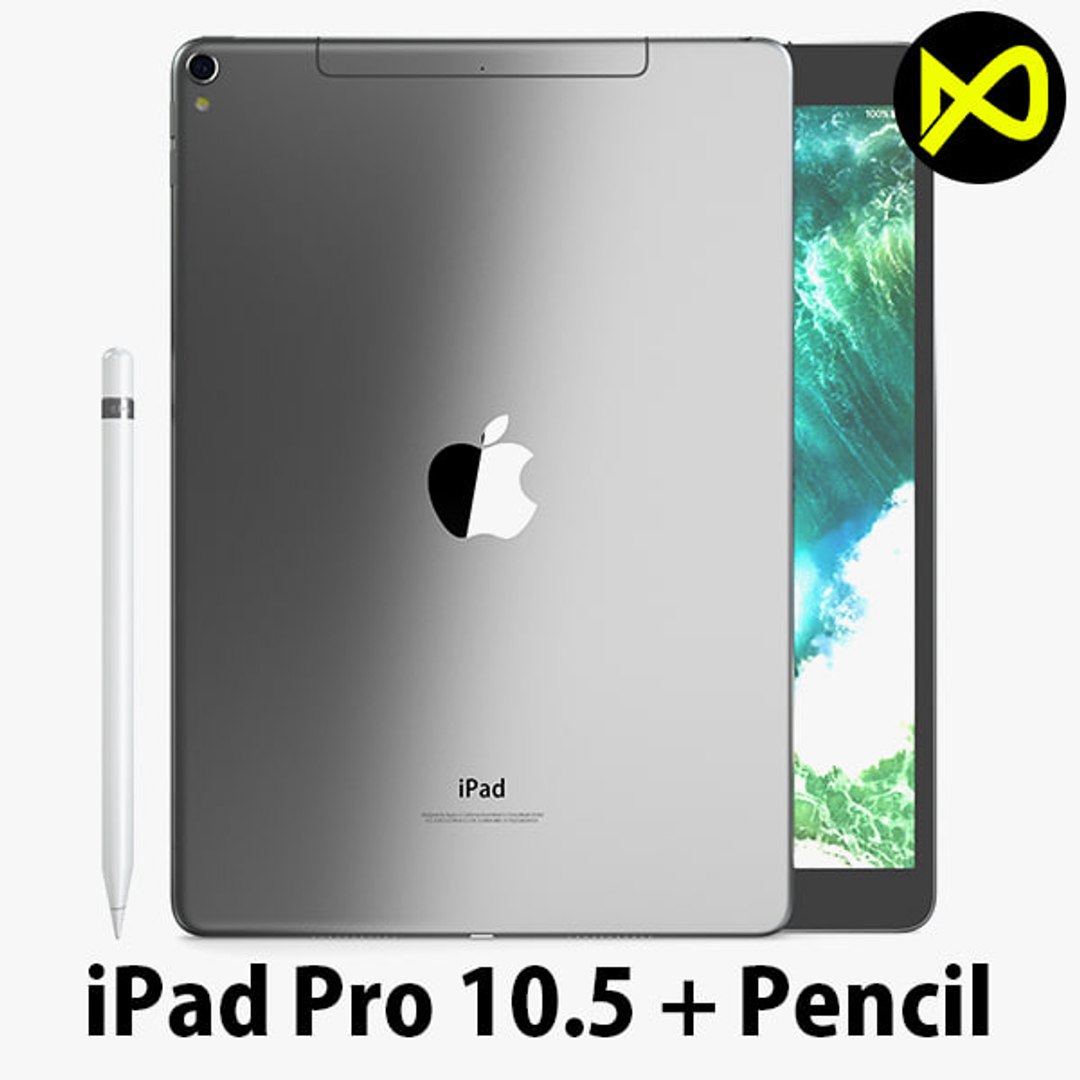
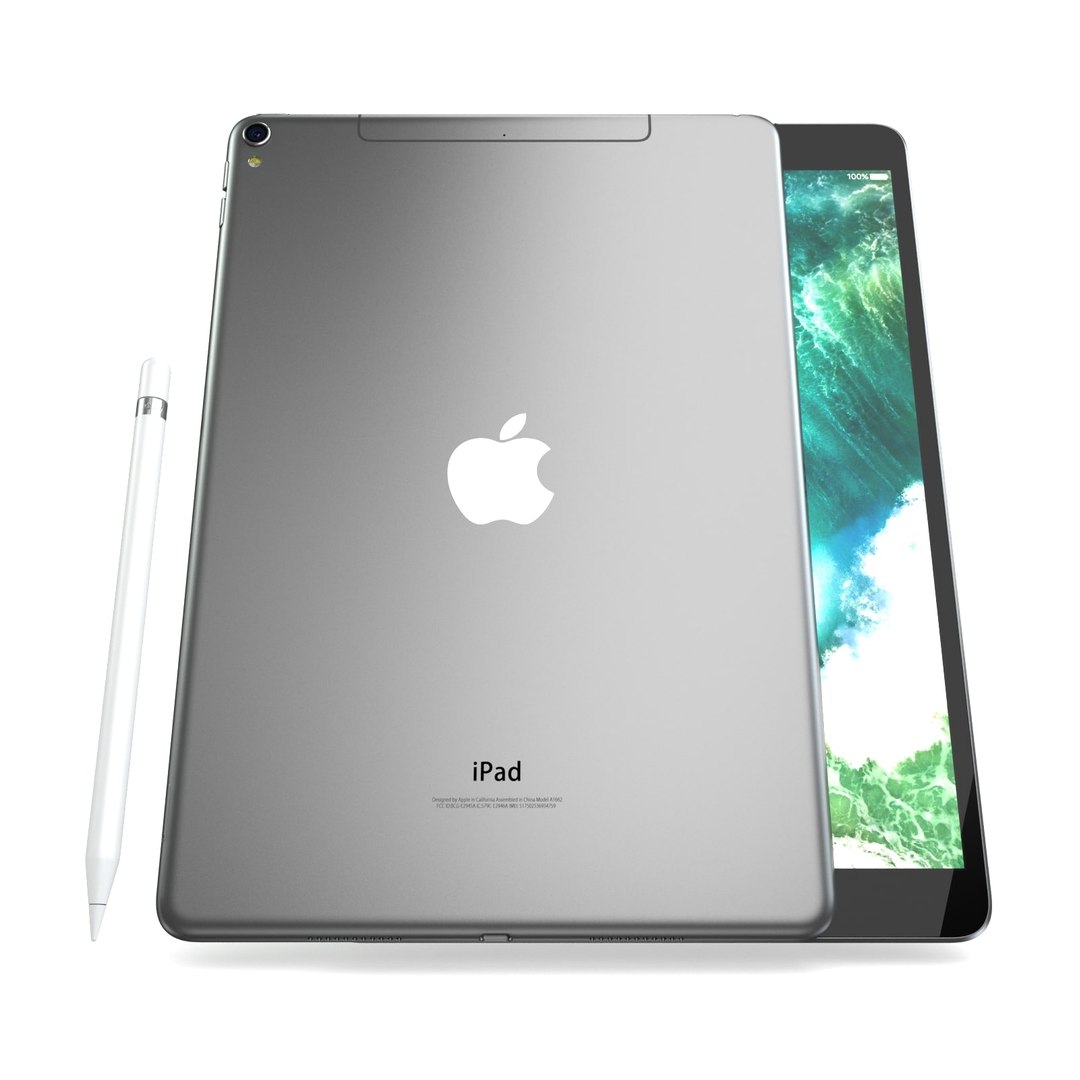
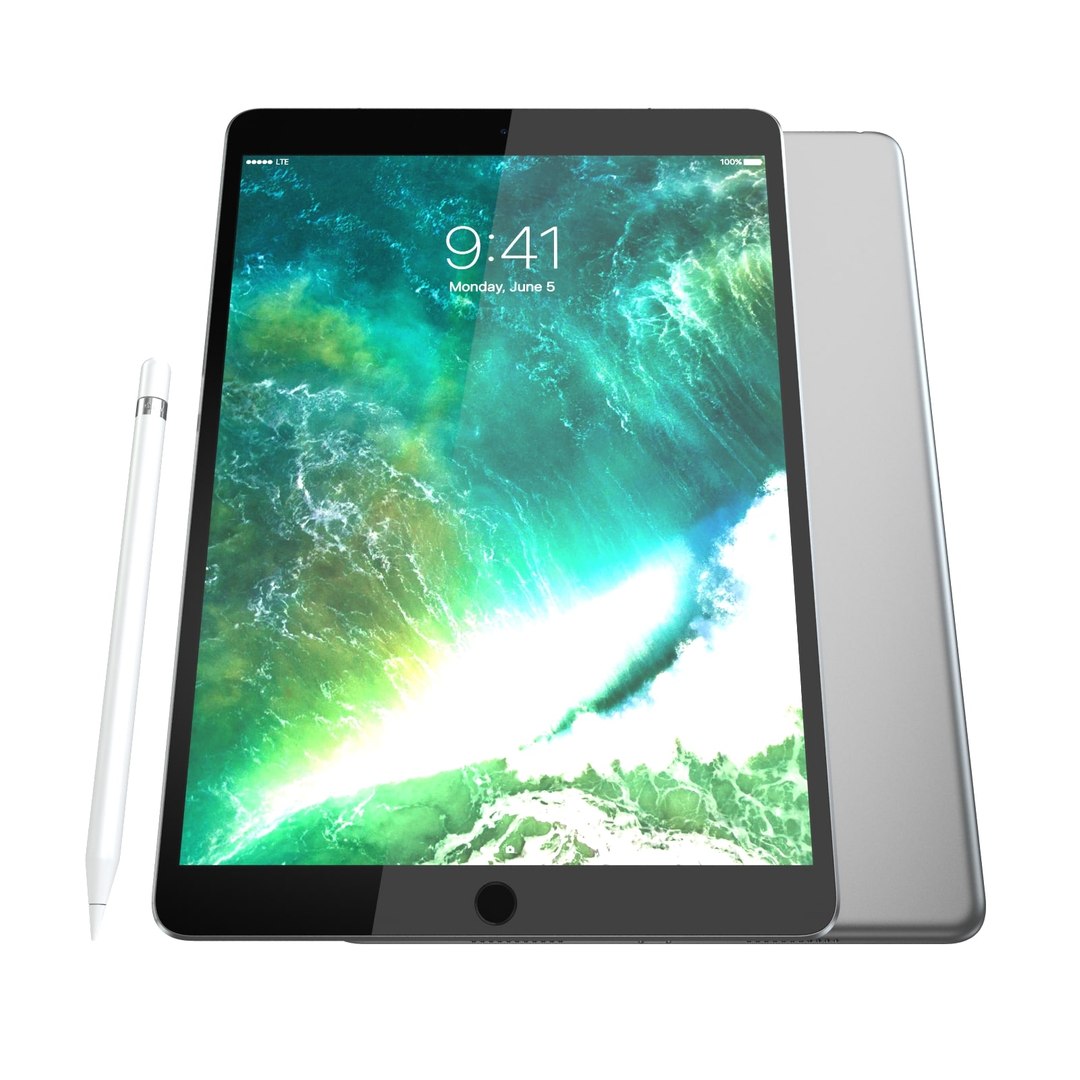
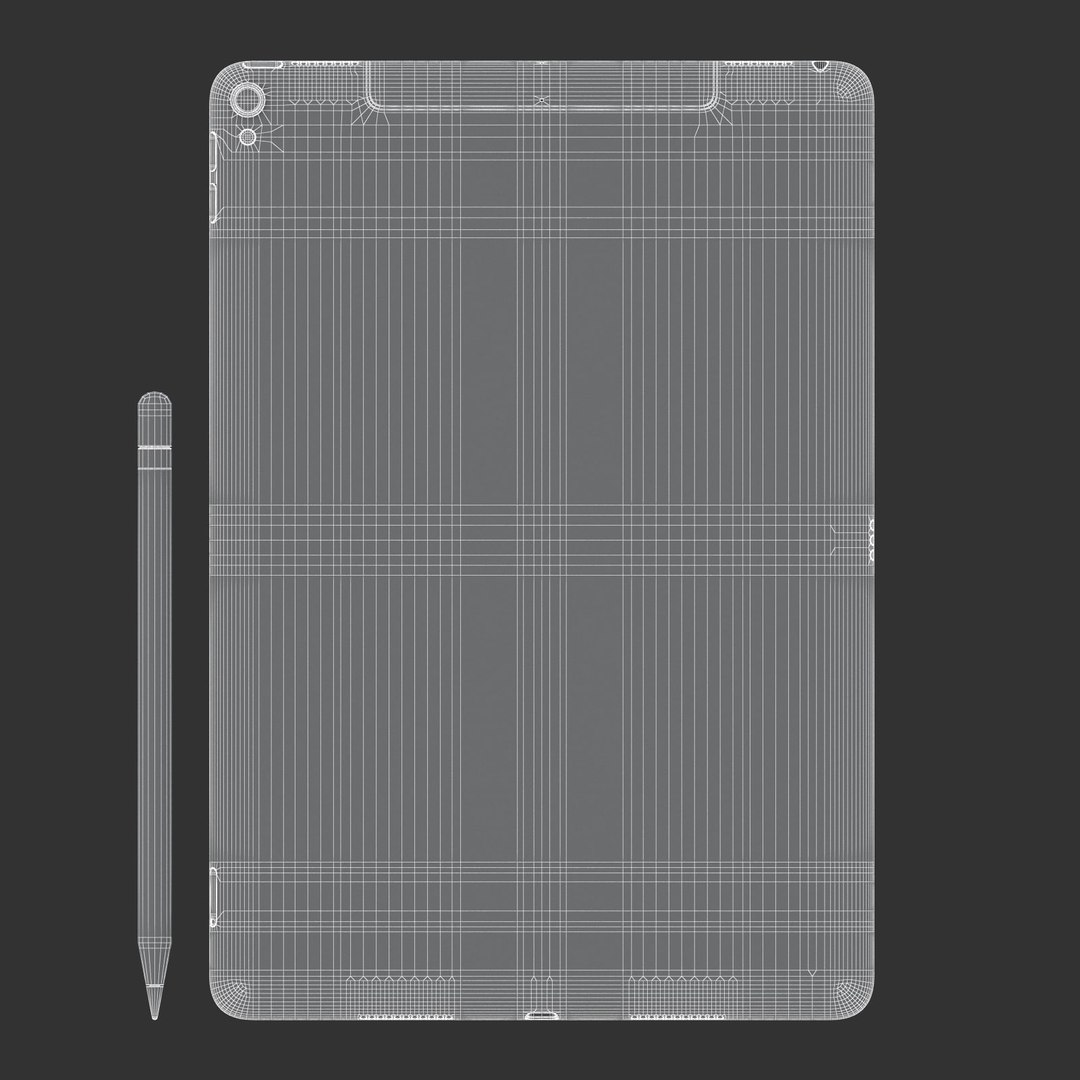
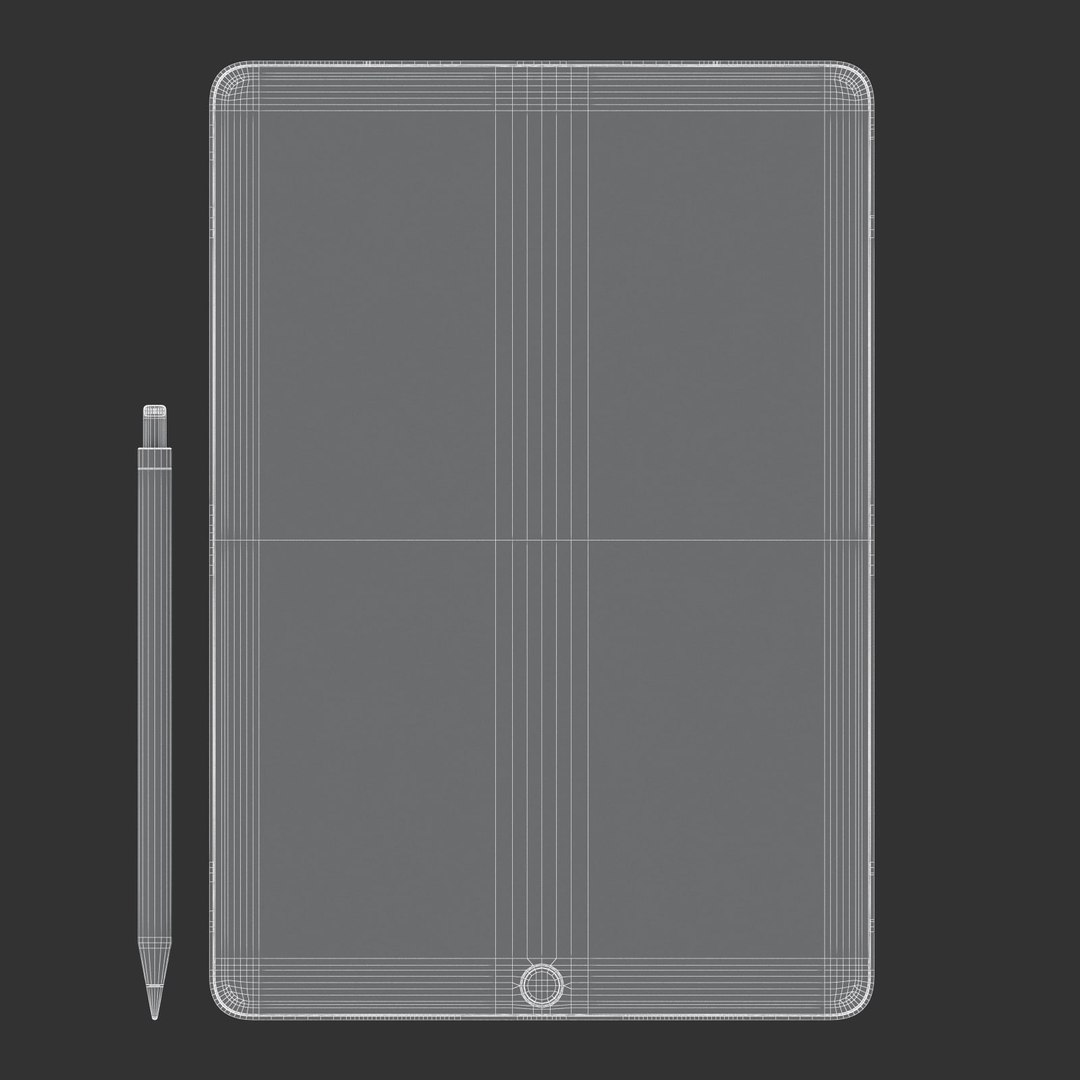
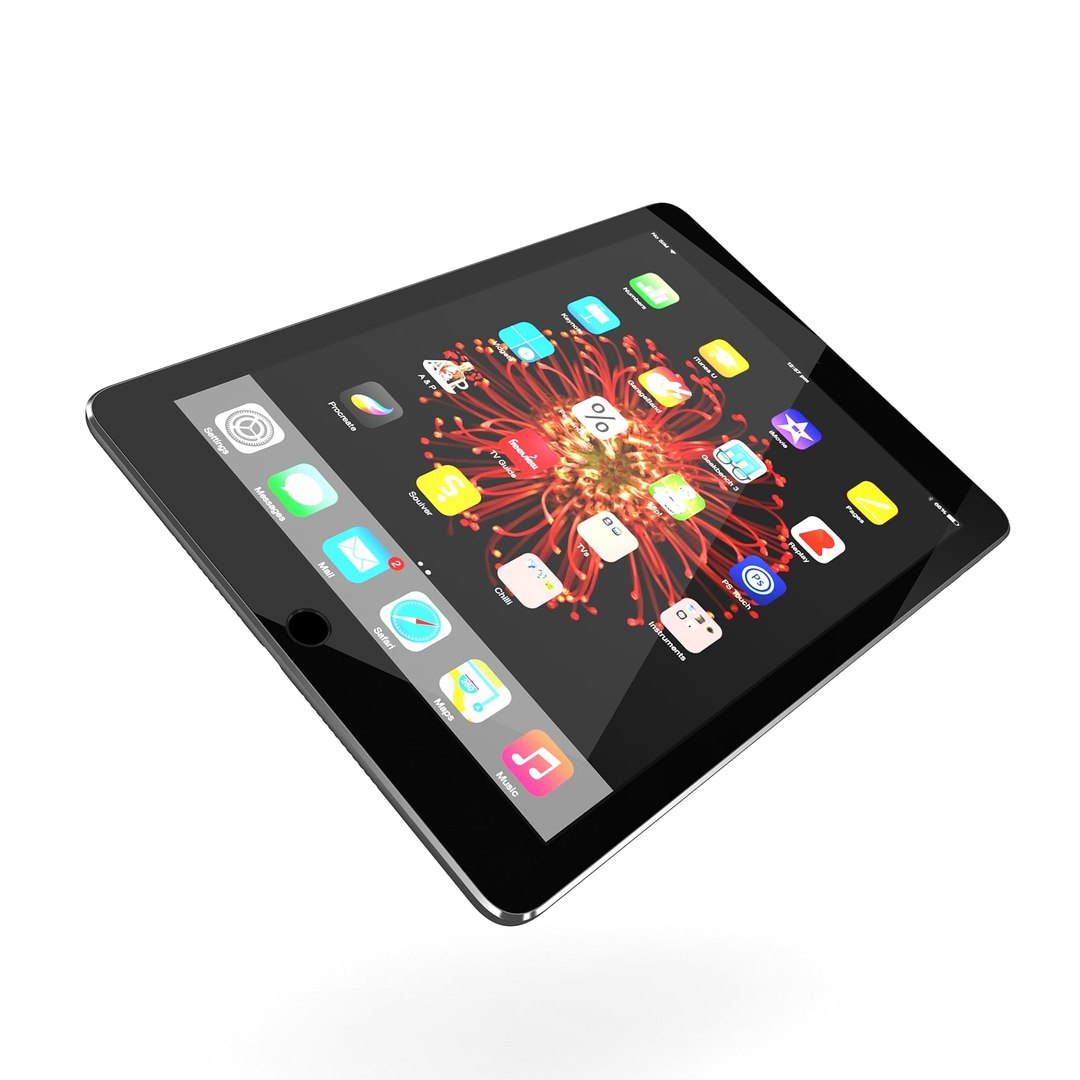
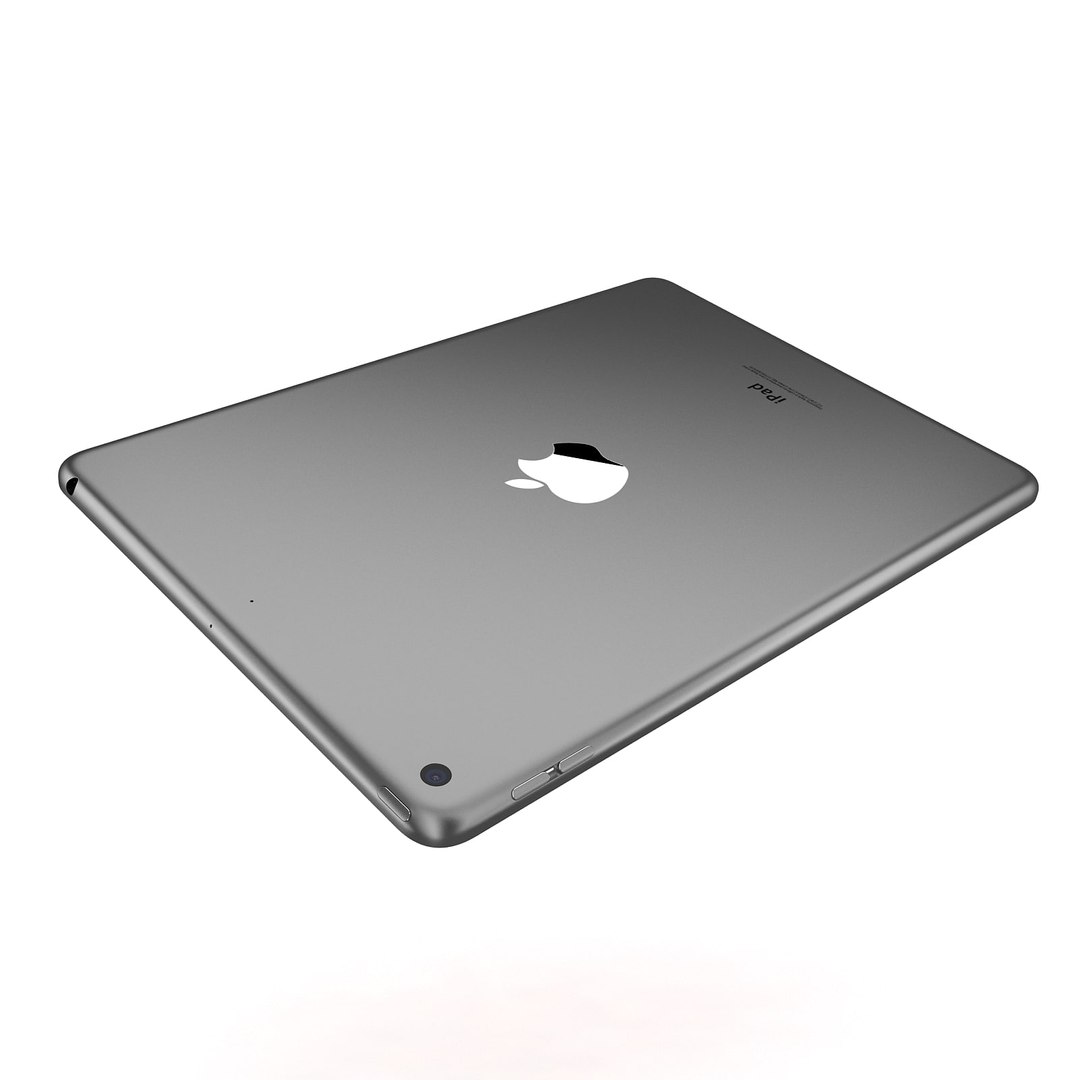
1.iPad Pro 10.5 + Pencil
2.iPad 9.7 2017 Wifi
3.iPad 9.7 2017 Cellular
4.iPad Pro 10.5 Full
This pack:
Element 3D V2.2 ( All colors )
models preset easy to use
- 1 file OBJ High poly
- 1 file OBJ standard
- 1 file C4D R12 standard render
- 1 file 3ds max 2012 standard material
- E3D file full materials set up like previews

How to use it?

1. Open After Effects CC 2014 ( or higher) and create new composition ( You need Element3D V2.2 to use )
2. Create new Solid layer and add Element effect. ( Effect/Video Copilot/ Element )

3. Click Scene Setup
4. Click on IMPORT inside Element3D scene setup
5. Choose my .e3d preset for the model and press Open.

If you dont see the model do not forget to right click on the model name and press Replace model then select the .obj model file in the respective models folder.

Erweiterte Lizenz auswählen

  • $10,000 im Rechtsschutz (Haftungsfreistellung)
  • Unbegrenzter Rechtsschutz (Entschädigung)
  • Verzicht auf Unterlassungsansprüche
  • Zuweisbare Modellrechte
  • $1,000,000 im Rechtsschutz (Haftungsfreistellung)
  • Verzicht auf Unterlassungsansprüche
  • Zuweisbare Modellrechte
  • $250,000 im Rechtsschutz (Haftungsfreistellung)
  • Zuweisbare Modellrechte
Lesen Sie mehr über erweiterte Lizenzstufen oder kontaktieren Sie uns unter enterprise@turbosquid.com. Sind Sie bereits Shutterstock Enterprise-Kunde? Kontaktieren Sie Ihren Shutterstock-Vertriebsmitarbeiter, um die 3D-Erweiterung zu besprechen.

About Conversion Requests

To submit a conversion request for a purchased asset, please complete our Conversion Request Form.

If you have not yet purchased a model, please review our Documentation about Conversions to learn about what limitations you may encounter with a conversion.

For any additional questions about a model’s suitability for conversion, please contact TurboSquid Support.

Laden...