
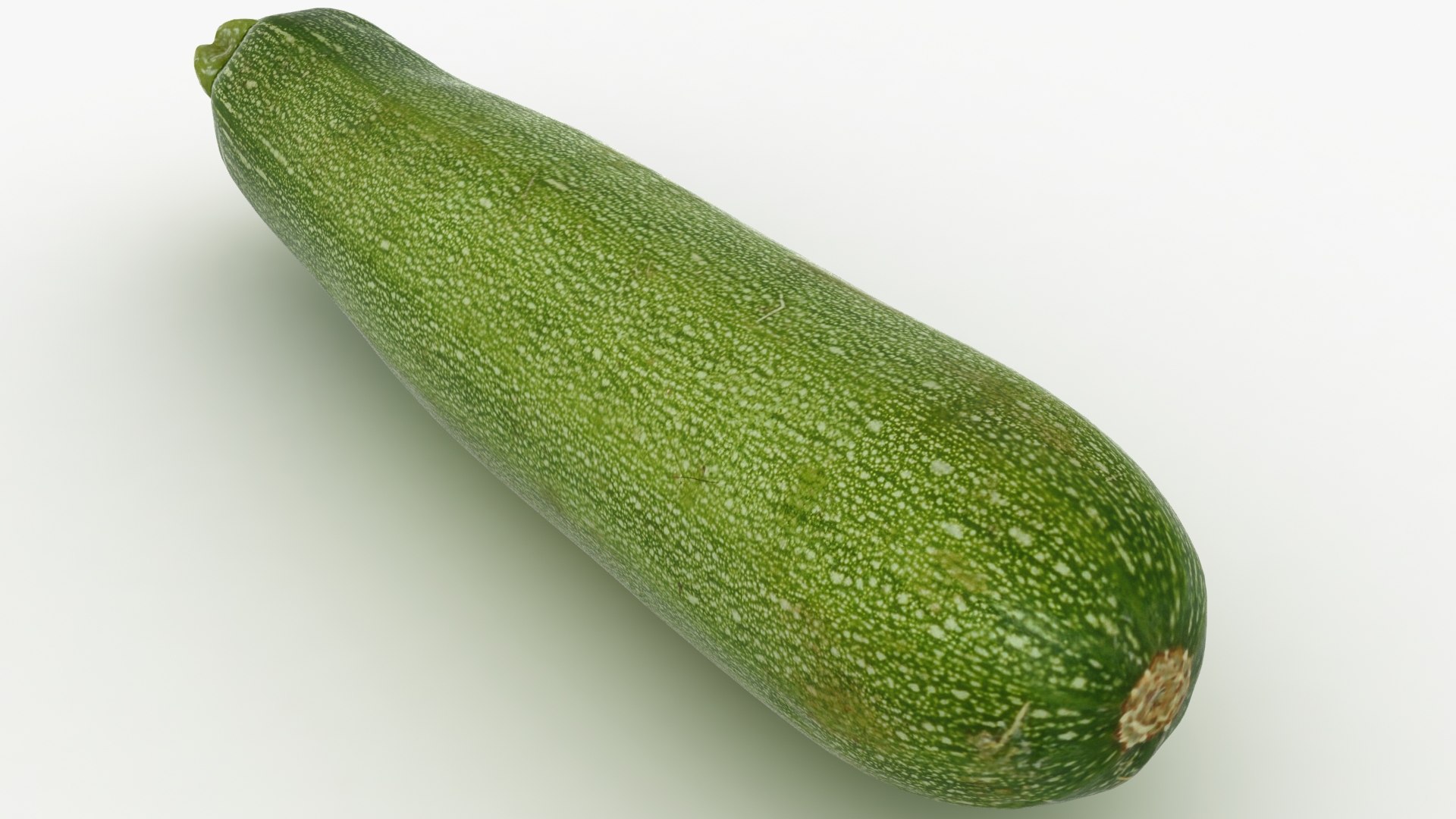
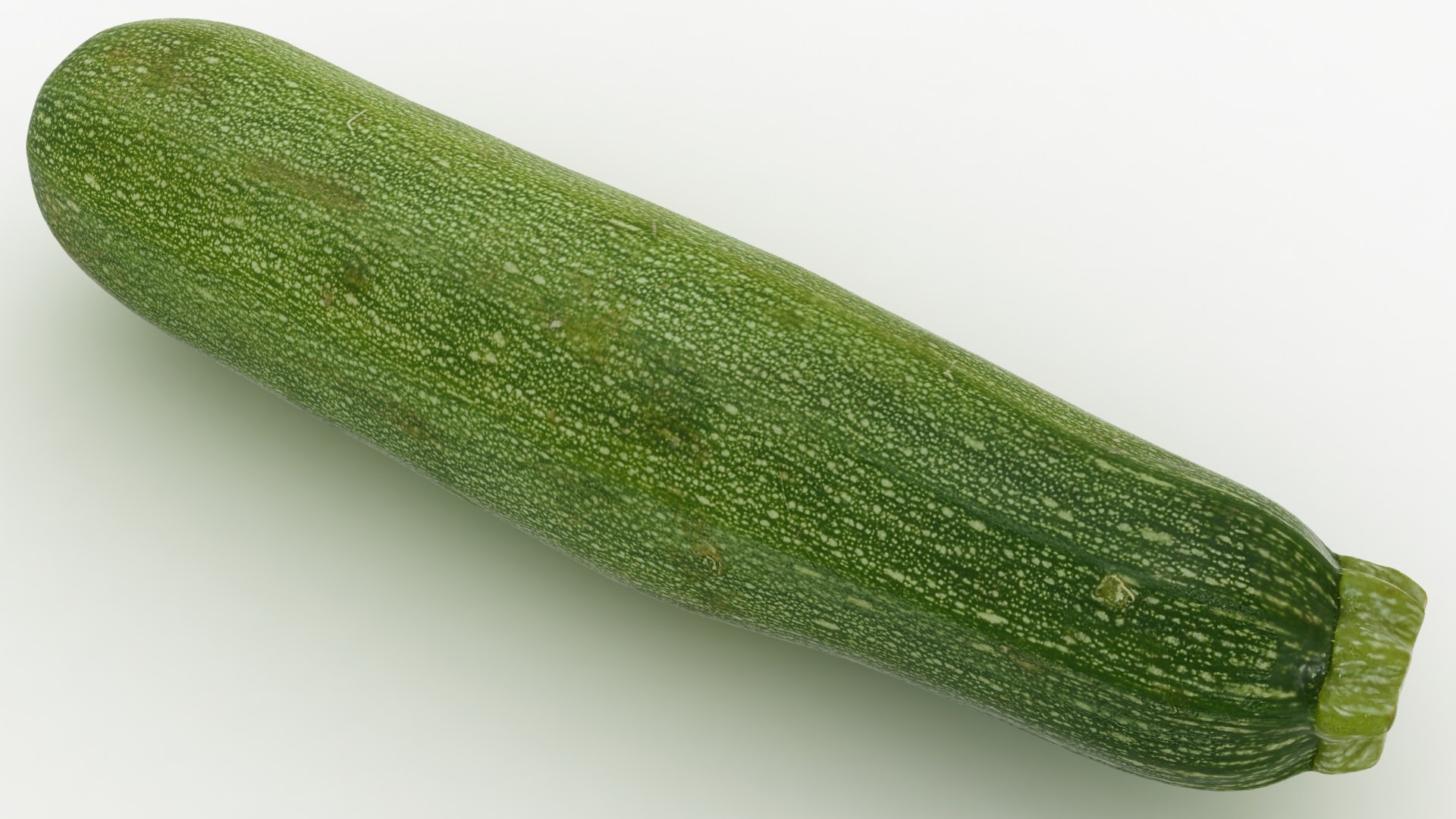
Zucchini Set 02

$59

Standard License | Upgrade License
Formats (30)
Native | 3ds Max 2015 | V-Ray 3.6
3ds Max 2015 | Default Scanline
3ds Max 2015 | V-Ray 3.6
Cinema 4D R18 | Advanced Render
Cinema 4D R18 | Arnold 5.3.1.1
3ds Max 2018 | Arnold 5.3.1.1
3ds Max 2015 | mental ray
3ds Max 2015 | V-Ray 3.2
Maya 2017 | Arnold 5.3.1.1
OBJ
3D Studio
FBX
Specifications
Publish Date February 10, 2021
Product ID 1690243
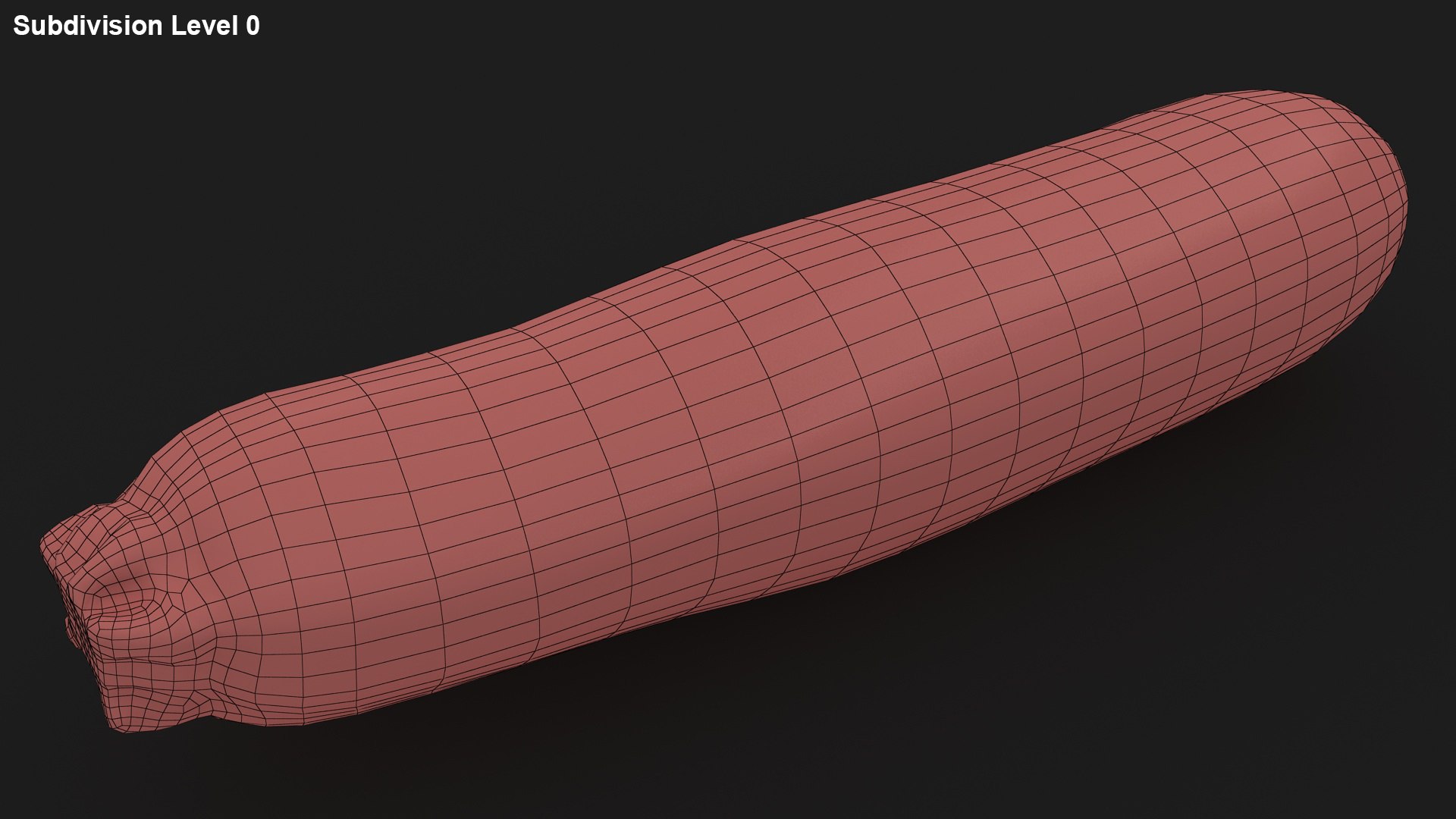
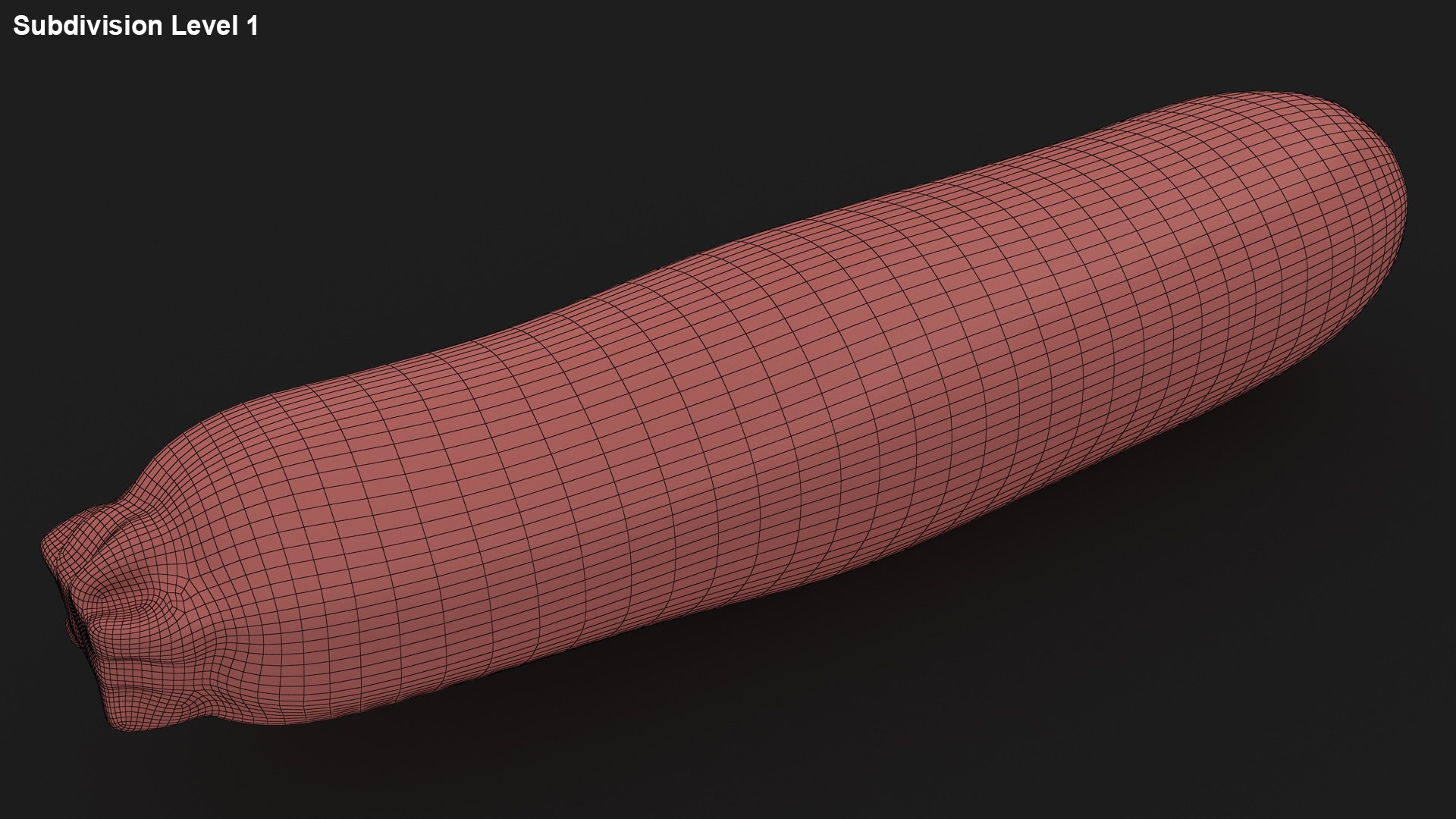
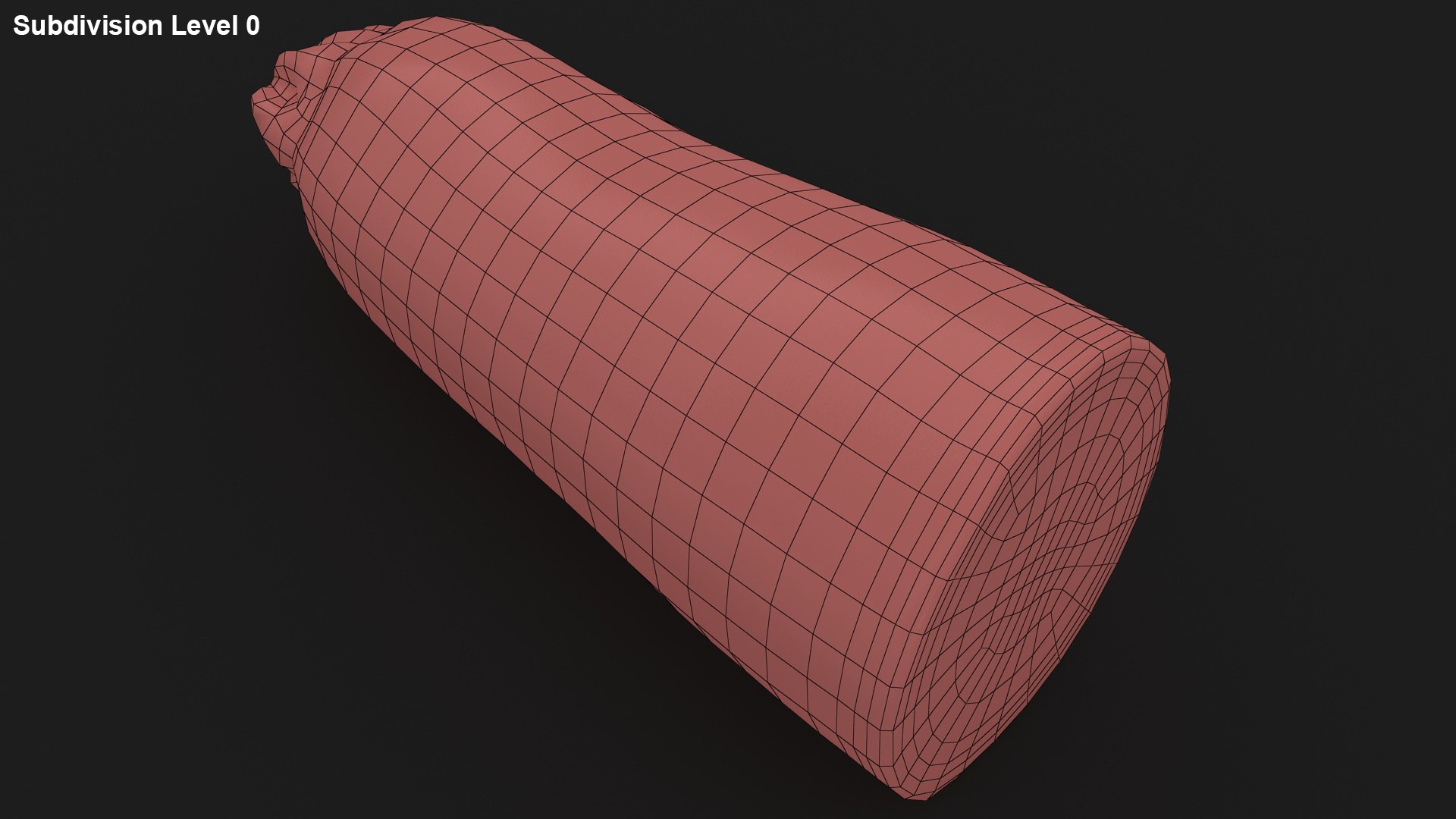
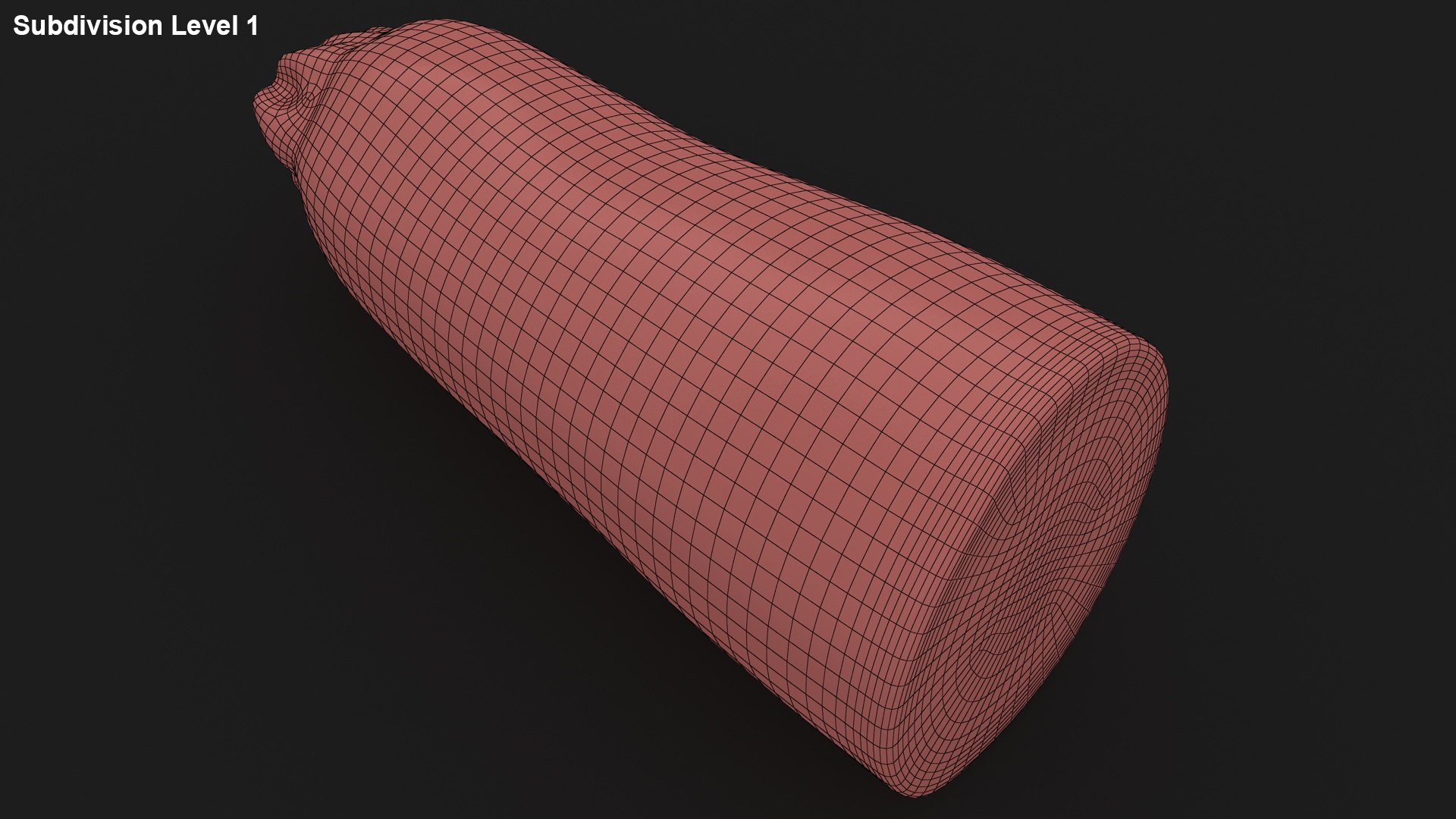
Polygons 1,583
Vertices 1,590
Polygonal Quads Only
Textures
Materials
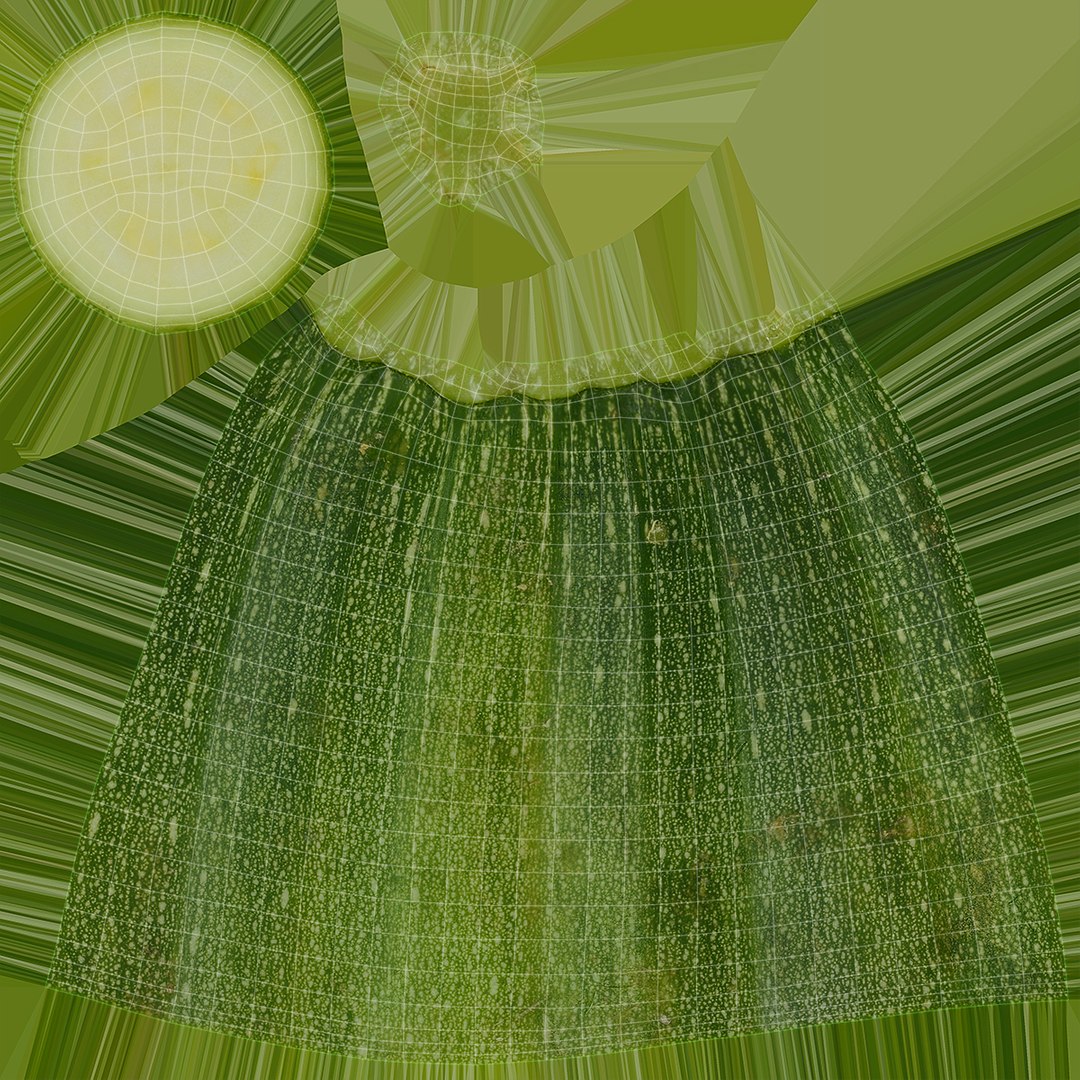
UV Mapped
Non-overlapping Unwrapped UVs
PBR
StemCell Certified

member avatar
3dror
7314 Products | Contributor Since 2012
Have questions? Chat with us now.

Description

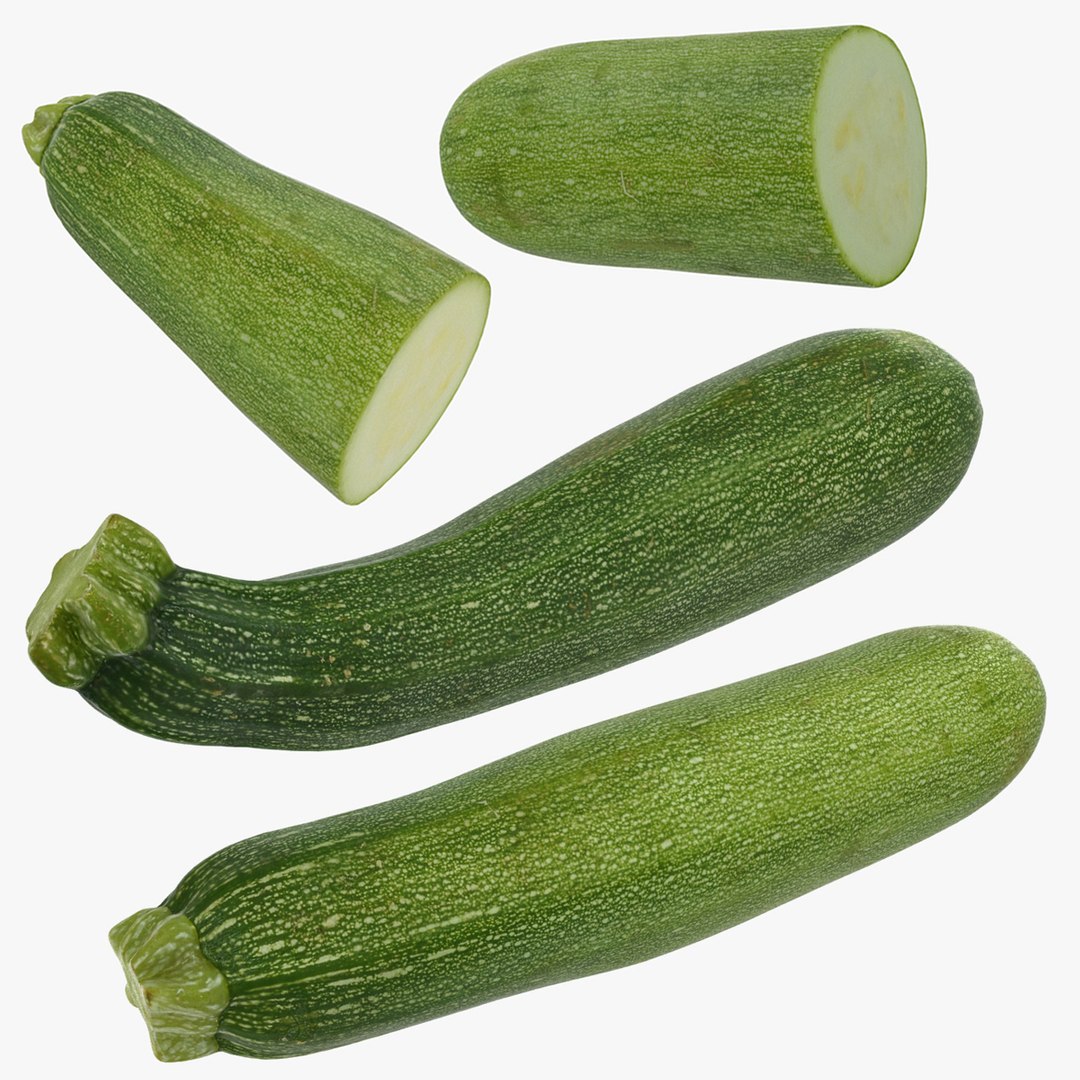
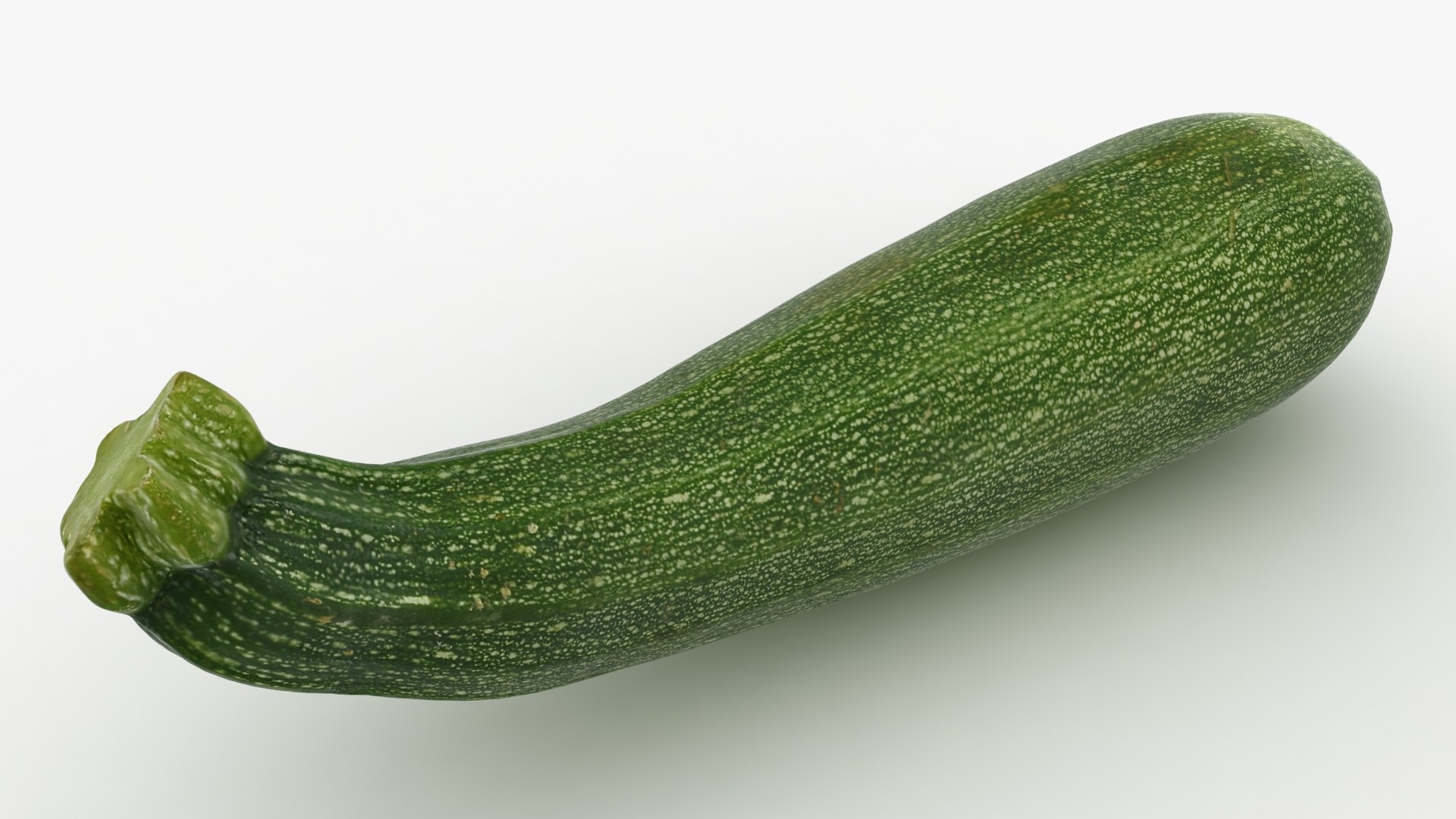
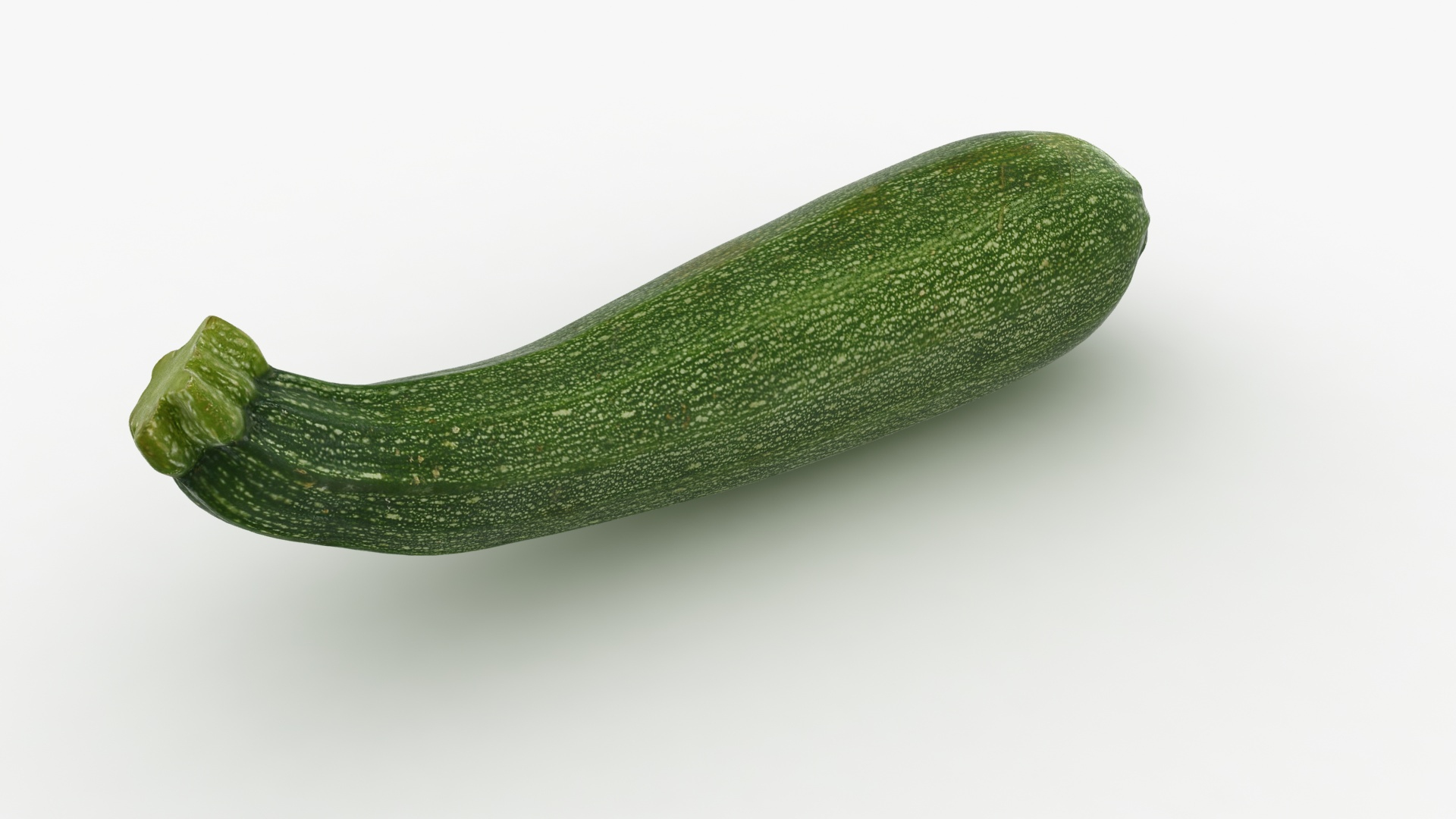
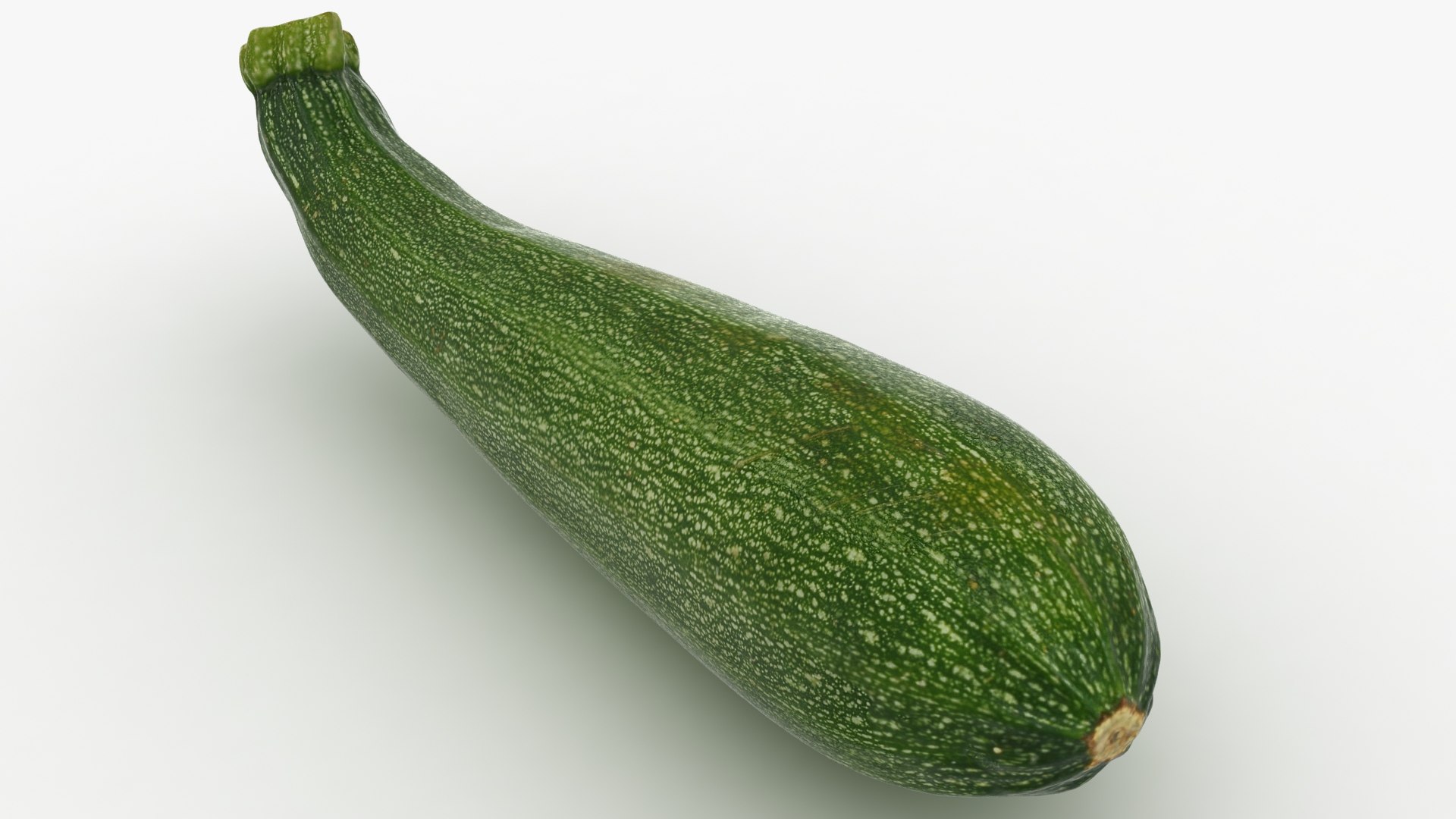
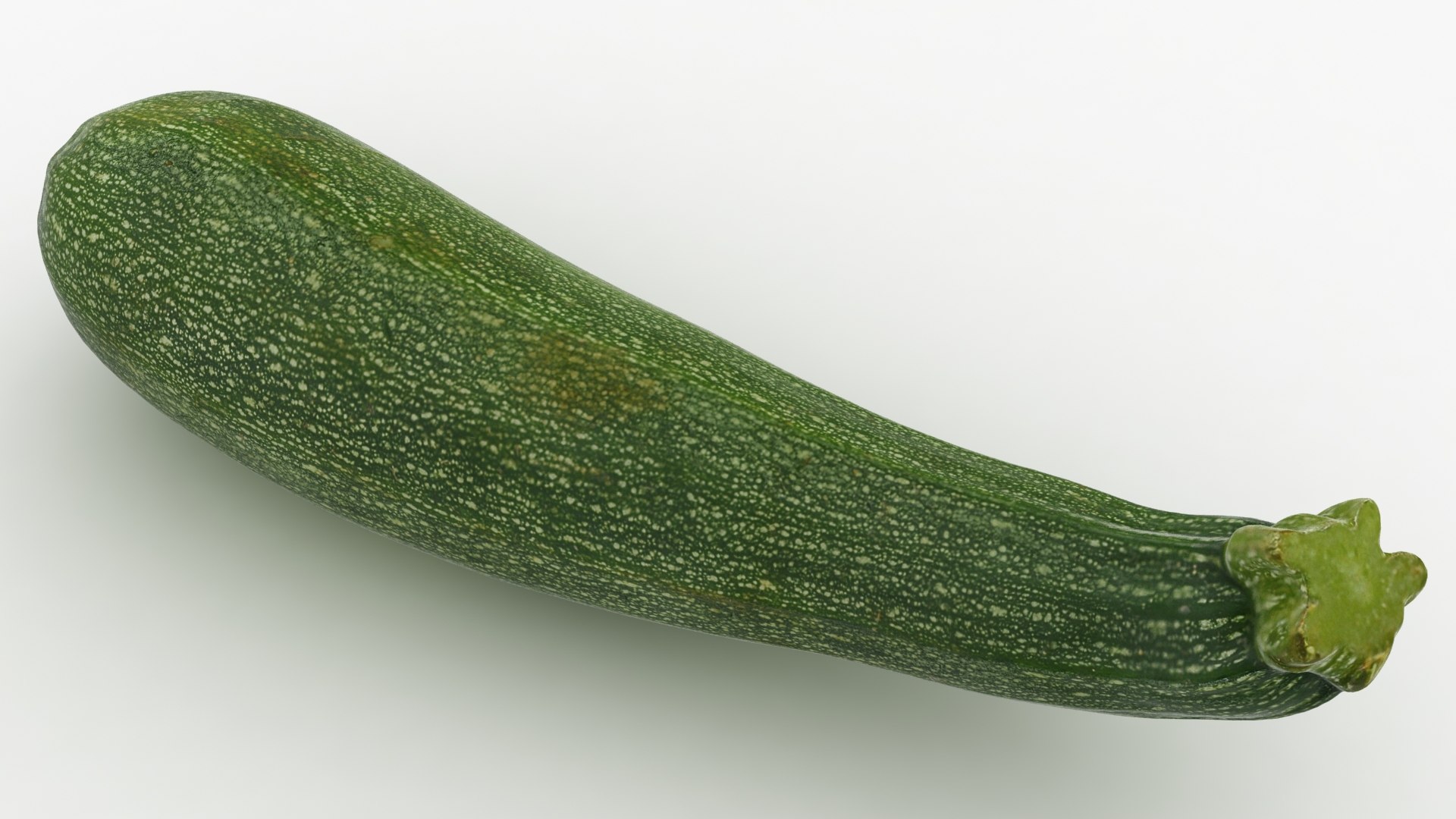
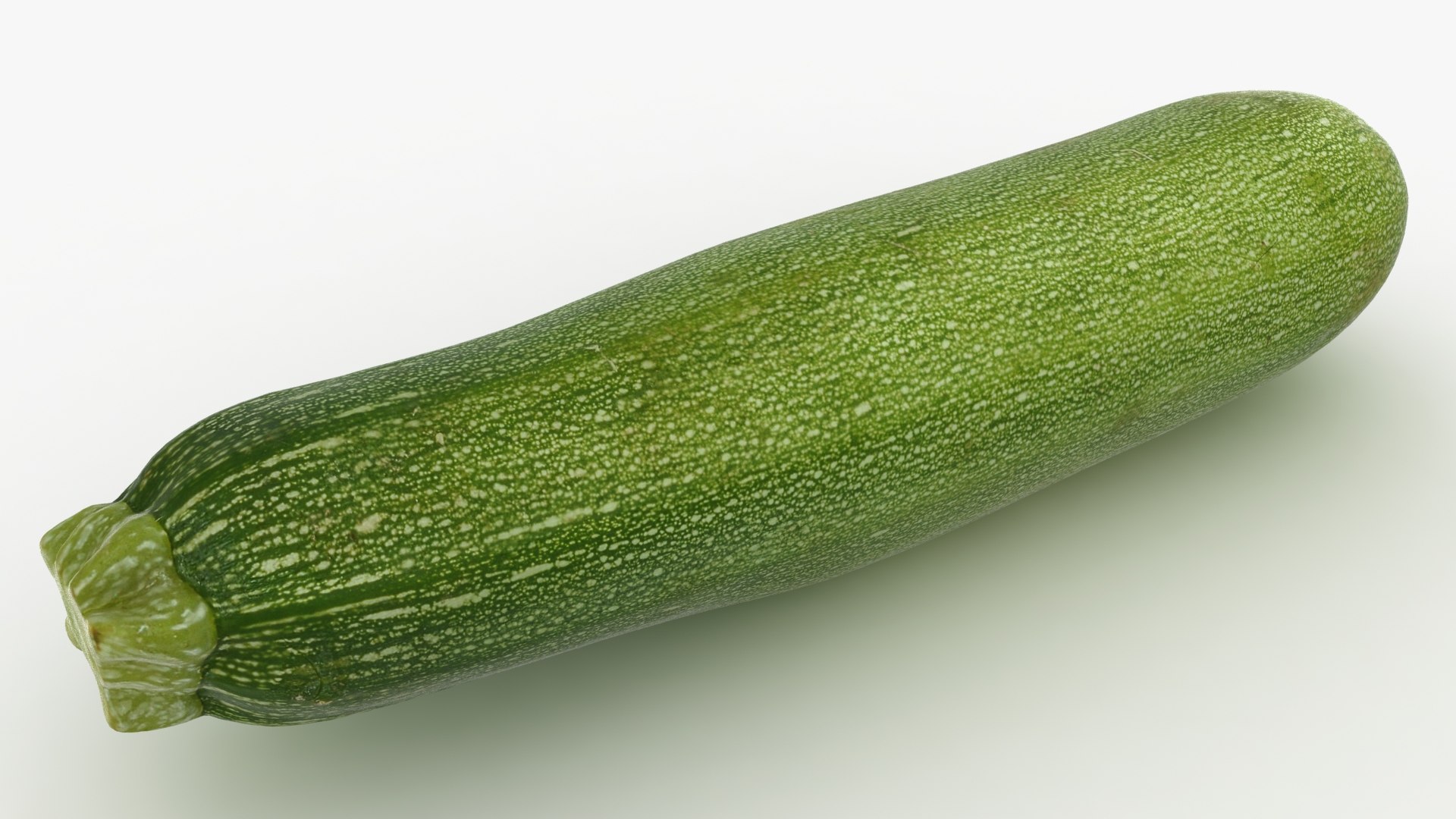
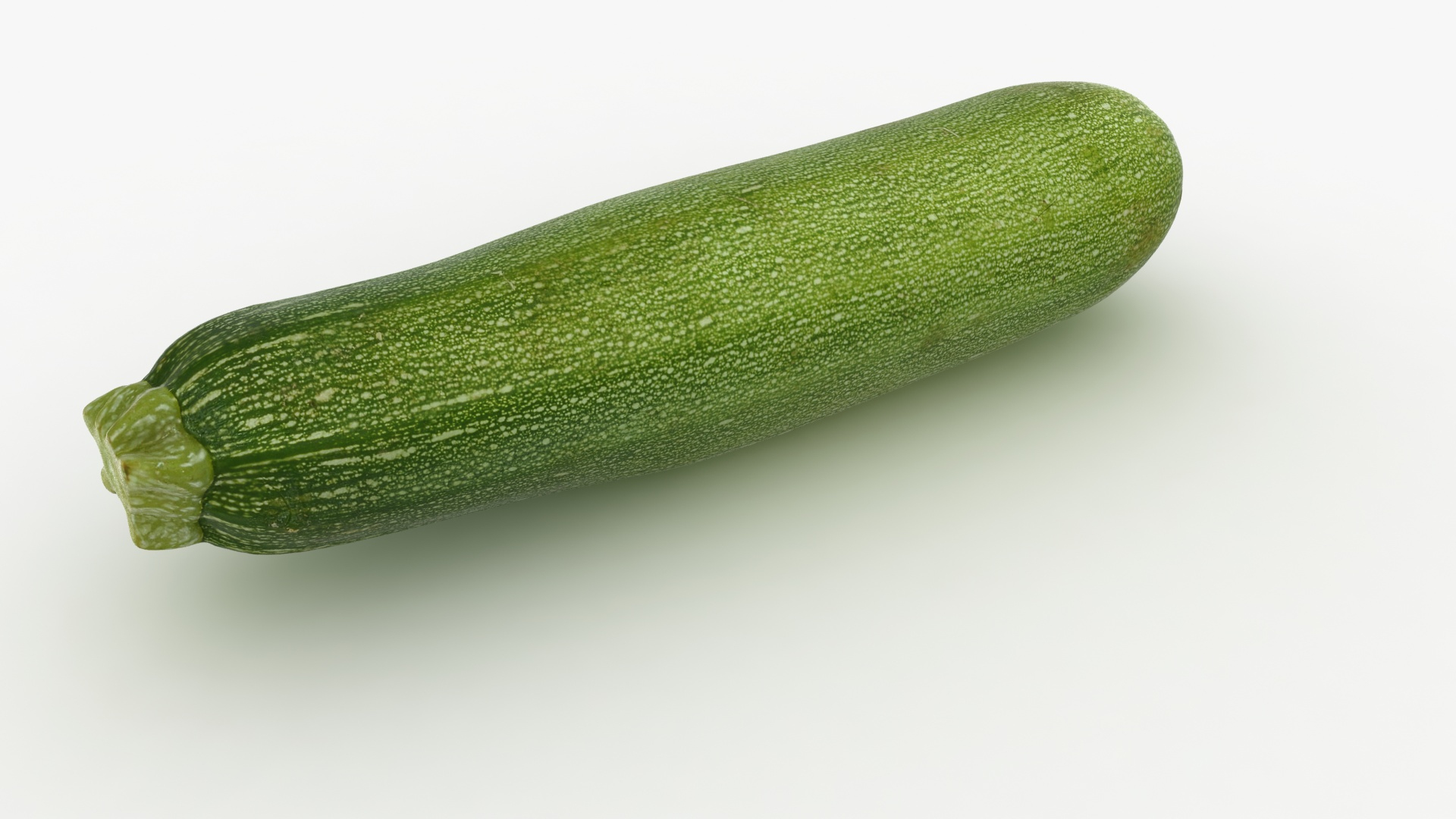
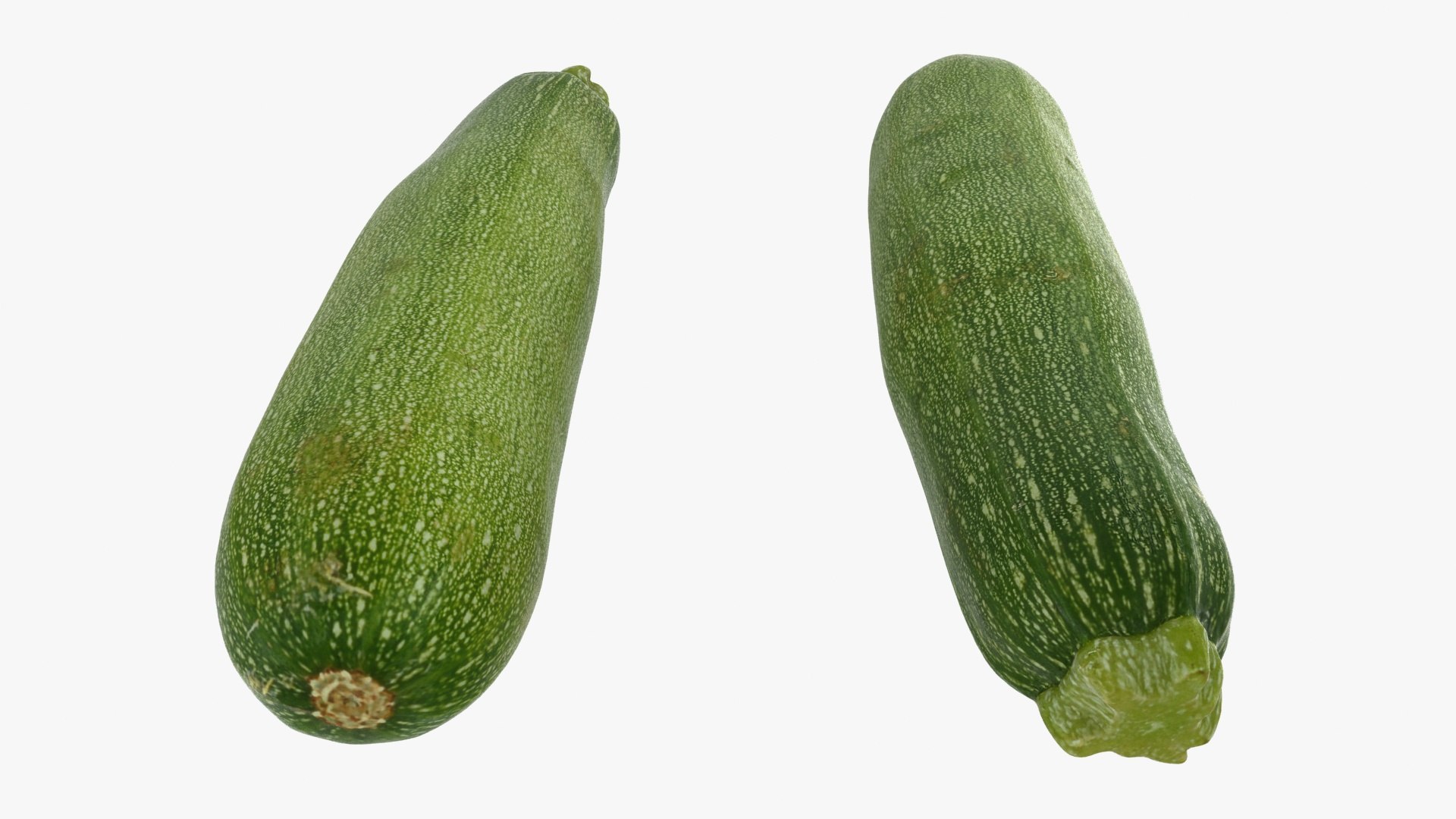
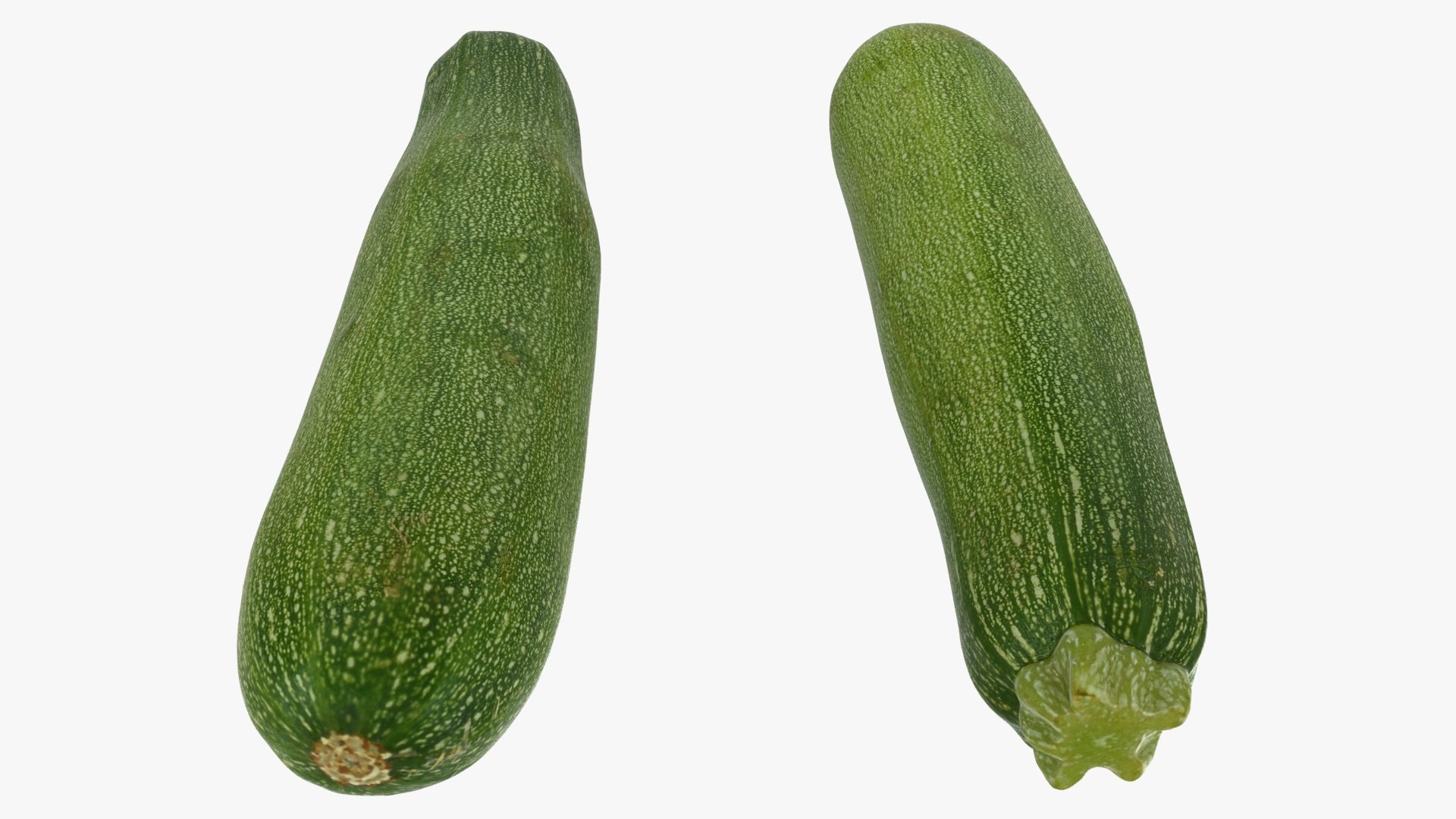
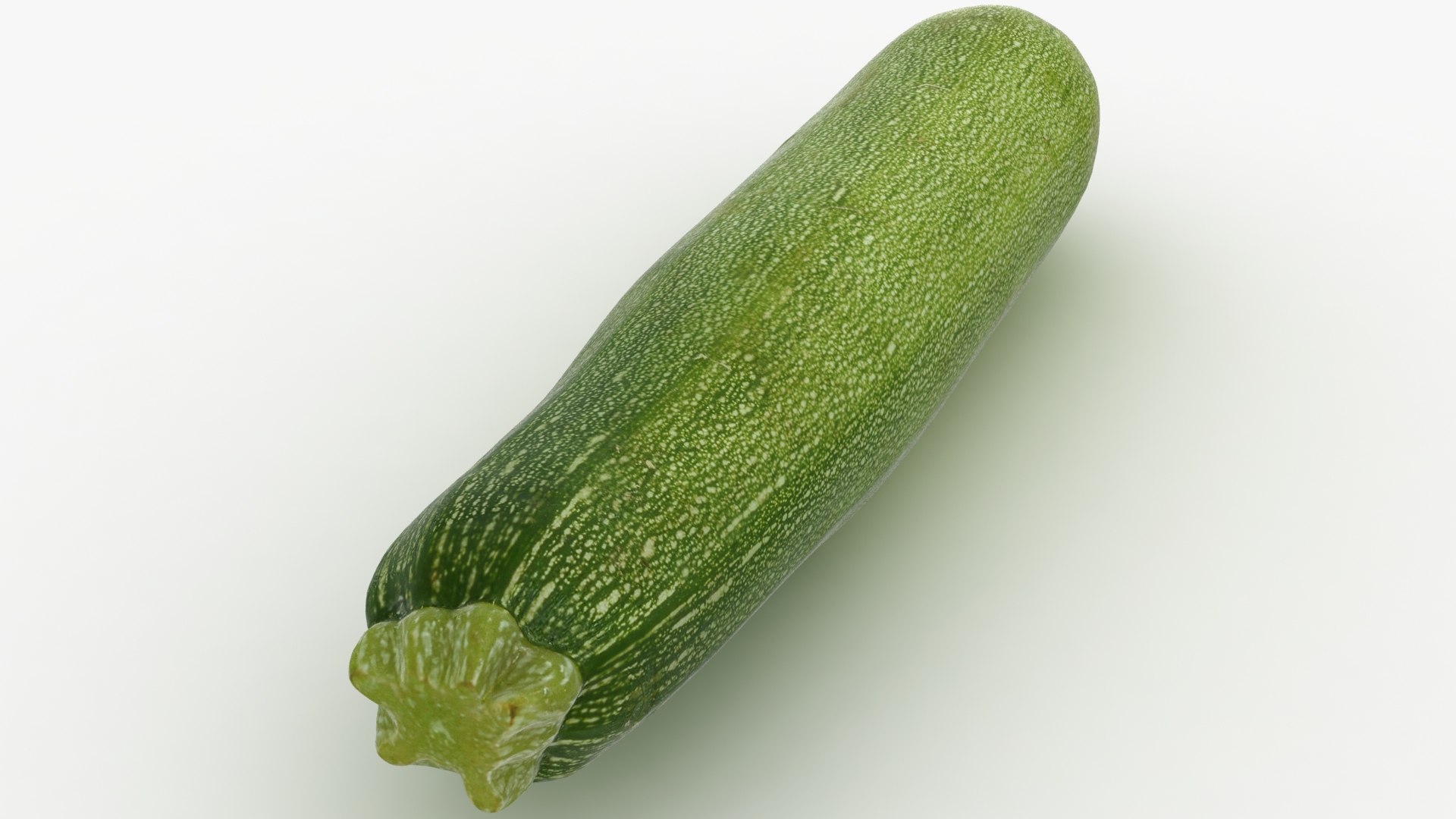
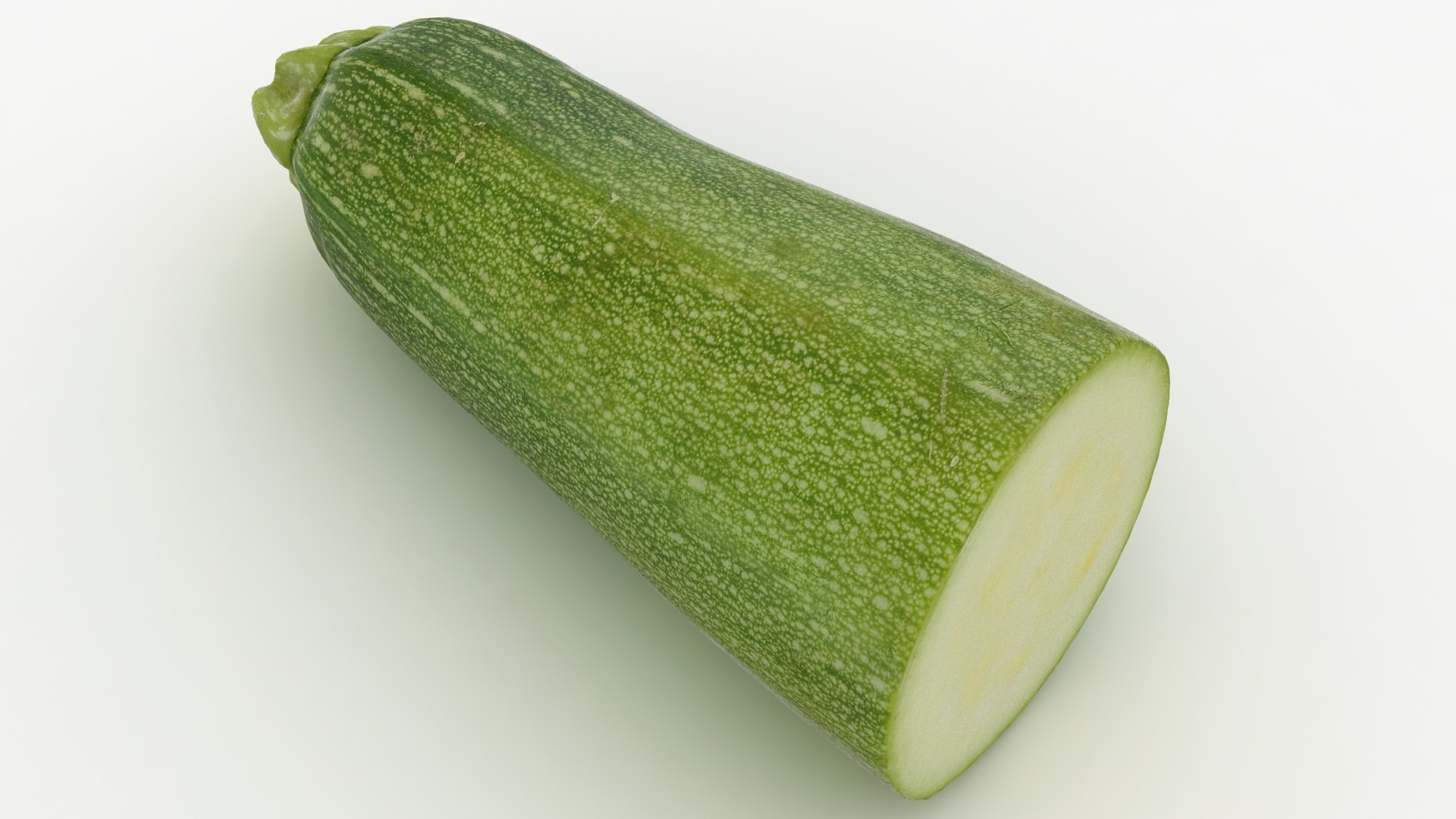
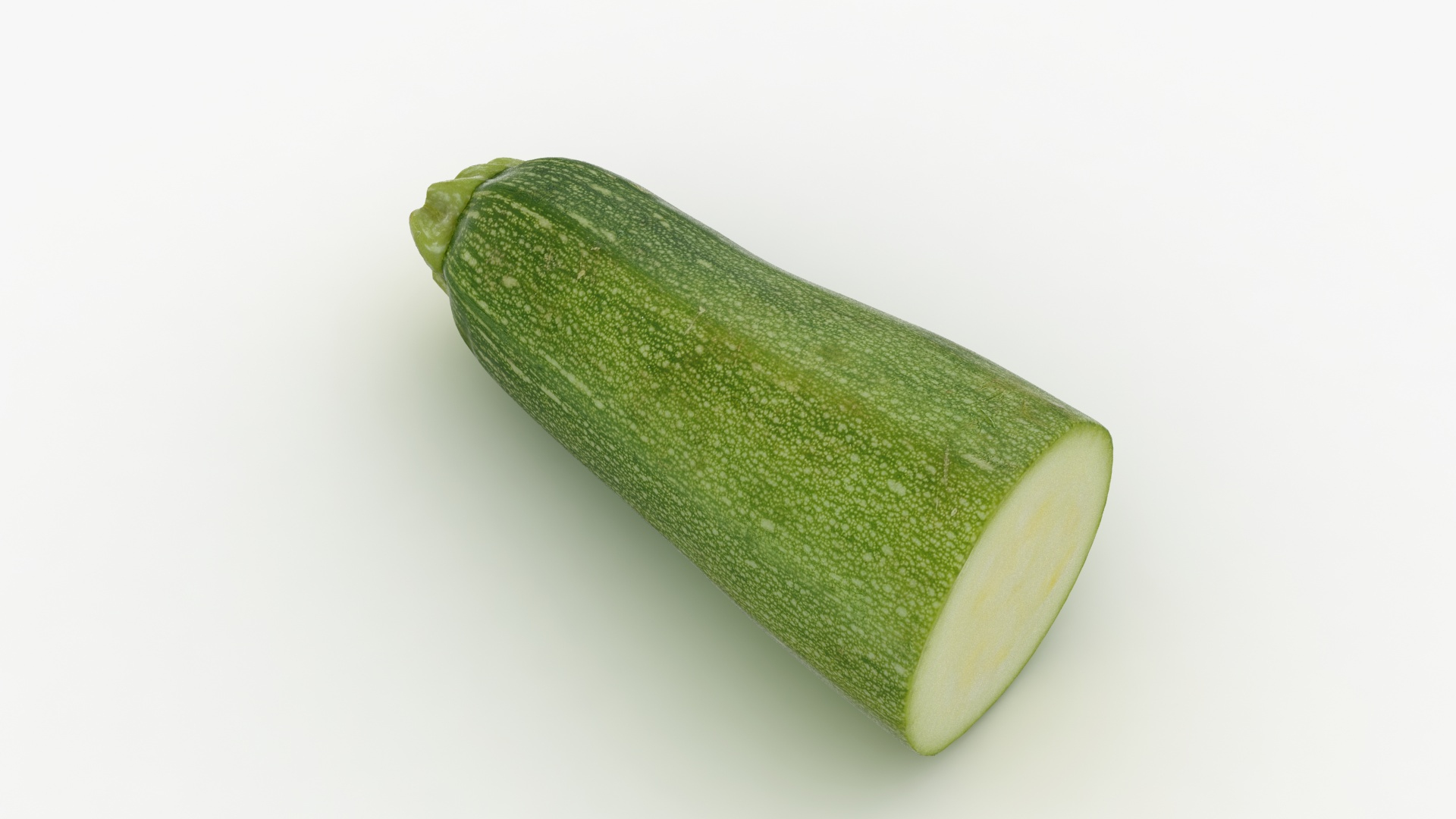
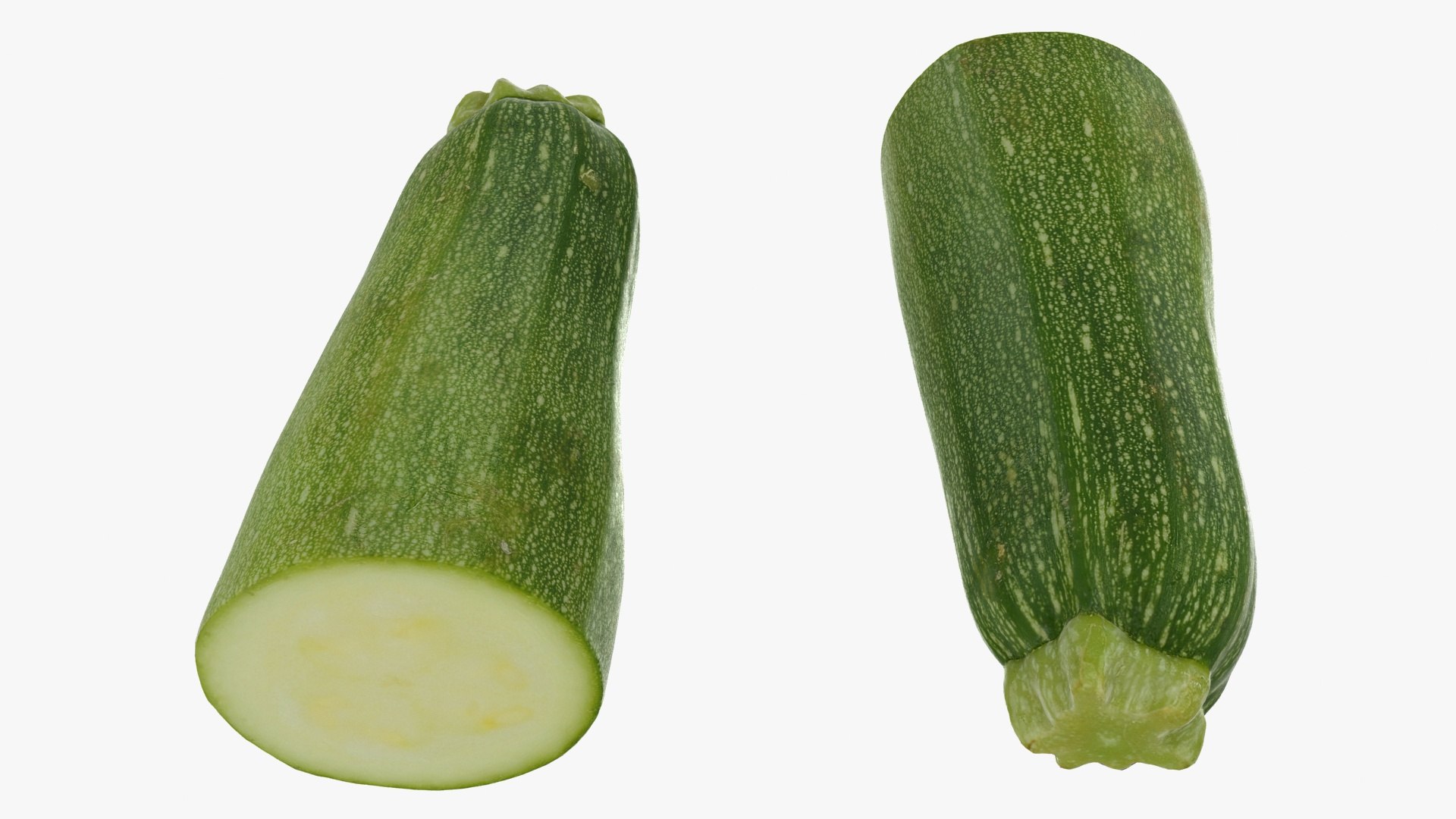
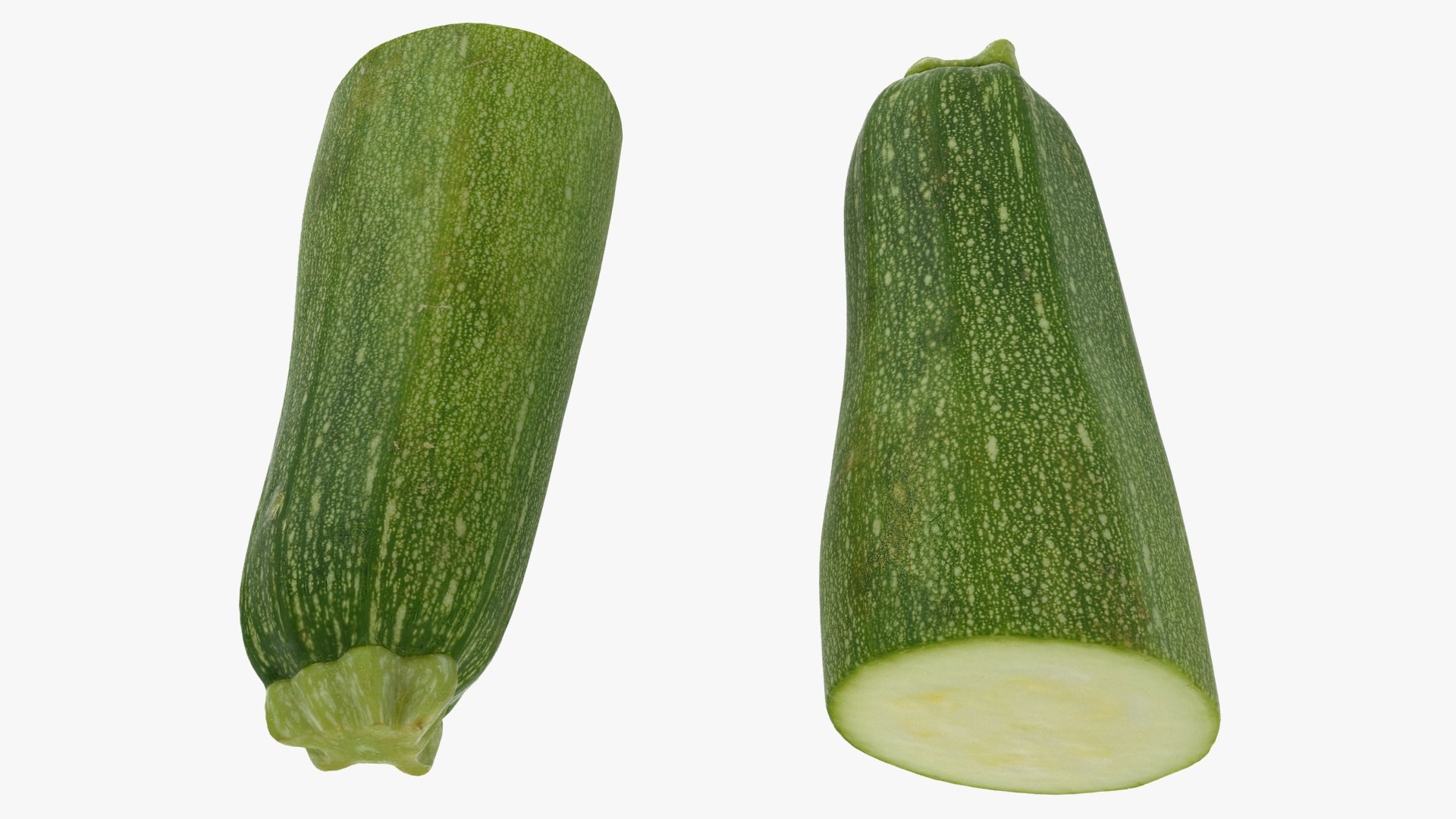
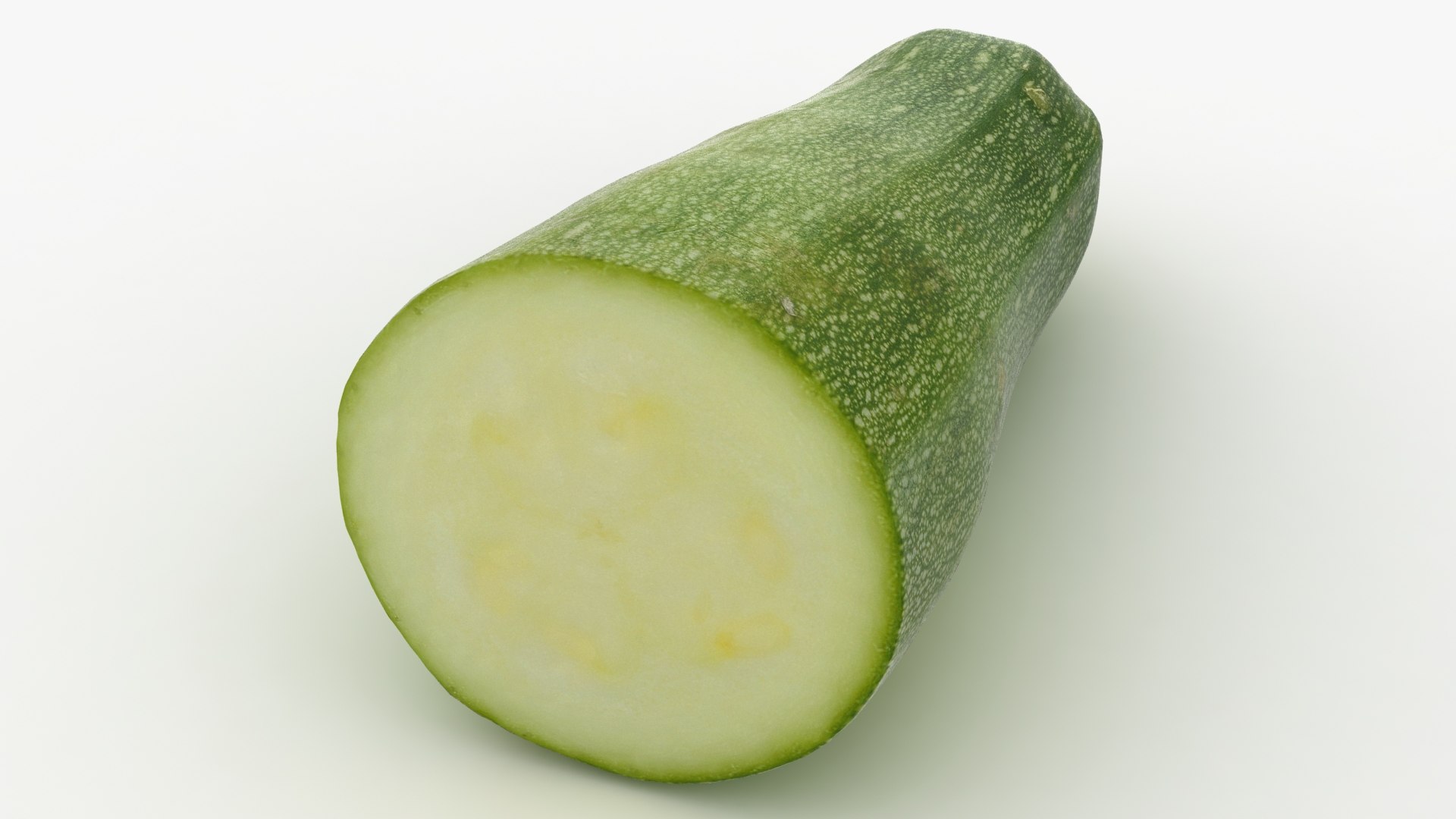
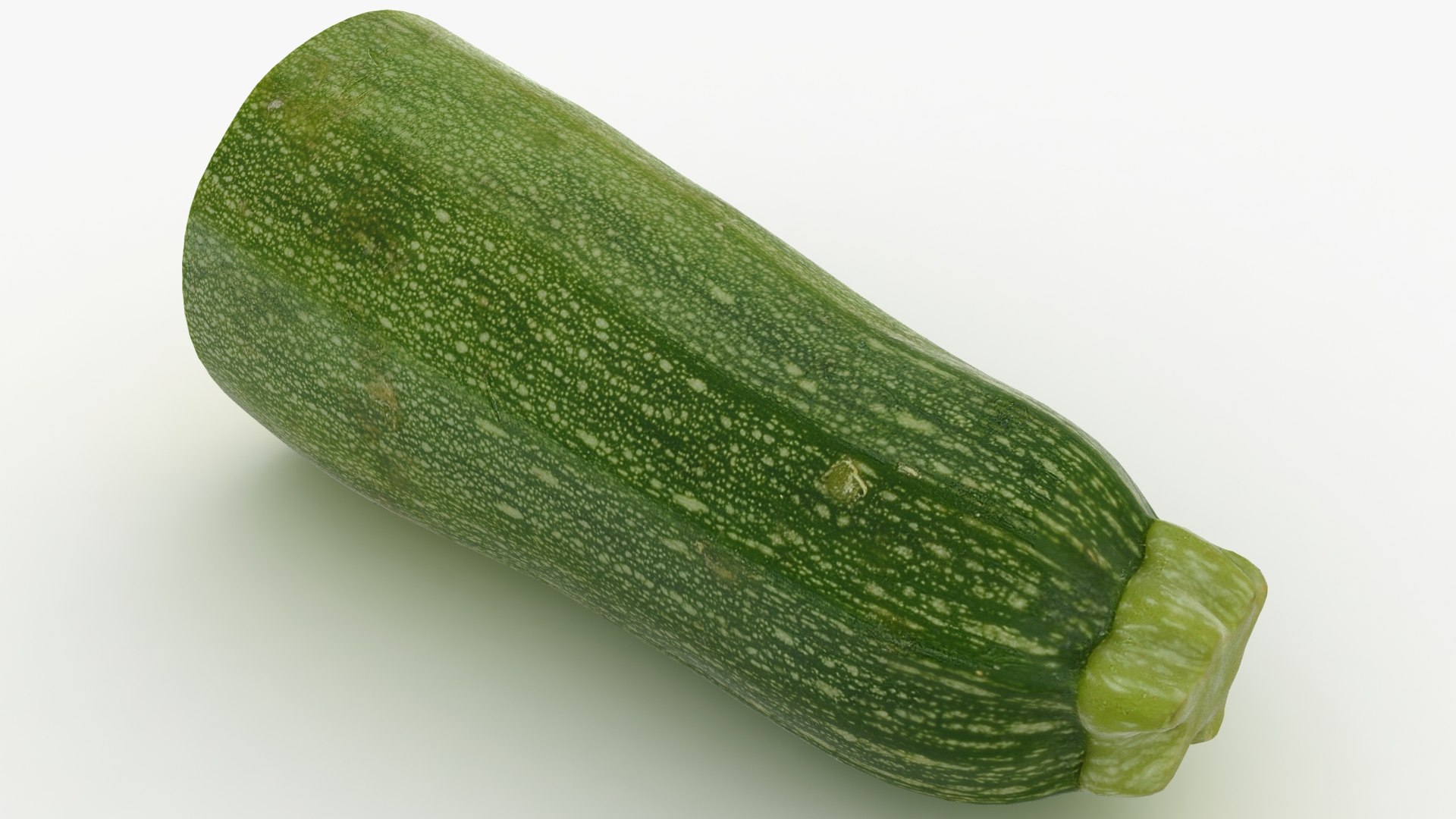
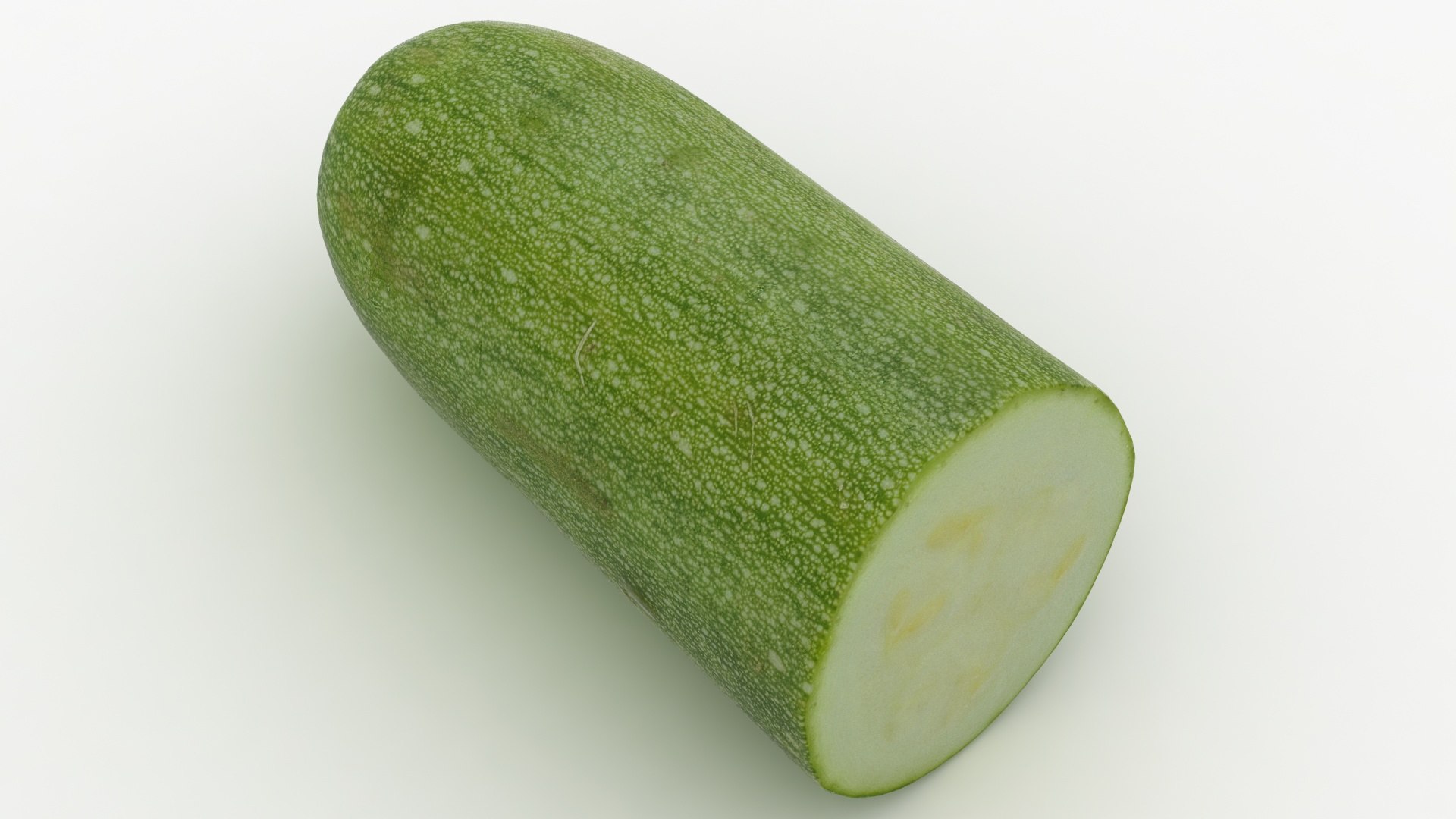
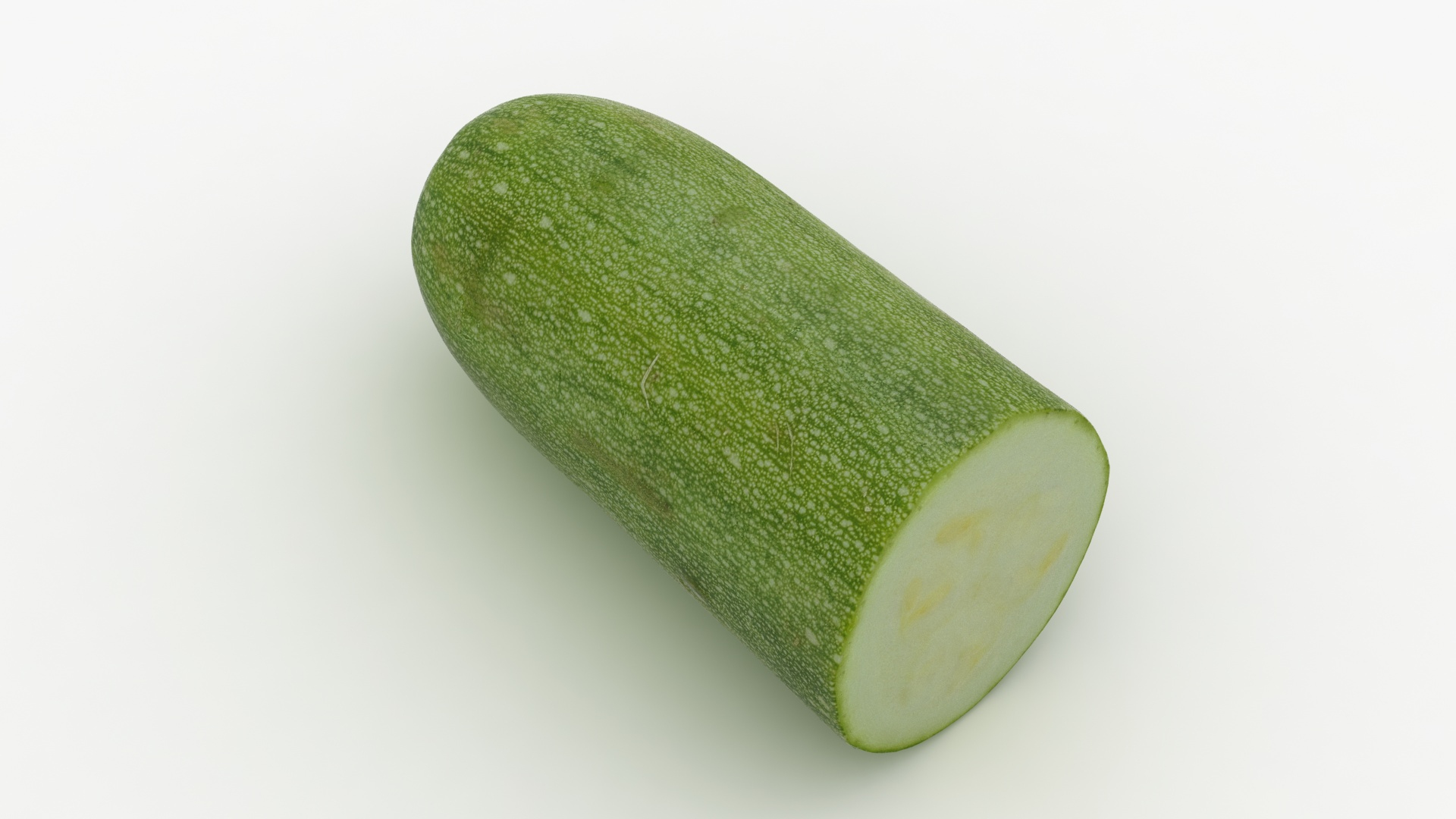
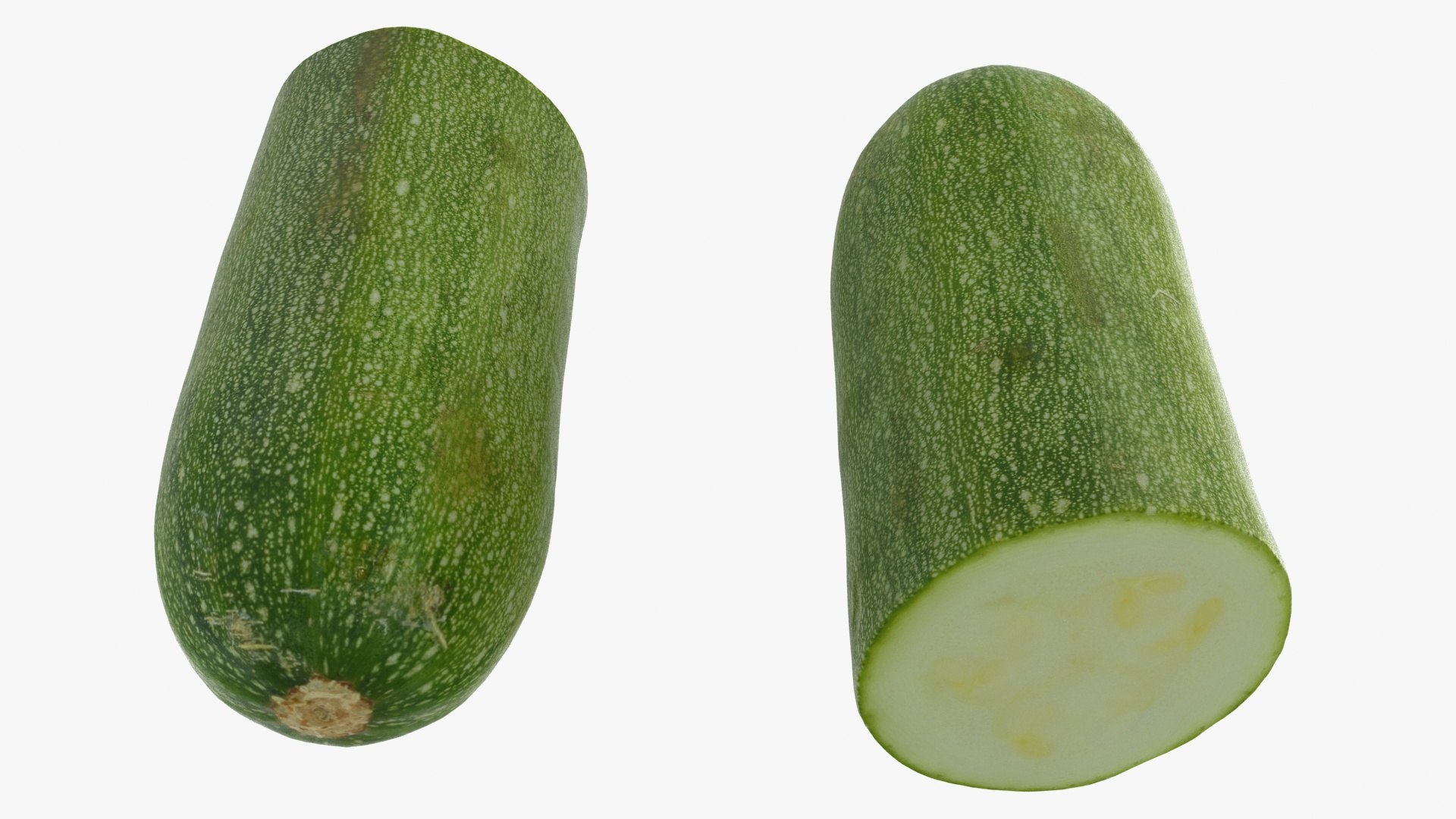
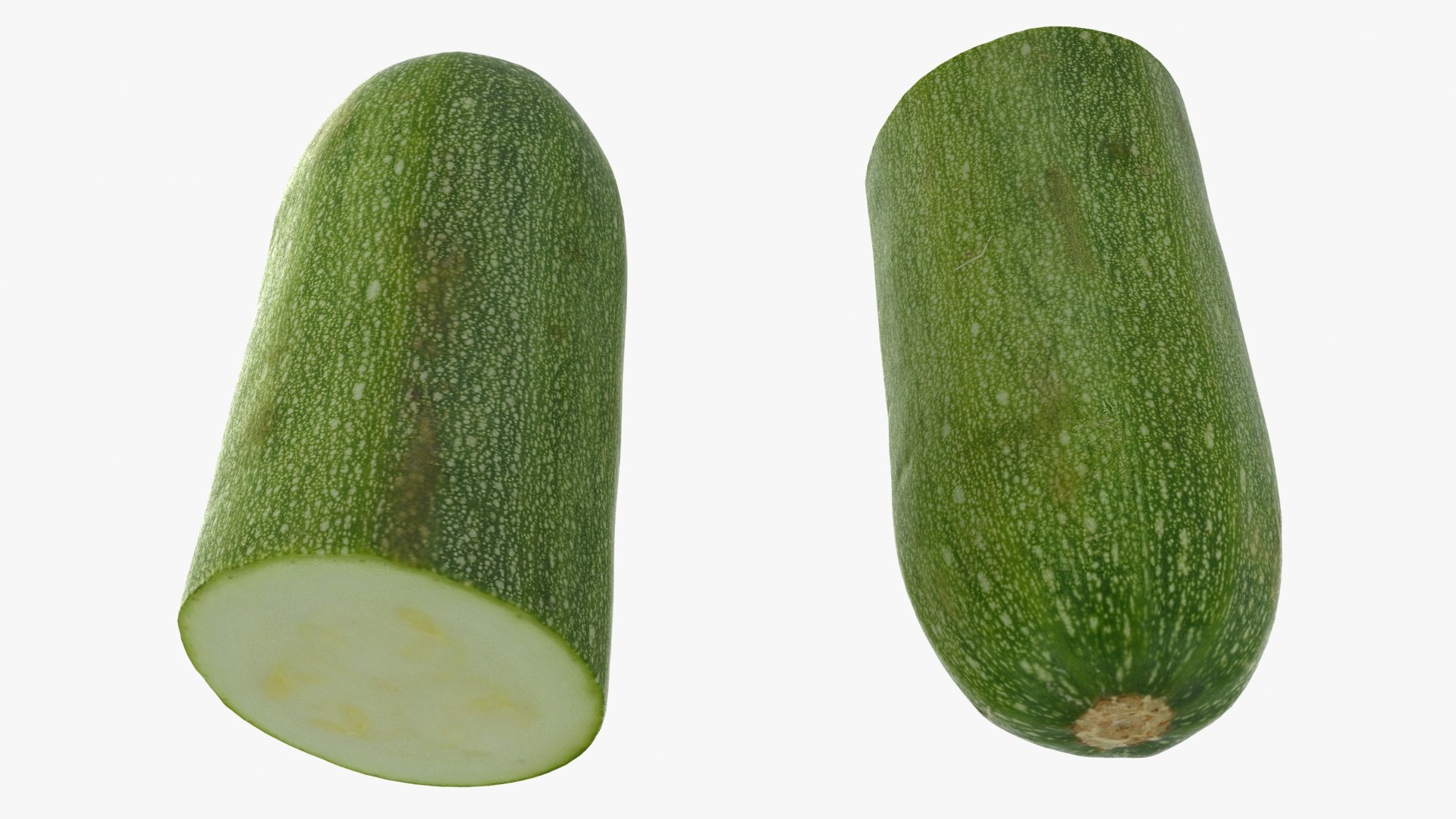
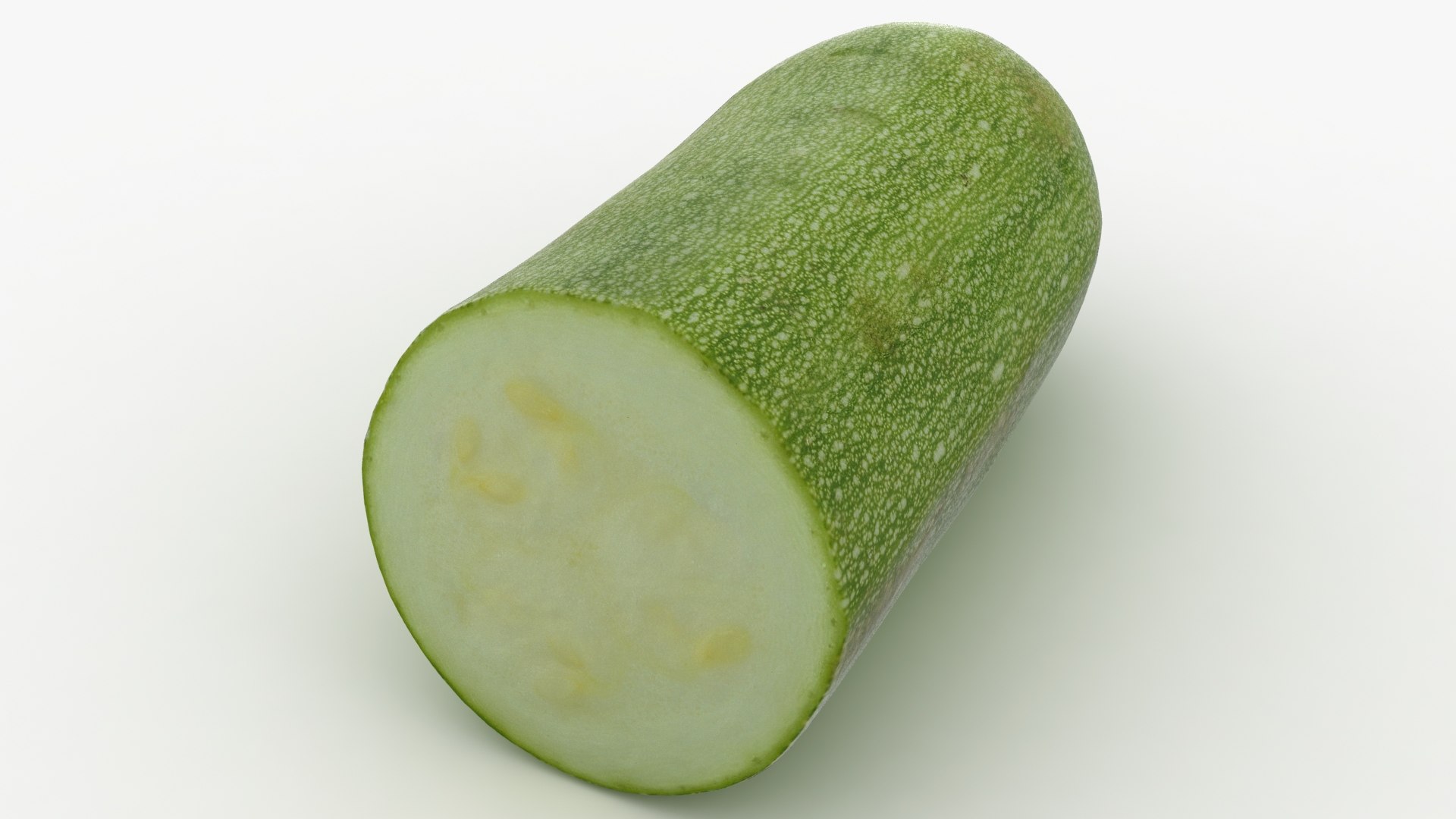
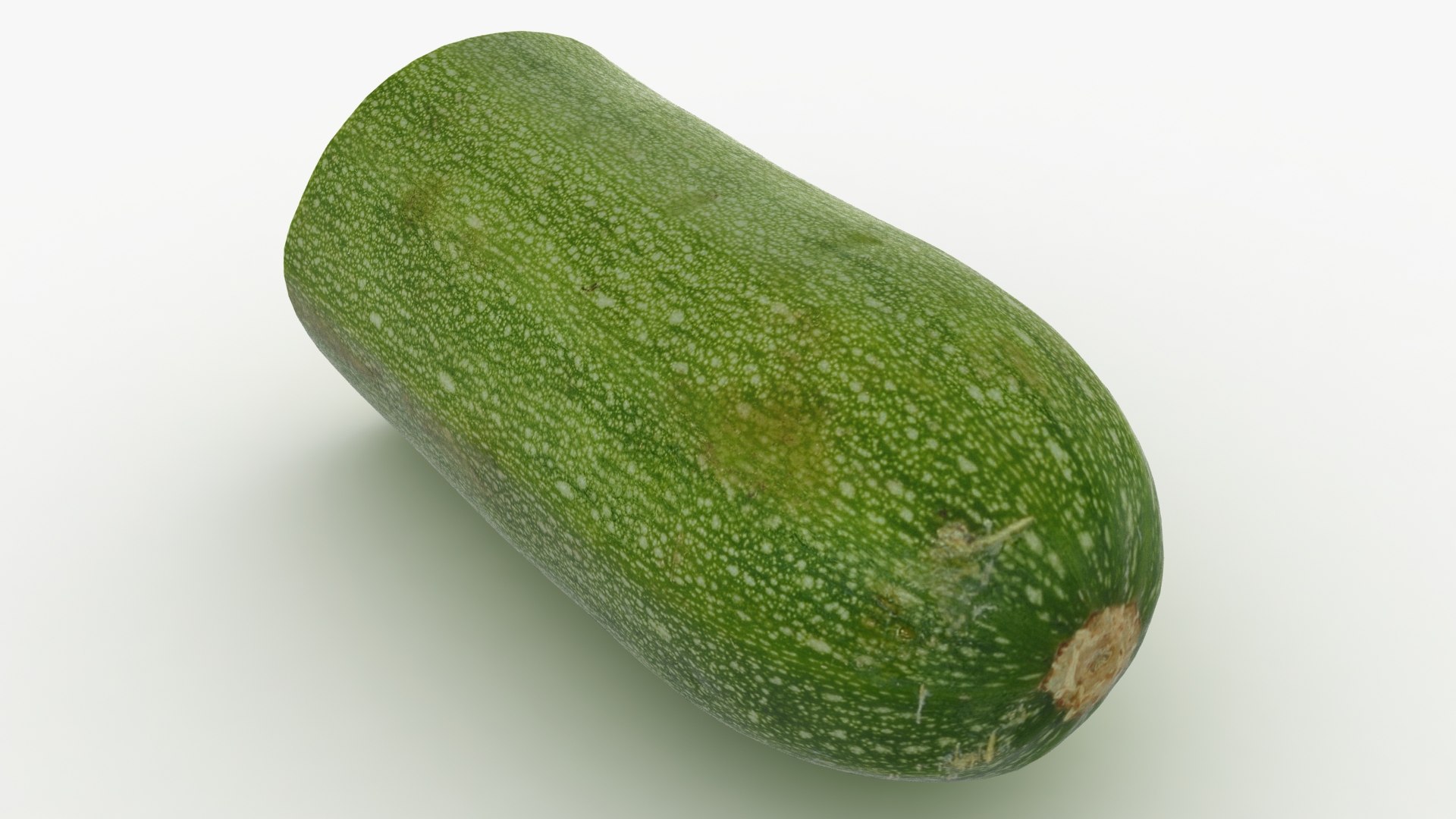
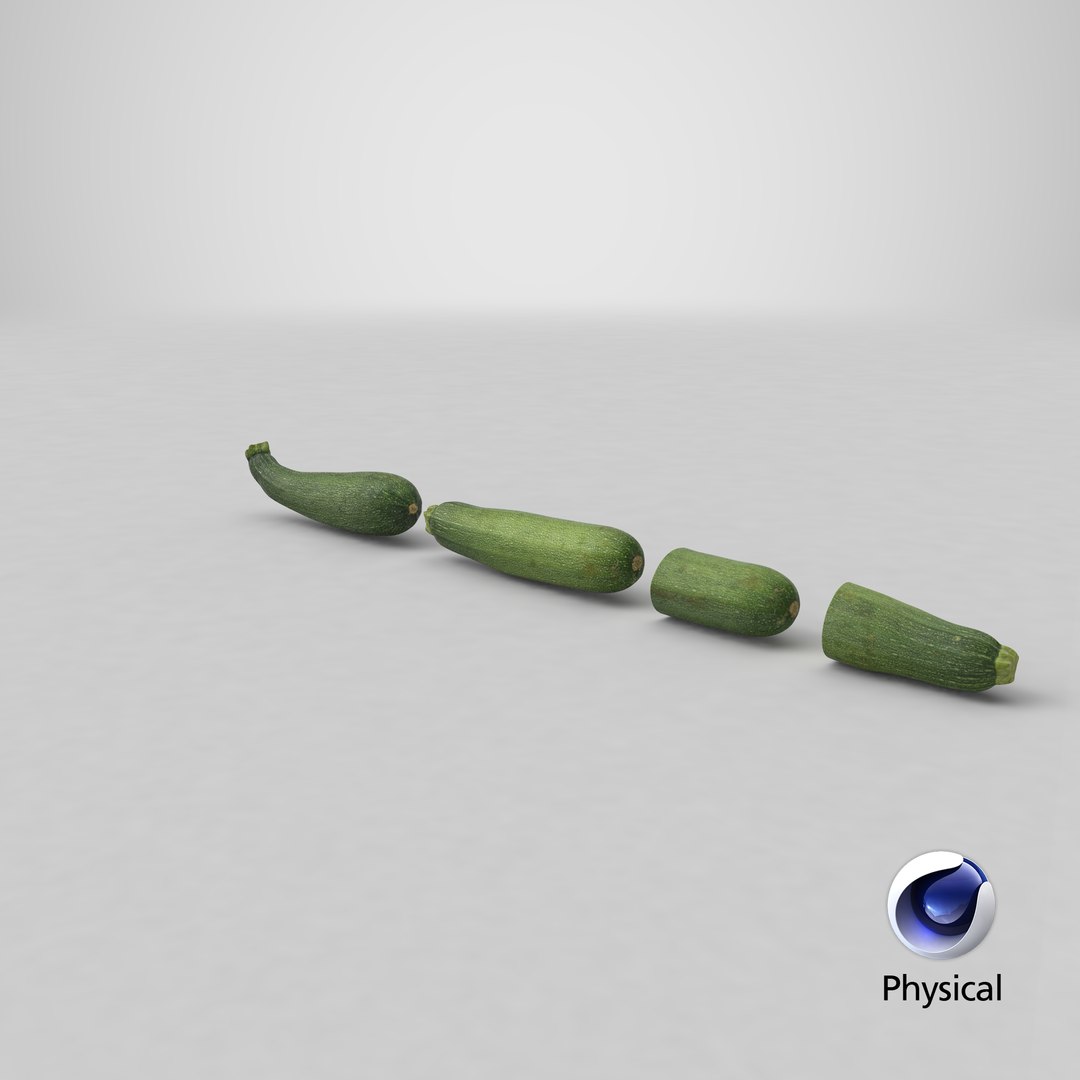
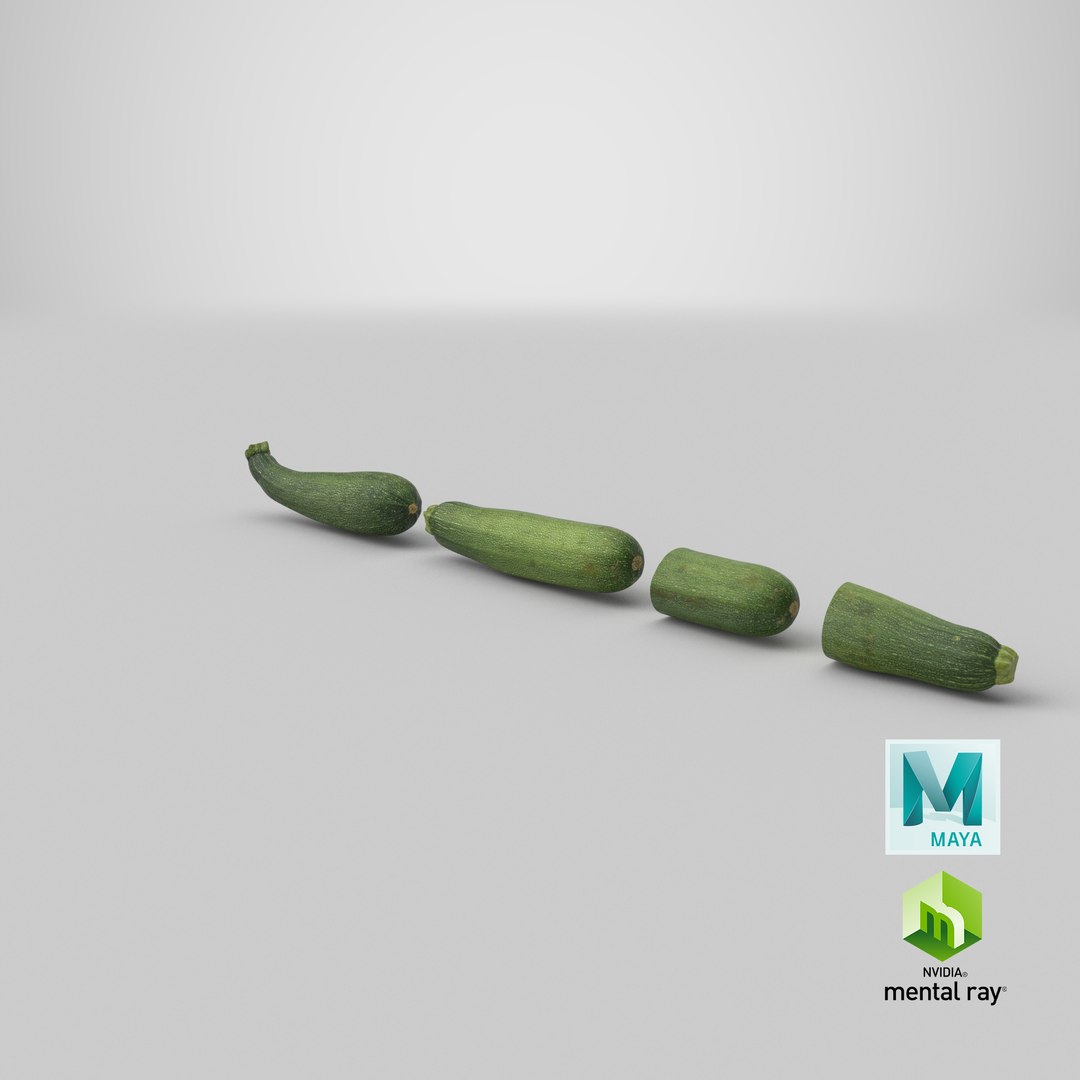
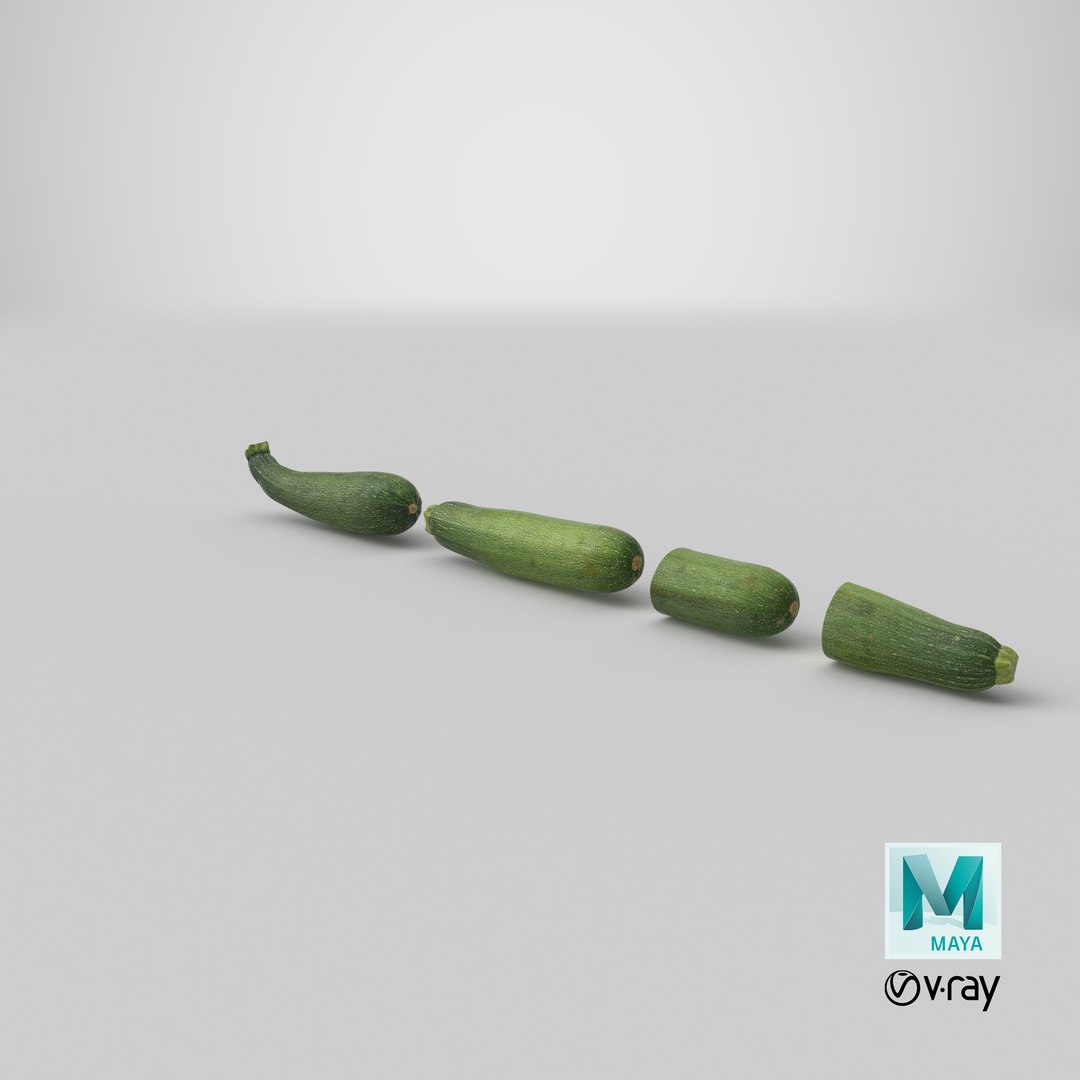
Realistic 3D model of the Zucchini Set 02

1. Zucchini 01 ID 1686274

2. Zucchini 02 ID 1686436

3. Half Zucchini 01 ID 1686970

4. Half Zucchini 02 ID 1686984

* The materials are available in the 3ds Max file format with V-Ray and Scanline Render

* Other file formats: Maya, Cinema 4D, FBX, OBJ and 3DS

-Scene lighting is included, ready for instant rendering

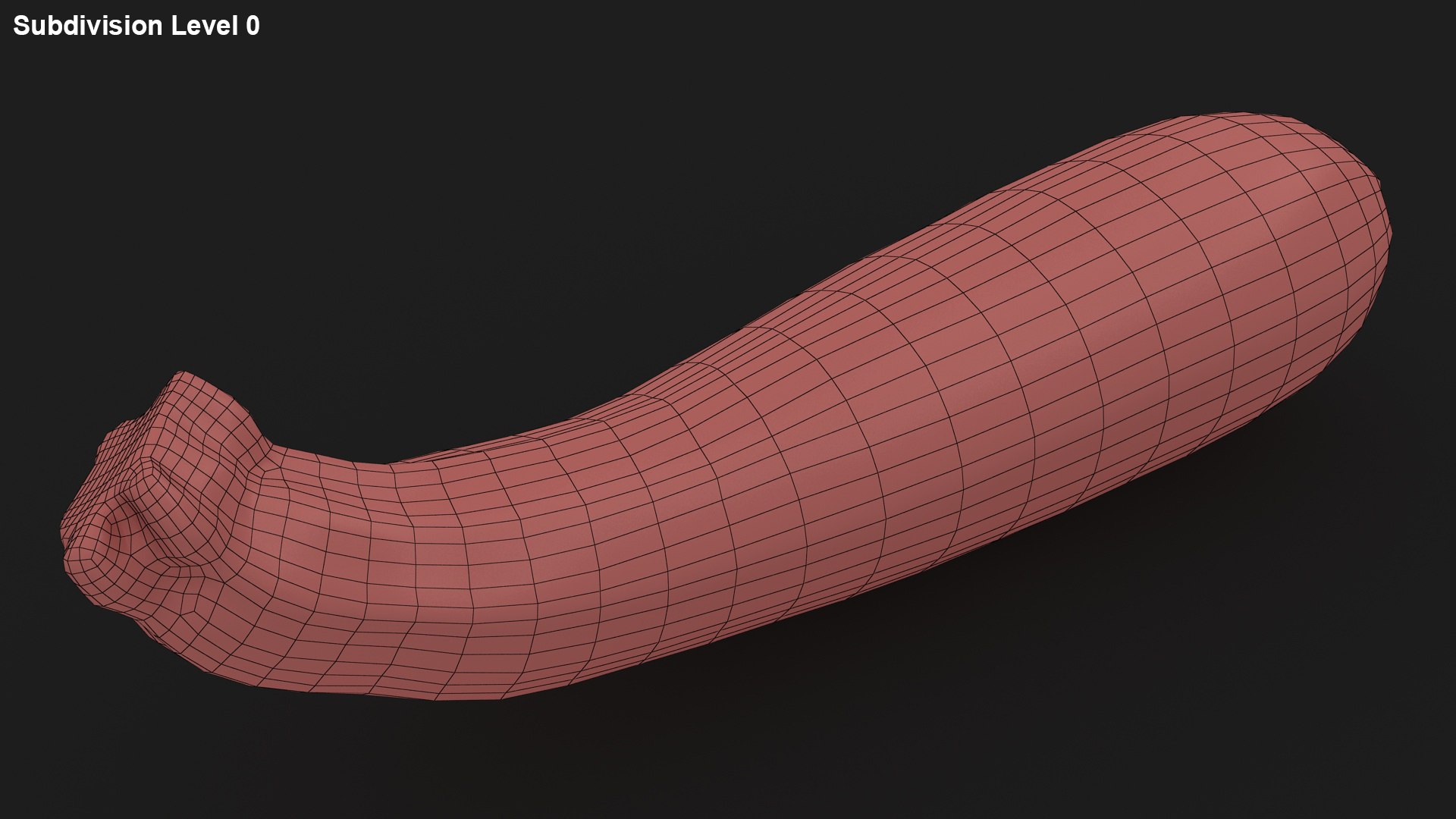
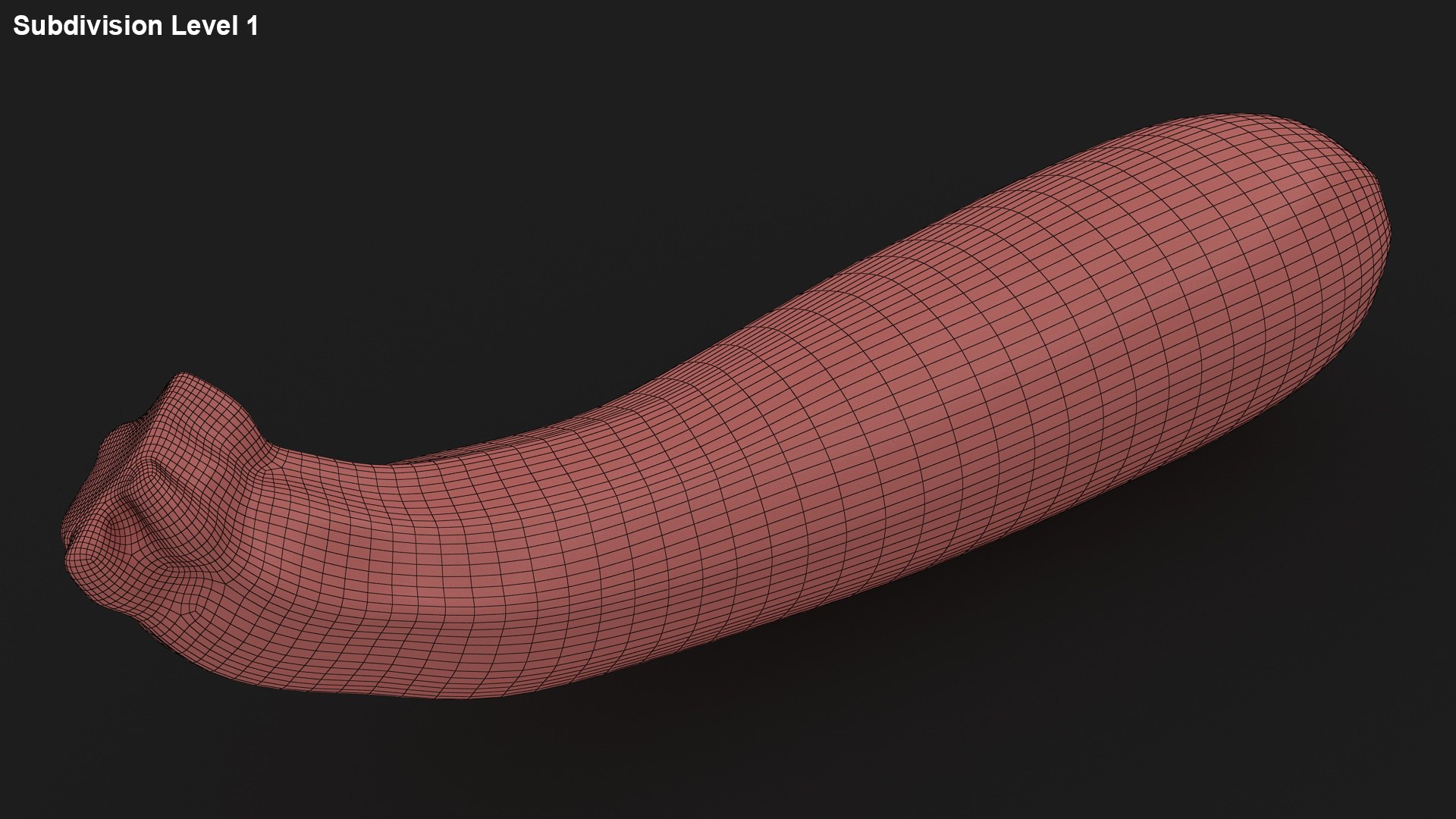
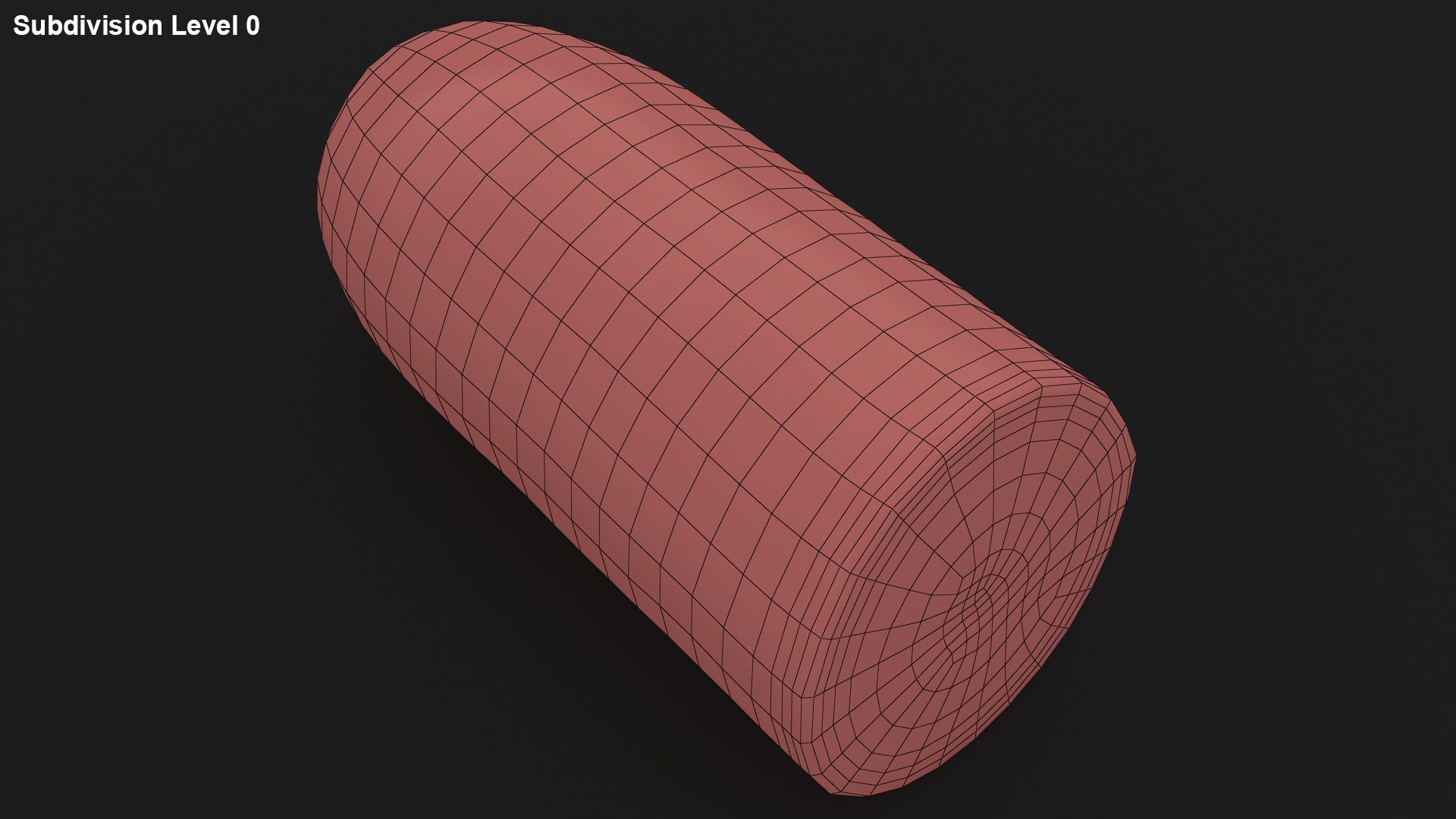
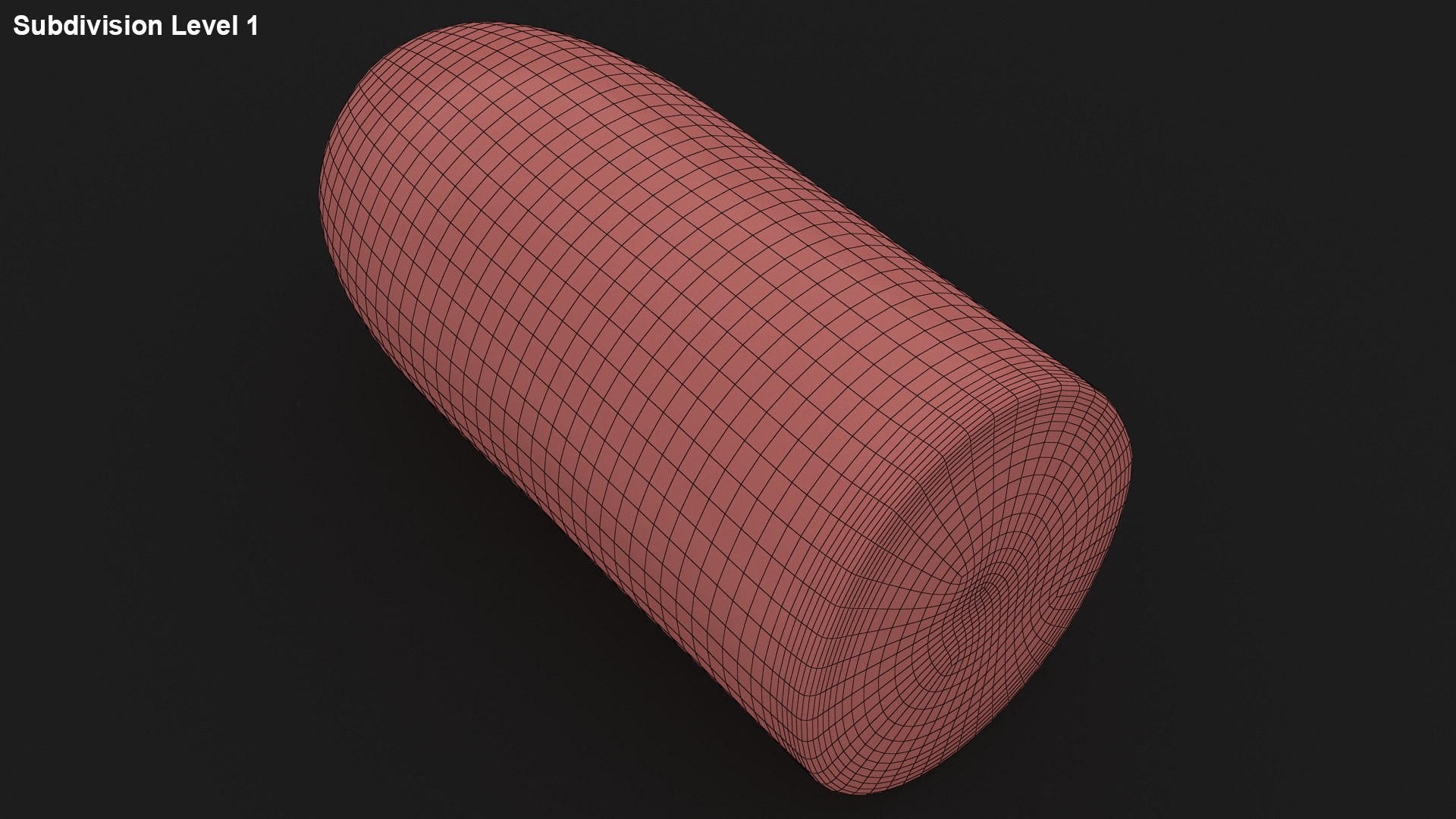
* The entire model is subdivided

-3ds Max files:

TurboSmooth modifier can be used to increase mesh resolution if necessary

* Low poly models

* All the objects of the model are named

* All the materials are named

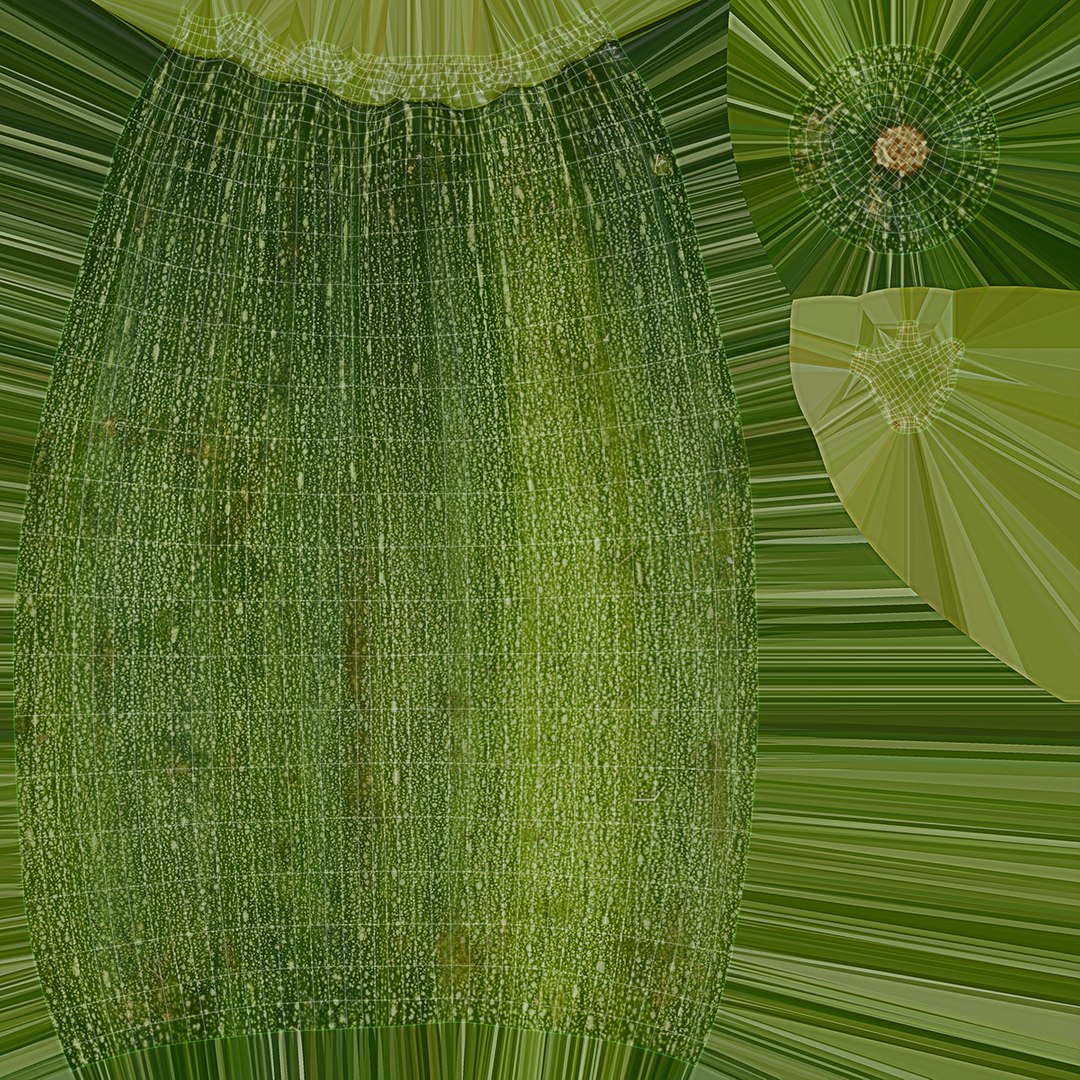
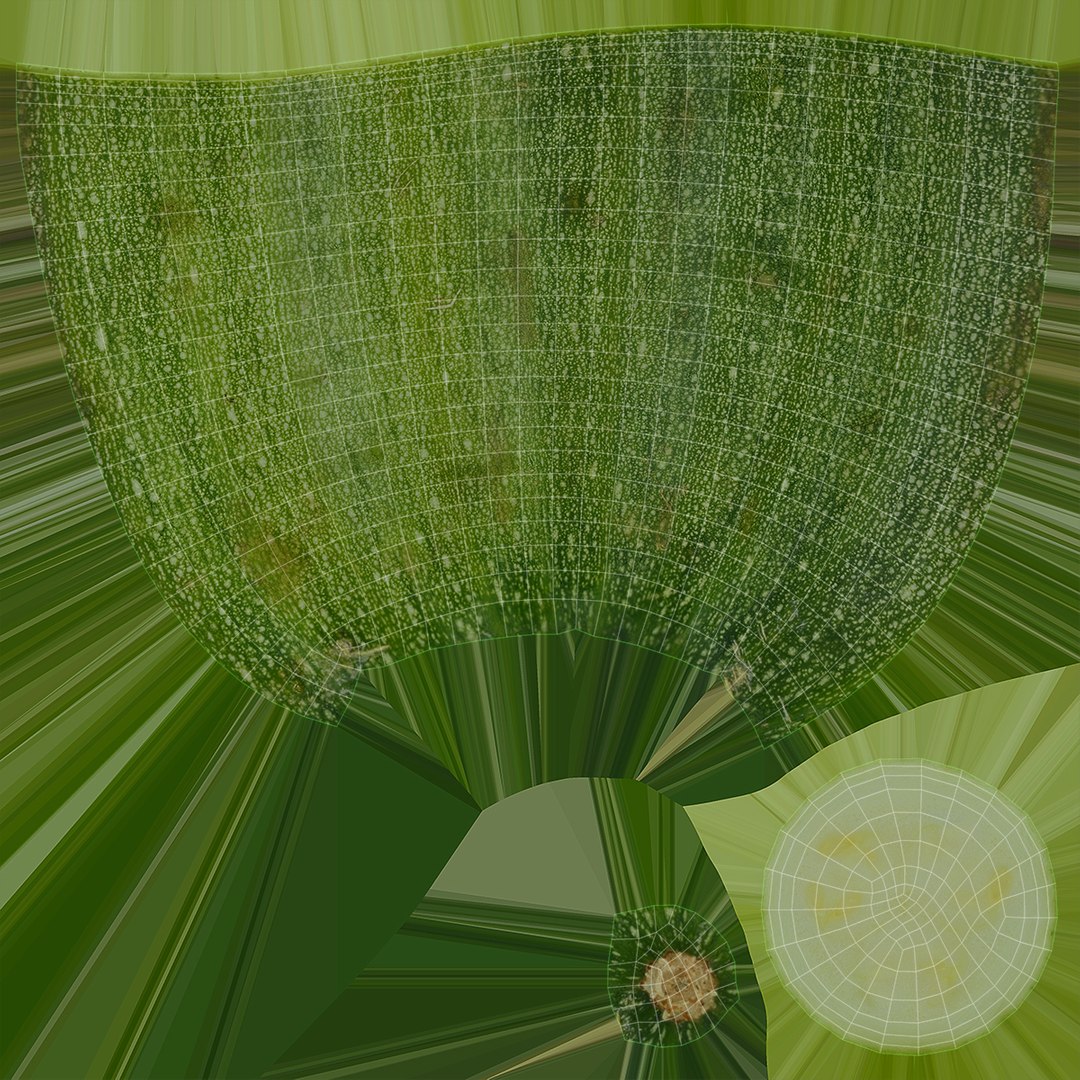
* Texture:

20.PNG- 4096*4096

-Environment Map (Reflection)

V-Ray Renderer: HDRI- 5000*2500

Default Scanline Renderer: JPEG (.jpg)- 512*512

* Requires 3ds Max Version 2015 and higher

* Real-world scale (Centimeters)

Select Enhanced License

  • $10,000 in Legal Protection (Indemnification)
  • Uncapped Legal Protection (Indemnification)
  • Waiver from injunctive relief
  • Assignable model rights
  • $1,000,000 in Legal Protection (Indemnification)
  • Waiver from injunctive relief
  • Assignable model rights
  • $250,000 in Legal Protection (Indemnification)
  • Assignable model rights
Read more about enhanced license tiers, or contact us at enterprise@turbosquid.com. Already a Shutterstock Enterprise Customer? Contact your Shutterstock Sales Support Agent to talk about adding 3D.

About Conversion Requests

To submit a conversion request for a purchased asset, please complete our Conversion Request Form.

If you have not yet purchased a model, please review our Documentation about Conversions to learn about what limitations you may encounter with a conversion.

For any additional questions about a model’s suitability for conversion, please contact TurboSquid Support.

Loading...