
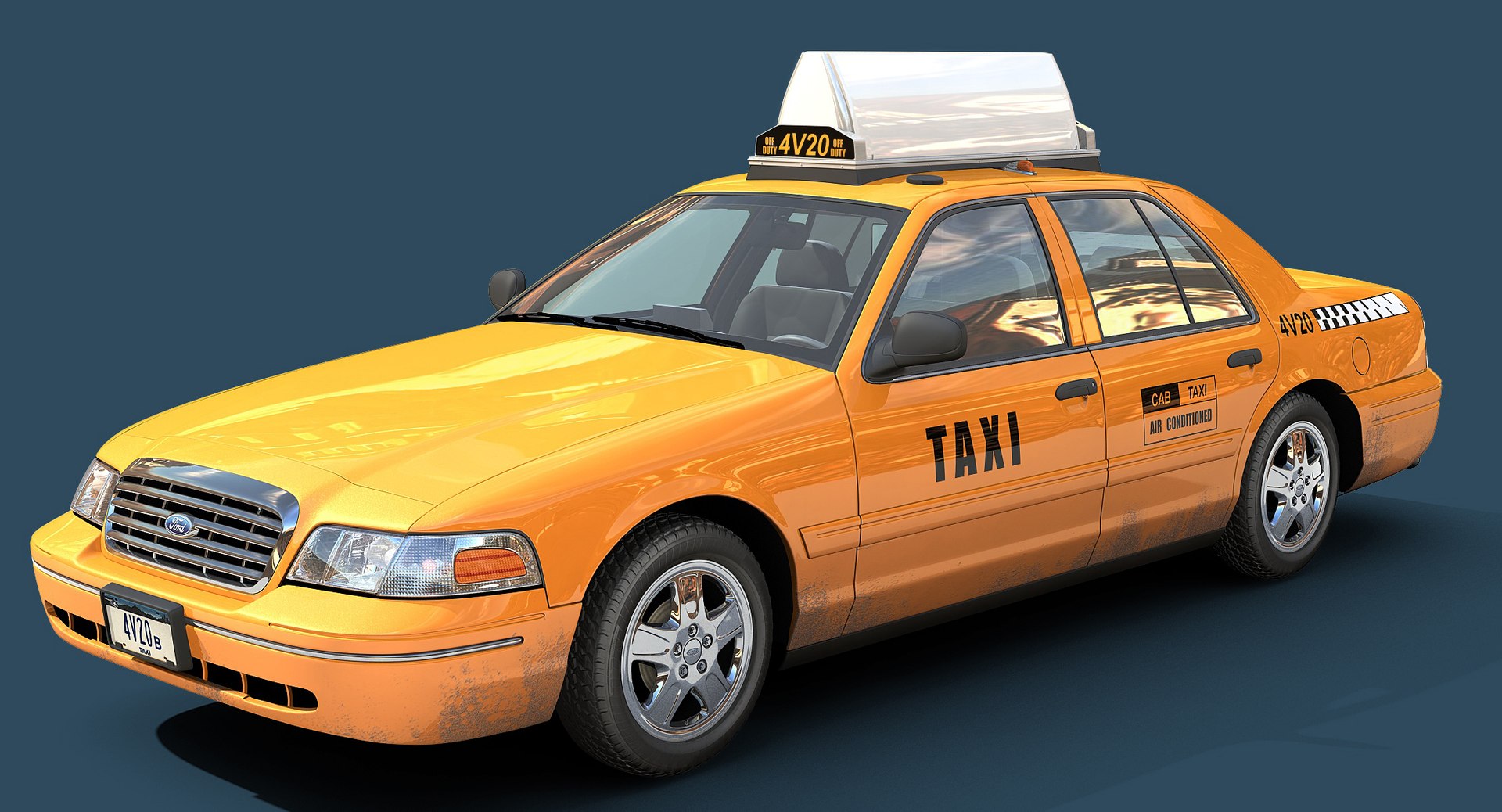
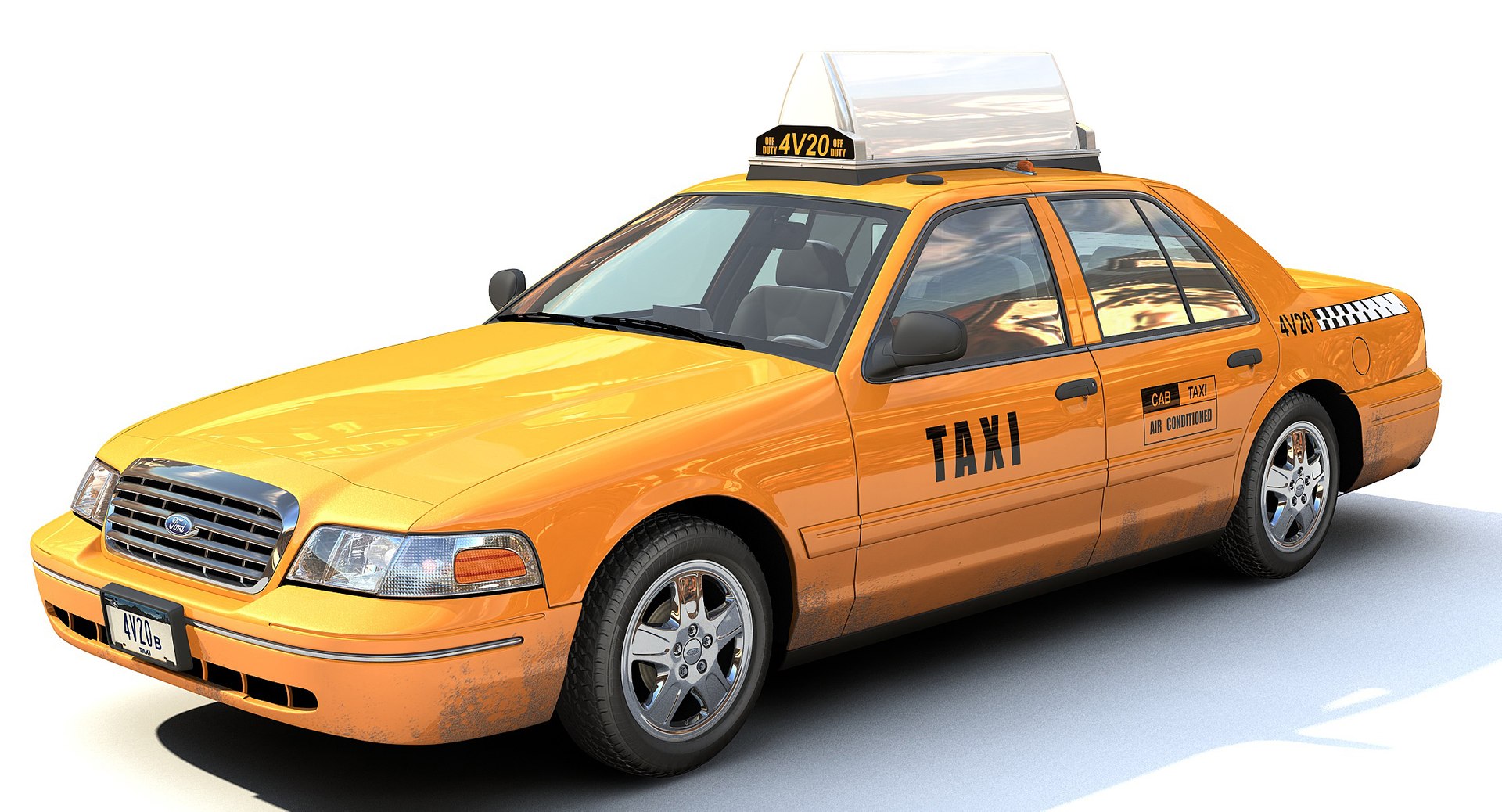
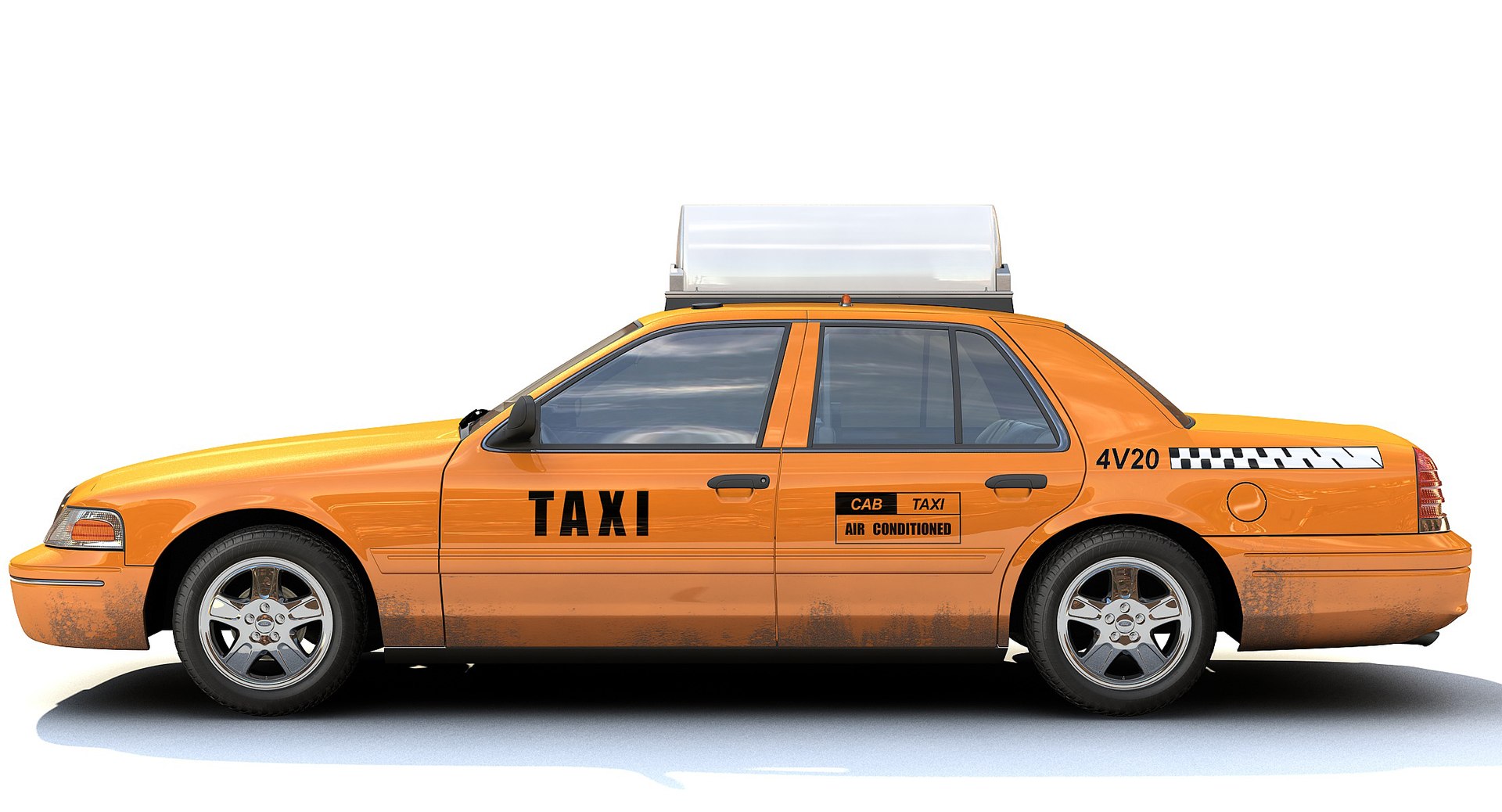
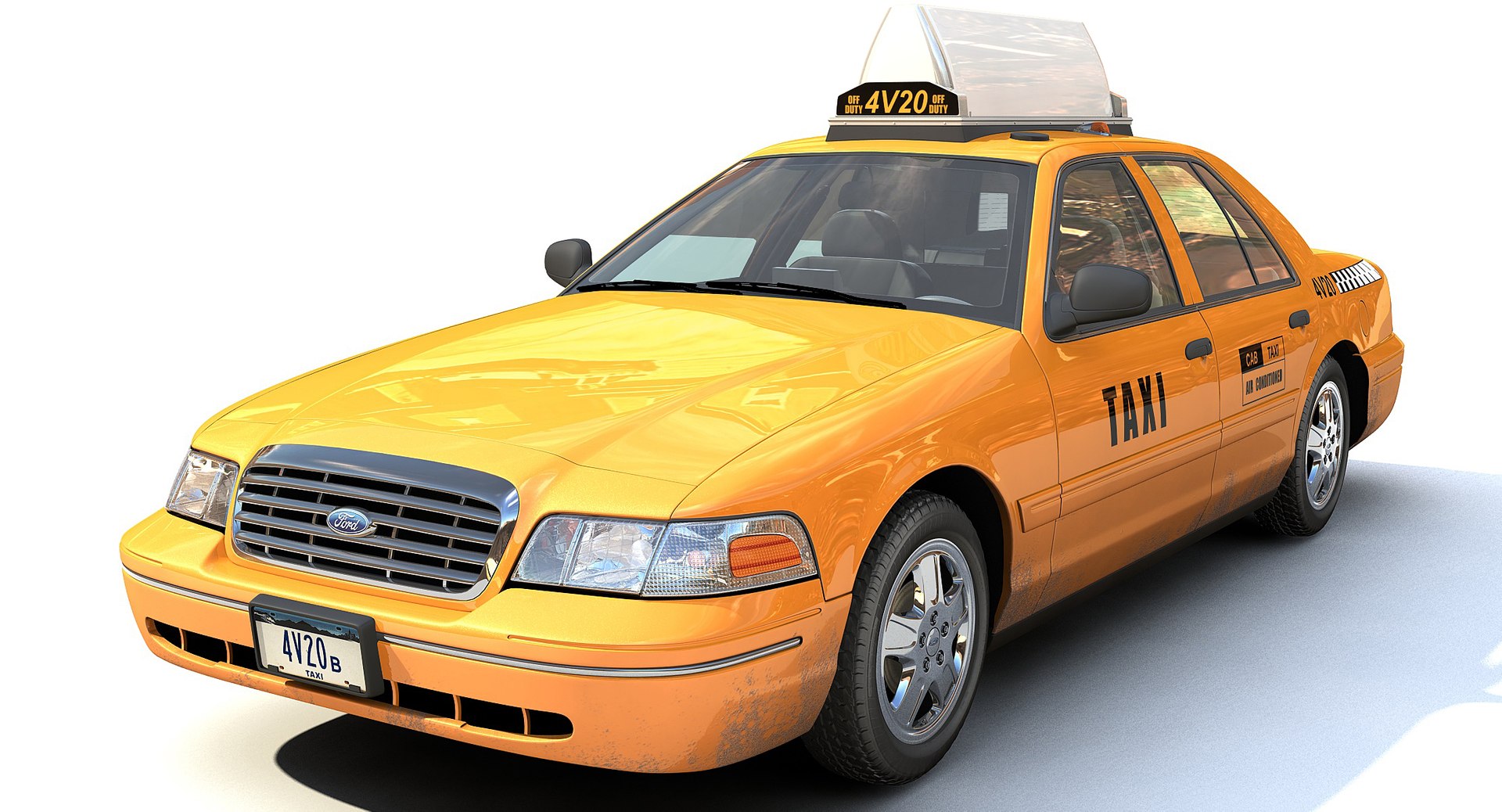
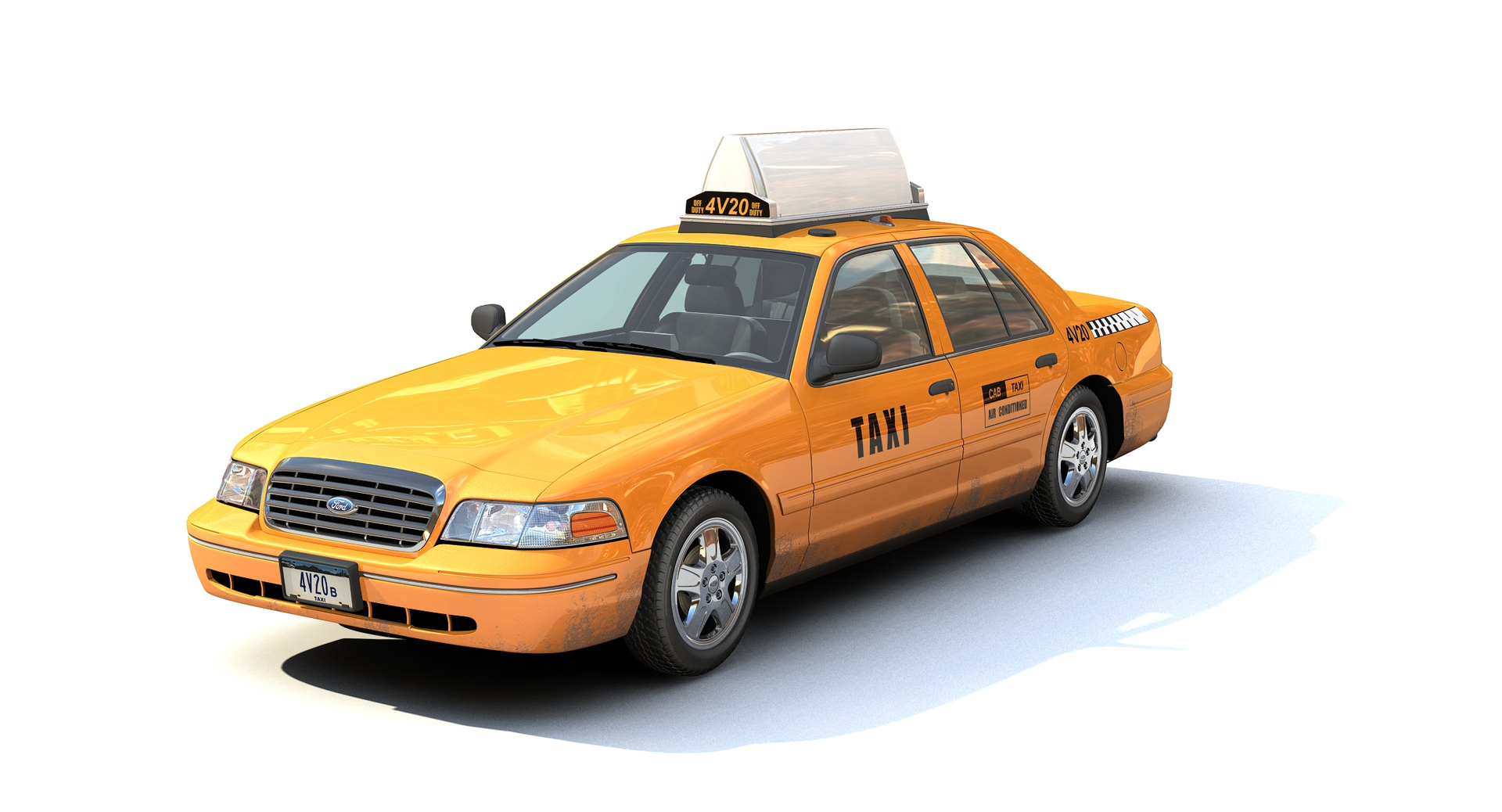
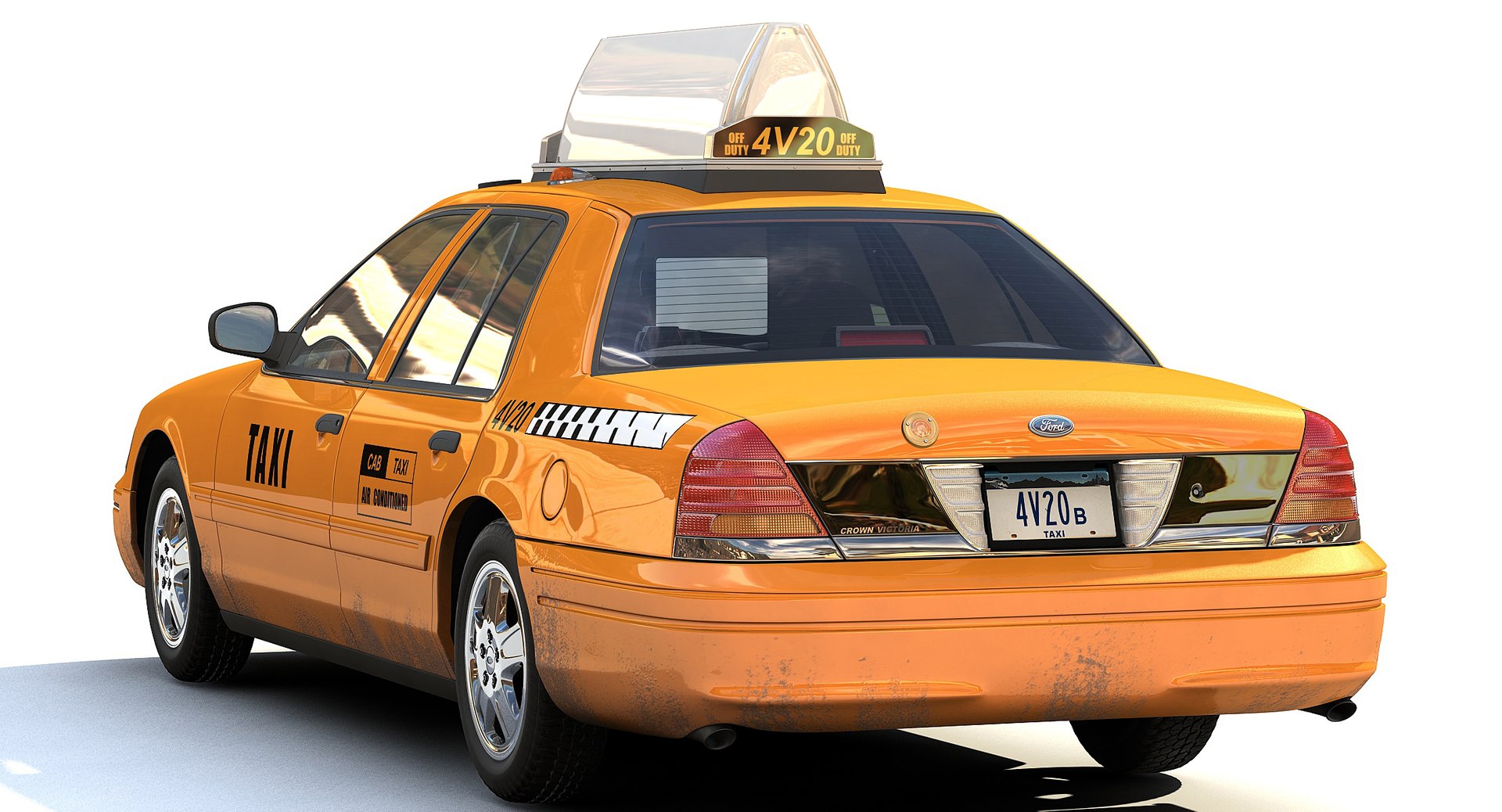
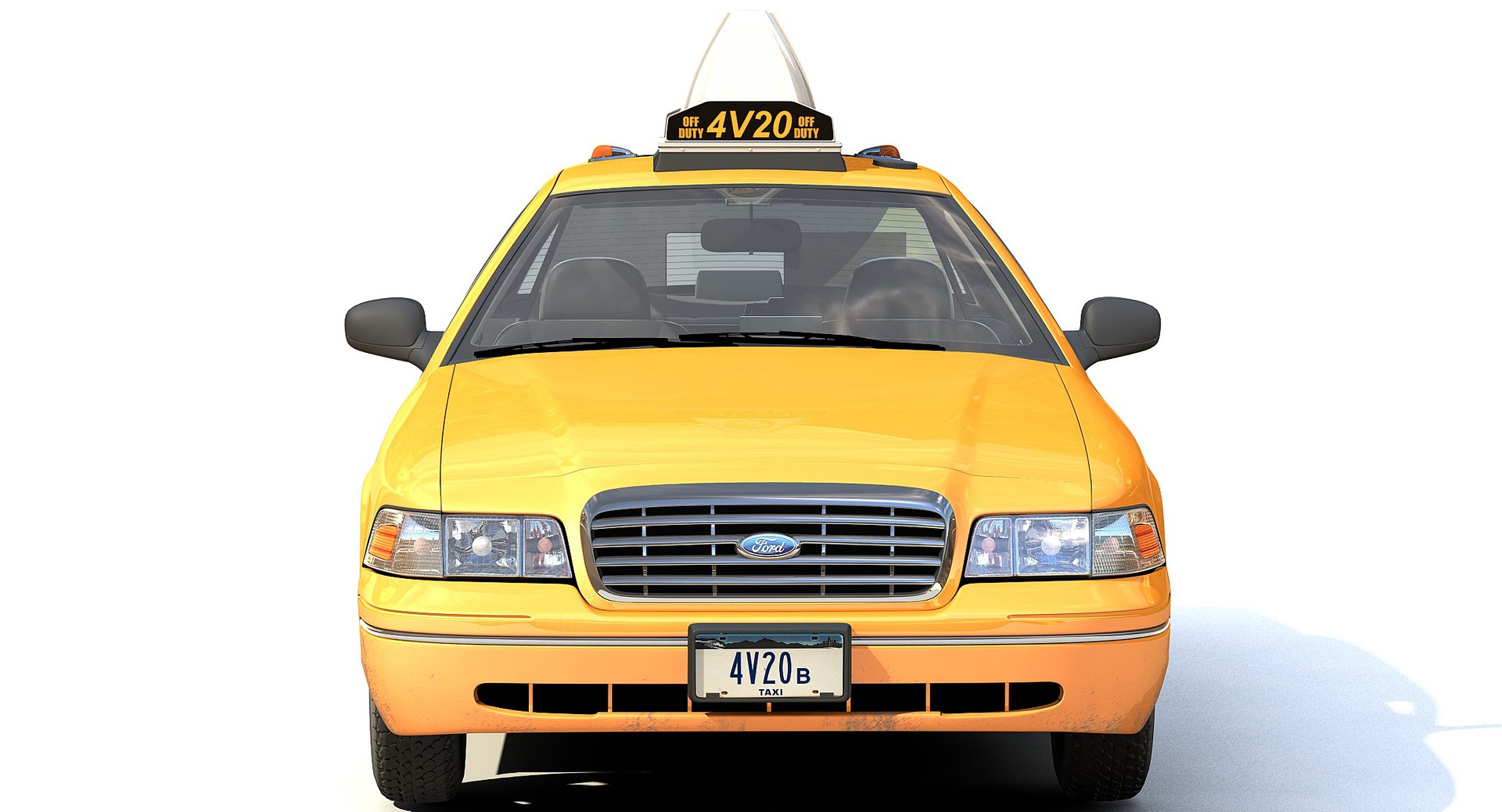
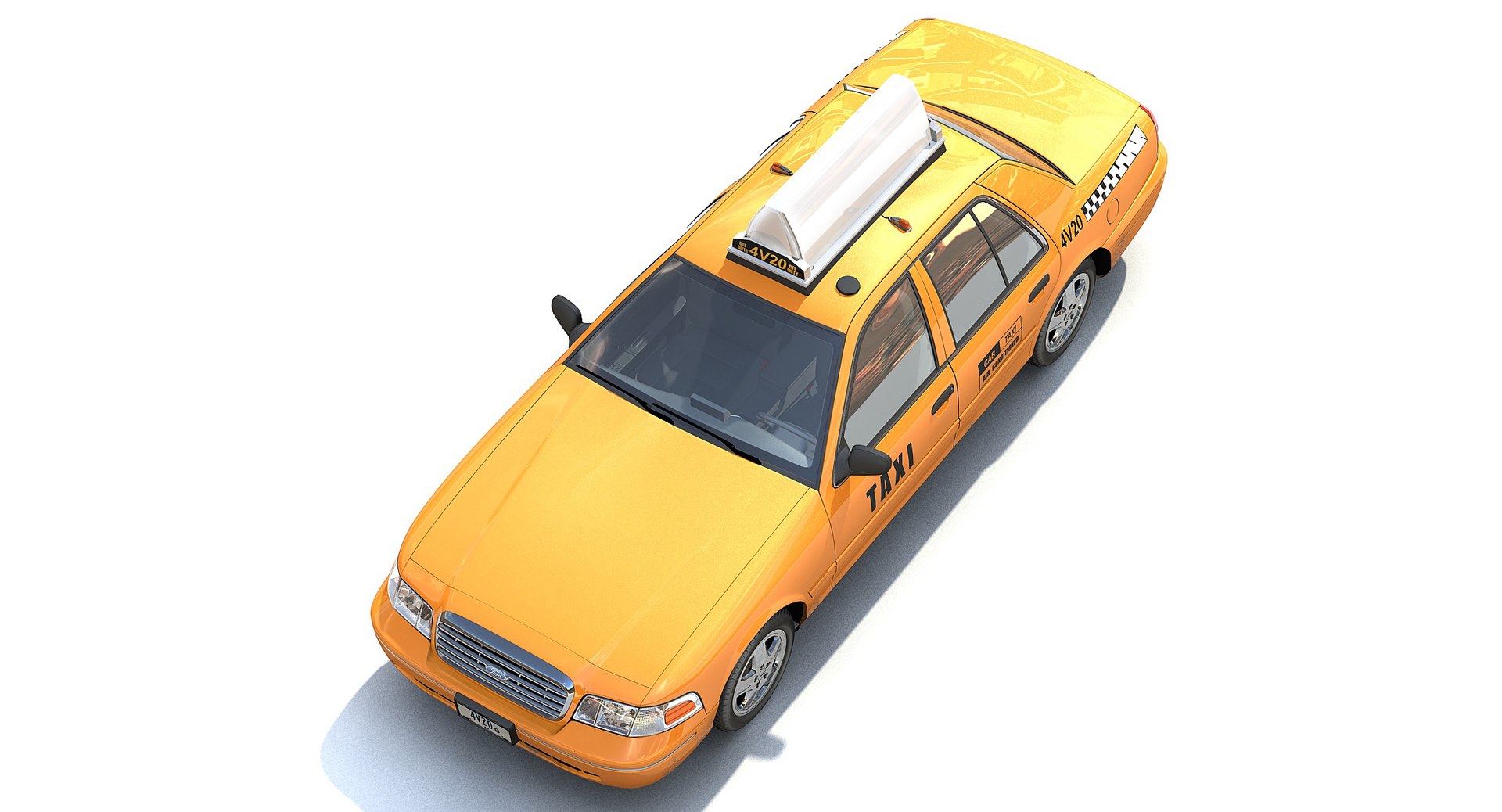
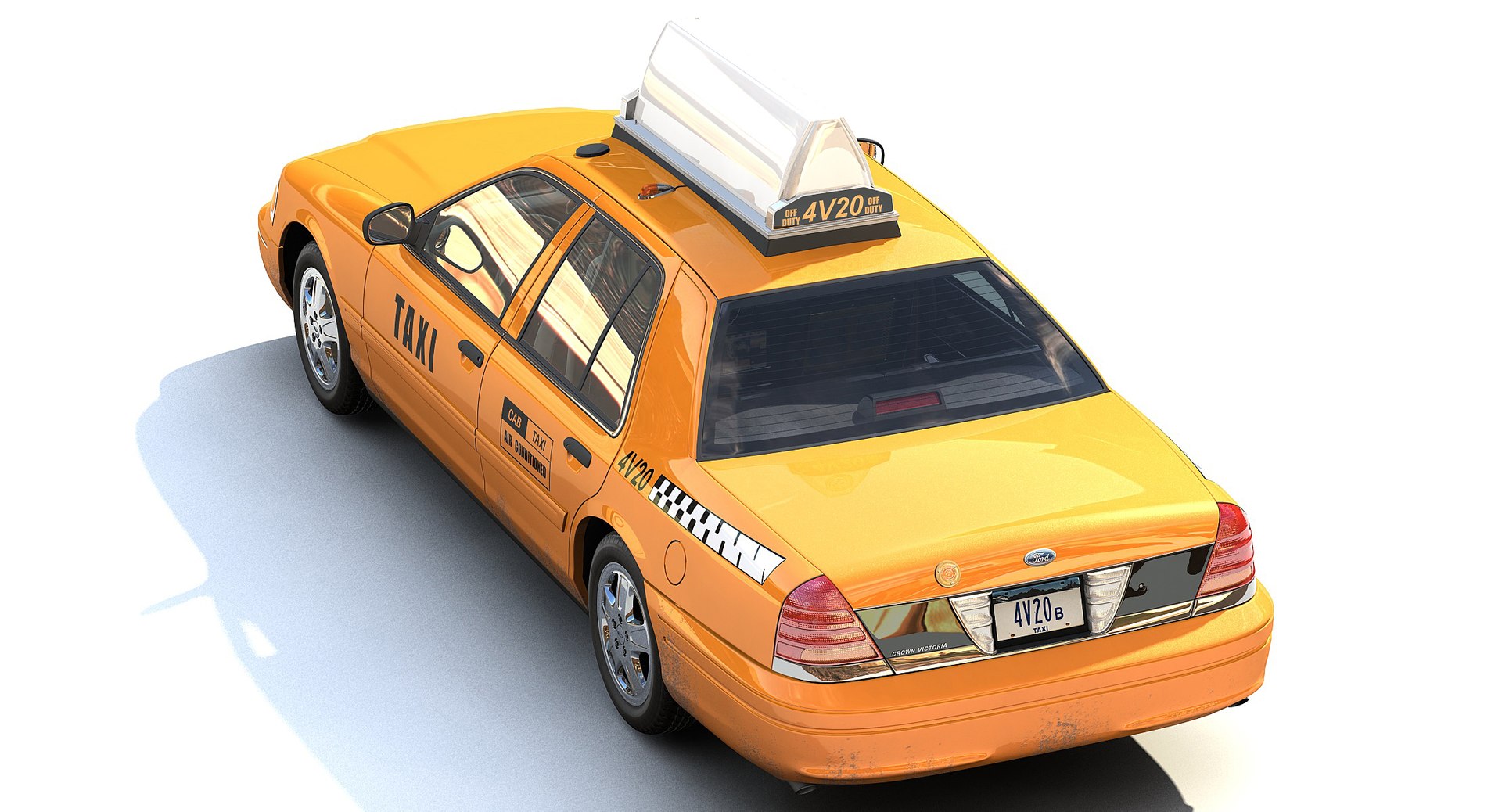
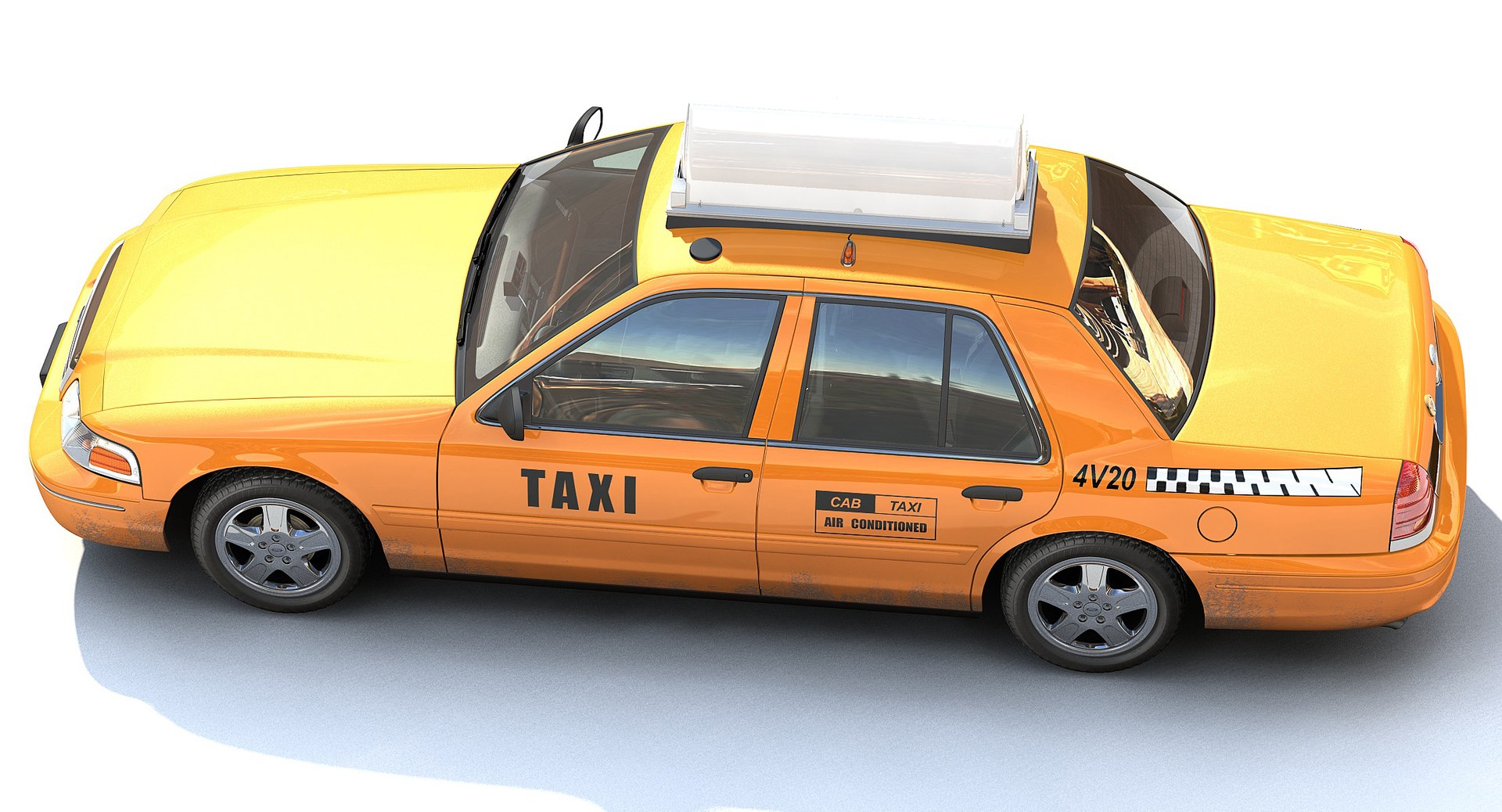
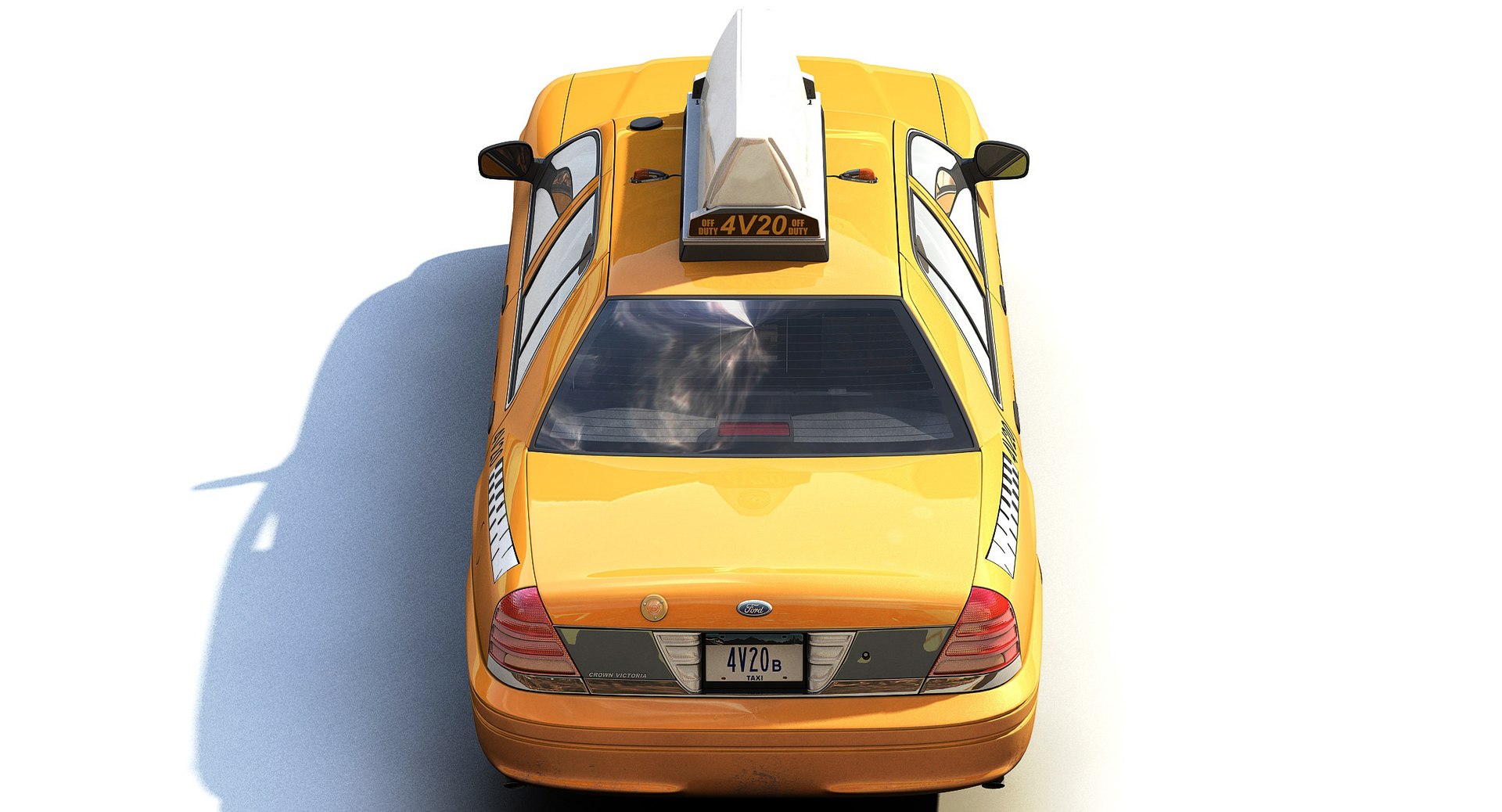
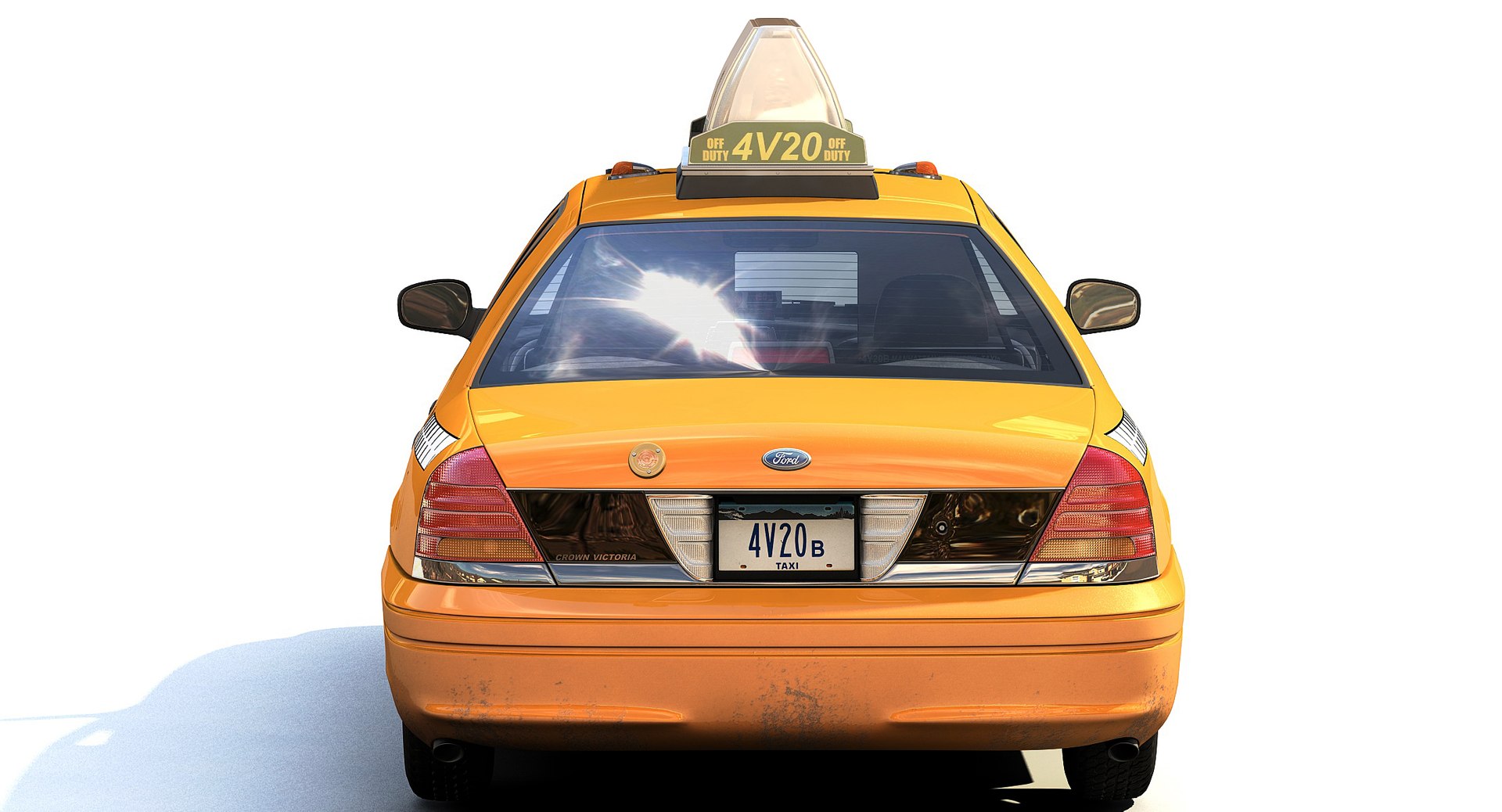
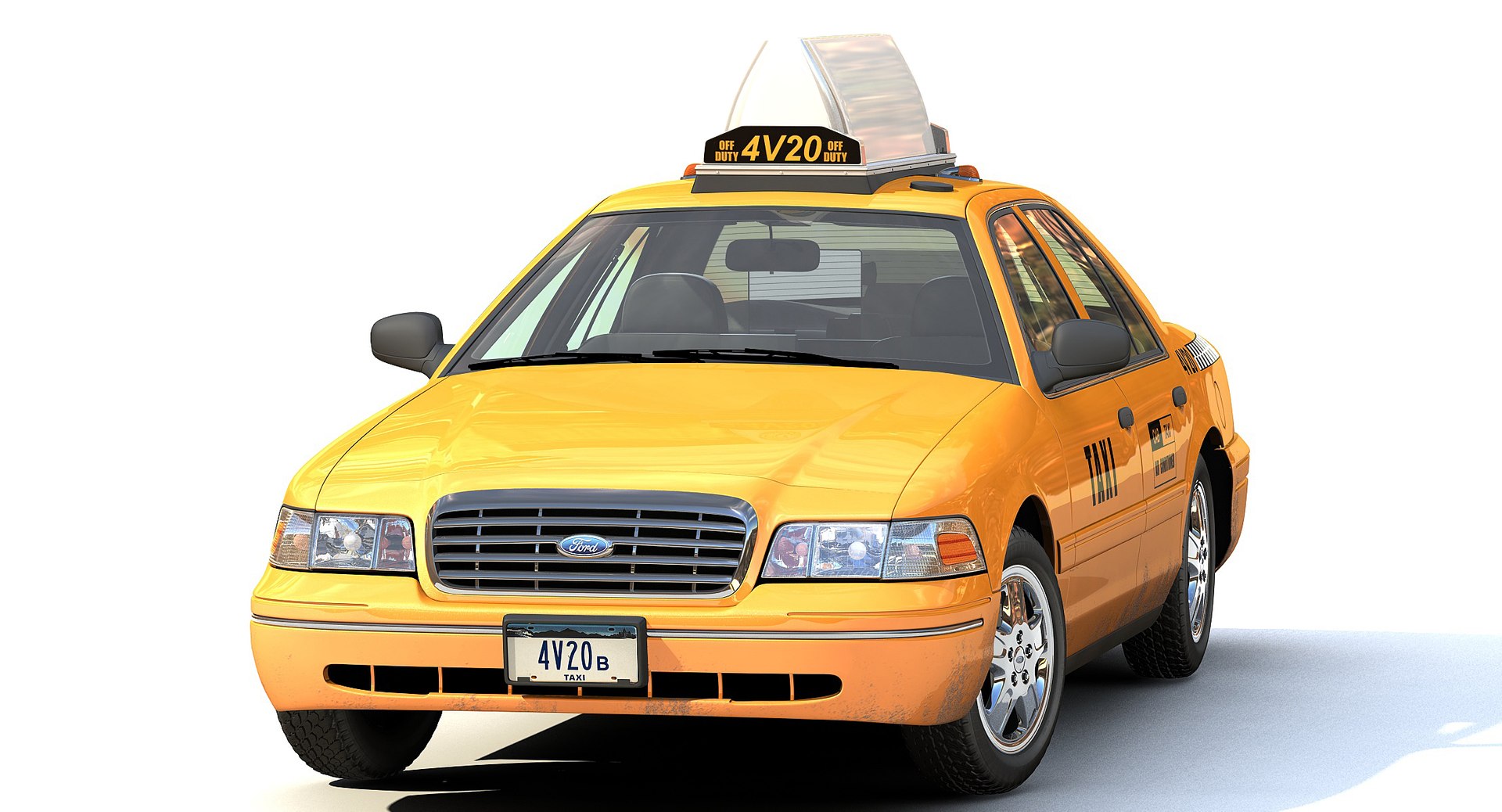
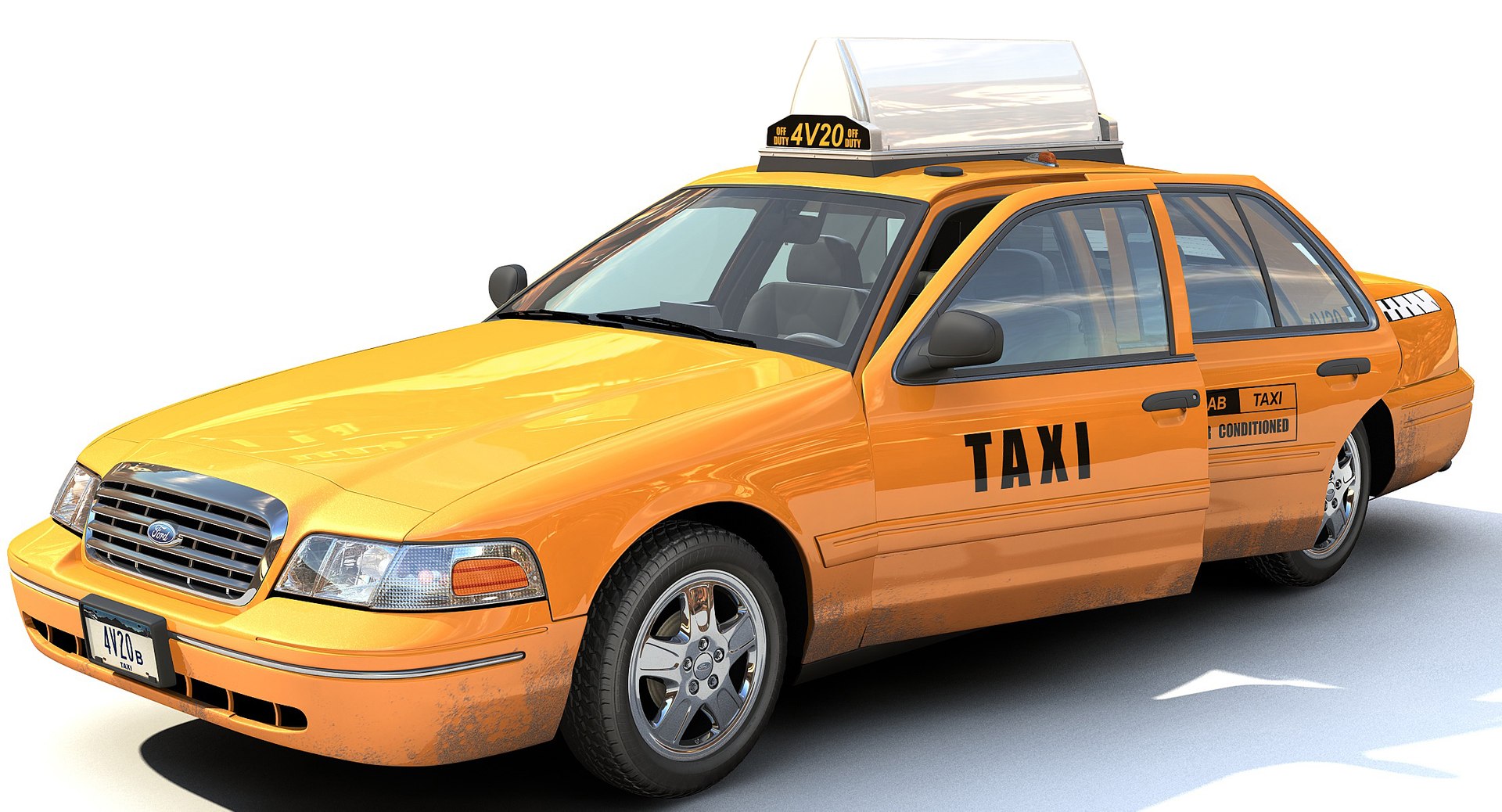
Yellow Cab Taxi

$299

Ford License - Official Licensed Product
Formats (6)
Free file format Conversions available
Native | 3ds Max 2013 | mental ray
3ds Max 2013 | Default Scanline
Cinema 4D R14 | Default Scanline
Maya 2012 | Maya Software
FBX
OBJ
Specifications
Publish Date January 20, 2012
Product ID 650250
Polygons 173,790
Vertices 171,425
Polygonal Quads/Tris Geometry
Textures
Materials
UV Mapped
Rigged
member avatar
FraP
688 Products | Contributor Since 2004
Have questions? Chat with us now.

Description

--General--

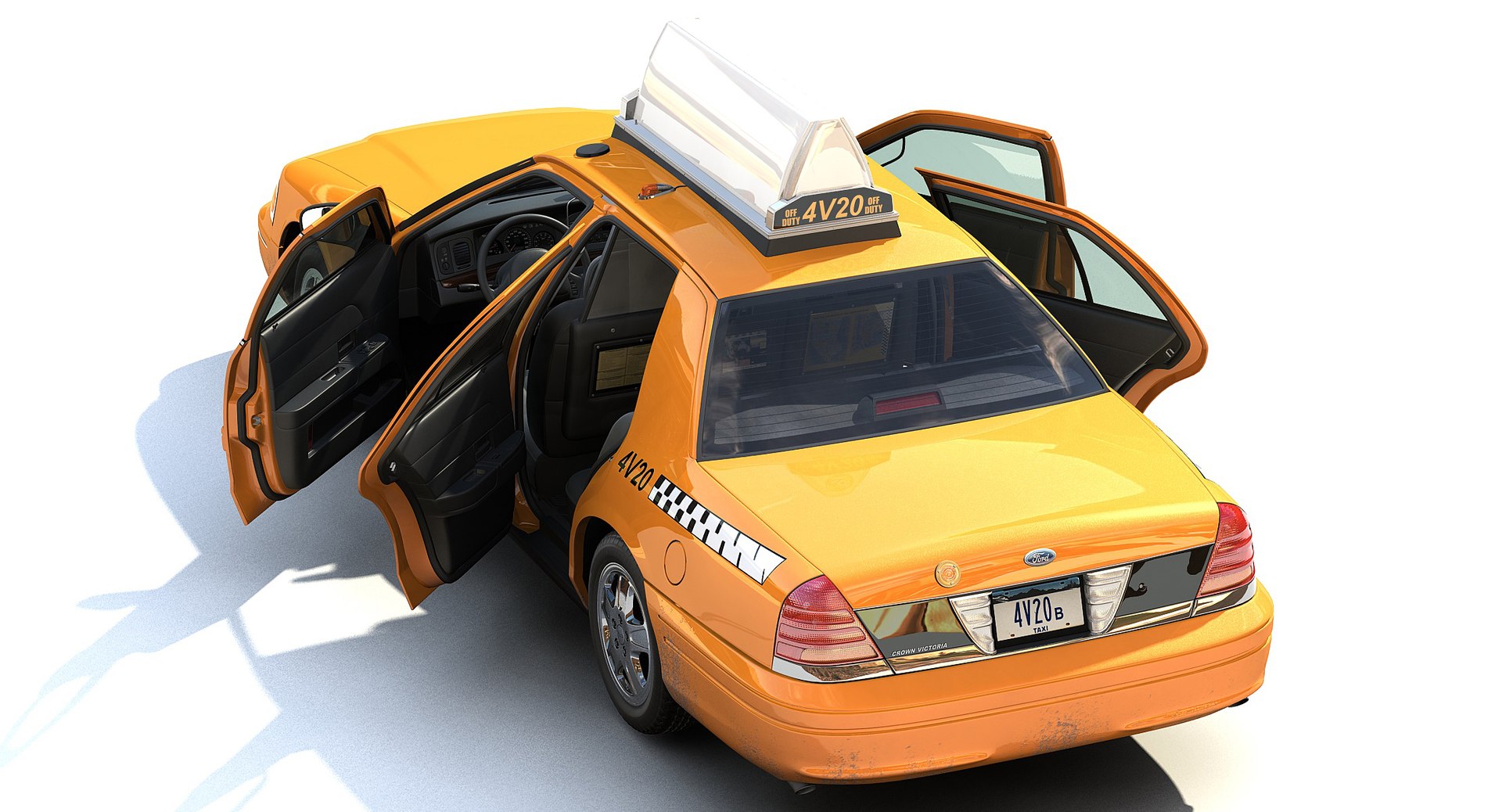
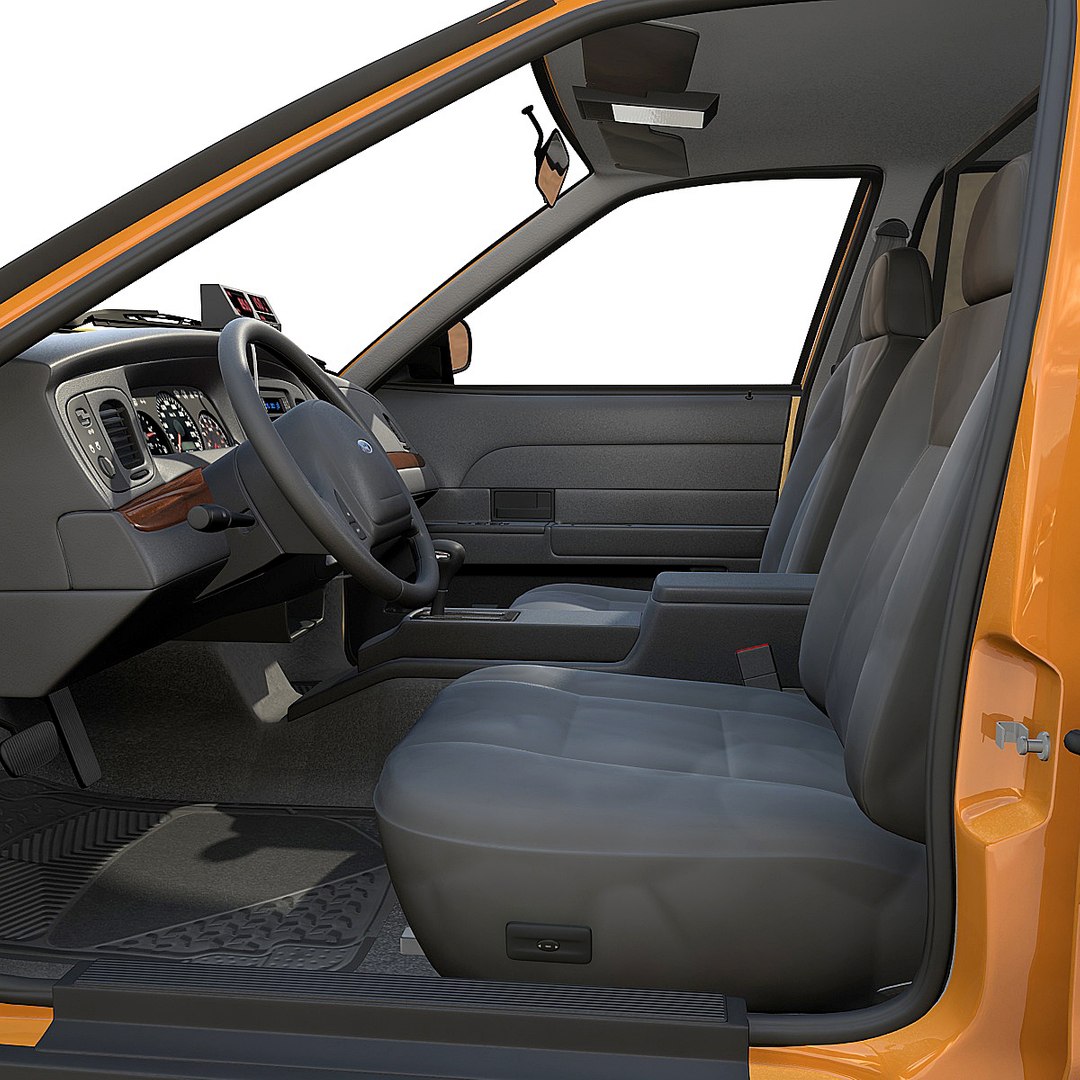
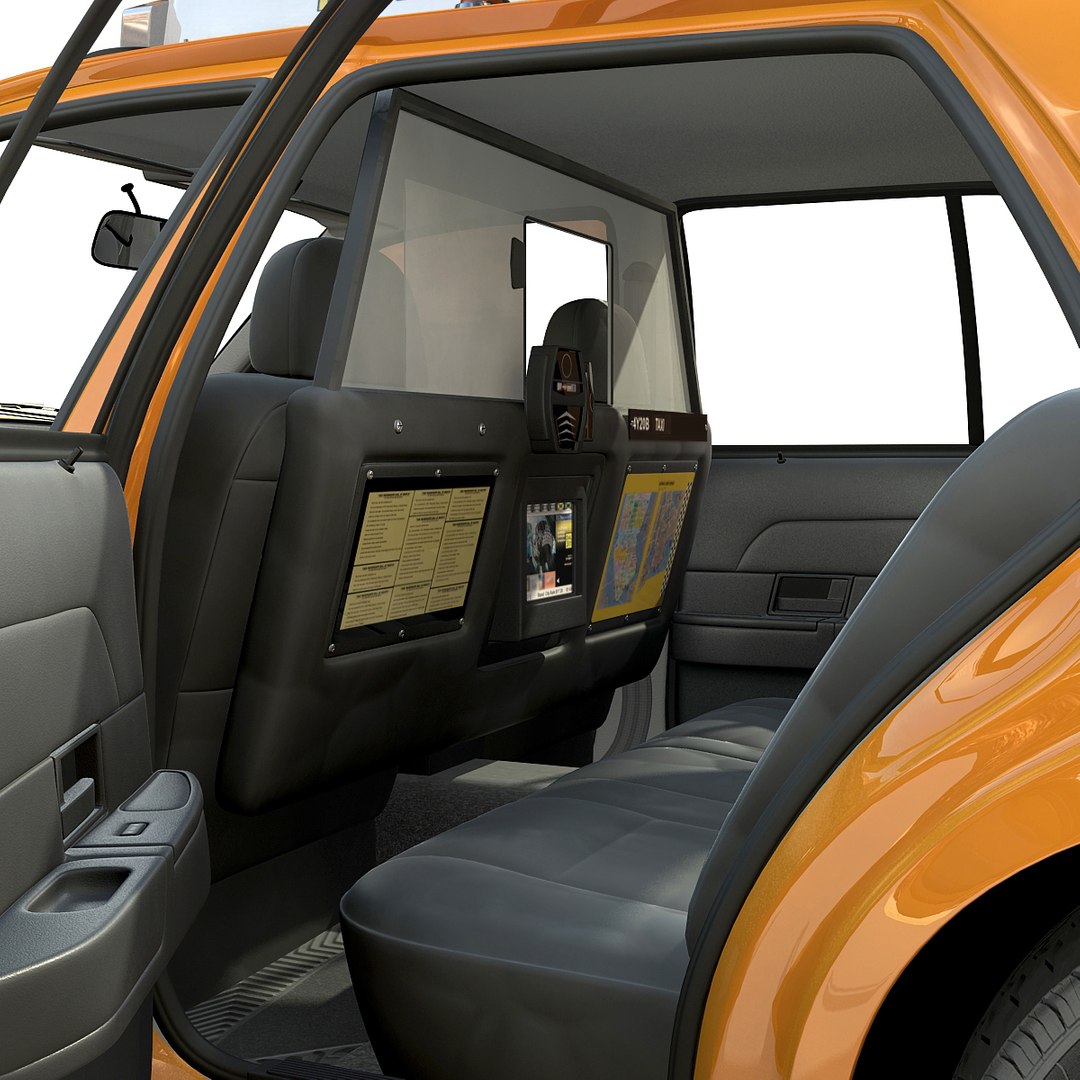
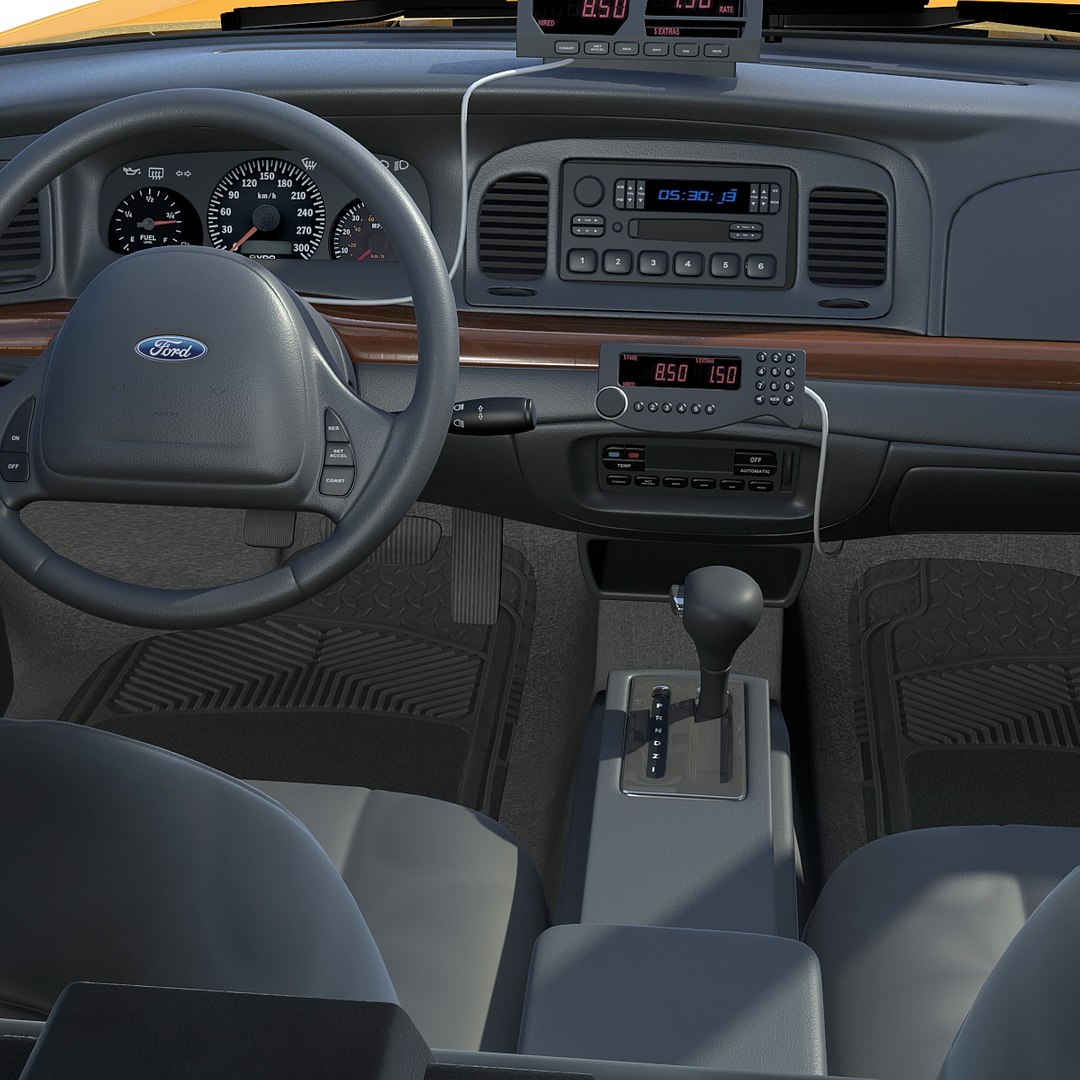
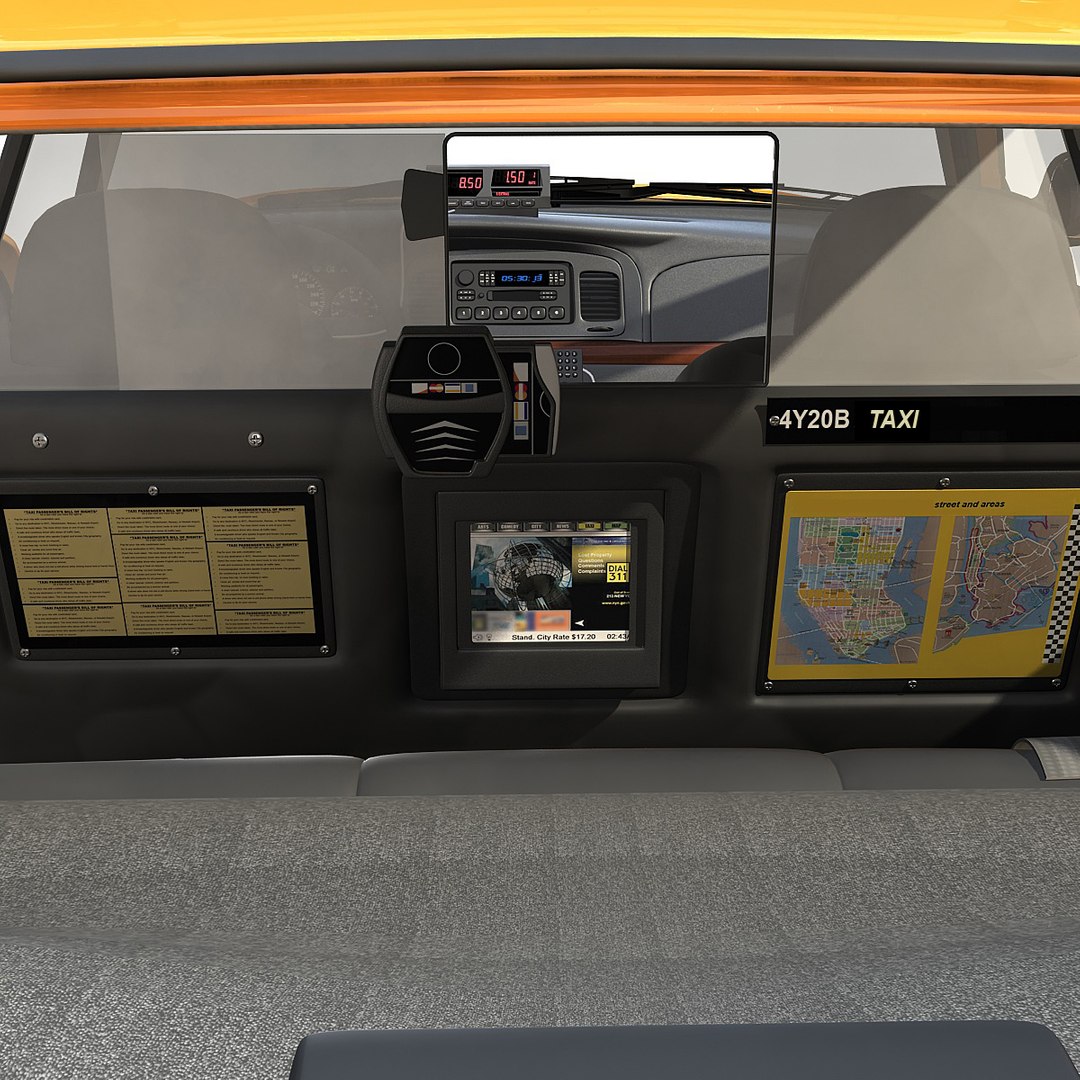
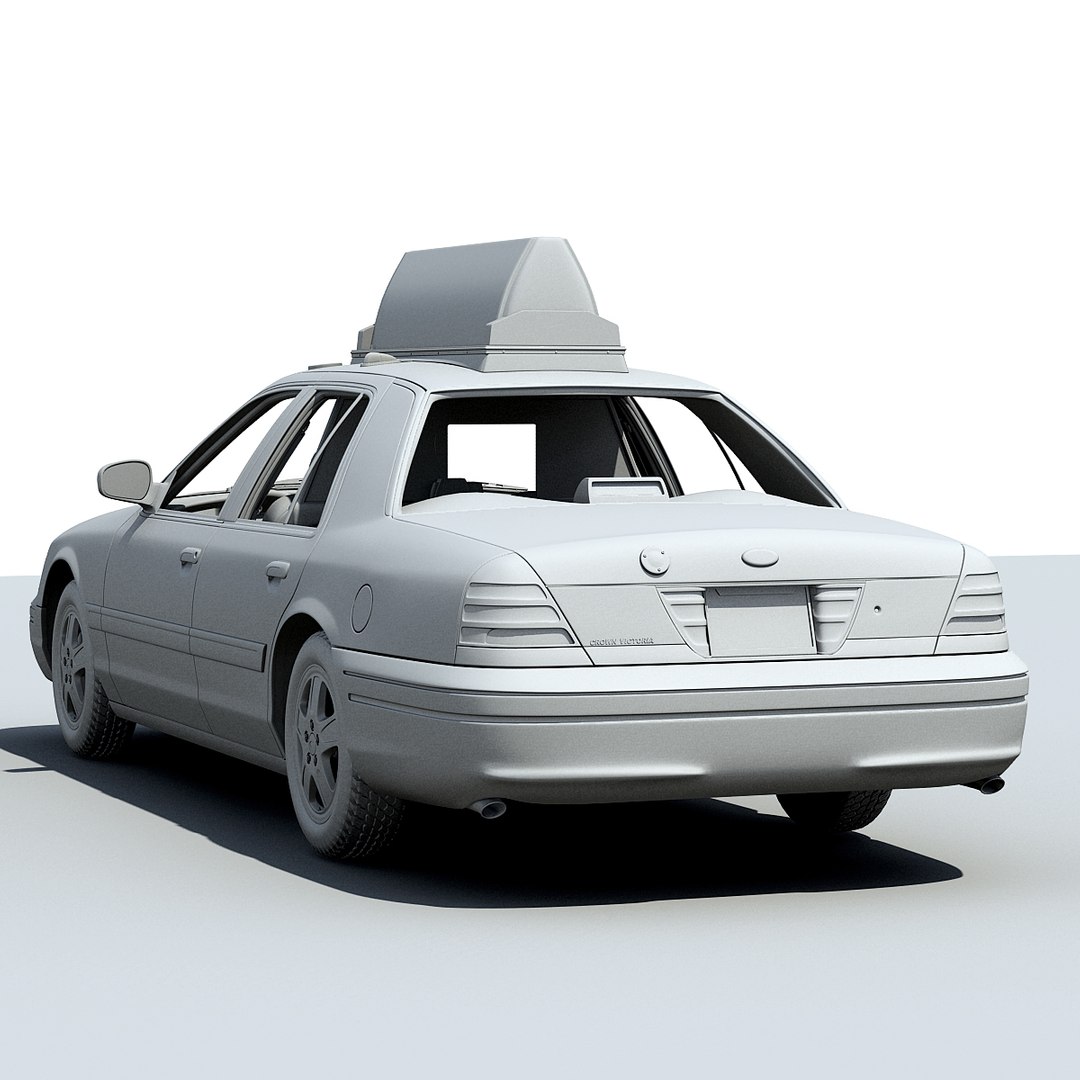
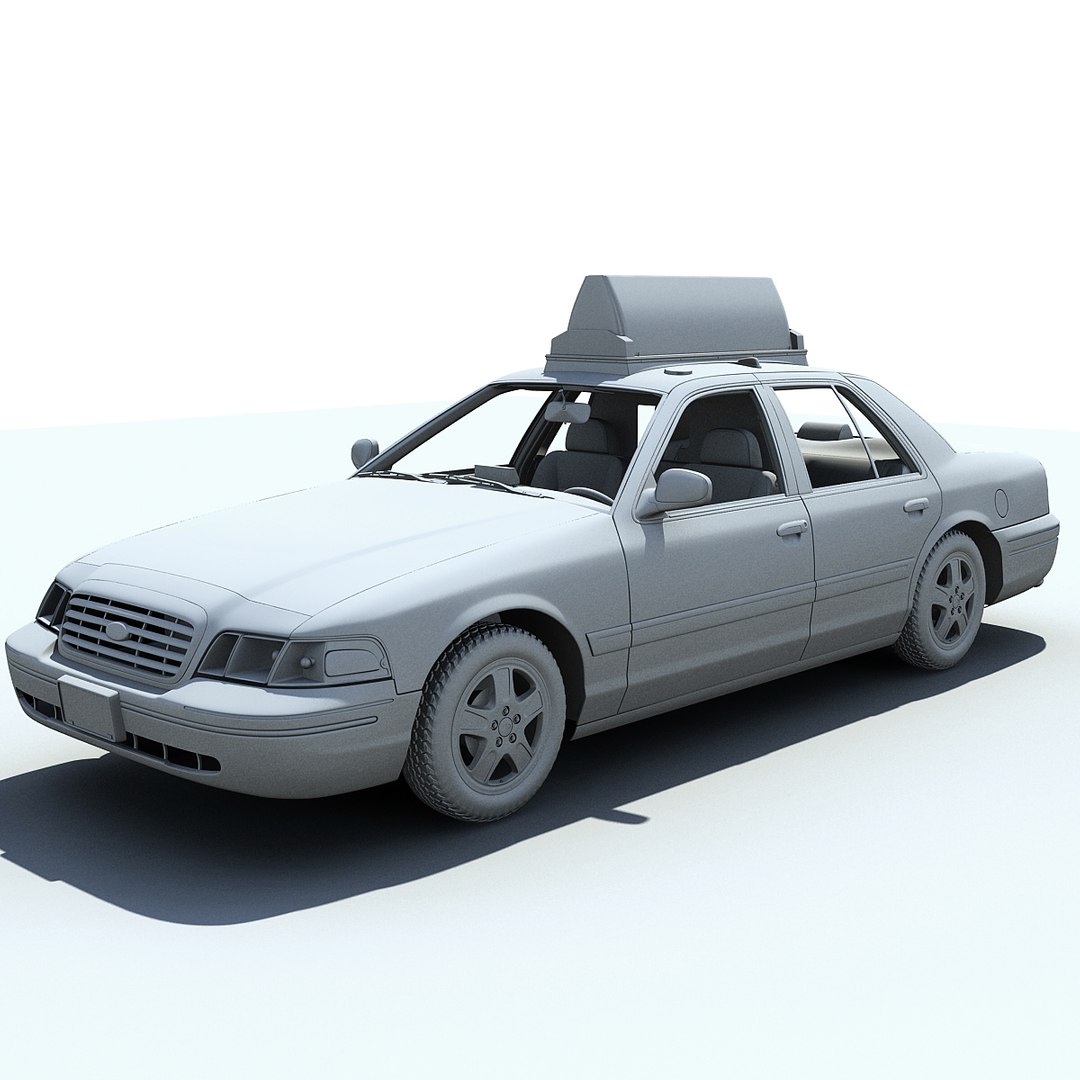
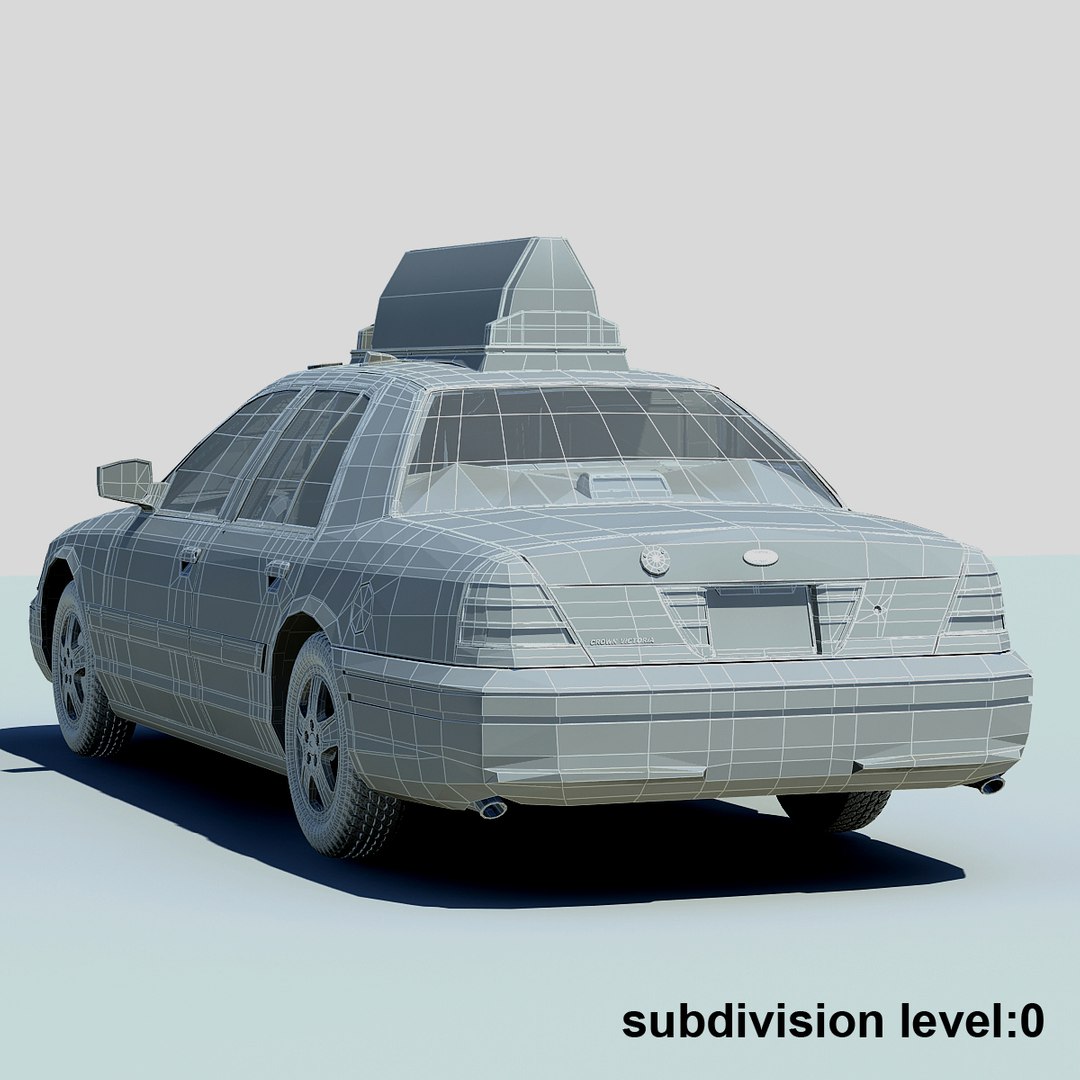
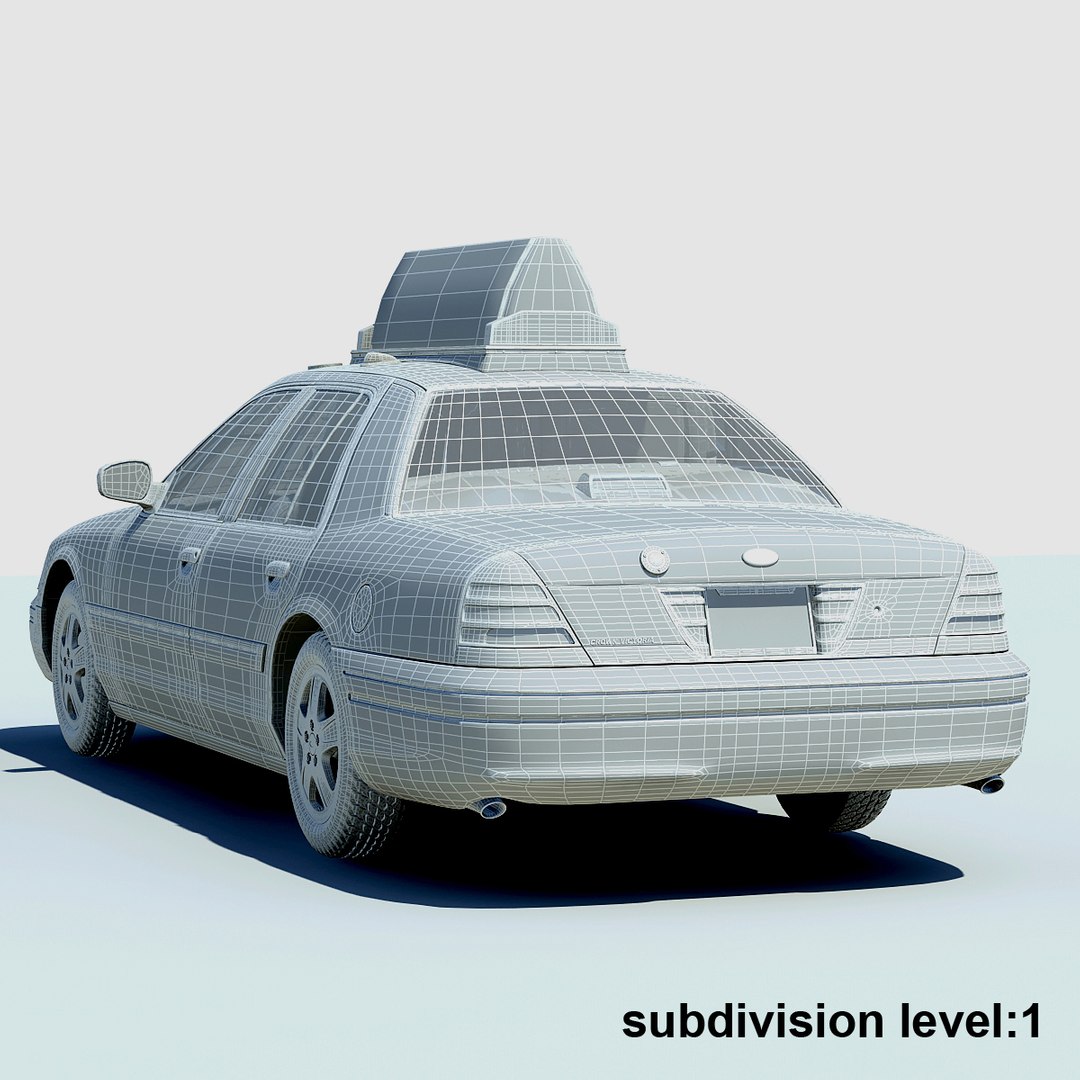
This is a highly detailed 3d model of the New York Taxi

--Geometry--

The model was modeled in 3ds max.
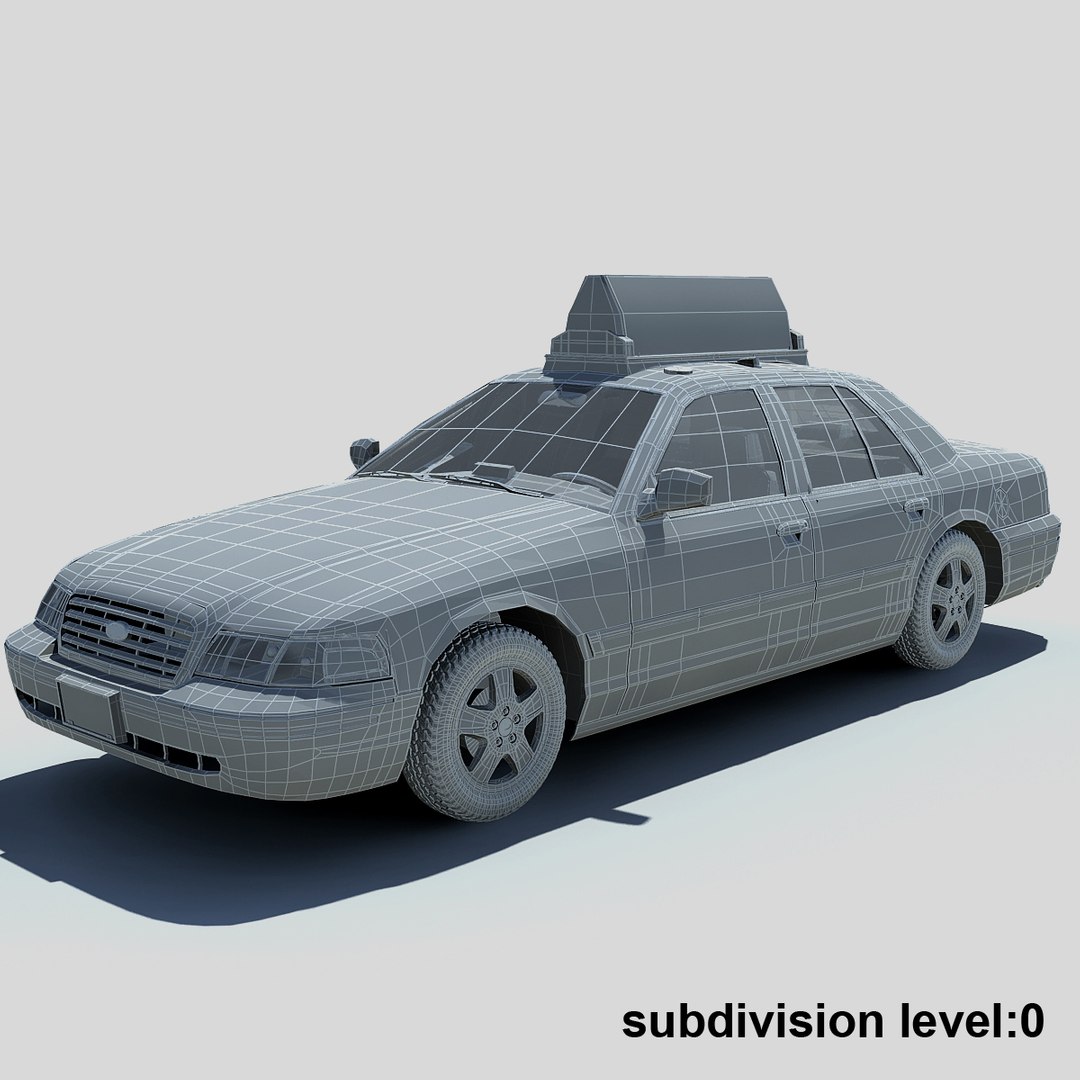
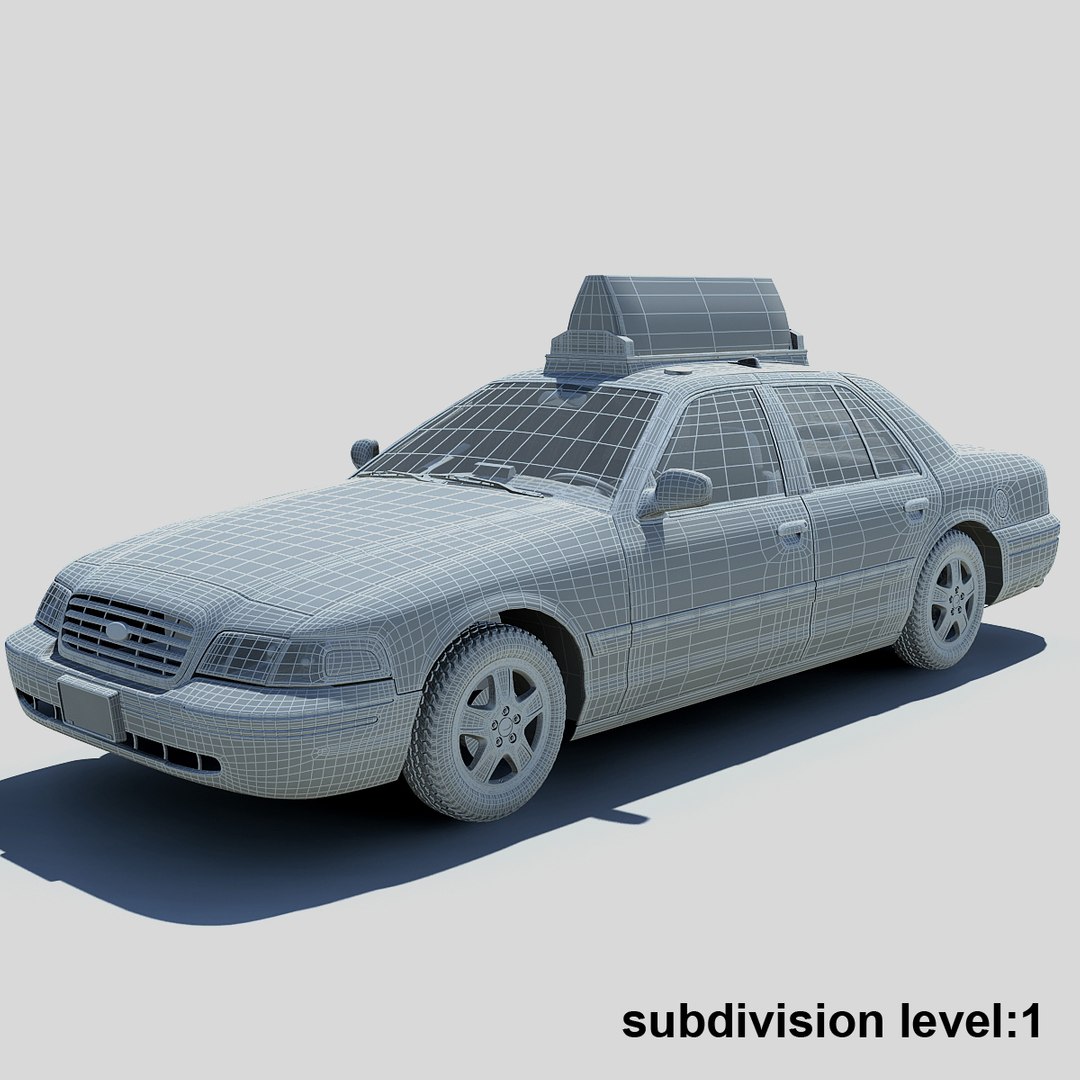
The model is smootheable and easily editable (TurboSmooth, HyperNURBS modifier).
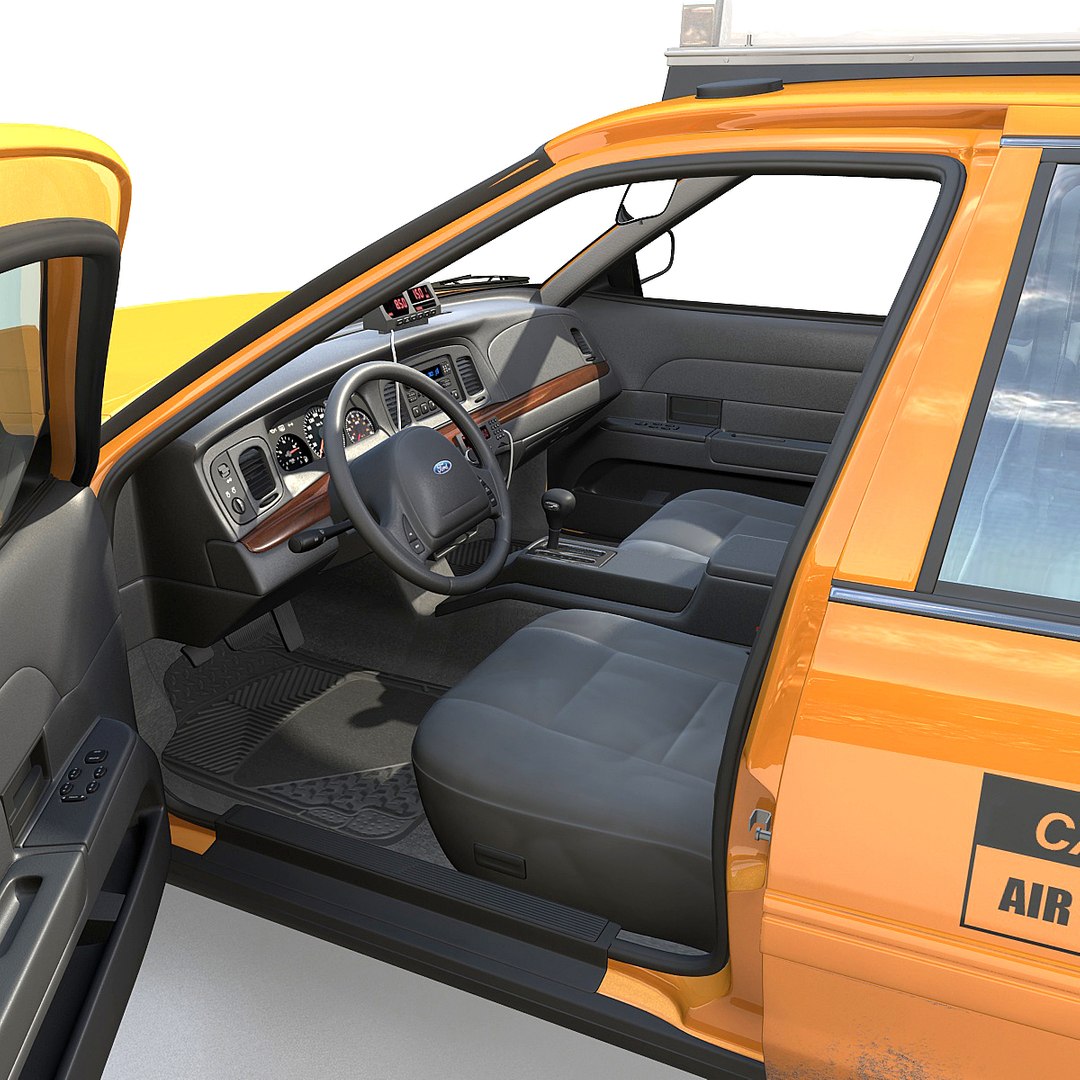
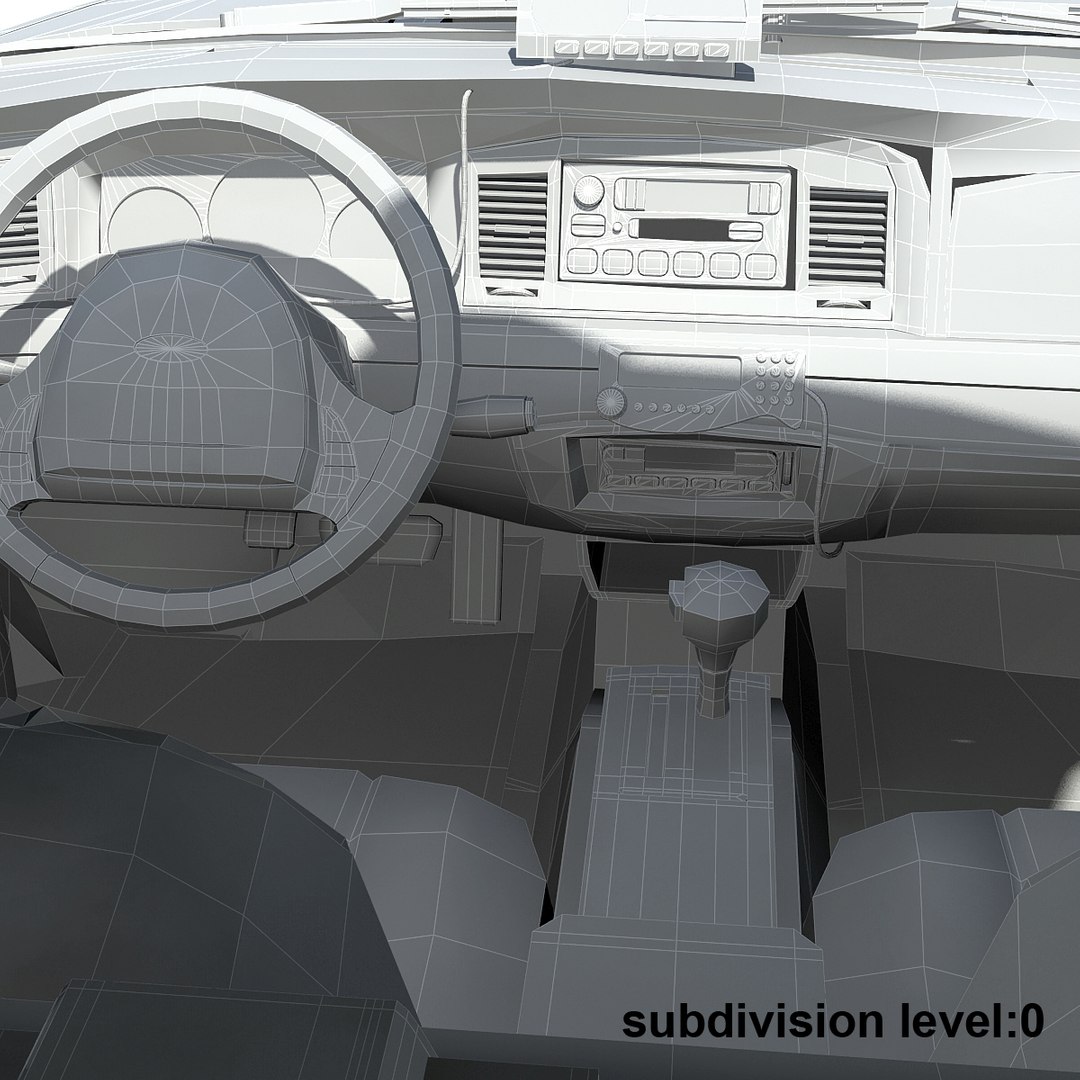
Interior is included.
This model consists primarily of quads.
In the 3ds Max versions the model is organized on layers.

--Rendering--

The rendering is setup in mental ray.
In the 3ds Max version, the mental ray lighting and setup file is also included.
No 3rd party plugin needed.
I also included a non-illuminated 3ds Max version with standard materials (if you do not use mental ray).
Lighting is included only in the 3ds Max version and materials may appear different in other program formats.

--Textures--

The resolution of textures vary from 1200x1200 to 300x300.


--Rigging --

In the 3ds Max version the model has a simple rig.
I added helper objects to 4 doors and wheels.
In order to animate this model all you need to do is select the appropriate helper object for the section you want to rotate, make sure you are in local mode, and rotate.

--Scale--

This scene is modeled in real world scale.

Select Enhanced License

  • $10,000 in Legal Protection (Indemnification)
  • Uncapped Legal Protection (Indemnification)
  • Waiver from injunctive relief
  • Assignable model rights
  • $1,000,000 in Legal Protection (Indemnification)
  • Waiver from injunctive relief
  • Assignable model rights
  • $250,000 in Legal Protection (Indemnification)
  • Assignable model rights
Read more about enhanced license tiers, or contact us at enterprise@turbosquid.com. Already a Shutterstock Enterprise Customer? Contact your Shutterstock Sales Support Agent to talk about adding 3D.

About Conversion Requests

To submit a conversion request for a purchased asset, please complete our Conversion Request Form.

If you have not yet purchased a model, please review our Documentation about Conversions to learn about what limitations you may encounter with a conversion.

For any additional questions about a model’s suitability for conversion, please contact TurboSquid Support.

Loading...