Zebra

$59

Standard License | Upgrade License
Formats (3)
Free file format Conversions available
Native | Maya 2009ma/mb | mental ray
FBX
OBJ
Specifications
Publish Date July 22, 2007
Product ID 361906
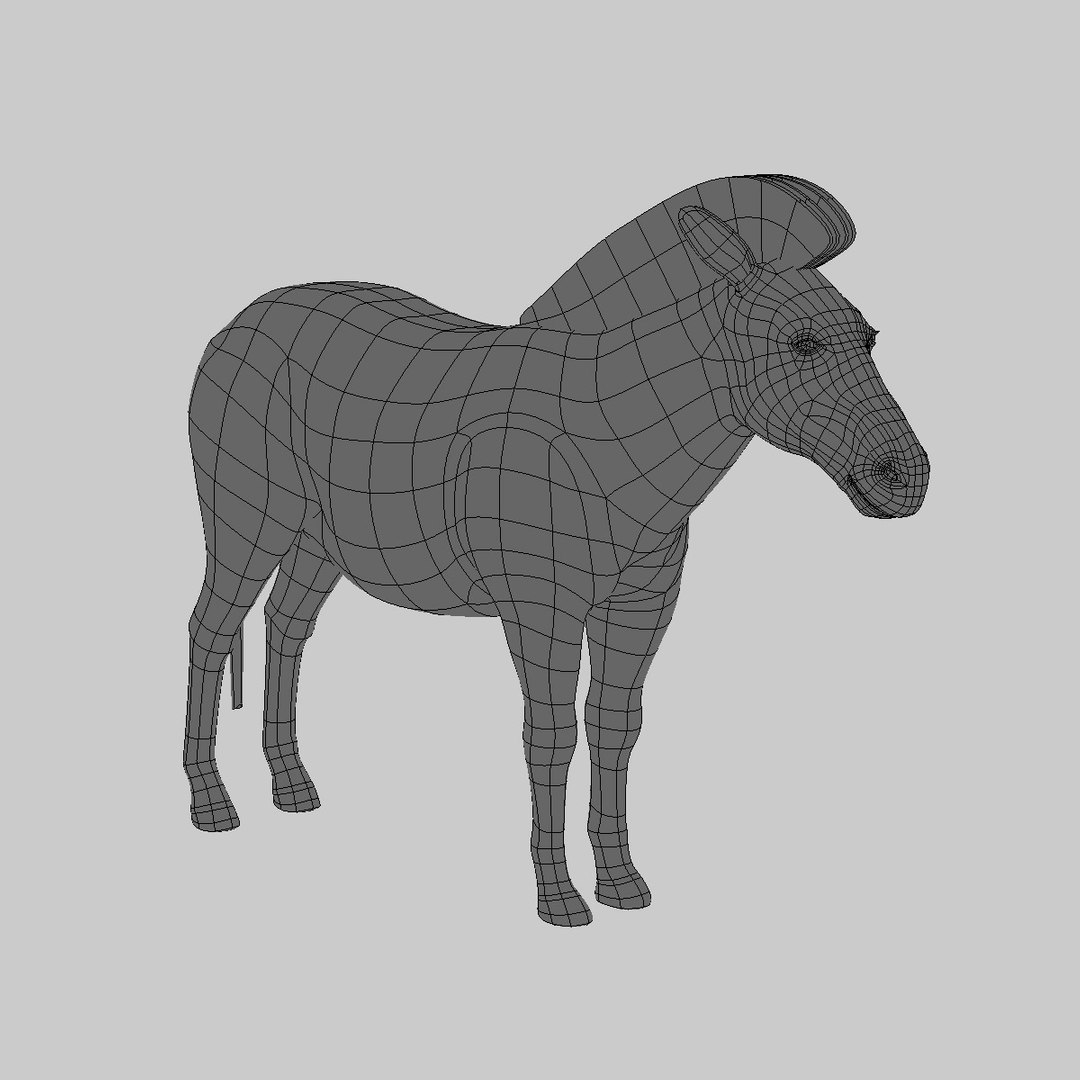
Polygons 8,664
Vertices 8,938
Polygonal
Textures
Materials
UV Mapped
Unknown Unwrapped UVs
member avatar
Massimo Righi
563 Products | Contributor Since 2005
Have questions? Chat with us now.

Description

---UPDATED 2011---

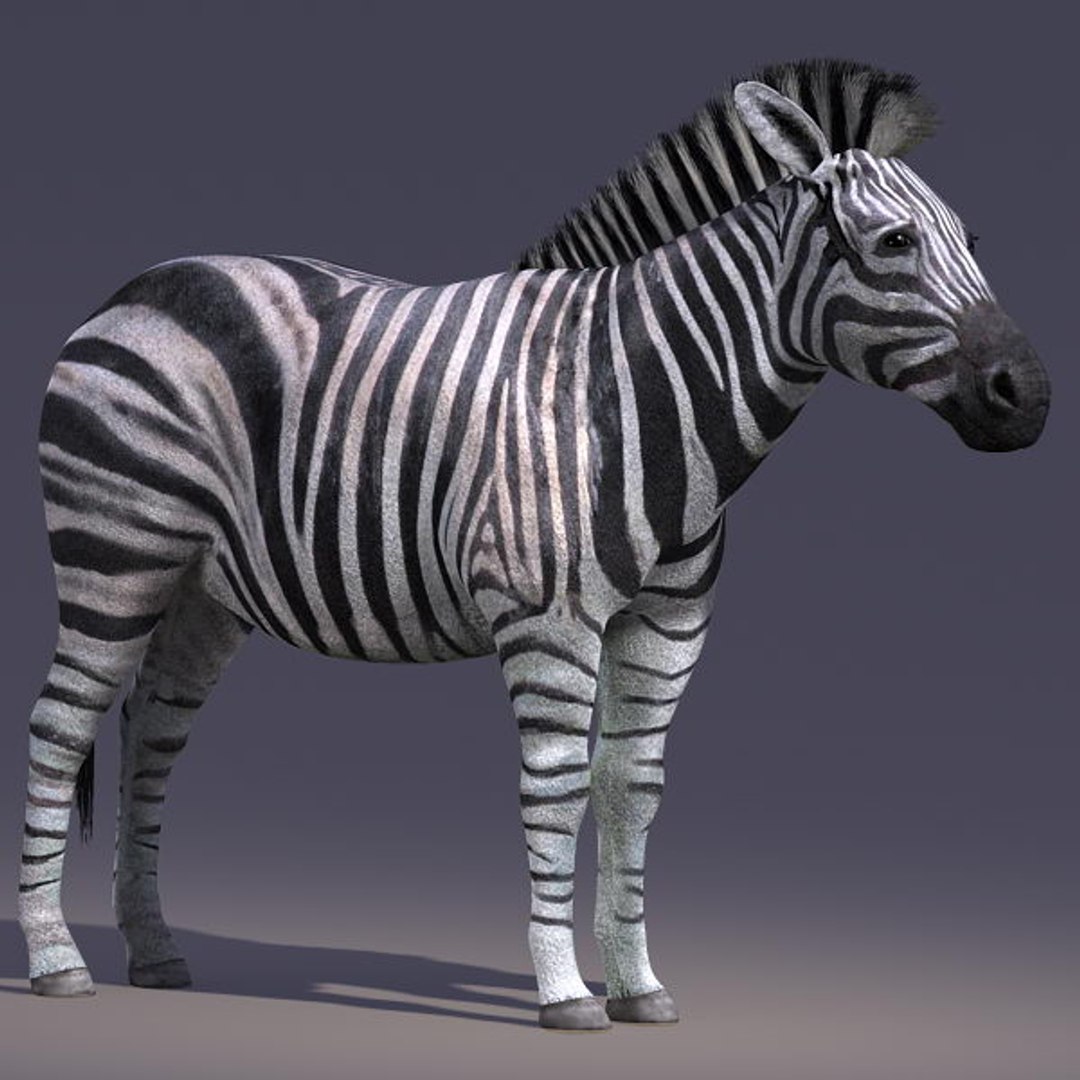
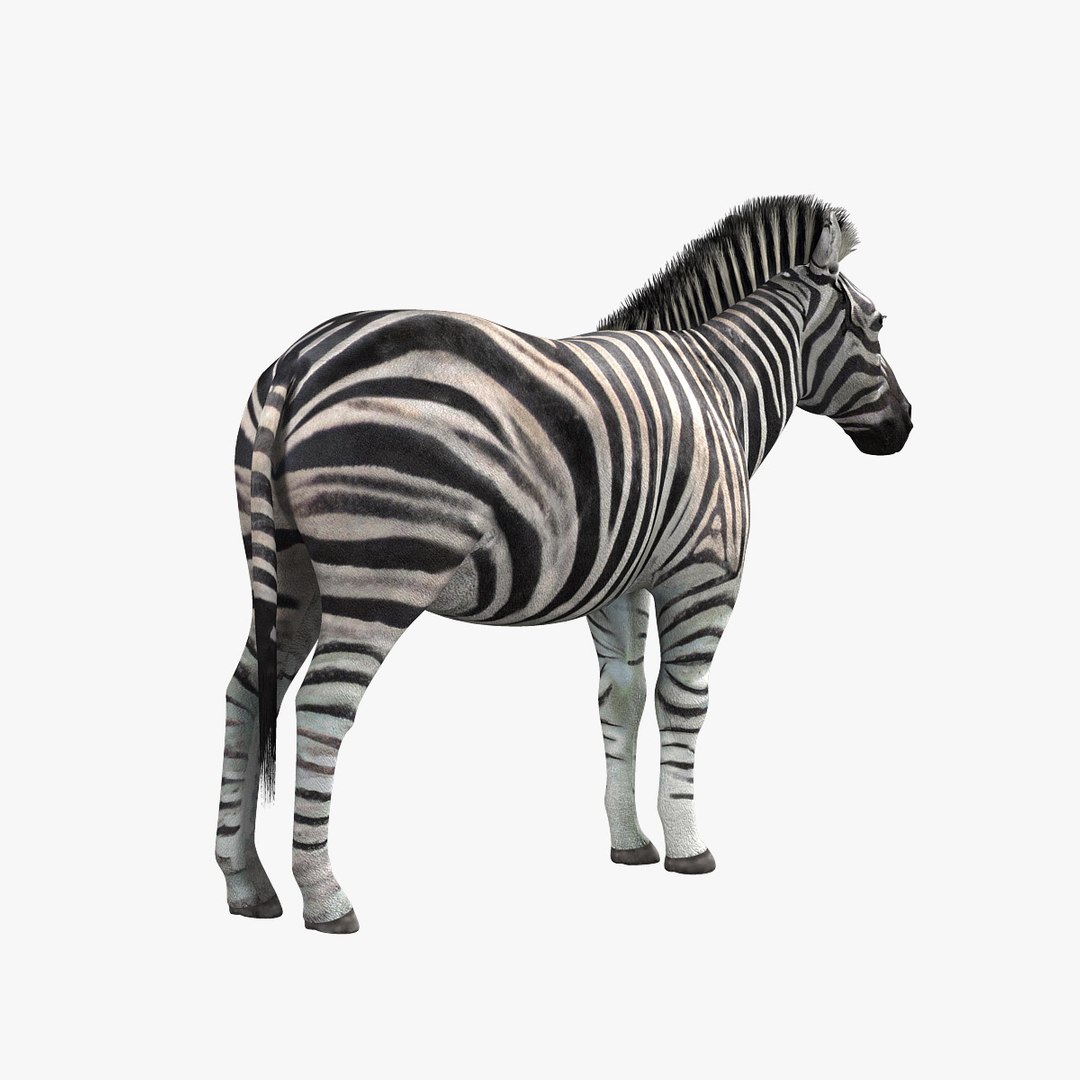
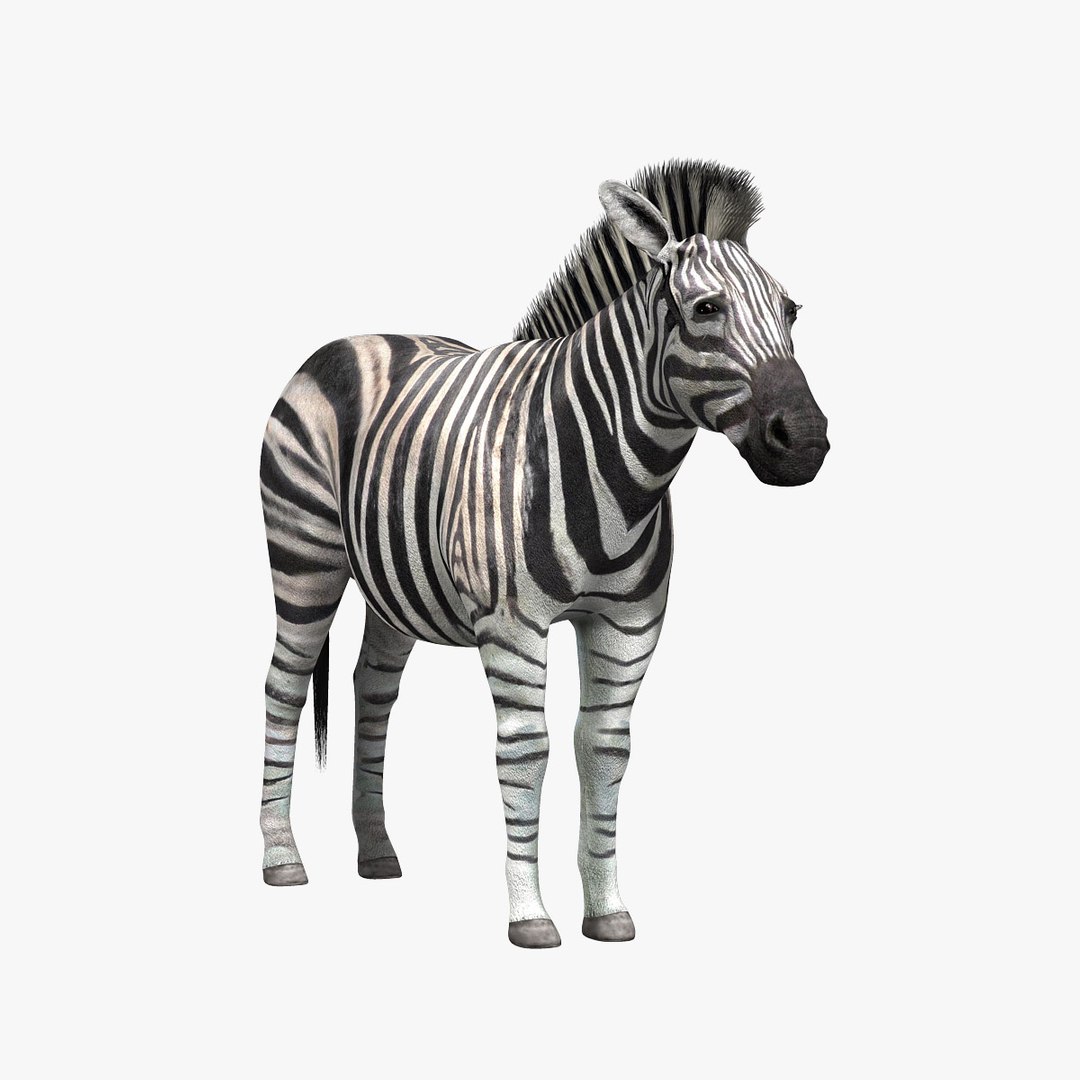
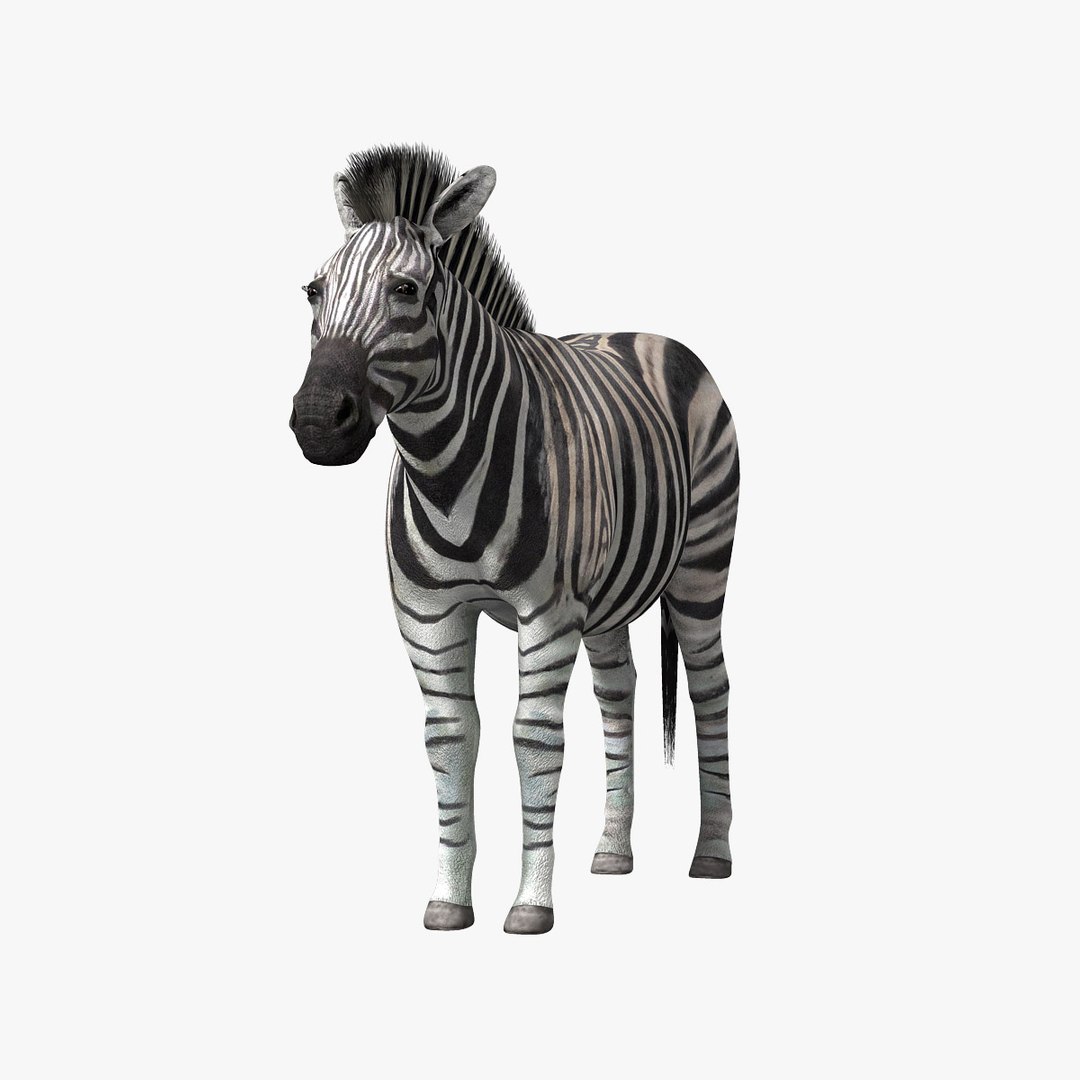
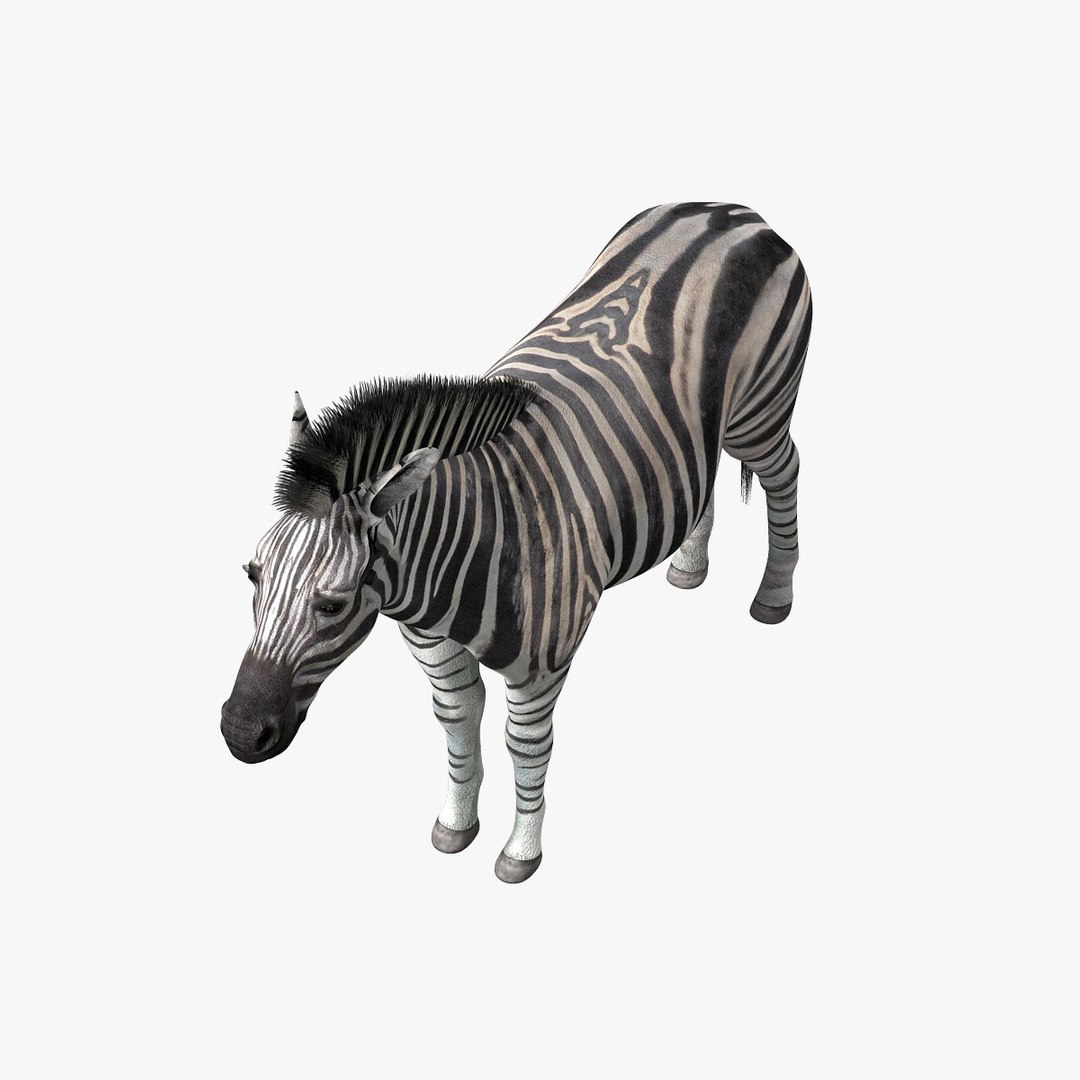
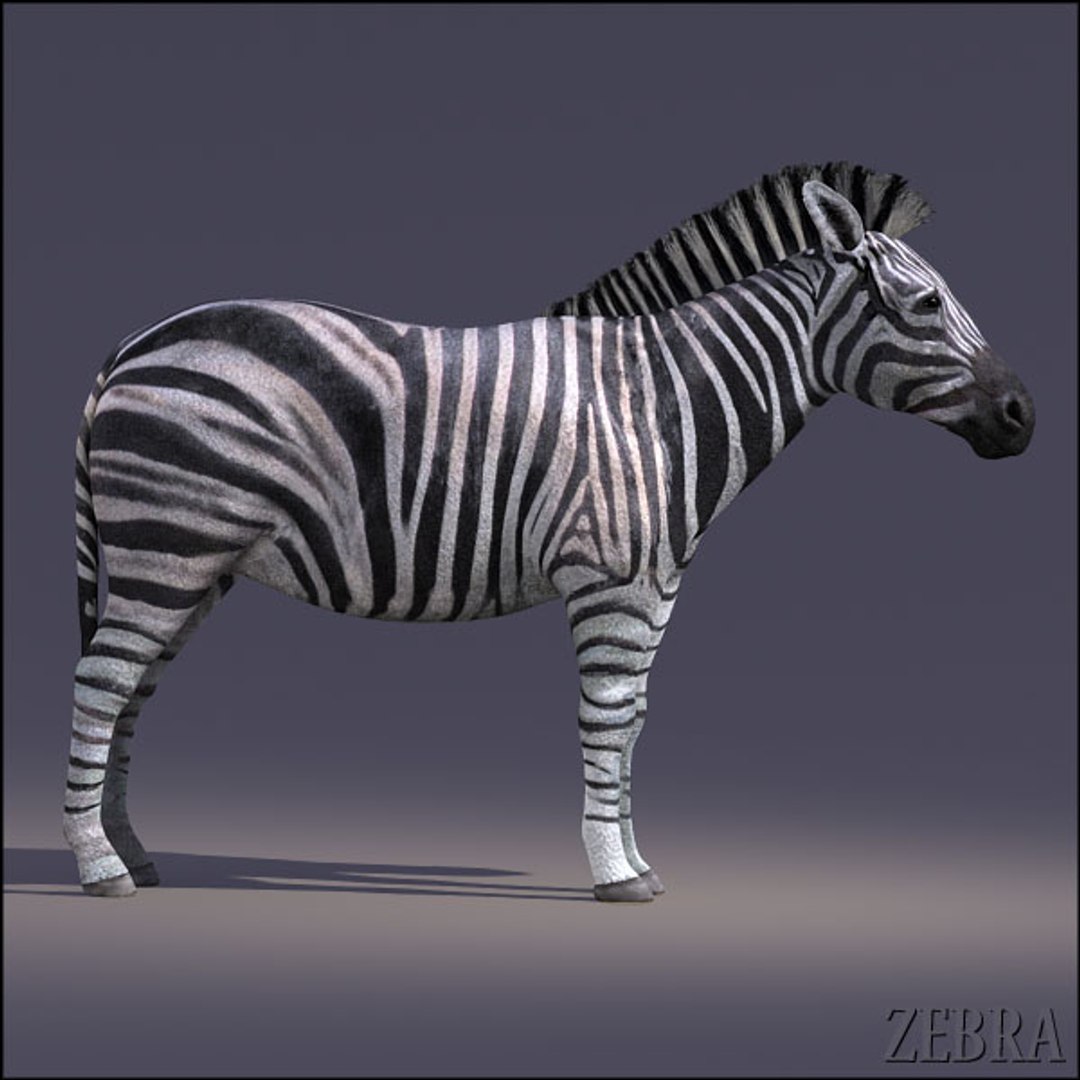
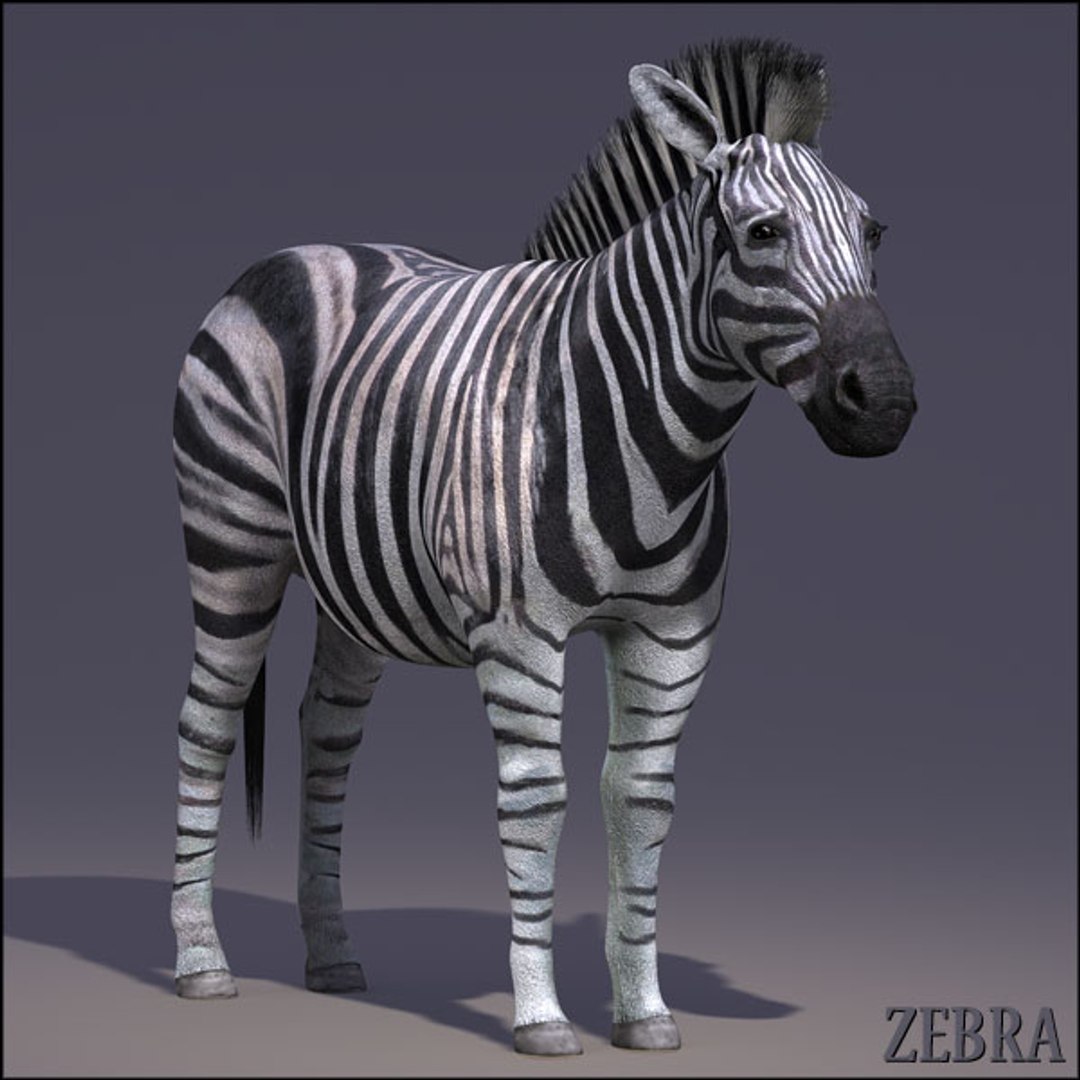
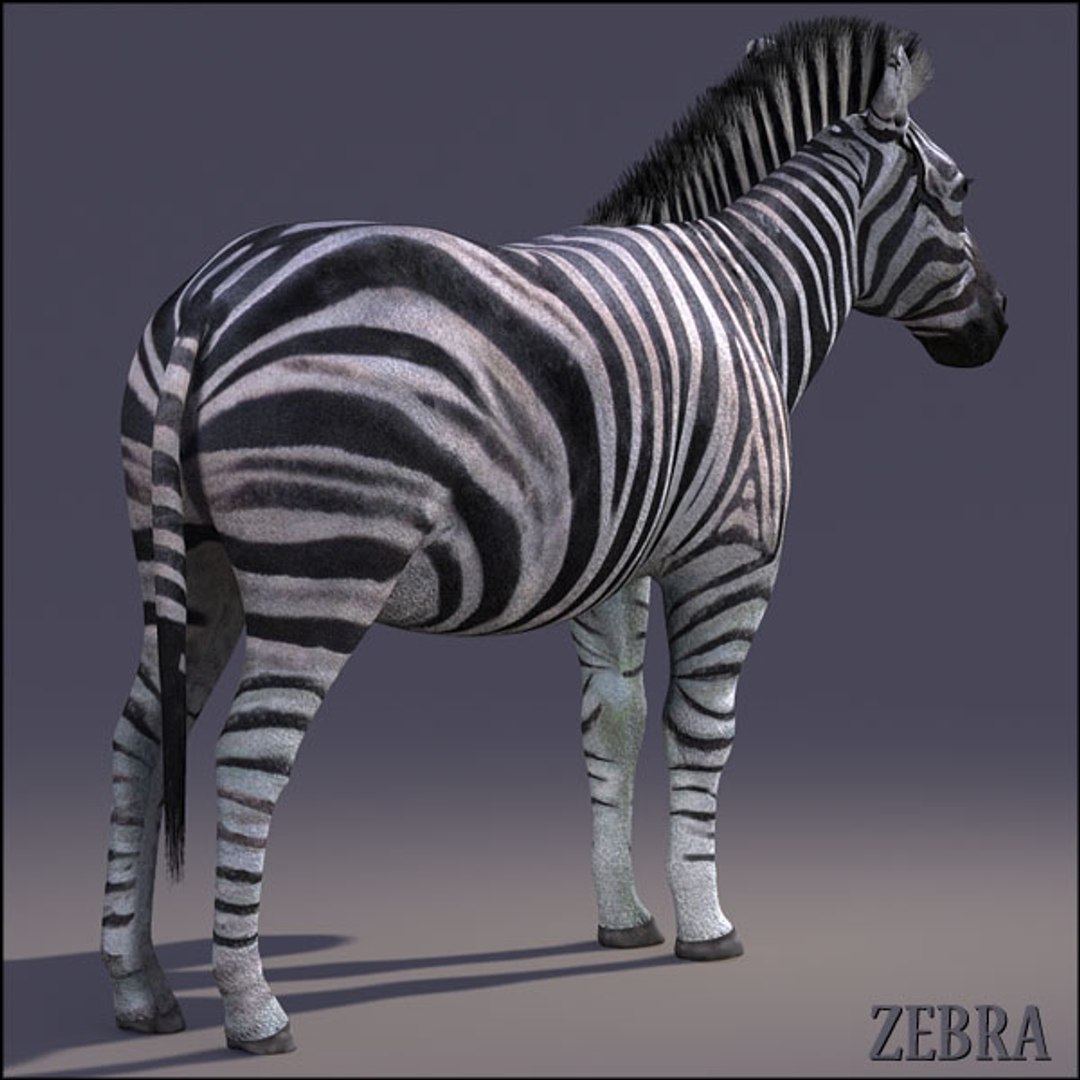
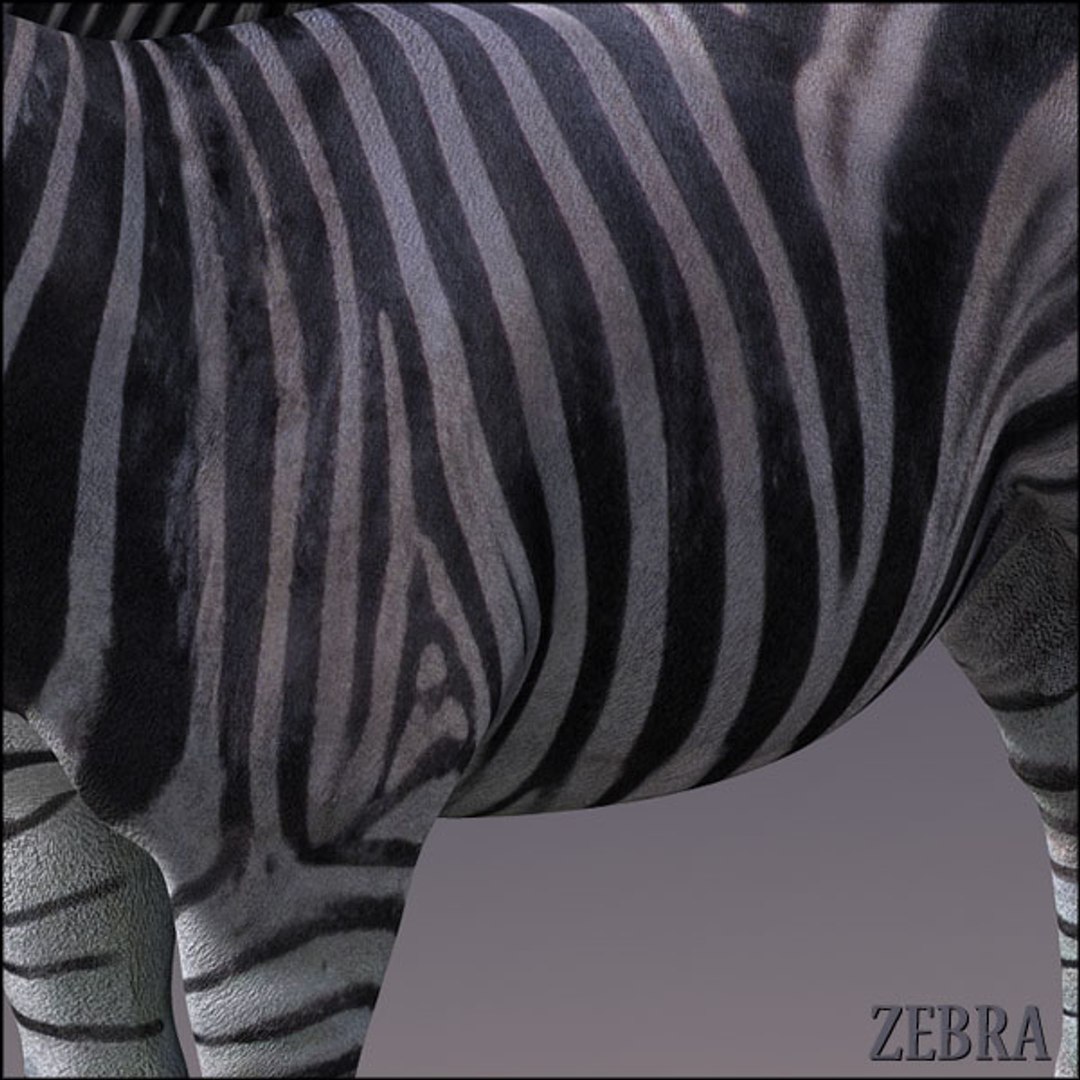
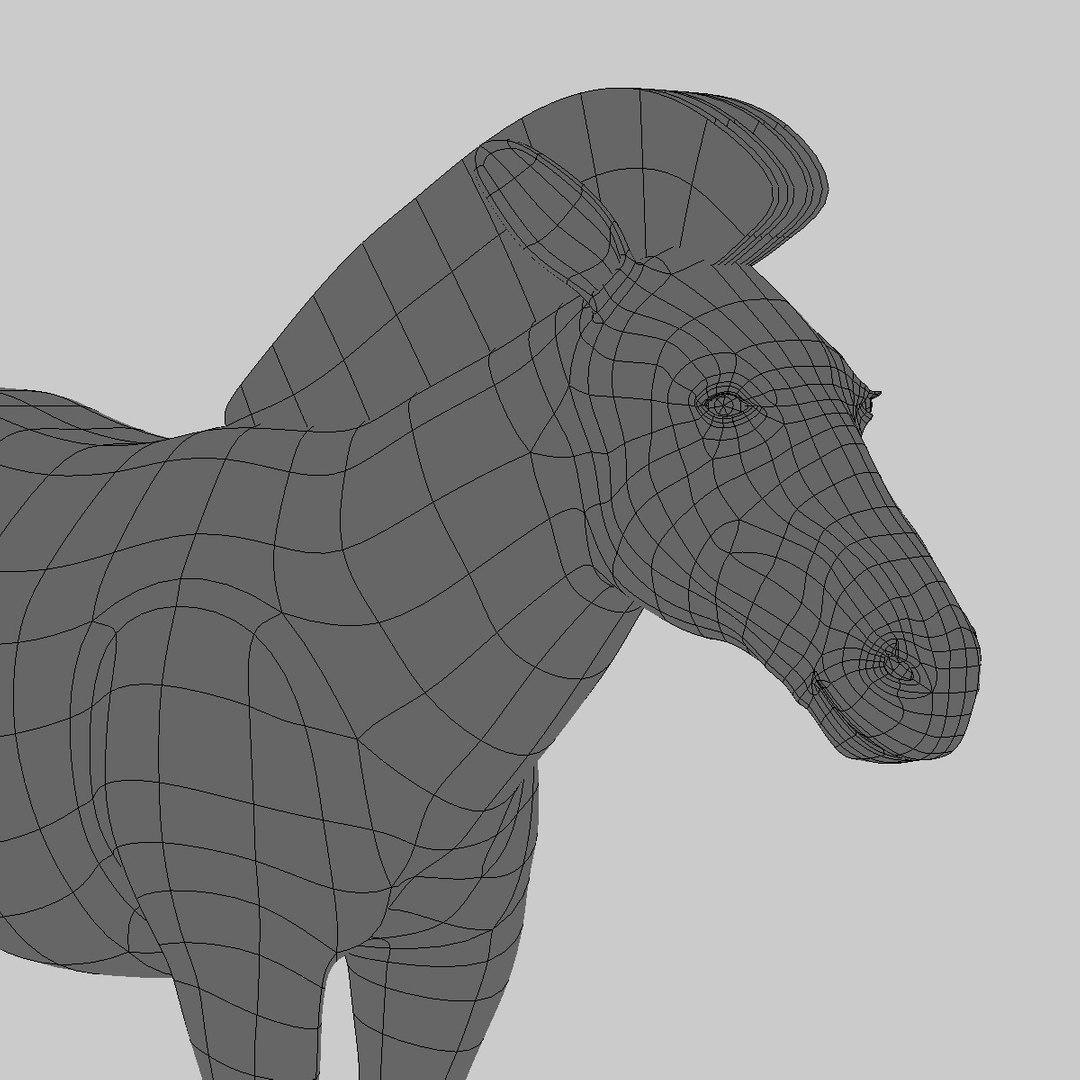
High Detailed Photorealistic Zebra ,UVmapped and smoothable, made with Maya.
Ready to render exactly as you see above.
High resolution textures:

texture (2048x2048)
bump (2048x2048)
specular (2048x2048)
diffuse (2048x2048)
transmap (2048x2048)
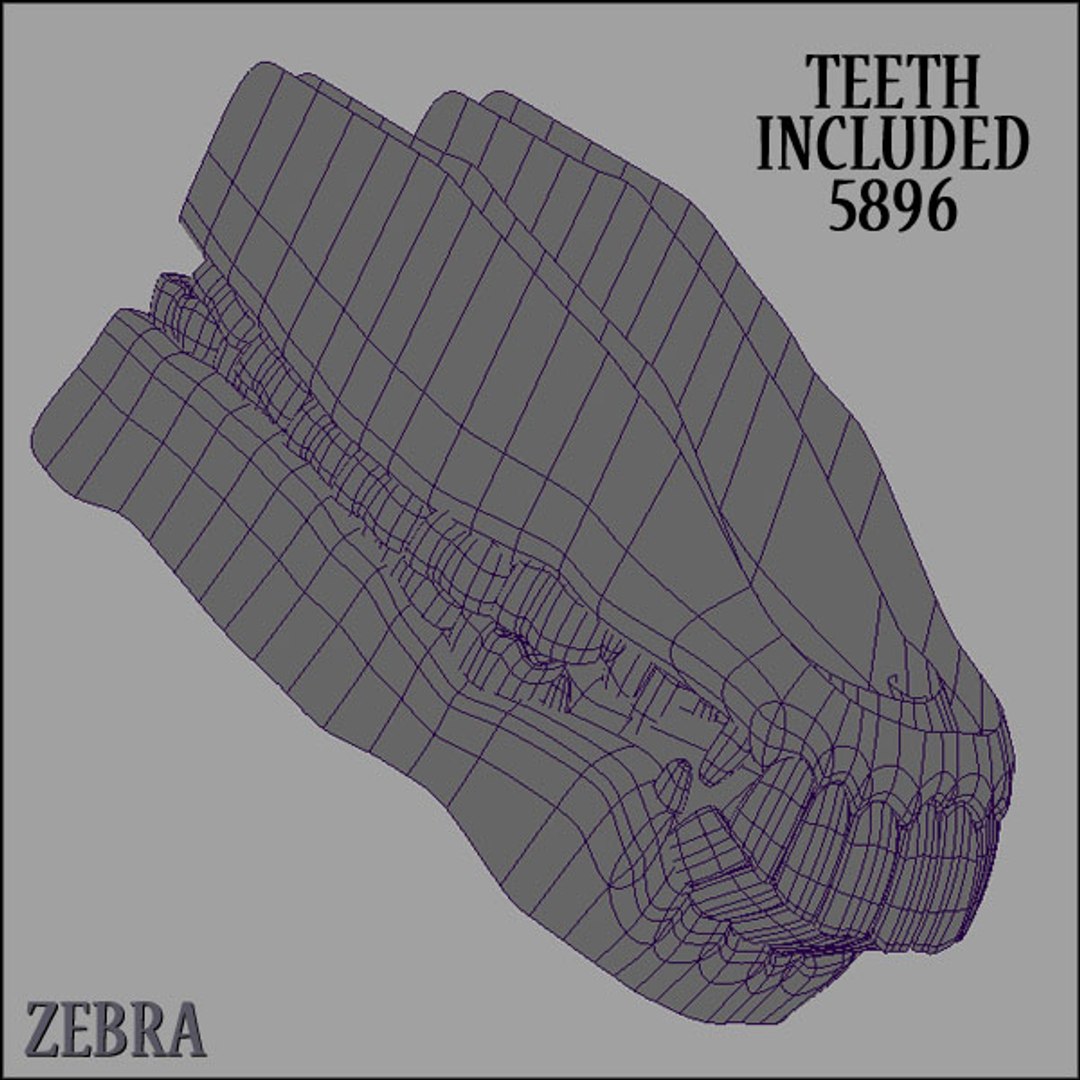
teeth_color (1024x1024)

The eyelashes, fur and hair are simulated with a transparent map (alpha map) so you don"t need any plugin.

Polycount: (ma/mb/obj/fbx)

Total: 8664
main: 2672
teeth: 5896

Formats included

.mb (maya 2009 binary)
.ma (maya 2009 ascii)
.obj (alias wavefront)
.fbx (Autodesk)

The Maya 2009 format is set with the "3" hotkey for the geometry approximation preview and render.
For Obj and Fbx versions you would need to run a polysmooth to get the same maya 2009 result.
Obj version is directly exported from Maya with textures assigned (.mtl file)
FBX version is directly exported from Maya with textures assigned

----------------
The images on white background have been made for presentation purpose as per Turbosquid request, the actual light rig is including ground shadow setup (see the other renderings with coloured background)

NO POSTWORK ON THESE RENDERS (MENTAL RAY)

Select Enhanced License

  • $10,000 in Legal Protection (Indemnification)
  • Uncapped Legal Protection (Indemnification)
  • Waiver from injunctive relief
  • Assignable model rights
  • $1,000,000 in Legal Protection (Indemnification)
  • Waiver from injunctive relief
  • Assignable model rights
  • $250,000 in Legal Protection (Indemnification)
  • Assignable model rights
Read more about enhanced license tiers, or contact us at enterprise@turbosquid.com. Already a Shutterstock Enterprise Customer? Contact your Shutterstock Sales Support Agent to talk about adding 3D.

About Conversion Requests

To submit a conversion request for a purchased asset, please complete our Conversion Request Form.

If you have not yet purchased a model, please review our Documentation about Conversions to learn about what limitations you may encounter with a conversion.

For any additional questions about a model’s suitability for conversion, please contact TurboSquid Support.

Loading...