
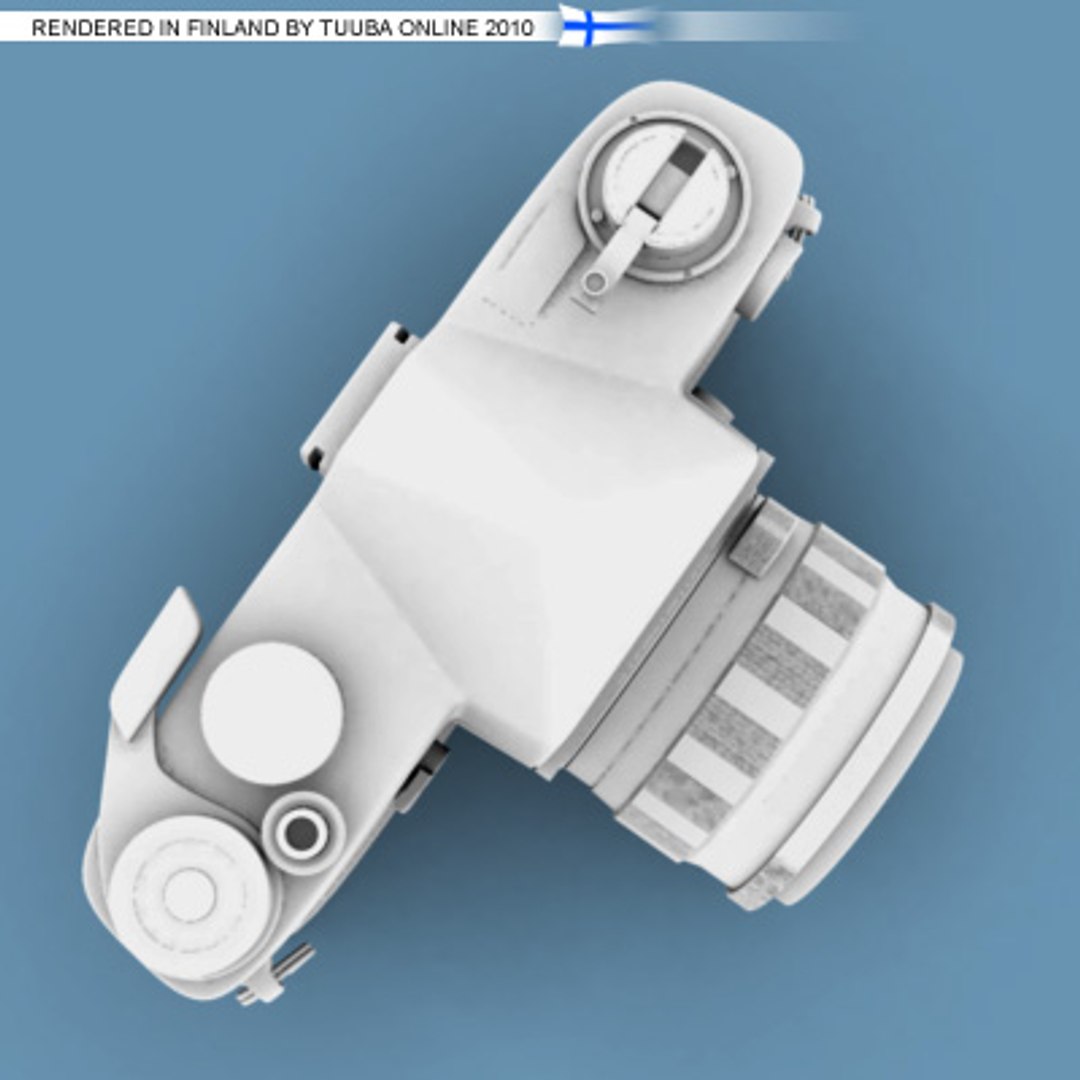
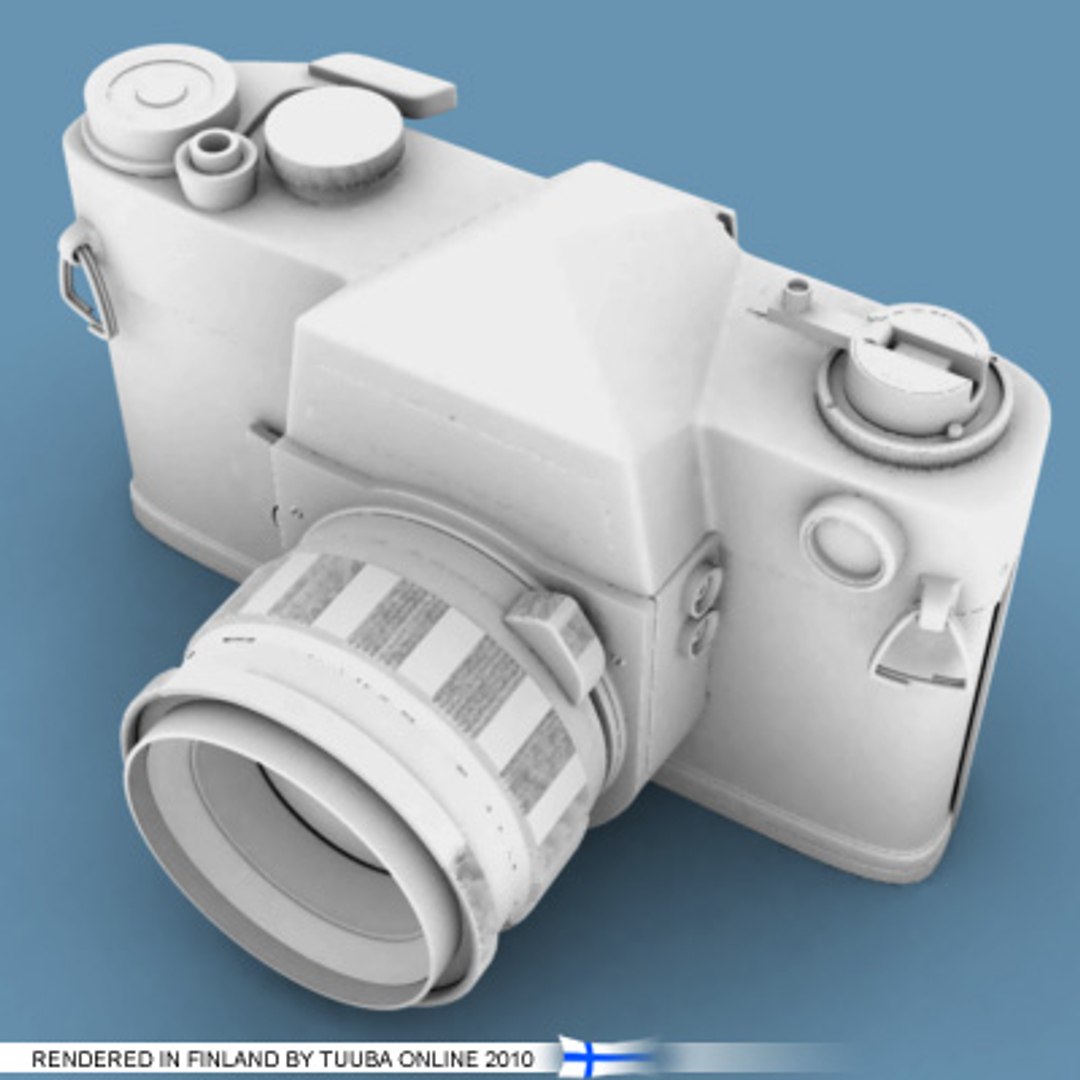
Yashica J3 - 84k - for Carrara - TuubaOnline

$12

Standard License | Upgrade License
Editorial Uses Only
Formats (1)
Other Textures
Specifications
Publish Date November 01, 2010
Product ID 566239
Polygons 84,055
Vertices 85,146
Polygonal
Textures
Materials
UV Mapped
Unknown Unwrapped UVs
TurboSquid Exclusive
member avatar
Tuuba Online
28 Products | Contributor Since 2010
Have questions? Chat with us now.

Description

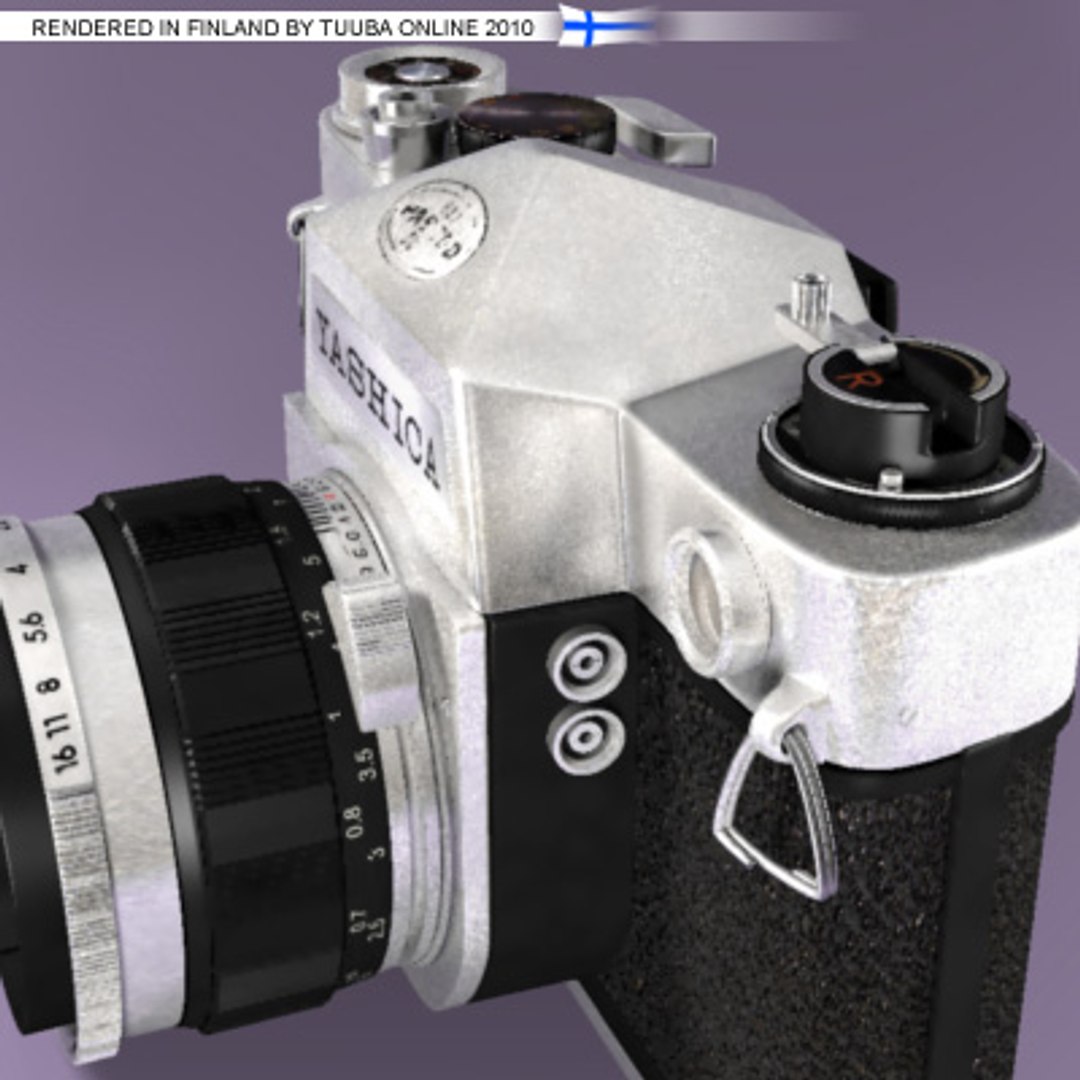
YASHICA J3 FOR DAZ CARRARA - TUUBAONLINE

High quality 3D models for reasonable prices by Tuuba Online.

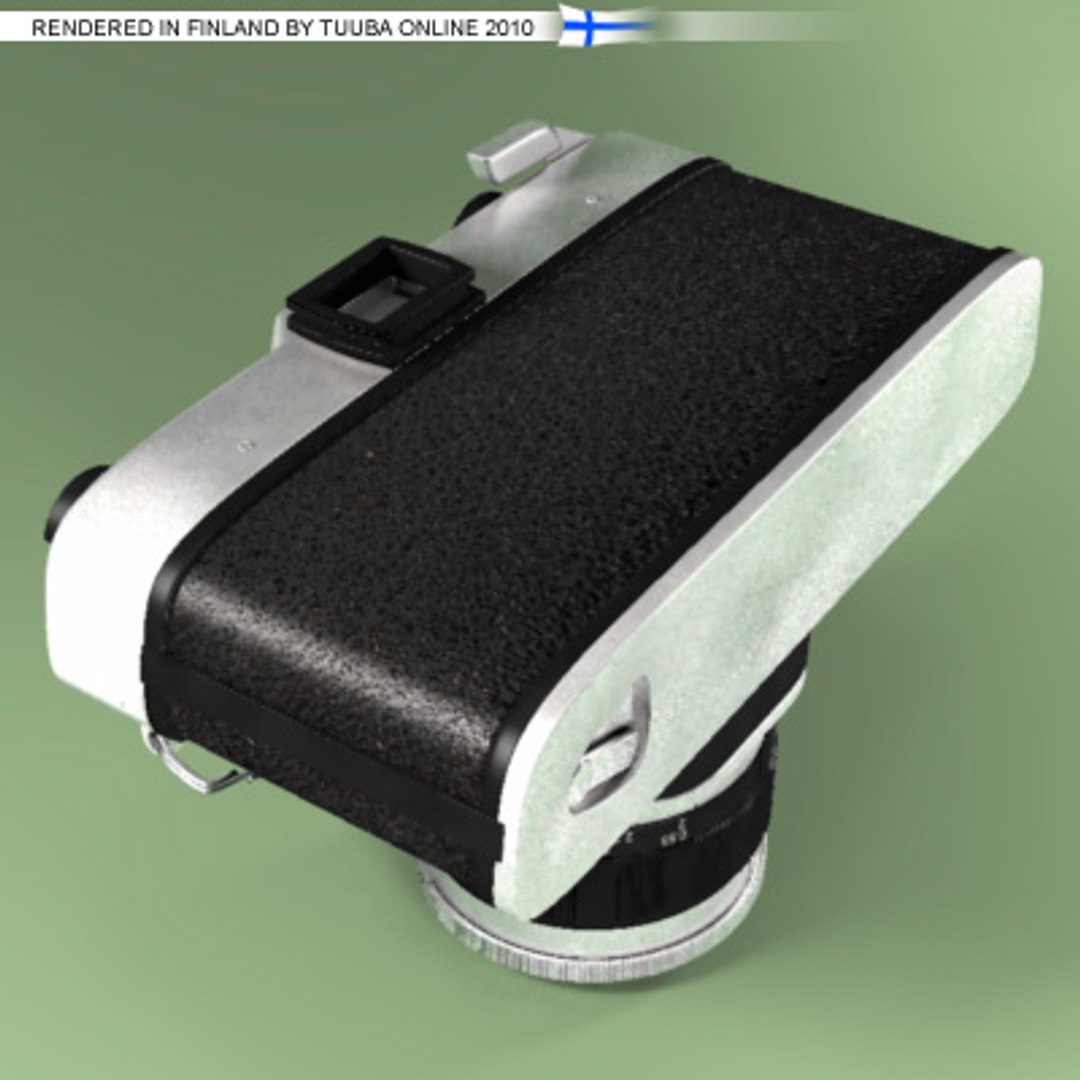
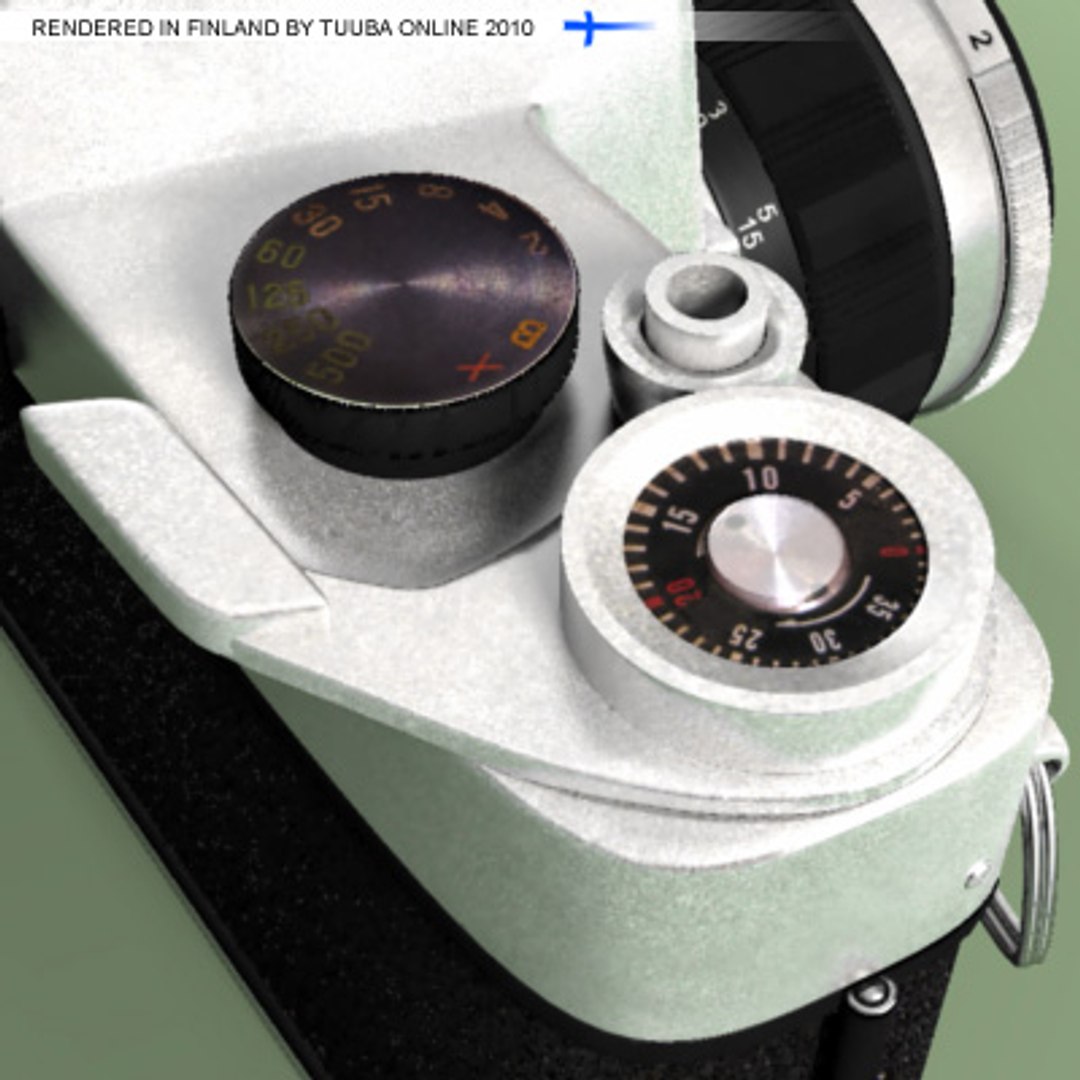
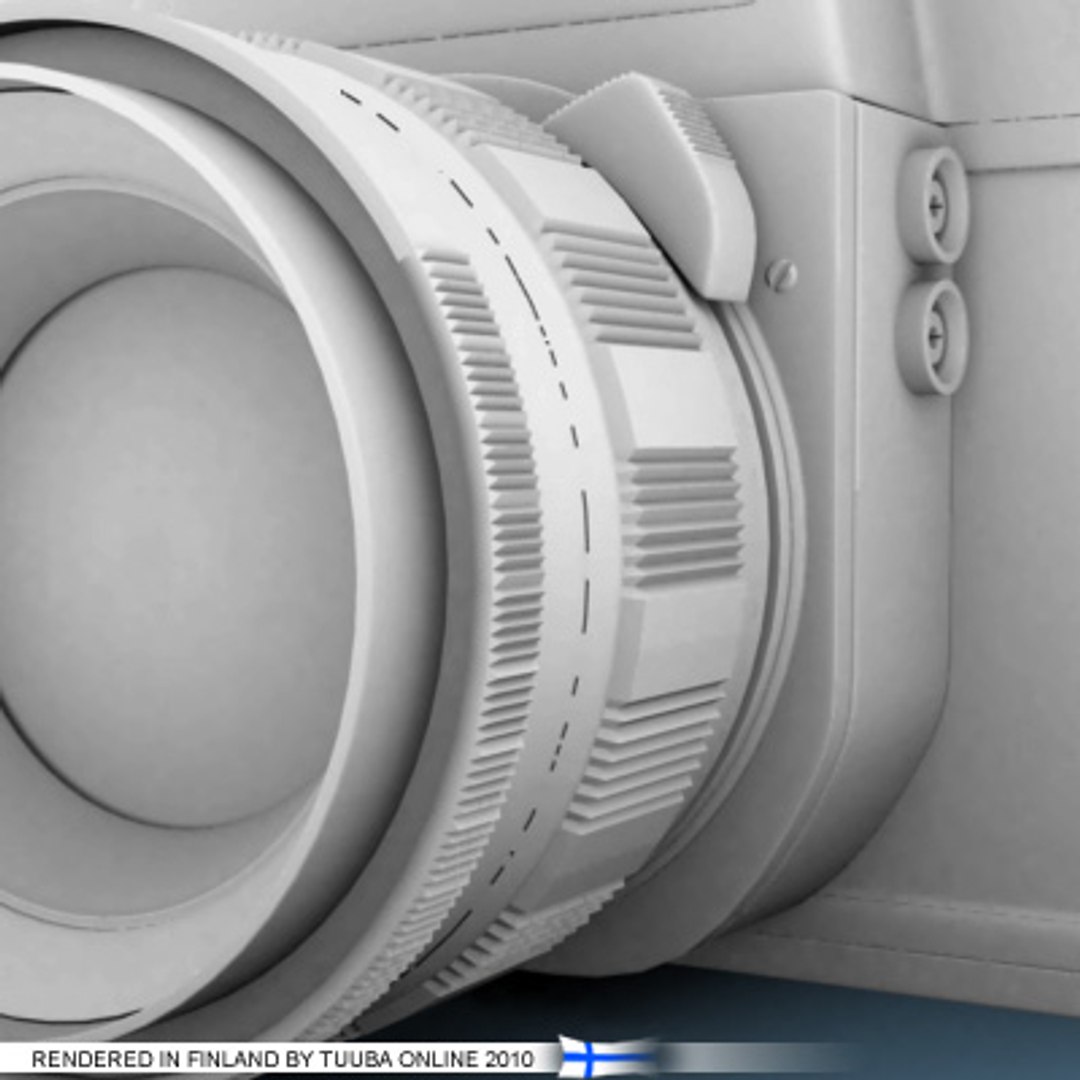
Professionally modelled, UV mapped and textured model of YASHICA J3 for DAZ Carrara. All those sample images are pure renders from Carrara 7 Pro. Only their background color is changed in image editor. When you buy this product and open it in Carrara and then you bush Render button, you"ll get an image like above in this site.

You can always export the model from Carrara into another software. However, you can use the Carrara scene and the model in it versatile to learn studio lighting in Carrara or in your own scenes and animations etc.

Please notice, that functionality of this scene is tested only in Carrara 7 Pro. However, it should work in Carrara 6 and Carrara 8 too.


ZIP package contains:

- Ready for render Carrara scene (for Carrara 6 or newer)
- And in the scene high quality 3D model including 84,000 pieces of four side polygons
- One easy to understand UV map for whole model
- High quality texture and bumb map up to 4096x4096 pixels
- UV layout in PNG format up to 4096x4096 pixels
- Sample images of rendered scene

Select Enhanced License

  • $10,000 in Legal Protection (Indemnification)
  • Uncapped Legal Protection (Indemnification)
  • Waiver from injunctive relief
  • Assignable model rights
  • $1,000,000 in Legal Protection (Indemnification)
  • Waiver from injunctive relief
  • Assignable model rights
  • $250,000 in Legal Protection (Indemnification)
  • Assignable model rights
Read more about enhanced license tiers, or contact us at enterprise@turbosquid.com. Already a Shutterstock Enterprise Customer? Contact your Shutterstock Sales Support Agent to talk about adding 3D.

About Conversion Requests

To submit a conversion request for a purchased asset, please complete our Conversion Request Form.

If you have not yet purchased a model, please review our Documentation about Conversions to learn about what limitations you may encounter with a conversion.

For any additional questions about a model’s suitability for conversion, please contact TurboSquid Support.

Loading...