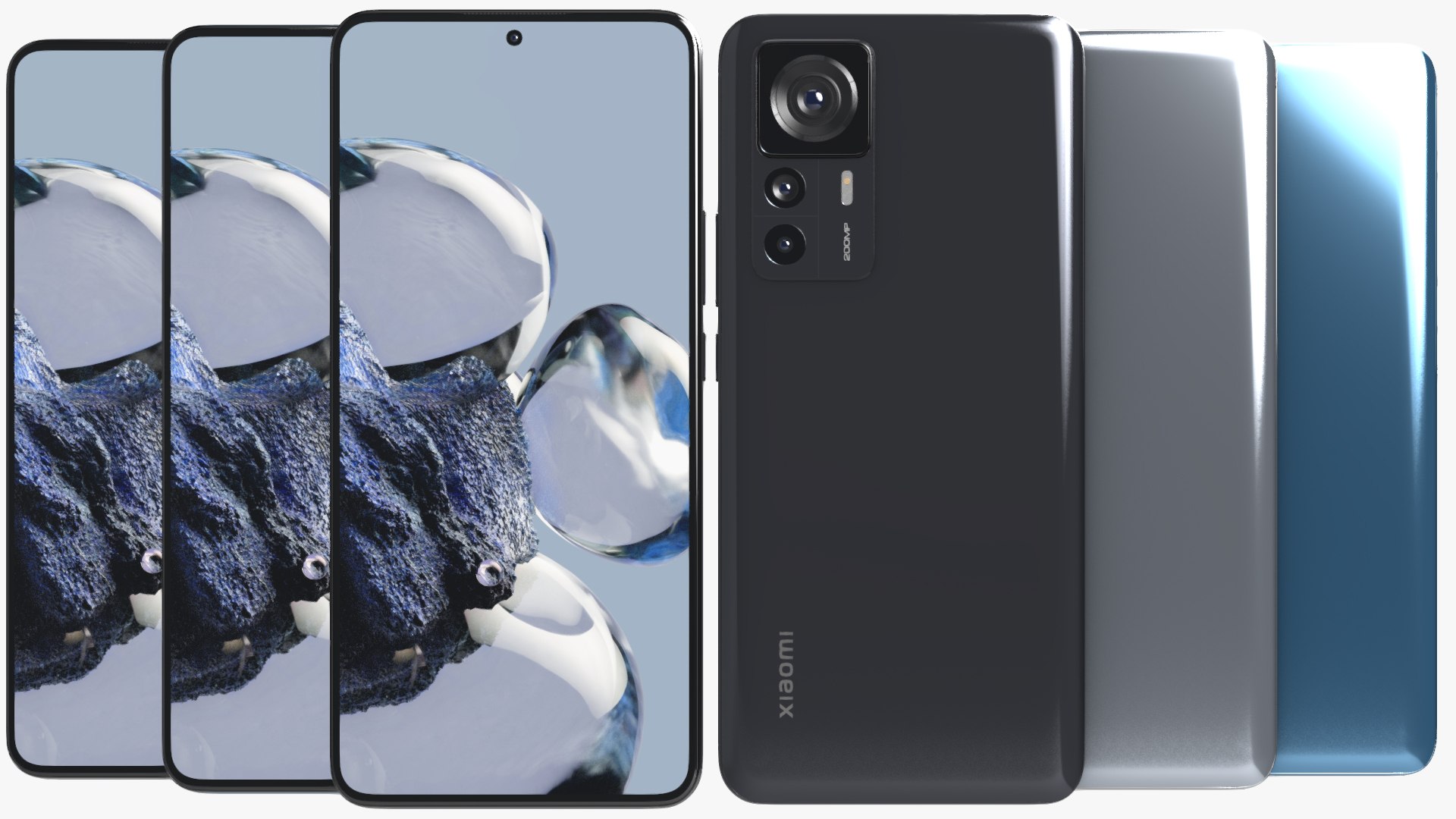
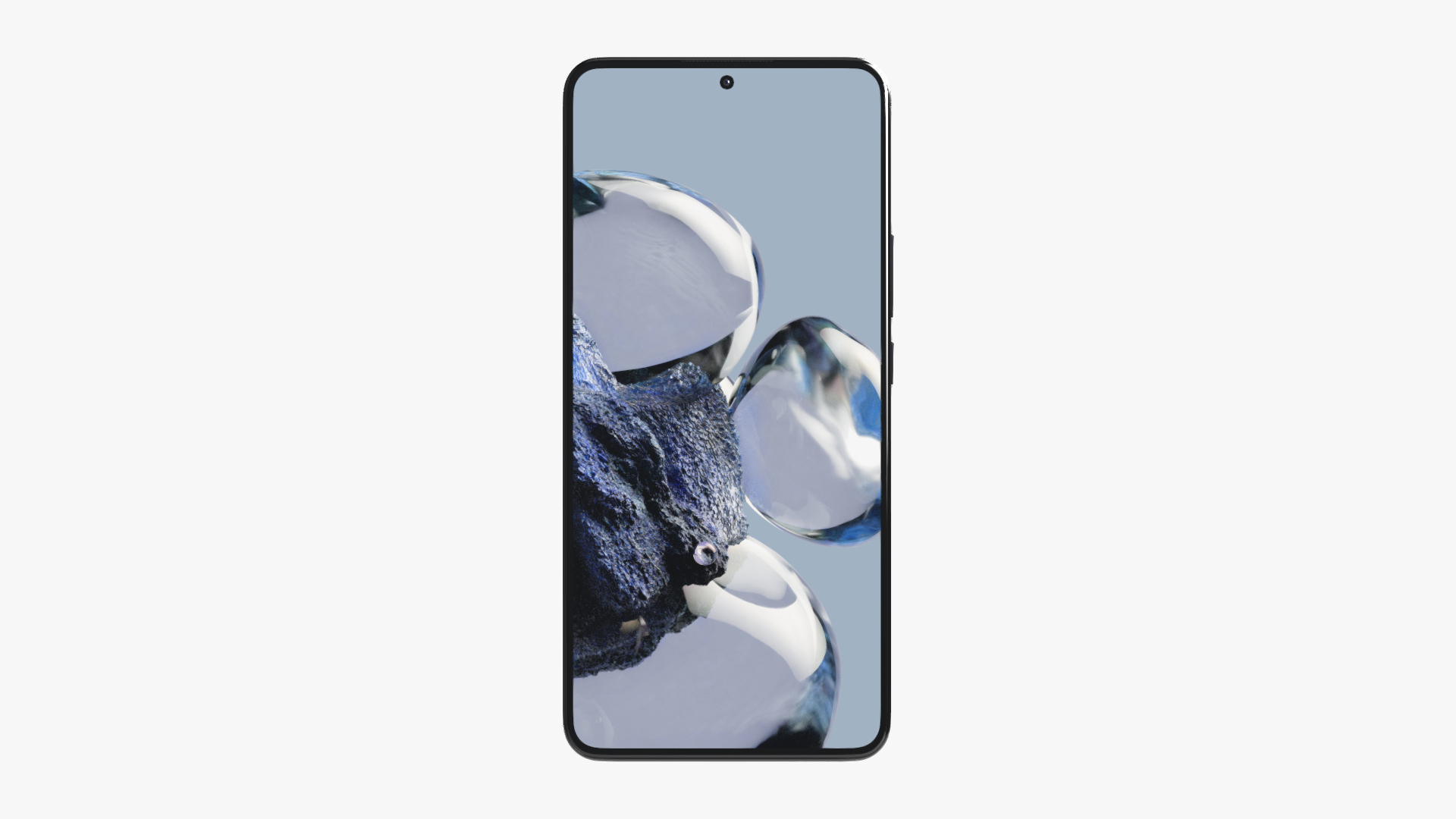
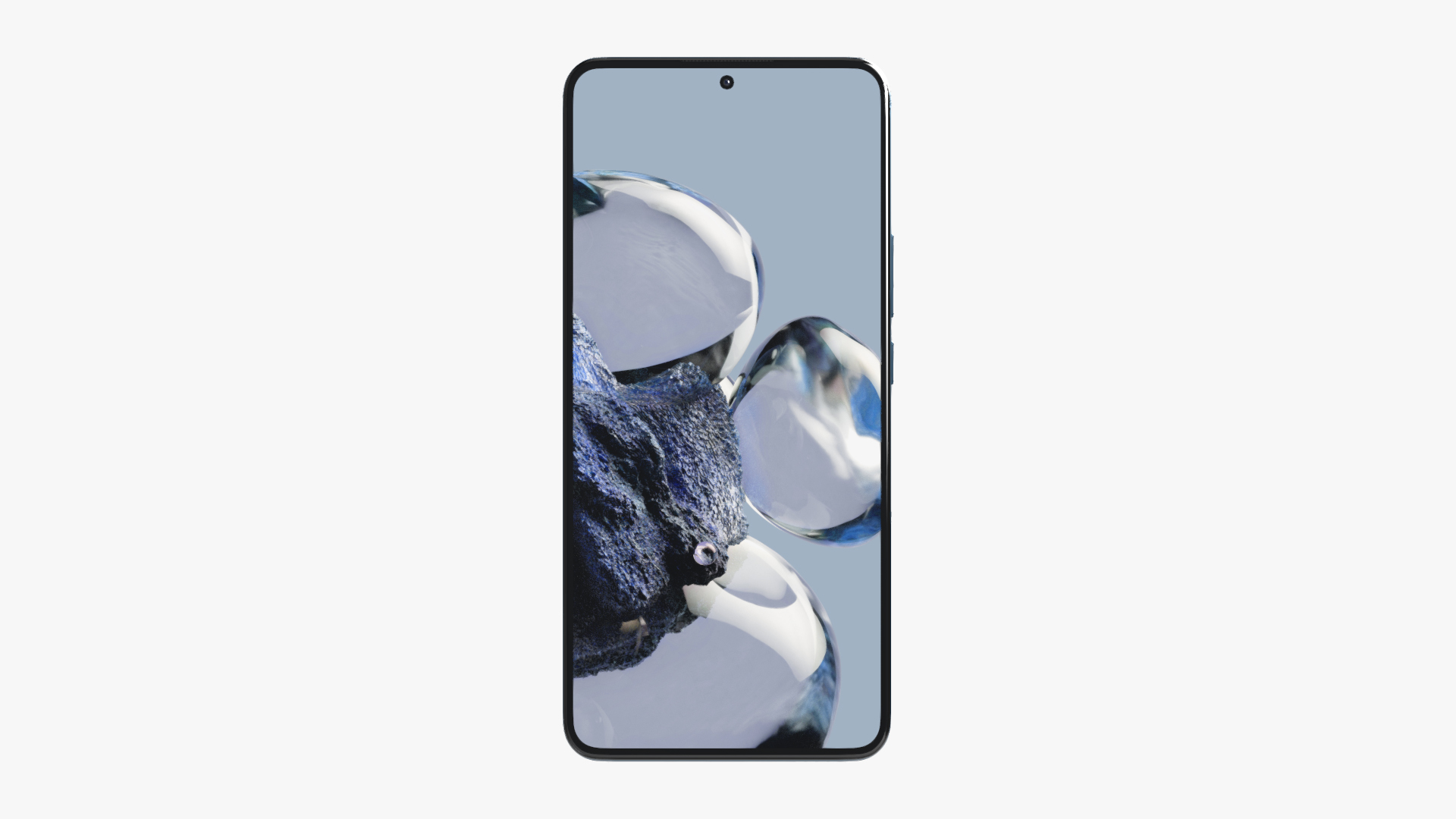
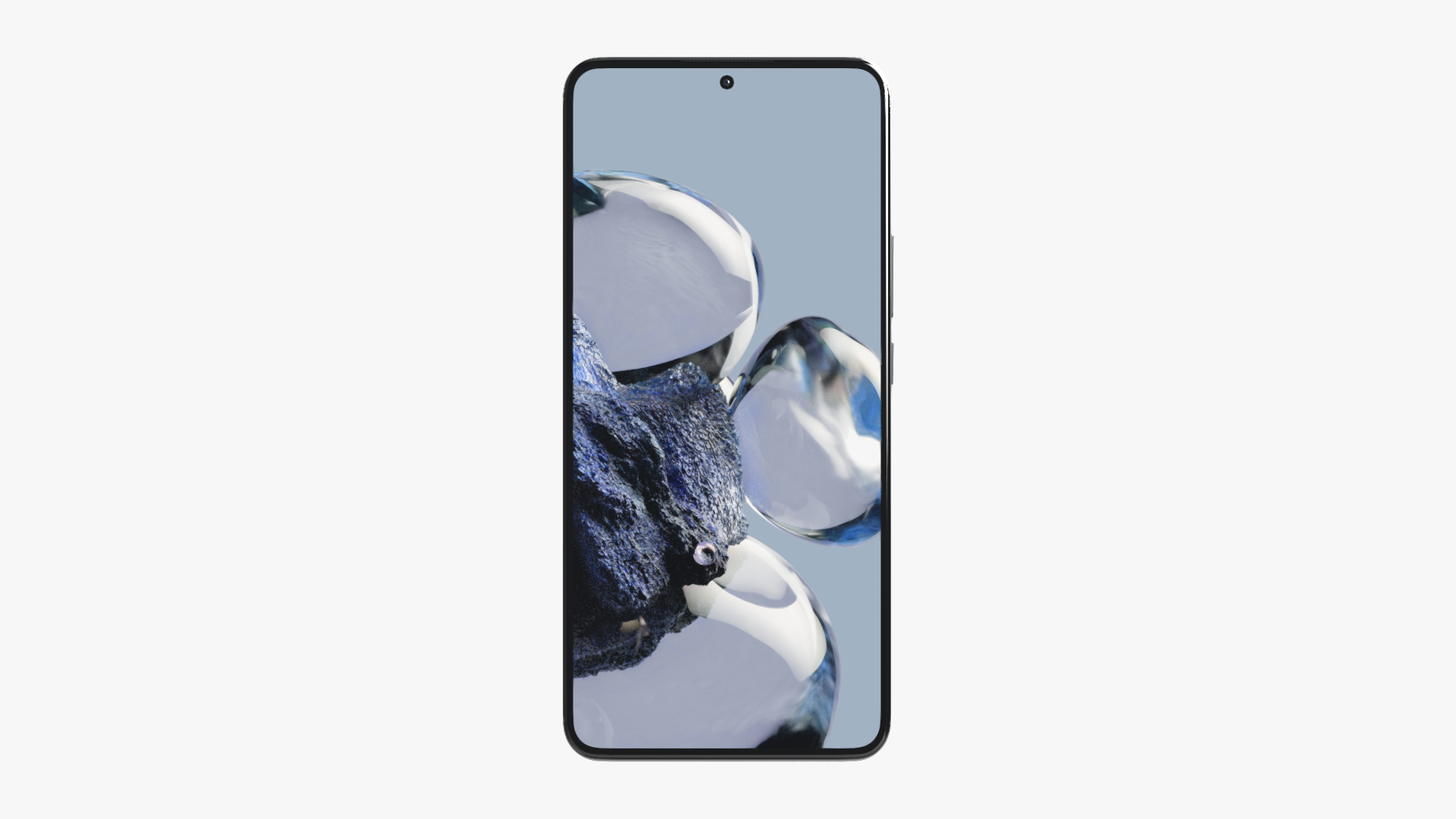
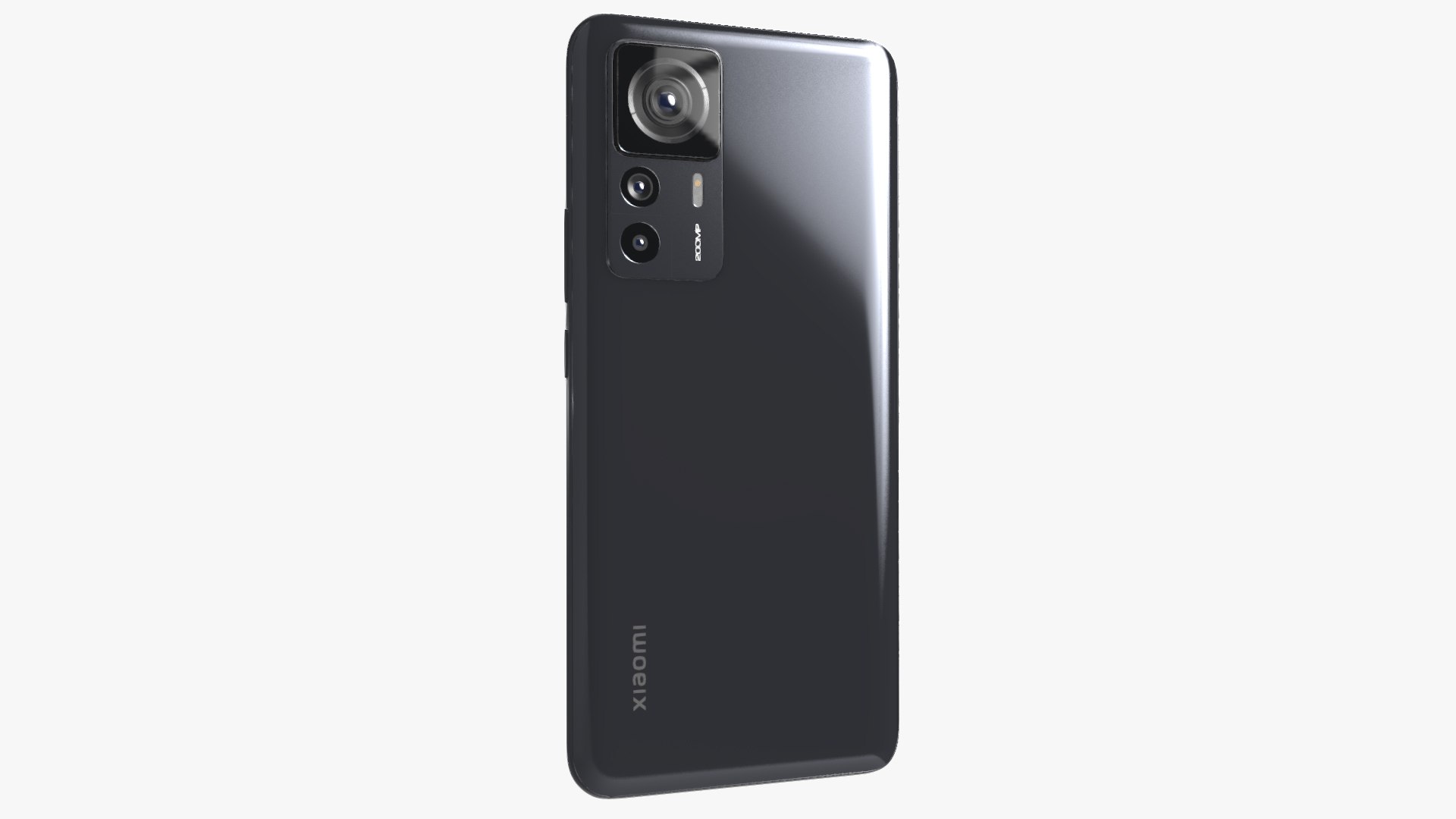
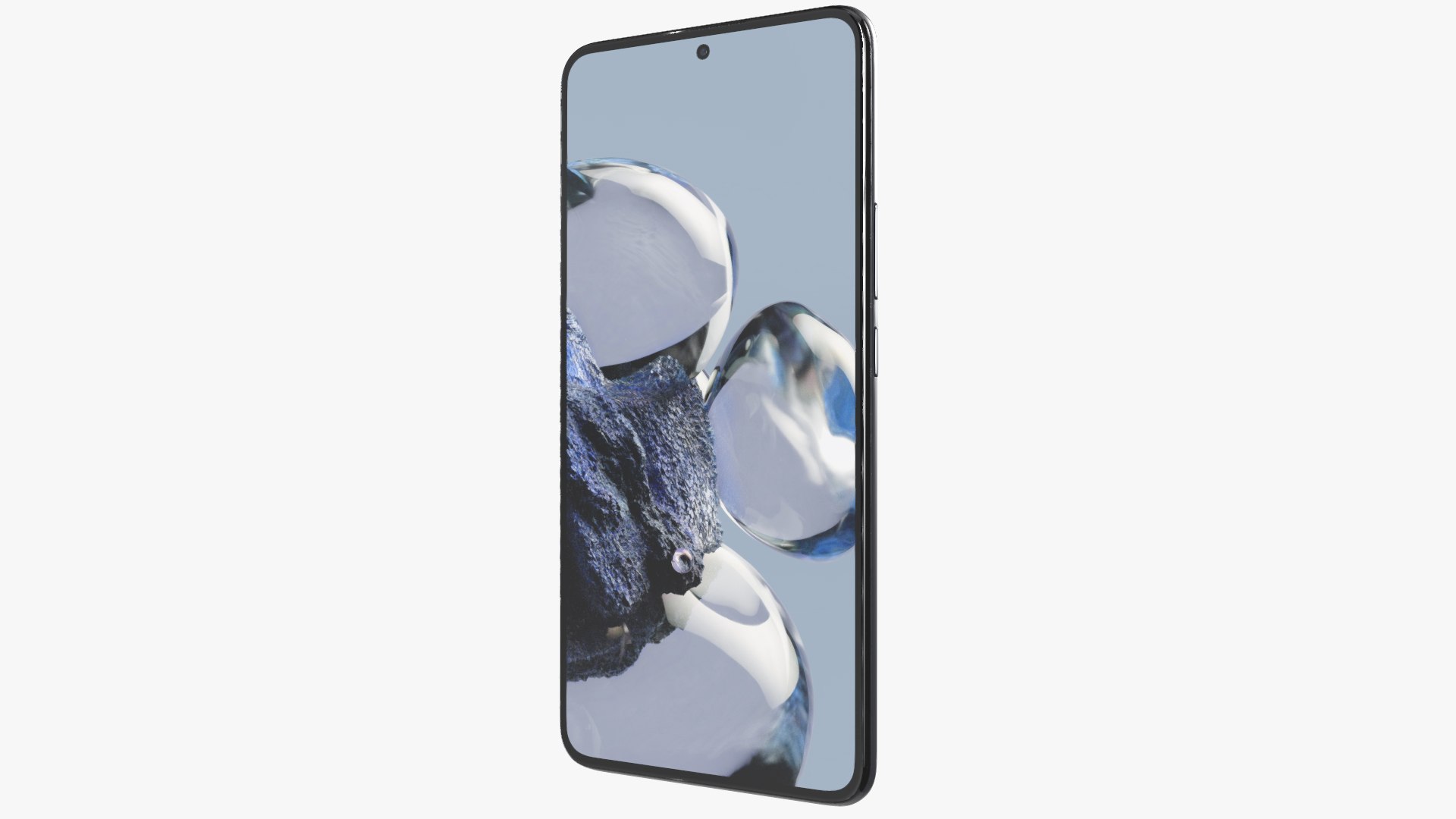
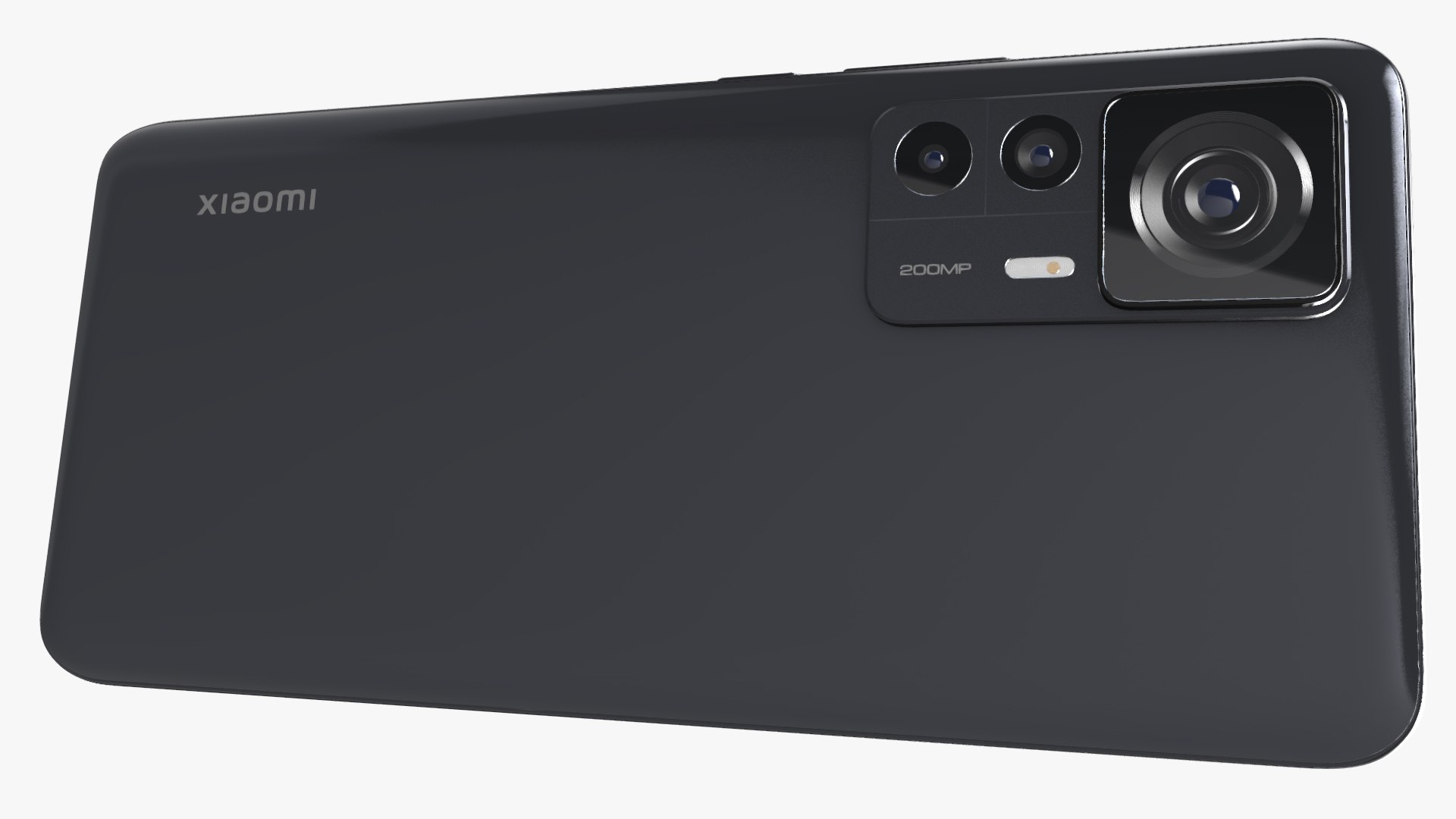
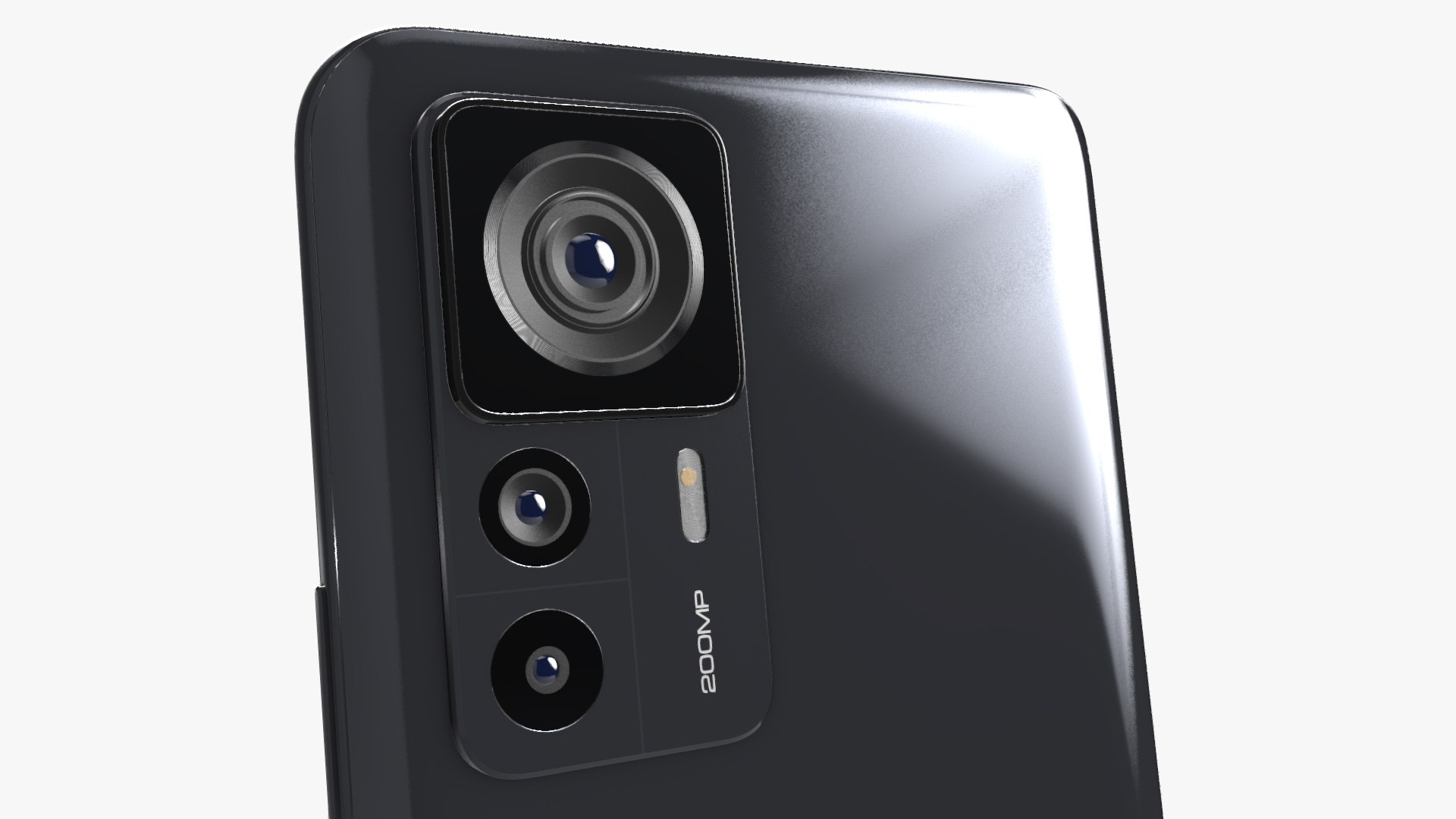
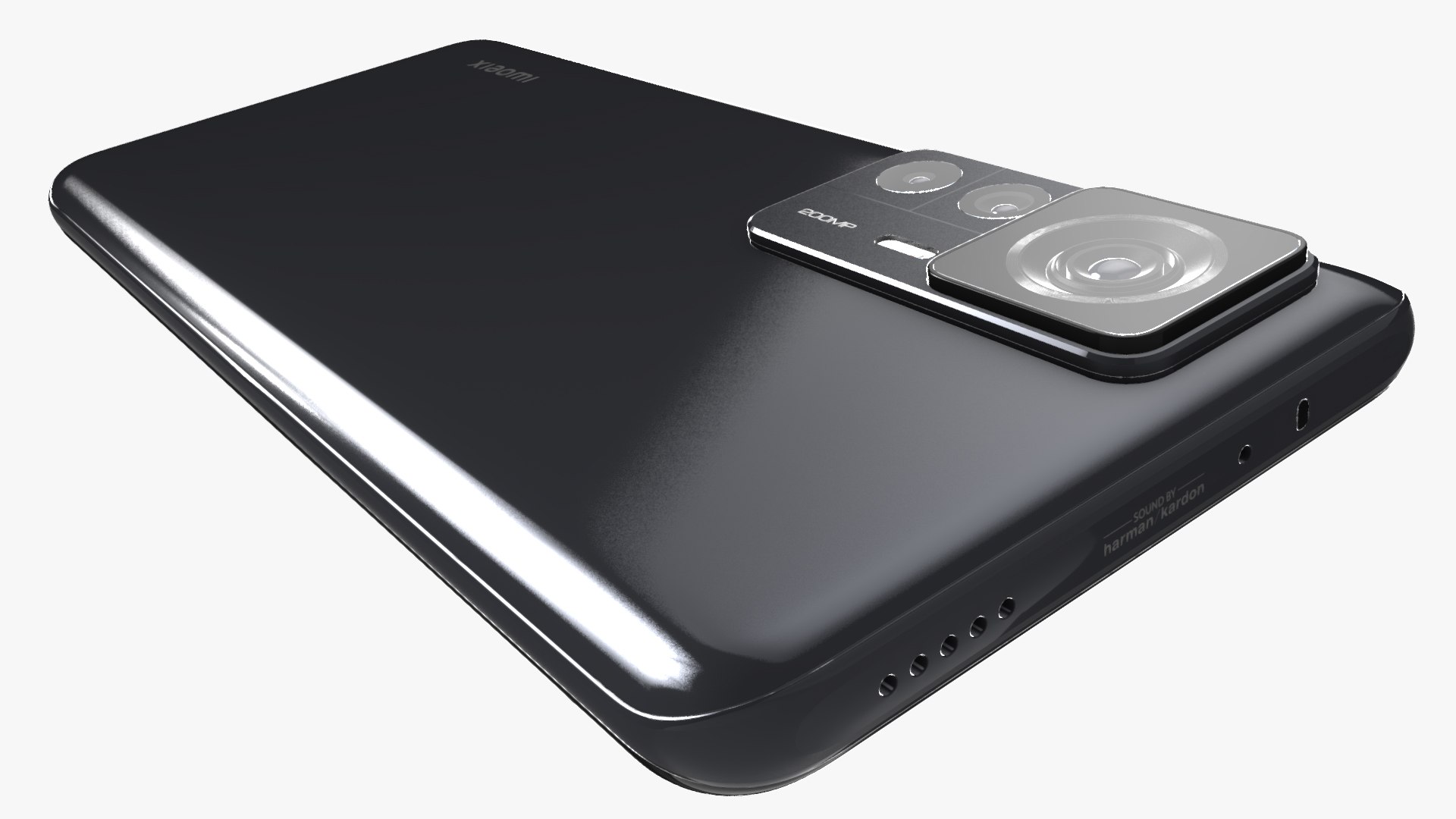
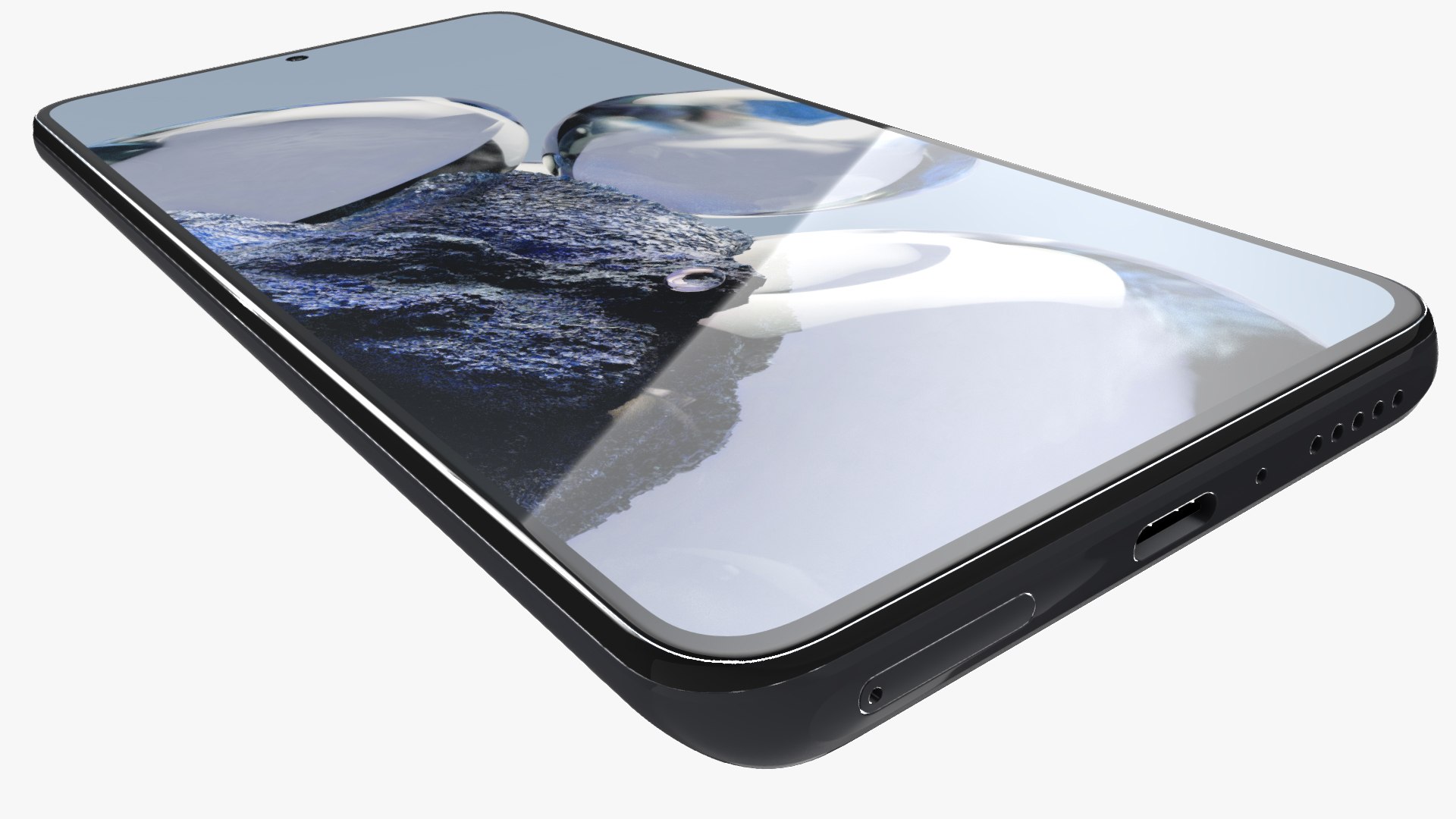
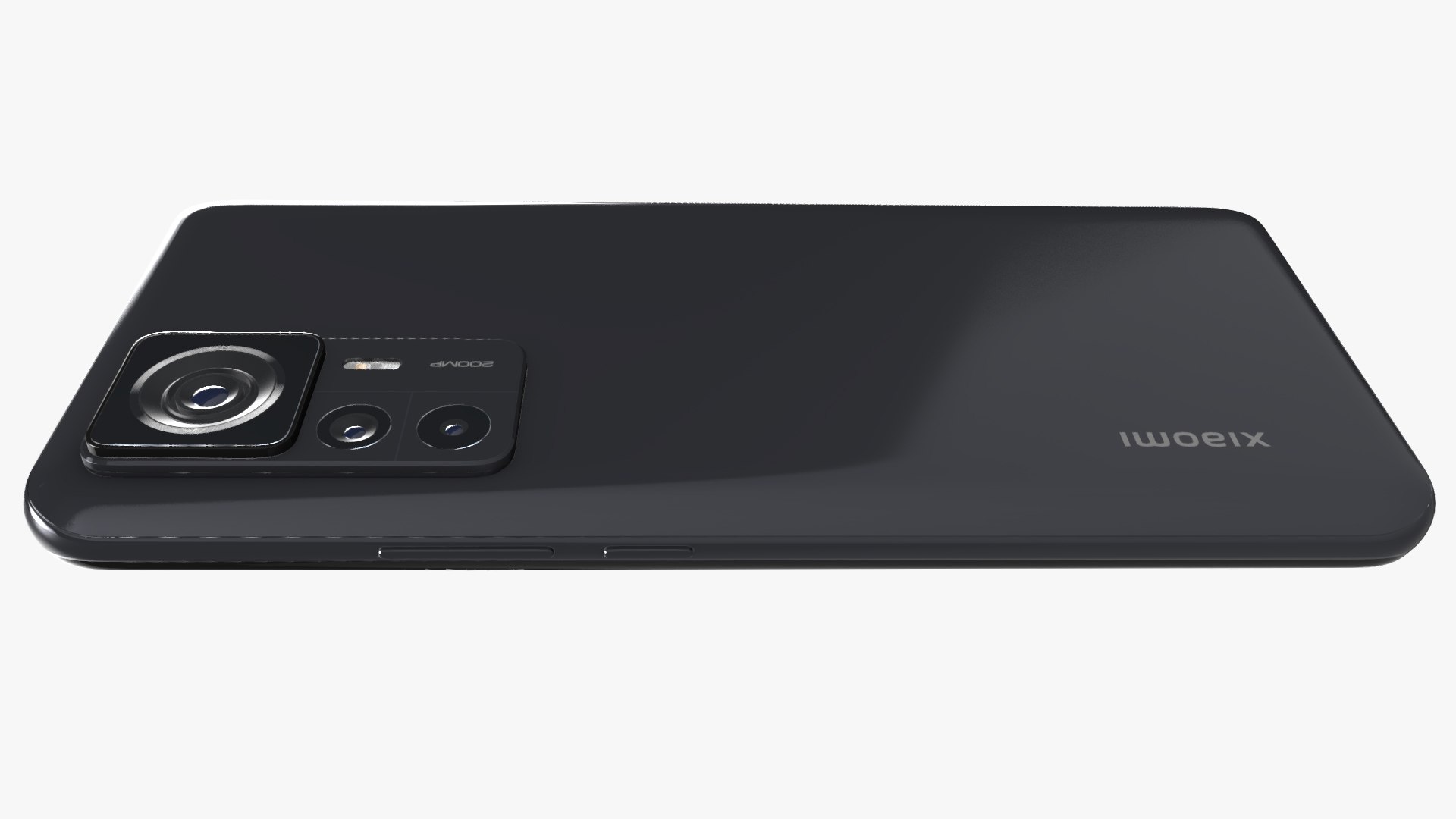
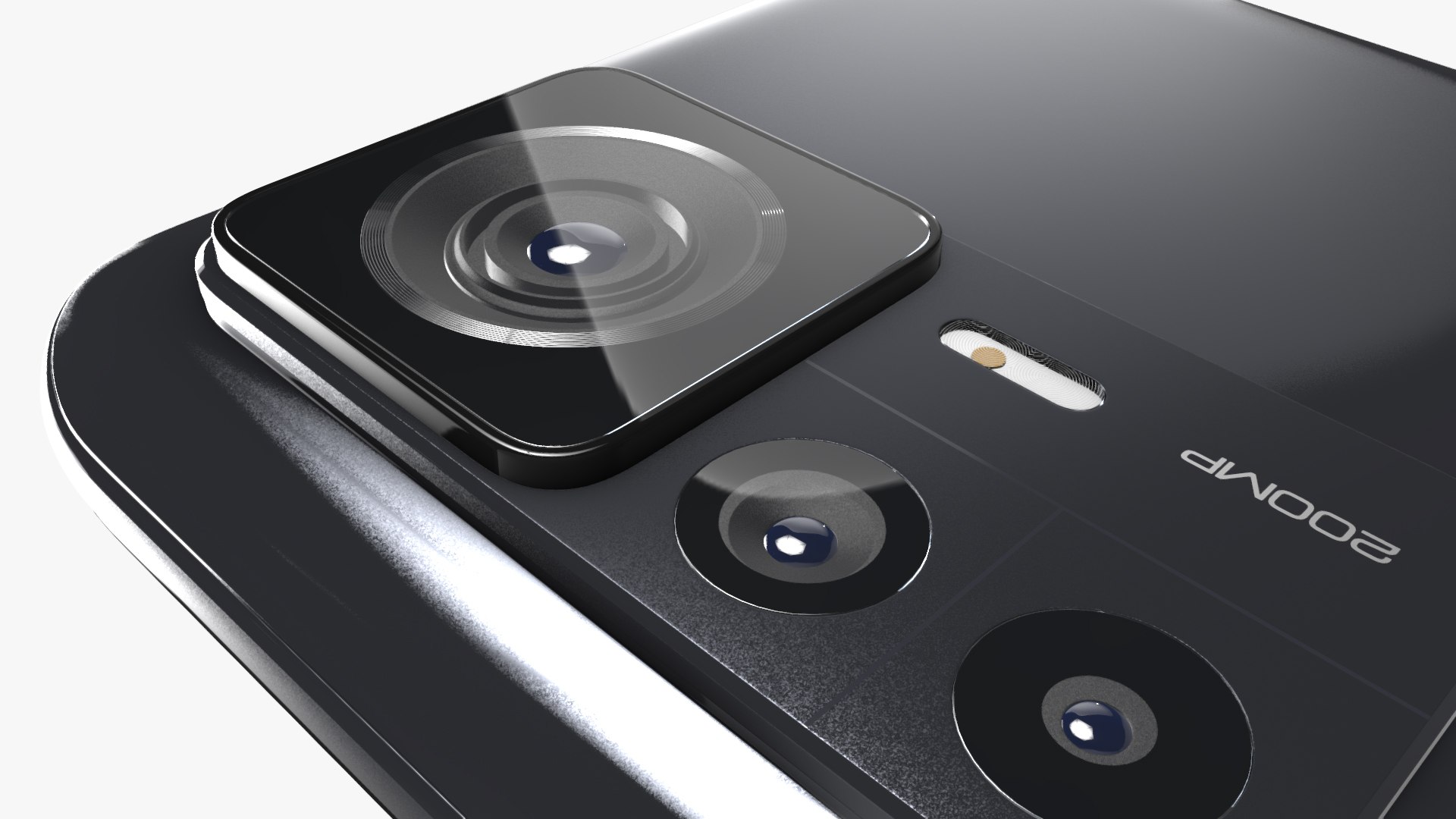
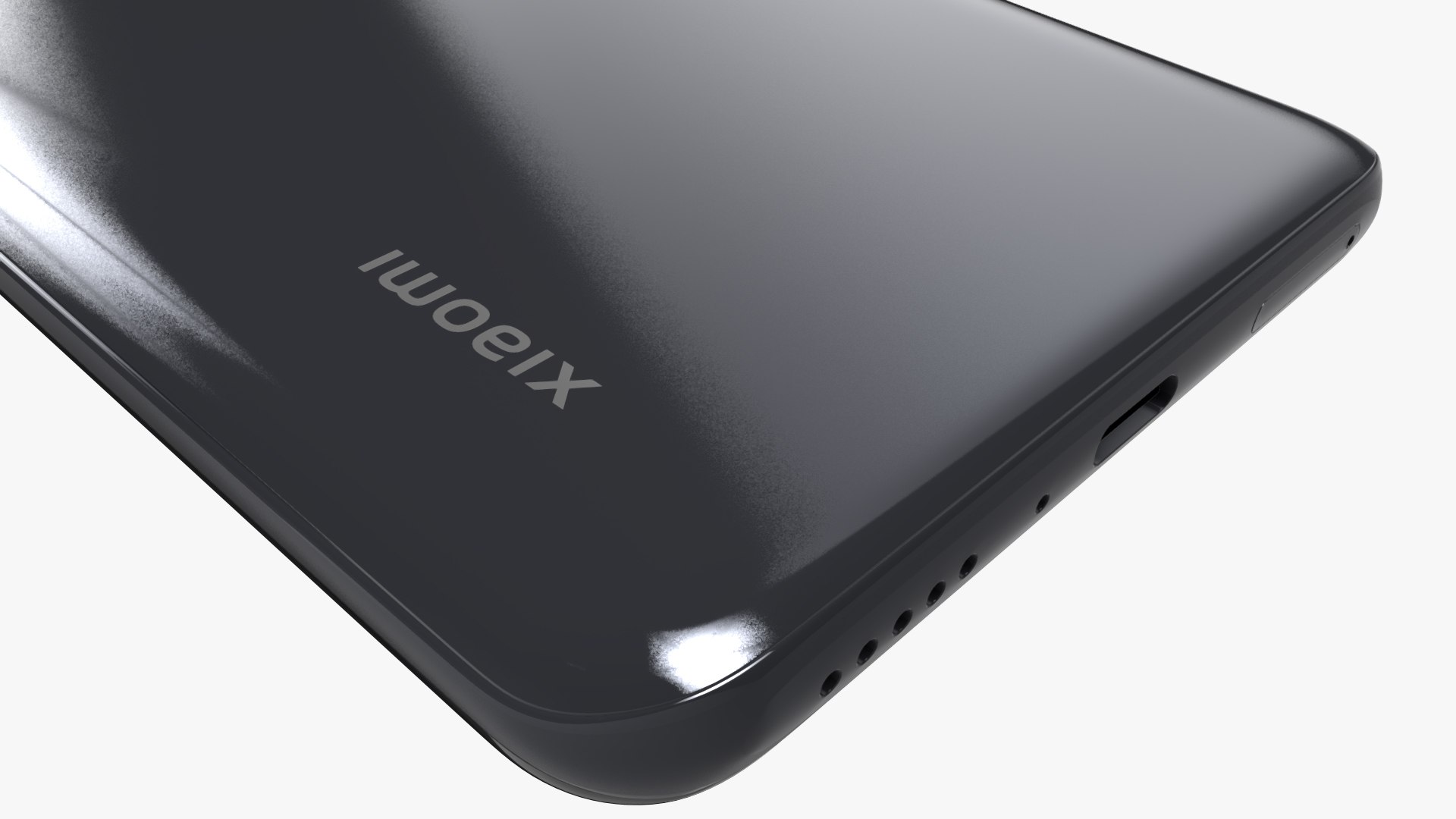
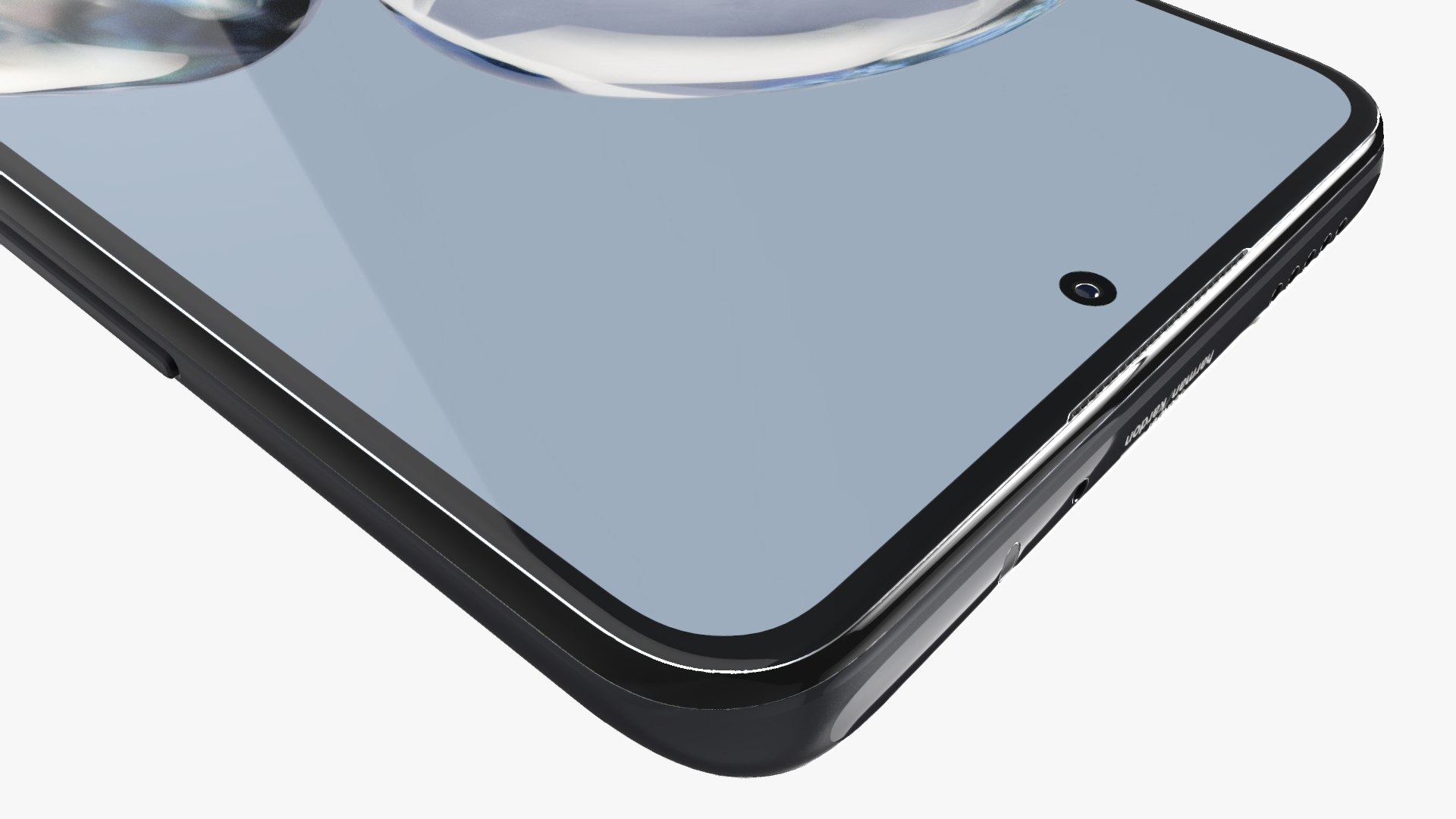
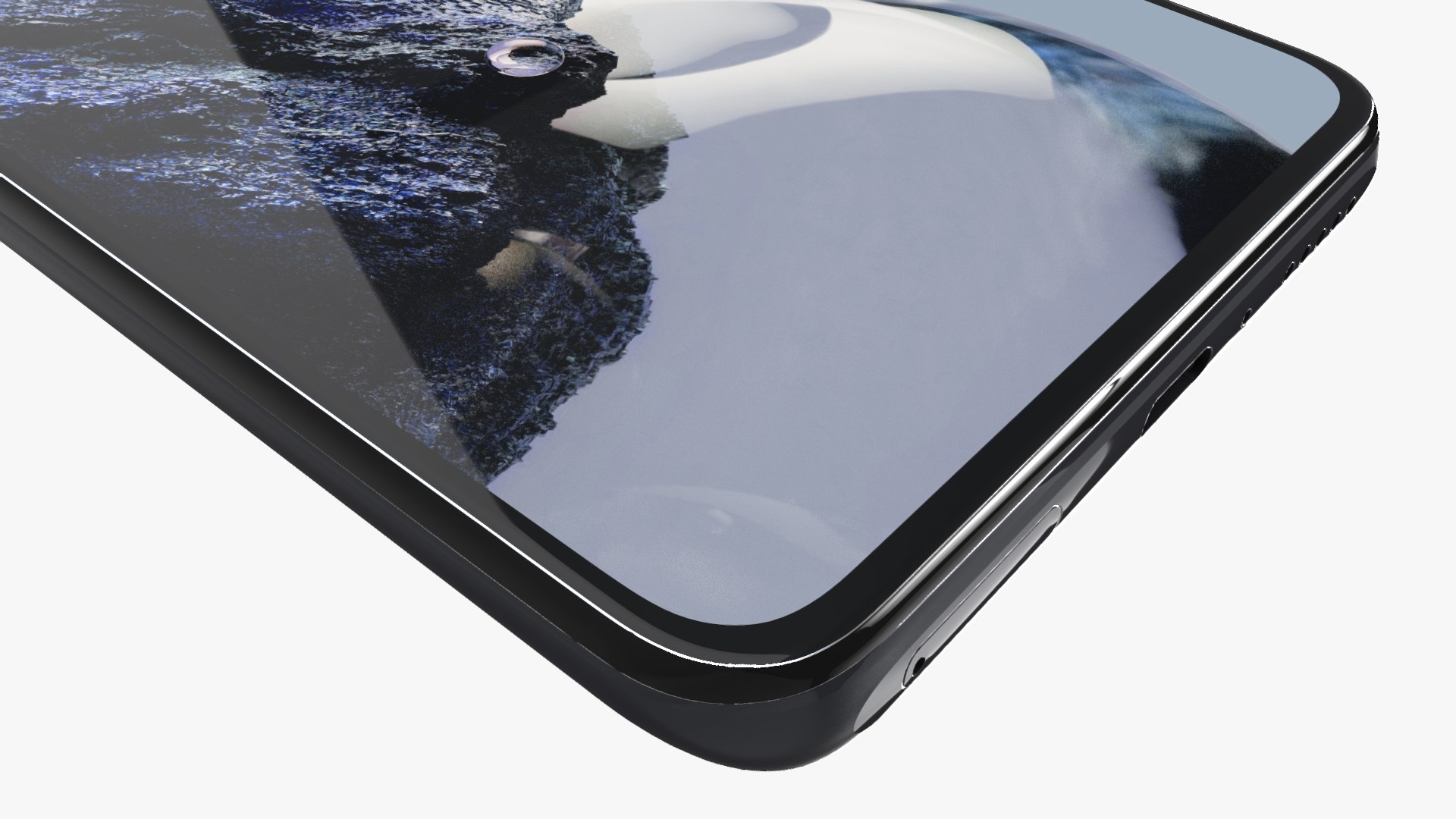
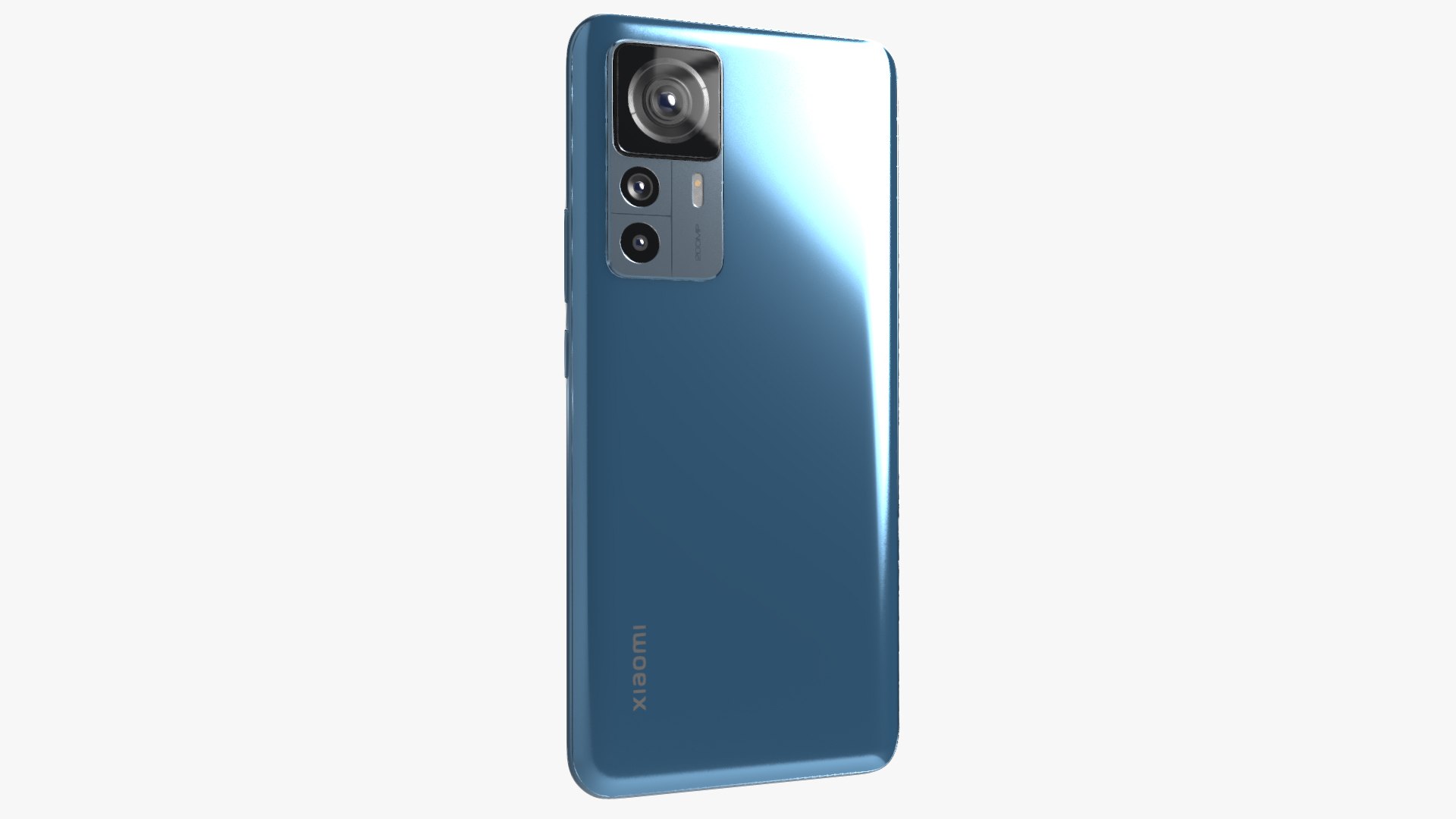
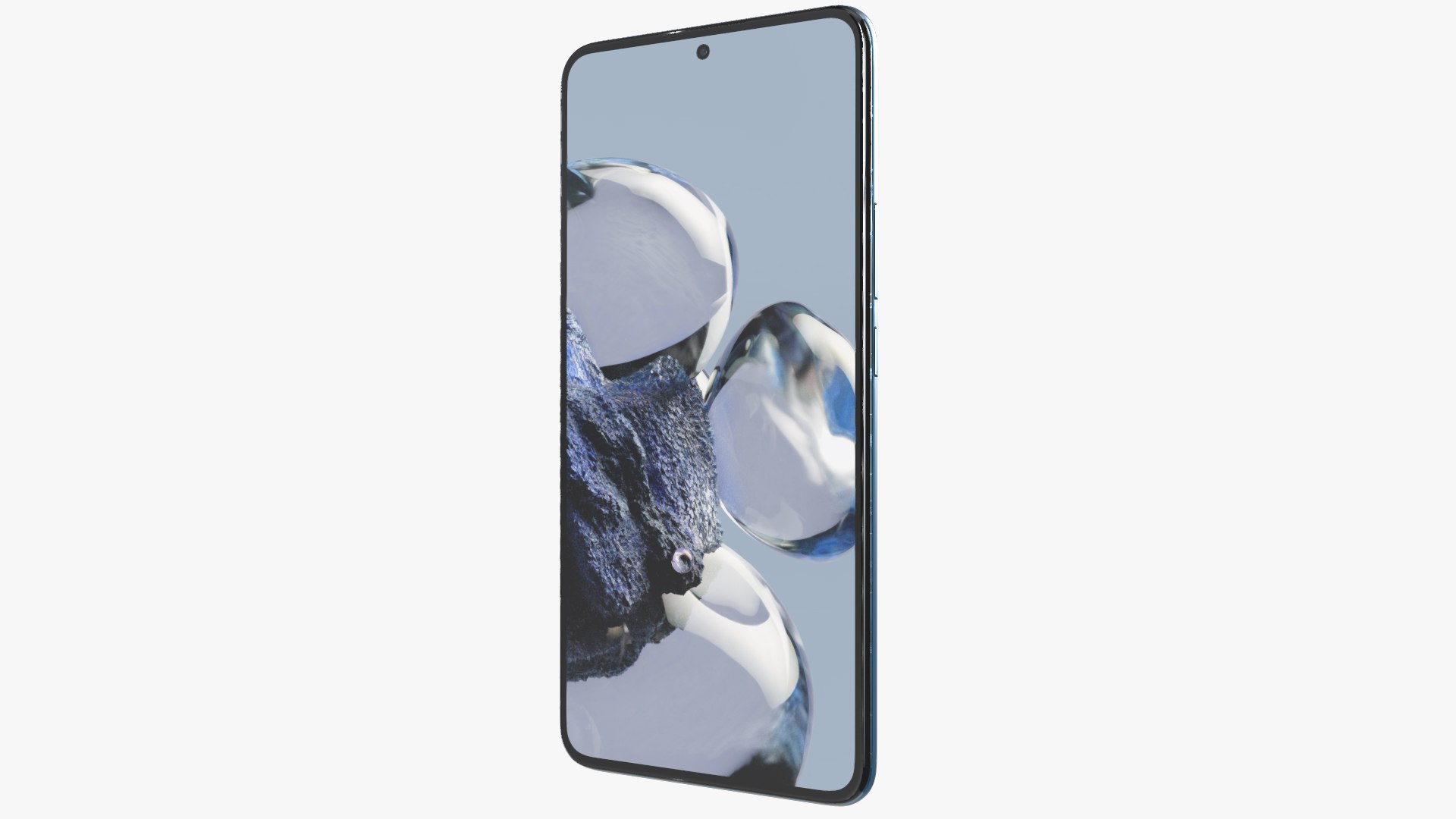
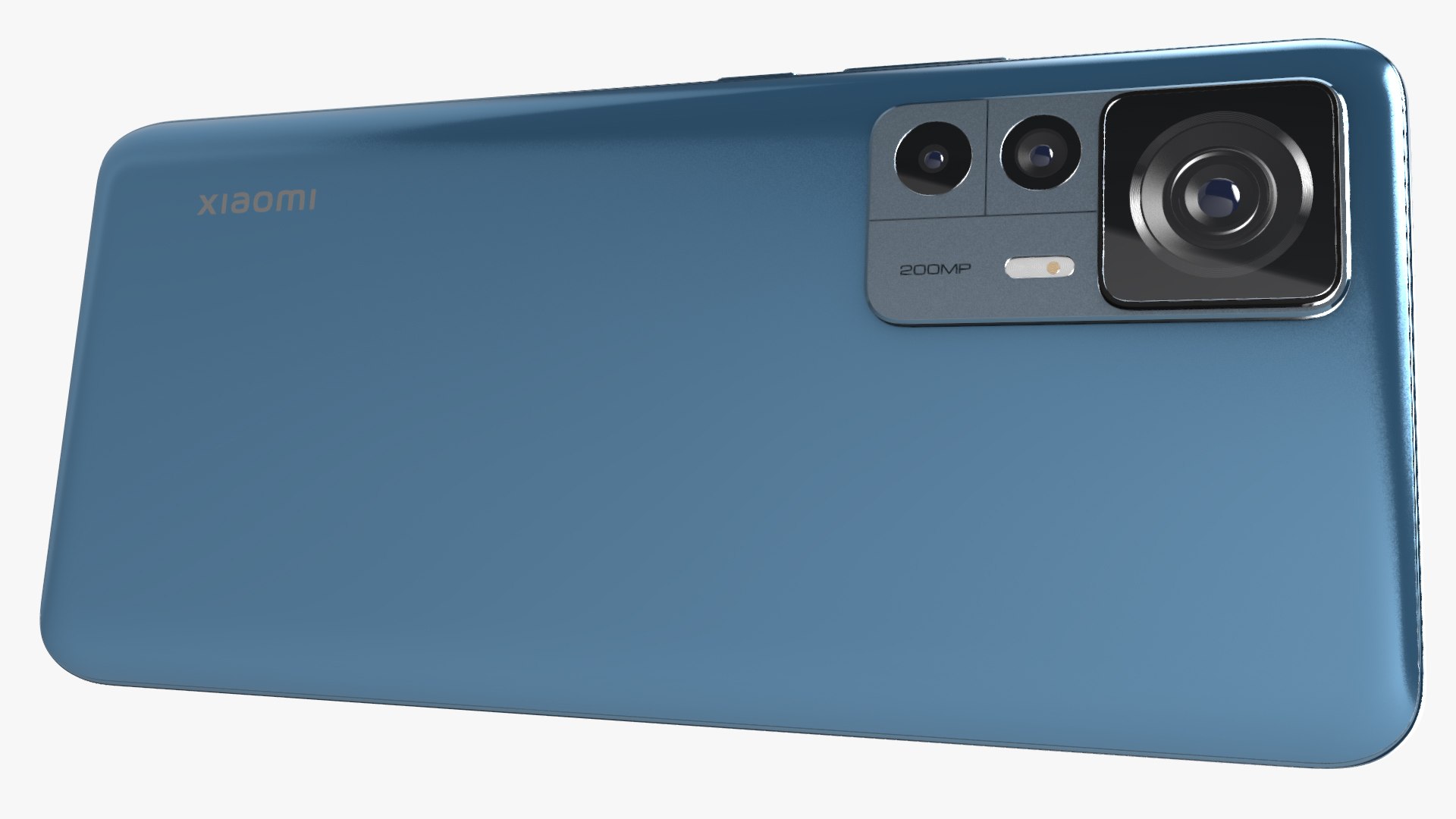
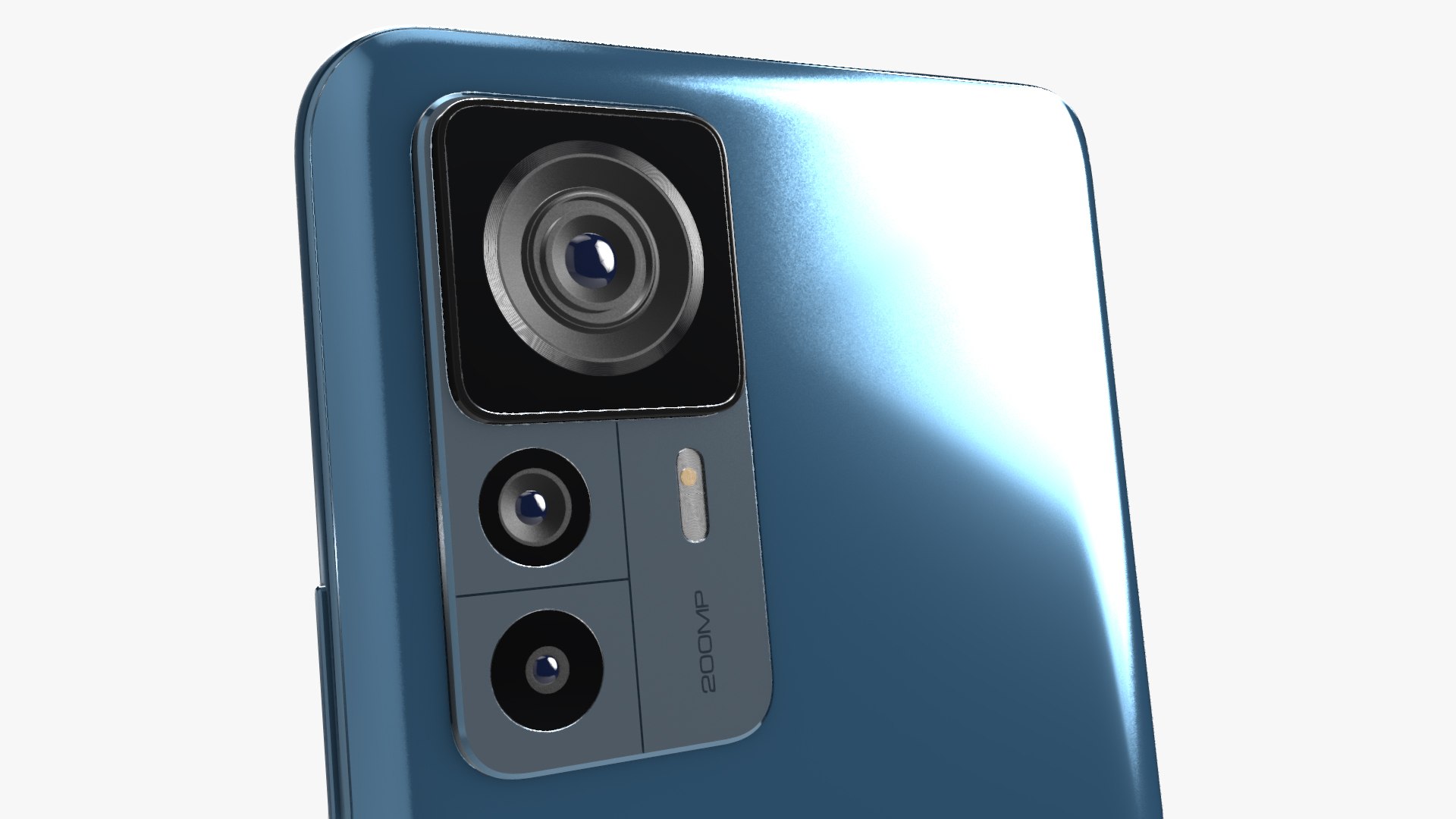
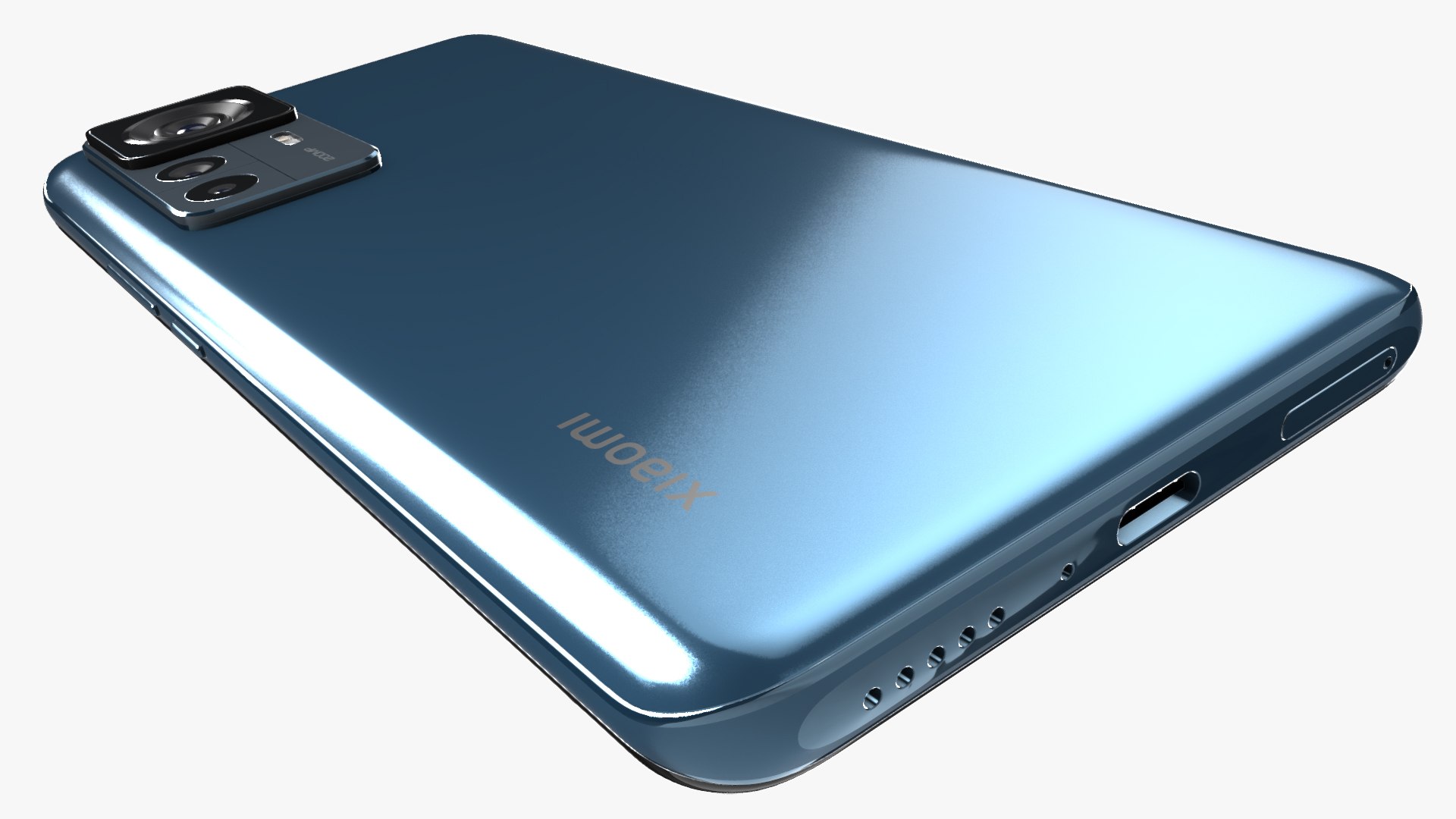
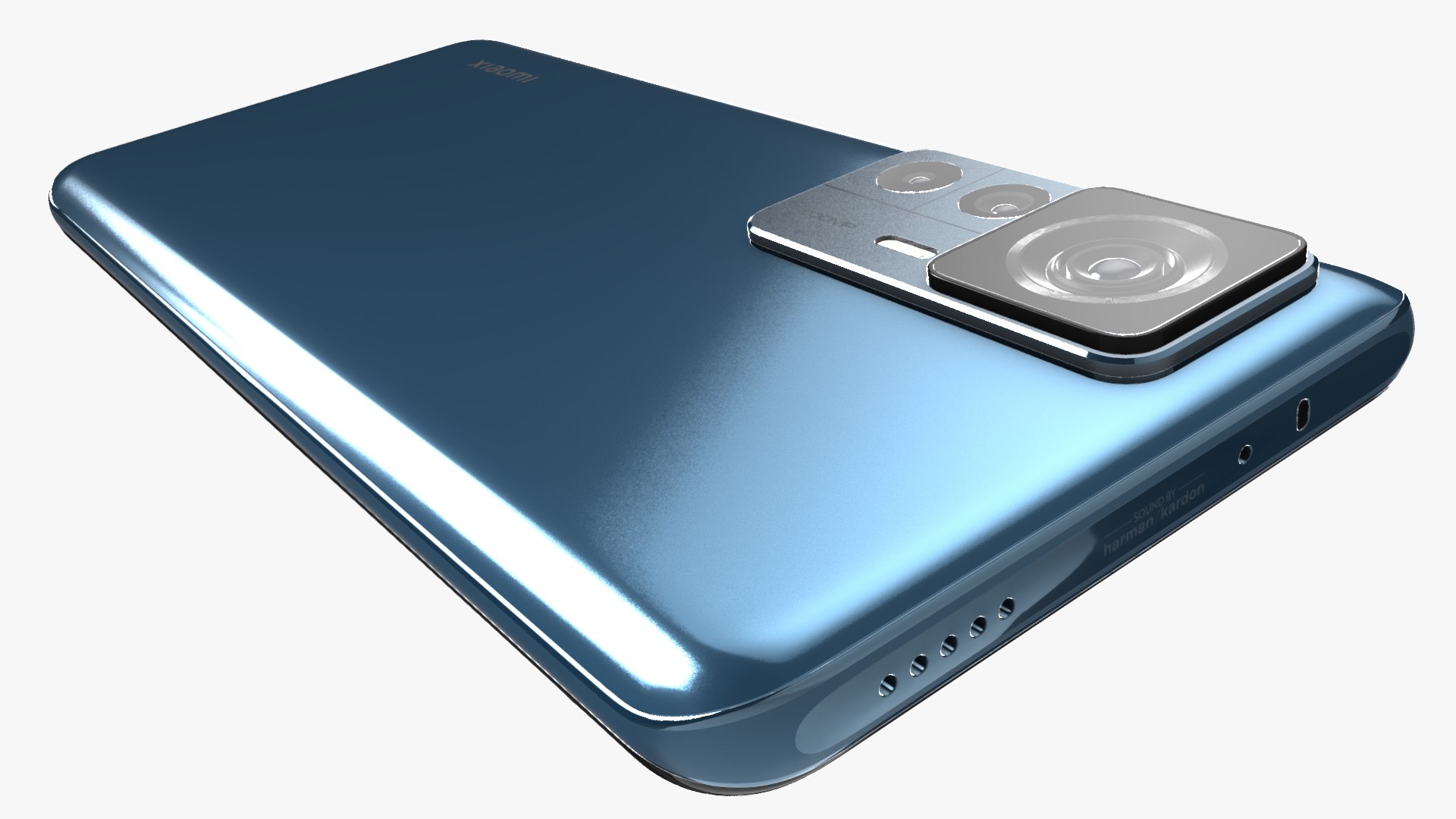
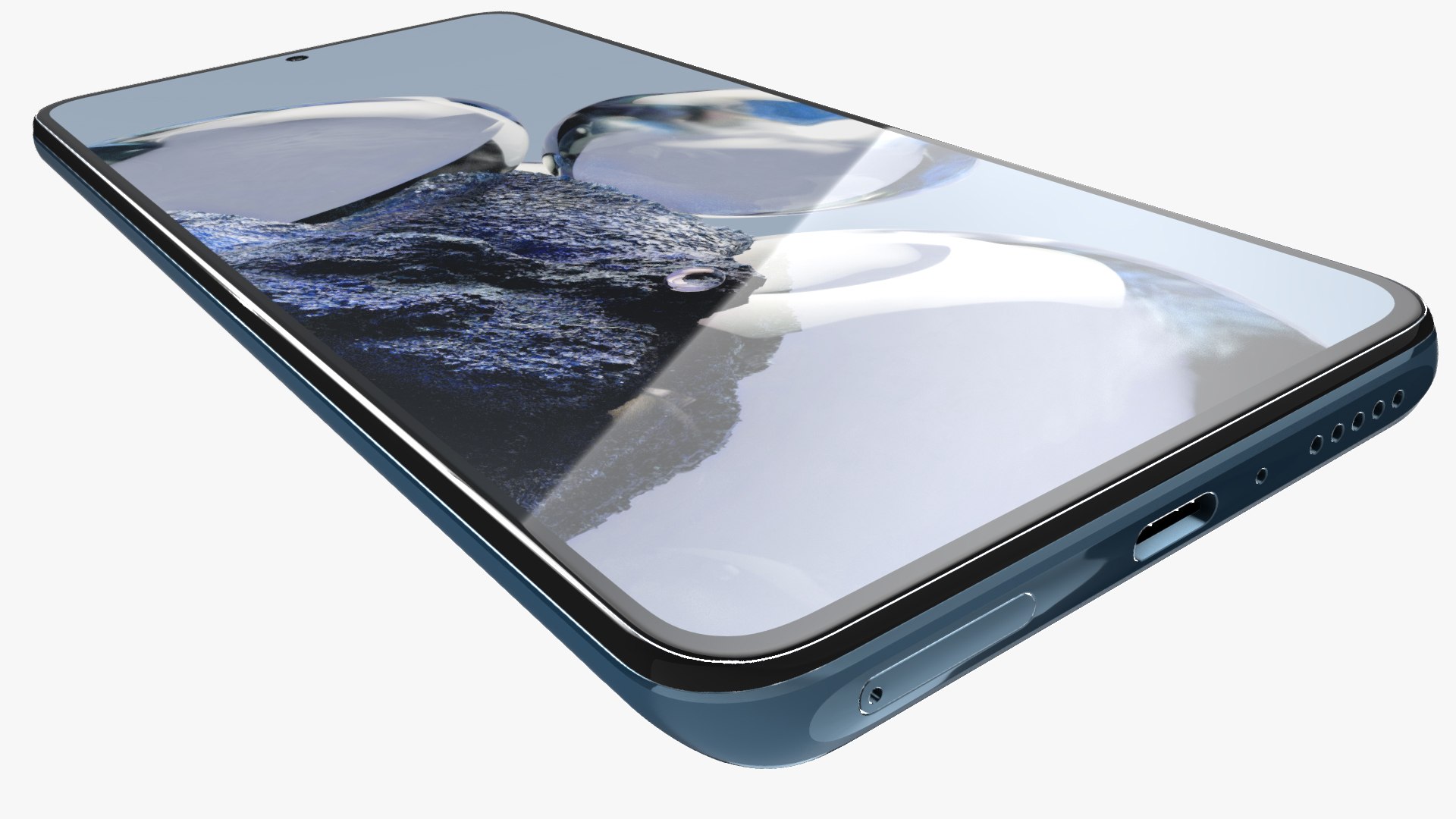
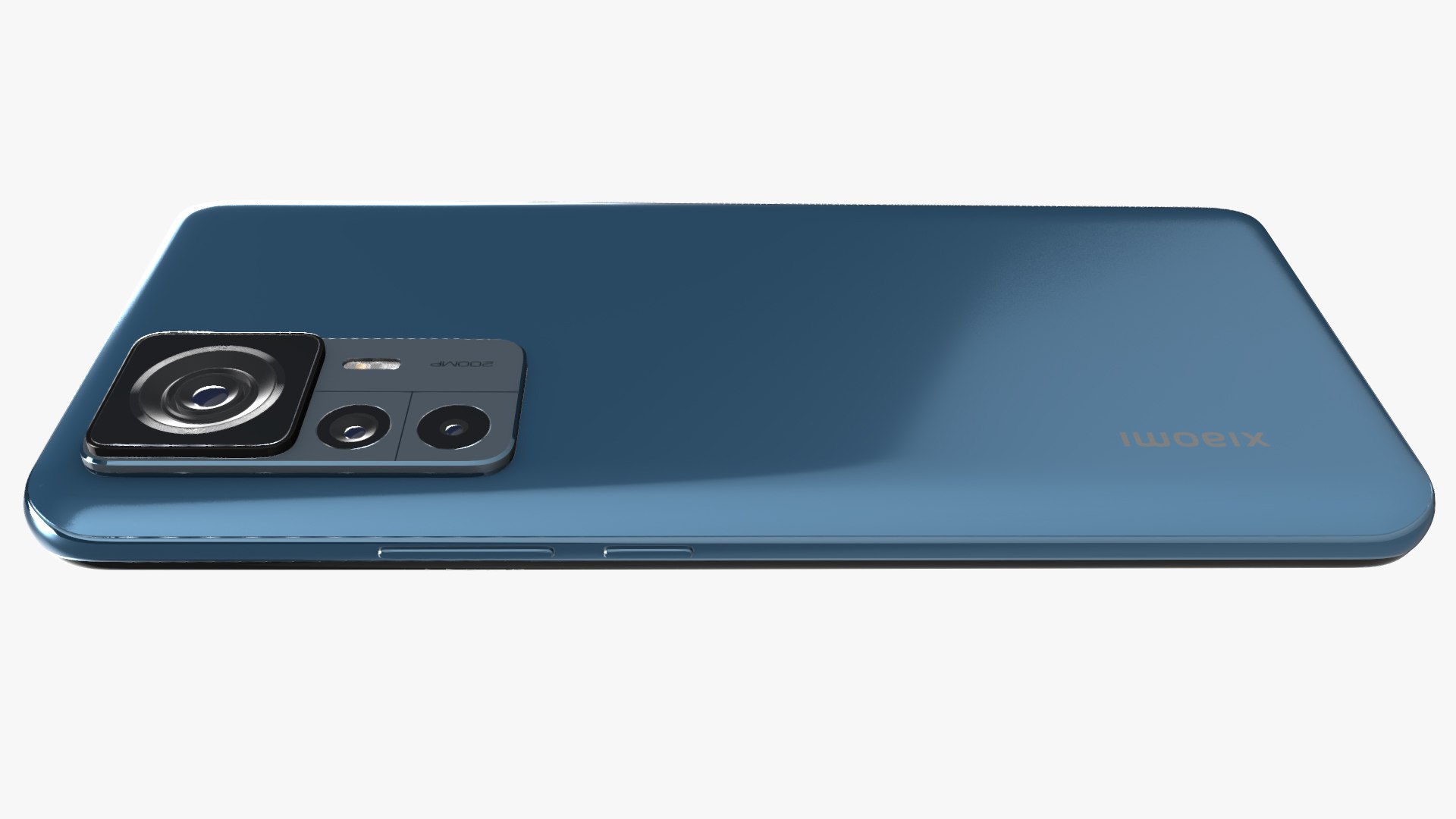
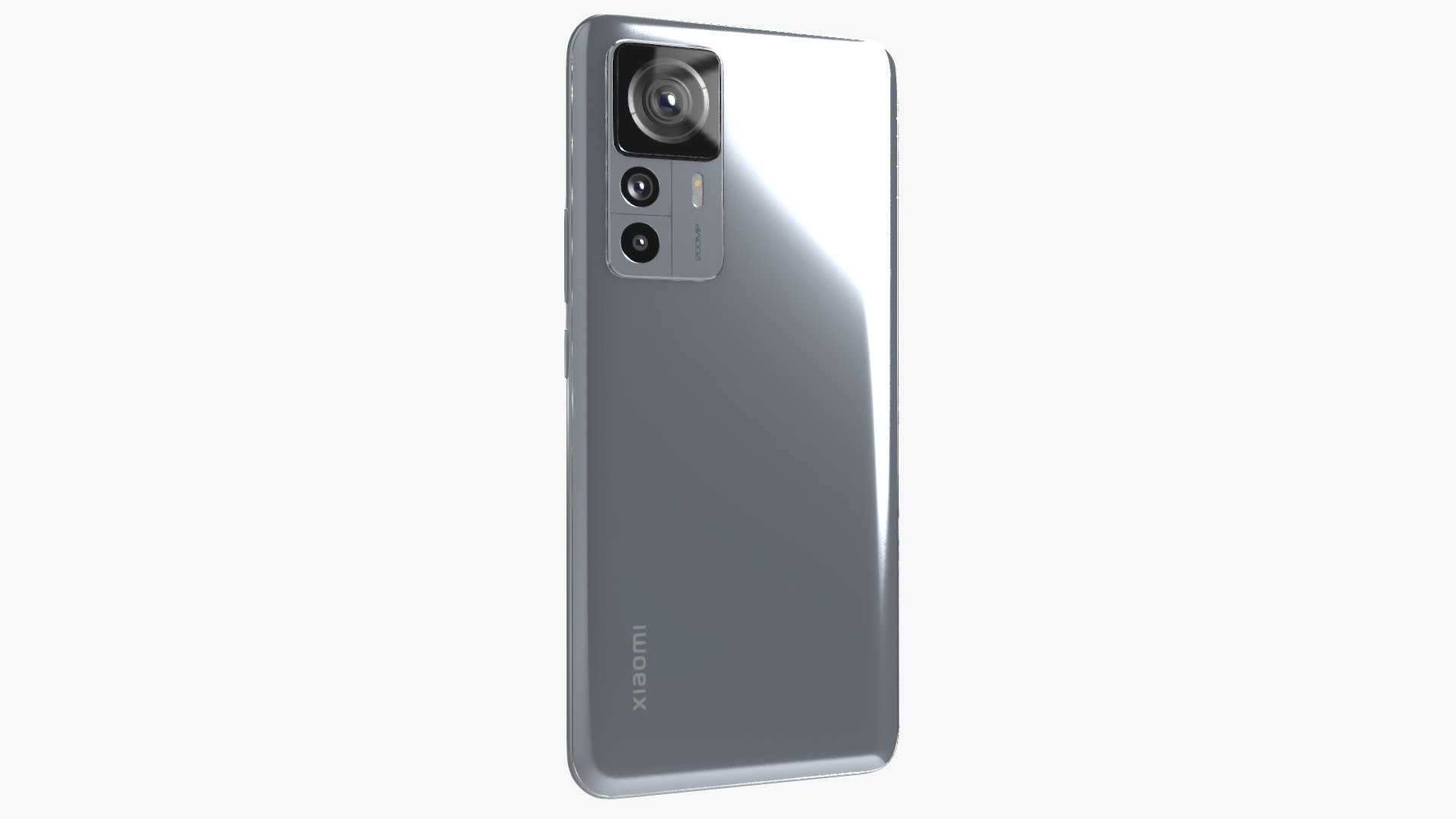
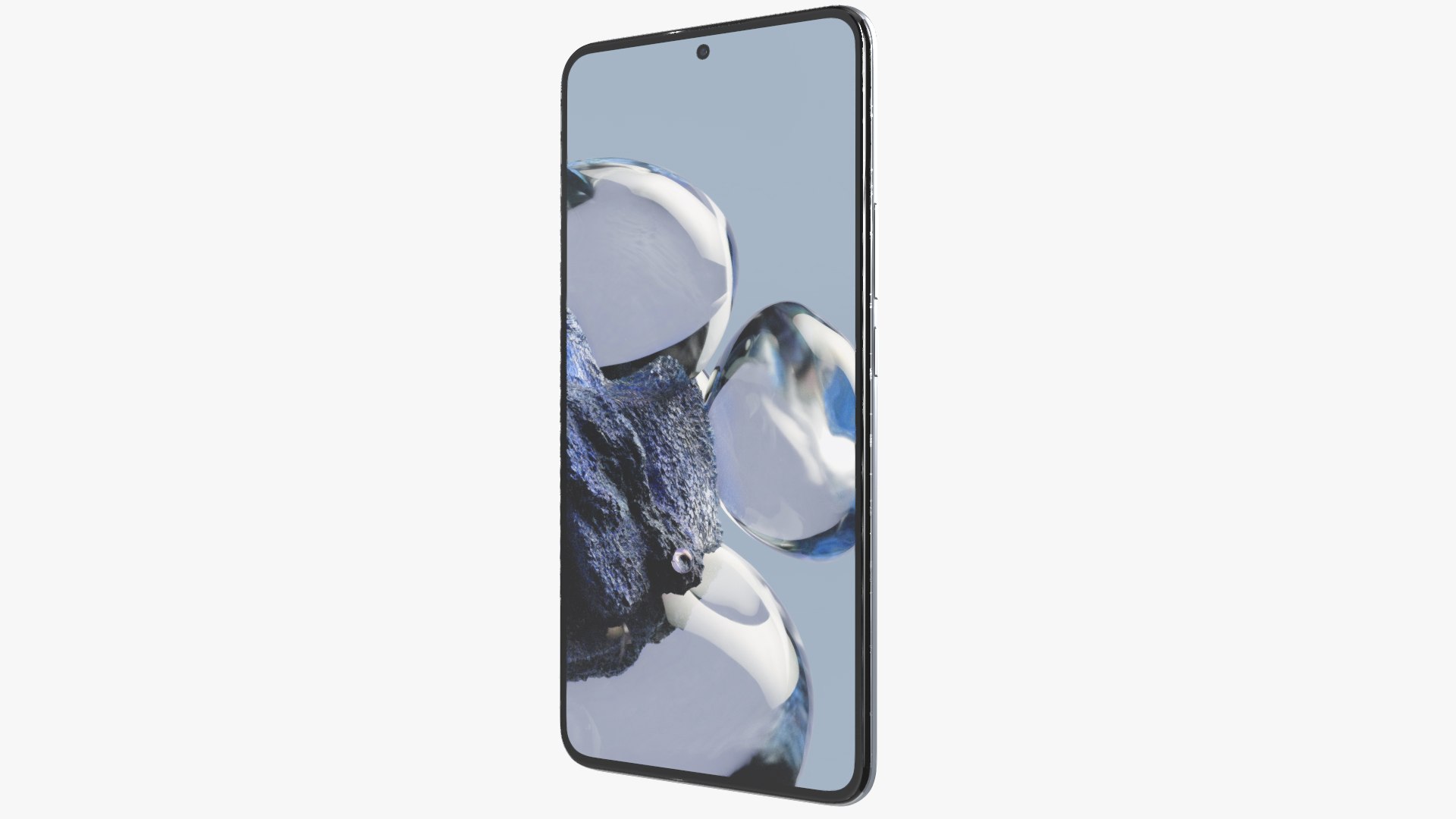
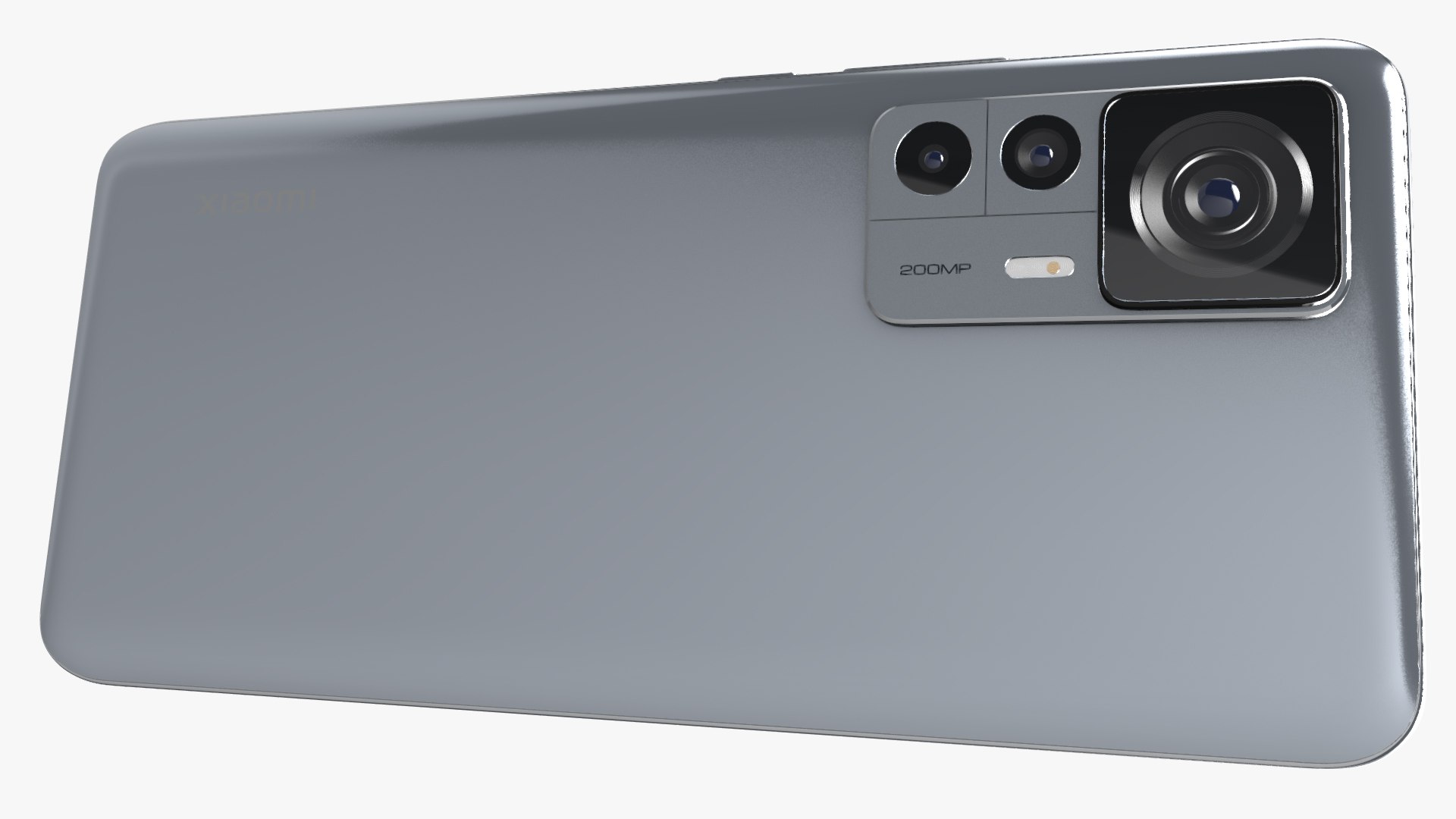
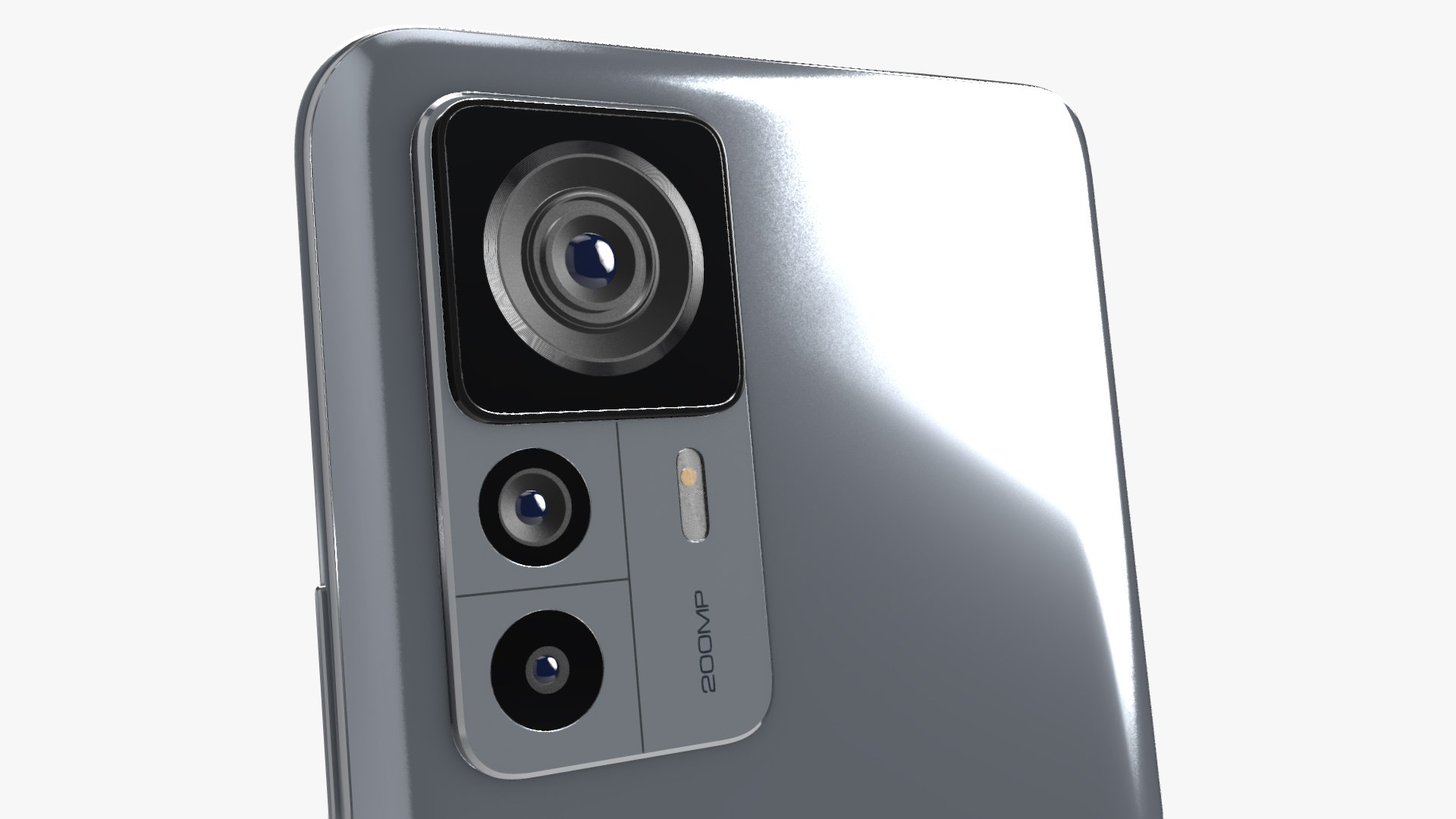
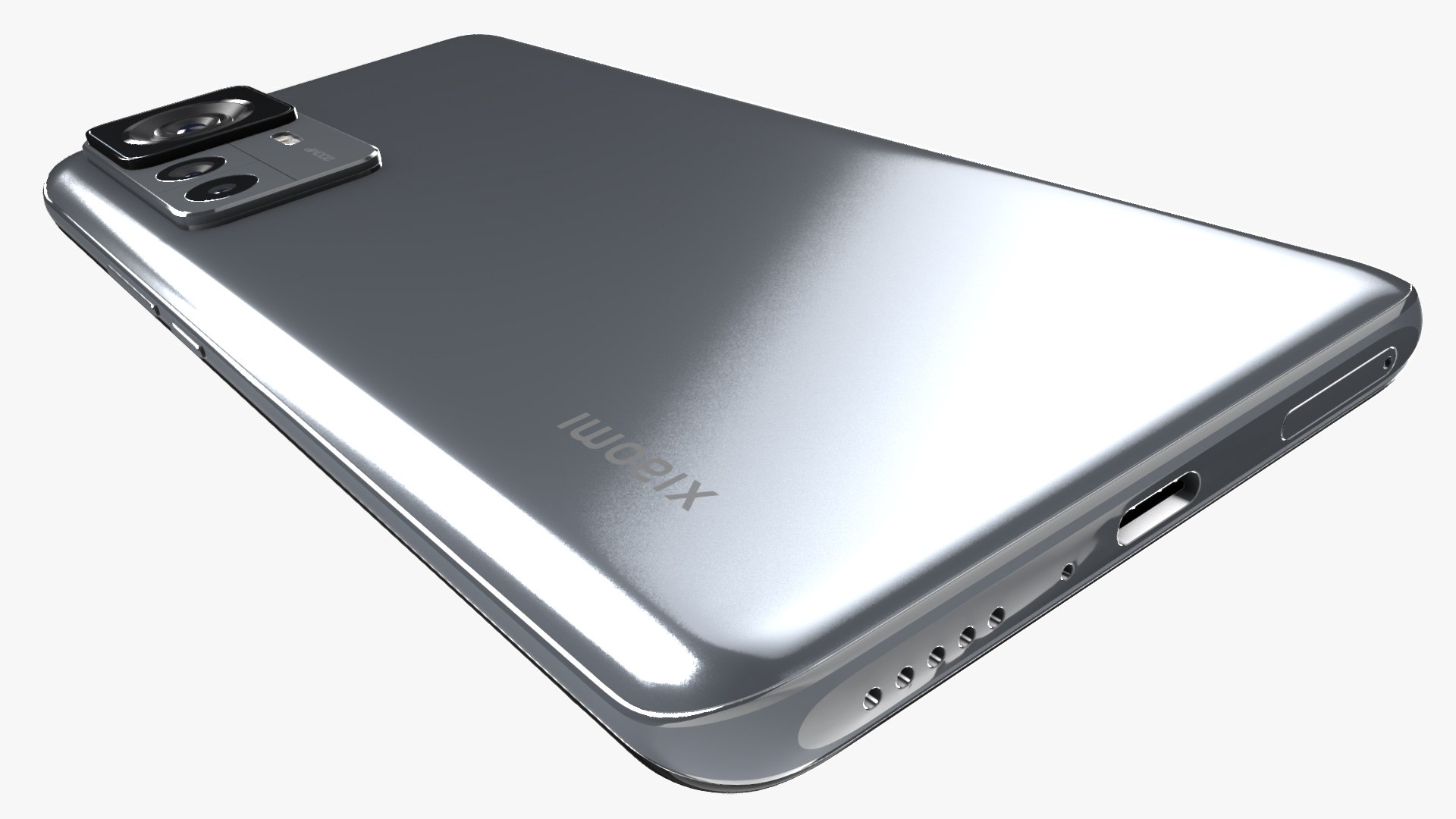
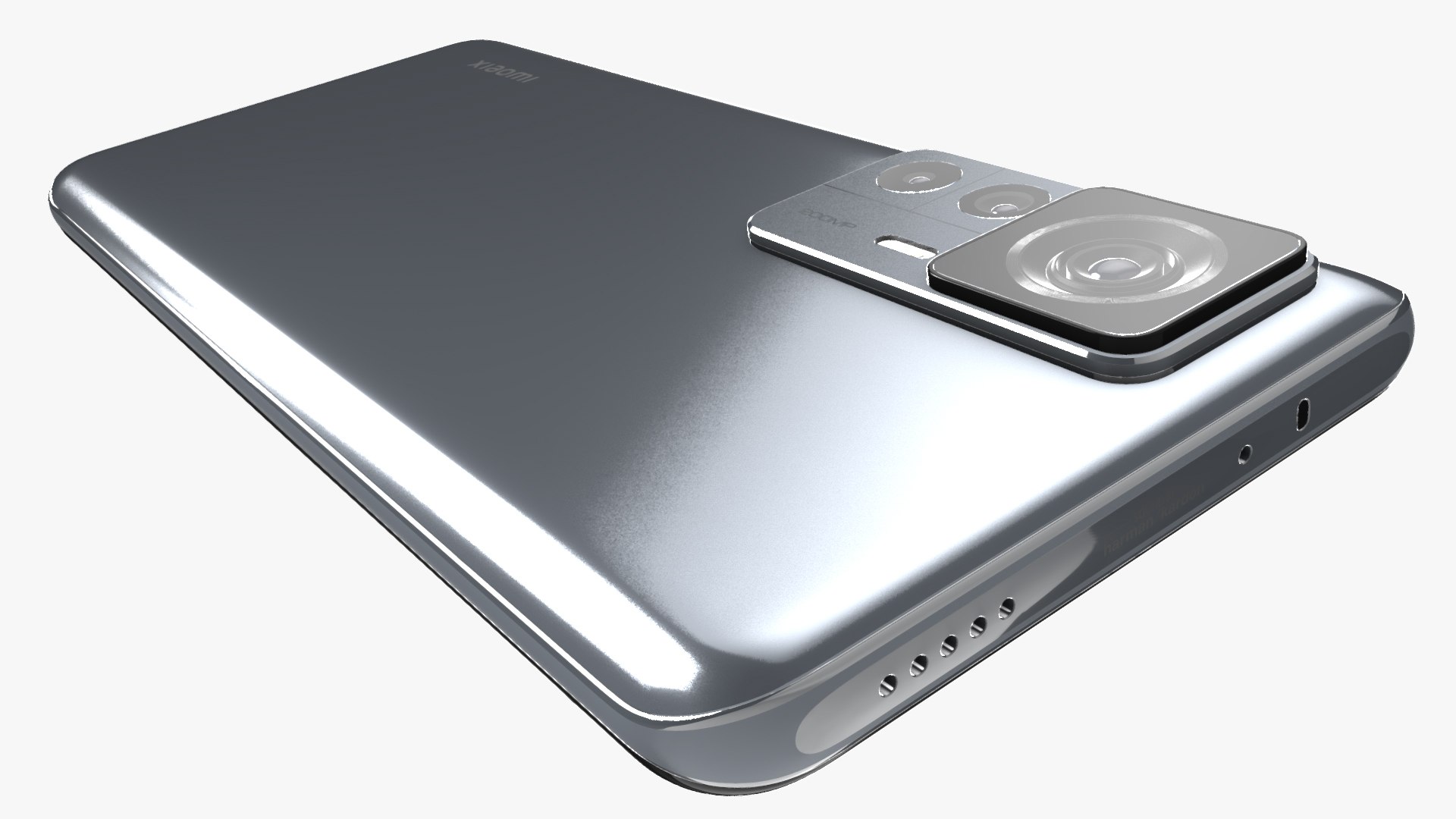
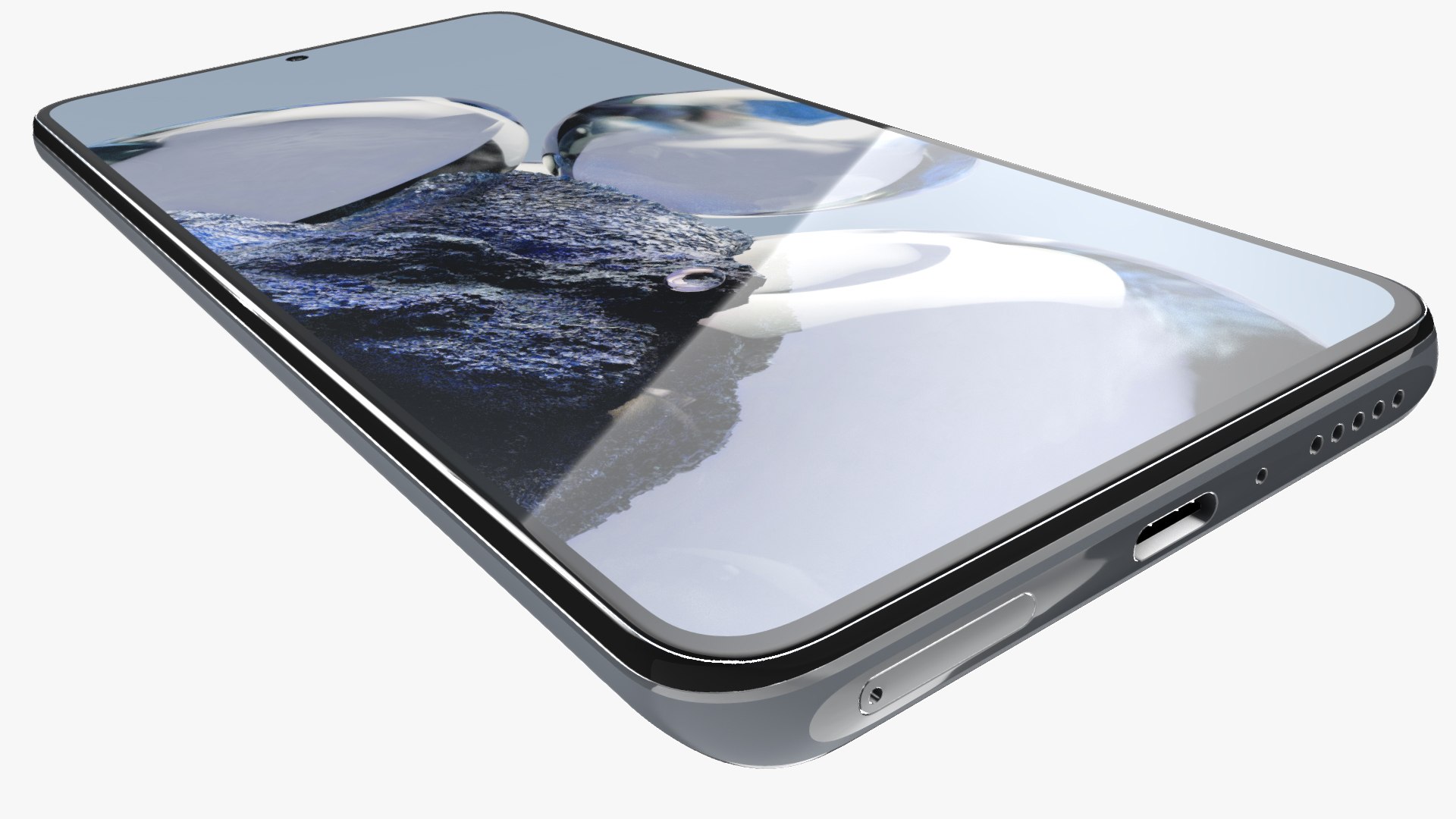
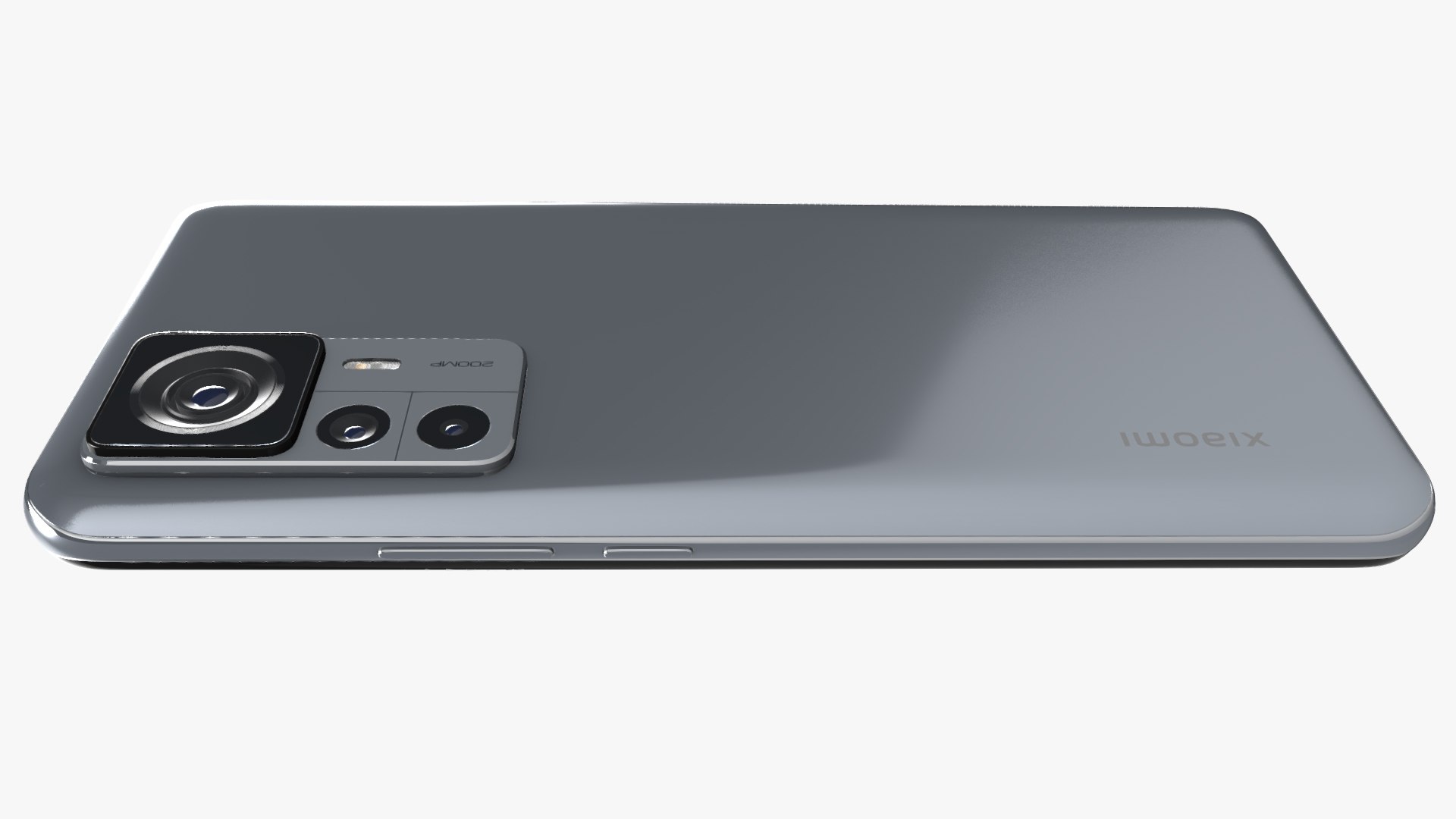
Xiaomi 12T Pro All Colors in Element 3D

$49

Standard License | Upgrade License
Editorial Uses Only
Formats (1)
Free file format Conversions available
OBJ E3D
Specifications
Publish Date December 02, 2022
Product ID 1995823
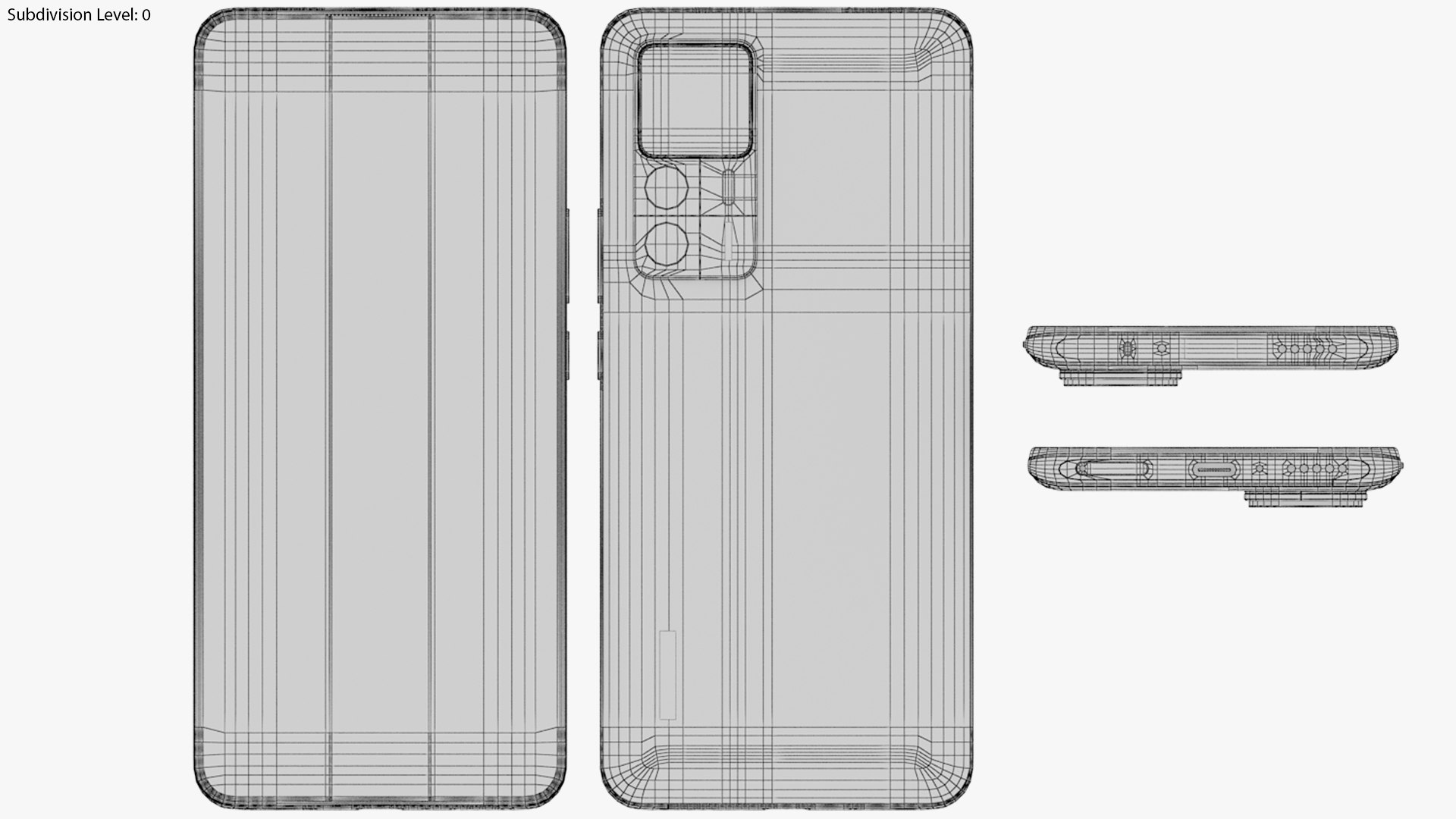
Polygons 13,824
Vertices 15,058
Polygonal Quads/Tris Geometry
Textures
Materials
UV Mapped
TurboSquid Exclusive
member avatar
Barbarosa3D
3945 Products | Contributor Since 2011
Have questions? Chat with us now.

Description

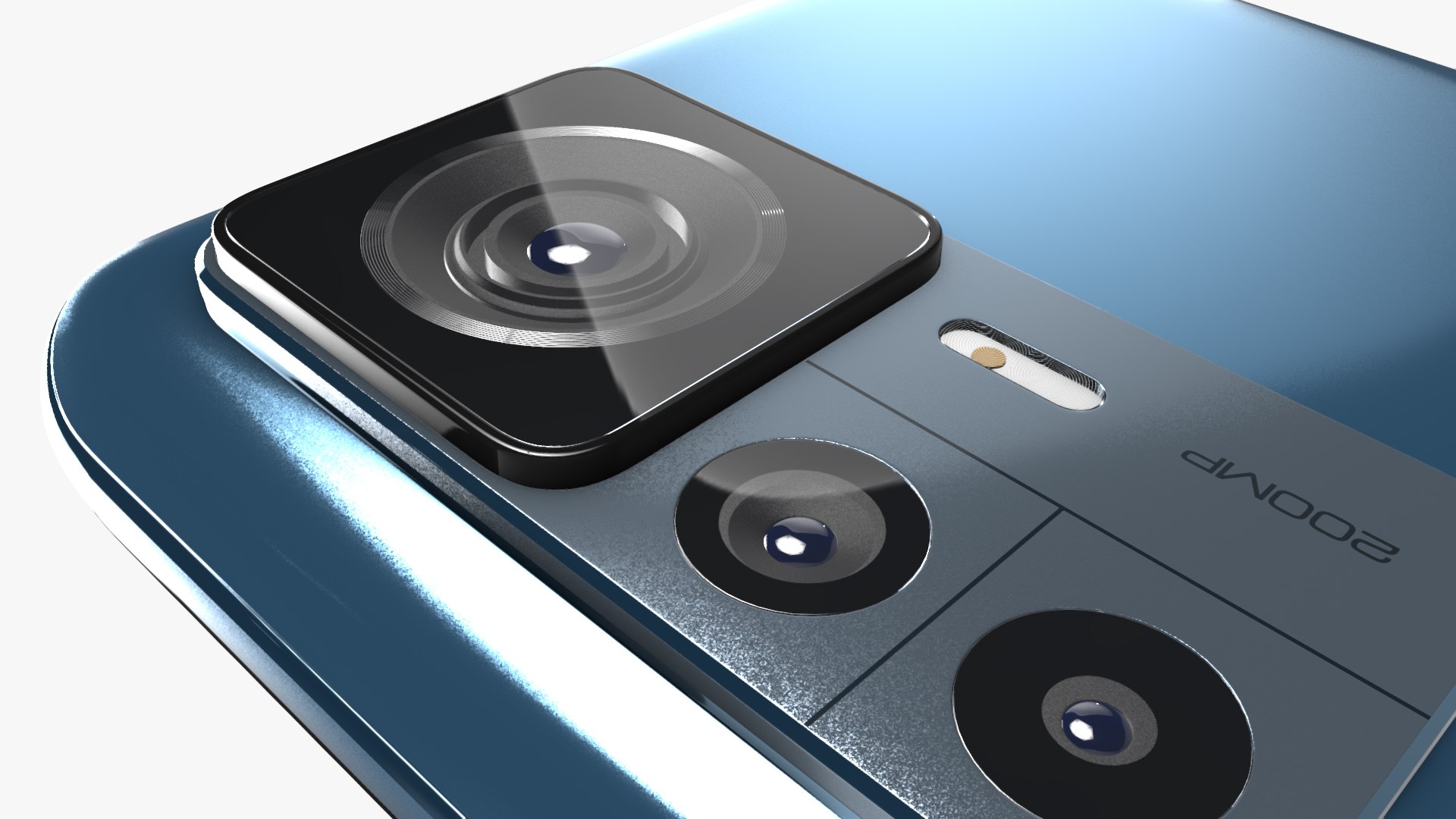
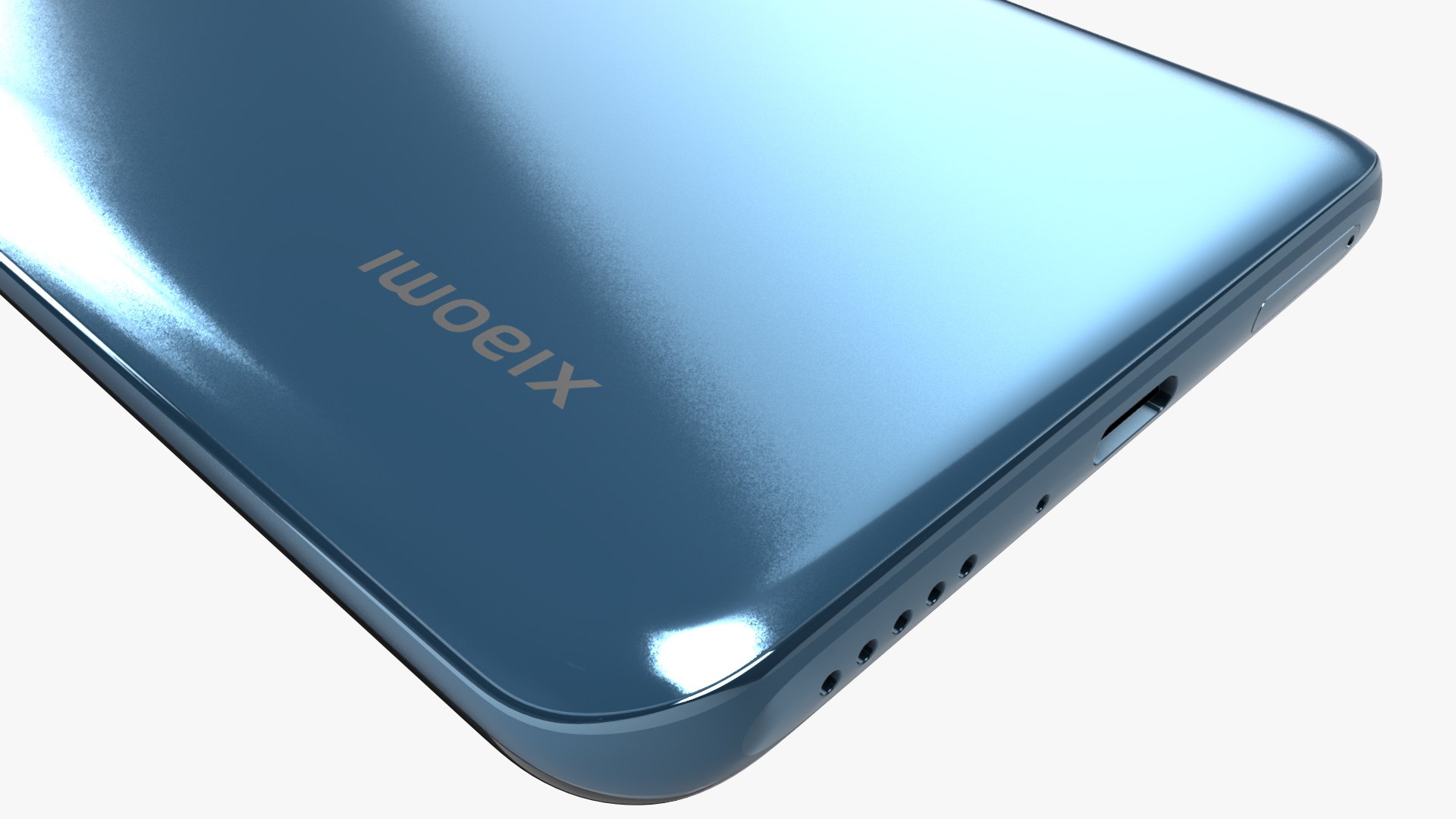
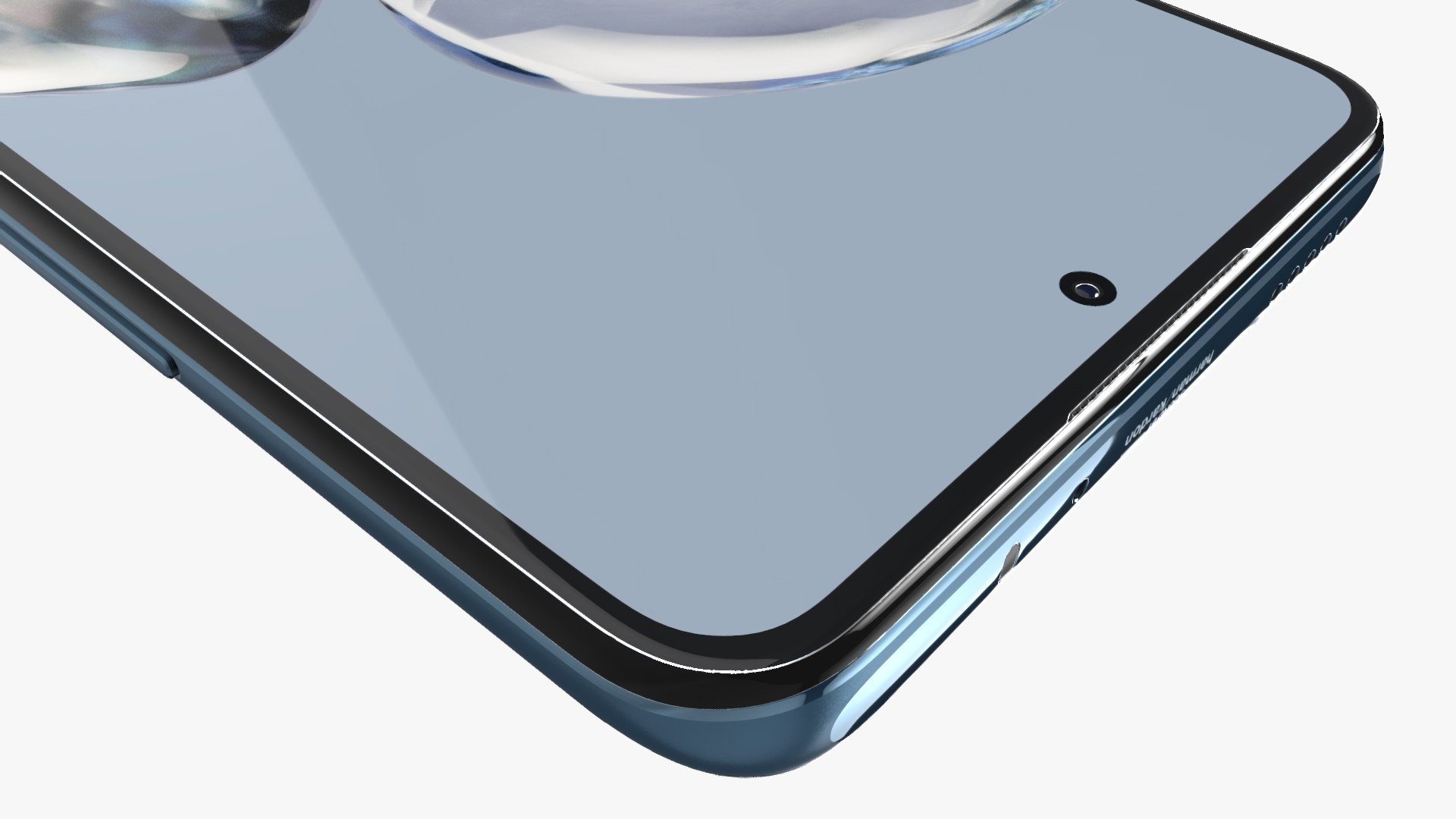
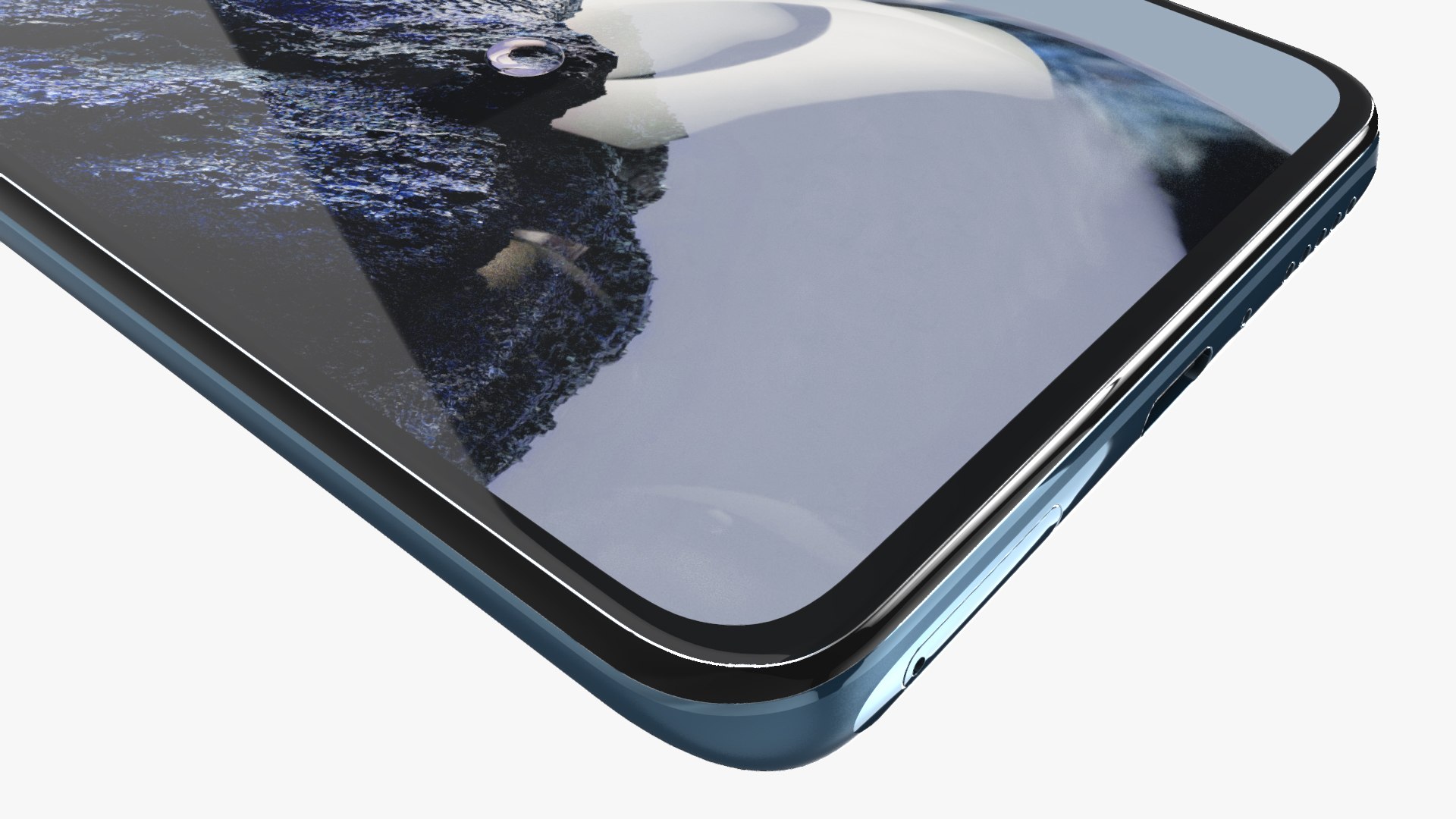
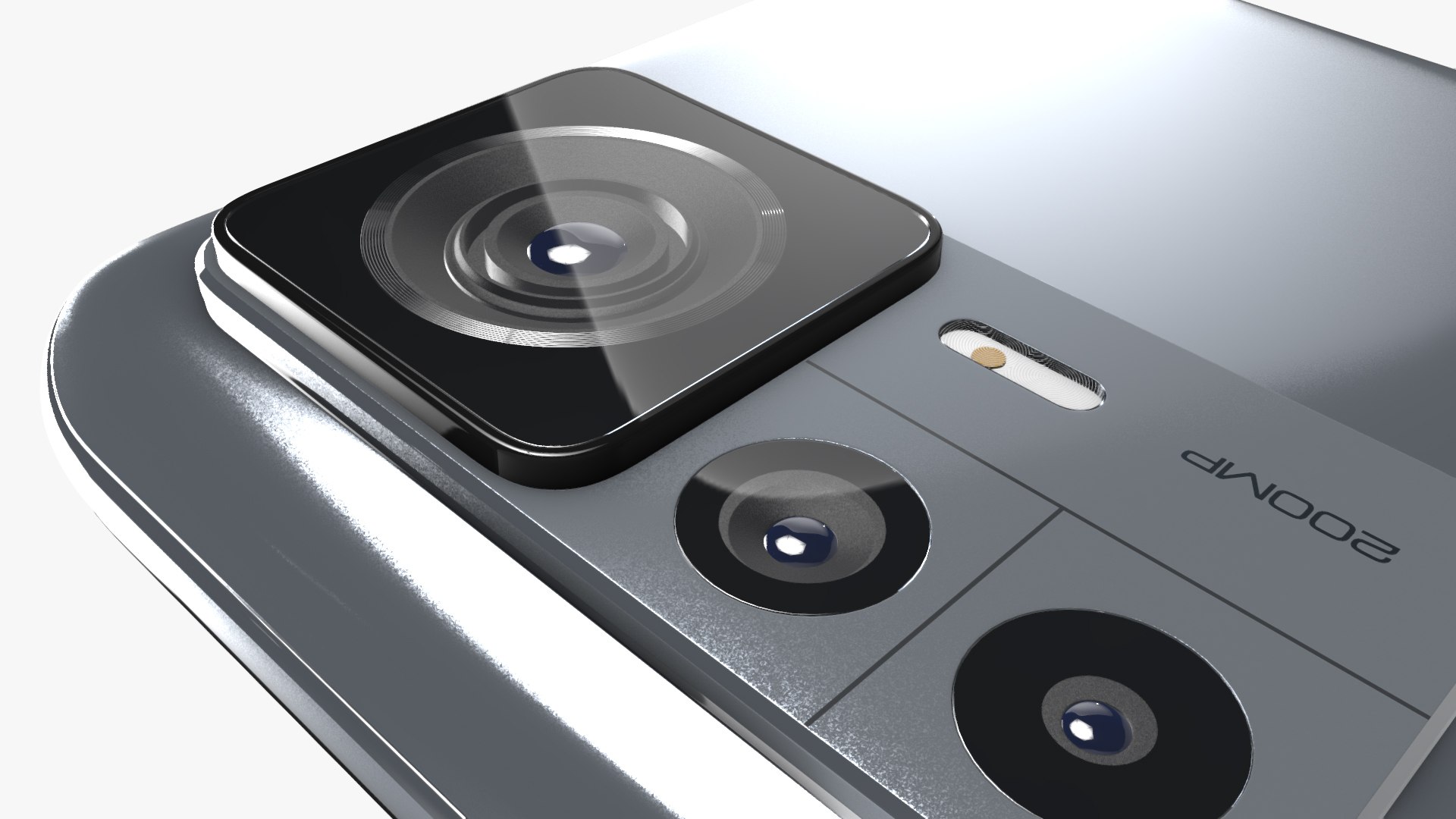
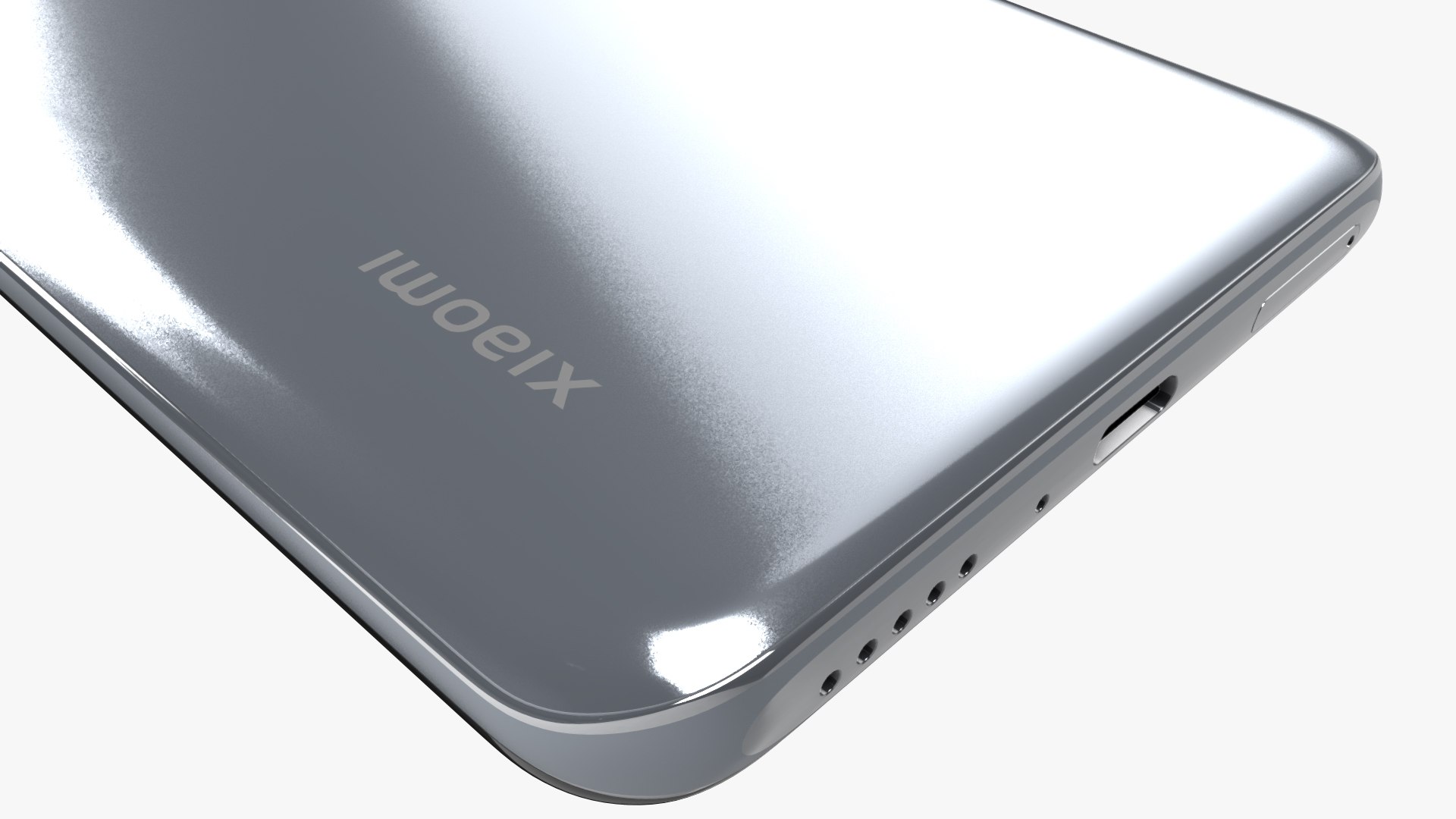
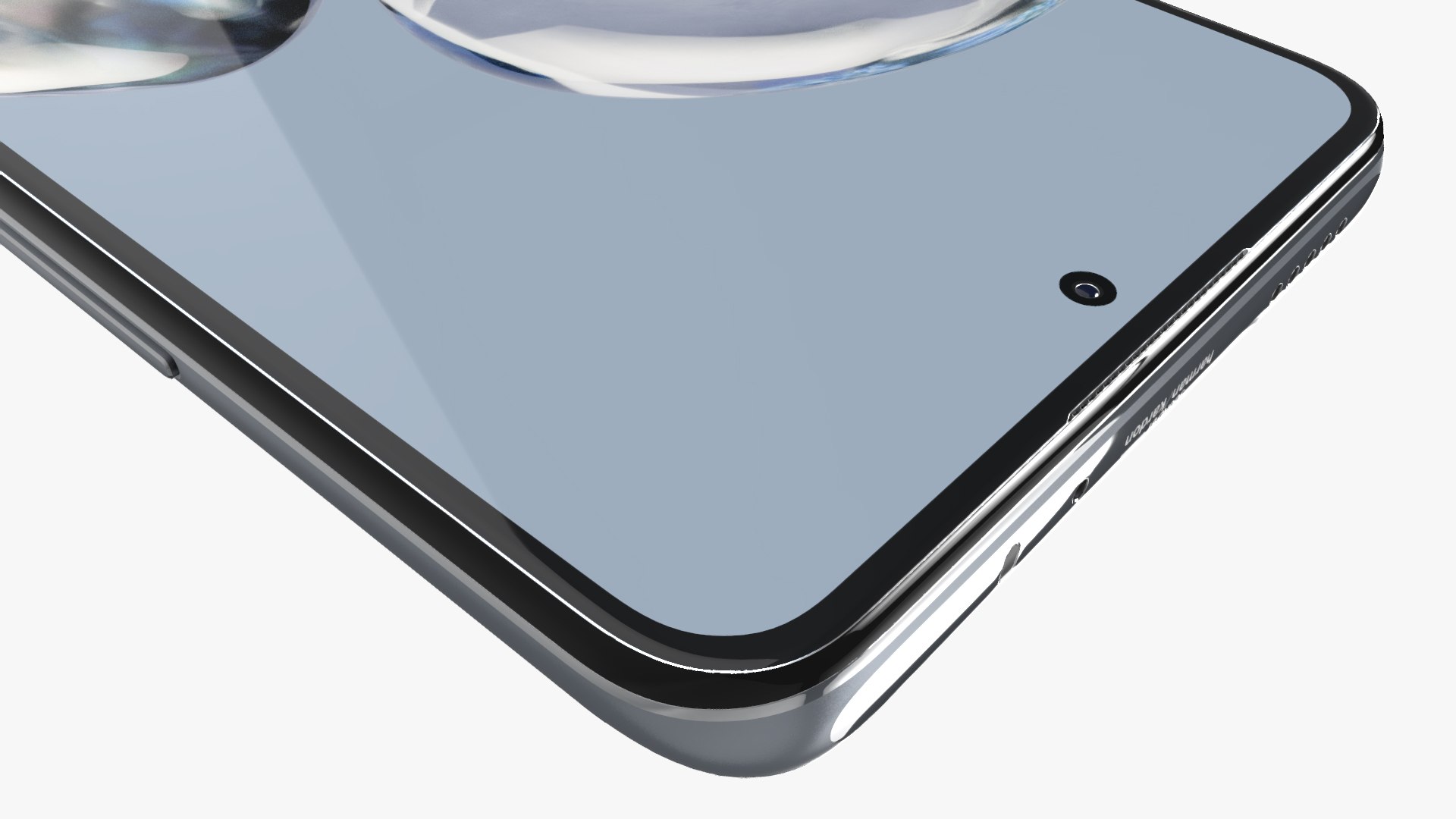
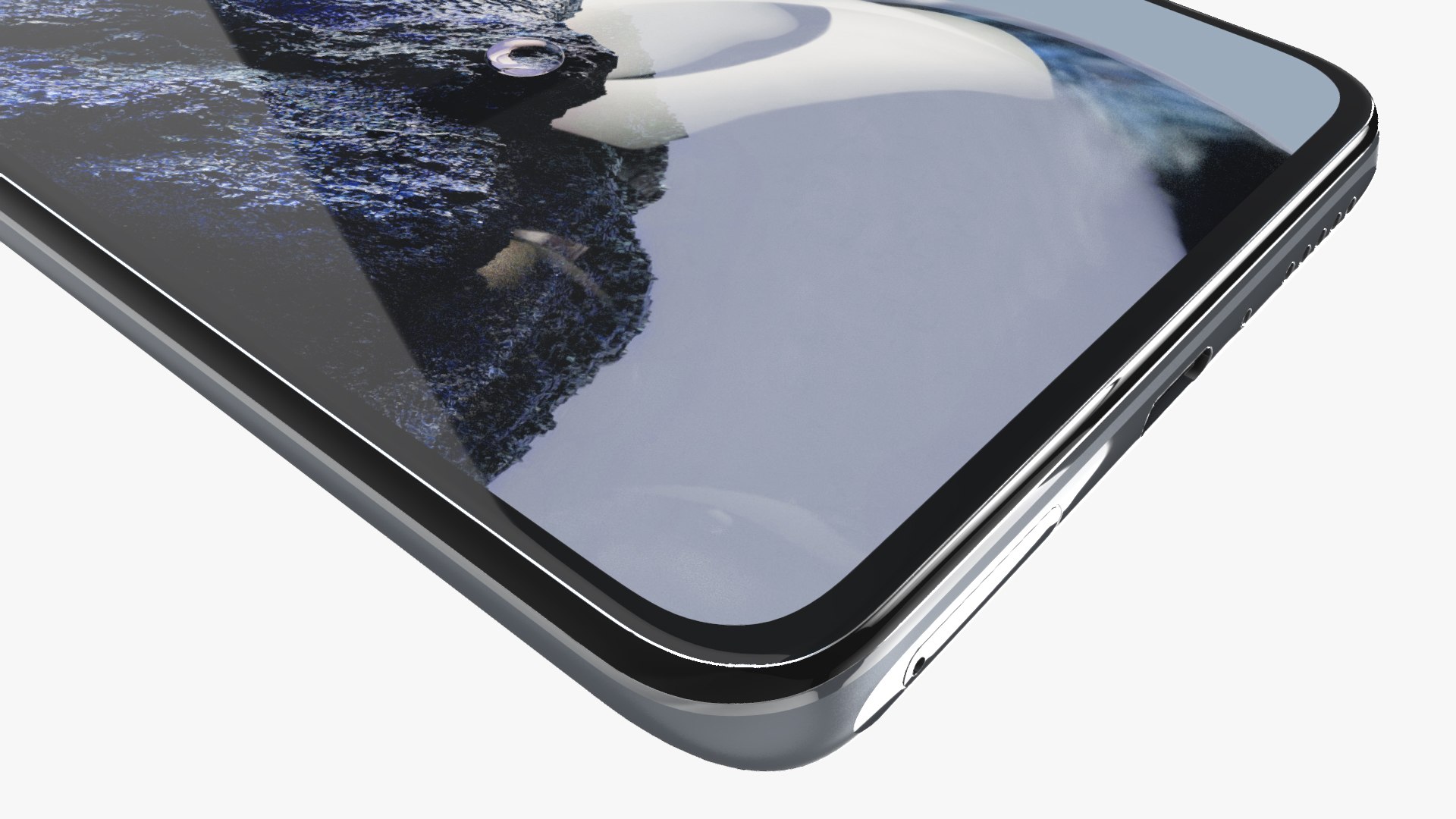
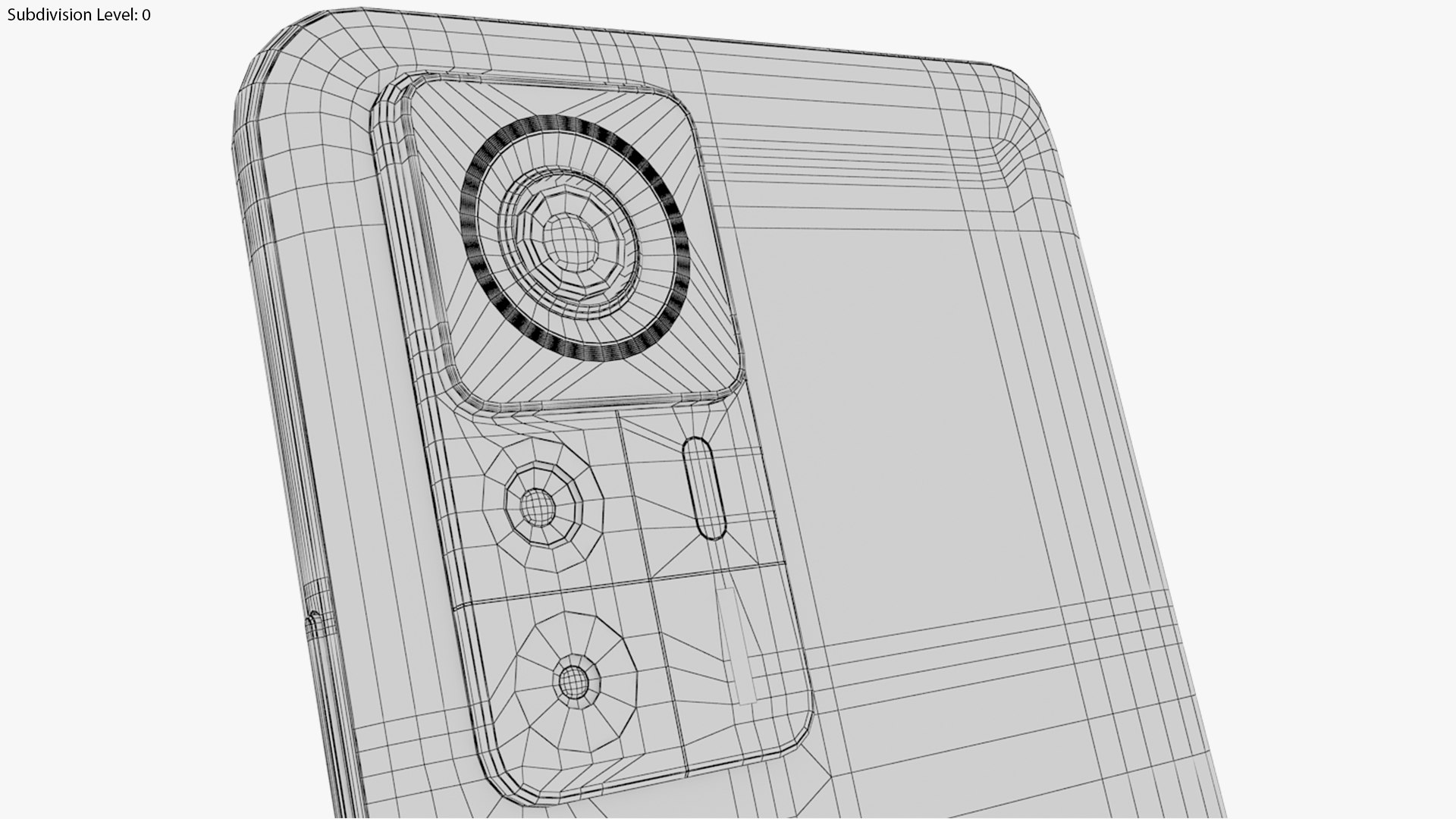
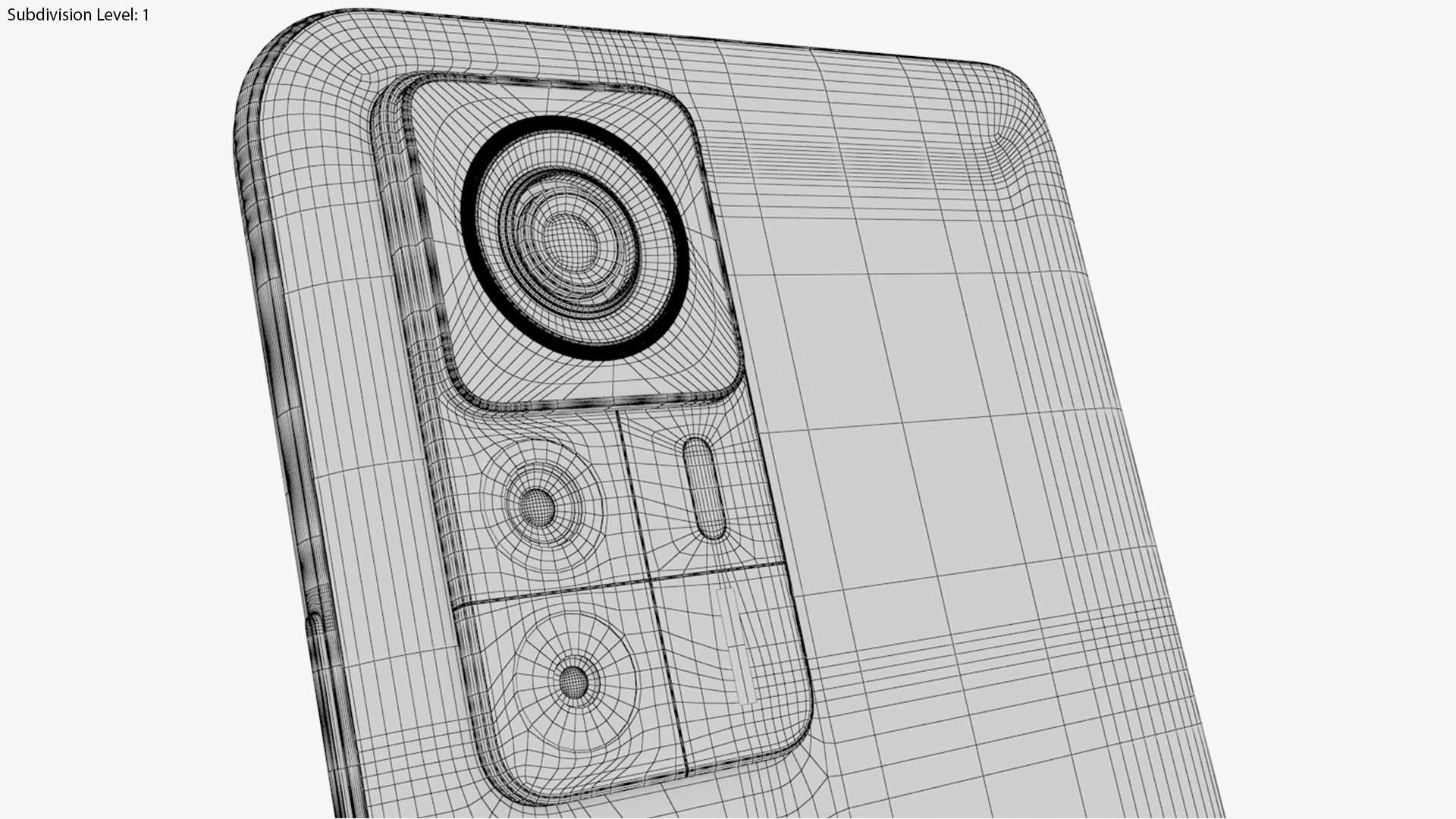
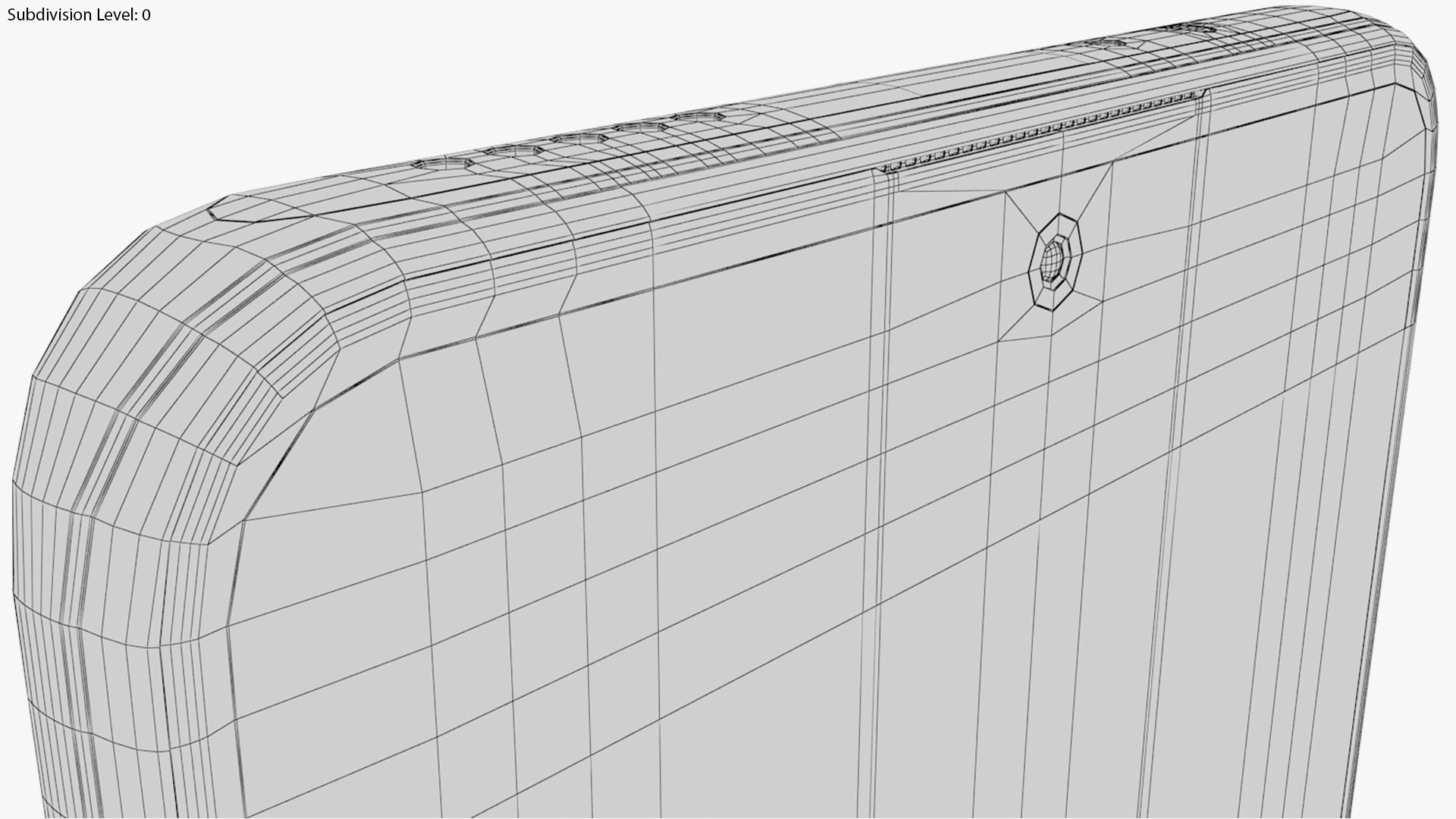
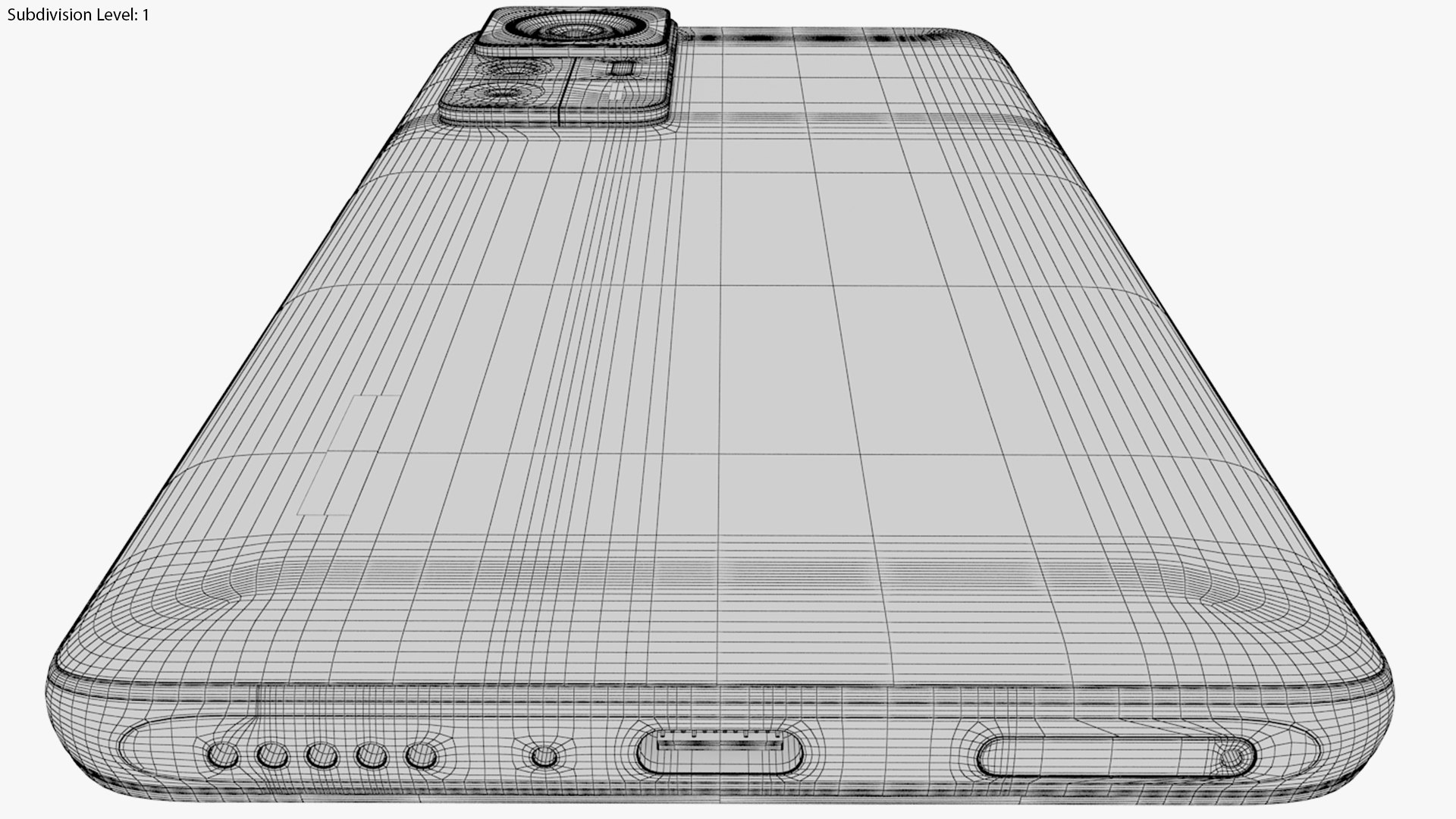
High detailed and realistic Xiaomi 12T Pro All Colors in Element 3D, modeled in 3ds Max 2014 (not included) from official data (no concepts or leaks) and imported into Adobe After Effects plugin Element 3D.

Lowpoly- 13 824 polygons; 15 058 vertices;

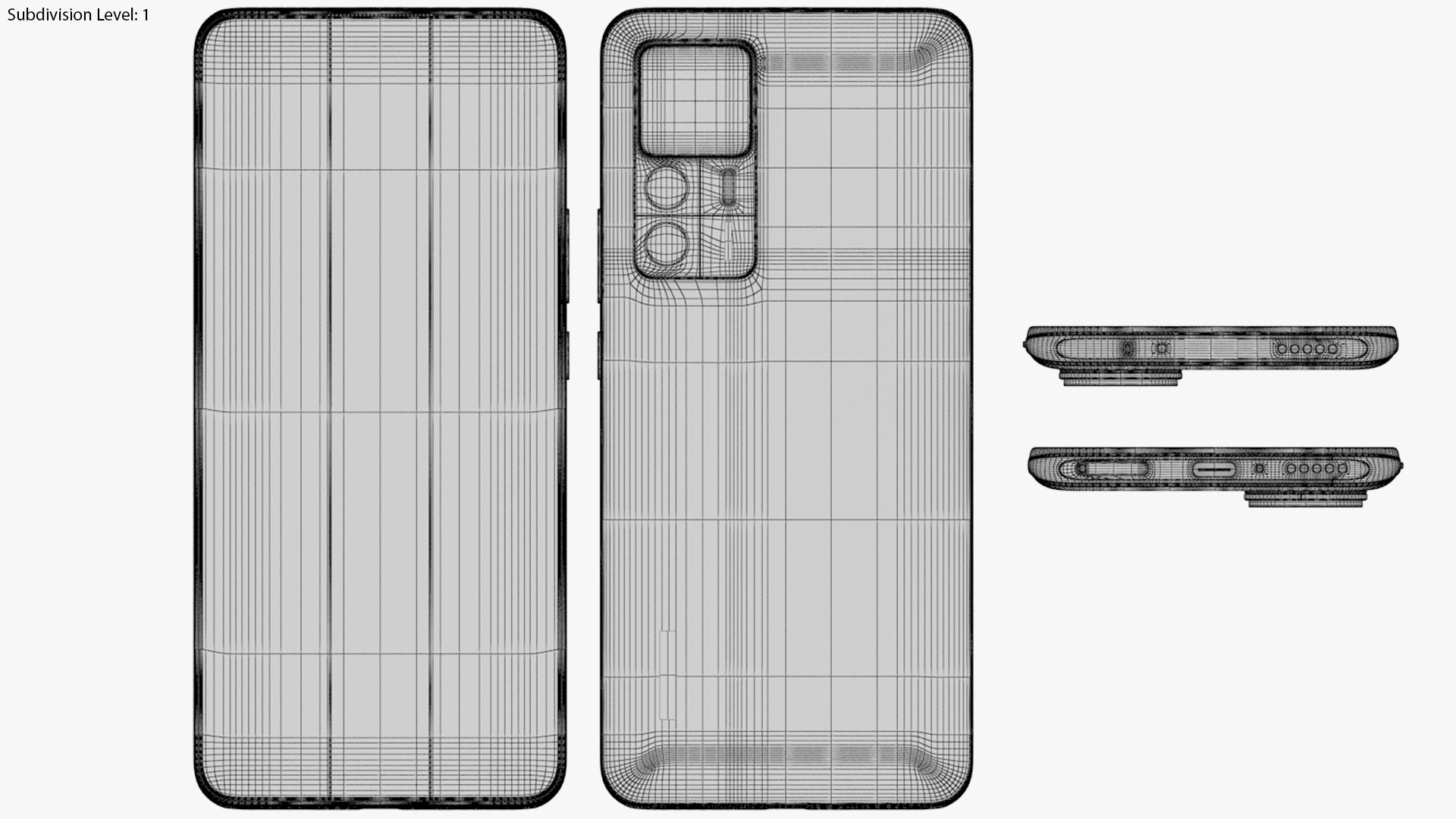
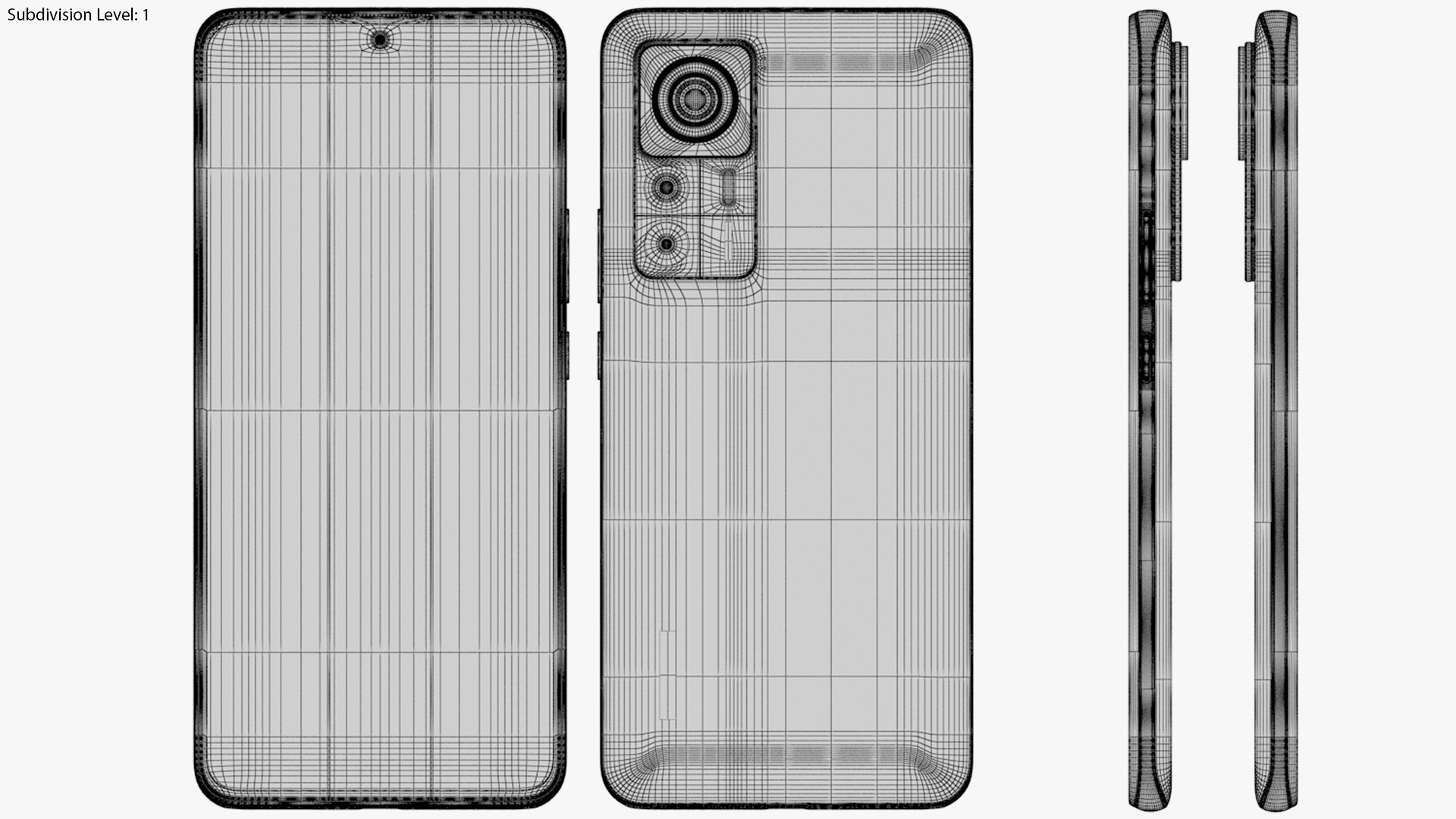
Highpoly- 442 280 polygons; 226 089 vertices;

Resolutions of JPG and PNG textures (in pixels):

5535x2497~516x516

HDR: 10 240x5120

*************************************************************

- Product contains all materials, maps and textures, .obj file, Element 3d files (.e3d).

- Product contains HDR map, which was used in rendering process. No additional treats, just open and render!

- Model has real scales (mm).

- Model have many separate details, which are clearly named- easy to use.

- Materials are named correctly.

Software: AAE 2019 (16.1.0)

Plugin: Element 3D V2.2

*************************************************************

*I.Model is suited for high quality closeups and animation.

*II. Product does not contains 3ds Max file.

*III.Thank you for buying, if you need this product in different format, just ask Support for help.

Select Enhanced License

  • $10,000 in Legal Protection (Indemnification)
  • Uncapped Legal Protection (Indemnification)
  • Waiver from injunctive relief
  • Assignable model rights
  • $1,000,000 in Legal Protection (Indemnification)
  • Waiver from injunctive relief
  • Assignable model rights
  • $250,000 in Legal Protection (Indemnification)
  • Assignable model rights
Read more about enhanced license tiers, or contact us at enterprise@turbosquid.com. Already a Shutterstock Enterprise Customer? Contact your Shutterstock Sales Support Agent to talk about adding 3D.

About Conversion Requests

To submit a conversion request for a purchased asset, please complete our Conversion Request Form.

If you have not yet purchased a model, please review our Documentation about Conversions to learn about what limitations you may encounter with a conversion.

For any additional questions about a model’s suitability for conversion, please contact TurboSquid Support.

Loading...