

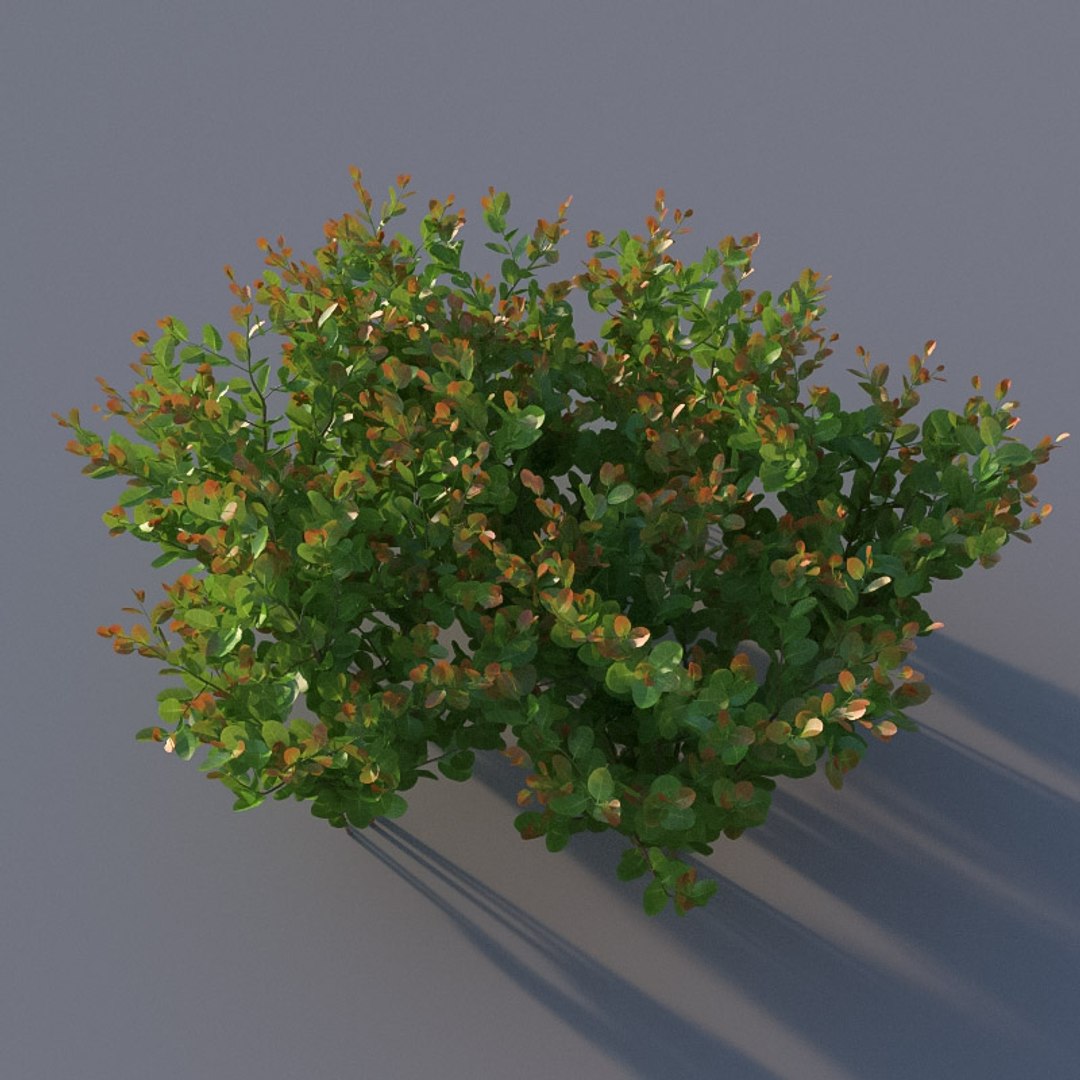
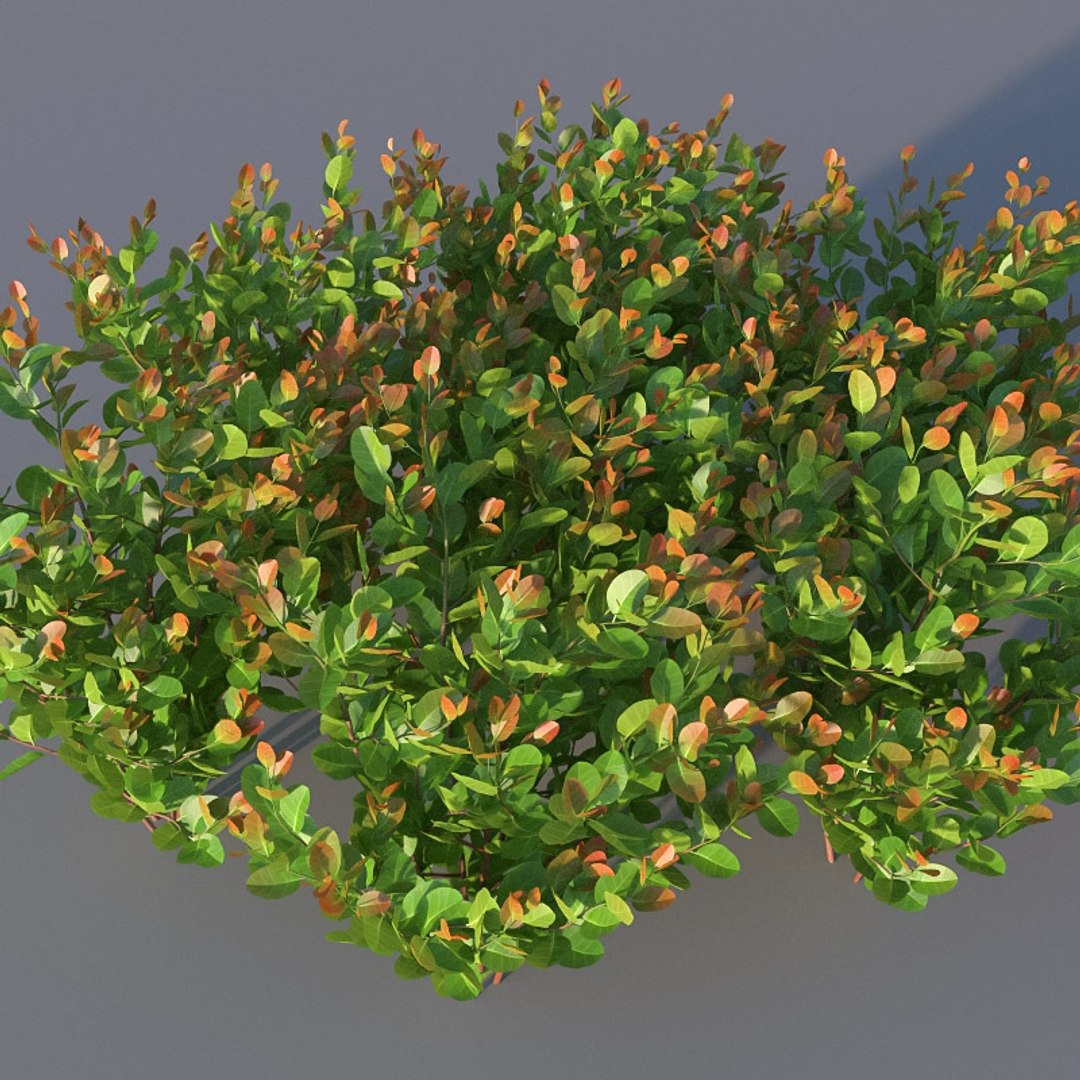
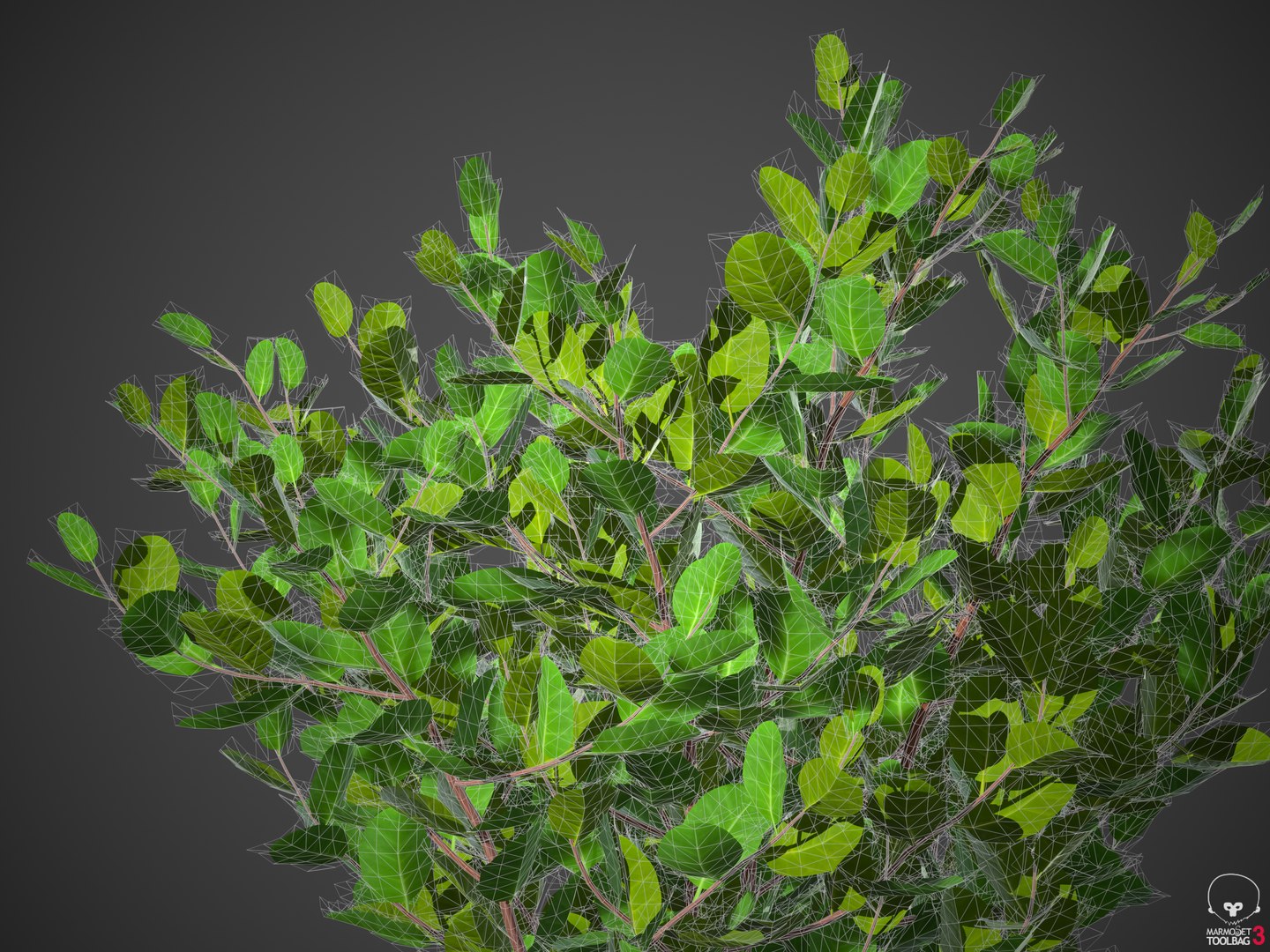
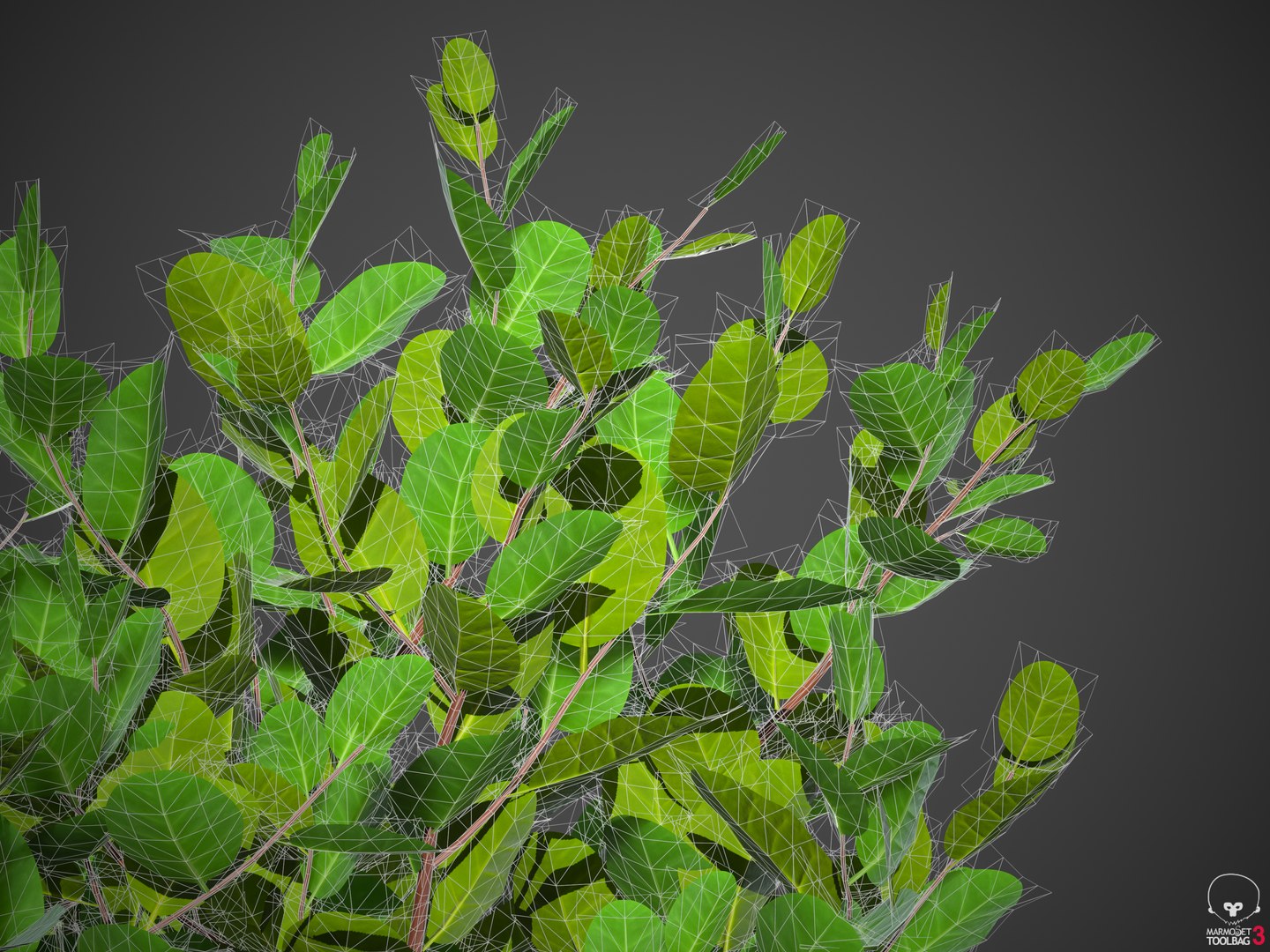

XfrogPlants Cocoplum - Chrysobalanus Icaco

$32

Standard License | Upgrade License
Formats (6)
Free file format Conversions available
3ds Max 2021 | Corona 6
3ds Max 2021 | V-Ray 5
3ds Max 2016 | Arnold 5.1
Blender 2.8 | Cycles Render
OBJ
FBX
Specifications
Publish Date May 03, 2021
Product ID 1727982
Polygons 54,612
Vertices 36,308
Polygonal Quads/Tris Geometry
Textures
Materials
UV Mapped
Overlapping Unwrapped UVs
Animated
PBR
Real-Time

member avatar
xfrog
731 Products | Contributor Since 2002
Have questions? Chat with us now.

Description

These plants are created by the very experienced modeler Konstantin Kim and sold exclusively by Xfrog.
Kim (aka 3d Mentor) works in 3ds max GrowFX, and sets up shaders for Corona, VRay, and FStorm.
ALL plants, for the first time EVER, have GrowFX (gfx) files included, and WIND, and all models and wind can be procedurally edited!
Polycounts range from 100k to 600k. Download includes one model.

Chrysobalanus Icaco: Cocoplum 

Chrysobalanus Icaco is a shrub found near sea beaches and inland throughout tropical Africa, tropical Americas and the Caribbean, and in southern Florida and the Bahamas. It has two ecotypes, with the coastal distribution being more salt tolerant than plants found inland. Humans have brought it to other tropical islands, where it has become invasive. It grows between 5-20ft on average, and the leaves are an attractive blend of red and green. In late spring, they feature small white flowers and an edible fruit that is often used to make jam. In some island nations, the fruit is commonly called "fat pork". 

Select Enhanced License

  • $10,000 in Legal Protection (Indemnification)
  • Uncapped Legal Protection (Indemnification)
  • Waiver from injunctive relief
  • Assignable model rights
  • $1,000,000 in Legal Protection (Indemnification)
  • Waiver from injunctive relief
  • Assignable model rights
  • $250,000 in Legal Protection (Indemnification)
  • Assignable model rights
Read more about enhanced license tiers, or contact us at enterprise@turbosquid.com. Already a Shutterstock Enterprise Customer? Contact your Shutterstock Sales Support Agent to talk about adding 3D.

About Conversion Requests

To submit a conversion request for a purchased asset, please complete our Conversion Request Form.

If you have not yet purchased a model, please review our Documentation about Conversions to learn about what limitations you may encounter with a conversion.

For any additional questions about a model’s suitability for conversion, please contact TurboSquid Support.

Loading...