
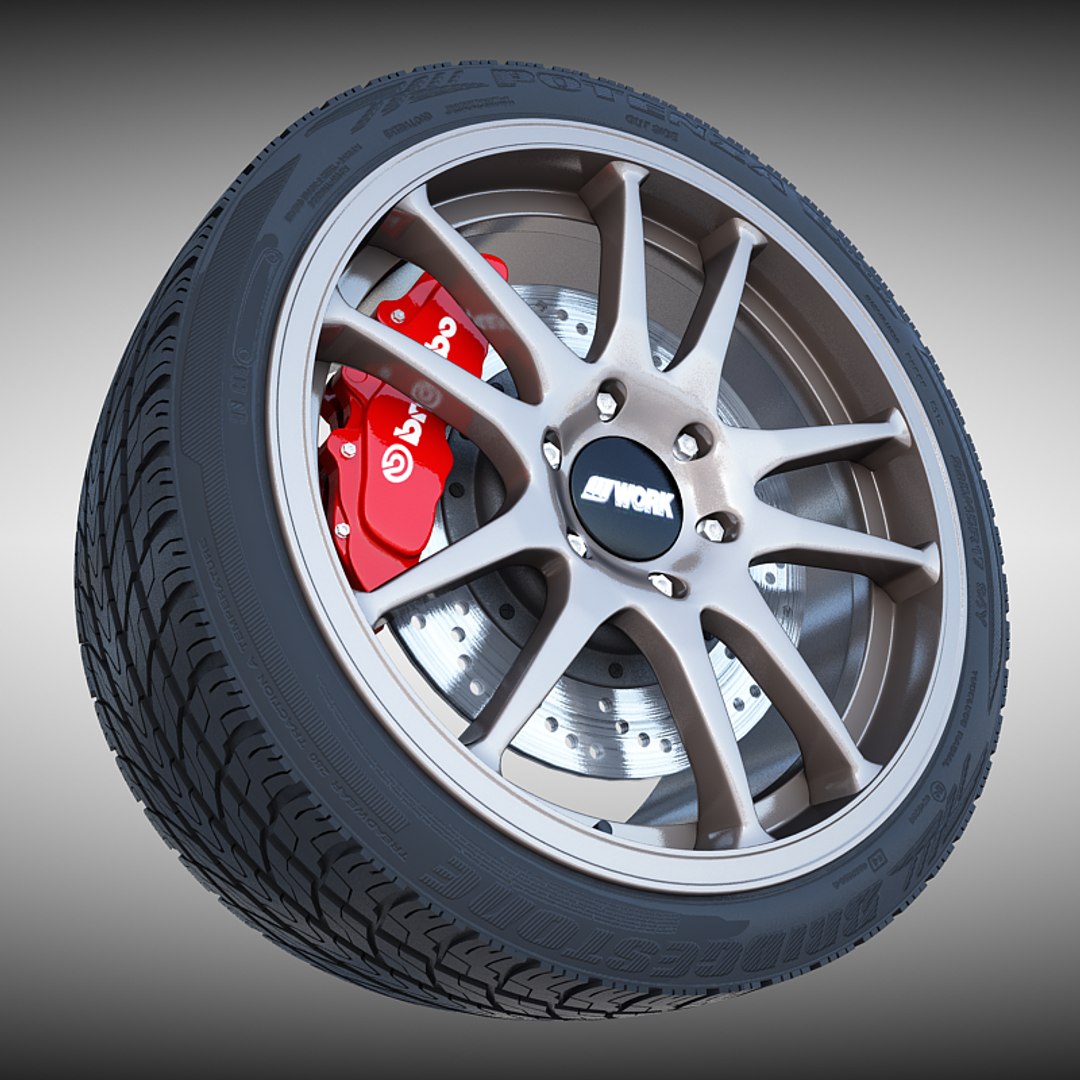
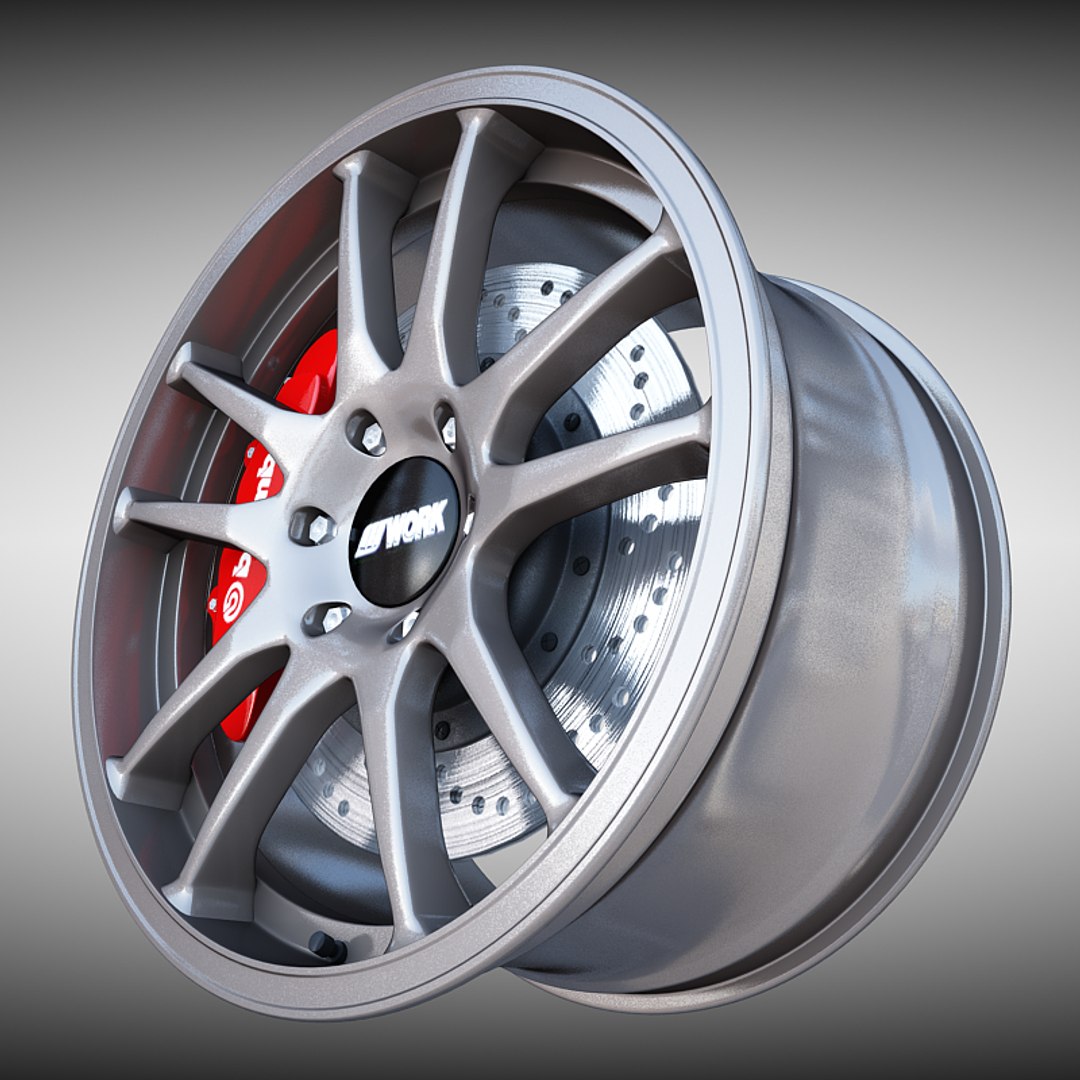
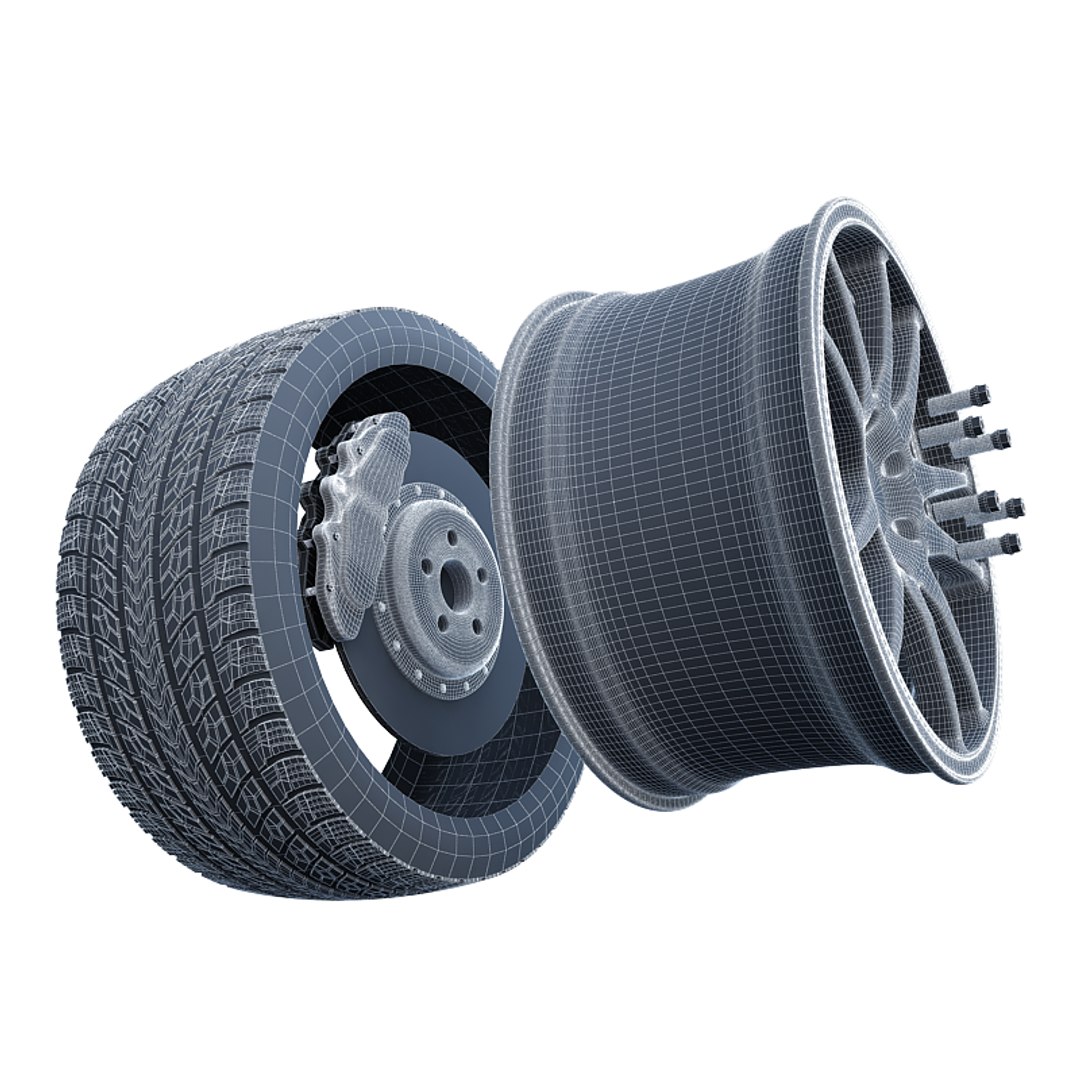

Work Crag ST5 Wheel

$39

Standard License | Upgrade License
Editorial Uses Only
Formats (7)
Free file format Conversions available
Native | 3ds Max 2010 | V-Ray 2.0
3ds Max 2010 | mental ray
3ds Max 2010 | Default Scanline
3D Studio
FBX
OBJ
Other Textures
Other Files
textures.rar
Specifications
Publish Date March 27, 2014
Product ID 810266
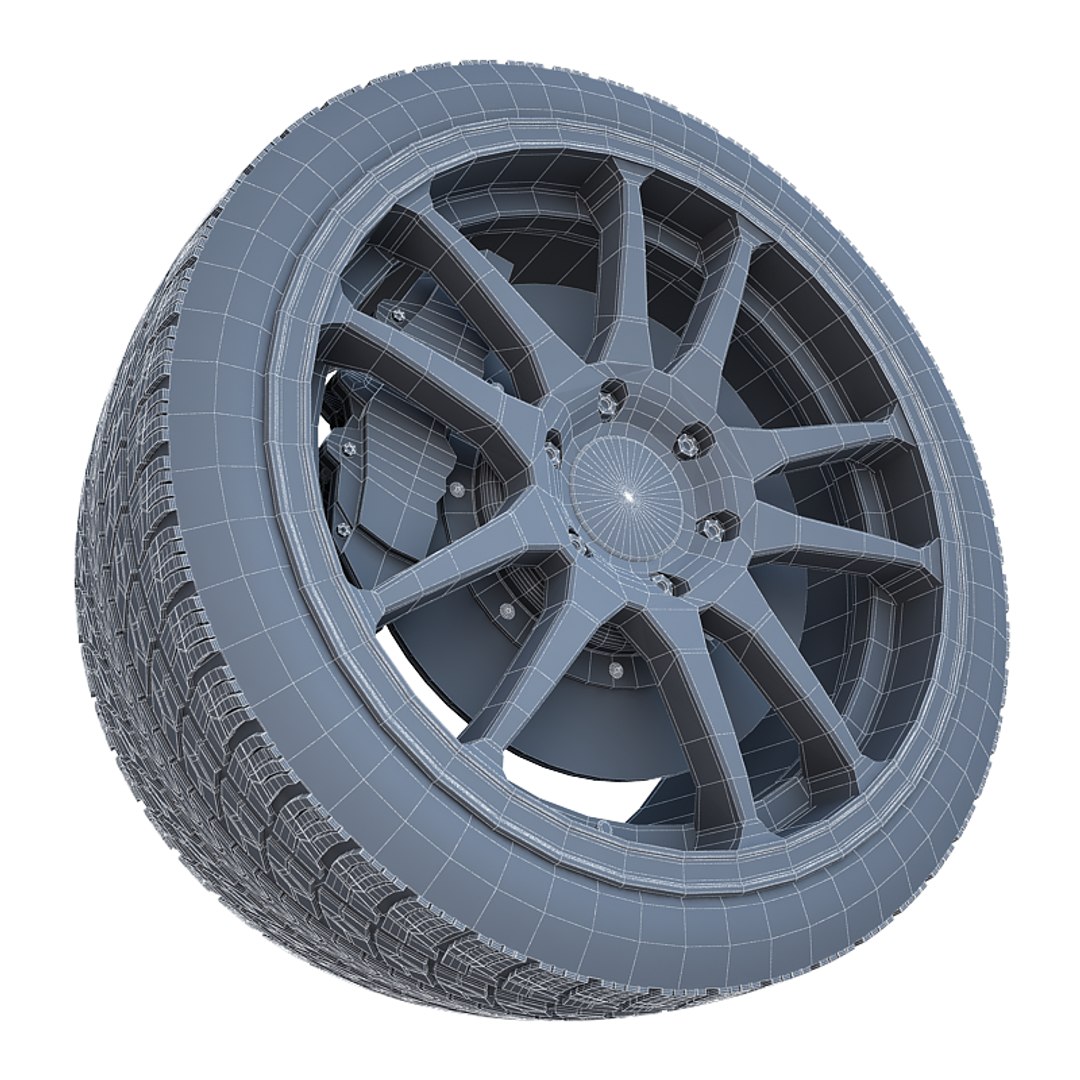
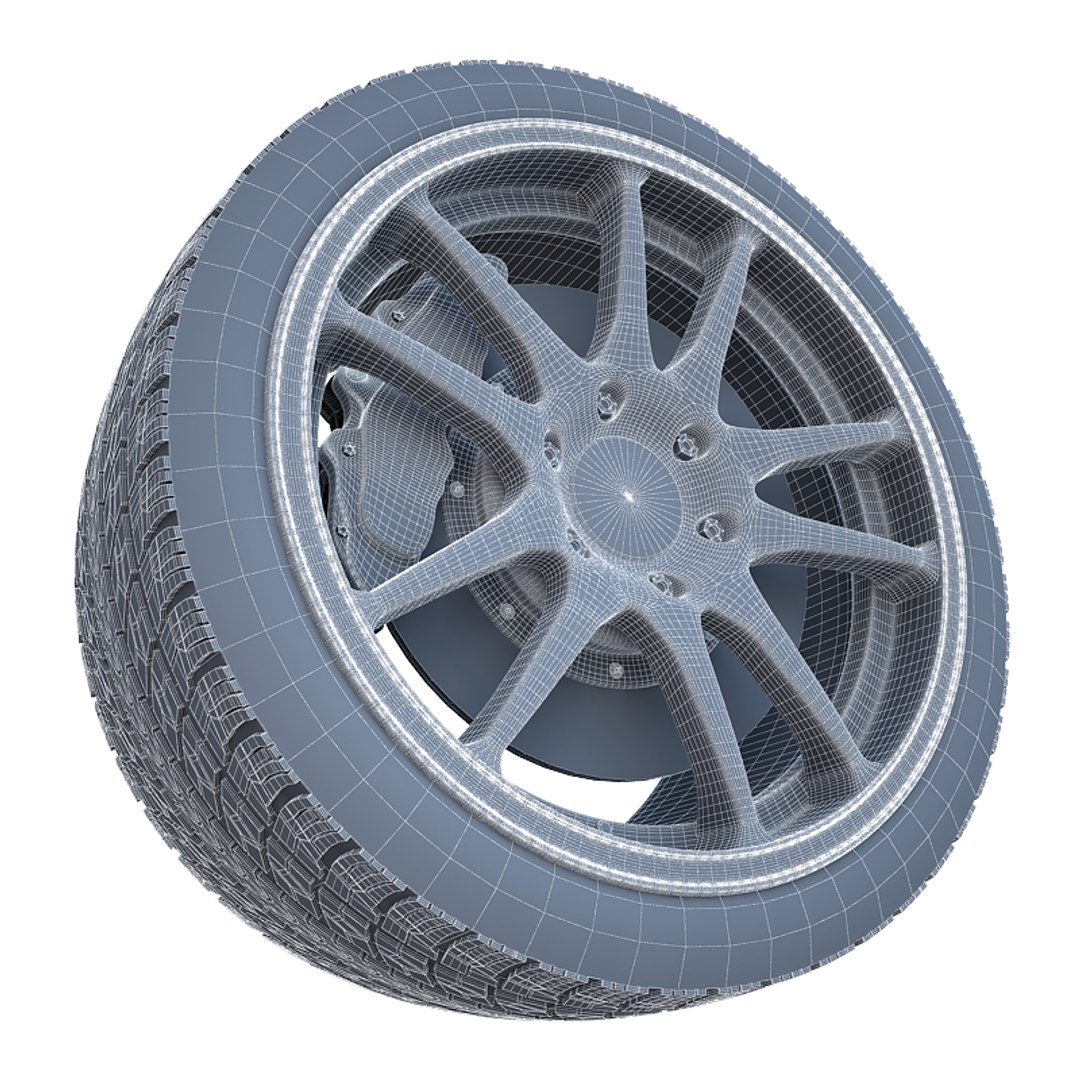
Polygons 115,286
Vertices 126,180
Polygonal Ngons Used
Textures
Materials
UV Mapped
Mixed Unwrapped UVs
member avatar
donha3d
203 Products | Contributor Since 2013
Have questions? Chat with us now.

Description

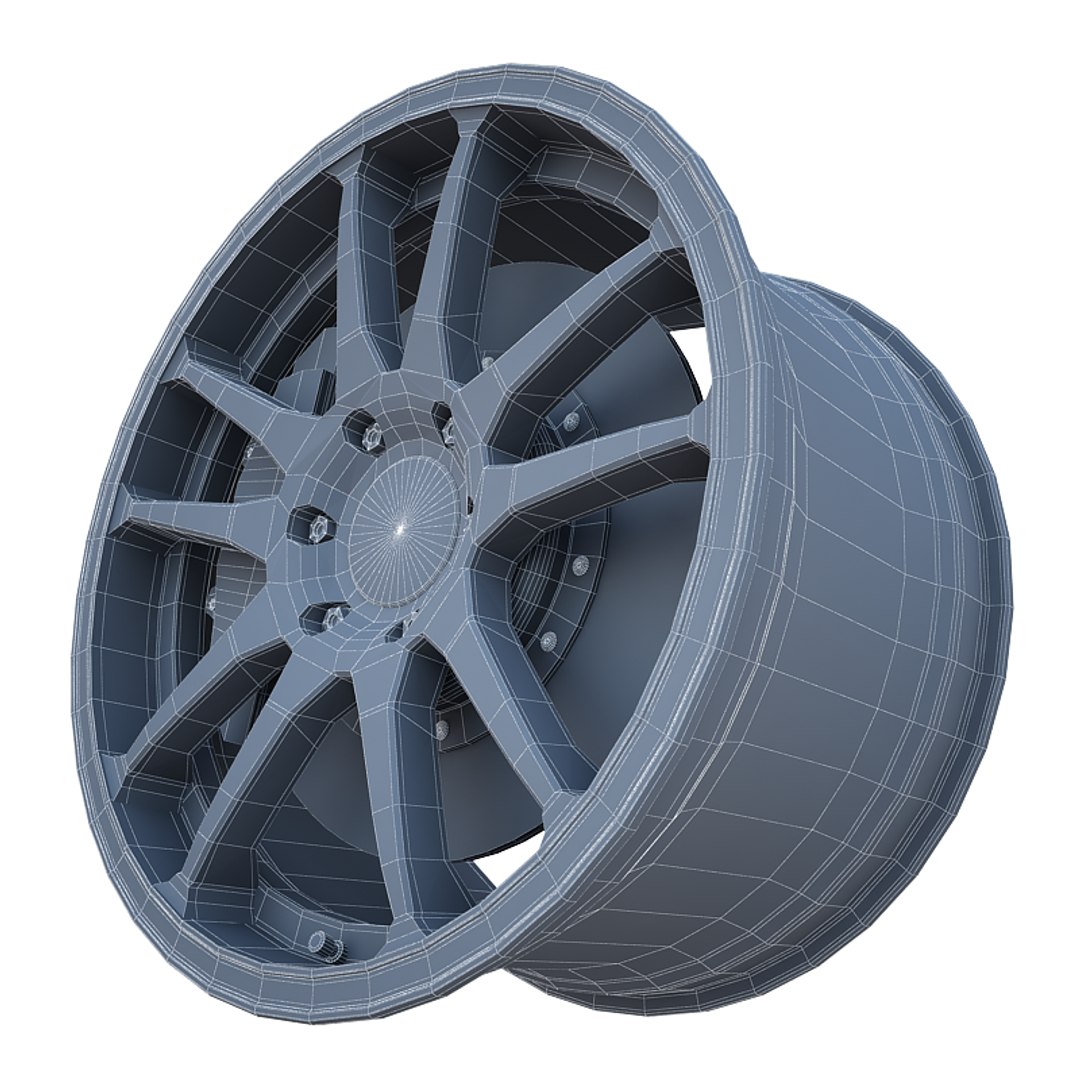
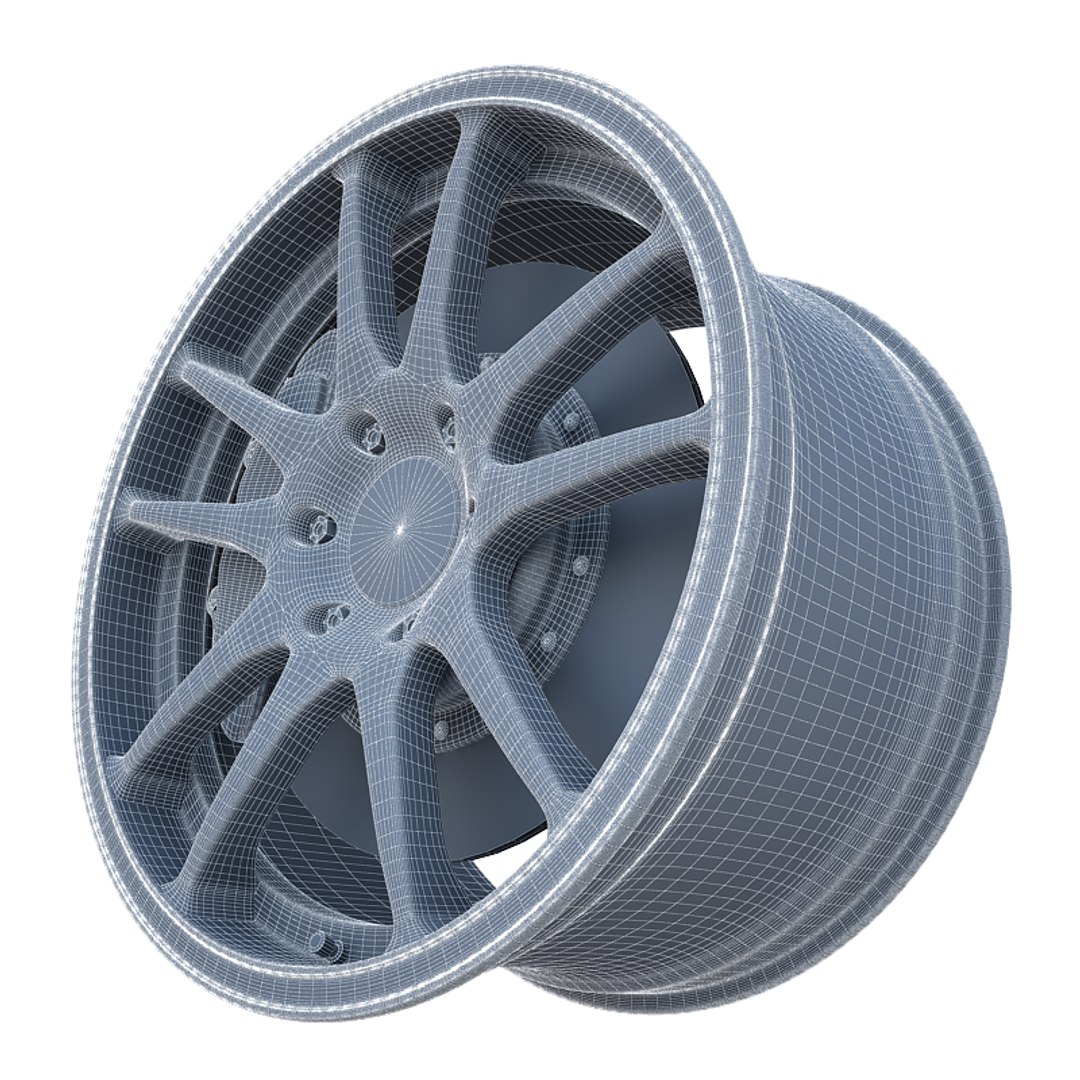
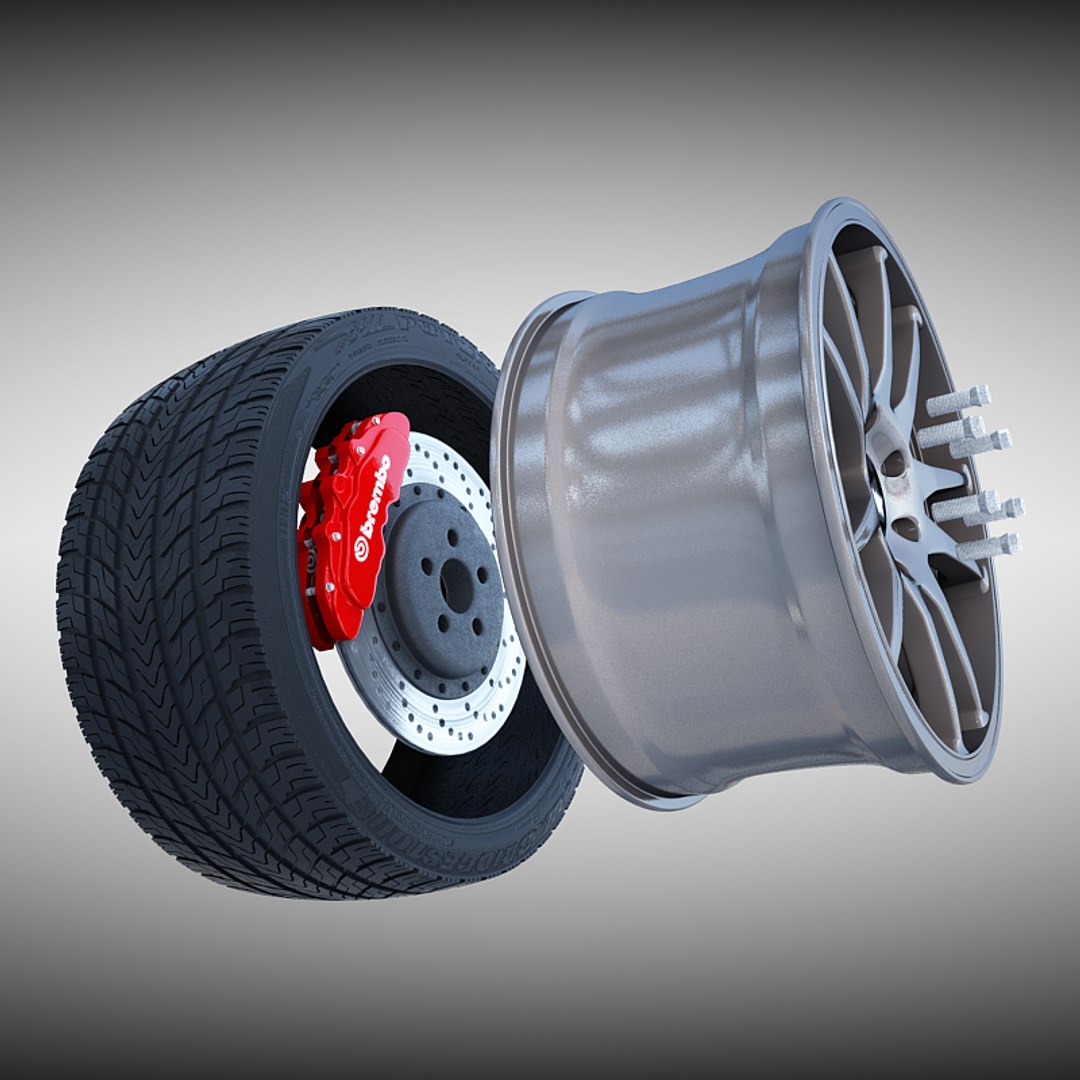
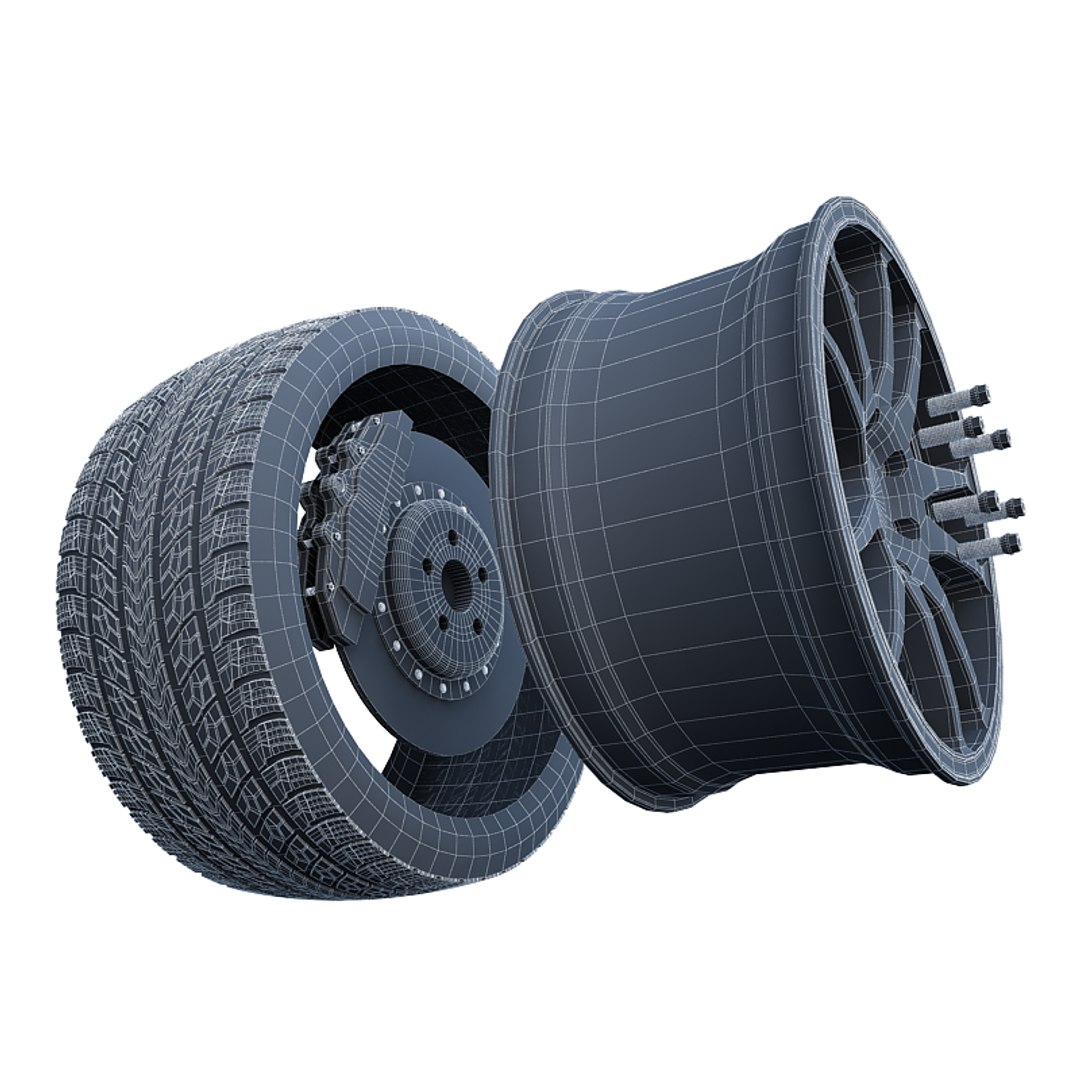
* 3D Model of a WORK Crag ST5 Wheel with Tire, Brake Disk and Caliper - With Textures and Materials - Ready To Render in Your Scene


* Available files for download
- 3DS Max 2010 - Standard materials
- 3DS Max 2010 - Mental ray materials
- 3DS Max 2010 - V-Ray materials
- 3DS
- OBJ
- FBX
- Archive with previews
- Archive with textures

* The model uses a chrome material for the rim of the tire. You will need to have lights in your scene for it to render properly.
* All colors of this model can be easily modified
* Meshsmooth modifier is on the objects and not collapsed, so you can increase or decrease smooth iterations.
* You can put this model in your scene and hit render button because every max file is ready to render.
* .OBJ, .FBX and .3DS format are exported from 3DS Max 2010
* Final images rendered with V-Ray 2.0
* Every part and material of this model has real name
* Mesh Geometry: Polygonal Quads


- Just click on my username to see my other models.
- Thank you for choosing this model. I hope you like it.
- I would be very grateful if you give me a rating.

Select Enhanced License

  • $10,000 in Legal Protection (Indemnification)
  • Uncapped Legal Protection (Indemnification)
  • Waiver from injunctive relief
  • Assignable model rights
  • $1,000,000 in Legal Protection (Indemnification)
  • Waiver from injunctive relief
  • Assignable model rights
  • $250,000 in Legal Protection (Indemnification)
  • Assignable model rights
Read more about enhanced license tiers, or contact us at enterprise@turbosquid.com. Already a Shutterstock Enterprise Customer? Contact your Shutterstock Sales Support Agent to talk about adding 3D.

About Conversion Requests

To submit a conversion request for a purchased asset, please complete our Conversion Request Form.

If you have not yet purchased a model, please review our Documentation about Conversions to learn about what limitations you may encounter with a conversion.

For any additional questions about a model’s suitability for conversion, please contact TurboSquid Support.

Loading...