
Wooden Venetian Blinds with Tape Bandalux set 01

$7

Standard License | Upgrade License
Editorial Uses Only
Formats (5)
Native | 3ds Max 2020 | Corona 5
3ds Max 2020 | V-Ray 4.10.03
OBJ
FBX
Other Files
Wooden-Venetian-Blinds-Bandalux-set-01-textures.zip
Specifications
Publish Date December 13, 2023
Product ID 2164877
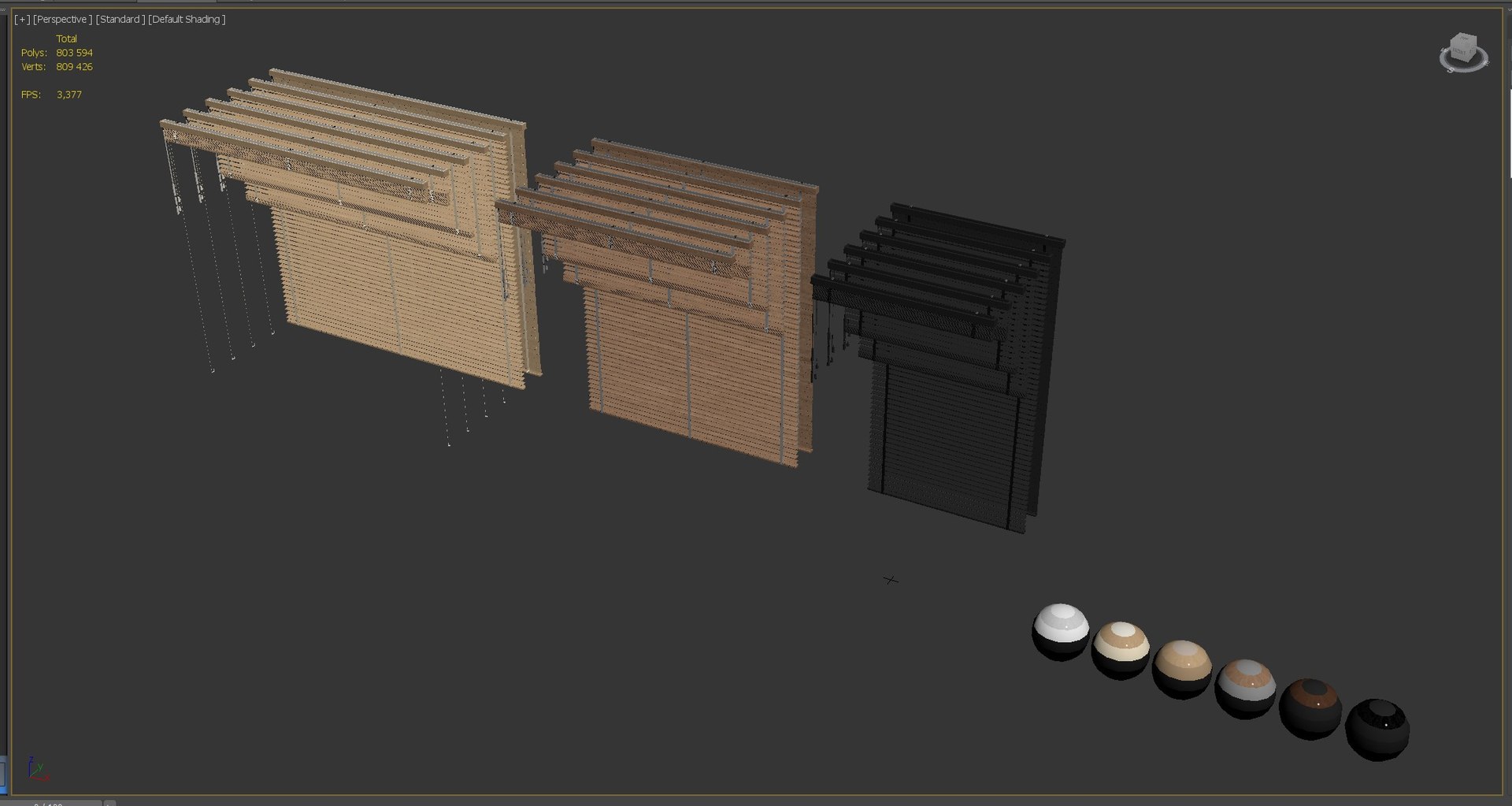
Polygons 803,594
Vertices 809,426
Polygonal
Textures
Materials
UV Mapped
Mixed Unwrapped UVs
PBR
member avatar
Rakochi Design
1321 Products | Contributor Since 2015
Have questions? Chat with us now.

Description

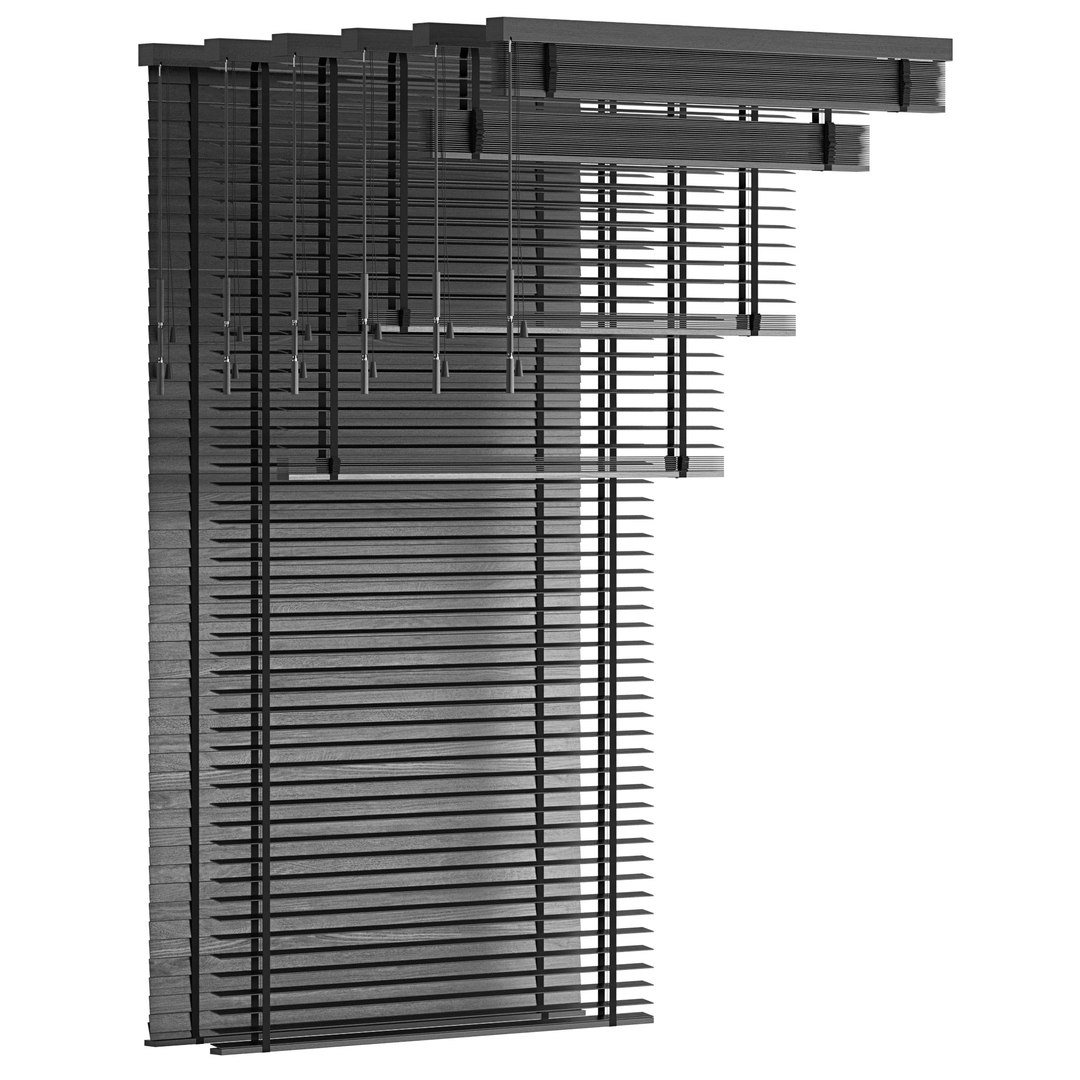
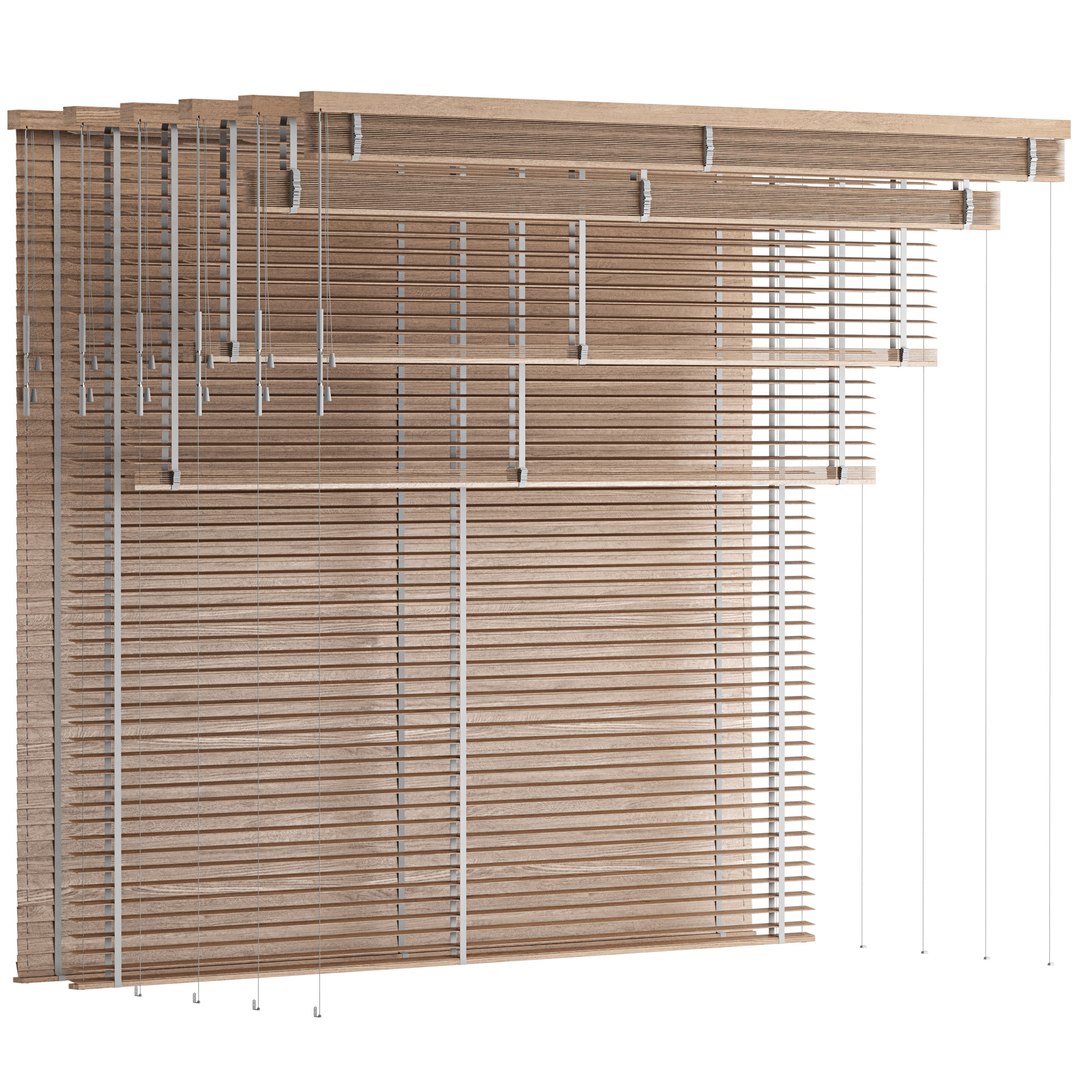
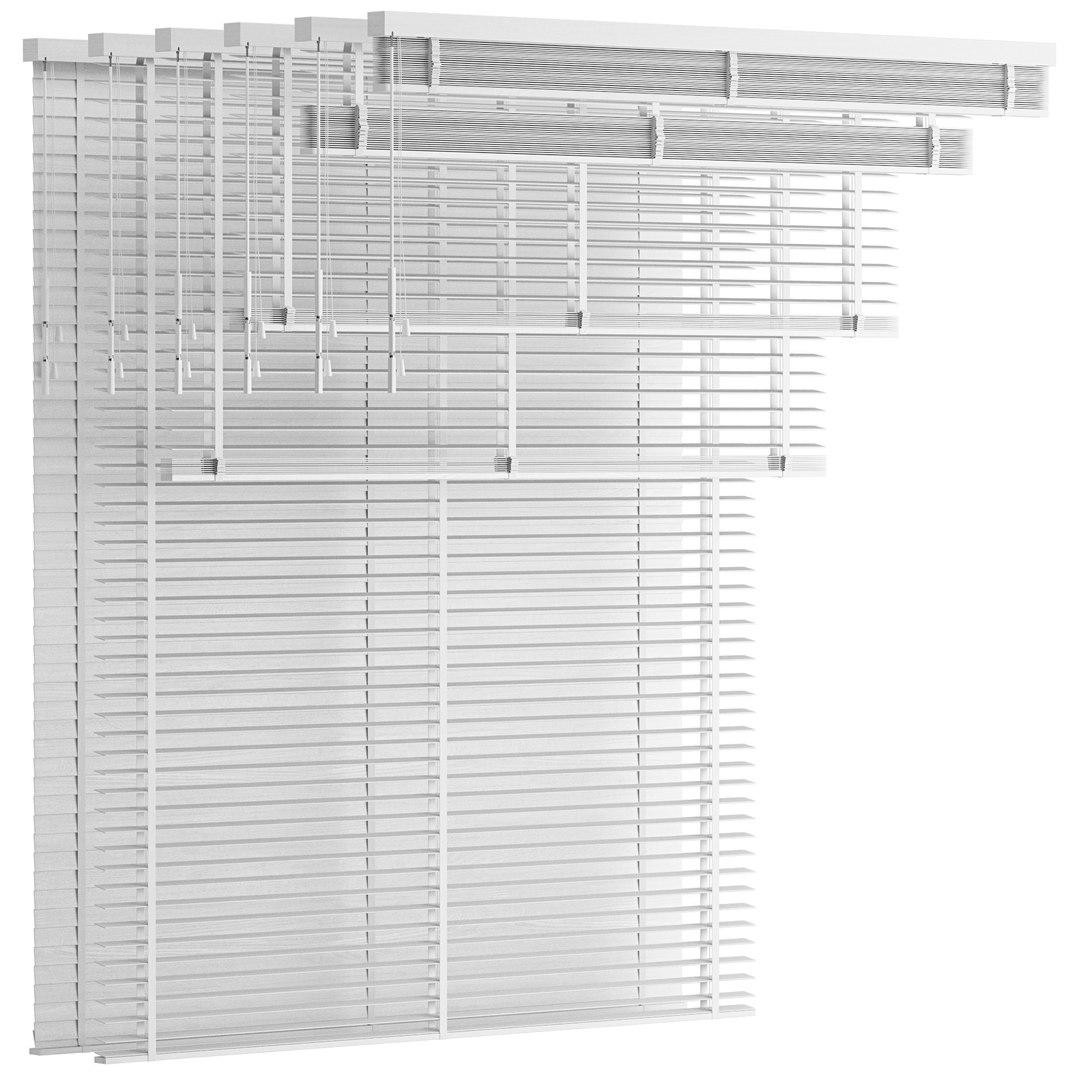
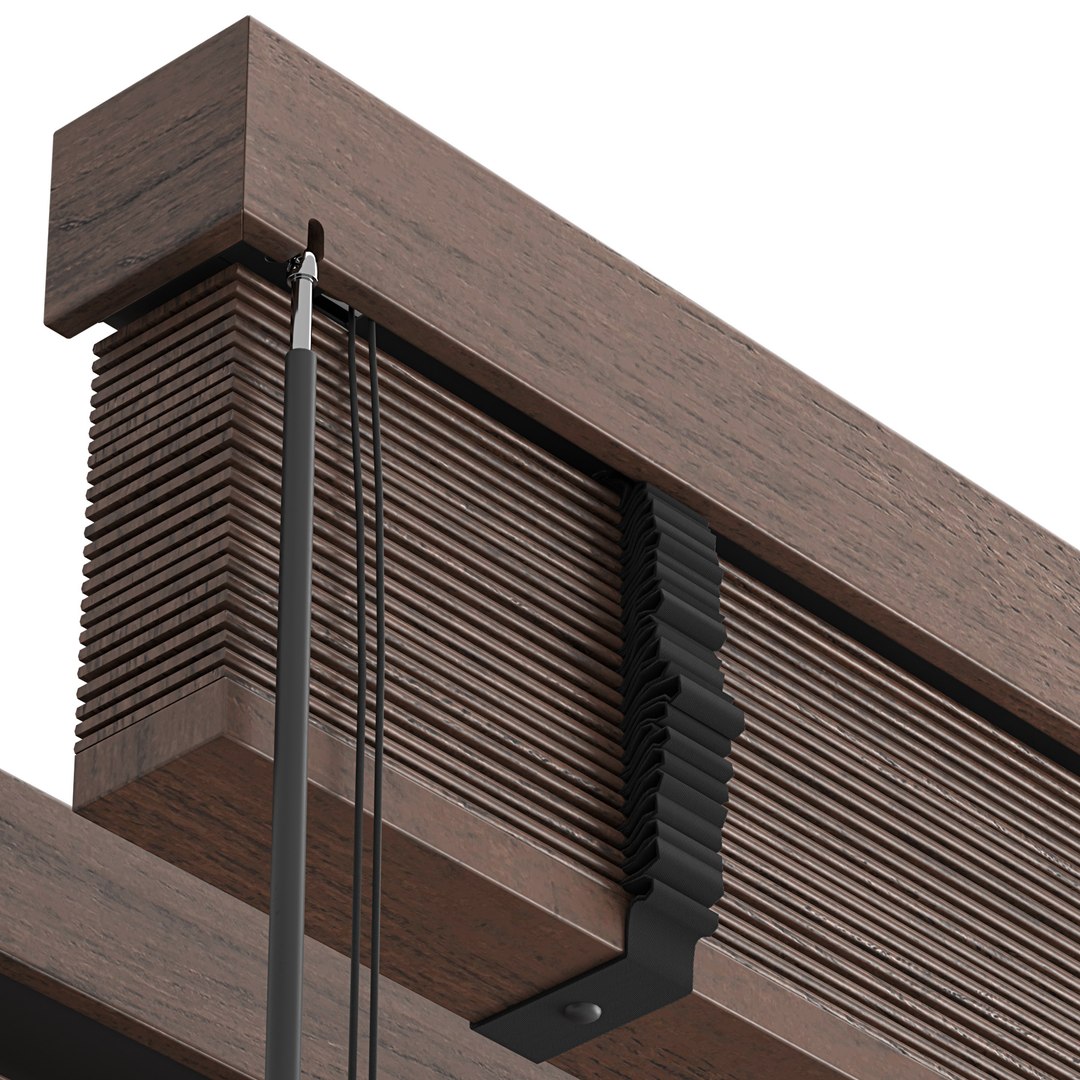
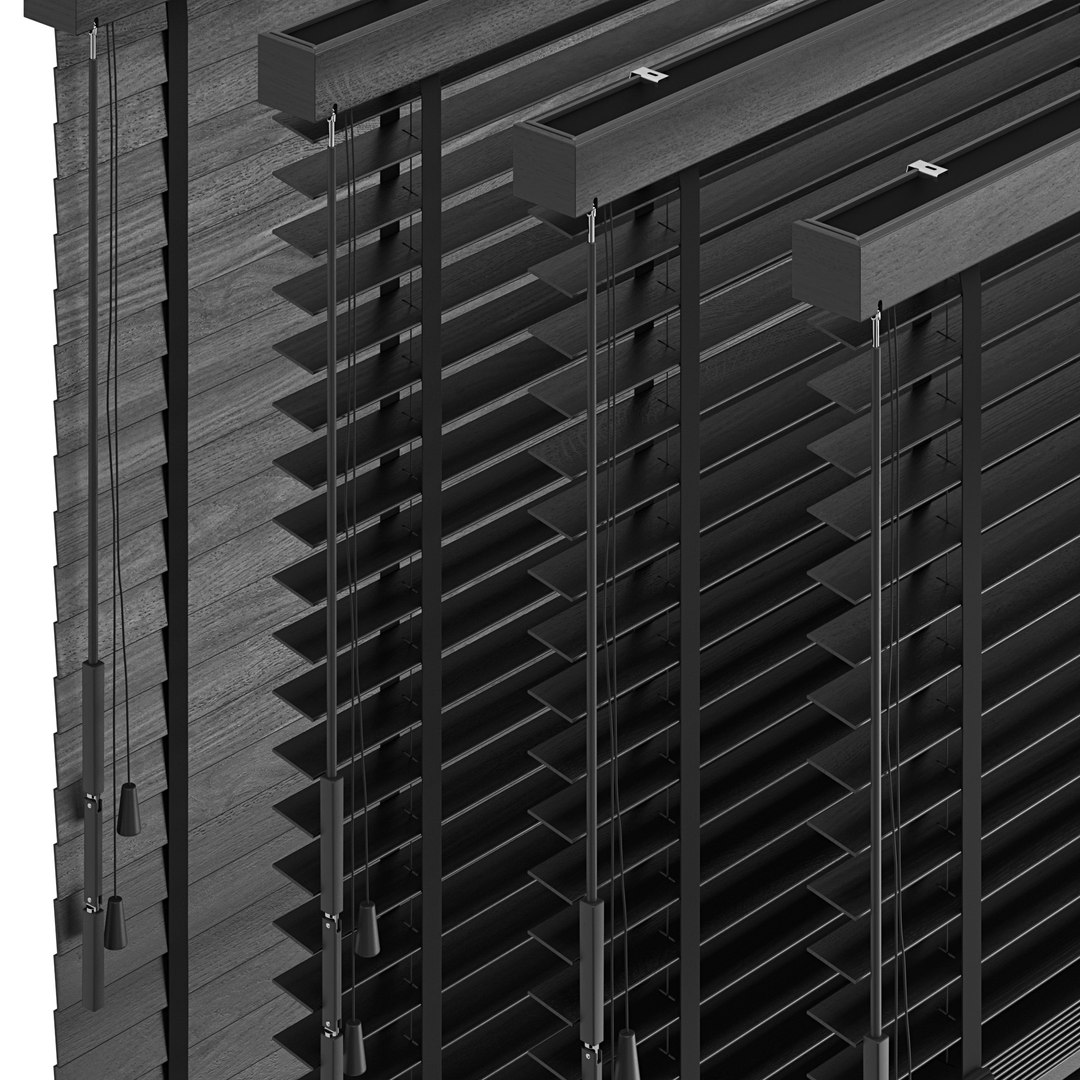
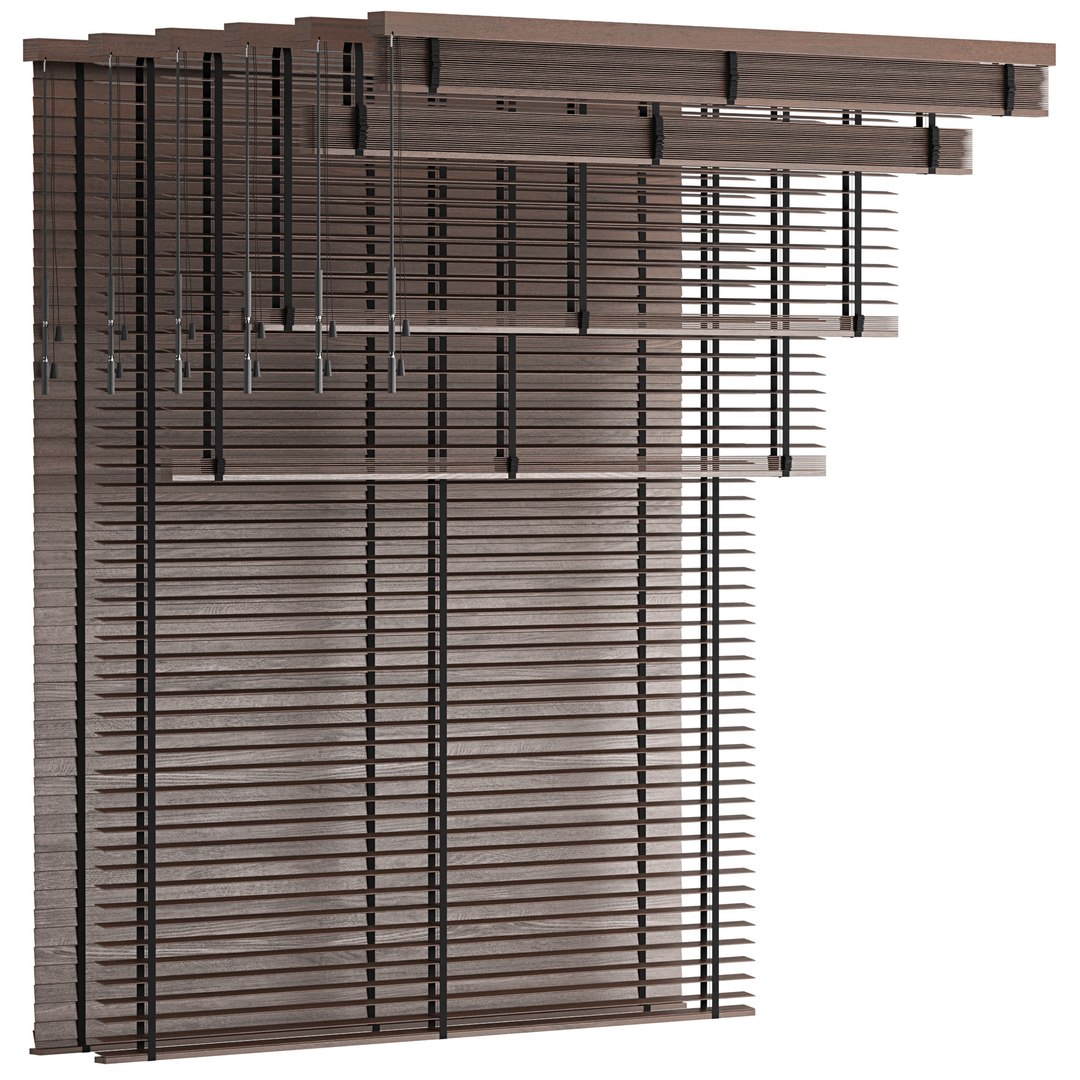
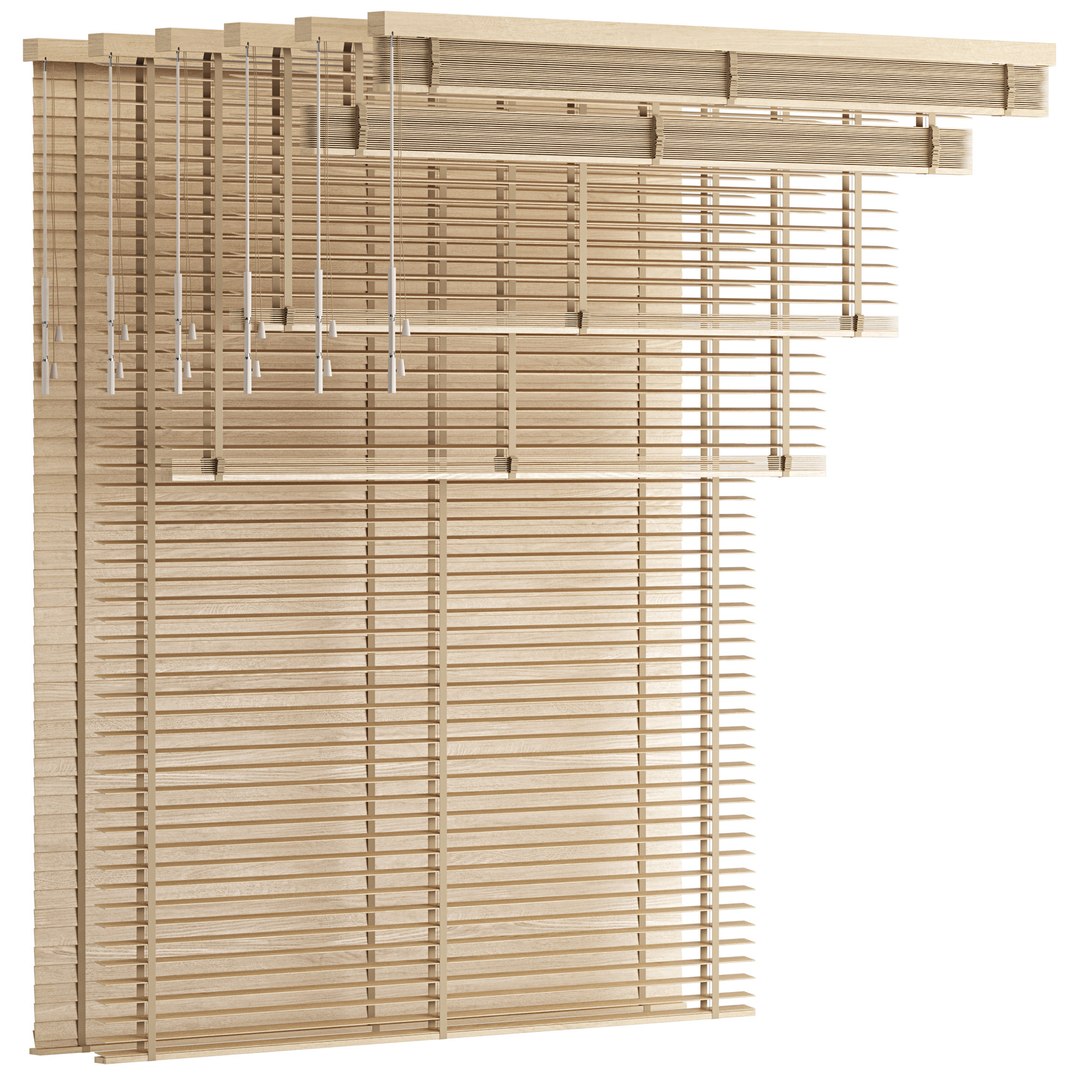
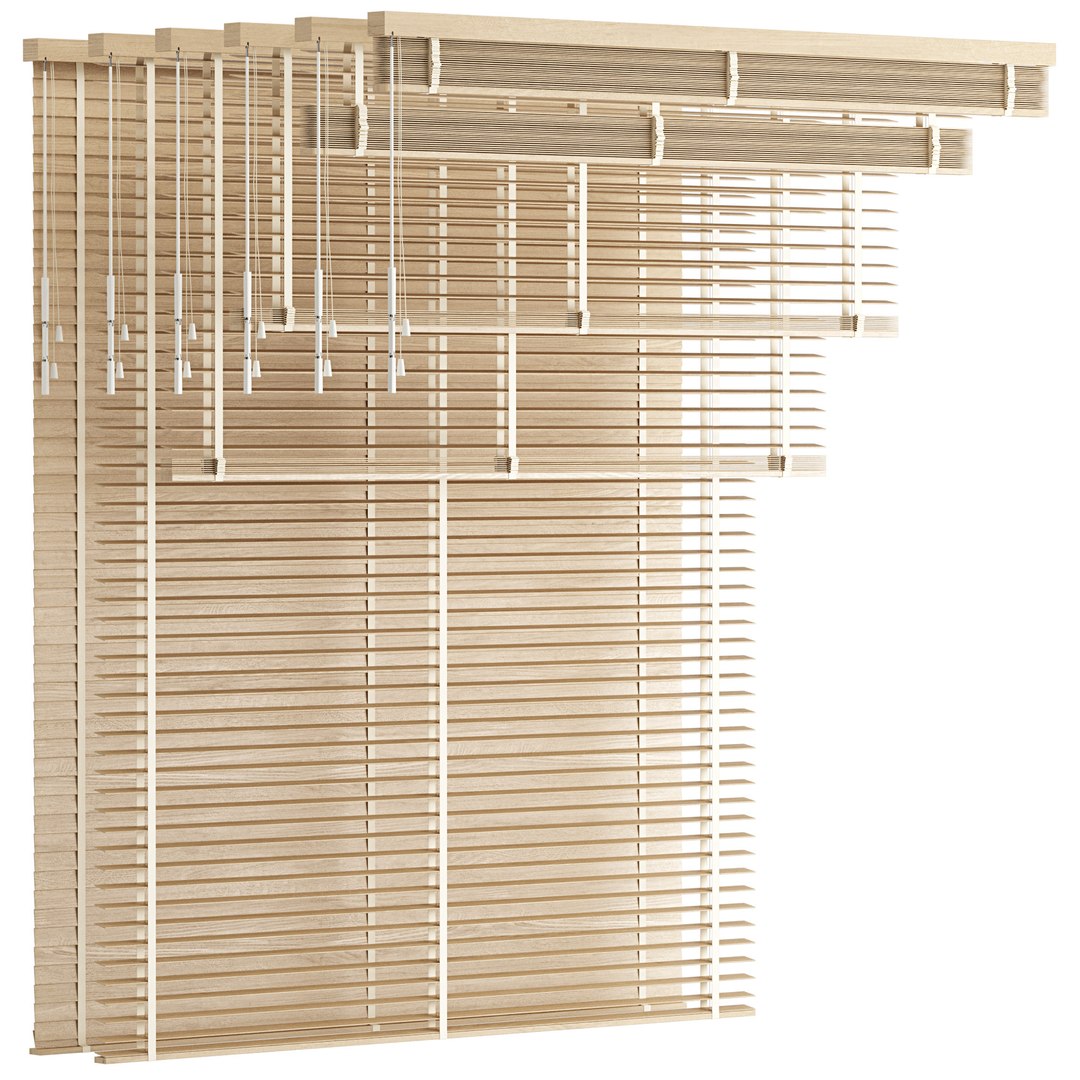
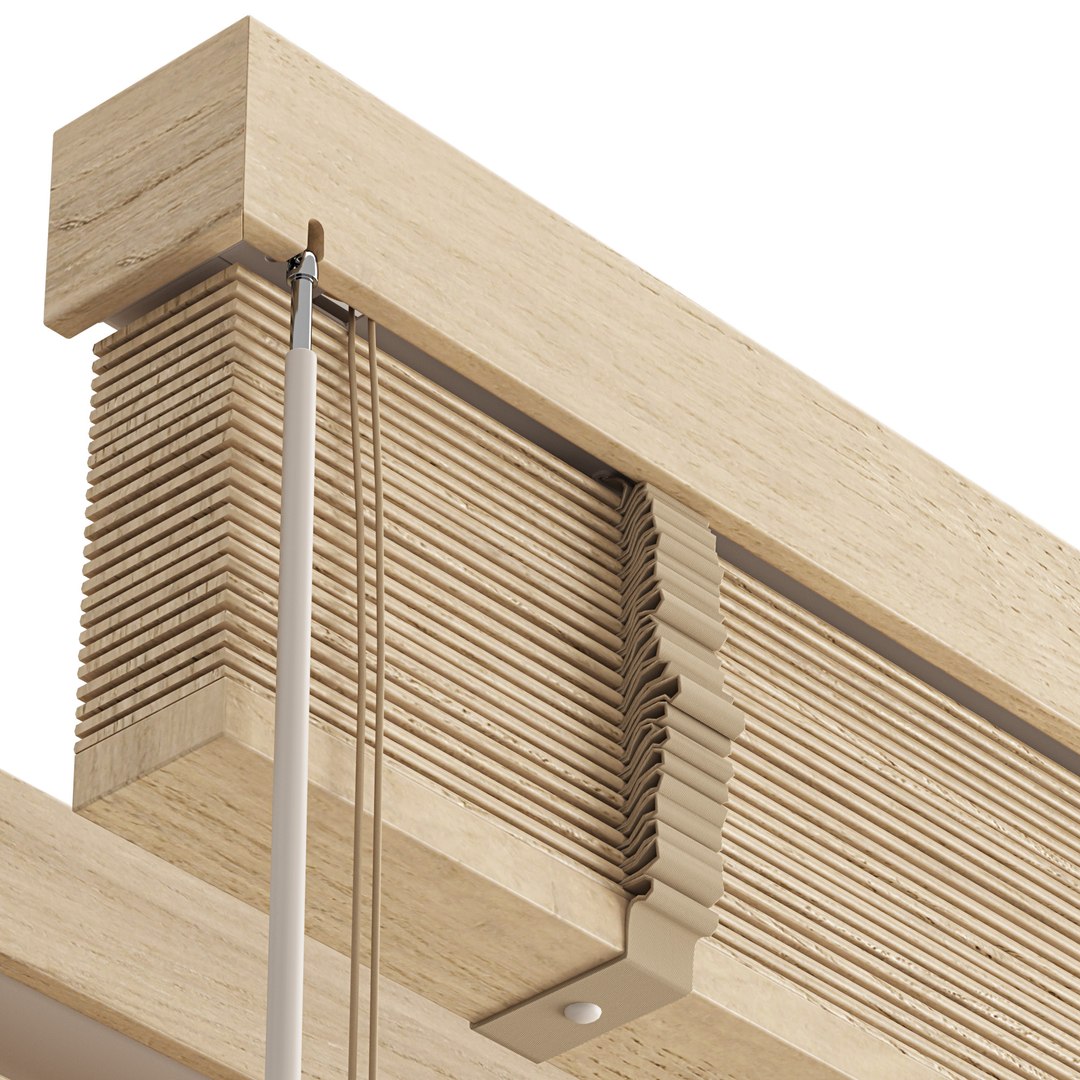
- Wooden Venetian Blinds with Tape. Bandalux.
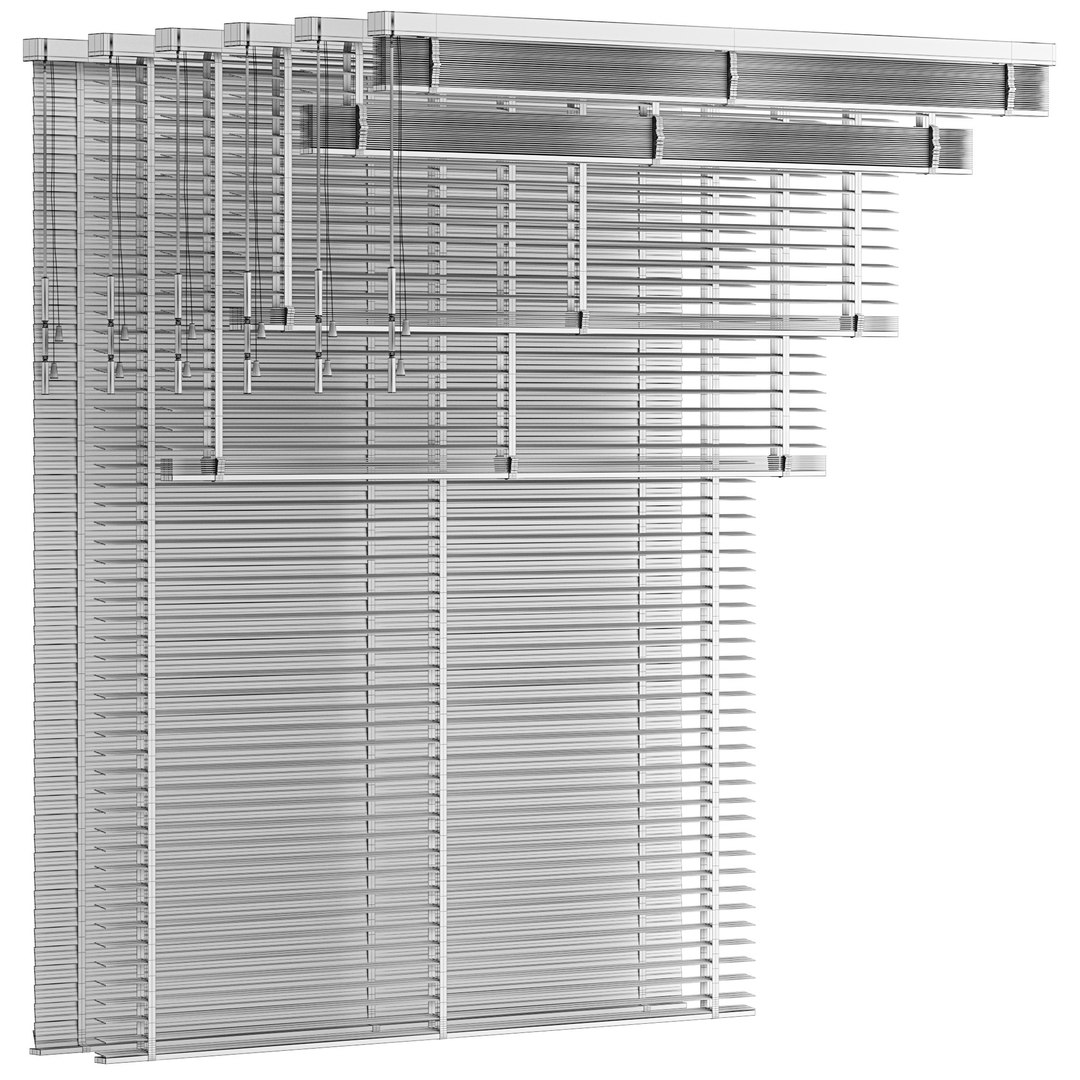
Dimensions: L1500 x W50 x H200/H340/H780/H1170/H2700 mm

- Wooden Venetian Blinds with Tape. Bandalux.
Dimensions: L2250 x W50 x H200/H340/H780/H1170/H2700 mm

- Wooden Venetian Blinds with Tape. Bandalux.
Dimensions: L3000 x W50 x H200/H340/H780/H1170/H2700 mm

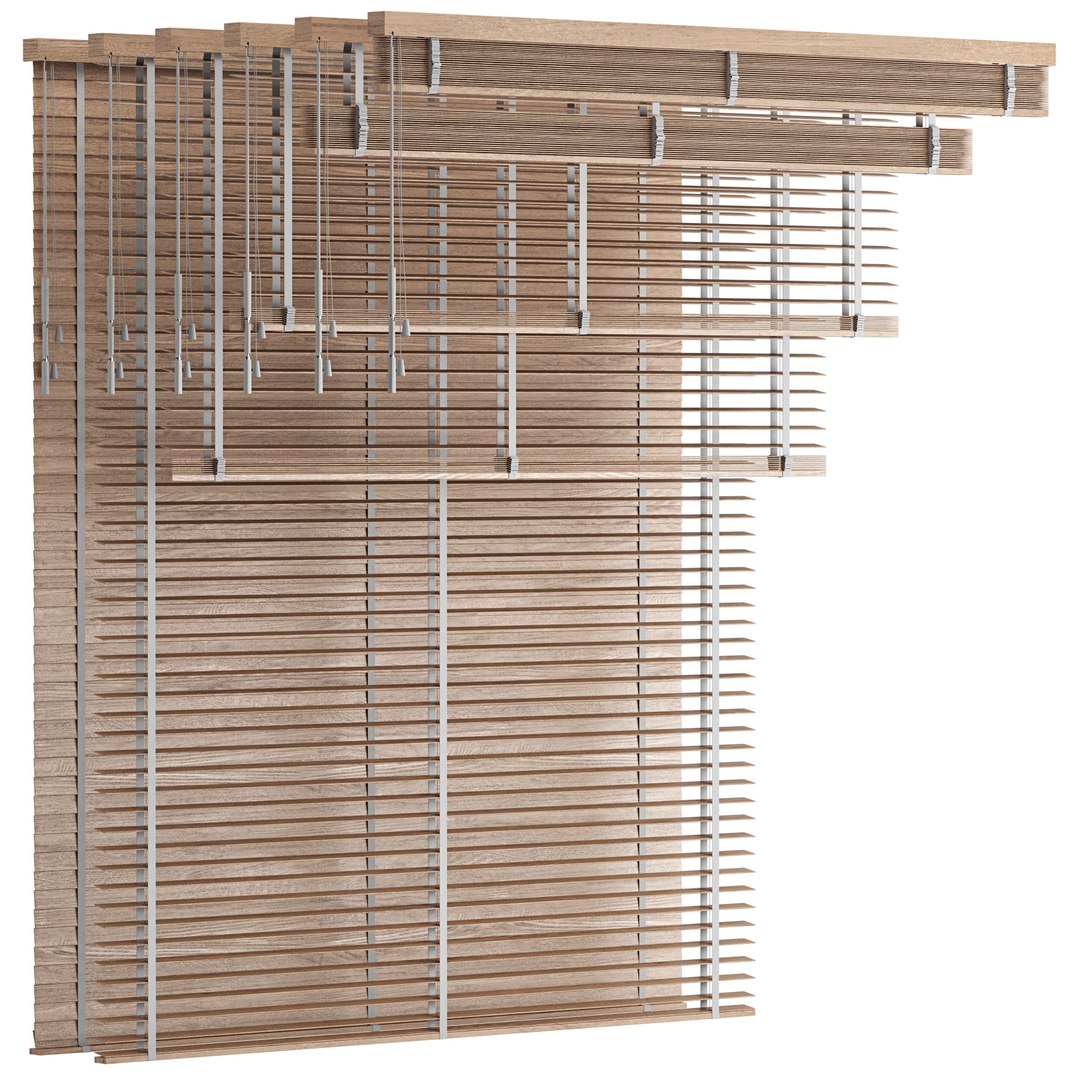
There are 18 objects of Venetian blinds in the archive.
3 types of width. And 6 opening positions. 6 materials with different colors.

The archive contains:
- max2020 (Corona 5)
- max2020 (VRay 4.10.03)
- obj
- fbx
- jpg (PBR textures)

Units: mm
Polys: 803594 Verts: 809426

Pre-rendering with Corona.
Stage lighting is not included in the model. The model does not include the backgrounds or scenes used in the previews.

Those who work in V-Ray versions lower than 3.1, be careful, in the materials in the BRDF section there is Microfaset GTR ( GGX ), if your version is older than 3.1, then the BRDF field will be empty. Choose Blinn, Phong or Ward - whatever suits you best.

Select Enhanced License

  • $10,000 in Legal Protection (Indemnification)
  • Uncapped Legal Protection (Indemnification)
  • Waiver from injunctive relief
  • Assignable model rights
  • $1,000,000 in Legal Protection (Indemnification)
  • Waiver from injunctive relief
  • Assignable model rights
  • $250,000 in Legal Protection (Indemnification)
  • Assignable model rights
Read more about enhanced license tiers, or contact us at enterprise@turbosquid.com. Already a Shutterstock Enterprise Customer? Contact your Shutterstock Sales Support Agent to talk about adding 3D.

About Conversion Requests

To submit a conversion request for a purchased asset, please complete our Conversion Request Form.

If you have not yet purchased a model, please review our Documentation about Conversions to learn about what limitations you may encounter with a conversion.

For any additional questions about a model’s suitability for conversion, please contact TurboSquid Support.

Loading...