
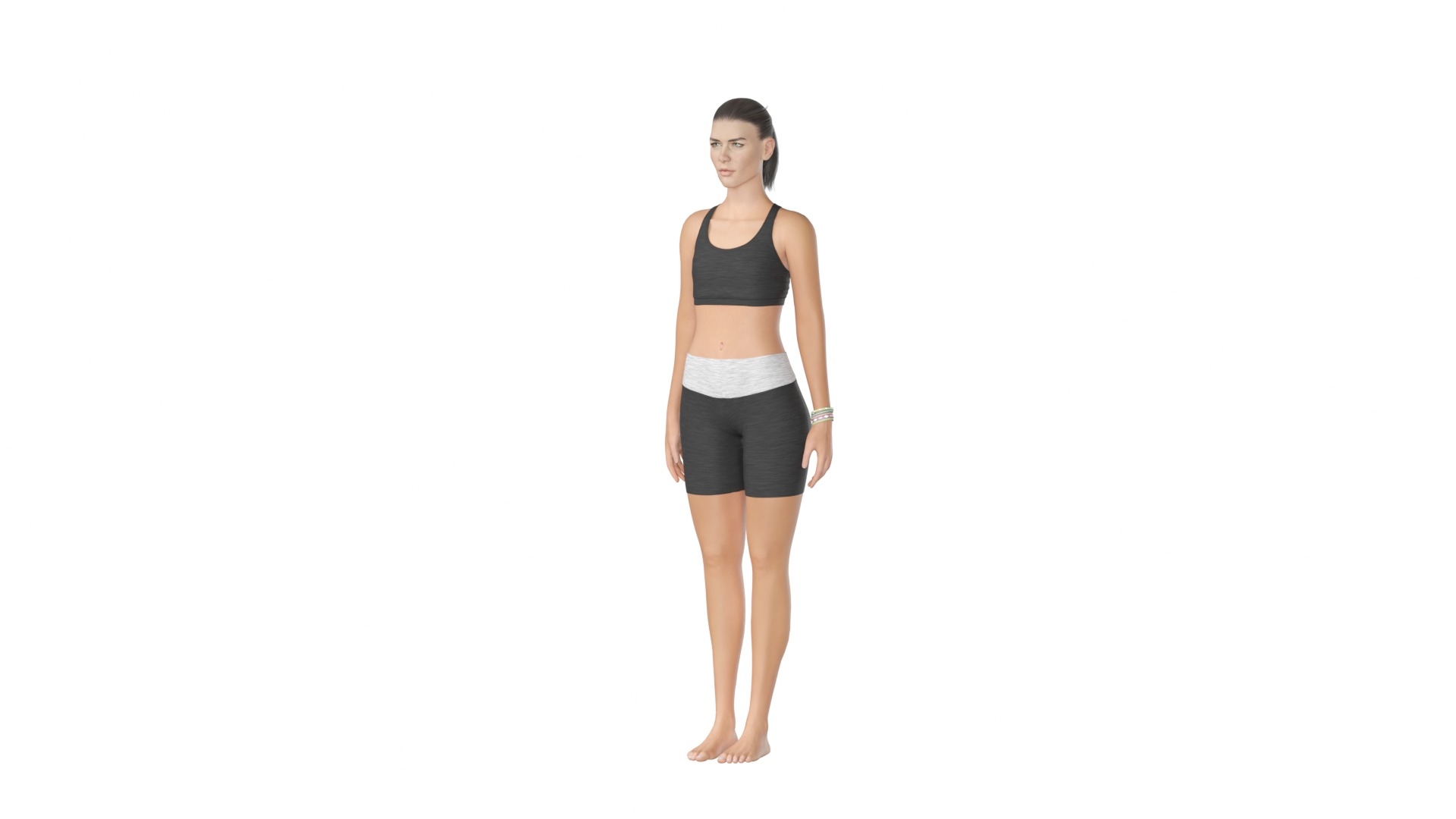
Women Doing Yoga in Tree Pose

$28

Formats (9)
Free file format Conversions available
Native | Blender 5.2 | Cycles Render
3ds Max 2015 | V-Ray 3.6
3ds Max 2015 | Corona 1.6
3ds Max 2015 | Default Scanline
USD
glTF
FBX
OBJ
Other Files
YogaWomTree_Textures.zip
Specifications
Publish Date October 26, 2026
Product ID 2641731
Polygons 257,401
Vertices 266,474
Polygonal
Textures
Materials
UV Mapped
Non-overlapping Unwrapped UVs

member avatar
SuicideSquid
53 Products | Contributor Since 2016
Have questions? Chat with us now.

Description

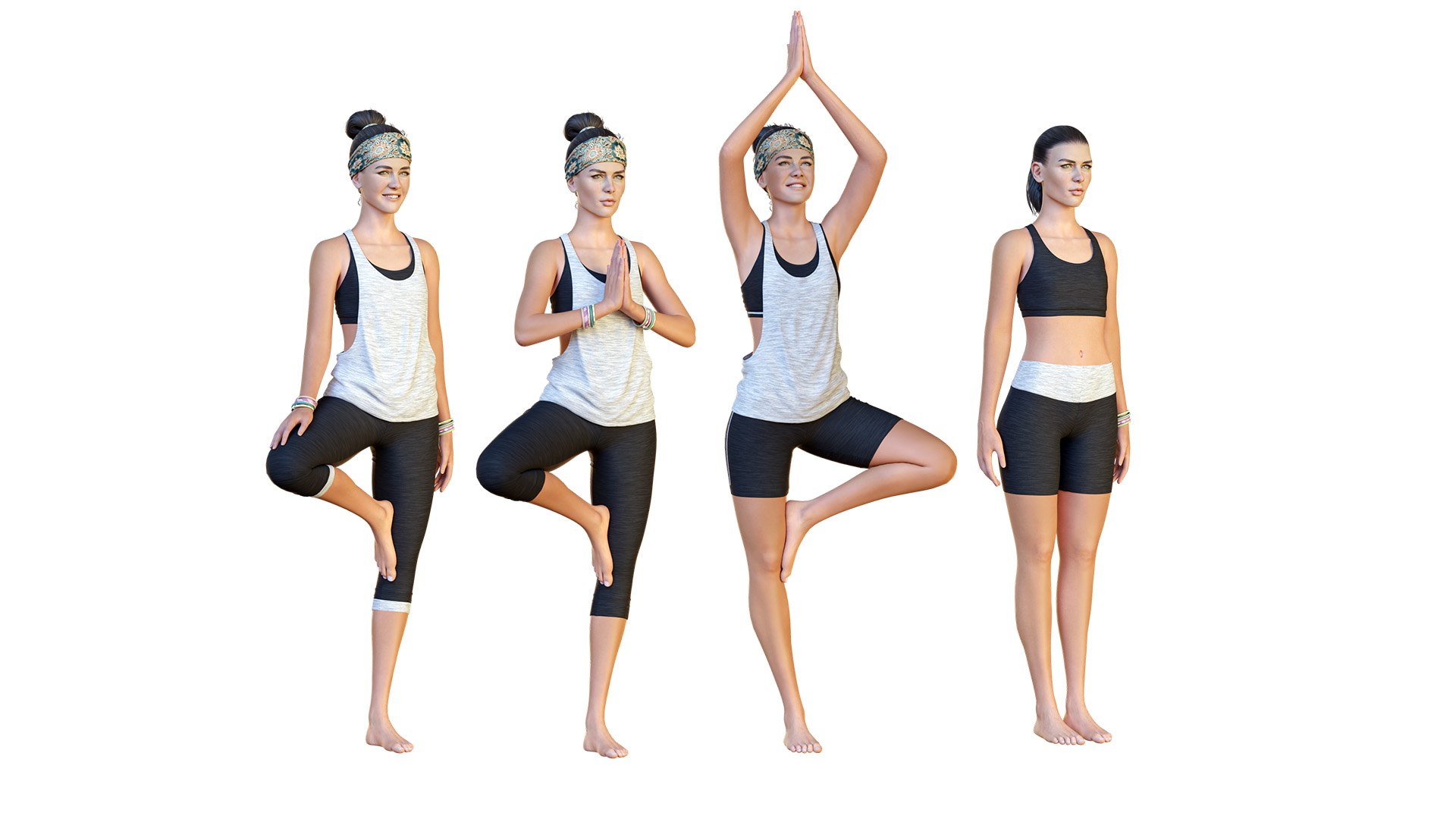
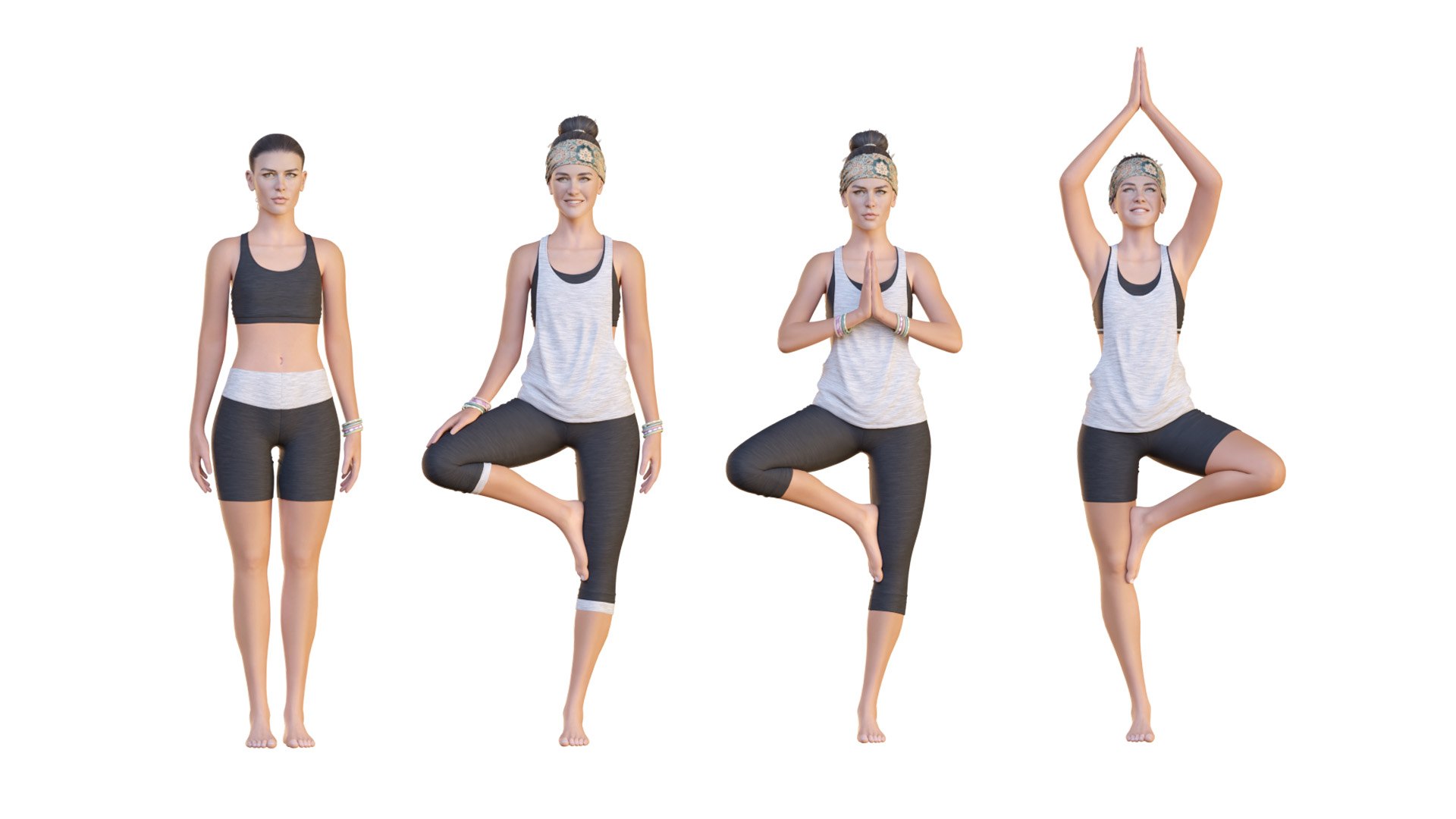
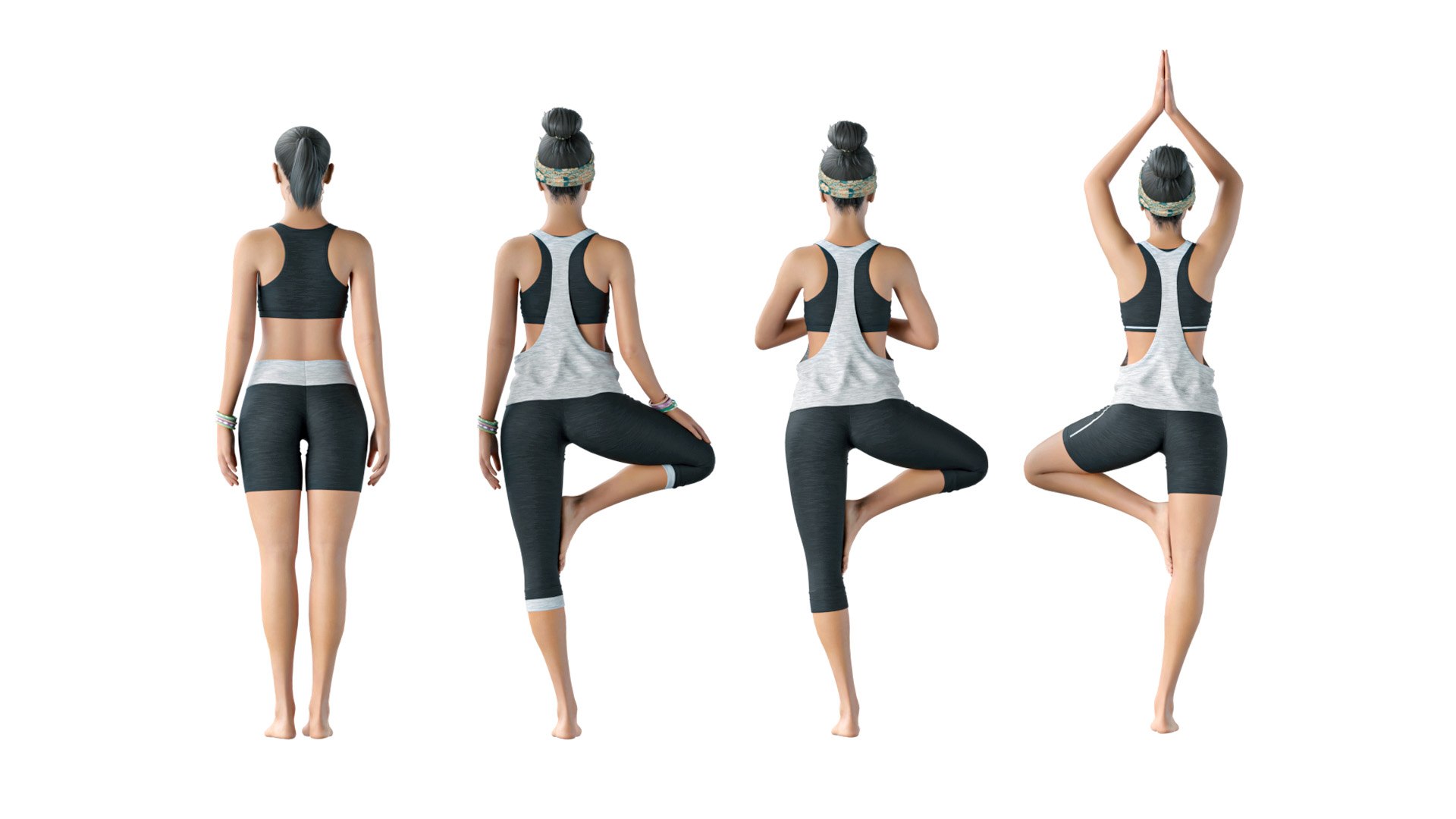
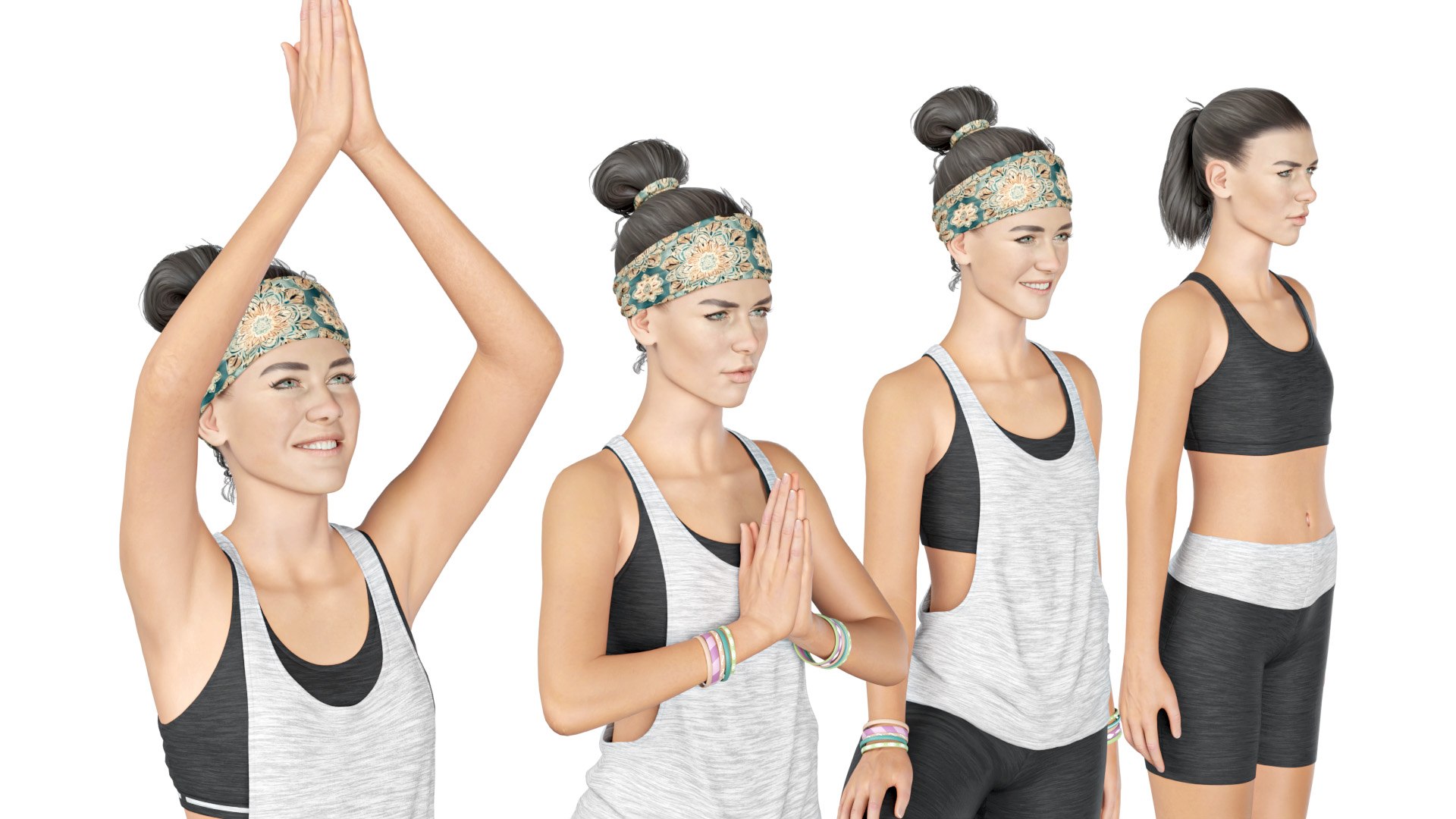
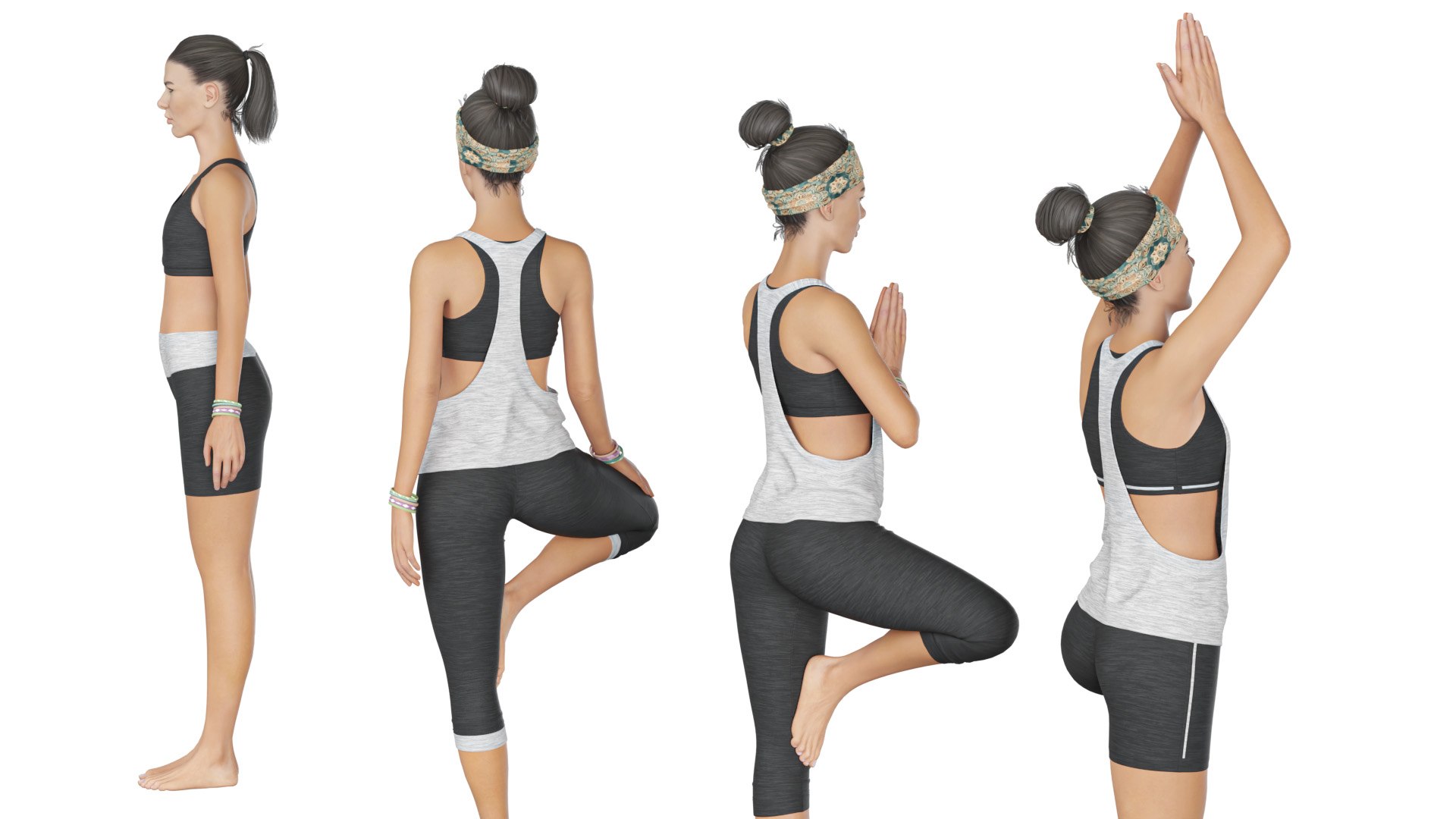
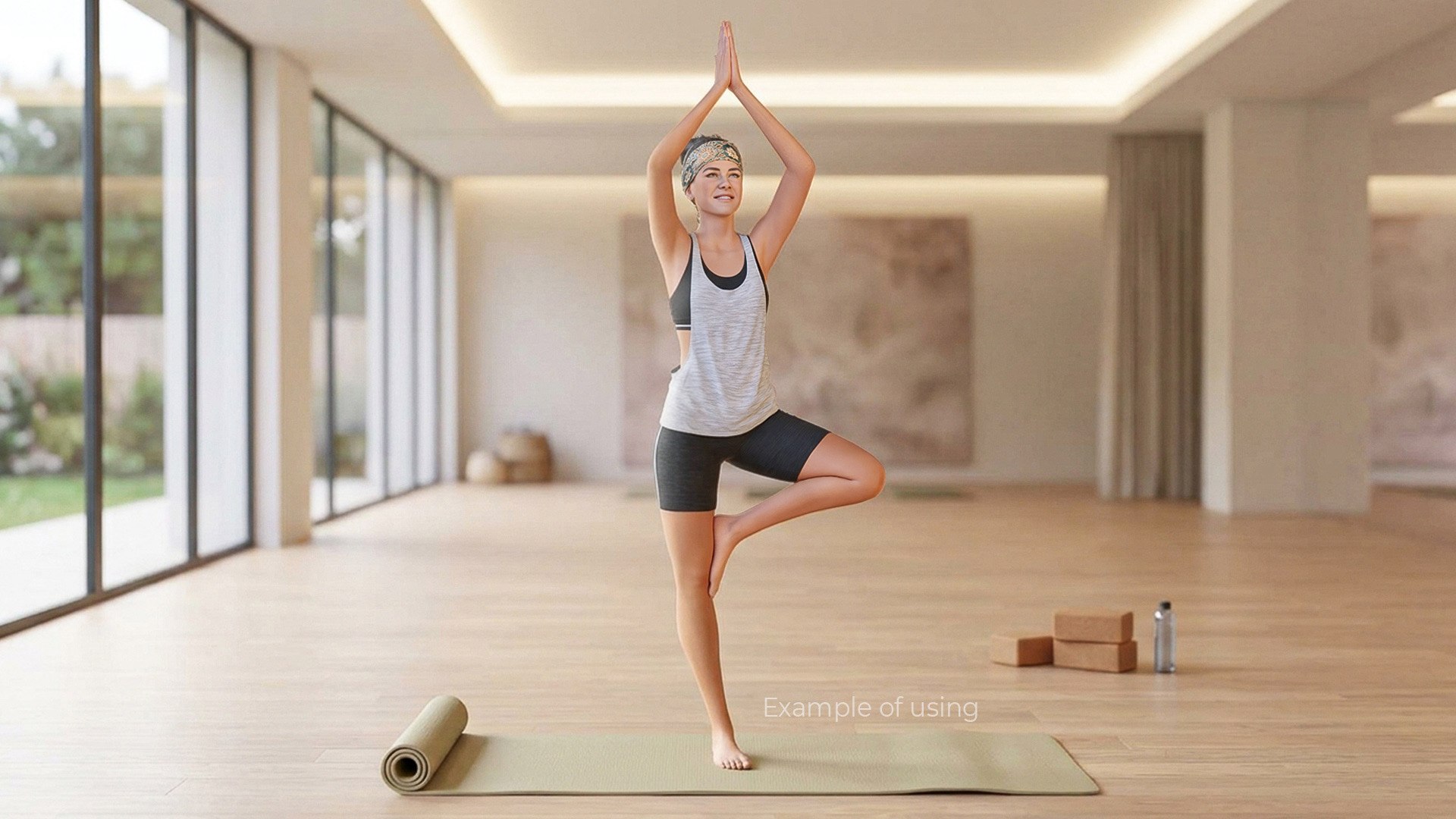
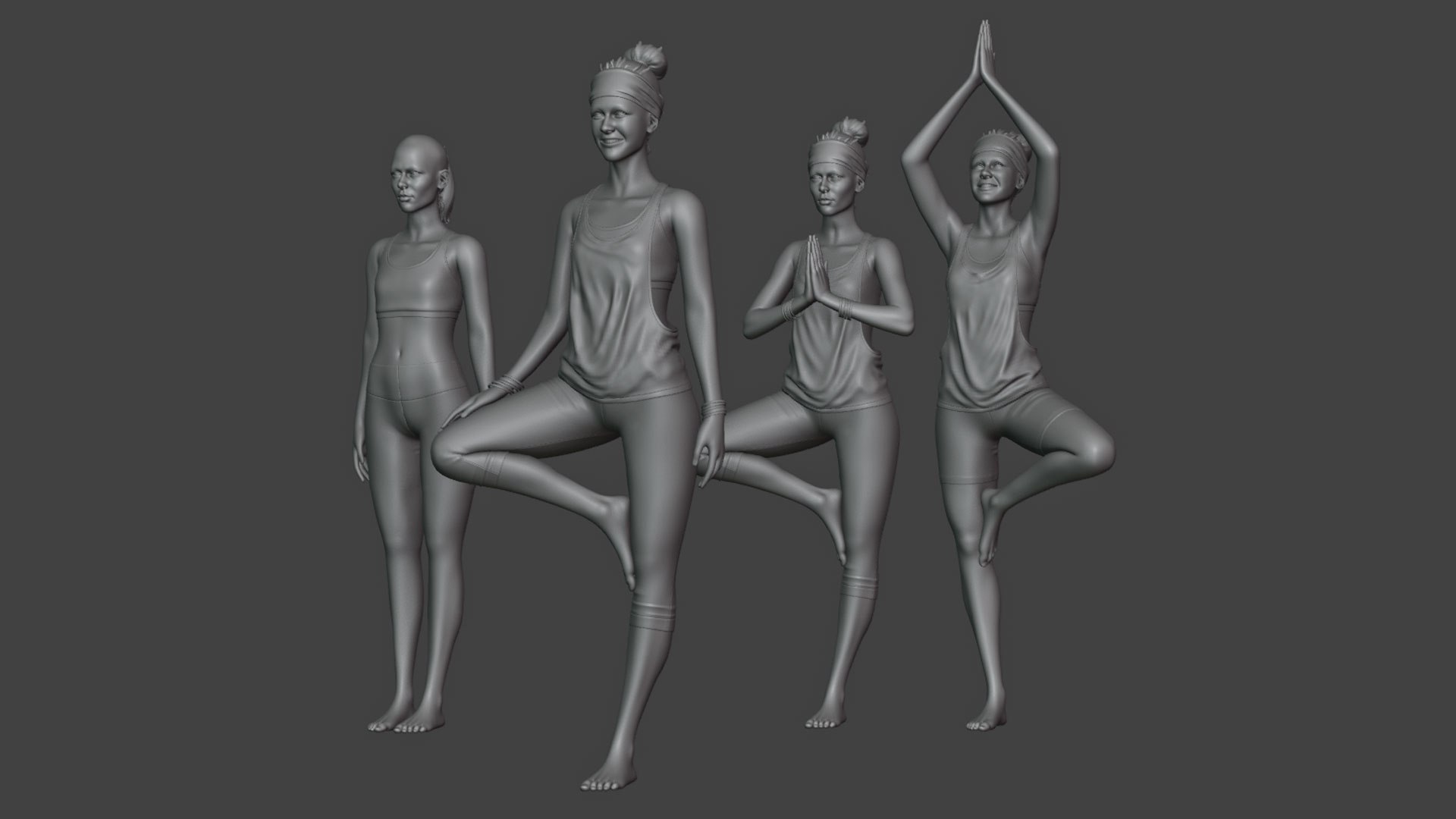
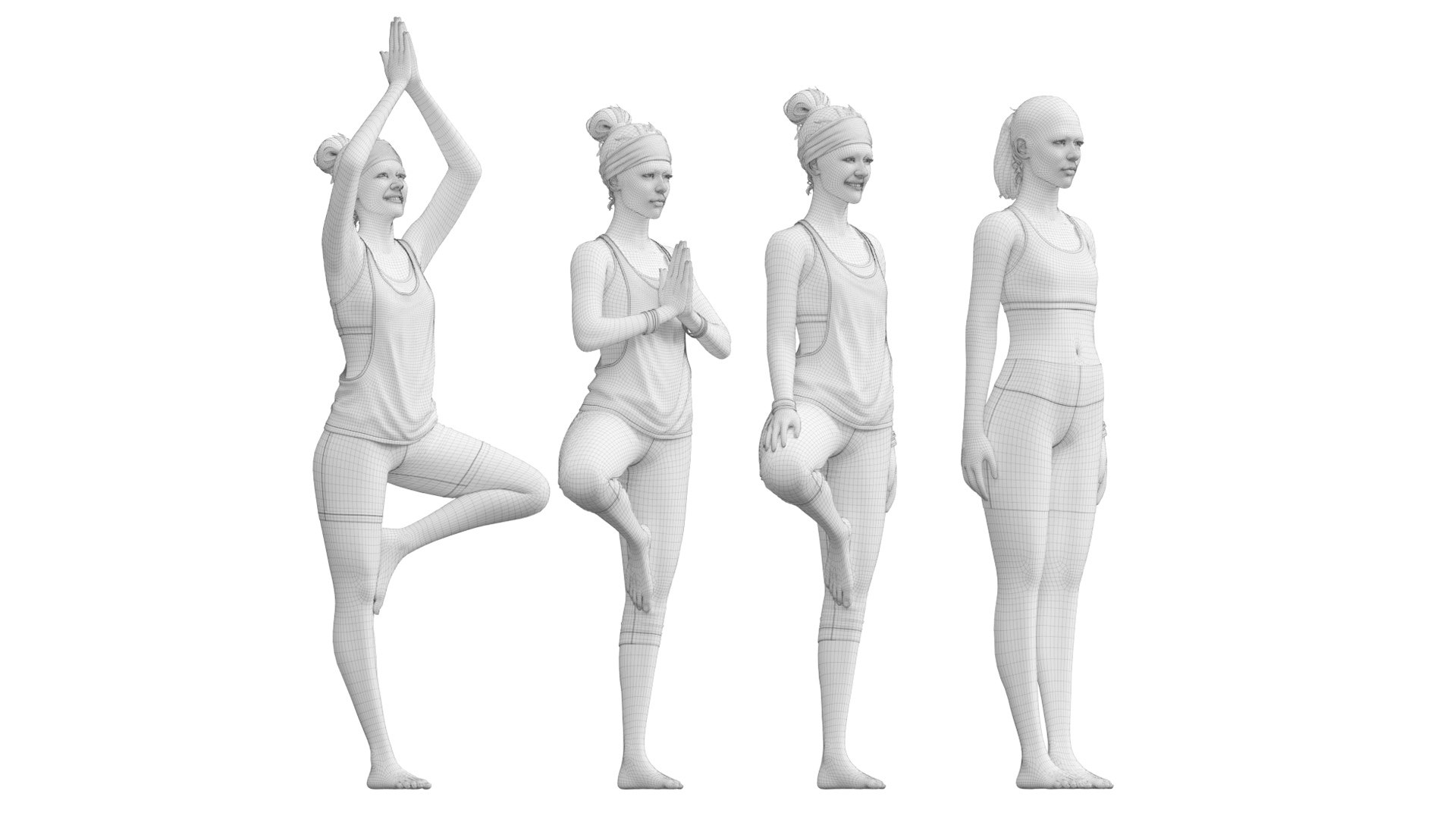
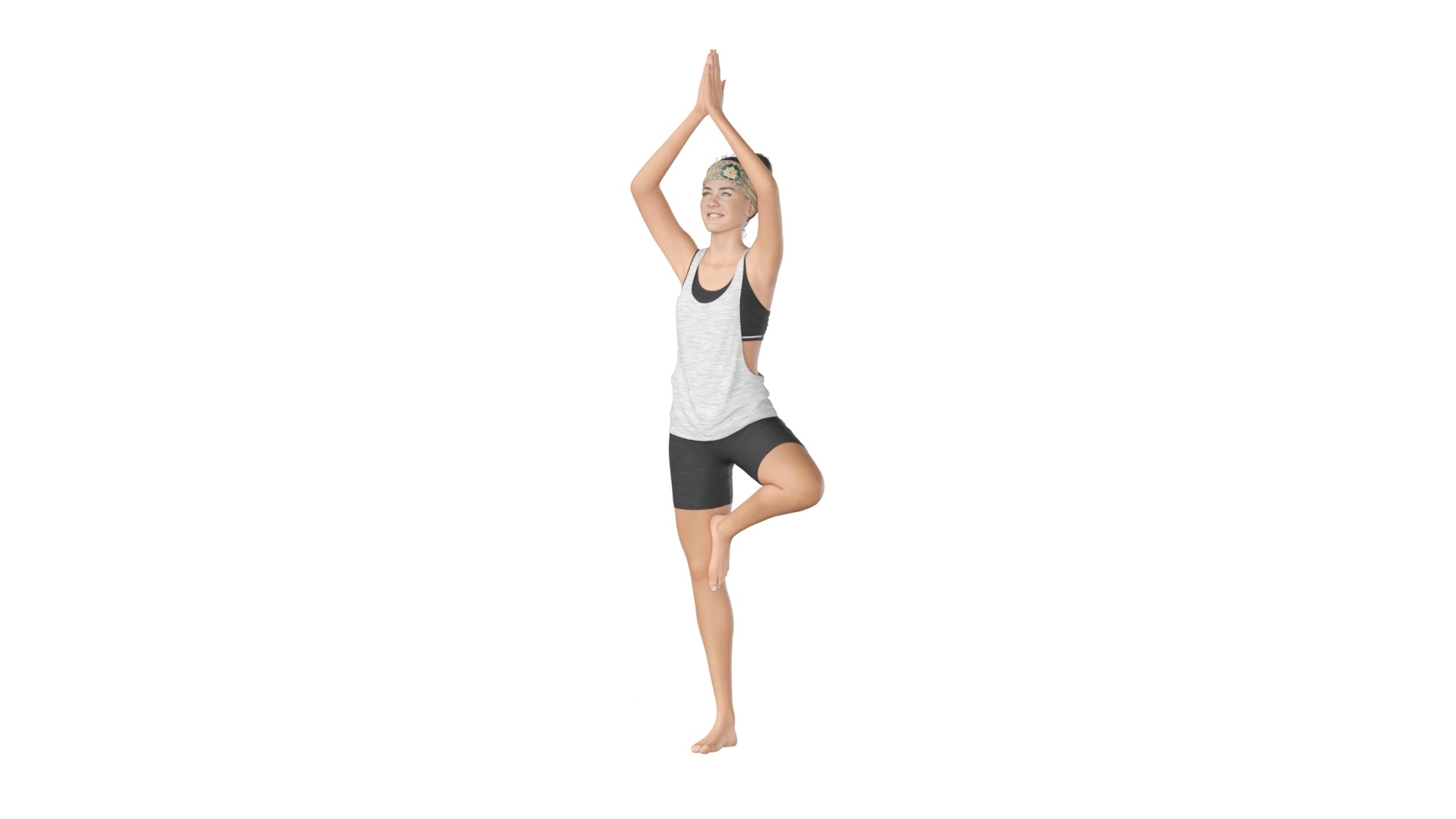
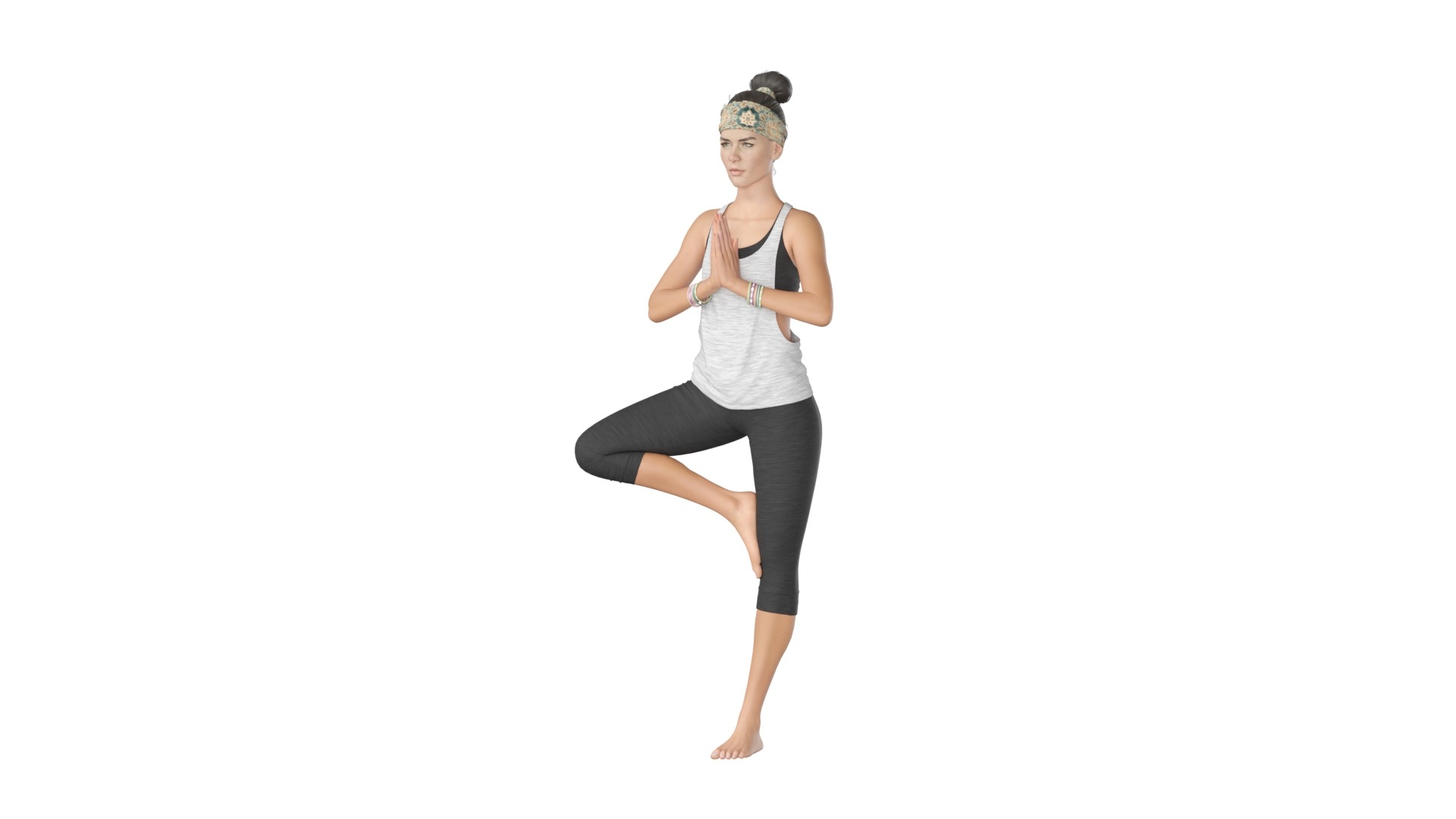
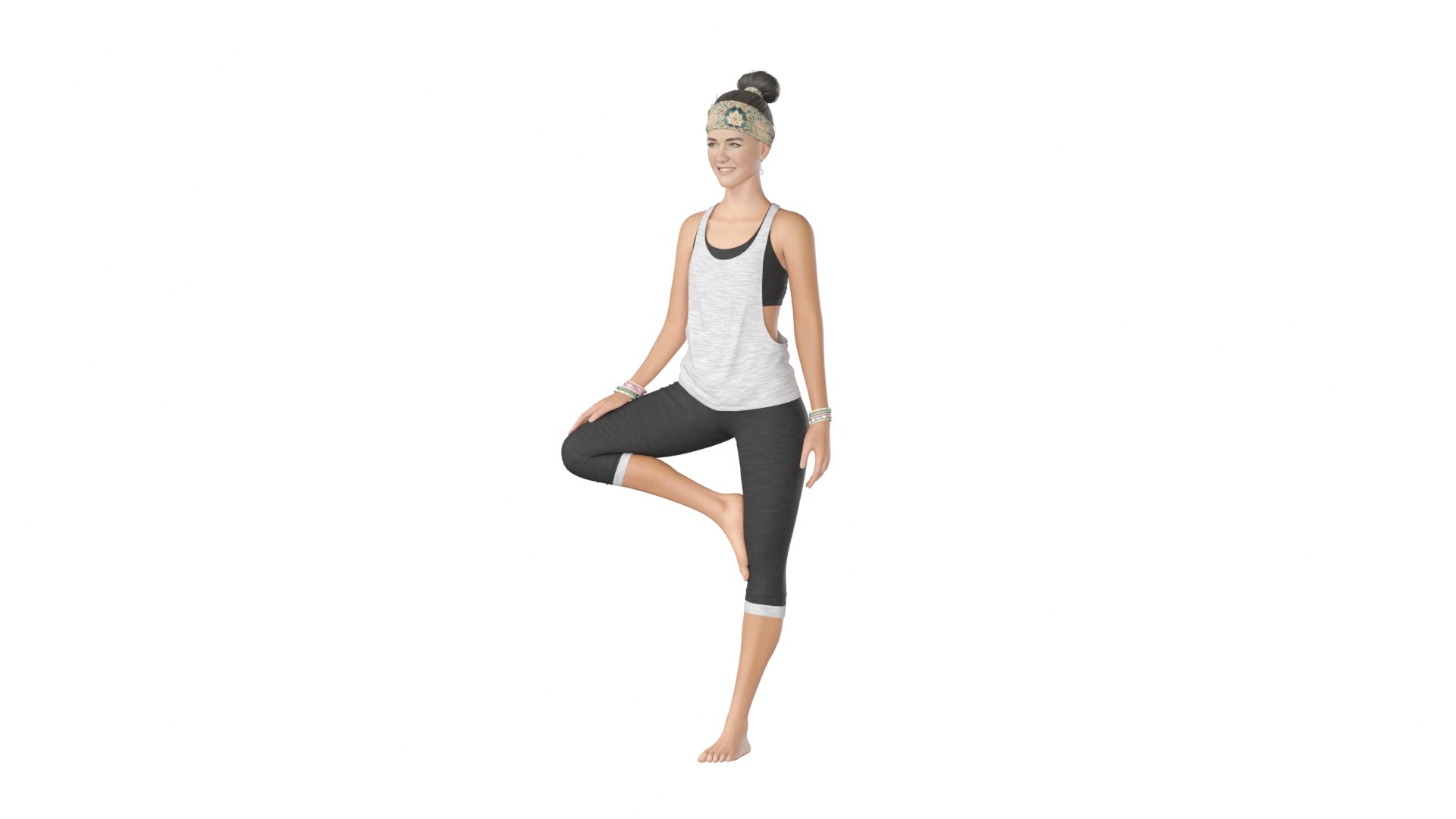
This is the model of four young women practicing yoga. The asset is light and simple and contains four different poses: tree pose (vrksasana)with hands on the chest, tree pose with raised hands, pose with lowered hands and straight standing pose.

Model formats:
Blender 5.2 Cycles scene (native);
3ds max 2015 V-Ray 3.6 scene;
3ds max 2015 Corona 1.6 scene;
3ds max 2015 Defaults Scanline scene;
FBX exported from Blender;
OBJ exported from Blender;
FBX exported from max Scanline;
USDZ exported from Blender (with color maps only);
GLB binary exported from Blender (with color maps only)

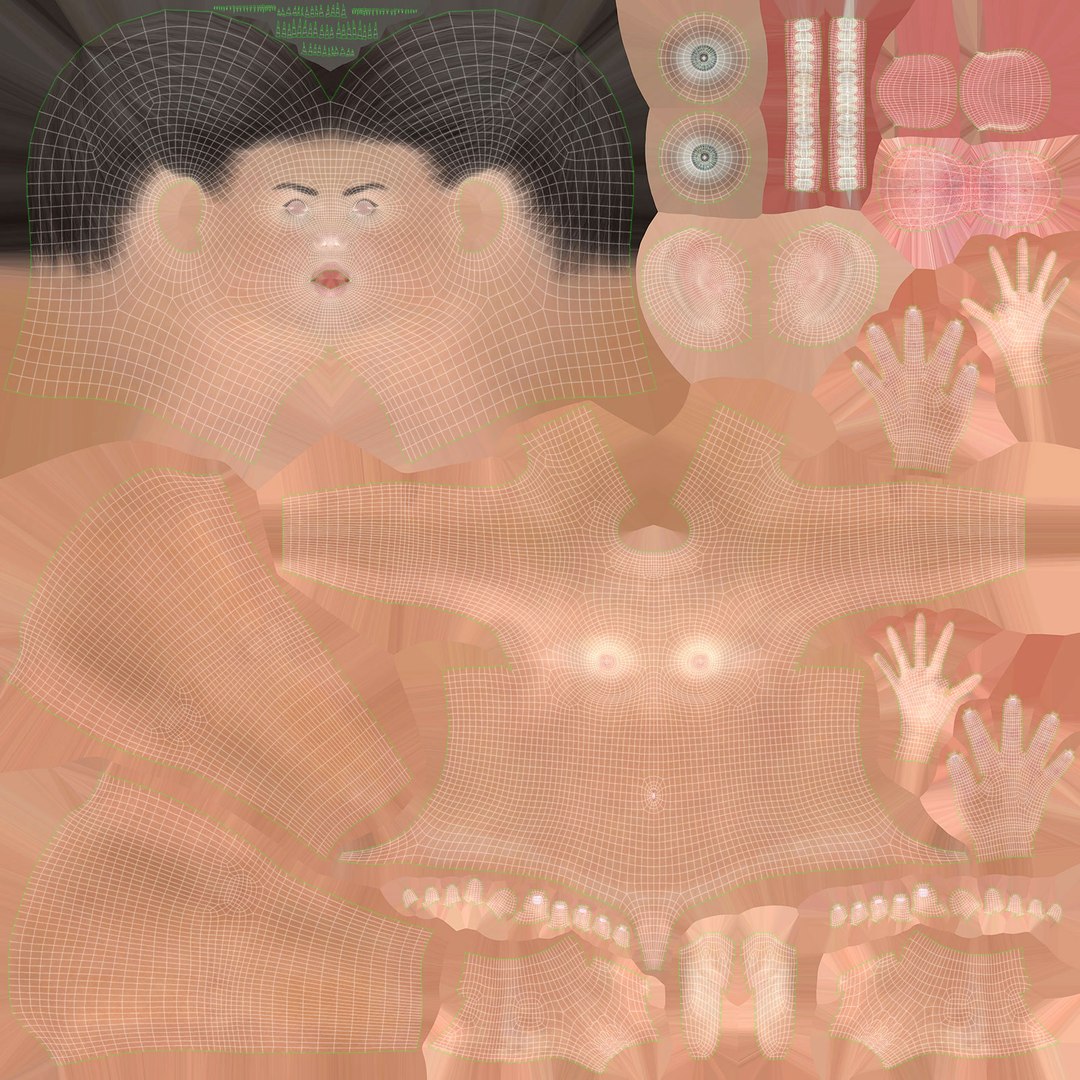
The model has 4 materials and 11 textures:
Body (textures: Color, Reflect, Roughness (Glossiness for max scenes), Height, 8K, 4K, JPG, PNG);
Hair (textures: Color, Height, Opasity, 2K, JPG, PNG);
Bracelets (Color only, 2K, JPG);
Clothes (textures: Color, Height, 4K, JPG).

Remember that all black and white maps must be applied in non-color mode (or gamma 1.0).

Select Enhanced License

  • $10,000 in Legal Protection (Indemnification)
  • Uncapped Legal Protection (Indemnification)
  • Waiver from injunctive relief
  • Assignable model rights
  • $1,000,000 in Legal Protection (Indemnification)
  • Waiver from injunctive relief
  • Assignable model rights
  • $250,000 in Legal Protection (Indemnification)
  • Assignable model rights
Read more about enhanced license tiers, or contact us at enterprise@turbosquid.com. Already a Shutterstock Enterprise Customer? Contact your Shutterstock Sales Support Agent to talk about adding 3D.

About Conversion Requests

To submit a conversion request for a purchased asset, please complete our Conversion Request Form.

If you have not yet purchased a model, please review our Documentation about Conversions to learn about what limitations you may encounter with a conversion.

For any additional questions about a model’s suitability for conversion, please contact TurboSquid Support.

Loading...