
Woman Robot

$39

Standard License | Upgrade License
Formats (2)
Free file format Conversions available
Native | 3ds Max 2011 | V-Ray 1.5
3ds Max 2011 | Default Scanline
Specifications
Publish Date August 02, 2014
Product ID 839603
Polygons 29,971
Vertices 49,152
Polygonal
Materials
TurboSquid Exclusive
member avatar
vasko98
5 Products | Contributor Since 2006
Have questions? Chat with us now.

Description

Hi there .
Poses and animation

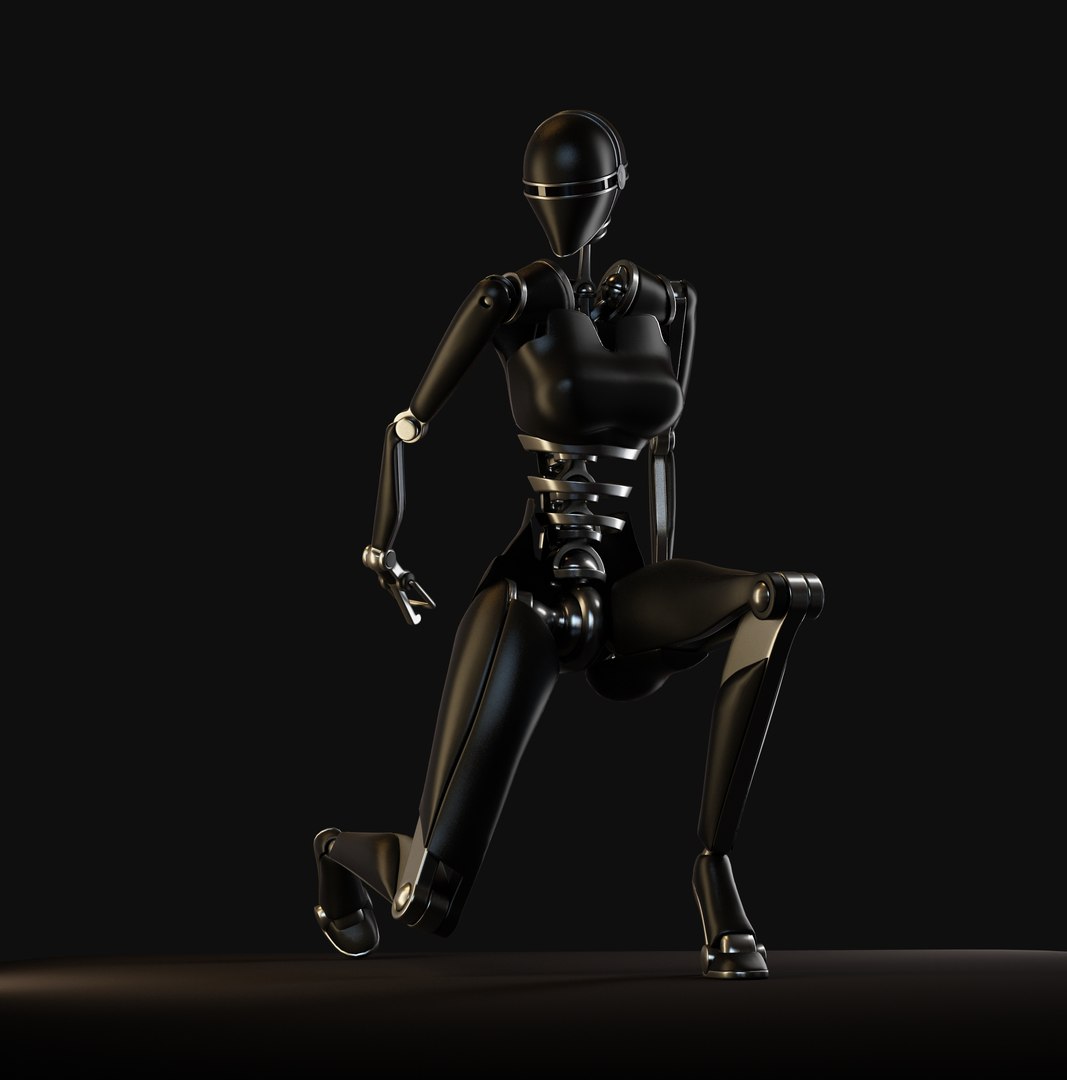
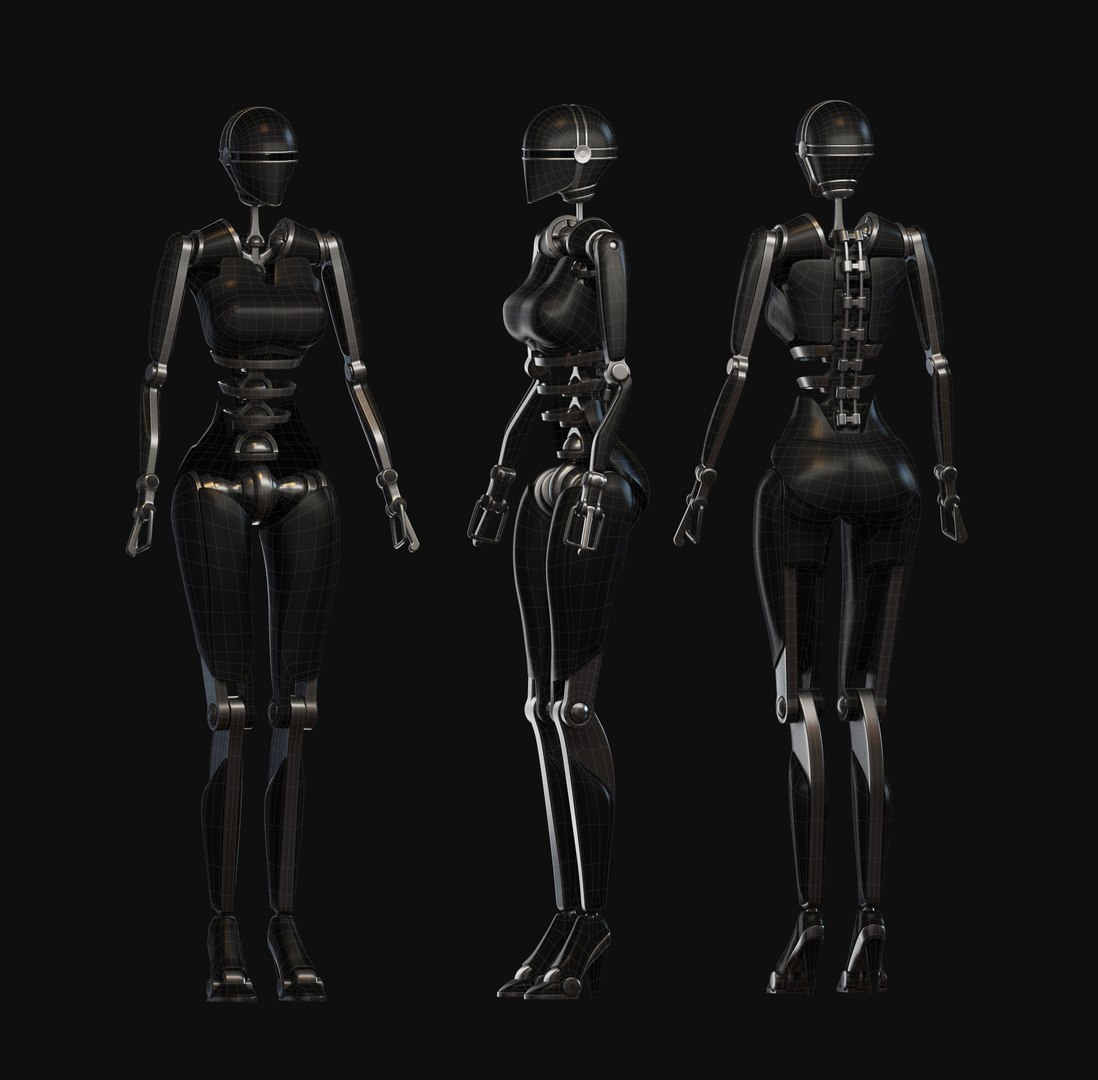
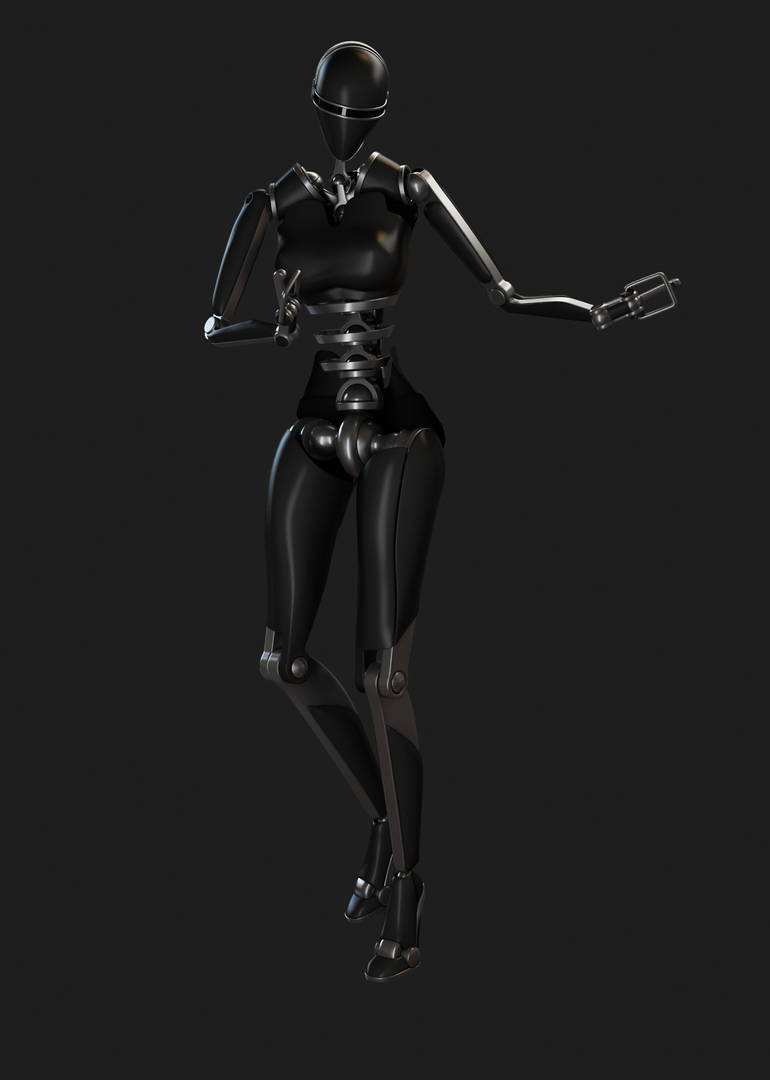
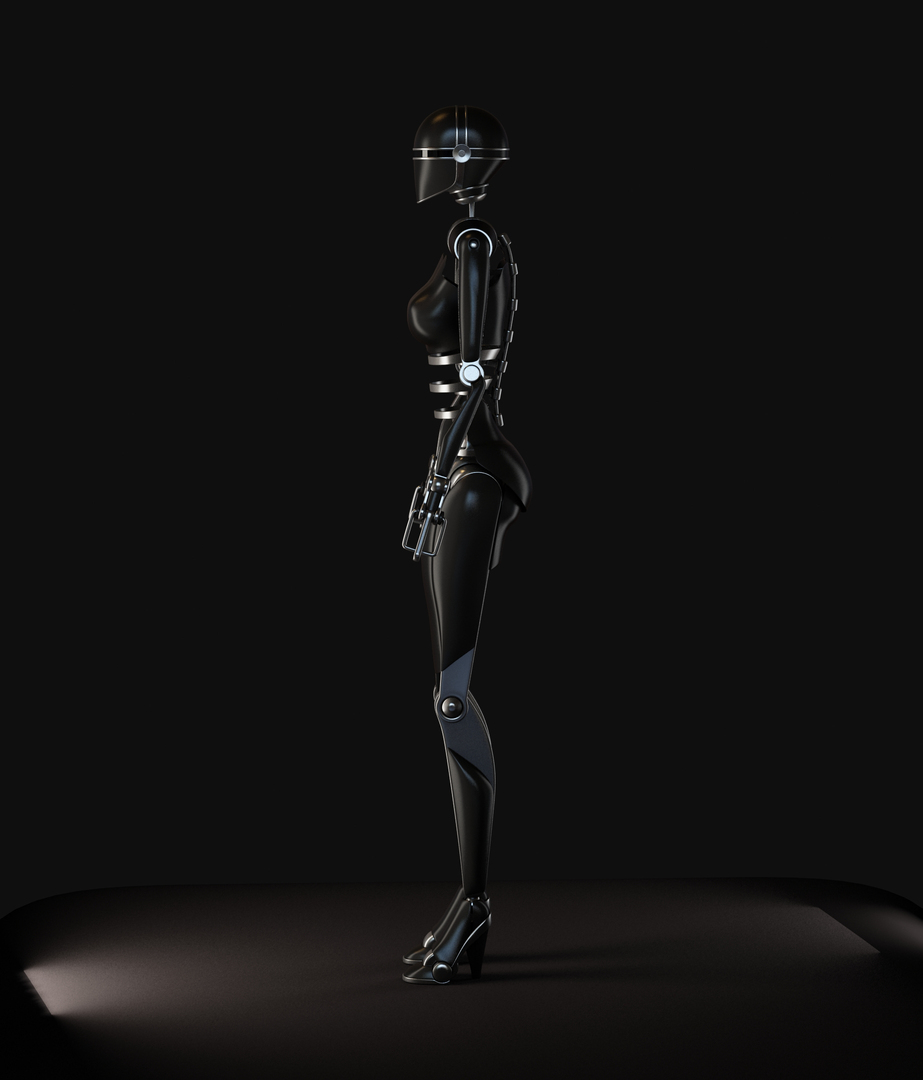
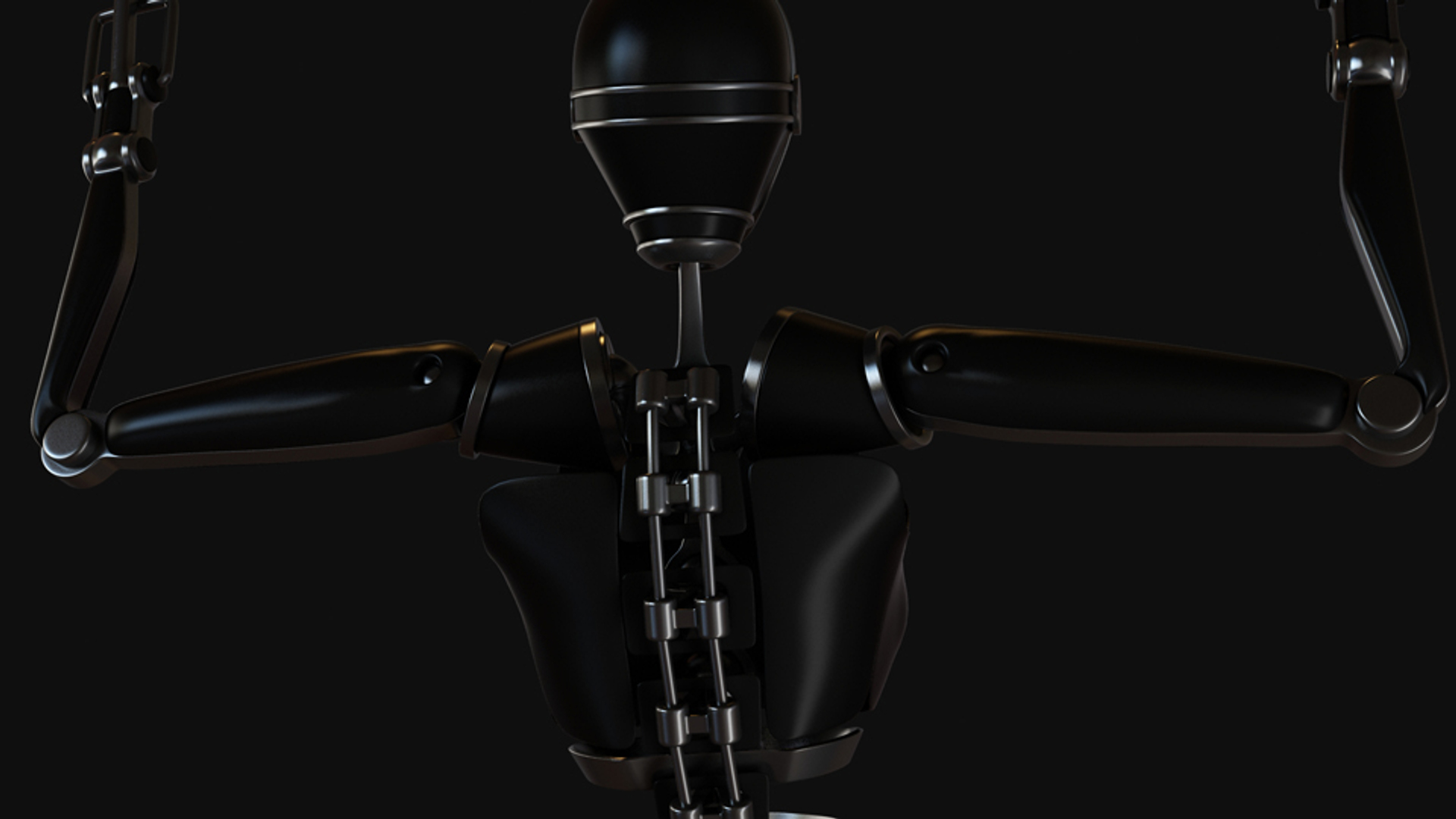
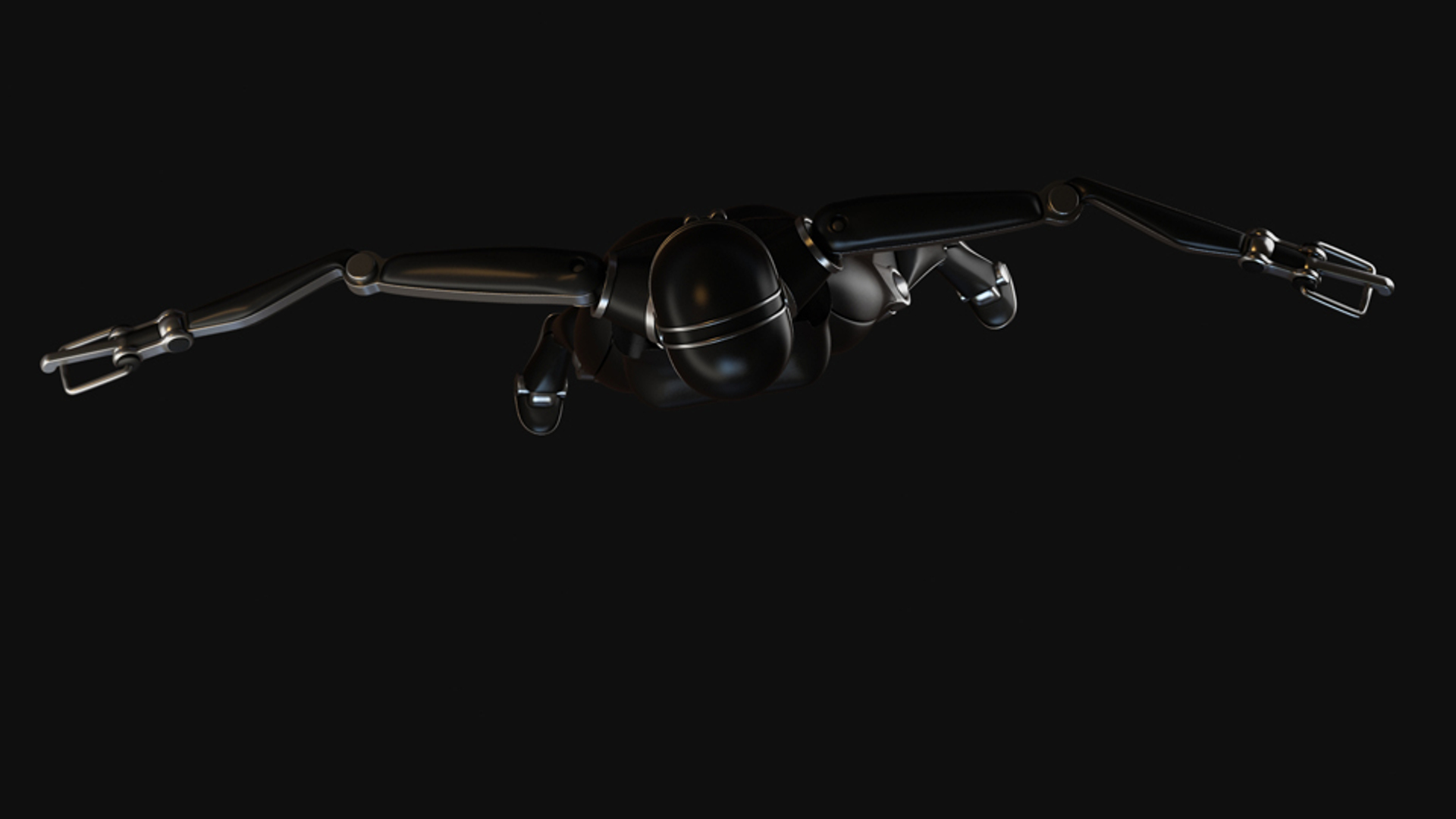
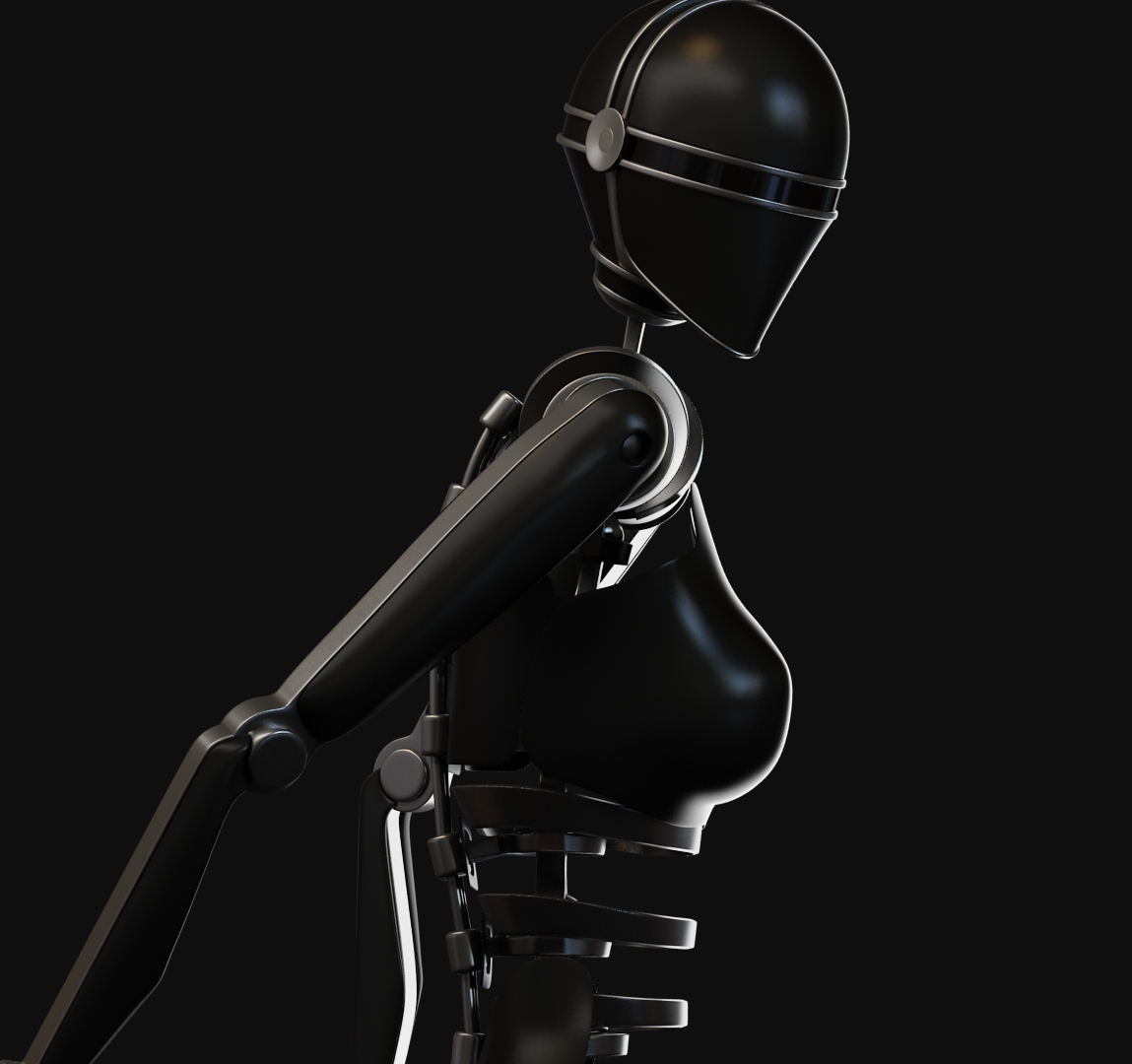
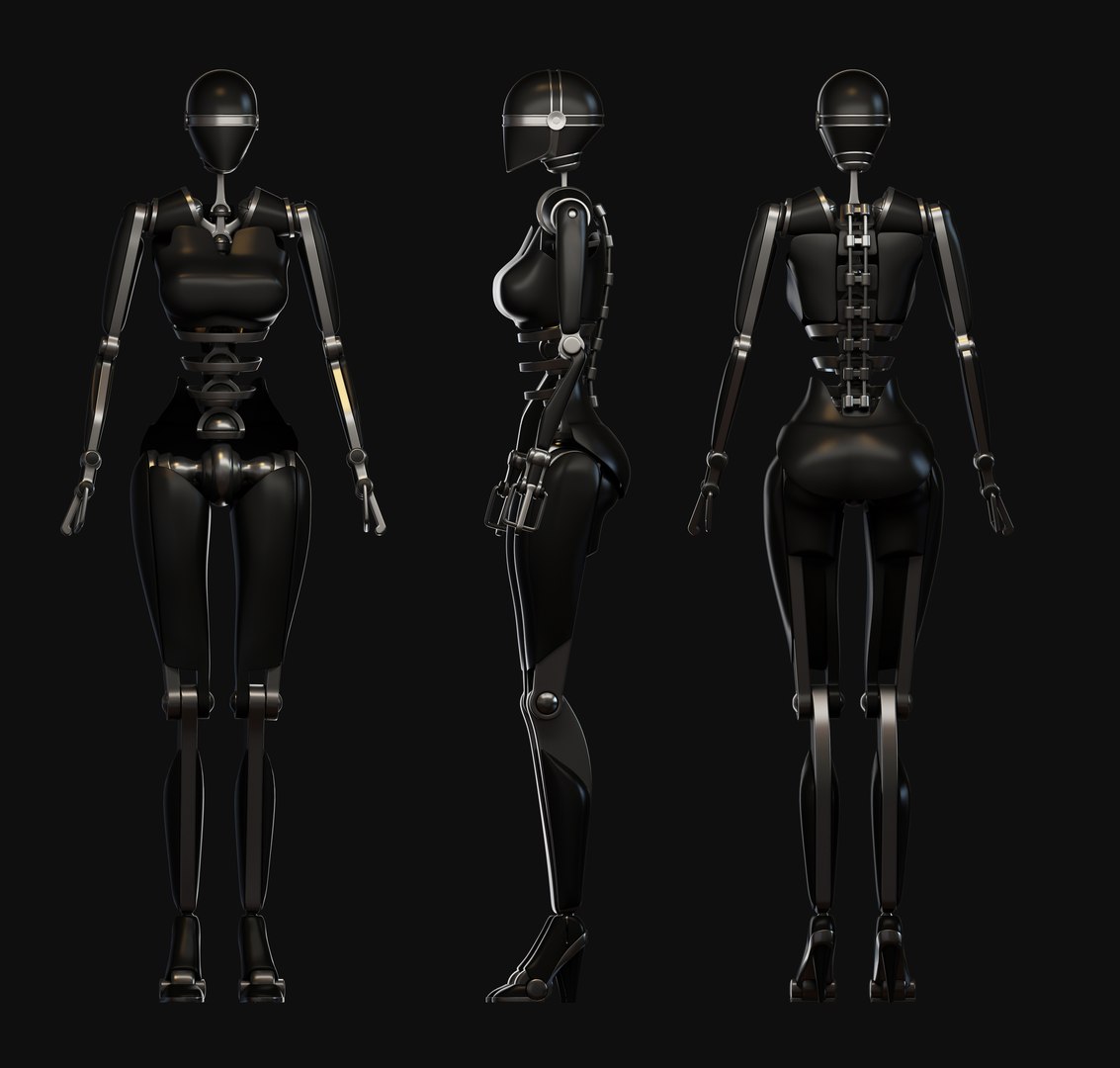
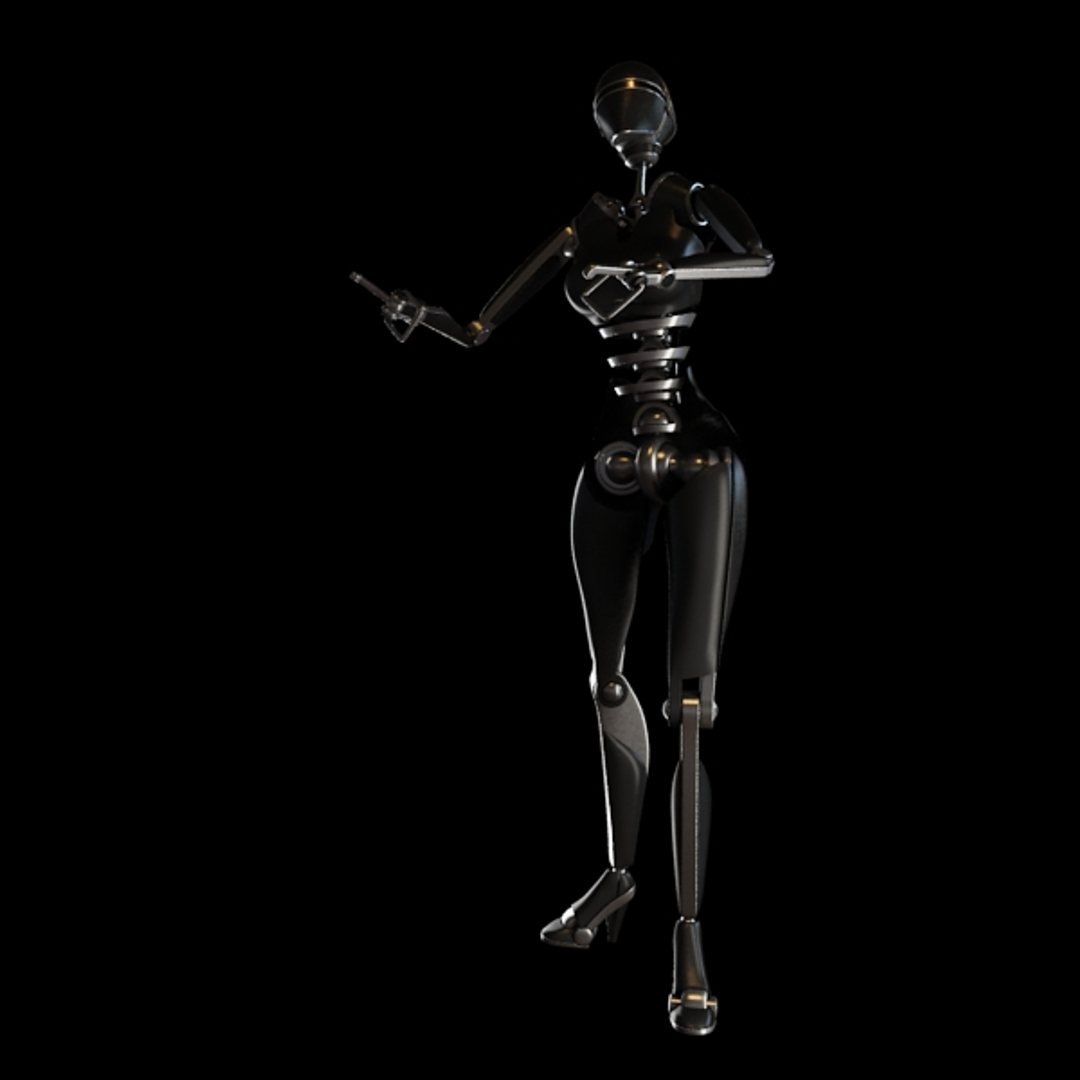
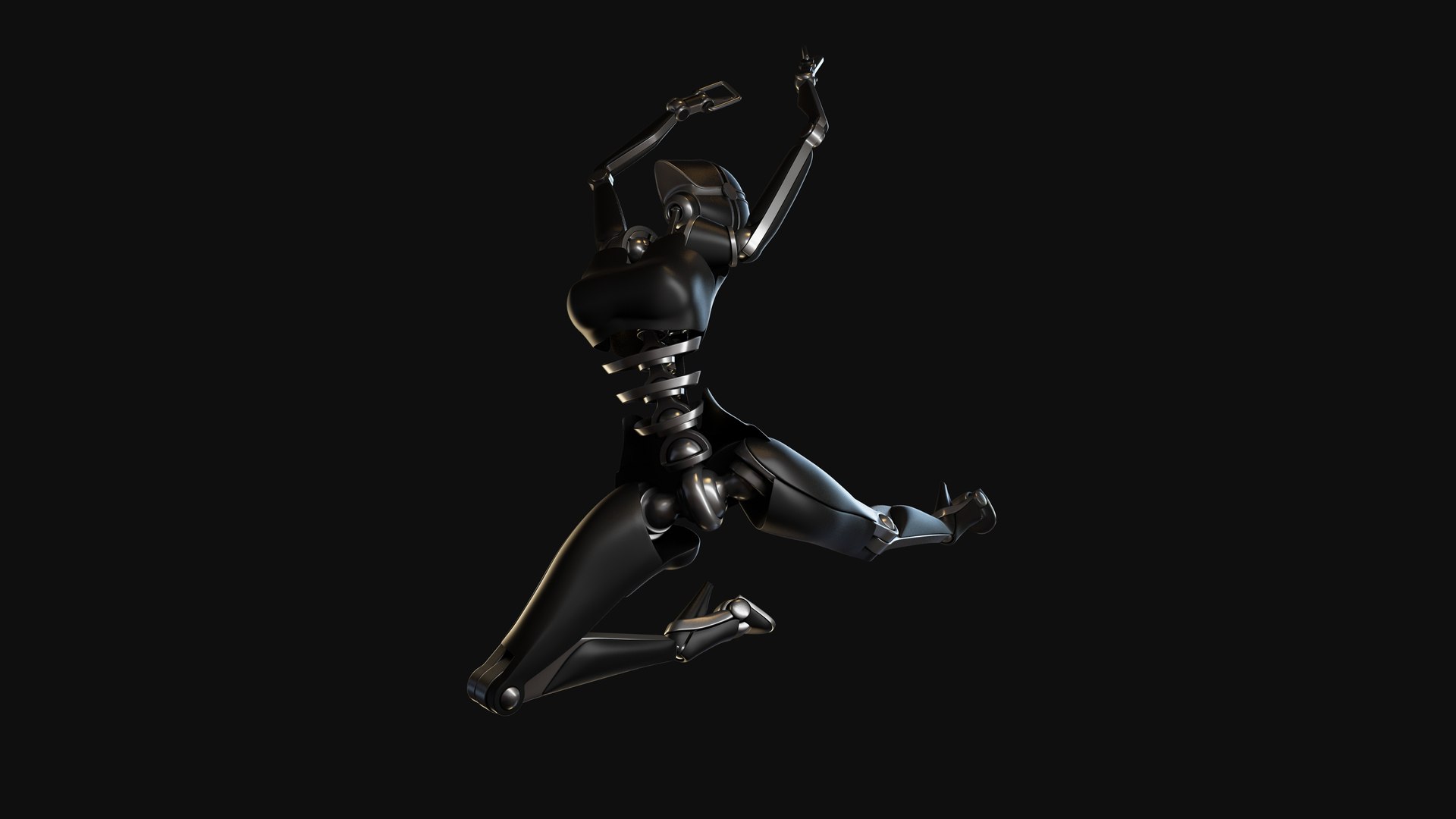
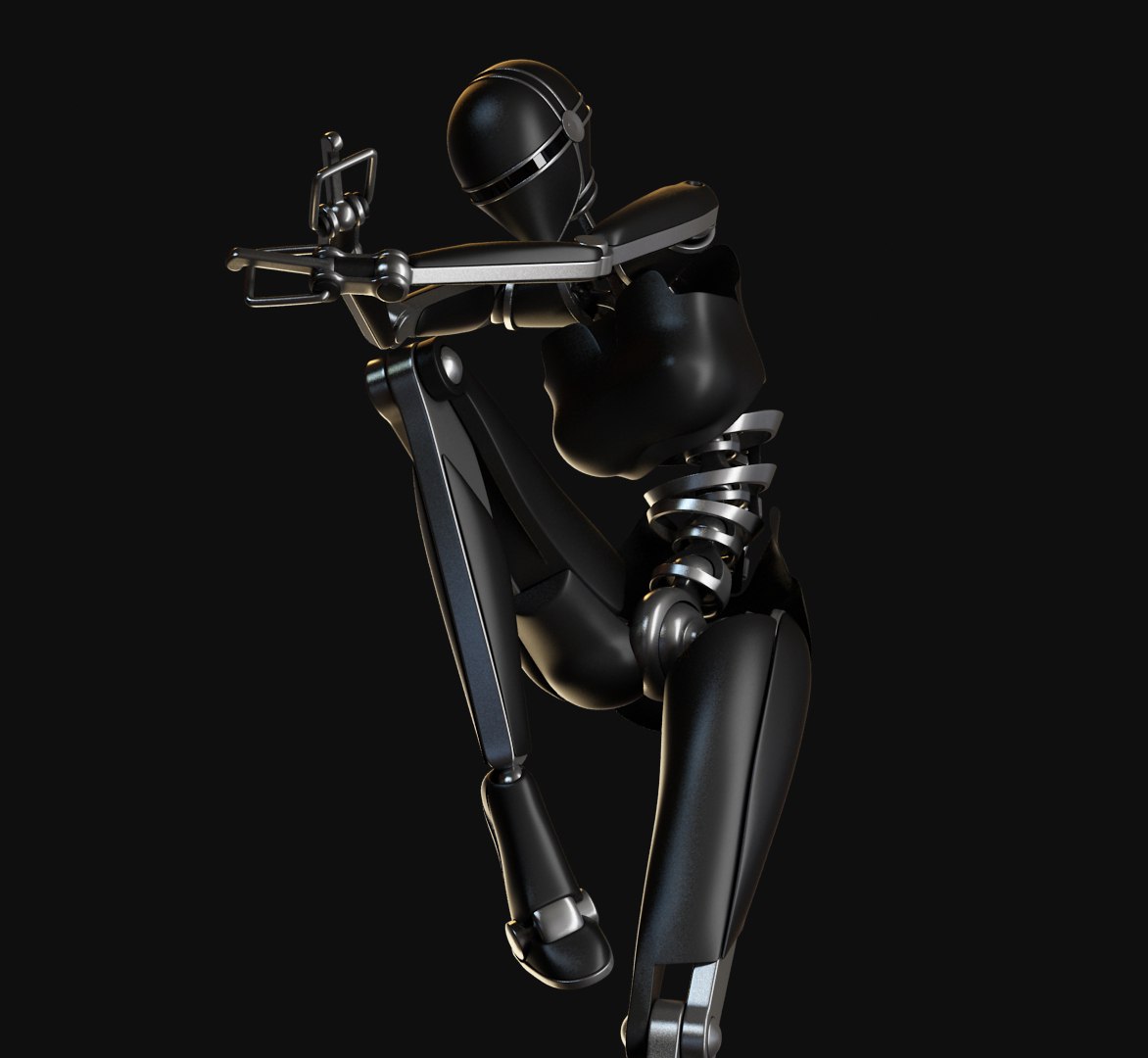
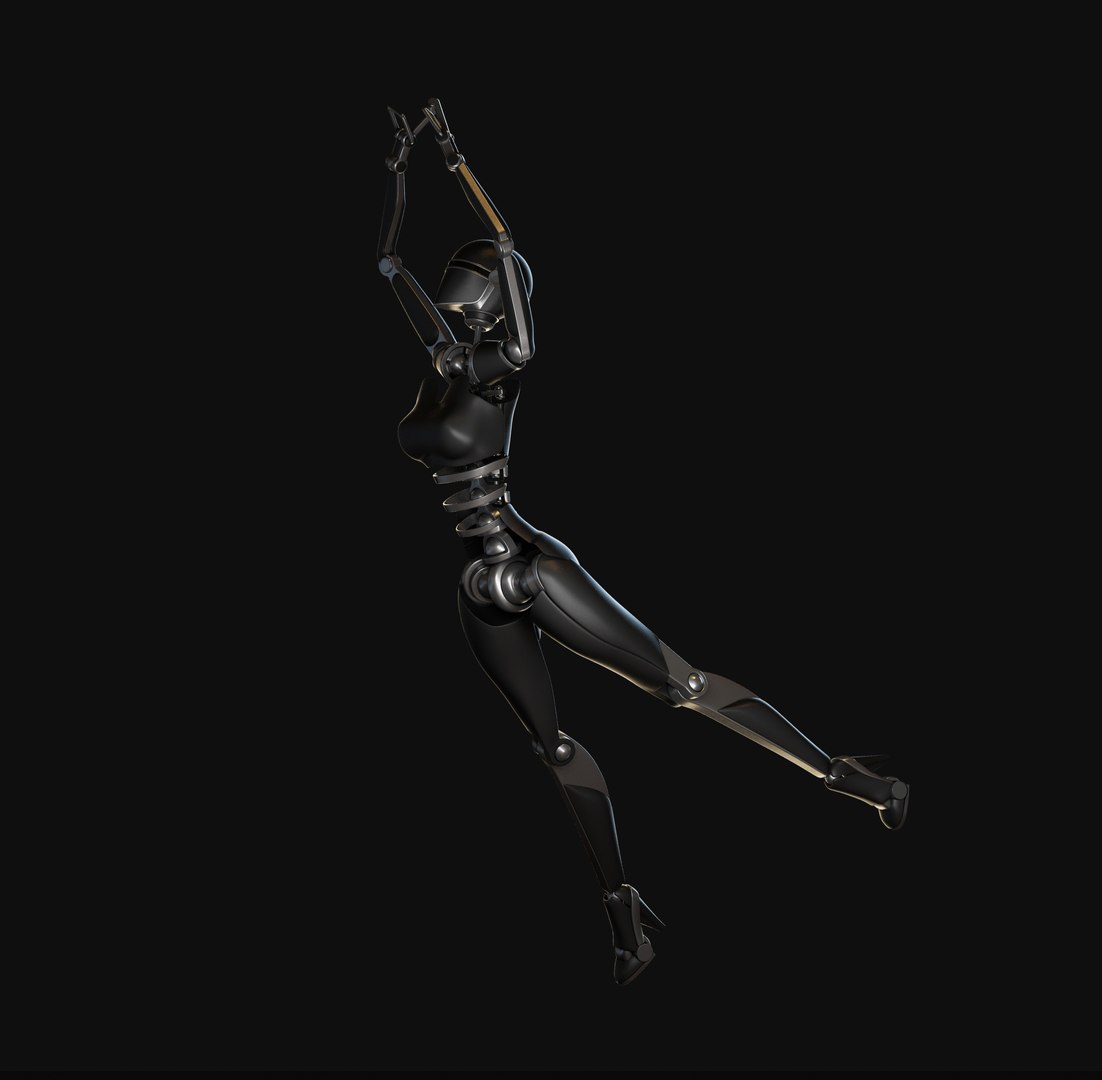
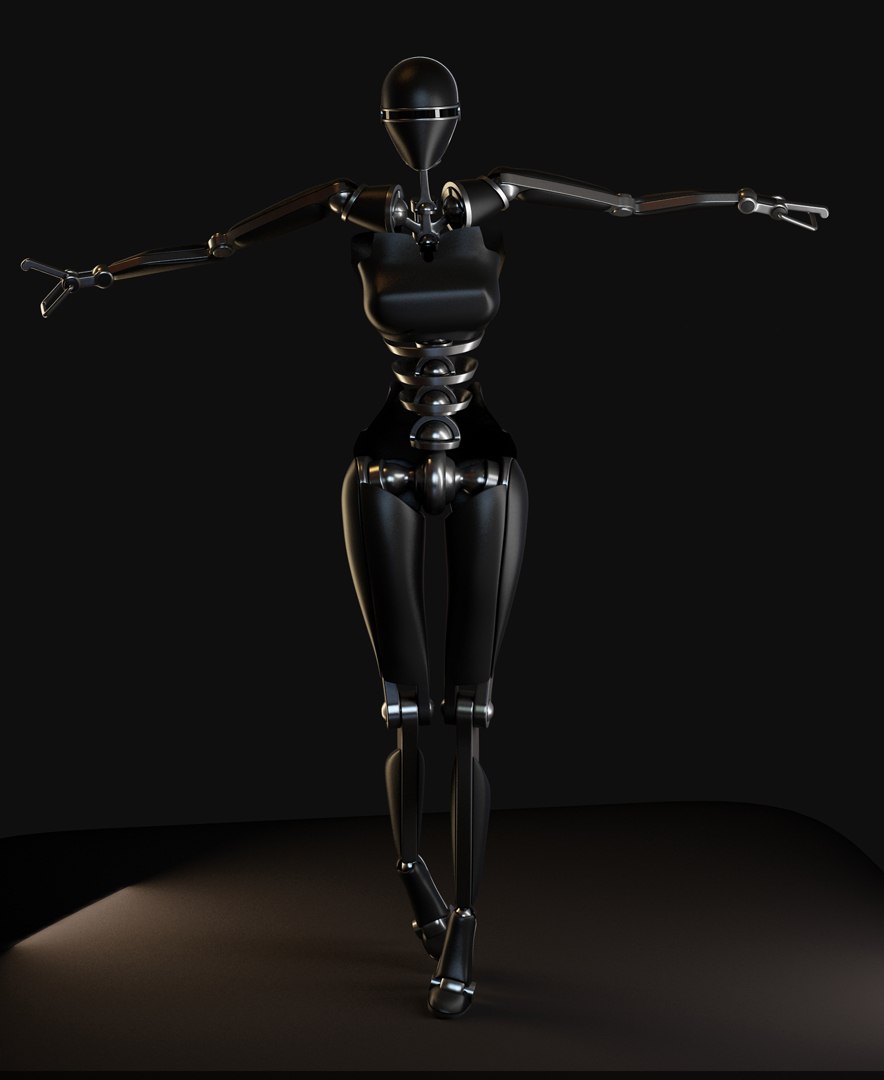
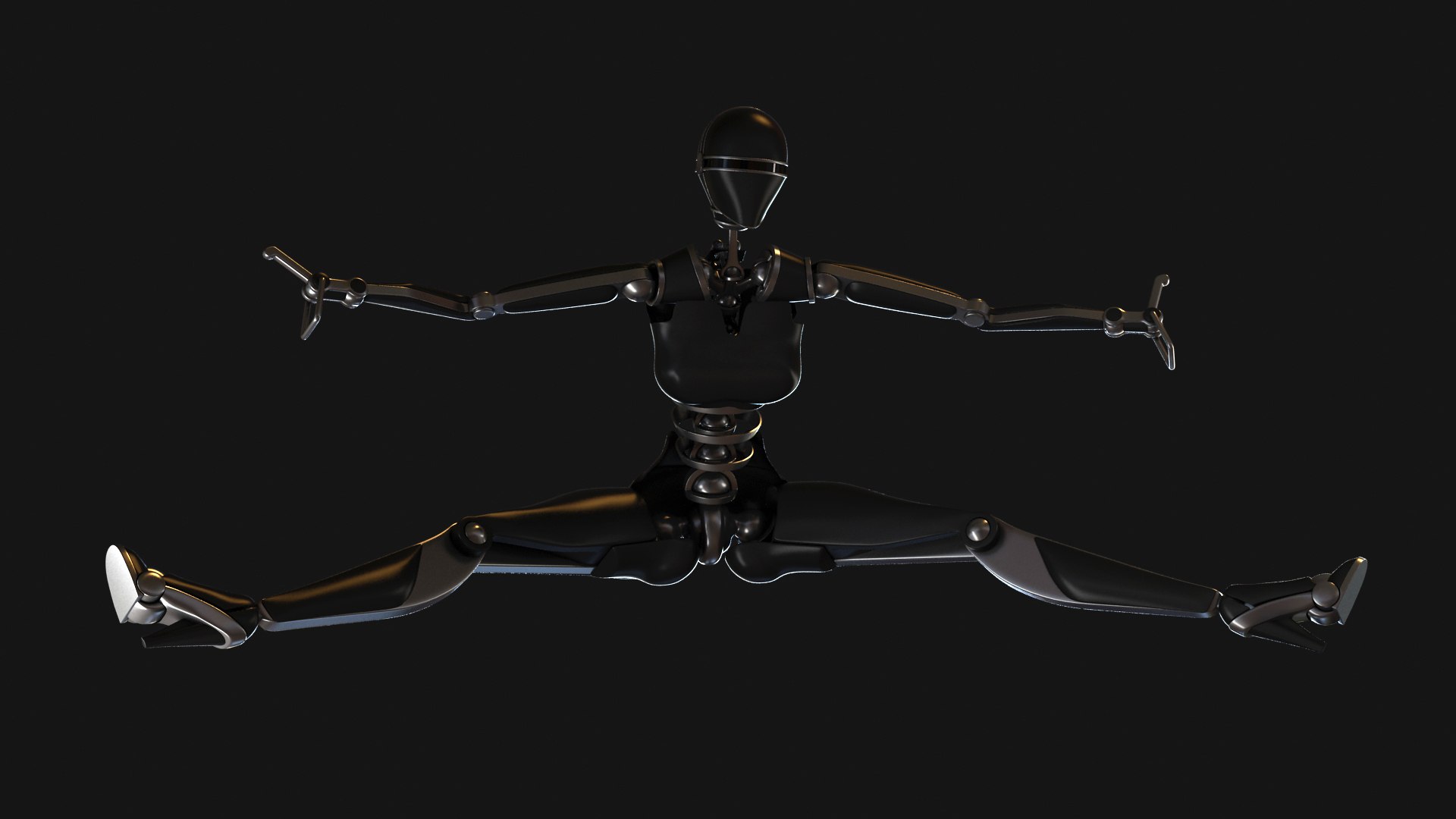
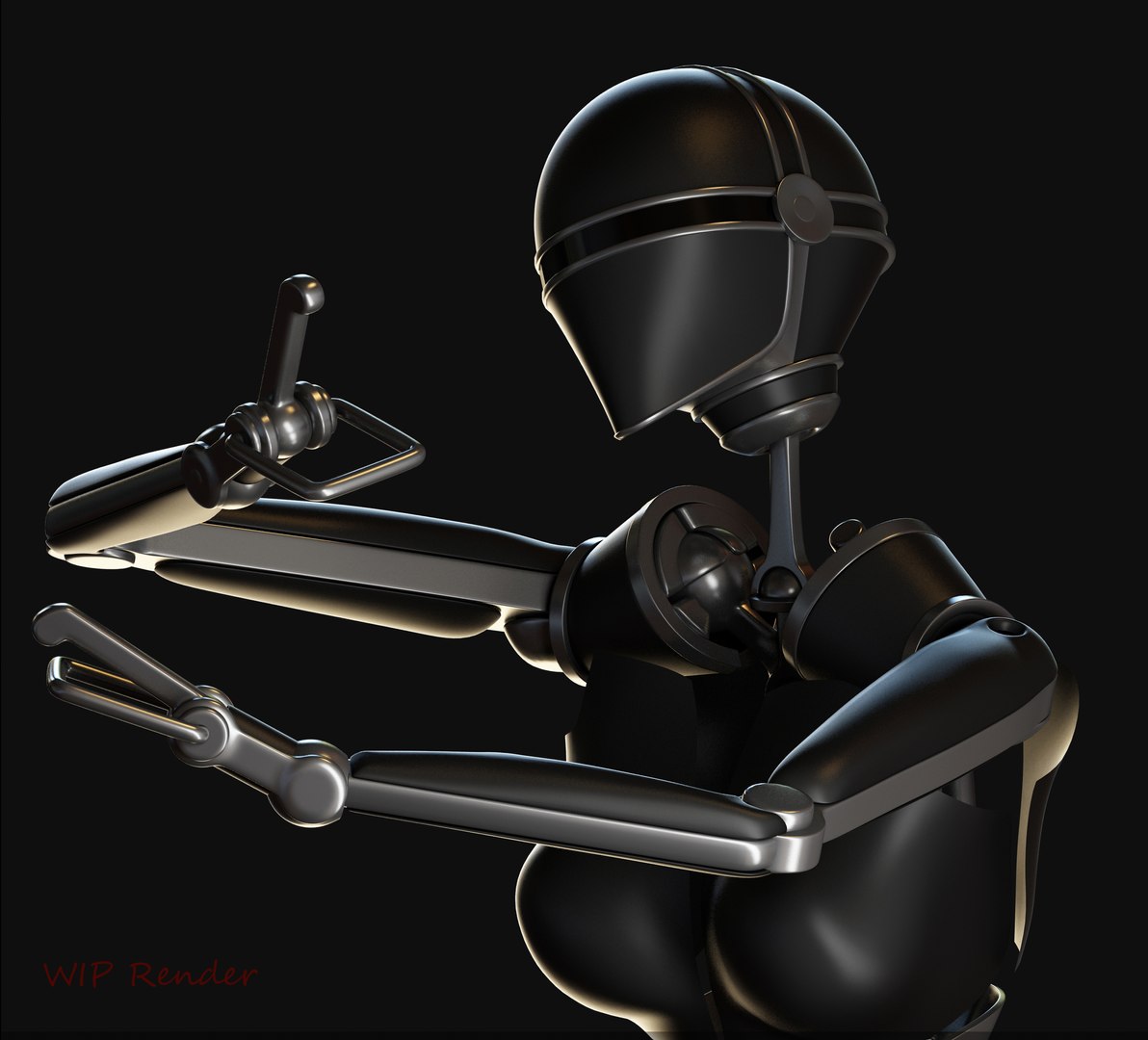
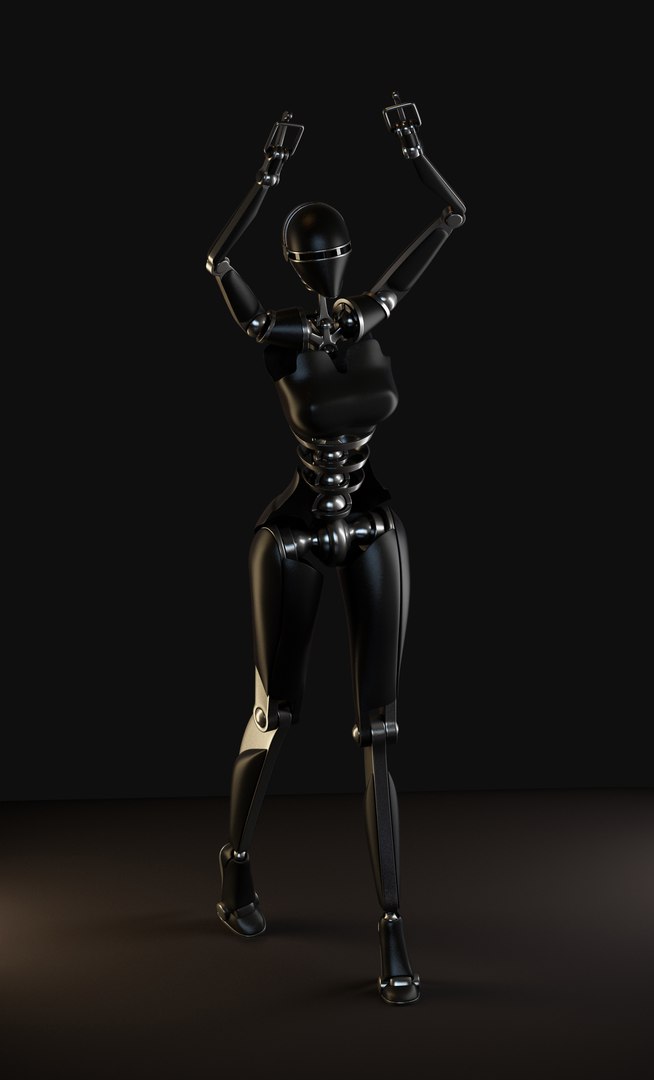
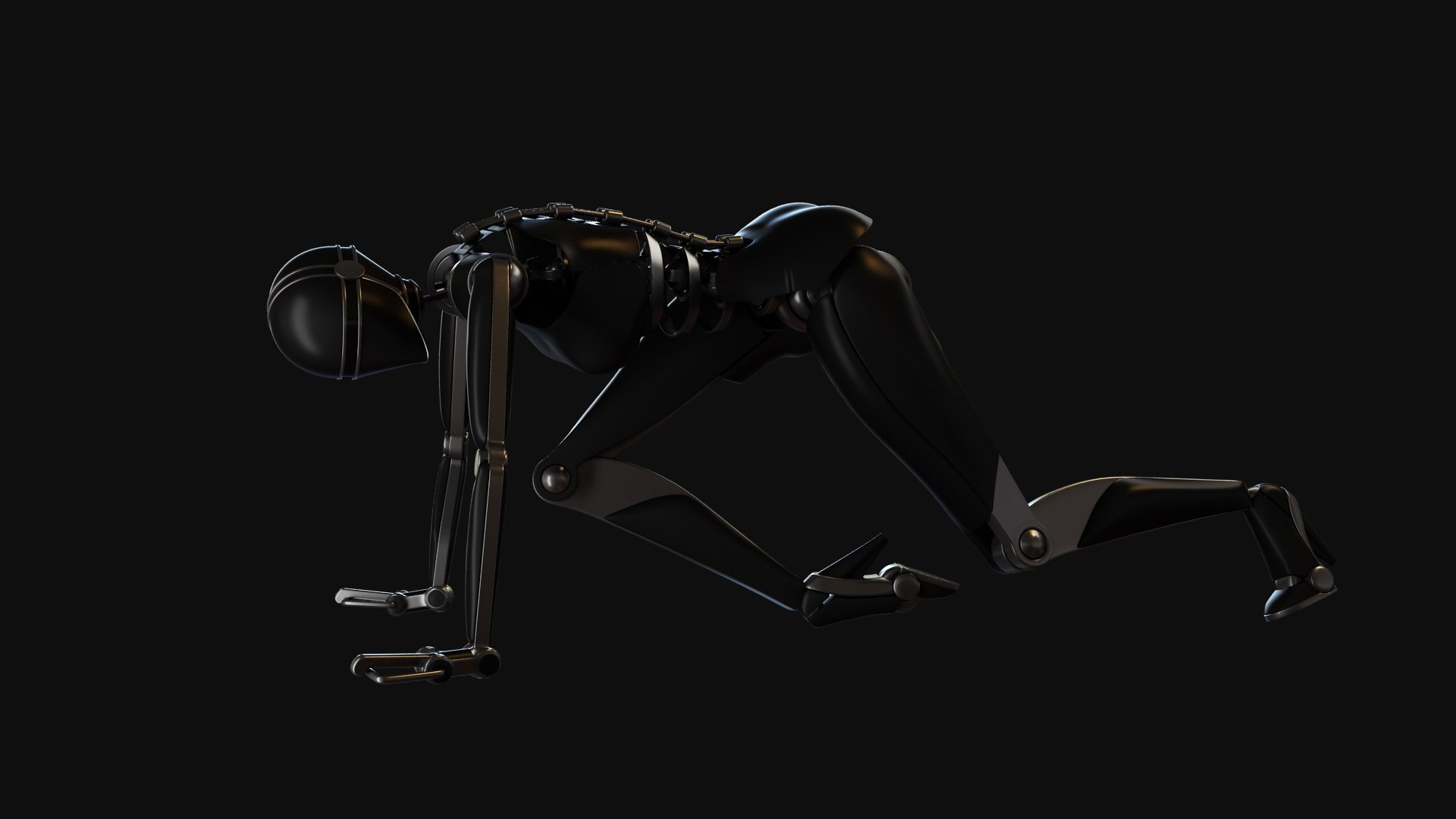
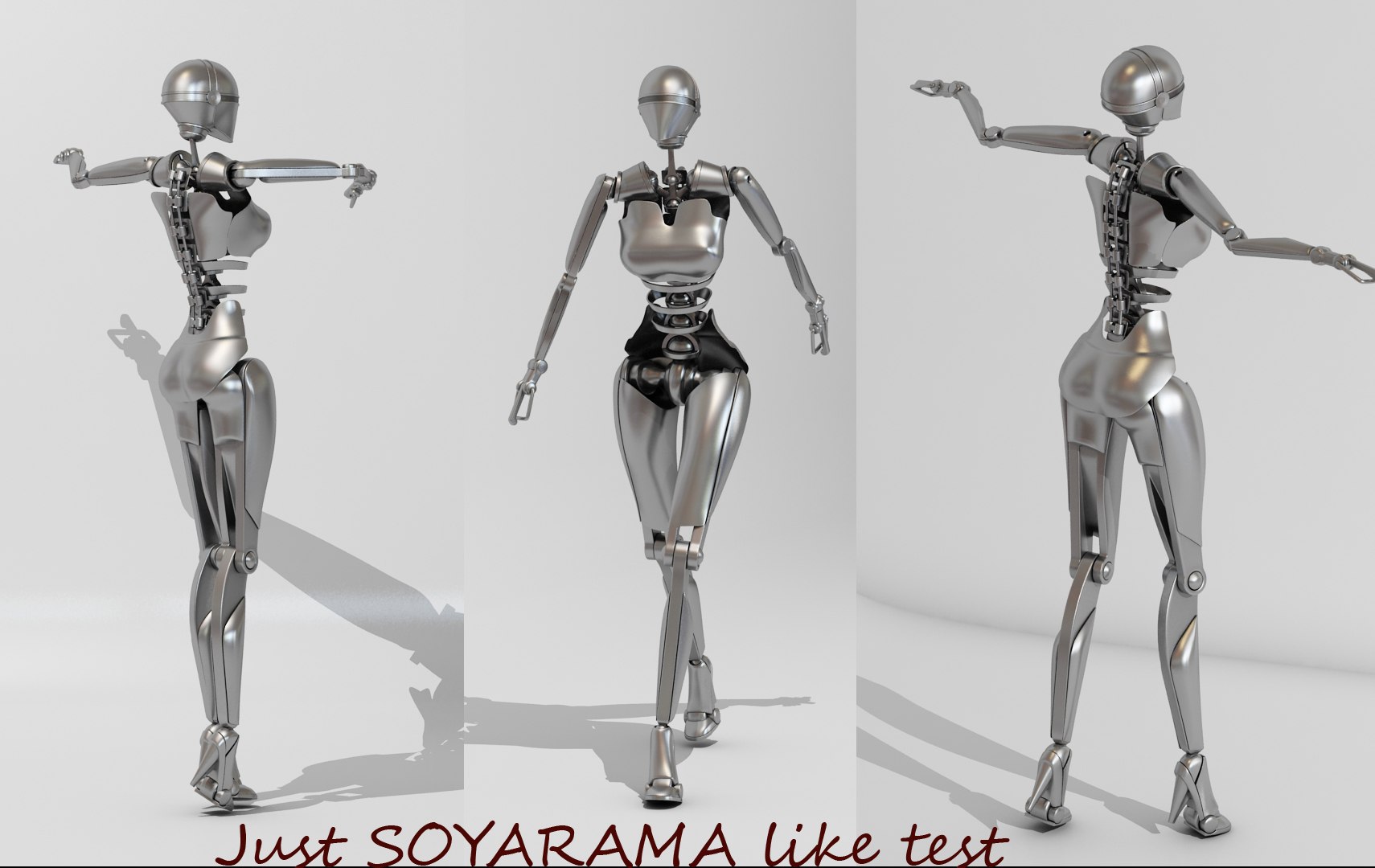
This model is made primary for posing and body animation projects. She is capable to reproduce 90% of human poses without parts overlapping or crashing each other .
I used 3ds max 2011 biped bones system , then I linked all model part on bones . When u animate that biped (or play mocup data ) all parts will follow , I didn't skinned this one. Model is animation ready , all parts are linked to biped , biped is included in scene. All model parts are proper named (like biped bones) in case u need to relink them in another program or so . Just rotate toes in local orientation to open and close hand .

Model

Mesh is not optimized for game engines , model is made to work with turbo smooth (for commercial rendering or so ) . However u got smoothing control I didn't collapse turbo smooth , base model got 29k polygons .

Textures

Not included , also model is not uv mapped.

Render

U get 3ds max 2011 (vray ) scene . Complete with light, materials and render setup, flicker free. Also u get max2011 standard file .

Thanks.
Categories

Select Enhanced License

  • $10,000 in Legal Protection (Indemnification)
  • Uncapped Legal Protection (Indemnification)
  • Waiver from injunctive relief
  • Assignable model rights
  • $1,000,000 in Legal Protection (Indemnification)
  • Waiver from injunctive relief
  • Assignable model rights
  • $250,000 in Legal Protection (Indemnification)
  • Assignable model rights
Read more about enhanced license tiers, or contact us at enterprise@turbosquid.com. Already a Shutterstock Enterprise Customer? Contact your Shutterstock Sales Support Agent to talk about adding 3D.

About Conversion Requests

To submit a conversion request for a purchased asset, please complete our Conversion Request Form.

If you have not yet purchased a model, please review our Documentation about Conversions to learn about what limitations you may encounter with a conversion.

For any additional questions about a model’s suitability for conversion, please contact TurboSquid Support.

Loading...