Red Wolf Rigged

$119

Standard License | Upgrade License
Formats (5)
Free file format Conversions available
Native | 3ds Max 2019 | Arnold 5.2.1.0
3ds Max 2019 | Default Scanline
OBJ
Collada
FBX
Other Files
Red_Wolf_Texture_Maps_PNG.zip Red_Wolf_Texture_Maps_JPG.zip
Specifications
Publish Date October 29, 2020
Product ID 1641549
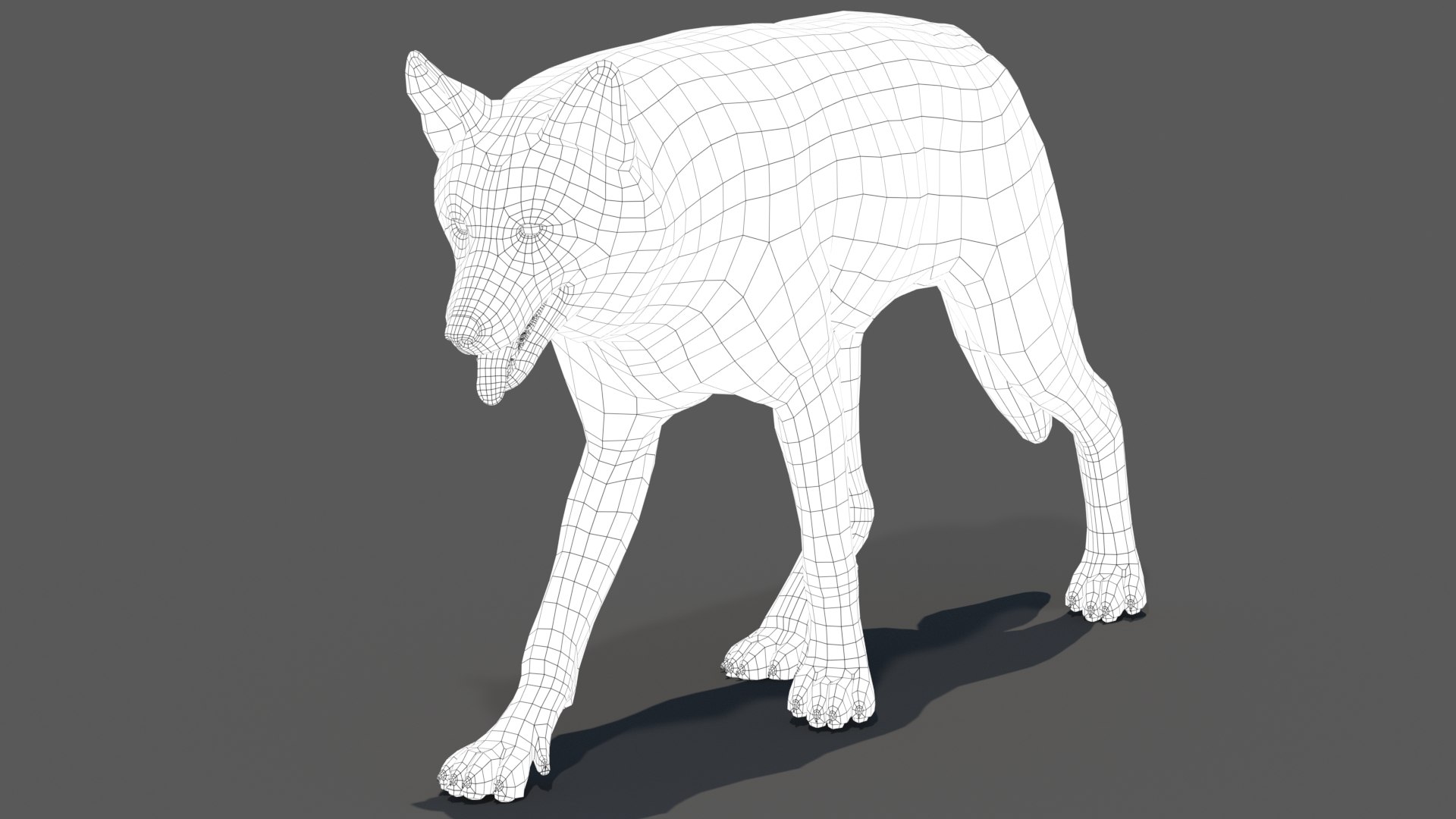
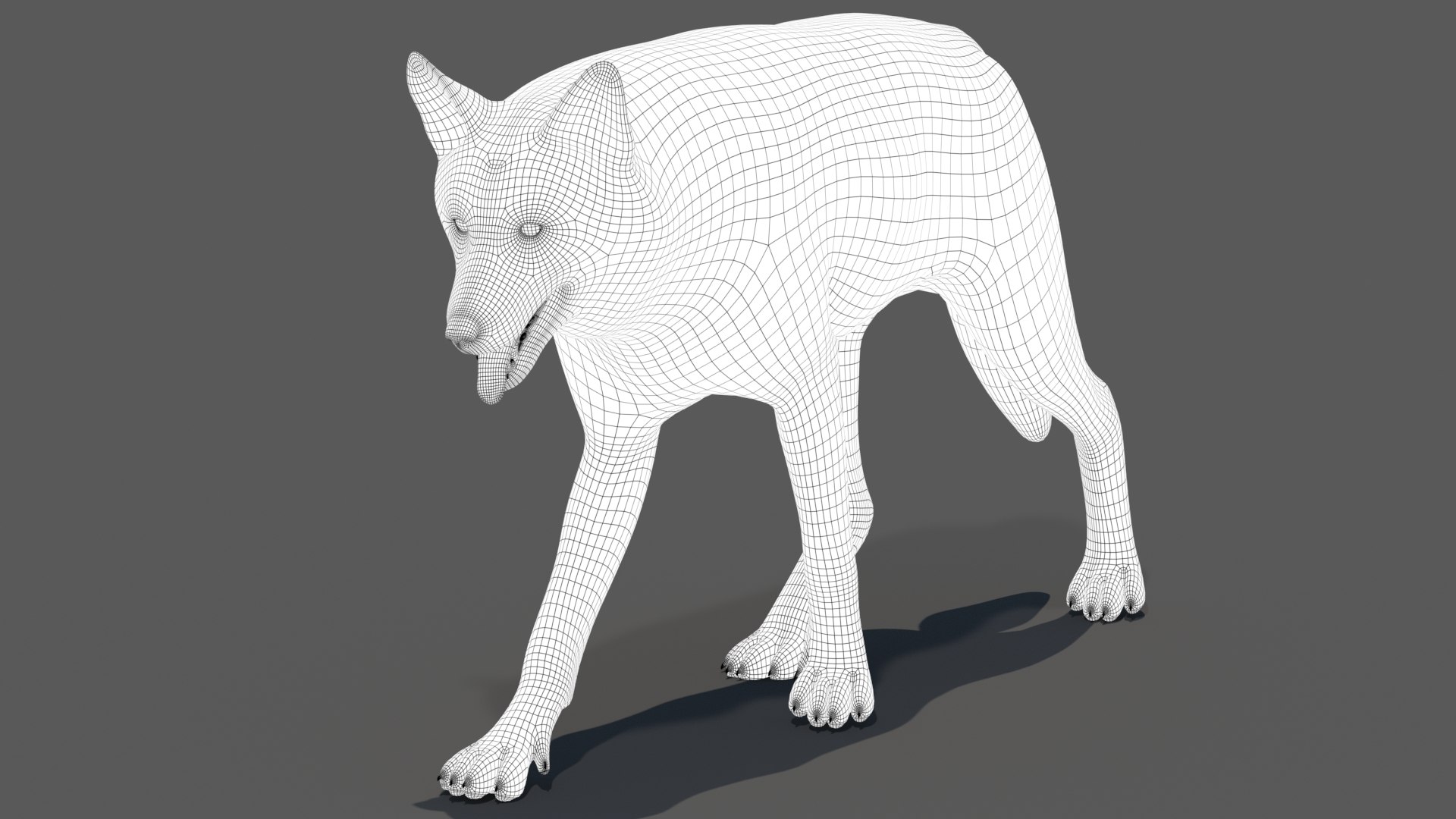
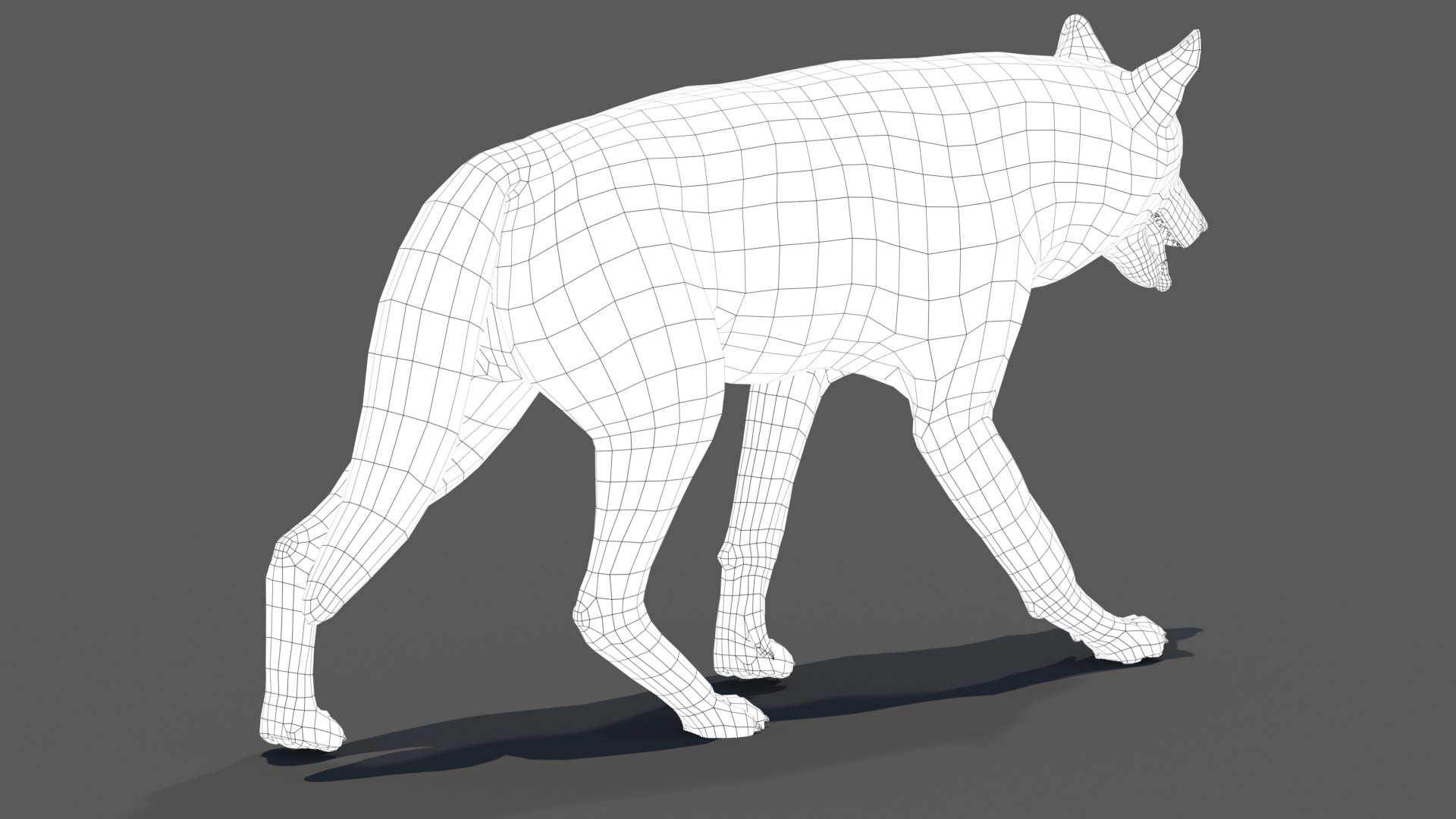
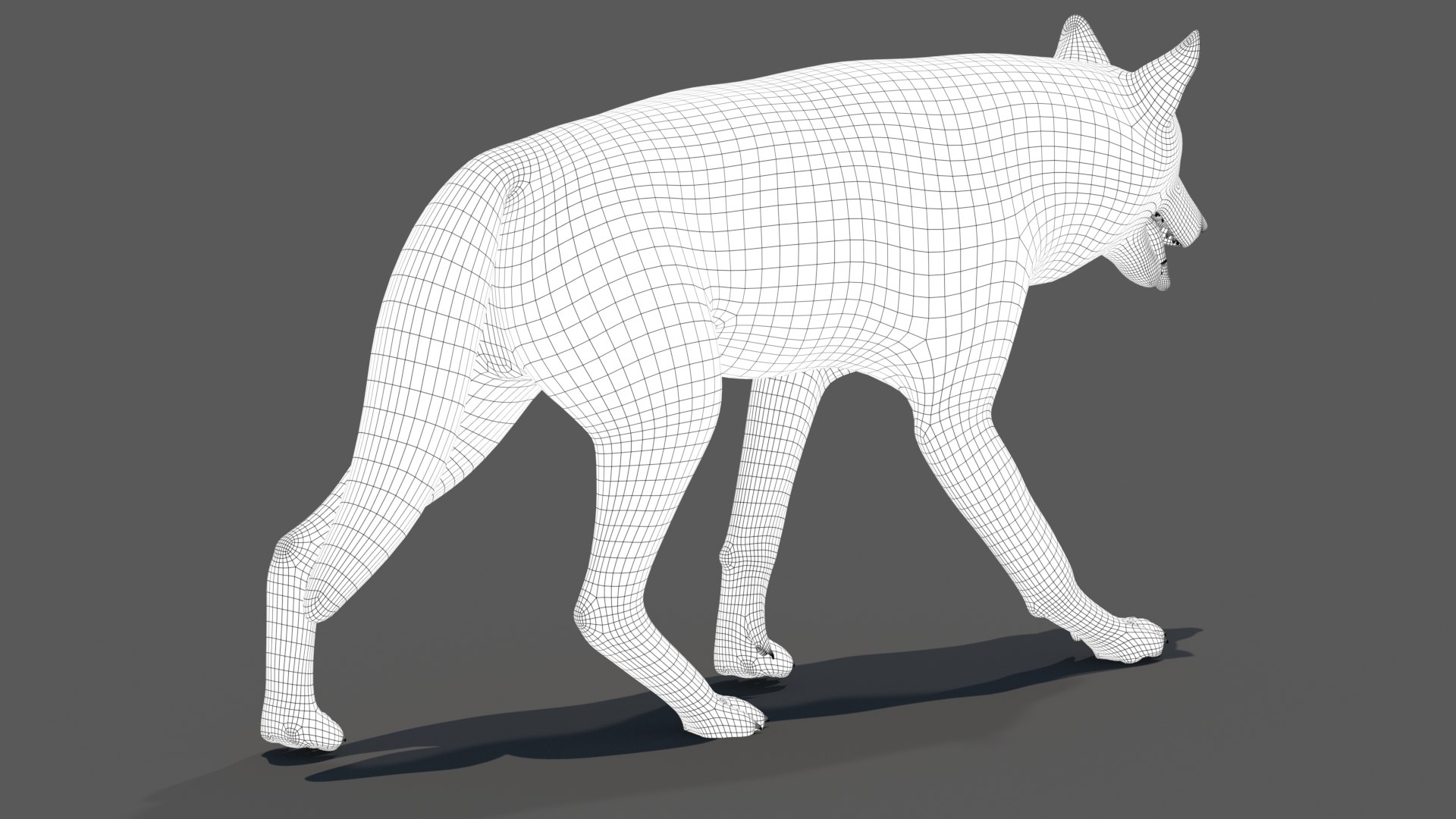
Polygons 7,762
Vertices 7,889
Polygonal Quads Only
Textures
Materials
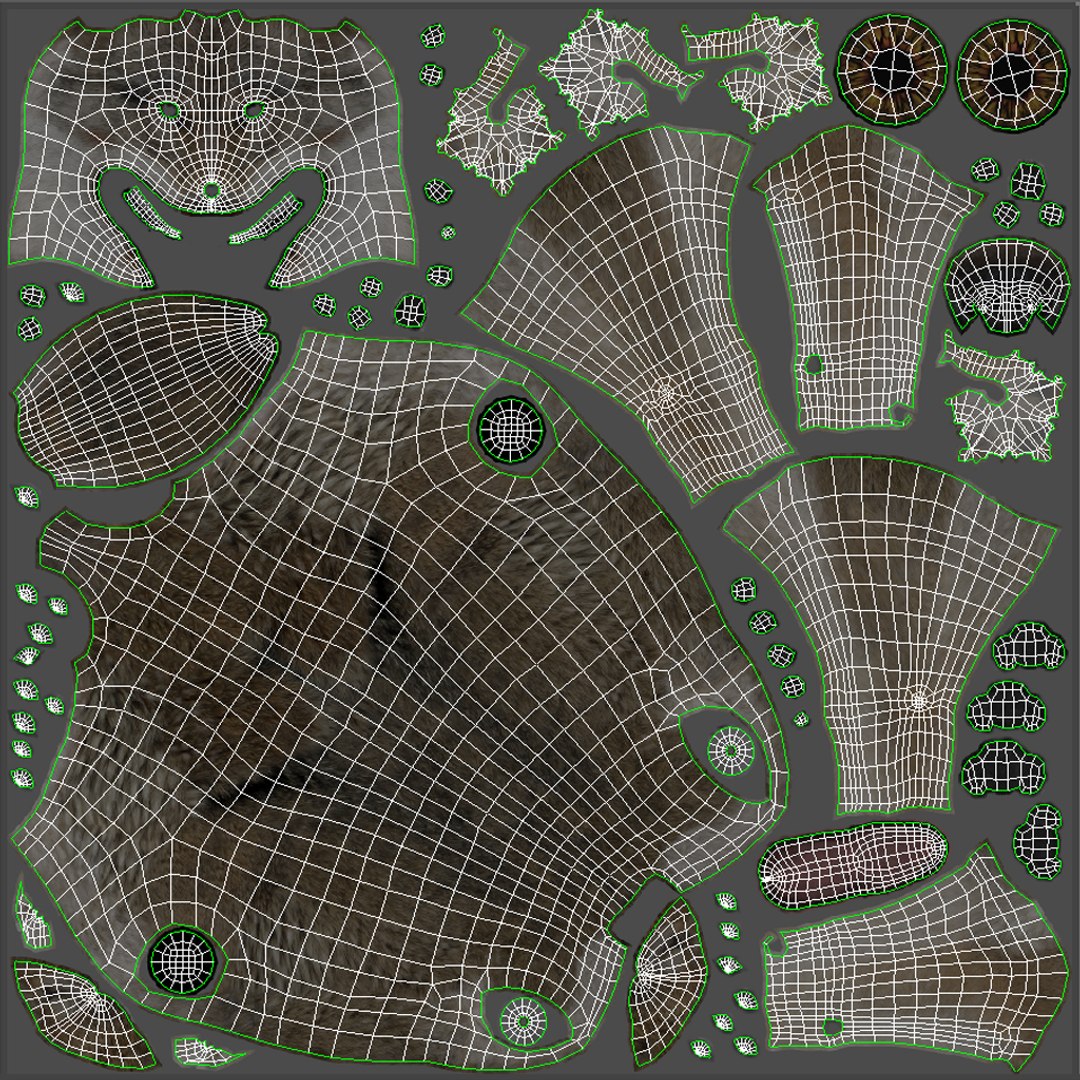
UV Mapped
Non-overlapping Unwrapped UVs
Rigged

member avatar
PROmax3D
341 Products | Contributor Since 2008
Have questions? Chat with us now.

Description

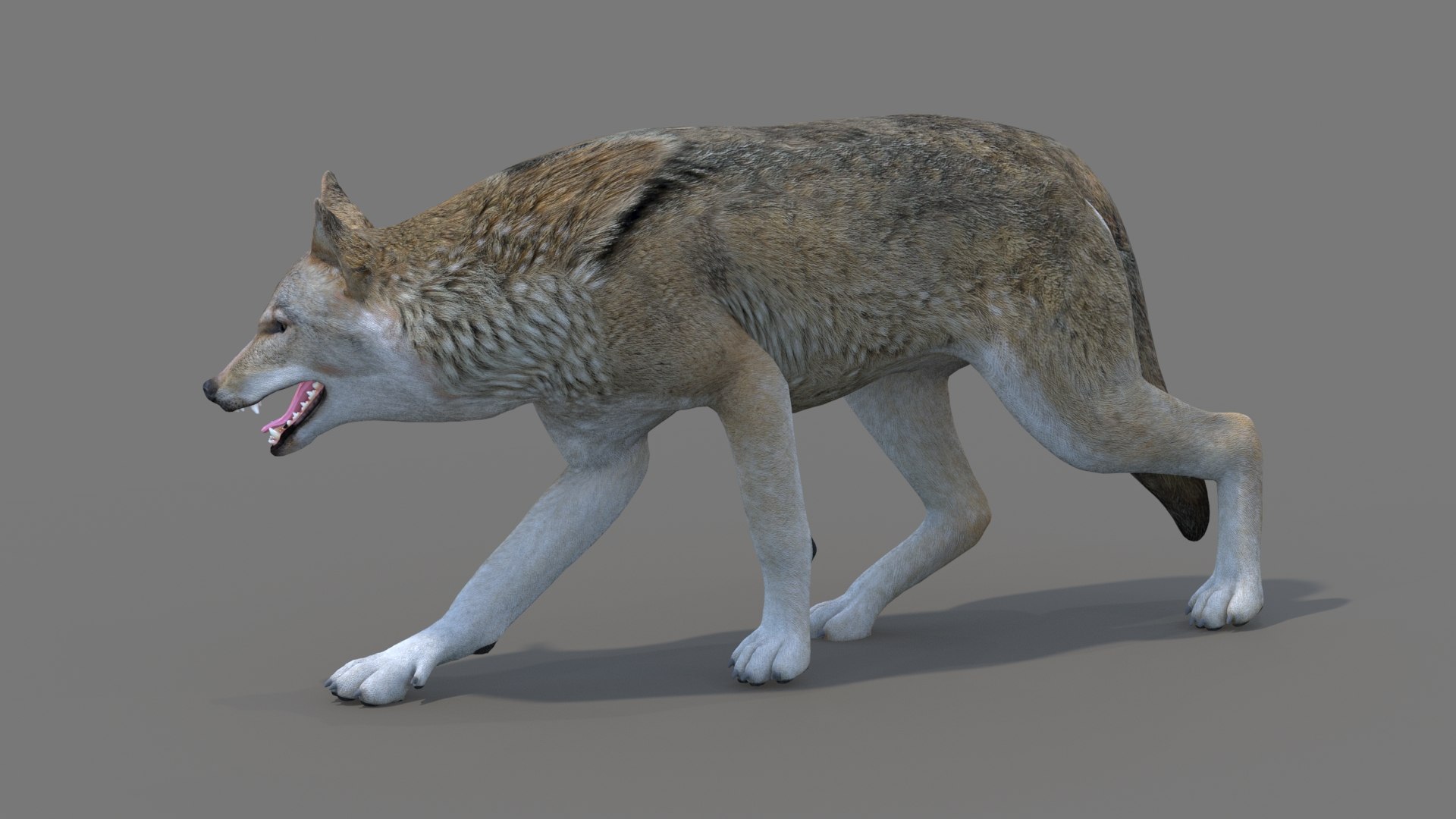
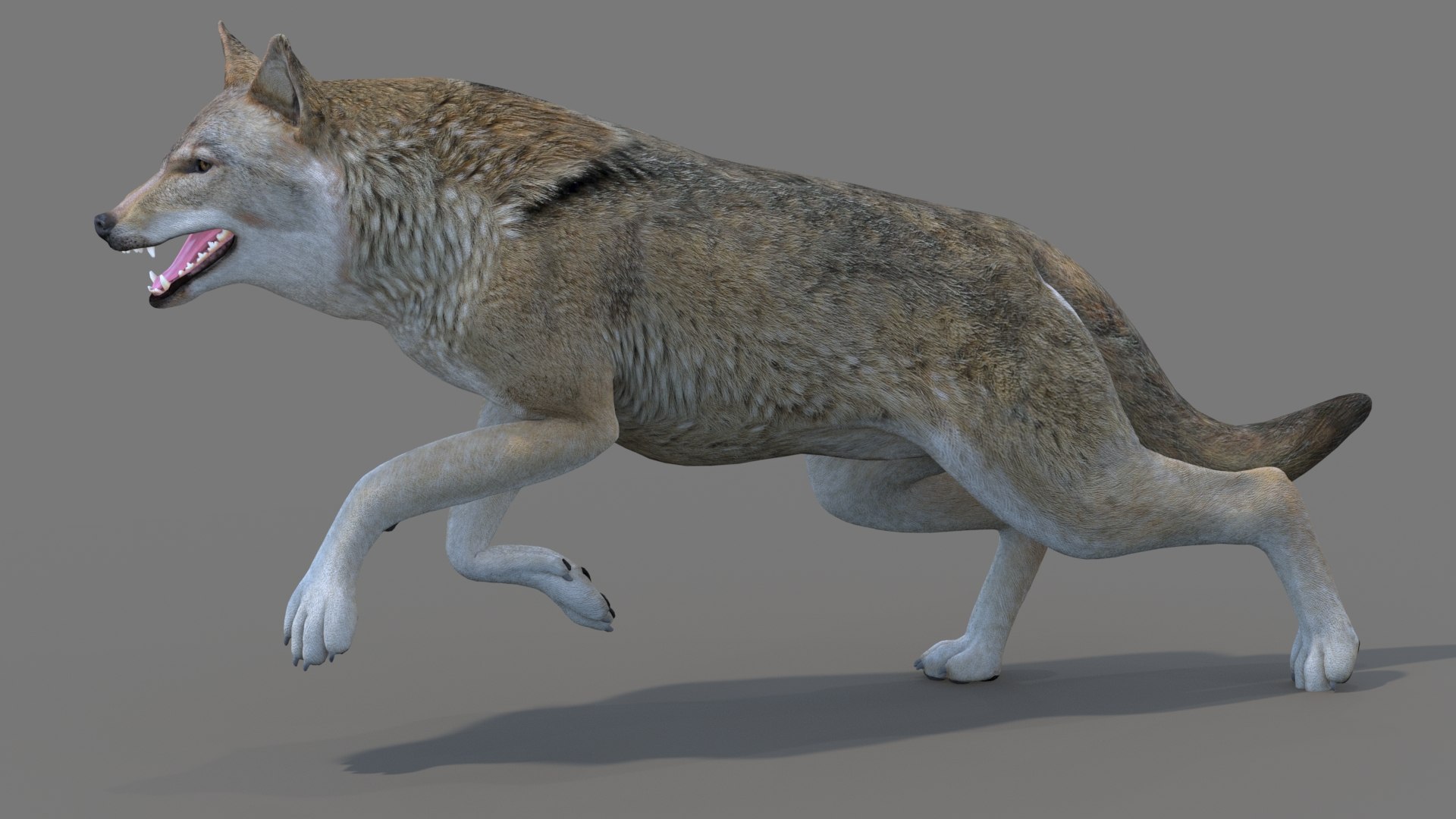
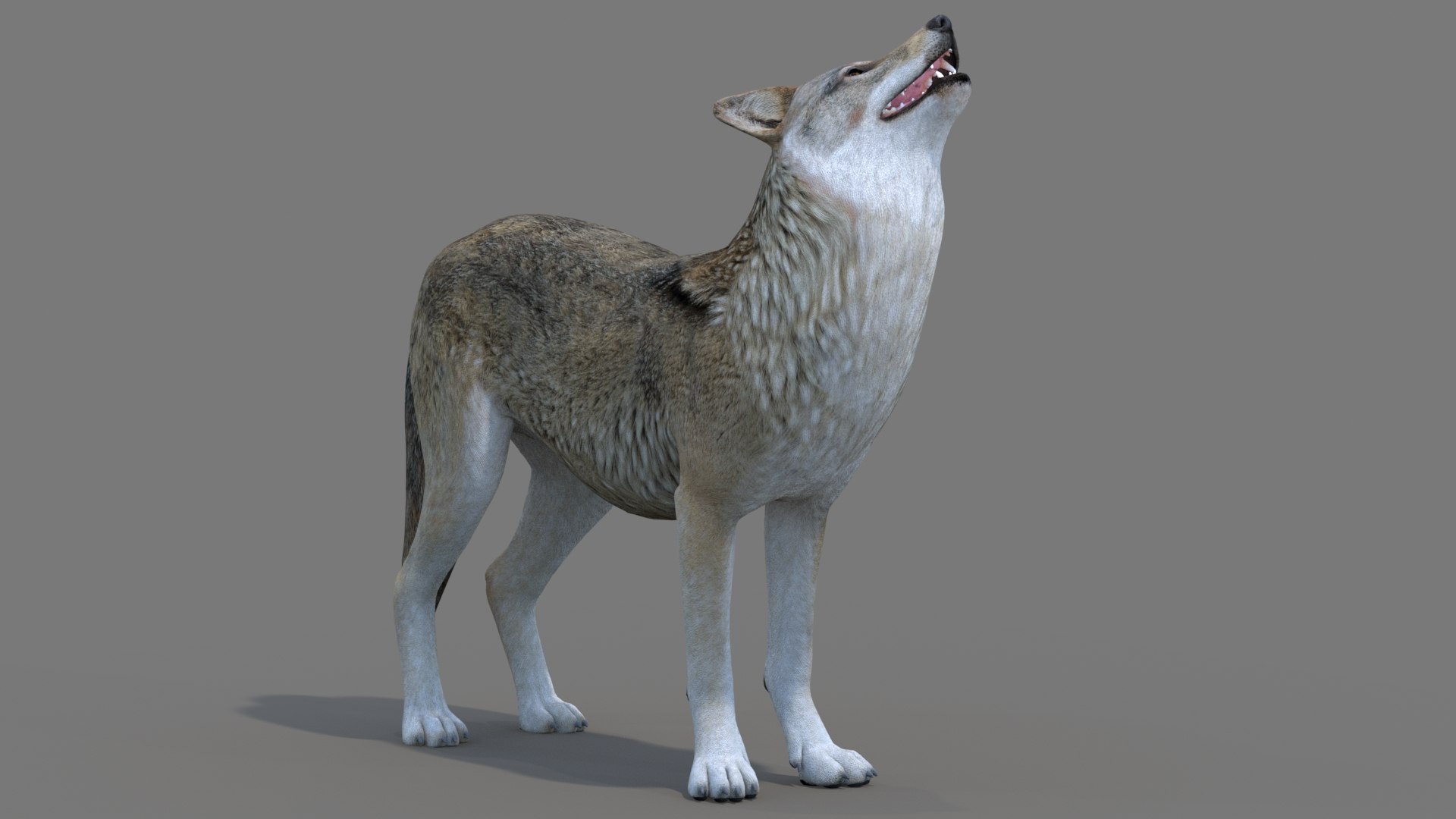
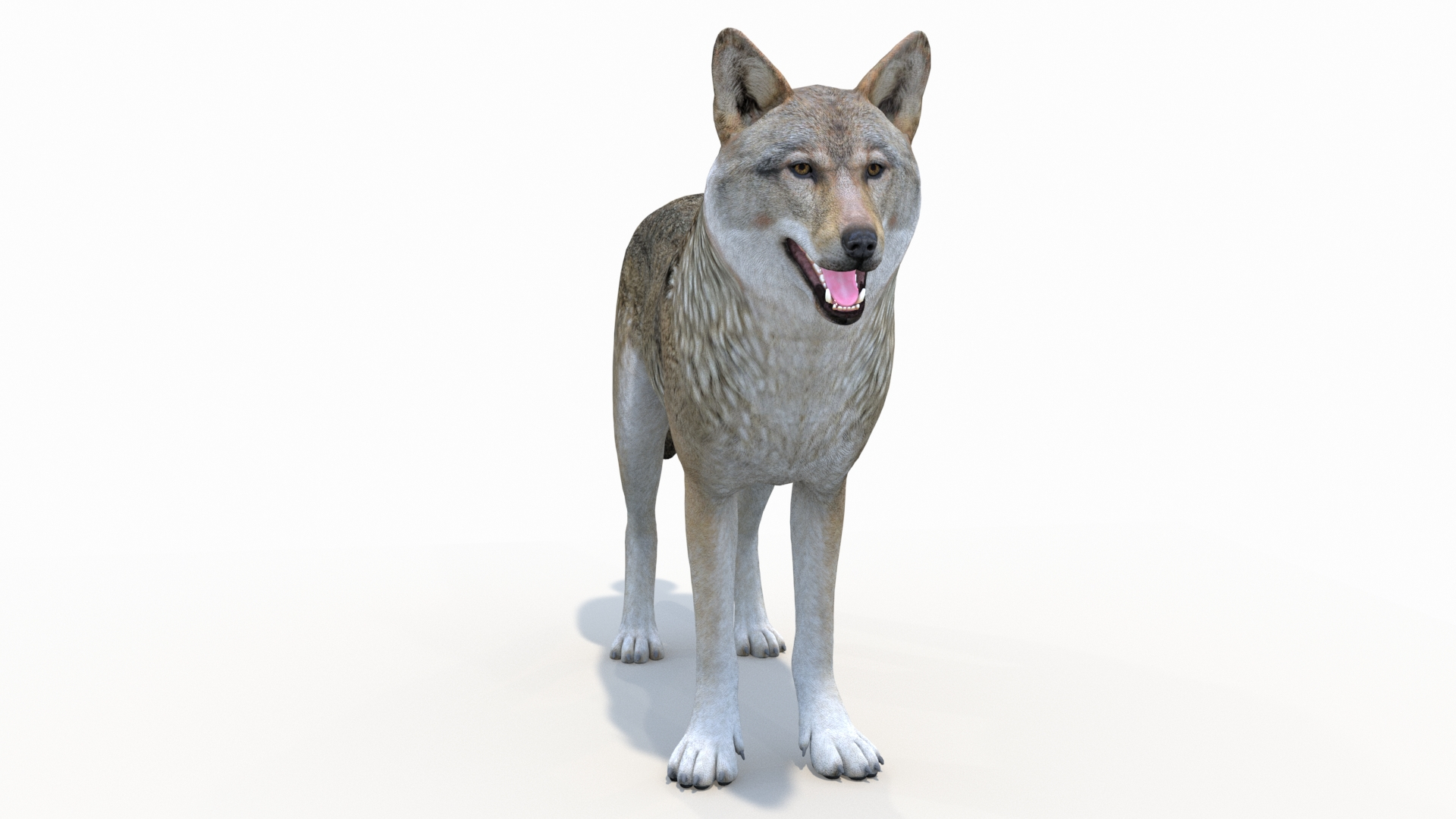
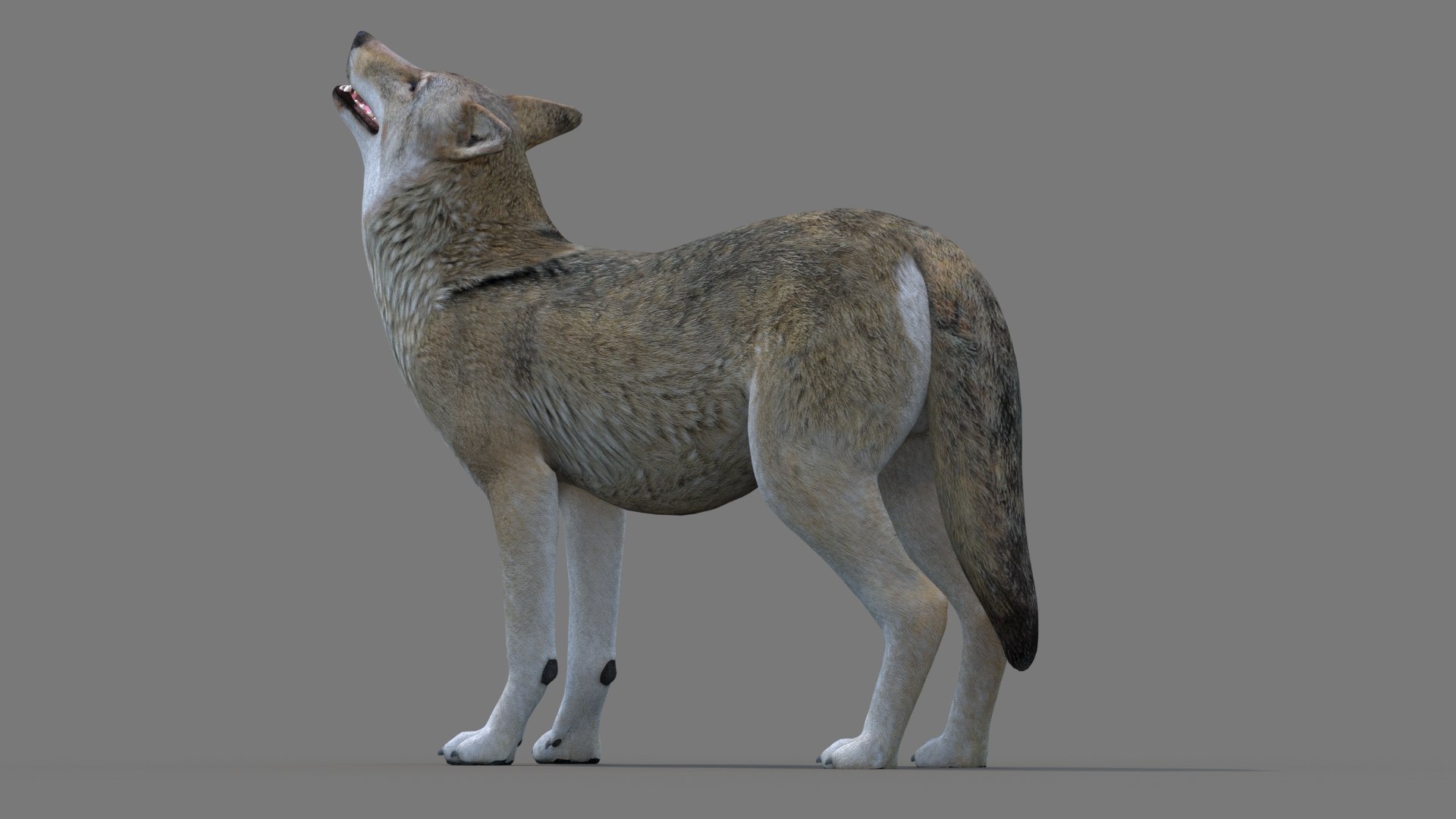
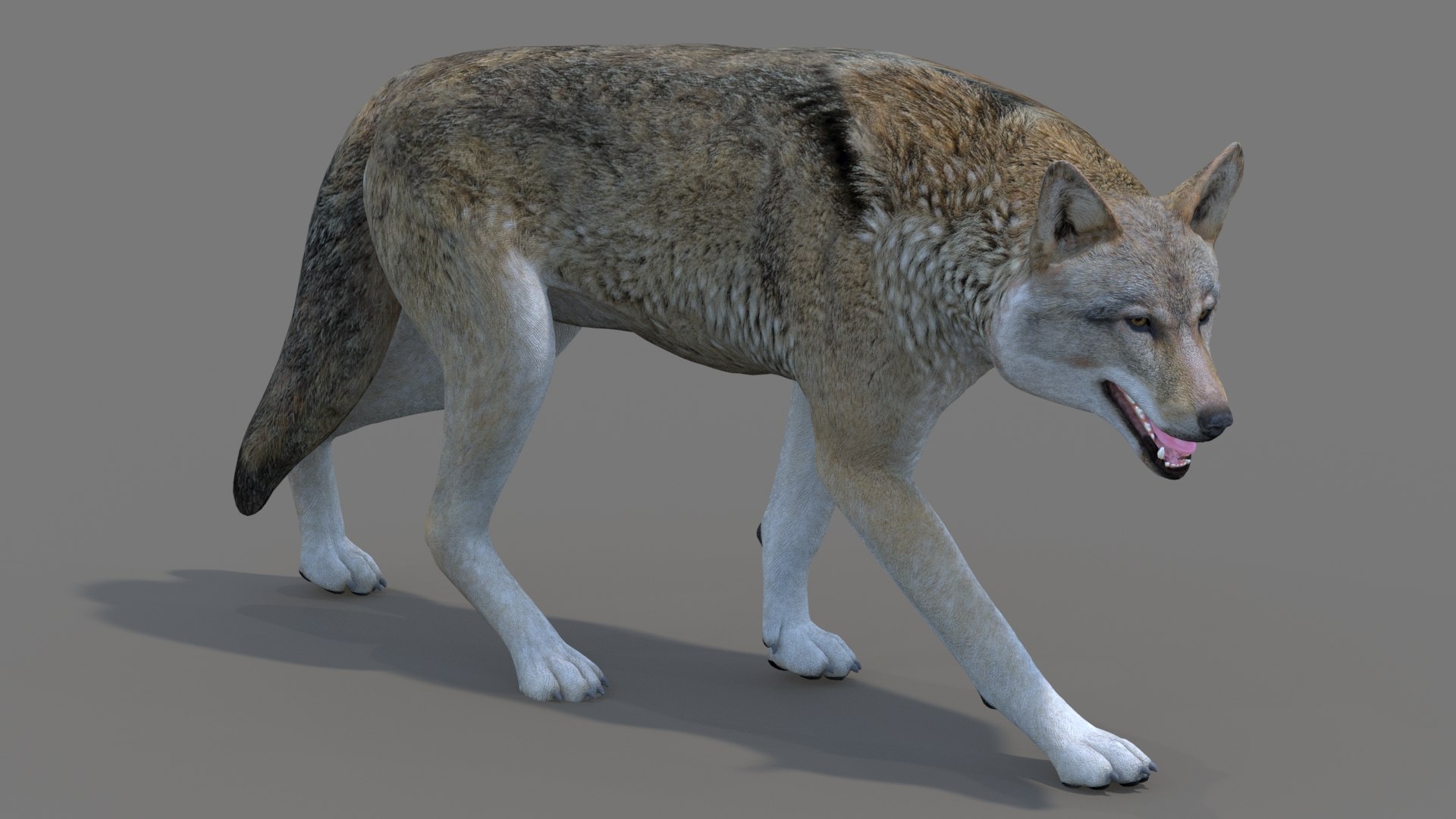
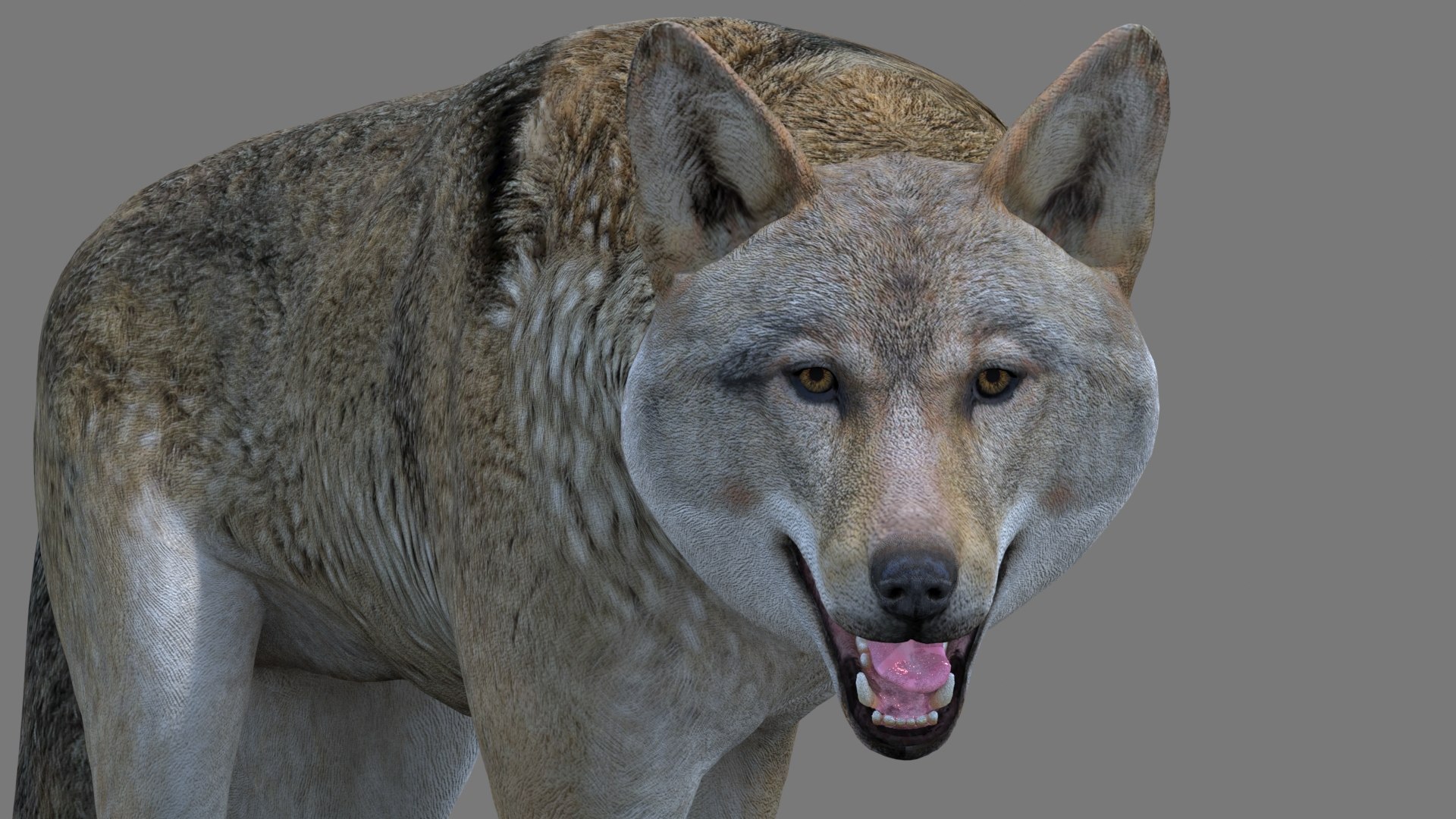
Rigged Red Wolf (Canis rufus) — Low-Poly, Game-Ready 3D Model

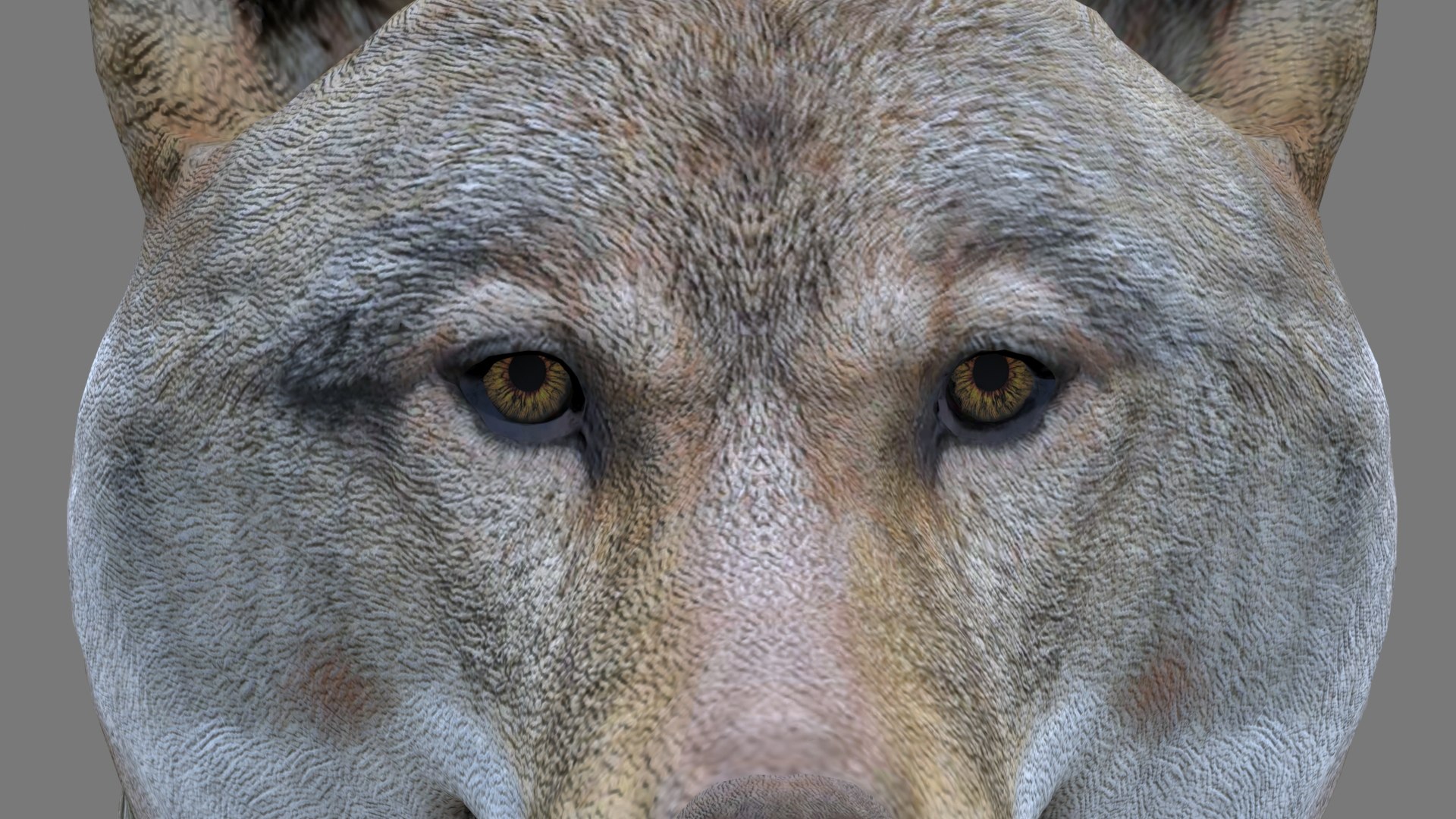
A realistic red wolf built for games, VR/AR, film, and VFX. Low-poly and fully textured, with a clean 3ds Max CAT rig and ready-to-use poses. Detailed enough for close-ups, light enough for real-time. Rendered in Arnold.

Rigging and Poses

  • 3ds Max CAT rig with full FK and IK control
  • Pose presets: T-Pose, Walk, Run, Howl
  • Expression layers: mouth open/closed, eyes closed, teeth showing, howl, roar, tongue, tail straight

Geometry

  • 7,762 polygons / 7,889 vertices, quad-only, subdivision-ready
  • Body, teeth, and eyes as separate objects; real-world scale, Metric (meters)

Textures

  • Color 4K, Mouth Color 4K, Bump 2K, Normal 2K (JPG and PNG)
  • All materials applied and mapped in every format; colors editable

Formats

  • Native: 3ds Max 2019 (Arnold 5.2.1.0 and Scanline)
  • FBX and DAE — T-Pose, Walk, Run, Howl poses
  • OBJ — T-Pose (static)

No plug-ins required to open the native scene.

Select Enhanced License

  • $10,000 in Legal Protection (Indemnification)
  • Uncapped Legal Protection (Indemnification)
  • Waiver from injunctive relief
  • Assignable model rights
  • $1,000,000 in Legal Protection (Indemnification)
  • Waiver from injunctive relief
  • Assignable model rights
  • $250,000 in Legal Protection (Indemnification)
  • Assignable model rights
Read more about enhanced license tiers, or contact us at enterprise@turbosquid.com. Already a Shutterstock Enterprise Customer? Contact your Shutterstock Sales Support Agent to talk about adding 3D.

About Conversion Requests

To submit a conversion request for a purchased asset, please complete our Conversion Request Form.

If you have not yet purchased a model, please review our Documentation about Conversions to learn about what limitations you may encounter with a conversion.

For any additional questions about a model’s suitability for conversion, please contact TurboSquid Support.

Loading...