







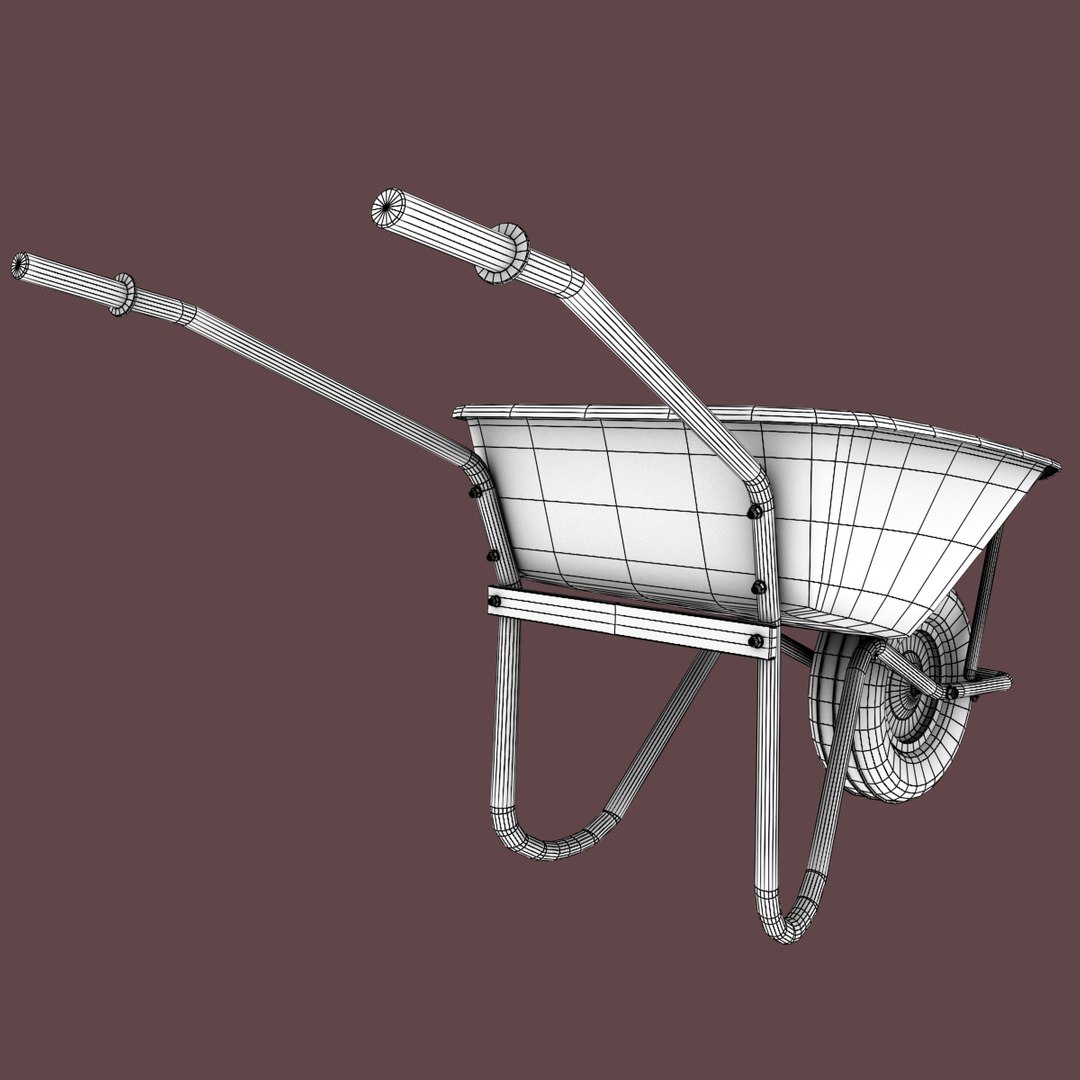
Wheelbarrow

$39

Standard License | Upgrade License
Formats (4)
Free file format Conversions available
Native | 3ds Max 9.0 | Default Scanline
OBJ
3D Studio
FBX
Specifications
Publish Date May 17, 2013
Product ID 742471
Polygons 9,250
Vertices 8,582
Polygonal Quads/Tris Geometry
Textures
Materials
UV Mapped
Mixed Unwrapped UVs
TurboSquid Exclusive

member avatar
mzubak
358 Products | Contributor Since 2003
Have questions? Chat with us now.

Description

General
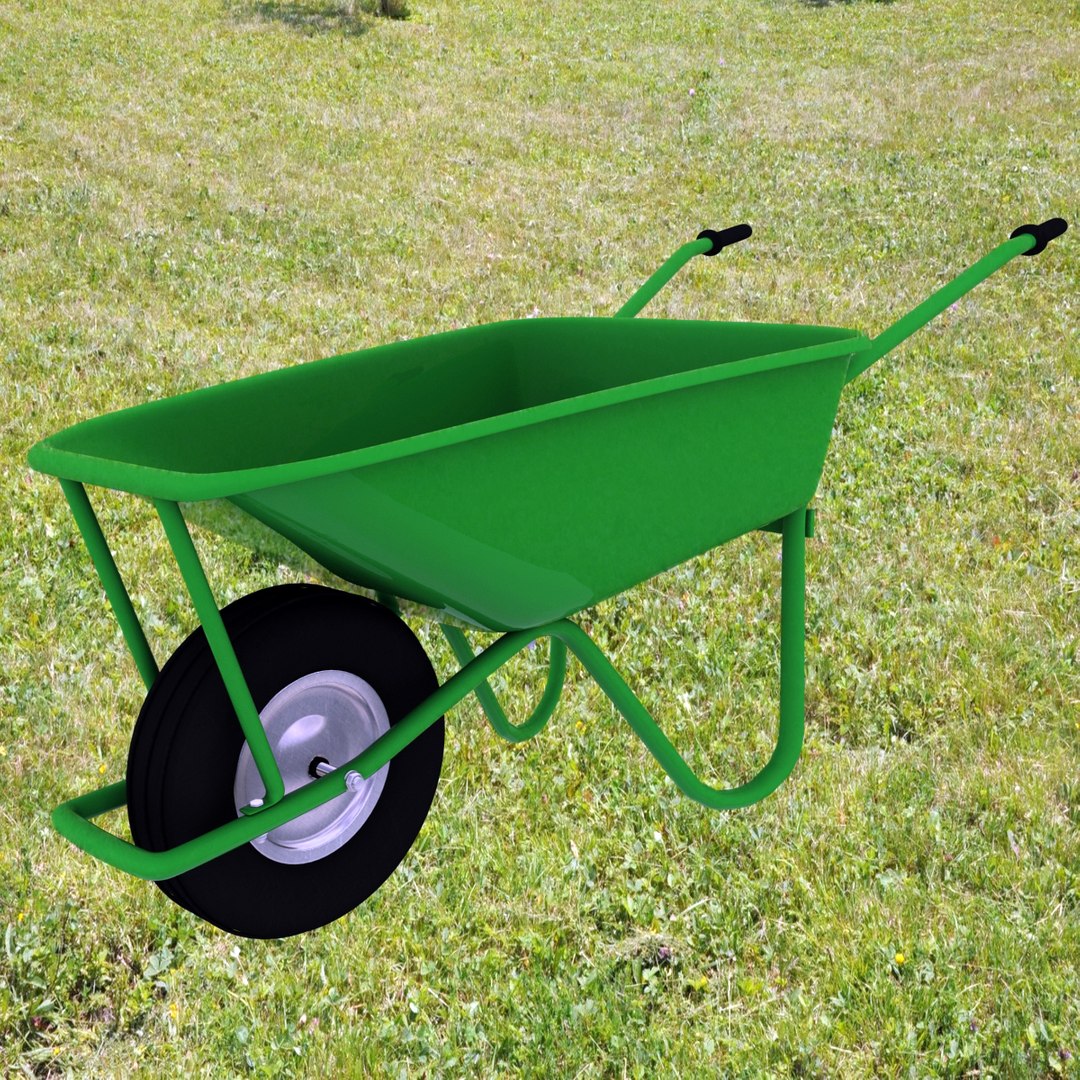
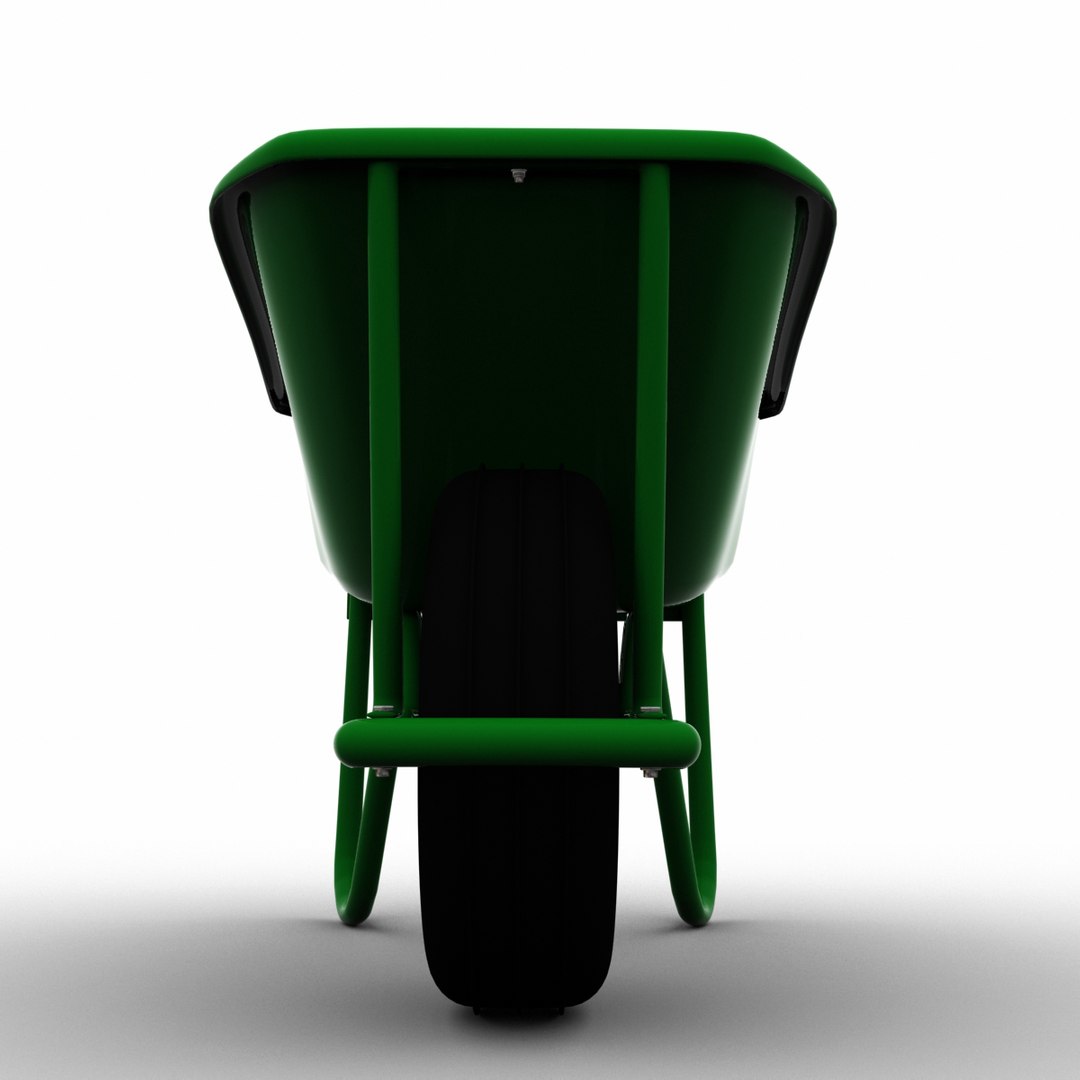
High quality model of Green Wheelbarrow (possible color changes). Model is made from segments, built with great attention to small details, high exact and realistic proportions with correct geometry. All Objects are properly named, with named Materials and Textures. Native 3d model format is: 3ds Max 9.0.

Geometry
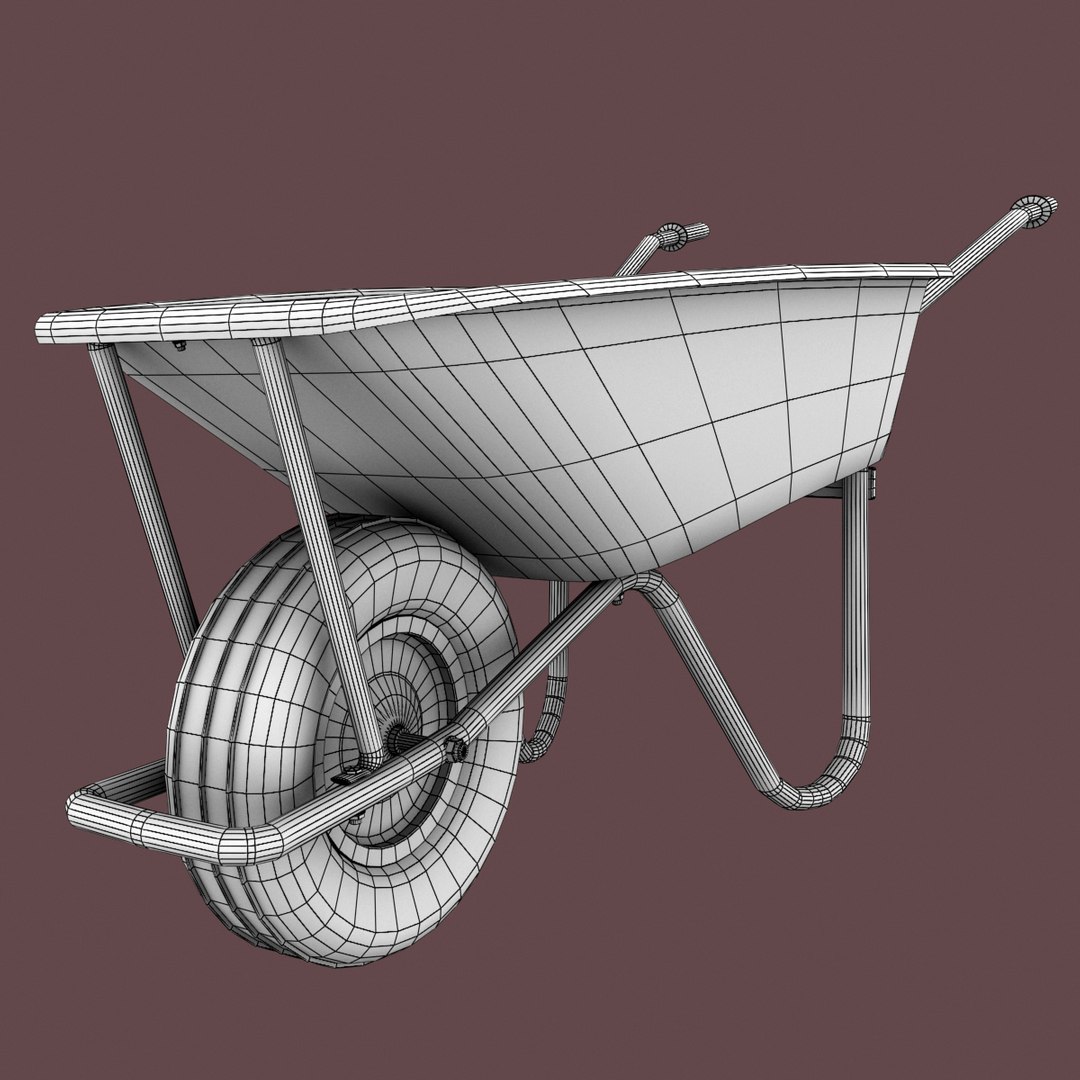
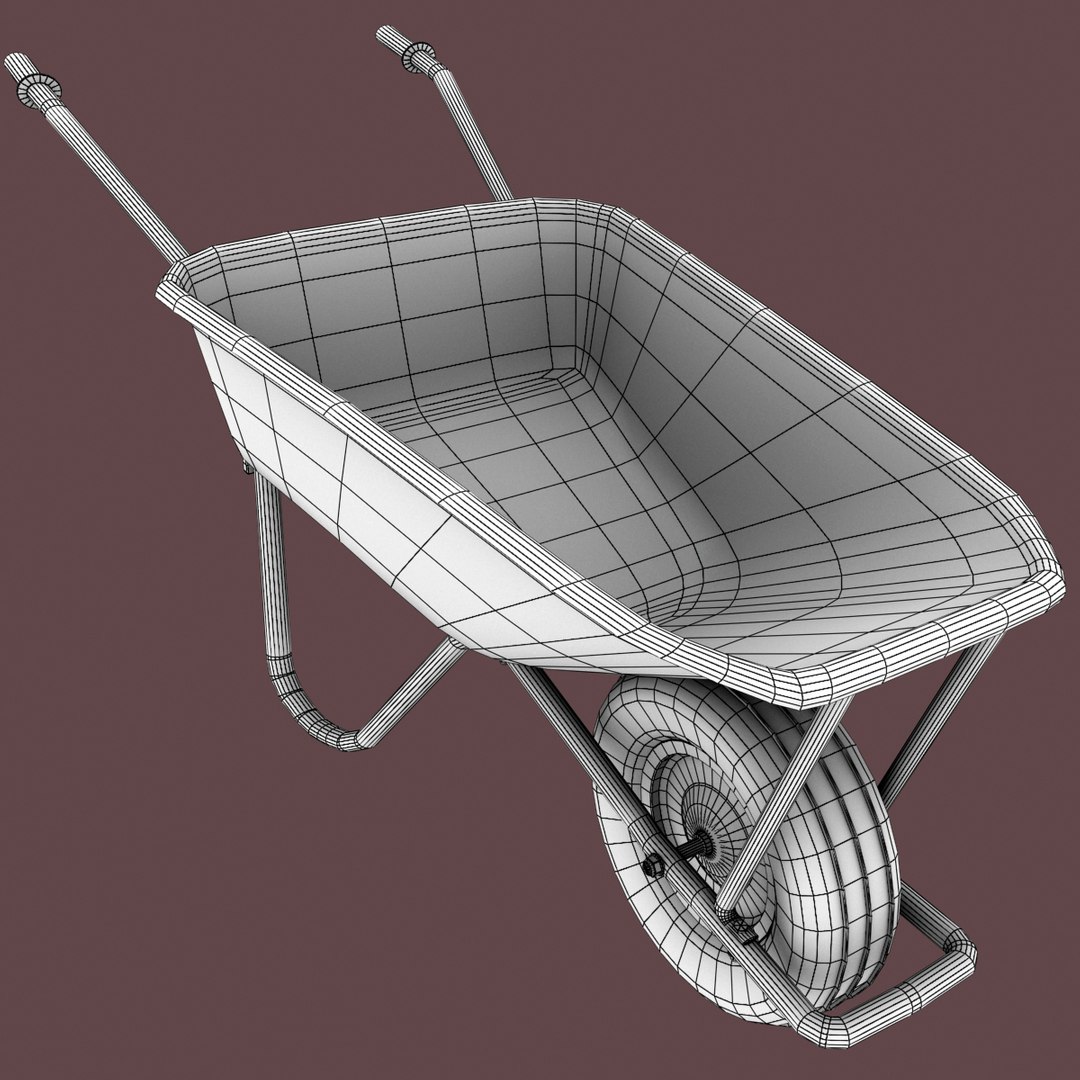
High level of detail with the best compromise of the number of polygons.
All details have been fully modeled out making the model ideal for close-ups and print work.
Geometry: Subdivision
Model Specifications: Polys: 9250; Verts: 8582
Polygons With 3 Sides 1536 (16,6%)
Polygons With 4 Sides 7714 (83,4%)

Material and Textures
All objects have UVW Mapping projections.
Model used 4*.jpg Textures, resolution depends on the importance within the model.
Named Textures, with resolution:
Metal_Green.jpg 1200x1200
Plastic_Black.jpg 1200x800
Plain_Metal.jpg 1200x800
Silver_Reflection.jpg 756x512

Rendering
Render is done with non-illuminated 3ds Max 9.0 version with standard materials.
Renderer by default, no 3rd Party Plug-ins required to load files or render scene.
Models look like the thumbnails.

Select Enhanced License

  • $10,000 in Legal Protection (Indemnification)
  • Uncapped Legal Protection (Indemnification)
  • Waiver from injunctive relief
  • Assignable model rights
  • $1,000,000 in Legal Protection (Indemnification)
  • Waiver from injunctive relief
  • Assignable model rights
  • $250,000 in Legal Protection (Indemnification)
  • Assignable model rights
Read more about enhanced license tiers, or contact us at enterprise@turbosquid.com. Already a Shutterstock Enterprise Customer? Contact your Shutterstock Sales Support Agent to talk about adding 3D.

About Conversion Requests

To submit a conversion request for a purchased asset, please complete our Conversion Request Form.

If you have not yet purchased a model, please review our Documentation about Conversions to learn about what limitations you may encounter with a conversion.

For any additional questions about a model’s suitability for conversion, please contact TurboSquid Support.

Loading...