


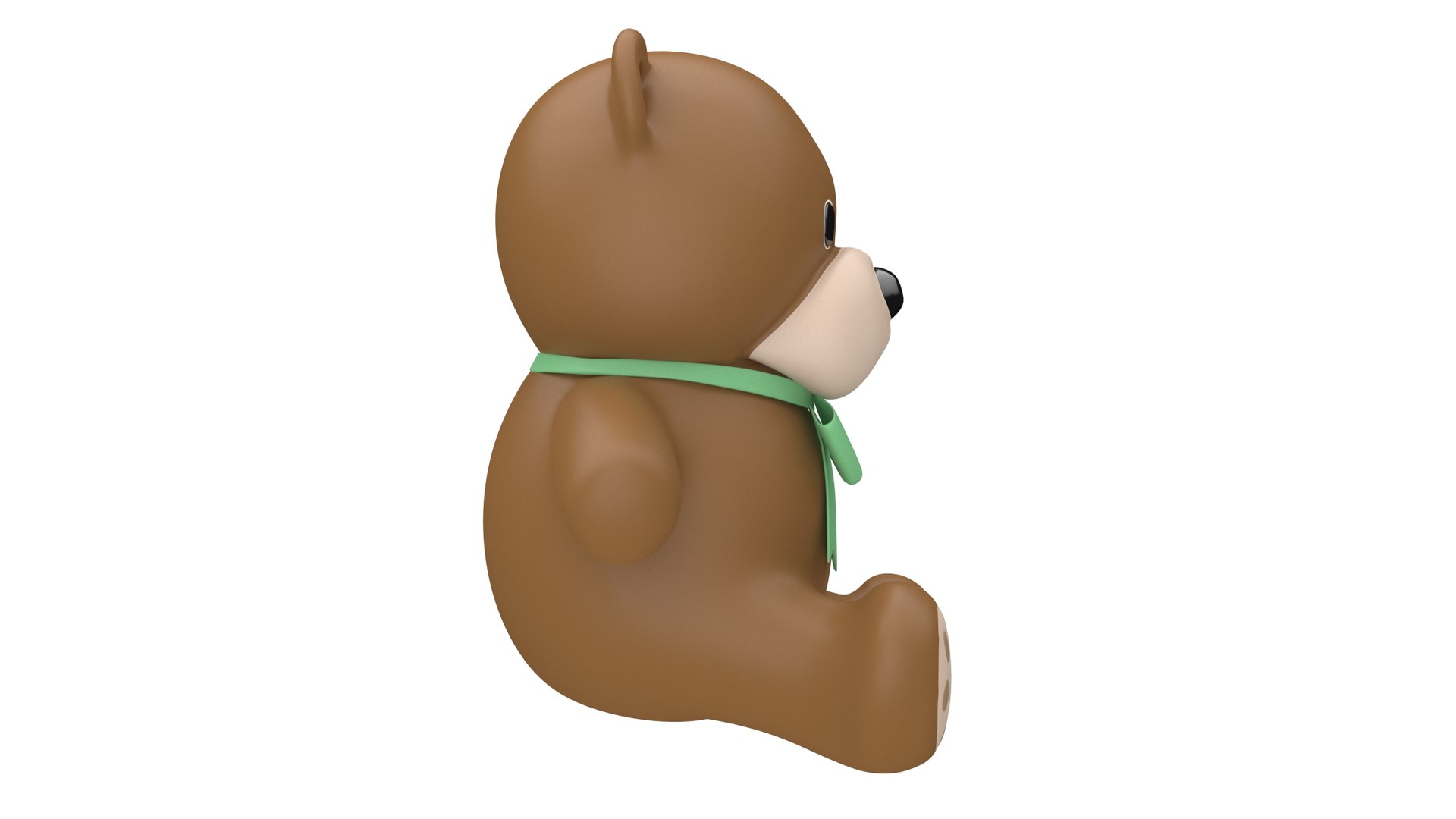
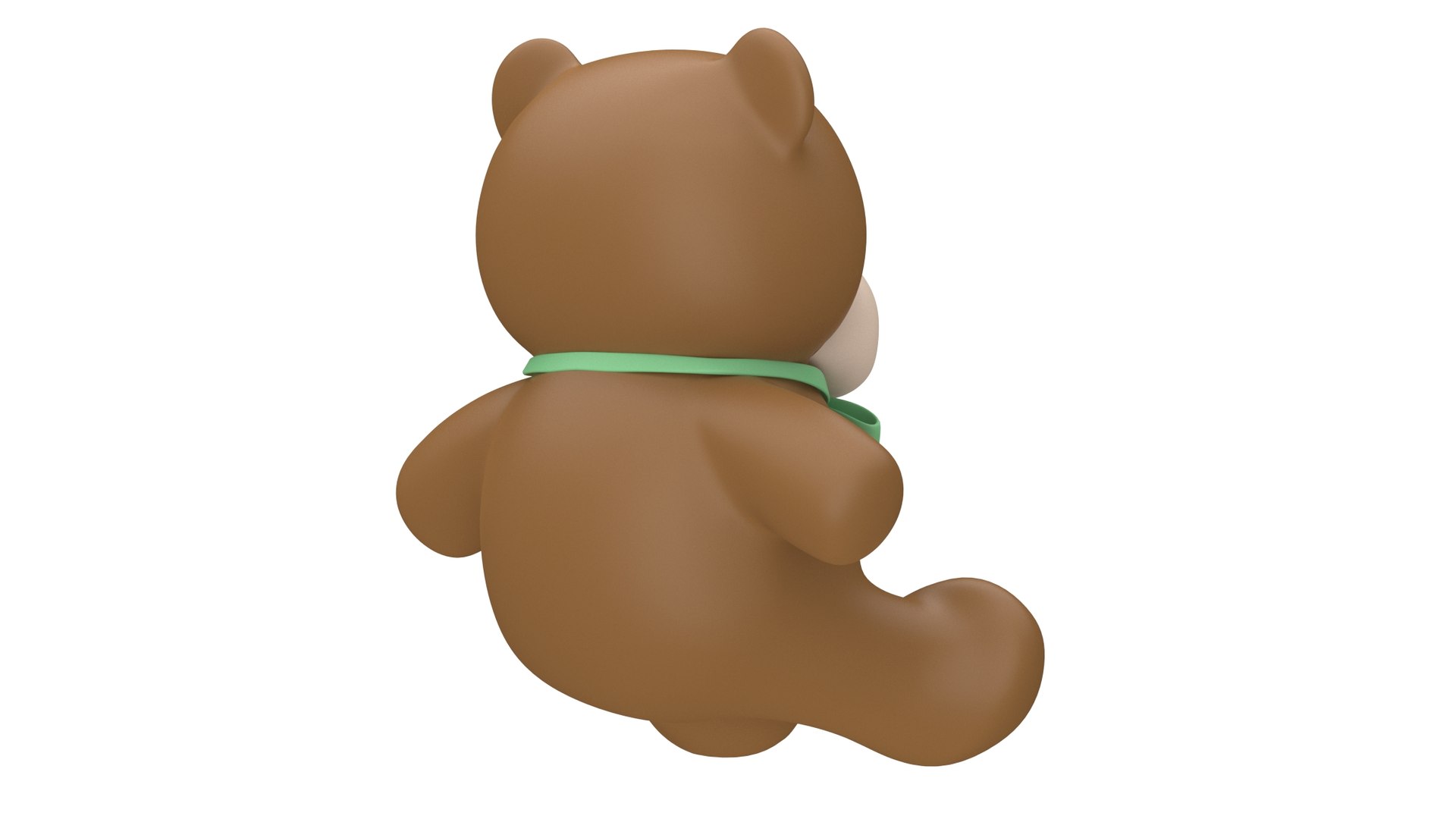
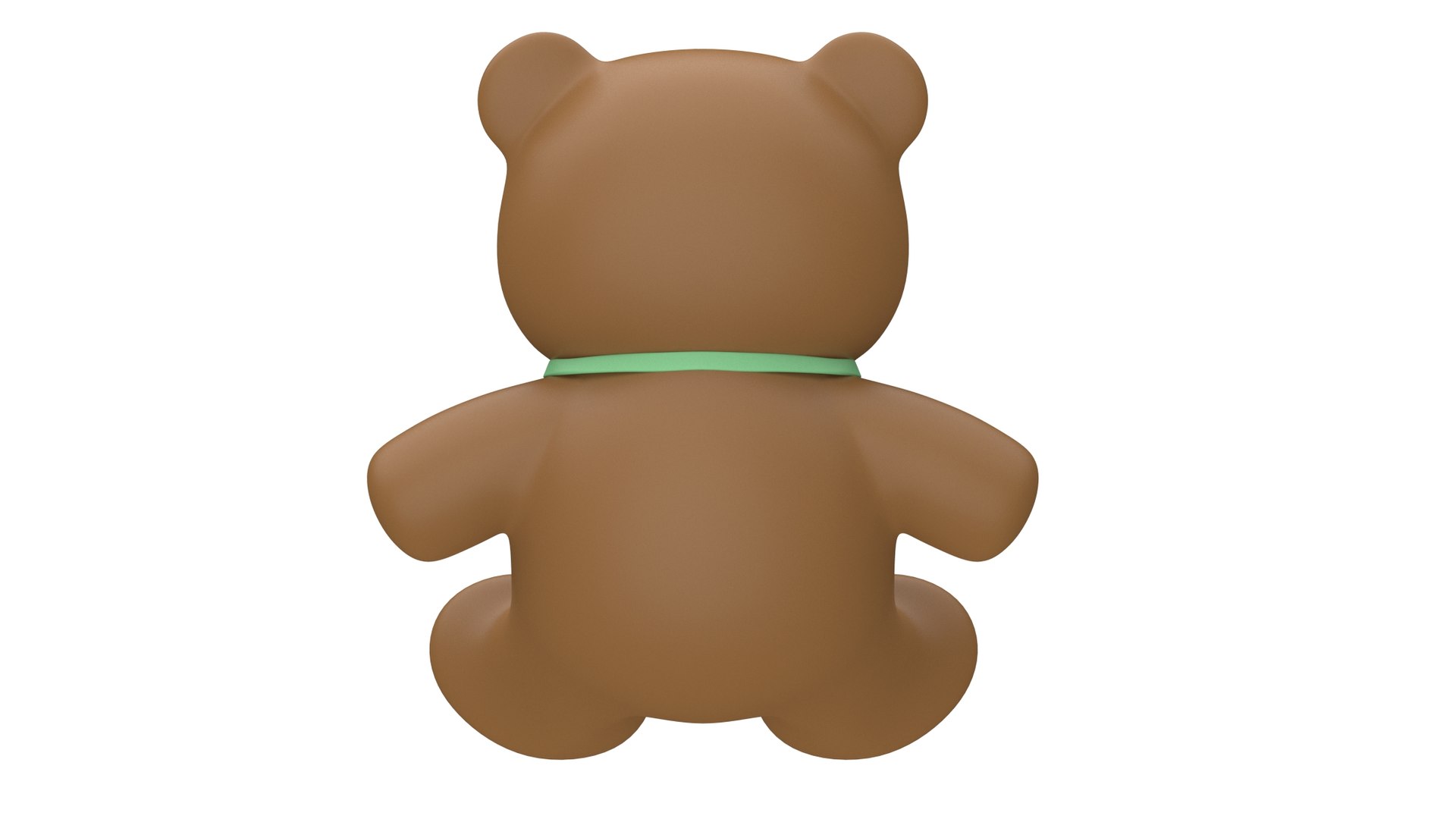
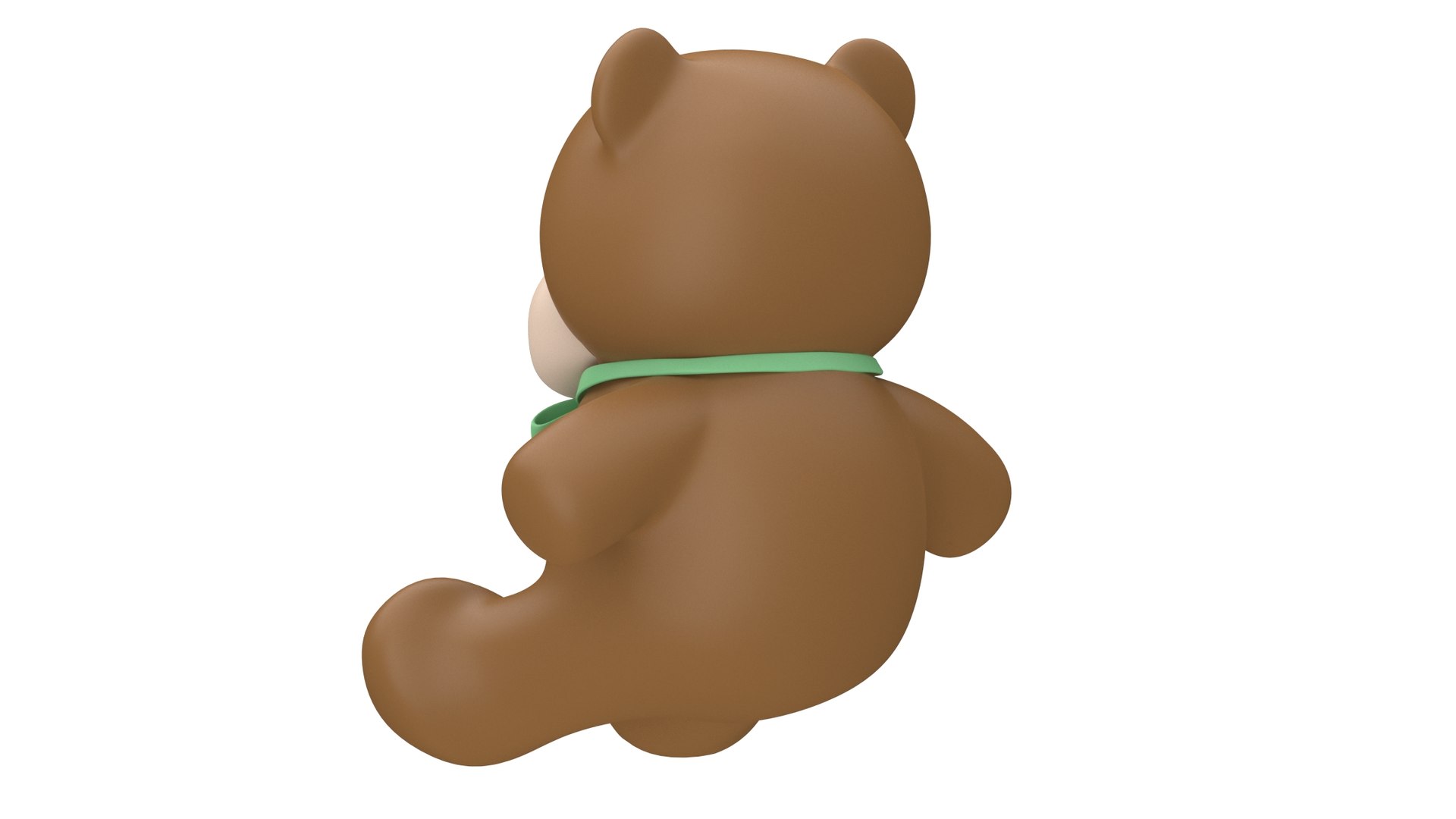


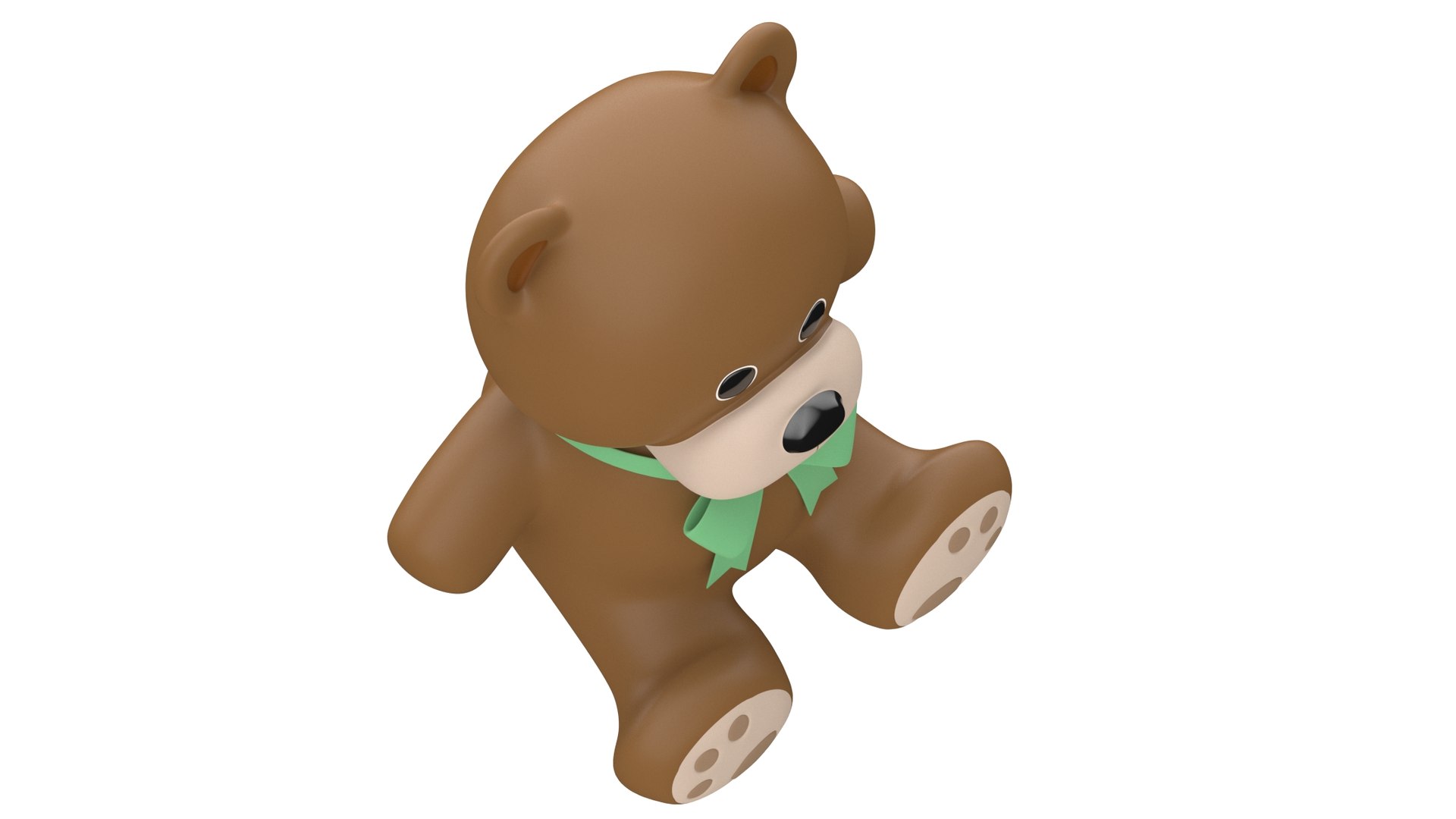
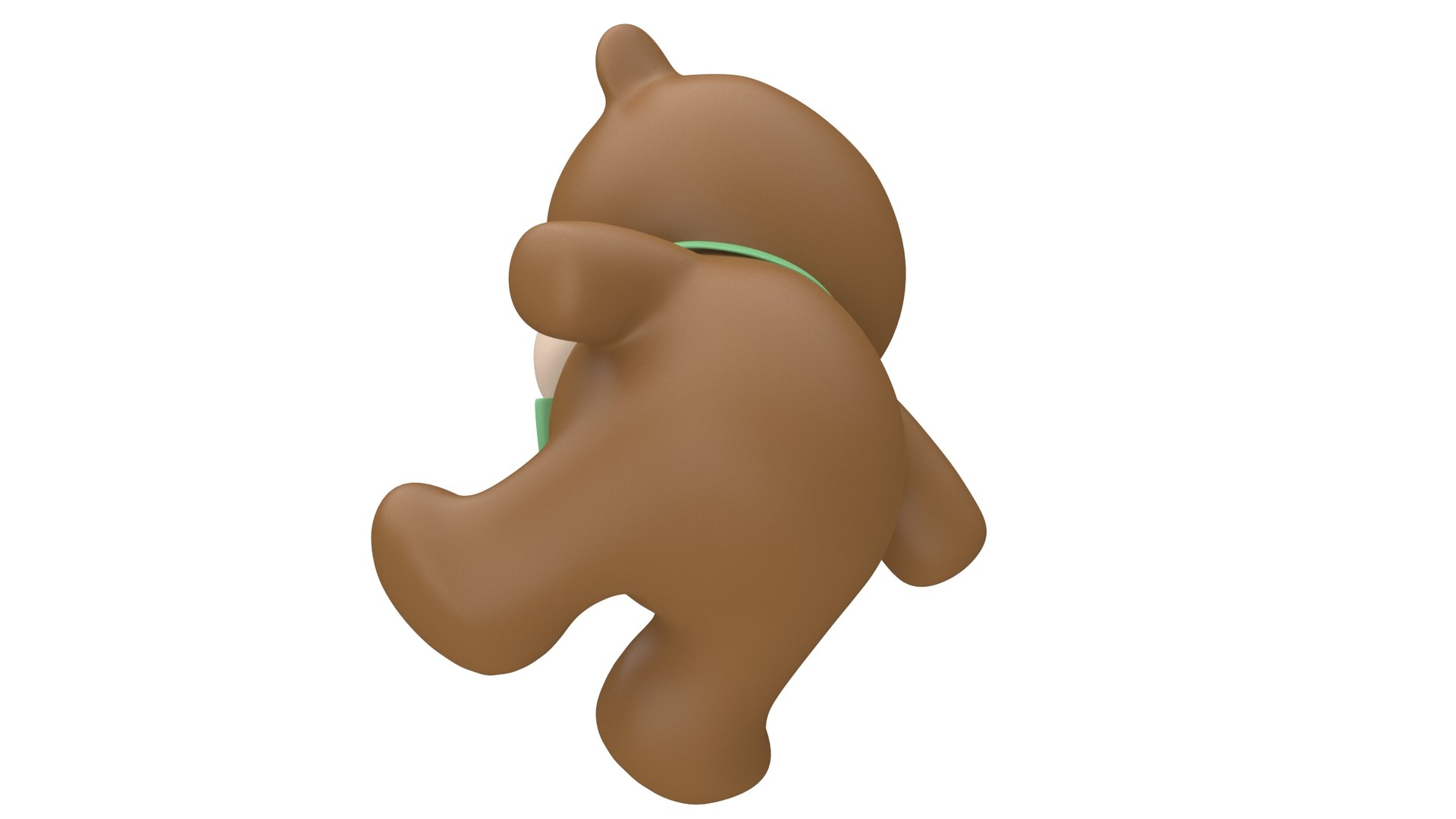
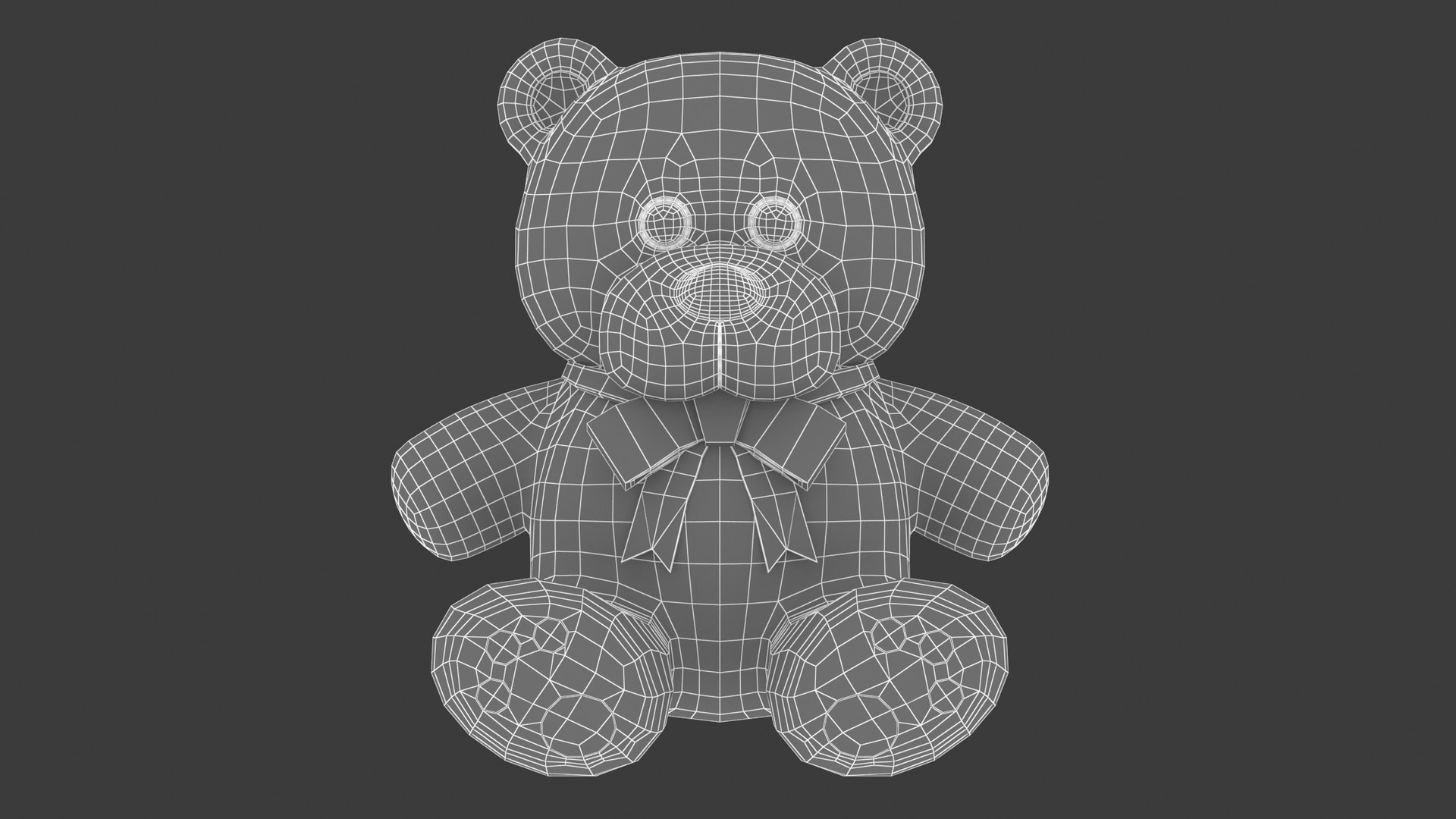
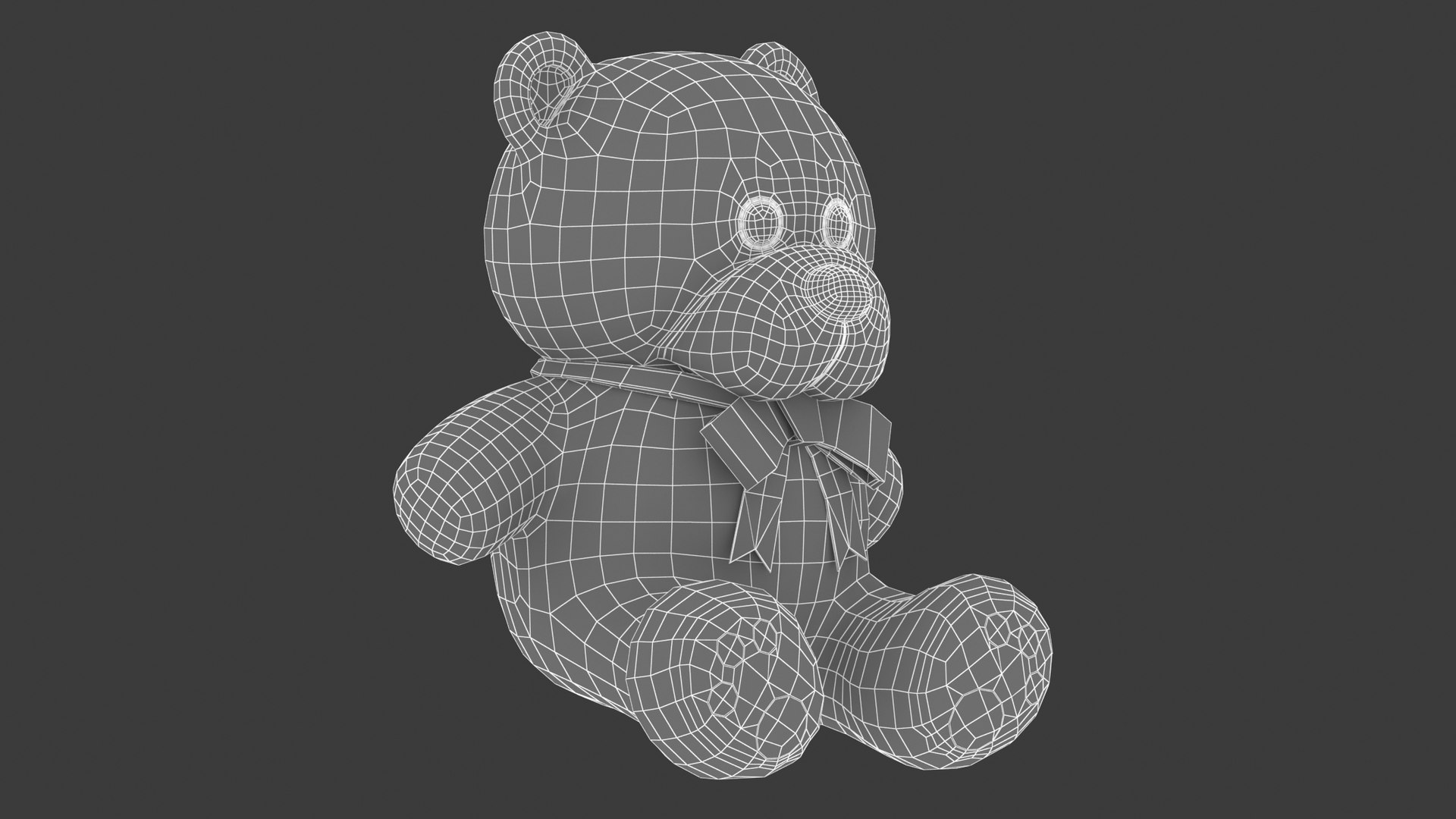
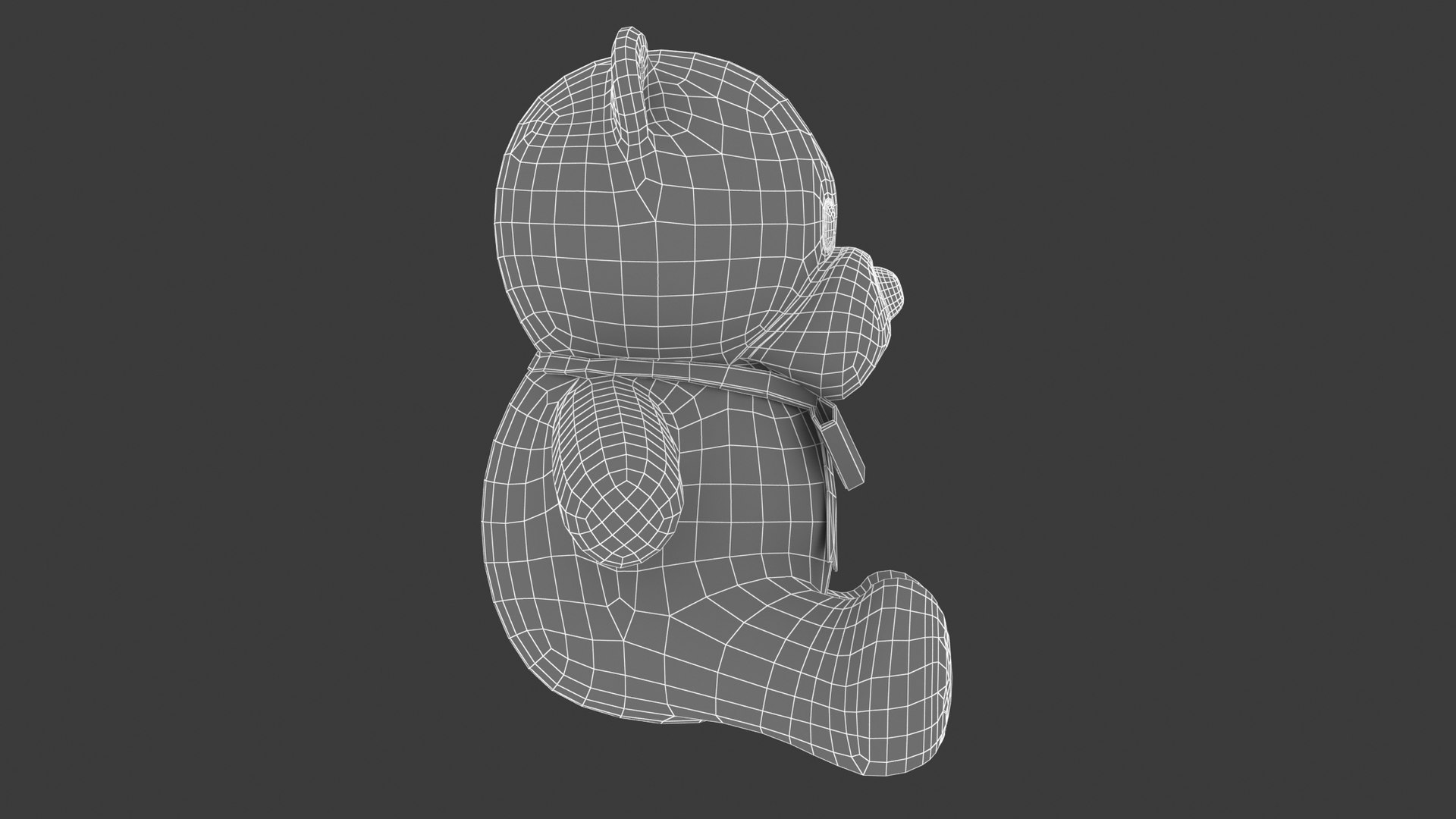
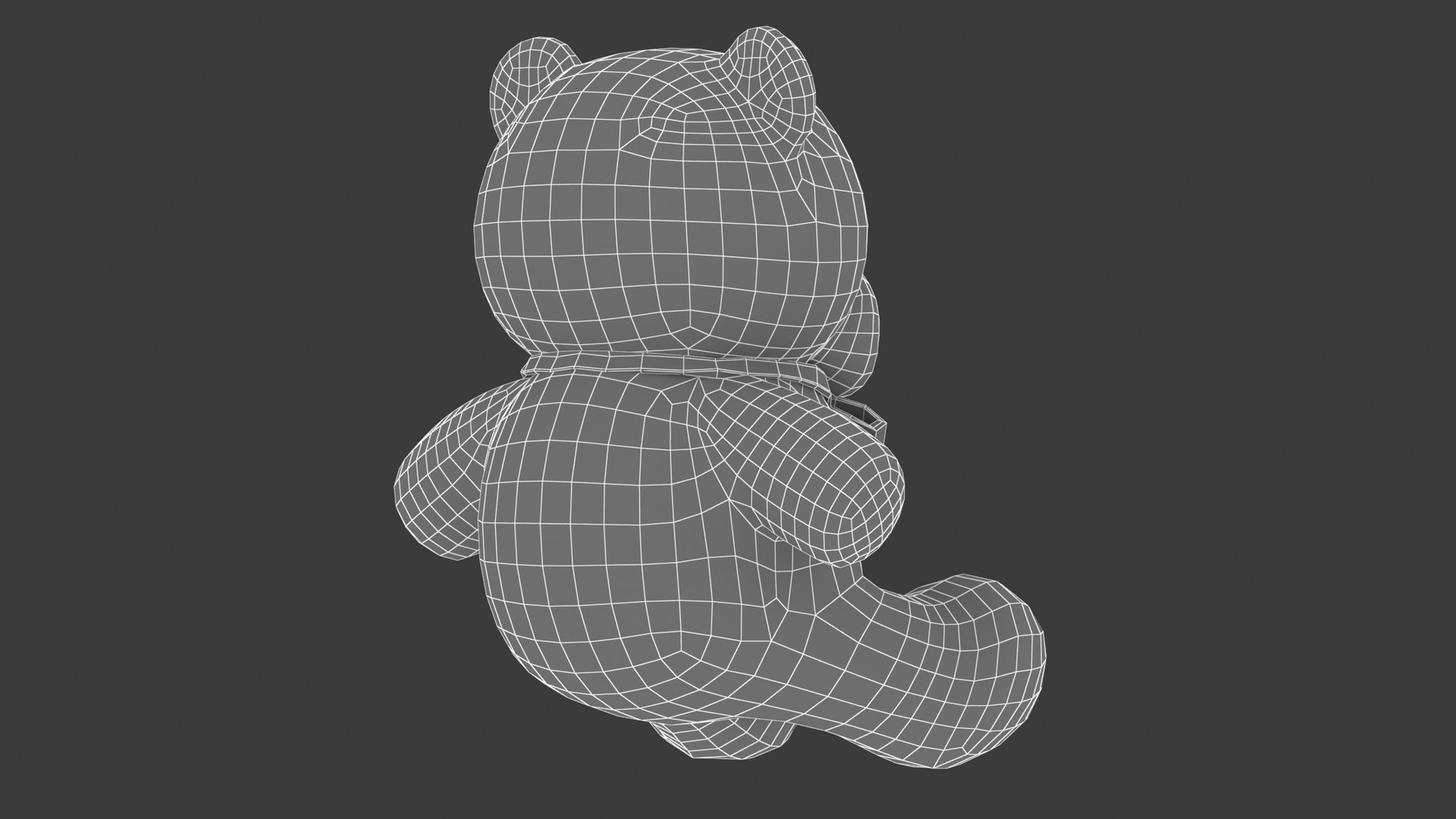
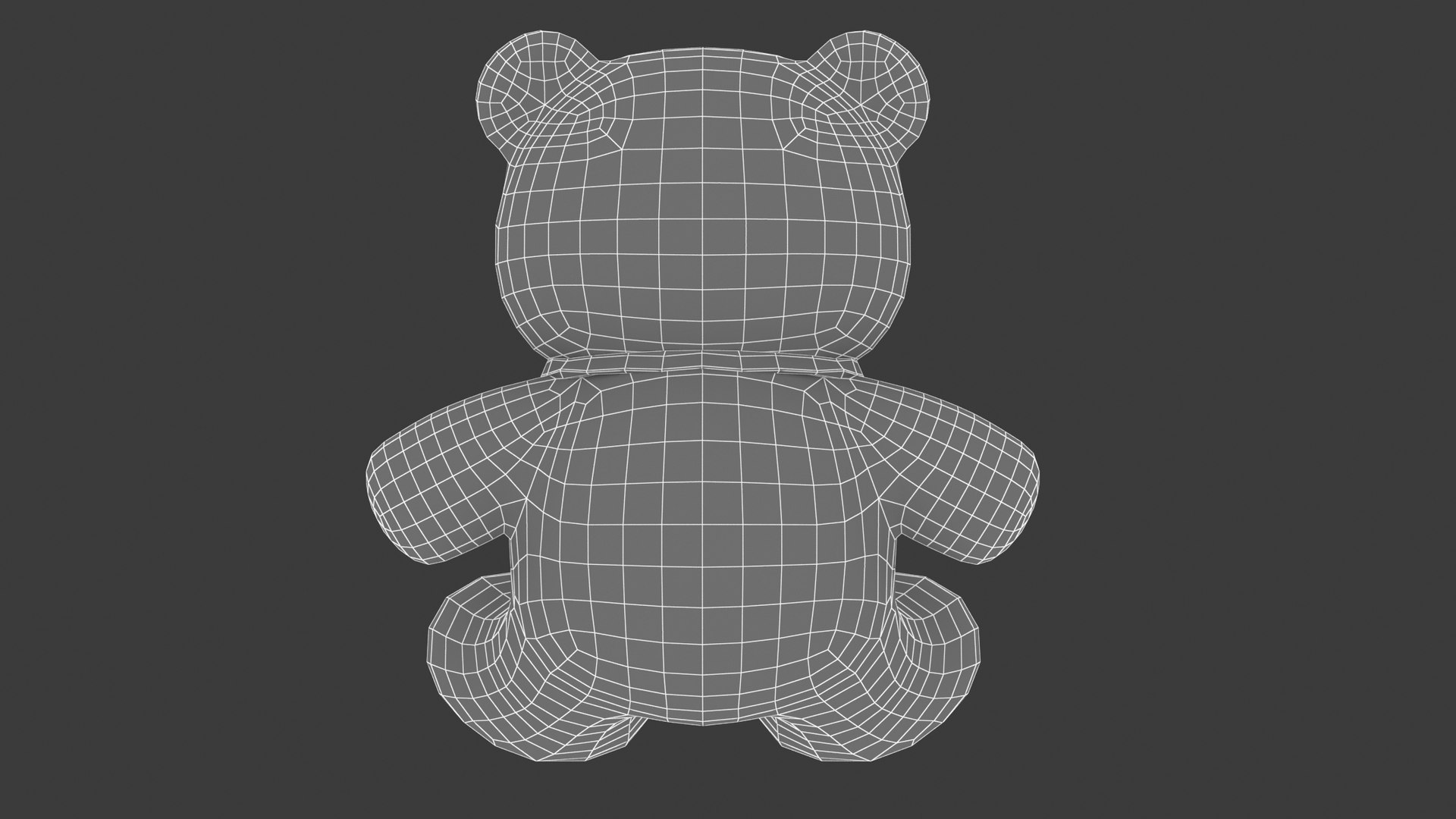
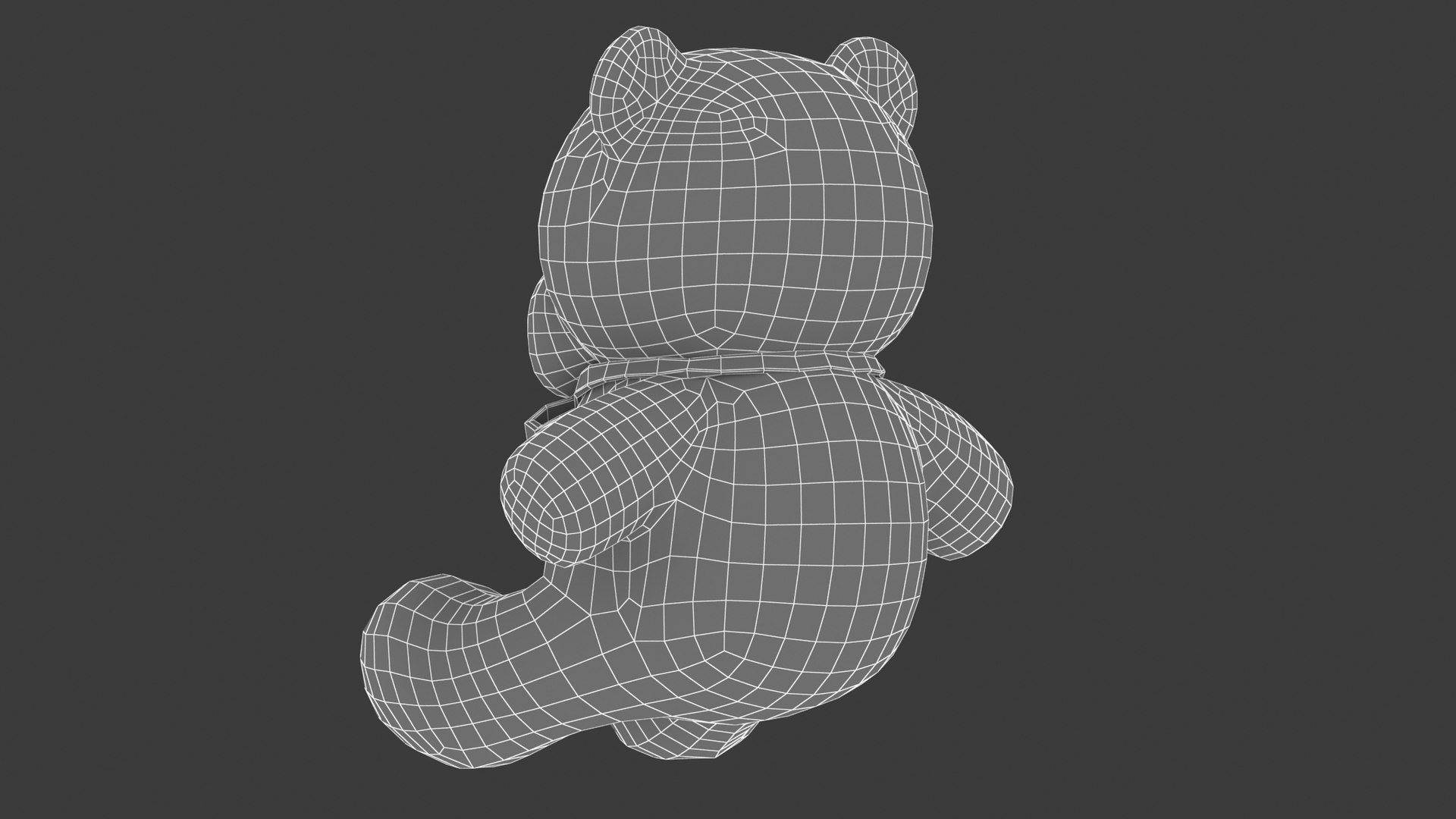
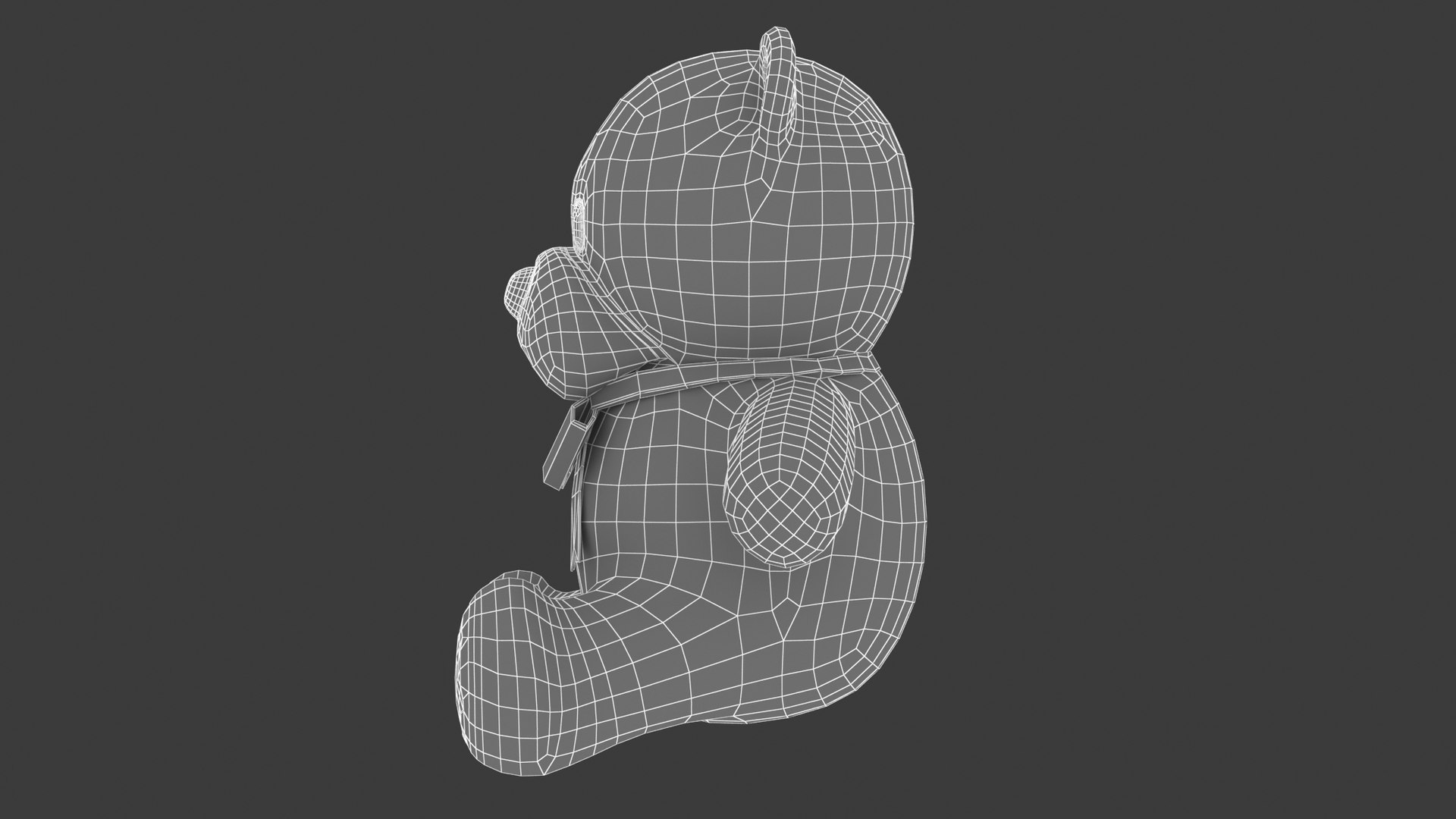
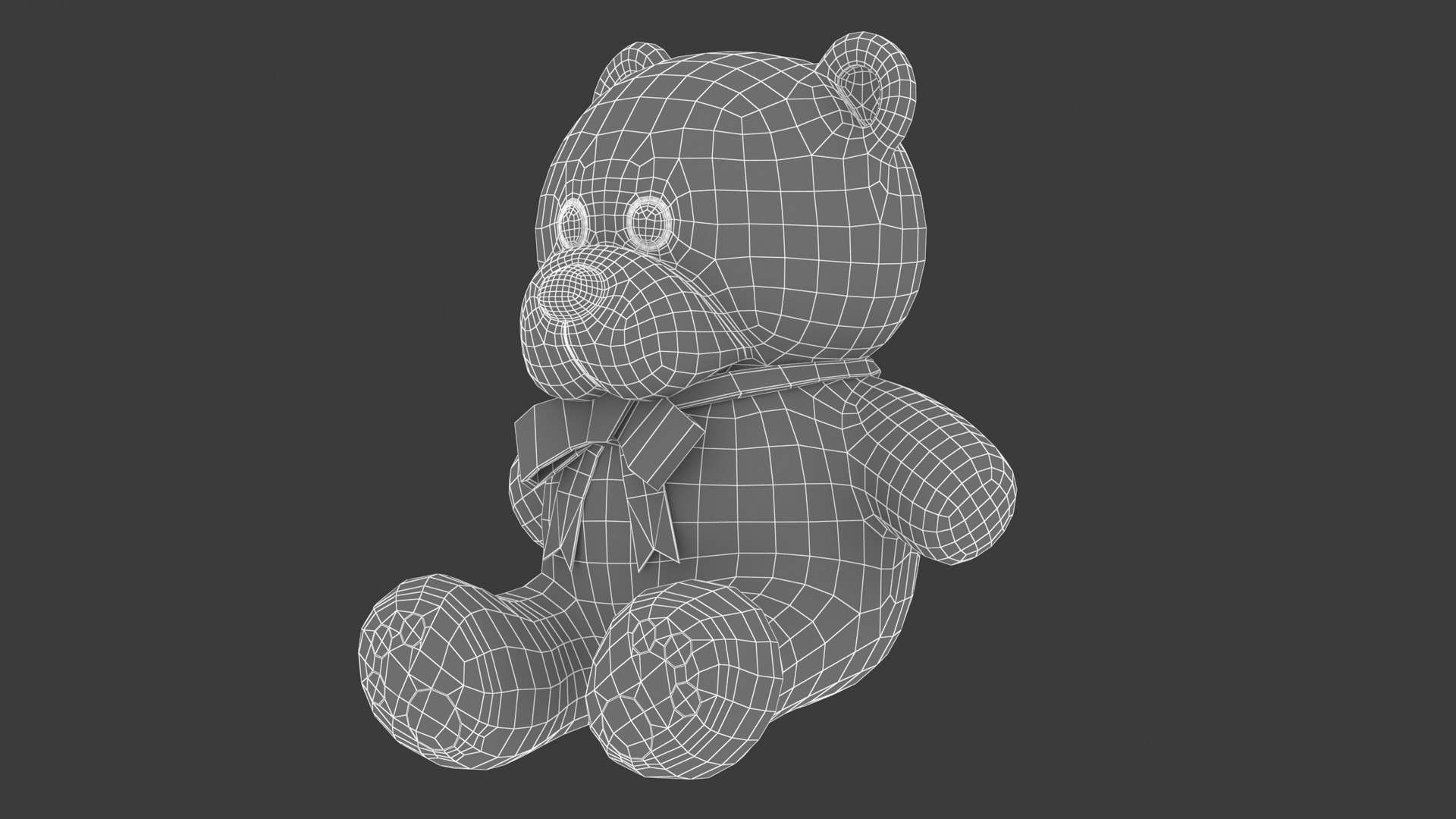
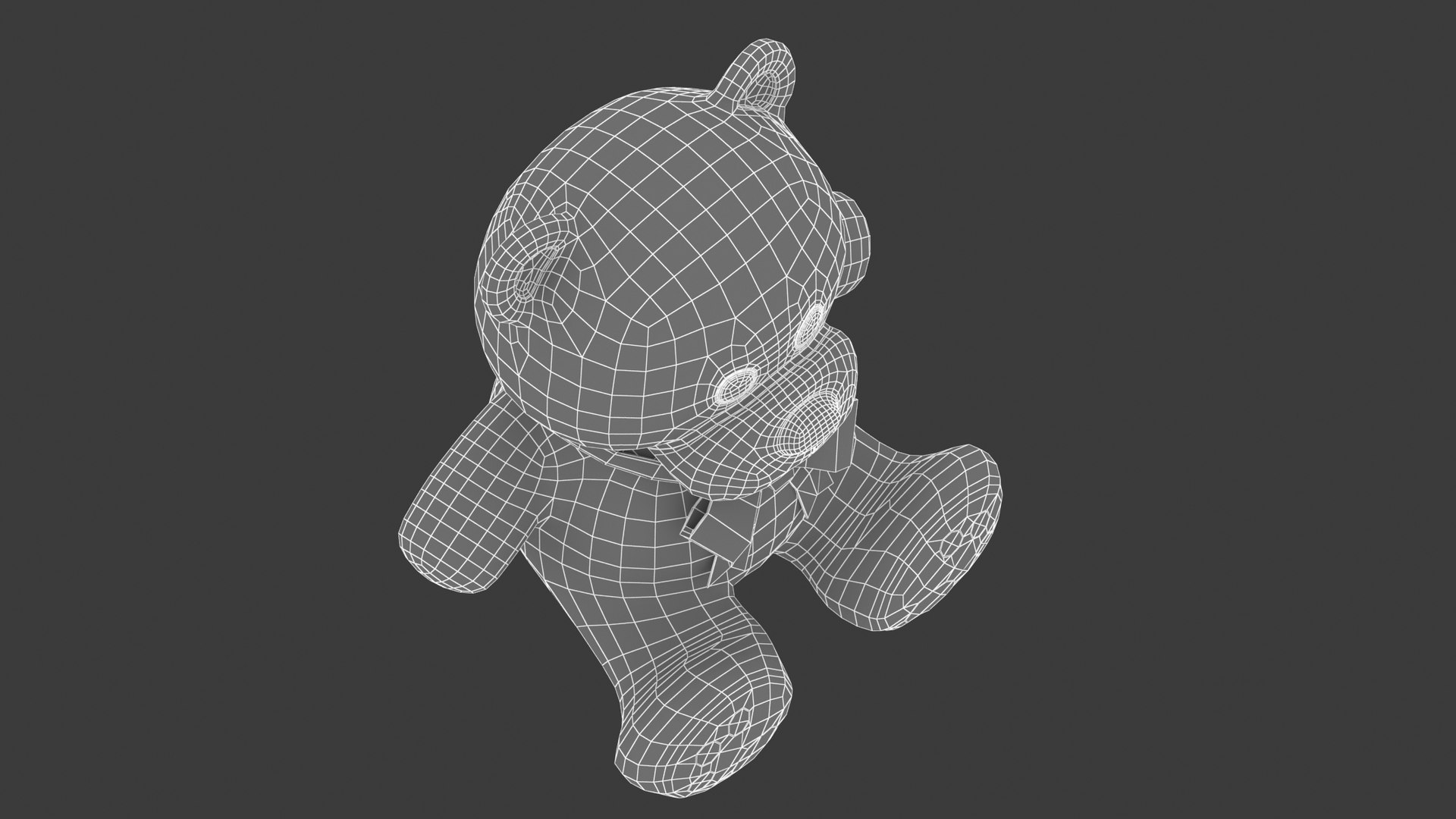
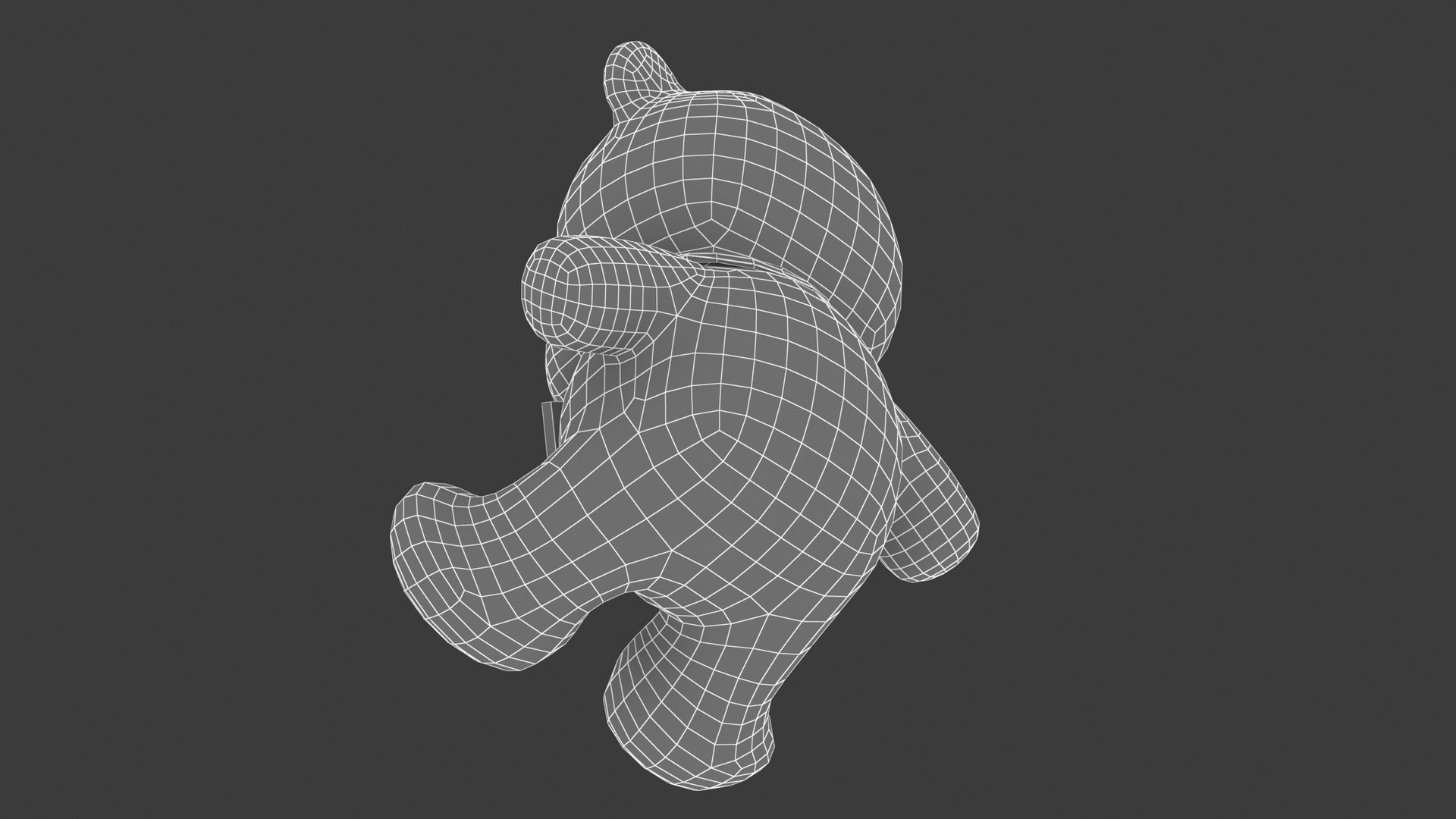
Whatsapp Teddy Bear Emoji

$10

Standard License | Upgrade License
Editorial Uses Only
Formats (9)
Native | Cinema 4D R20 | Default Scanline R20
Maya 2018 | Maya Hardware 2018
3ds Max 2018 | Default Scanline 2018
3ds Max 2018 | V-Ray 3.6
Blender
FBX 2018
OBJ 2018
3D Studio 2018
Specifications
Publish Date October 28, 2023
Product ID 2144850
Polygons 3,902
Vertices 3,900
Subdivision
Materials

member avatar
Frezzy
4114 Products | Contributor Since 2013
Have questions? Chat with us now.

Description

This 3D model was built to the strict quality standards of the team founded by Frezzy.
Since 2013, we have provided thousands of 3D models for professional projects for our clients around the world.
We create 3D models so that our customers save the most money and time.

******
FEATURE HIGHLIGHTS:
+ High quality polygonal model. Mesh and details are built by our professional artists.
+ Models resolutions are optimized for polygon efficiency.
+ Model has fully applied materials.
+ All materials are included.
+ Objects are logically named for ease of scene management.
+ No part-name confusion when importing several models into a scene
+ No cleaning up is necessary. Just drop your models into the scene and start rendering.
+ No special plugin is needed to open the scene.
+ Model does not include any backgrounds or scenes used in the preview images.

******
FILE FORMATS:
+ 3ds Max 2018 and Vray 3.6 (native format)
+ 3ds Max 2018 Standard Materials
+ Maya 2018 Hardware Materials
+ Cinema 4D R20 Standard Materials
+ Blender 2.91 Eevee materials
+ FBX and OBJ (You can use this format to import them into a lot of different 3D software.)

******
HELP AND TIPS:
Problems when unzipping files: If you have problems with extracting files, please use the latest version of WinRAR (WinRAR is free).
+ Smoother faces and edges: You'll need to add the subdivision command to get a smoother curved version. (For example, Turbosmooth in 3ds Max.)
+ OBJ and FBX are not smooth. Contact me to get the smoother version for free. Or you can import them into 3D software, add a subdivision command, and re-export them as high-poly.
+ Lower-version 3D software: Don't worry about lower-version 3D software. Use FBX or OBJ to import them.
+ For Cinema 4D users: Add HyperNURBS for each object to get subdivision (smooth). And make sure the setting of HyperNURBS is Catmull-Clark and Subdivide UVs is Edge to correct textures and UVs.
+ Don't forget to contact me if you encounter any other issues that aren't listed above.

Select Enhanced License

  • $10,000 in Legal Protection (Indemnification)
  • Uncapped Legal Protection (Indemnification)
  • Waiver from injunctive relief
  • Assignable model rights
  • $1,000,000 in Legal Protection (Indemnification)
  • Waiver from injunctive relief
  • Assignable model rights
  • $250,000 in Legal Protection (Indemnification)
  • Assignable model rights
Read more about enhanced license tiers, or contact us at enterprise@turbosquid.com. Already a Shutterstock Enterprise Customer? Contact your Shutterstock Sales Support Agent to talk about adding 3D.

About Conversion Requests

To submit a conversion request for a purchased asset, please complete our Conversion Request Form.

If you have not yet purchased a model, please review our Documentation about Conversions to learn about what limitations you may encounter with a conversion.

For any additional questions about a model’s suitability for conversion, please contact TurboSquid Support.

Loading...