







Wheat

$27.75

Standard License | Upgrade License
Formats (6)
Free file format Conversions available
Softimage
OBJ
Maya
3ds Max
Cinema 4D
3D Studio
Also available in
Previews

Download a preview

Sign in or create a TurboSquid account to download preview files.

Selected file:

Specifications
Publish Date May 31, 2002
Product ID 169448
Polygons 30,870
Vertices 30,790
Polygonal
Materials
Unknown Unwrapped UVs
TurboSquid Exclusive

member avatar
MatorIn
397 Products | Contributor Since 2002
Have questions? Chat with us now.

Description

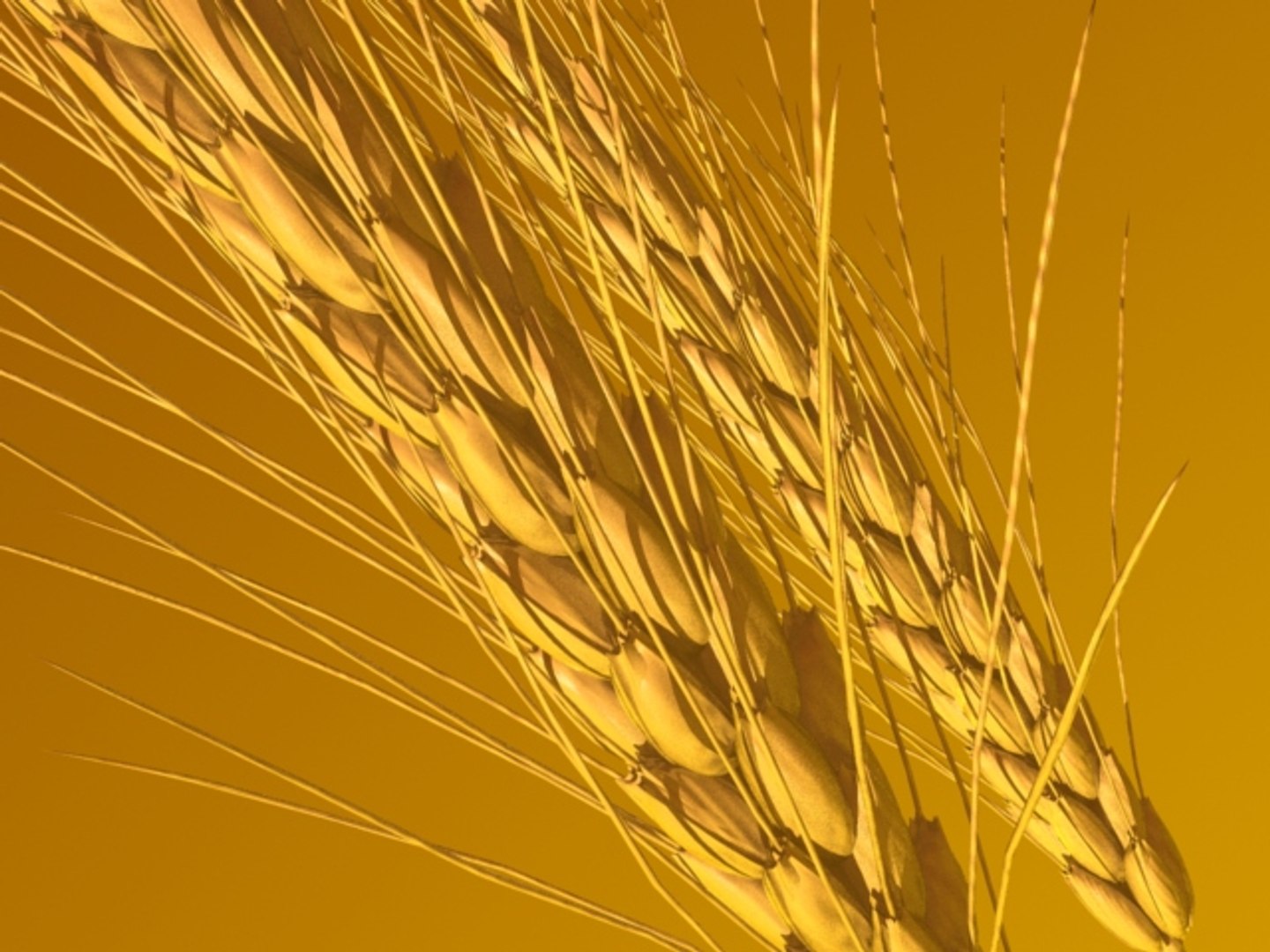
Wheat Ears.

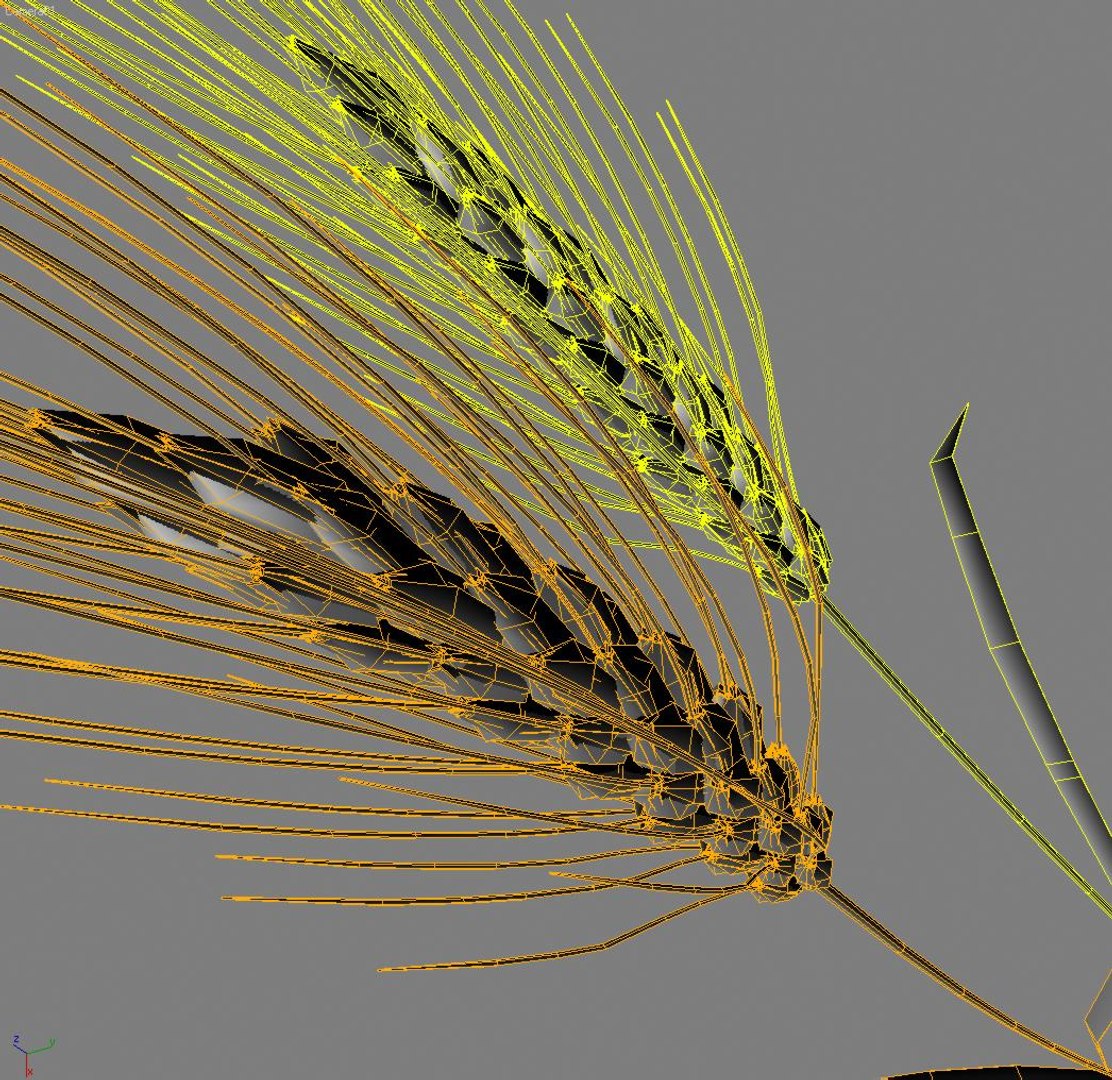
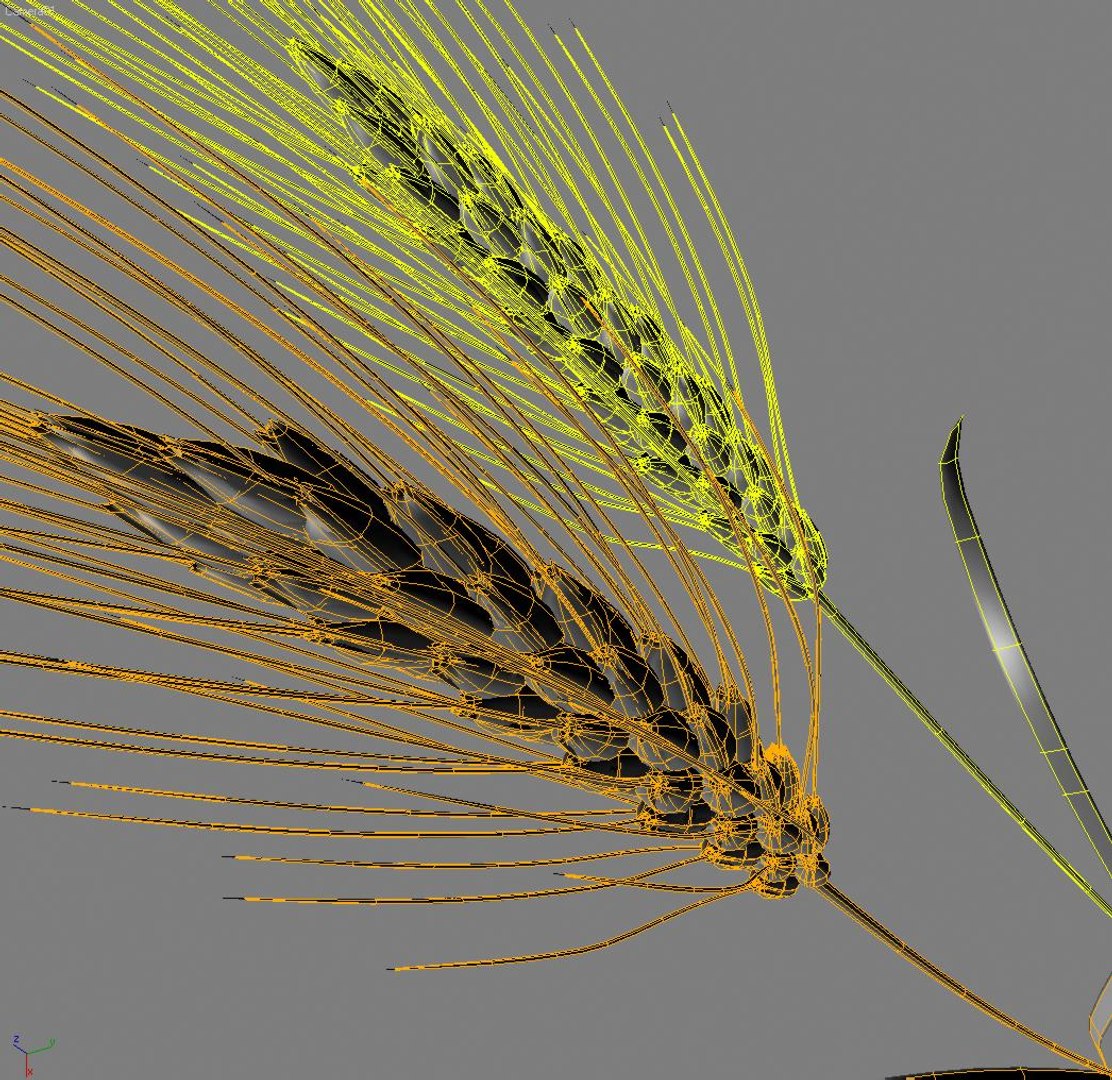
Two high-detailed sub-division wheat ears developed for extreme close-up motion shots.

The model was originally created in MAX9.
Previews were rendered in MAX9, FinalRender renderer and materials, subdivision level 1.

There are 2 MAX setups included:
MAX9.Scanline renderer and materials.
MAX9.FinalRender renderer and materials (Requires FR Plugin.Ready to render as on previews)

All geometry is editable poly with 1 iteration subdivision at render time.

Maya version: 1 smooth subdivision is setup - please adjust as necessary.

All other versions:

3 separate files with 3 LOD:

Subdivision Level 0 (SL0):
v.30790
f.30870
(v15395/f15435 per Ear)

Subdivision Level 1 (SL1):

v.122540
v.121760
(61270/60880 per Ear)

Subdivision Level 2 (SL2):

v.487820
f.487040
(234910/243520 per Ear)

All other formats were experted, tested and adjusted in respective software.

All objects are properly grouped and named in all formats.

All materials and UV-mapping are properly grouped and named in all formats.
Categories

Select Enhanced License

  • $10,000 in Legal Protection (Indemnification)
  • Uncapped Legal Protection (Indemnification)
  • Waiver from injunctive relief
  • Assignable model rights
  • $1,000,000 in Legal Protection (Indemnification)
  • Waiver from injunctive relief
  • Assignable model rights
  • $250,000 in Legal Protection (Indemnification)
  • Assignable model rights
Read more about enhanced license tiers, or contact us at enterprise@turbosquid.com. Already a Shutterstock Enterprise Customer? Contact your Shutterstock Sales Support Agent to talk about adding 3D.

About Conversion Requests

To submit a conversion request for a purchased asset, please complete our Conversion Request Form.

If you have not yet purchased a model, please review our Documentation about Conversions to learn about what limitations you may encounter with a conversion.

For any additional questions about a model’s suitability for conversion, please contact TurboSquid Support.

Loading...