
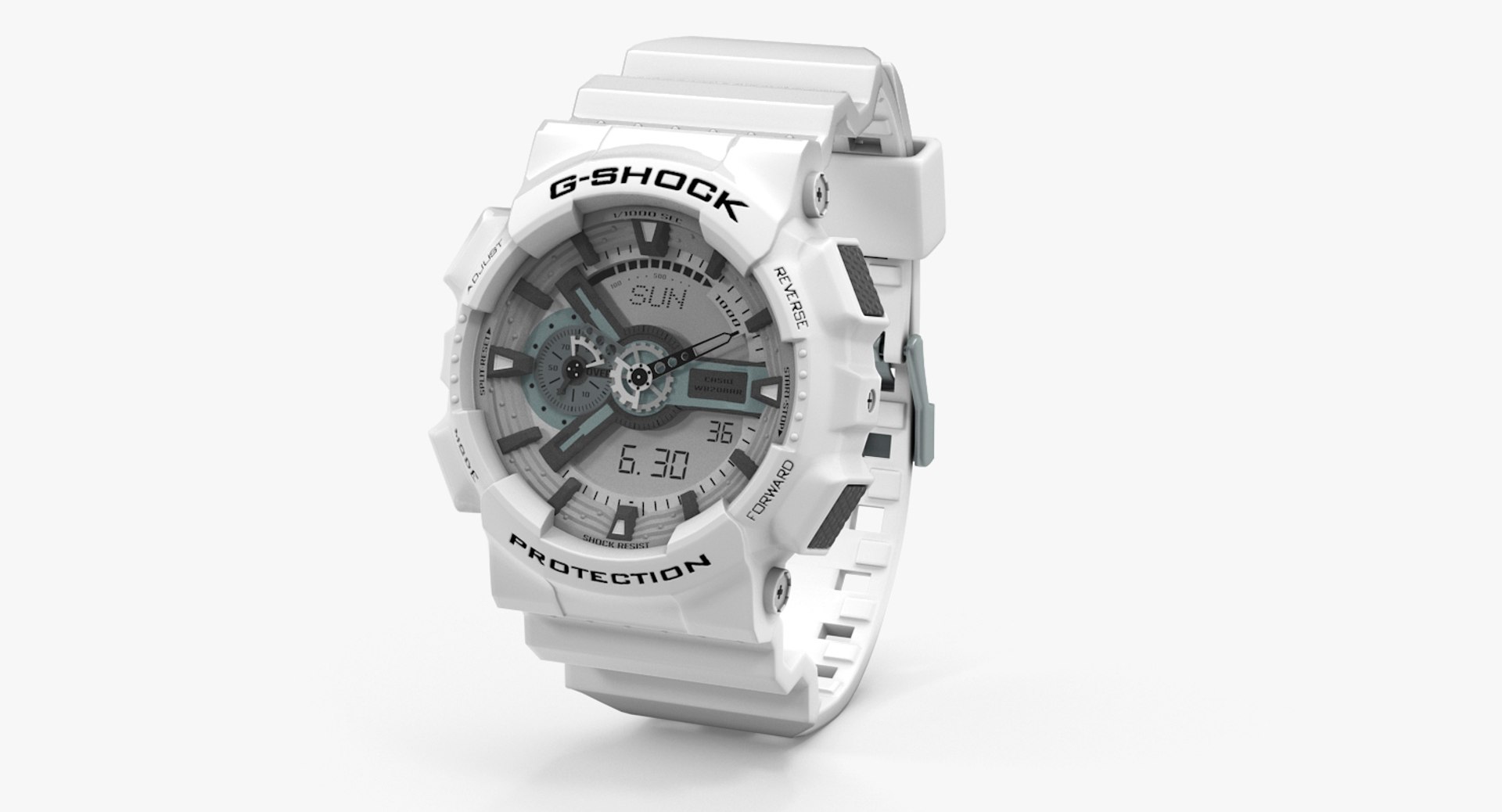
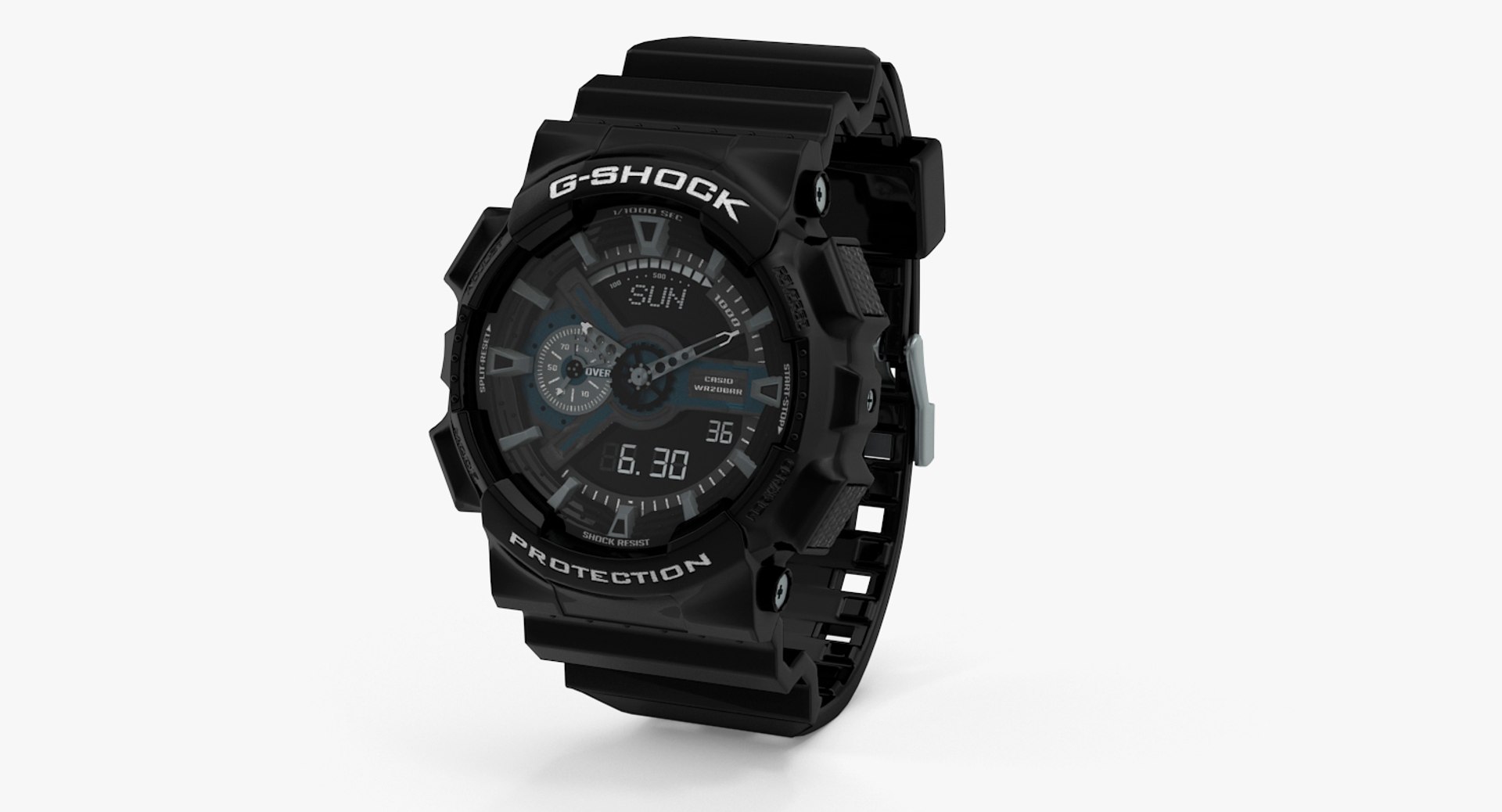
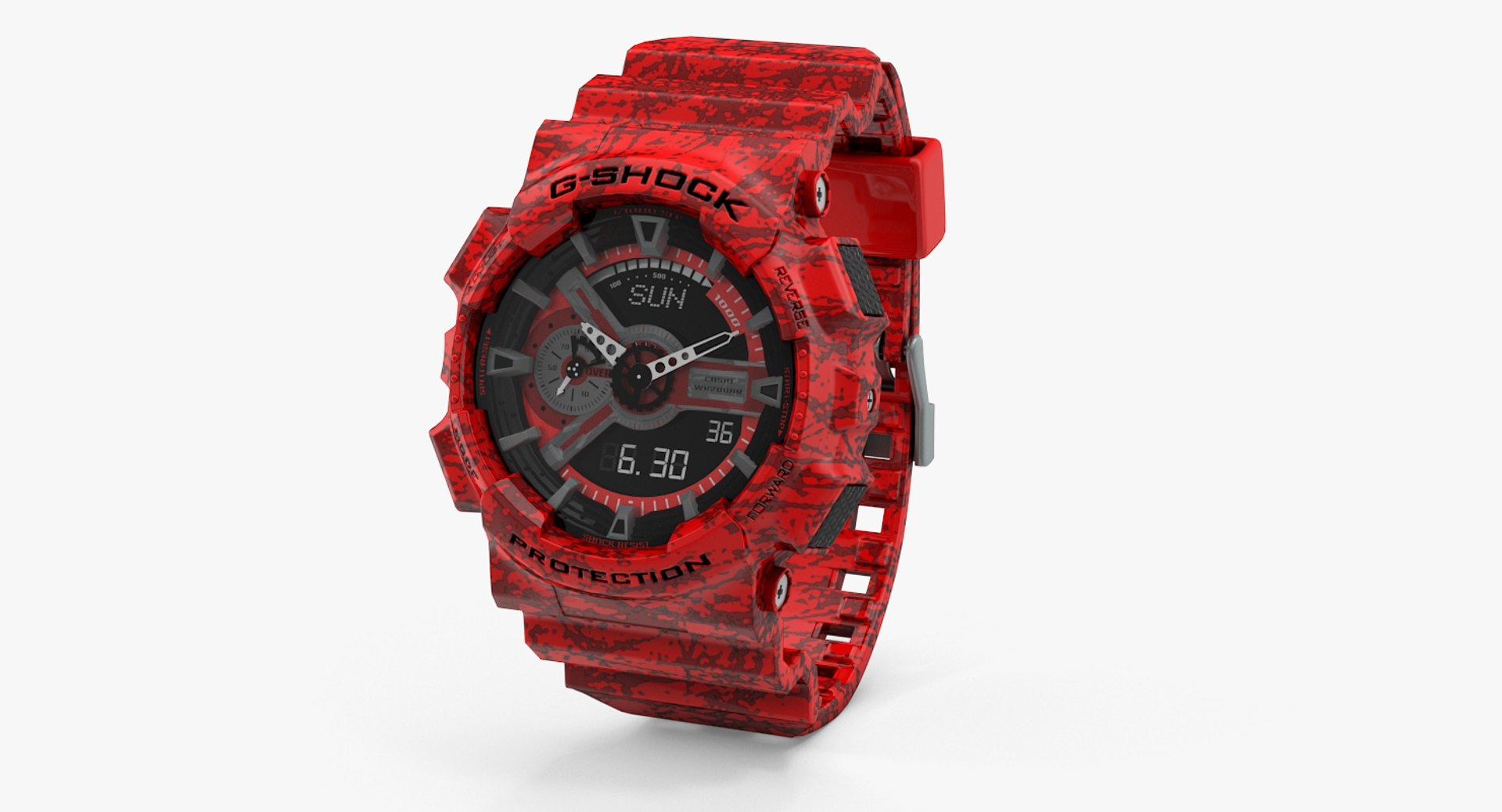
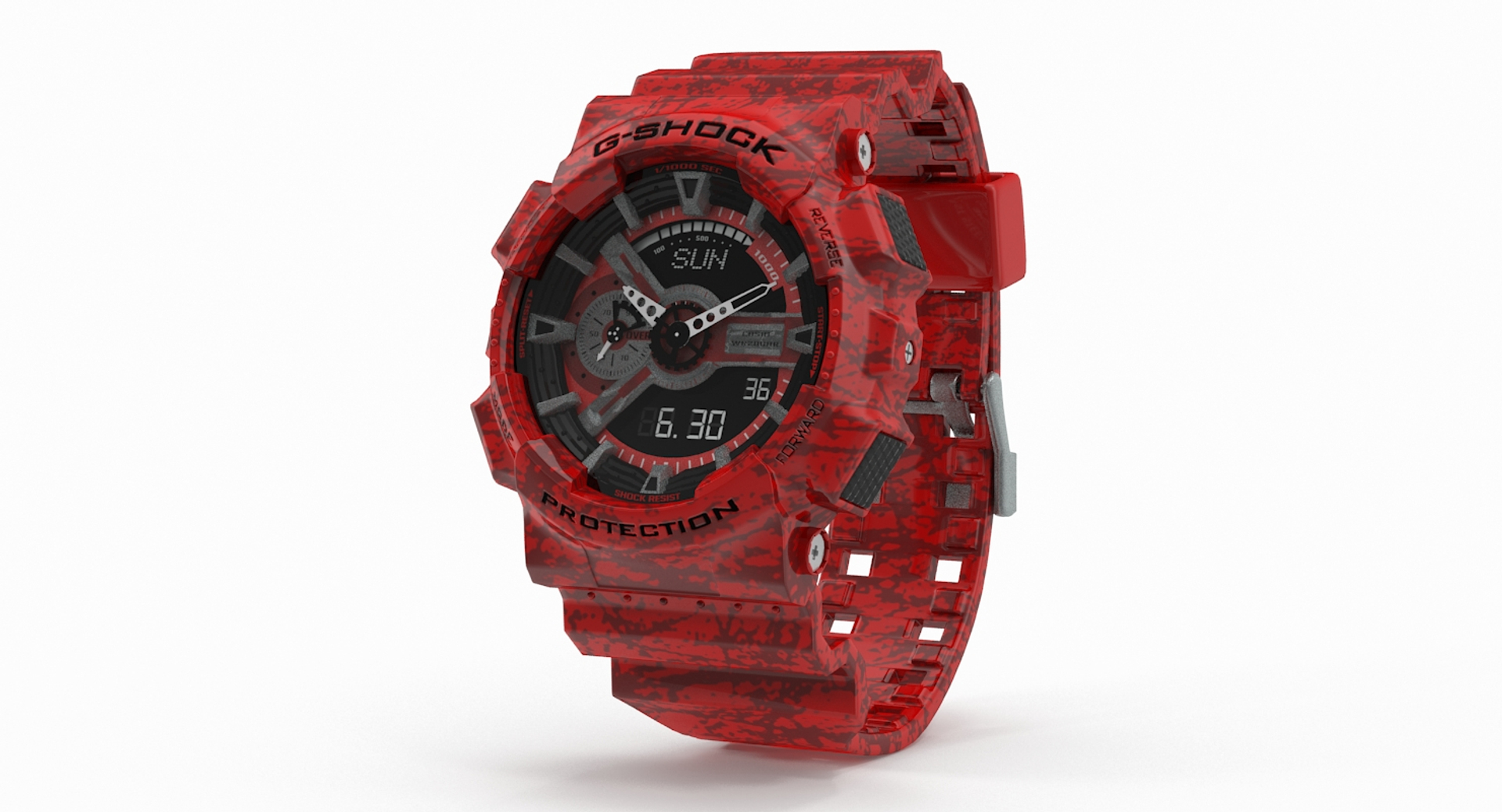
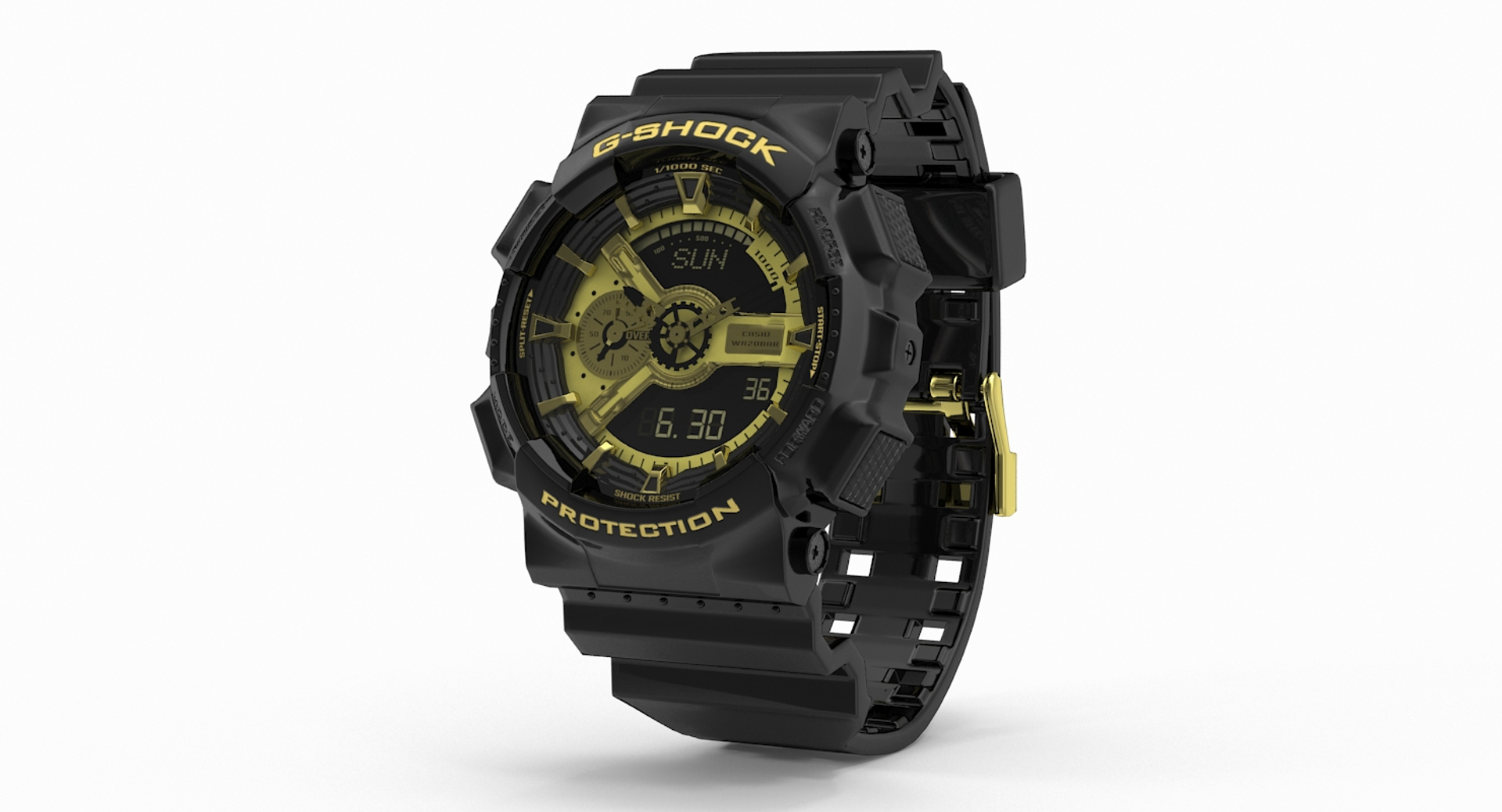
Casio G-Shock GA-110

$99

Standard License | Upgrade License
Editorial Uses Only
Formats (4)
Free file format Conversions available
Native | 3ds Max 2015 | V-Ray 3
3ds Max 2012 | V-Ray 2.3
OBJ
FBX
Specifications
Publish Date September 22, 2015
Product ID 962946
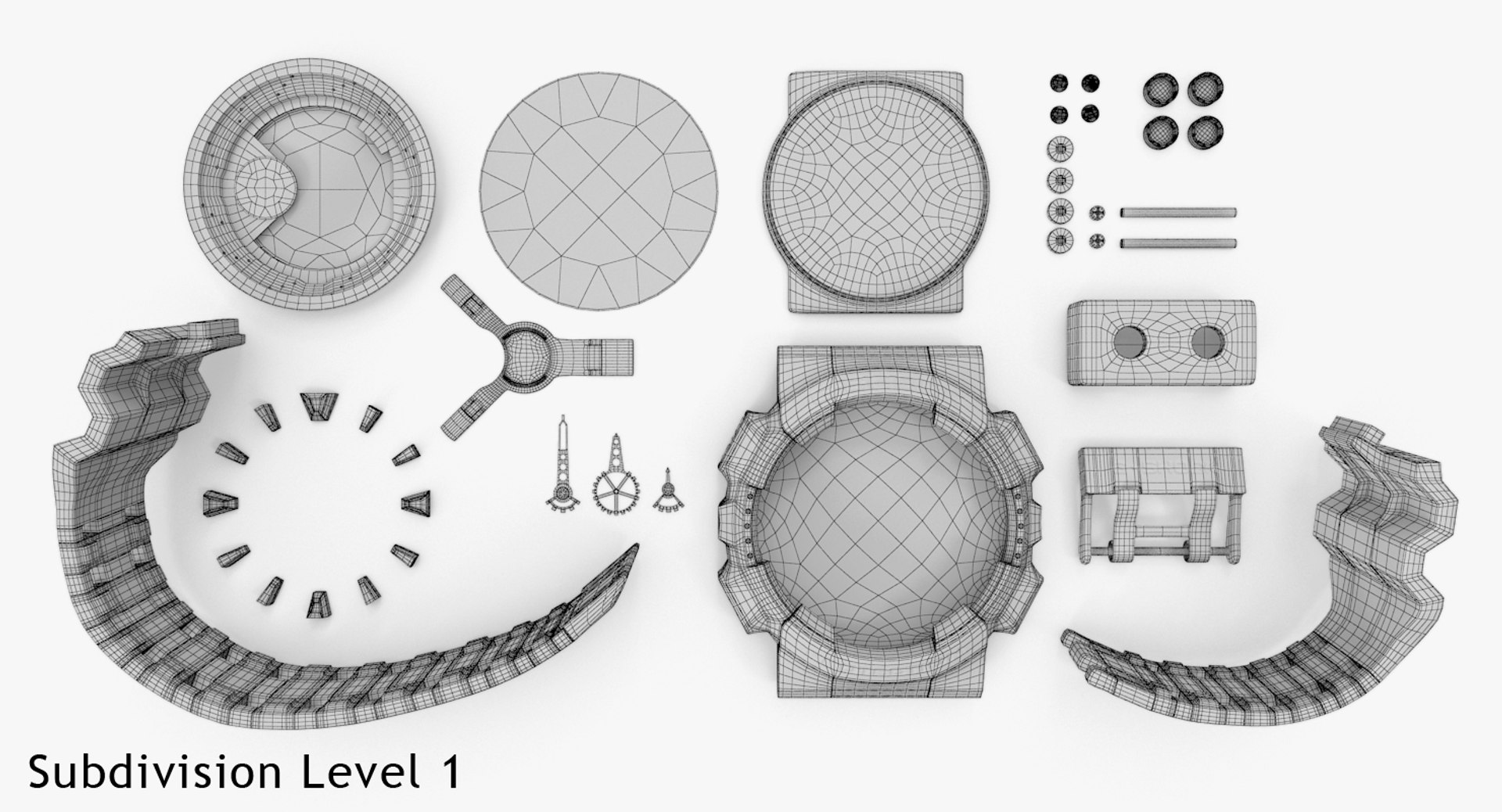
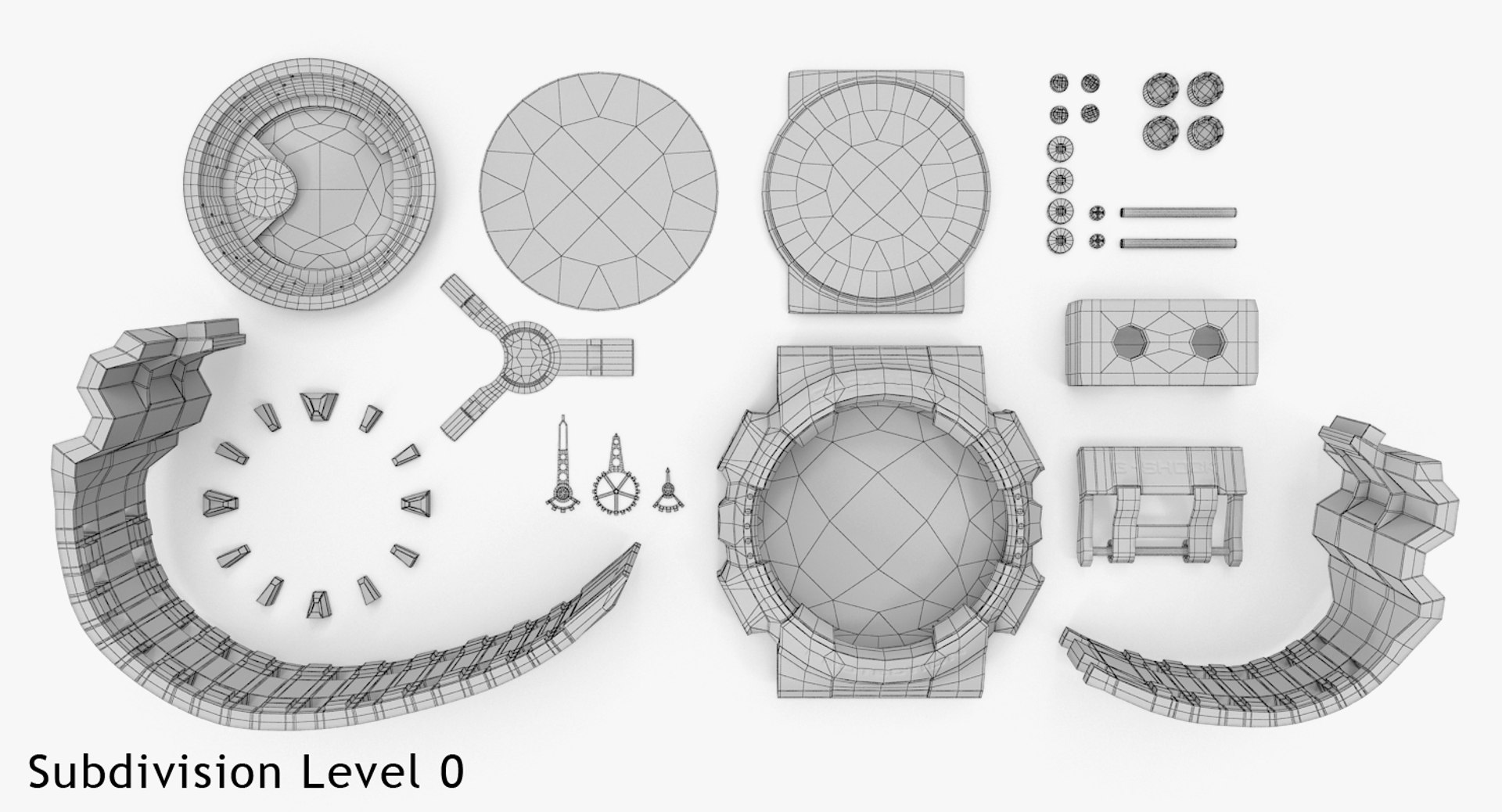
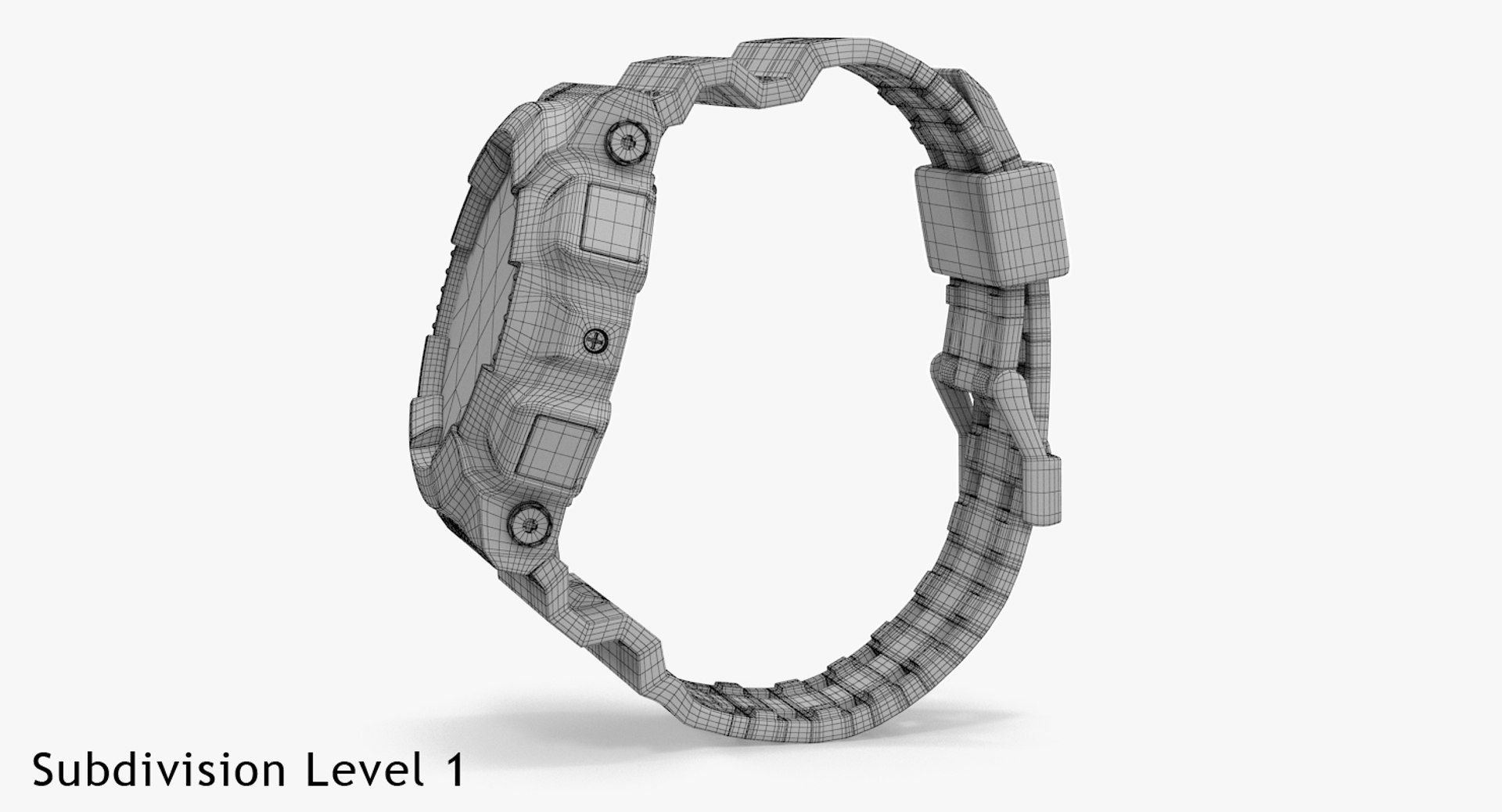
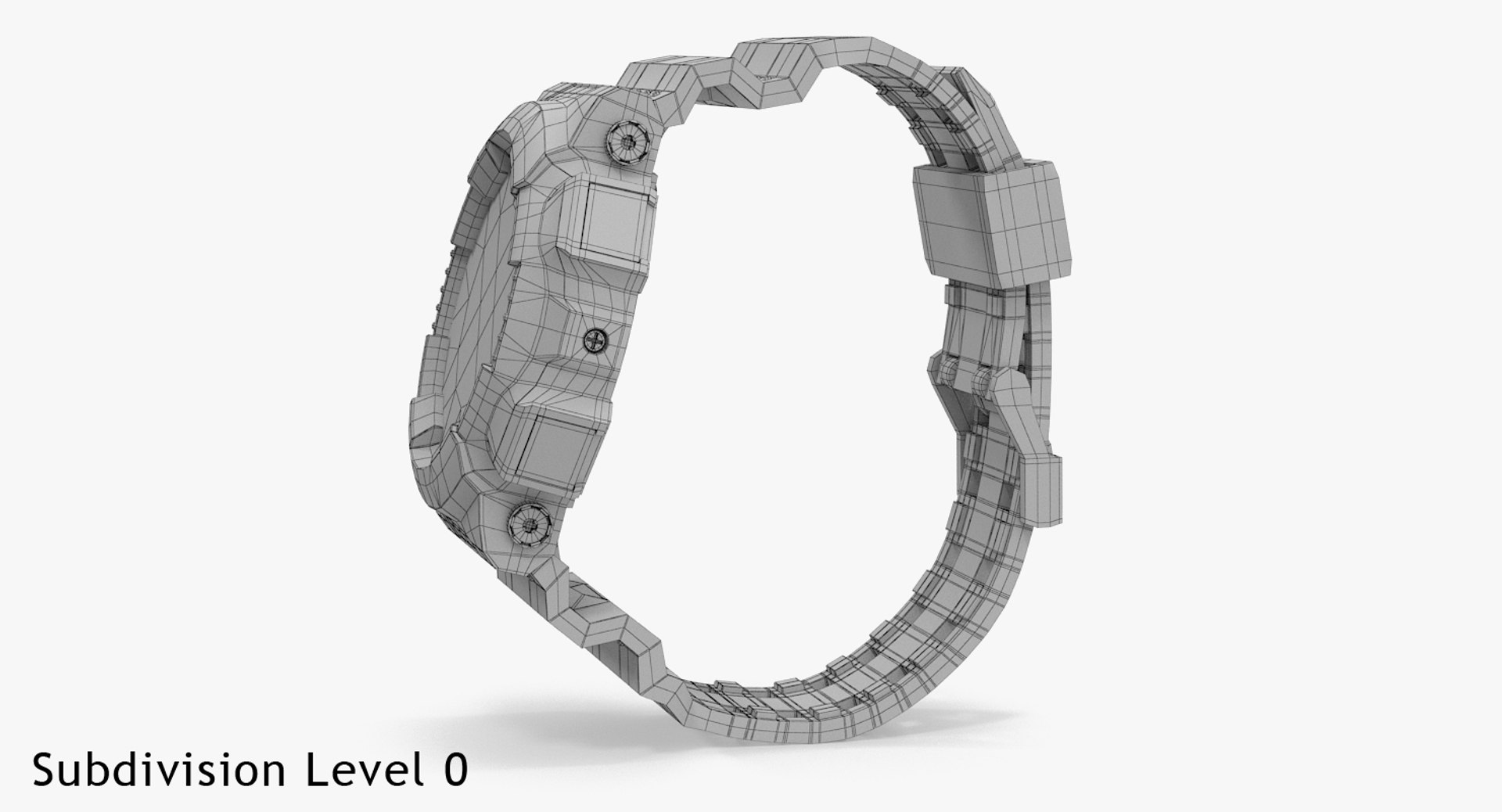
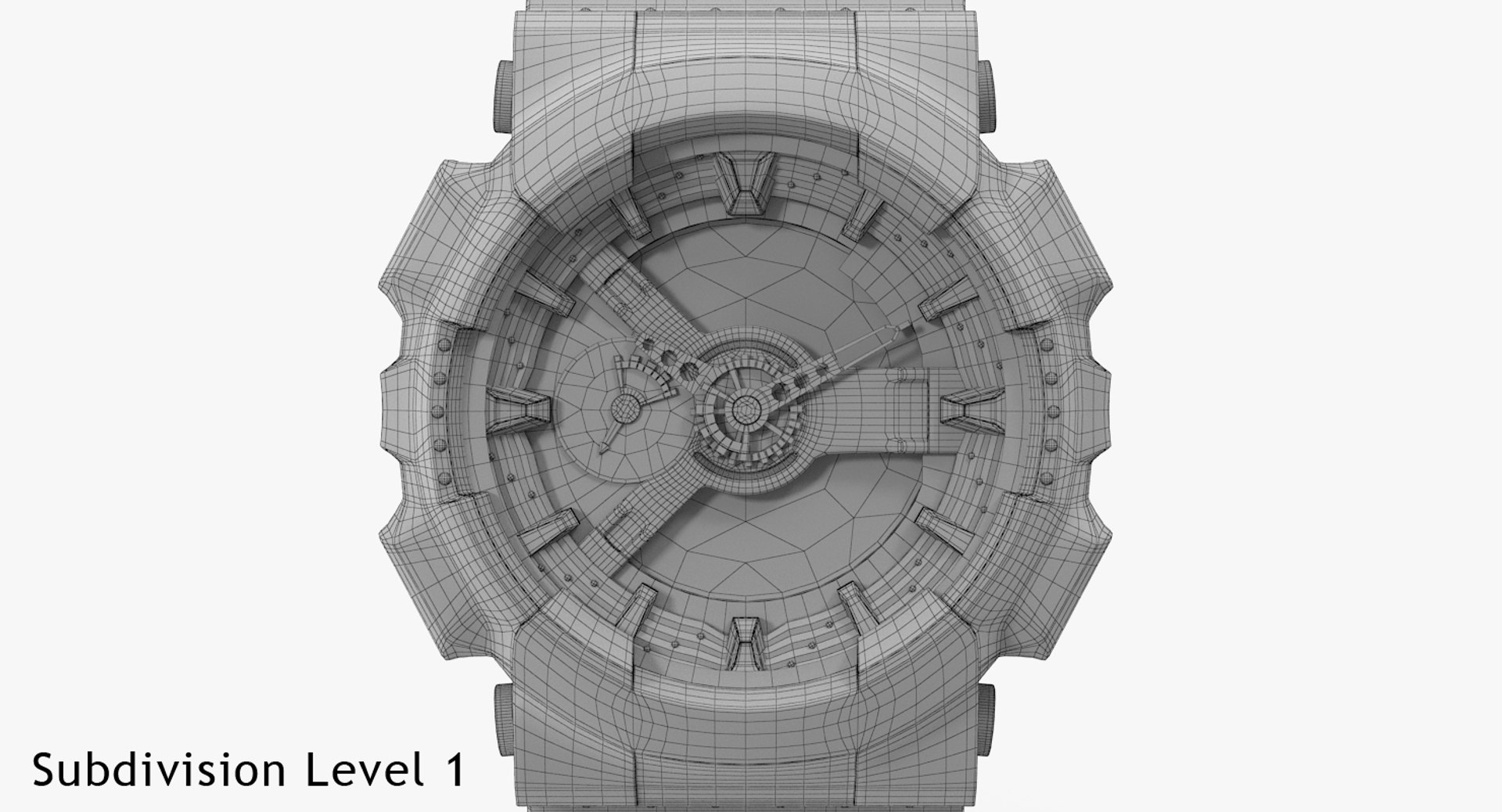
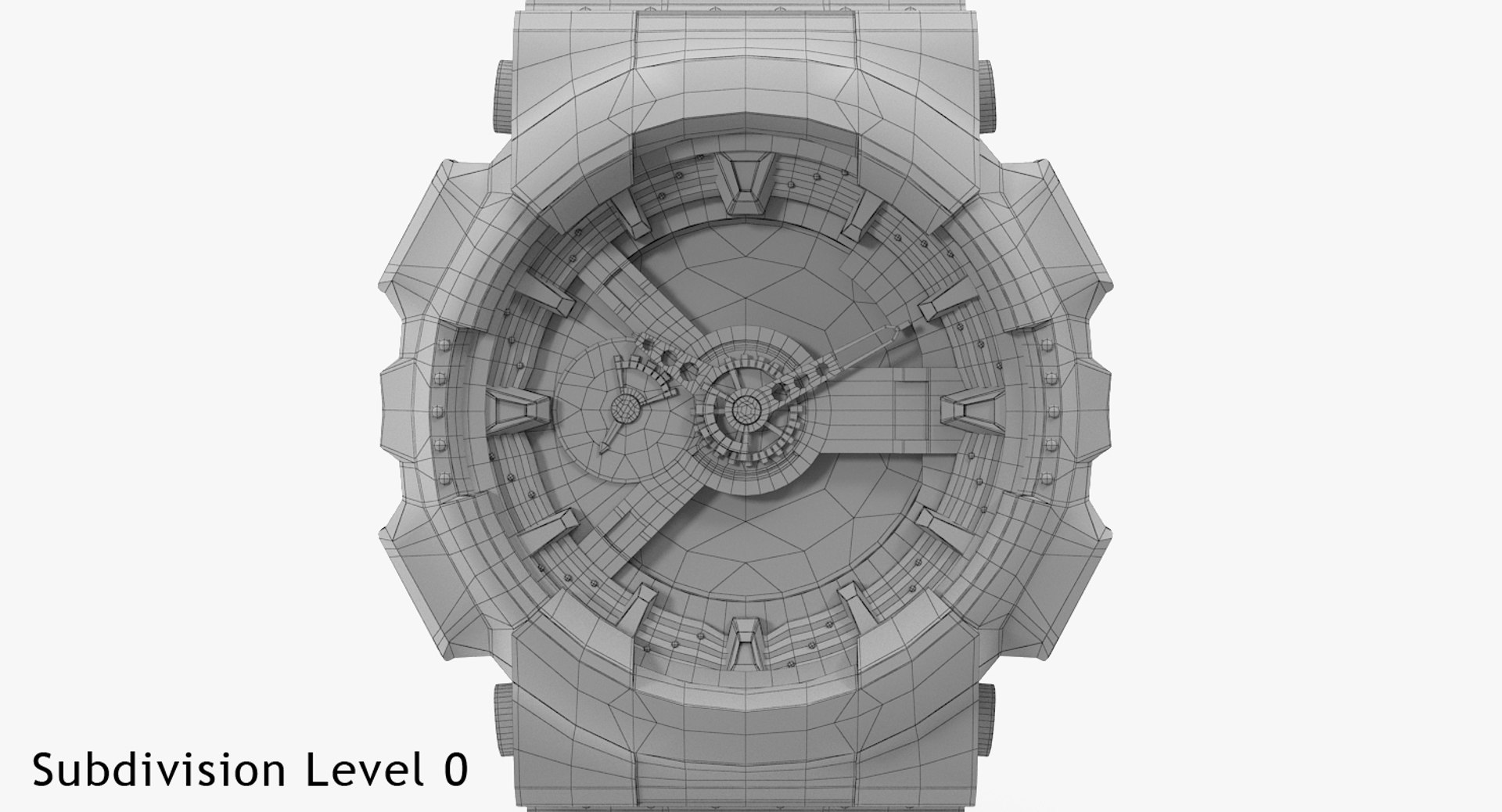
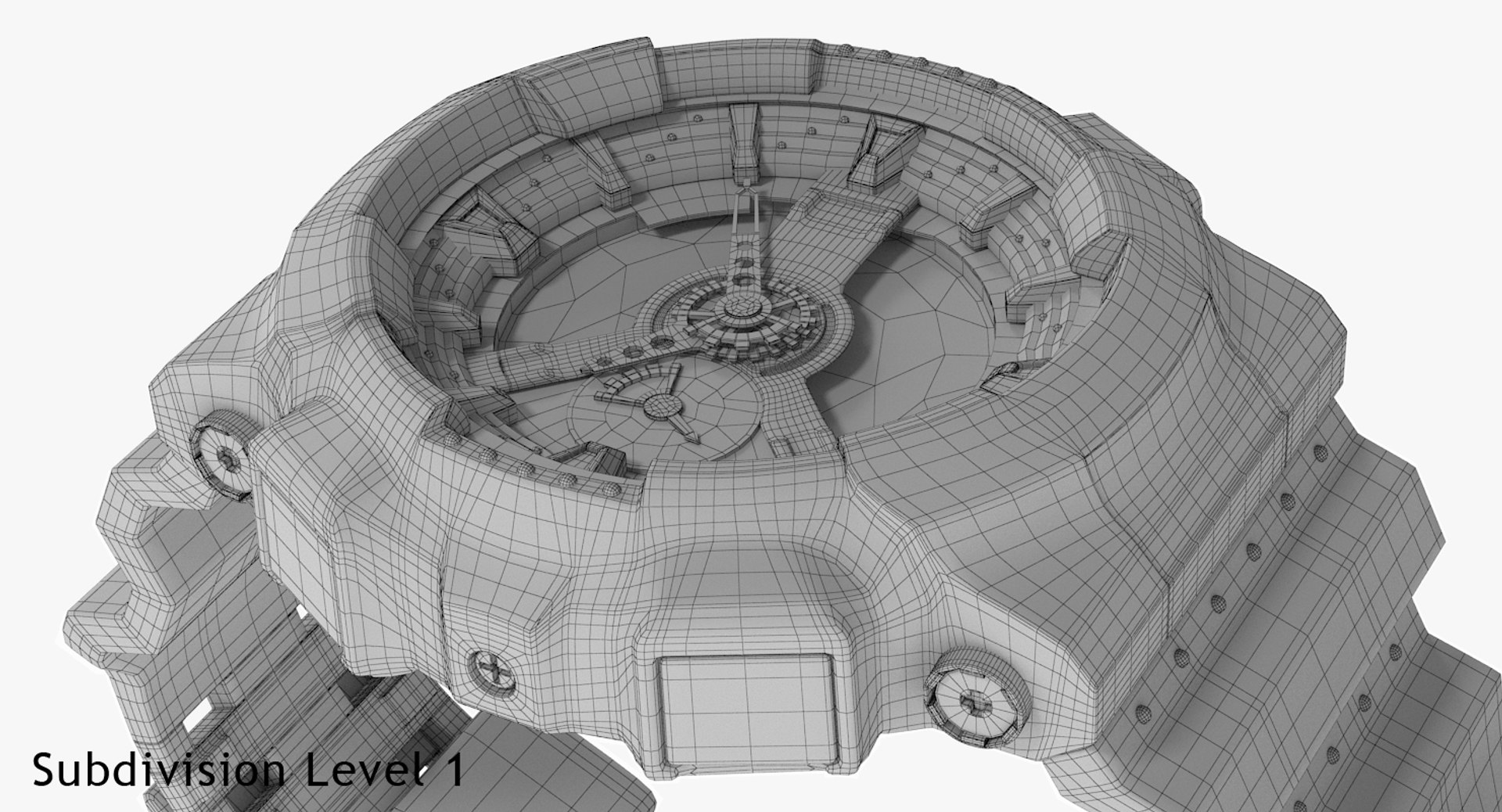
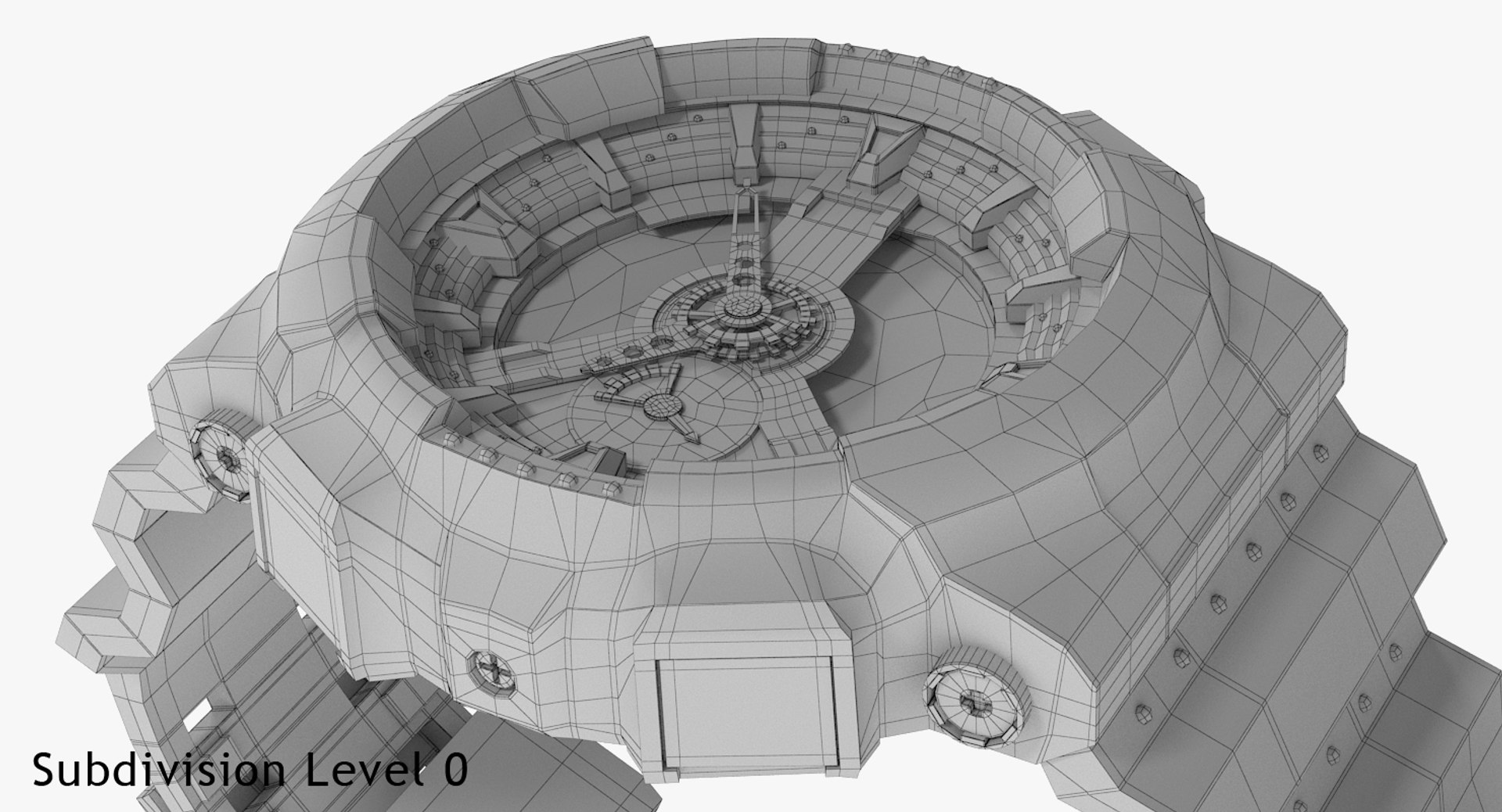
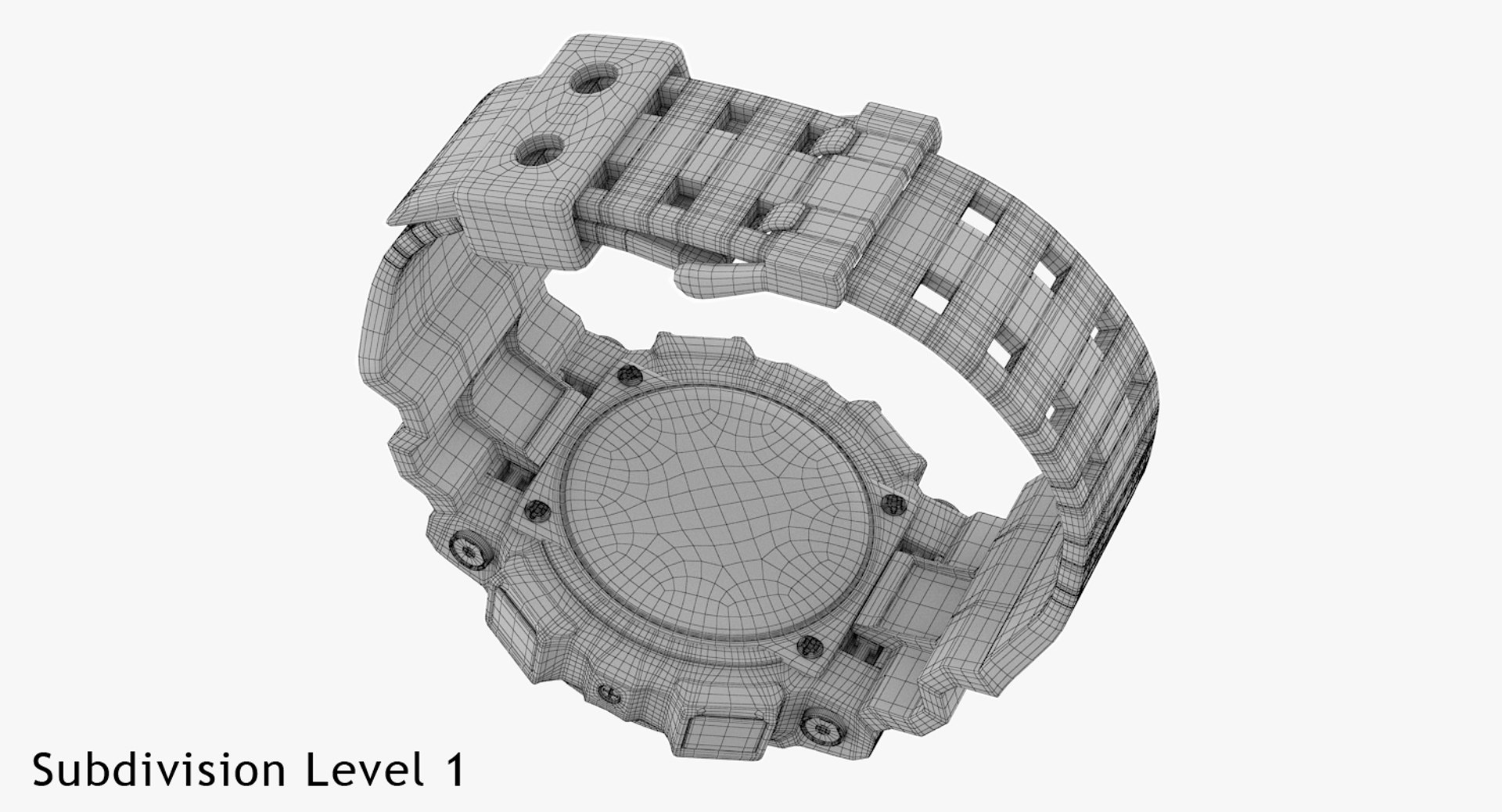
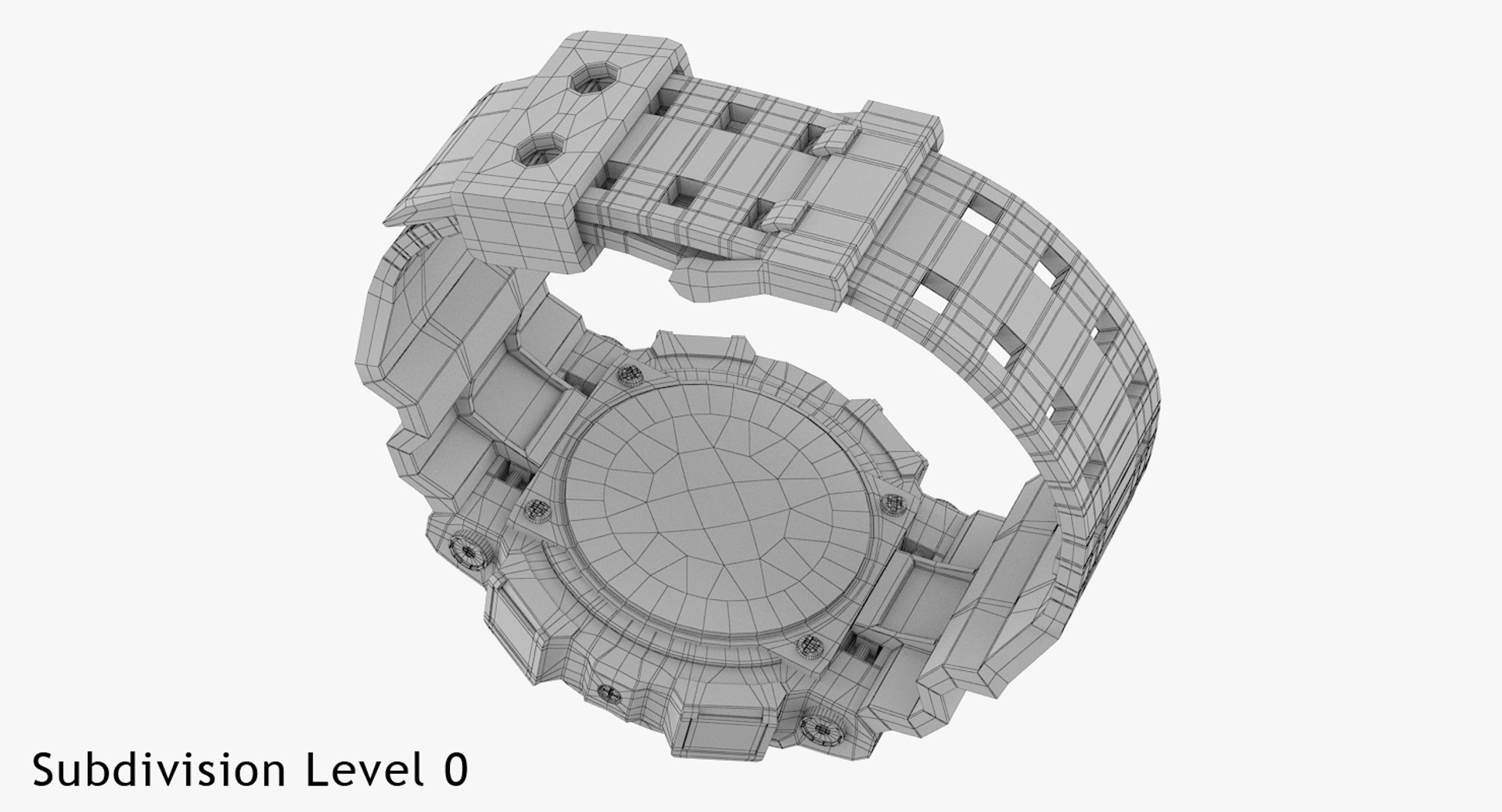
Polygons 27,326
Vertices 27,456
Polygonal Quads Only
Textures
Materials
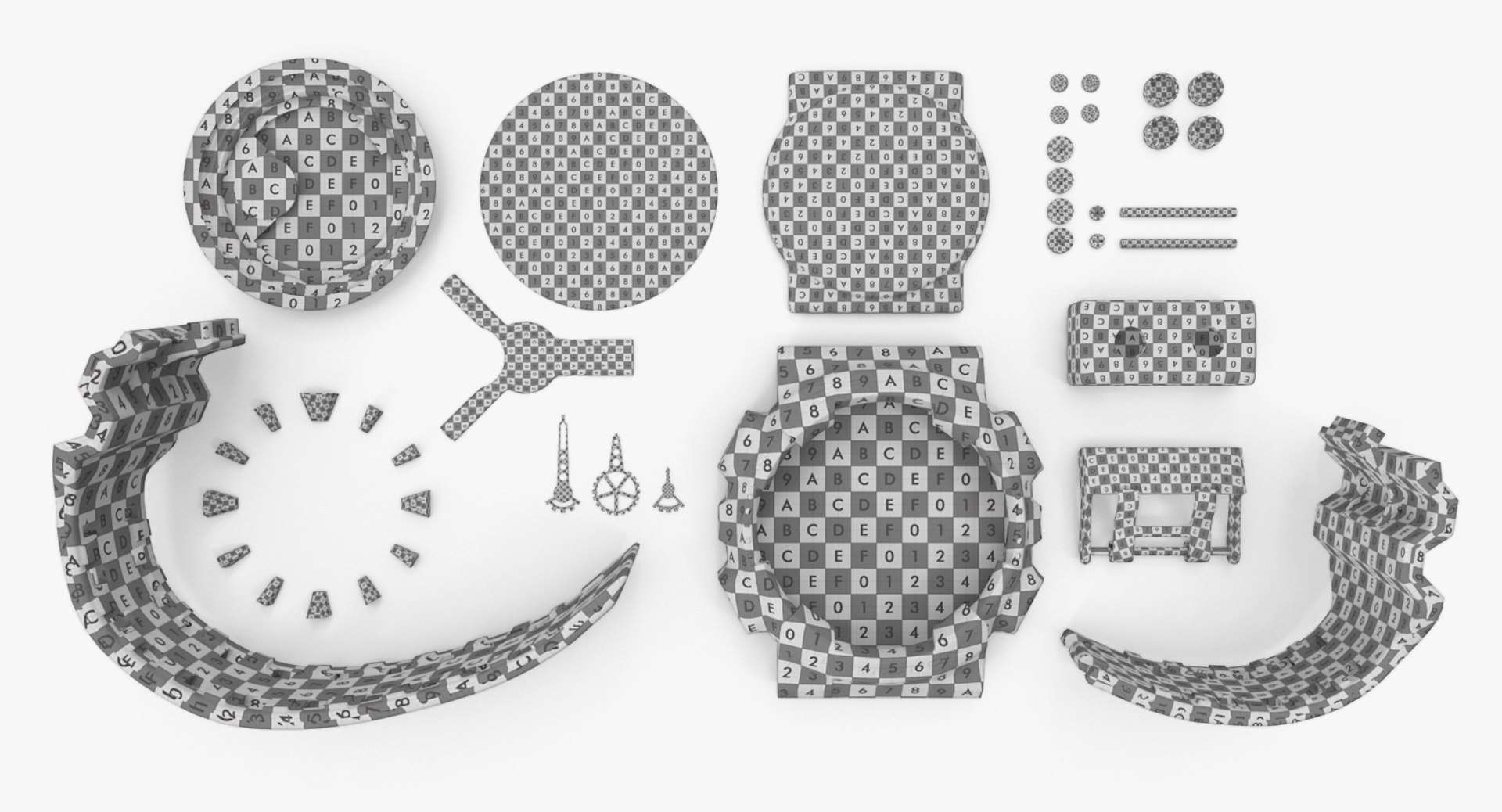
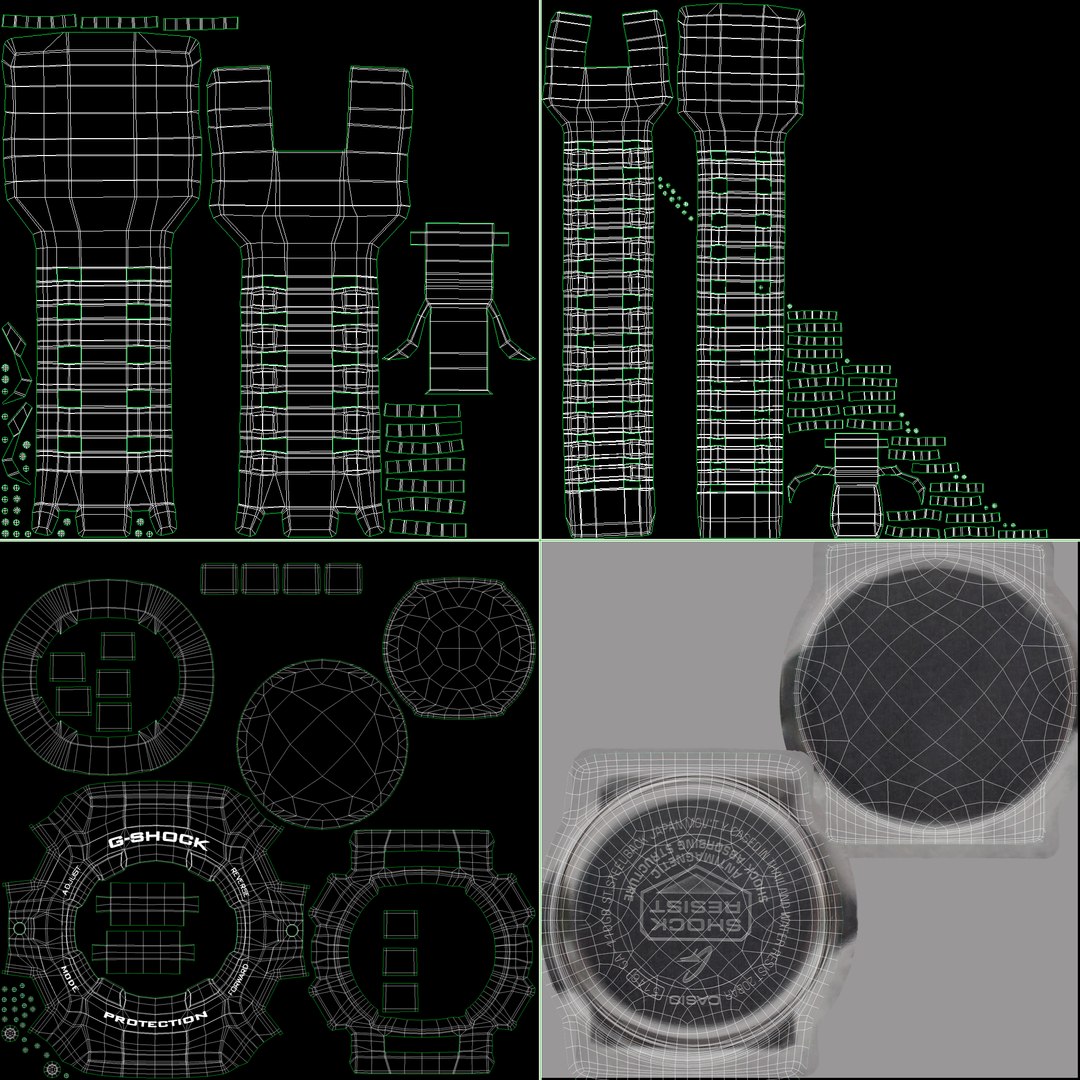
UV Mapped
Non-overlapping Unwrapped UVs
TurboSquid Exclusive
member avatar
unry
85 Products | Contributor Since 2013
Have questions? Chat with us now.

Description

Originally modelled in 3ds max 2015. Final images rendered with VRay 3.0
One model includes materials for four watch Casio: GA-110-7AER, GA-110-1BER, GA-110SL-4AER, GA-110GB.
Materials based on blend material maps, so using any of the available material is easy to obtain a new material.
Stamping letters on the body and corrugation on the buttons are made using VRayDisplacementMod

files:
MAX2015- VRay 3.0 materials. There is a file library materials as the materials in the slots Material Editor.

Other formats exported from 3ds Max 2015:

MAX2012- VRay 2.3 materials. Materials in slots Material Editor.
FBX - no materials, no textures
OBJ - no materials, no textures

Models:
Materials: Multi/Sub-Object, Blend, VrayMtl, Shellac.
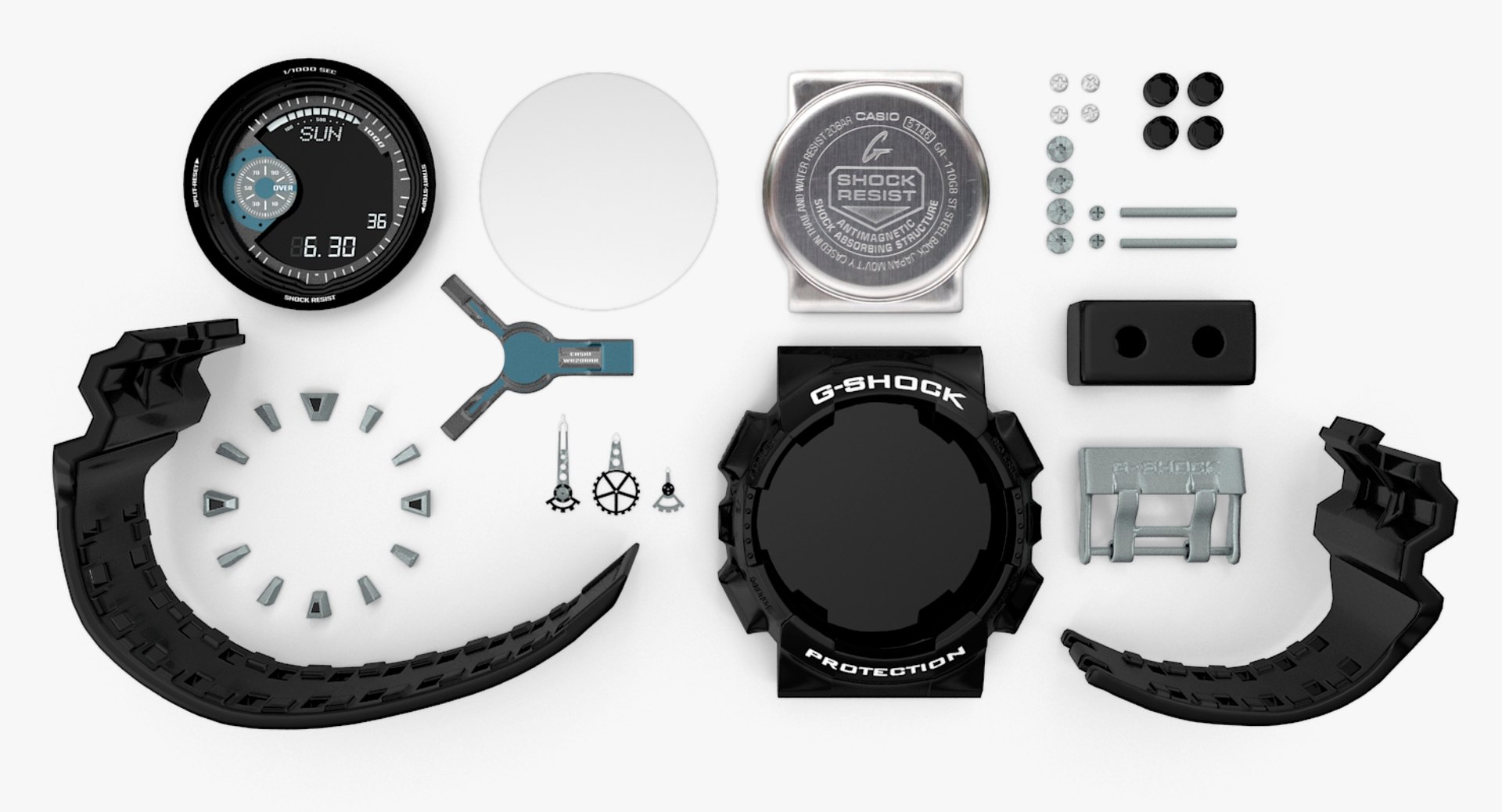
16 objects
dimensions: 50x73x80 mm
modify: VRayDisplacementMod, TurboSmooth

textures:
2 Displacement map for buttons and clasp (jpeg 2048x2048),
8 Blend material map (jpg 2048x2048),
1 Texture for back cover (jpg 2048x2048),
18 Blend material map (jpg 1024x1024),
1 Environment map (exr 4000x2000)

Select Enhanced License

  • $10,000 in Legal Protection (Indemnification)
  • Uncapped Legal Protection (Indemnification)
  • Waiver from injunctive relief
  • Assignable model rights
  • $1,000,000 in Legal Protection (Indemnification)
  • Waiver from injunctive relief
  • Assignable model rights
  • $250,000 in Legal Protection (Indemnification)
  • Assignable model rights
Read more about enhanced license tiers, or contact us at enterprise@turbosquid.com. Already a Shutterstock Enterprise Customer? Contact your Shutterstock Sales Support Agent to talk about adding 3D.

About Conversion Requests

To submit a conversion request for a purchased asset, please complete our Conversion Request Form.

If you have not yet purchased a model, please review our Documentation about Conversions to learn about what limitations you may encounter with a conversion.

For any additional questions about a model’s suitability for conversion, please contact TurboSquid Support.

Loading...