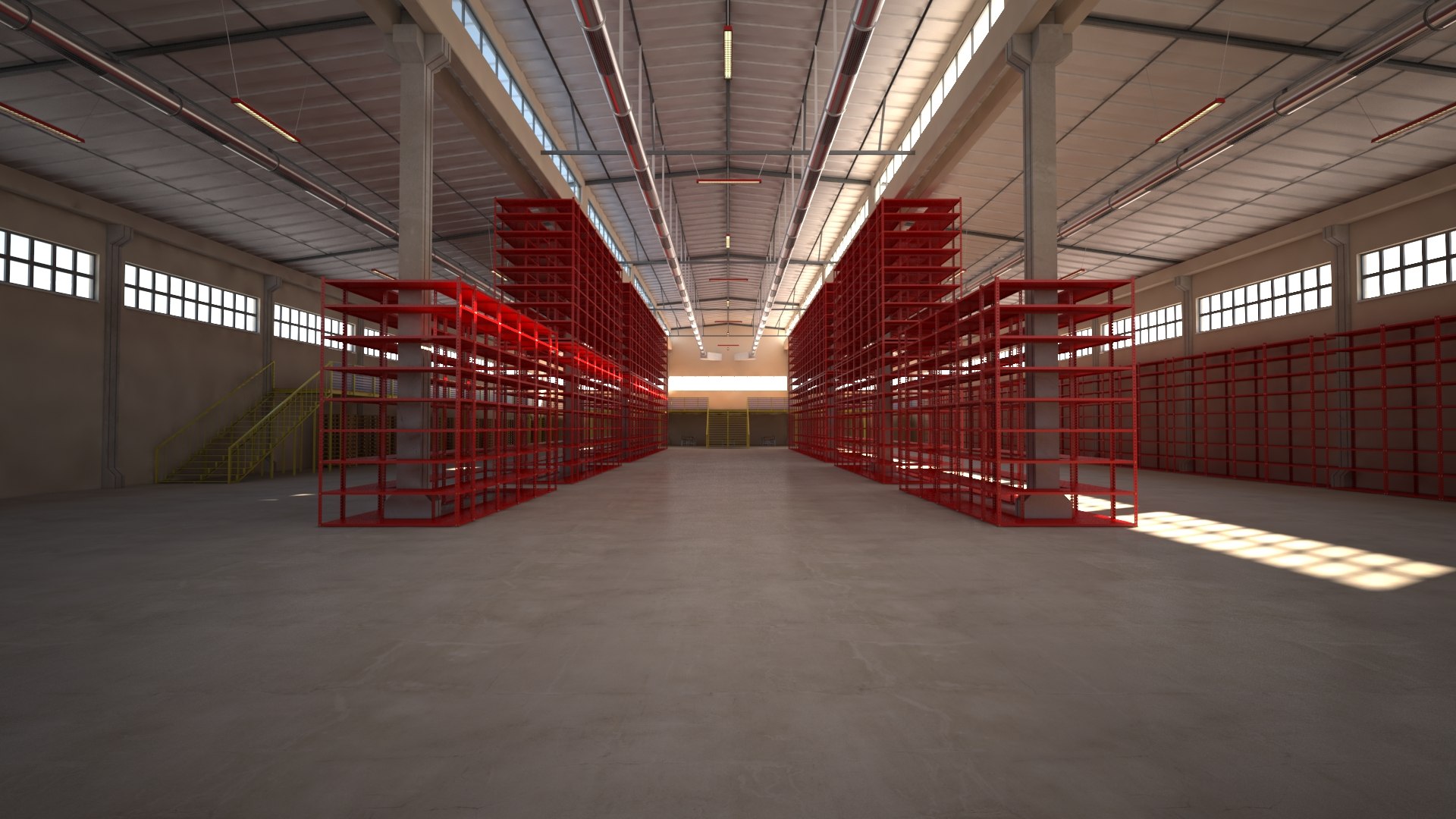
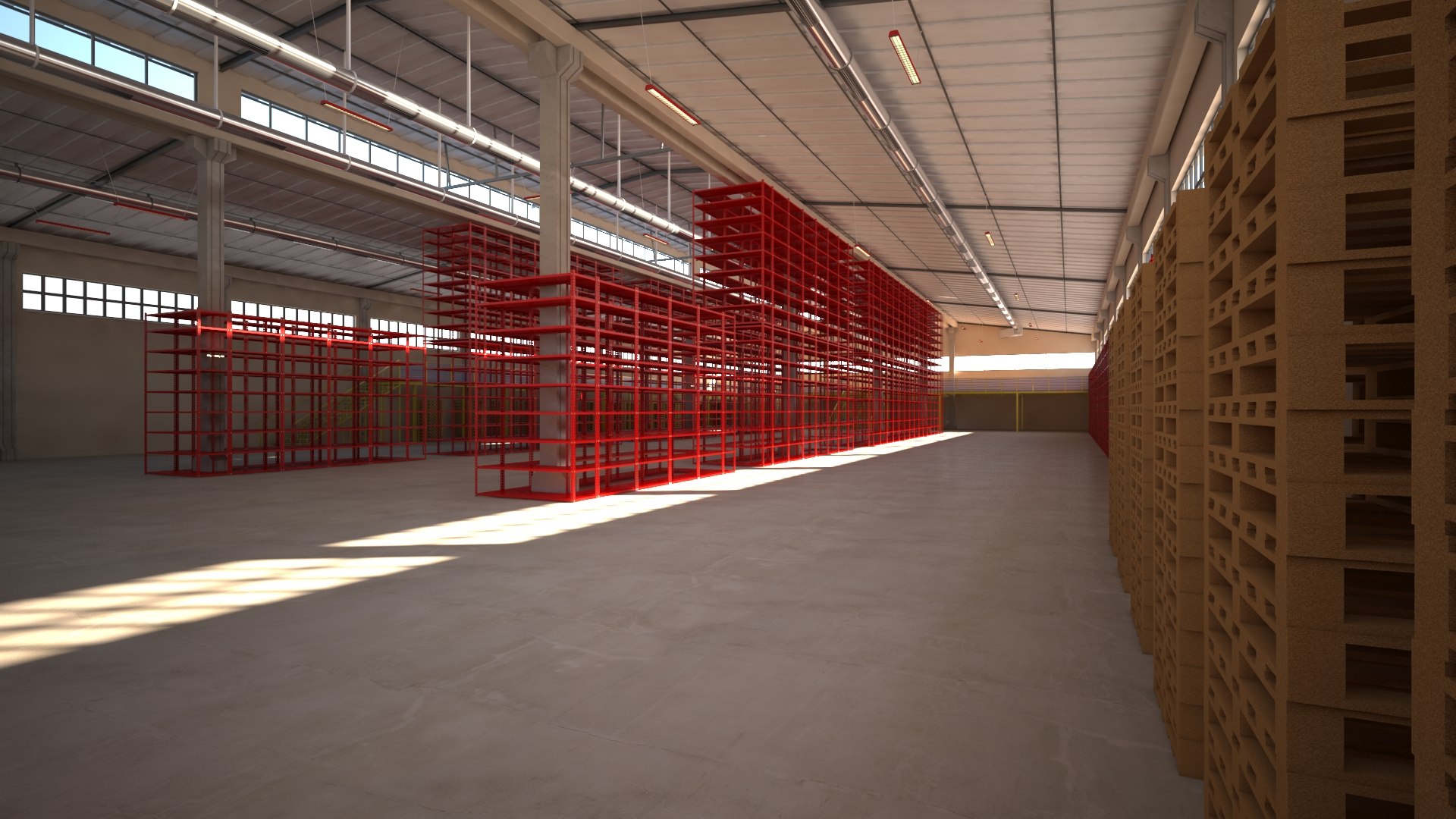
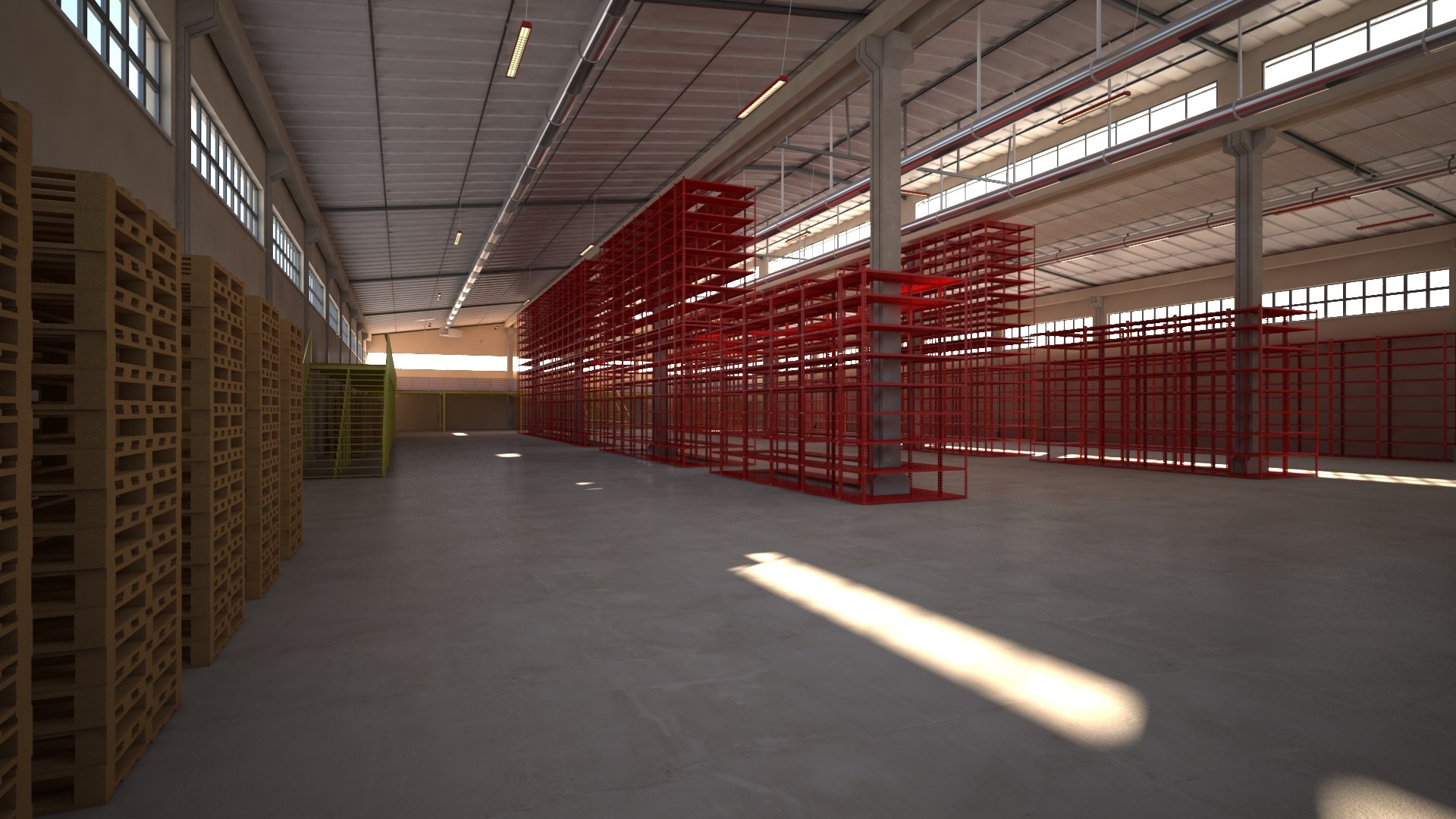
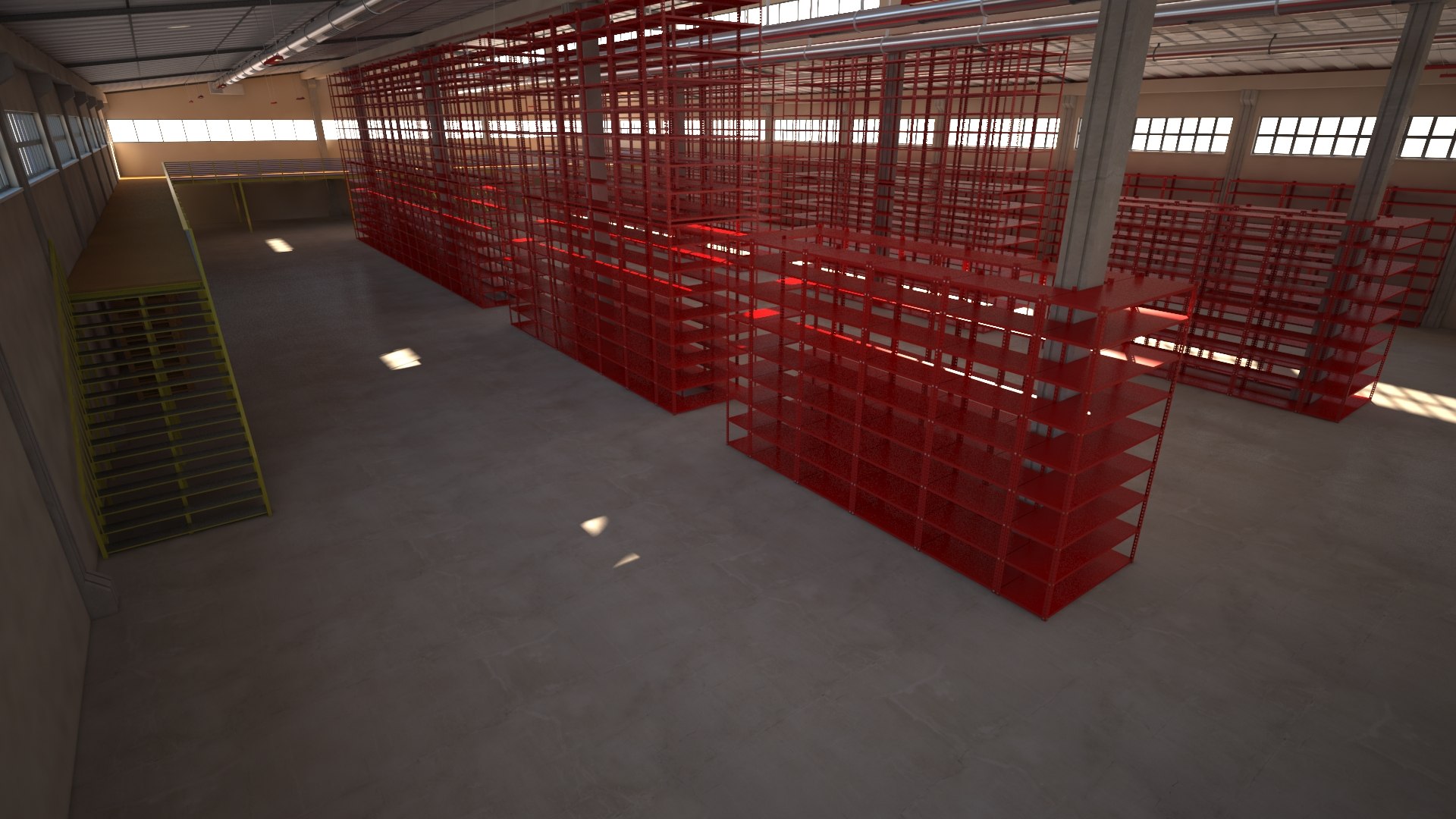
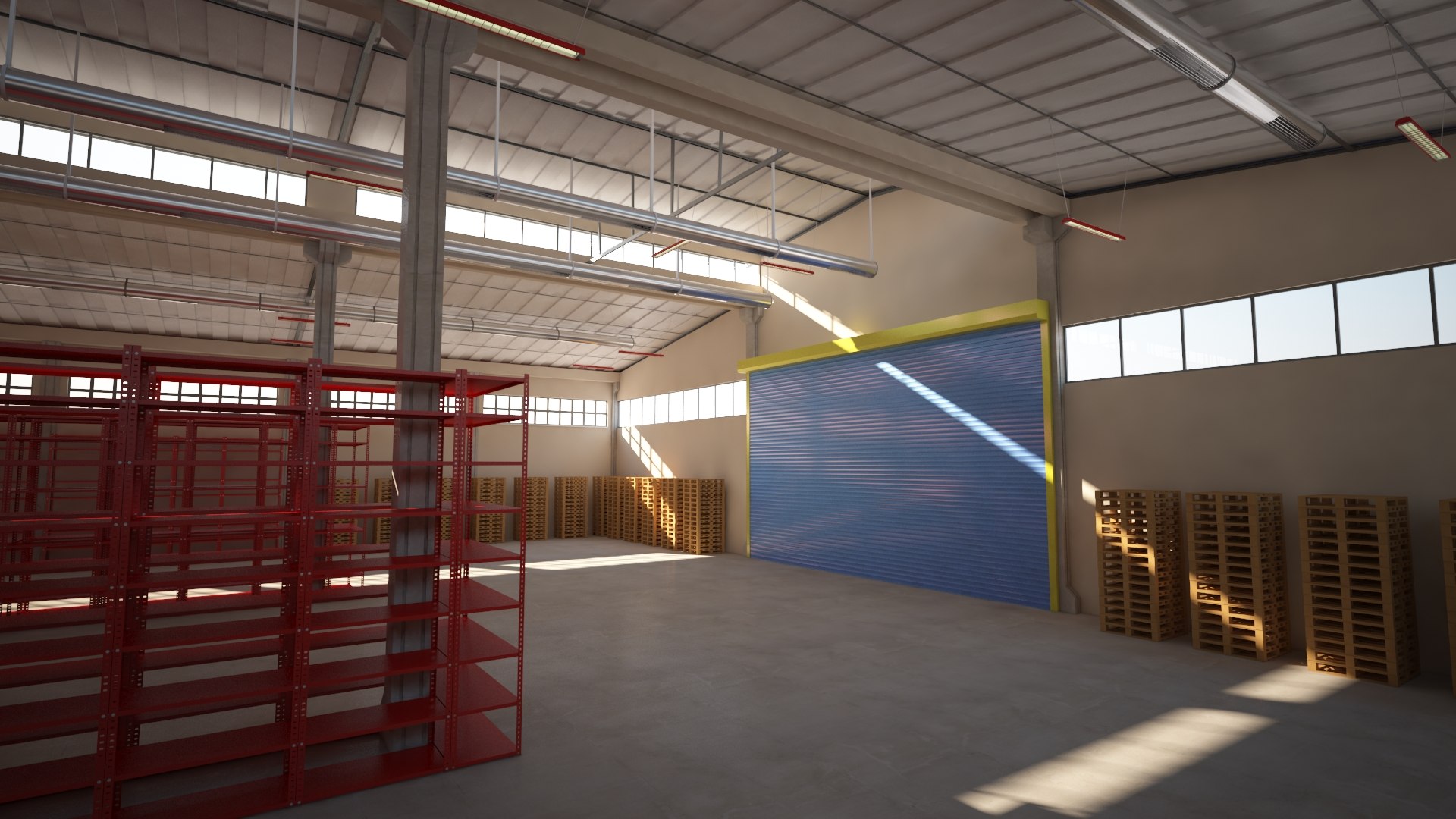
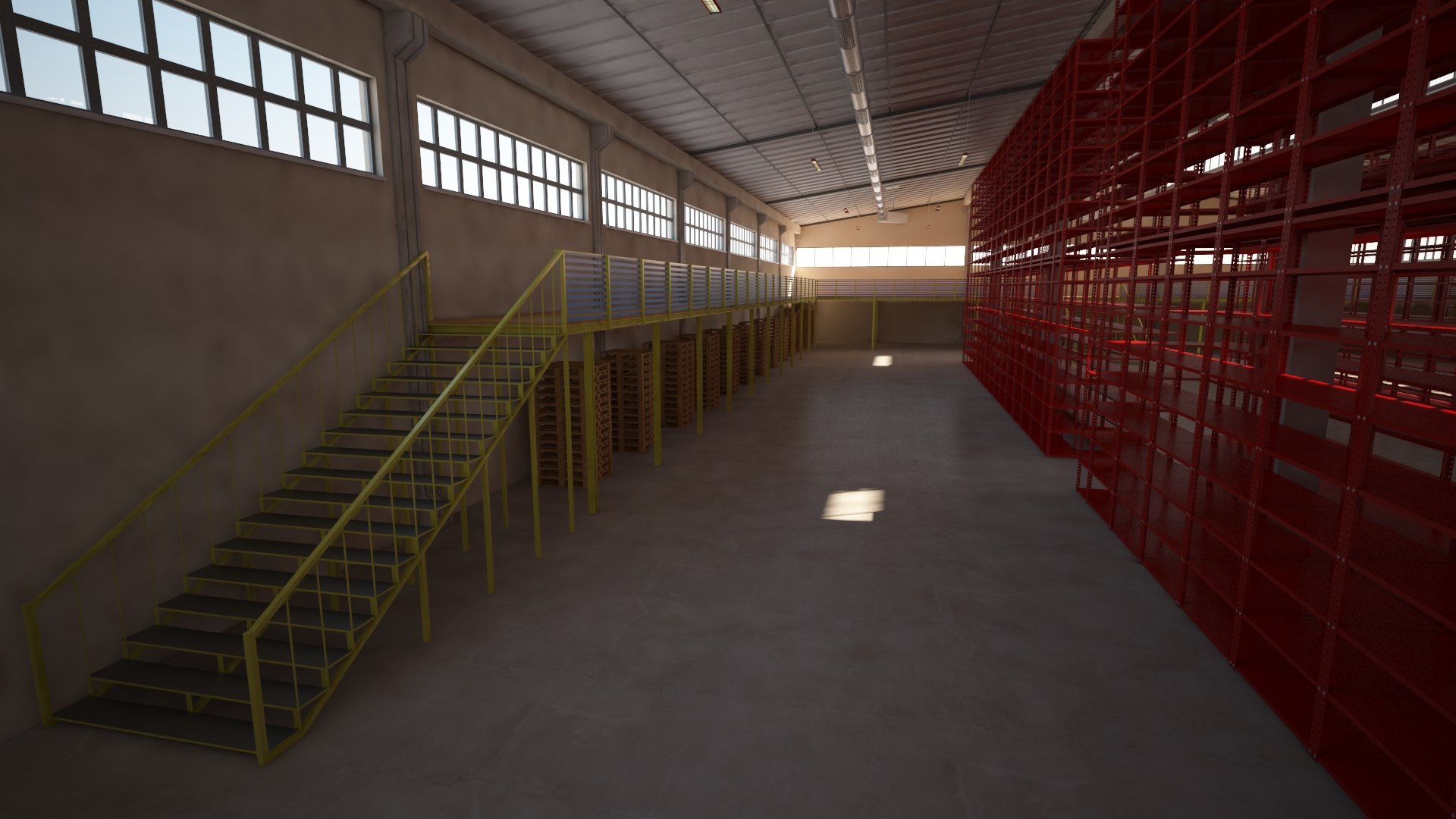
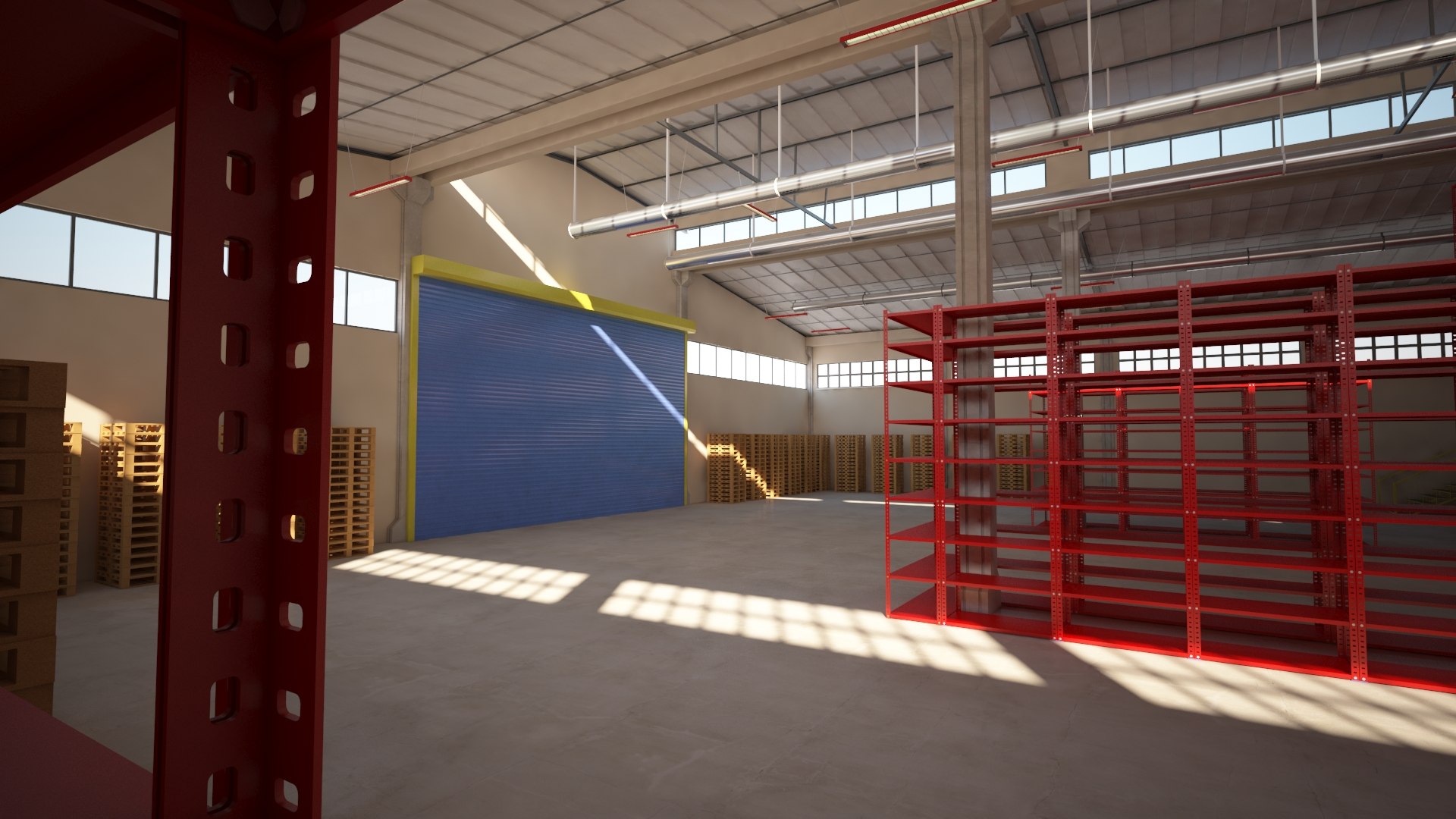
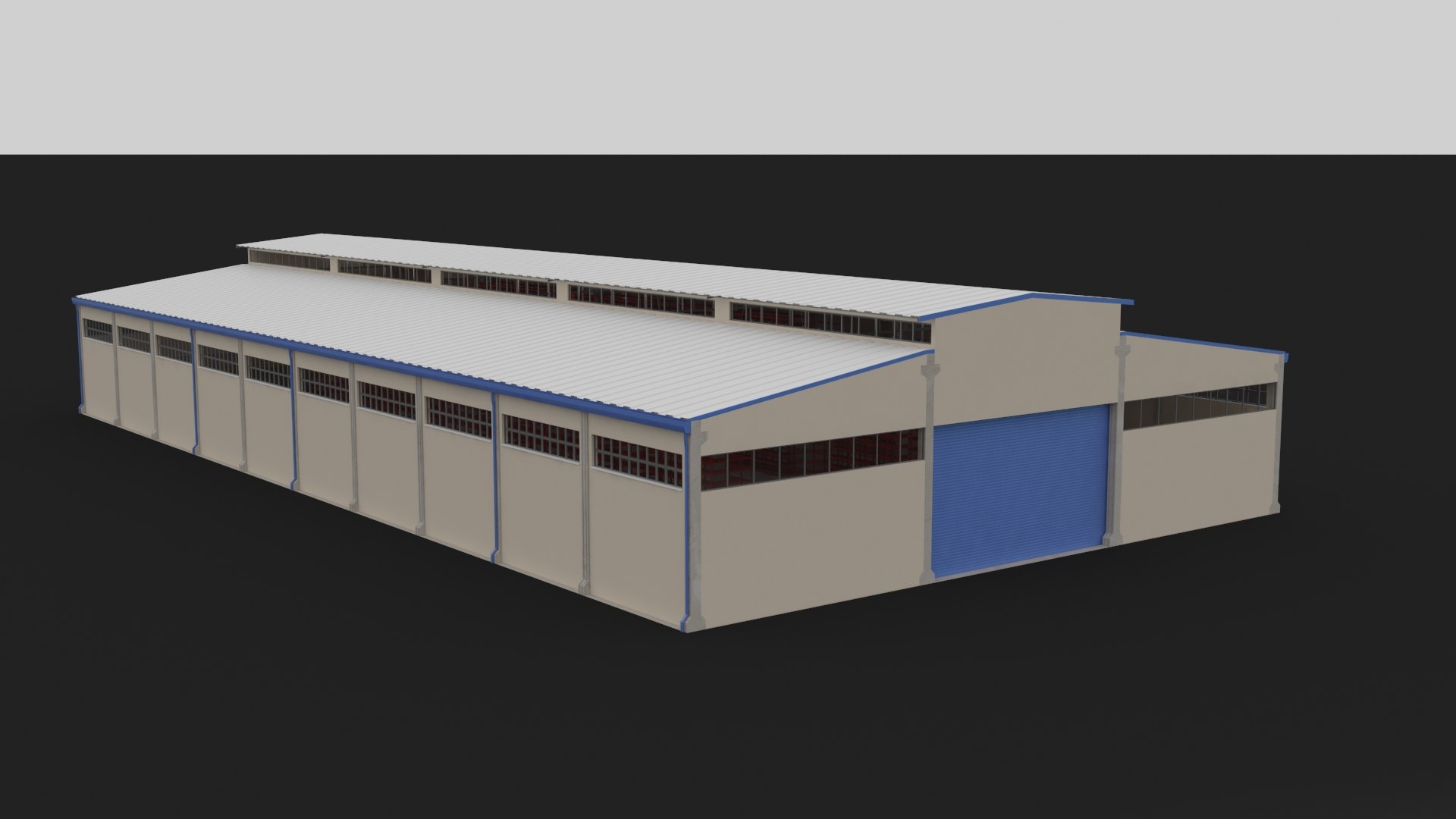
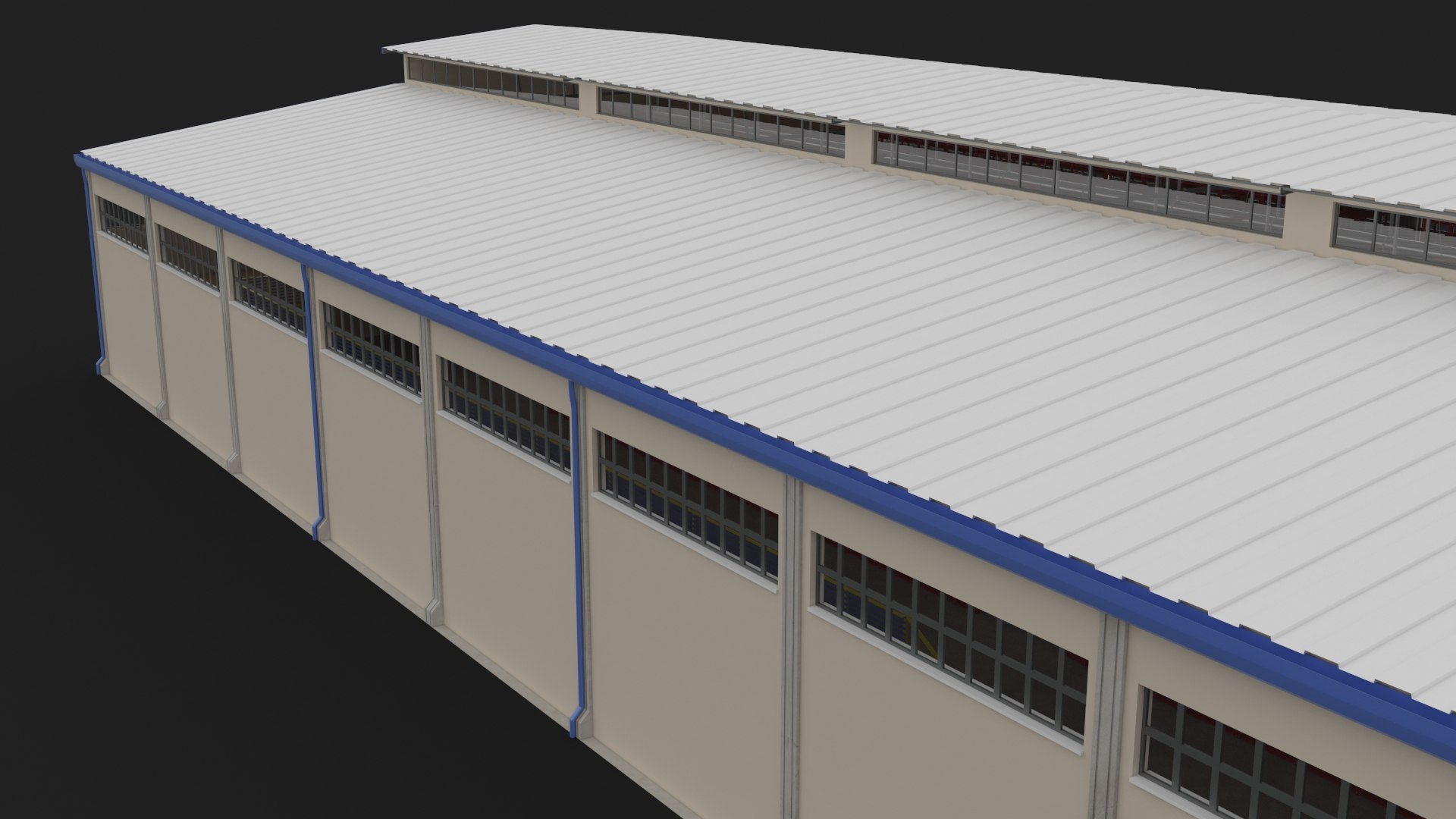
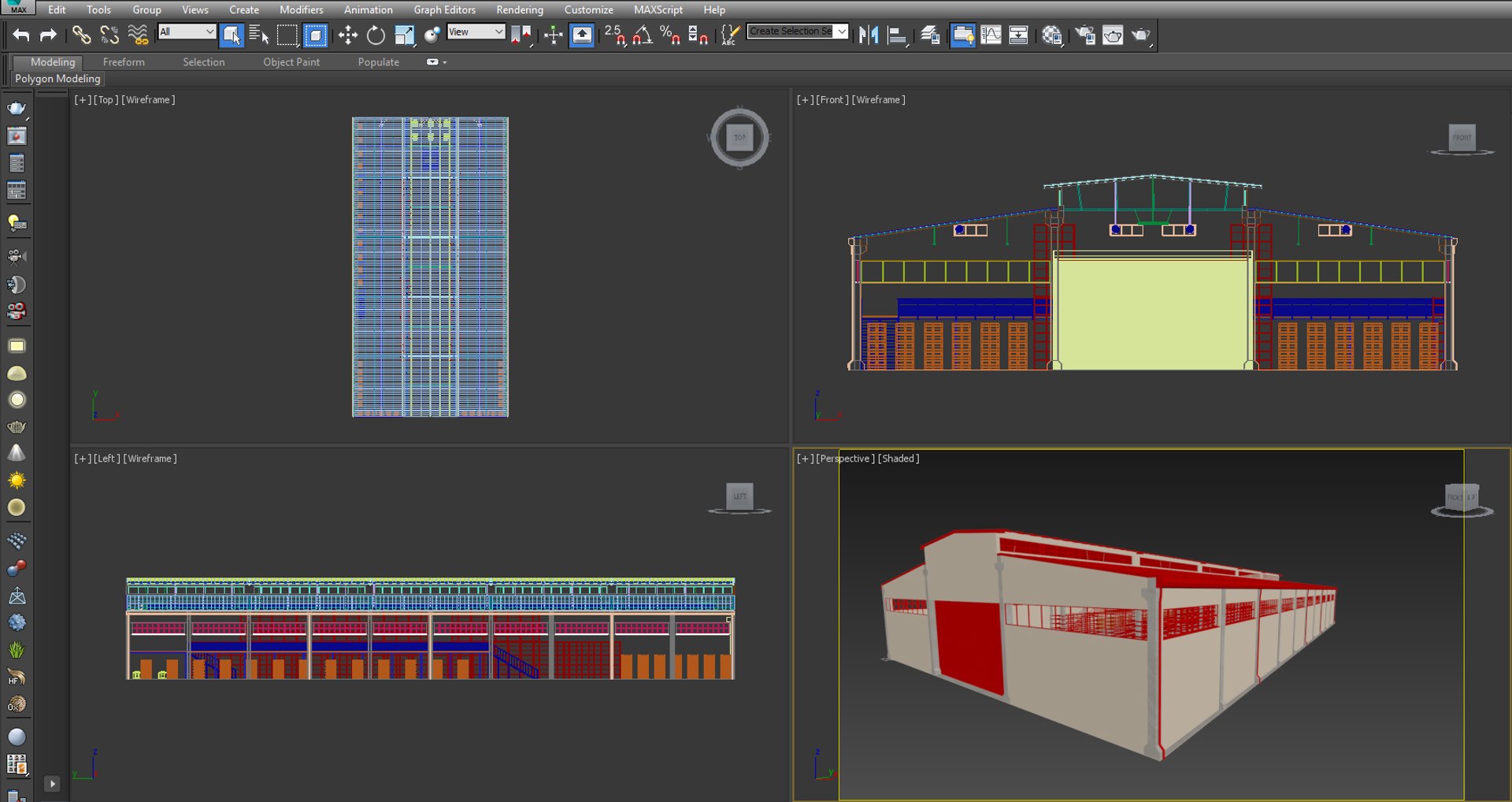
Industrial Warehouse Interior and Factory Building Scene - Fully Detailed with Steel Racks

$40

Standard License | Upgrade License
Formats (3)
Native | 3ds Max 2012 | V-Ray 3.00.07
Other Textures
FBX
Specifications
Publish Date March 06, 2018
Product ID 1261929
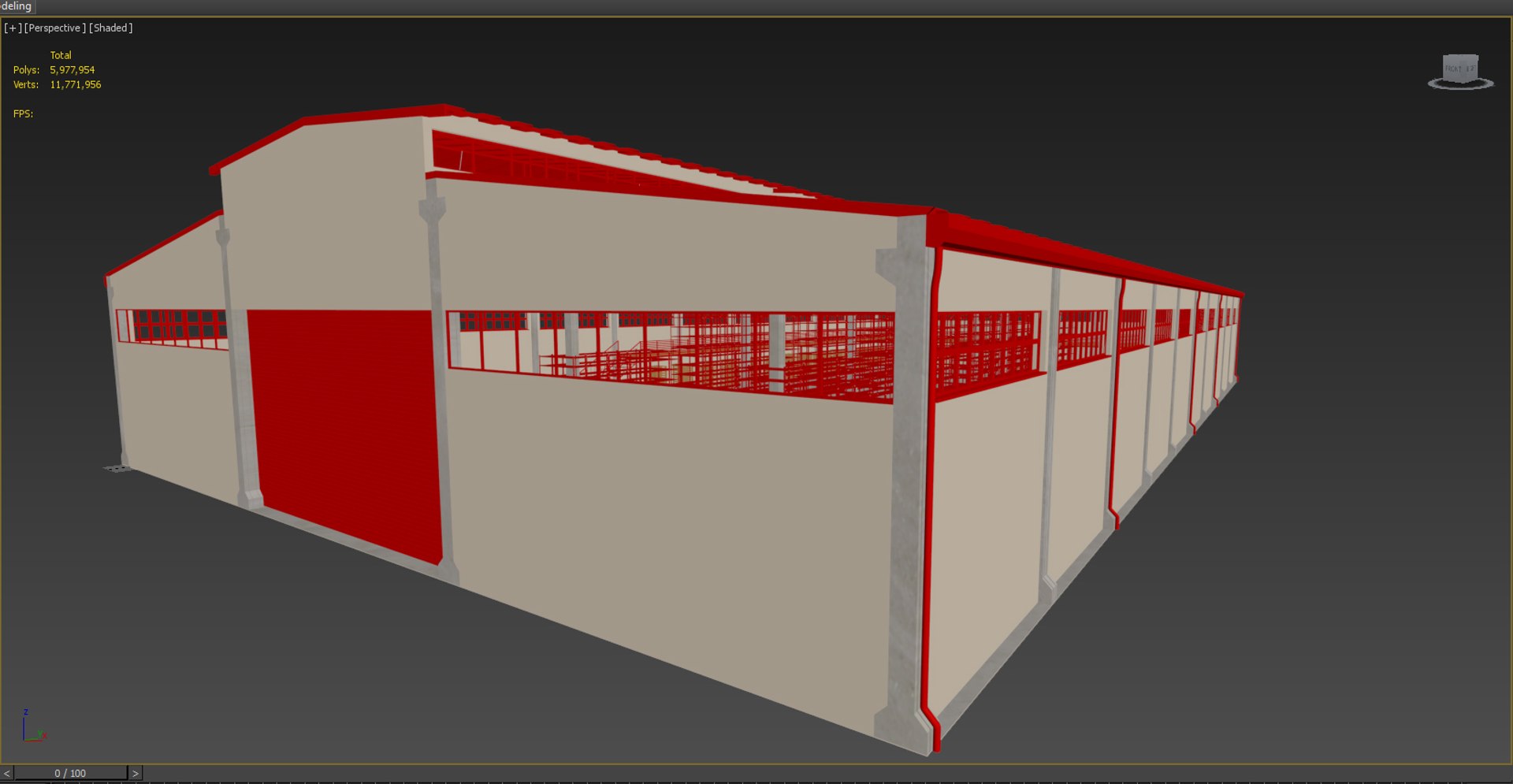
Polygons 5,977,954
Vertices 11,771,956
Polygonal
Textures
Materials
TurboSquid Exclusive
member avatar
mctsrm
1313 Products | Contributor Since 2015
Have questions? Chat with us now.

Description

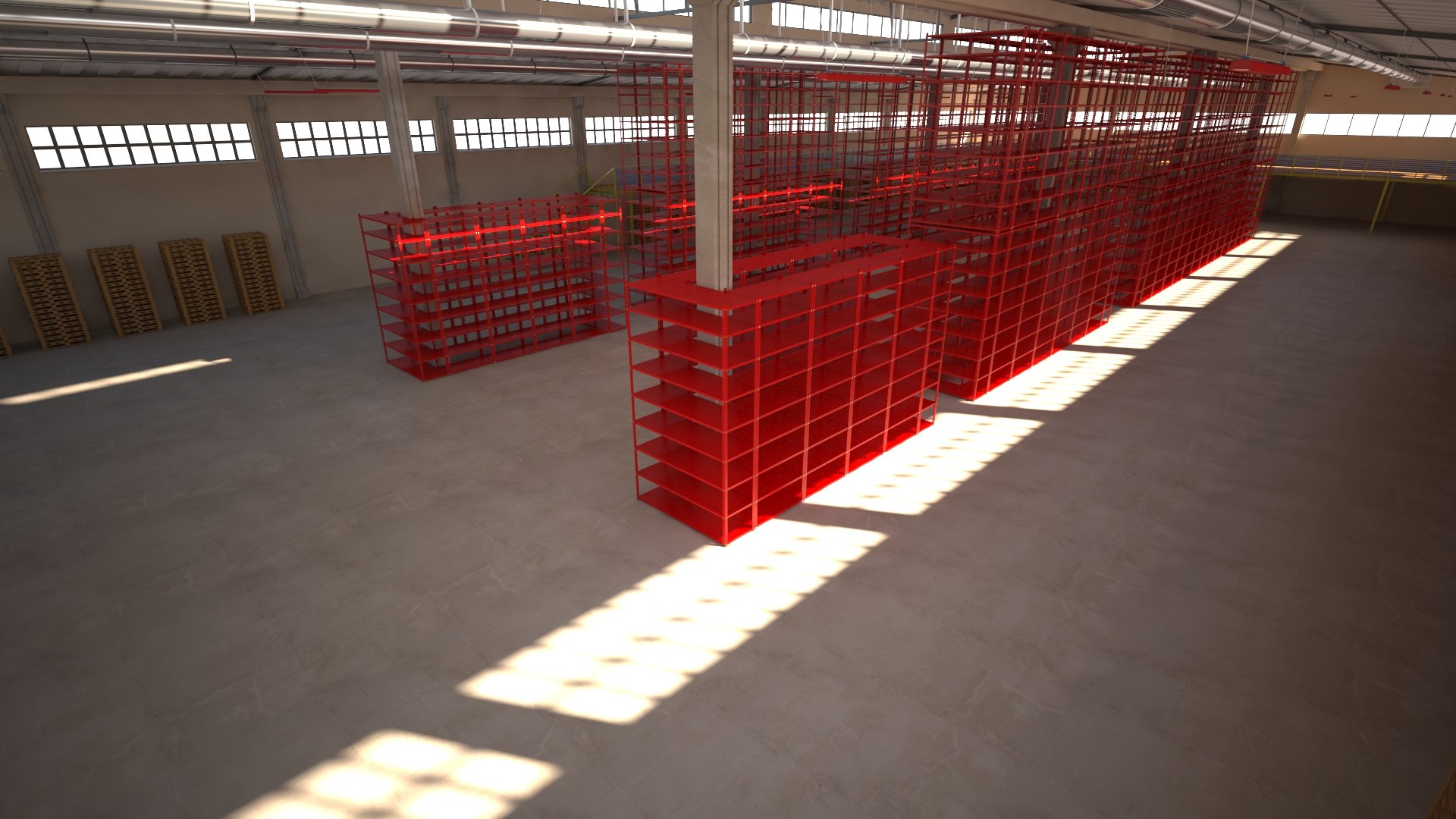
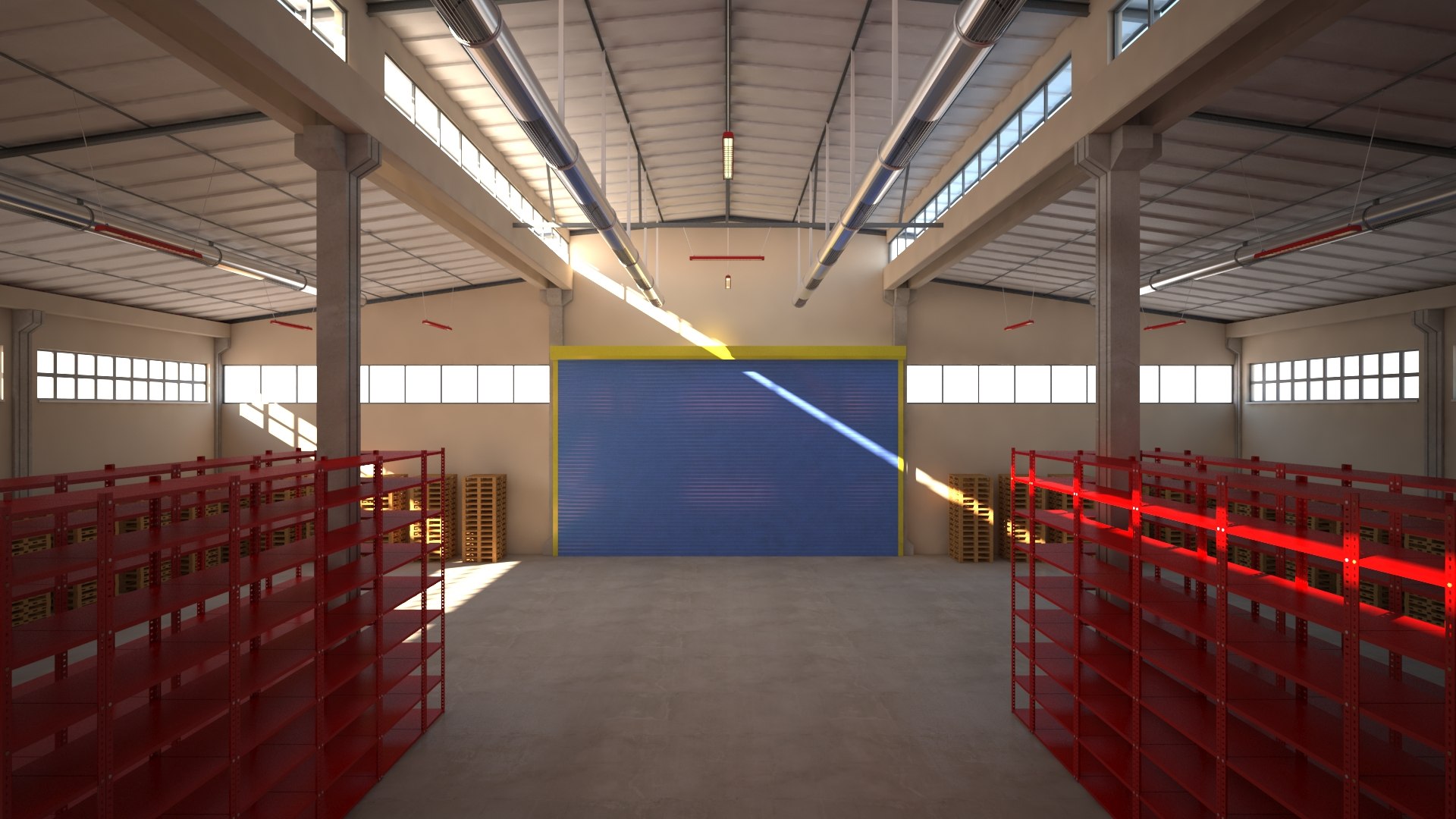
Professional Industrial Warehouse Interior Scene

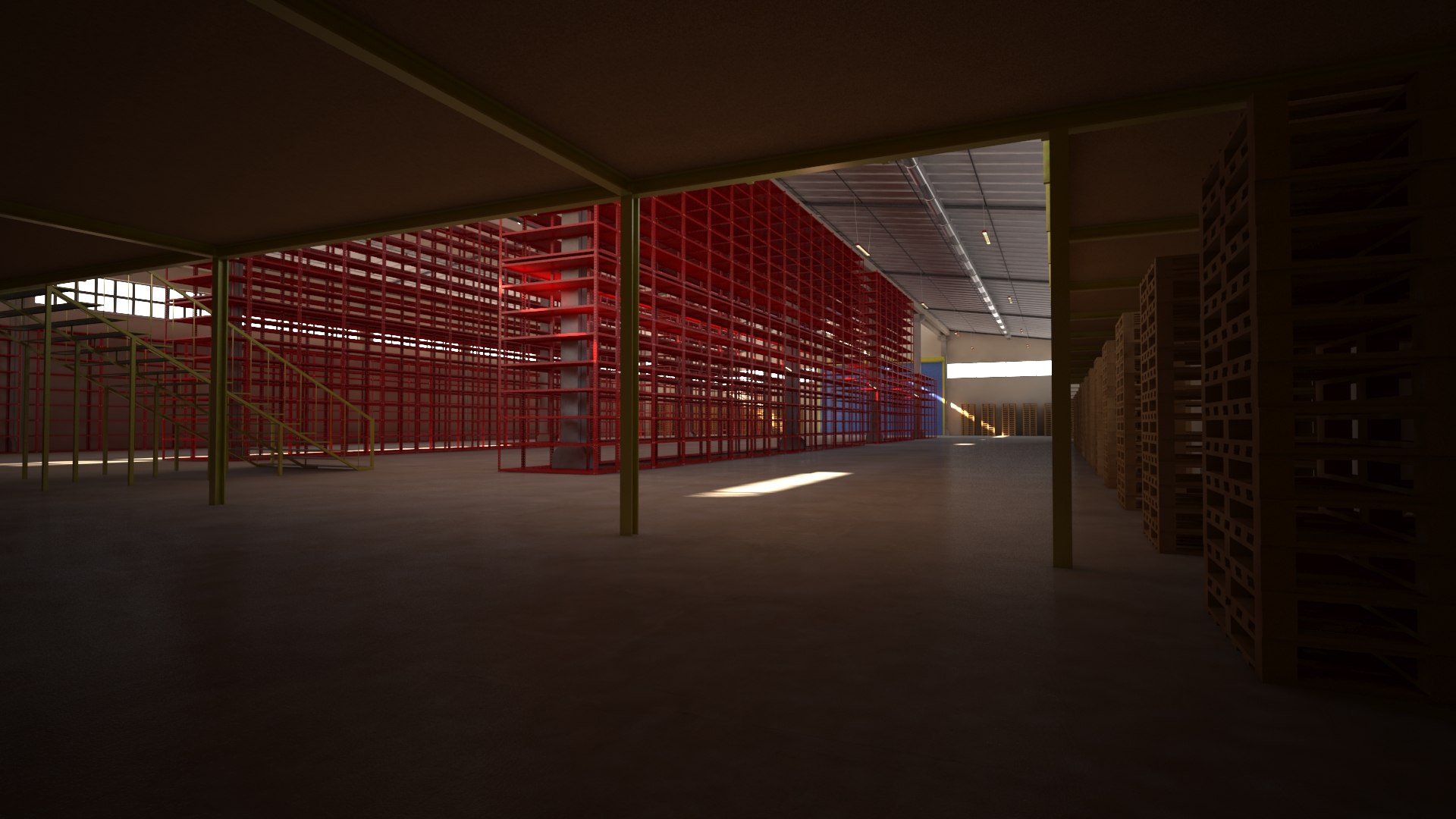
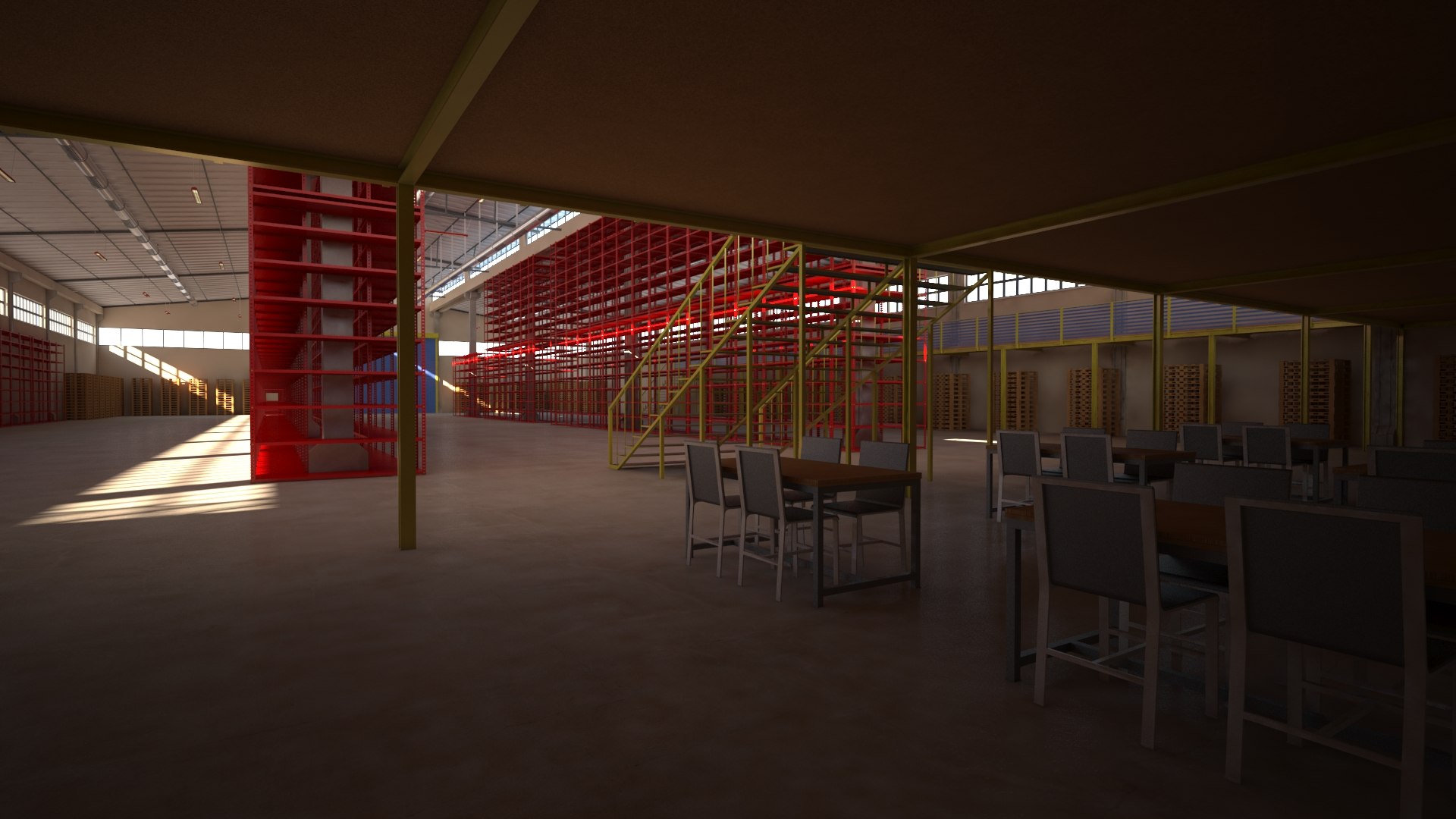
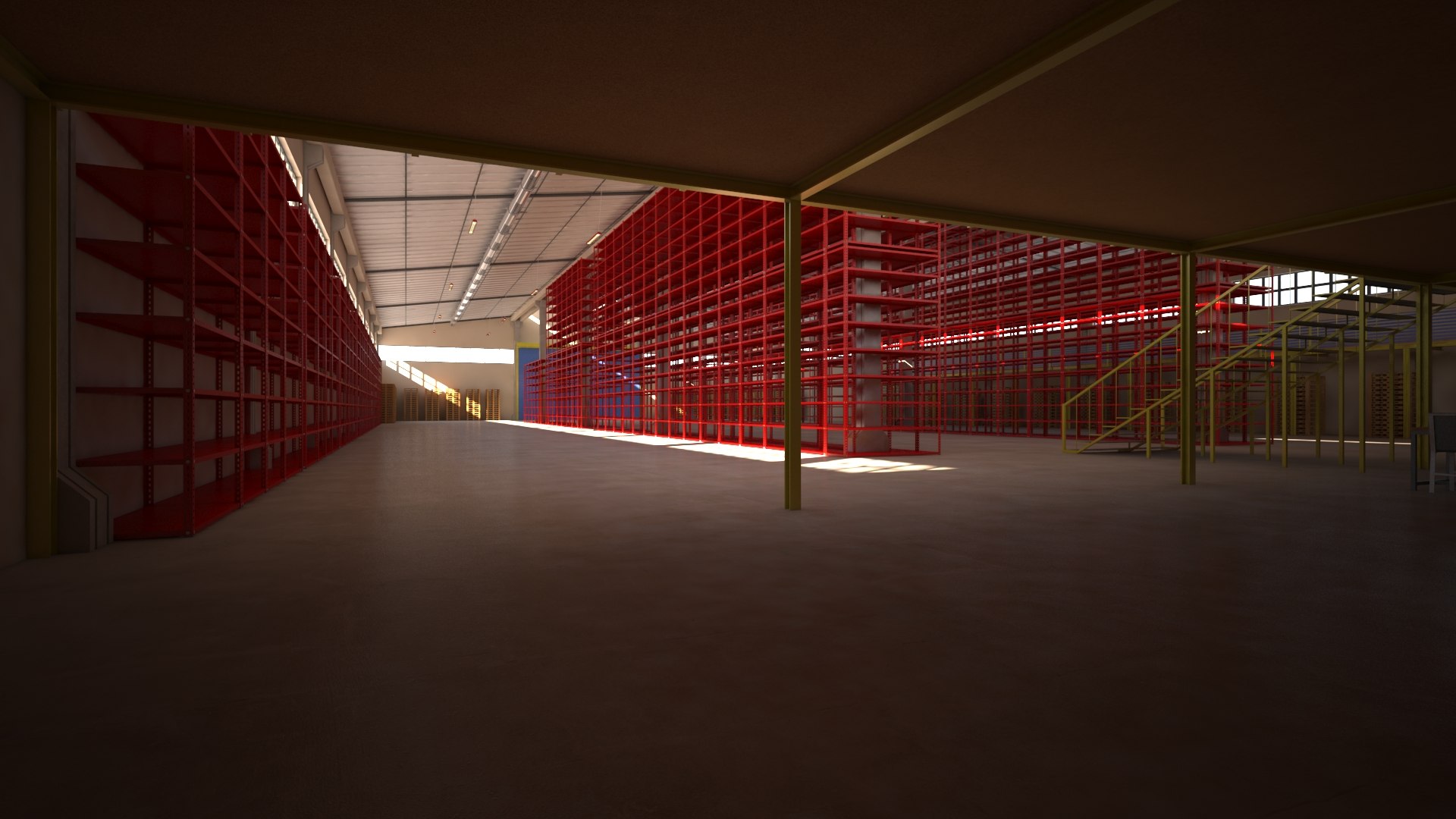
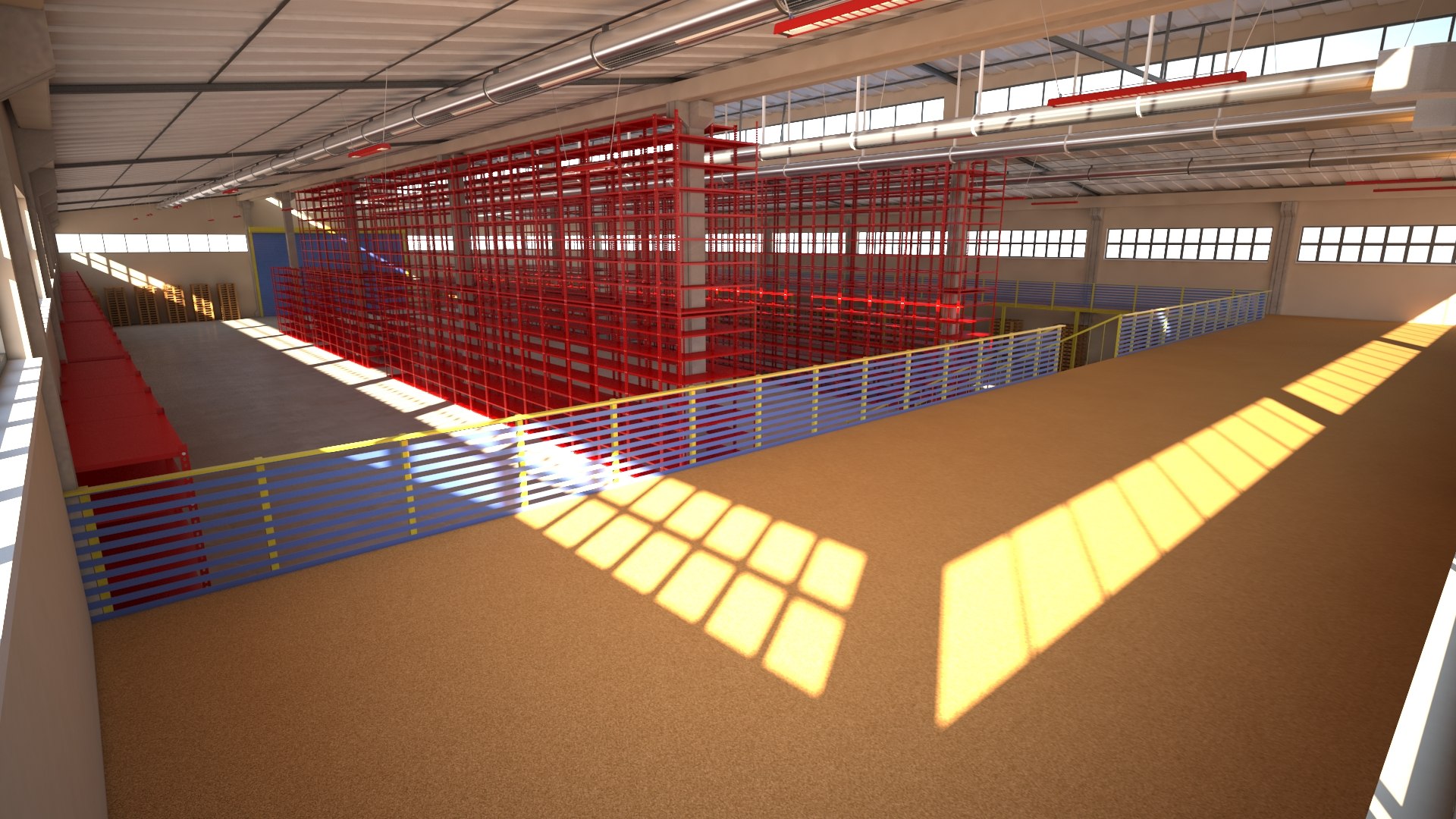
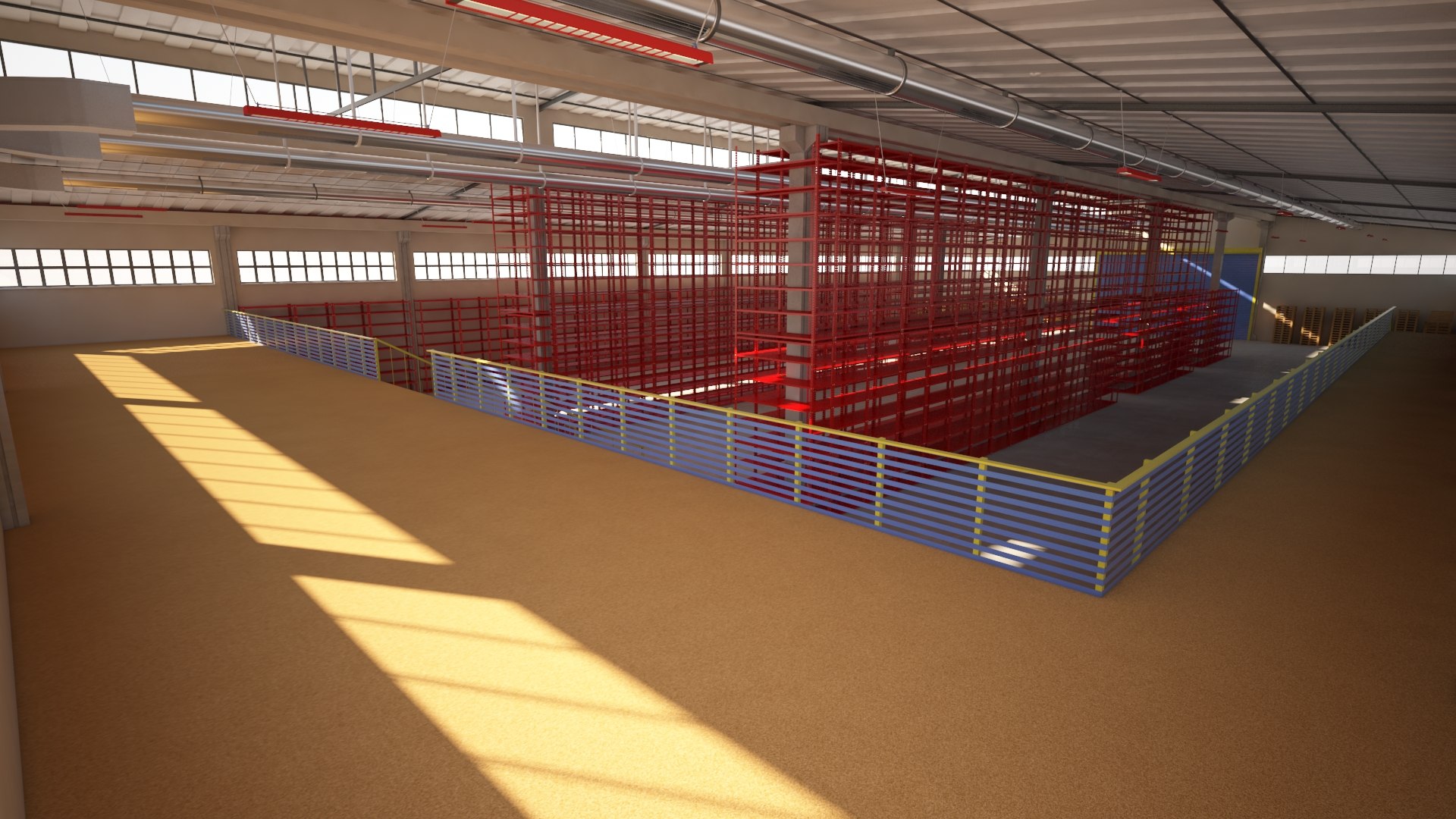
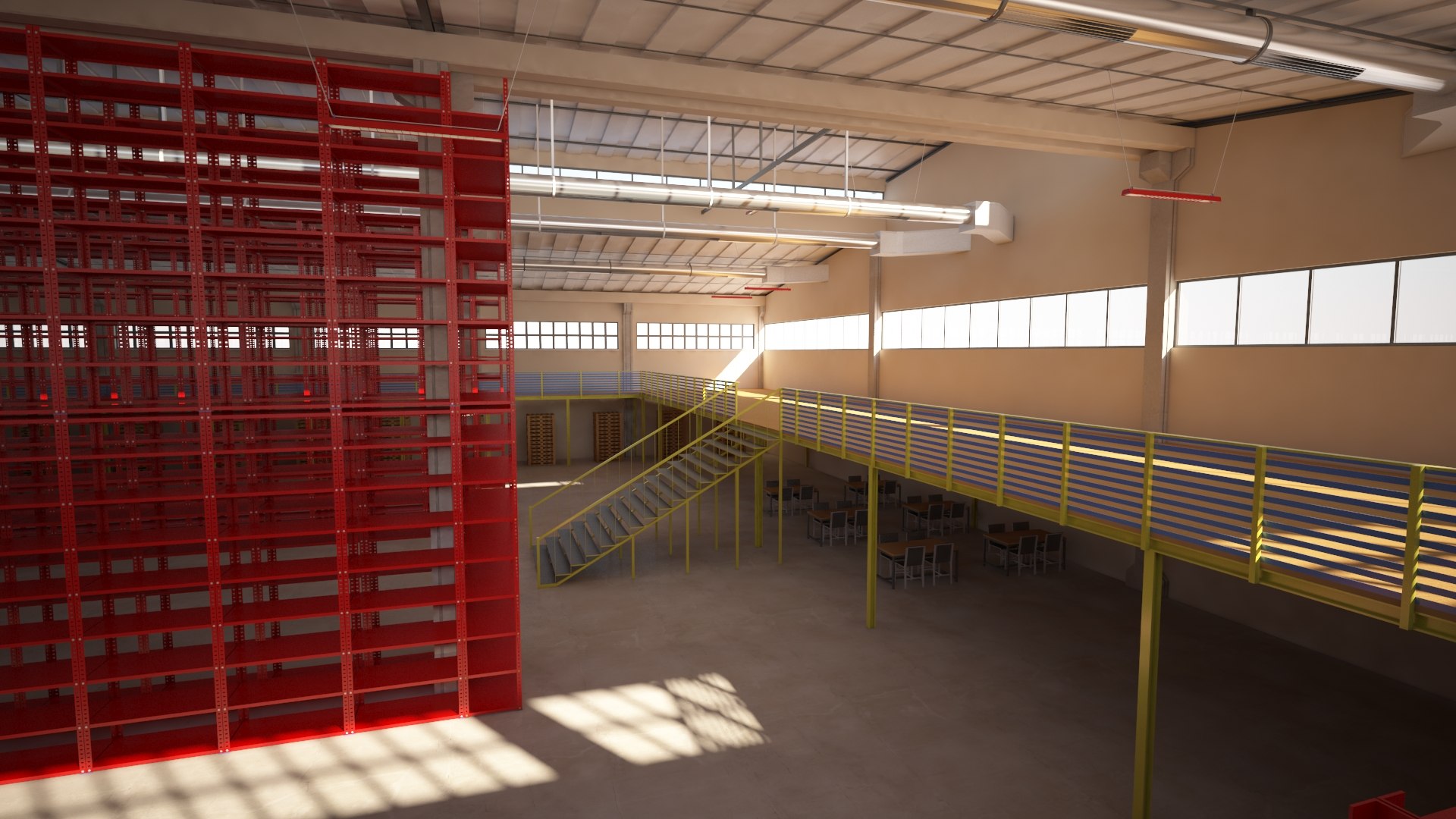
This model is specifically designed to provide a highly detailed industrial interior environment. It features a massive, organized steel racking system, structural columns, and roof trusses, making it perfect for logistics, supply chain, and warehouse management visualizations.

What’s inside?

  • Advanced Racking System: Complete industrial shelving unit, perfect for adding your own pallets and cargo.
  • Structural Detail: High-quality steel frames, roof beams, and floor textures designed for interior close-ups.
  • Optimized Interior: While the exterior acts as a shell, the interior is ready for heavy-duty industrial rendering.
  • Modular Layout: You can easily expand or customize the interior storage area.

Technical Focus:

  • Polygons: ~6M (Optimized for interior detail).
  • Interior Ready: Best suited for indoor camera angles and logistics simulations.
  • Materials: High-end V-Ray materials for realistic metal and concrete surfaces.

Select Enhanced License

  • $10,000 in Legal Protection (Indemnification)
  • Uncapped Legal Protection (Indemnification)
  • Waiver from injunctive relief
  • Assignable model rights
  • $1,000,000 in Legal Protection (Indemnification)
  • Waiver from injunctive relief
  • Assignable model rights
  • $250,000 in Legal Protection (Indemnification)
  • Assignable model rights
Read more about enhanced license tiers, or contact us at enterprise@turbosquid.com. Already a Shutterstock Enterprise Customer? Contact your Shutterstock Sales Support Agent to talk about adding 3D.

About Conversion Requests

To submit a conversion request for a purchased asset, please complete our Conversion Request Form.

If you have not yet purchased a model, please review our Documentation about Conversions to learn about what limitations you may encounter with a conversion.

For any additional questions about a model’s suitability for conversion, please contact TurboSquid Support.

Loading...