Wardrobe 1 Revit Family Full Parametric

Free

Editorial Uses Only
Formats (2)
Native | Revit Family 2019
Other Textures
Specifications
Publish Date June 12, 2020
Product ID 1575463
Polygons 1
Vertices 1
Polygonal
Textures
Materials
PBR
TurboSquid Exclusive
member avatar
Maro_Design
154 Products | Contributor Since 2018
Have questions? Chat with us now.

Description

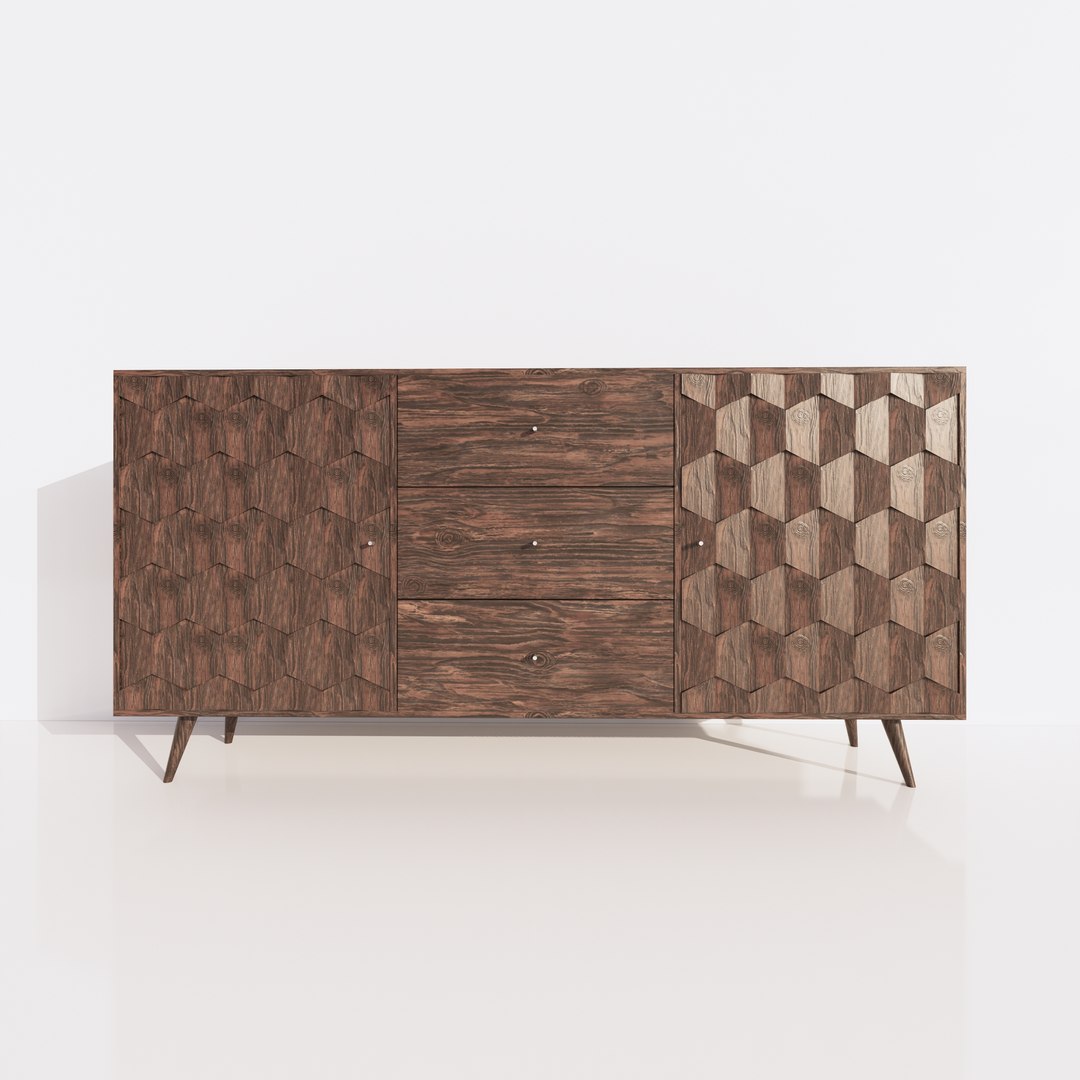
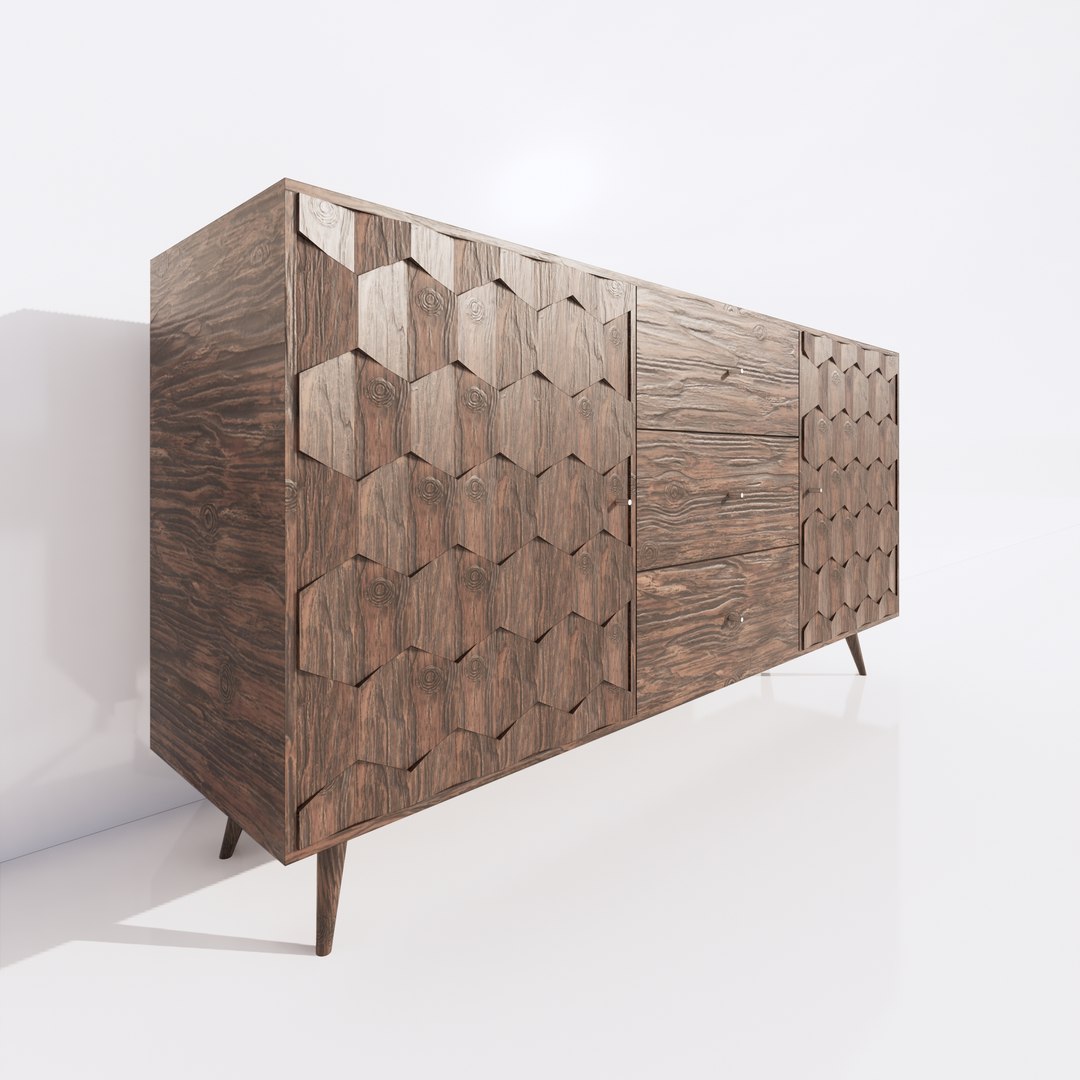
Wardrobe 1 - Revit Family Full Parametric
*********************************************************************
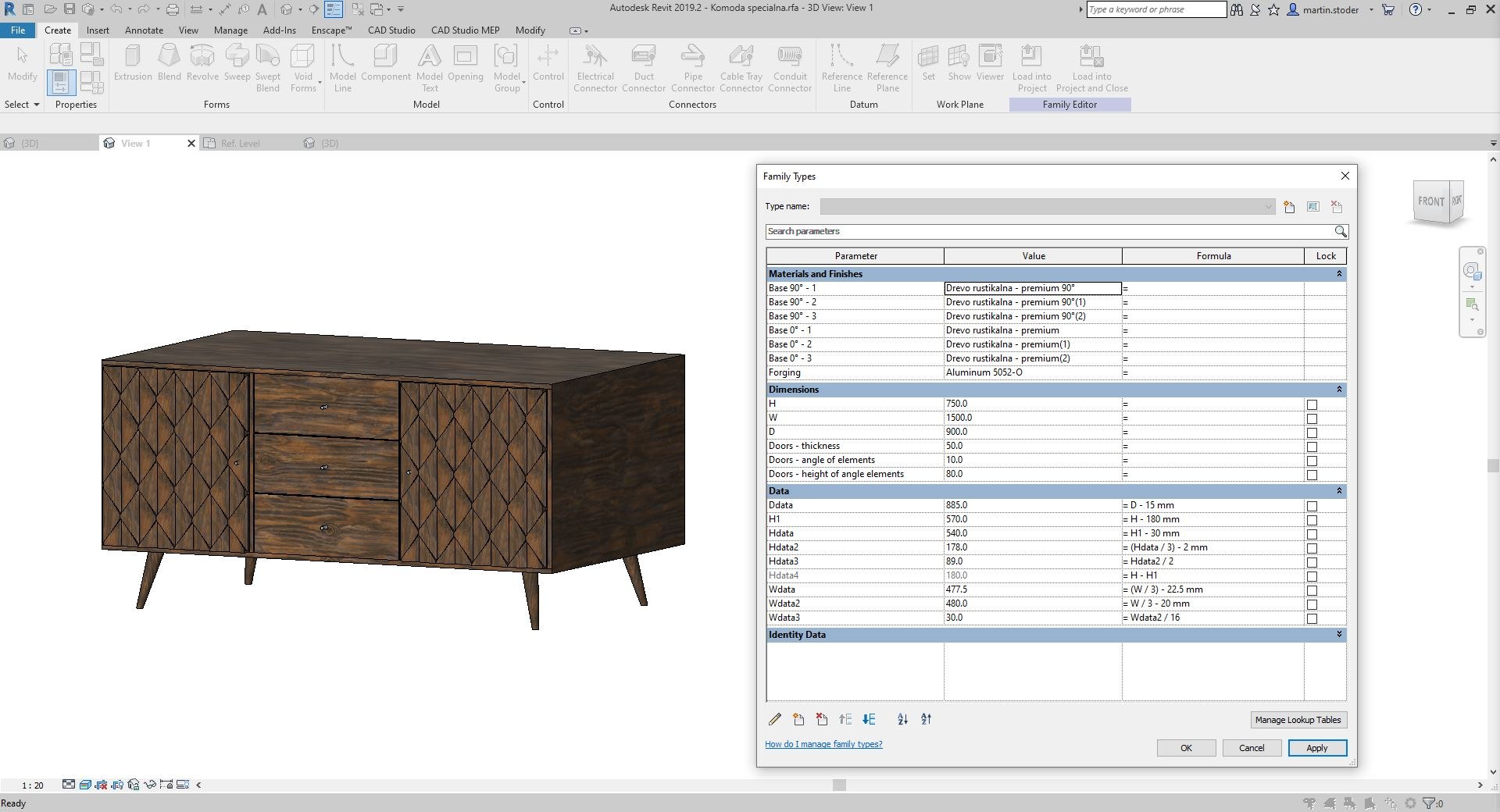
-If you want to have a fully parametric wardrobe, you can try this Revit Family.
*********************************************************************
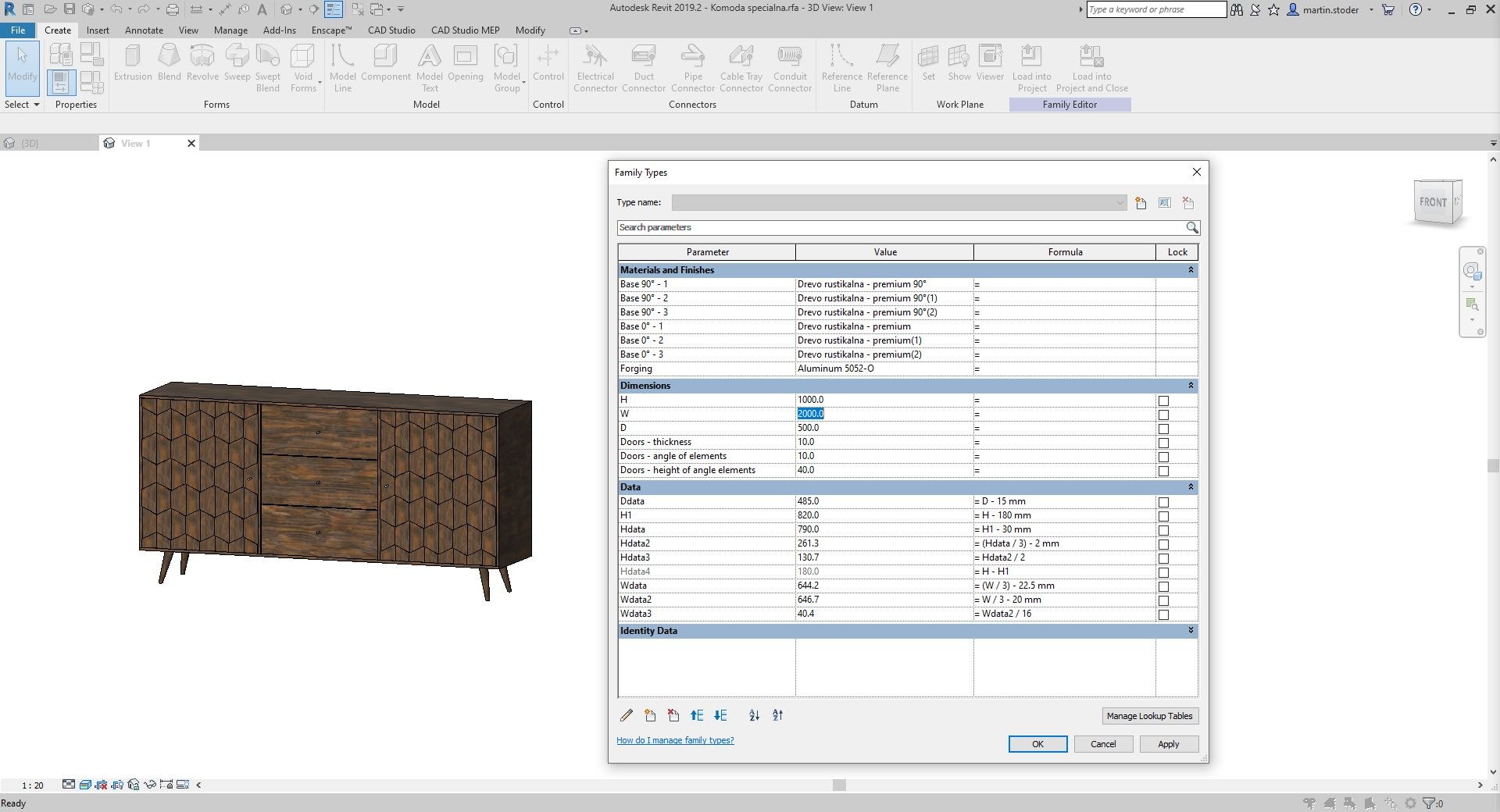
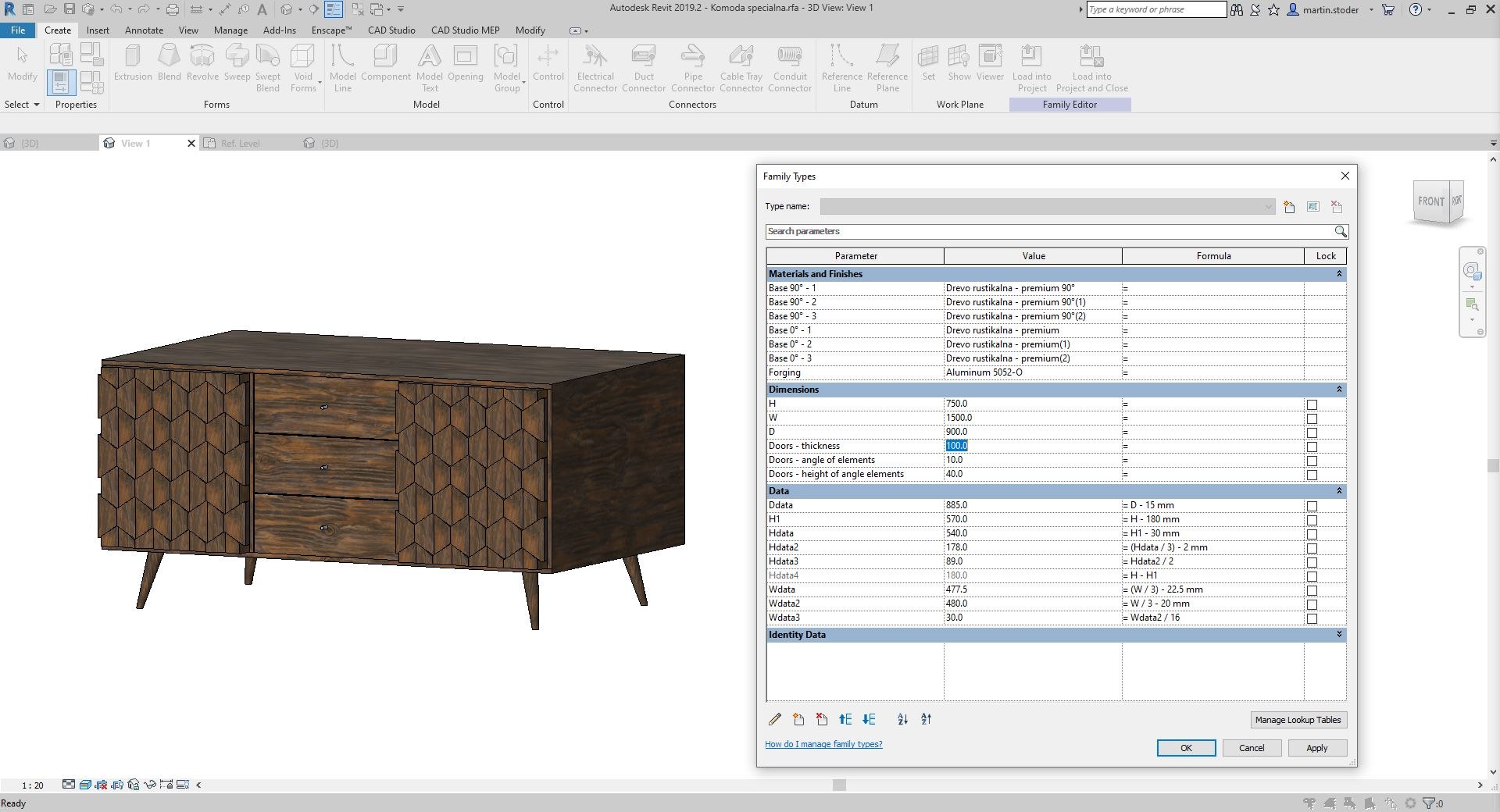
-I've created everything to be fully adjustable and it's also absolutely easy and fast to change every parameter in Revit Family properties, so it will fit everywhere according your ideas.
*********************************************************************
-Things you are able to change, you can see in jpgs, like:
Height, Width, Depth, all Materials and more.
In Revit Family properties, you can change every input except for inputs from Data field, where usually all formulas are listed. So if you want change something from Data, be careful model maybe won't work properly.
*********************************************************************
- All textures are PBR and they are also included.
*********************************************************************
Thank you for your time and i hope you'll like it. :)

Select Enhanced License

  • $10,000 in Legal Protection (Indemnification)
  • Uncapped Legal Protection (Indemnification)
  • Waiver from injunctive relief
  • Assignable model rights
  • $1,000,000 in Legal Protection (Indemnification)
  • Waiver from injunctive relief
  • Assignable model rights
  • $250,000 in Legal Protection (Indemnification)
  • Assignable model rights
Read more about enhanced license tiers, or contact us at enterprise@turbosquid.com. Already a Shutterstock Enterprise Customer? Contact your Shutterstock Sales Support Agent to talk about adding 3D.

About Conversion Requests

To submit a conversion request for a purchased asset, please complete our Conversion Request Form.

If you have not yet purchased a model, please review our Documentation about Conversions to learn about what limitations you may encounter with a conversion.

For any additional questions about a model’s suitability for conversion, please contact TurboSquid Support.

Loading...