



















Virtual TV Studio Set 1

$90

Standard License | Upgrade License
Formats (6)
Free file format Conversions available
OBJ
Maya
3ds Max
Lightwave
Cinema 4D
3D Studio
Previews

Download a preview

Sign in or create a TurboSquid account to download preview files.

Selected file:

Specifications
Publish Date October 11, 2006
Product ID 325083
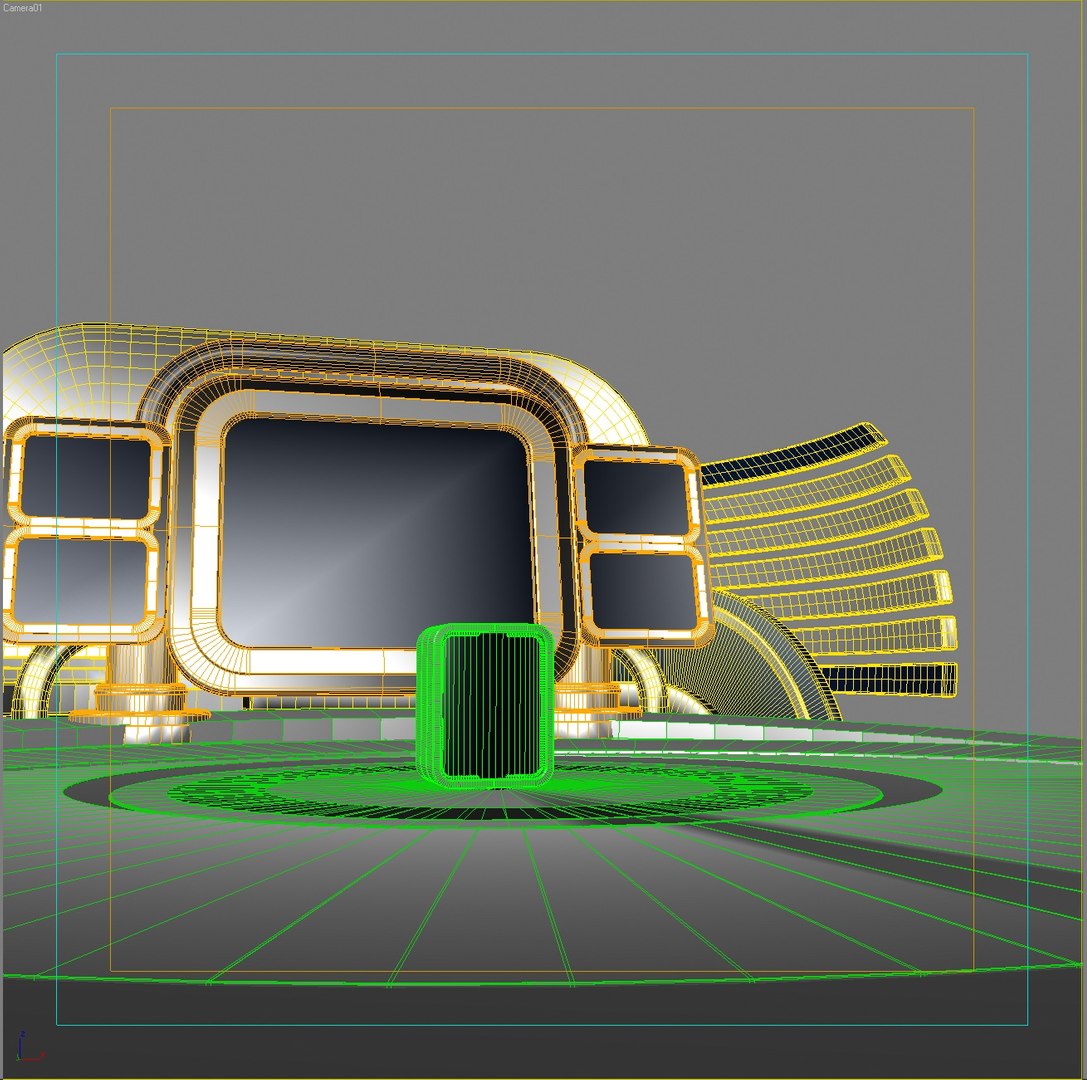
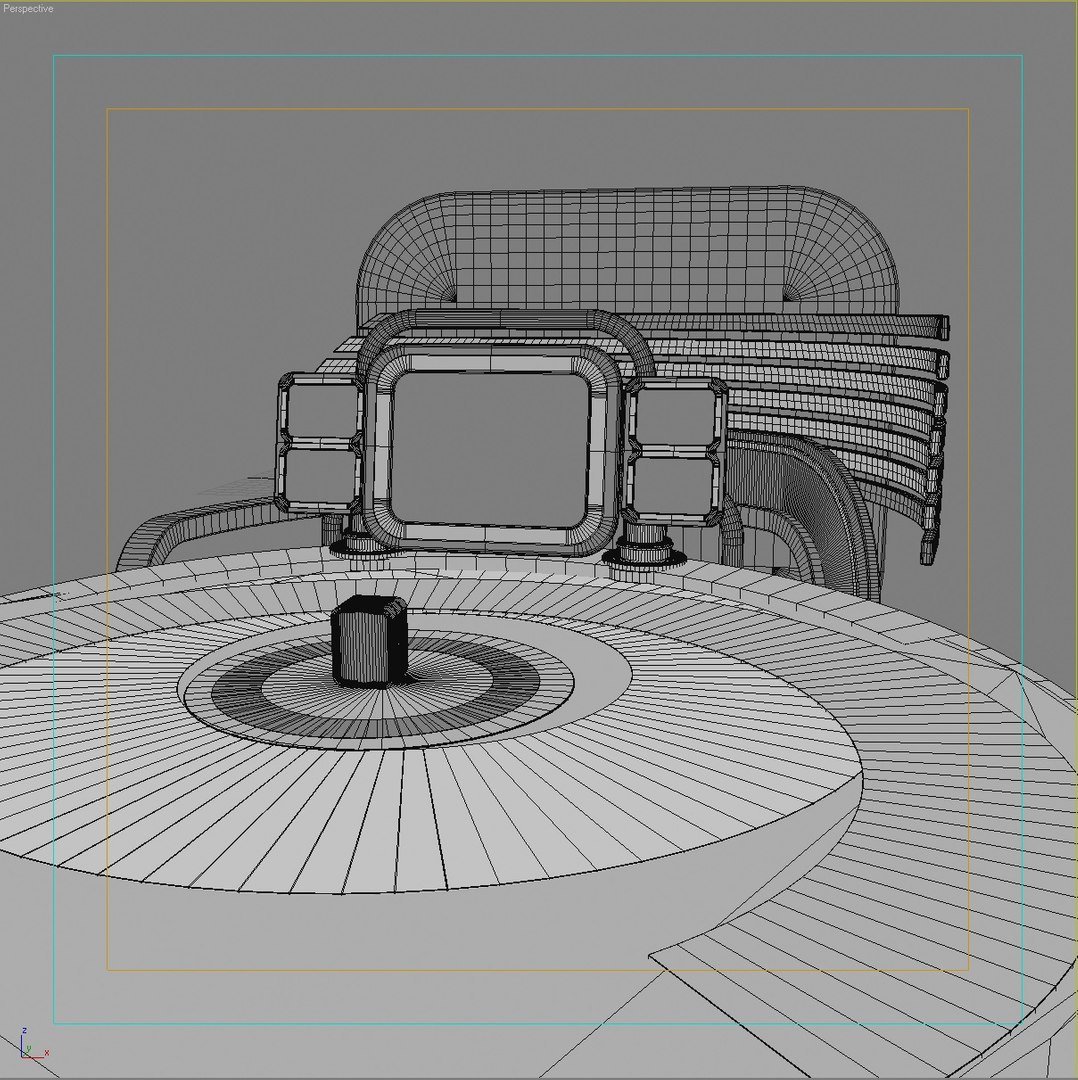
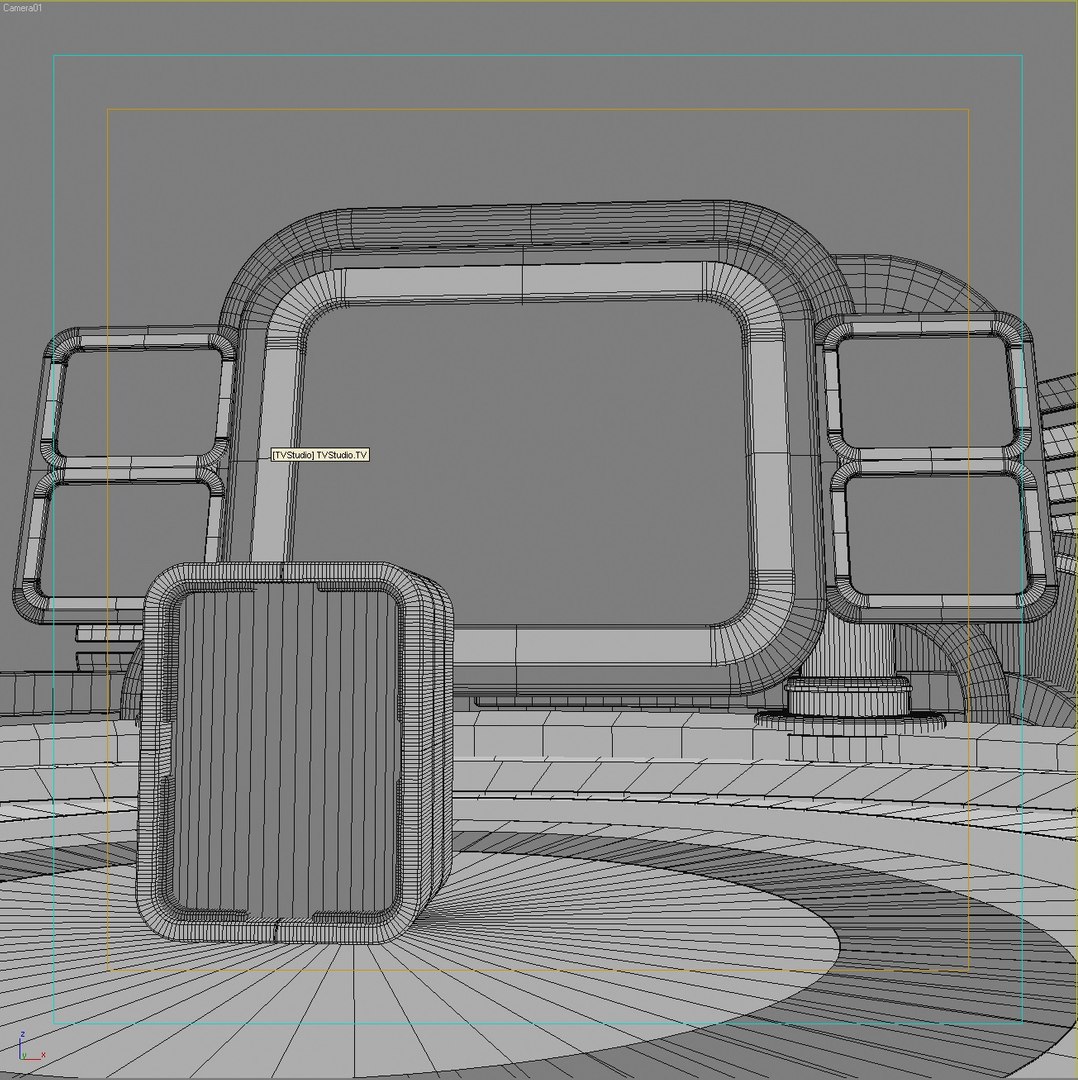
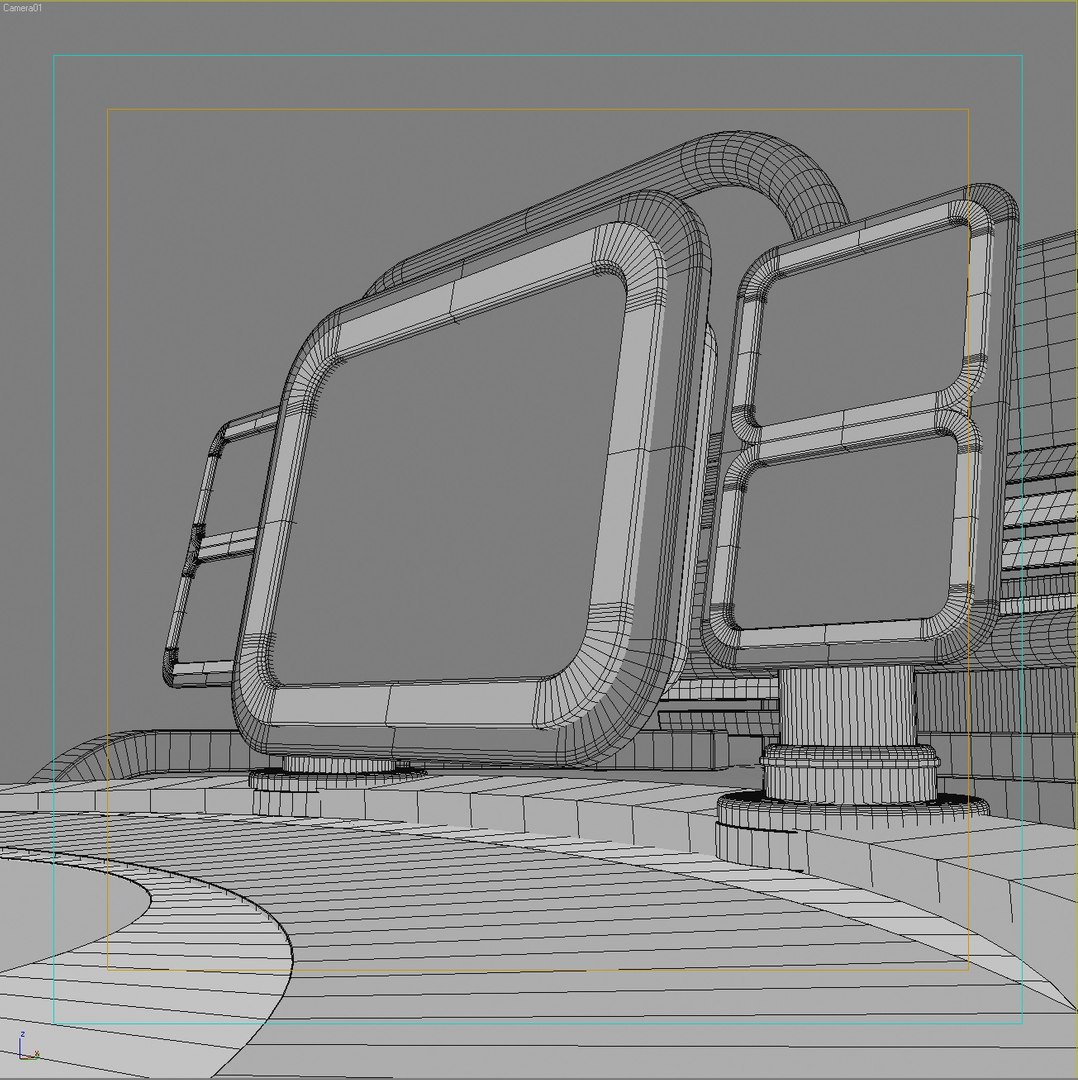
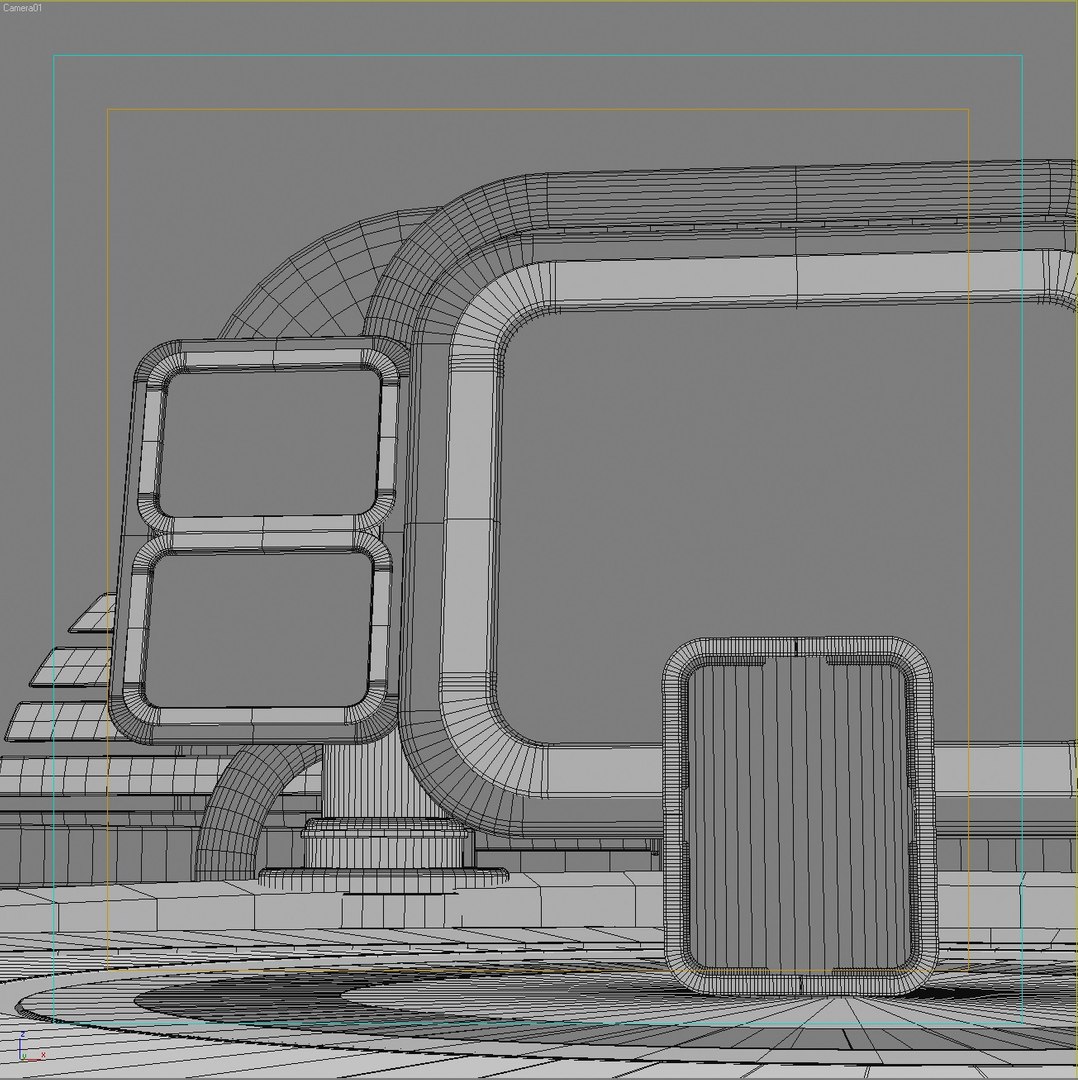
Polygons 74,065
Vertices 72,386
Polygonal
Materials
UV Mapped
Unknown Unwrapped UVs
TurboSquid Exclusive

member avatar
MatorIn
397 Products | Contributor Since 2002
Have questions? Chat with us now.

Description

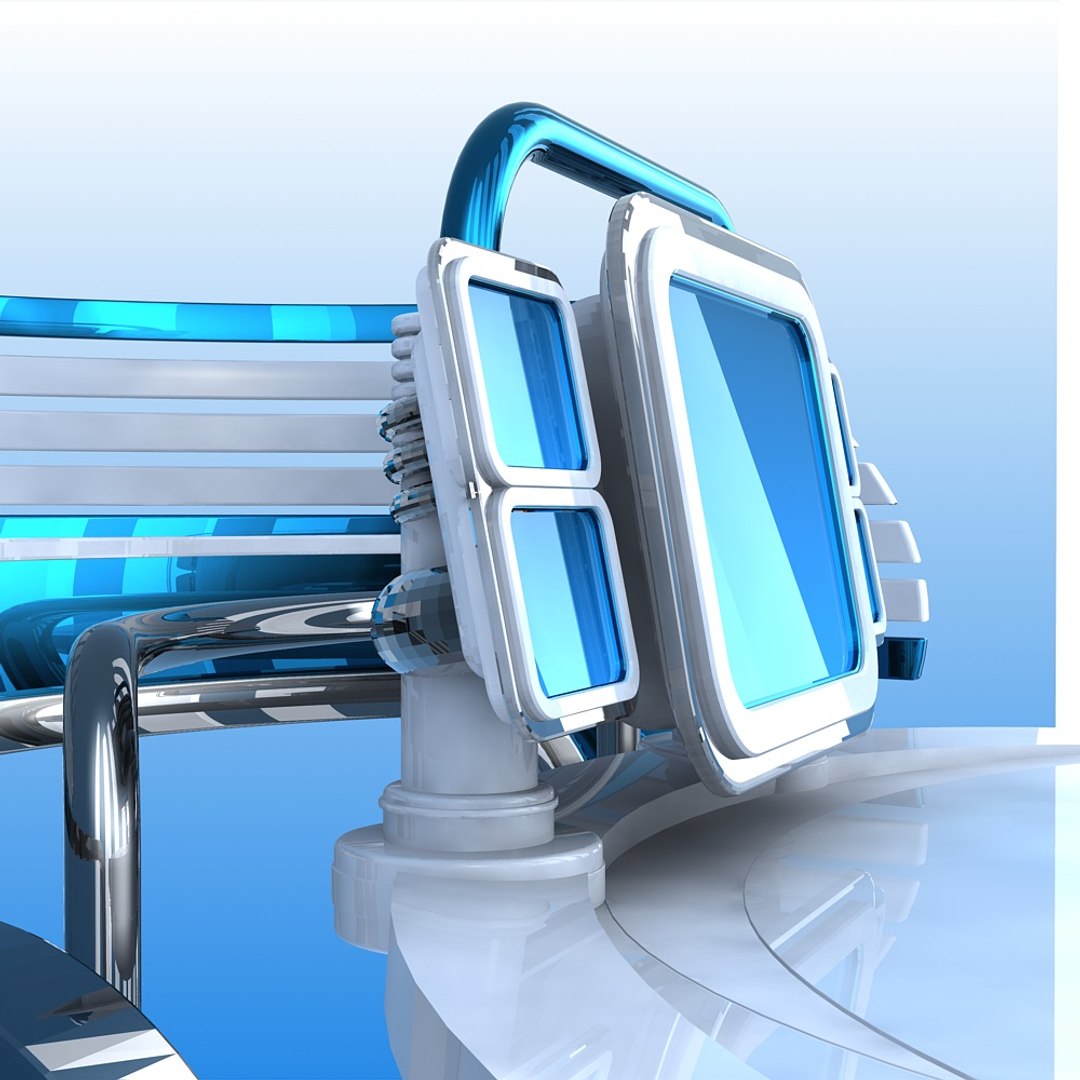
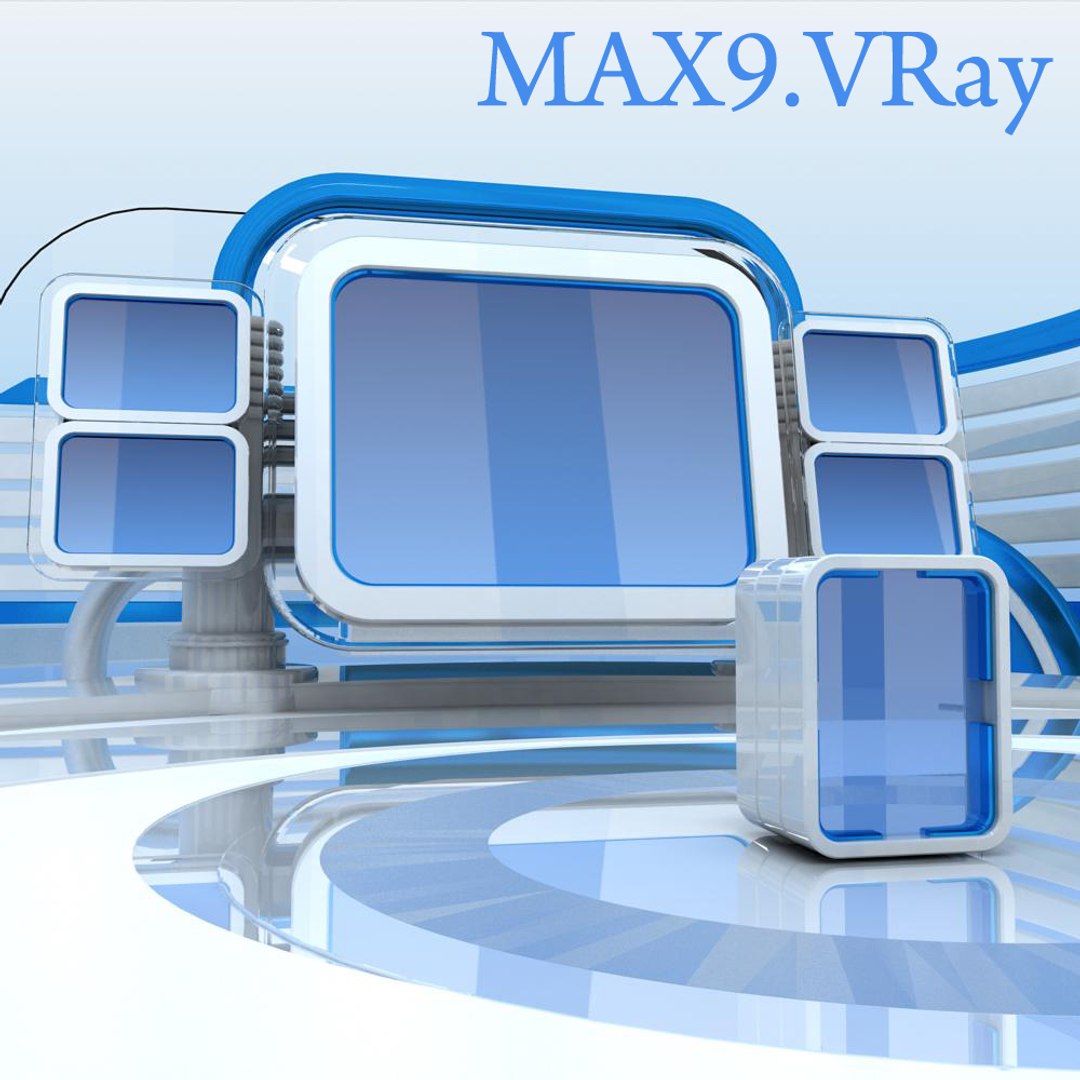
Virtual high-tech futuristic TV studio set.

Carefully detailed TV studio set specifically designed for usage with HD blue-screen footage of an anchor person in a futuristic high-tech TV studio.

Specific attention was was given to ensure that the scene looks impressive at different angles generally used for TV studio shooting.

The scene was originally developed in MAX.
Previews were rendered in MAX9, FinalRender renderer, if not specified otherwise.

Product includes 3 versions of MAX render setup:
1.MAX9.FinalRender stage1+FinalShaders (REQUIRES PLUG-IN)
2.MAX9.Standart MAX Scanline renderer and Raytrace materials
3.MAX9.VRay 1.53 renderer and materials

All other formats were exported, tested and adjusted in respective software.

All formats are ready to render as seen in previews.

All objects are properly optimized, grouped and named in all formats.
All materials are carefully optimized and properly named in all formats.

The scene is fully optimized and ready for fast and easy set-up and import into any existing project.

Select Enhanced License

  • $10,000 in Legal Protection (Indemnification)
  • Uncapped Legal Protection (Indemnification)
  • Waiver from injunctive relief
  • Assignable model rights
  • $1,000,000 in Legal Protection (Indemnification)
  • Waiver from injunctive relief
  • Assignable model rights
  • $250,000 in Legal Protection (Indemnification)
  • Assignable model rights
Read more about enhanced license tiers, or contact us at enterprise@turbosquid.com. Already a Shutterstock Enterprise Customer? Contact your Shutterstock Sales Support Agent to talk about adding 3D.

About Conversion Requests

To submit a conversion request for a purchased asset, please complete our Conversion Request Form.

If you have not yet purchased a model, please review our Documentation about Conversions to learn about what limitations you may encounter with a conversion.

For any additional questions about a model’s suitability for conversion, please contact TurboSquid Support.

Loading...