




vineyard_pack

$49

Standard License | Upgrade License
Formats (5)
Native | 3ds Max 2009 | V-Ray 1.5sp4a
3ds Max 2009 | V-Ray 1.5sp4a
3D Studio
OBJ
FBX
Previews

Download a preview

Sign in or create a TurboSquid account to download preview files.

Selected file:

Specifications
Publish Date April 04, 2016
Product ID 1023656
Polygons 10
Vertices 10
Polygonal
Textures
Materials
UV Mapped
Mixed Unwrapped UVs
TurboSquid Exclusive
member avatar
nardid
201 Products | Contributor Since 2014
Have questions? Chat with us now.

Description

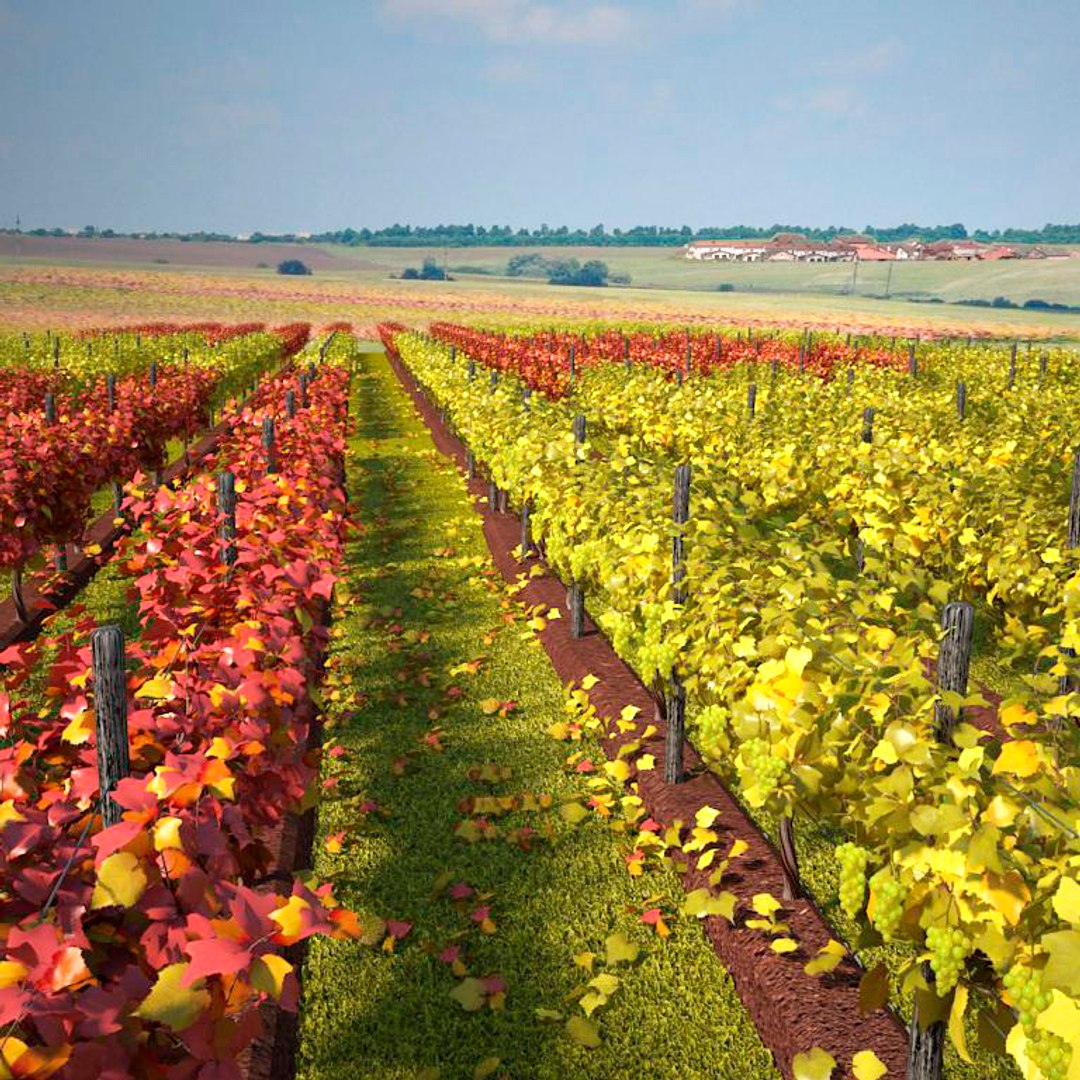
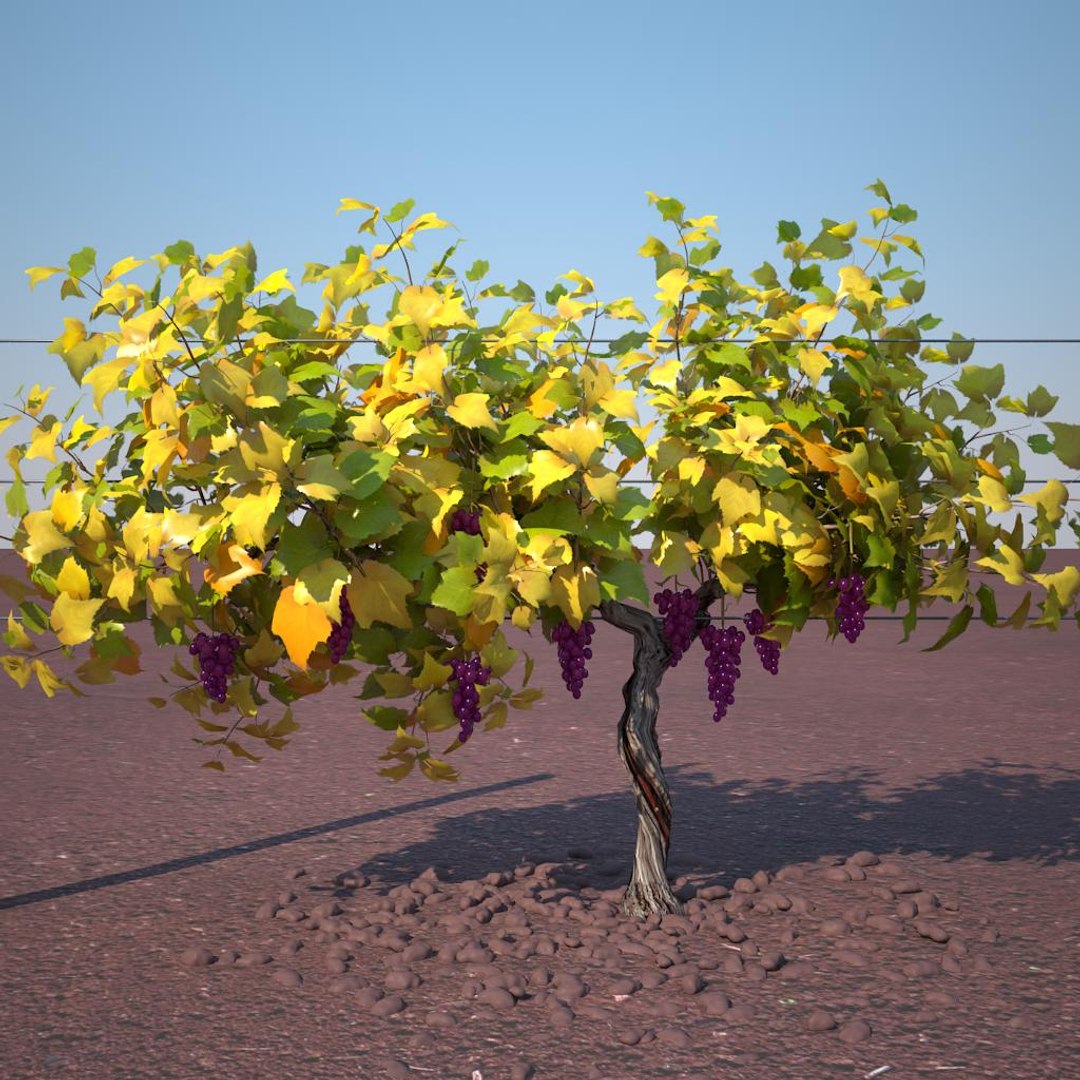
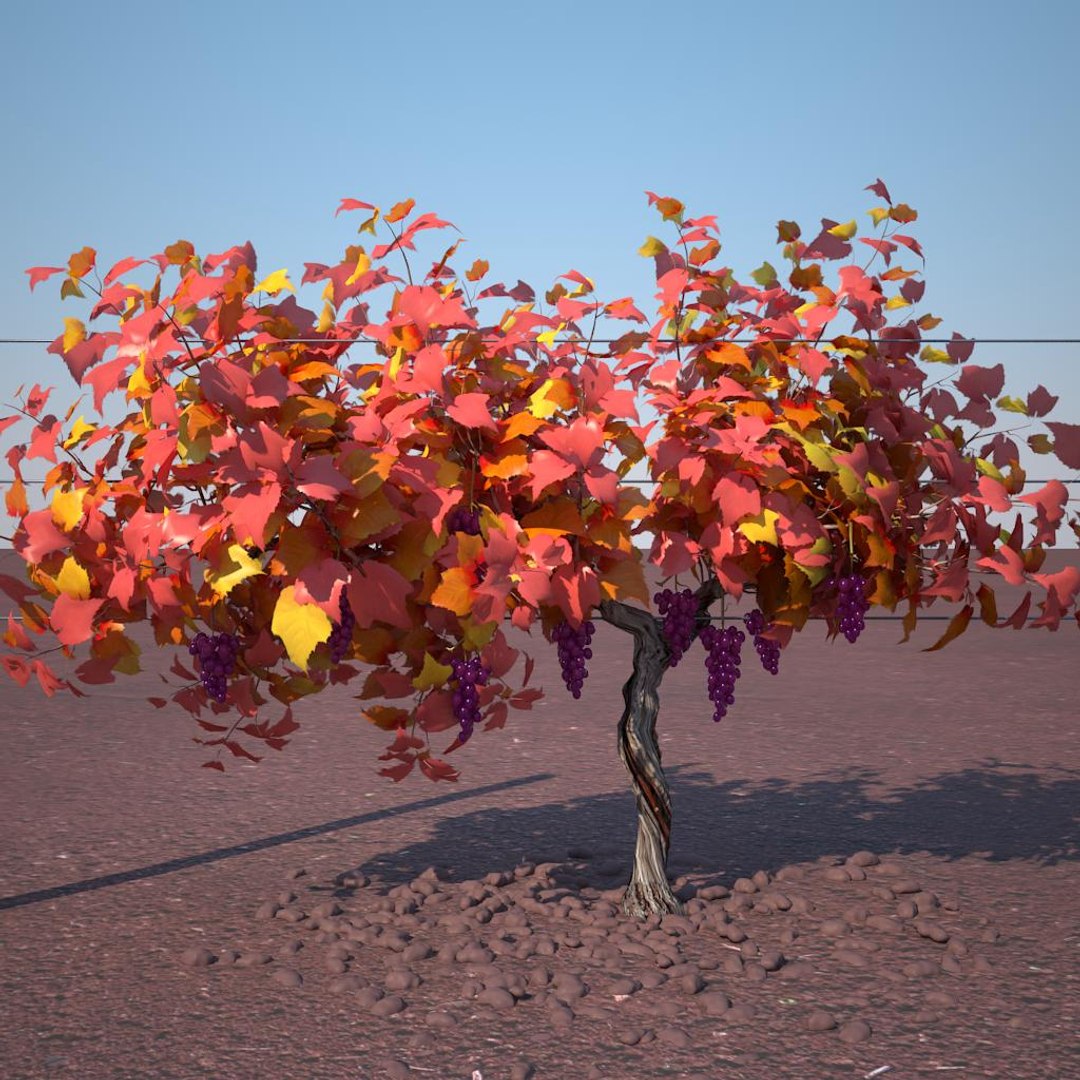
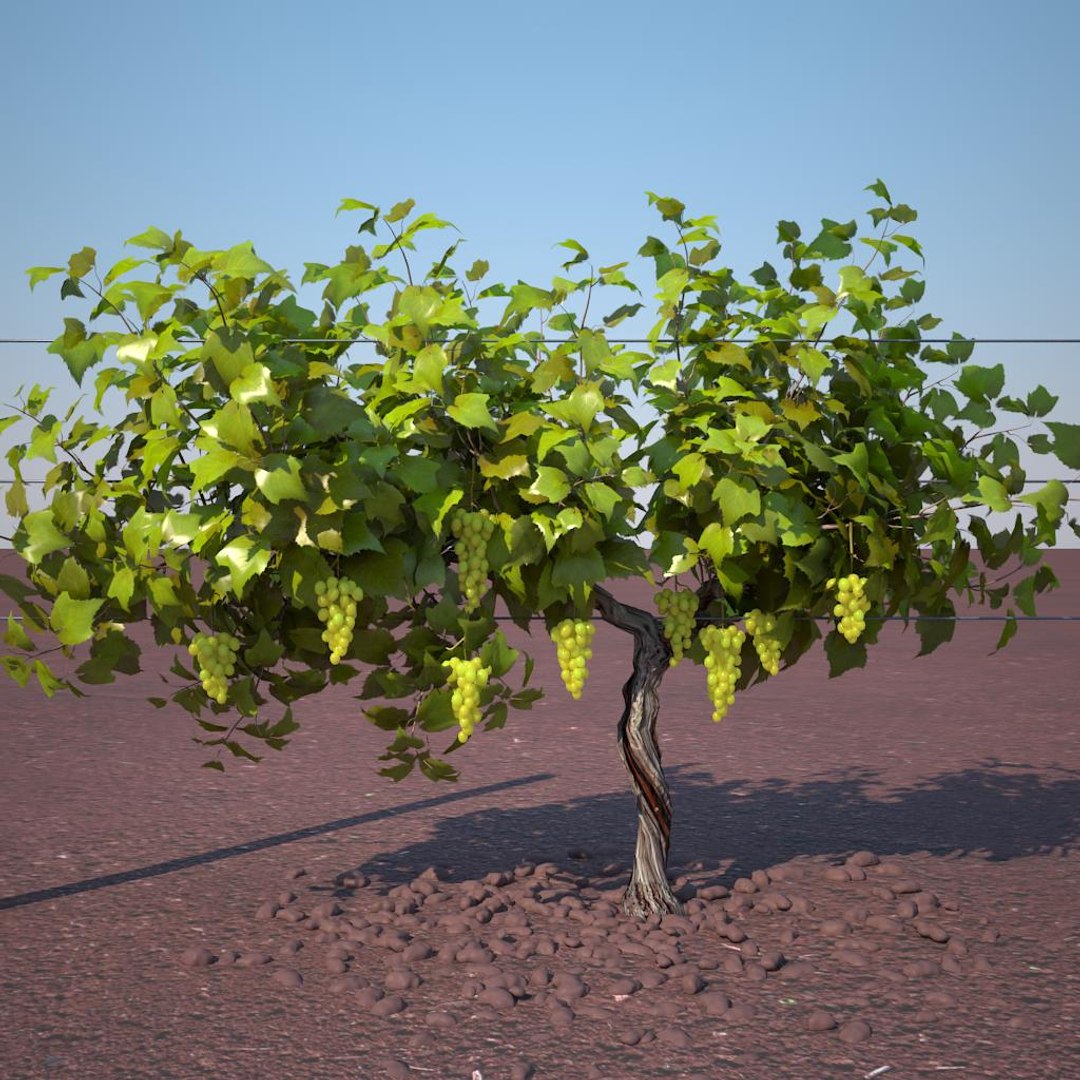
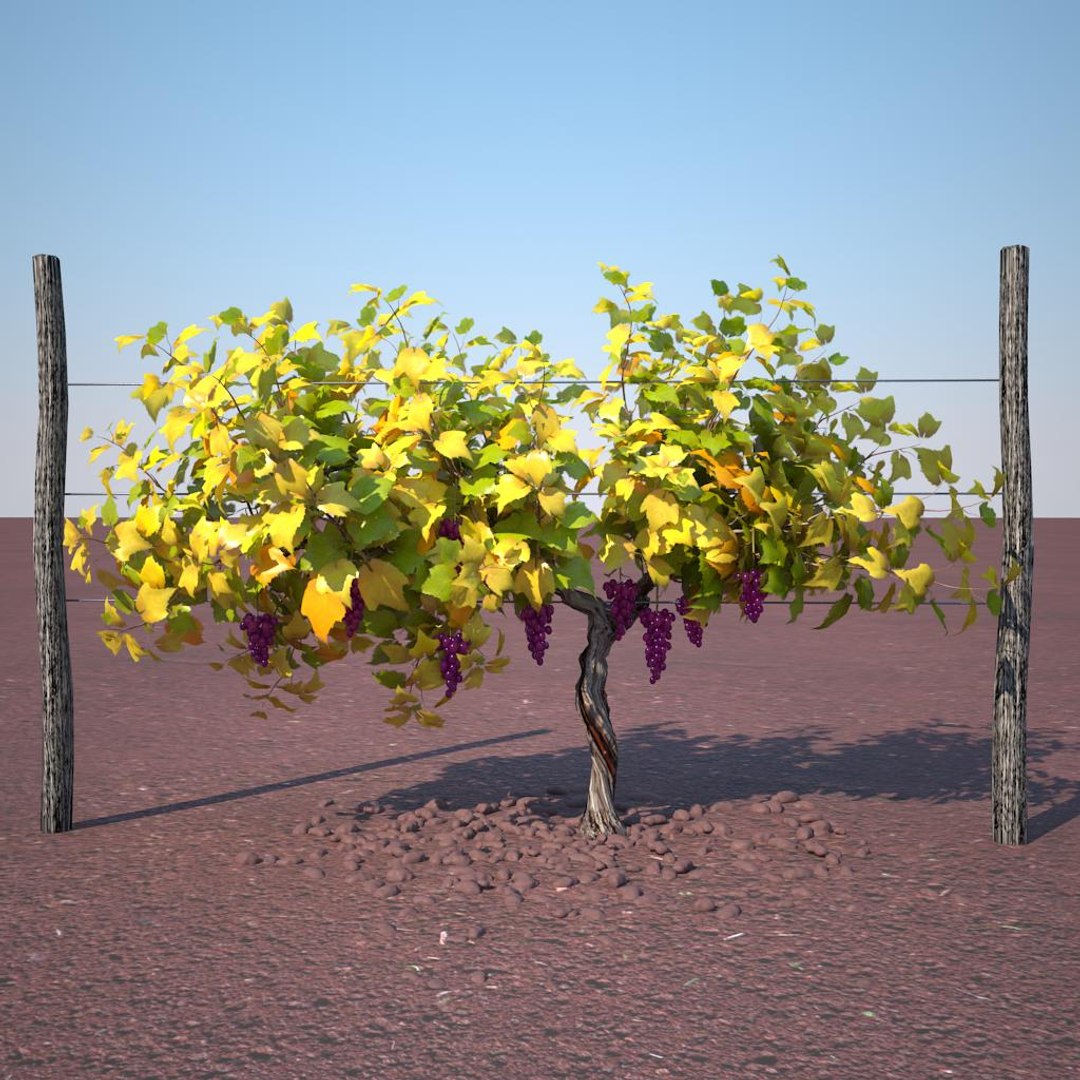
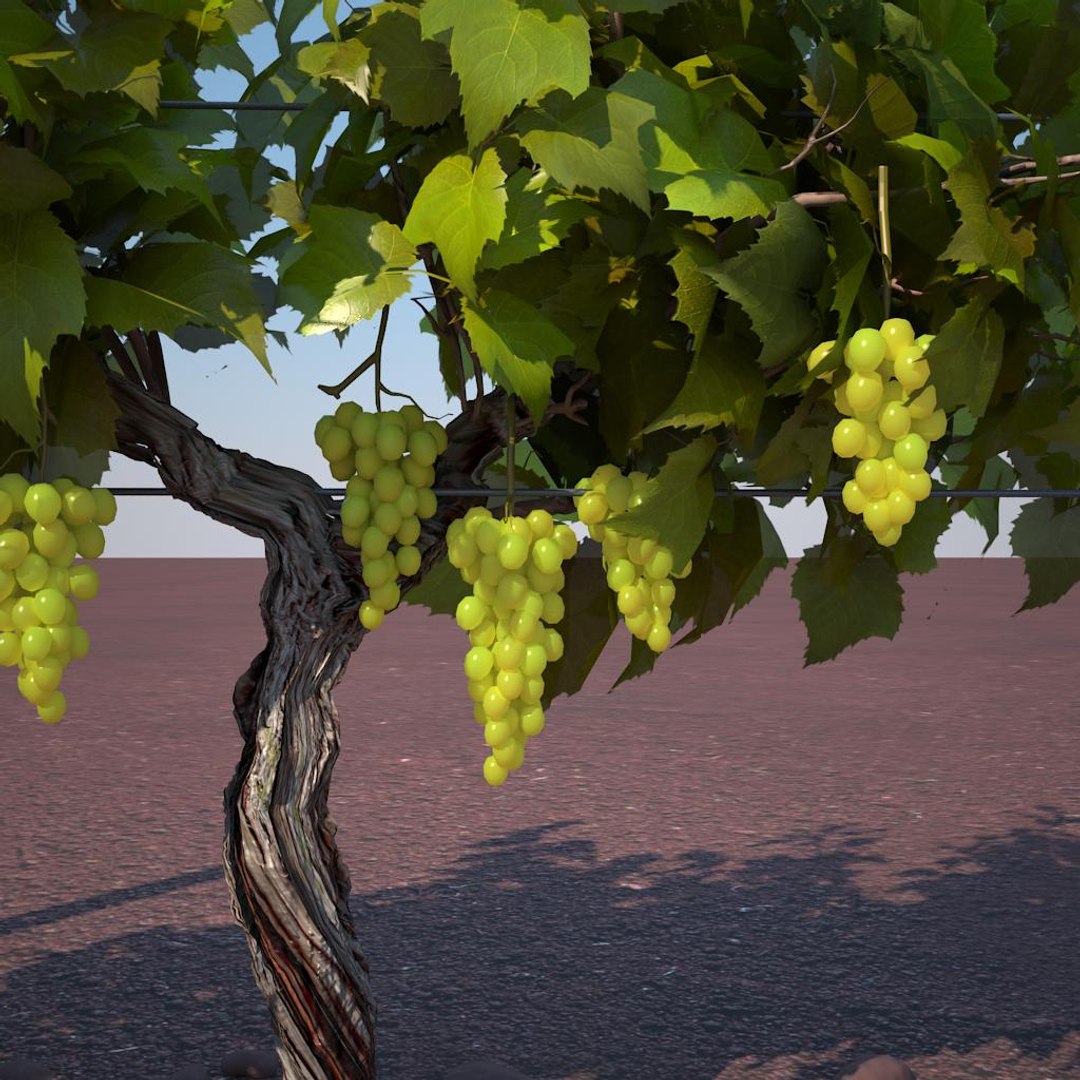
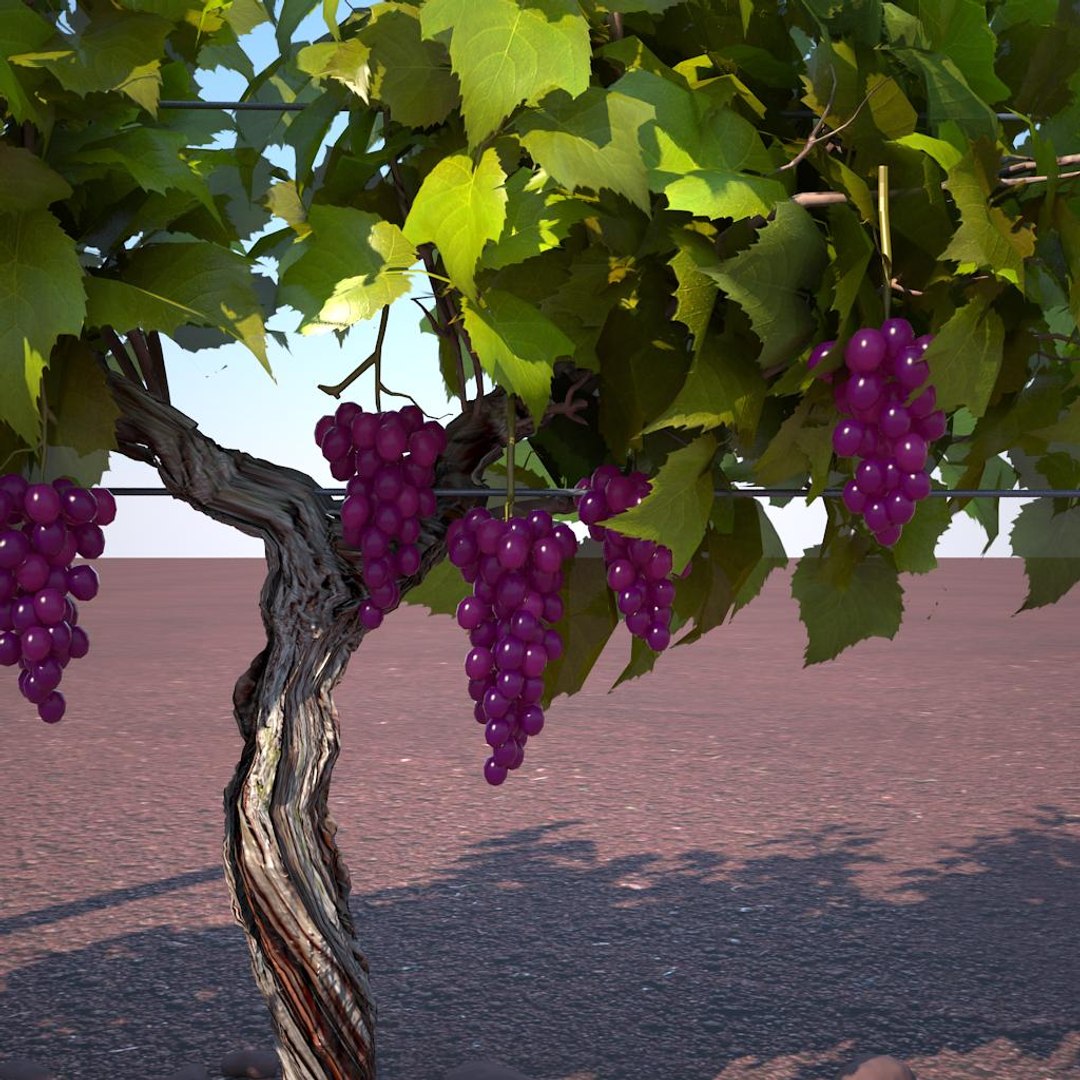
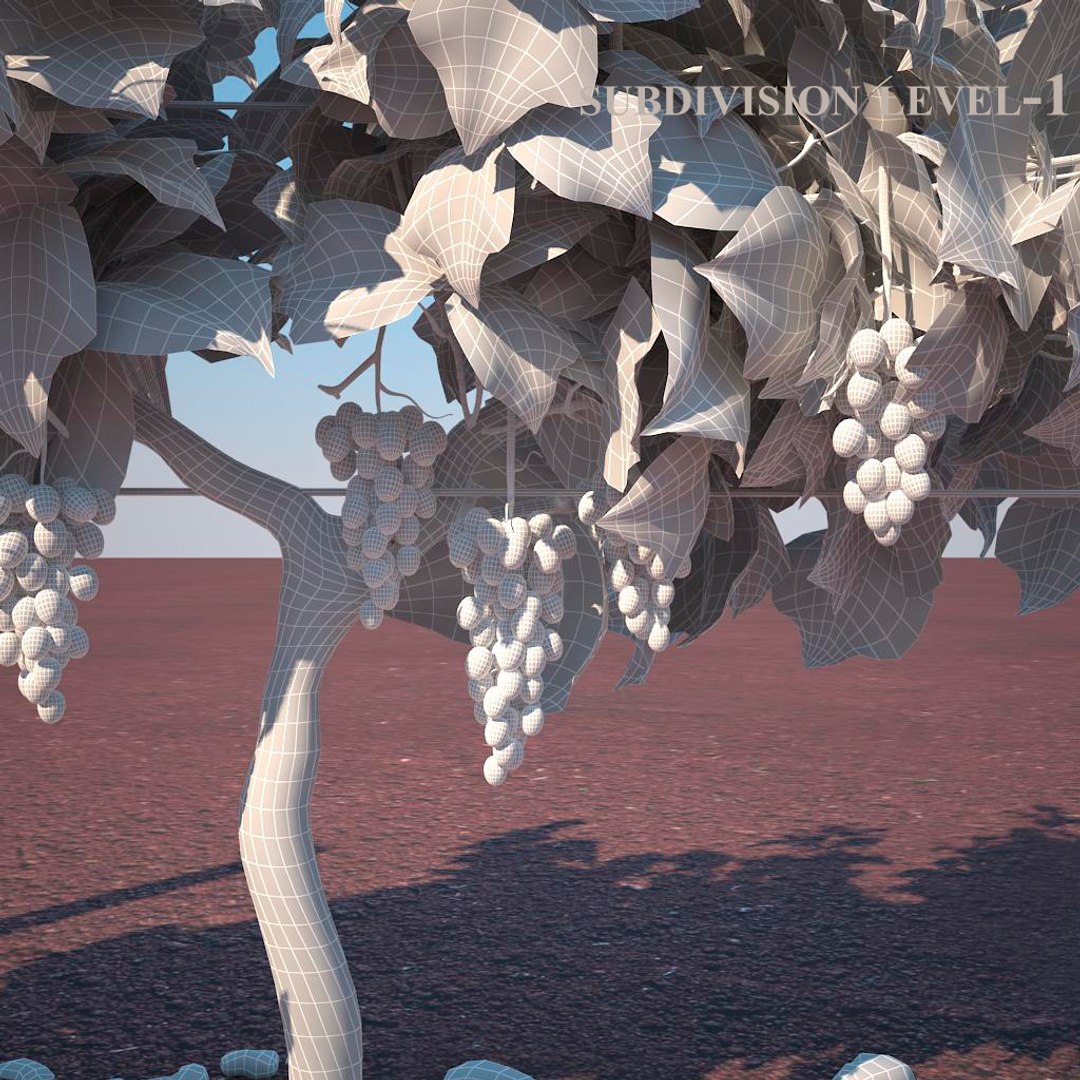
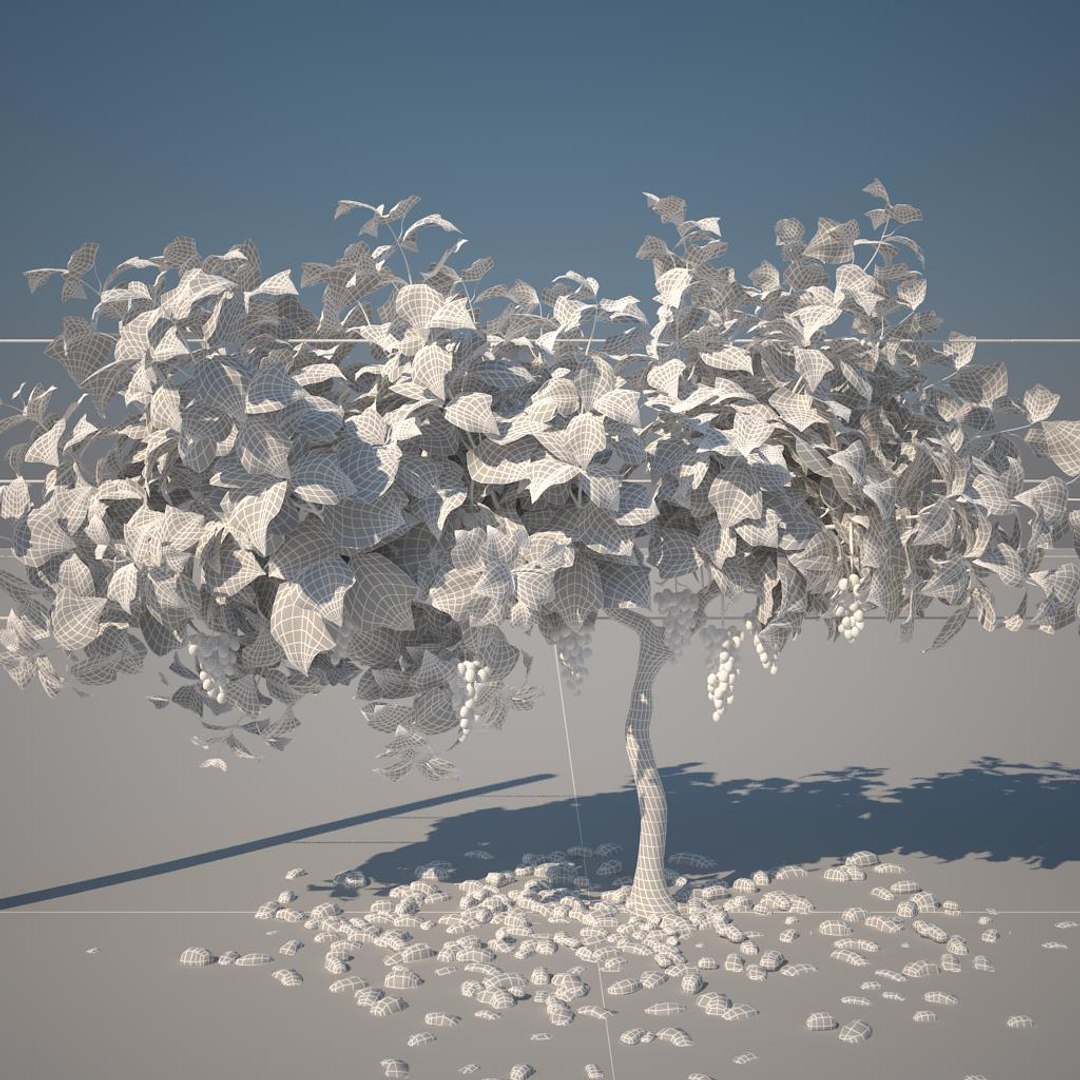
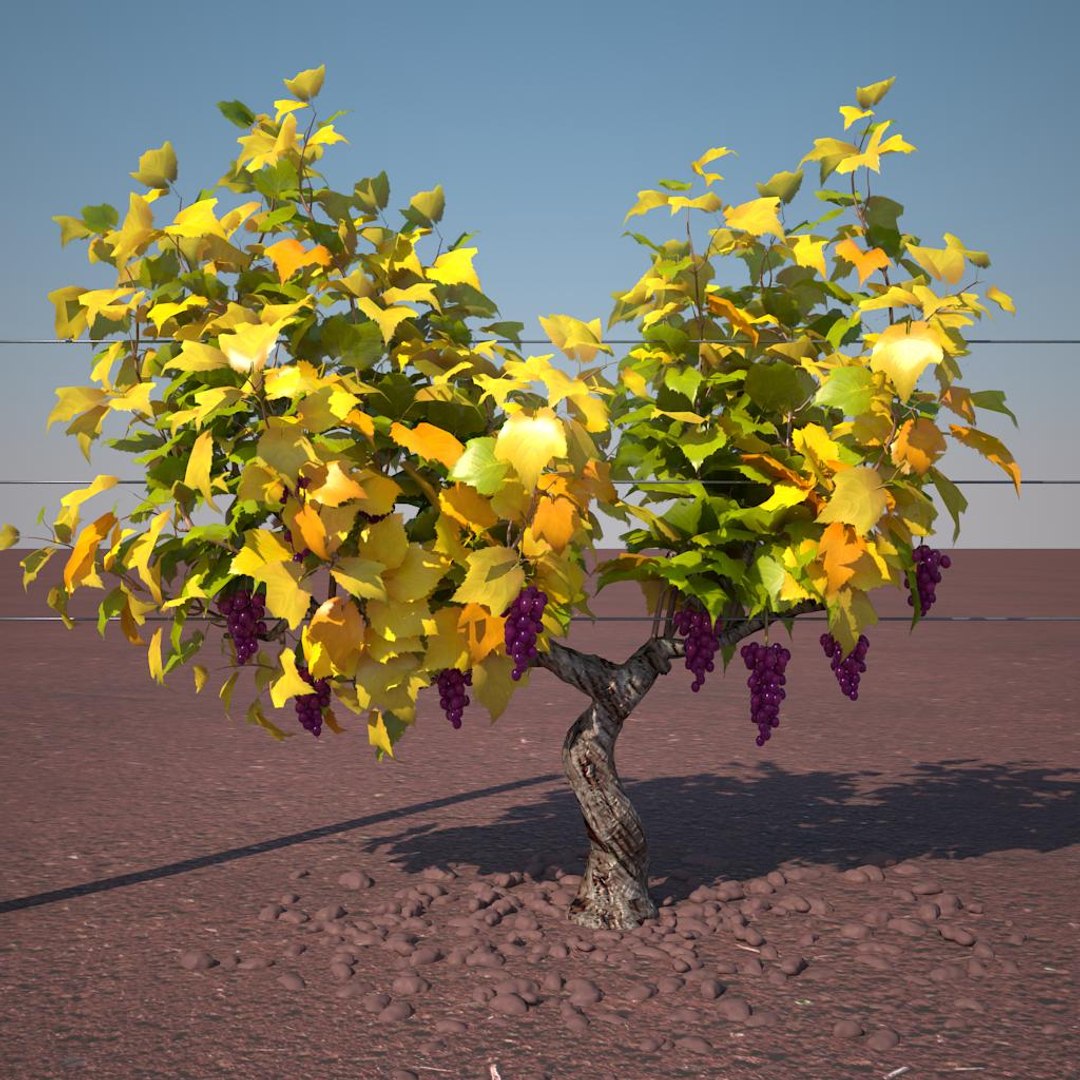
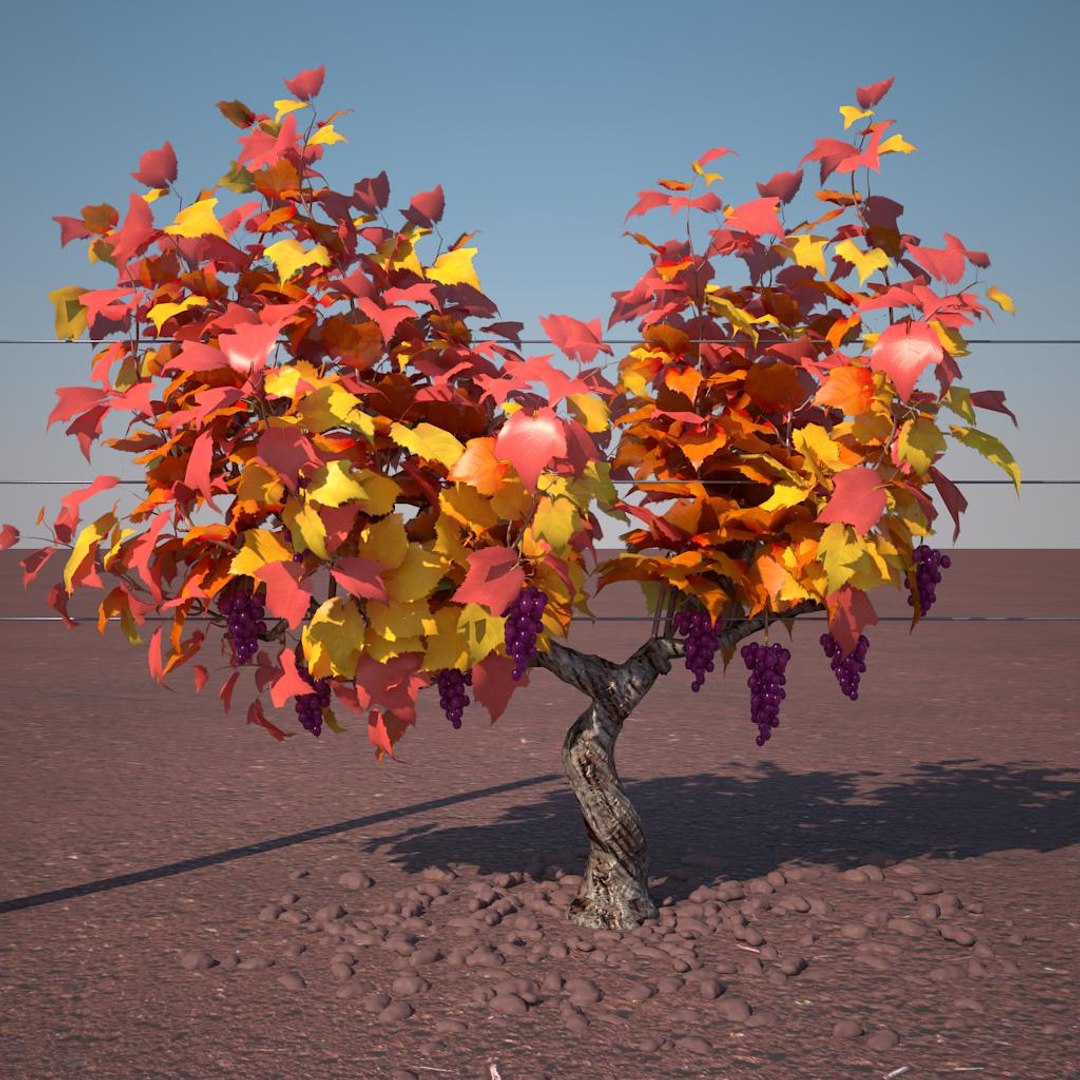
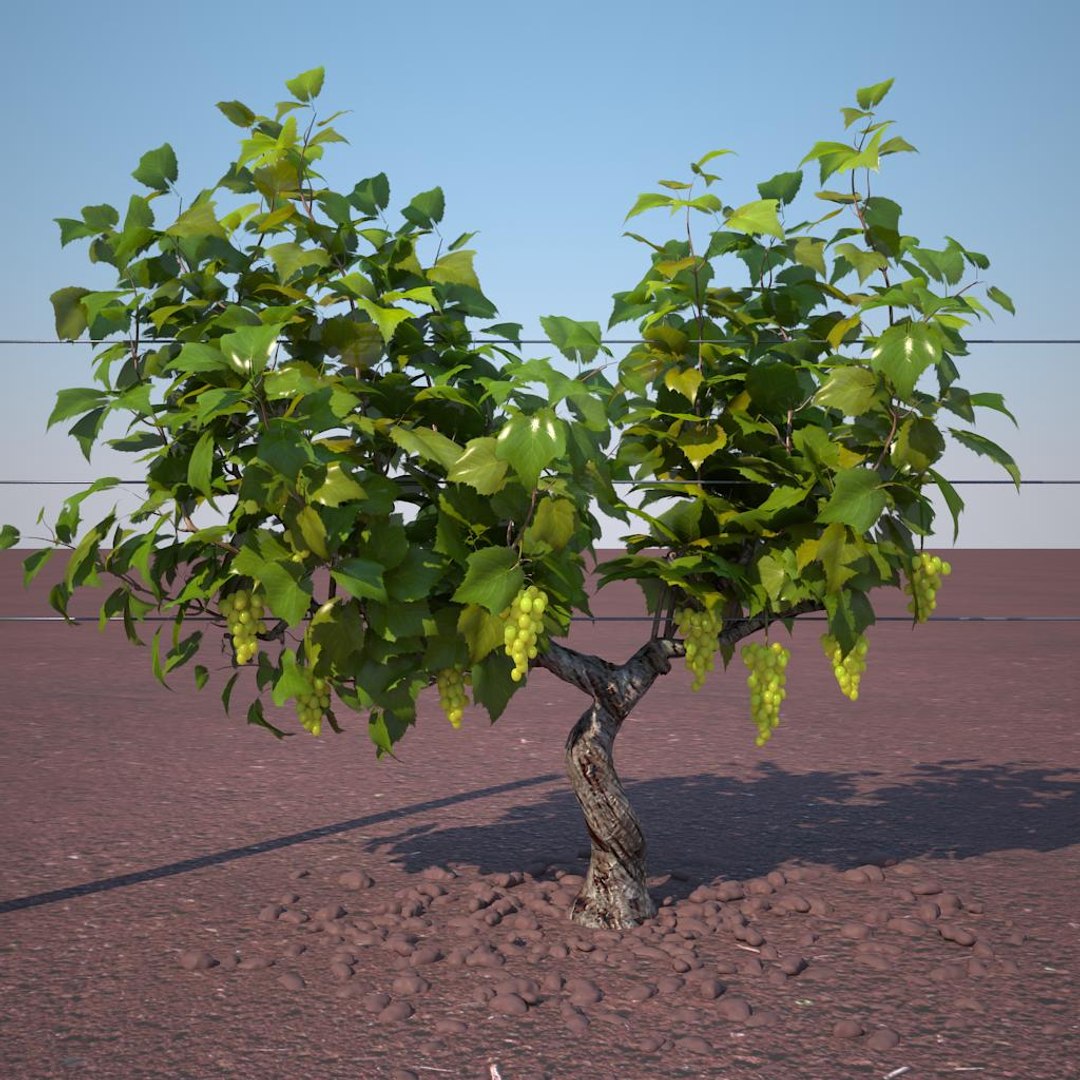
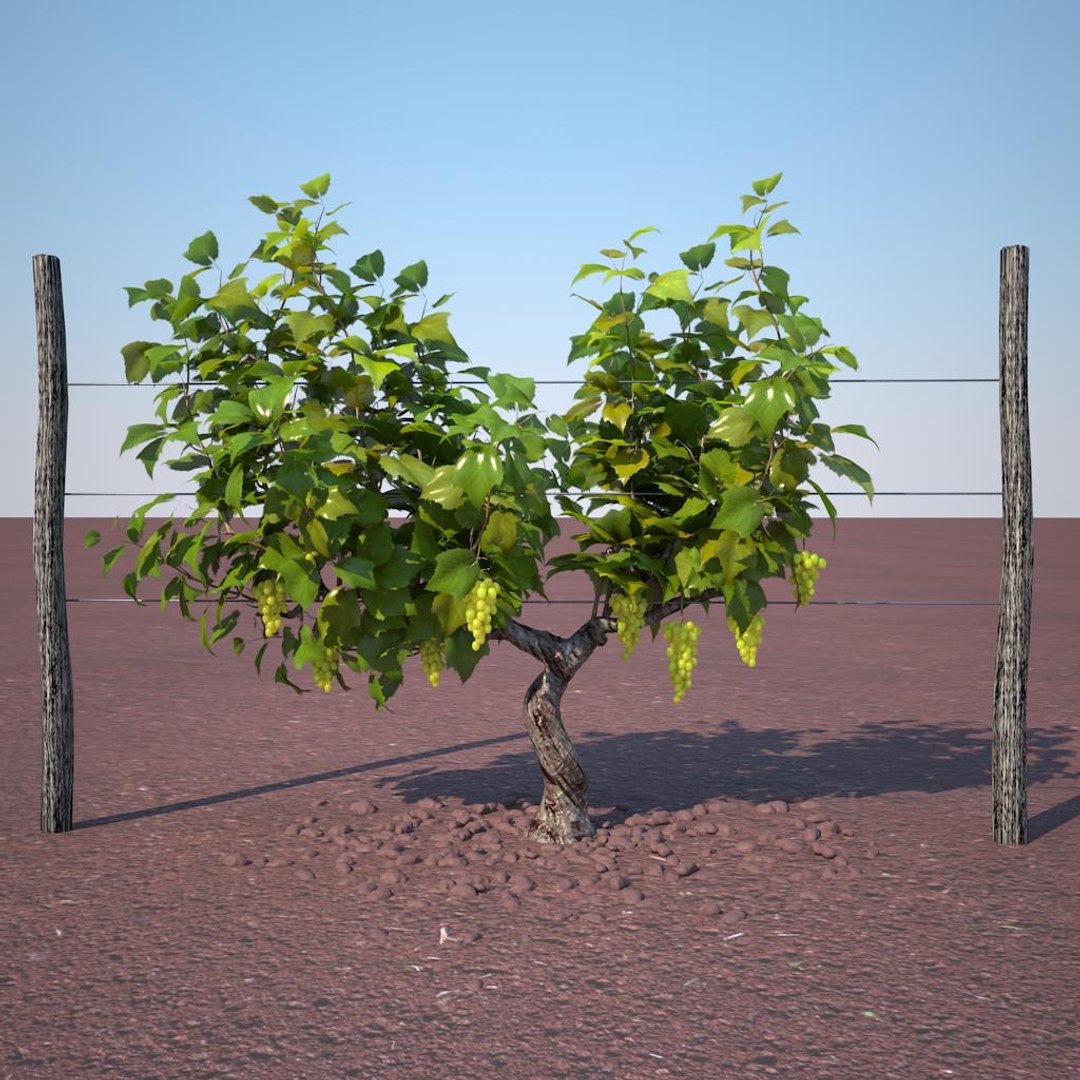
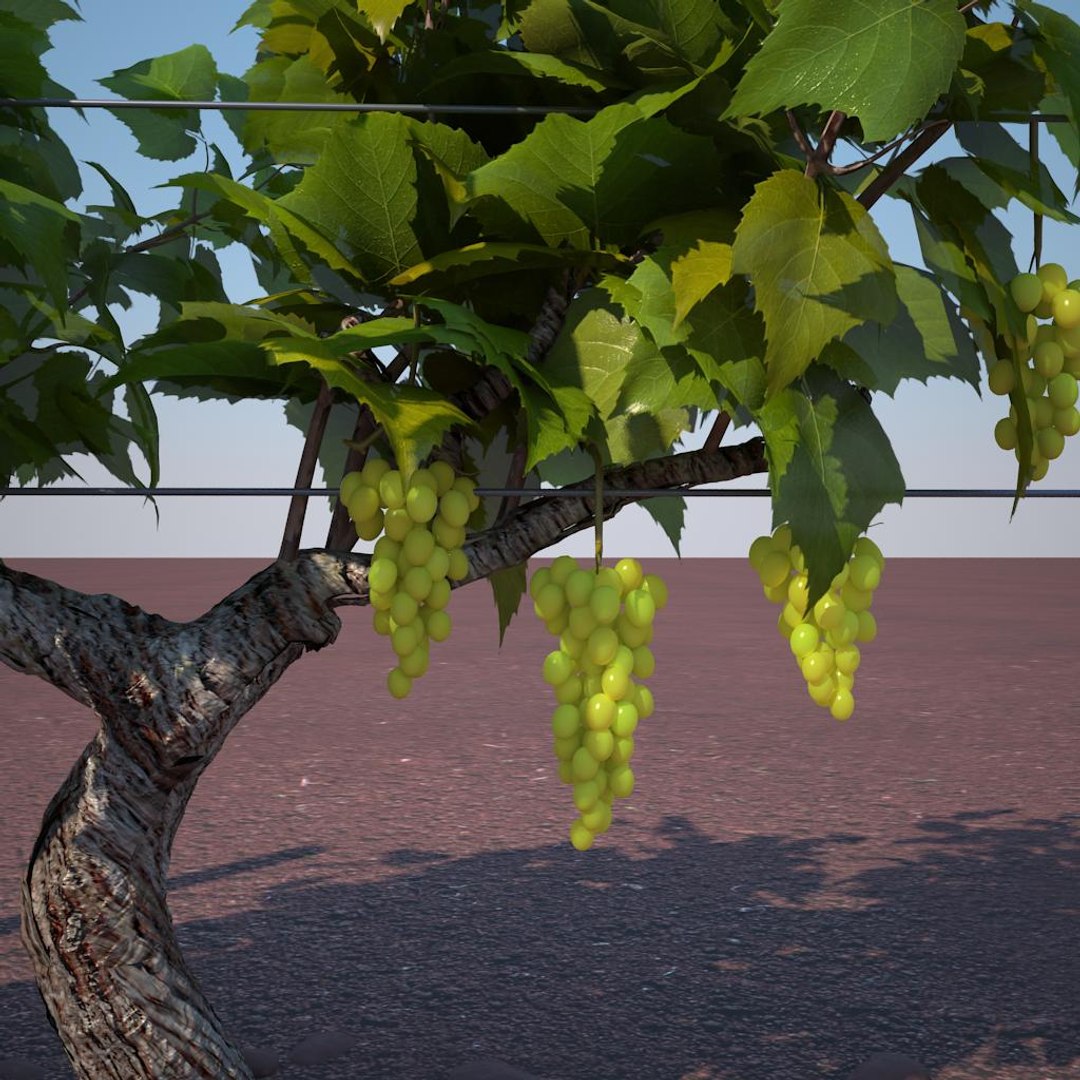
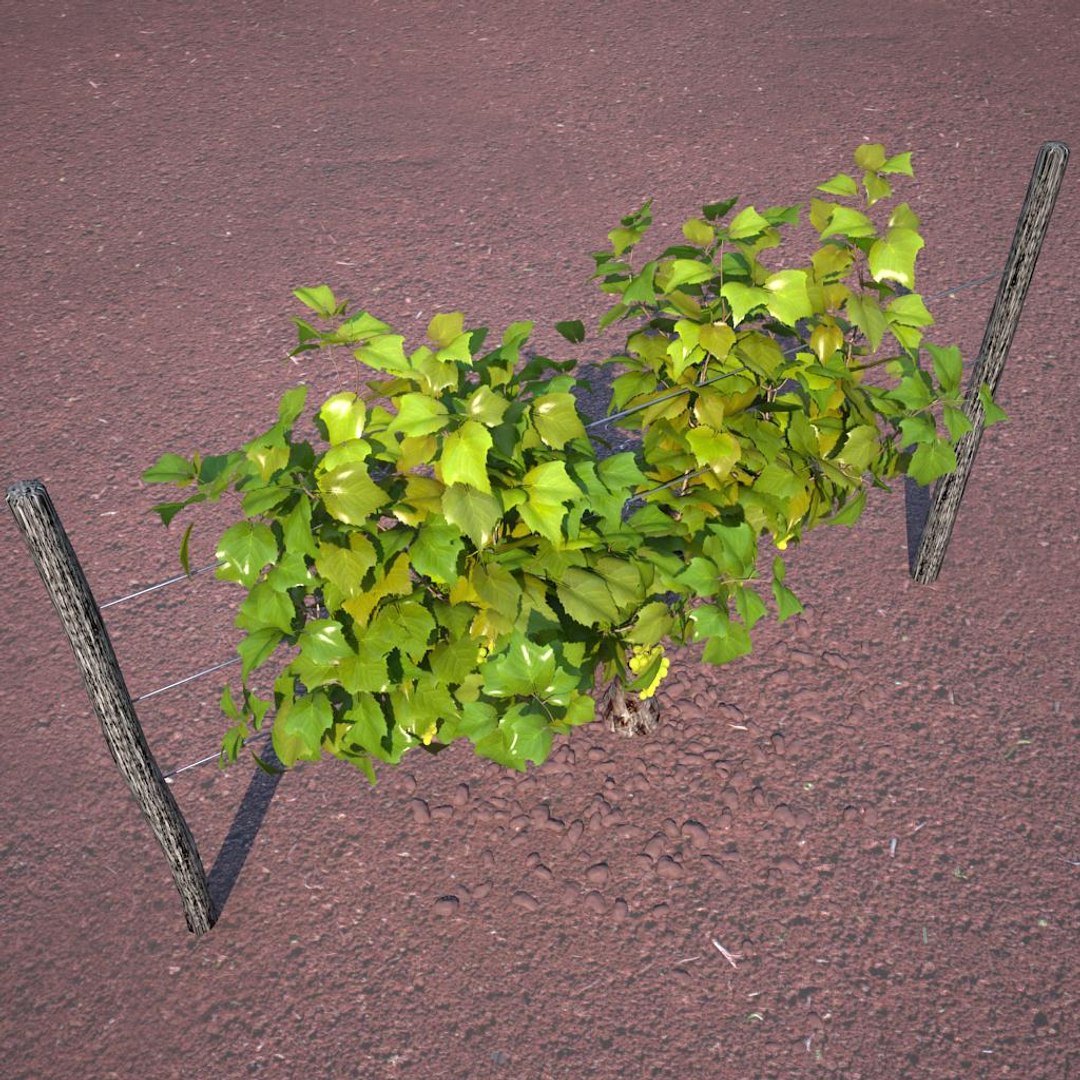
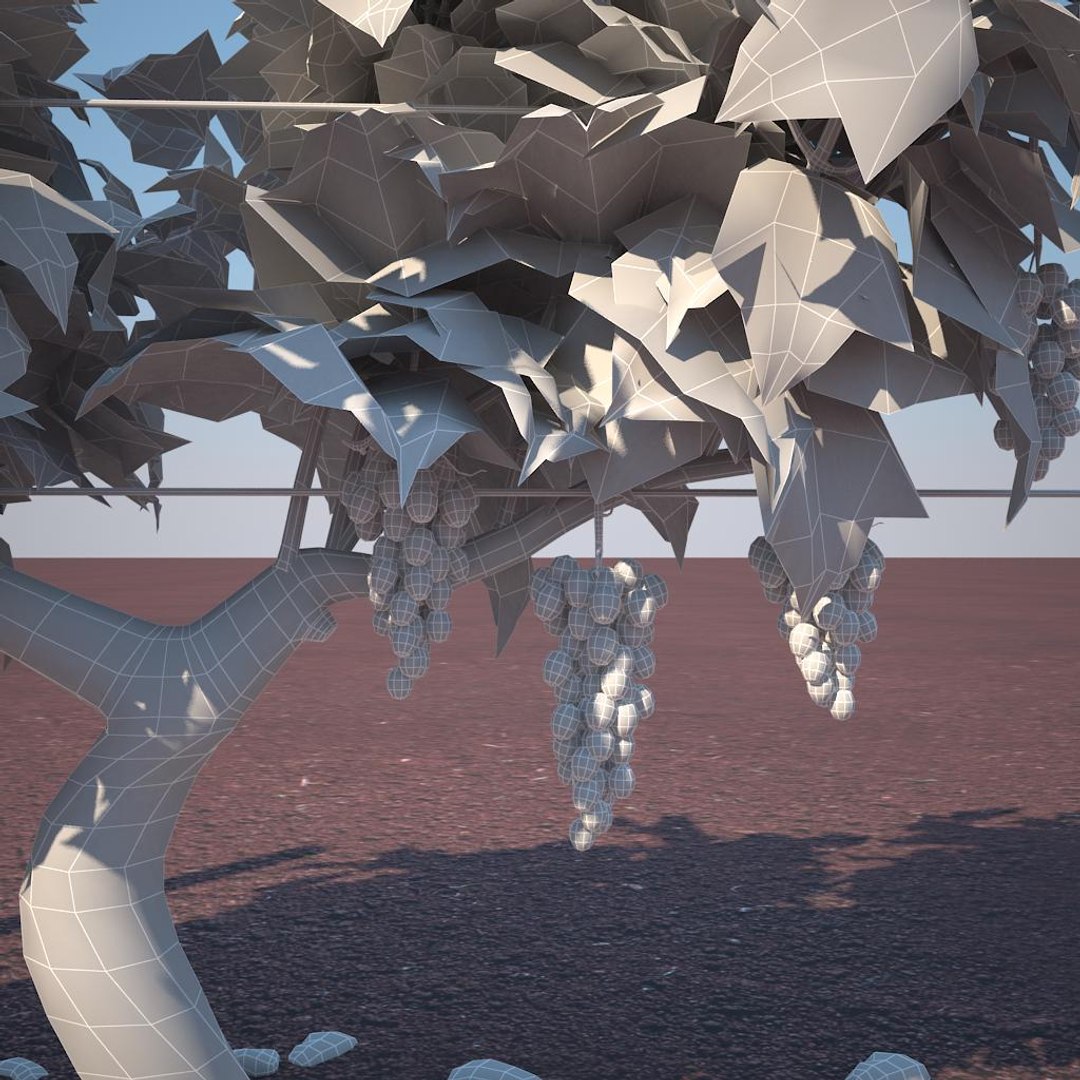
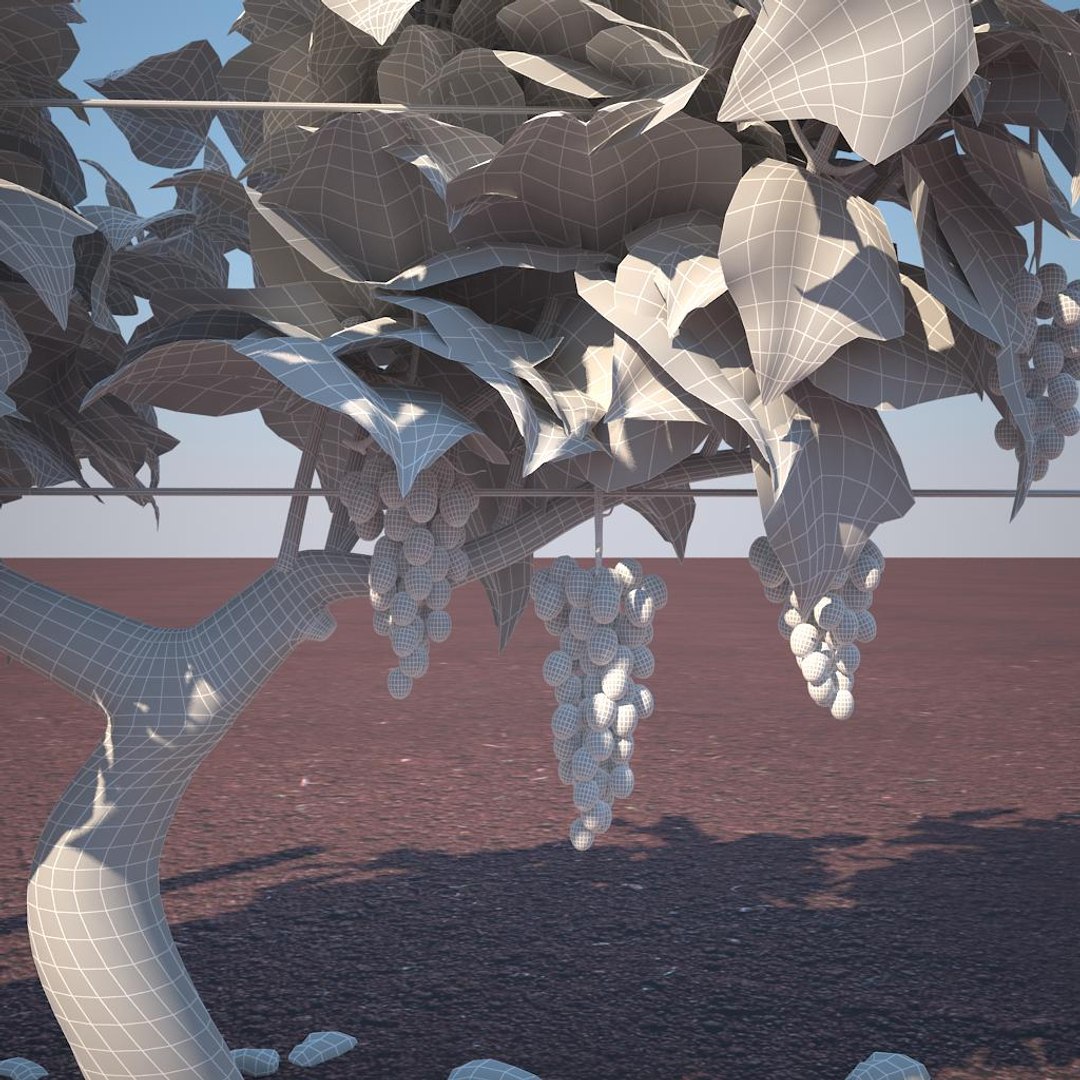
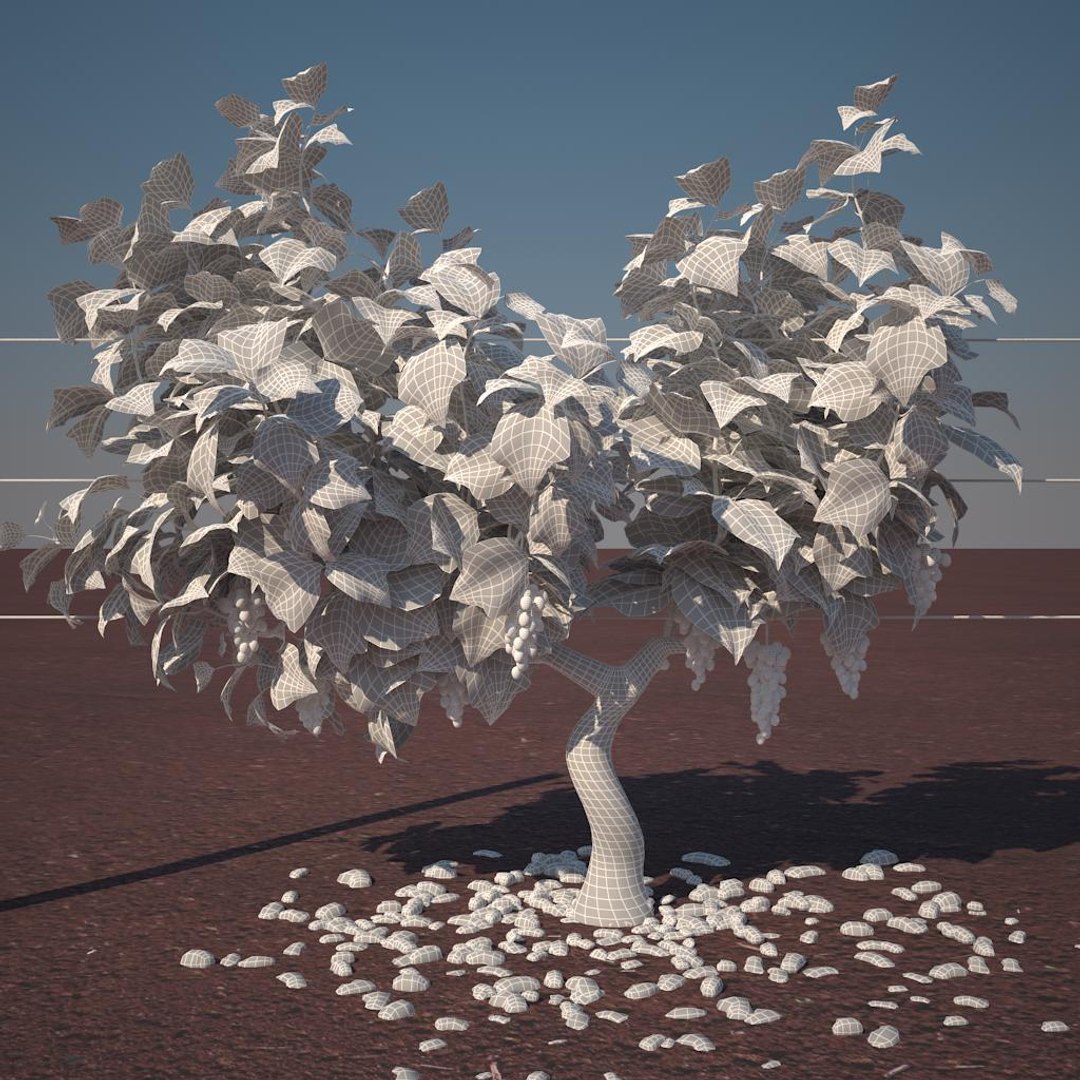
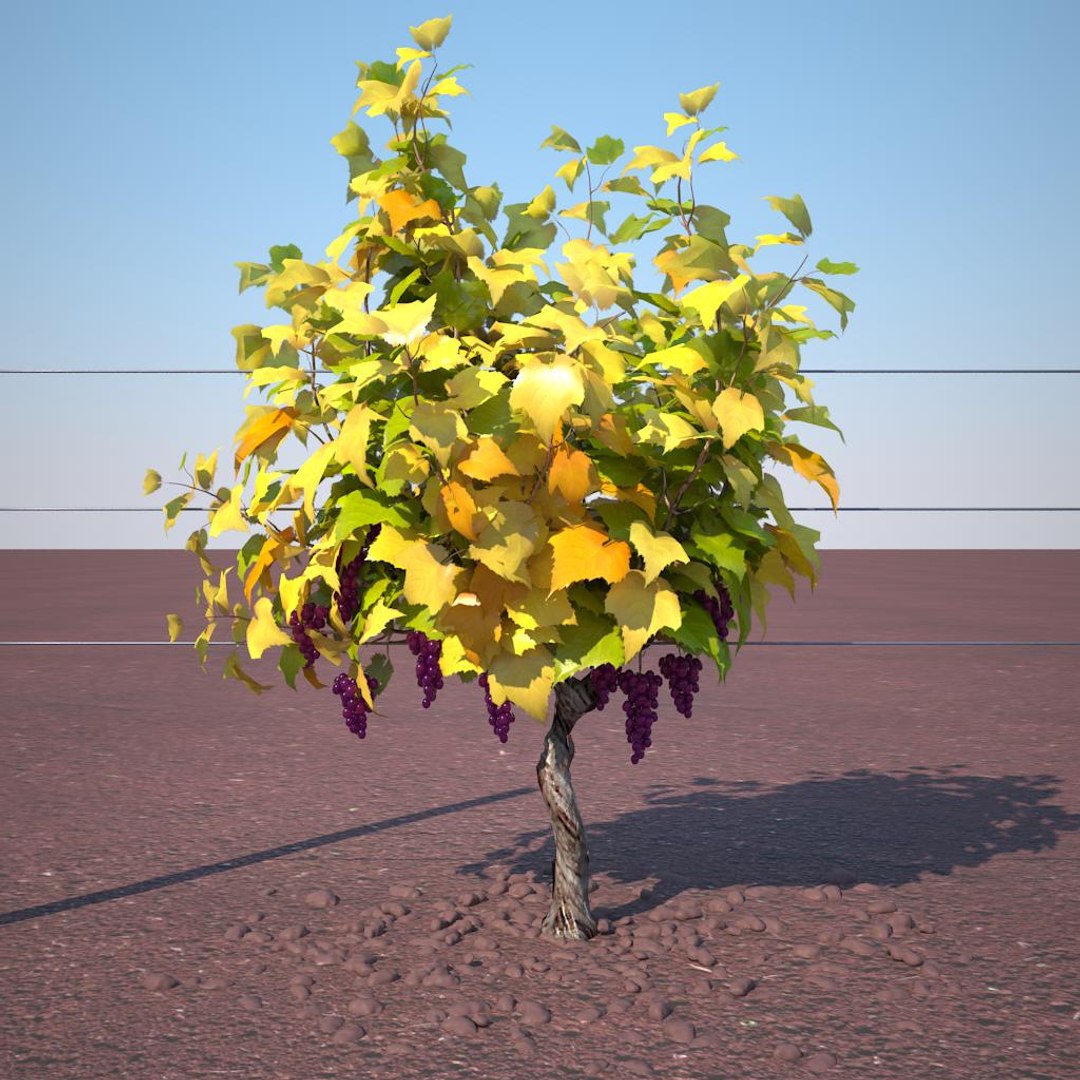
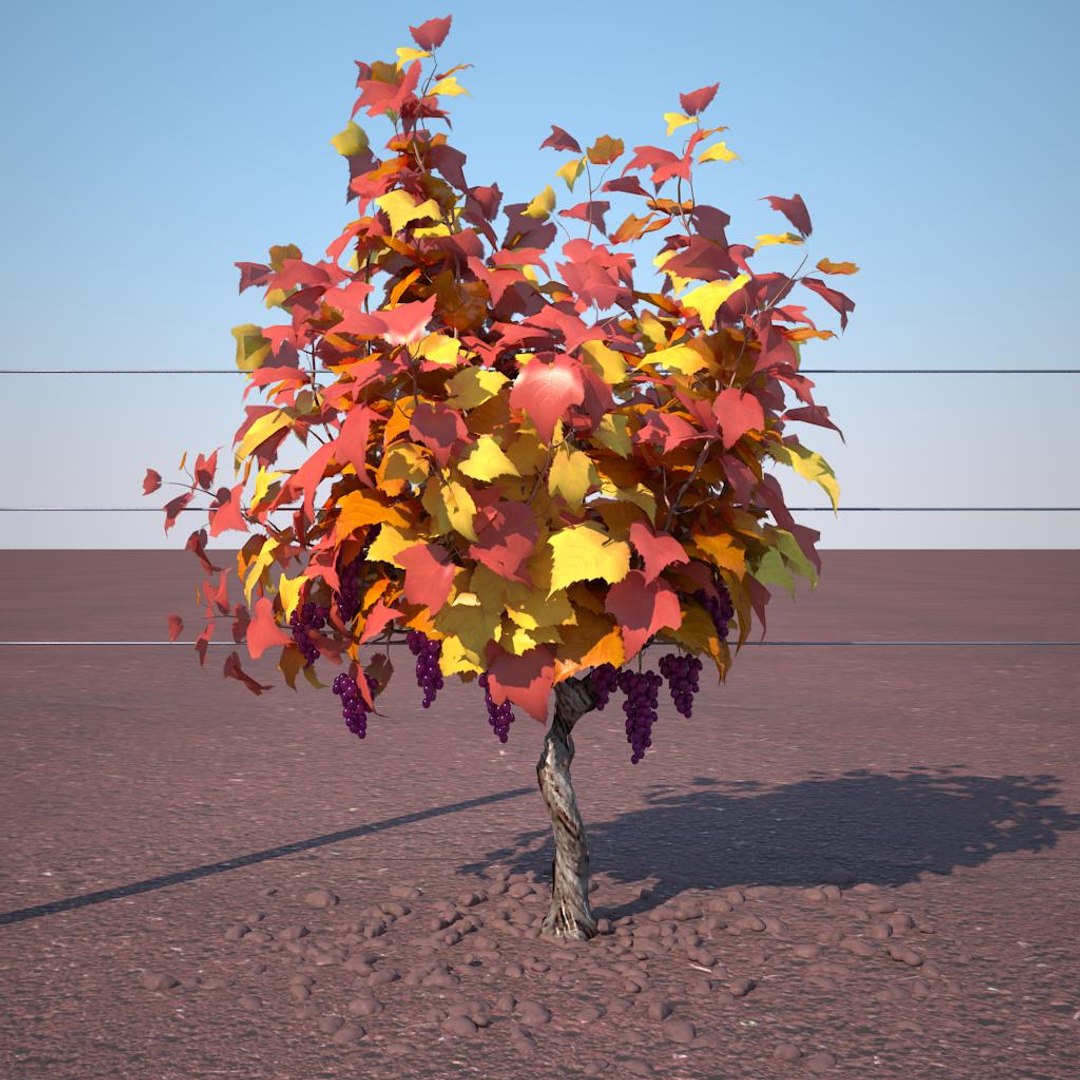
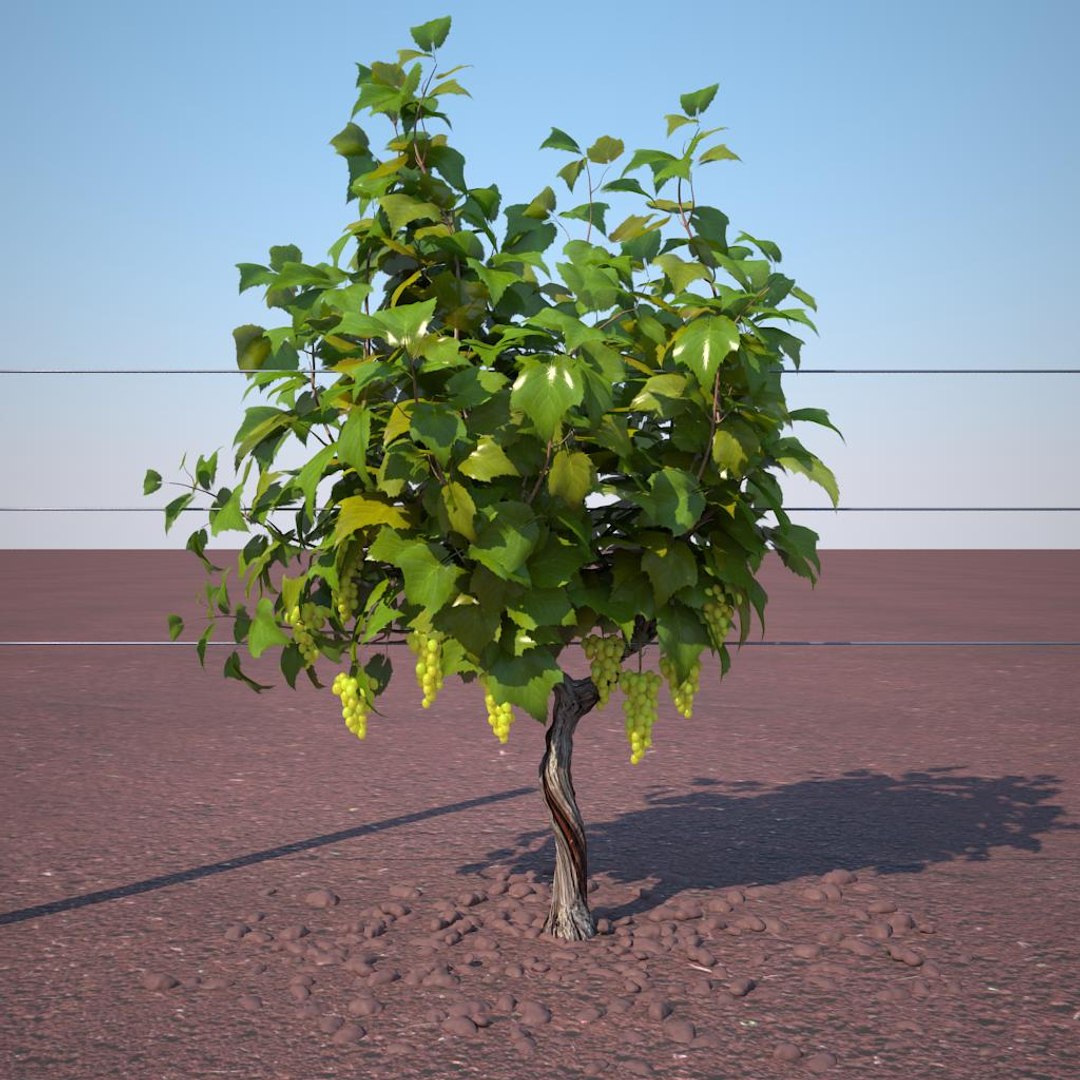
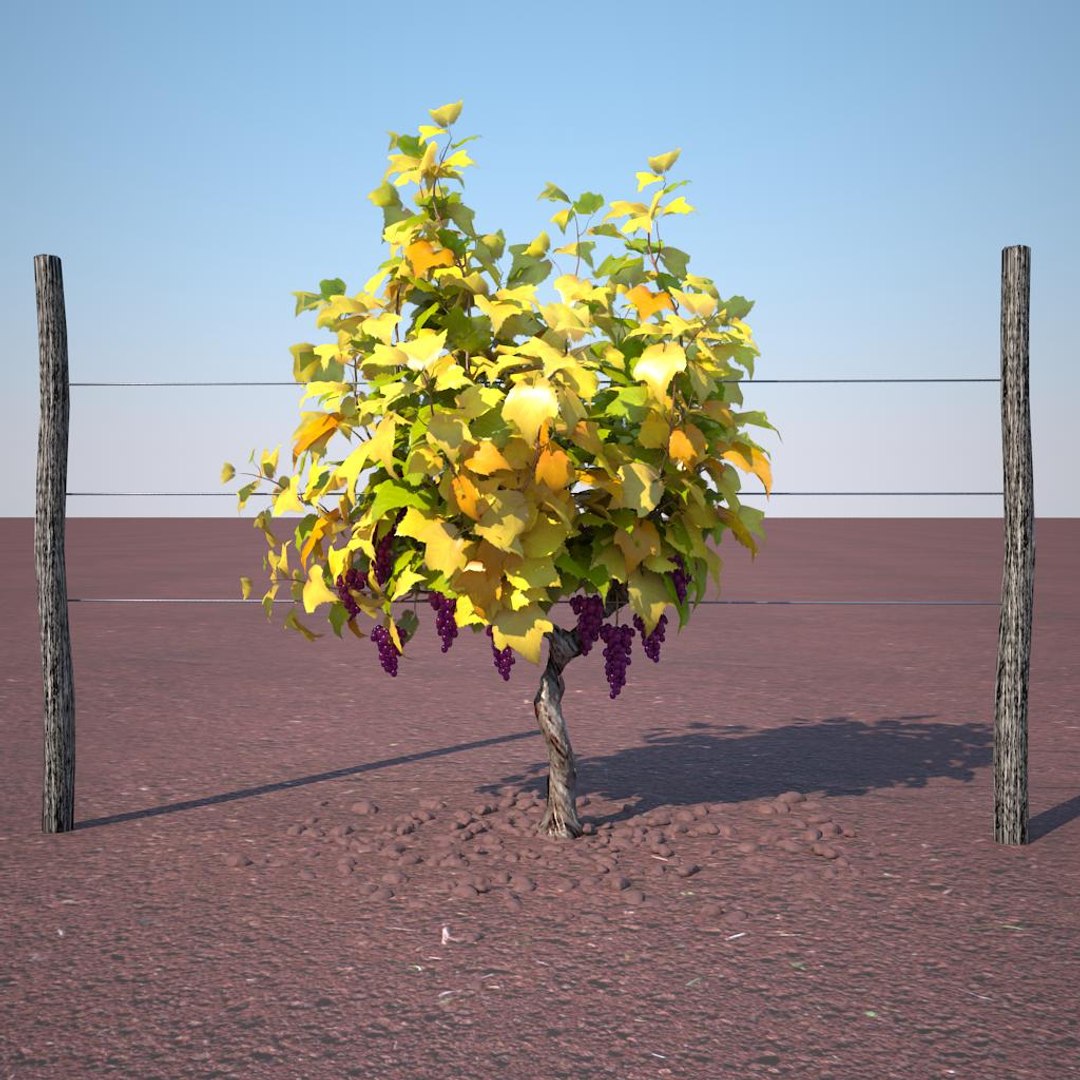
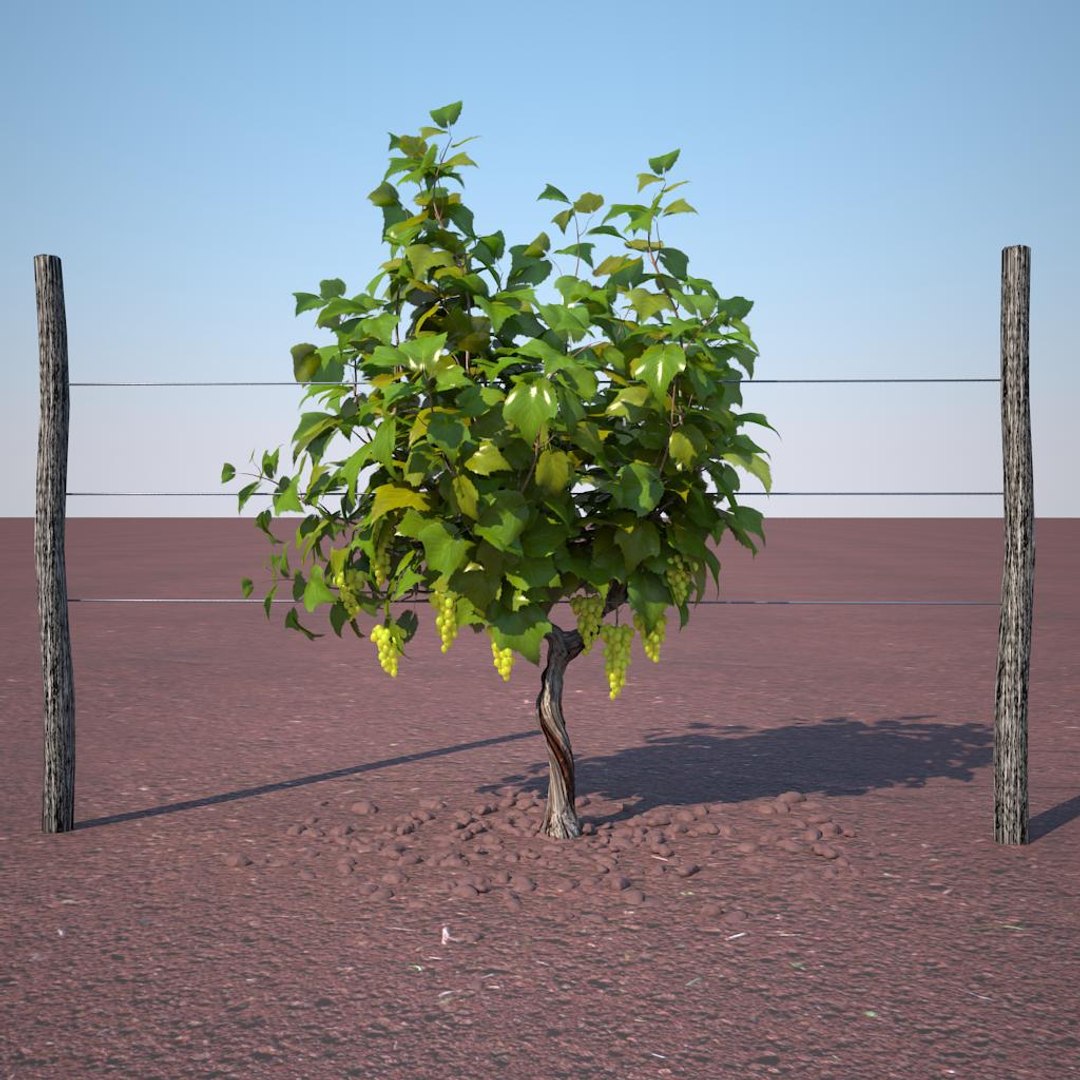
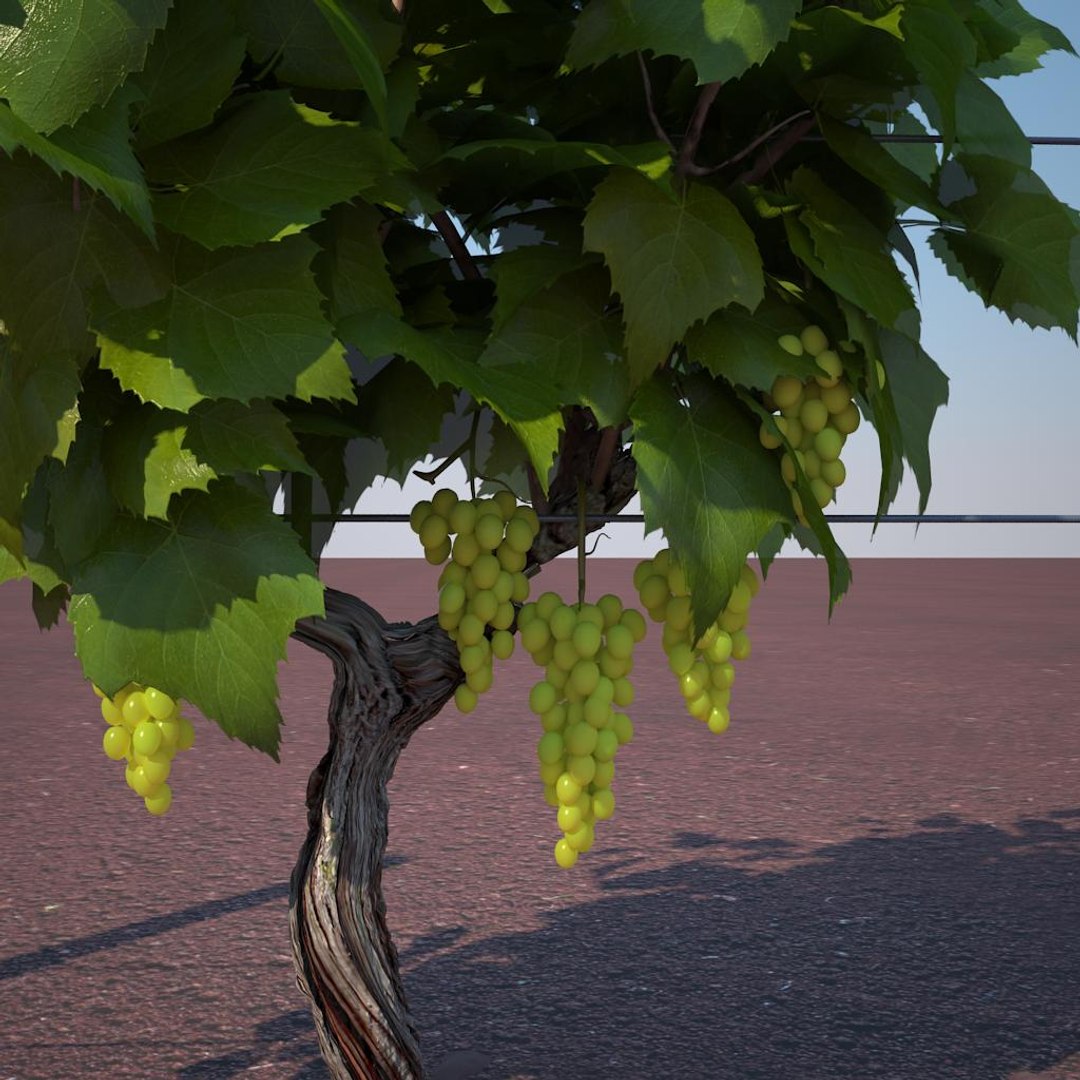
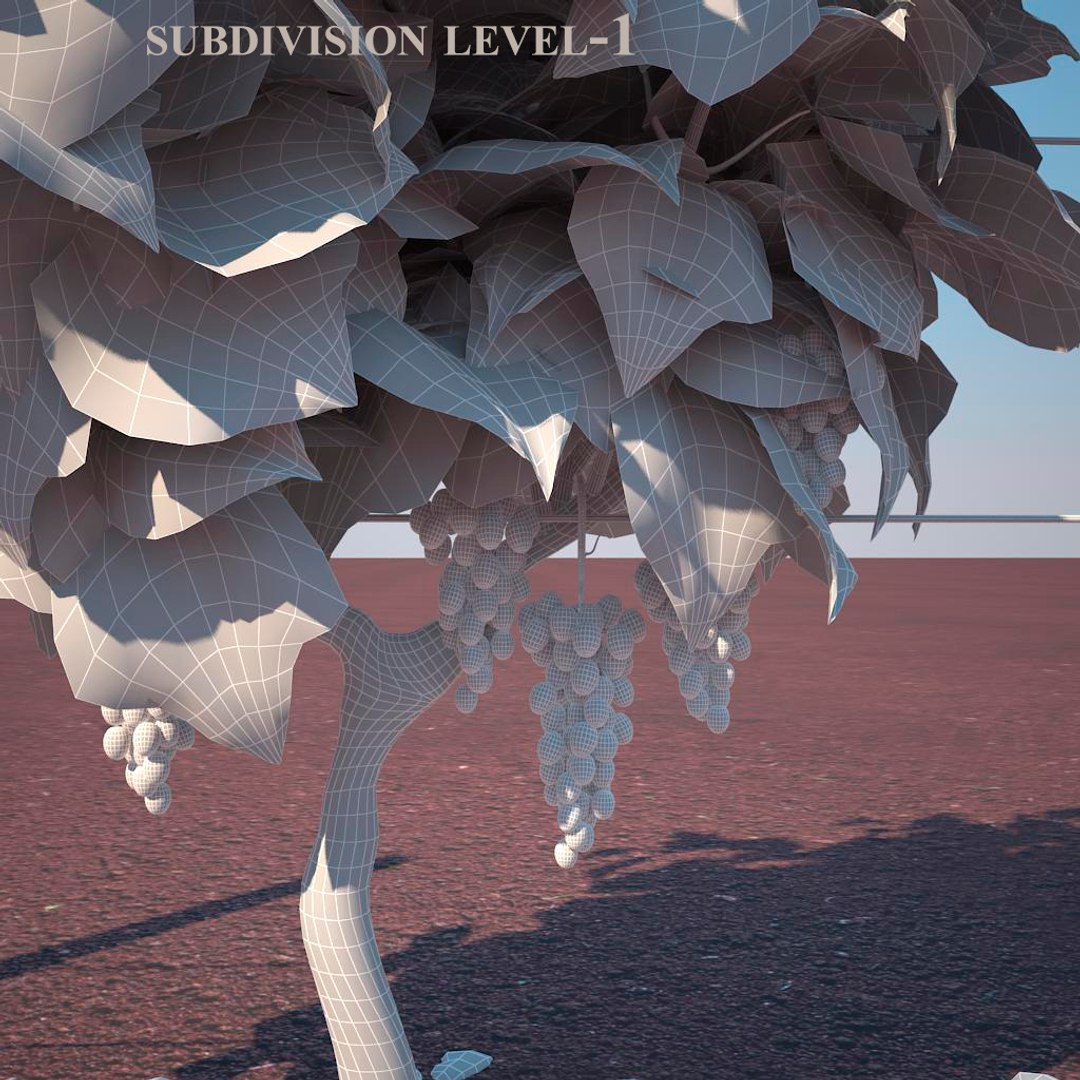
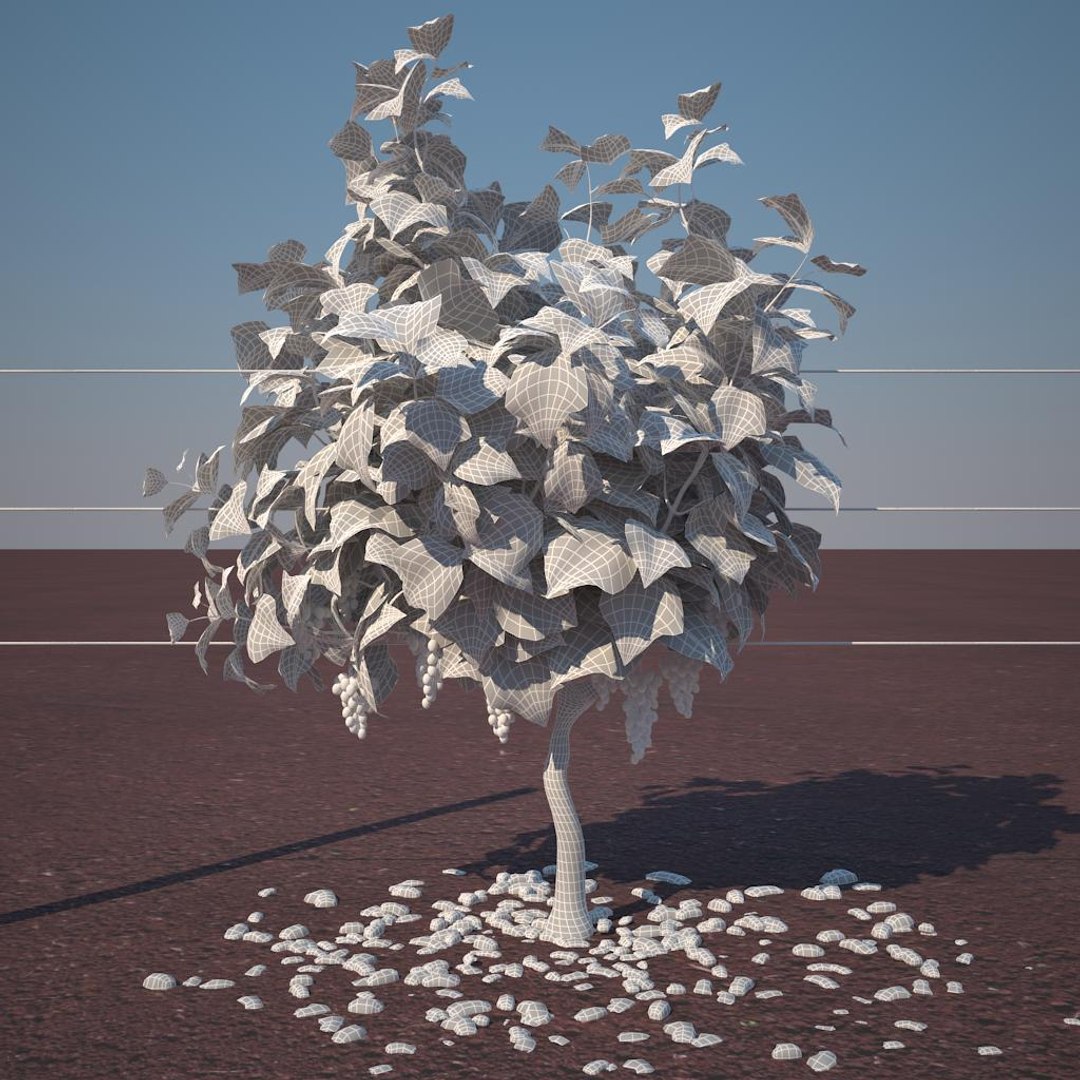
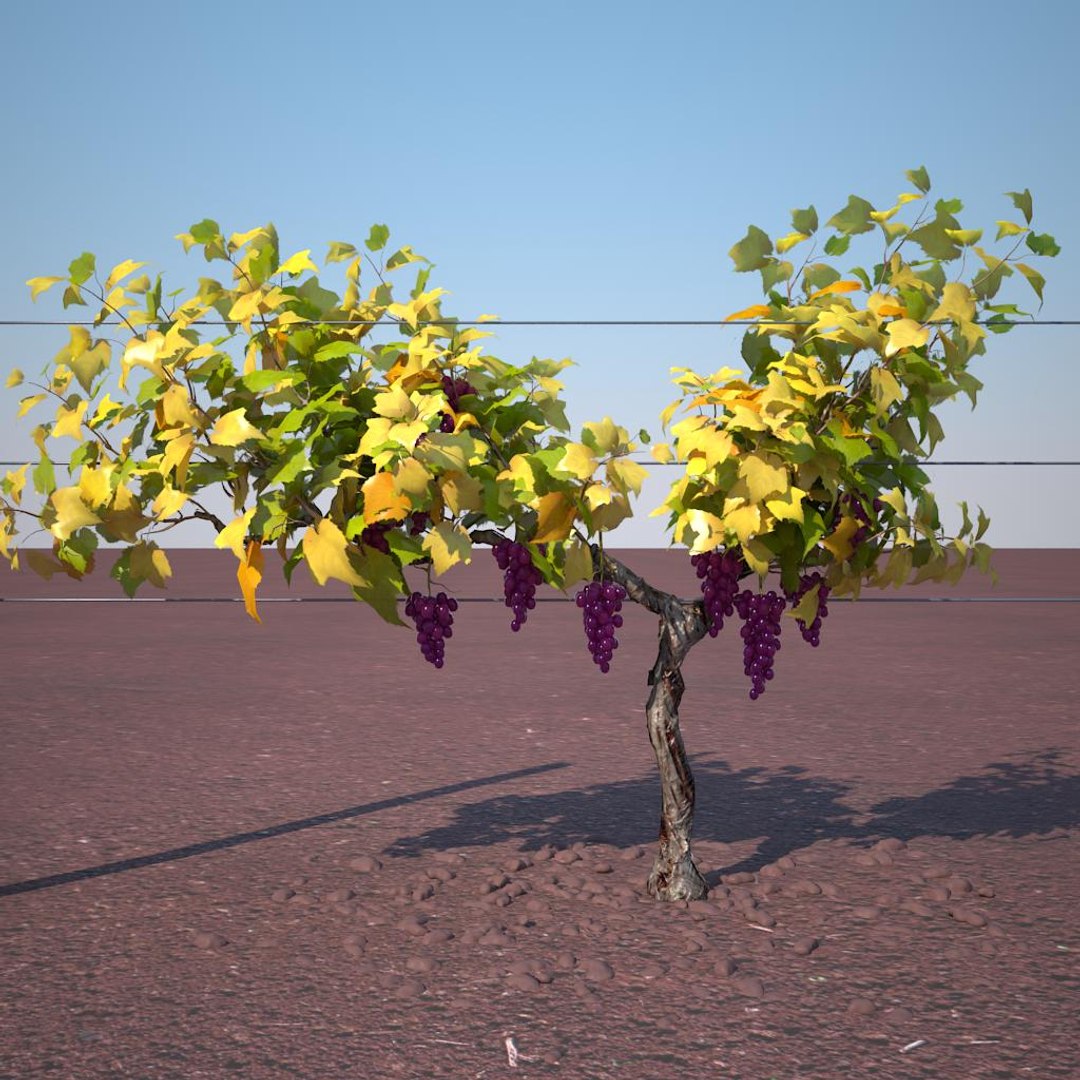
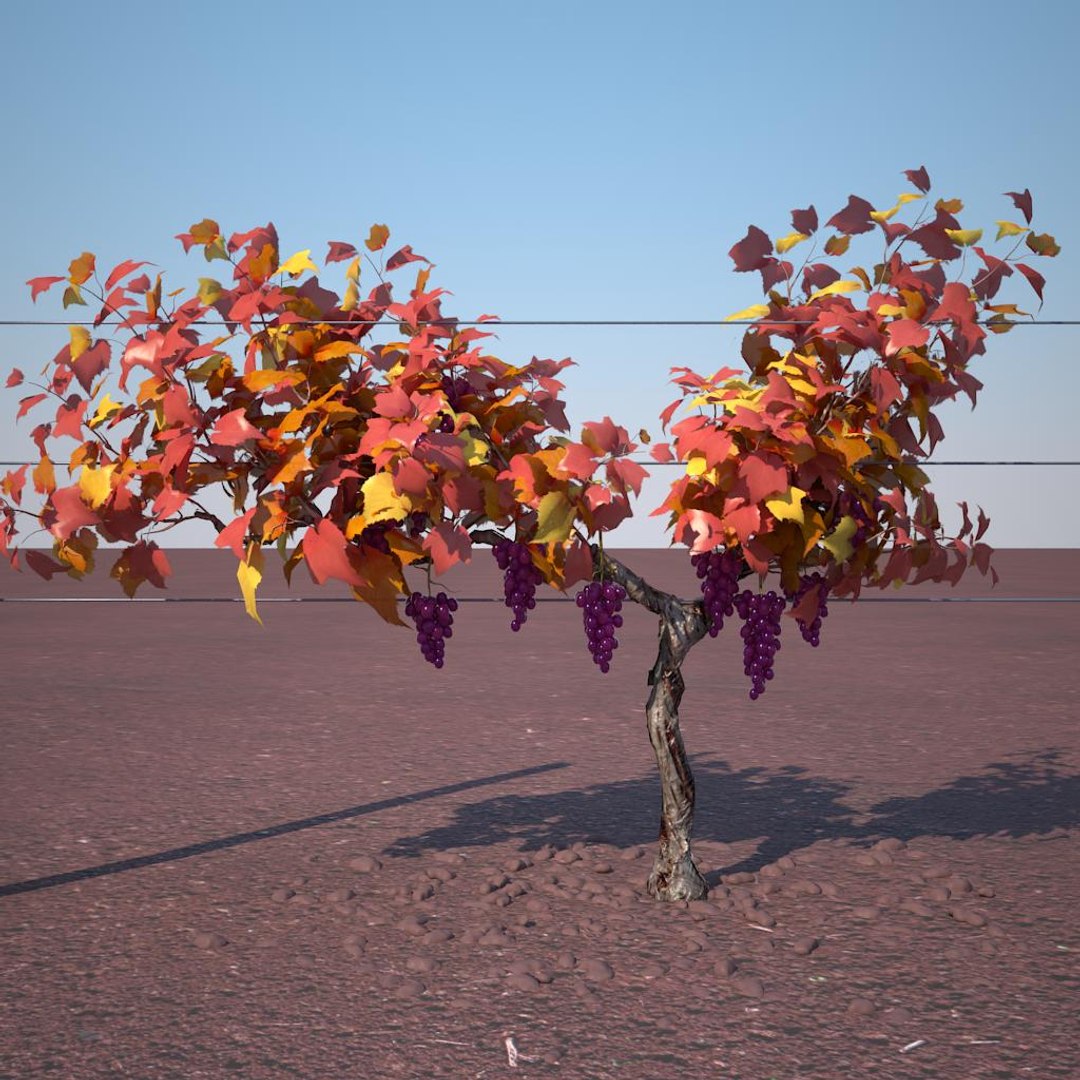
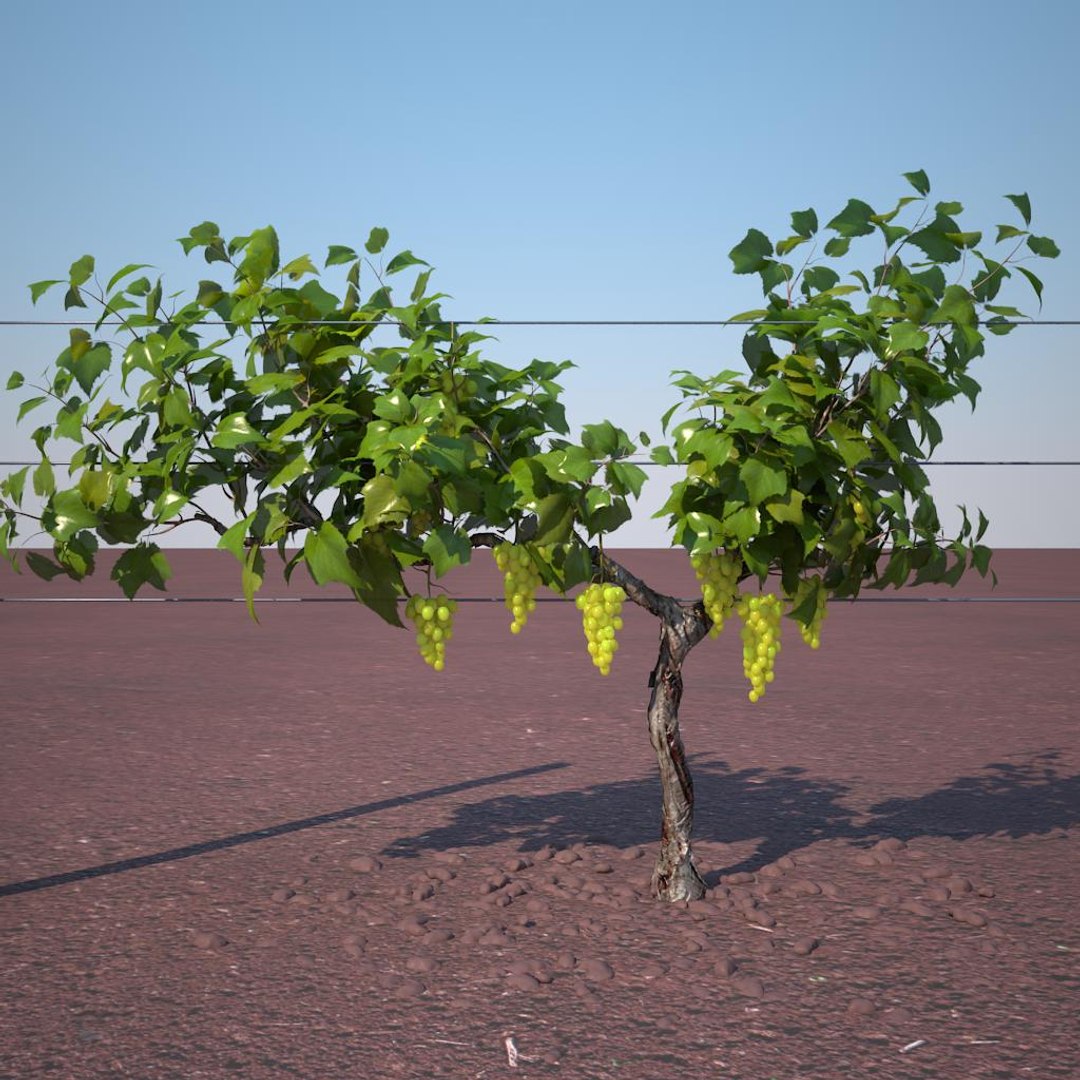
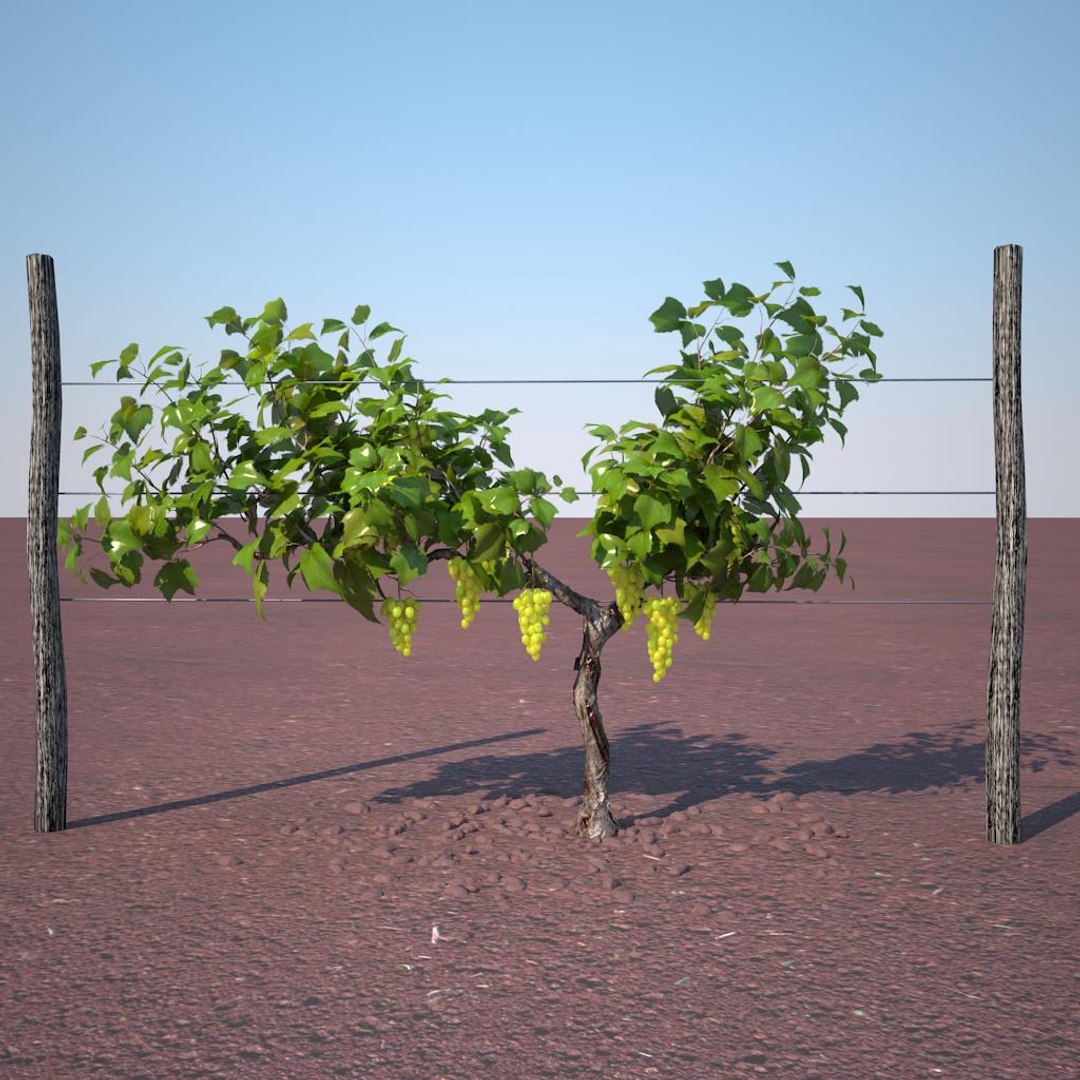
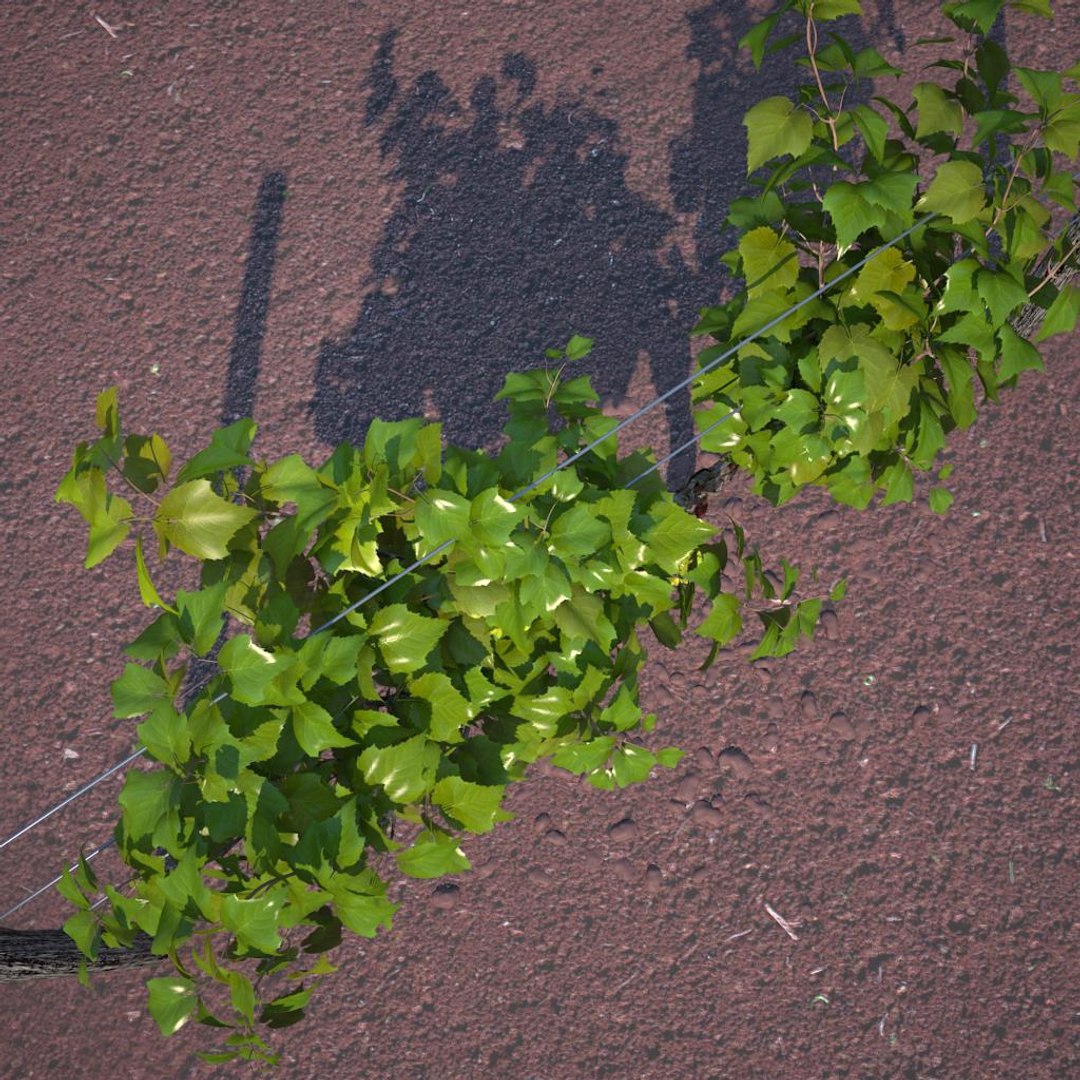
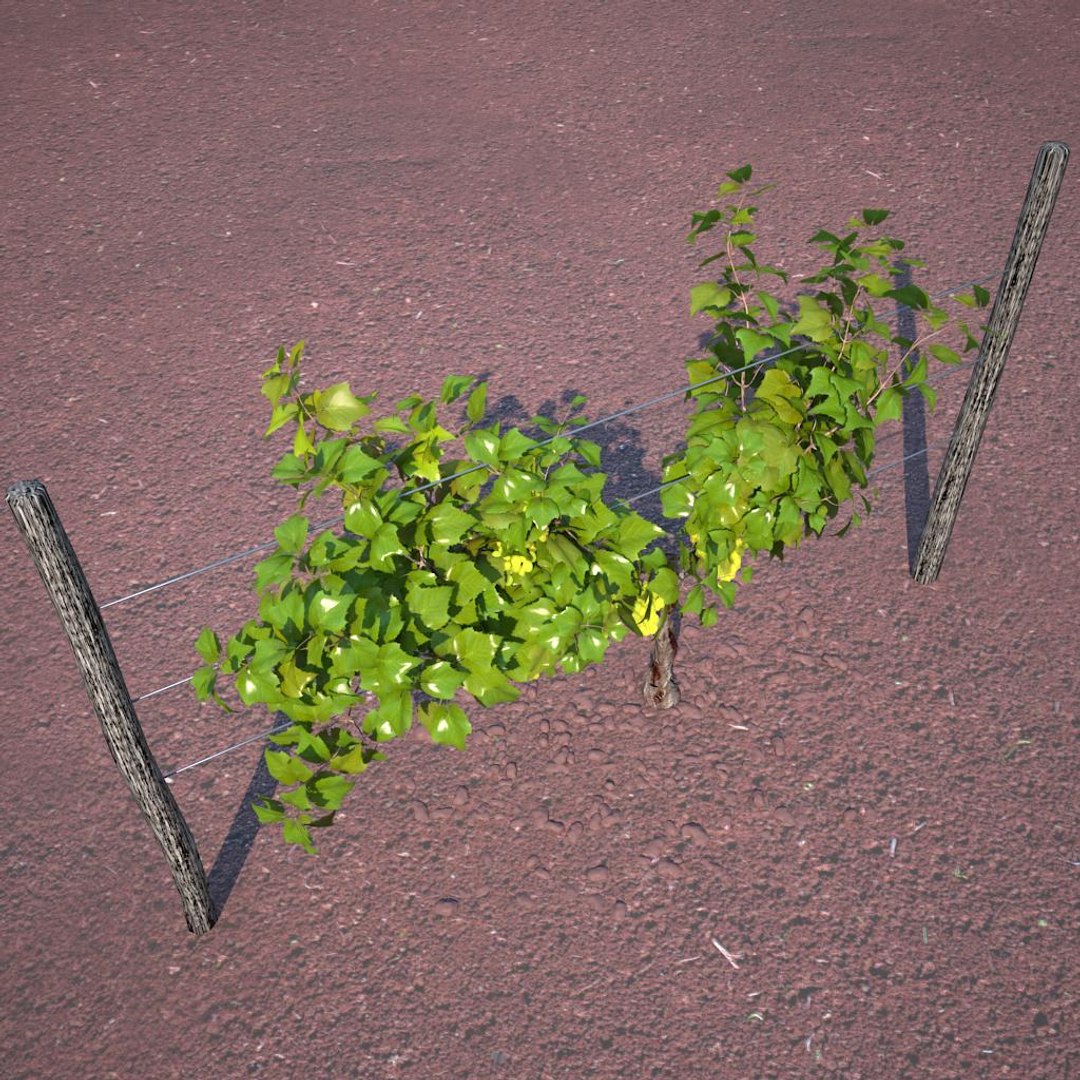
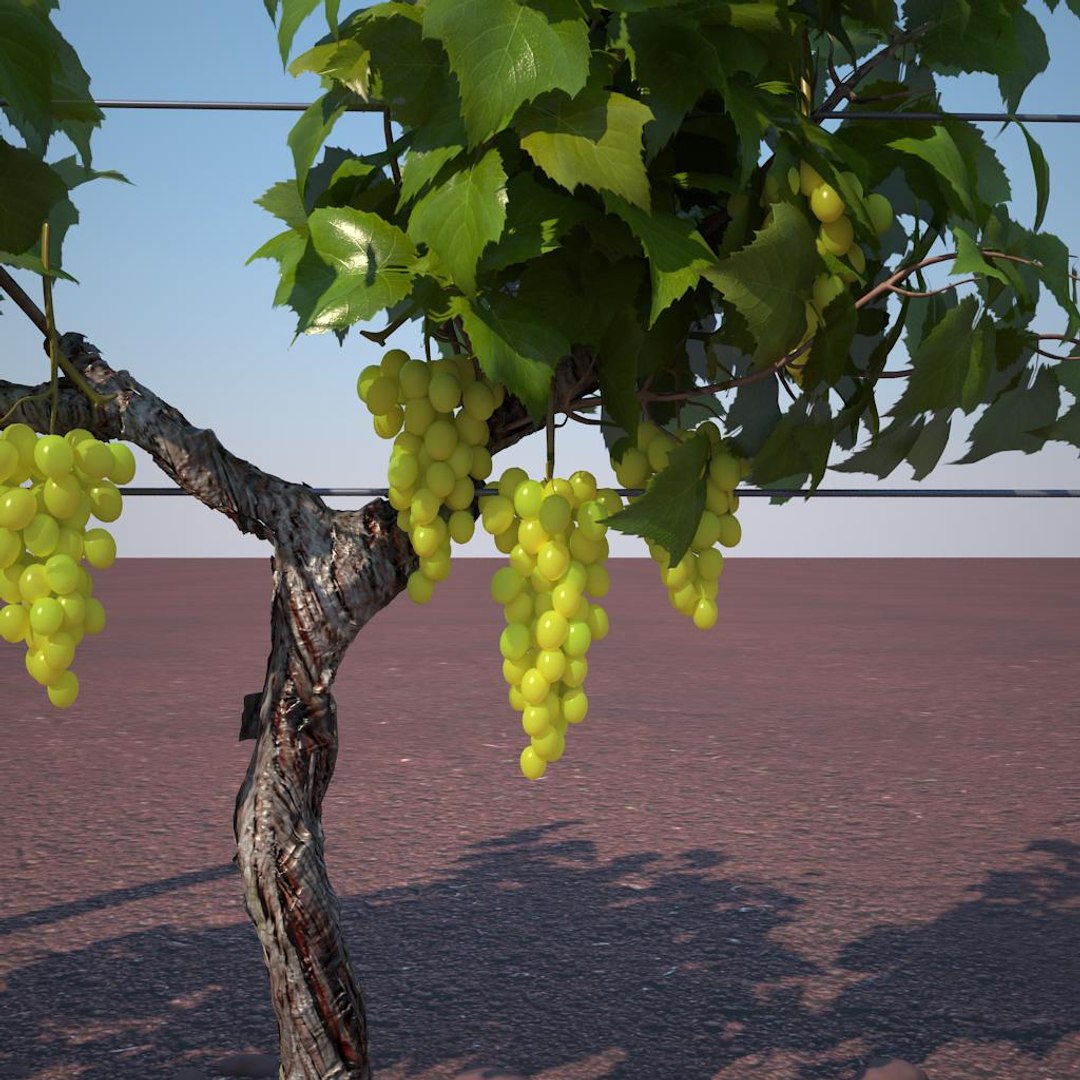
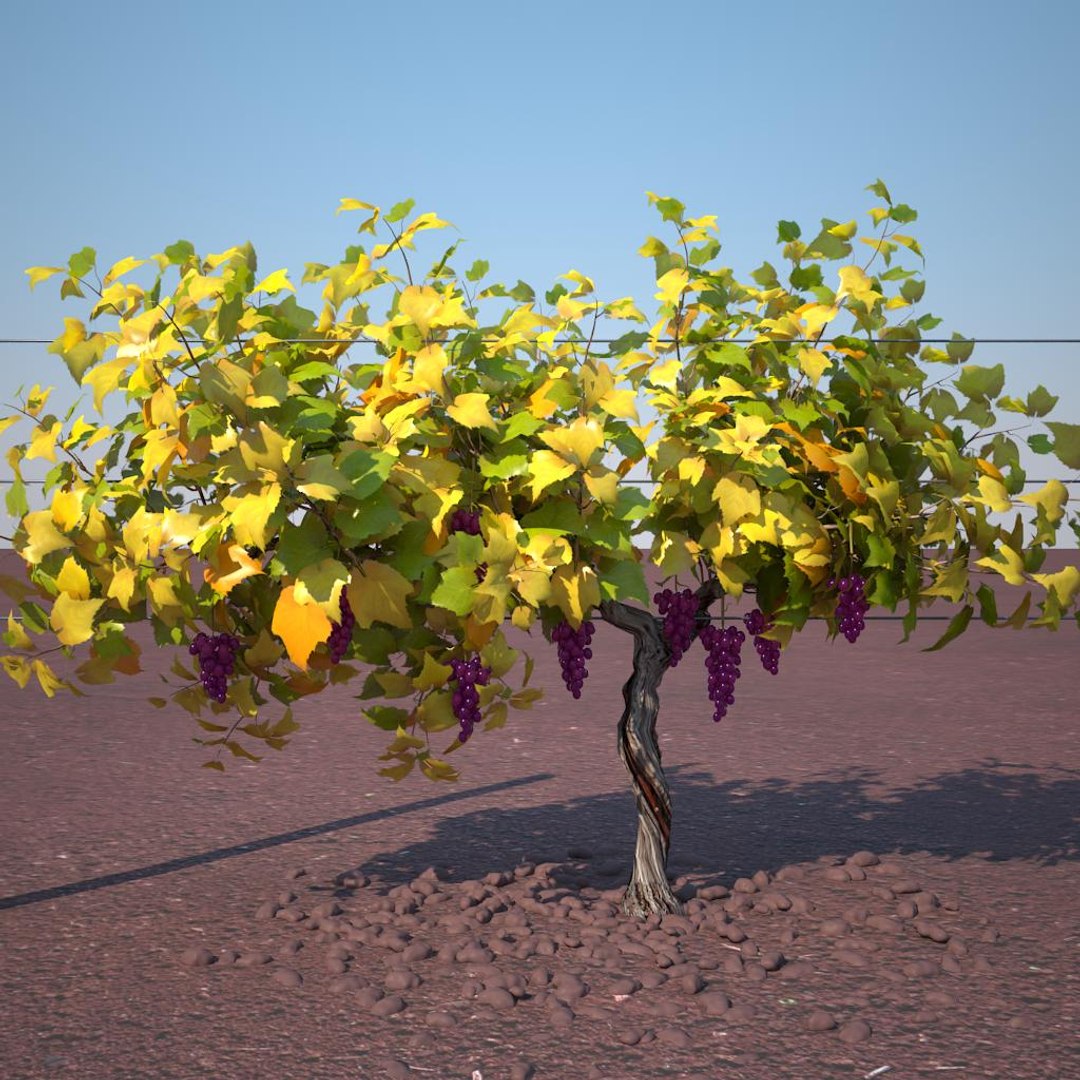
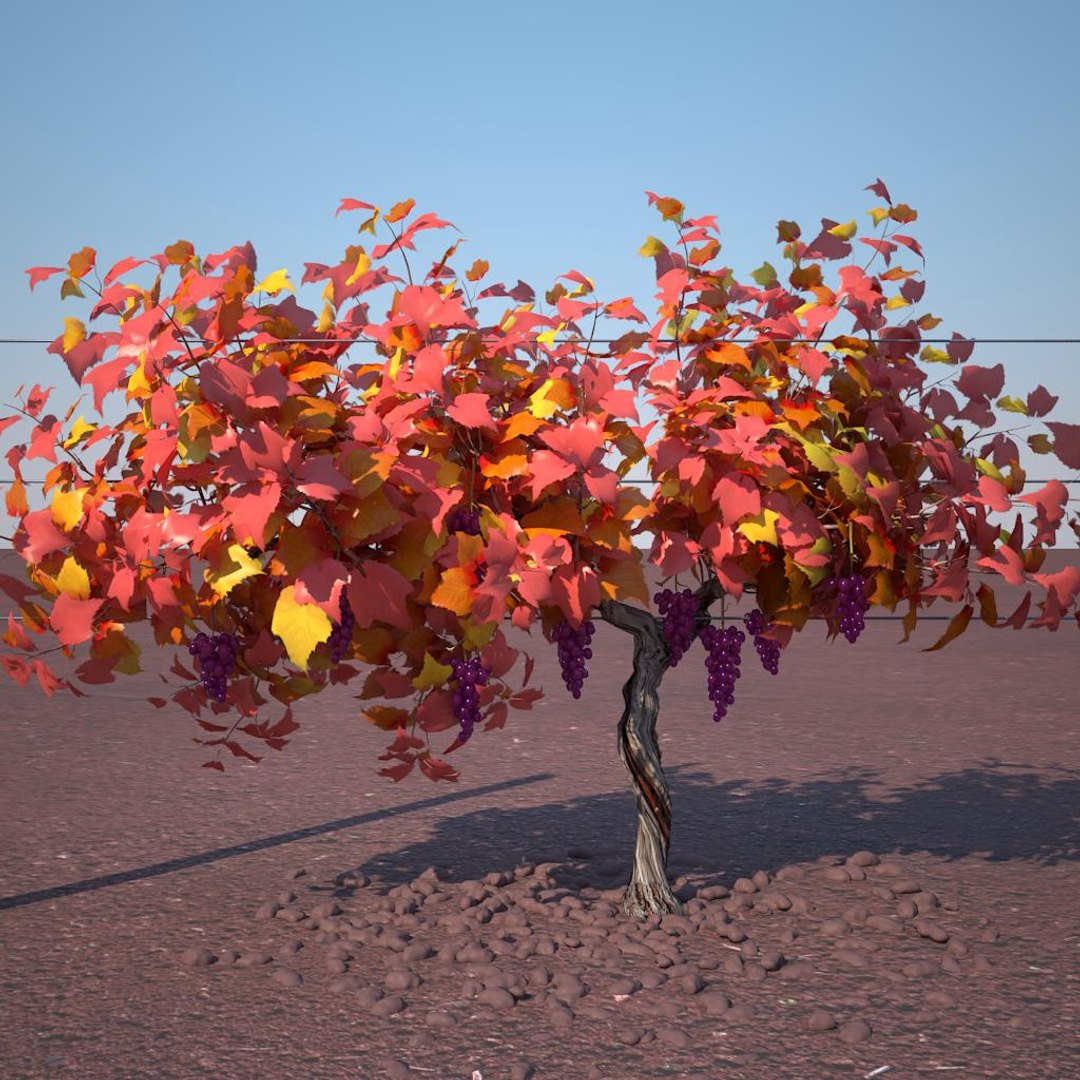
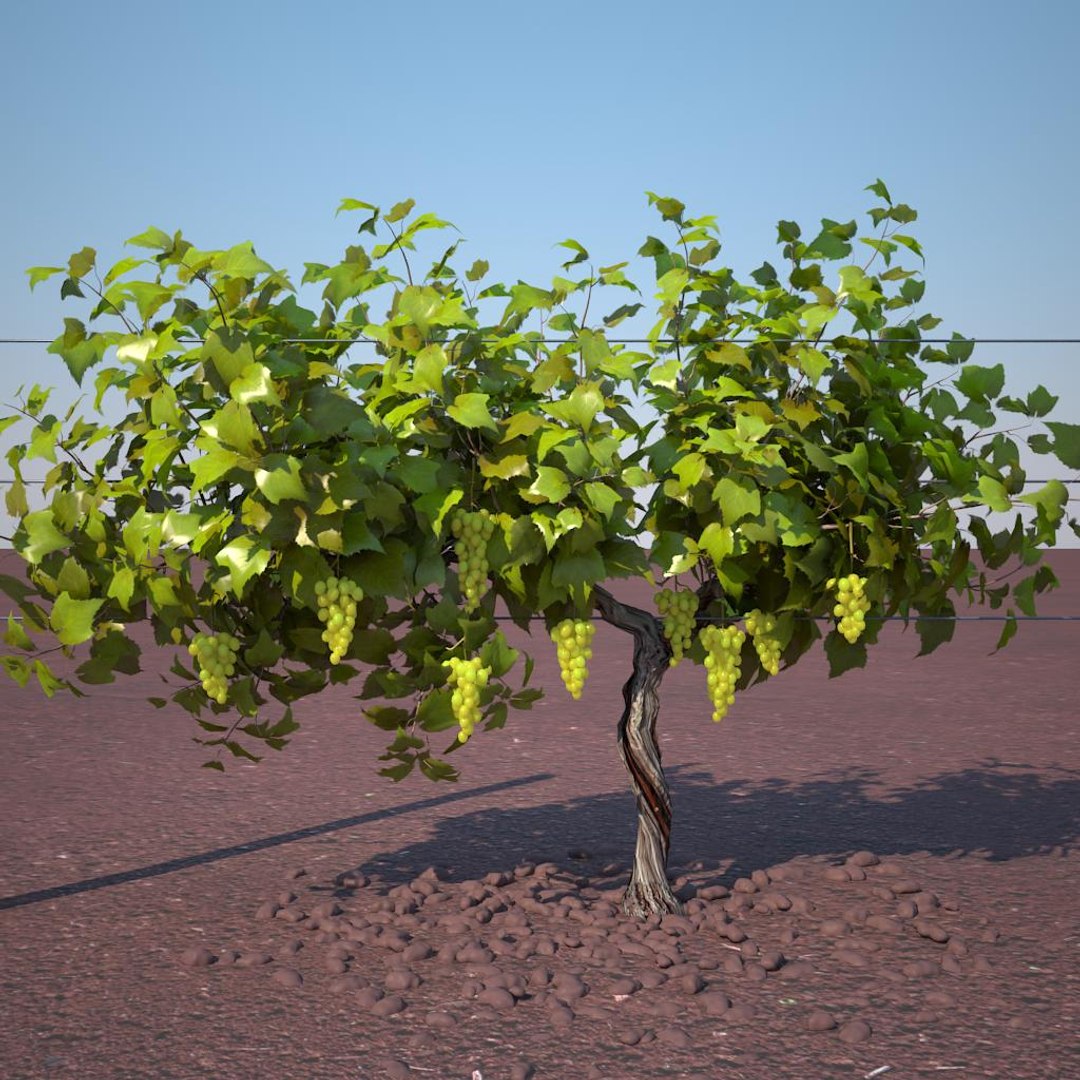
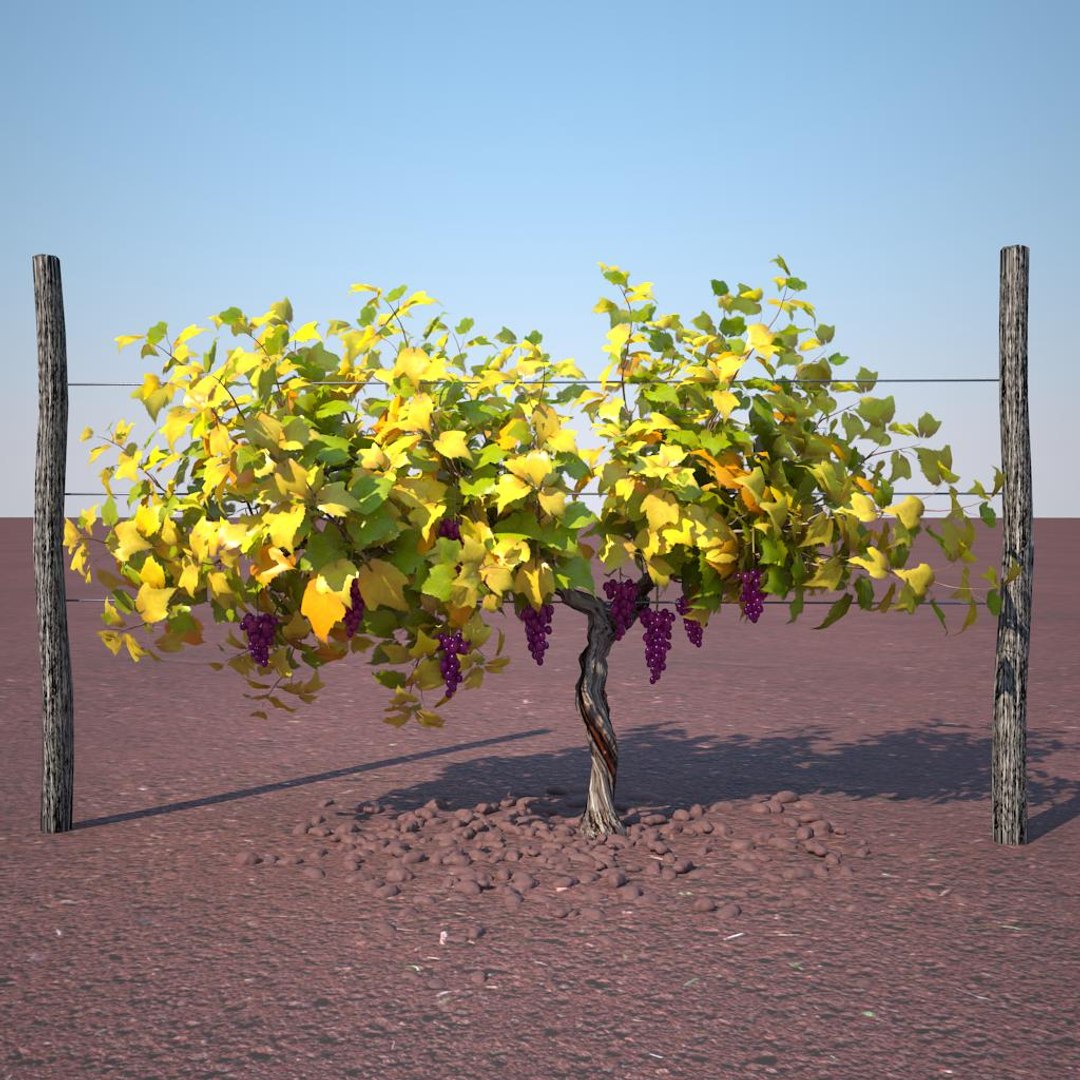
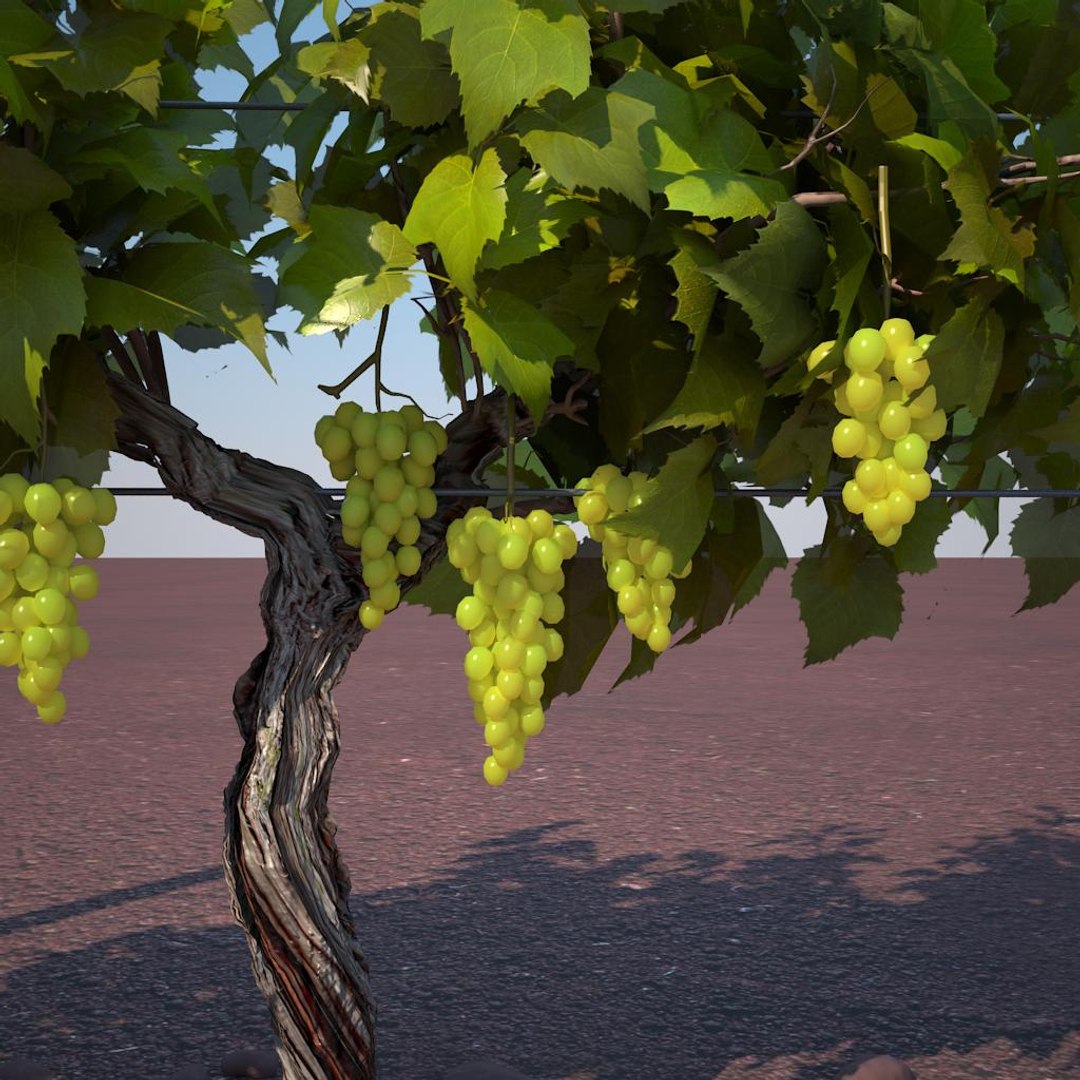
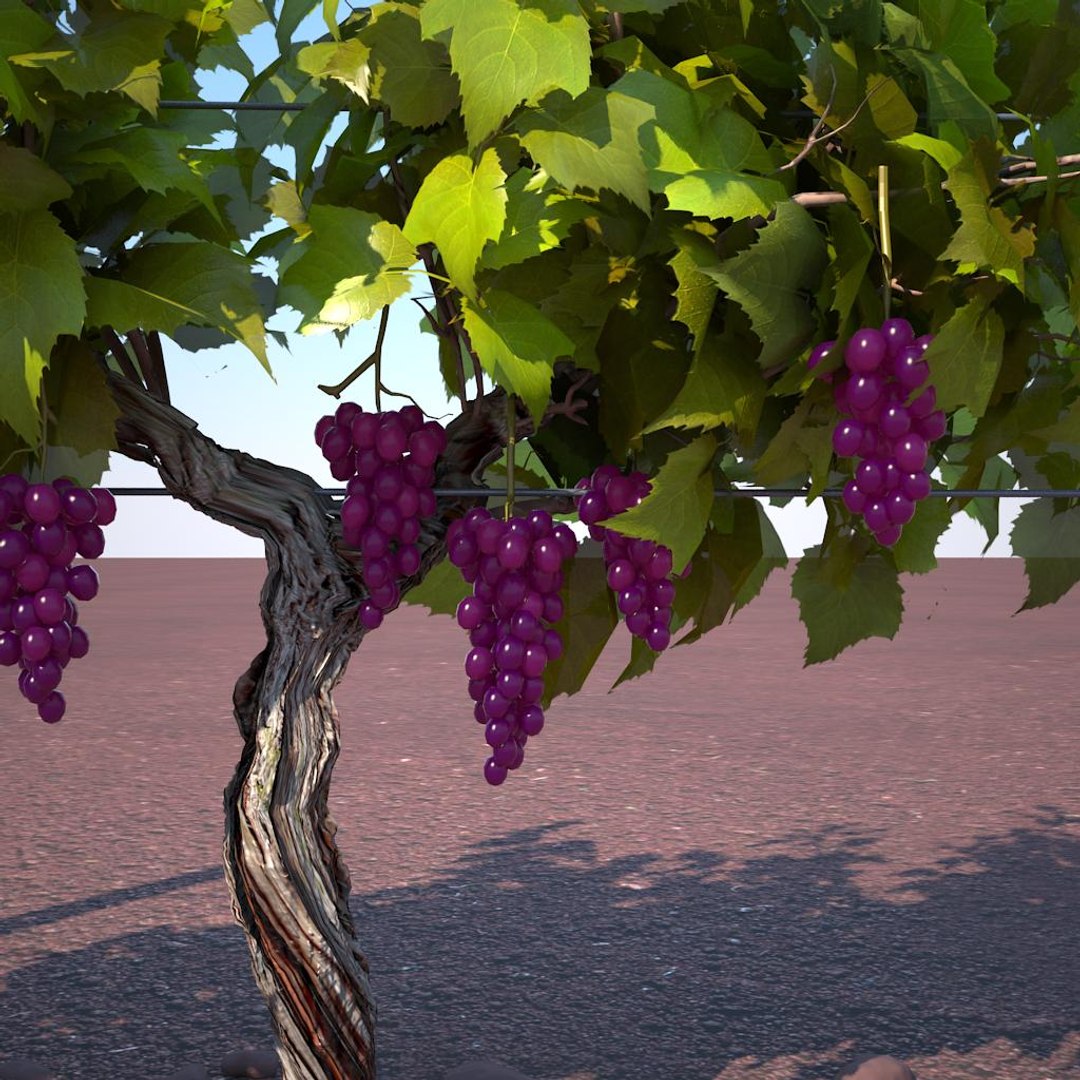
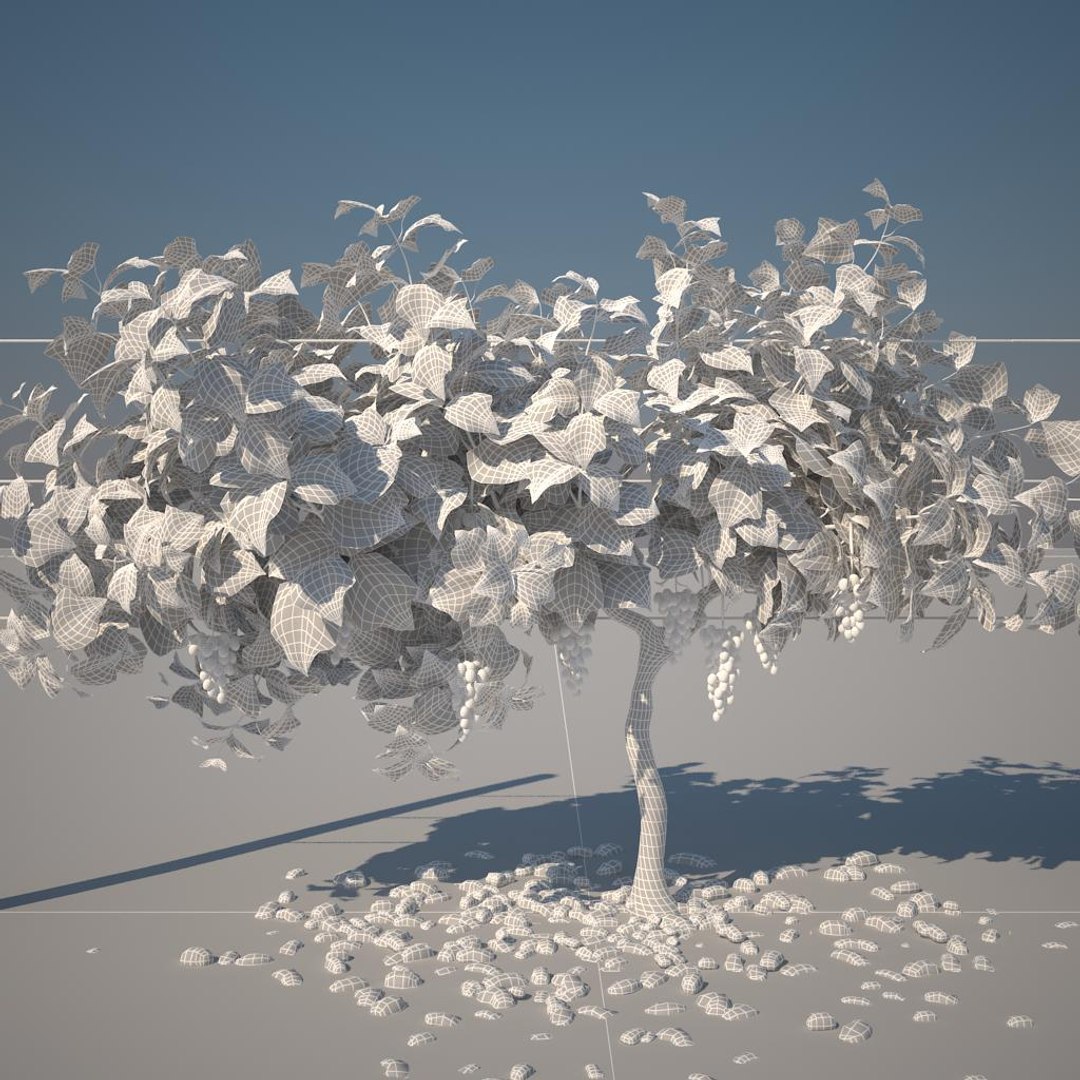
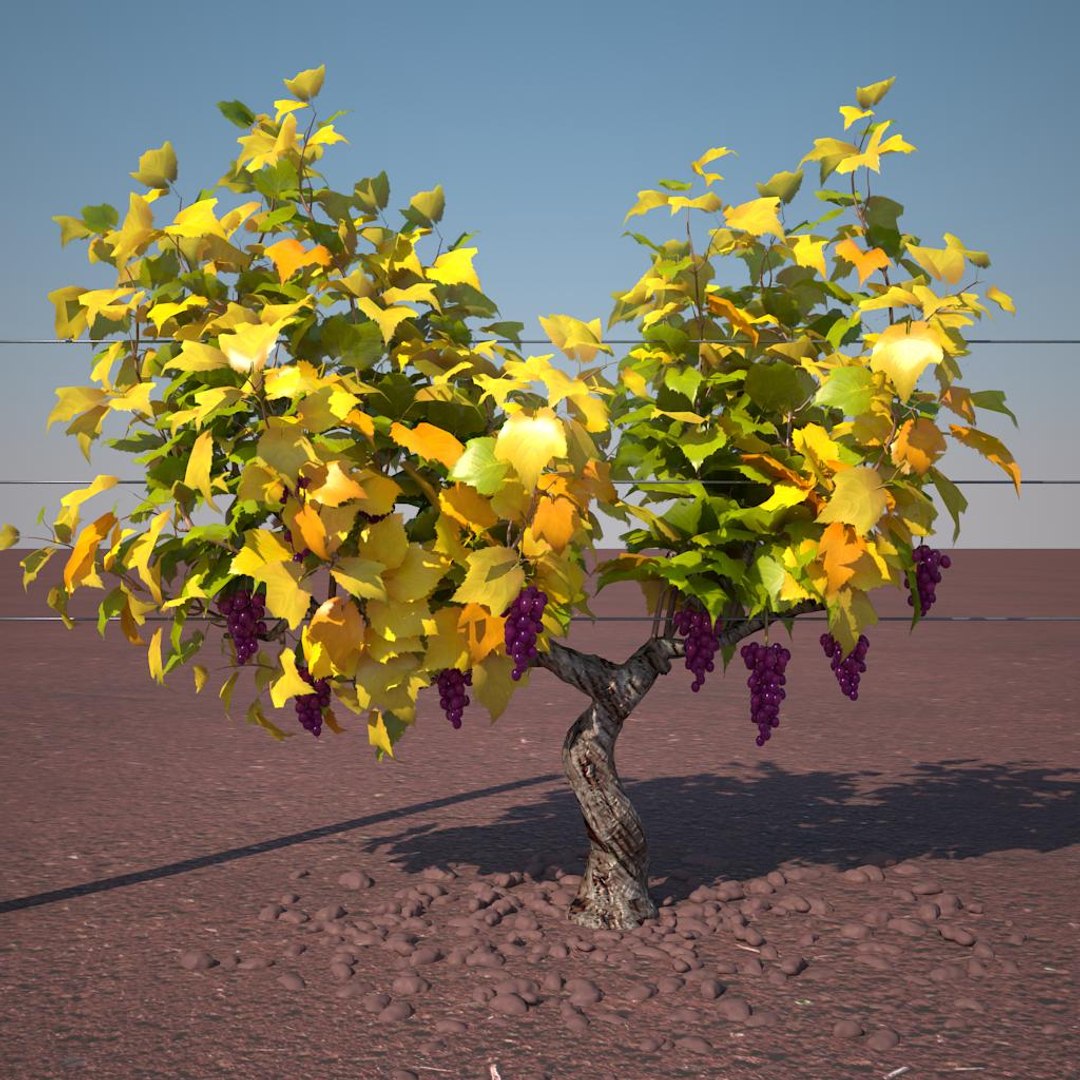
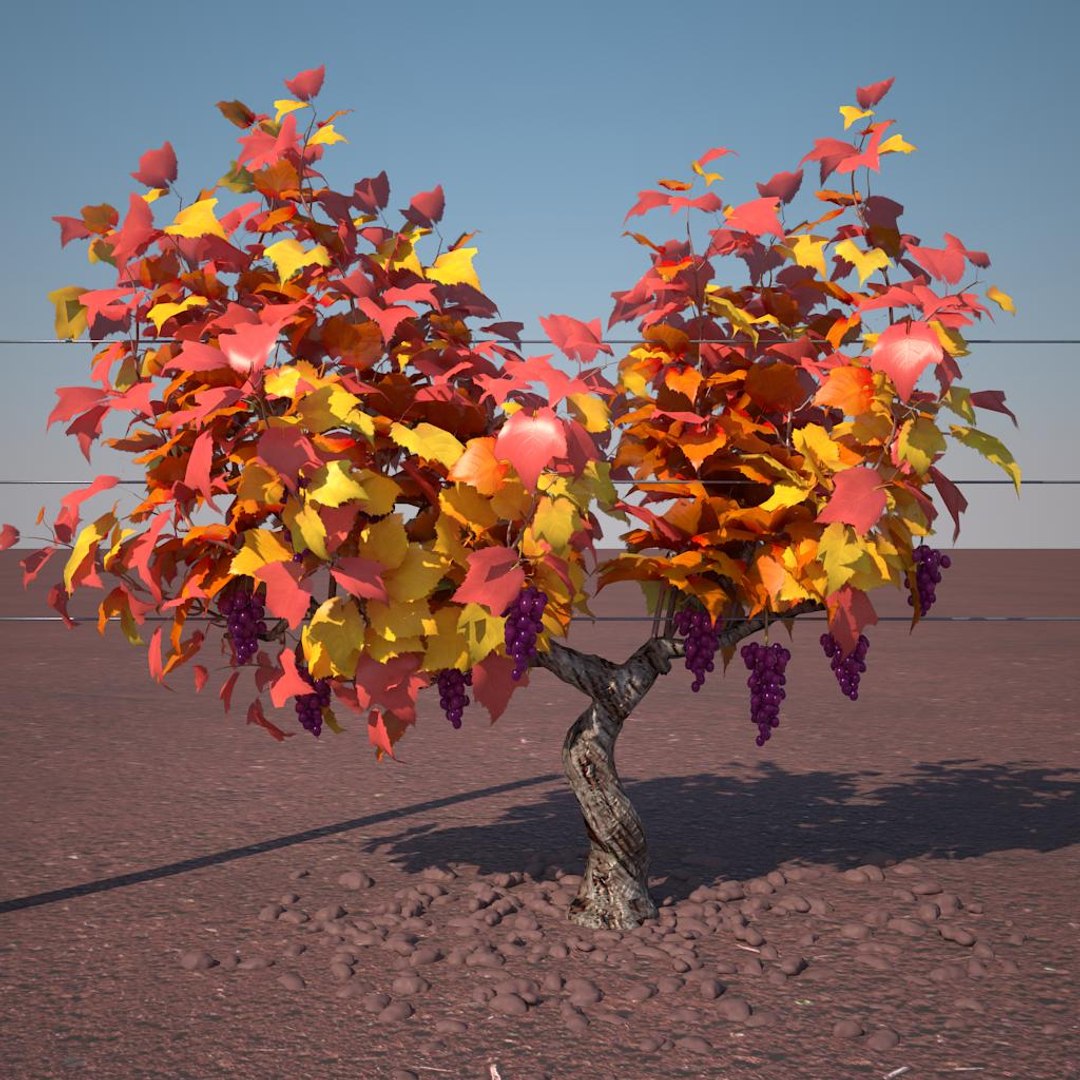
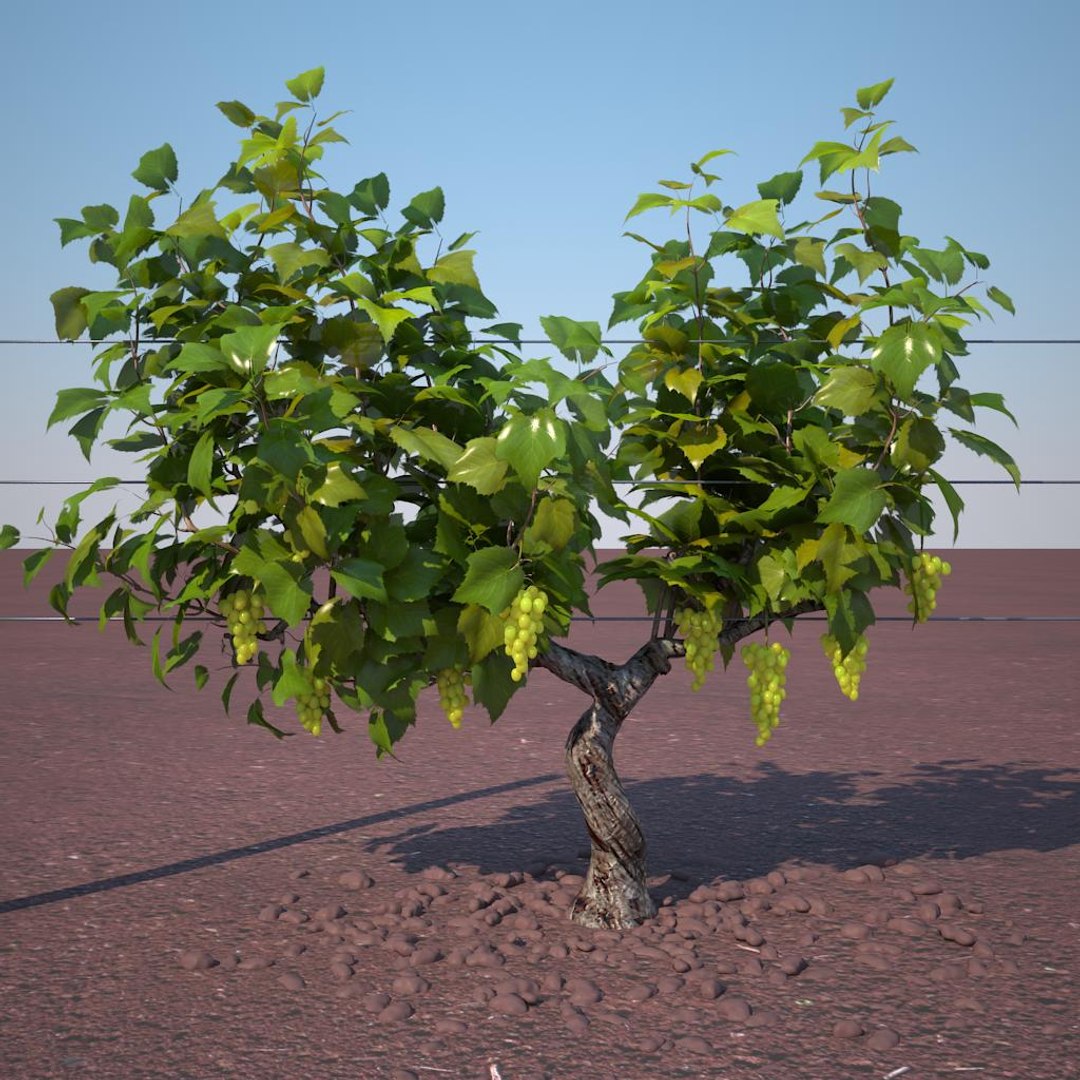
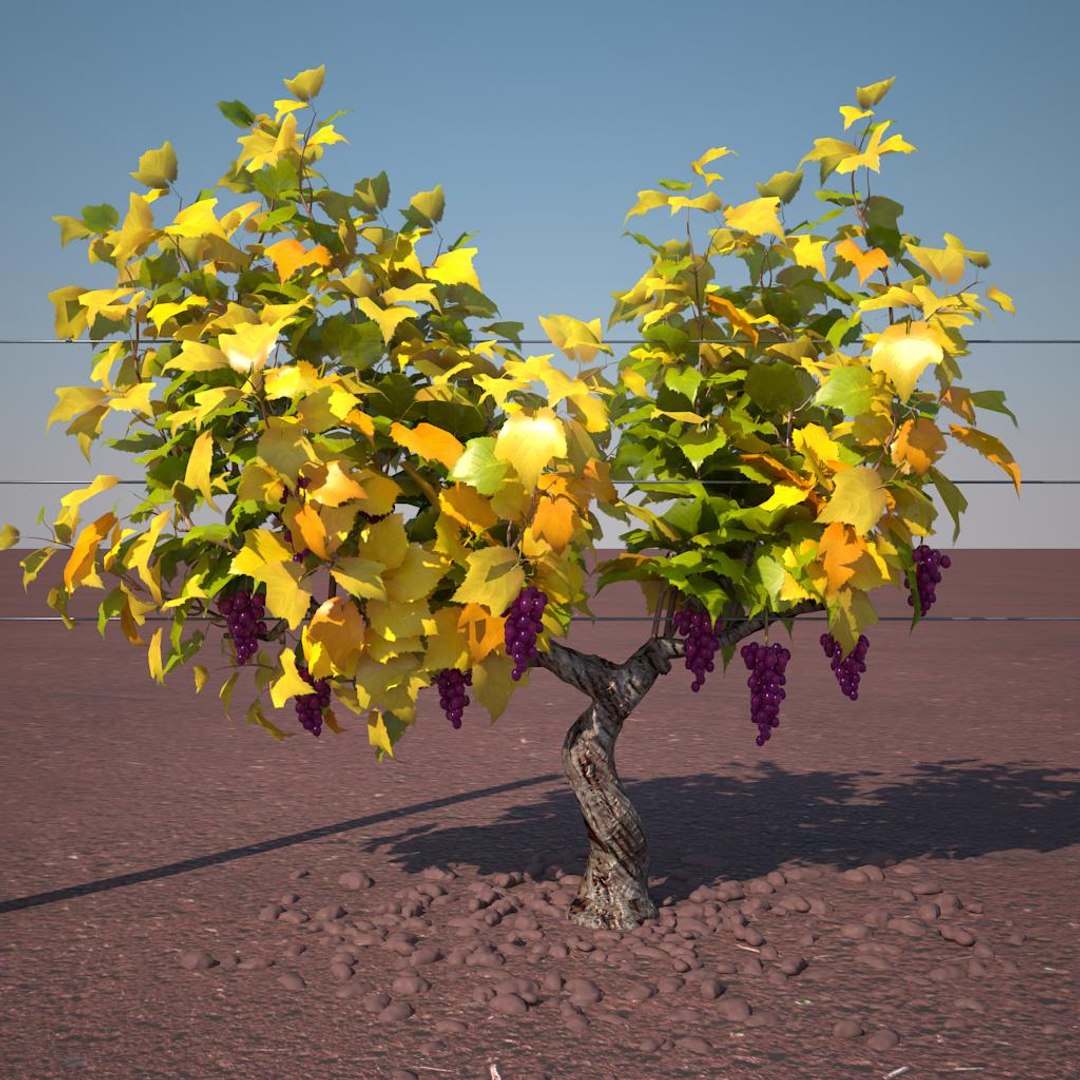
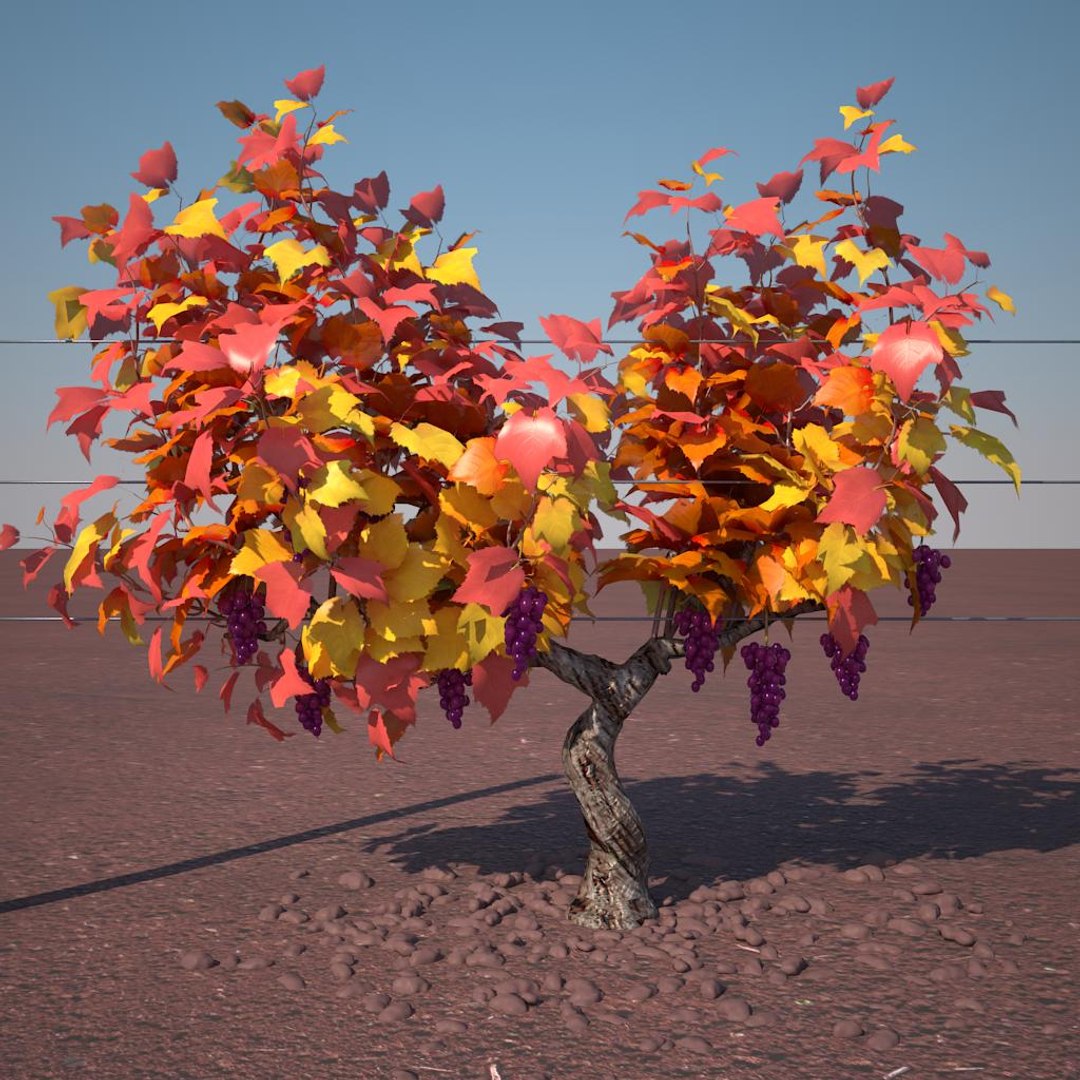
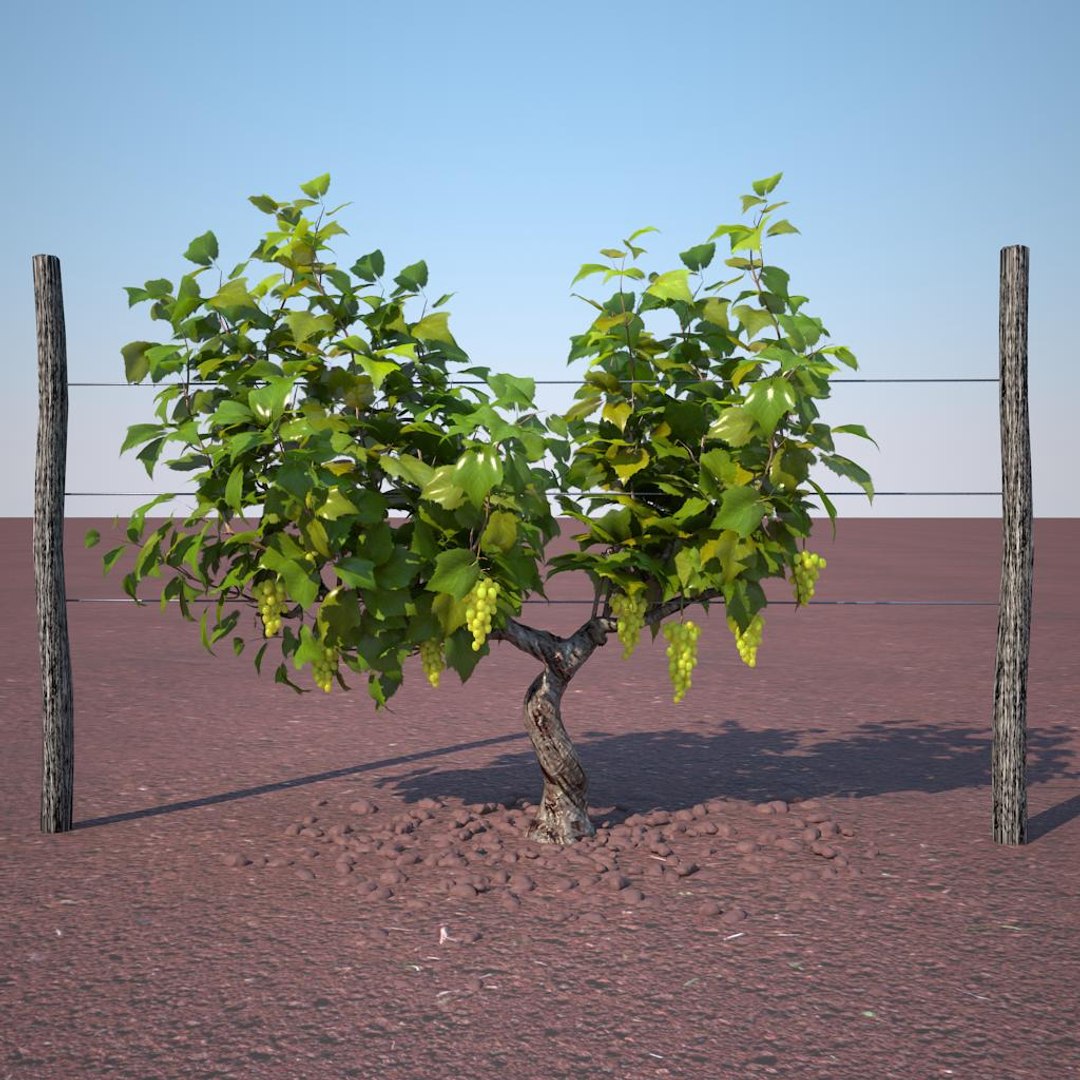
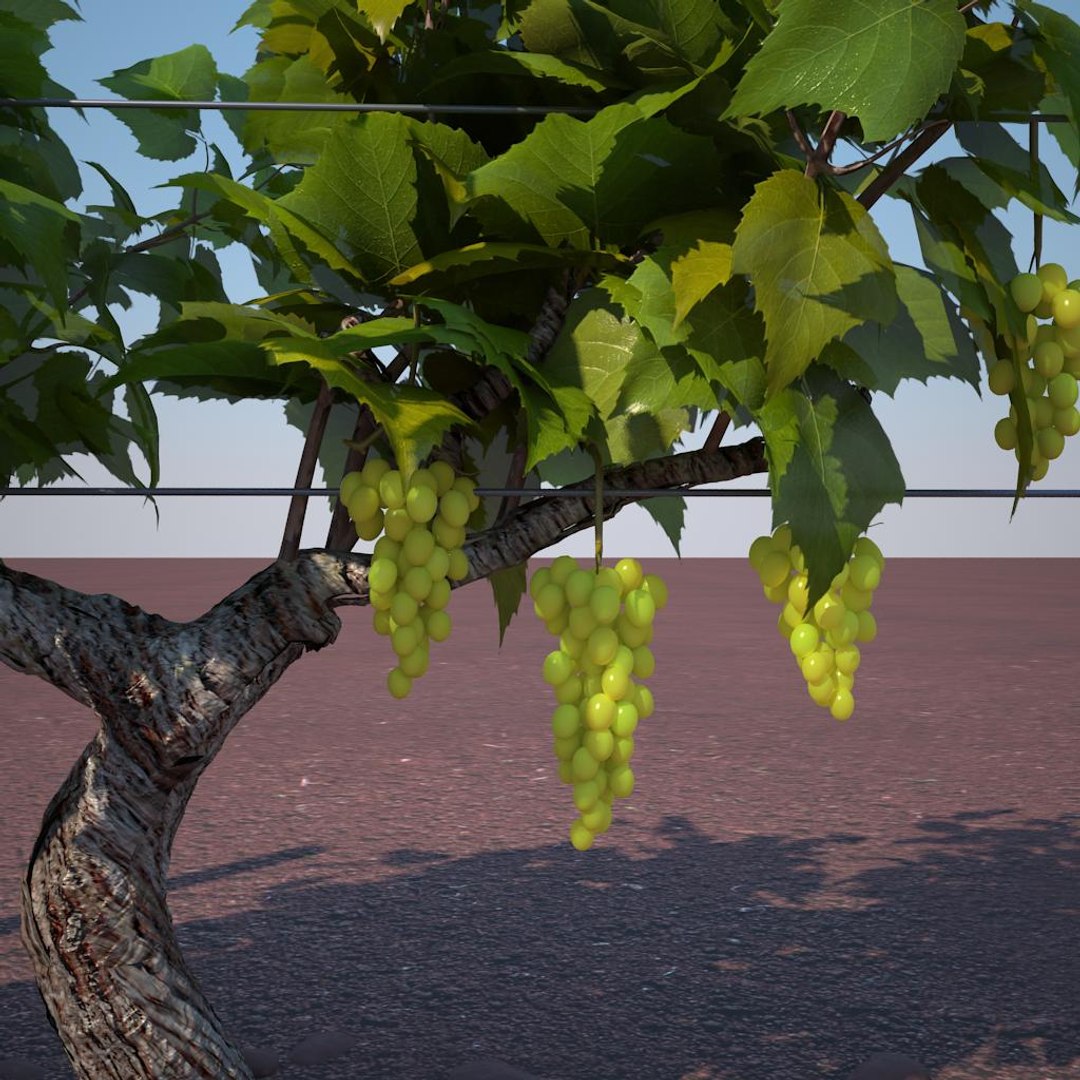
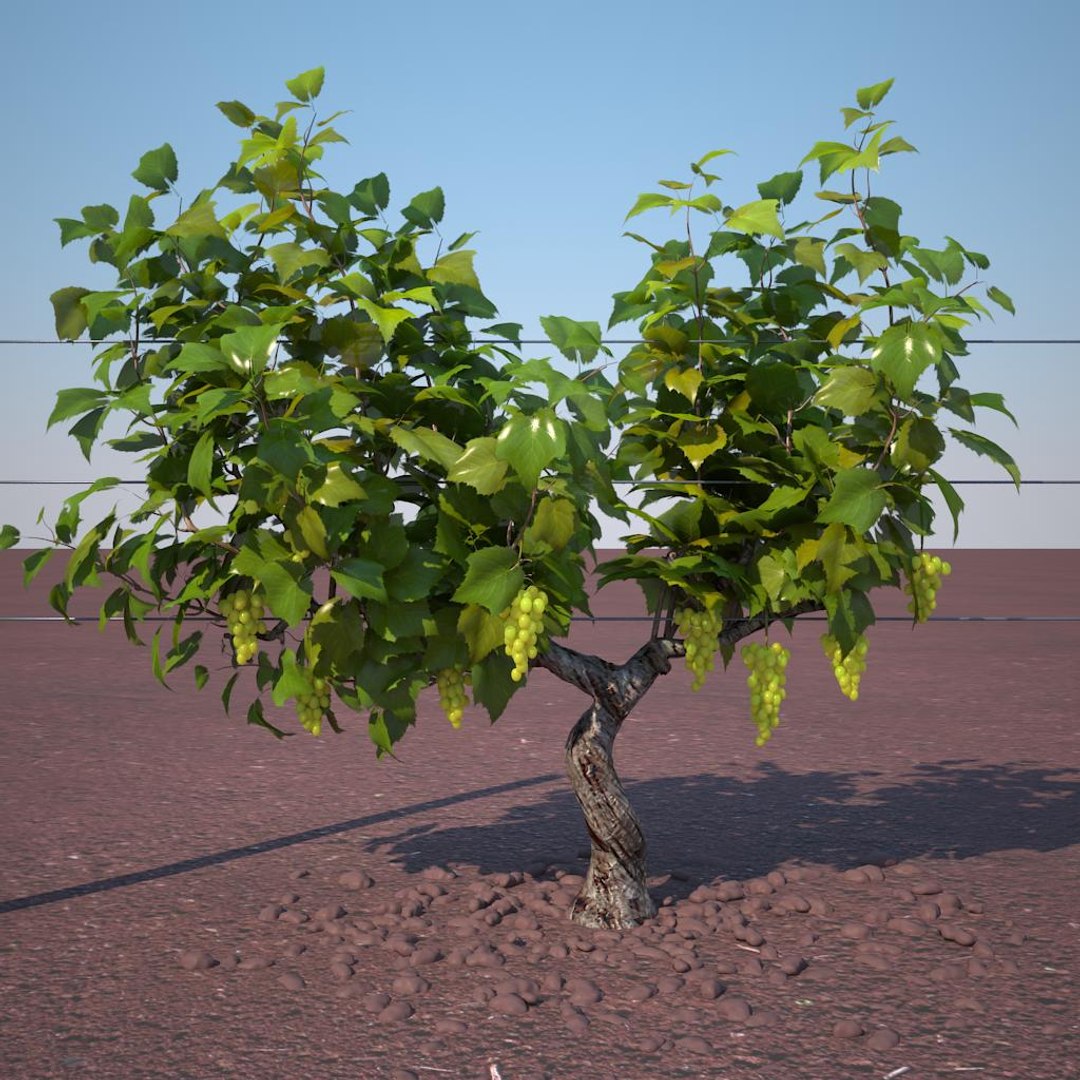
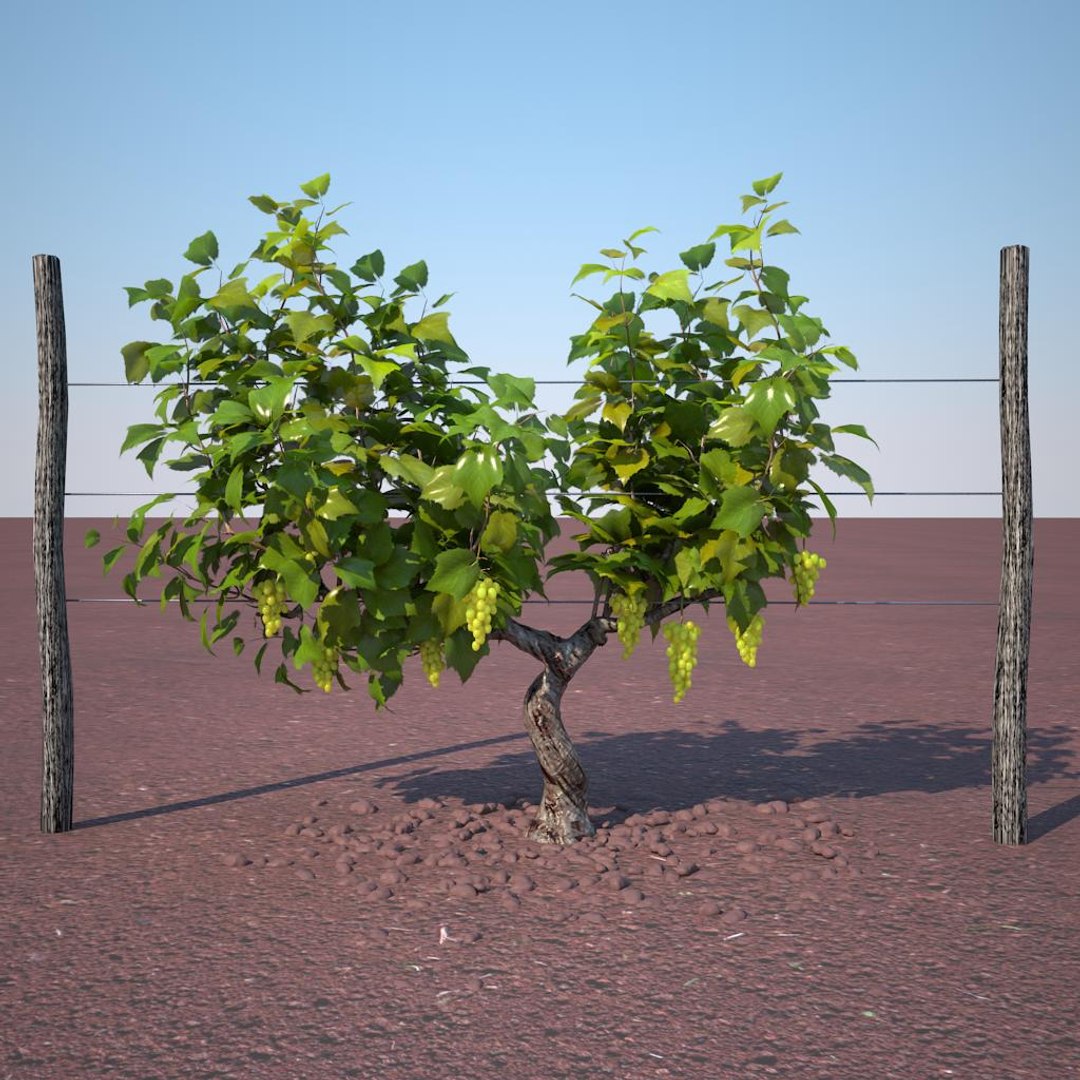
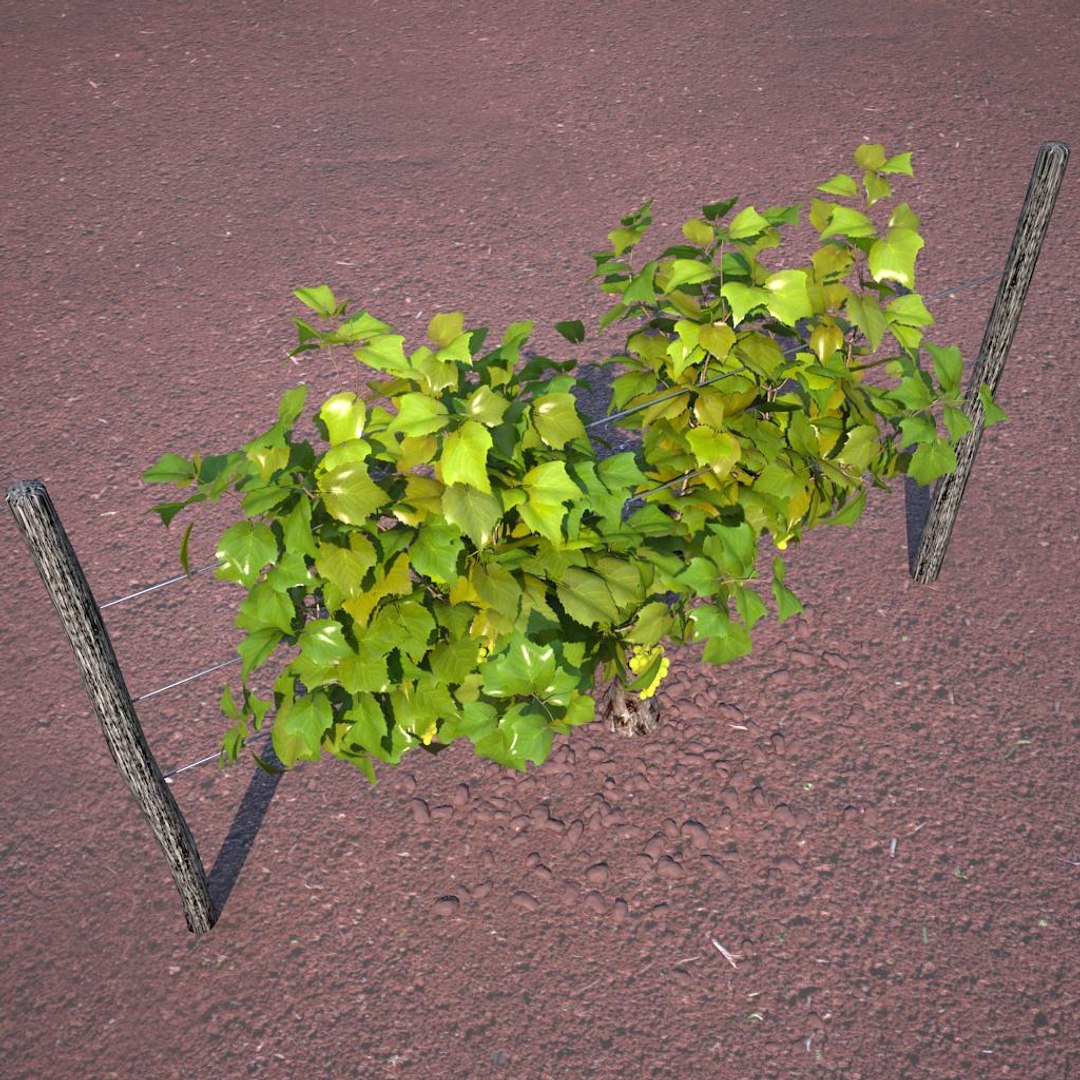
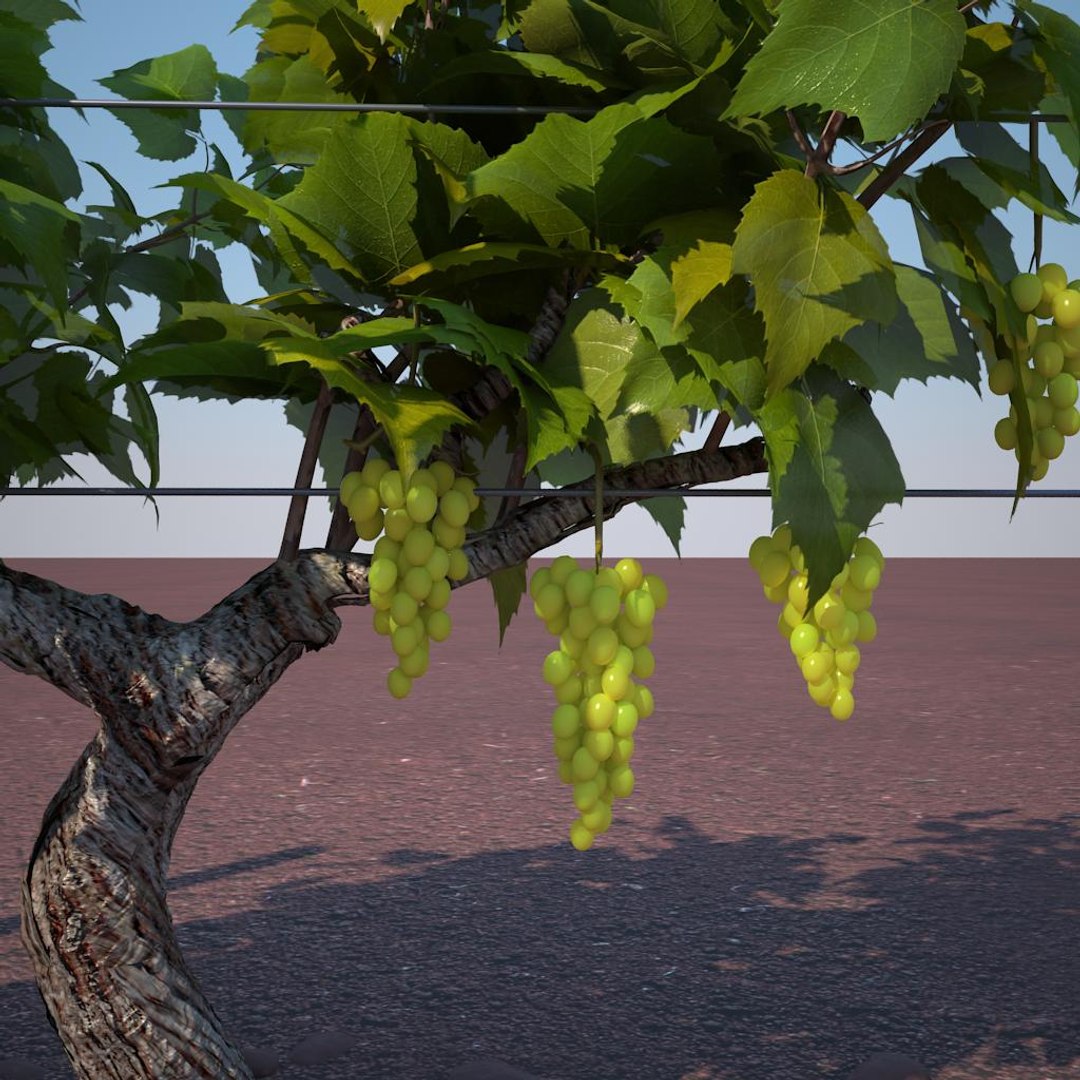
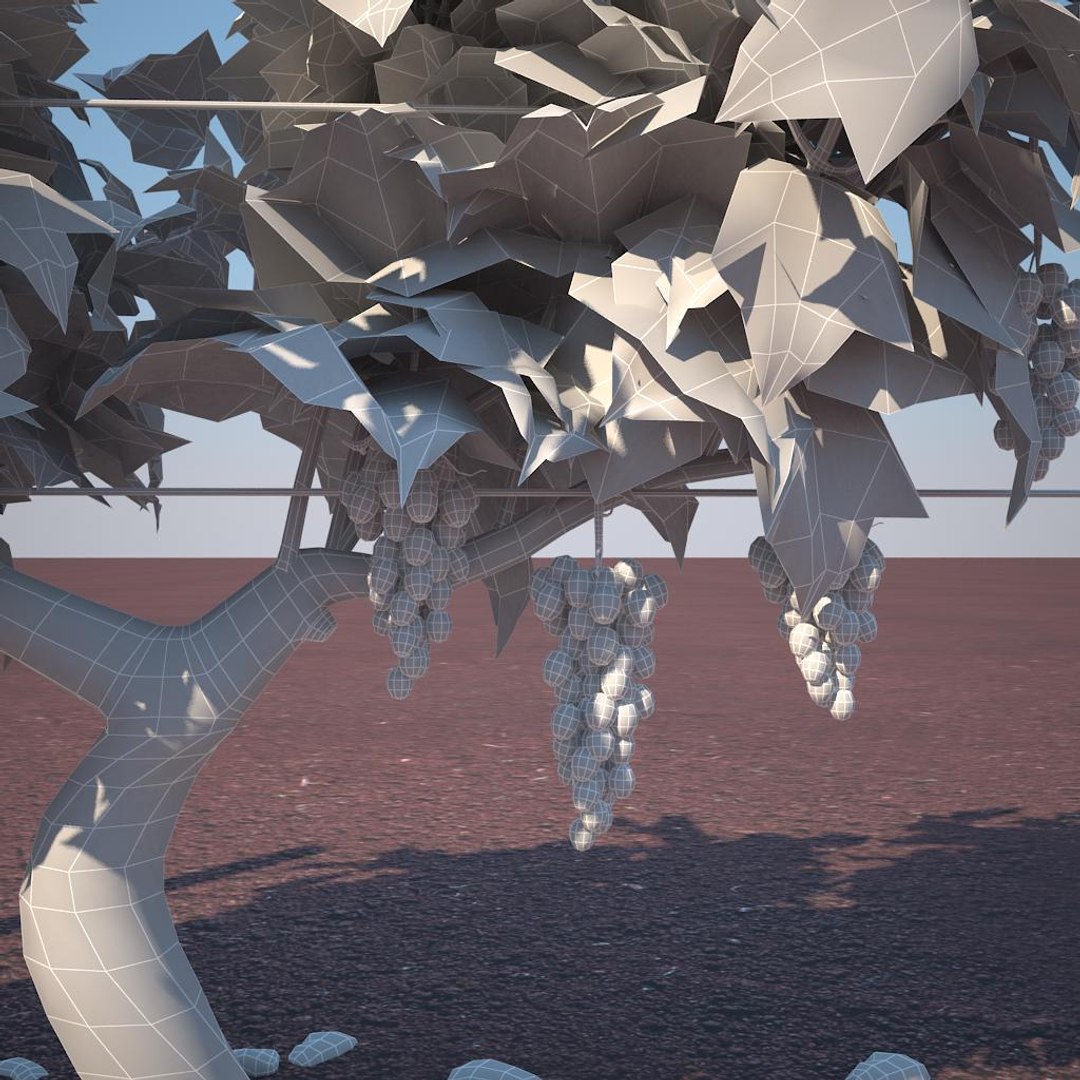
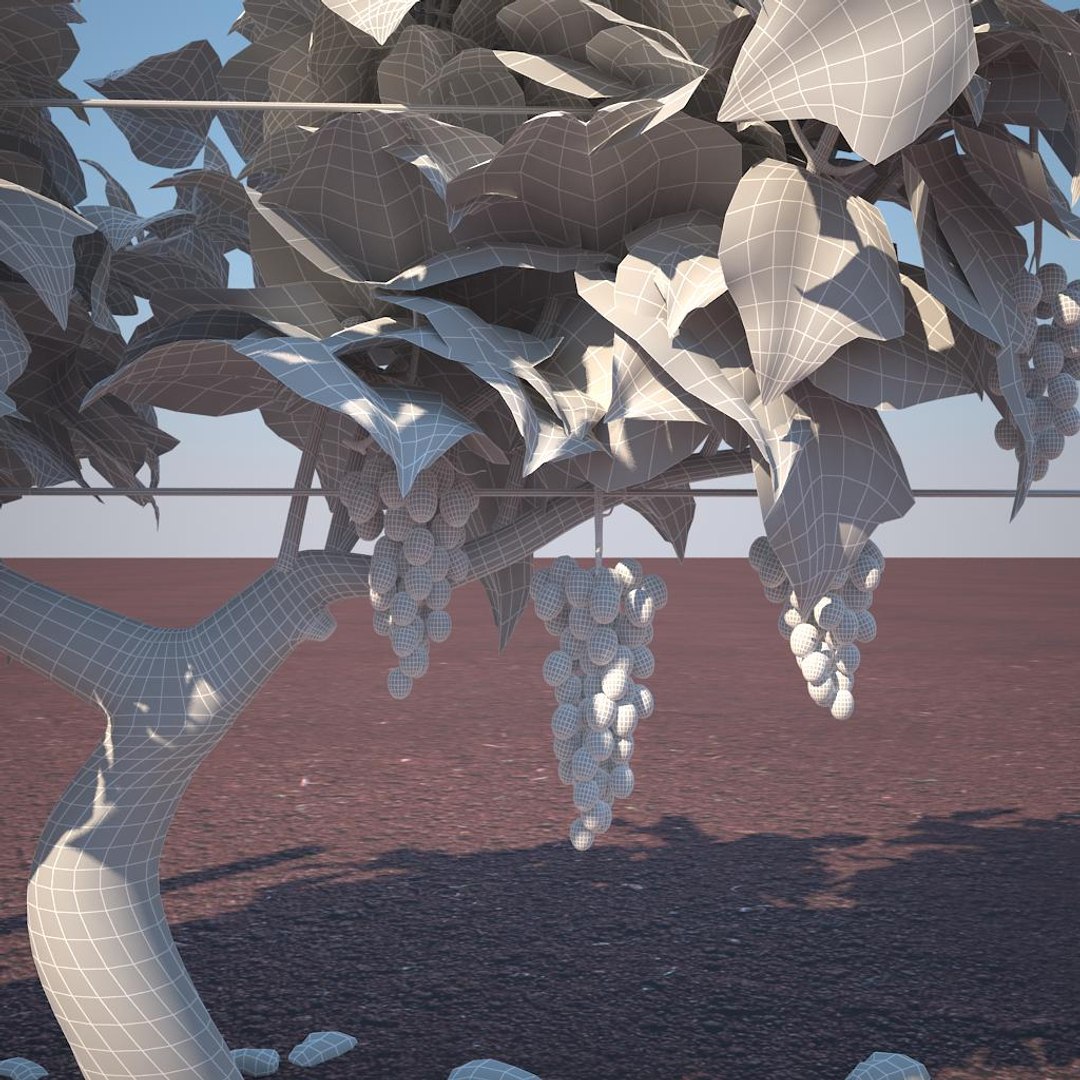
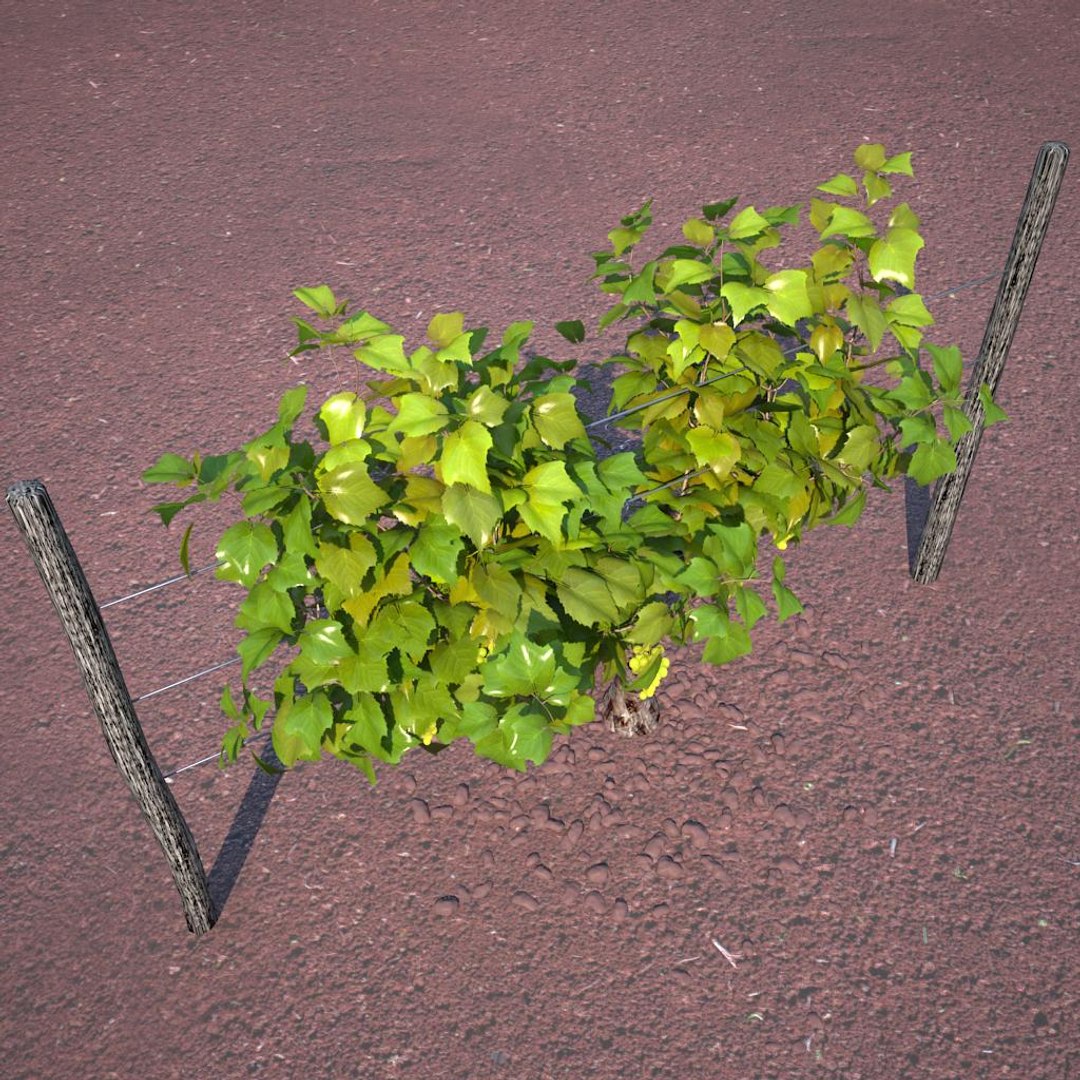
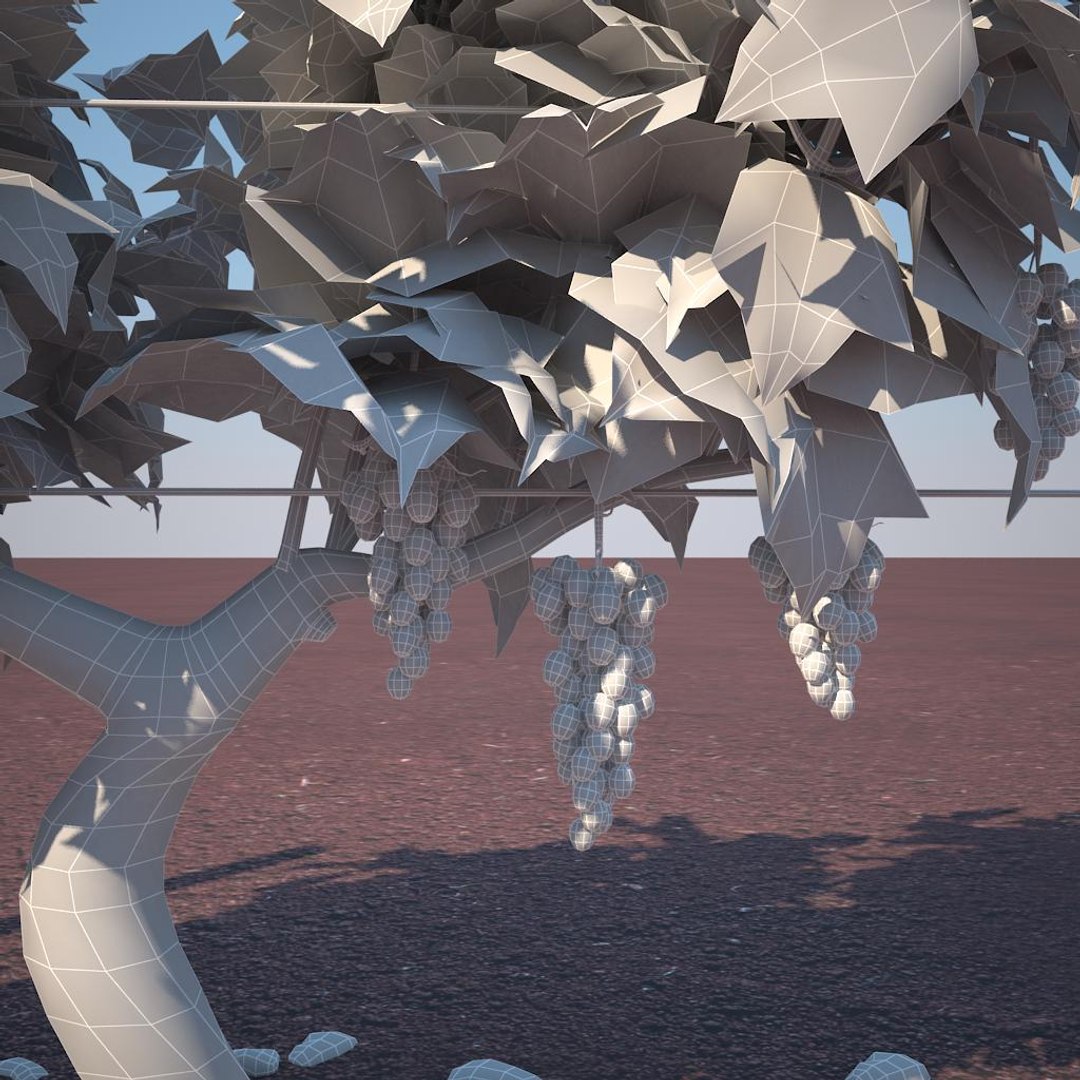
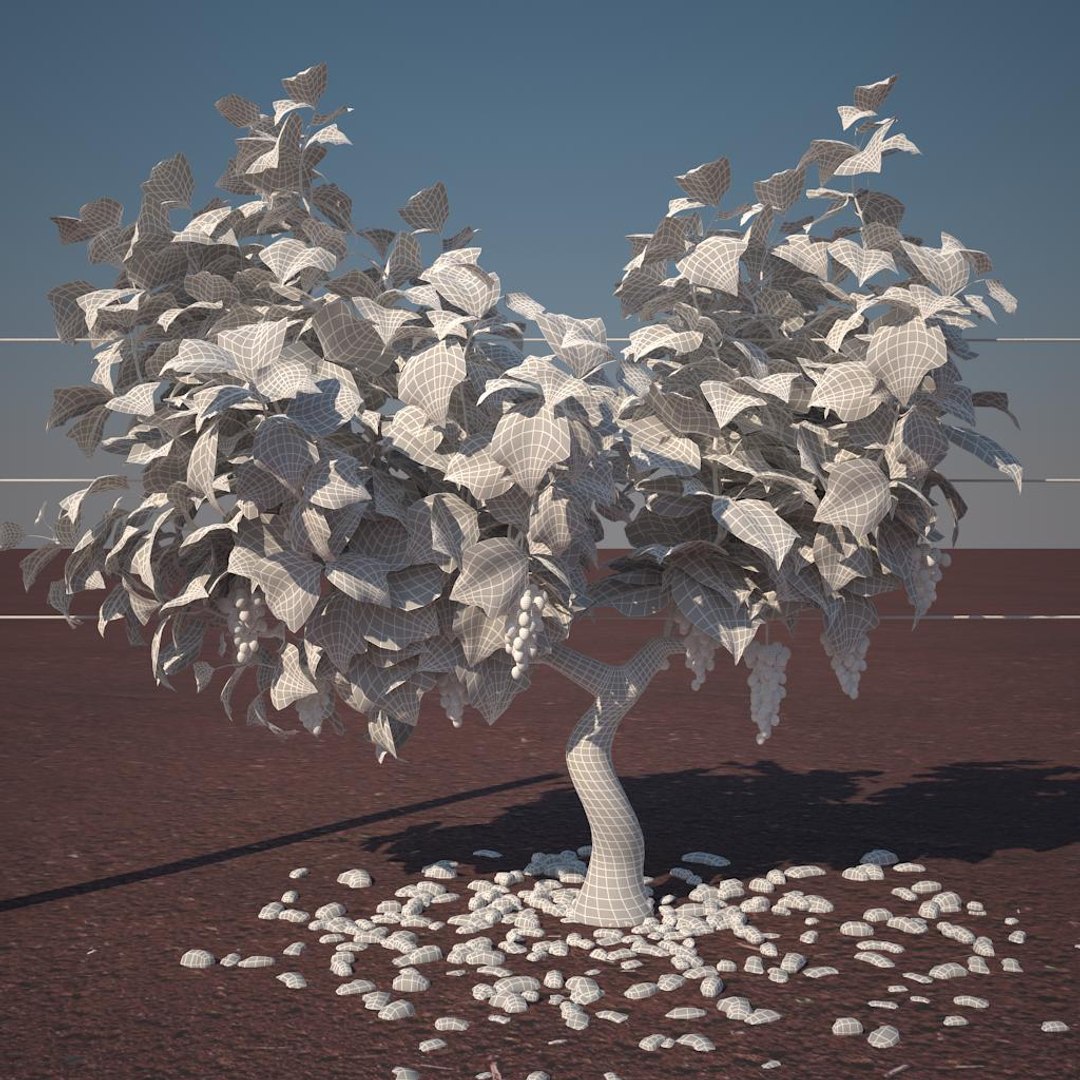
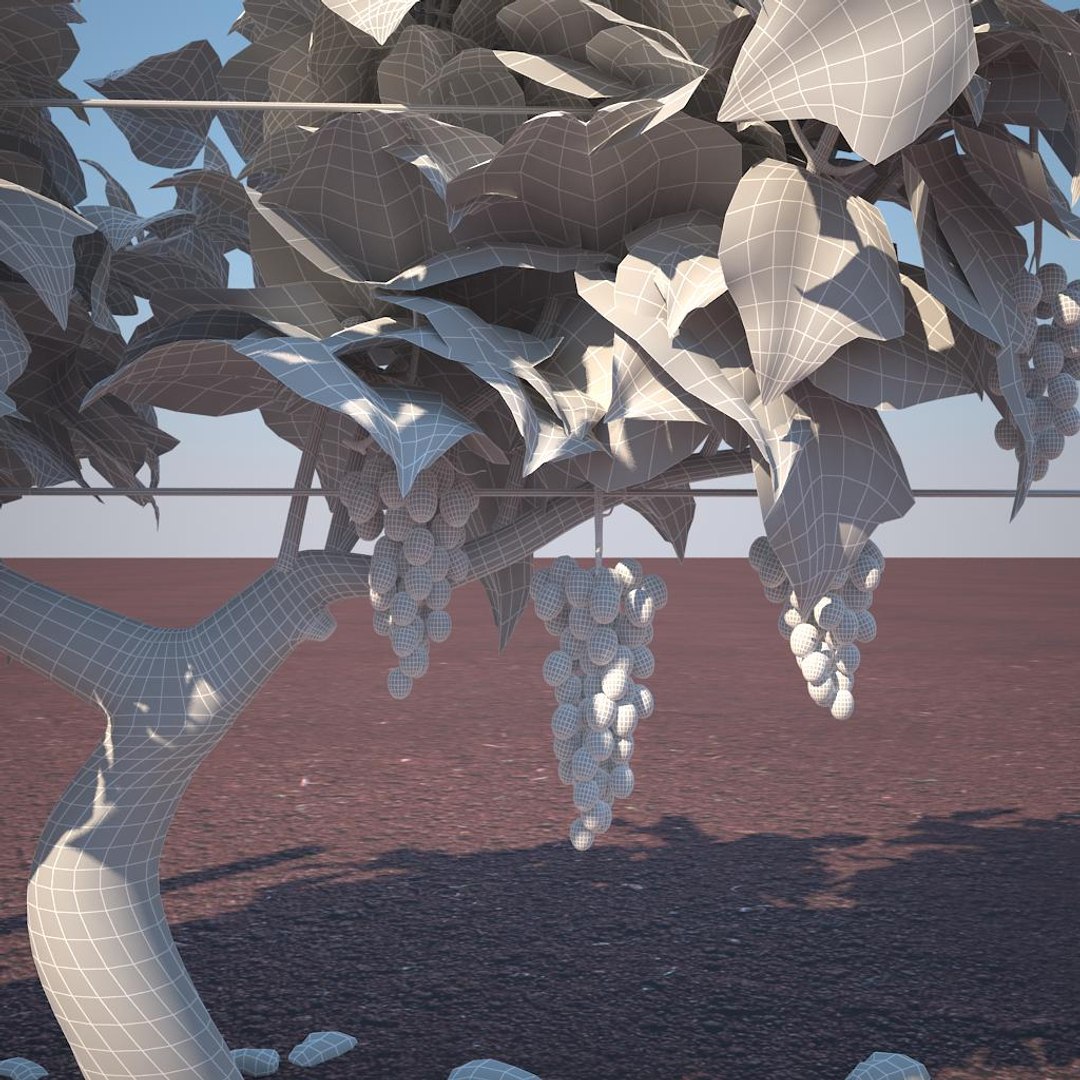
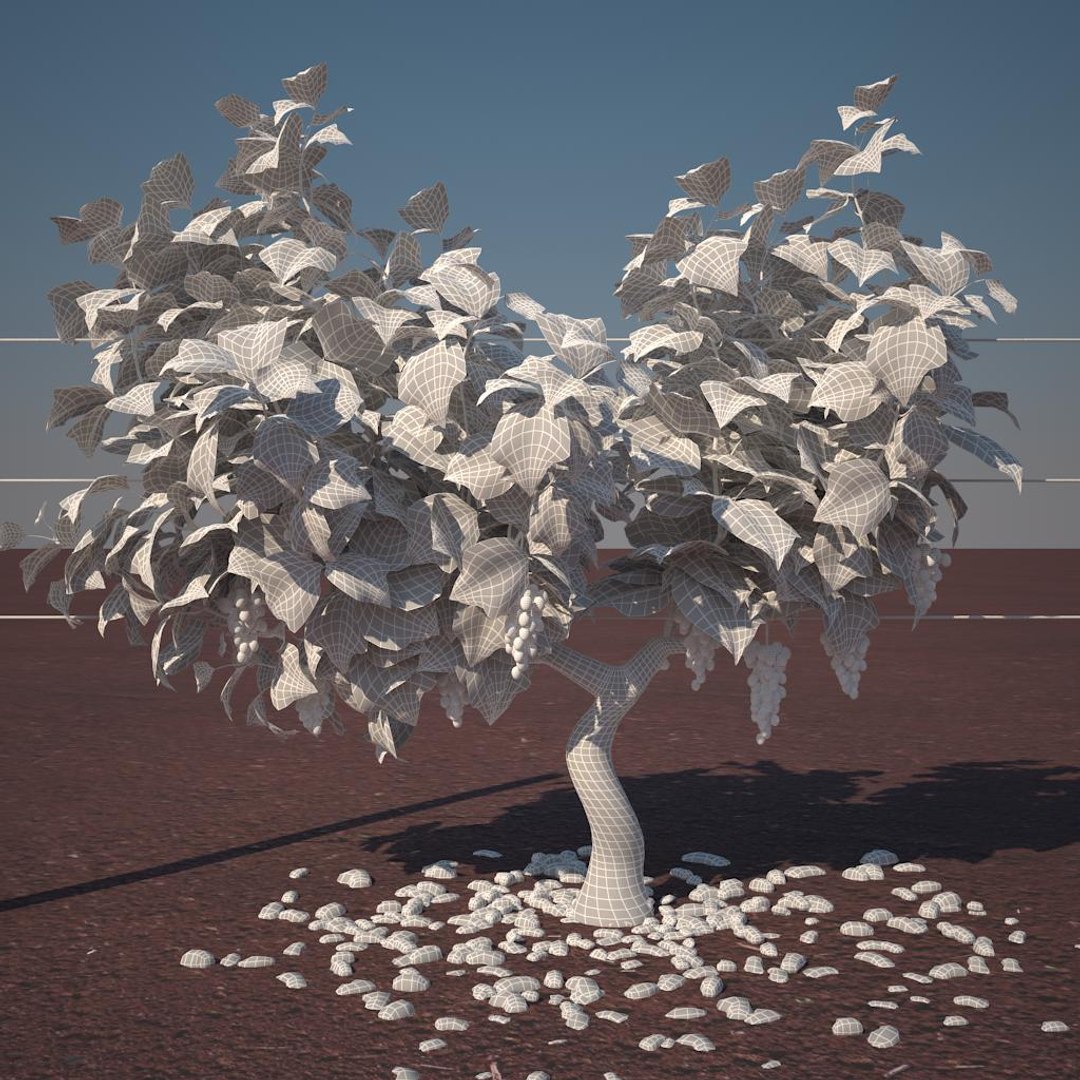
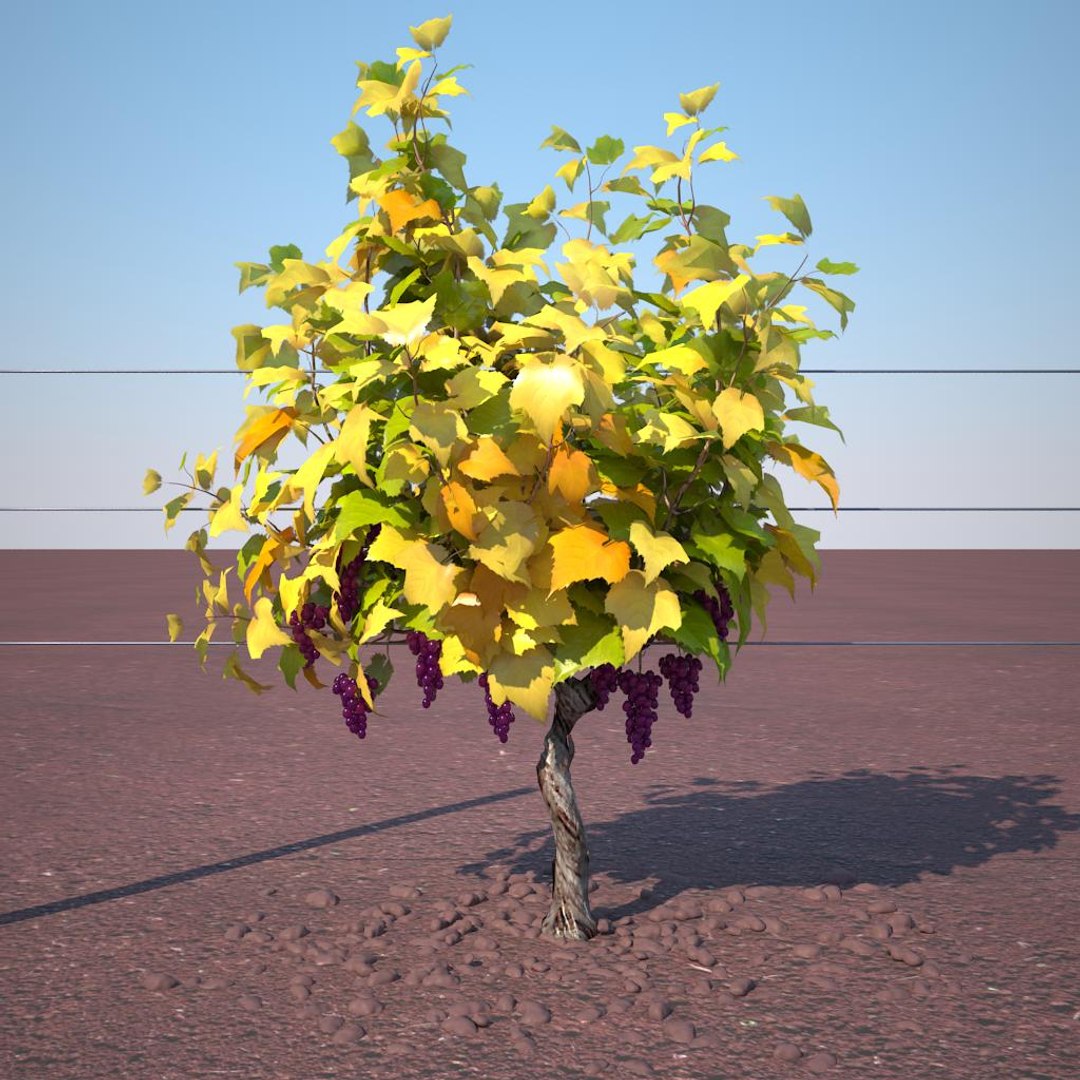
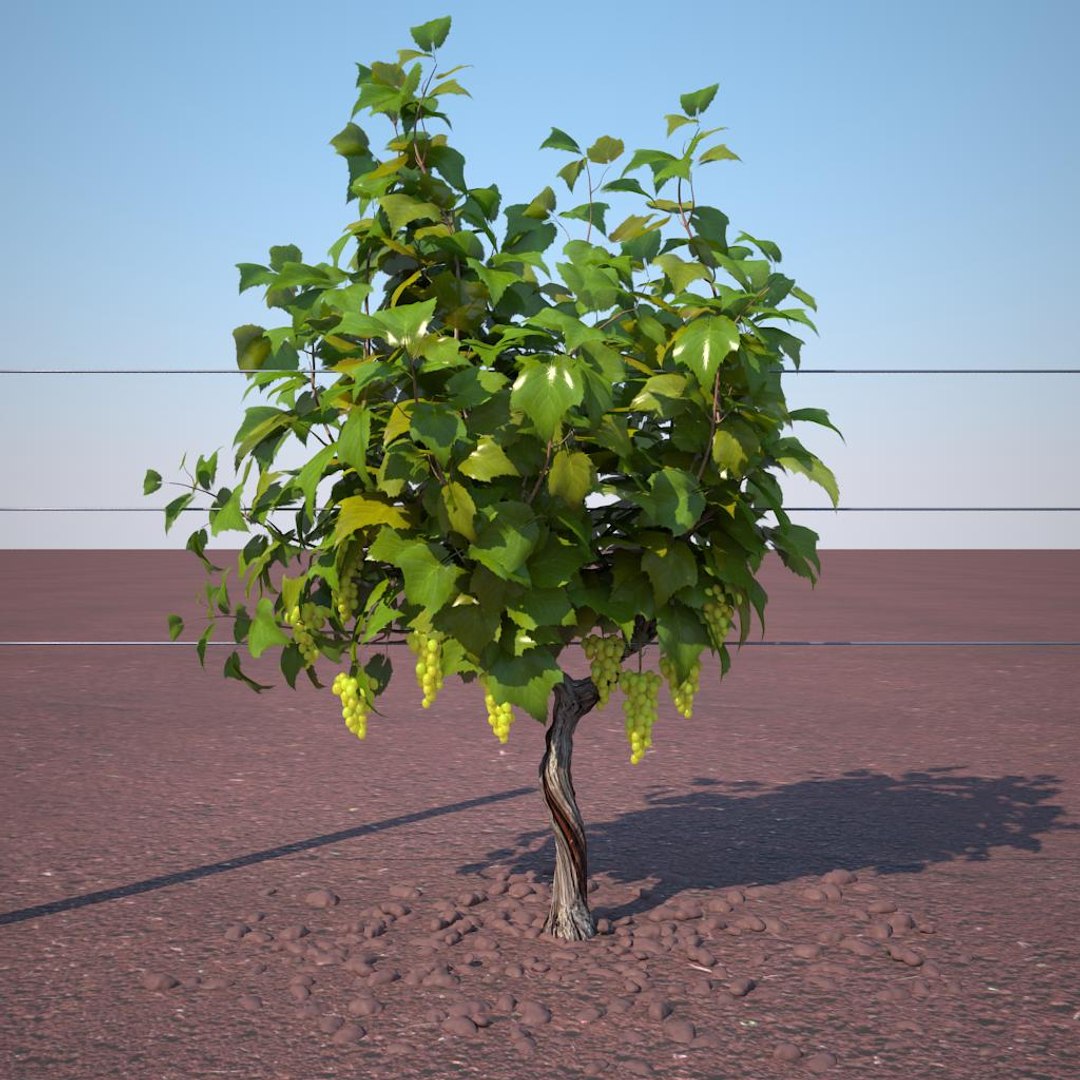
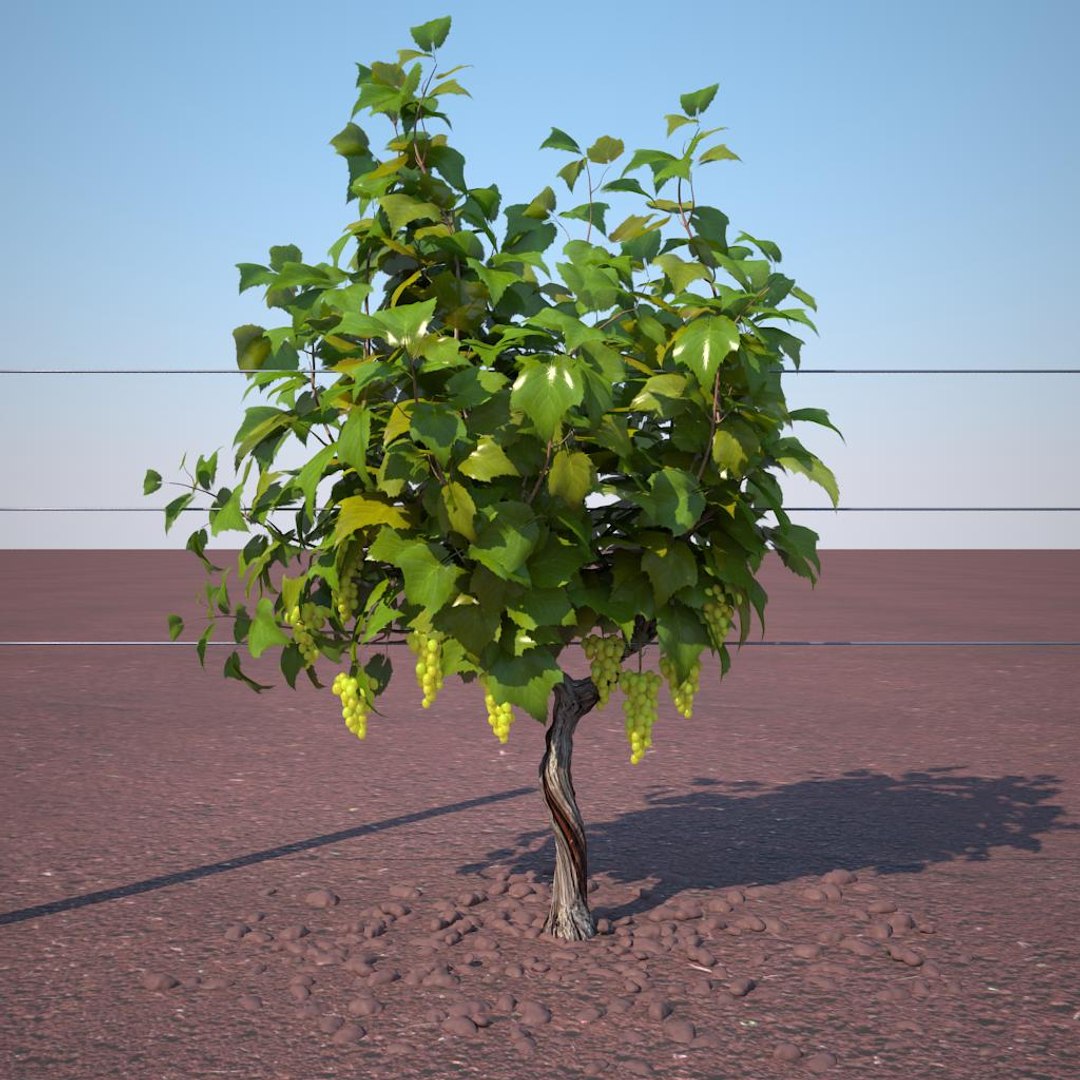
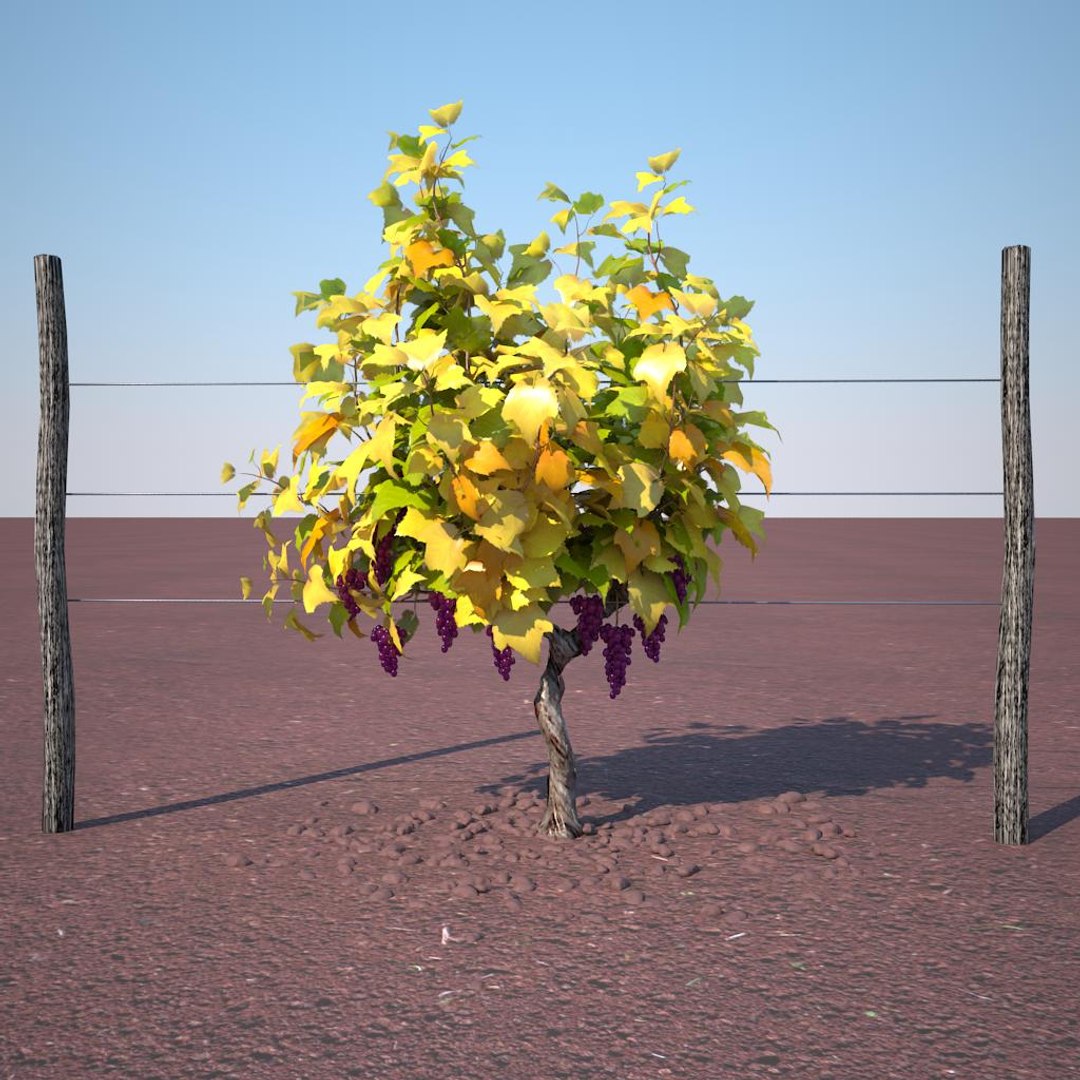
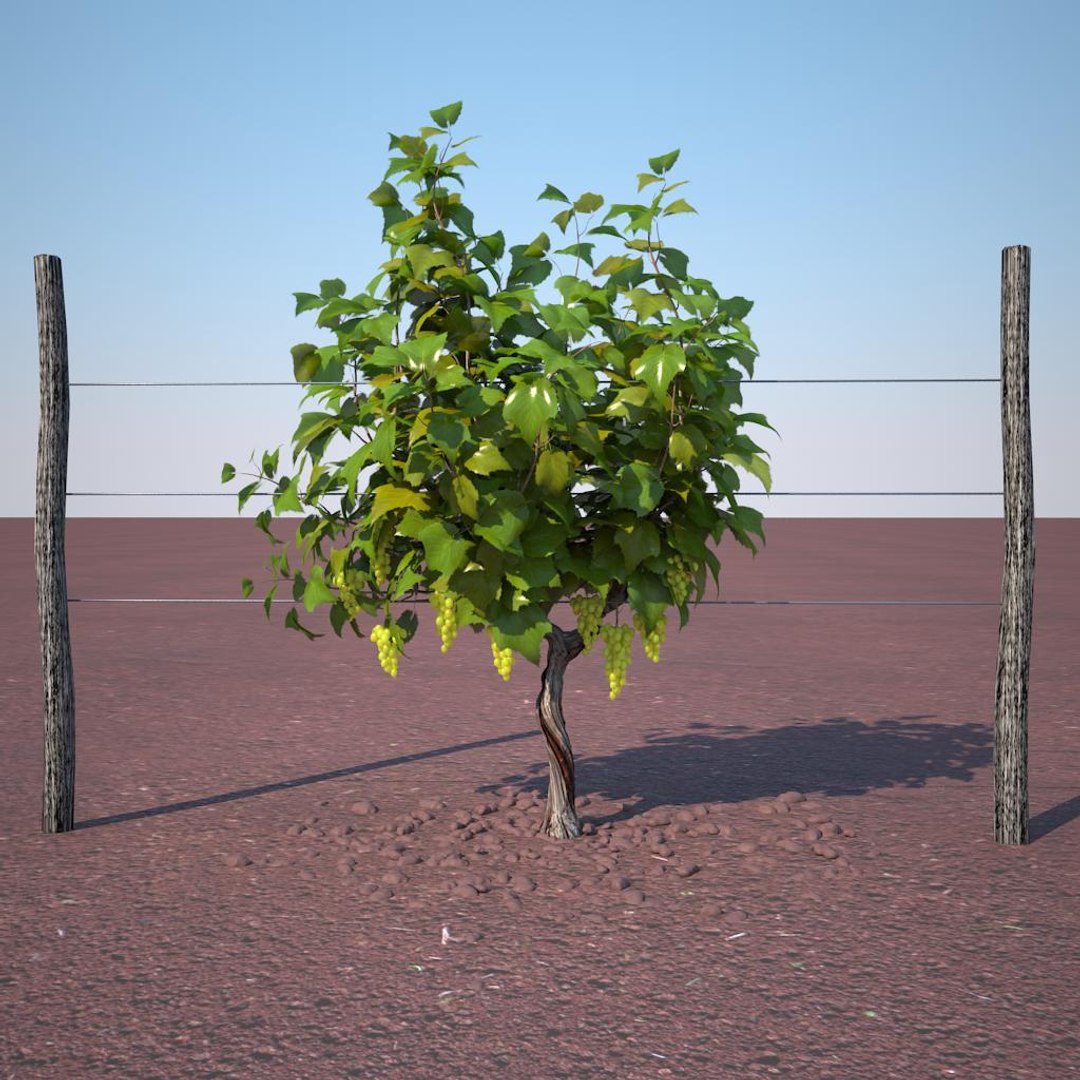
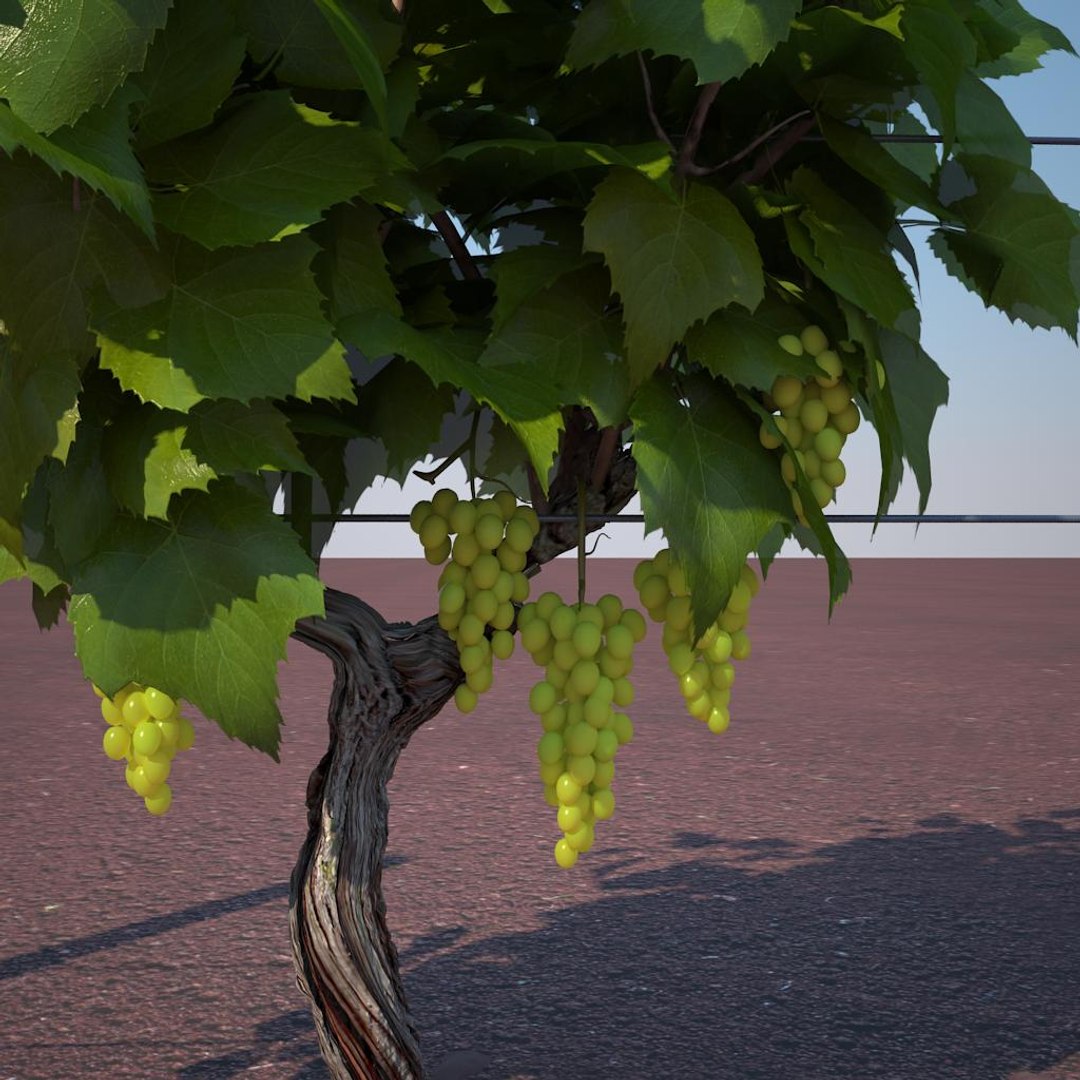
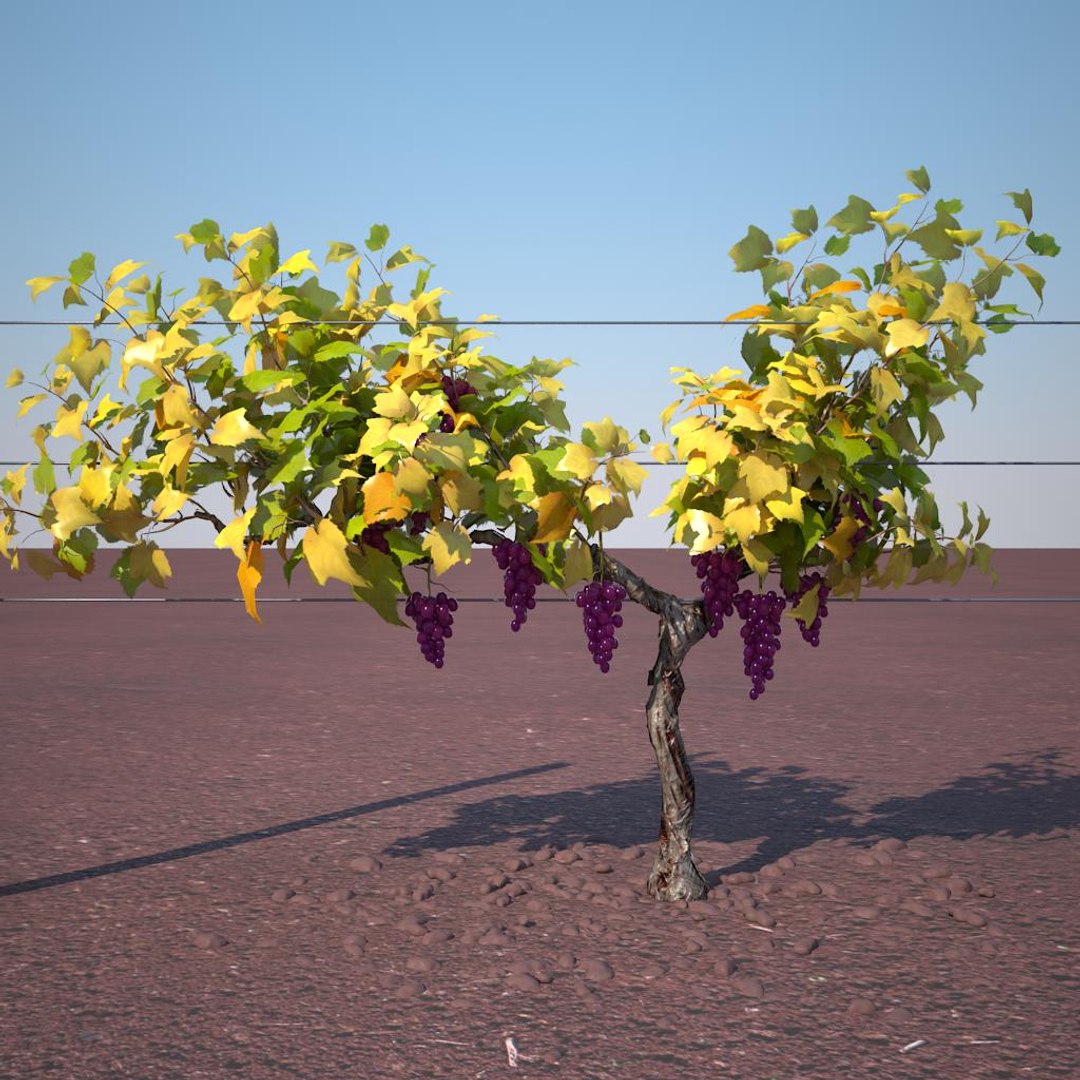
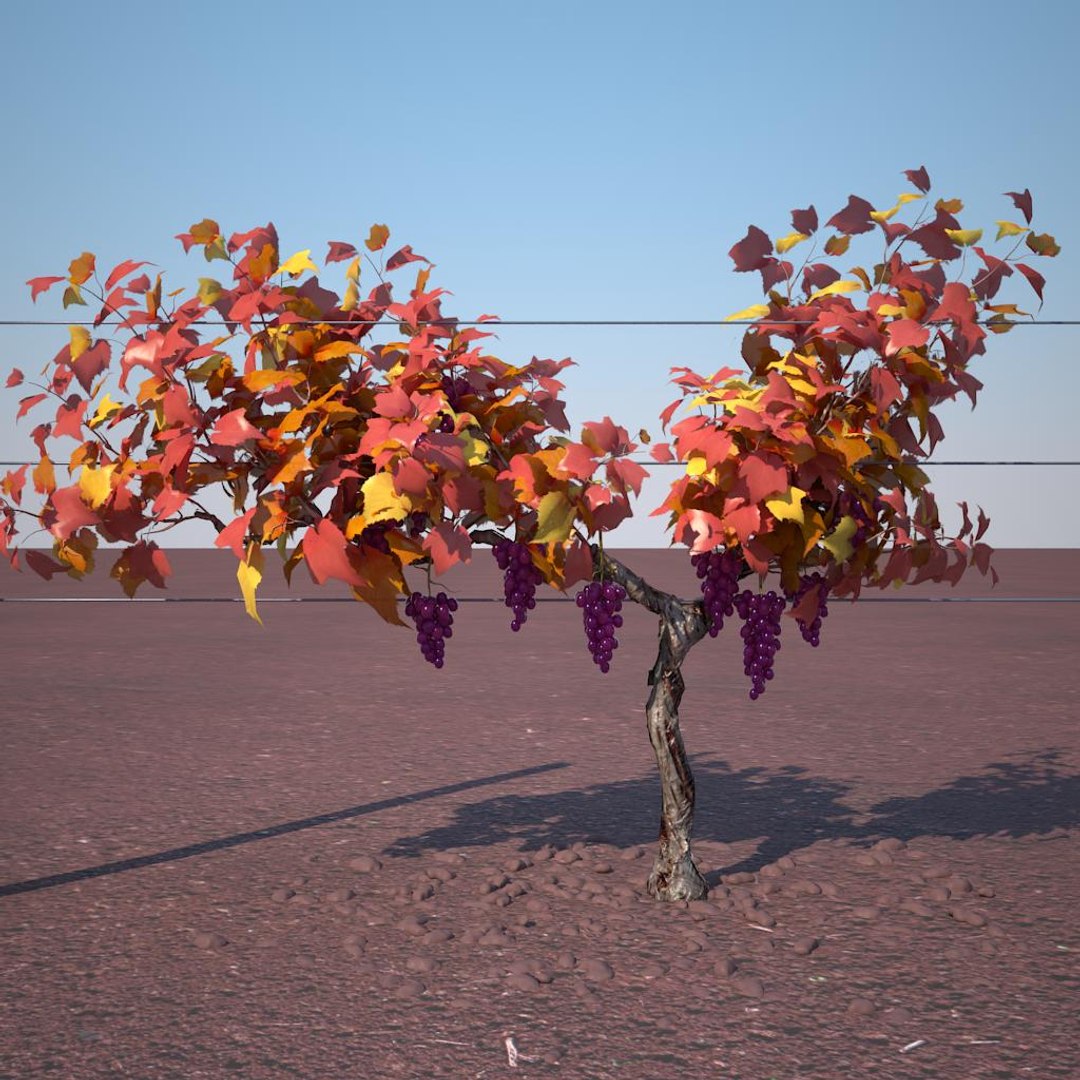
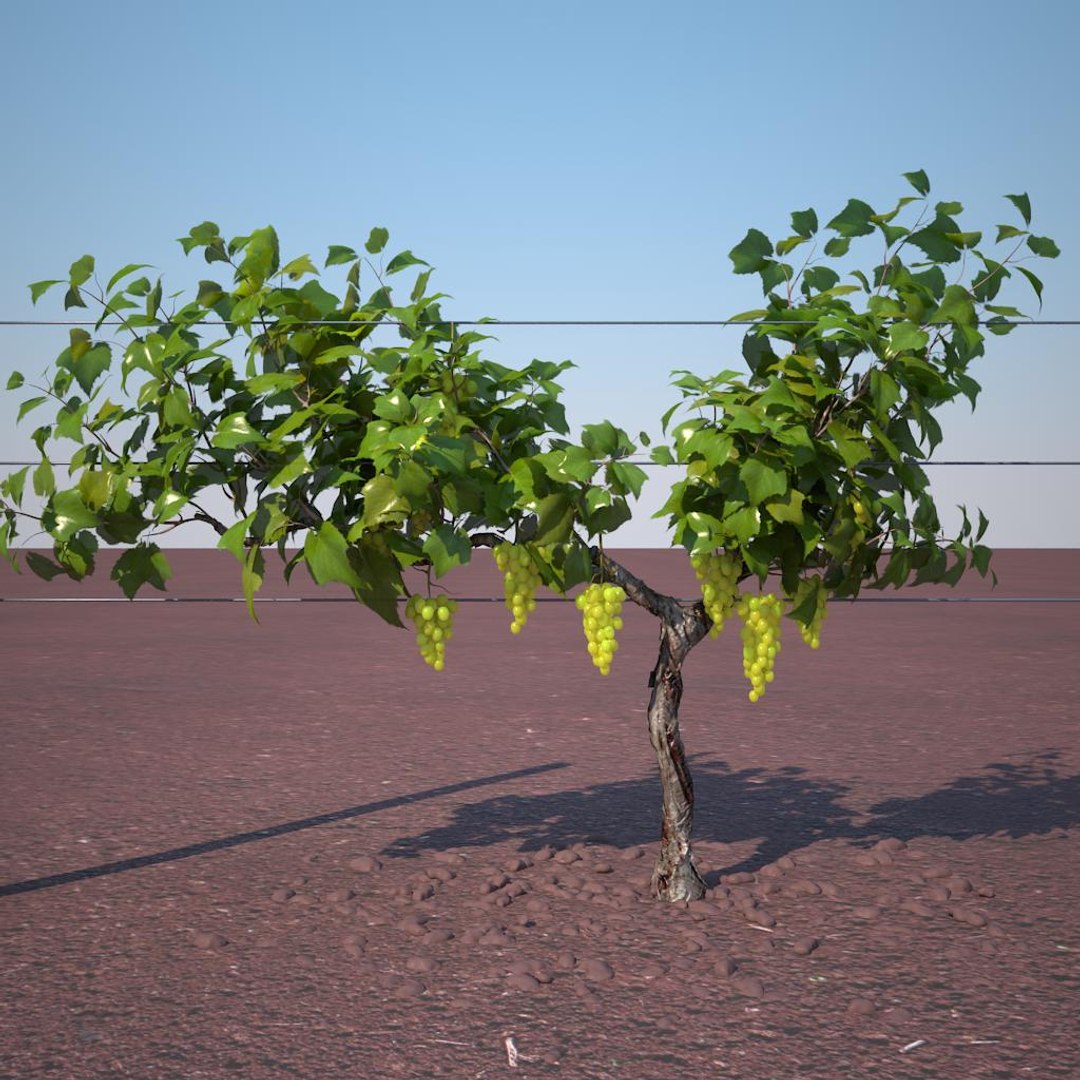
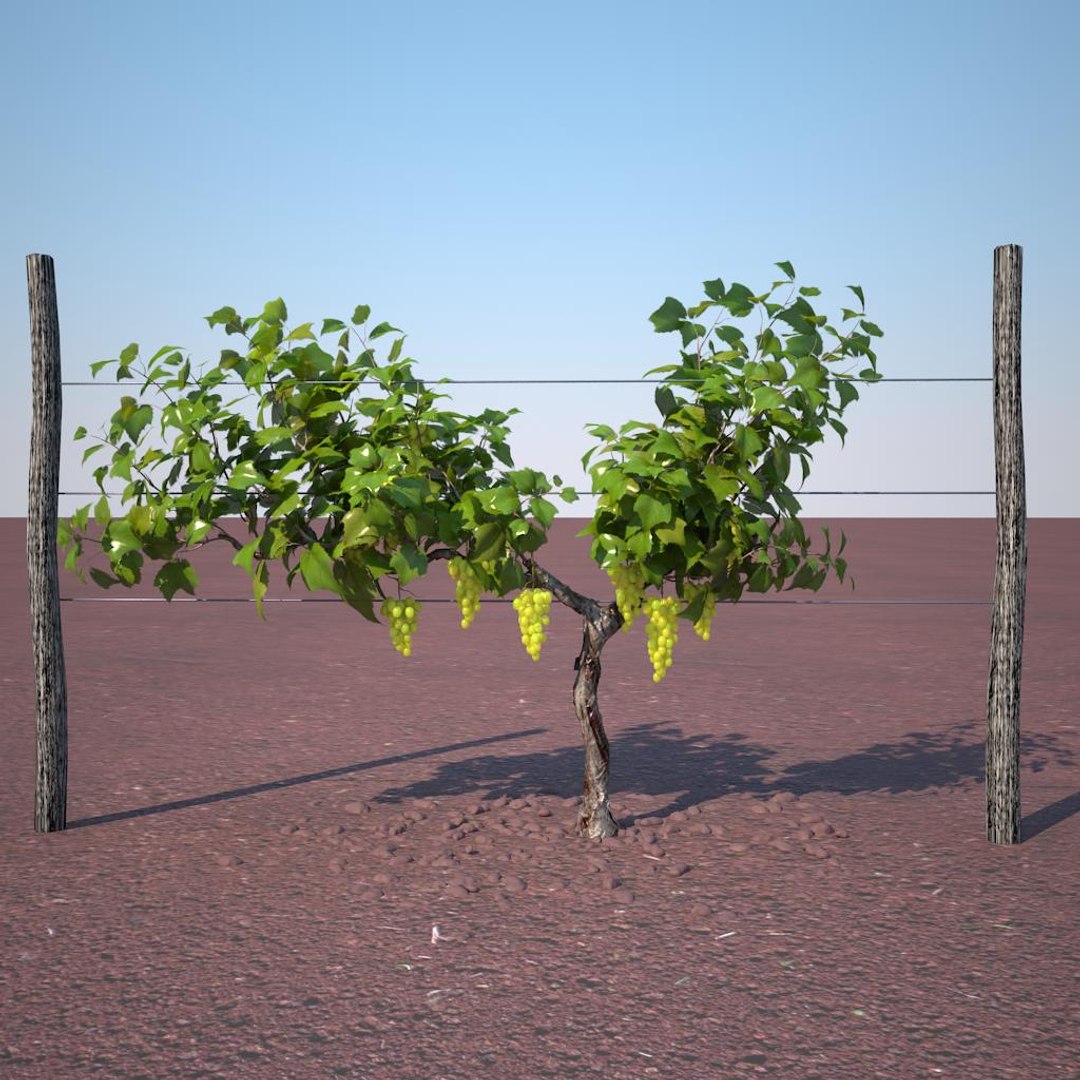
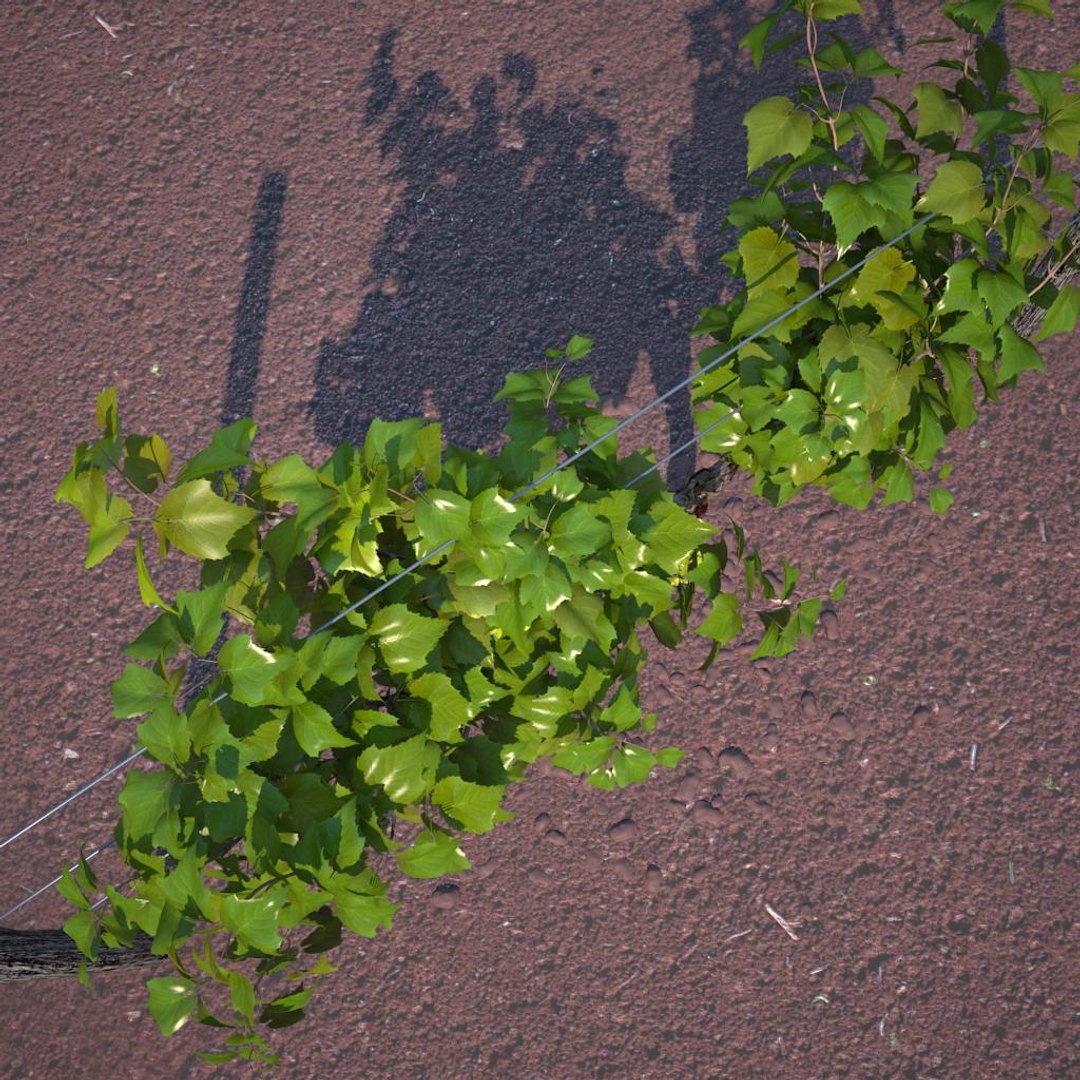
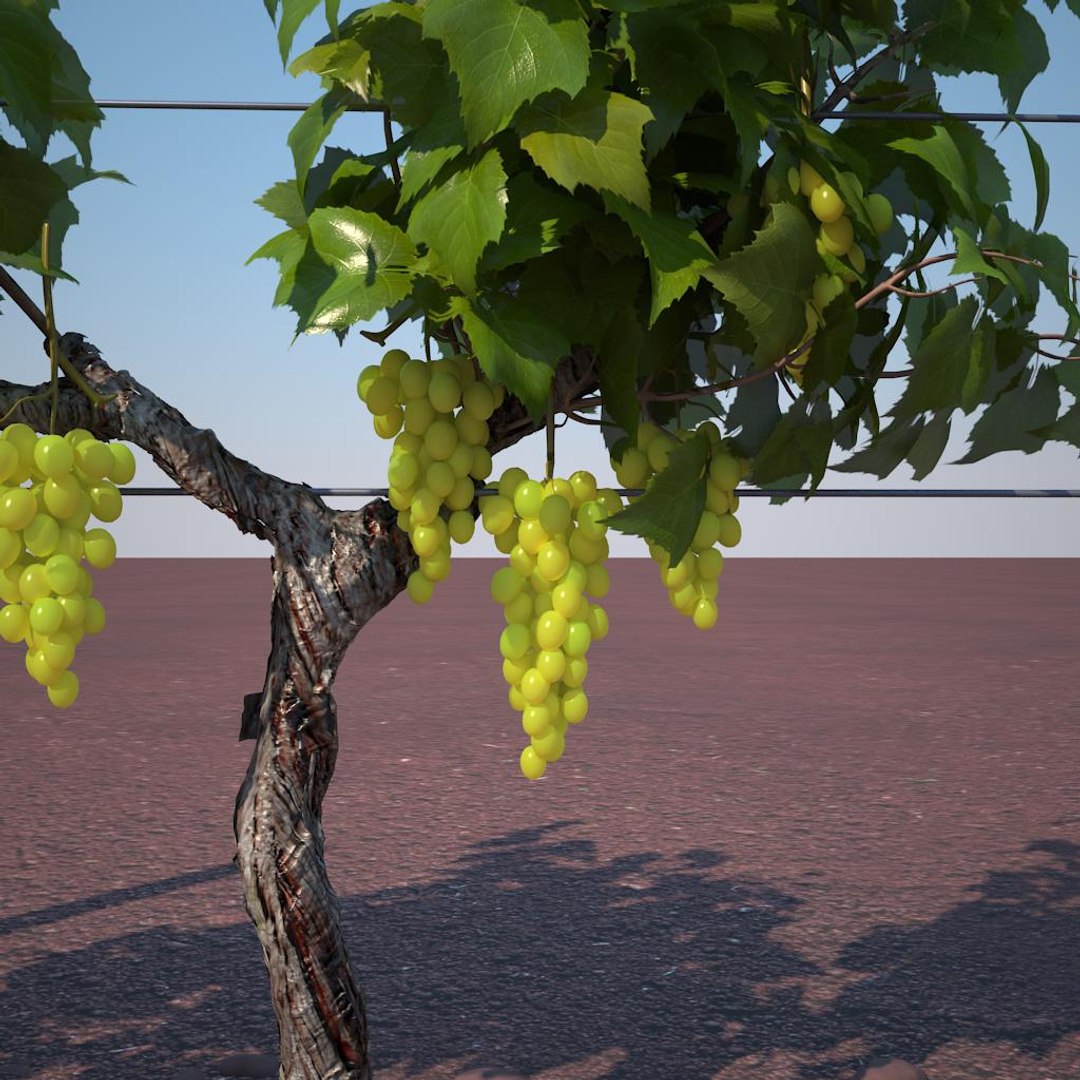
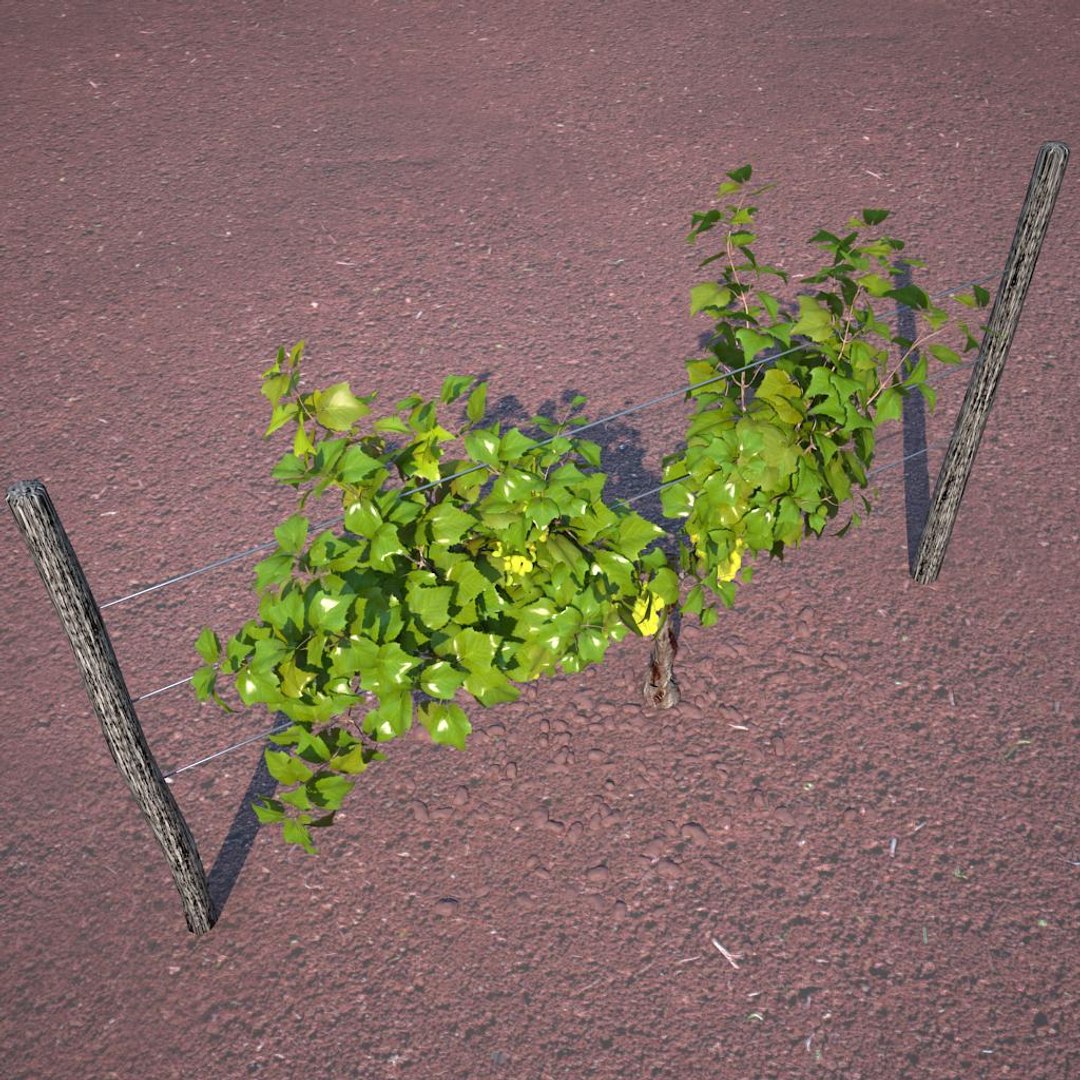
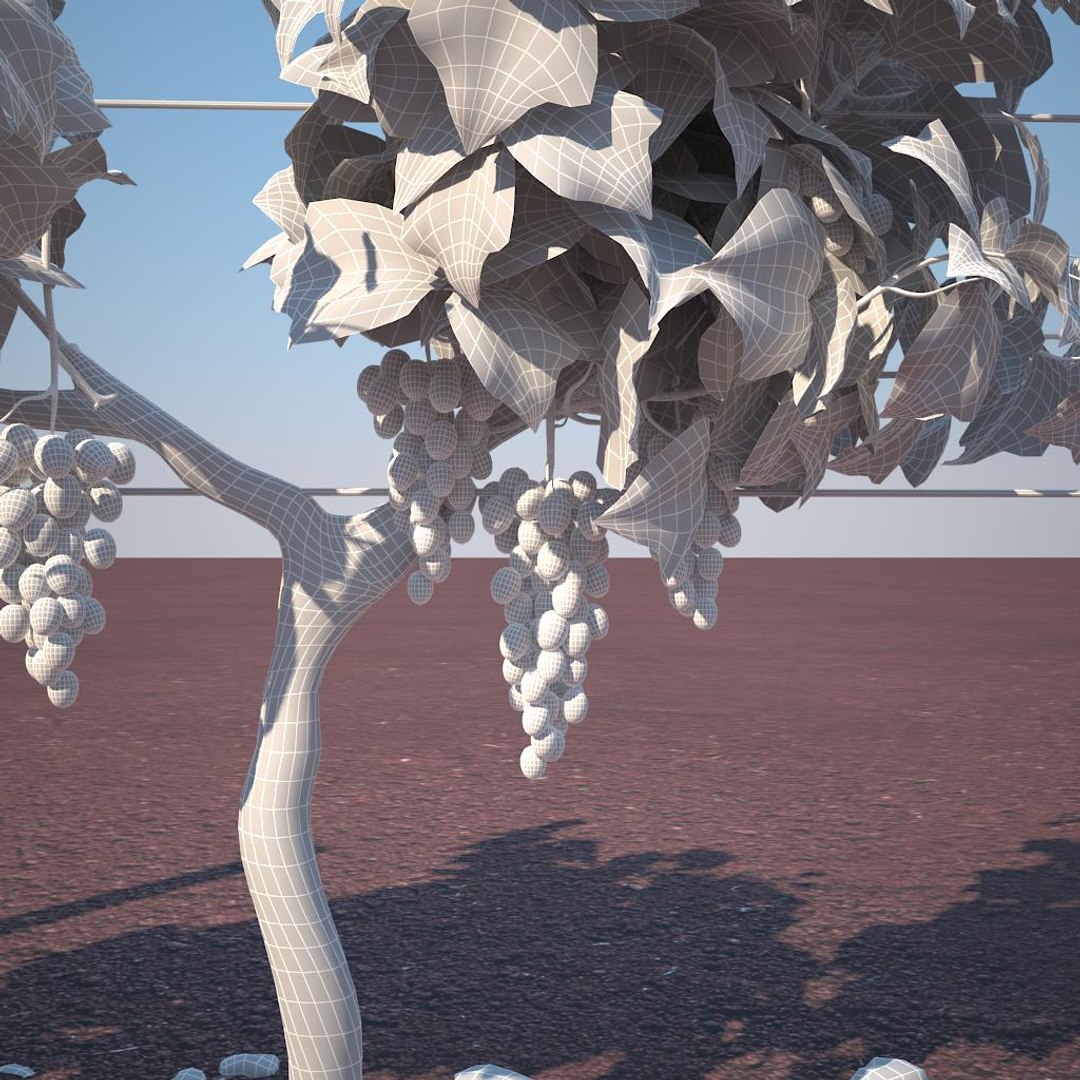
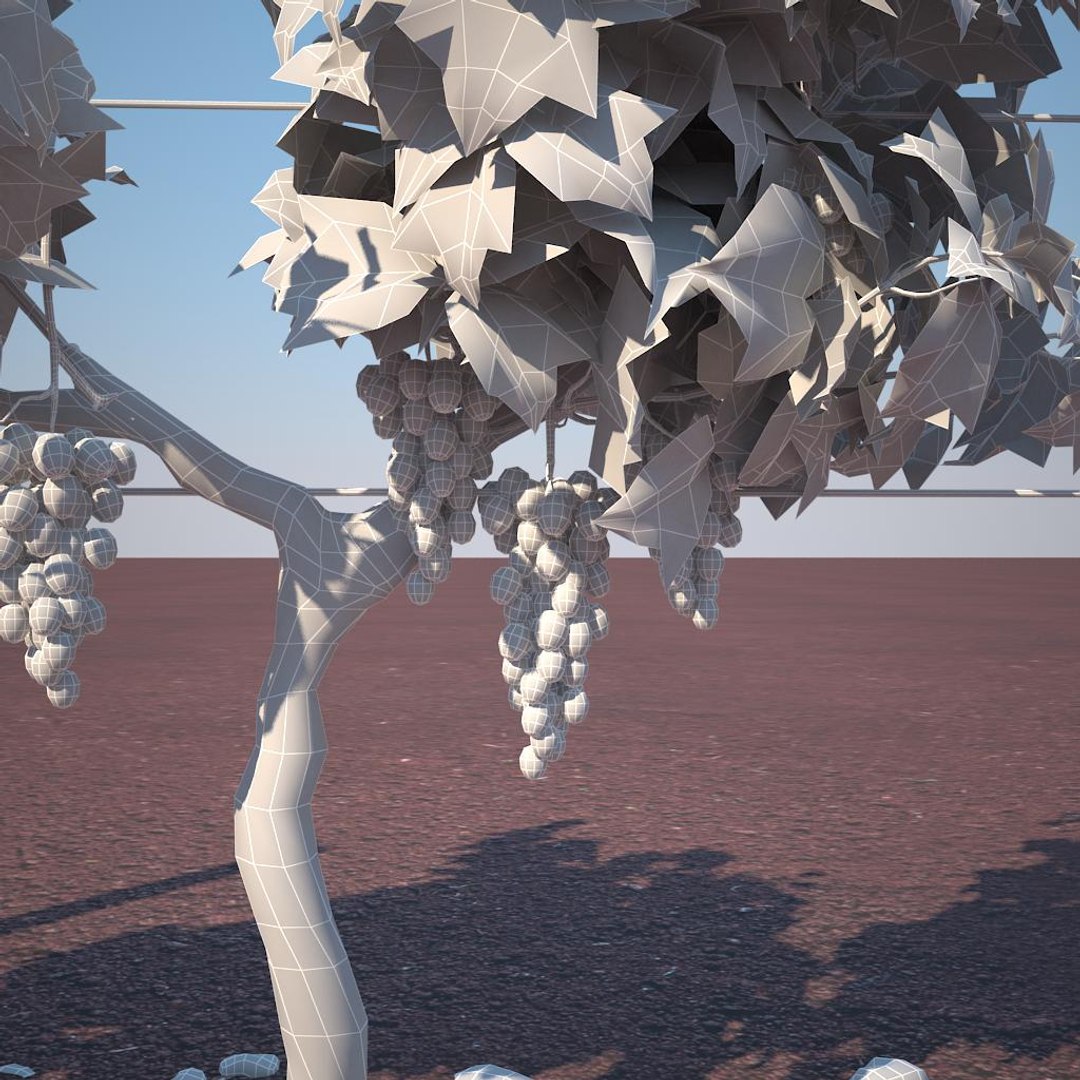
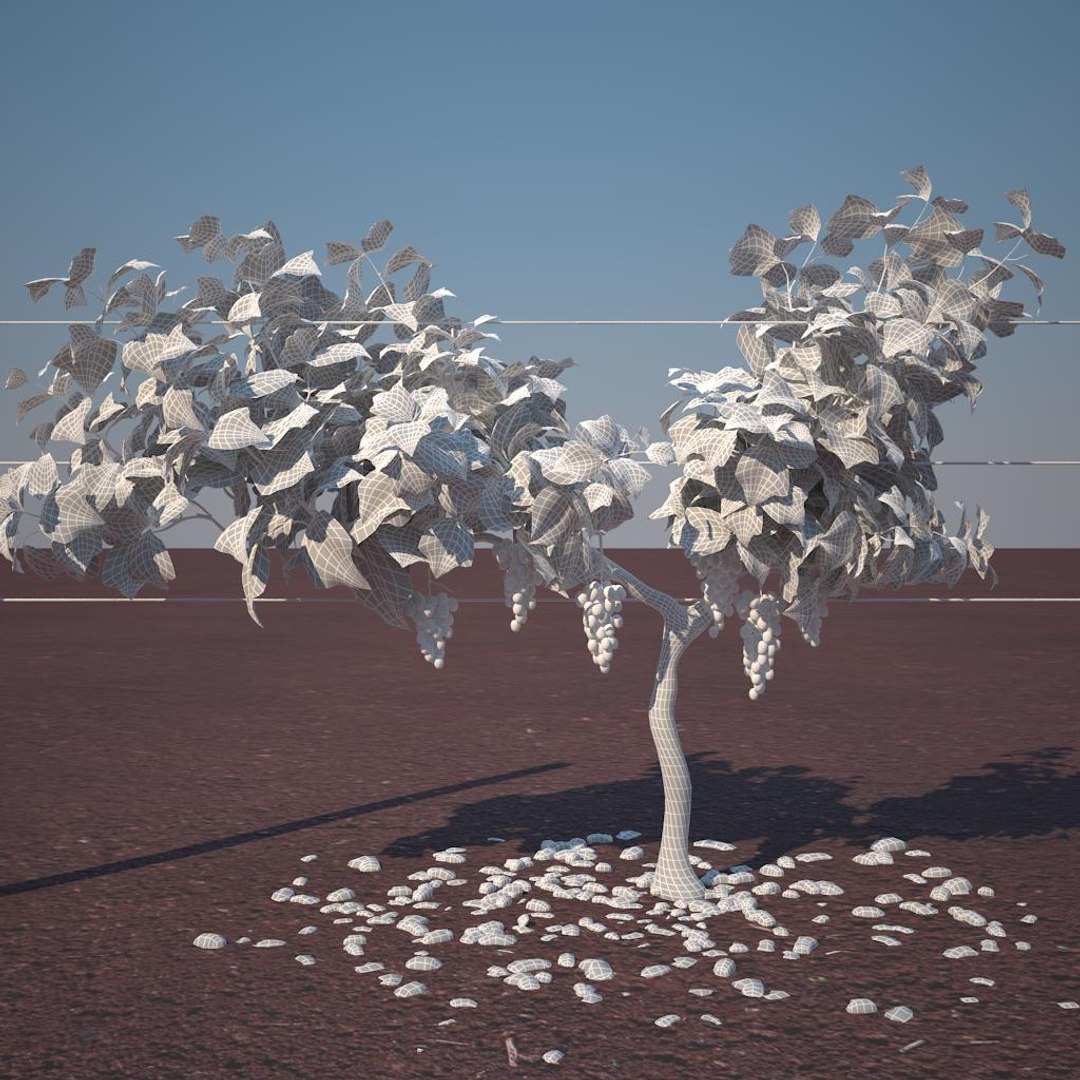
vineyard pack is a high quality models to add more details and realism to your rendering projects. detailed enough for close-up renders.

Features:
- file format - max2009 obj fbx included
- original file format - max 2009
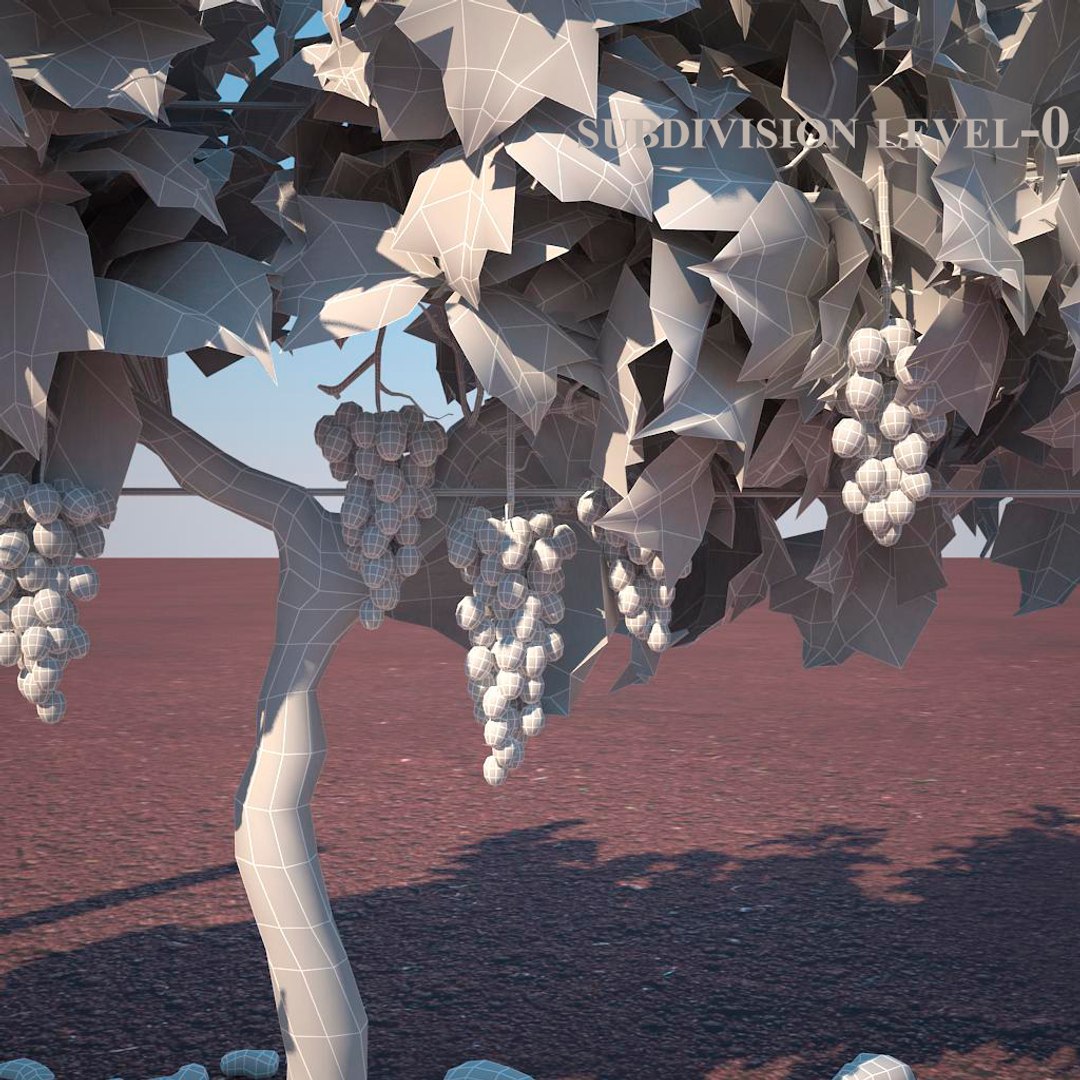
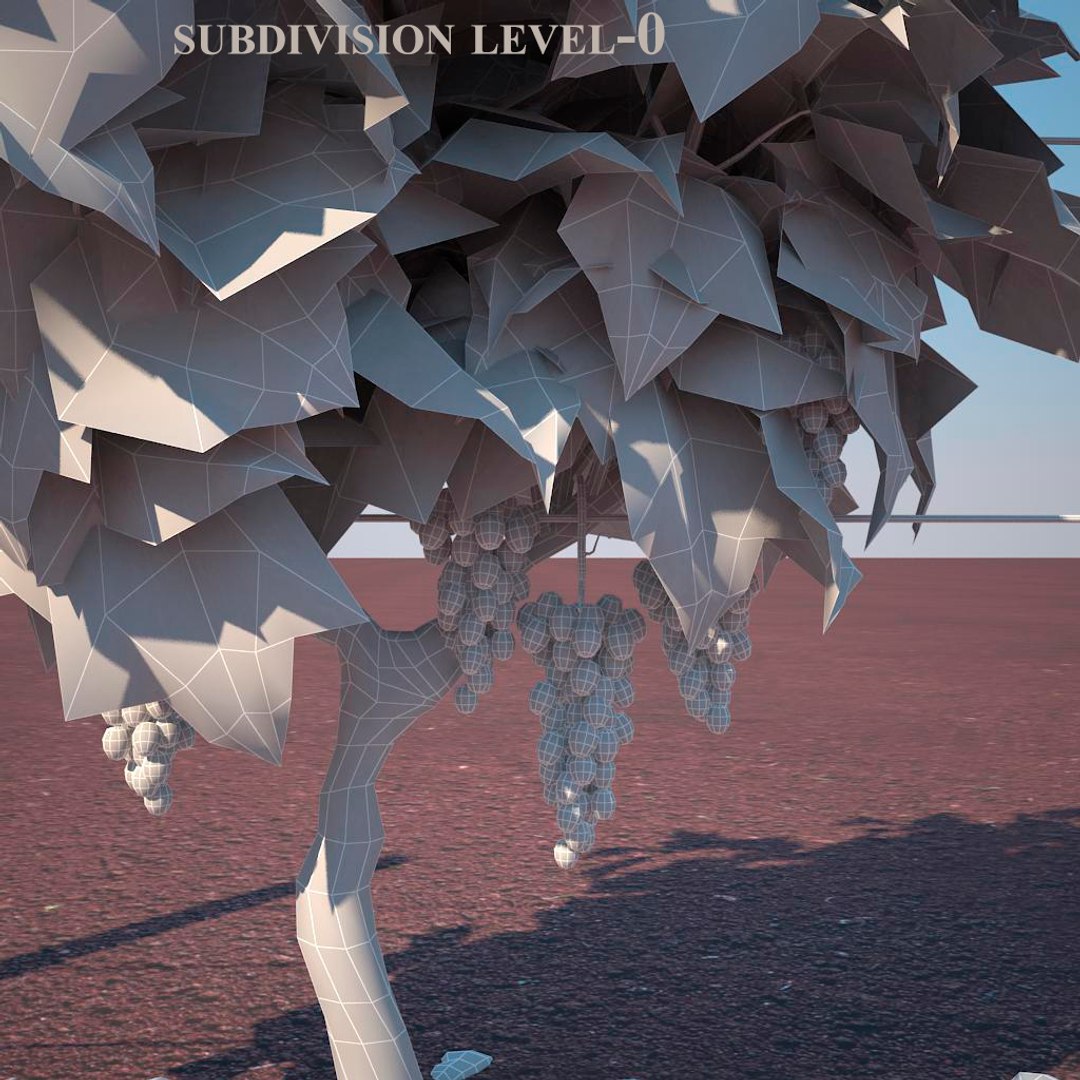
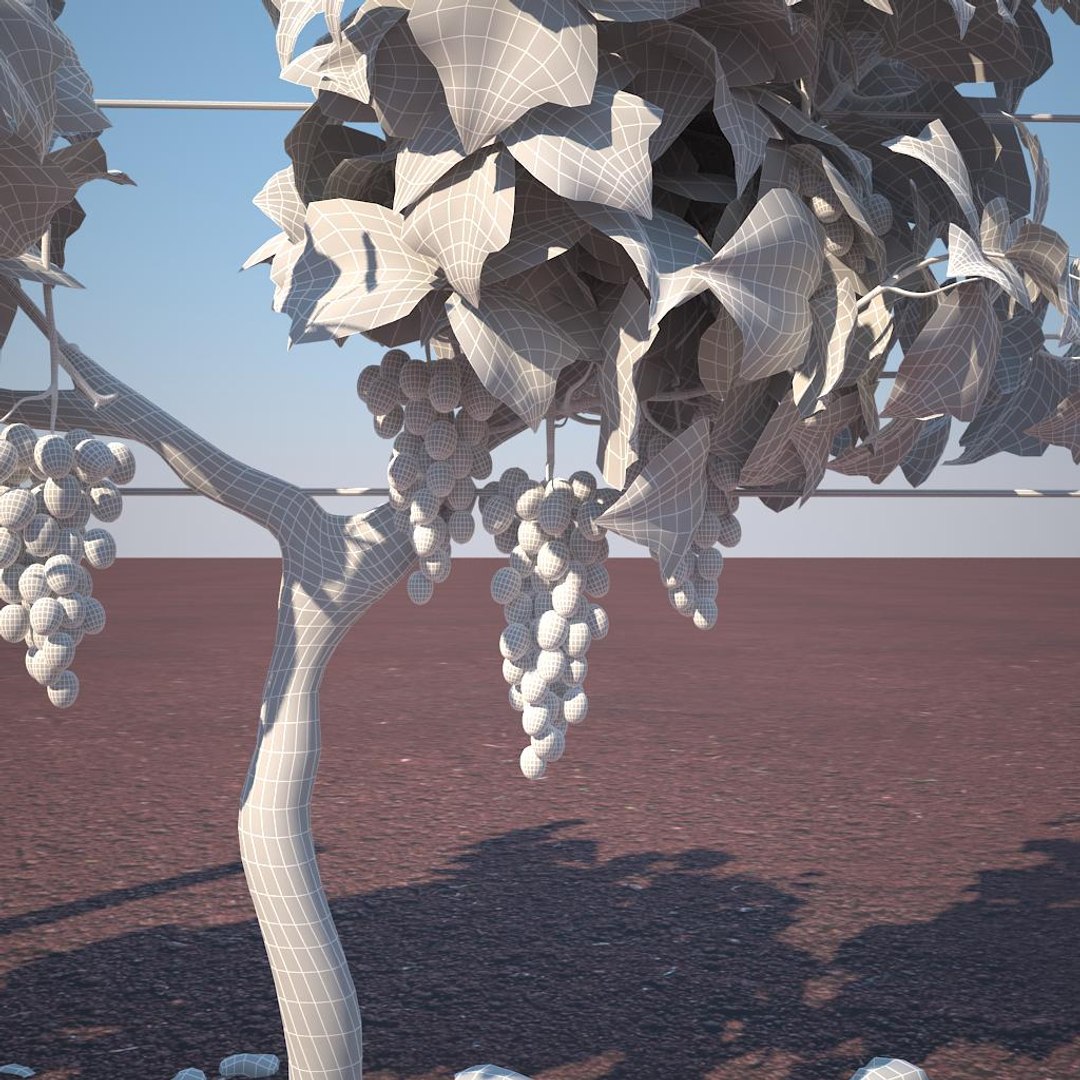
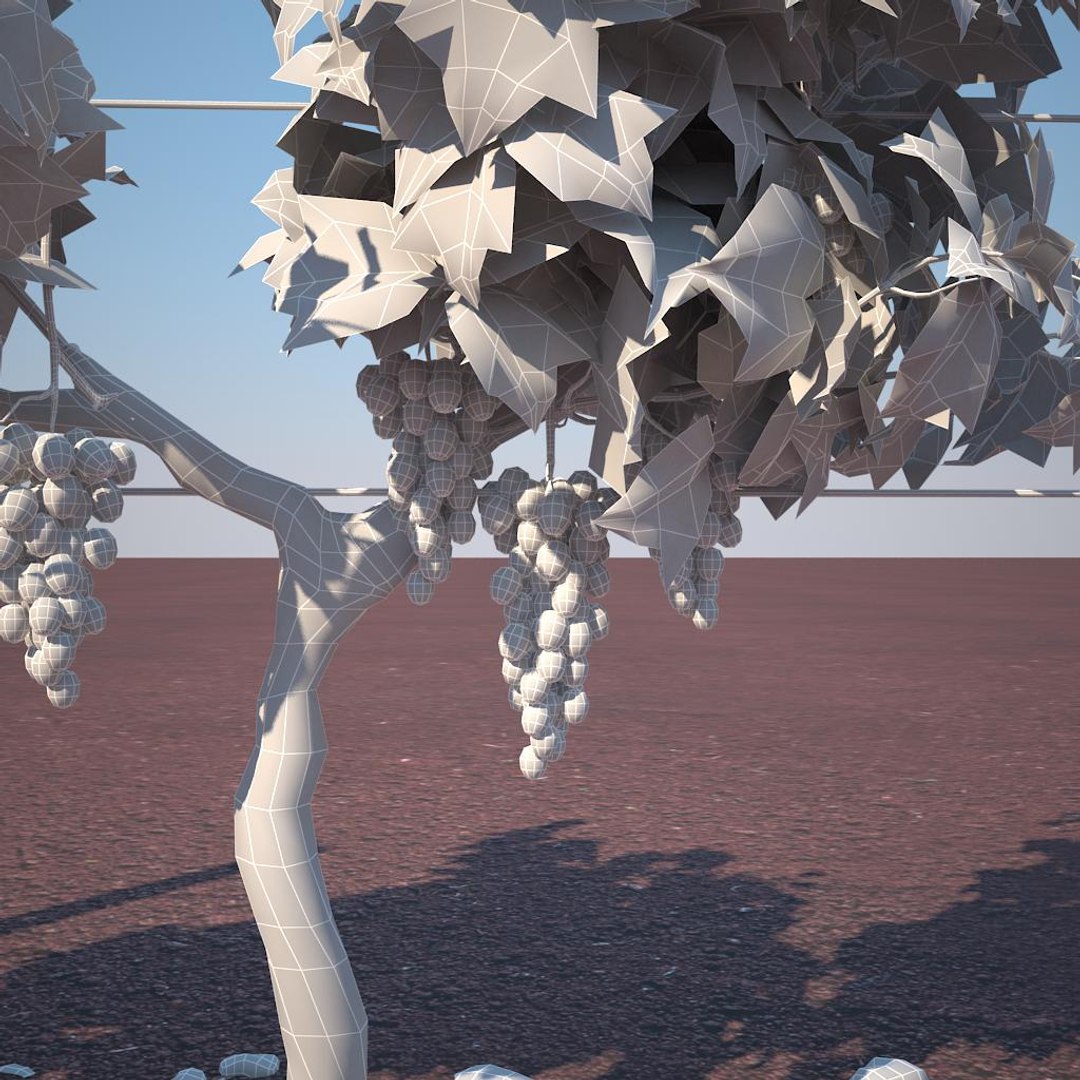
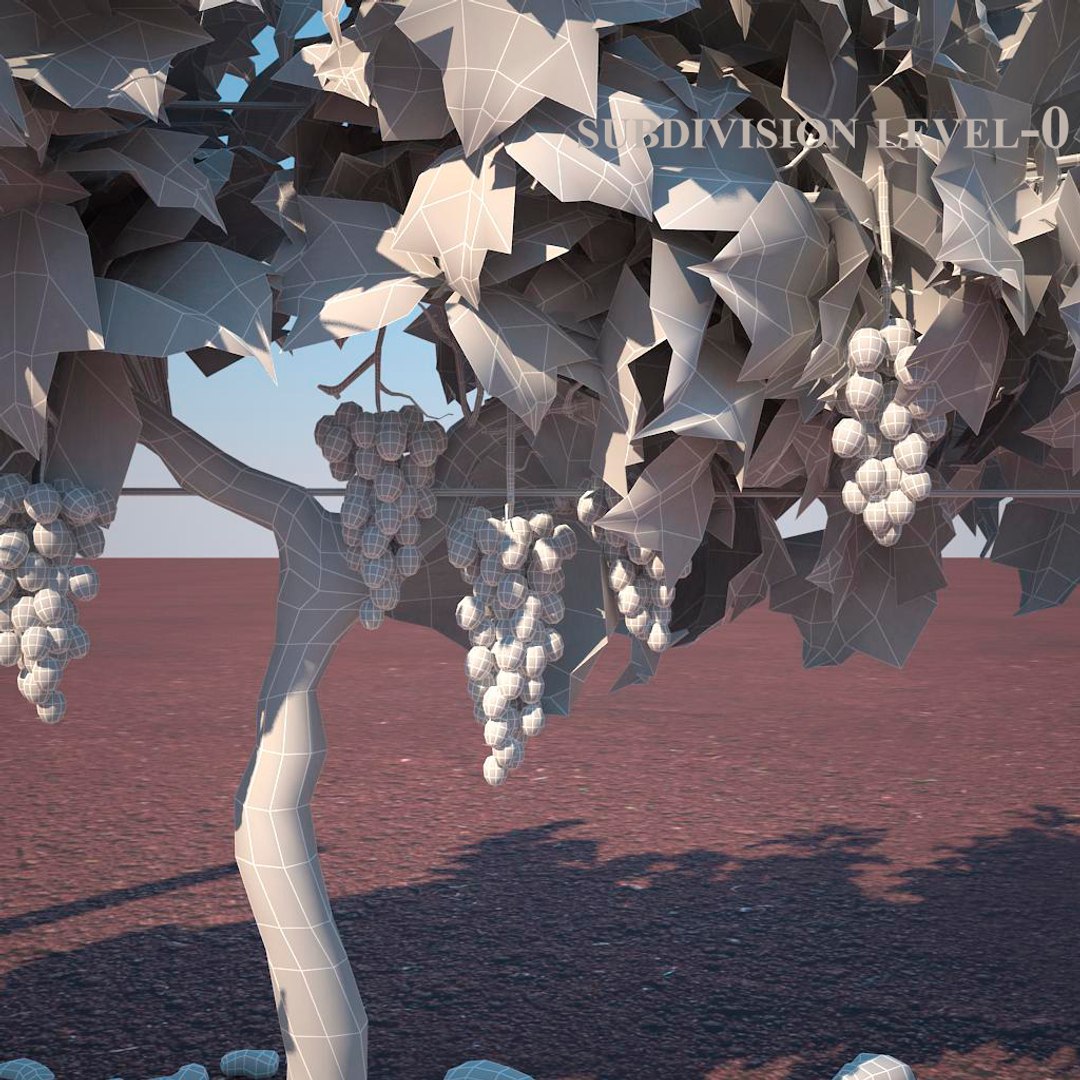
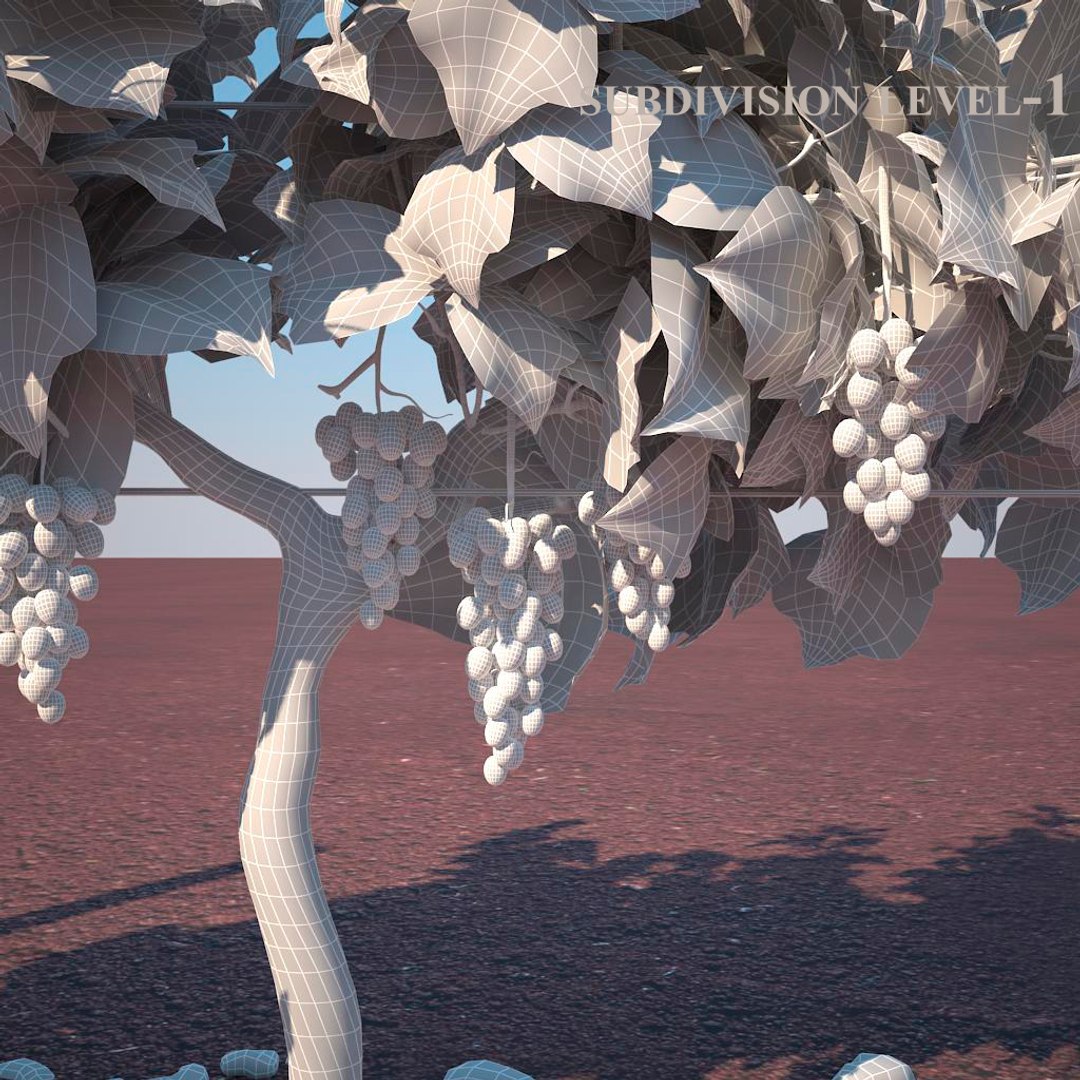
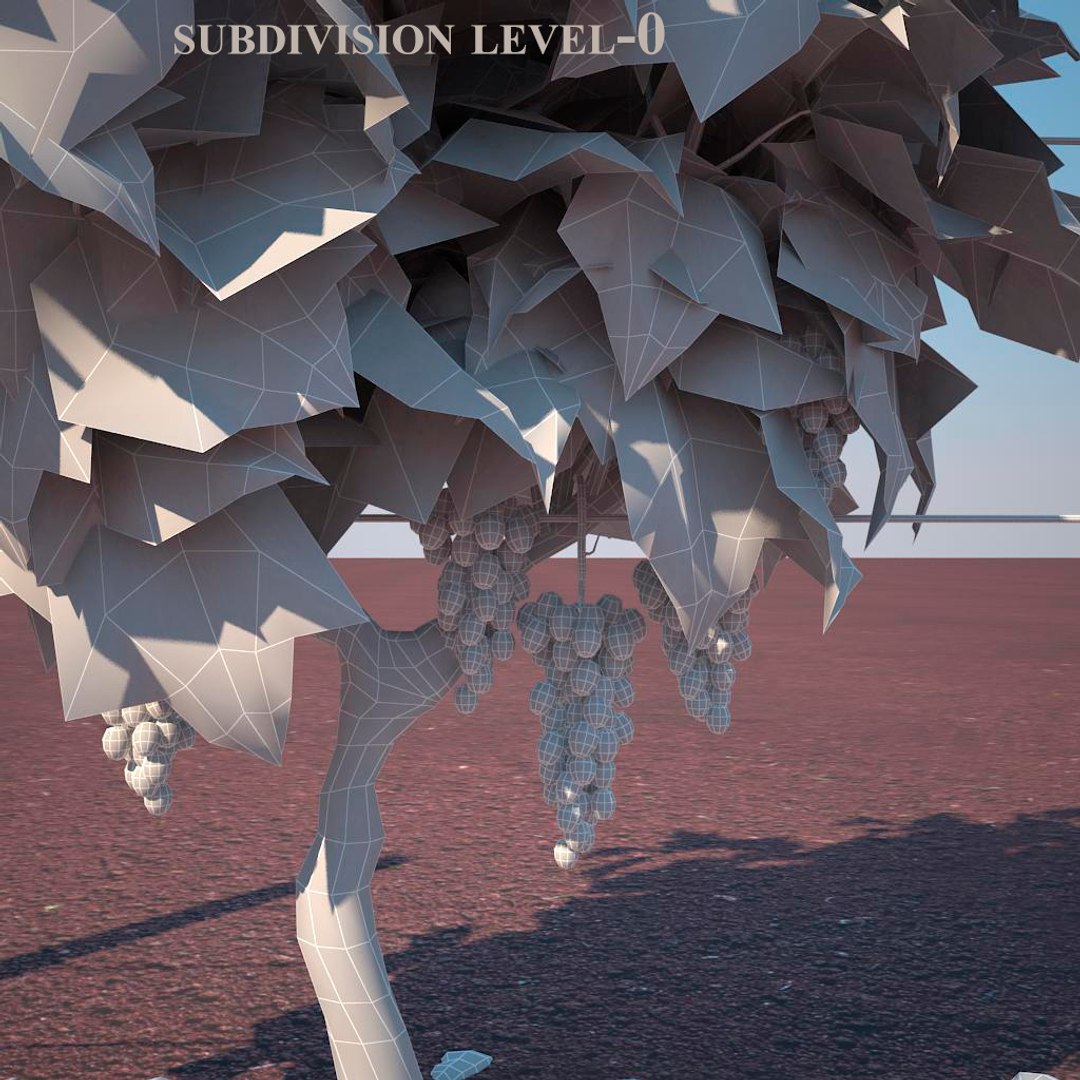
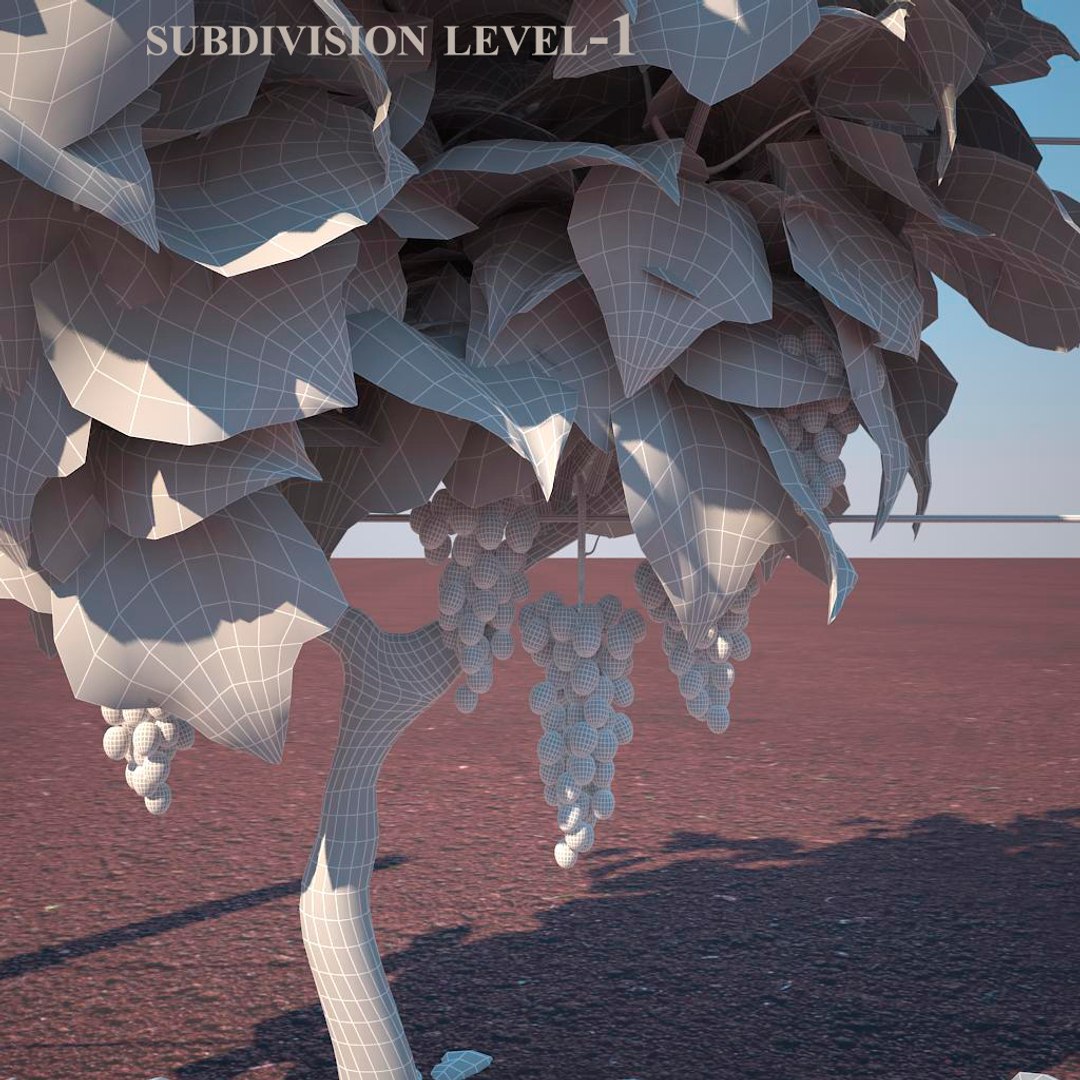
- not collapse smooth modify
- apply the Smooth modifier with a parameter to obtain the desired level of detail
- all objects are named and grouped it easier to work with objects

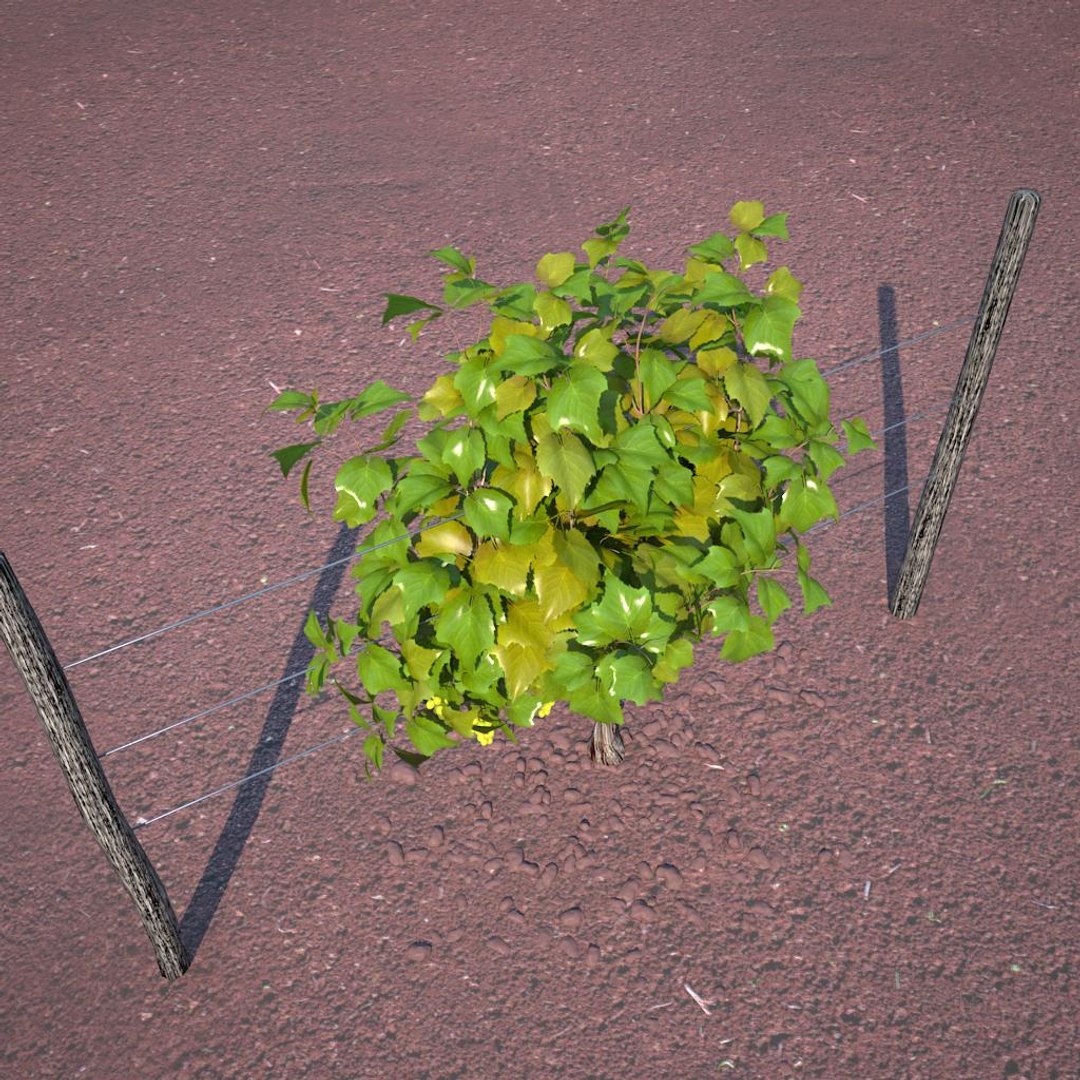
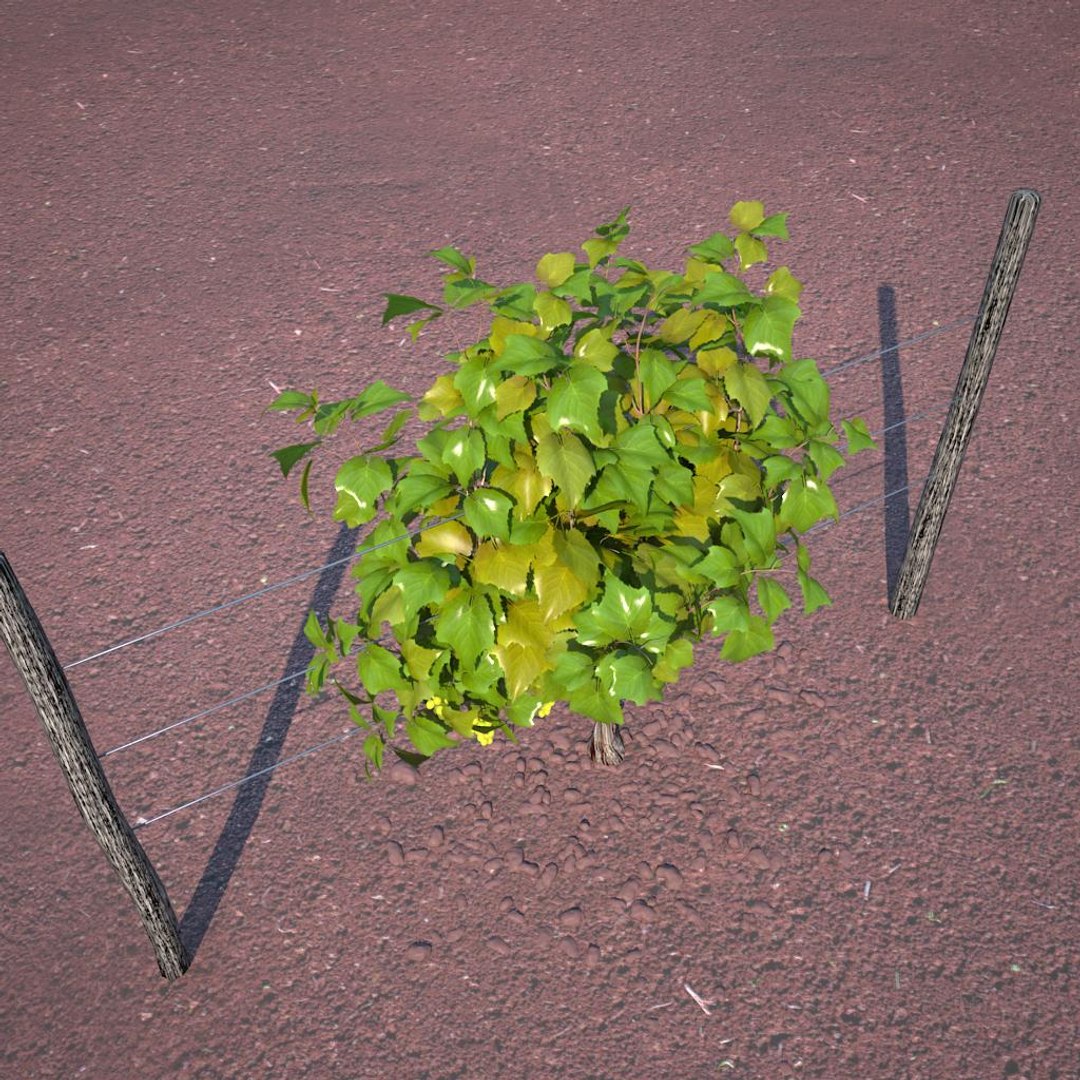
- pack included vineyard _demo _vray proxy file with breeding in the vineyards

- copying vray proxy use instance

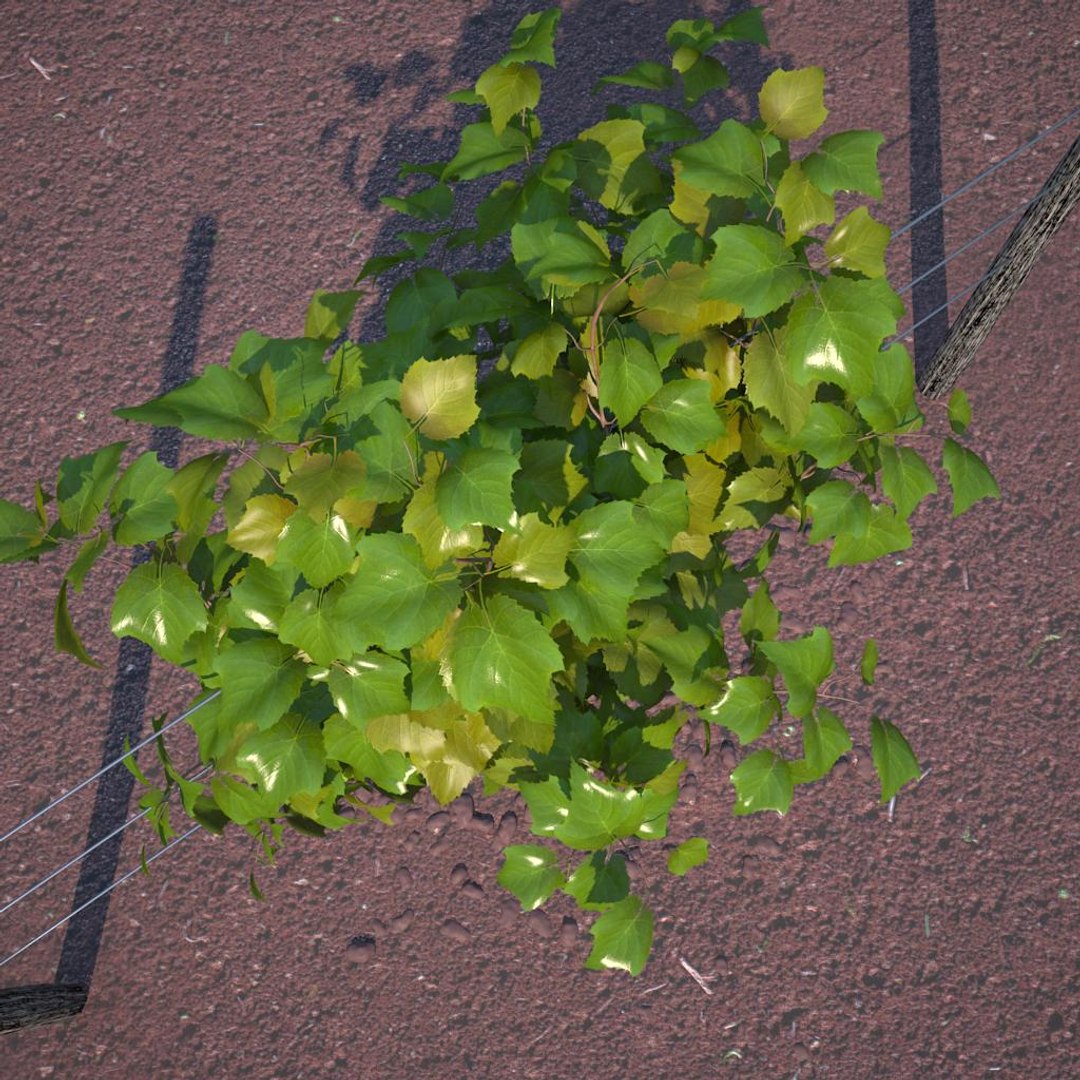
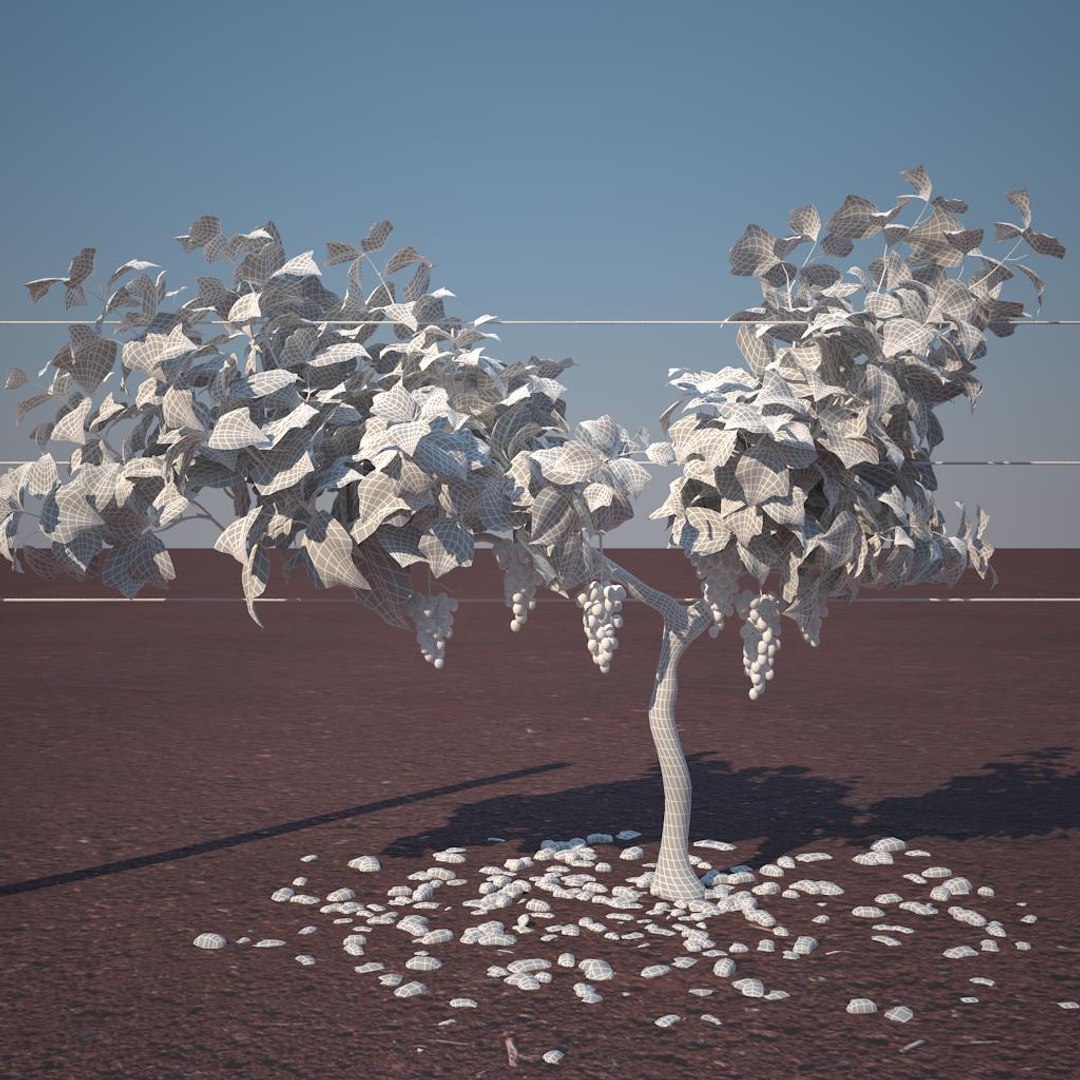
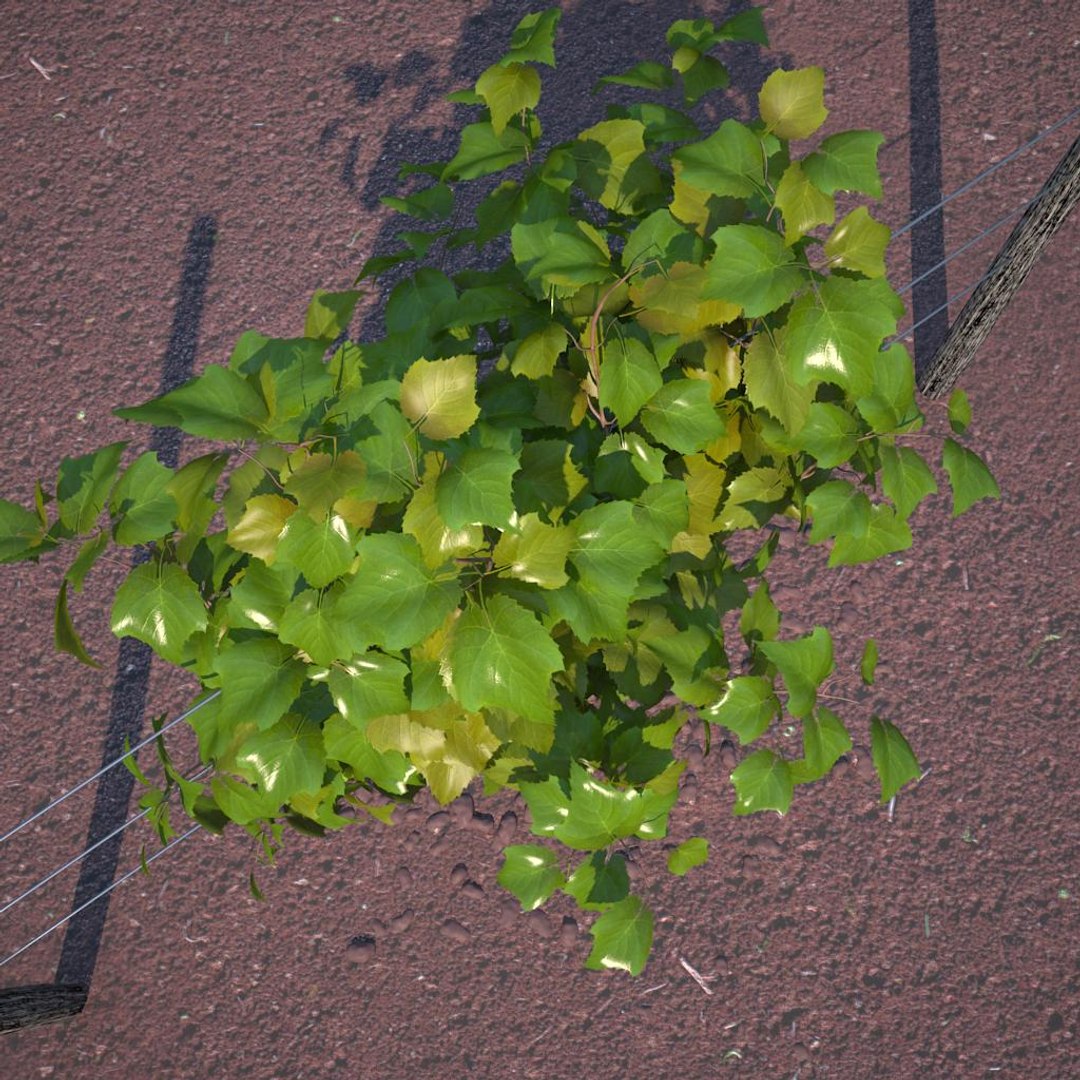
- vineyard pack it includes 4 different models with diferent materials for different seasons:
- shrub_01 it contains (100 863 polys 110 005 verts directly to the model and 120 591 polys 130 426verts in scene)
- shrub_02 it contains (67 077 polys 70 443 verts directly to the model and 86 803 polys 90 8646 verts in scene)
- shrub_03 it contains (62961 polys 65499 verts directly to the model and 82689 polys 85920 verts in scene)
- shrub_04 it contains (68 587 polys 71645 verts directly to the model and 88 925 polys 92 066 verts in scene)


I hope you like

Select Enhanced License

  • $10,000 in Legal Protection (Indemnification)
  • Uncapped Legal Protection (Indemnification)
  • Waiver from injunctive relief
  • Assignable model rights
  • $1,000,000 in Legal Protection (Indemnification)
  • Waiver from injunctive relief
  • Assignable model rights
  • $250,000 in Legal Protection (Indemnification)
  • Assignable model rights
Read more about enhanced license tiers, or contact us at enterprise@turbosquid.com. Already a Shutterstock Enterprise Customer? Contact your Shutterstock Sales Support Agent to talk about adding 3D.

About Conversion Requests

To submit a conversion request for a purchased asset, please complete our Conversion Request Form.

If you have not yet purchased a model, please review our Documentation about Conversions to learn about what limitations you may encounter with a conversion.

For any additional questions about a model’s suitability for conversion, please contact TurboSquid Support.

Loading...