
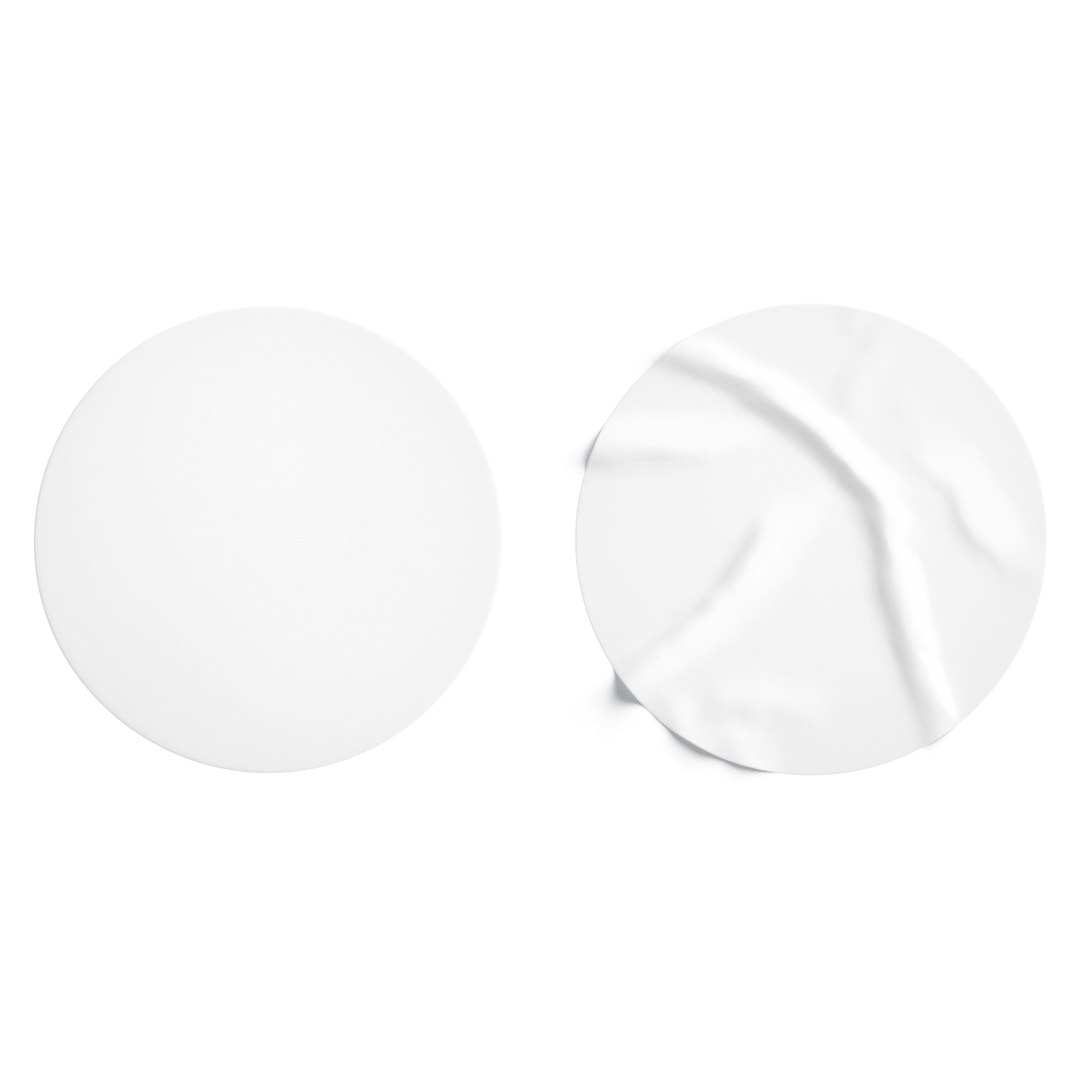
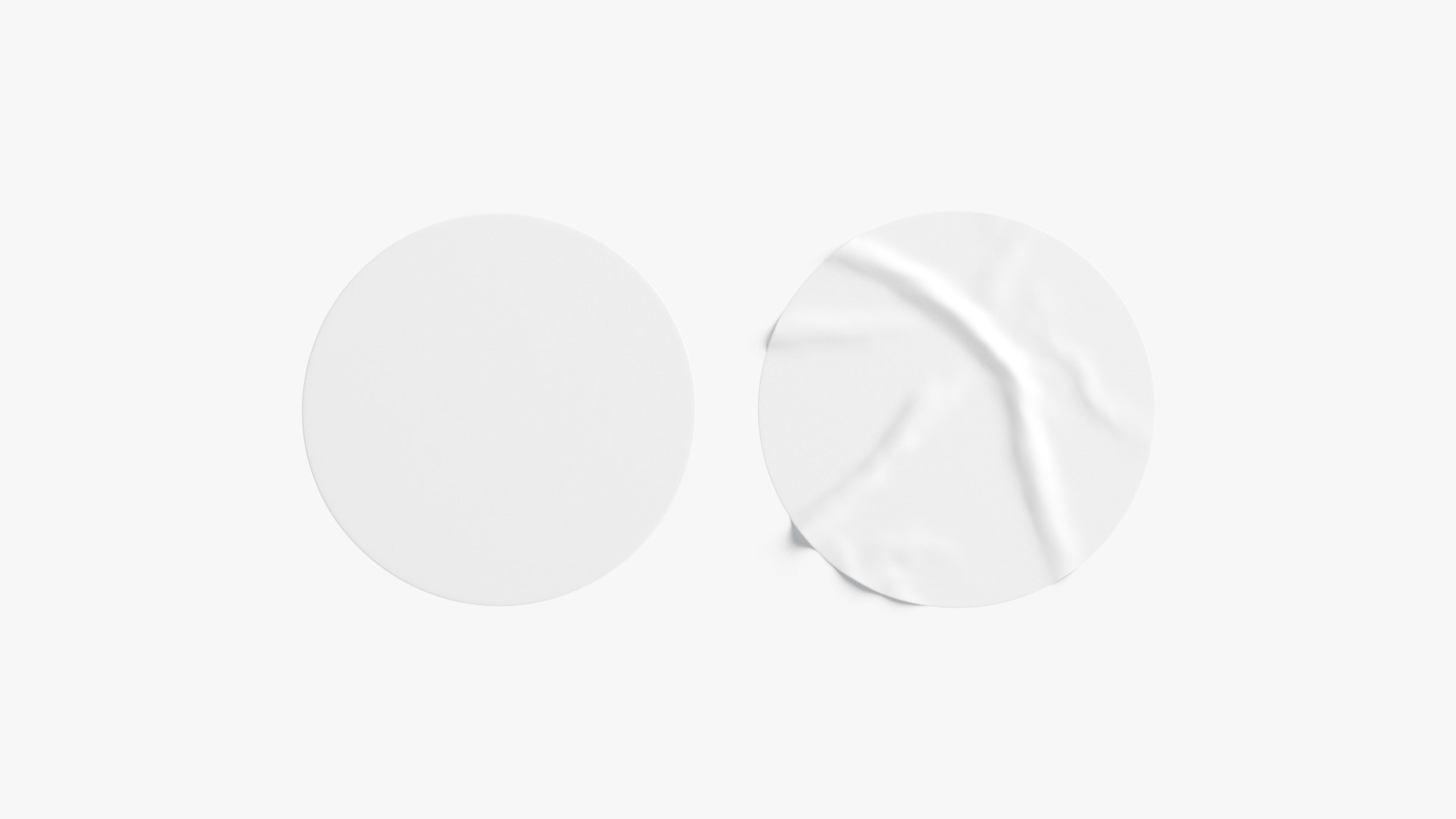
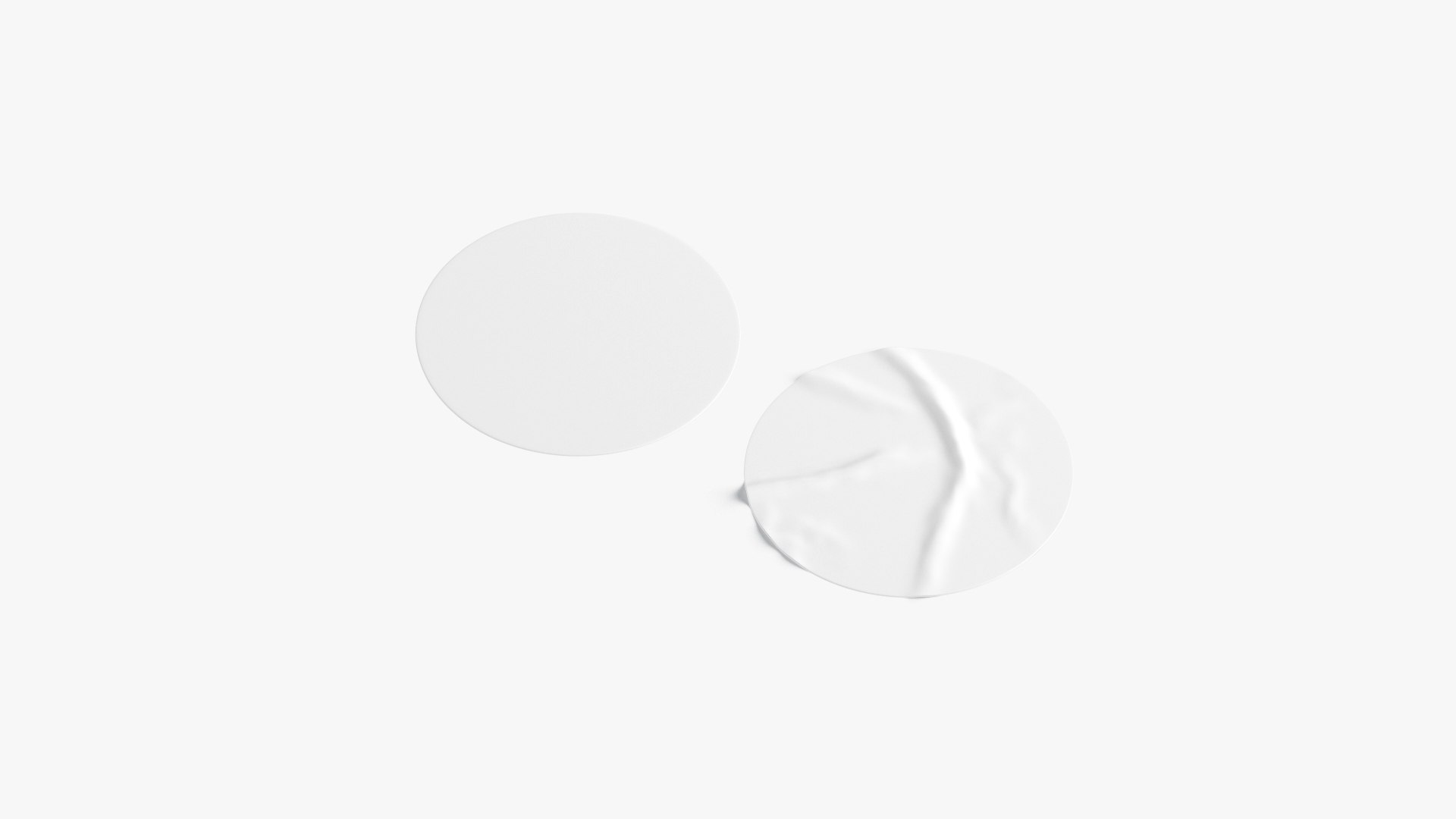
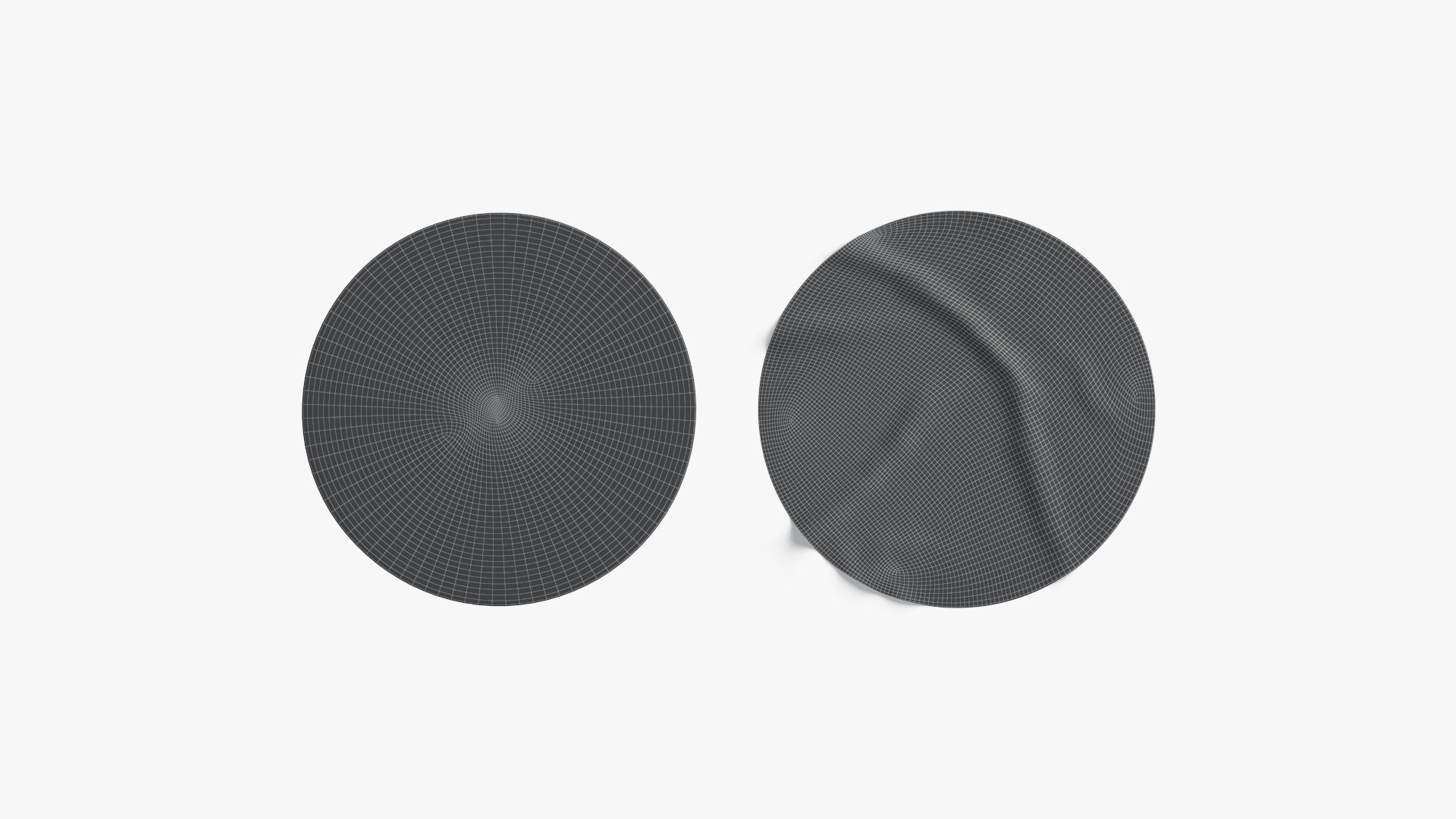
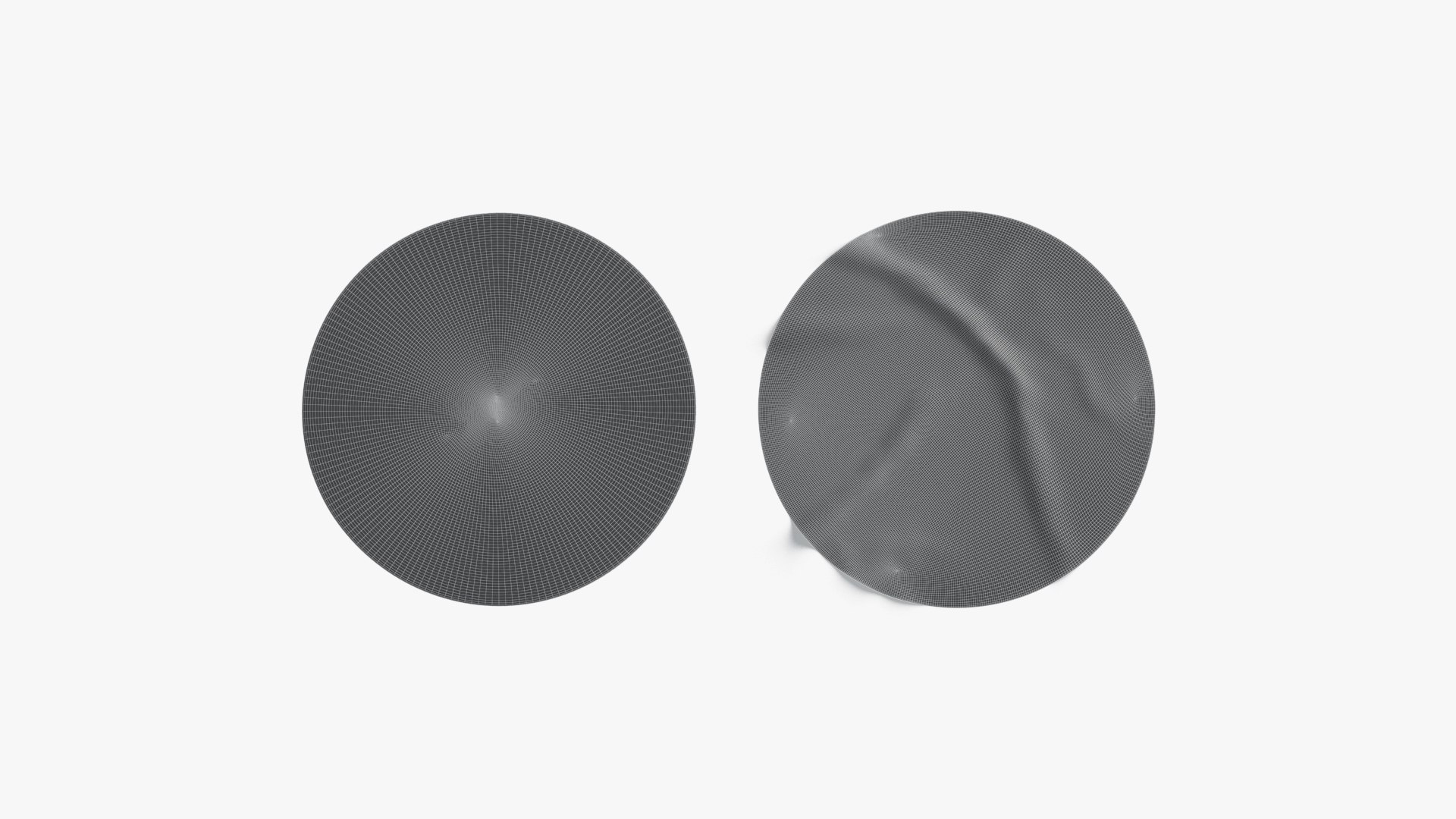
Two White Round Stickers - flat and crumpled adhesive label

$14

Standard License | Upgrade License
Formats (7)
Native | 3ds Max 2020 | Default Scanline
3ds Max 2020 | V-Ray
Maya 2020 | Arnold
Cinema 4D
OBJ
FBX
3D Studio
Specifications
Publish Date June 29, 2022
Product ID 1919818
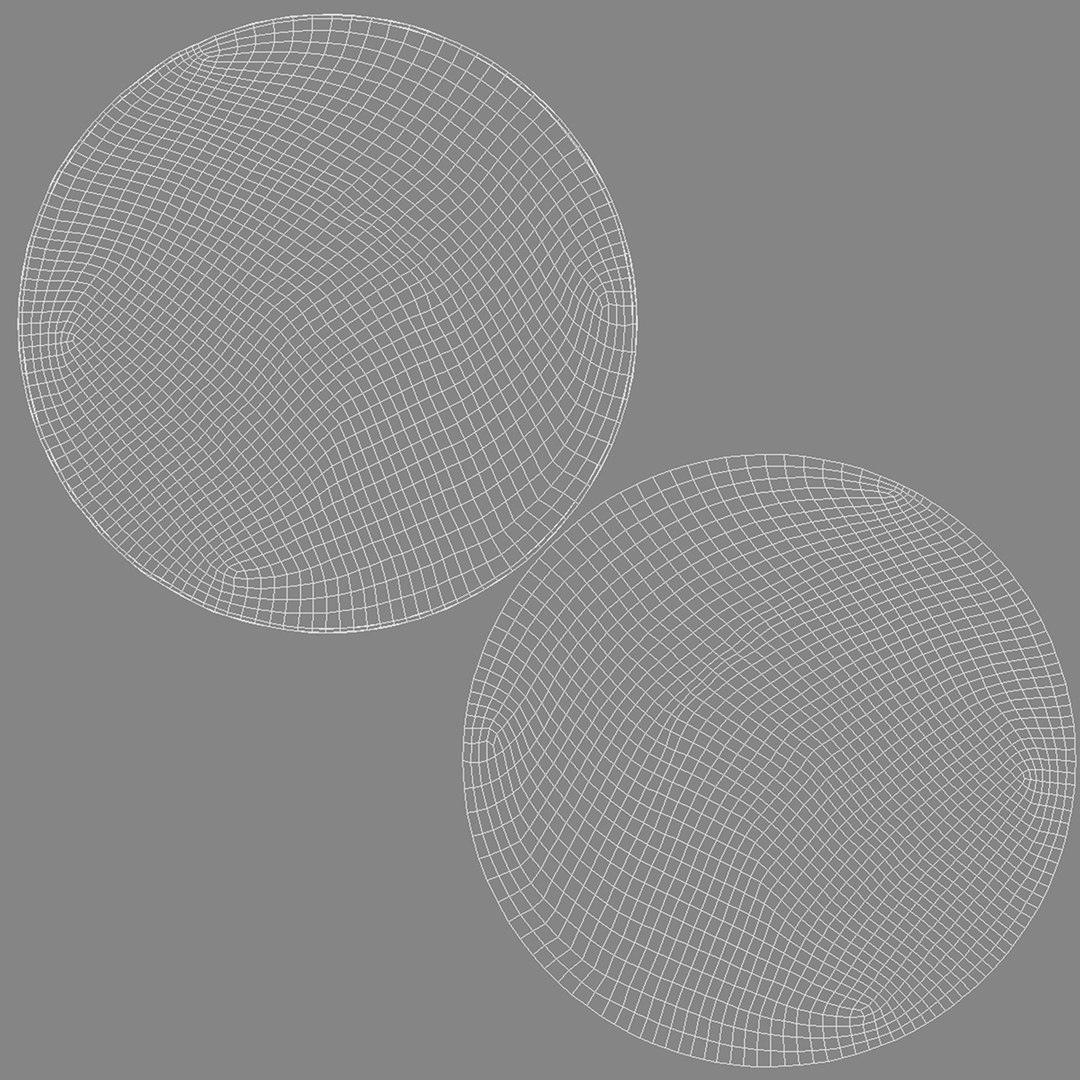
Polygons 3,900
Vertices 3,902
Subdivision
Textures
Materials
UV Mapped
Overlapping Unwrapped UVs

member avatar
rebrandy
456 Products | Contributor Since 2019
Have questions? Chat with us now.

Description

This 3d model was created and unwrapped in 3ds Max and exported for all popular formats.

Polycount:

  • Crumpled sticker - 3900 polygons, 3902 vertices;
  • Round sticker - 1766 polygons, 1768 vertices;
  • Total - 5666 polygons, 5670 vertices;

Model formats:

  • max (3ds Max 2020, Scanline);
  • max (3ds Max 2020, V-ray, procedural material included);
  • fbx (Multi Format);
  • obj (Multi Format);
  • 3ds (Multi Format);
  • mb (Maya 2020);
  • c4d (Cinema 4D R20);
  • +.uvw for pluggable unwrap included;

Features:

  • Correctly subdividable geometry;
  • Polygonal quads only;
  • Correct UVW-unwrap, +included .uvw file with pluggable unwrap;
  • Procedural V-ray material included (in stickers_vray);
  • Exported textures in 8K resolution (in separate zip-archive);

Important:

  • Renders for preview are made in 3ds Max 2020, V-ray Next;
  • If you want to apply unwrap uvw in 3ds file, you need to convert editable mesh object to editable poly and
    load *stickers_uvw.uvw* in Unwrap UVW modifier;
  • Studio environment is not included;

Select Enhanced License

  • $10,000 in Legal Protection (Indemnification)
  • Uncapped Legal Protection (Indemnification)
  • Waiver from injunctive relief
  • Assignable model rights
  • $1,000,000 in Legal Protection (Indemnification)
  • Waiver from injunctive relief
  • Assignable model rights
  • $250,000 in Legal Protection (Indemnification)
  • Assignable model rights
Read more about enhanced license tiers, or contact us at enterprise@turbosquid.com. Already a Shutterstock Enterprise Customer? Contact your Shutterstock Sales Support Agent to talk about adding 3D.

About Conversion Requests

To submit a conversion request for a purchased asset, please complete our Conversion Request Form.

If you have not yet purchased a model, please review our Documentation about Conversions to learn about what limitations you may encounter with a conversion.

For any additional questions about a model’s suitability for conversion, please contact TurboSquid Support.

Loading...