
Villa Grass Tutorial 006

$99

Standard License | Upgrade License
Formats (6)
Free file format Conversions available
Native | 3ds Max 9 | V-Ray
3ds Max 9 | V-Ray
3ds Max 2008 | V-Ray
3ds Max 2009 | V-Ray
Other Textures
Other Files
vista_sattel_final.jpg
Specifications
Publish Date April 12, 2015
Product ID 916056
Polygons 1
Vertices 1
Polygonal
Textures
Materials
UV Mapped
Unknown Unwrapped UVs

member avatar
cgwarehouse
2000 Products | Contributor Since 2014
Have questions? Chat with us now.

Description

UPDATED MODEL: max2009 + vray 1.5
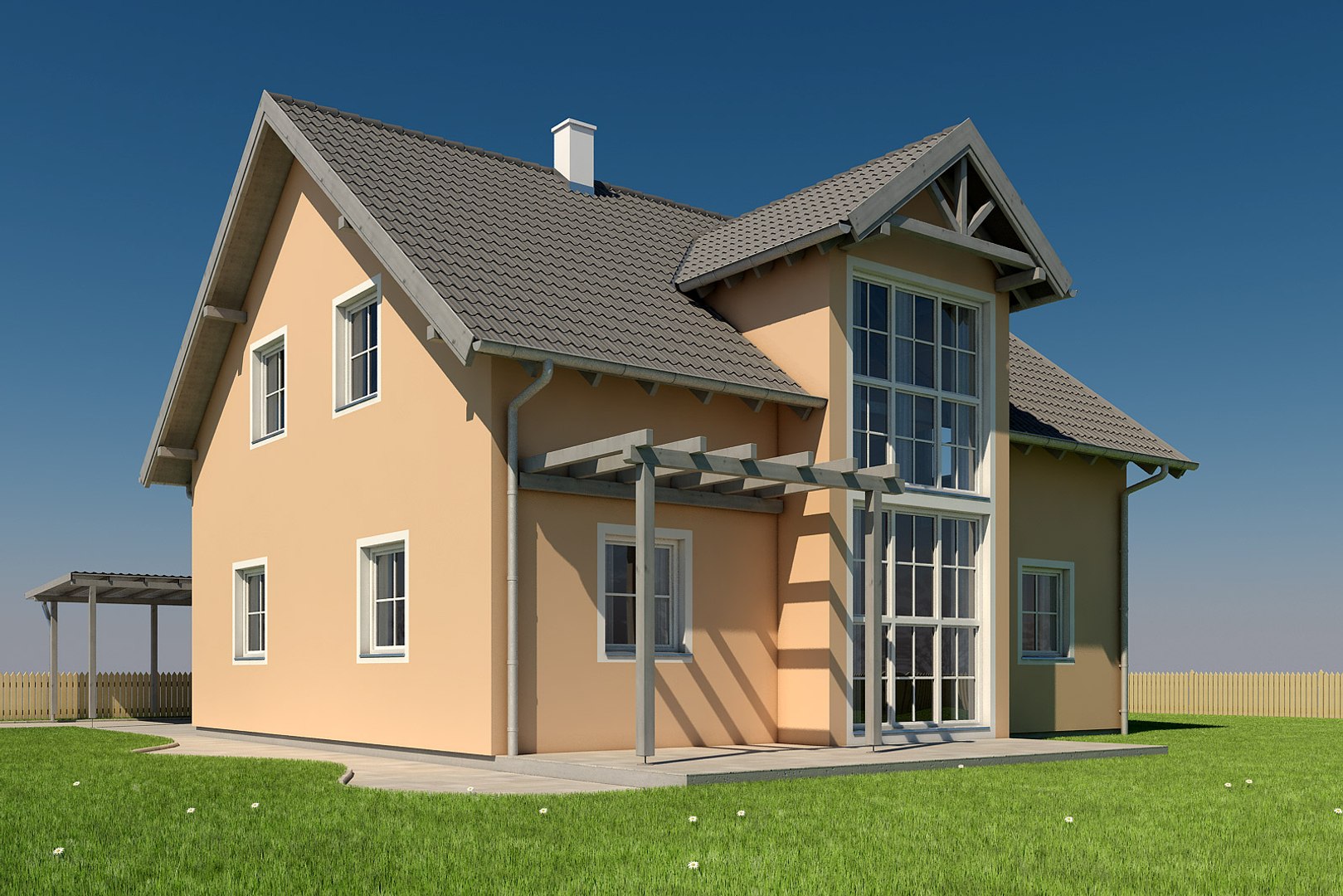
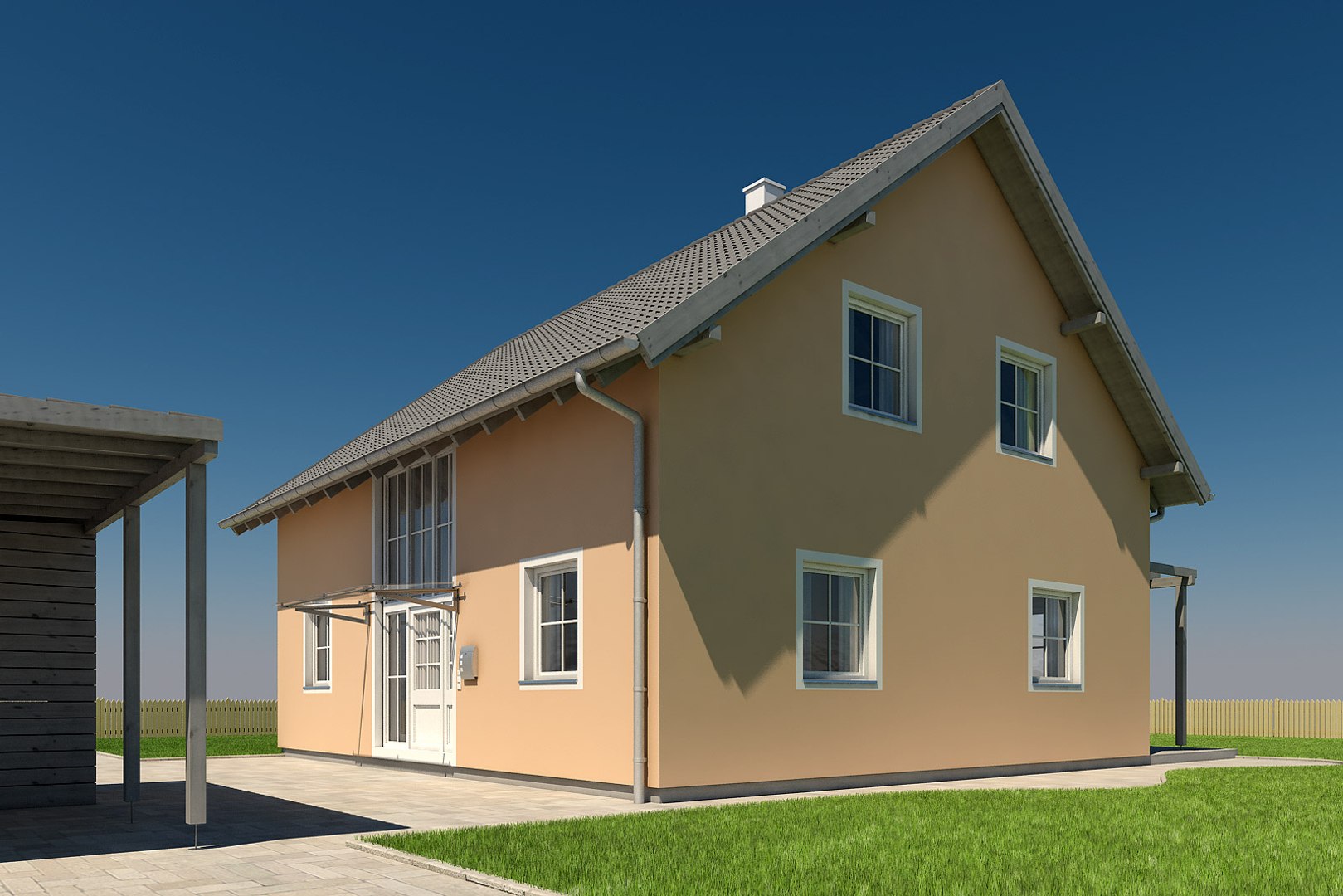
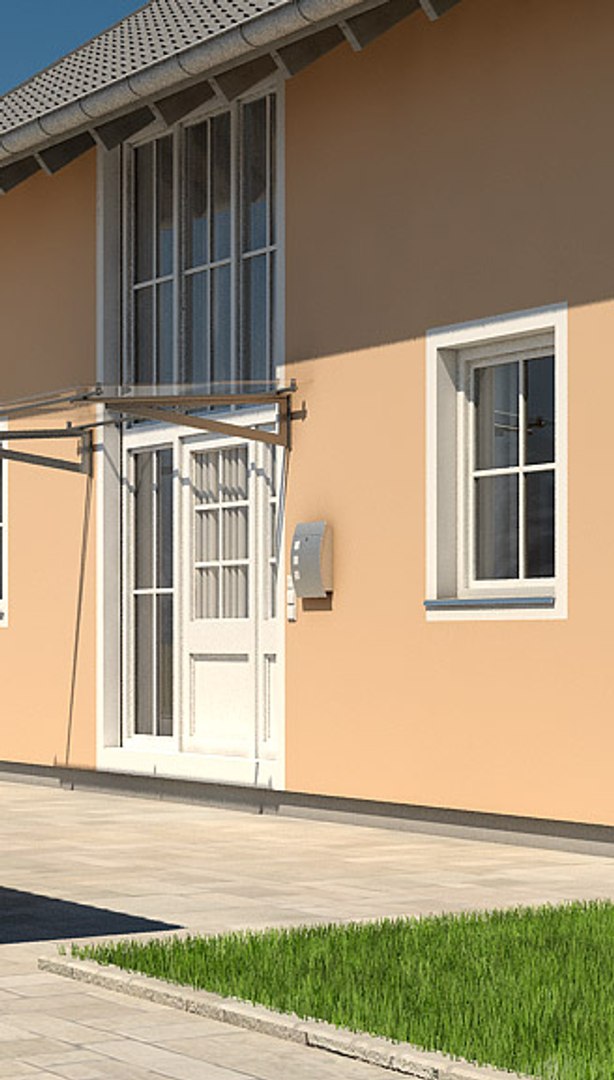
- all 4 sides modelled
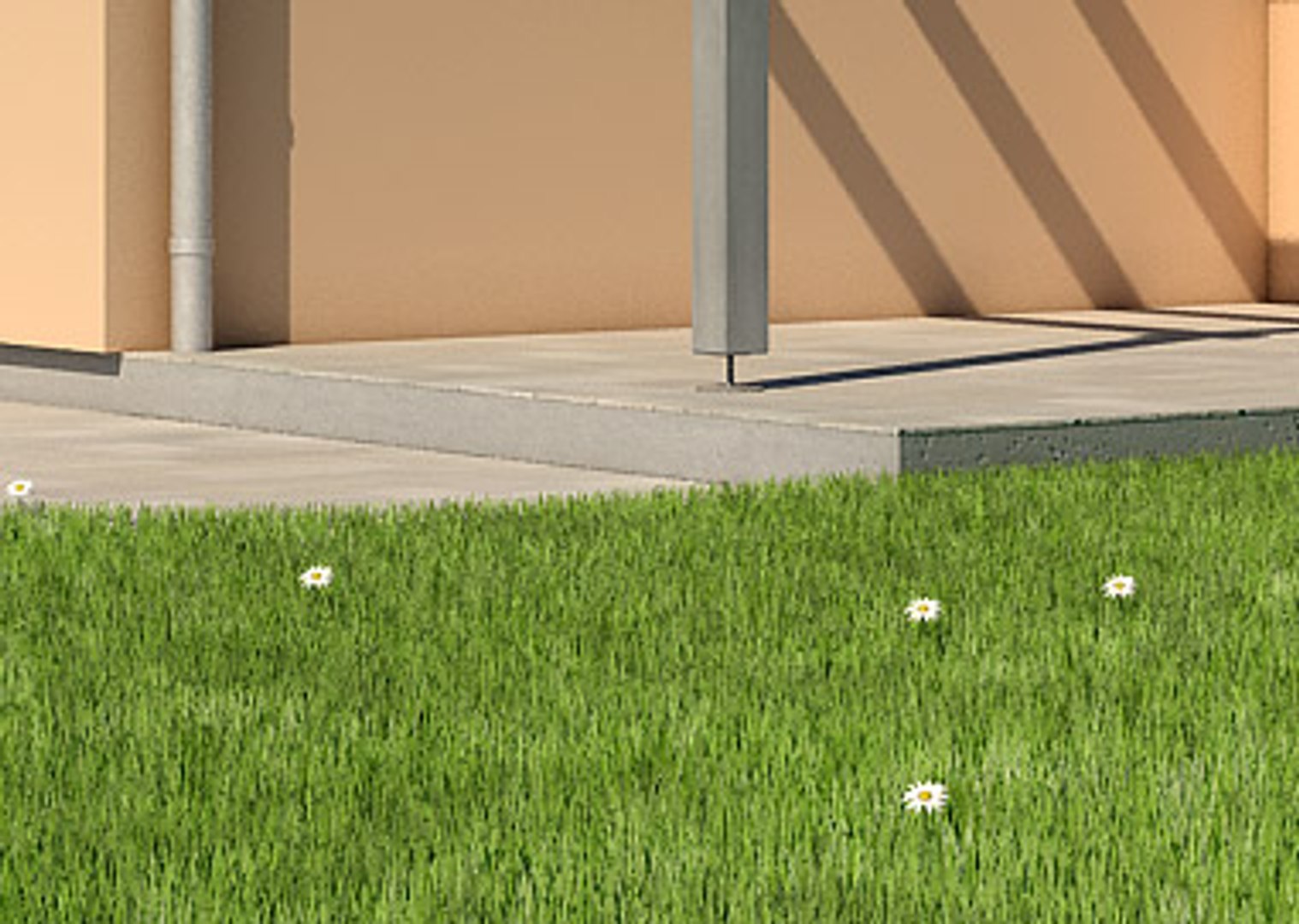
- new details grass (check product 387212)
- new rendersettings and lightsetup

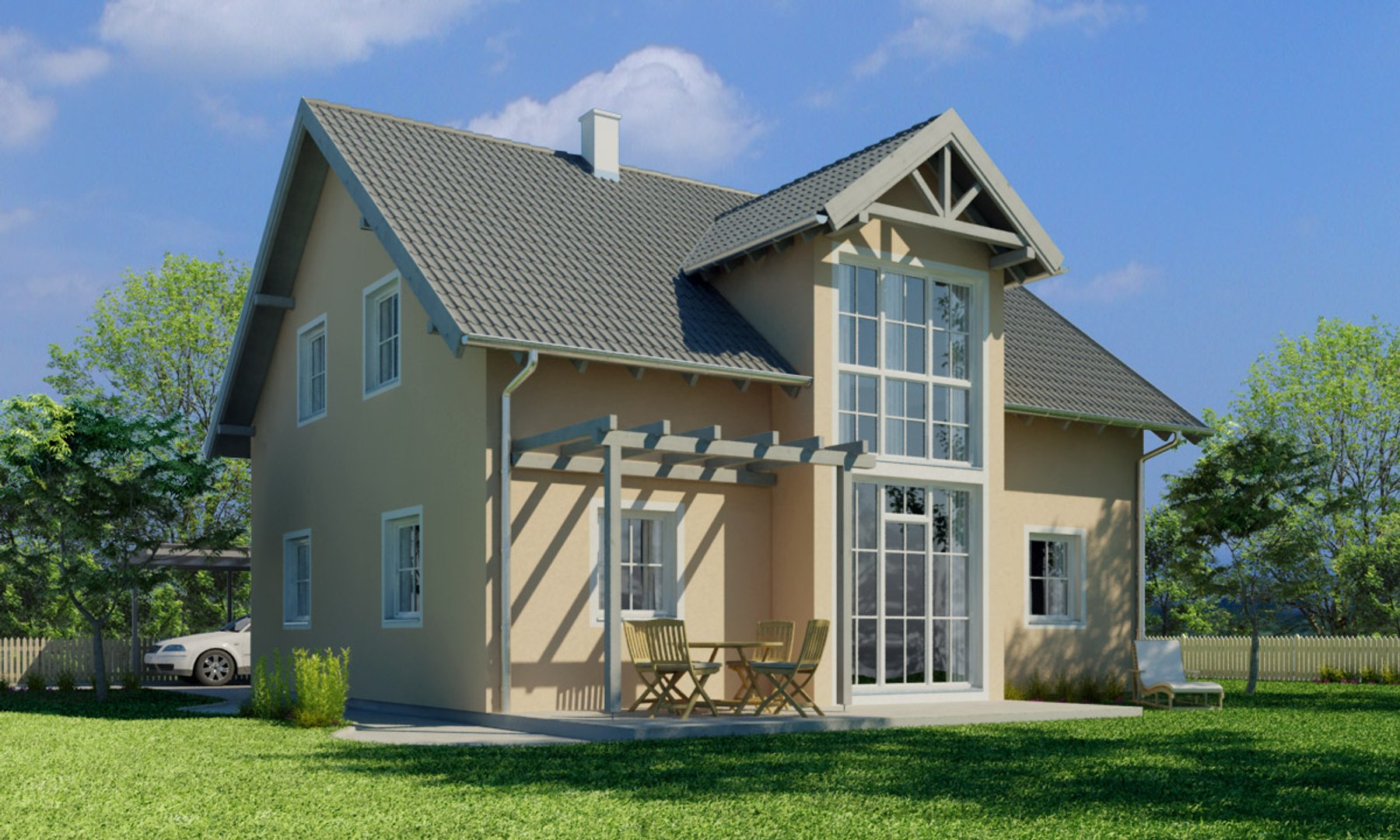
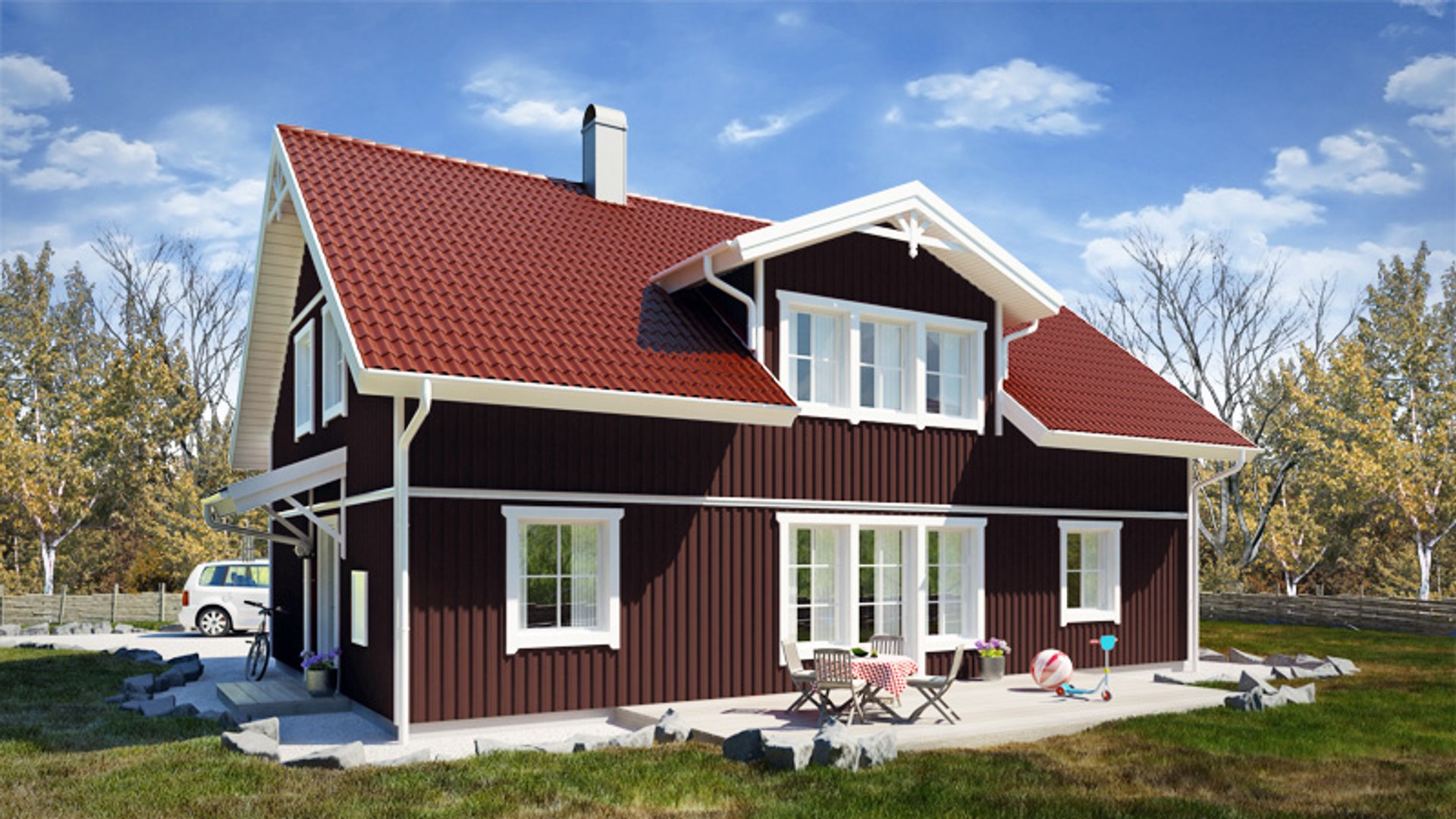
photoreal villa:
- hires model incl all maps and lightsetup
- model optimized for this shot (backside modelled but not detailed like frontside)
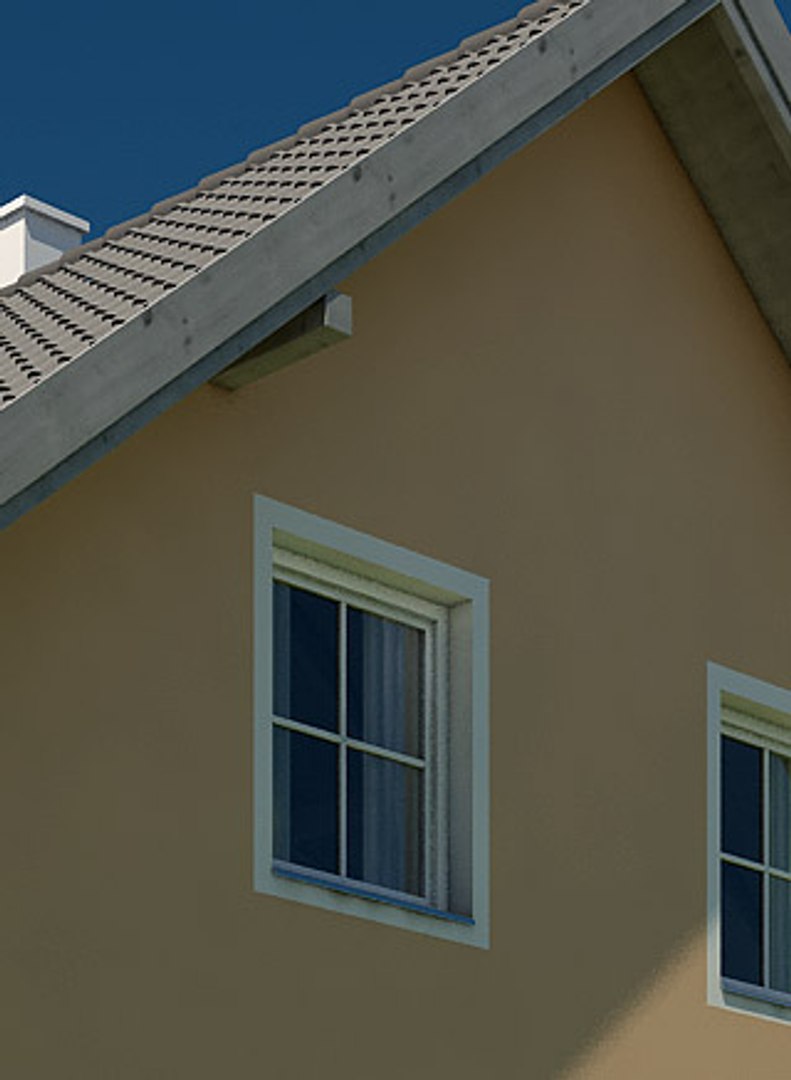
- very detailed roof with hires displaced roof tiles
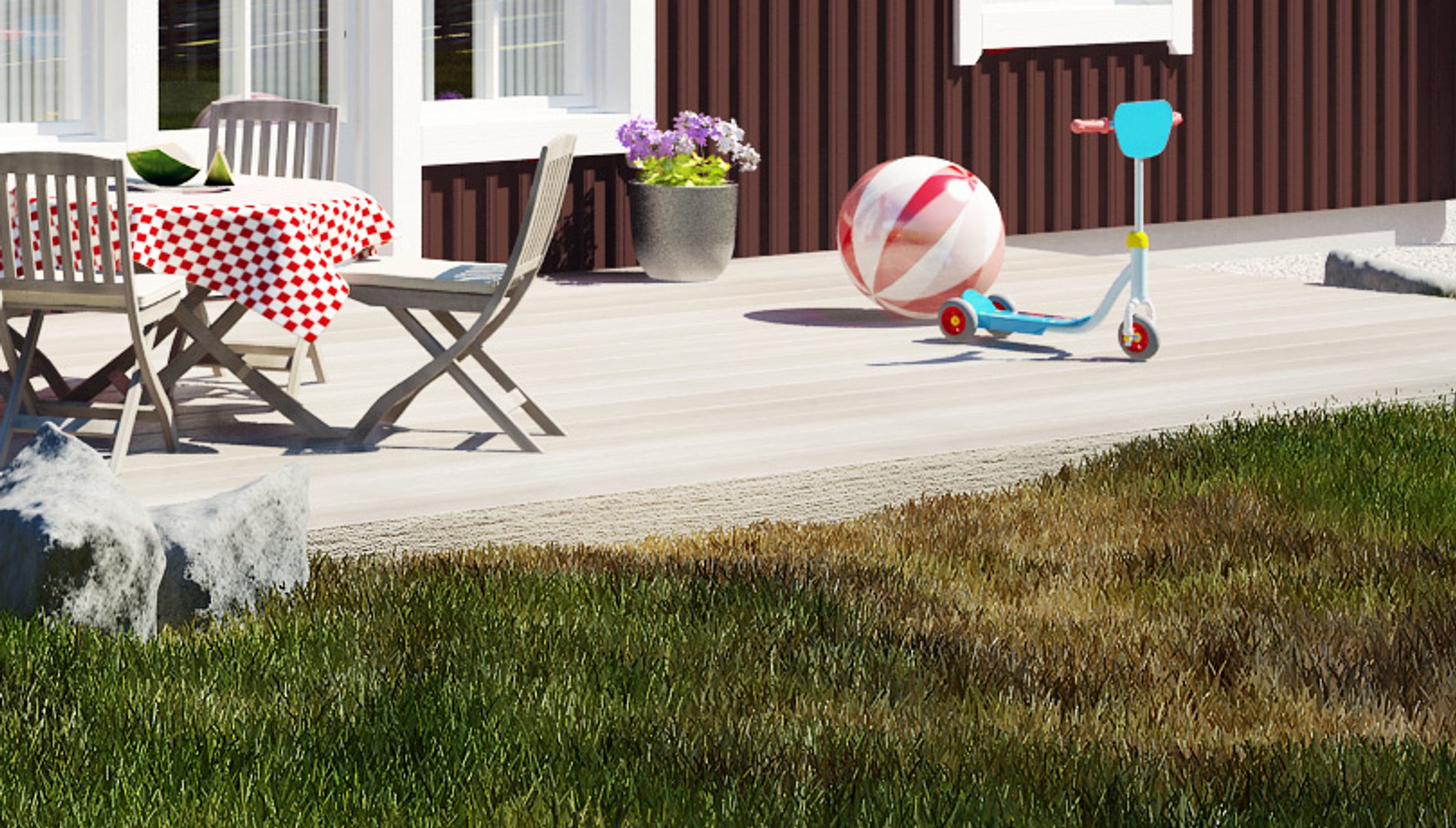
- hires gras model (vrayfur) ready for closeups
- includes photoshop file with layers for trees in background and backdrop image (1200 pixels wide)
- rendering includes car/plants
- shadow casting trees behind camera included

!!! check hires rendering attached !!!


(car/3d plants/furniture are from 3rd party products and not included)


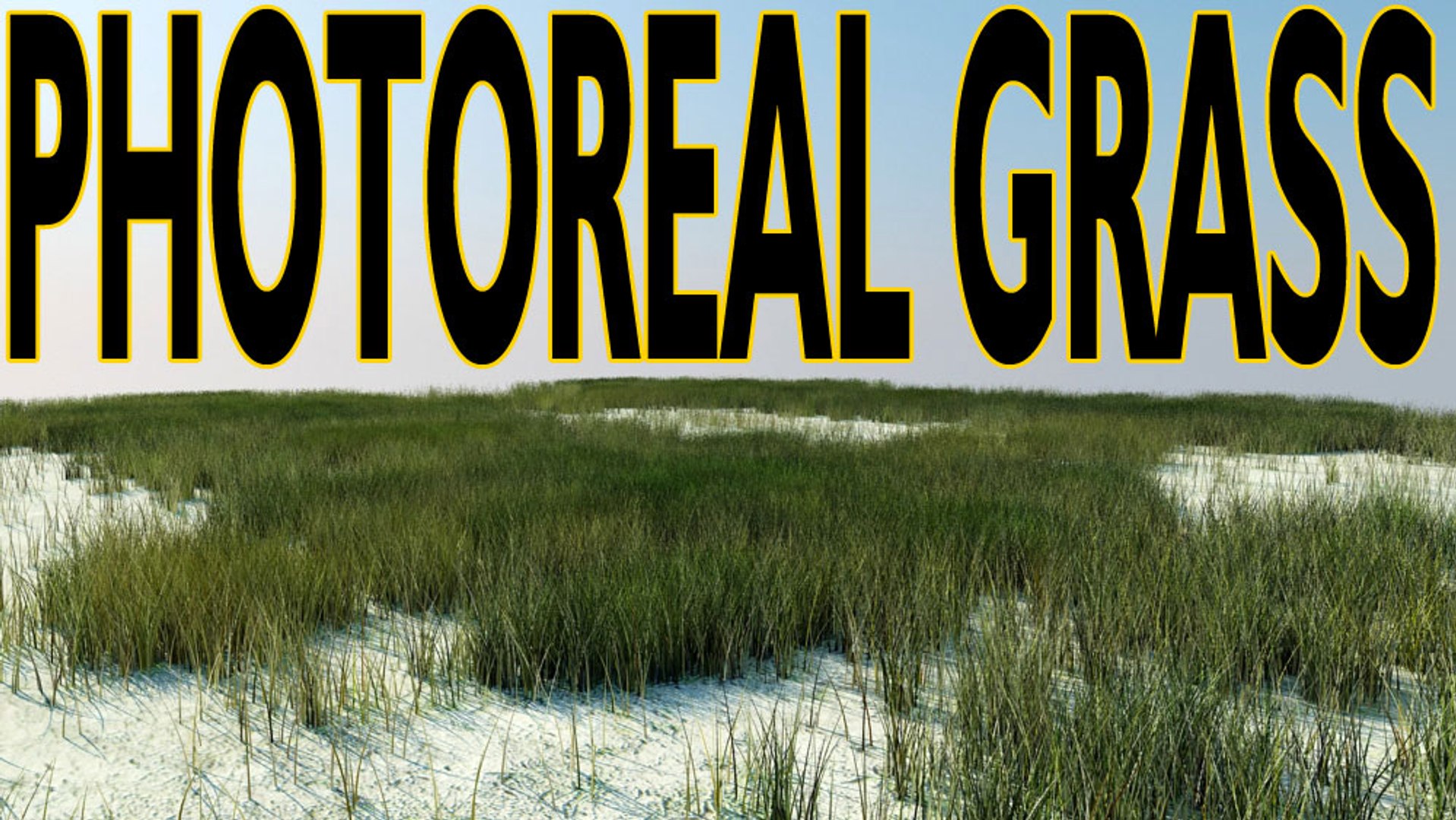
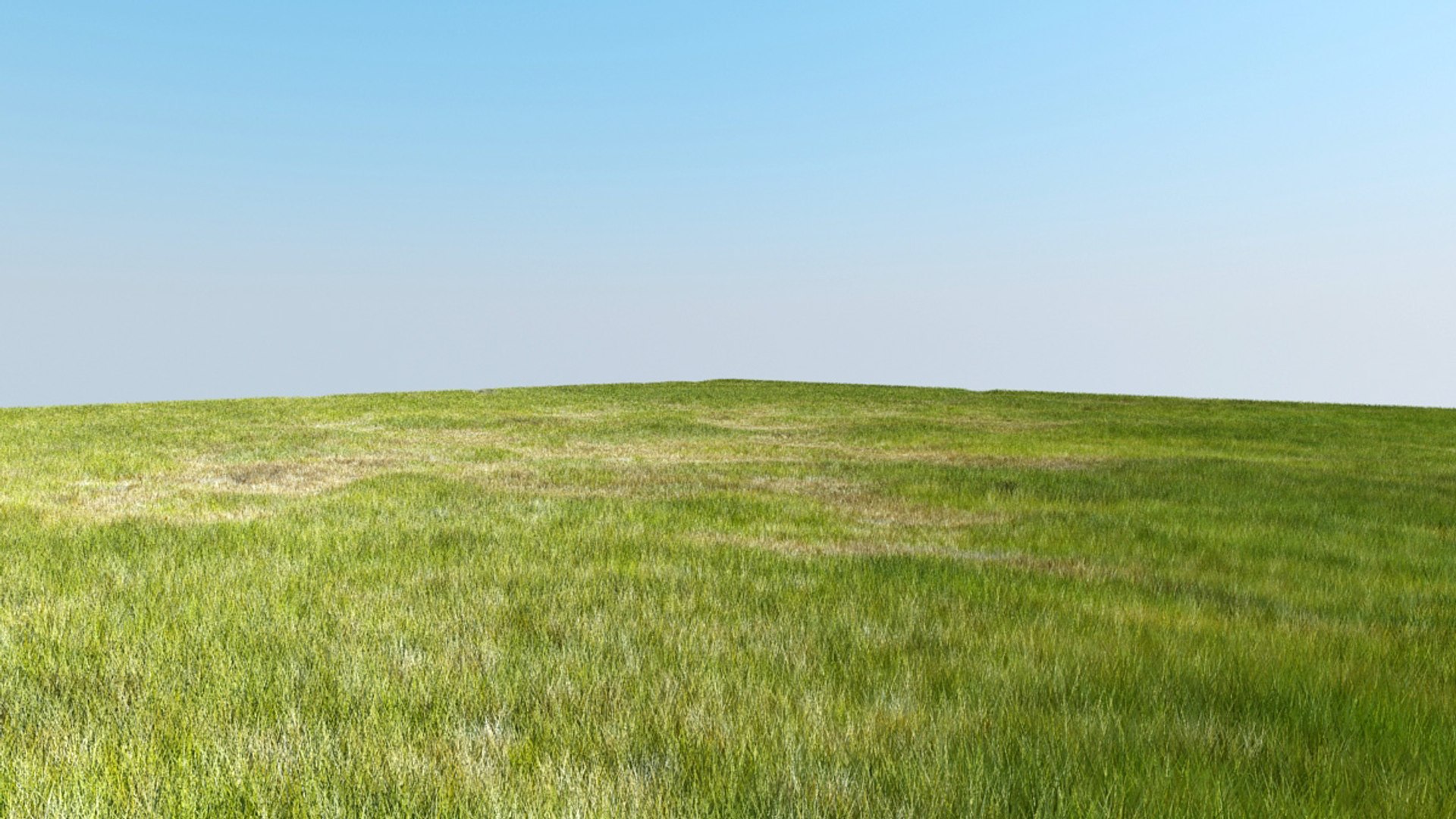
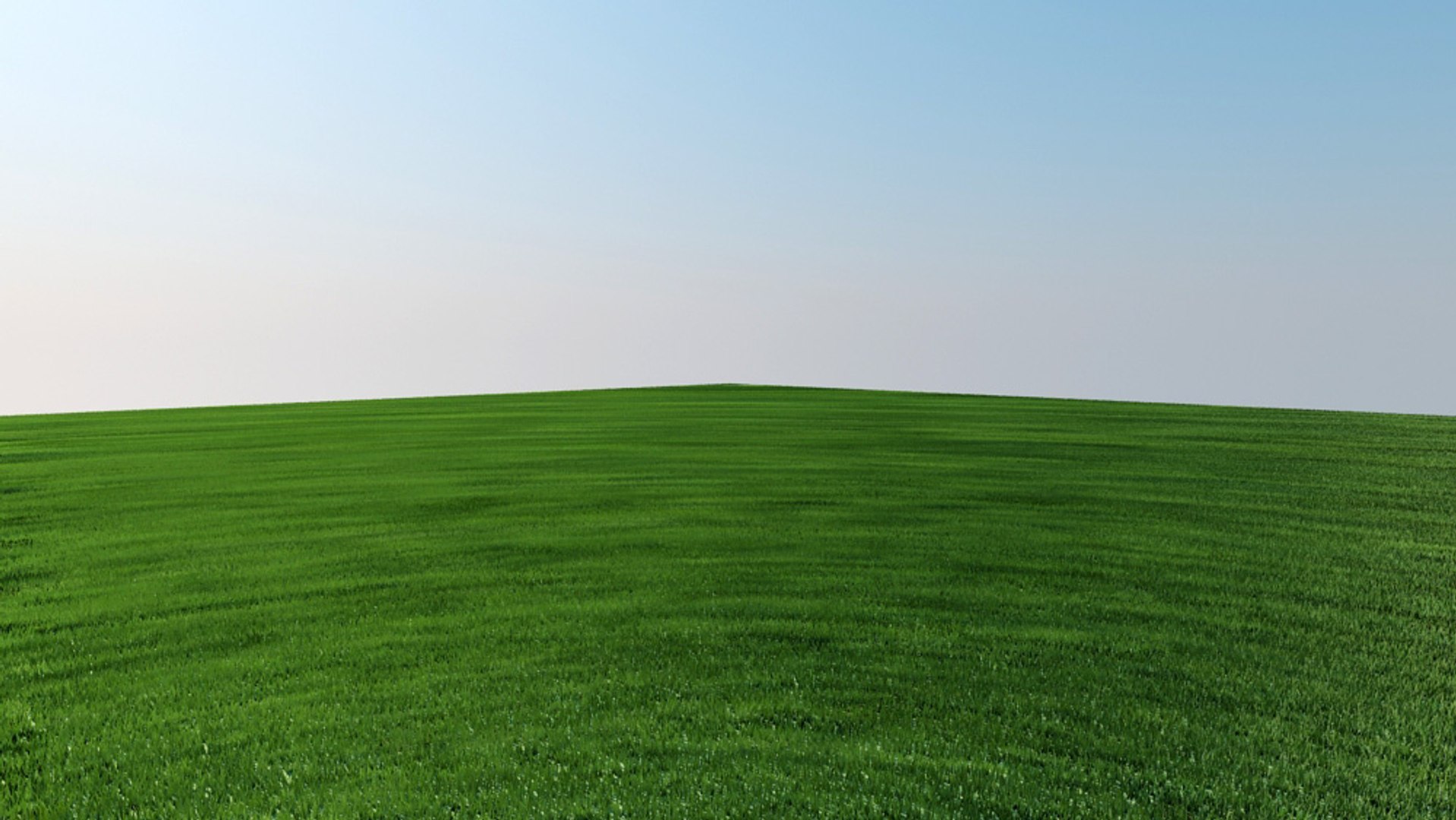
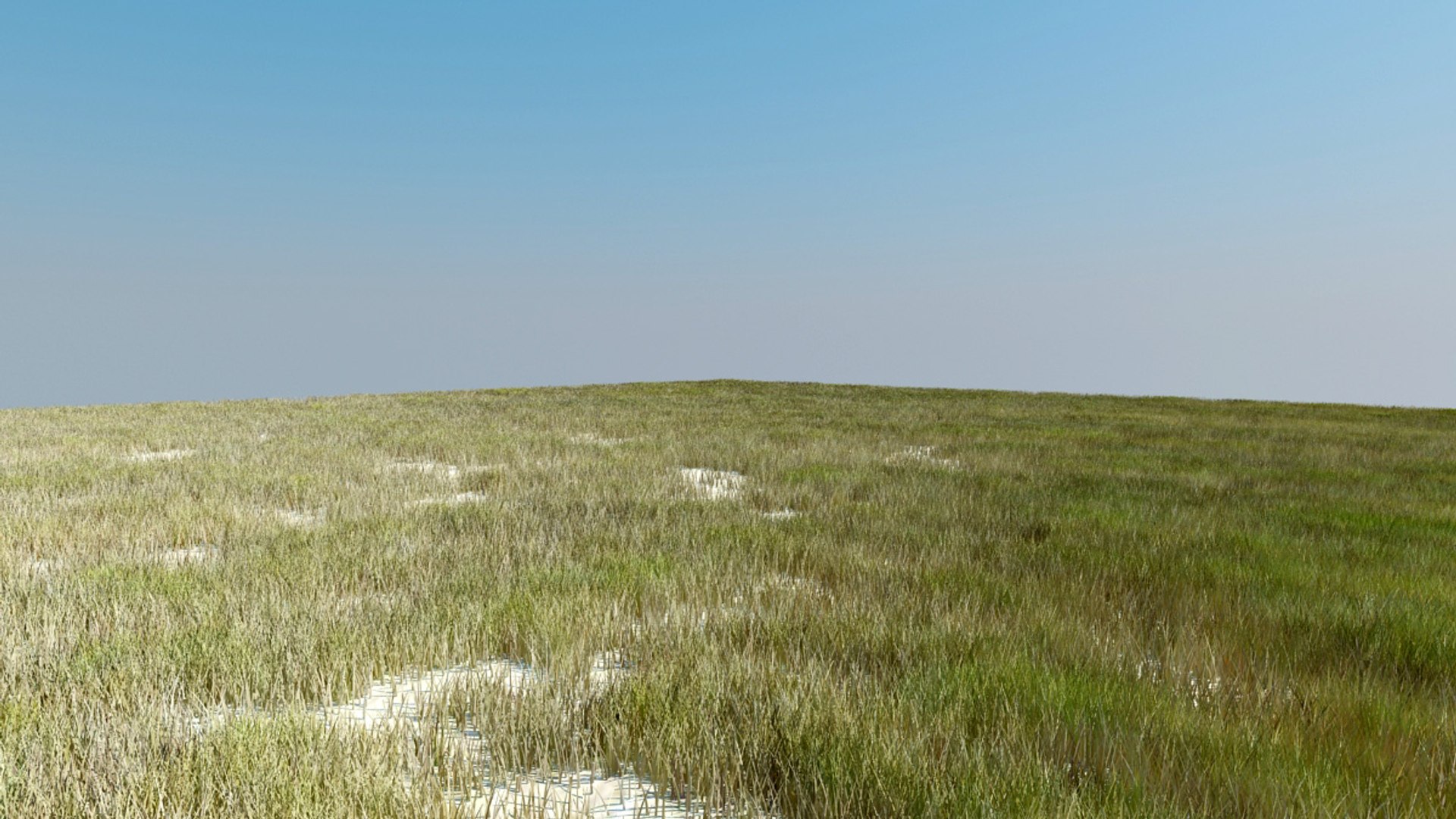
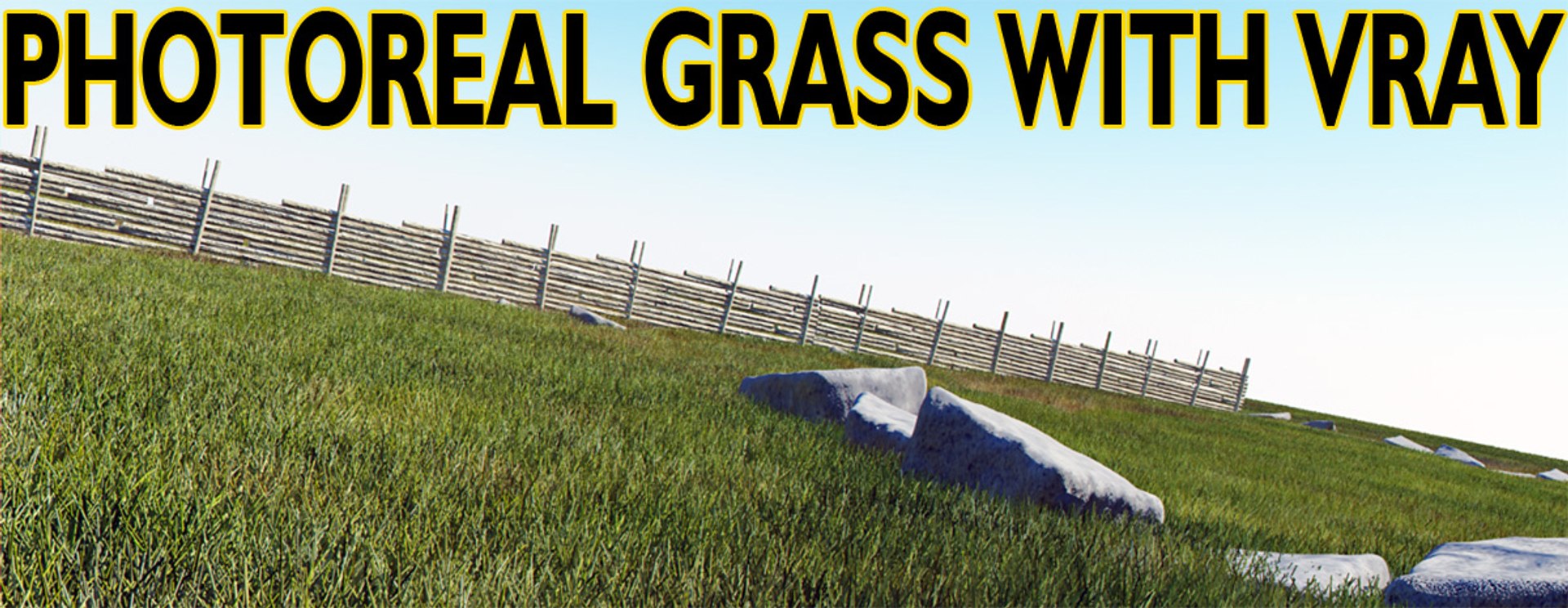
:: CREATE PHOTOREAL GRASS WITH VRAY ::

- grassscene with fence and stones -> max2008
- 5 different grass types -> max9
- grass for garden
- desert or beach grass
- dryland grass
- farmland grass
- photoreal grass
- lightsetup and maps
- create huge areas of grass without memory problems

!!! VRAY GRASS (FUR) TUTORIAL INCLUDED !!!

PRO TRICKS REVEALED TO ACHIEVE PHOTOREAL RESULTS

-> the house-renderings shows the grass in action (this scene is not included though)

Select Enhanced License

  • $10,000 in Legal Protection (Indemnification)
  • Uncapped Legal Protection (Indemnification)
  • Waiver from injunctive relief
  • Assignable model rights
  • $1,000,000 in Legal Protection (Indemnification)
  • Waiver from injunctive relief
  • Assignable model rights
  • $250,000 in Legal Protection (Indemnification)
  • Assignable model rights
Read more about enhanced license tiers, or contact us at enterprise@turbosquid.com. Already a Shutterstock Enterprise Customer? Contact your Shutterstock Sales Support Agent to talk about adding 3D.

About Conversion Requests

To submit a conversion request for a purchased asset, please complete our Conversion Request Form.

If you have not yet purchased a model, please review our Documentation about Conversions to learn about what limitations you may encounter with a conversion.

For any additional questions about a model’s suitability for conversion, please contact TurboSquid Support.

Loading...