














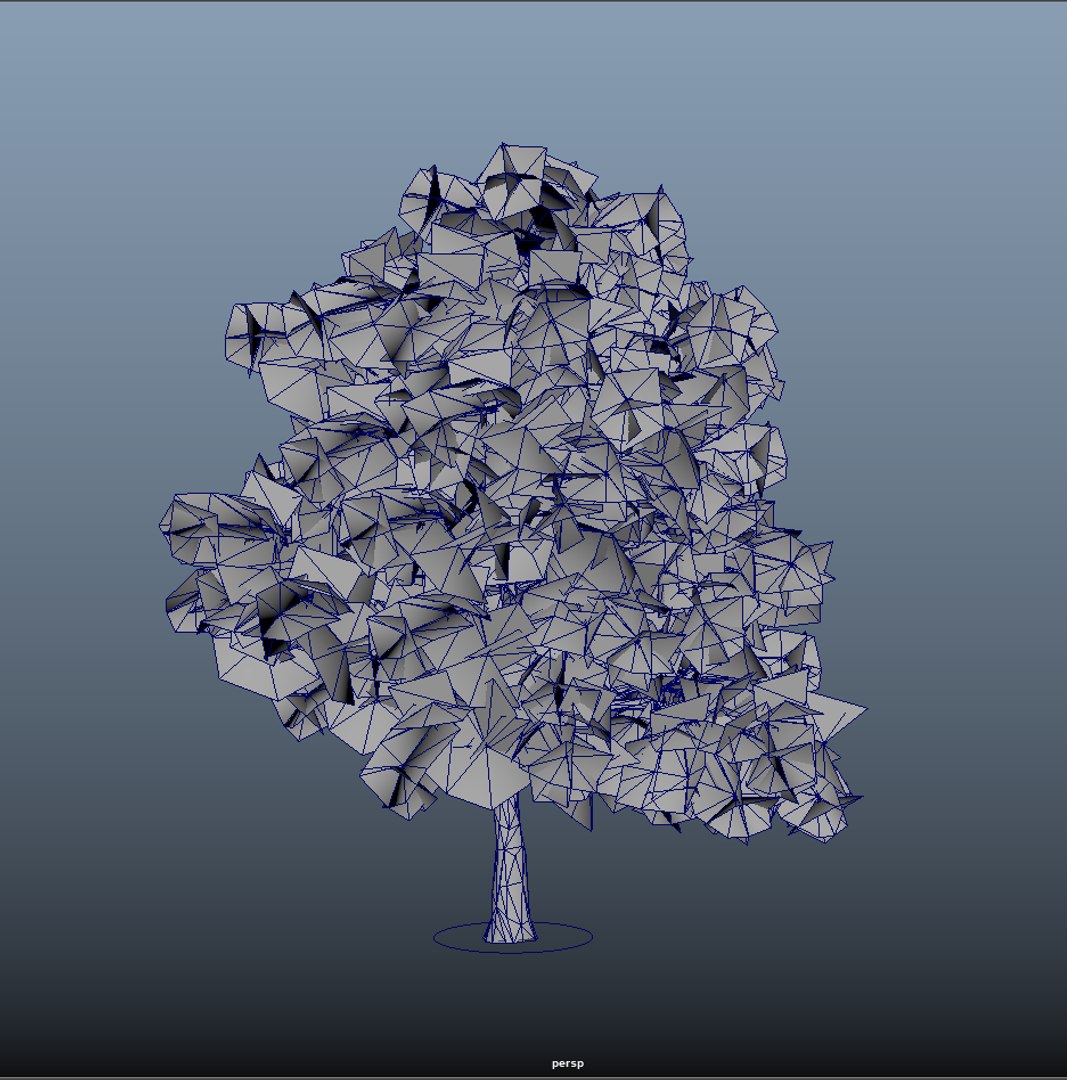
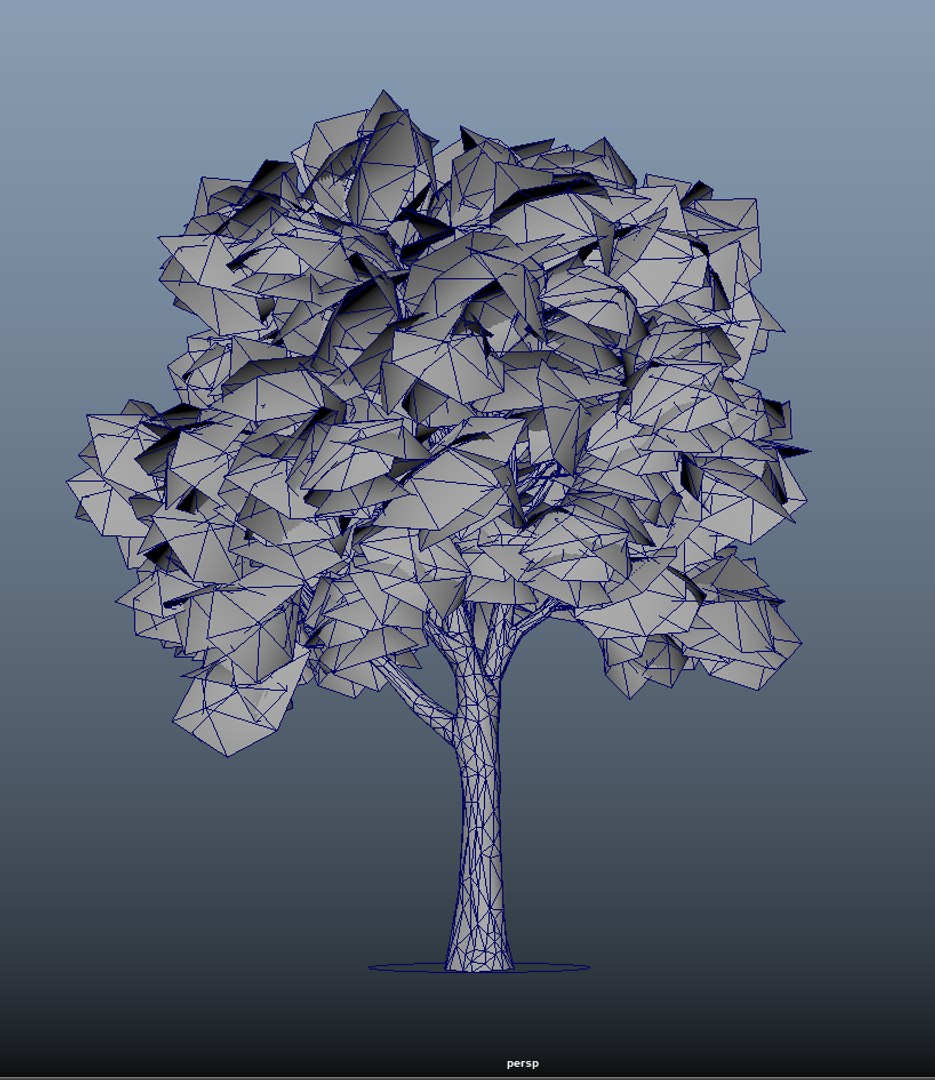
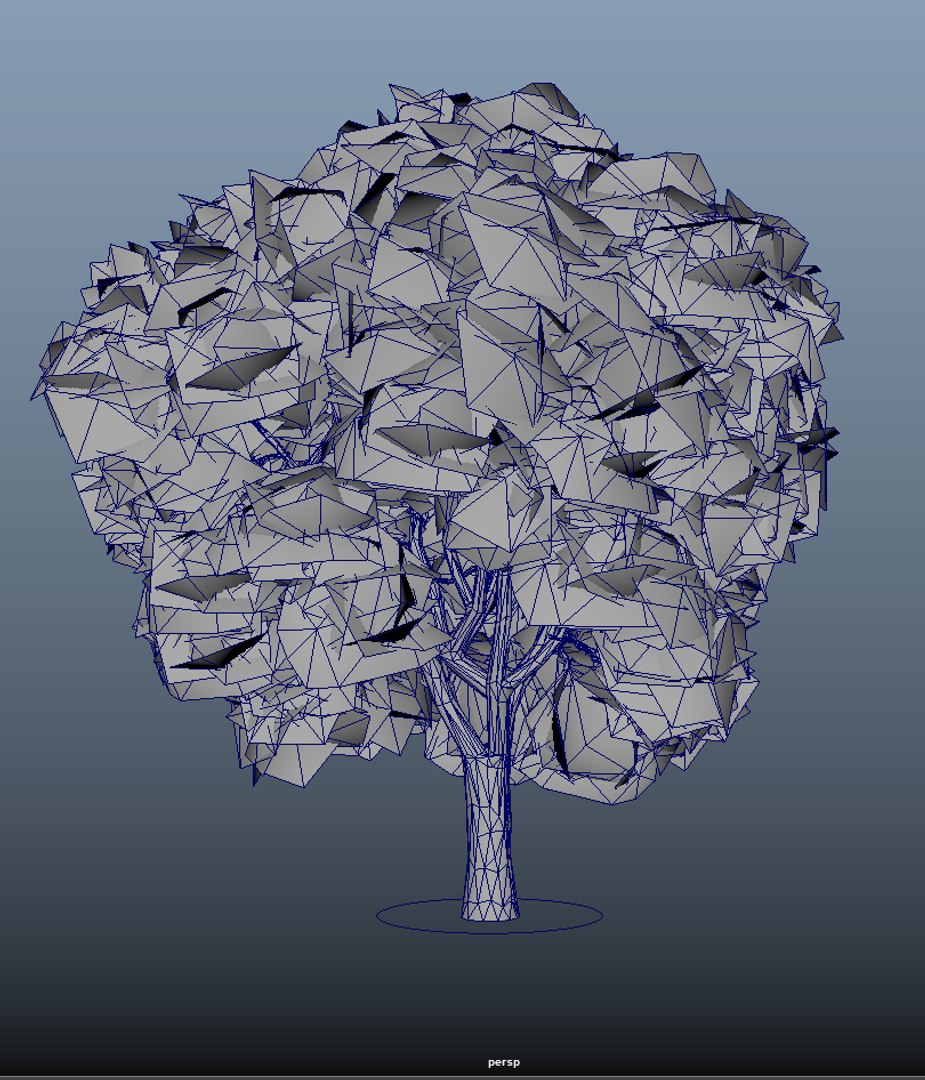
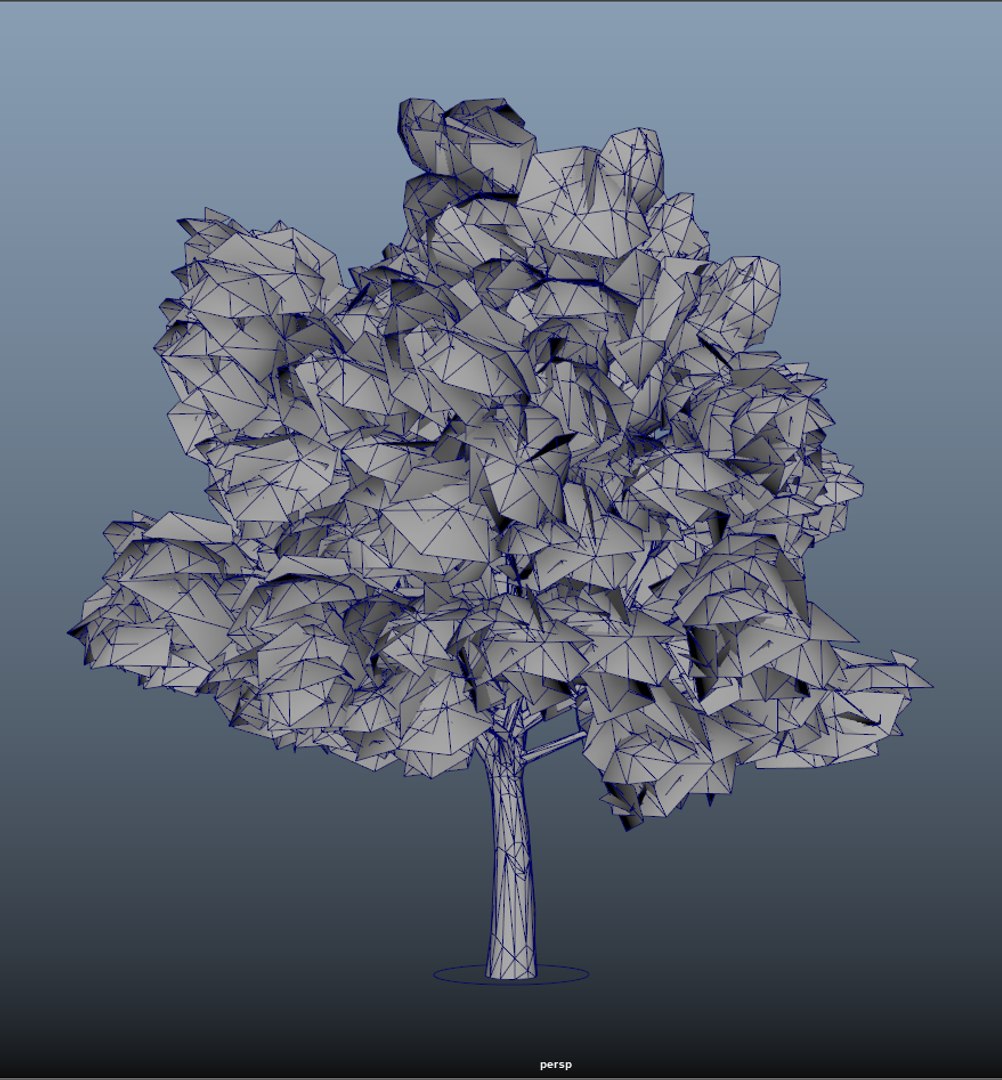
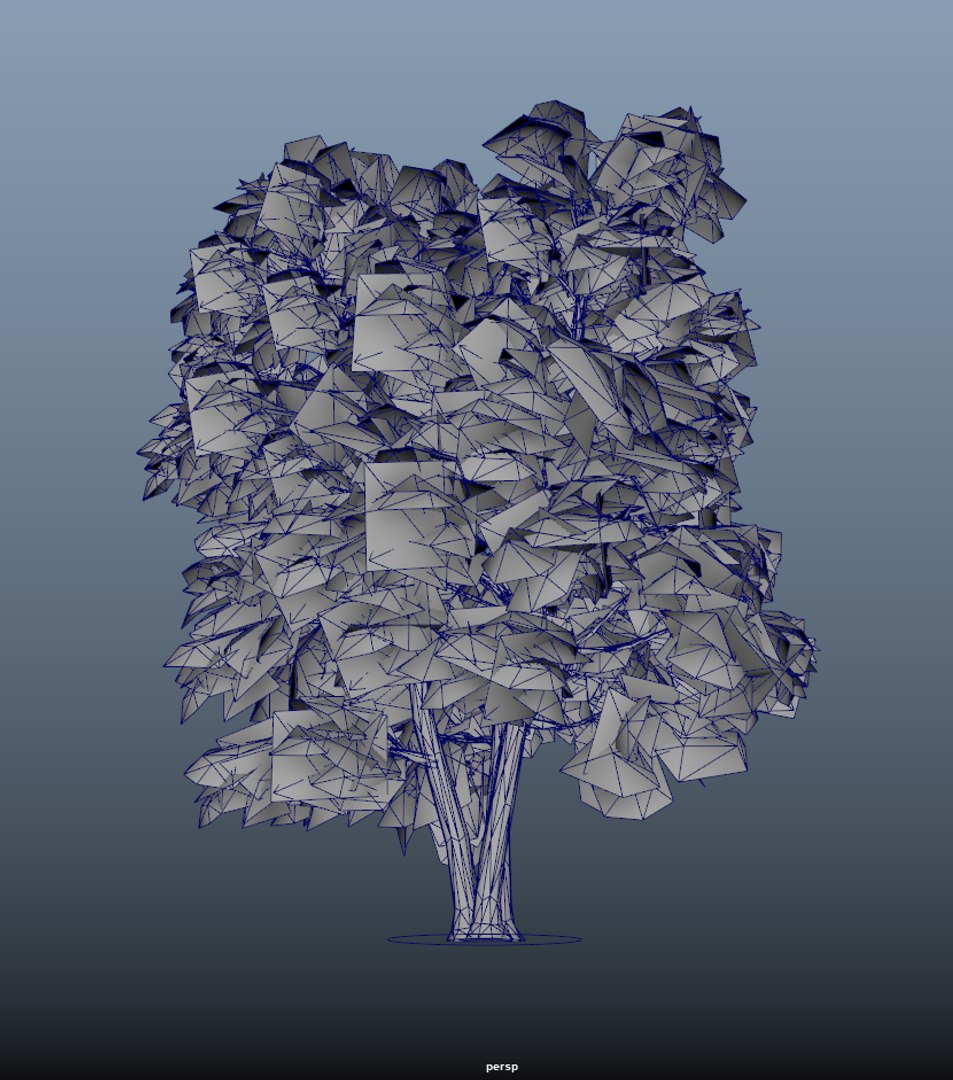
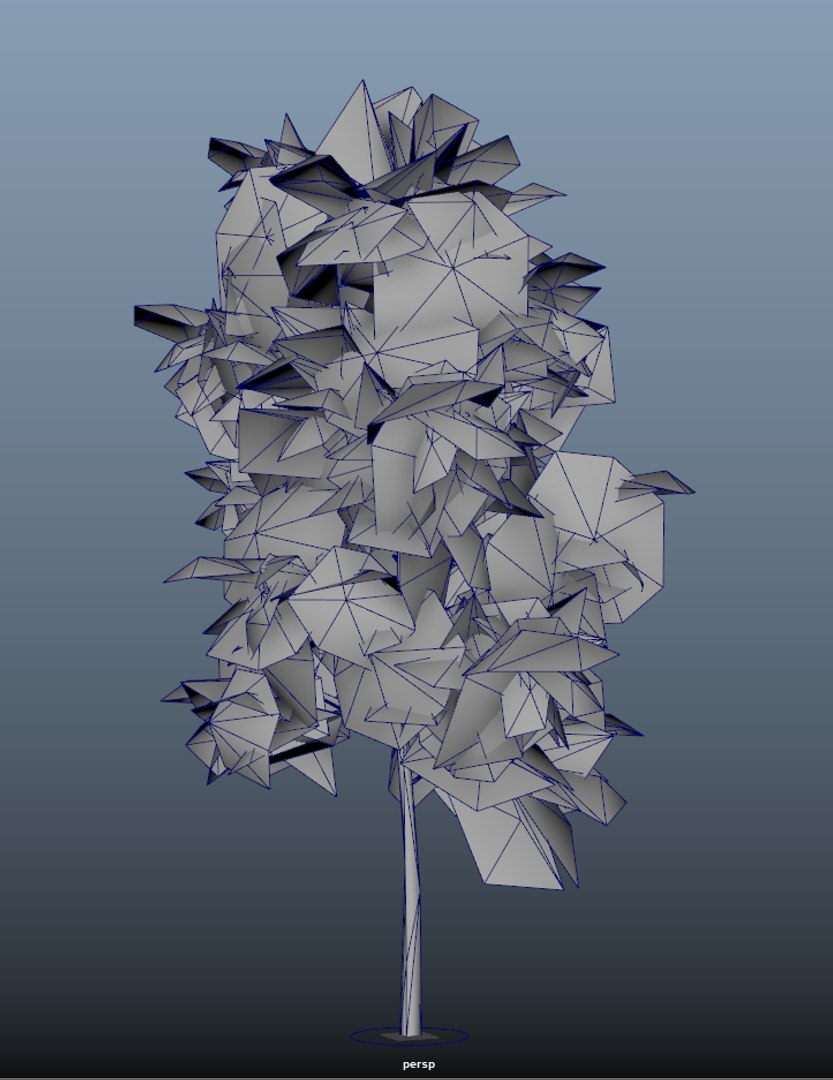
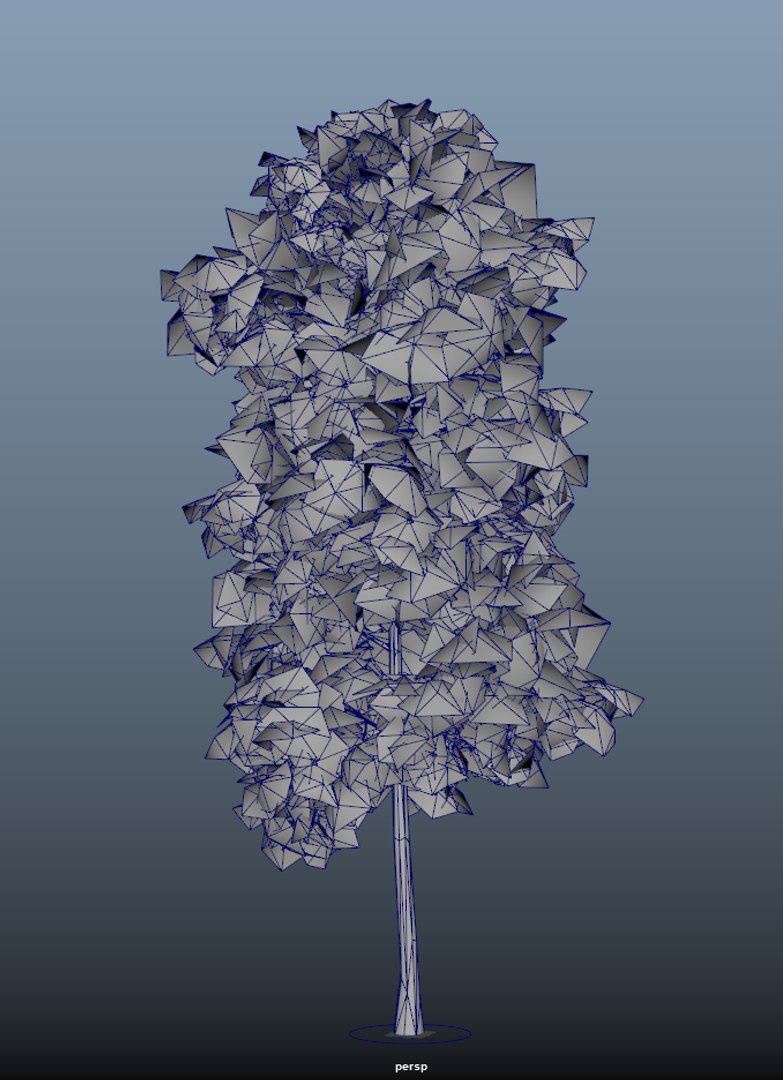
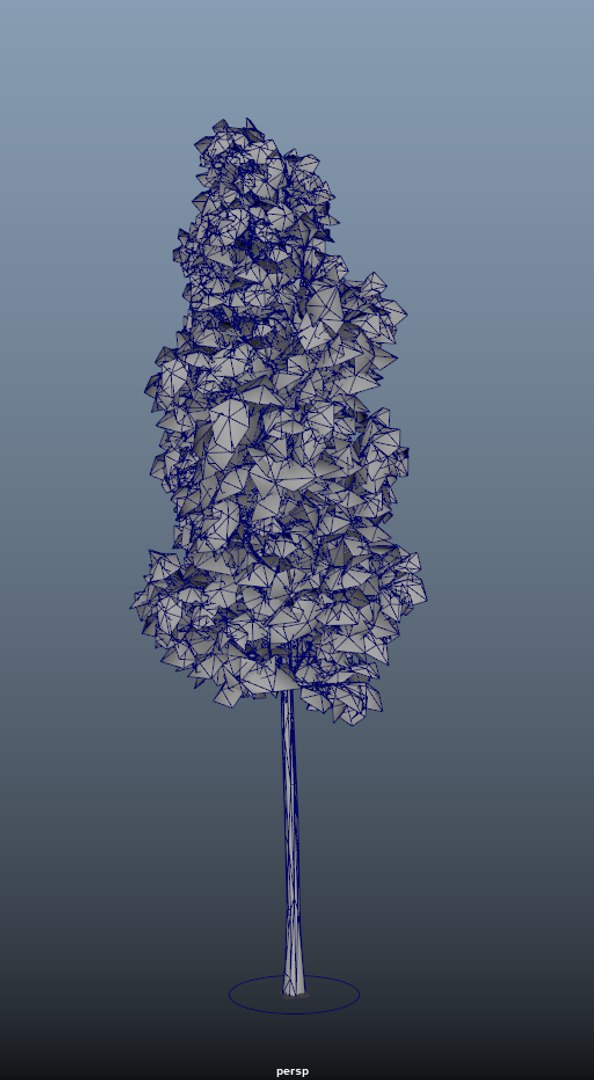
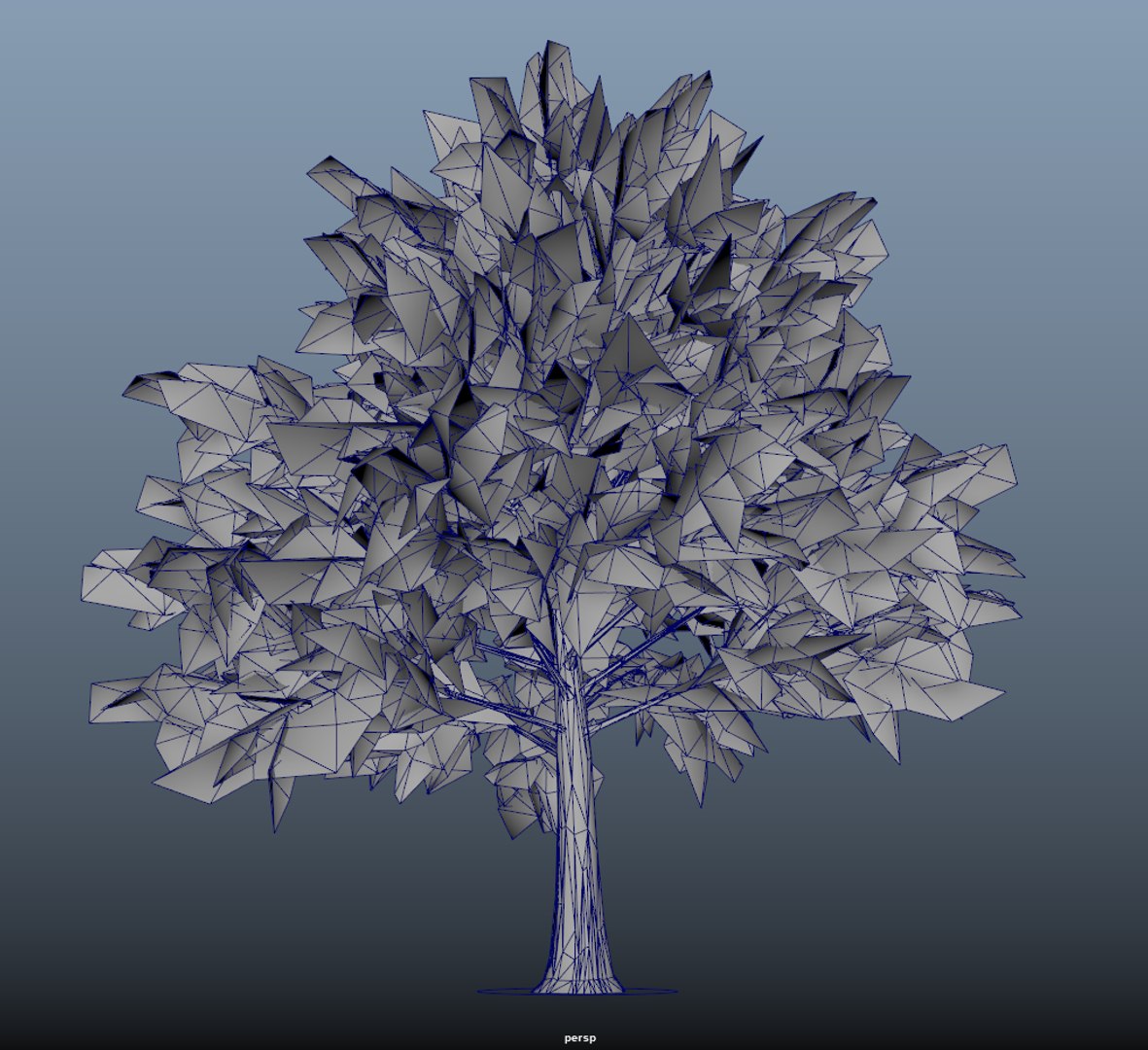
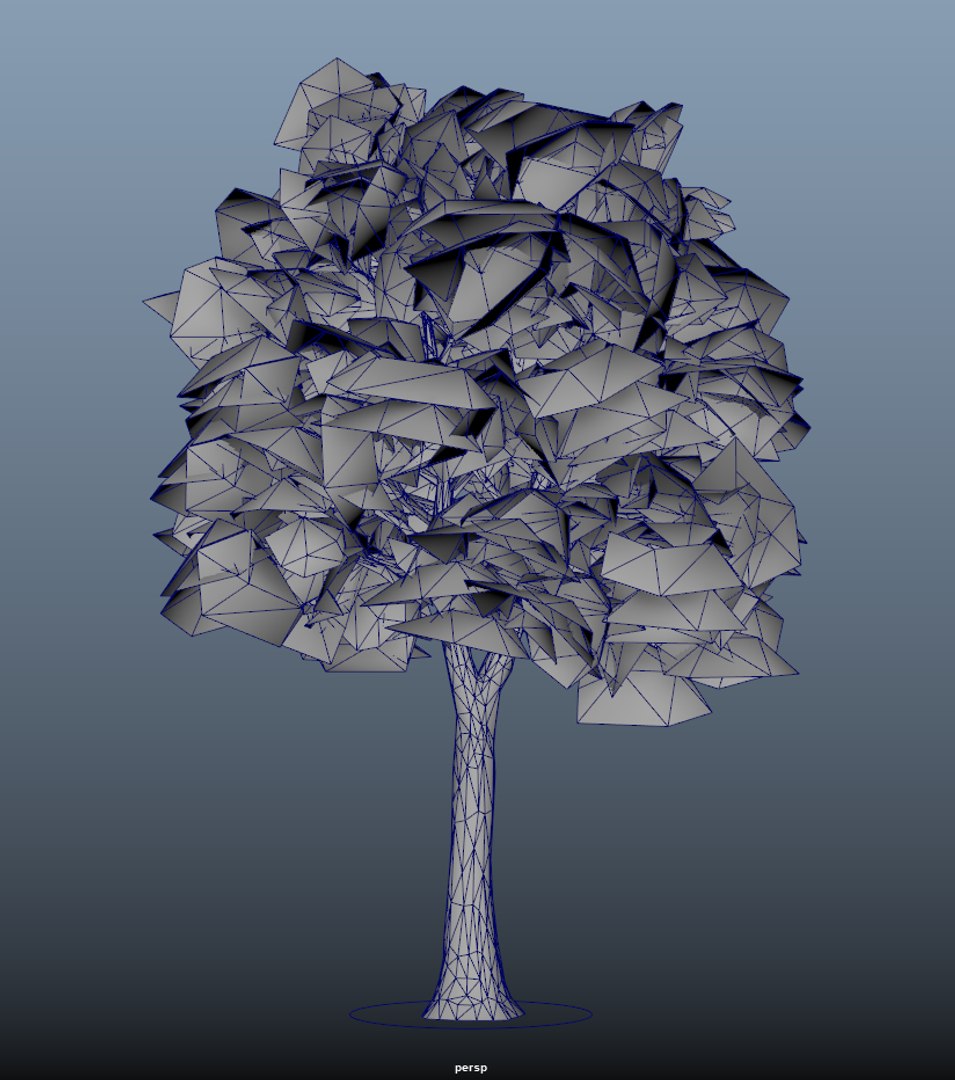
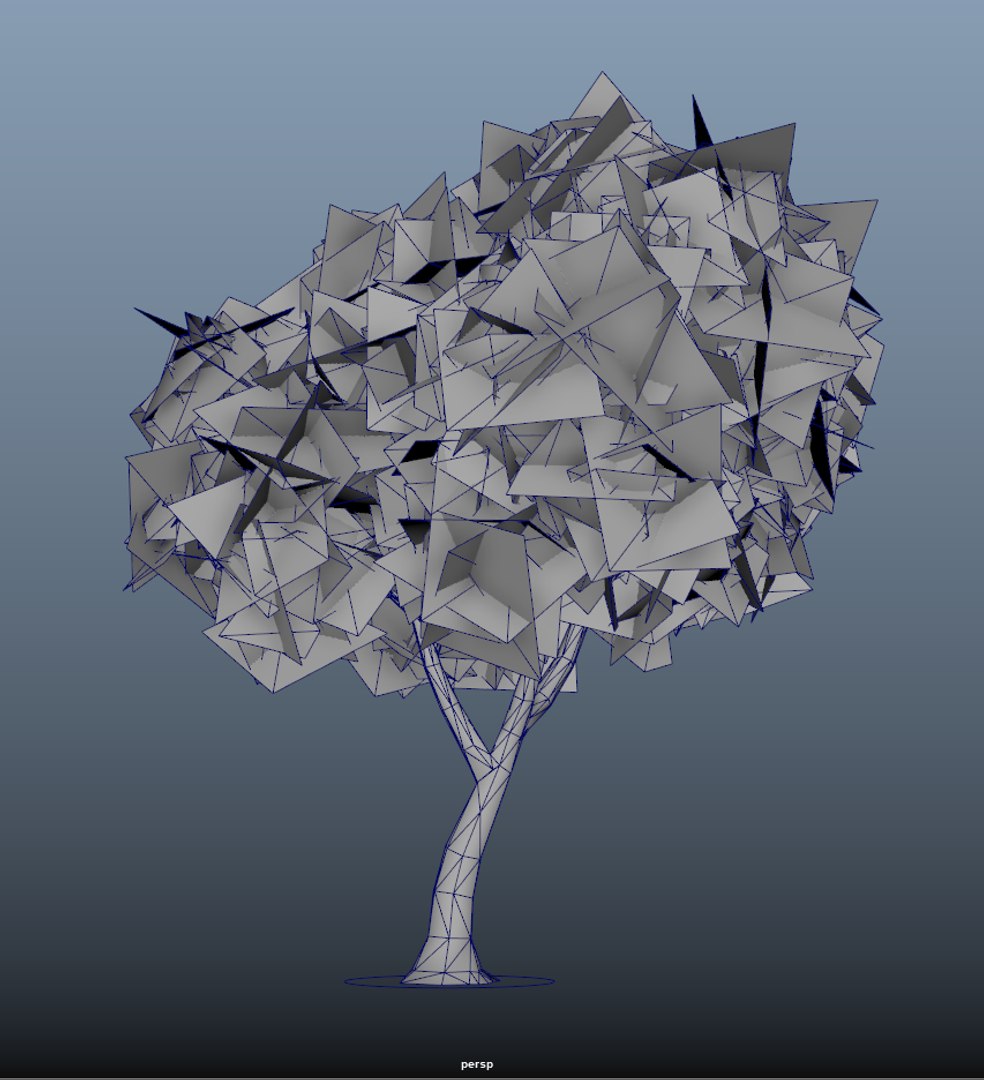
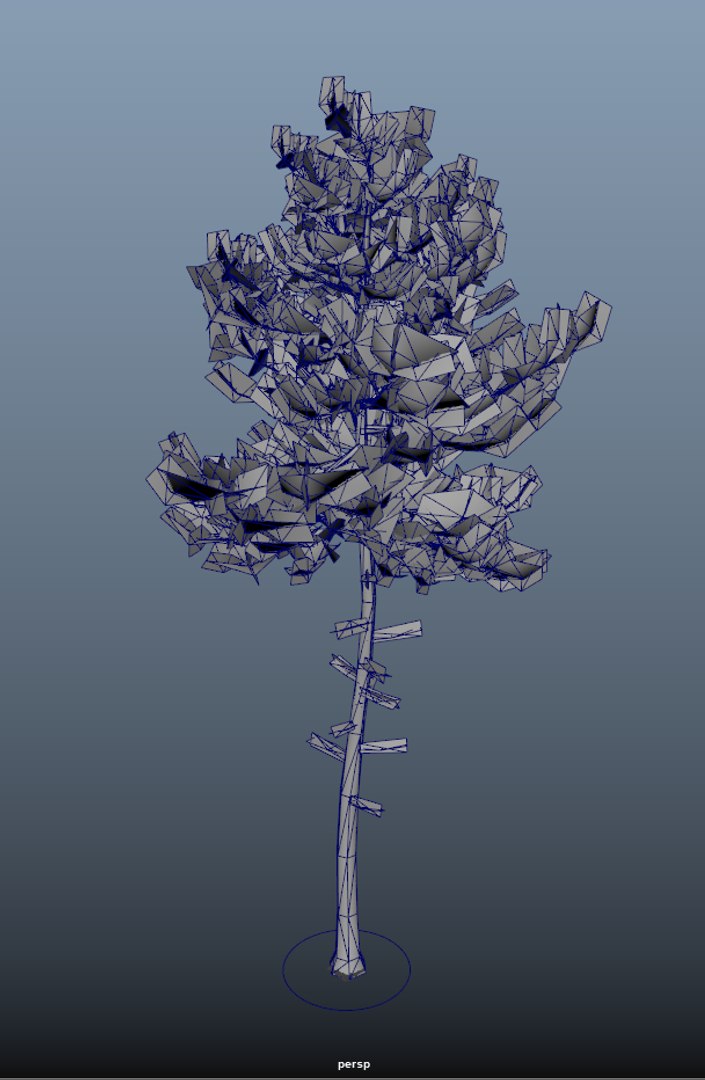
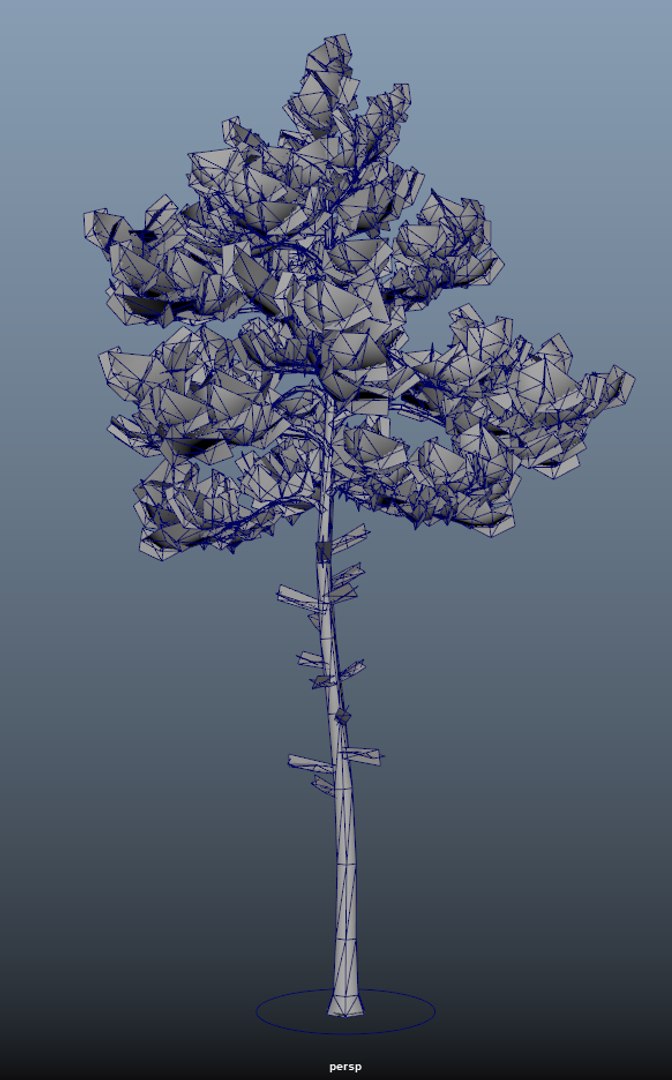
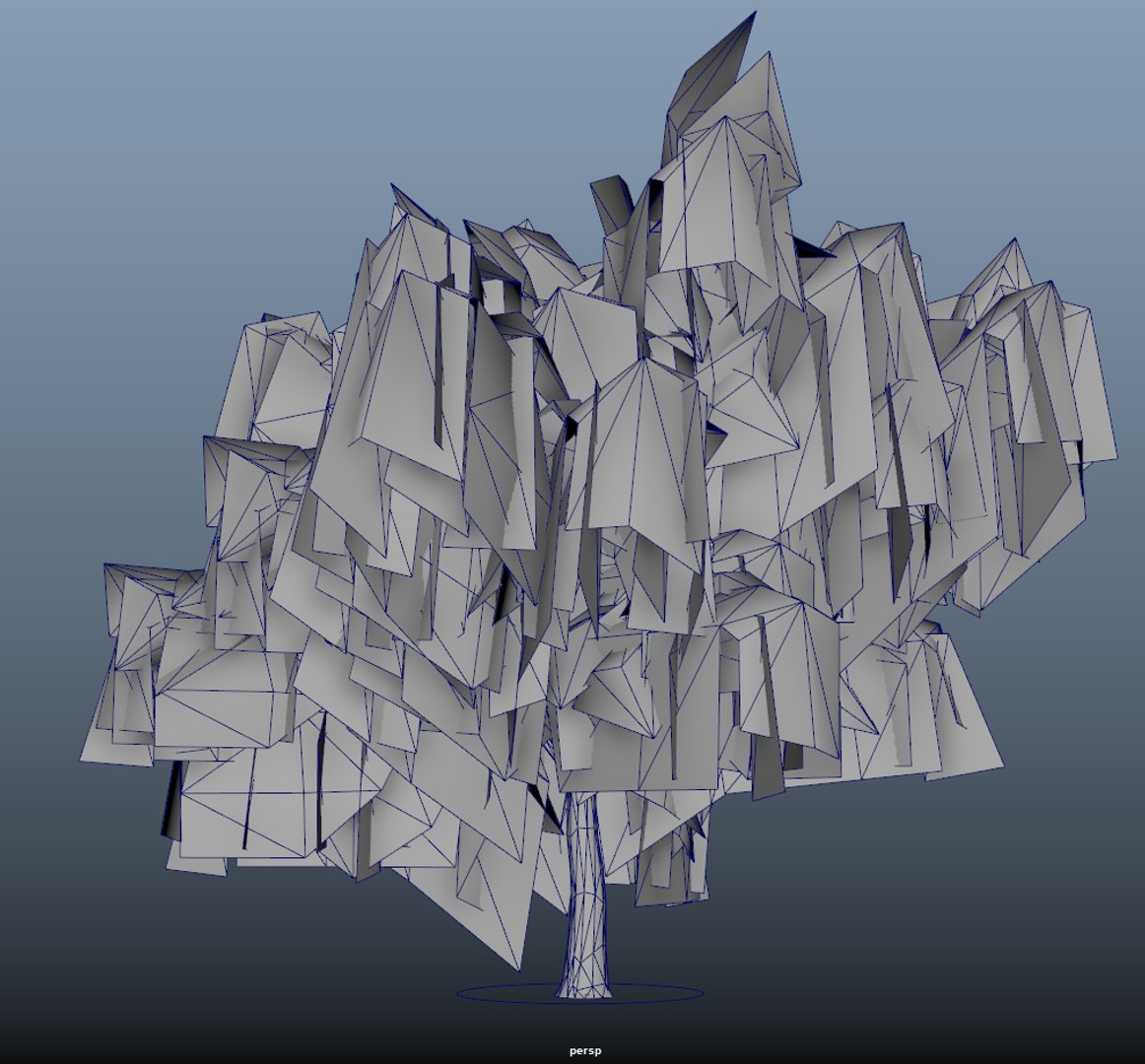
Spring trees x20 No.1

$5

Standard License | Upgrade License
Formats (1)
Native | Maya 2018 | V-Ray 3.2 & up
Specifications
Publish Date November 25, 2020
Product ID 1654996
Polygons 181,197
Vertices 184,655
Polygonal
Textures
Materials
UV Mapped
Non-overlapping Unwrapped UVs
Rigged
TurboSquid Exclusive

member avatar
DukeArt
50 Products | Contributor Since 2020
Have questions? Chat with us now.

Description

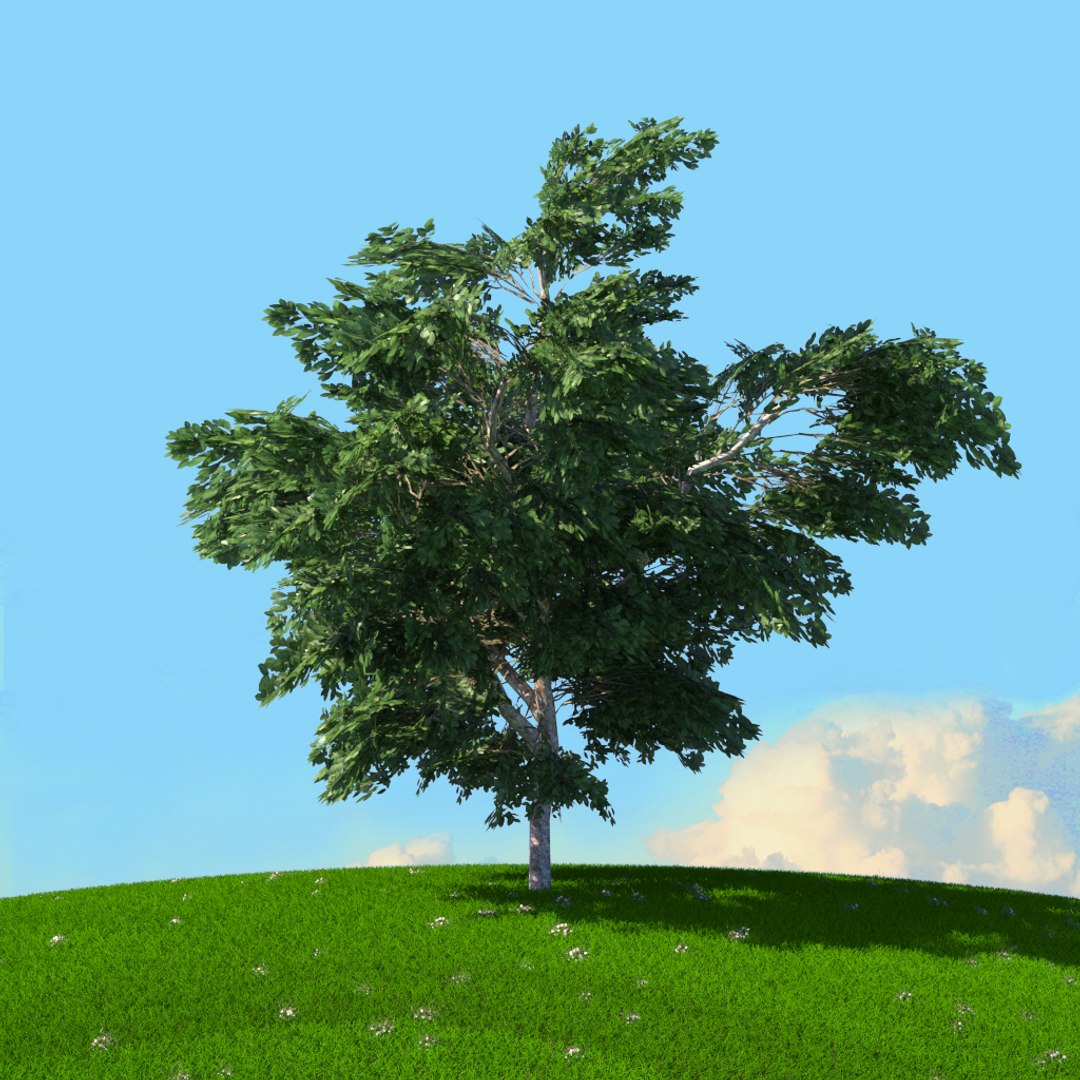
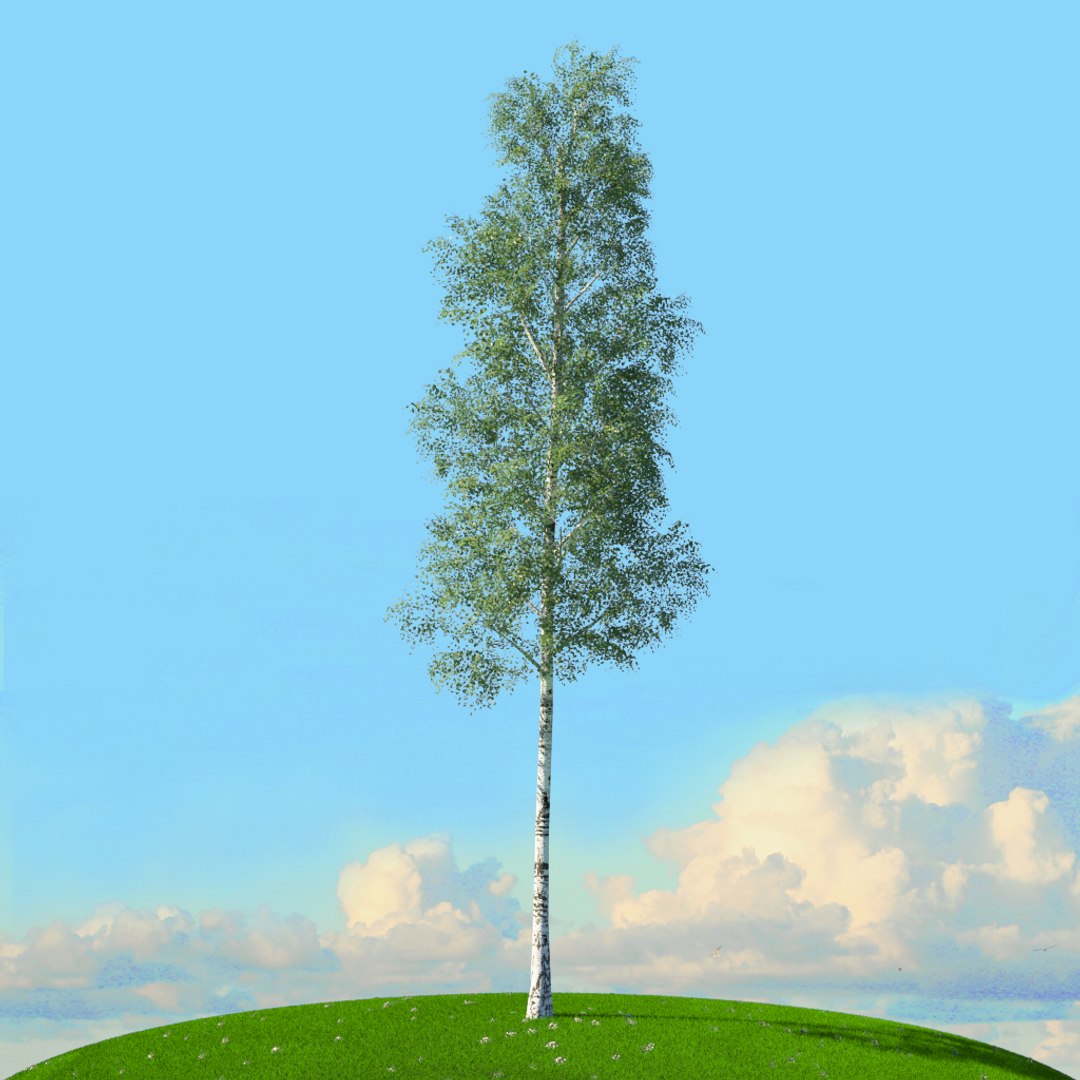
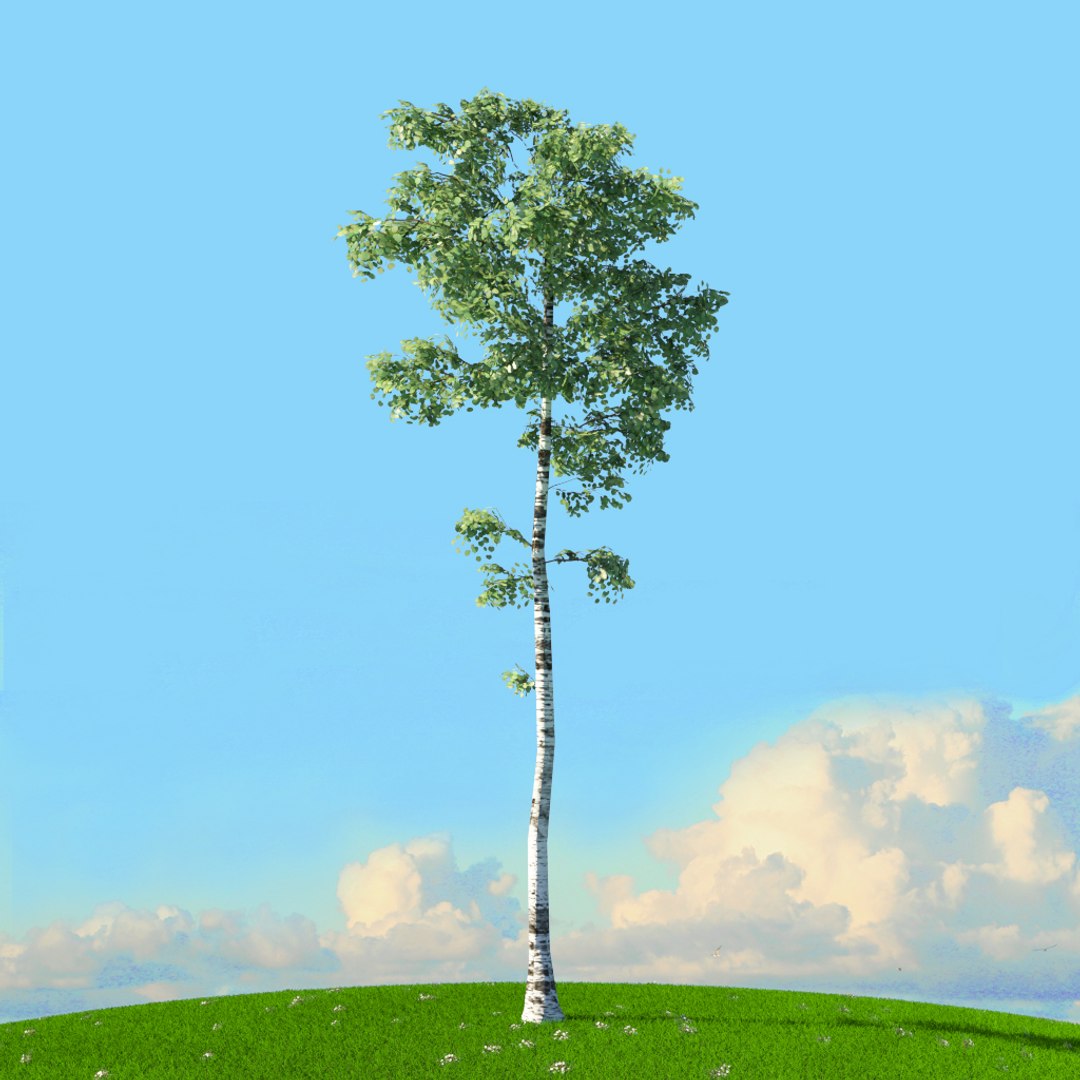
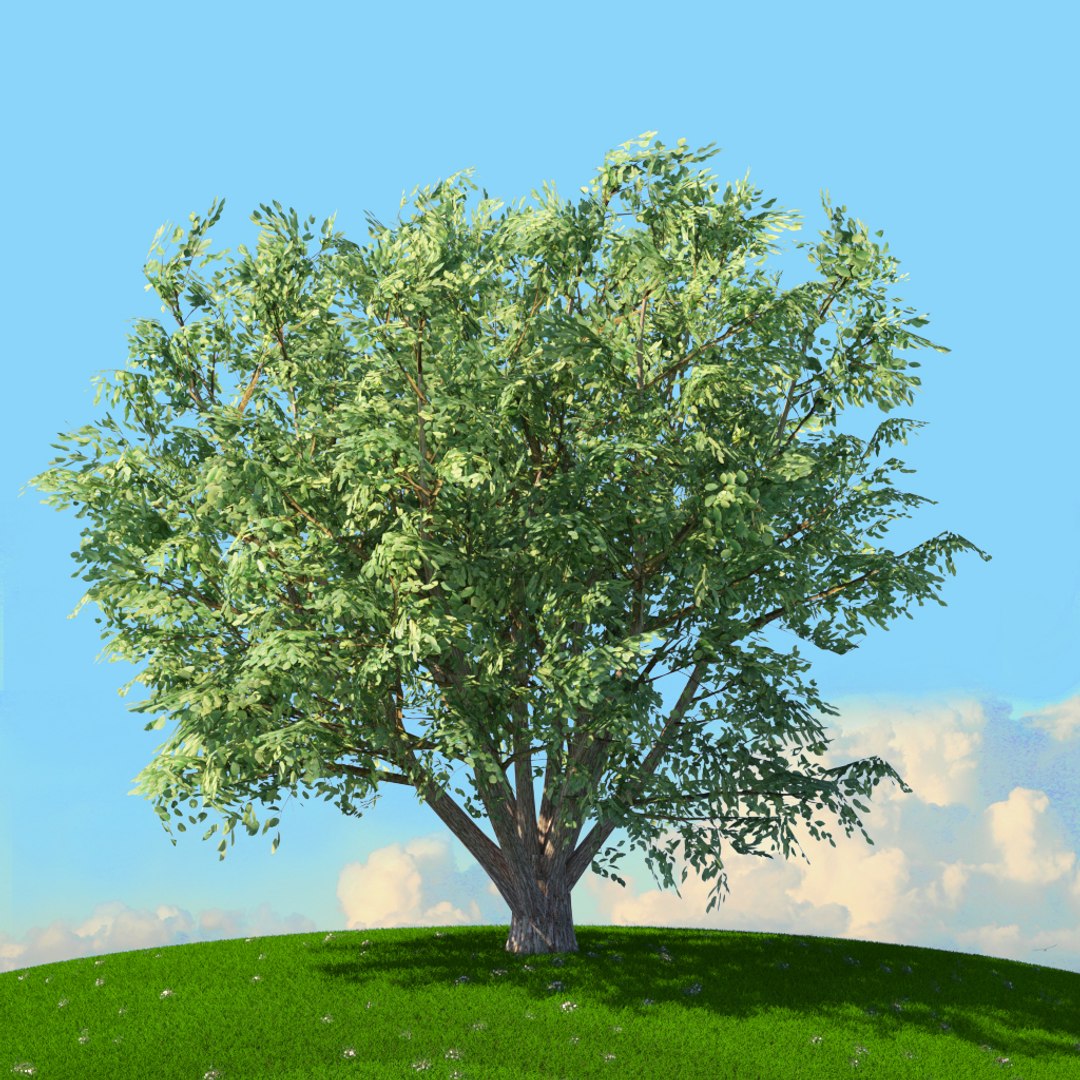
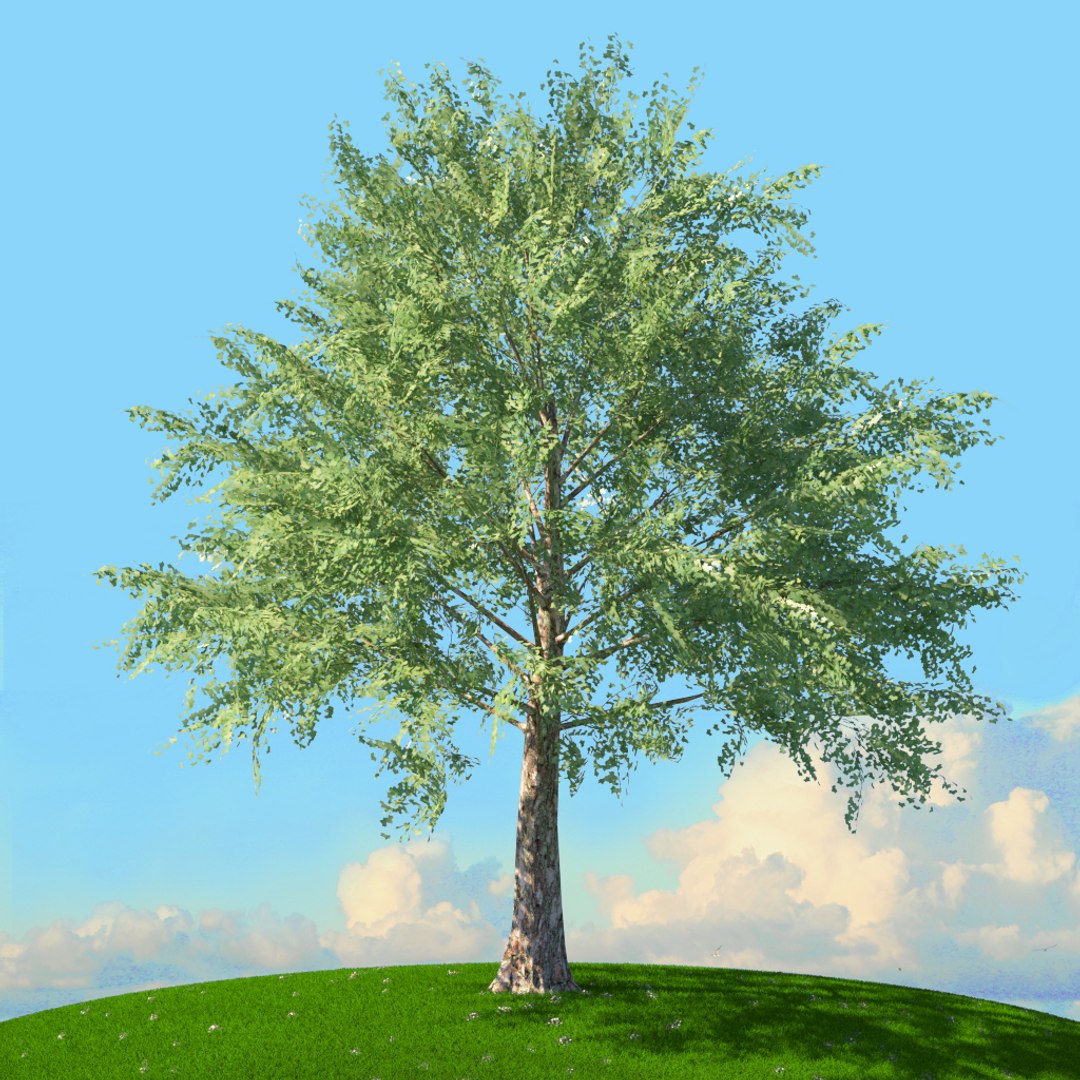
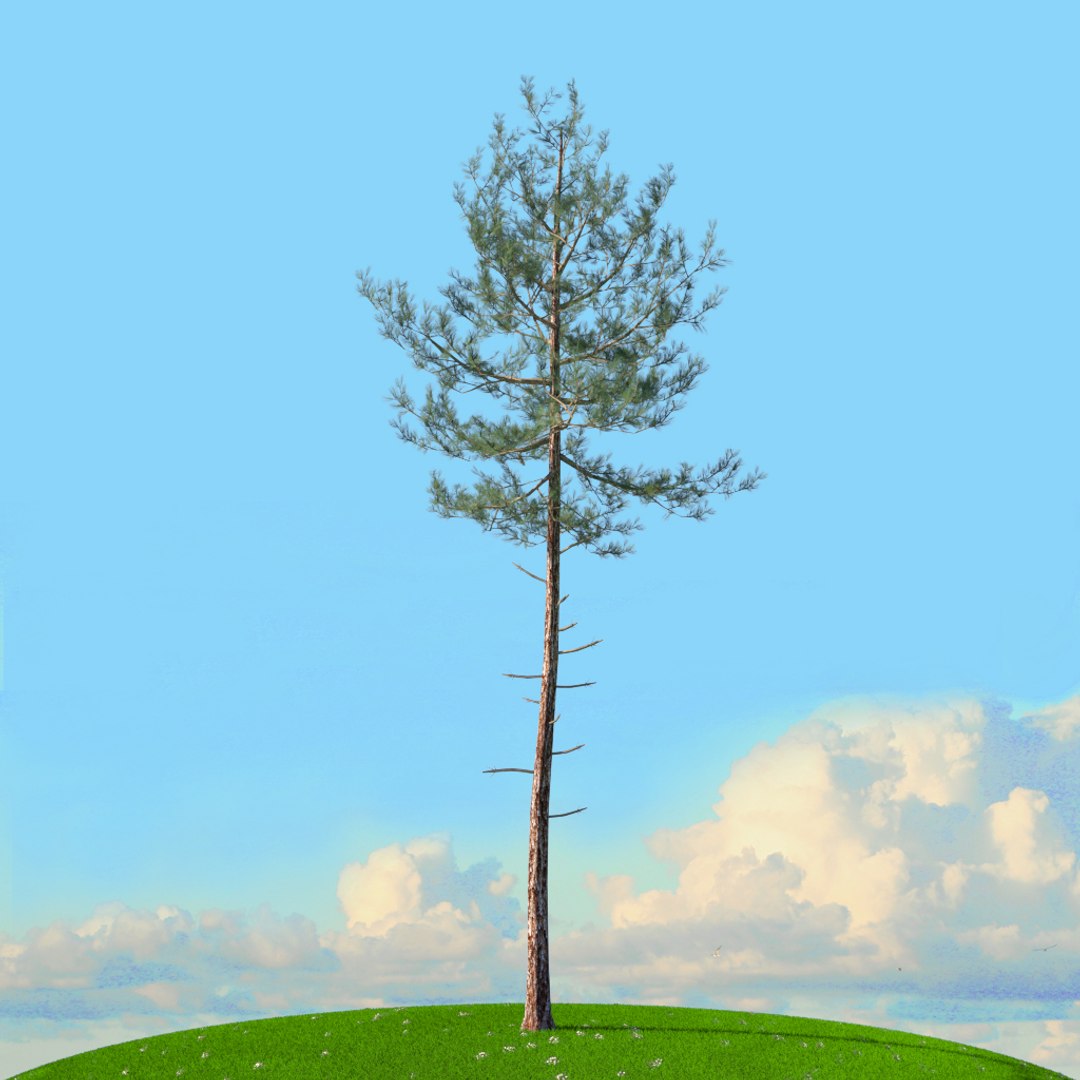
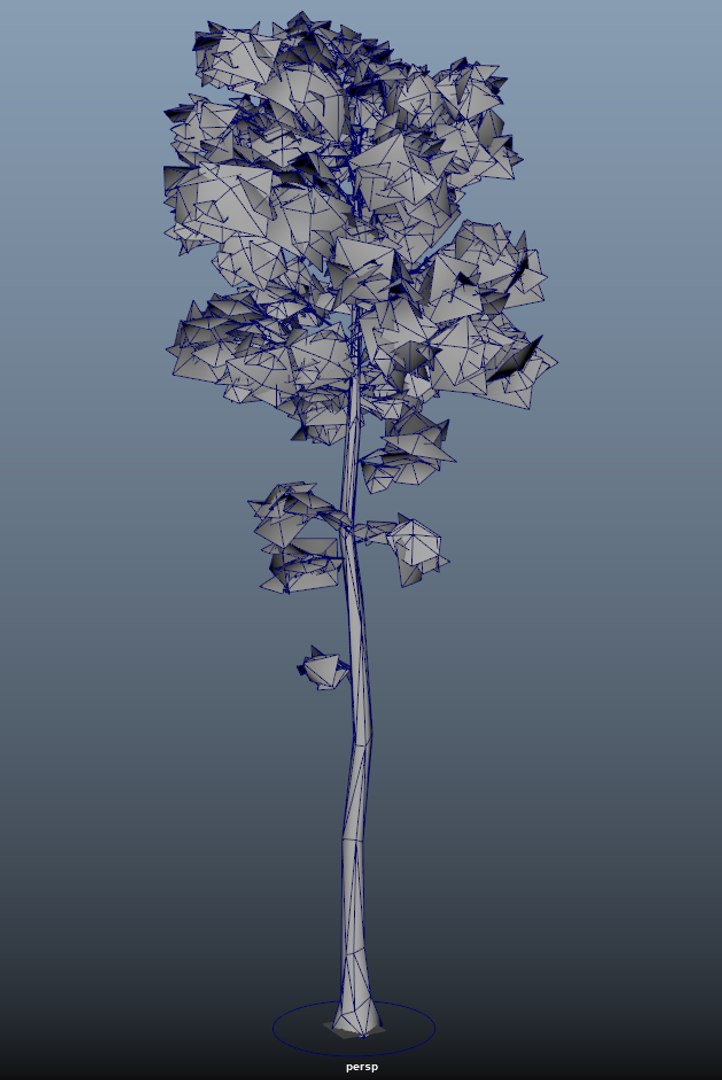
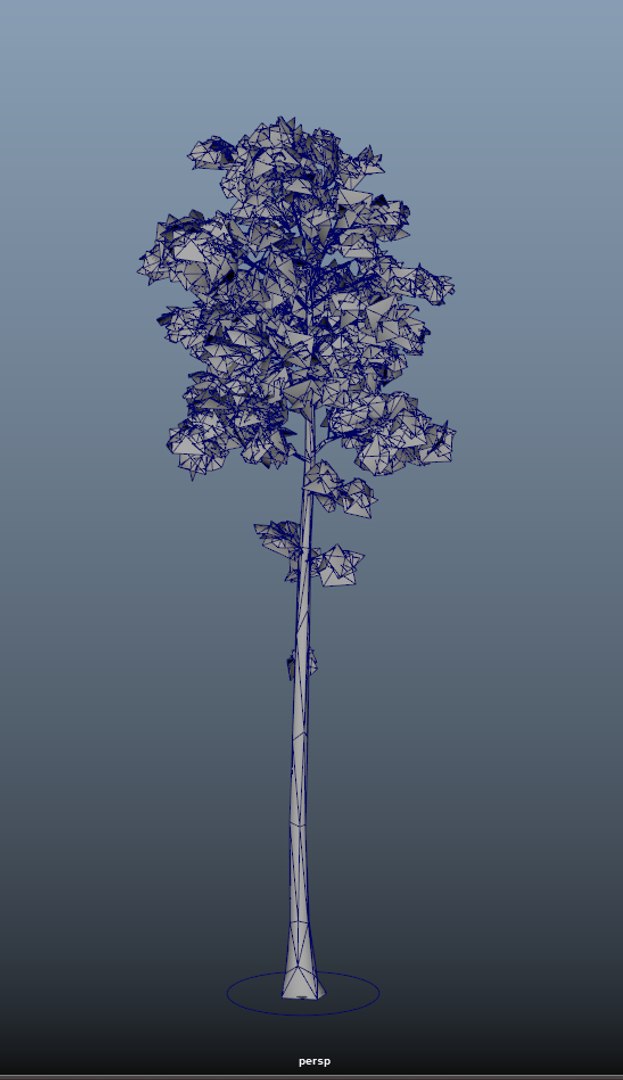
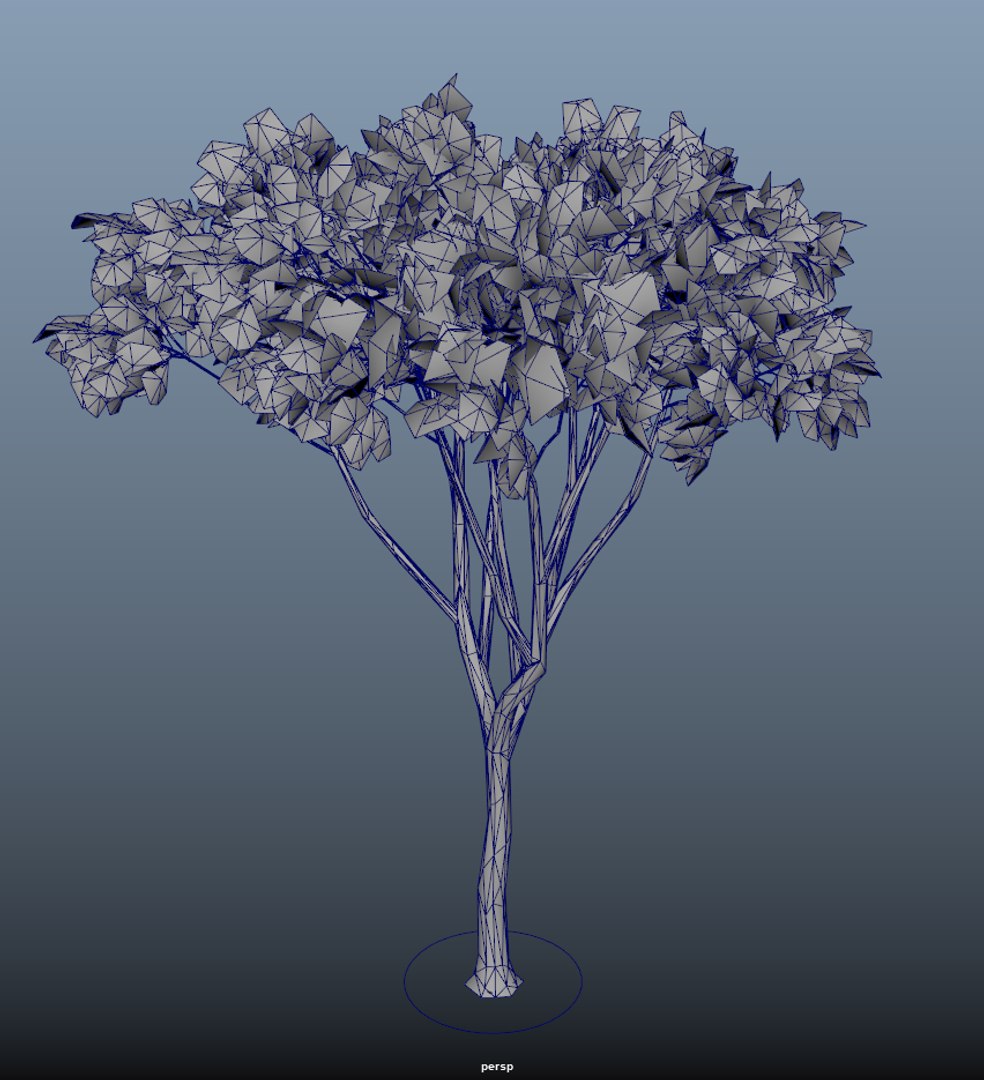
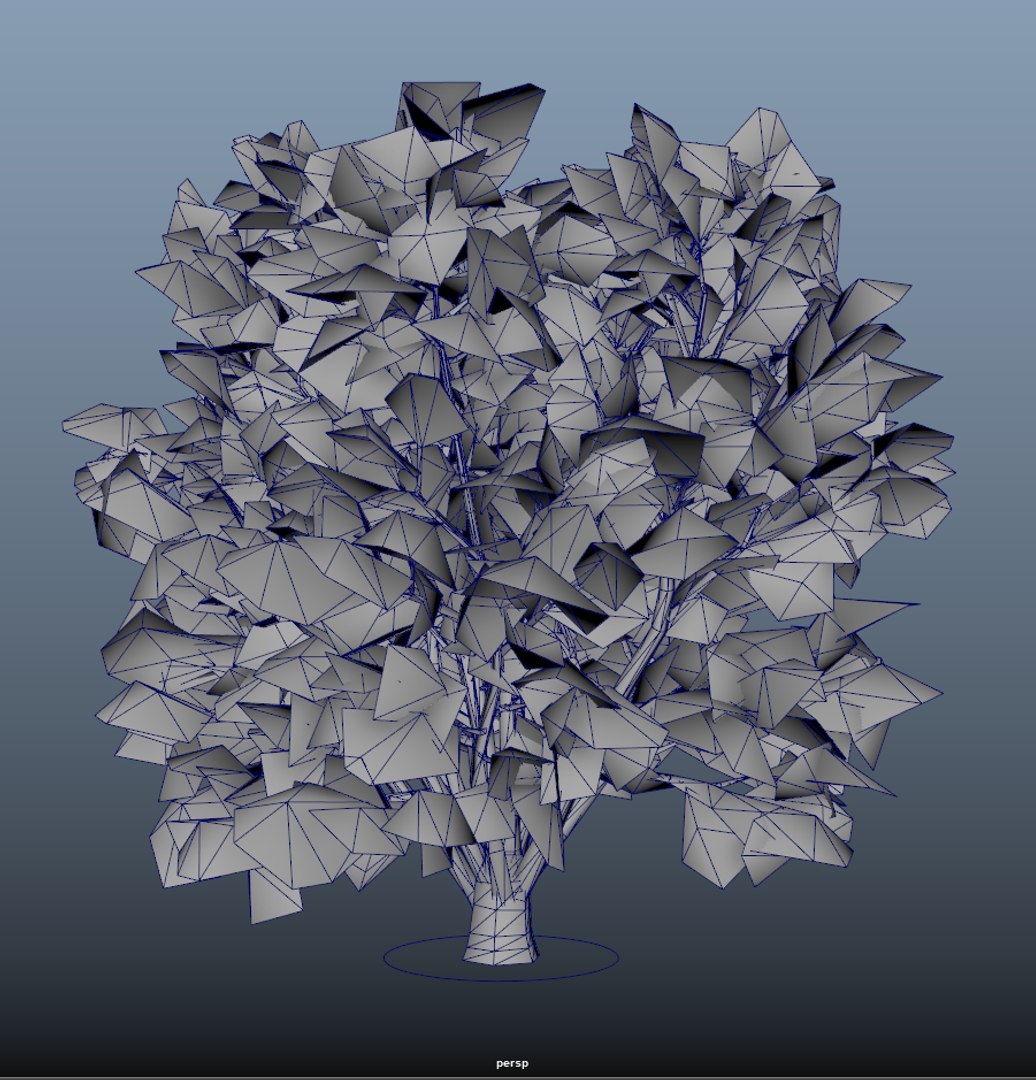
This product in the series of trees. there is a pack for each season that you can download and use. this pack contains 40 spring trees that you can use it

easily. You can use these examples to decorate the environment of your projects. In addition, these models can be used for all areas of CG, including

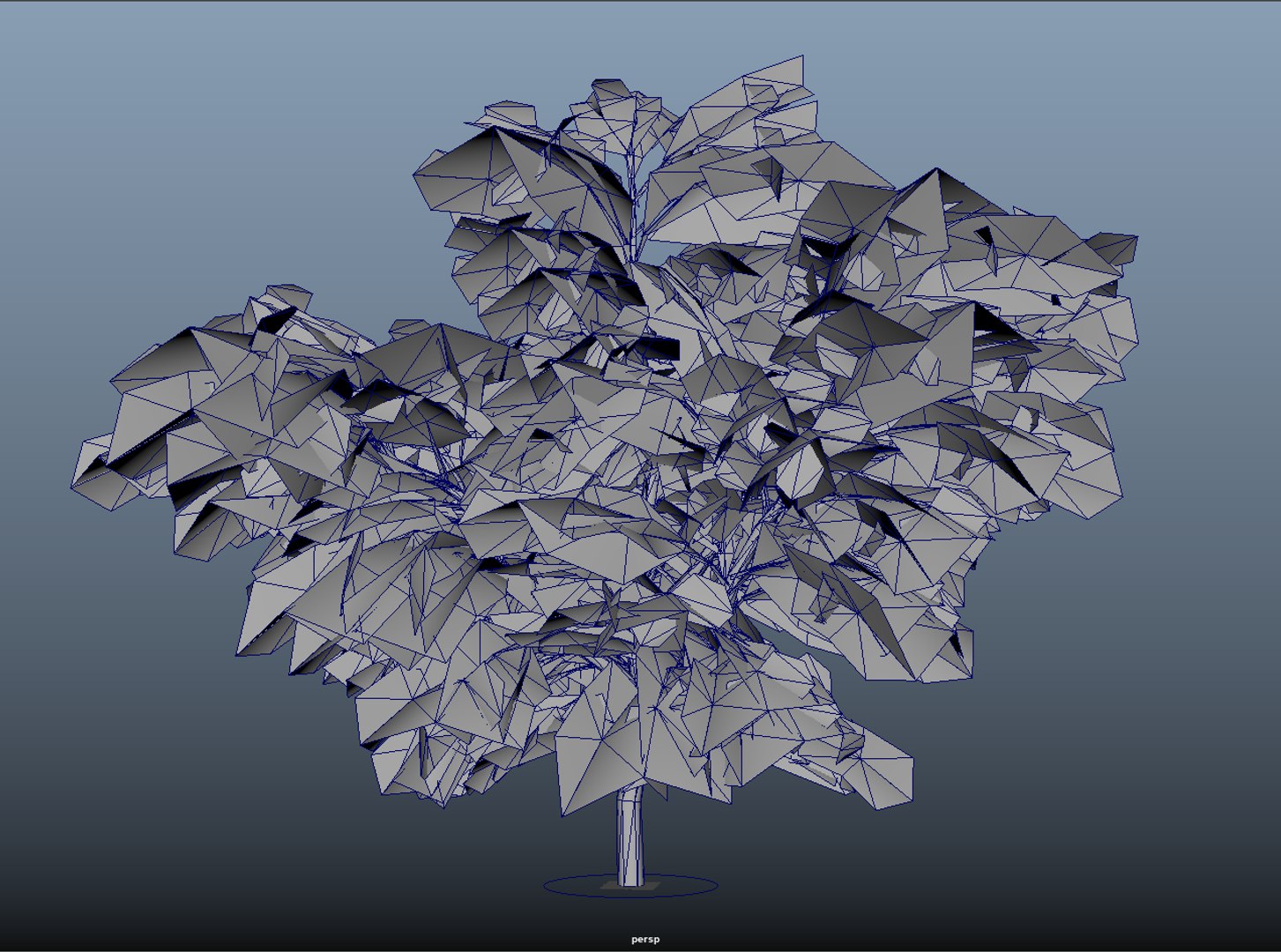
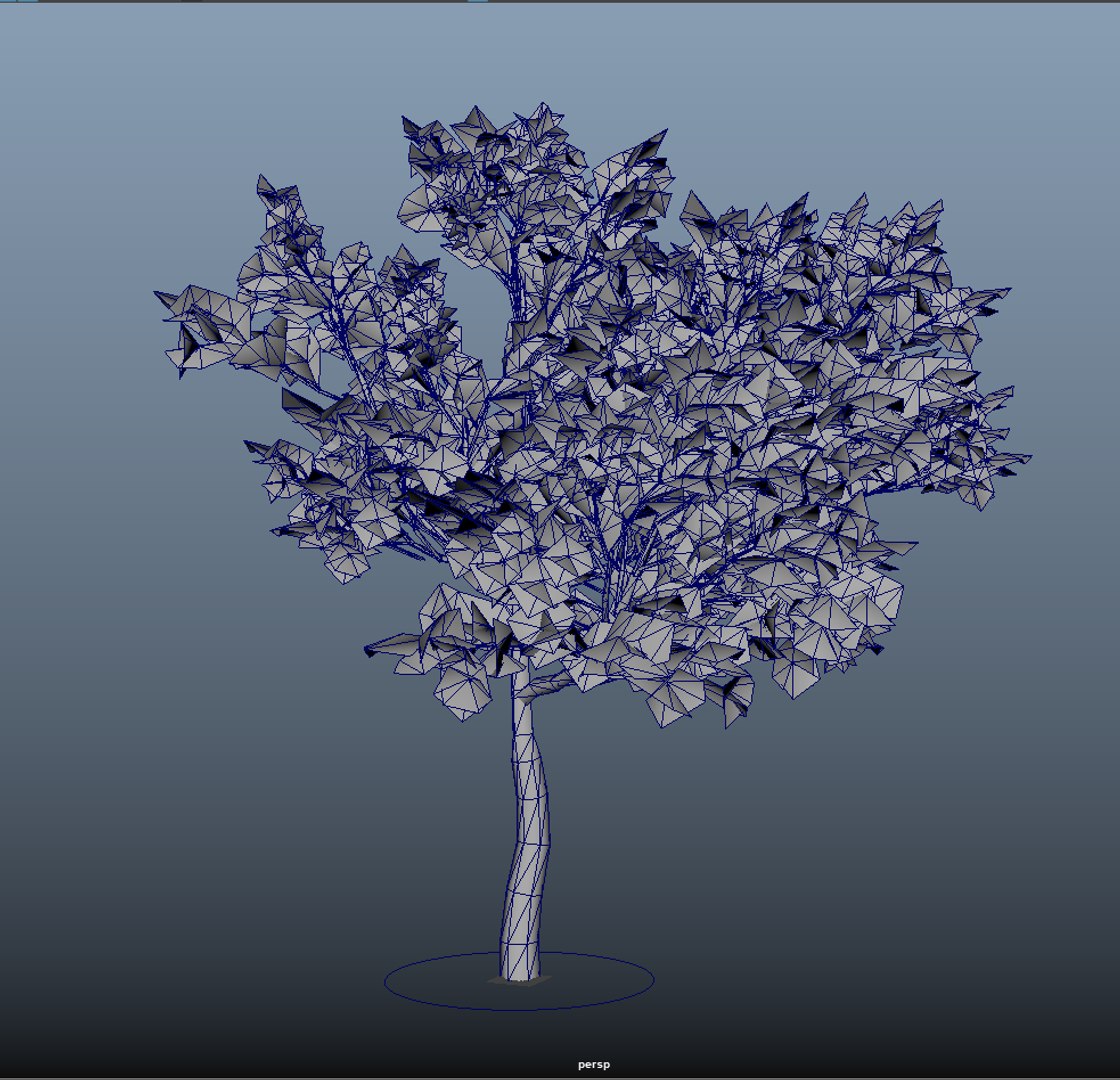
animation, cinema, graphics, architecture and game development. The materials and textures used in this package are also of good quality. In addition, one

of the advantages of this package is that these are low poly objects. Also, rig setup of all models has been implemented for ease of use.

Material:
In this package, advanced V-RAY materials are used to have the best look and render.

Textures:
multiple texures used in the material
_diffuse
_bump & normal
_reflection
_specular
_opacity

File formats:
1-MAYA 2018 V-RAY 3.2 or up
2_OBJ file
3_FBX file

Professional UV layout

How to use:
1-extract the rar file
2-set the project for any project that you want
3-open or import the scene and enjoy

if you have any questions and need any support please email us.
thank you ^^
Categories

Select Enhanced License

  • $10,000 in Legal Protection (Indemnification)
  • Uncapped Legal Protection (Indemnification)
  • Waiver from injunctive relief
  • Assignable model rights
  • $1,000,000 in Legal Protection (Indemnification)
  • Waiver from injunctive relief
  • Assignable model rights
  • $250,000 in Legal Protection (Indemnification)
  • Assignable model rights
Read more about enhanced license tiers, or contact us at enterprise@turbosquid.com. Already a Shutterstock Enterprise Customer? Contact your Shutterstock Sales Support Agent to talk about adding 3D.

About Conversion Requests

To submit a conversion request for a purchased asset, please complete our Conversion Request Form.

If you have not yet purchased a model, please review our Documentation about Conversions to learn about what limitations you may encounter with a conversion.

For any additional questions about a model’s suitability for conversion, please contact TurboSquid Support.

Loading...