
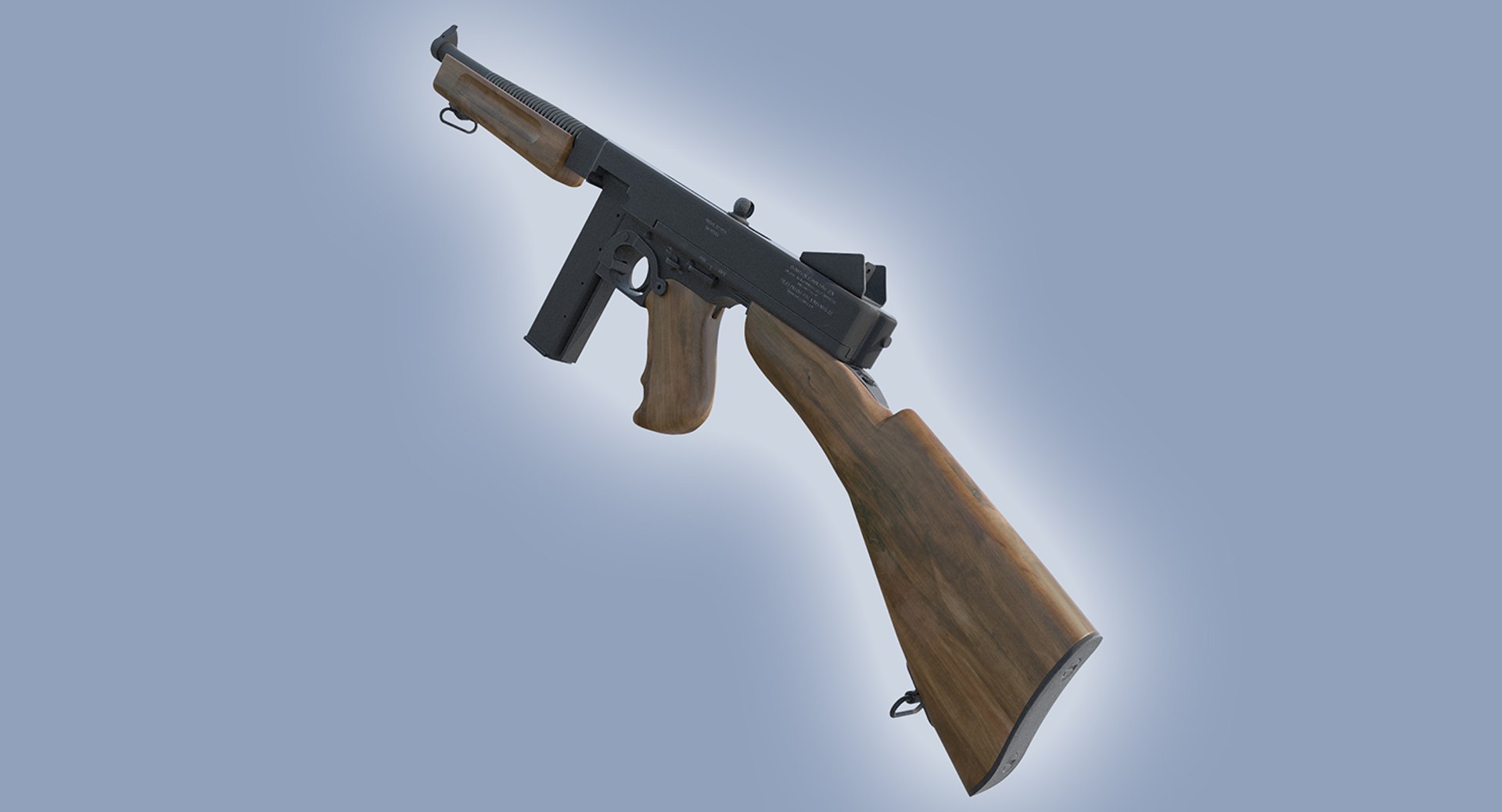
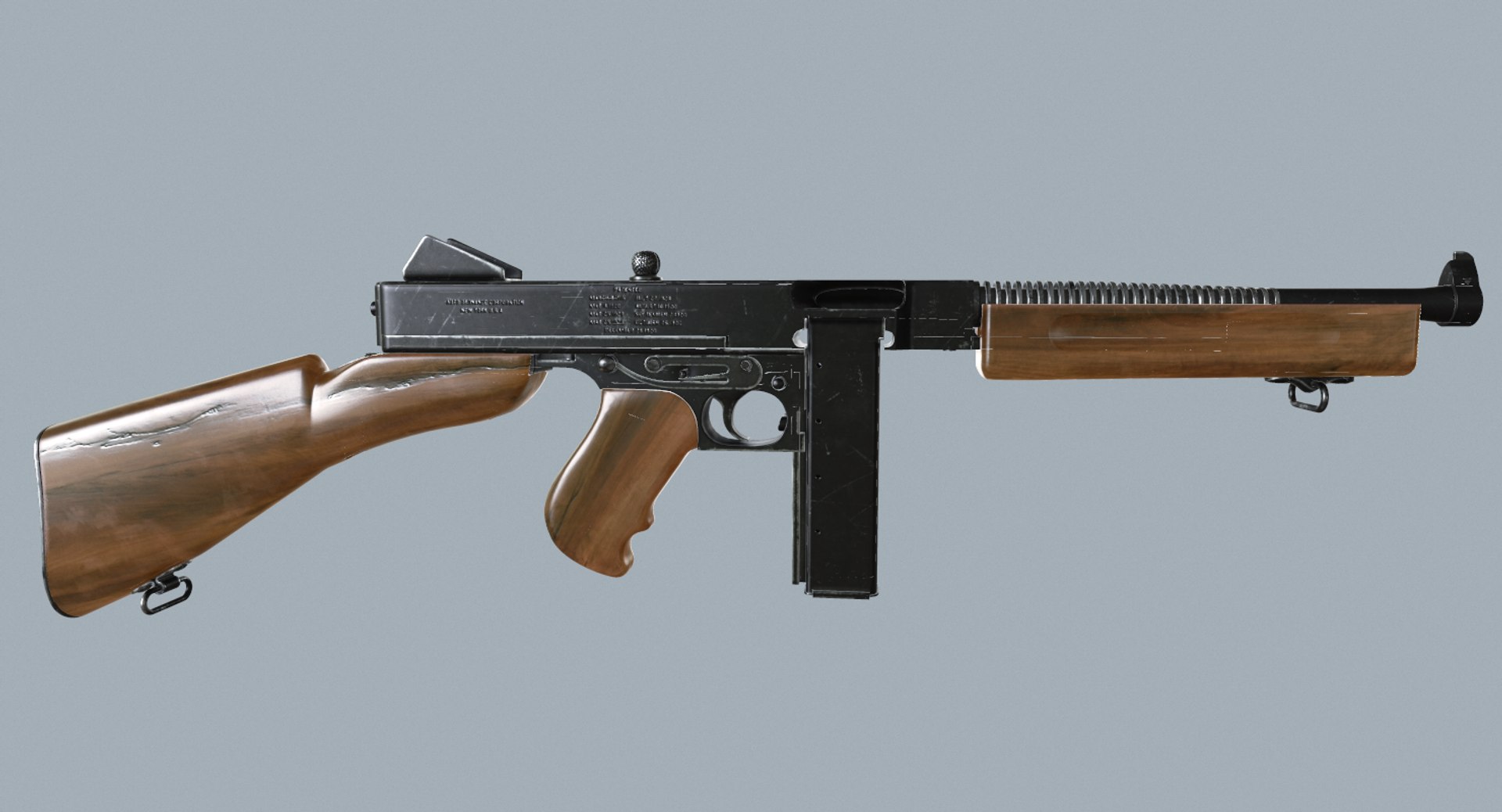
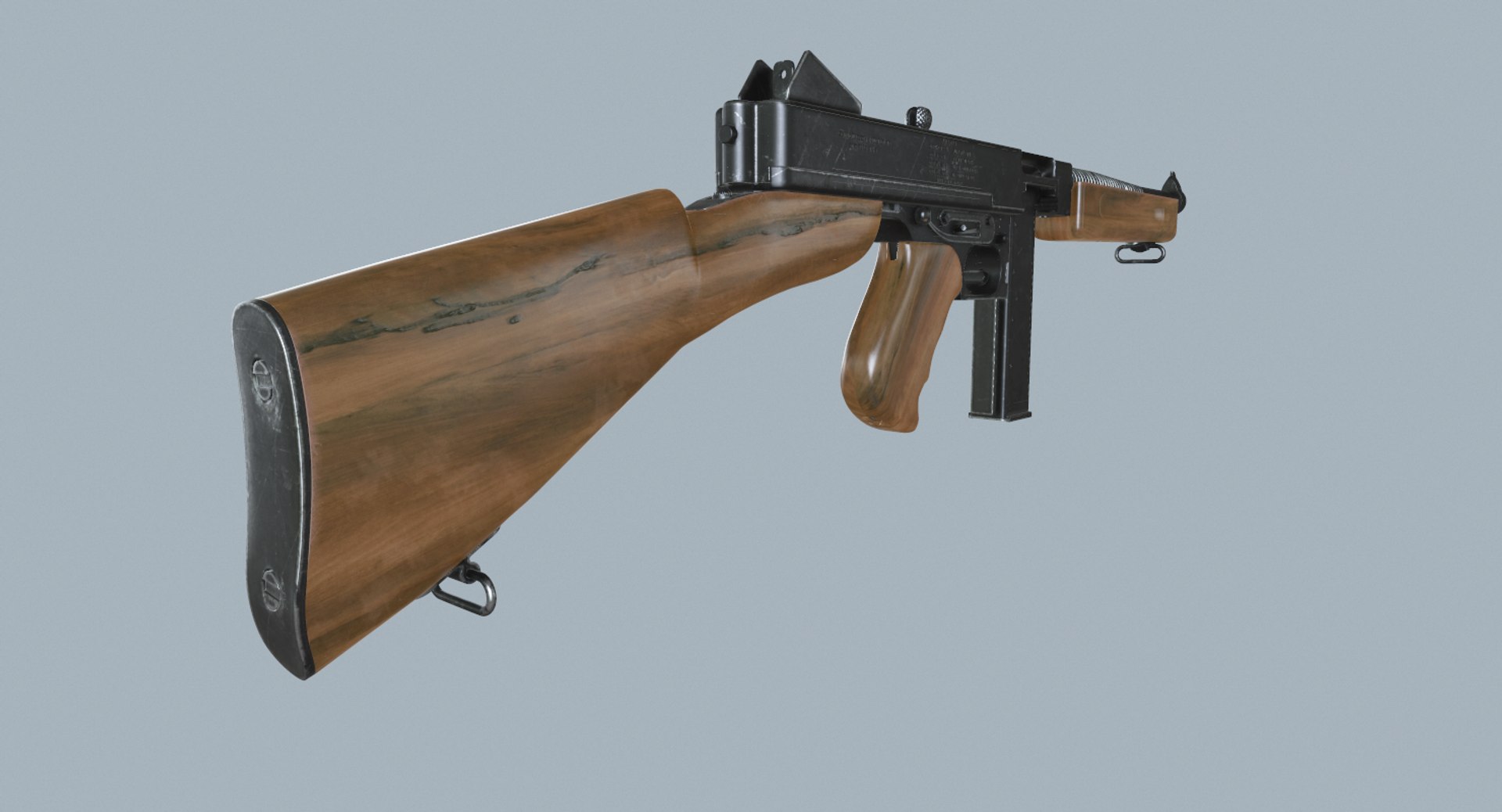
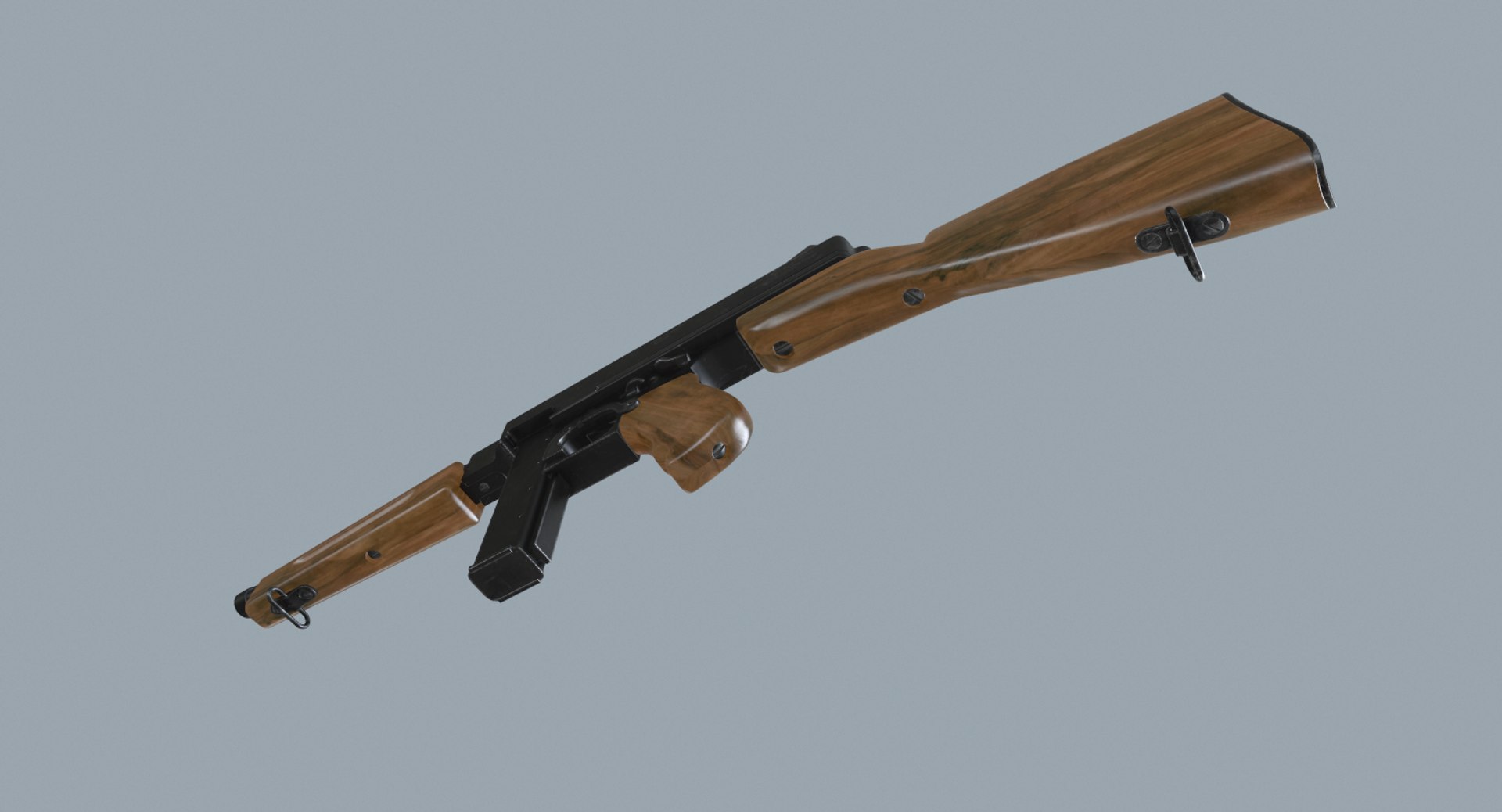
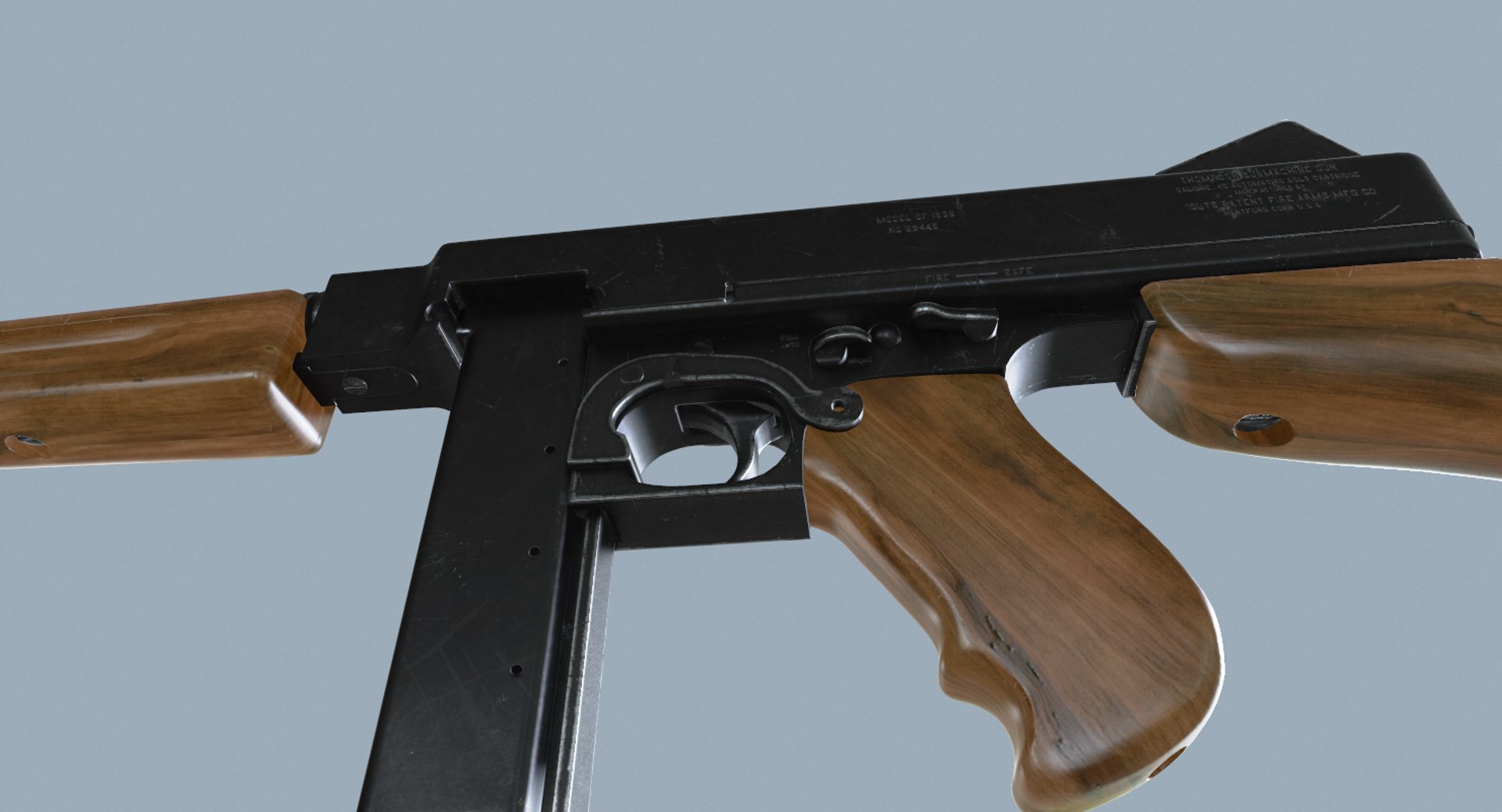
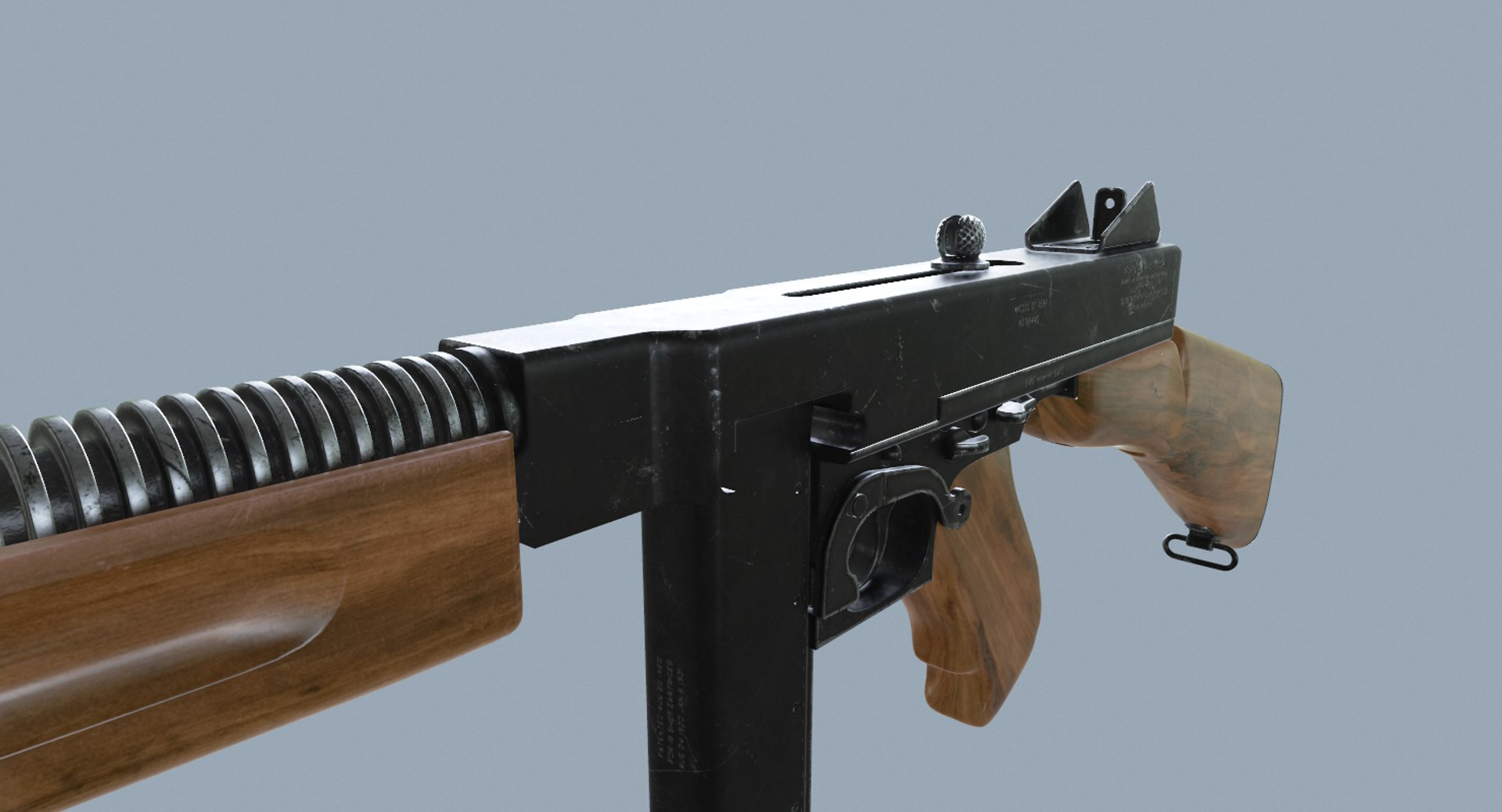
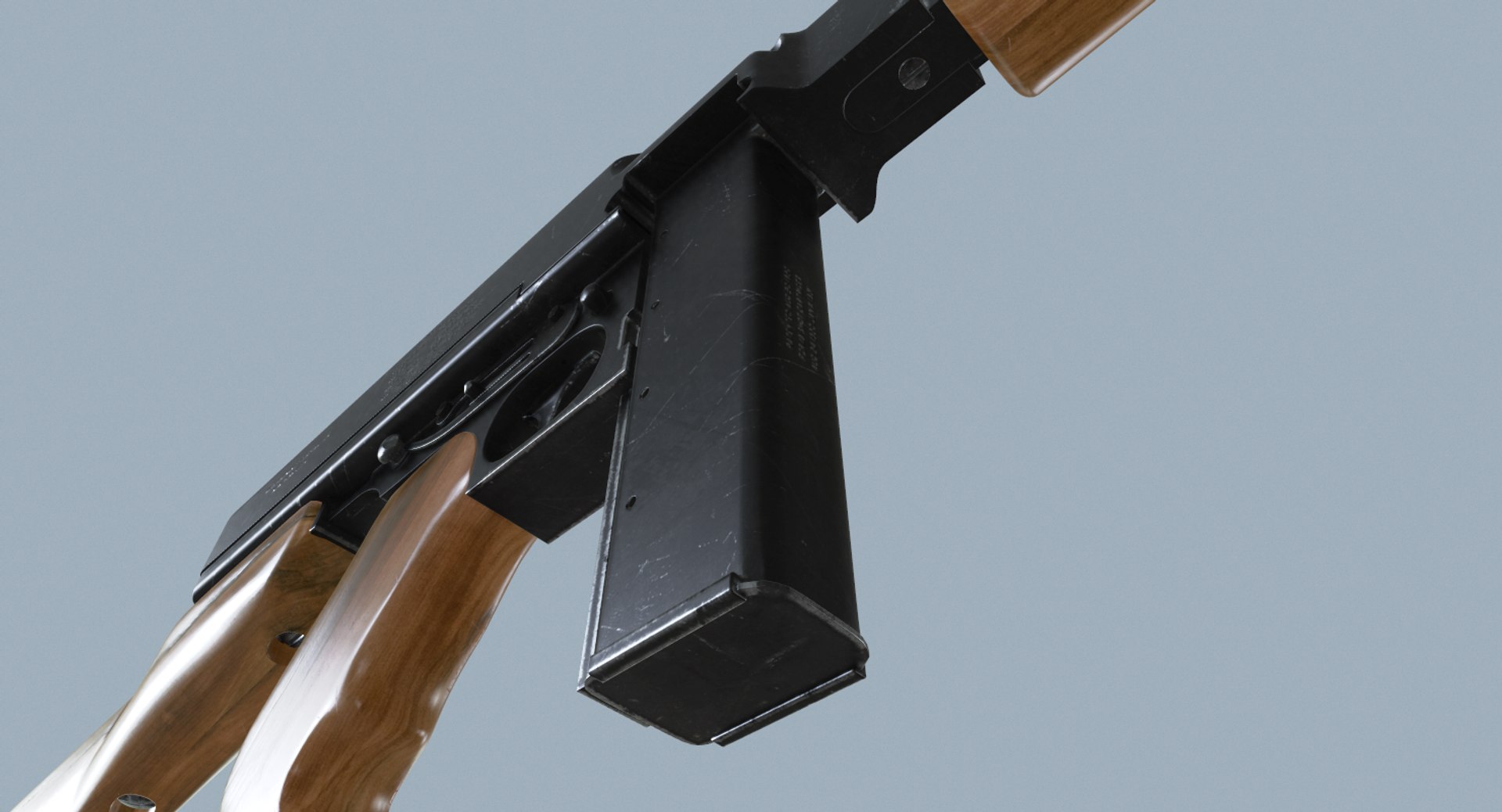
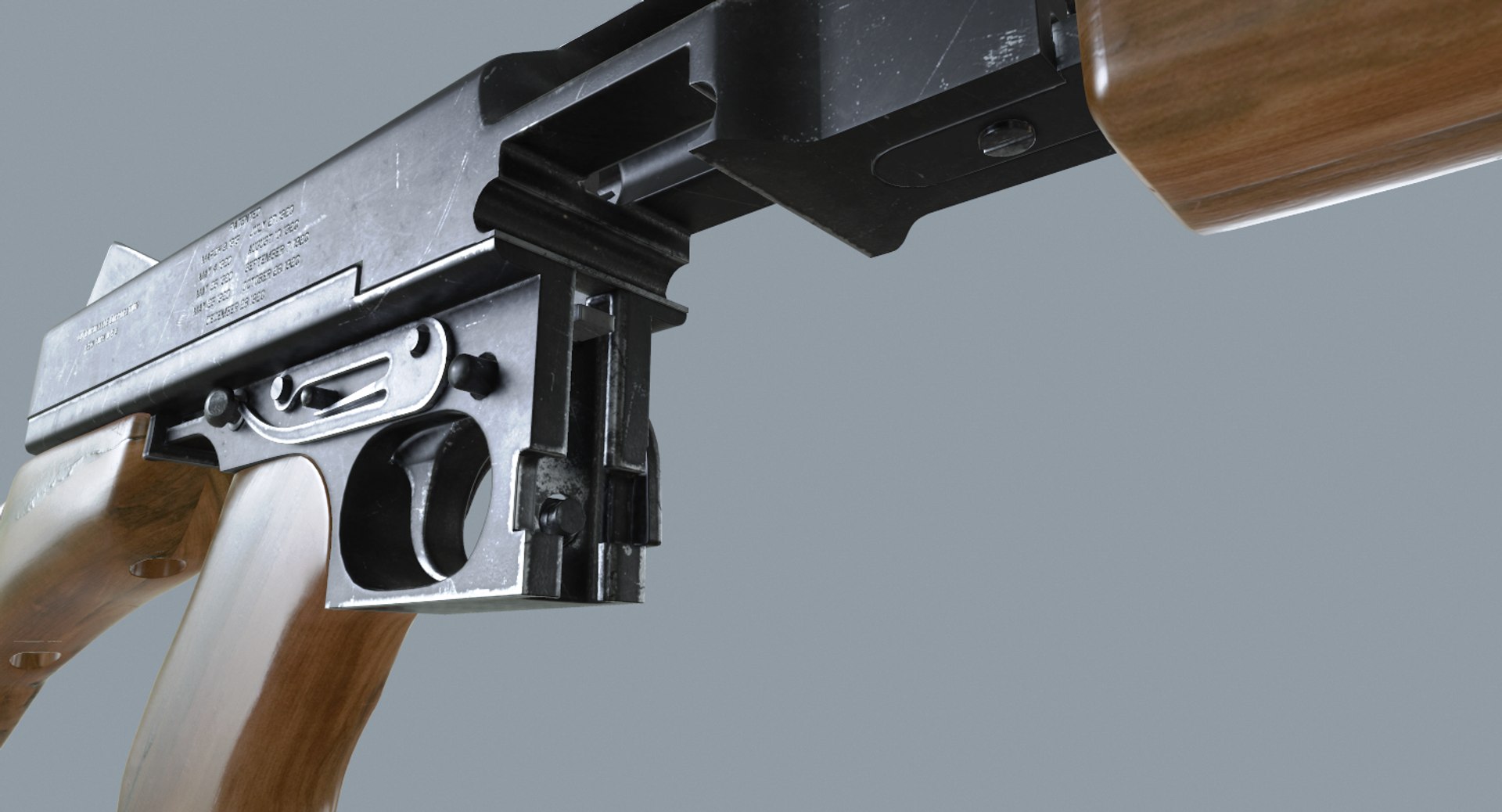
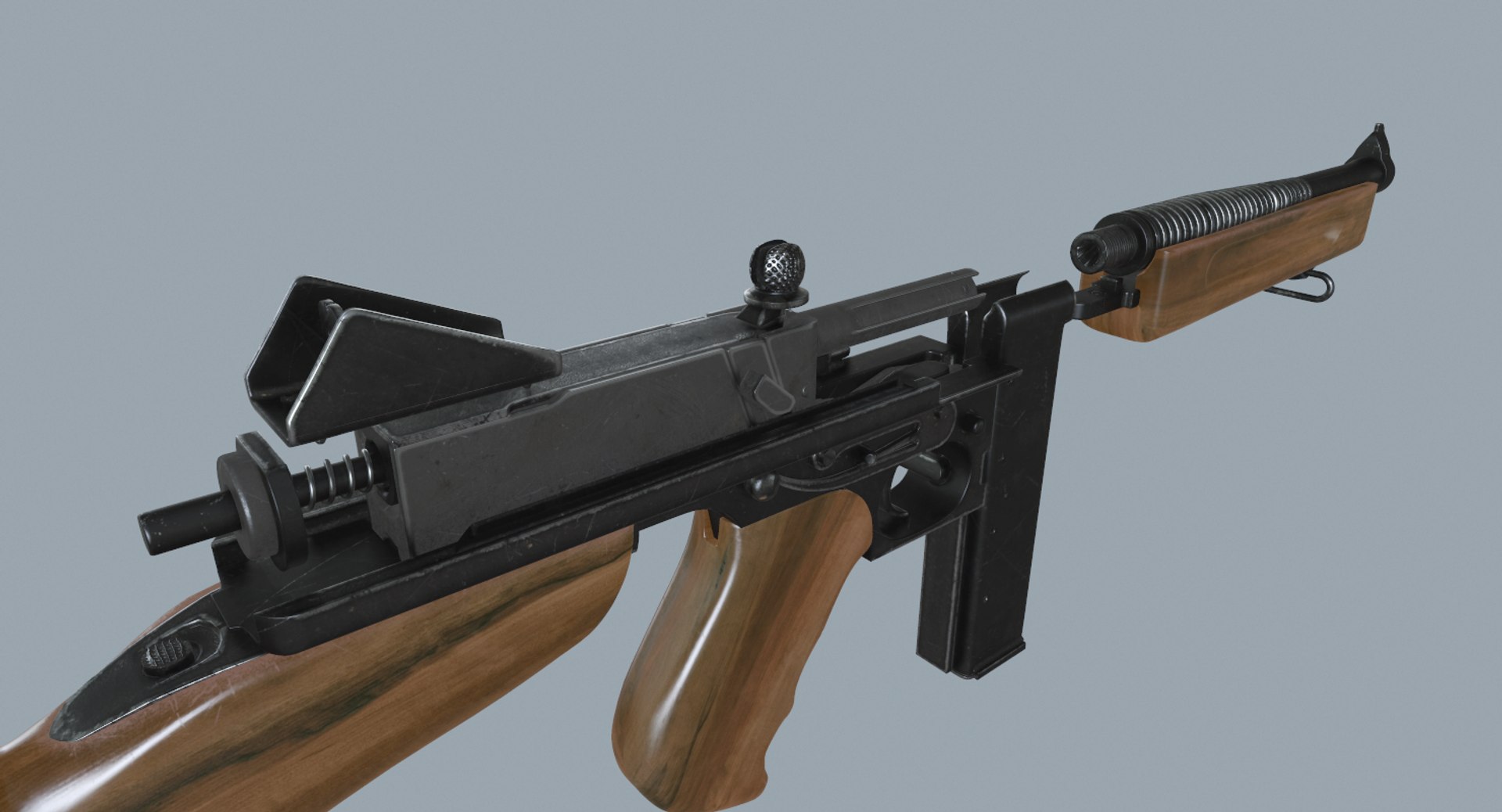
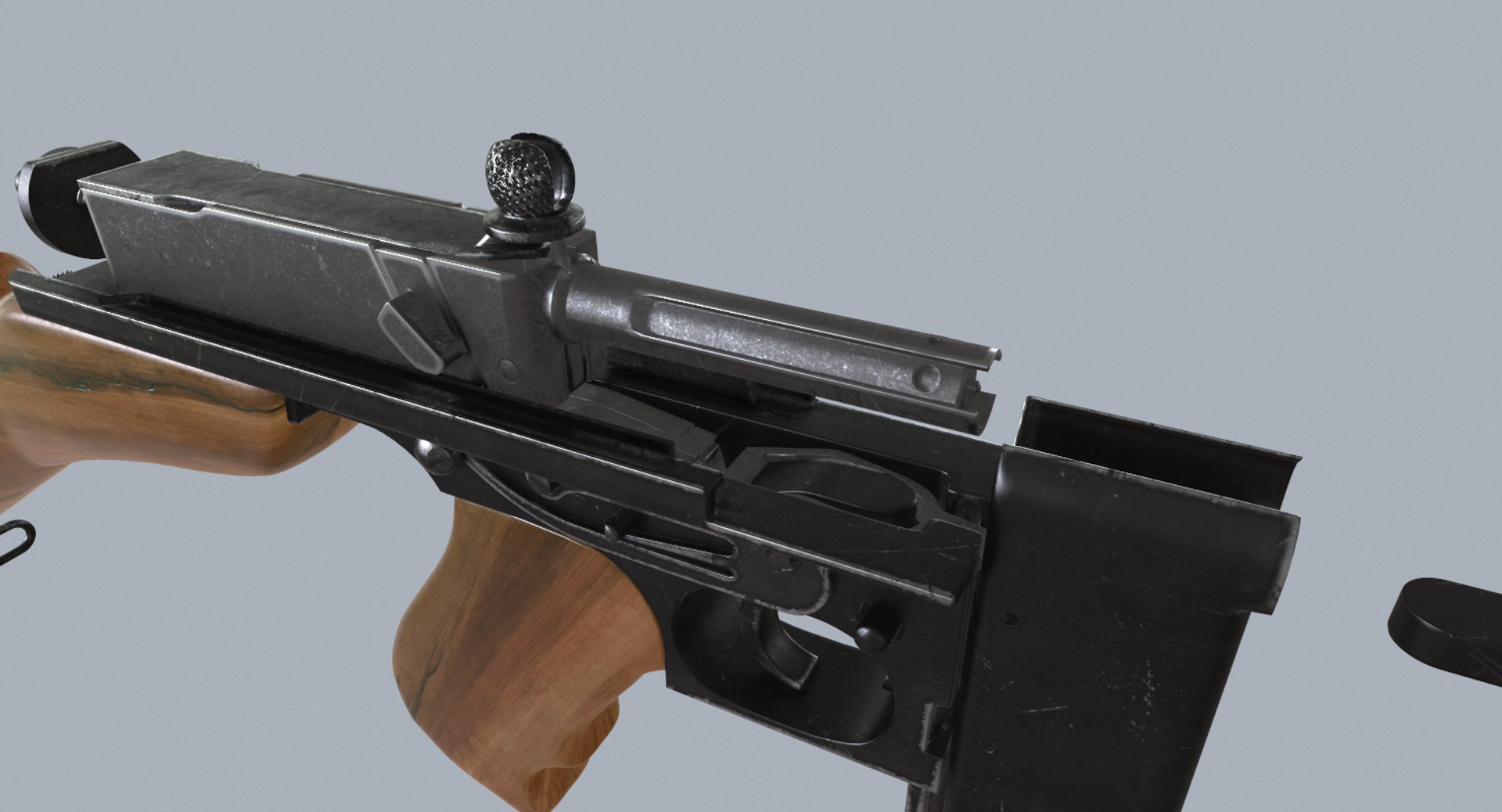
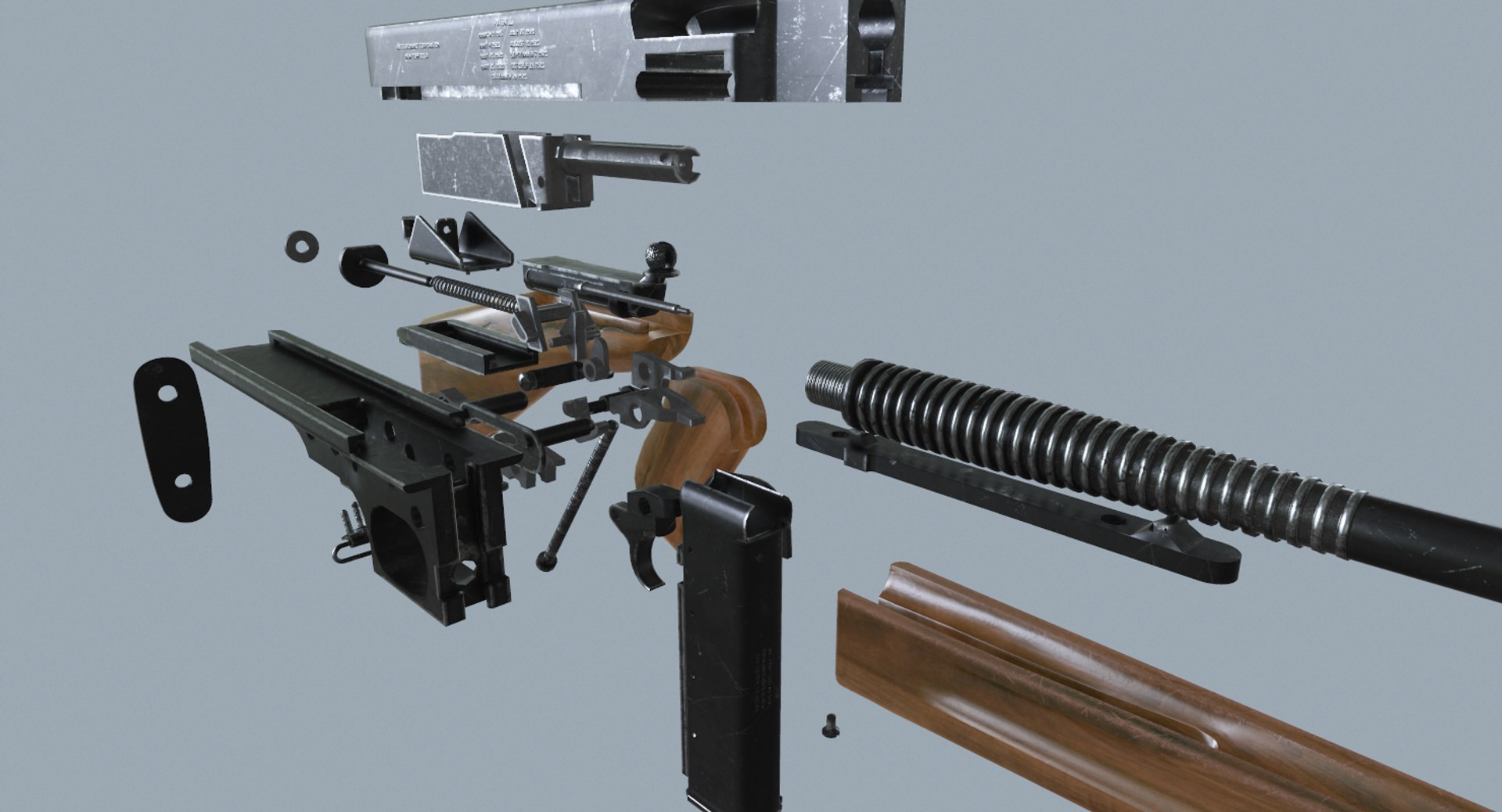
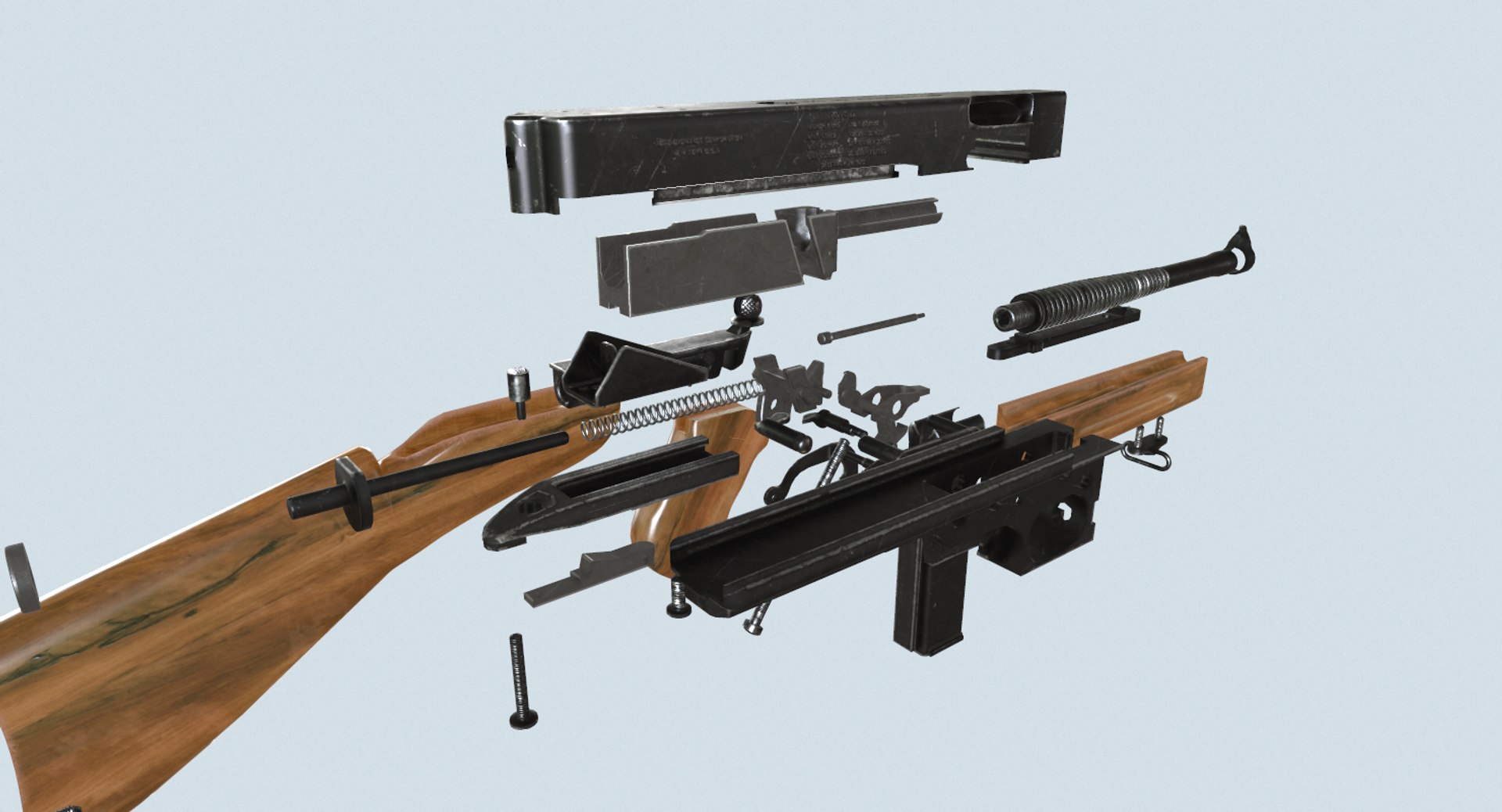
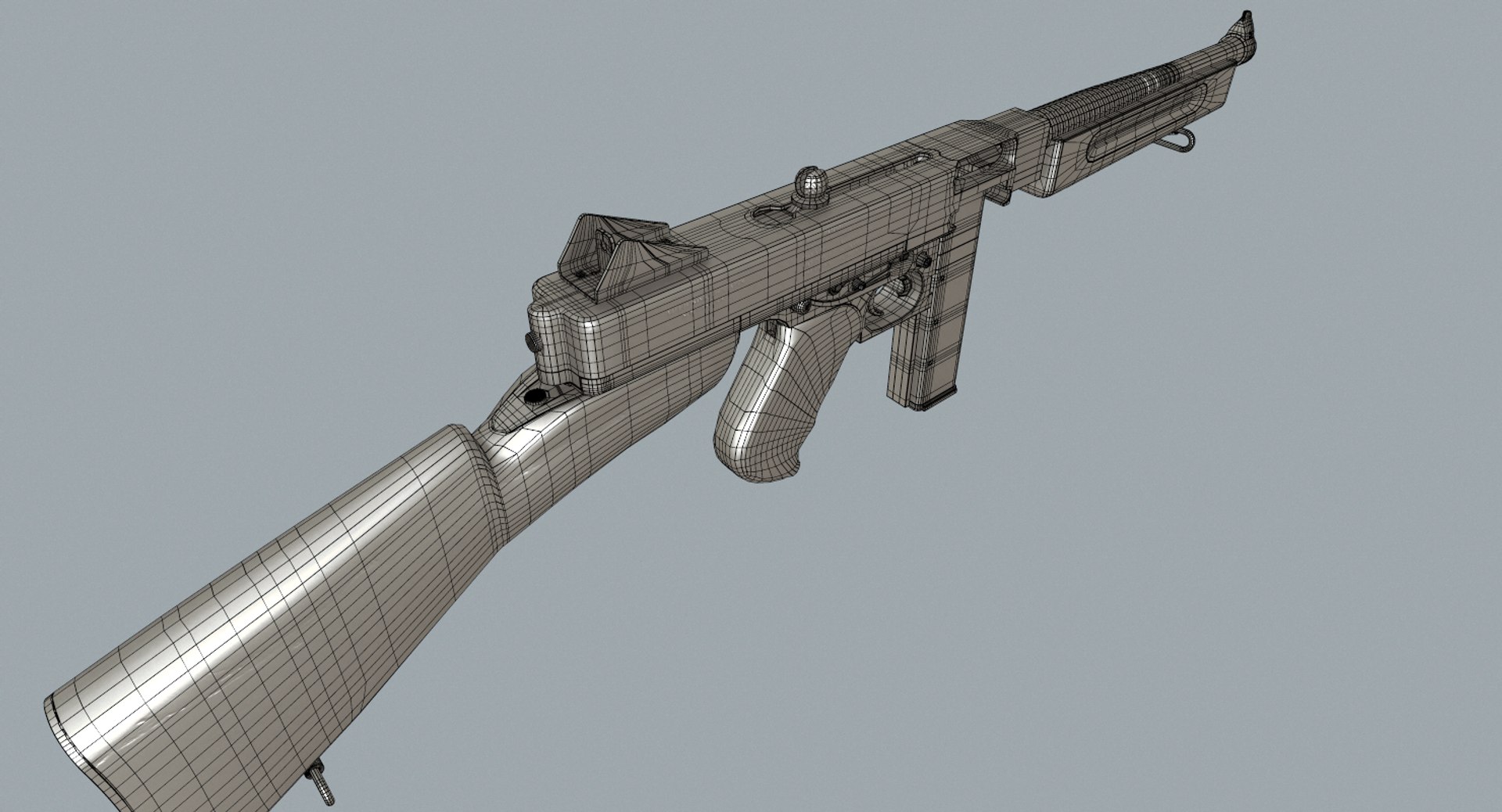
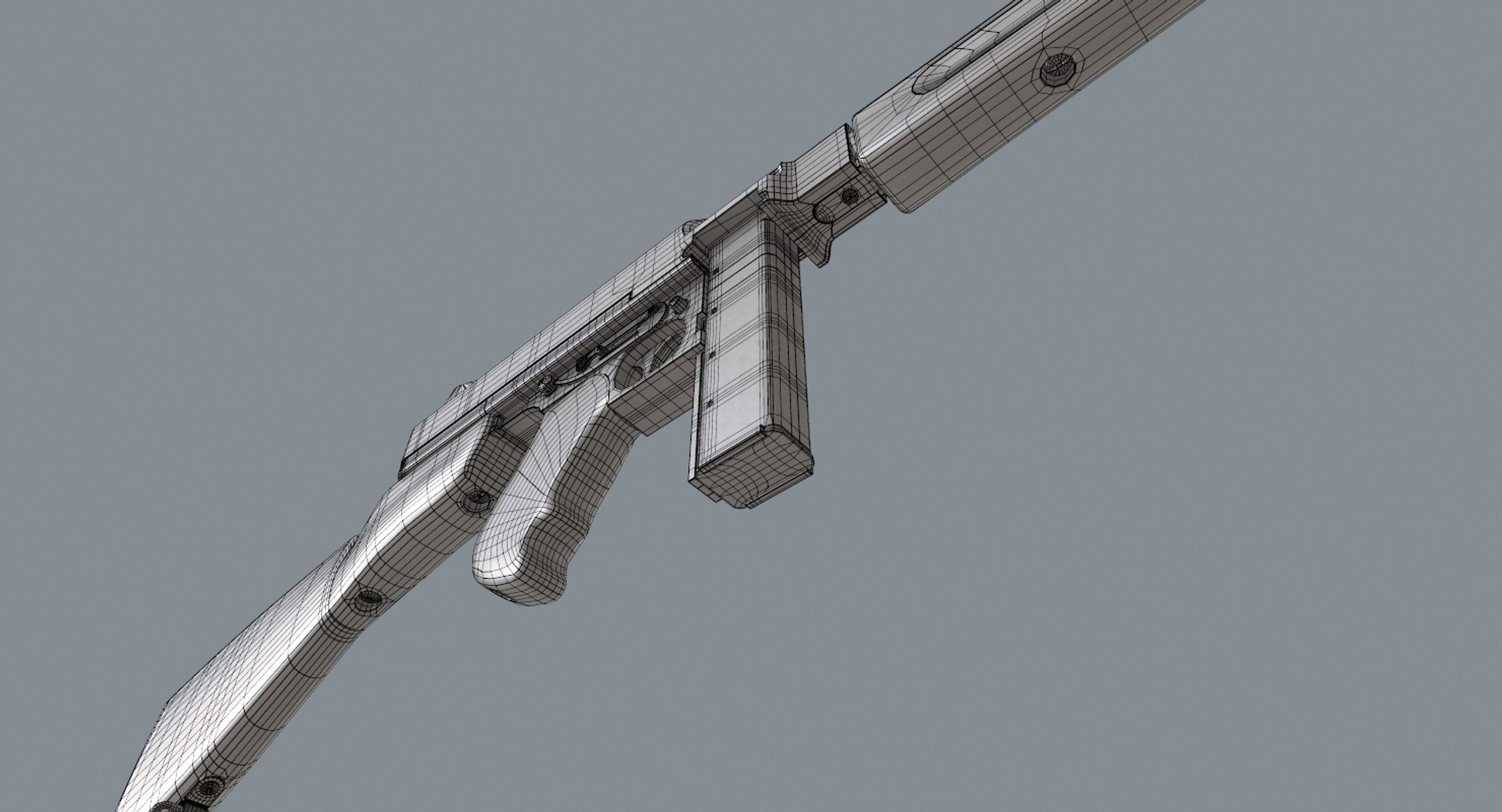
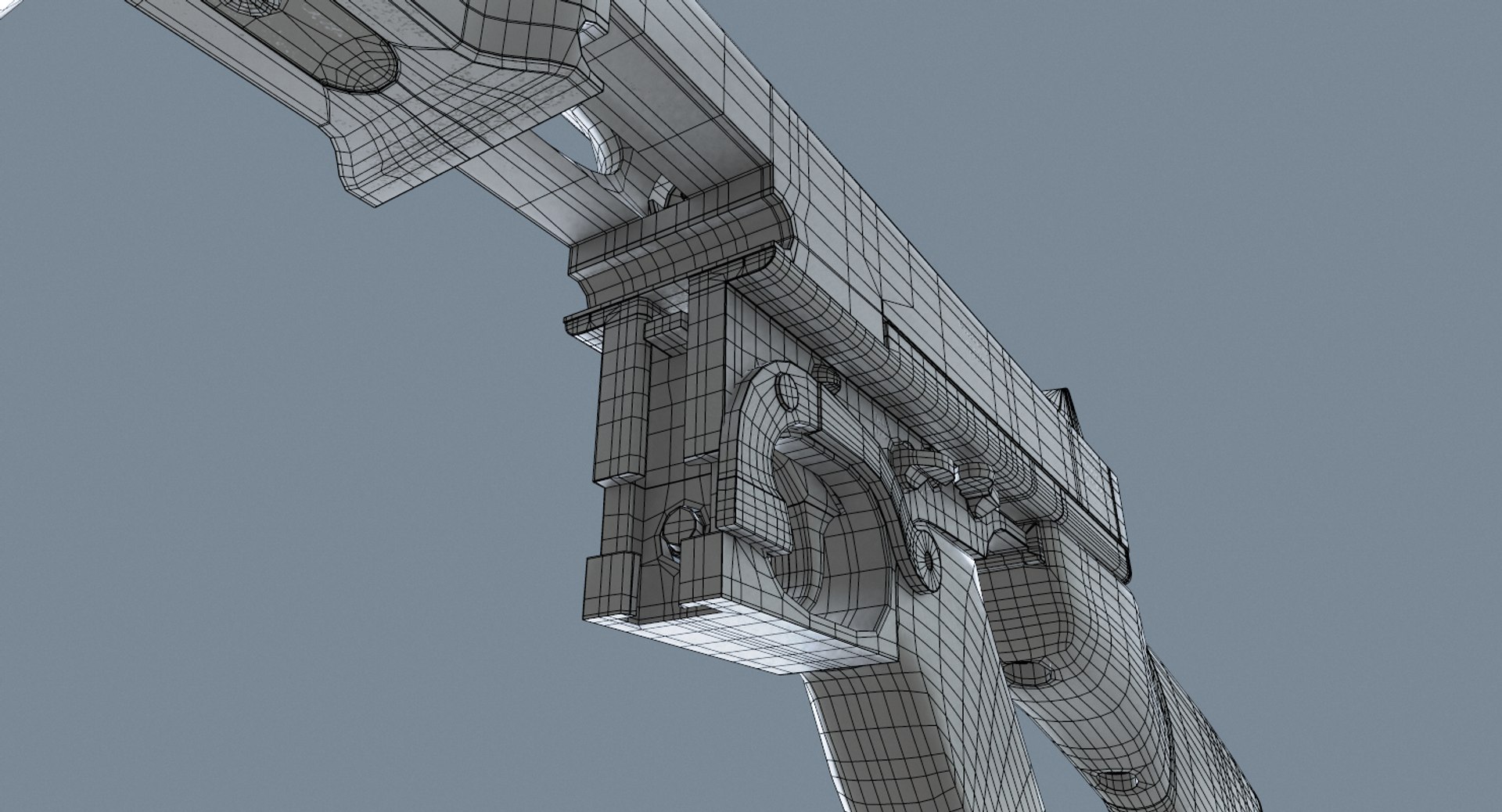
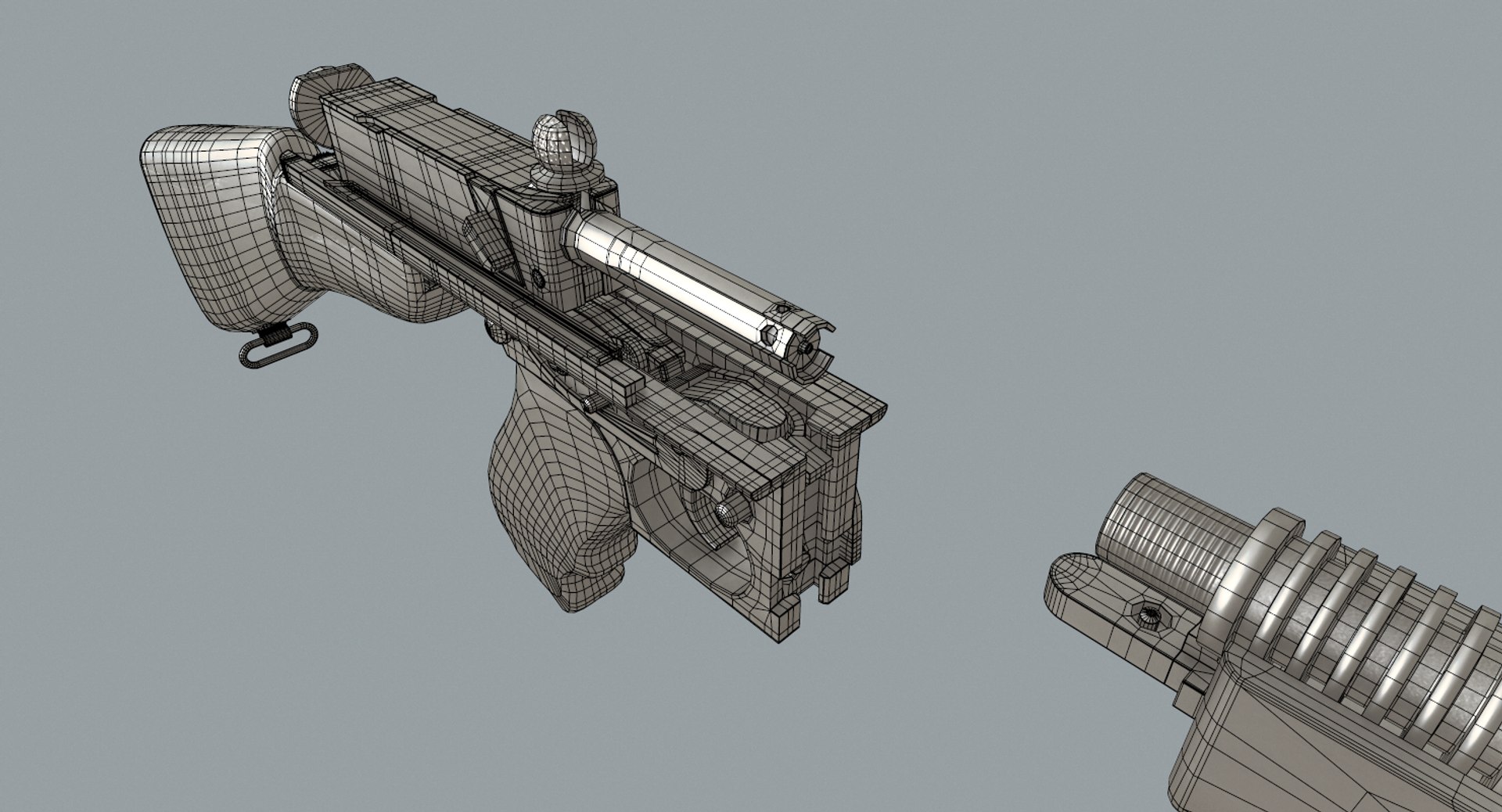
Thompson Submachine Gun Complete Mechanism M19281

$49

Standard License | Upgrade License
Editorial Uses Only
Formats (4)
Free file format Conversions available
Native | 3ds Max 2013 | V-Ray 3.20.03
3ds Max 2013 | Default Scanline
OBJ
FBX
Specifications
Publish Date March 31, 2016
Product ID 1022396
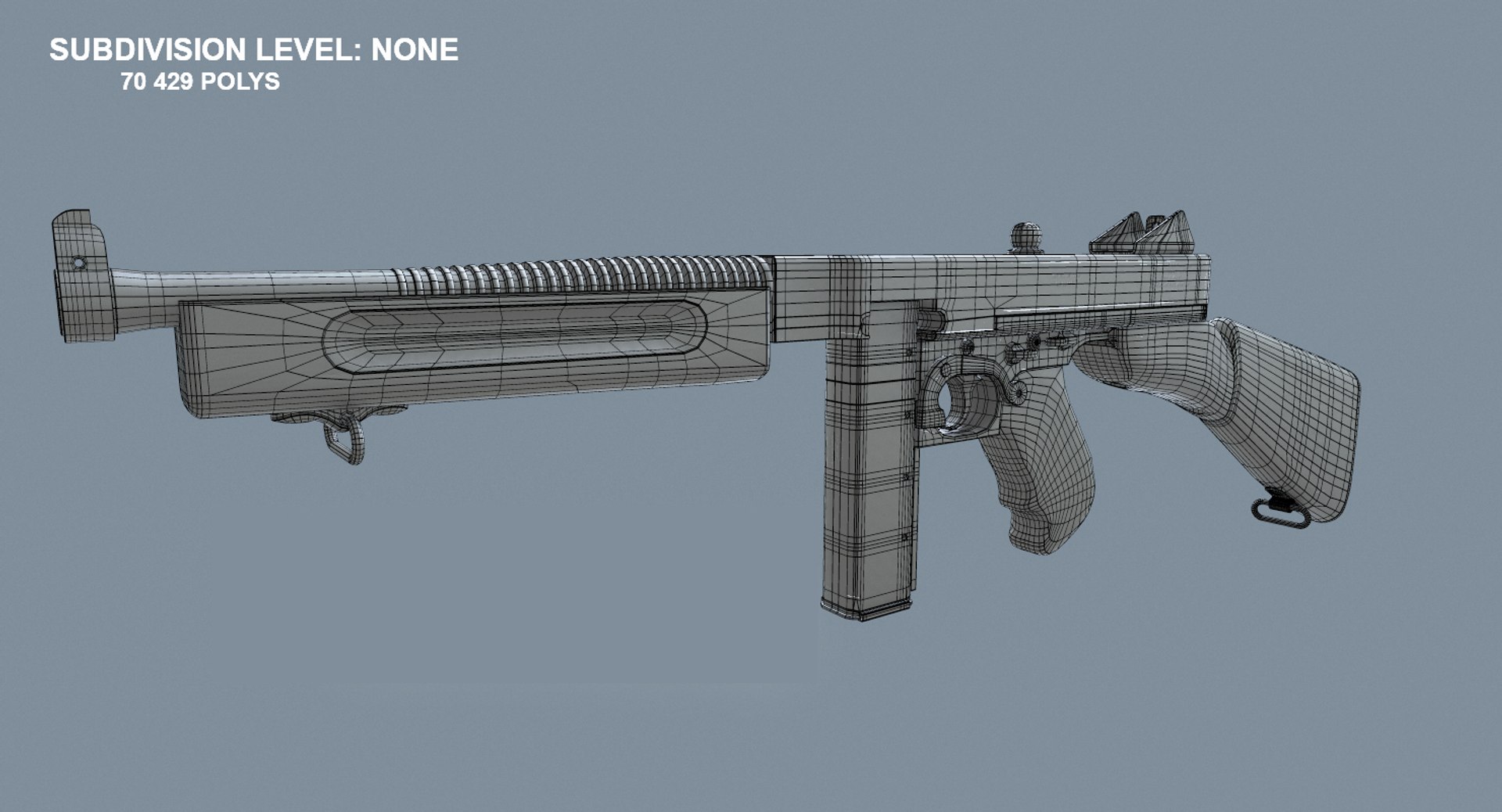
Polygons 70,429
Vertices 70,184
Polygonal Quads/Tris Geometry
Textures
Materials
UV Mapped
Non-overlapping Unwrapped UVs
PBR
TurboSquid Exclusive
member avatar
Orest Terremoto
208 Products | Contributor Since 2015
Have questions? Chat with us now.

Description

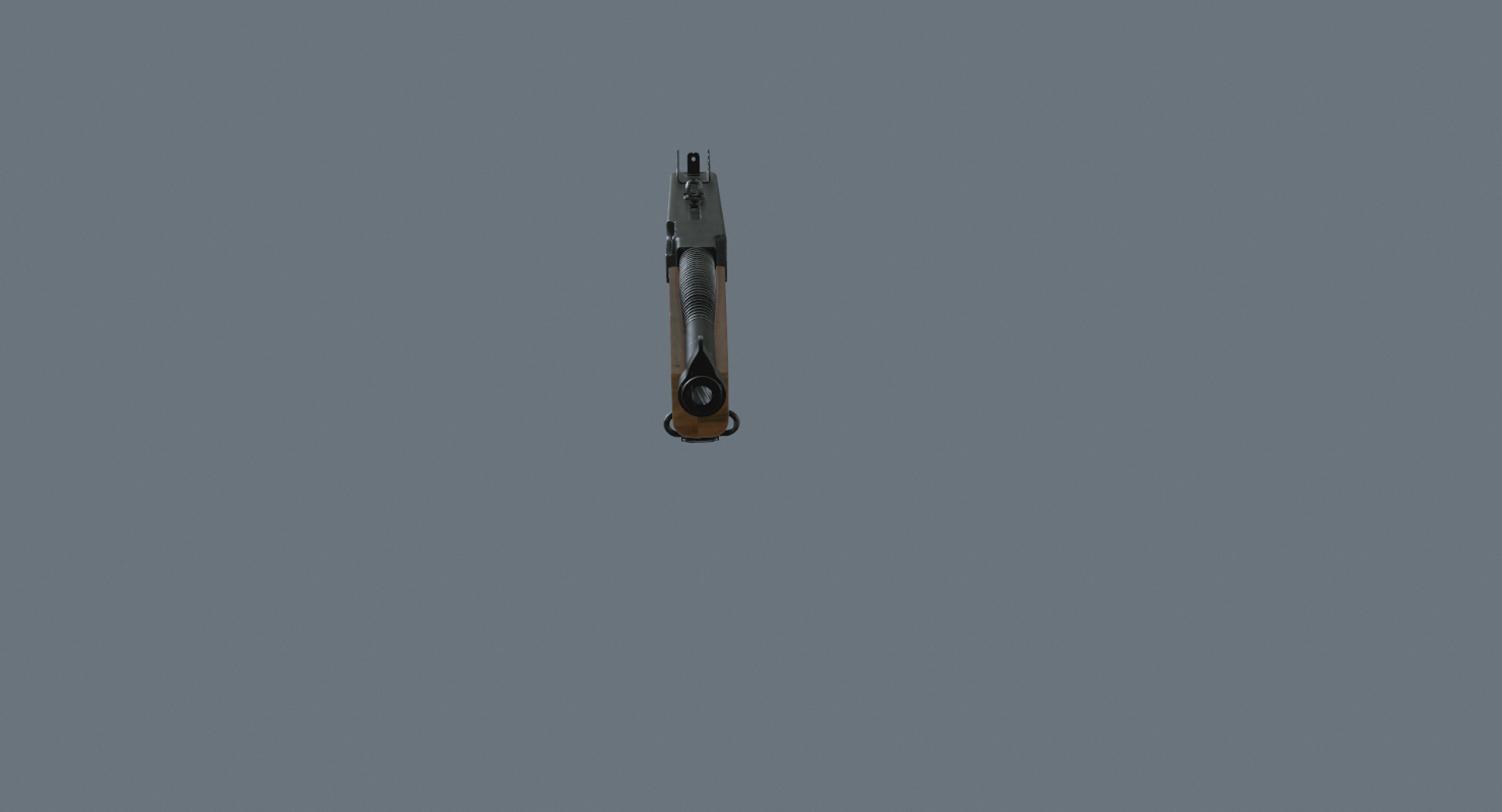
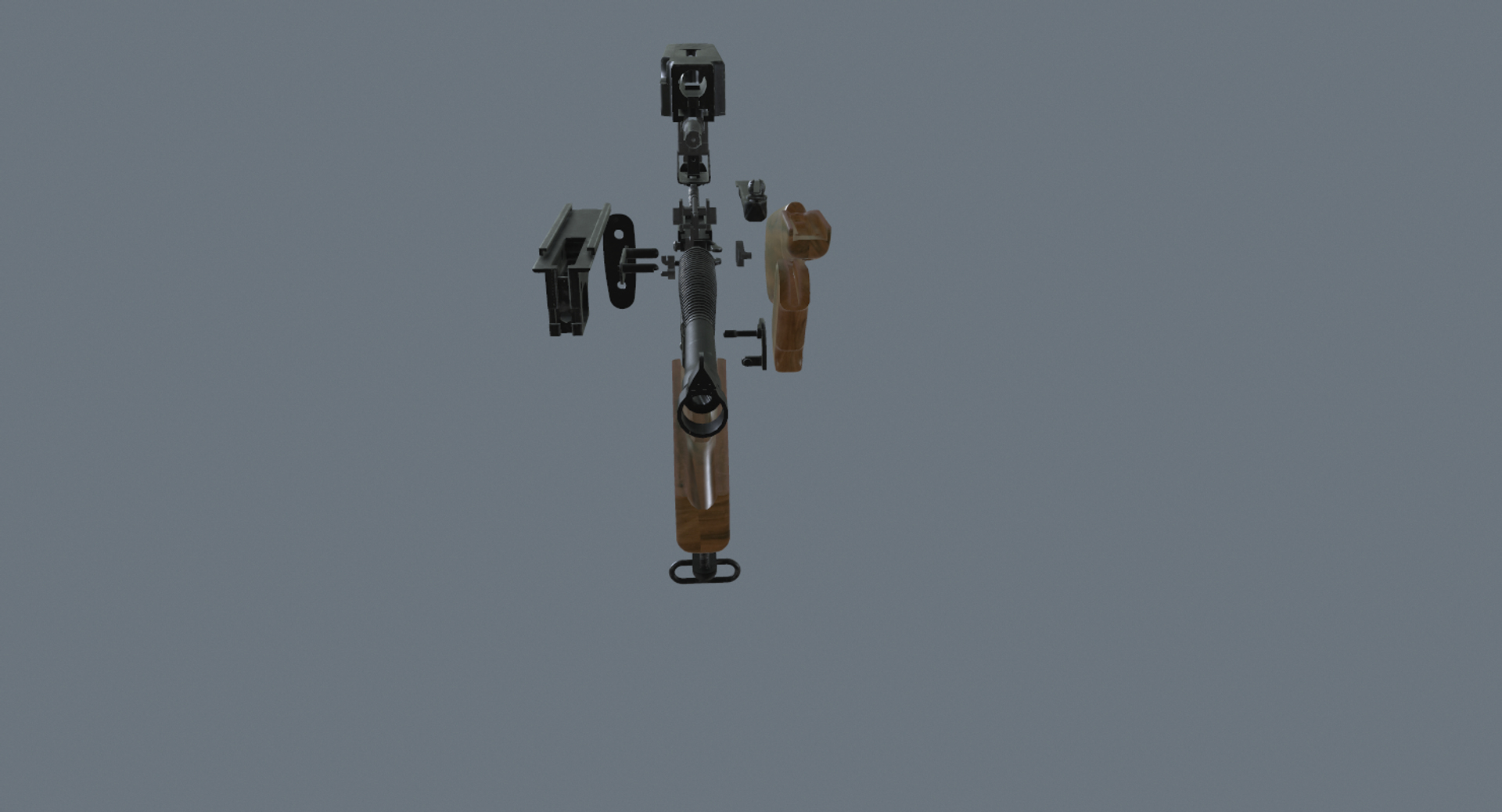
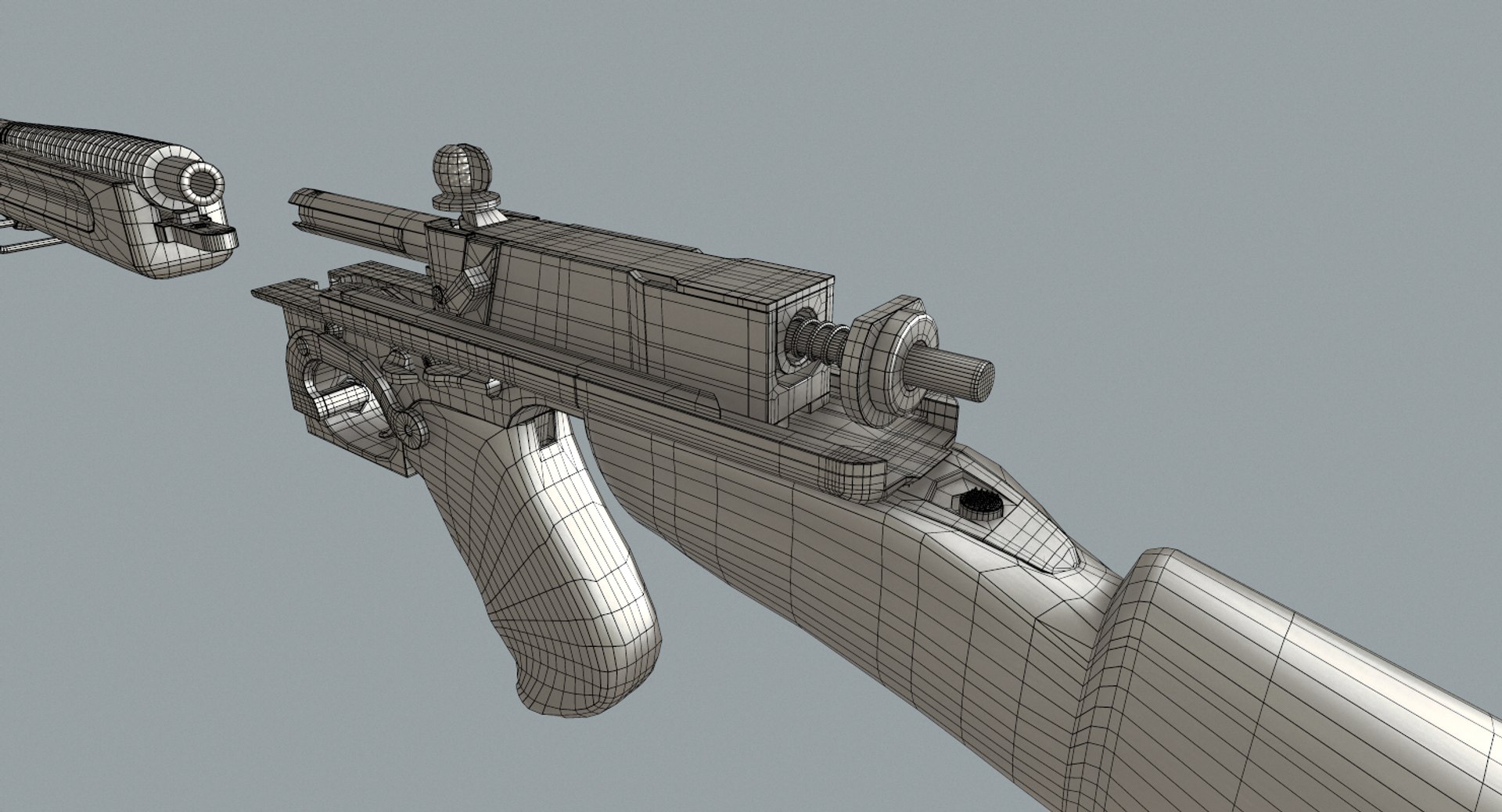
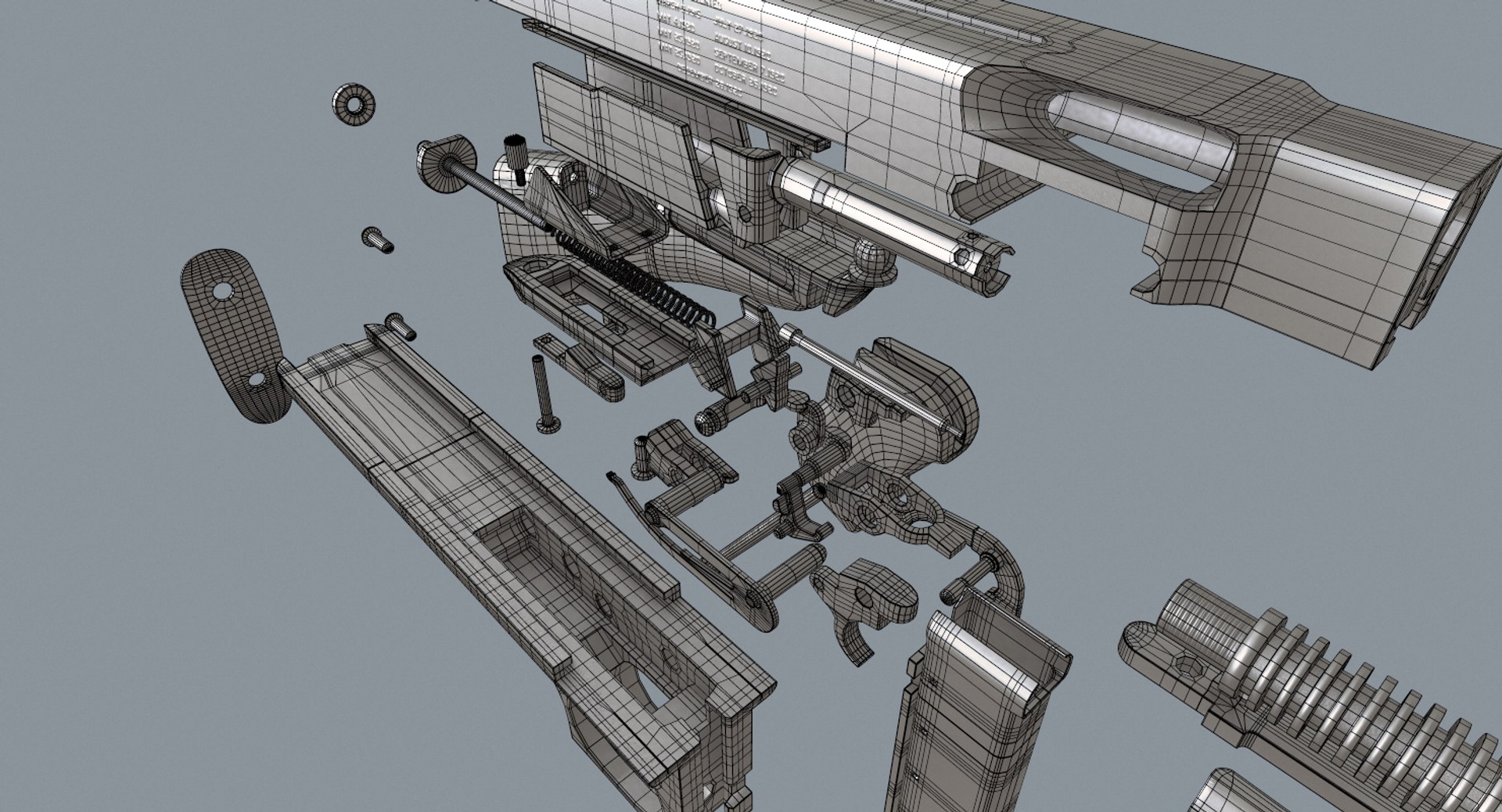
High detailed 3D model of Thompson Submachine Gun 19281 with complete mechanism
The model was originally modeled in 3ds Max 2013 and rendered with V-Ray, Scanline. PBR ready.

FEATURES
-All of 55 elements were created with maximal correct detalization.
-Model correctly scaled for an accurate representation of the original object.
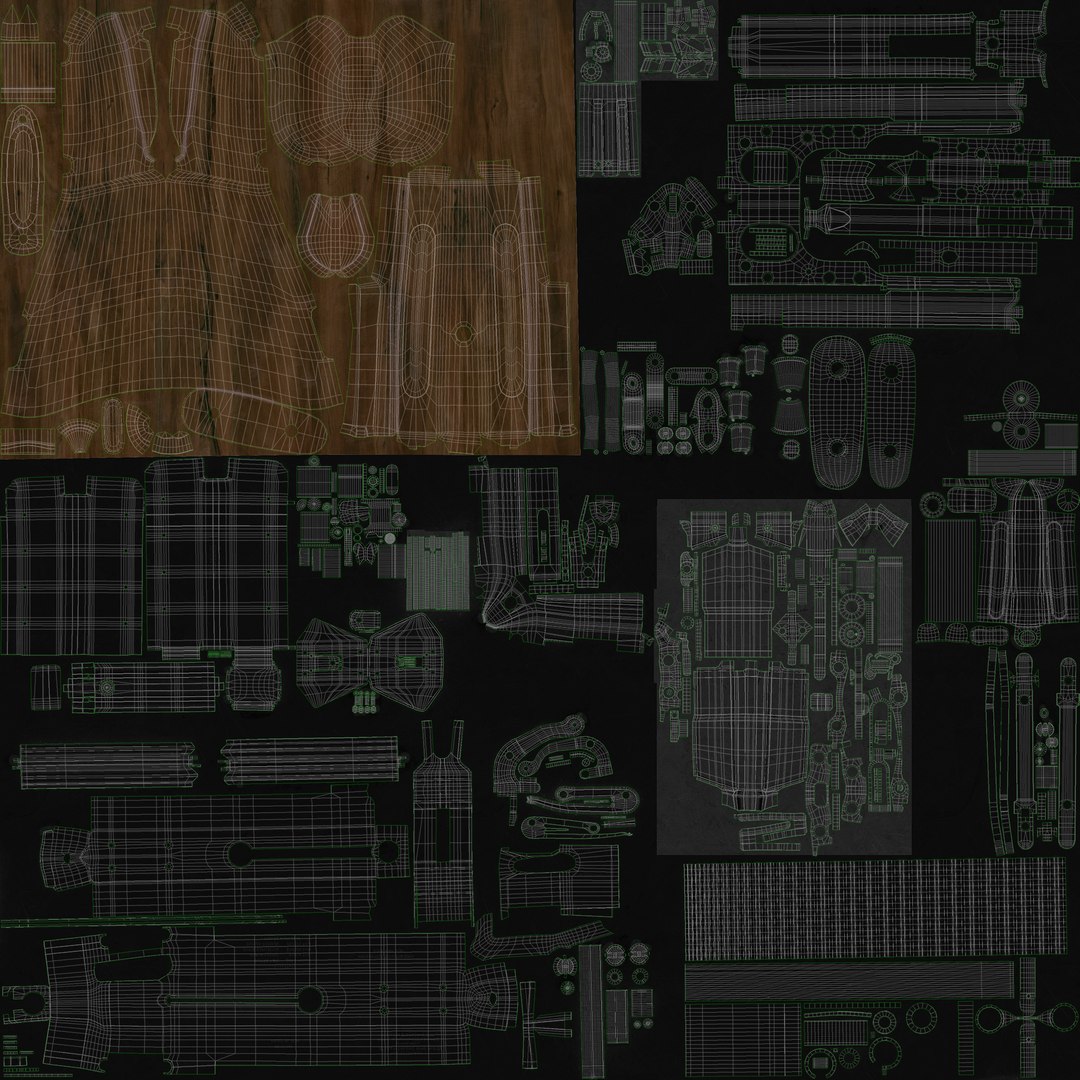
-Clean topology and perfect uv.
-Model was builded in real world scale on metric unit system.
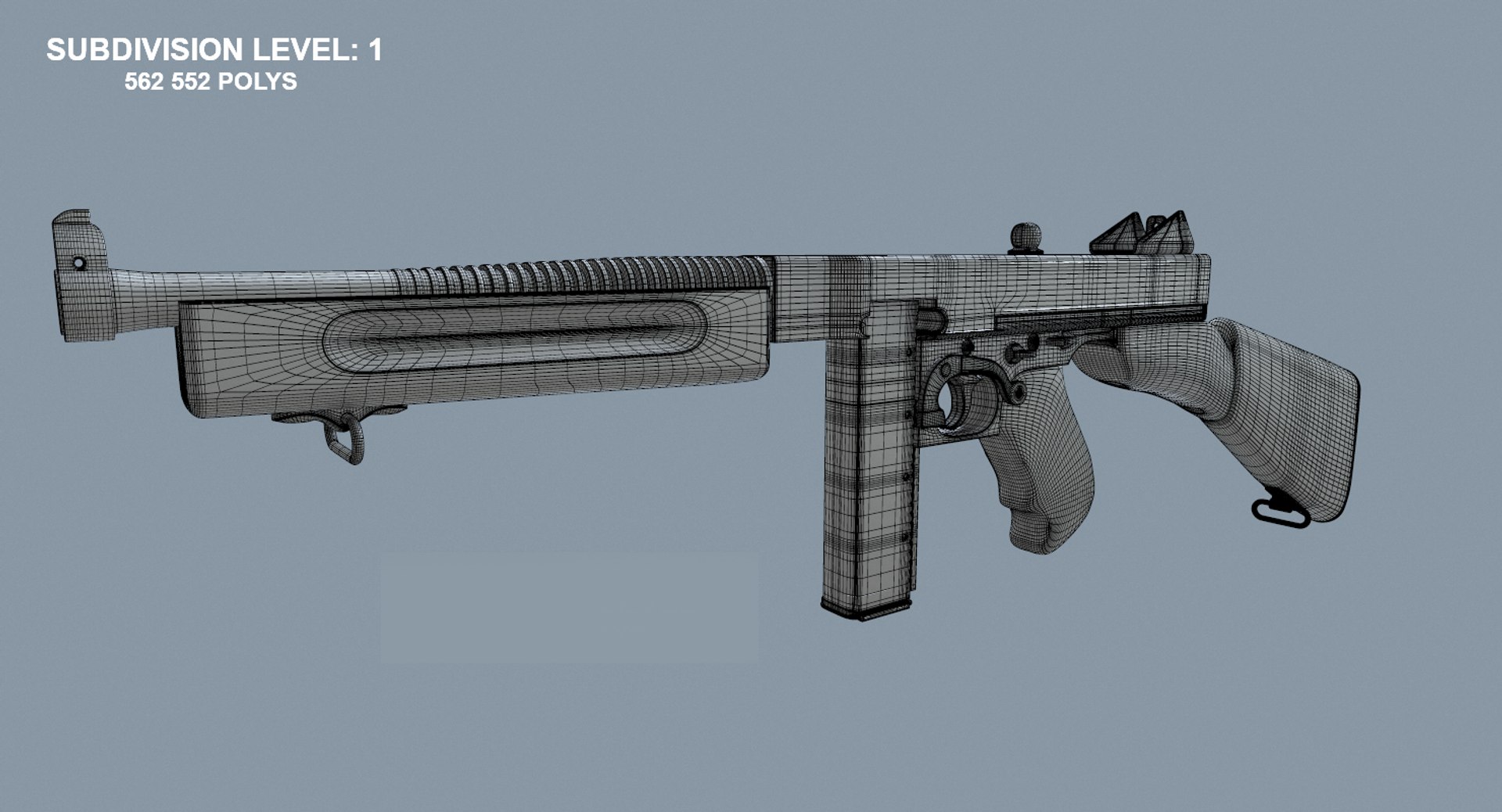
- Doesn`t have any N-gons for correct smoothing (Turbosmooth, Meshsmooth etc)
-Model is fully textured with all materials applied.
-Textures and materials are included and mapped in both format.
-Realistic texture has size 4k.
-Objects was grouped for easy selection and have logically name.
-No cleaning up necessary just drop your models into the scene and start rendering.
-Material included 4 maps (diffuse, normal, reflect, gloss)

FORMATS
- 3ds Max 2013 Vray
- 3ds Max 2013 Scanline
- .obj

PRESENTATION IMAGES:
All preview images are rendered with V-Ray and PBR renders

Quality guaranteed.

Select Enhanced License

  • $10,000 in Legal Protection (Indemnification)
  • Uncapped Legal Protection (Indemnification)
  • Waiver from injunctive relief
  • Assignable model rights
  • $1,000,000 in Legal Protection (Indemnification)
  • Waiver from injunctive relief
  • Assignable model rights
  • $250,000 in Legal Protection (Indemnification)
  • Assignable model rights
Read more about enhanced license tiers, or contact us at enterprise@turbosquid.com. Already a Shutterstock Enterprise Customer? Contact your Shutterstock Sales Support Agent to talk about adding 3D.

About Conversion Requests

To submit a conversion request for a purchased asset, please complete our Conversion Request Form.

If you have not yet purchased a model, please review our Documentation about Conversions to learn about what limitations you may encounter with a conversion.

For any additional questions about a model’s suitability for conversion, please contact TurboSquid Support.

Loading...