

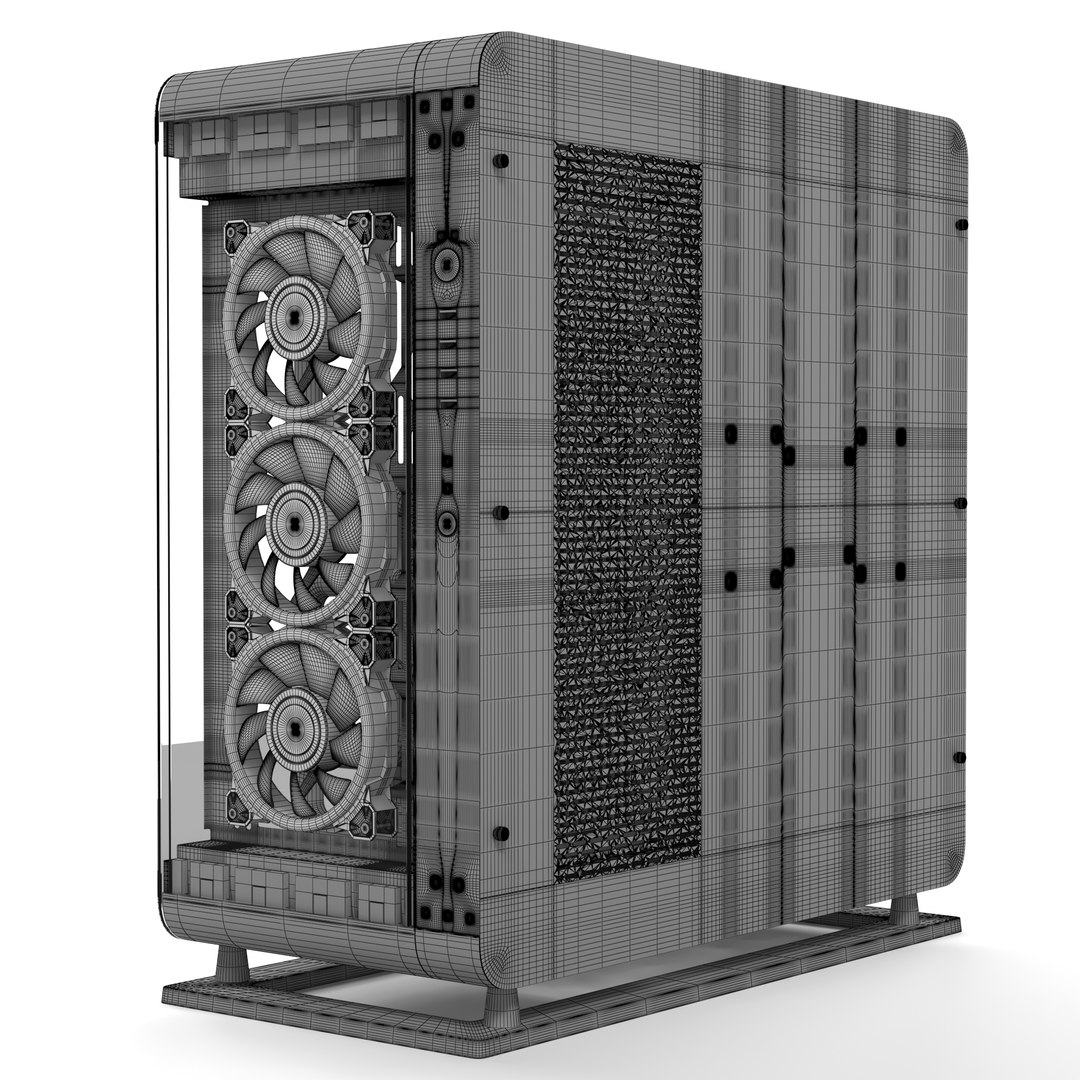
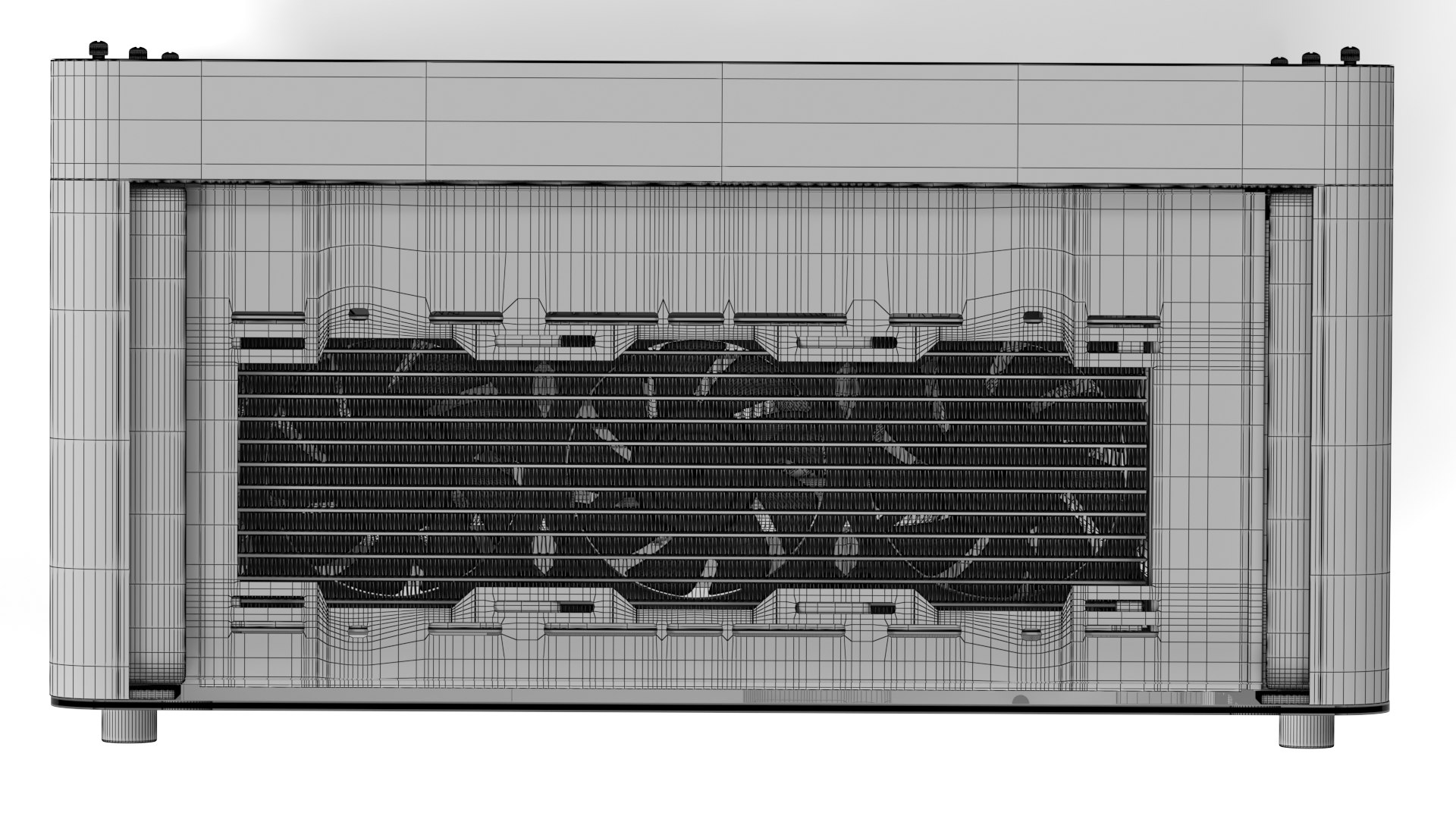
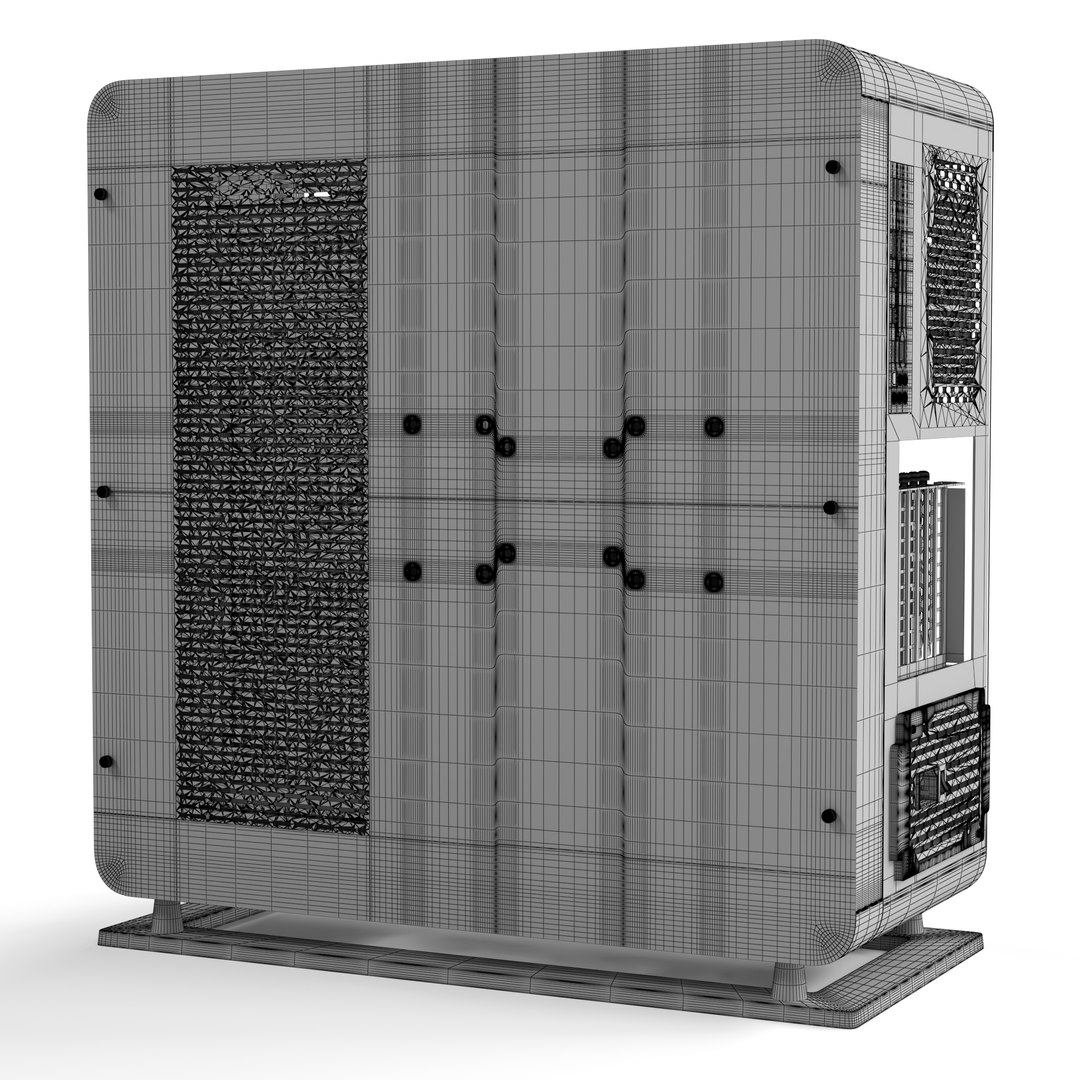
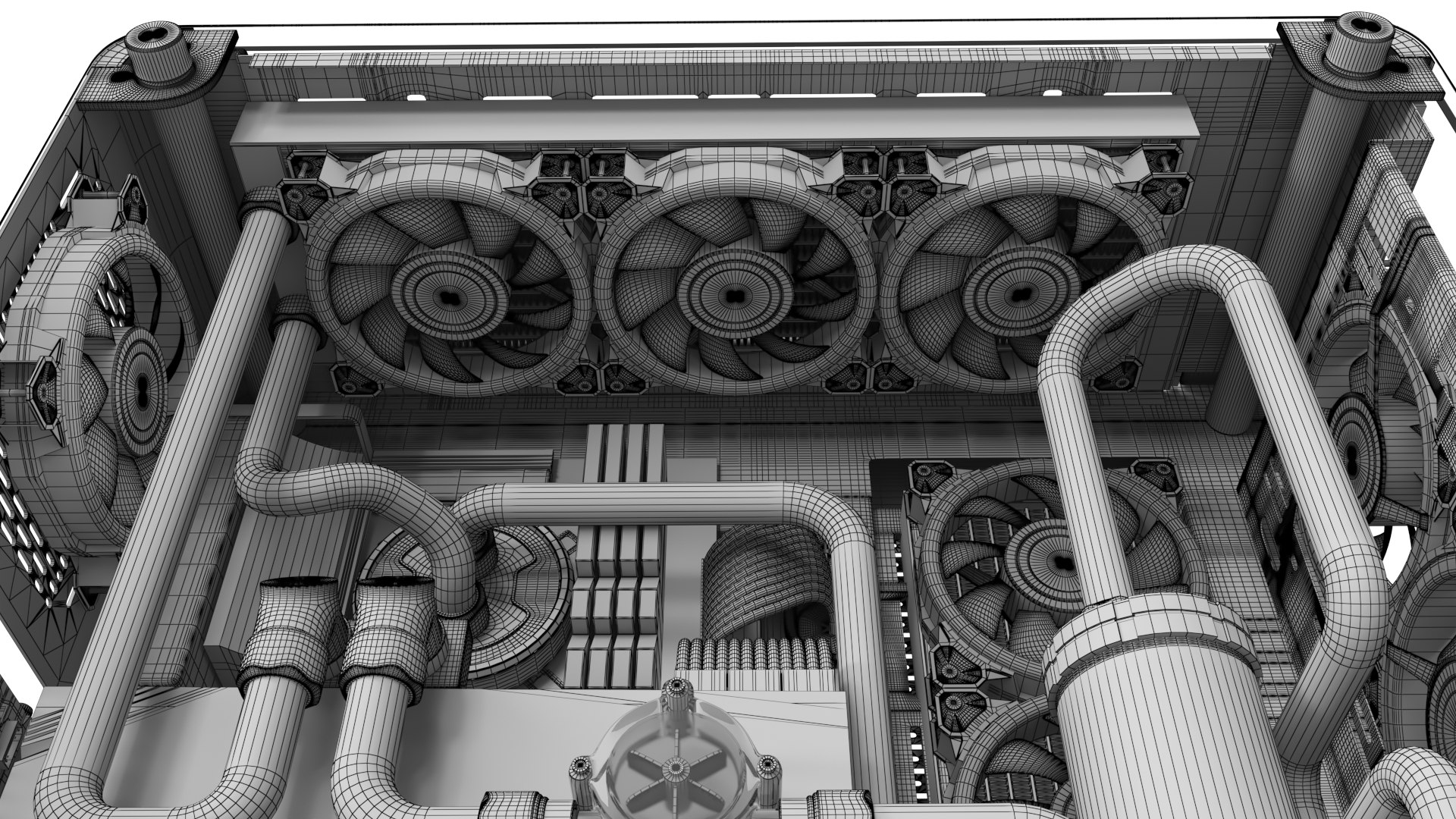
Thermaltake Core P6 Tempered

$29

Standard License | Upgrade License
Editorial Uses Only
Formats (5)
Free file format Conversions available
3ds Max 2015 | Corona 4
3ds Max 2015 | V-Ray 5
Blender 2.93 | Cycles Render
FBX 2018
Other Files
Maps.rar
Specifications
Publish Date January 21, 2023
Product ID 2017009
Polygons 2,484,000
Vertices 1,600,000
Polygonal Quads/Tris Geometry
Textures
Materials
UV Mapped
Mixed Unwrapped UVs
Animated

member avatar
CGAmin
18 Products | Contributor Since 2018
Have questions? Chat with us now.

Description

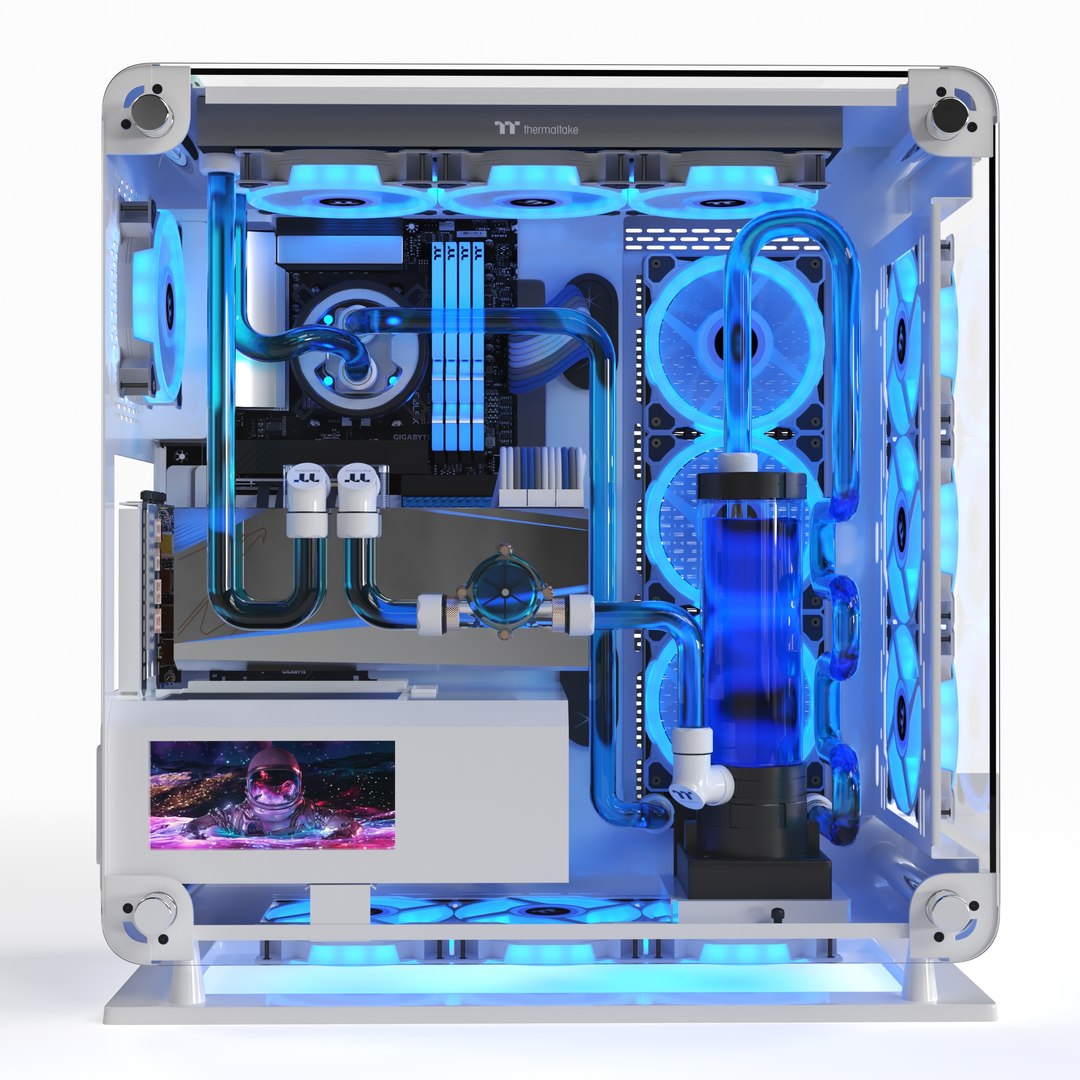
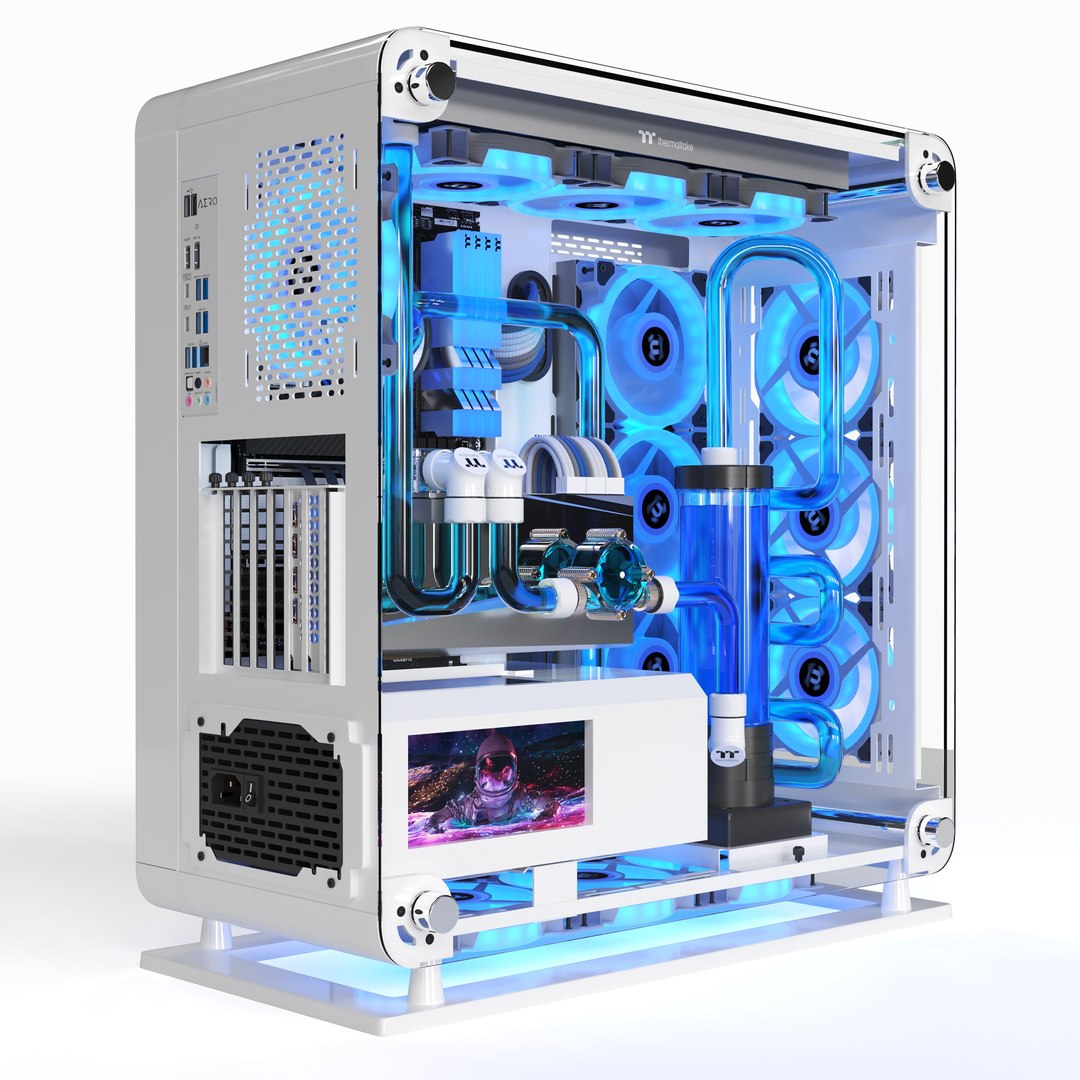
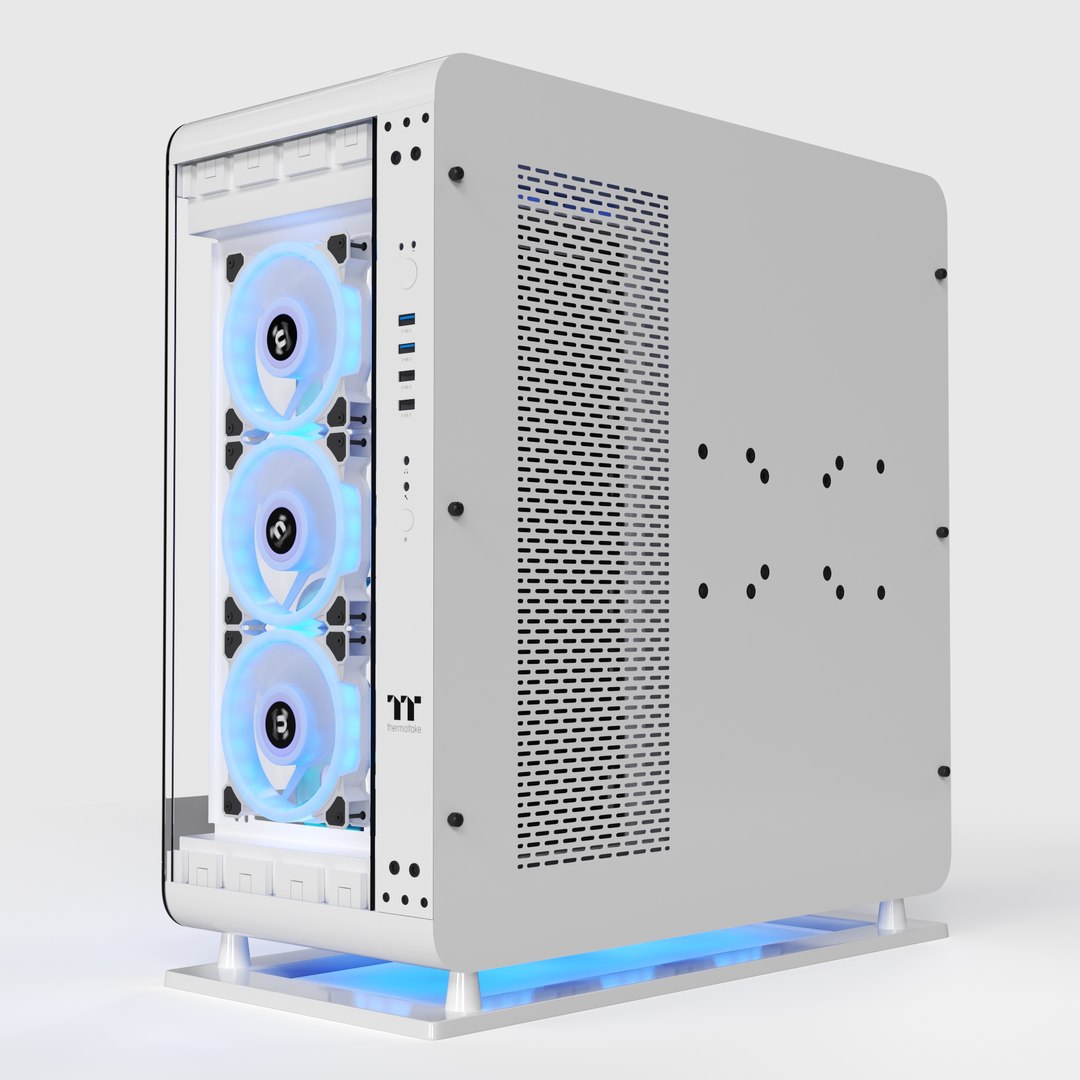
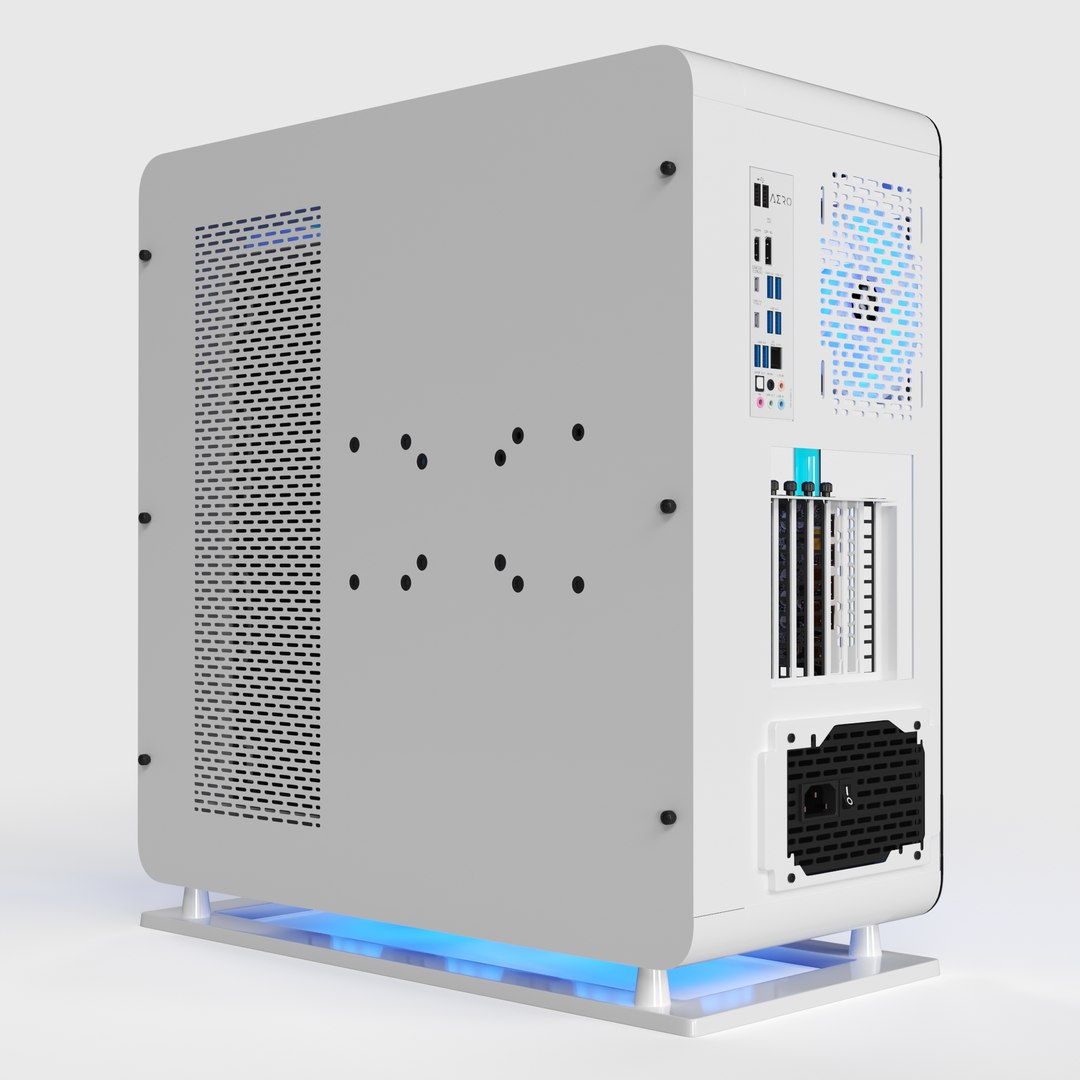
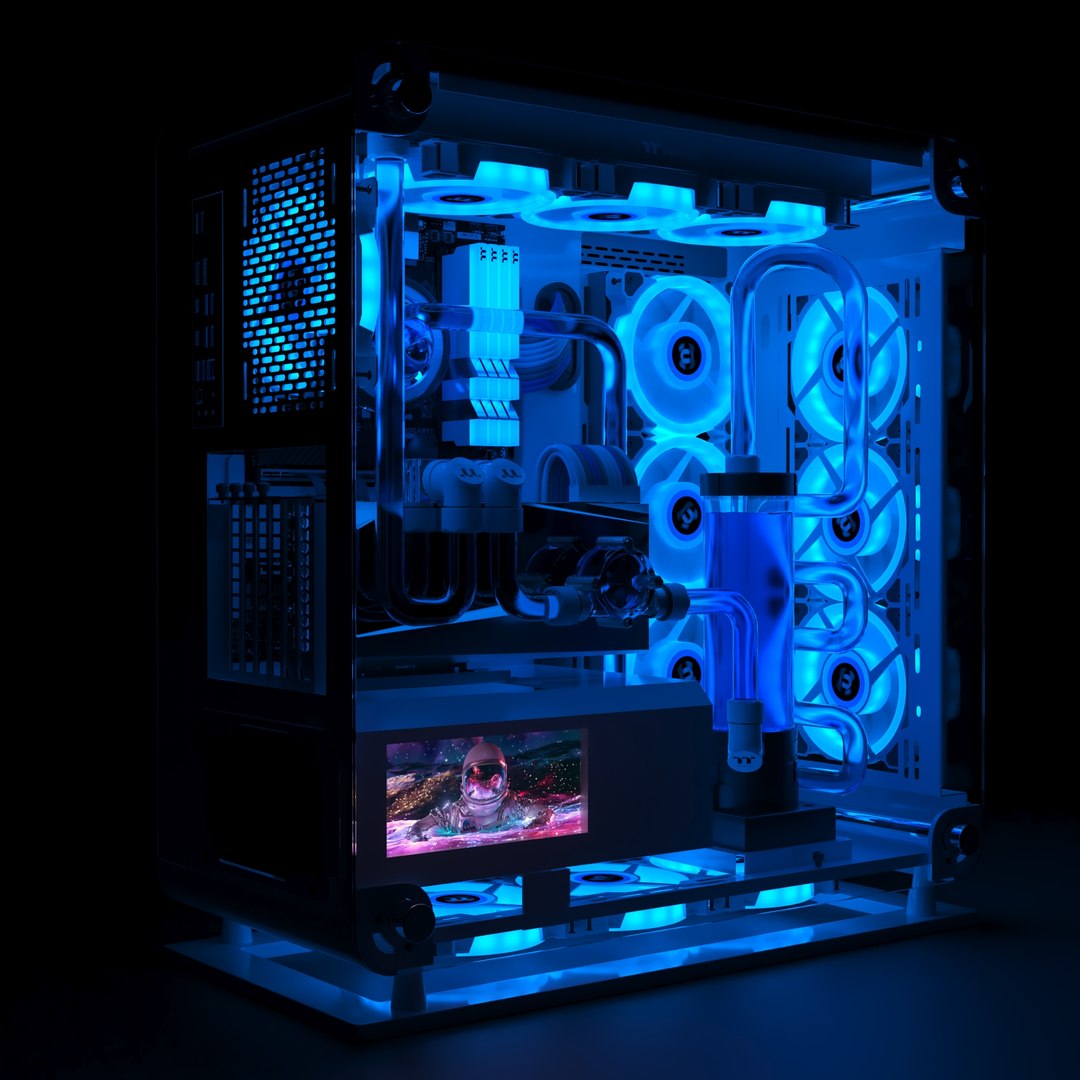
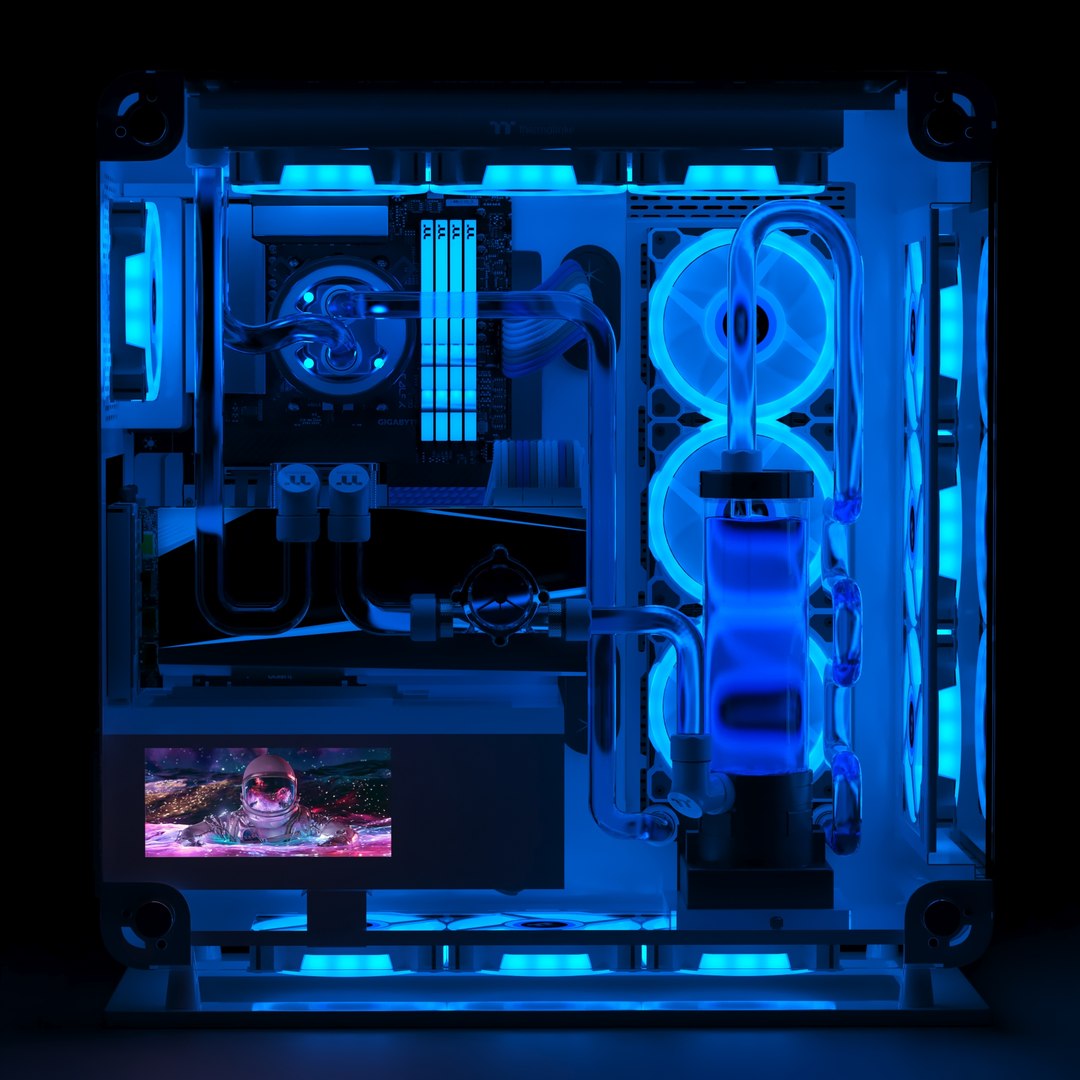
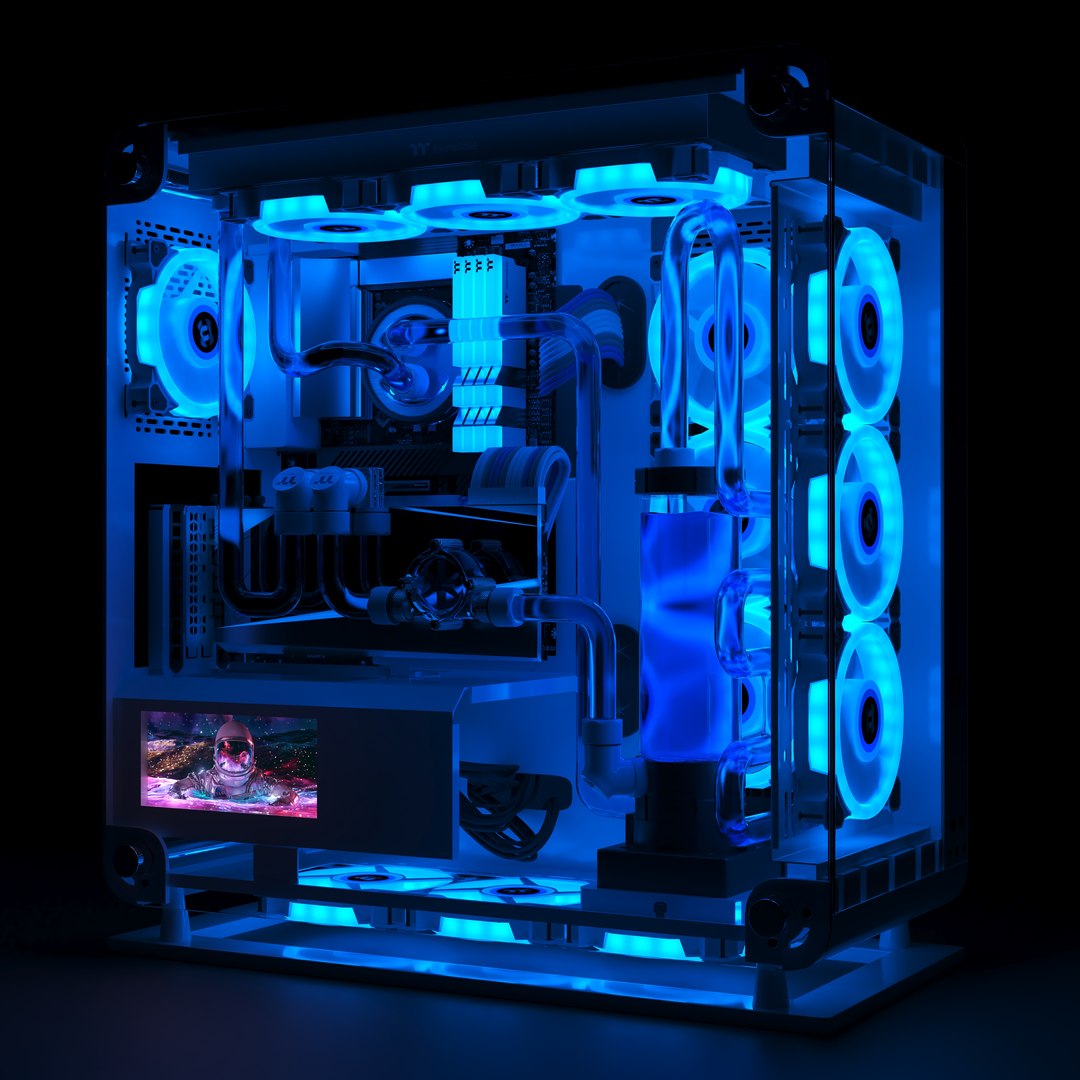
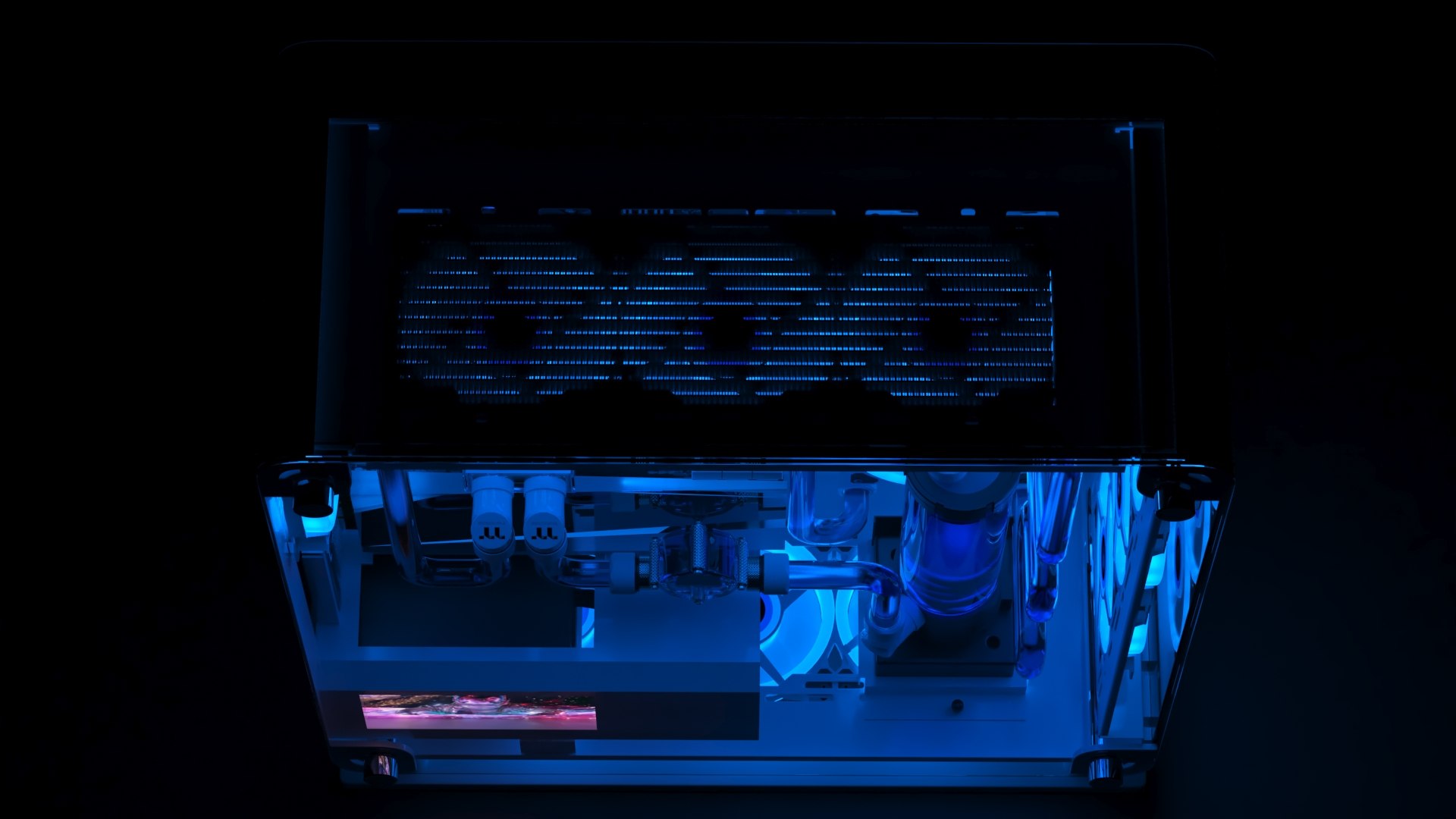
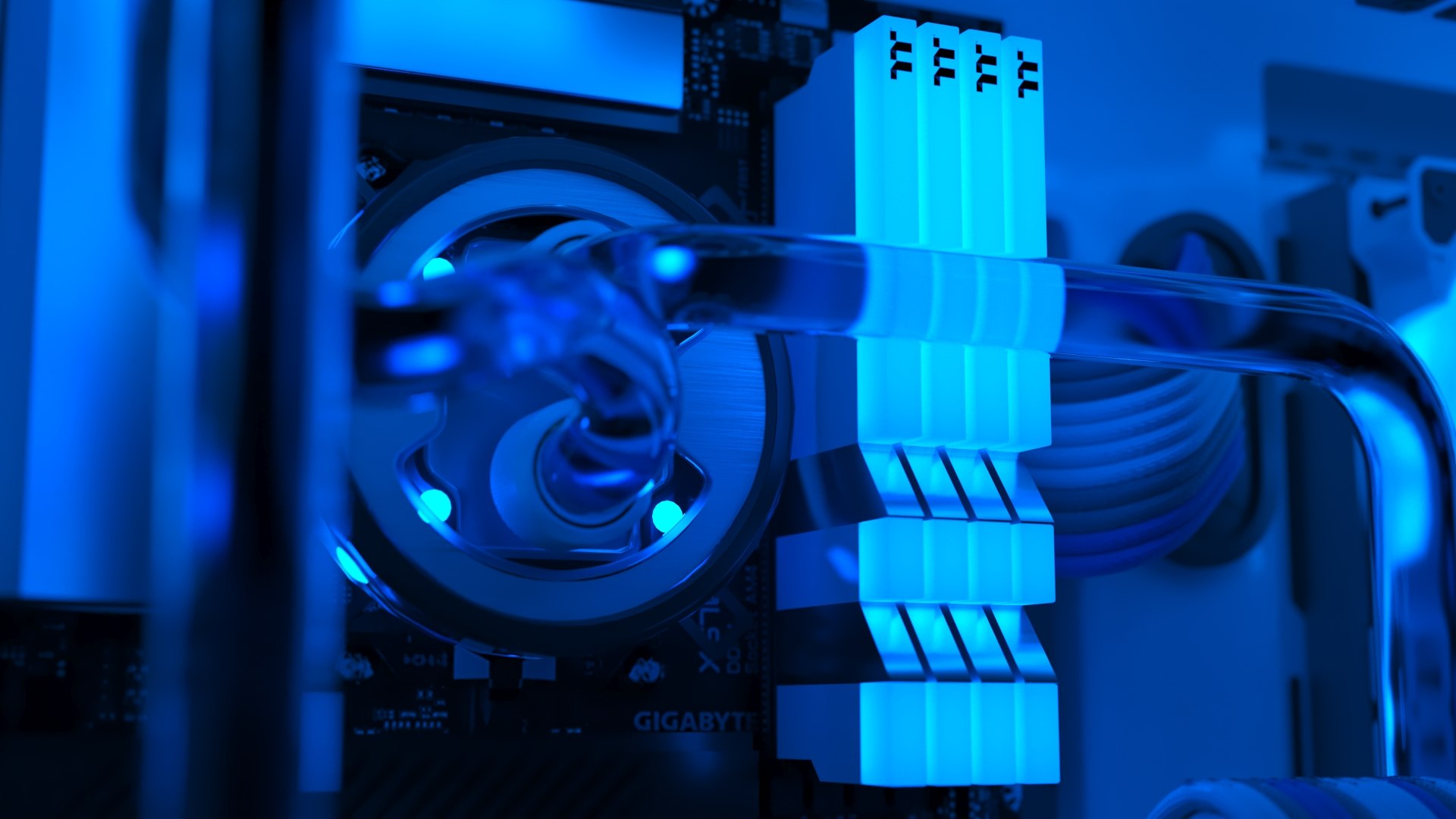
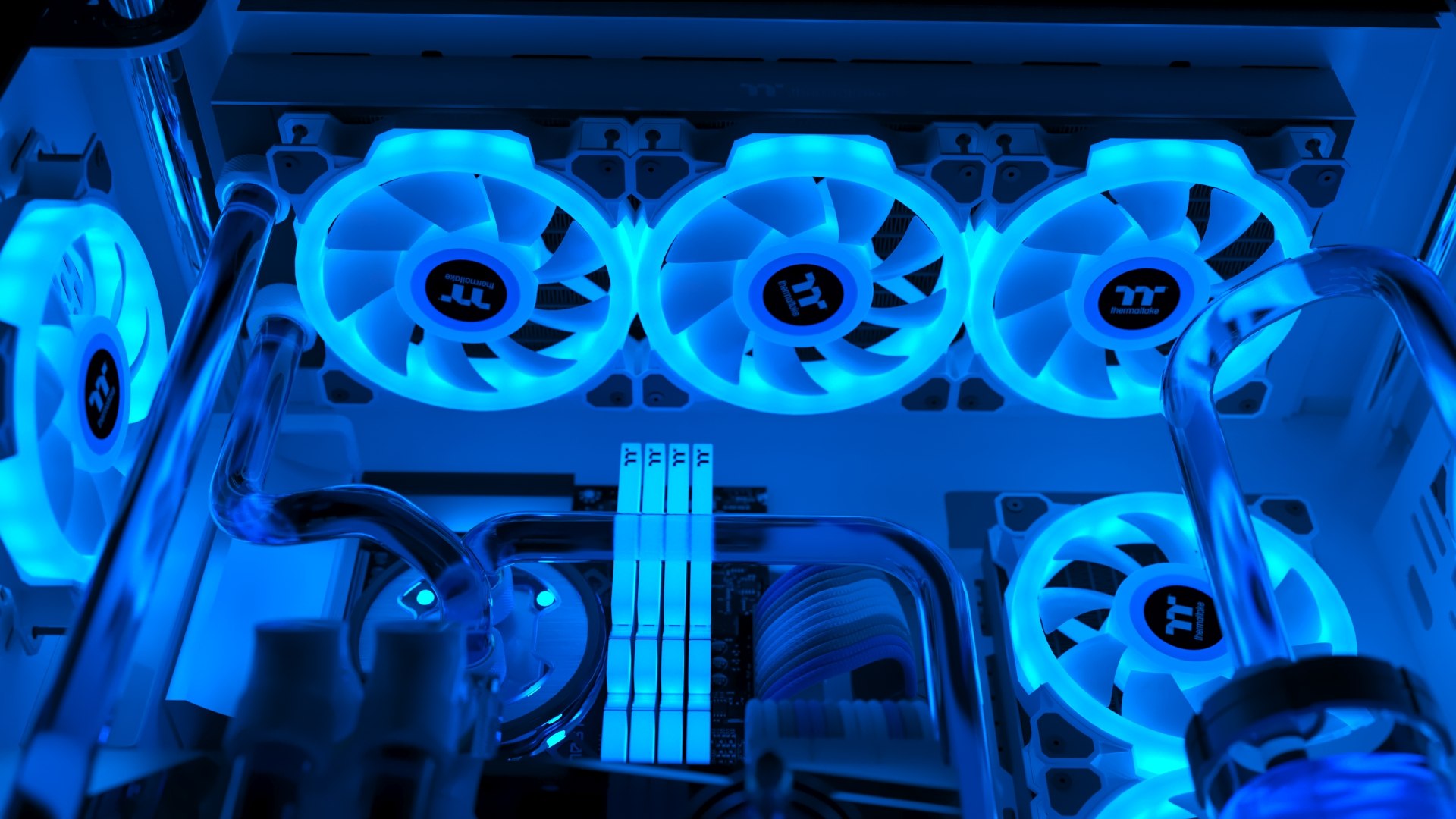
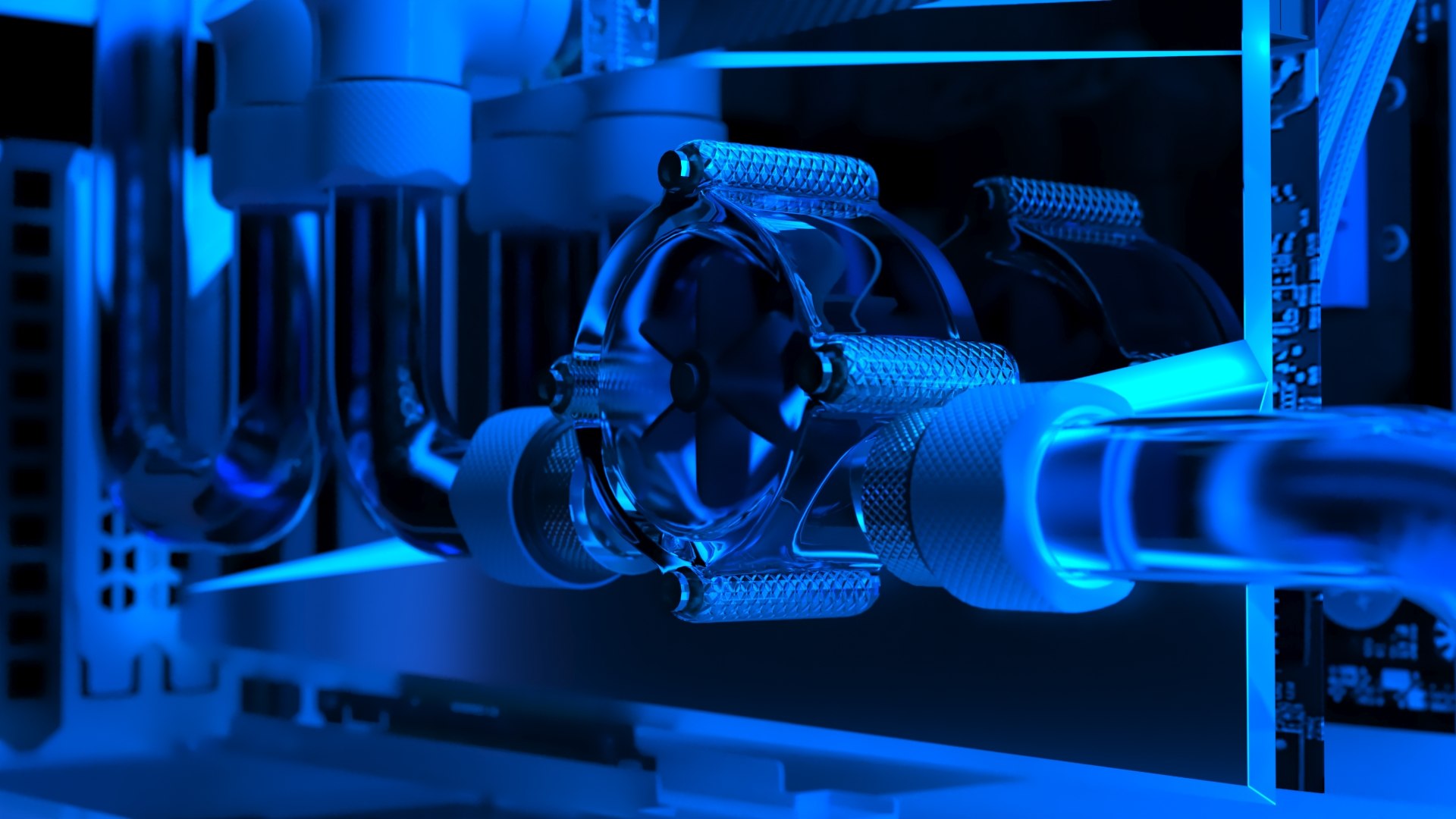
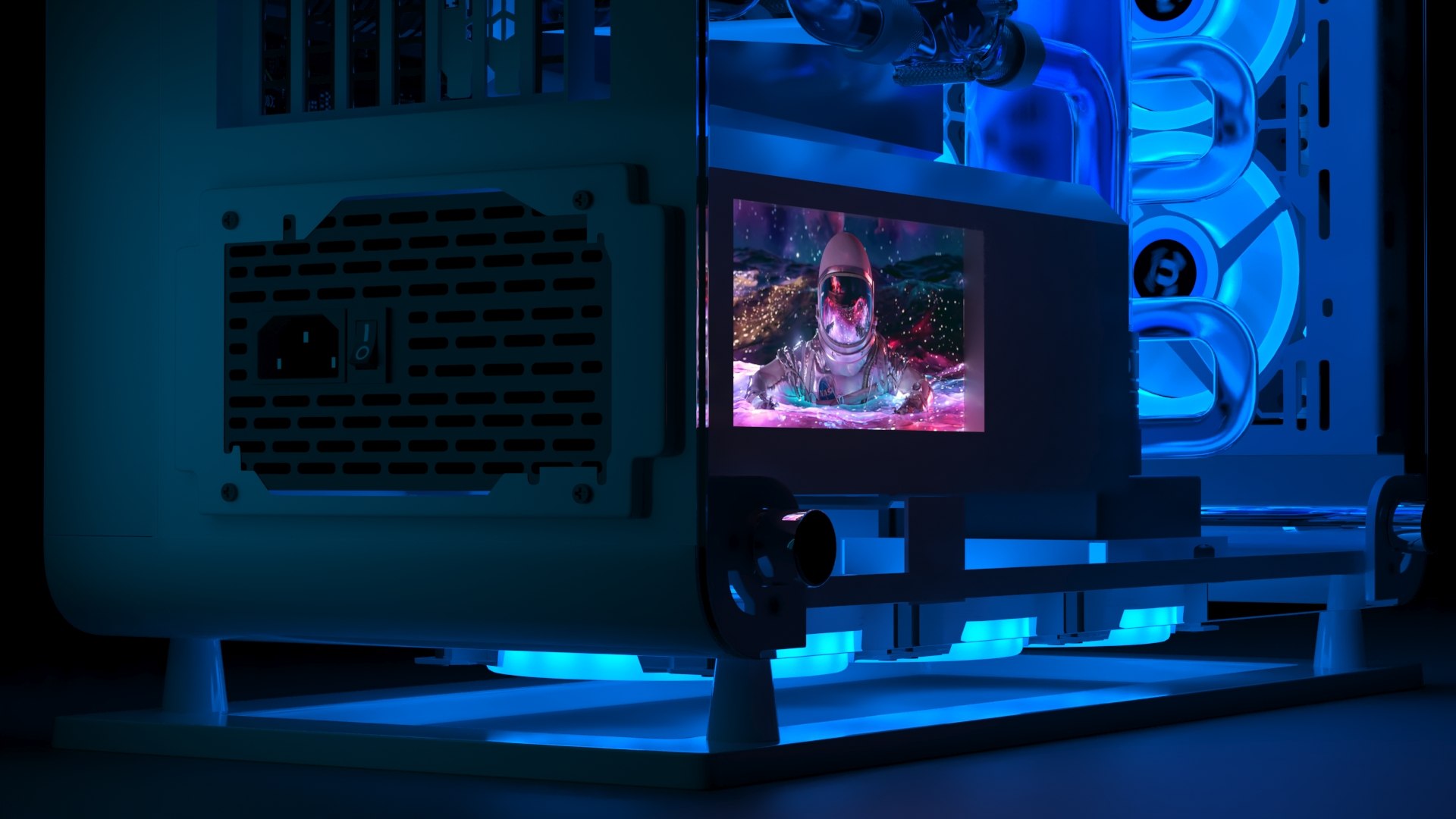
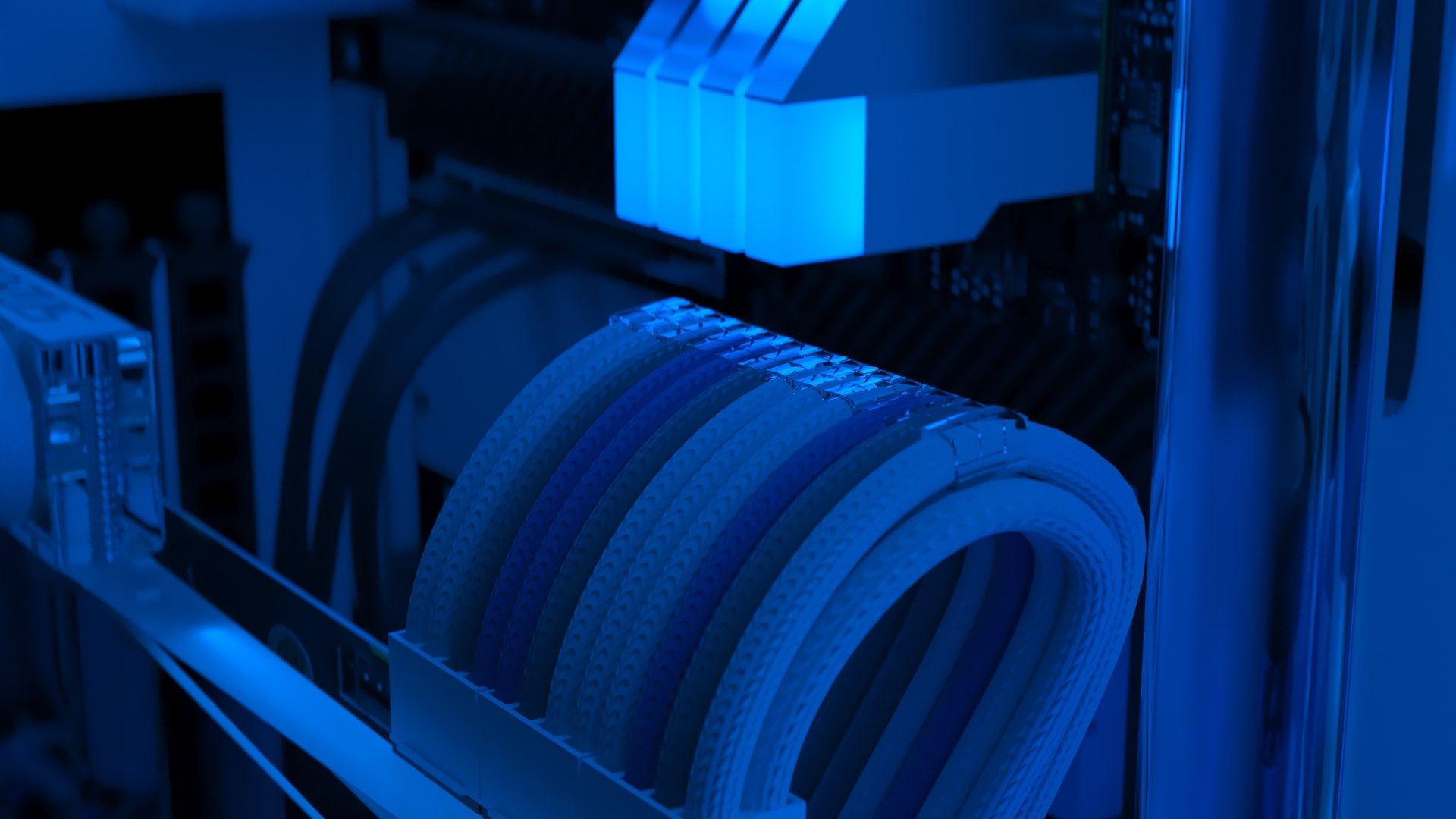
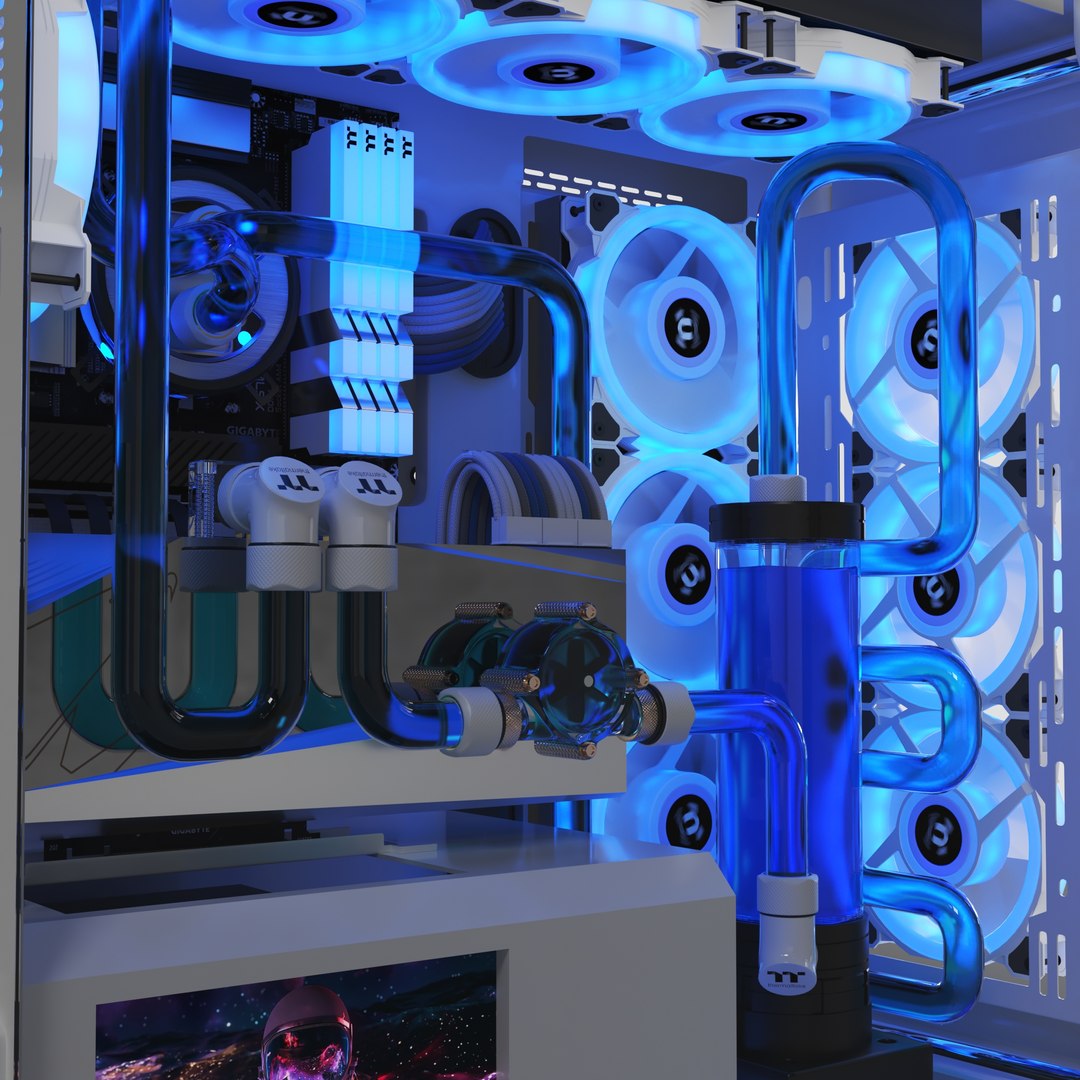
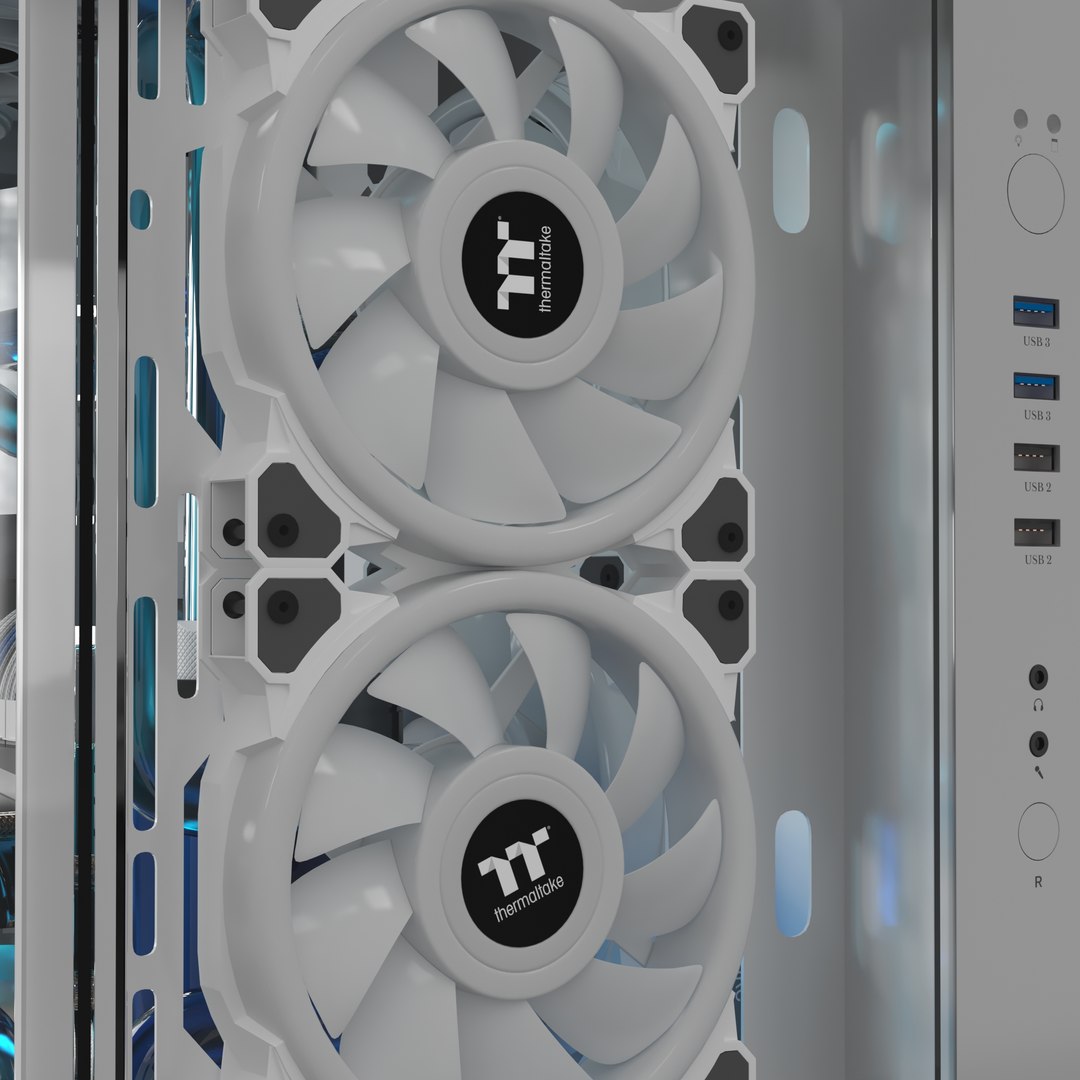
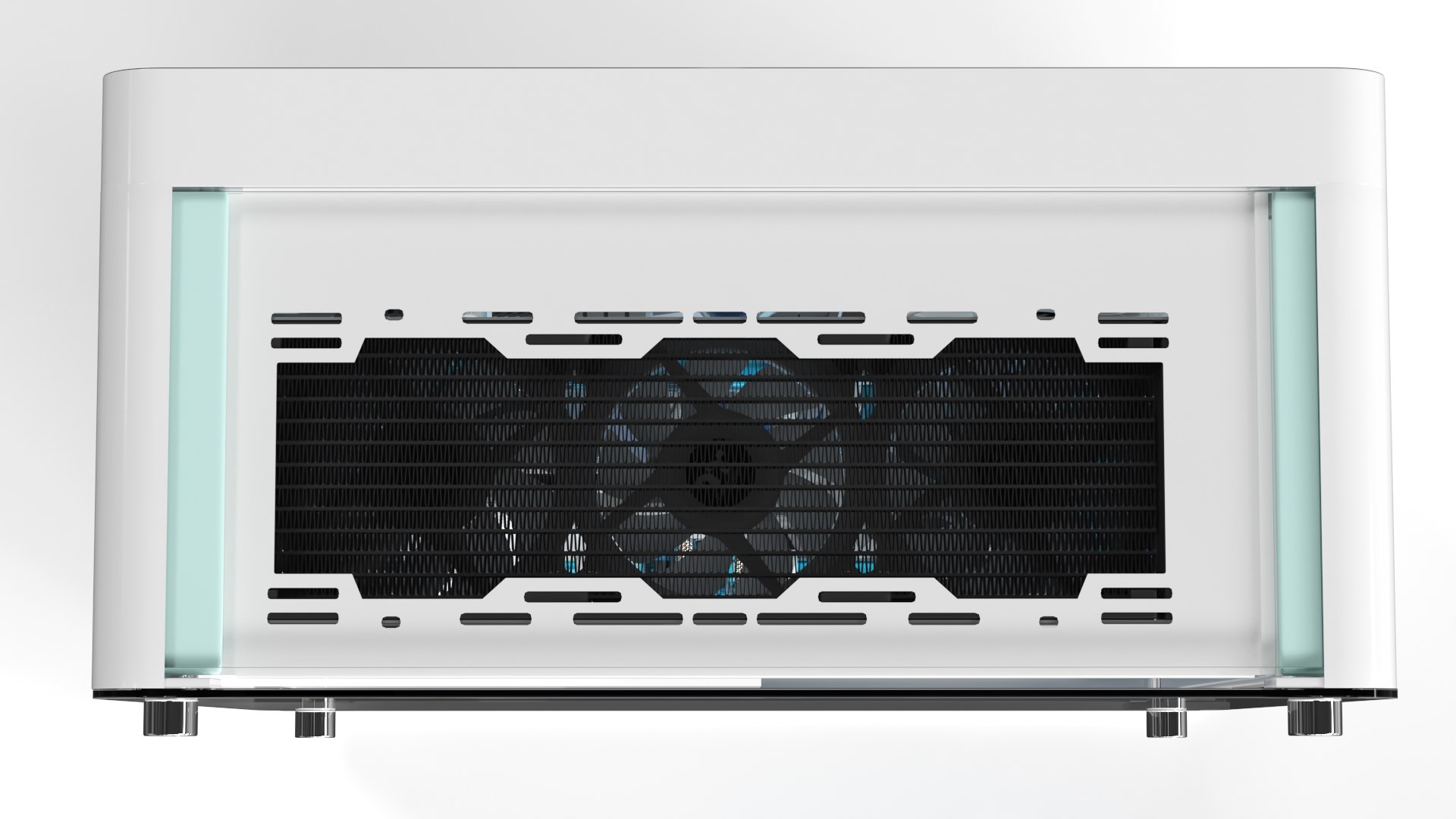
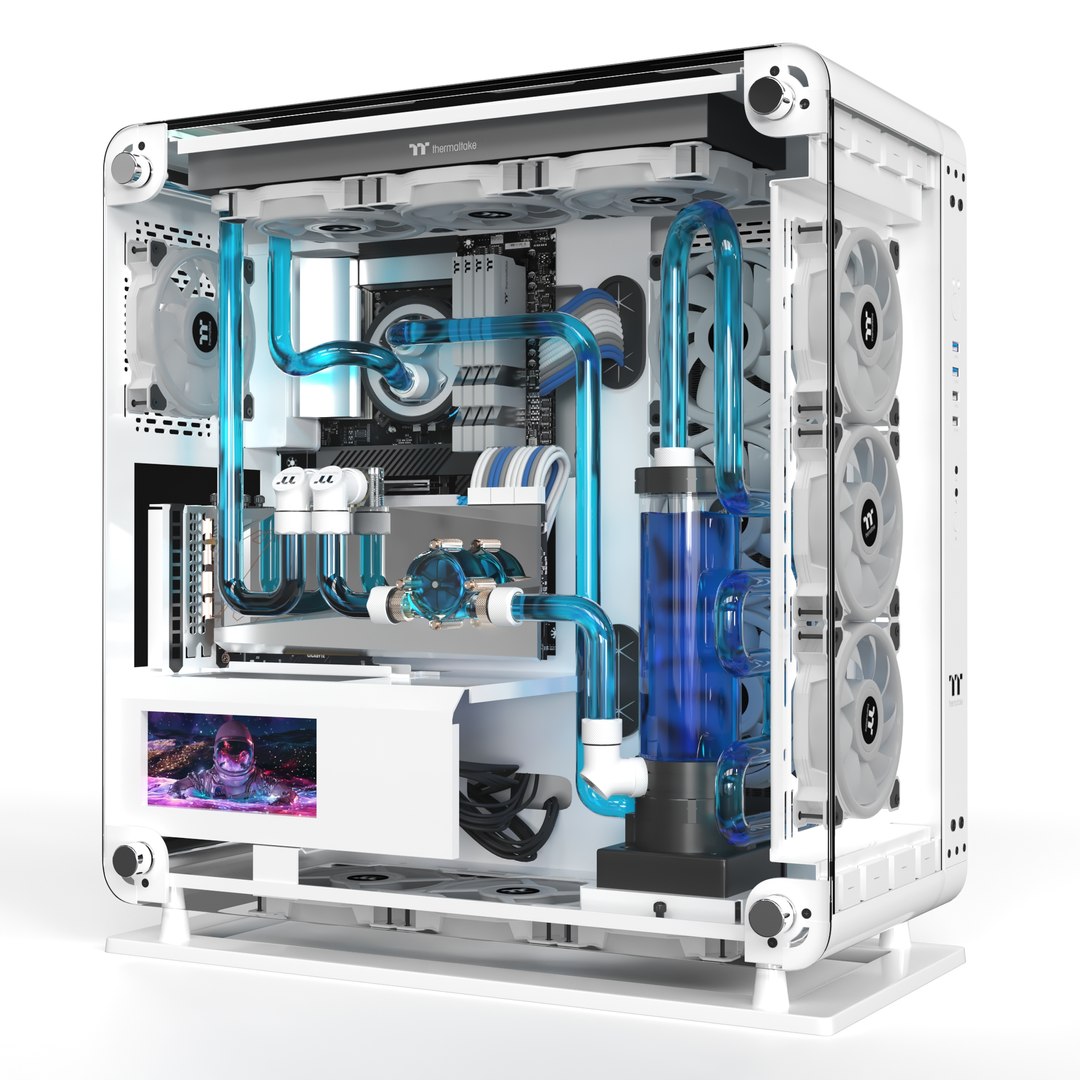
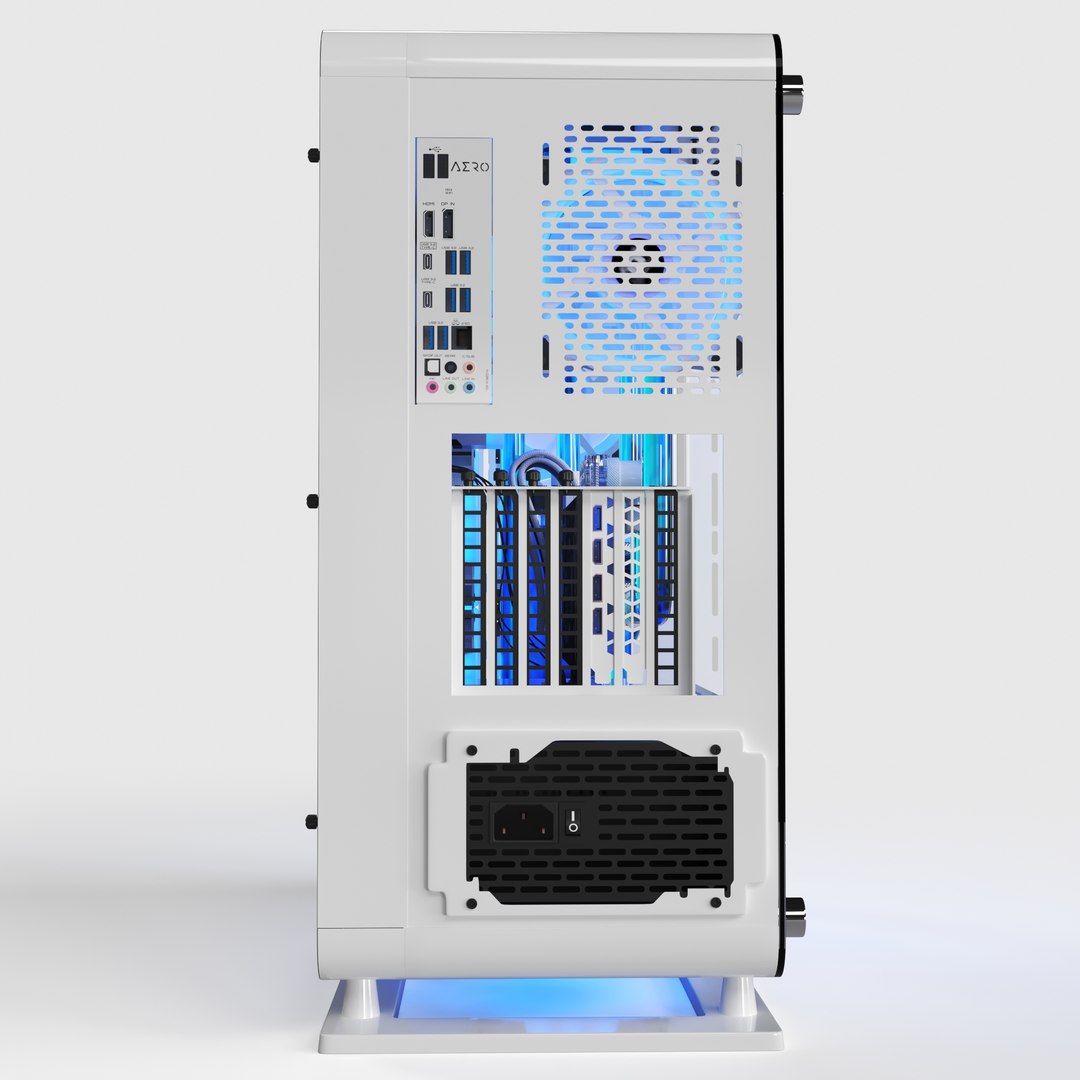
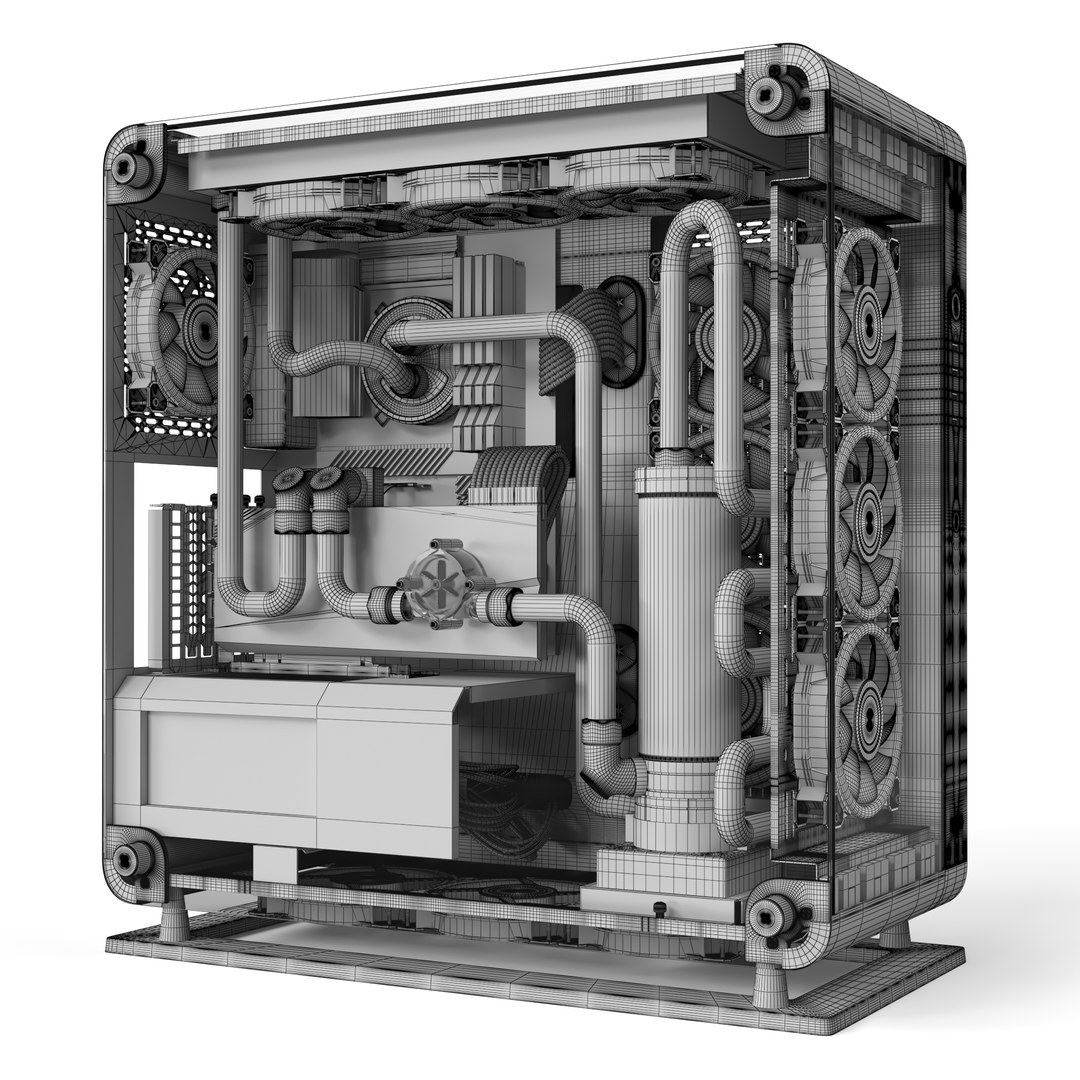
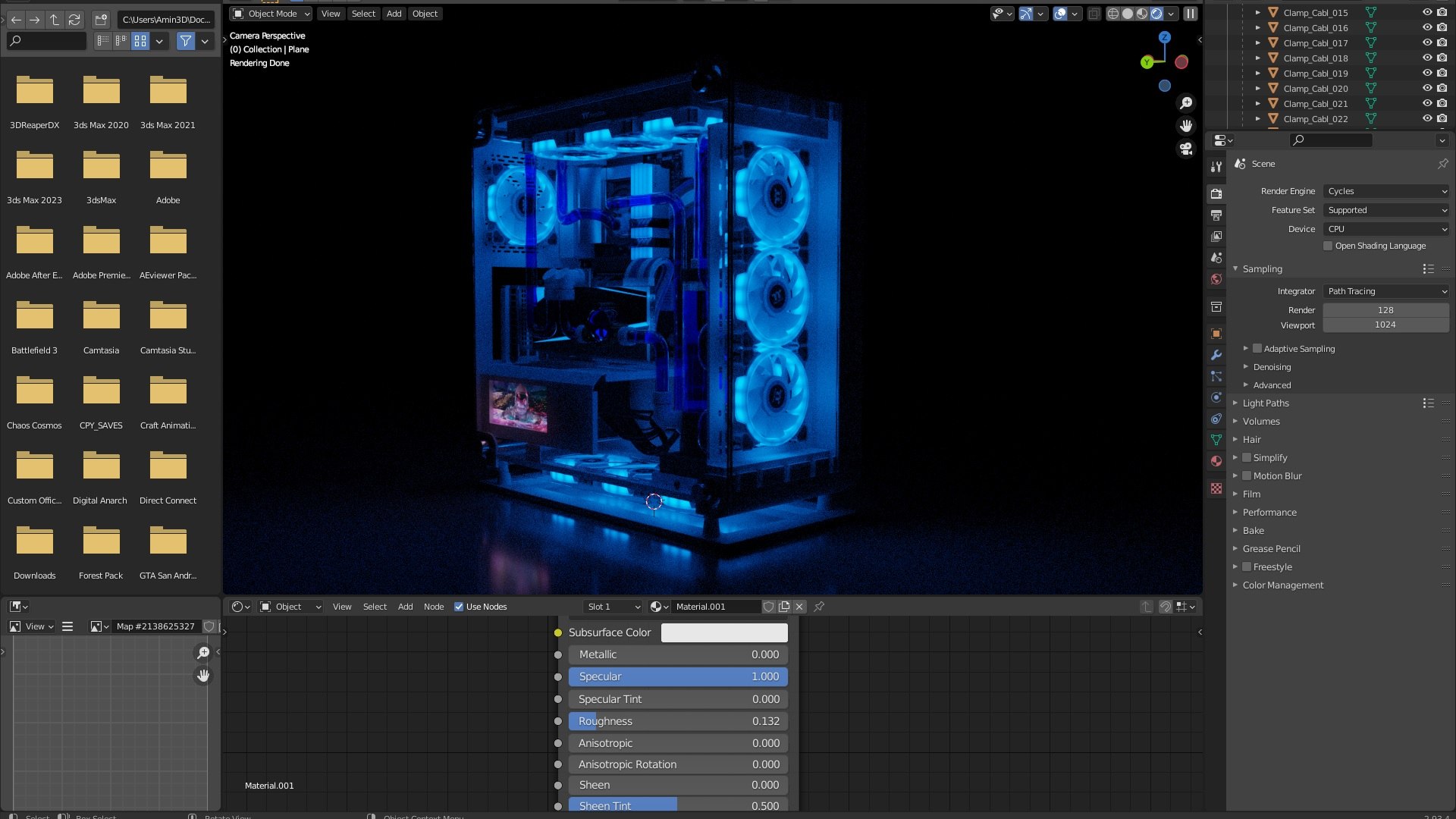
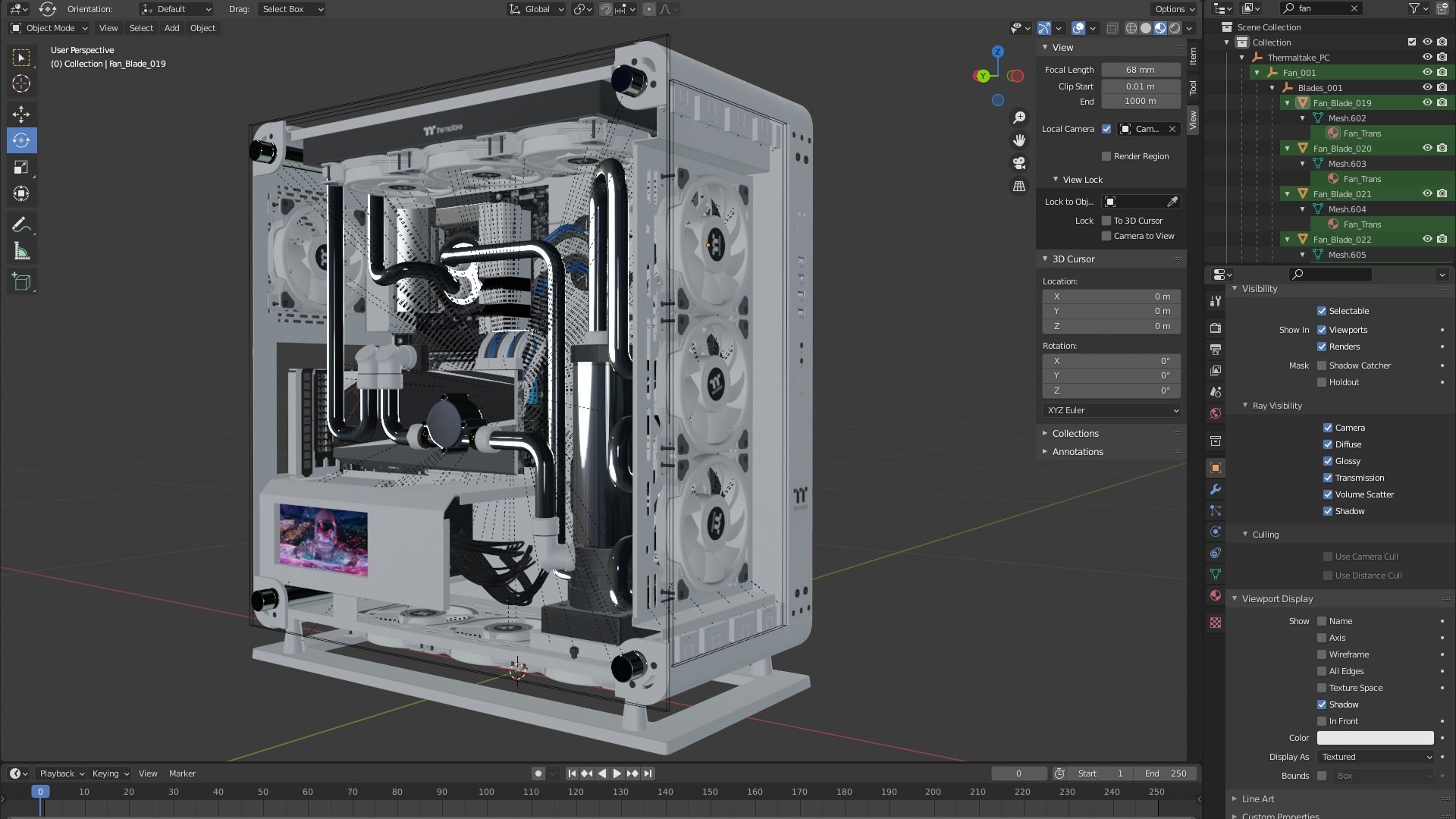
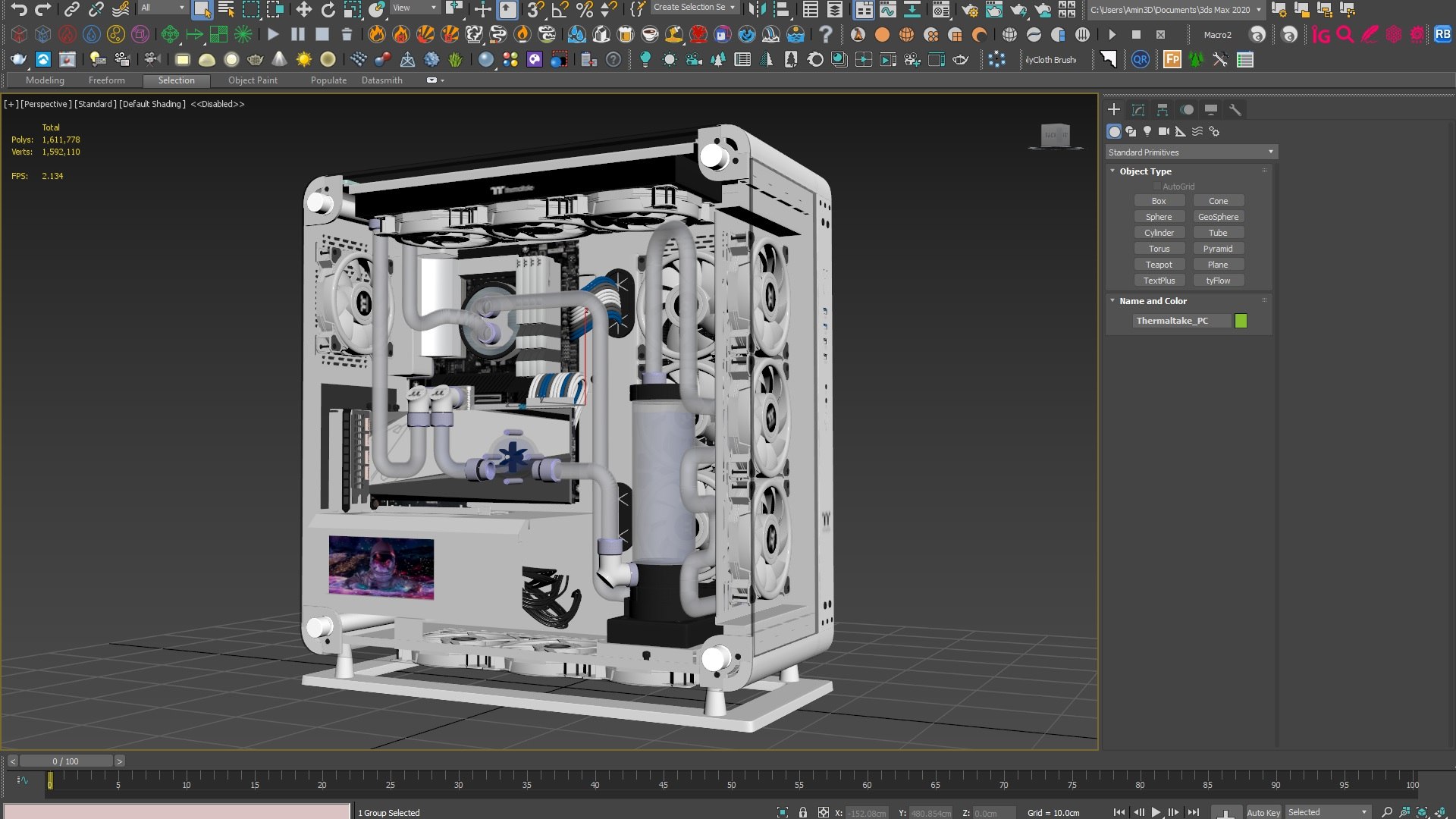
Thermaltake Core P6 Tempered PC
File Formats :

3ds max 2015
Blender 2.93
FBX

Render Engines :

V-Ray Next 5 (for 3ds max)
Corona 4 (for 3ds max)
Cycles (For Blender)

Note :

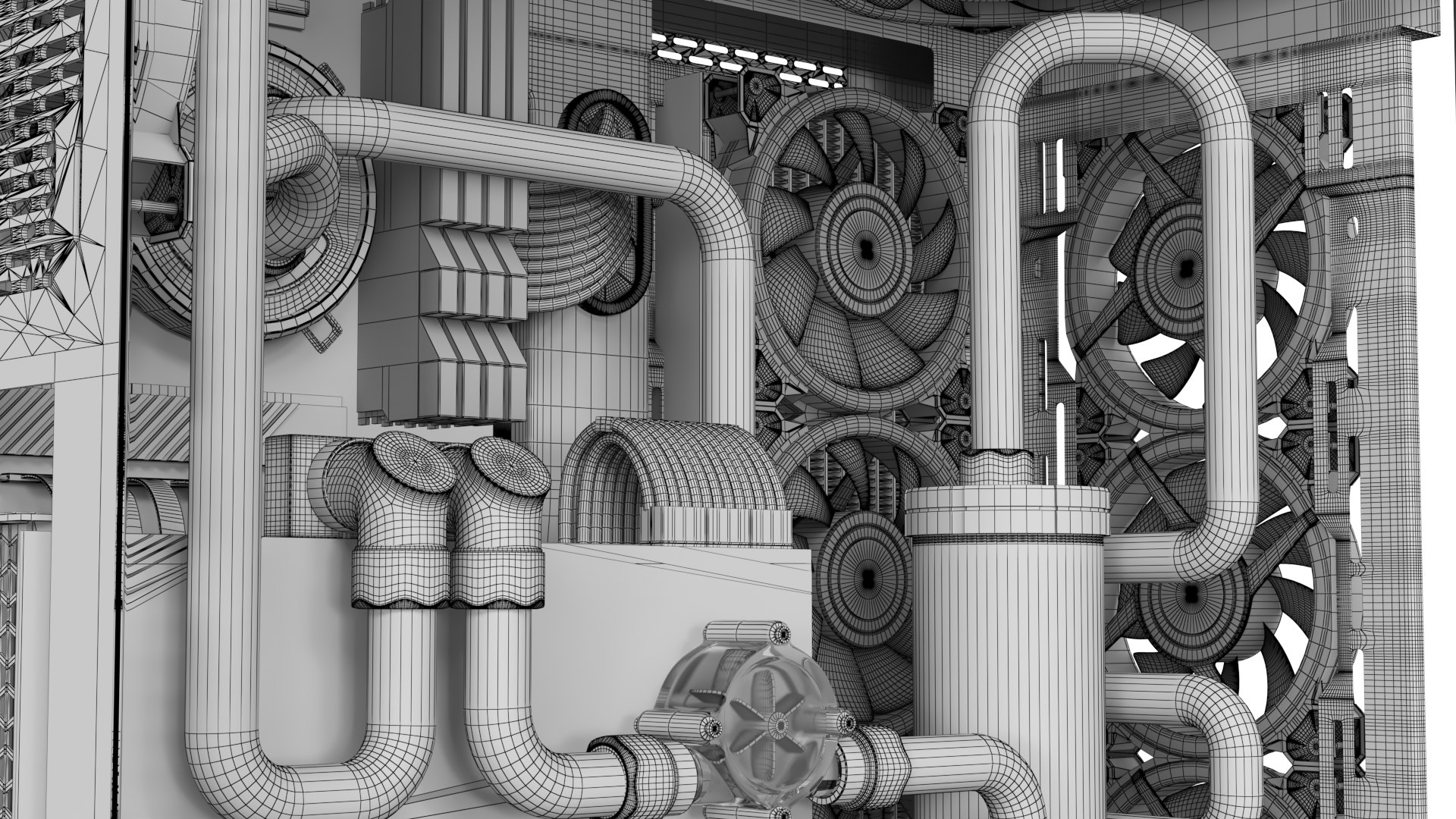
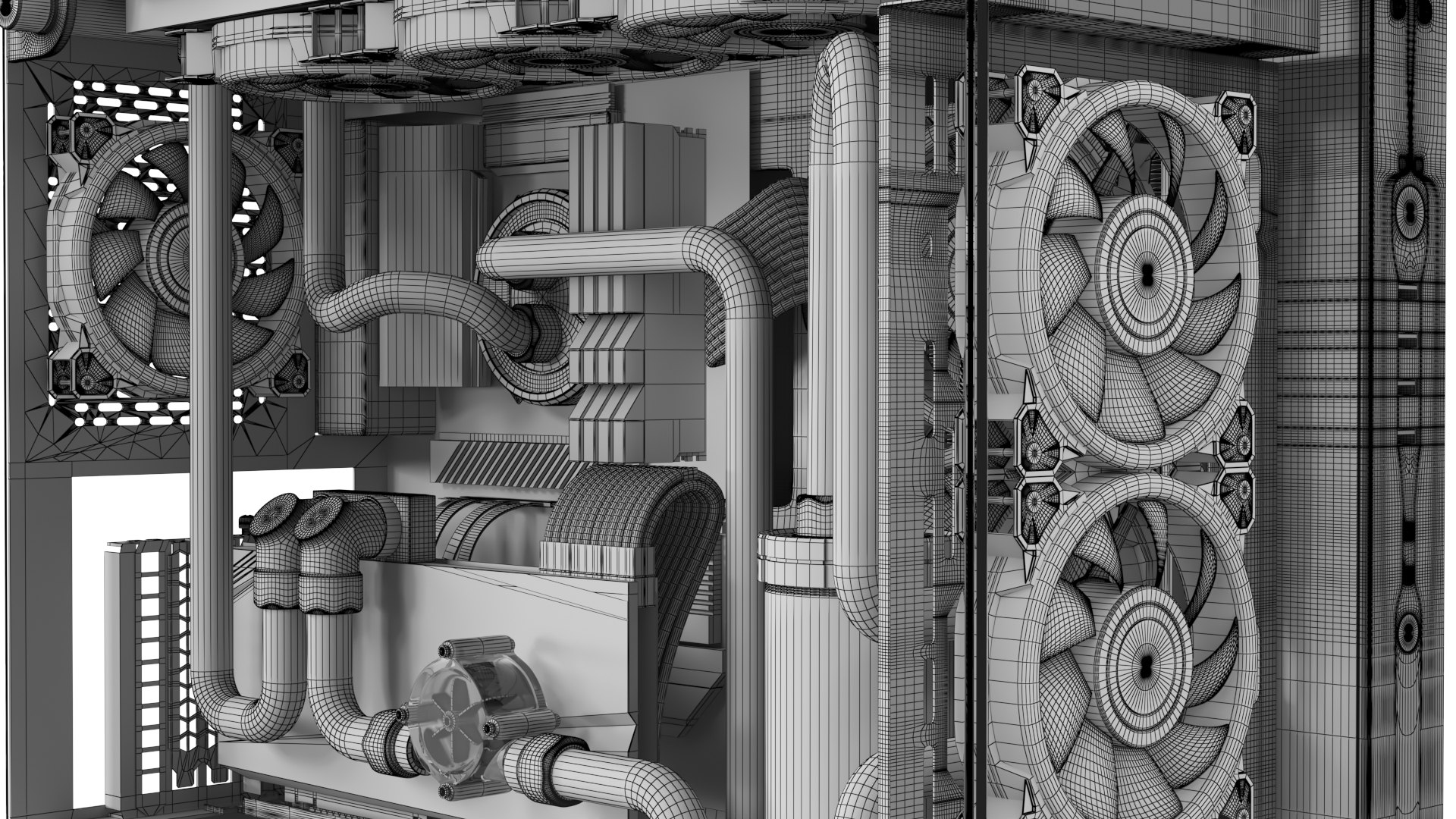
In the 3D Max files, the fans have Out of Range rotation animation. So, to create the Motion Blur effect, it is enough to activate Motion Blur for the scene camera or in the rendering settings.
All the Fan Blades are grouped in the Blender file, which you can apply rotation animation to.

Some brand of computer parts :


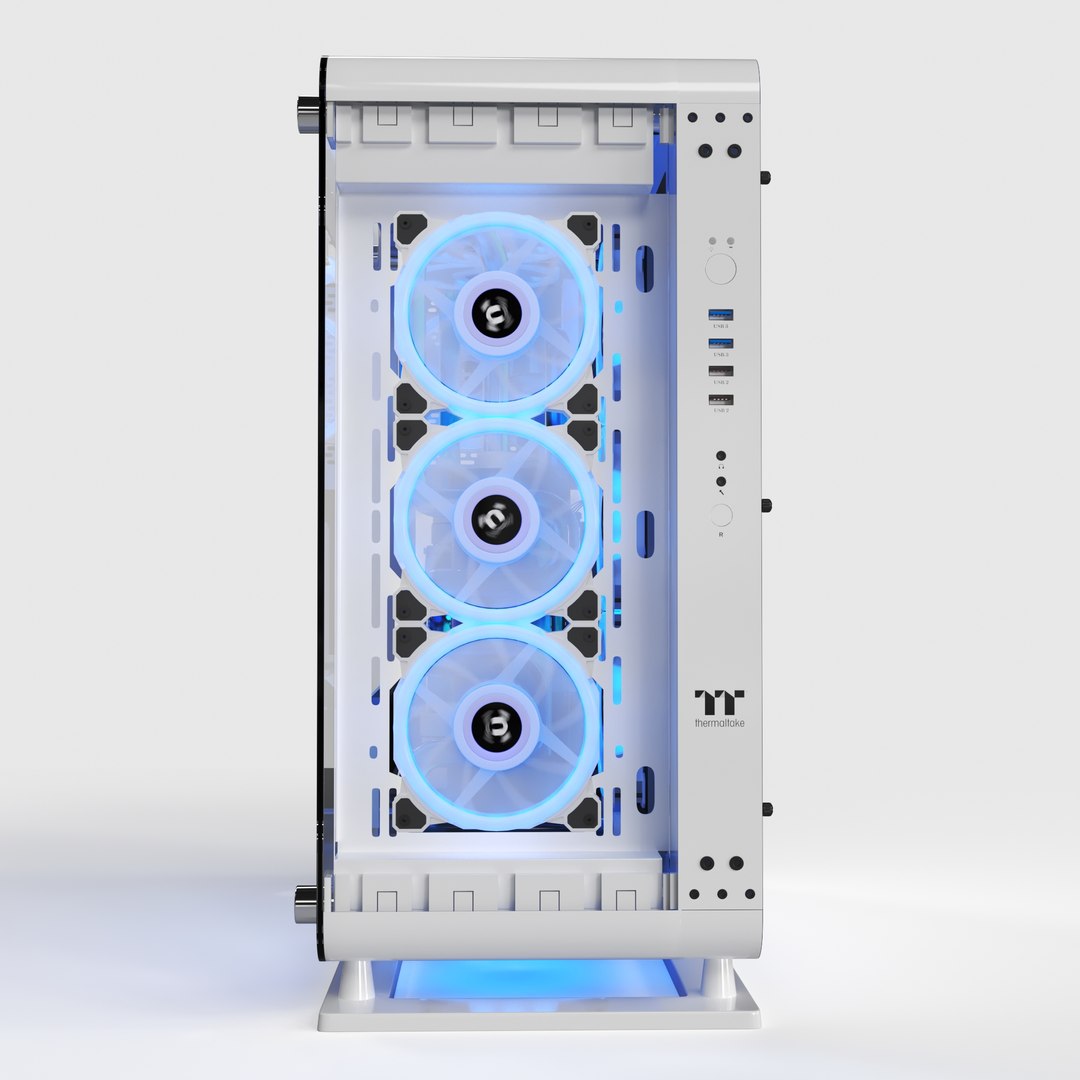
Case : Thermaltake Core P6 Tempered
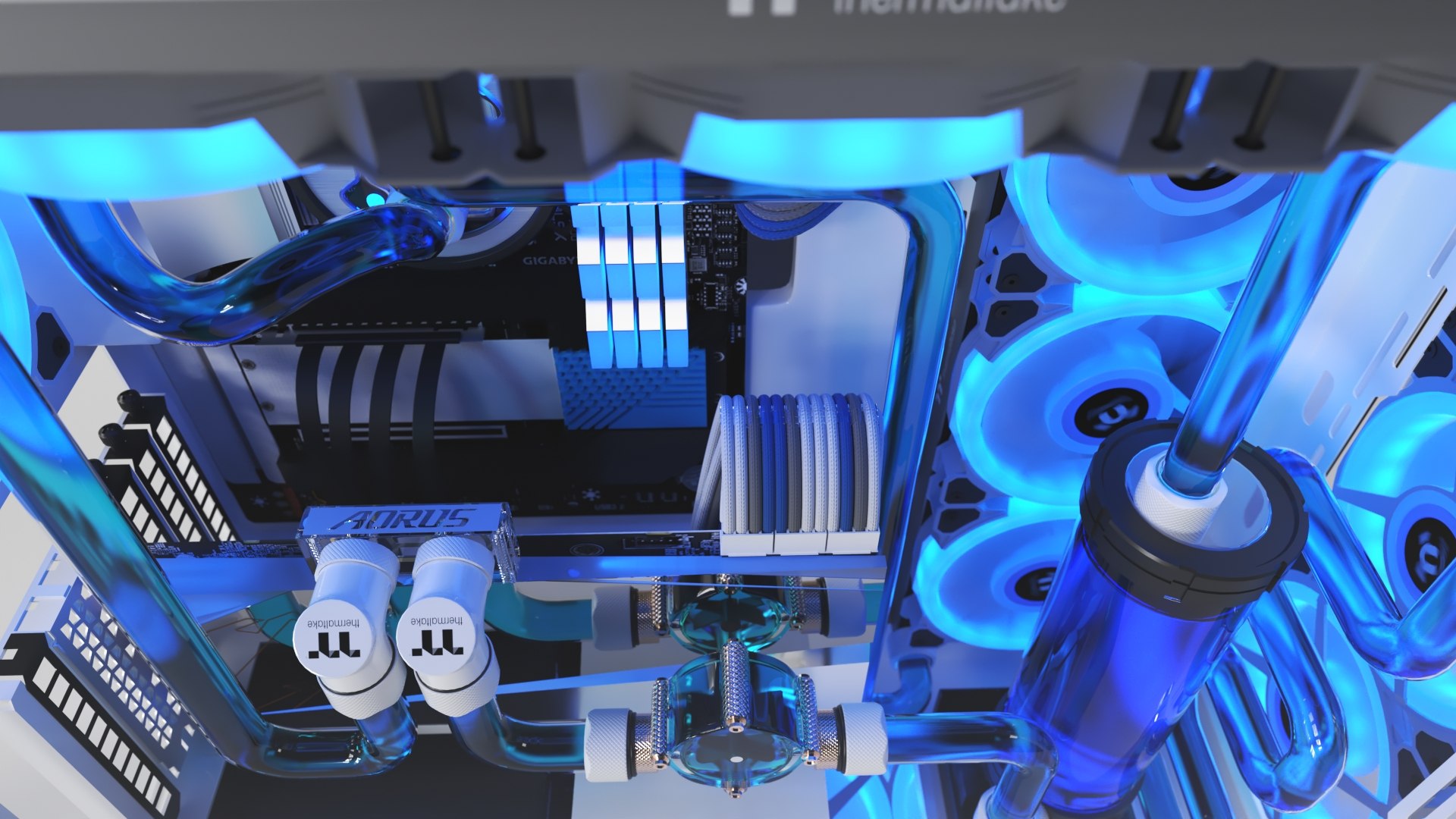
Motherboard : GIGABYTE X570S AERO G
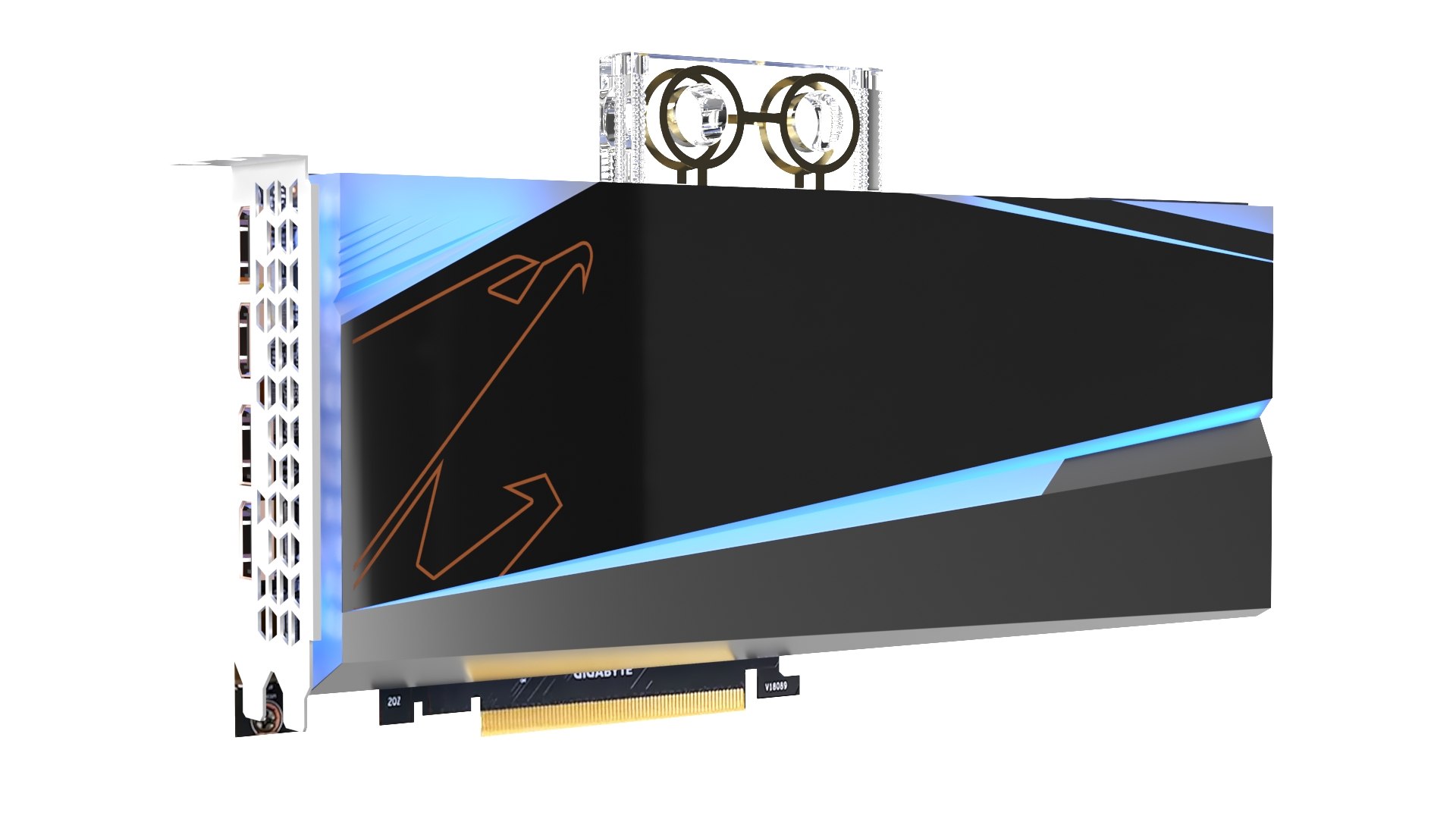
GPU : Gigabyte AORUS Radeon RX 6900 XT Xtreme WATERFORCE WB
RAM : Thermaltake TOUGHRAM RGB
Fittings: Thermaltake Pacific White
Pump res : Thermaltake Pacific PR32-D5 Plus
PSU : Thermaltake Toughpower iRGB Plus 850W
Fans : Riing Quad 14 RGB Radiator Fan White TT Premium Edition
Mini PC screen (in case) : hokistudio 8.8 inch 1920x480 IPS LCD Screen

Select Enhanced License

  • $10,000 in Legal Protection (Indemnification)
  • Uncapped Legal Protection (Indemnification)
  • Waiver from injunctive relief
  • Assignable model rights
  • $1,000,000 in Legal Protection (Indemnification)
  • Waiver from injunctive relief
  • Assignable model rights
  • $250,000 in Legal Protection (Indemnification)
  • Assignable model rights
Read more about enhanced license tiers, or contact us at enterprise@turbosquid.com. Already a Shutterstock Enterprise Customer? Contact your Shutterstock Sales Support Agent to talk about adding 3D.

About Conversion Requests

To submit a conversion request for a purchased asset, please complete our Conversion Request Form.

If you have not yet purchased a model, please review our Documentation about Conversions to learn about what limitations you may encounter with a conversion.

For any additional questions about a model’s suitability for conversion, please contact TurboSquid Support.

Loading...