
Thai Rock Collection 2 (2)

$109

Standard License | Upgrade License
Formats (4)
3ds Max 2010 | V-Ray
Specifications
Publish Date April 09, 2015
Product ID 914628
Polygons 1
Vertices 1
Polygonal
Textures
Materials
UV Mapped

member avatar
cgwarehouse
2000 Products | Contributor Since 2014
Have questions? Chat with us now.

Description

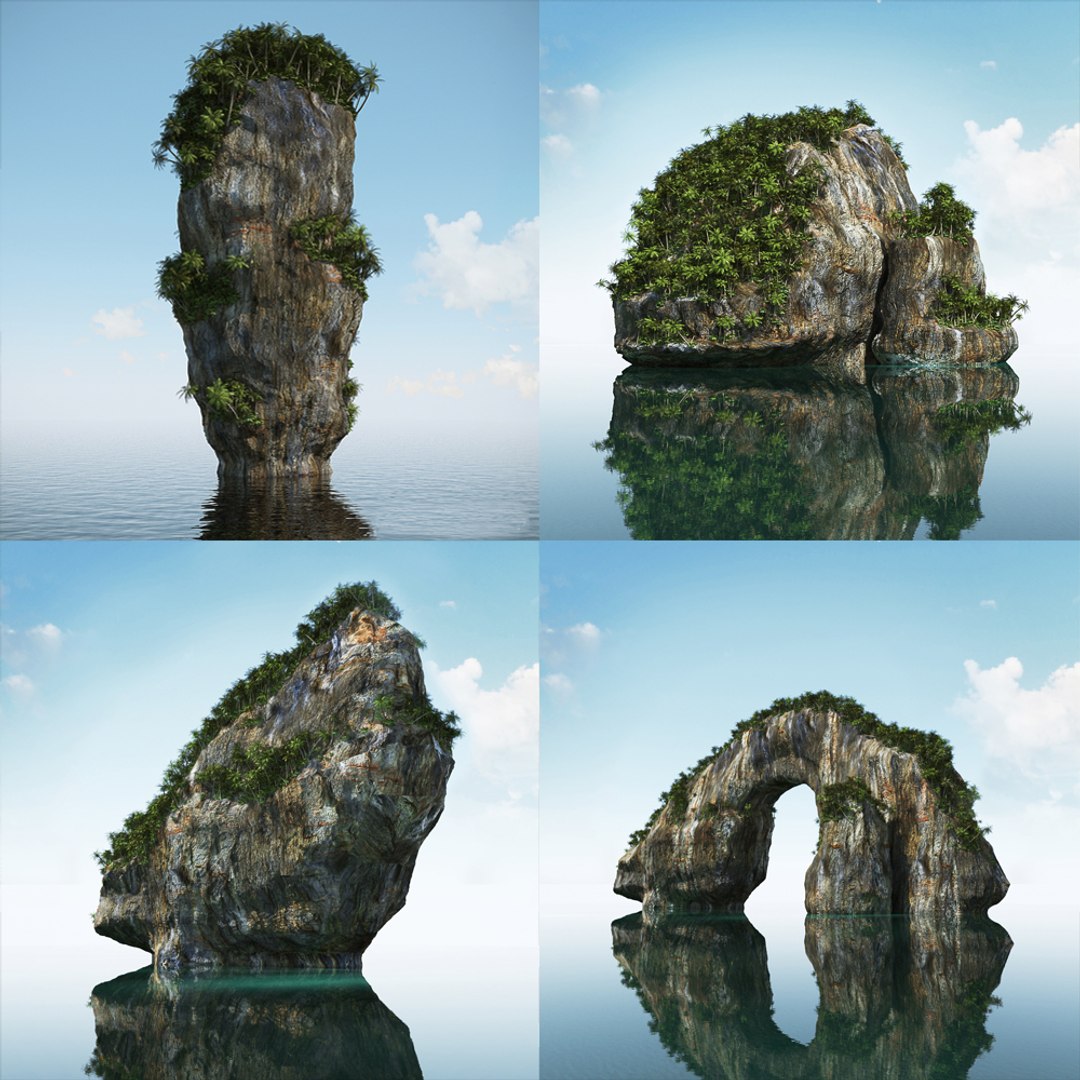
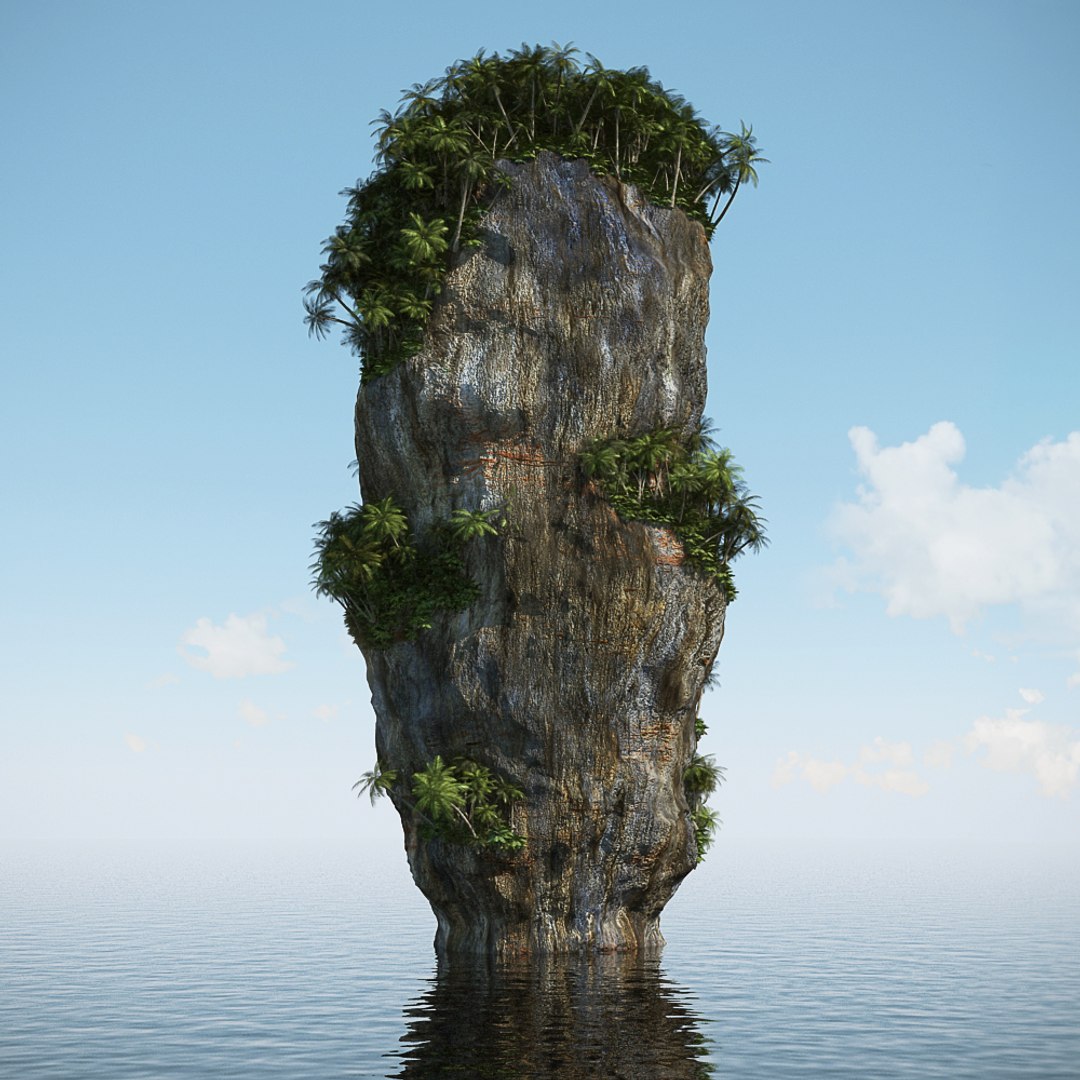
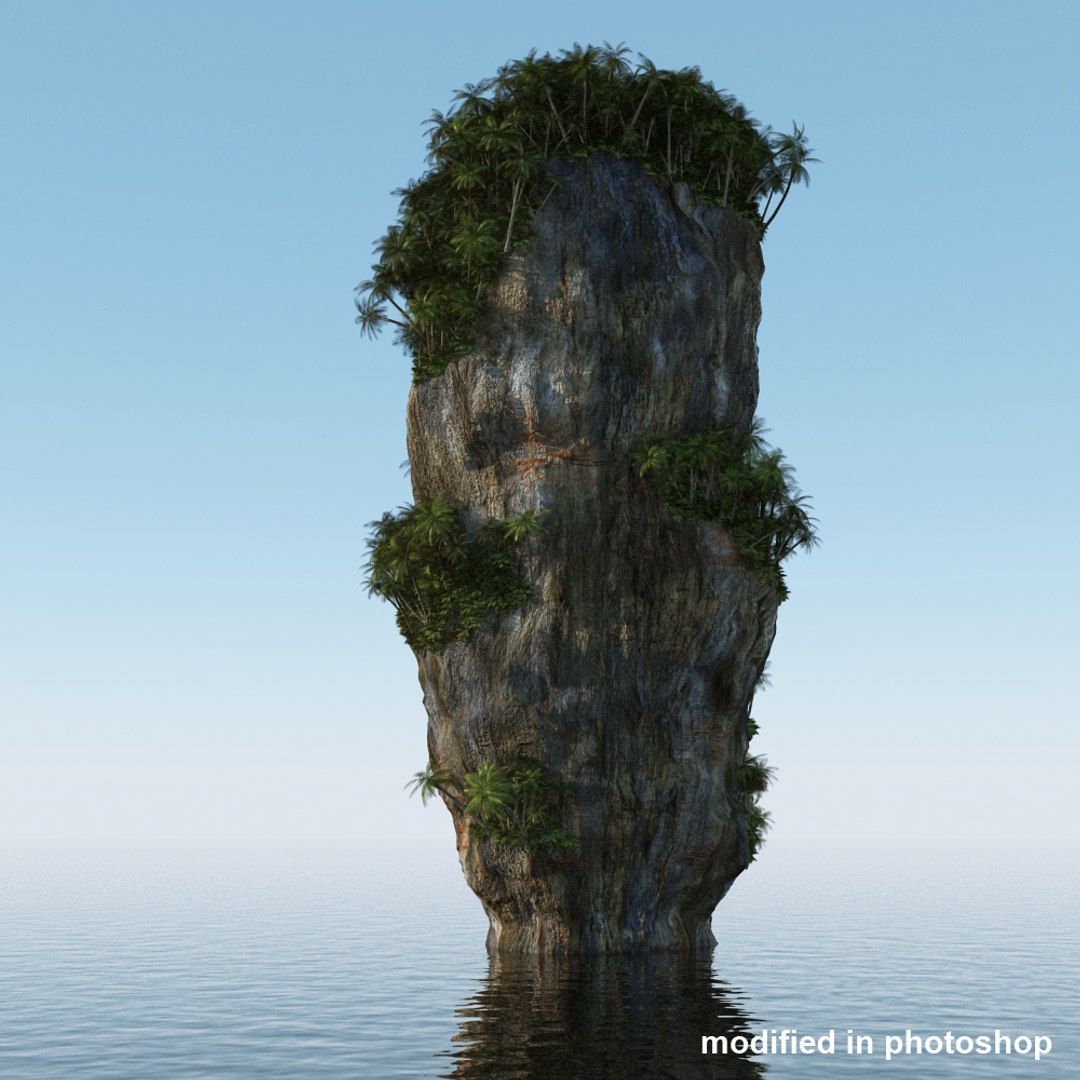
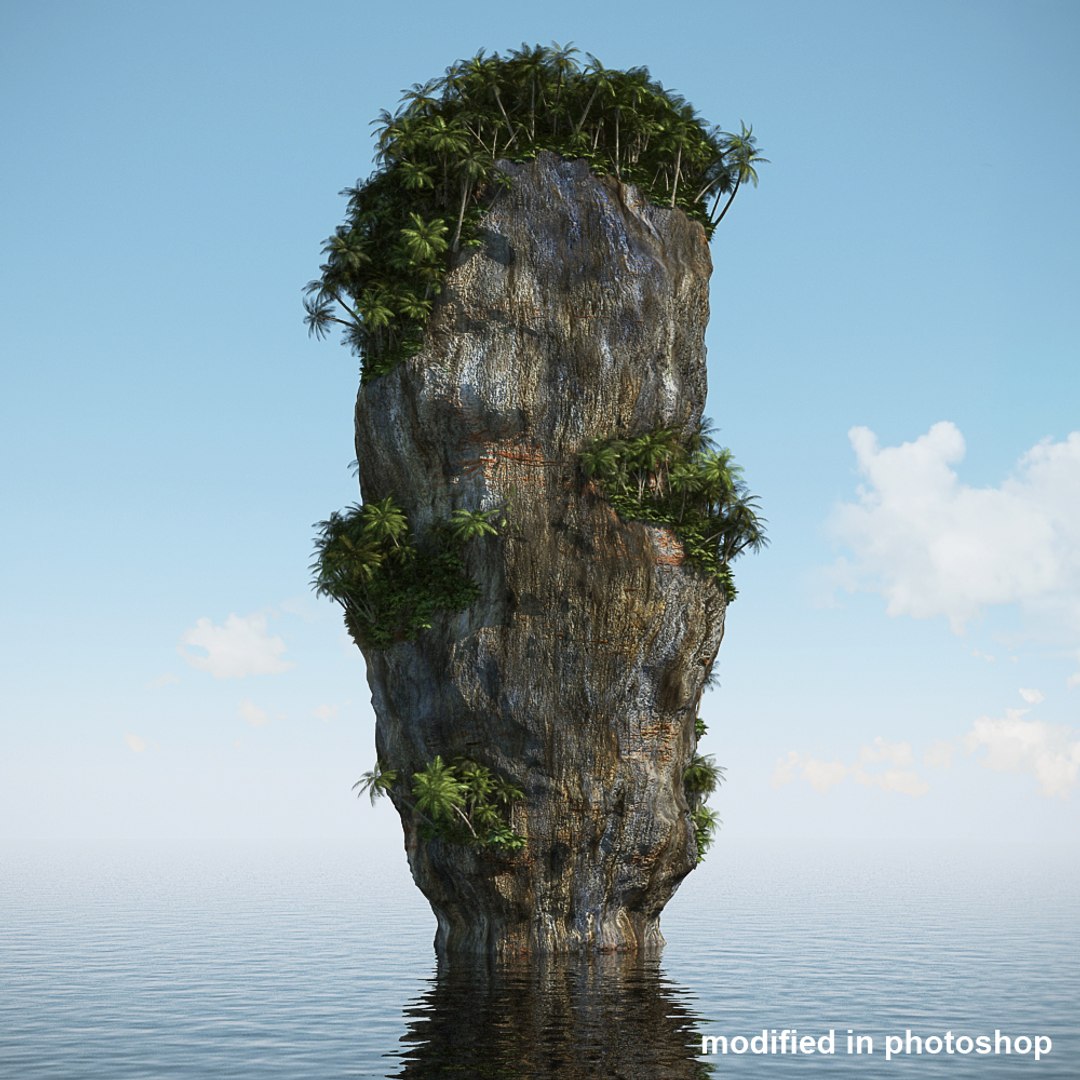
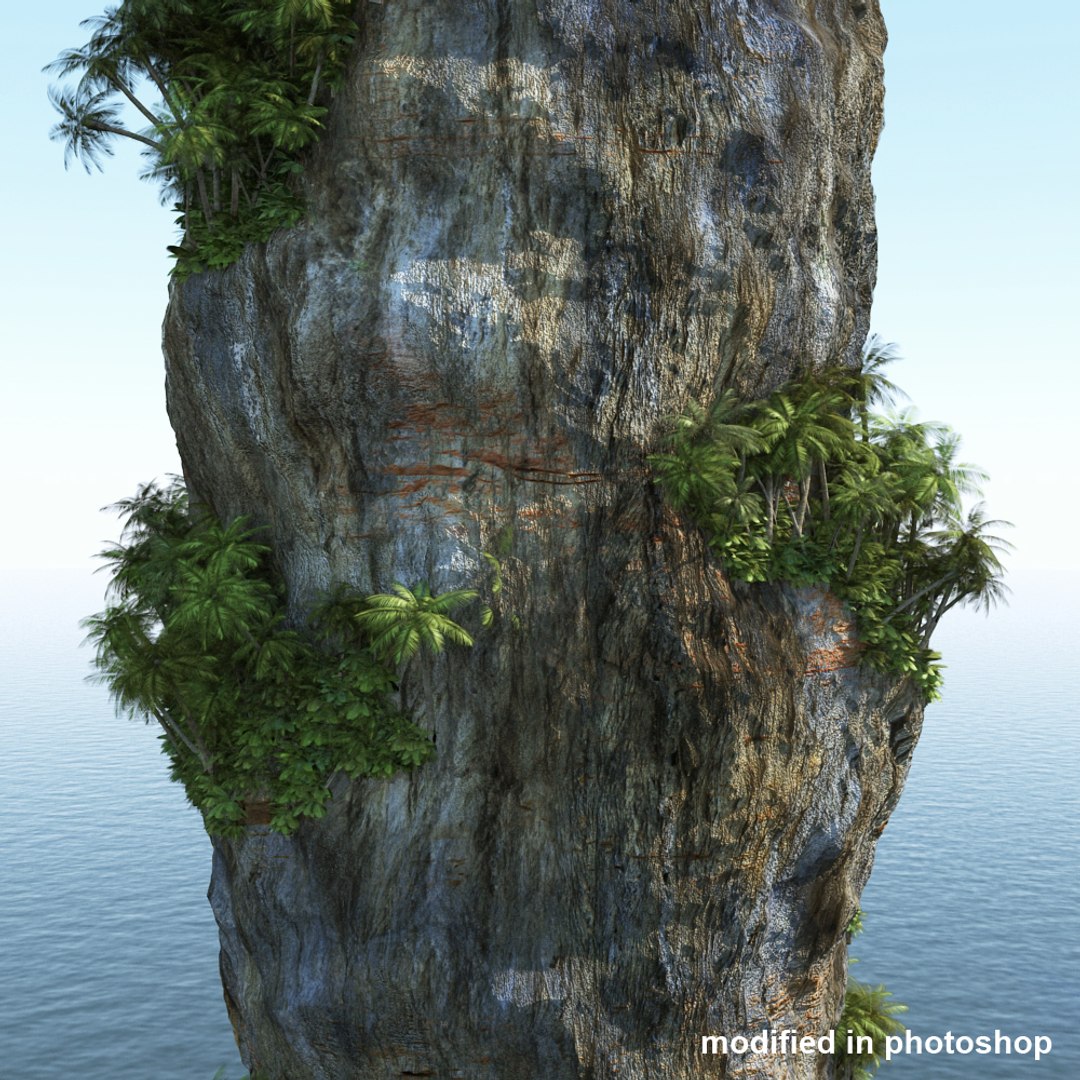
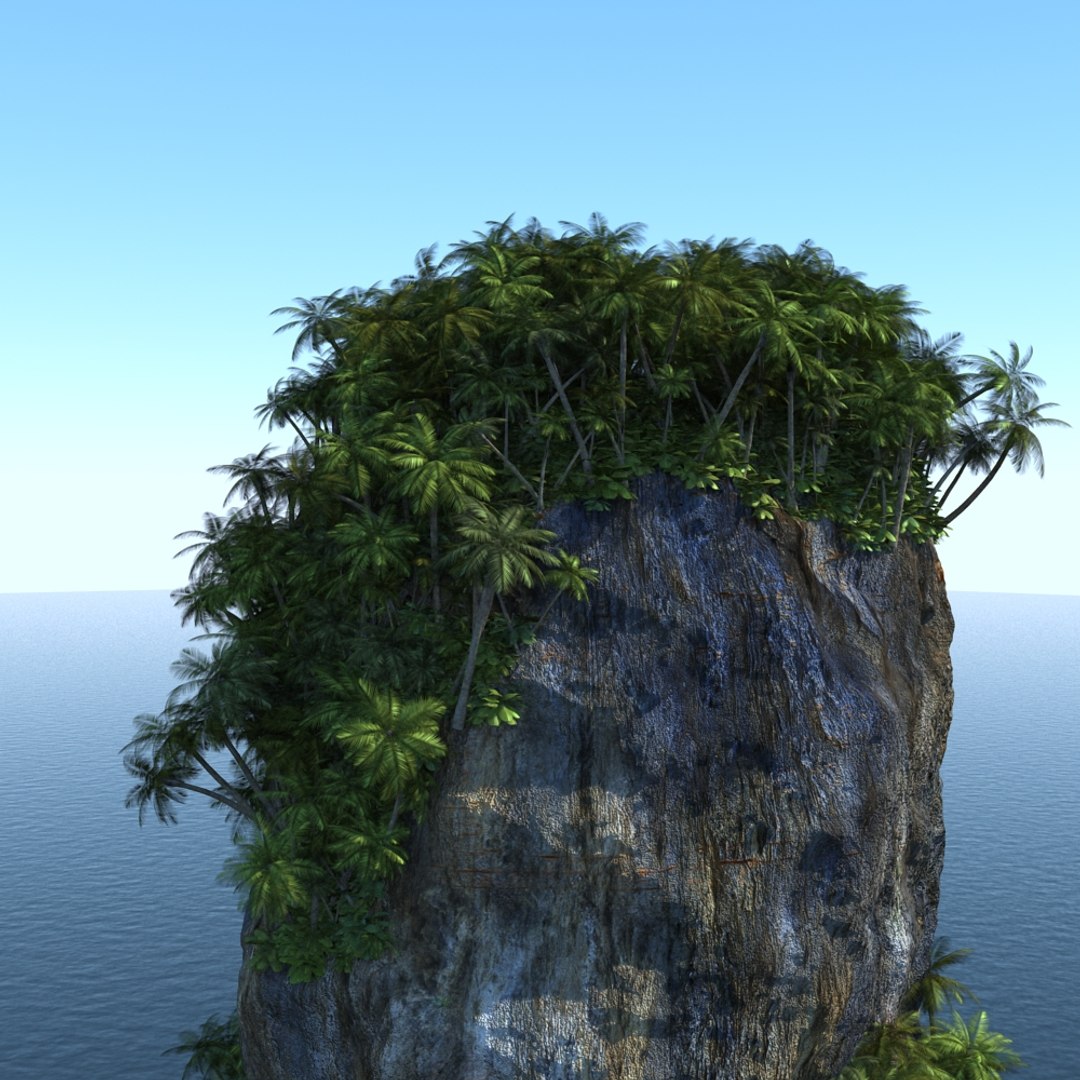
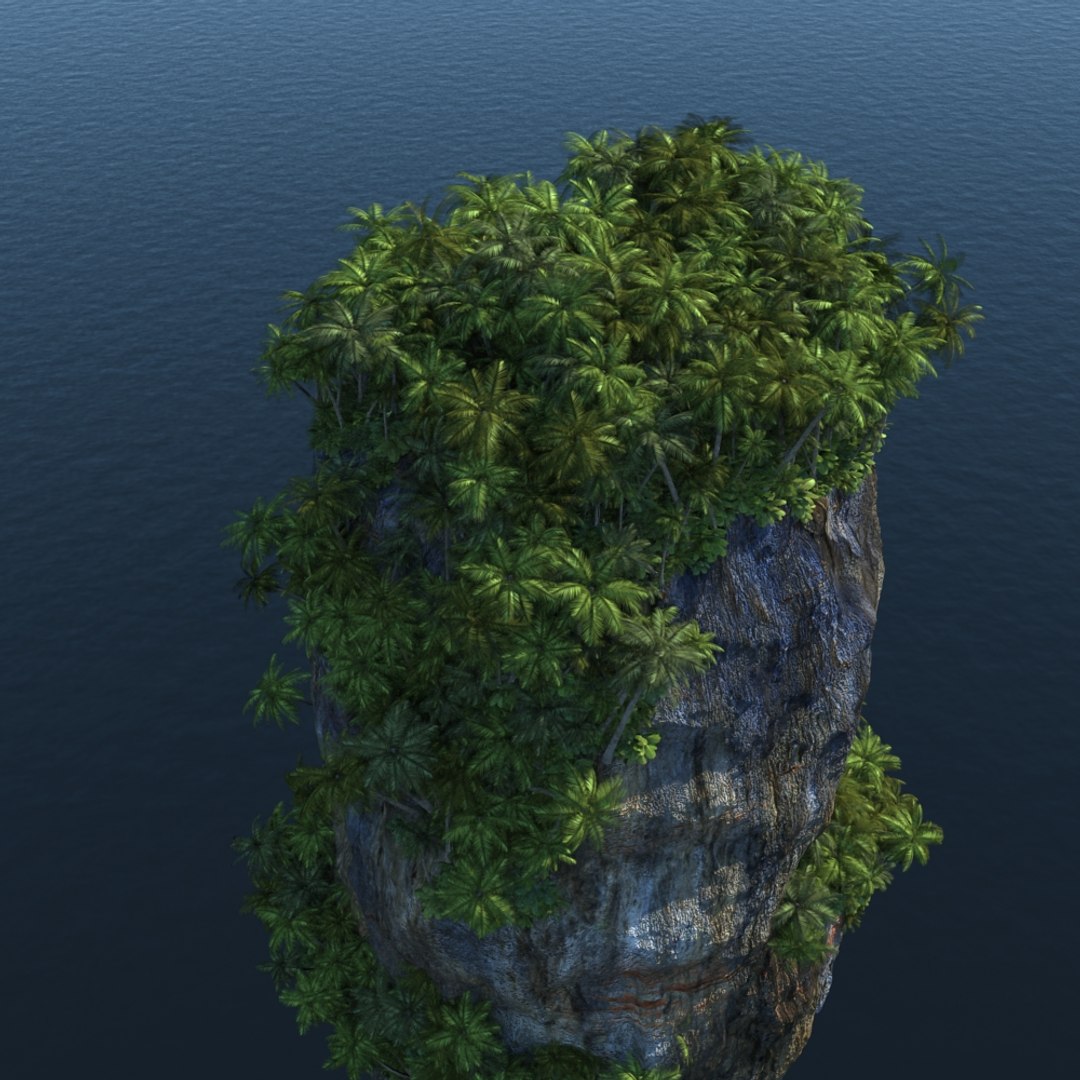
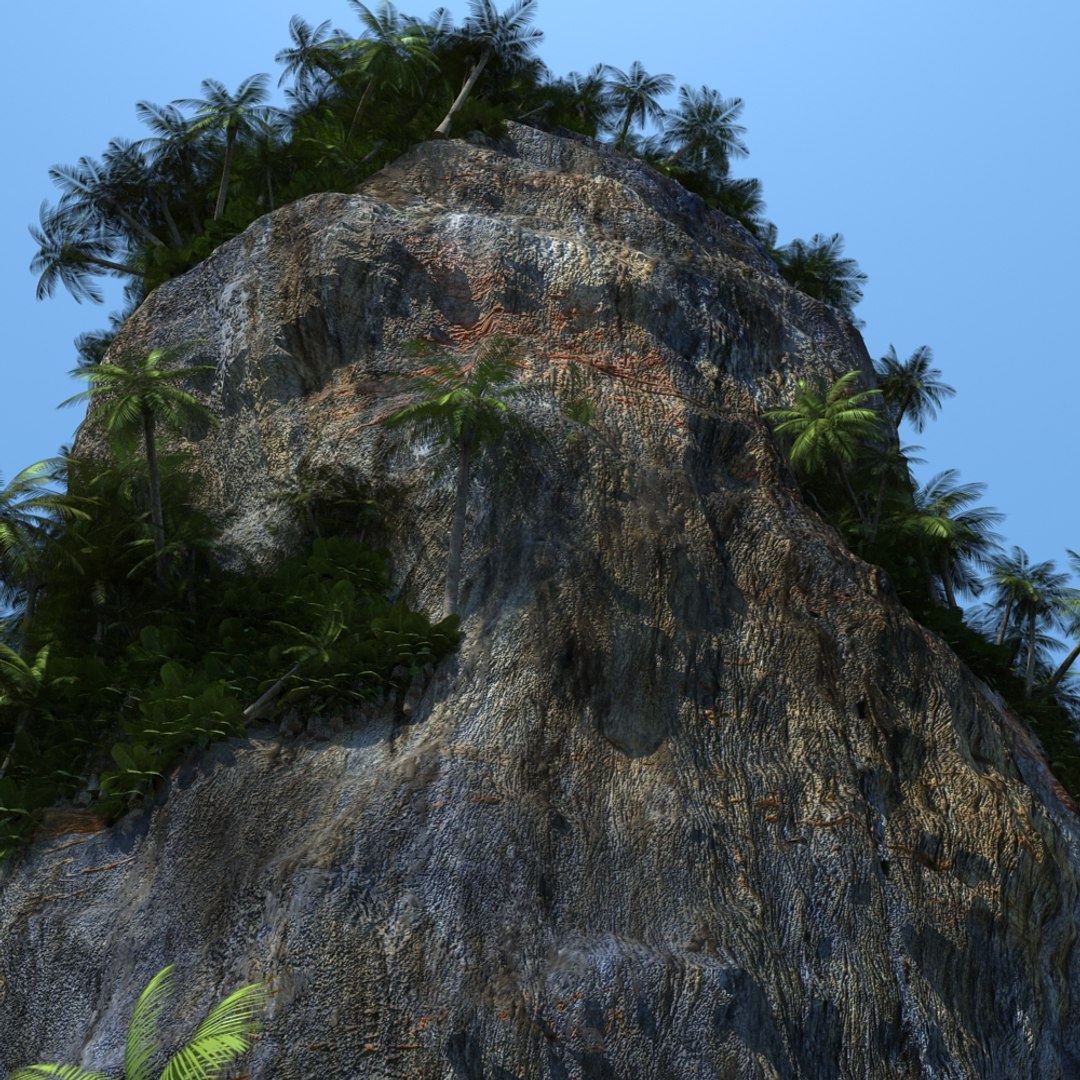
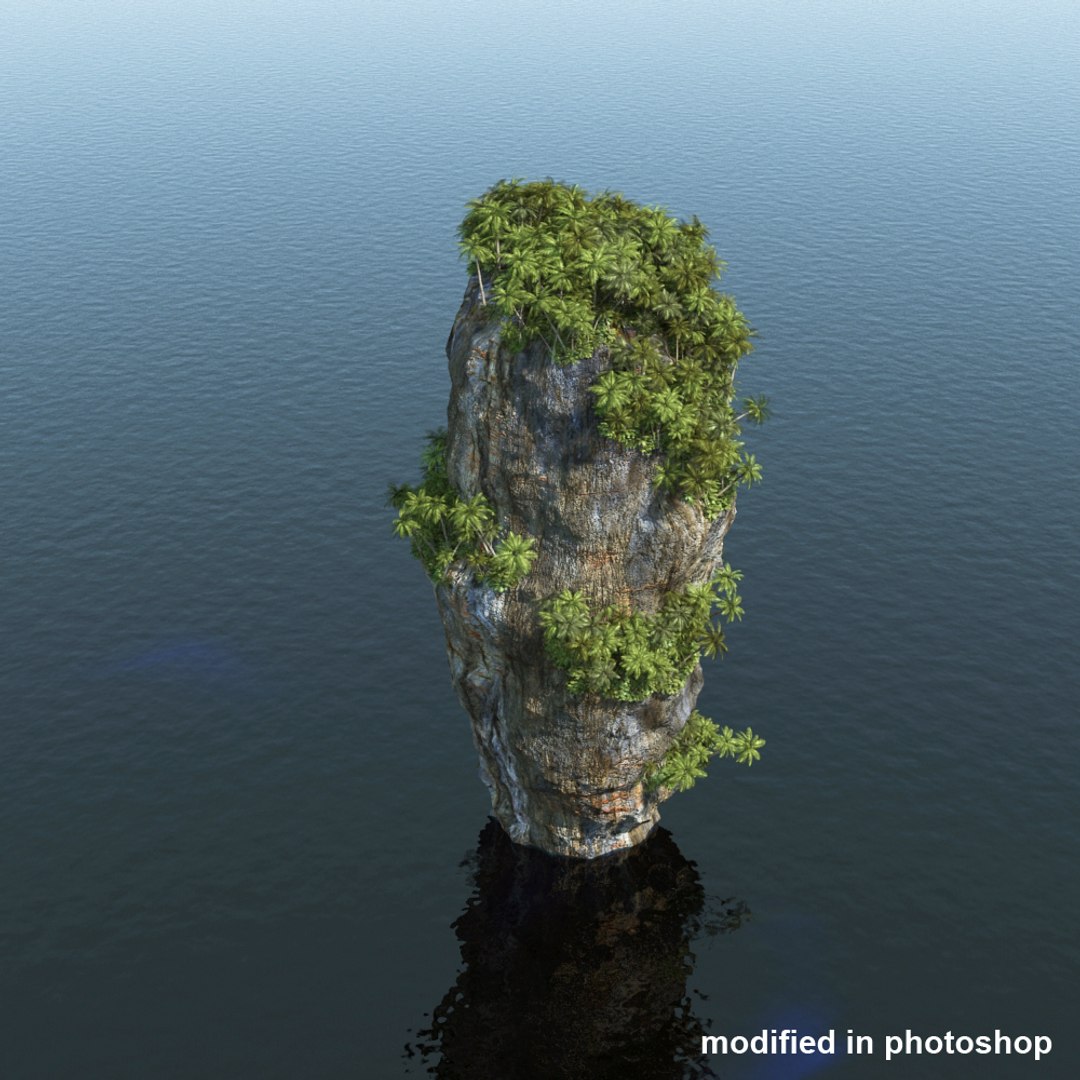
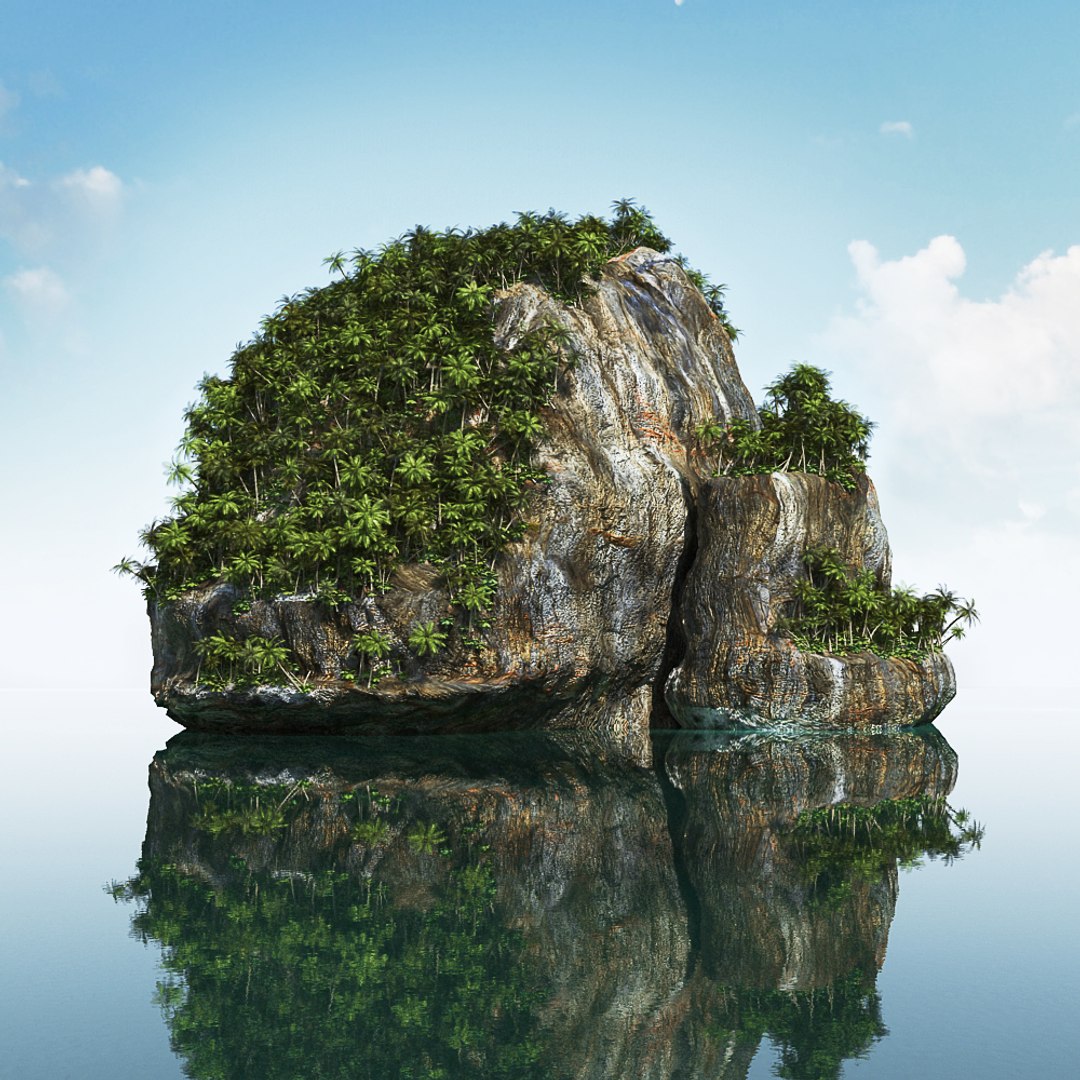
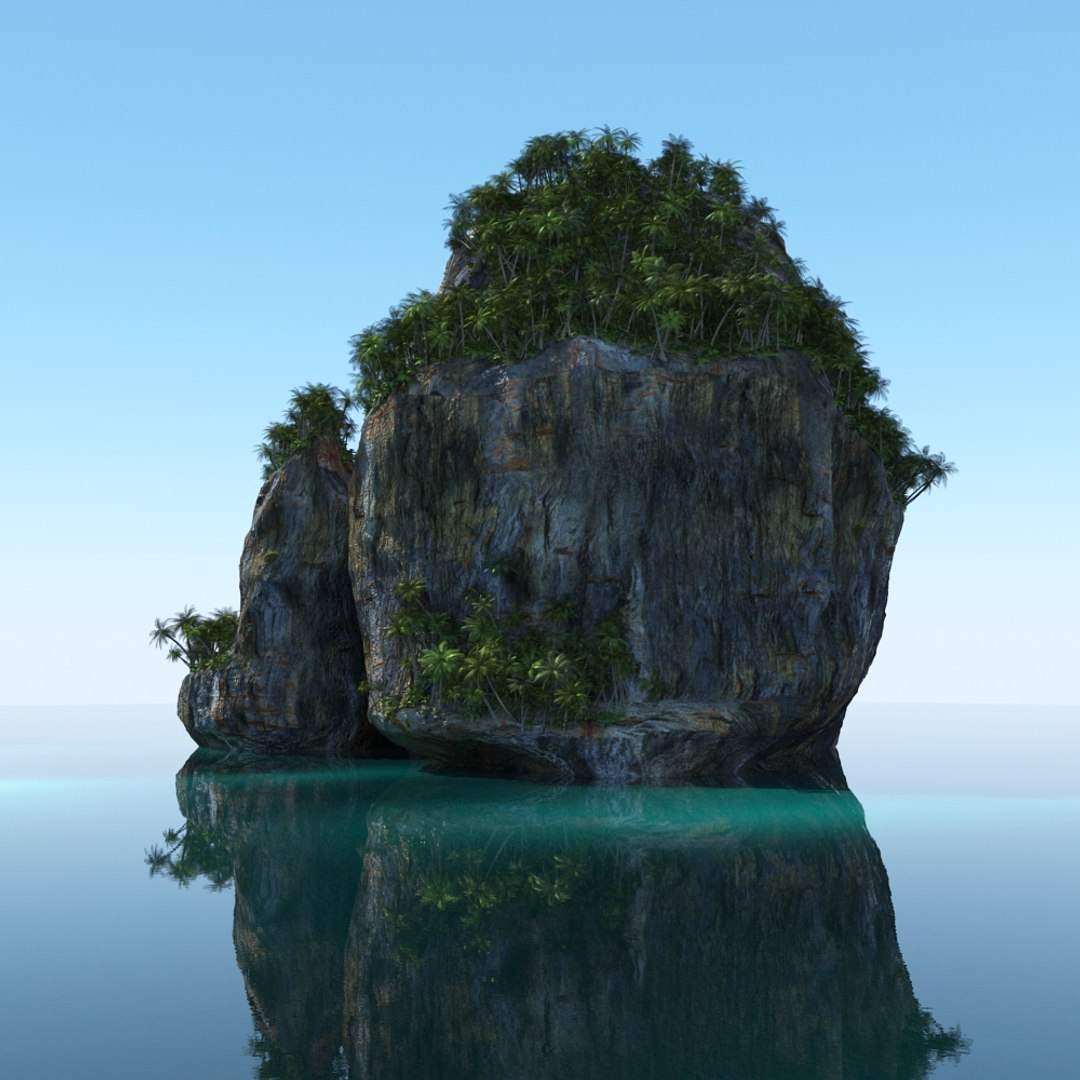
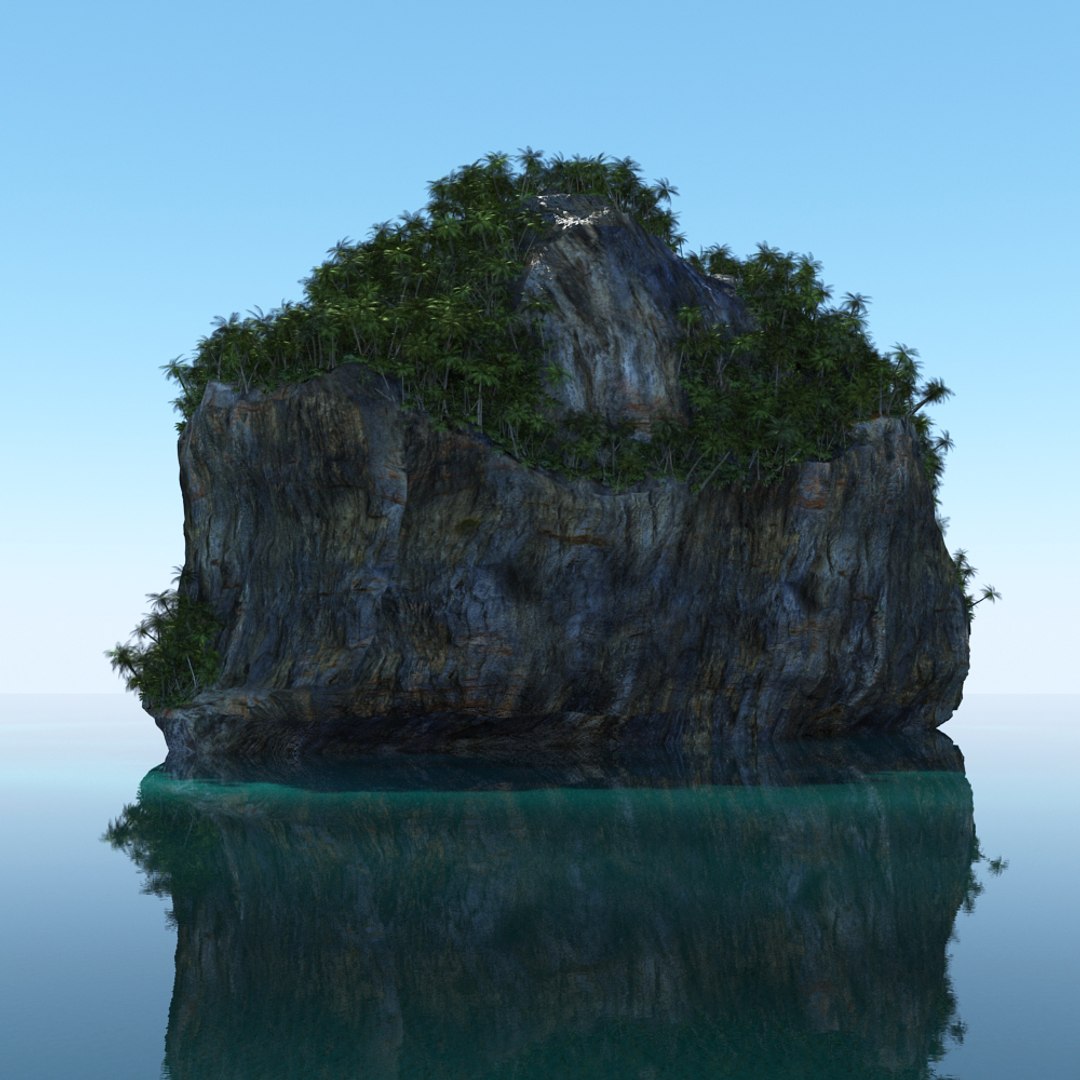
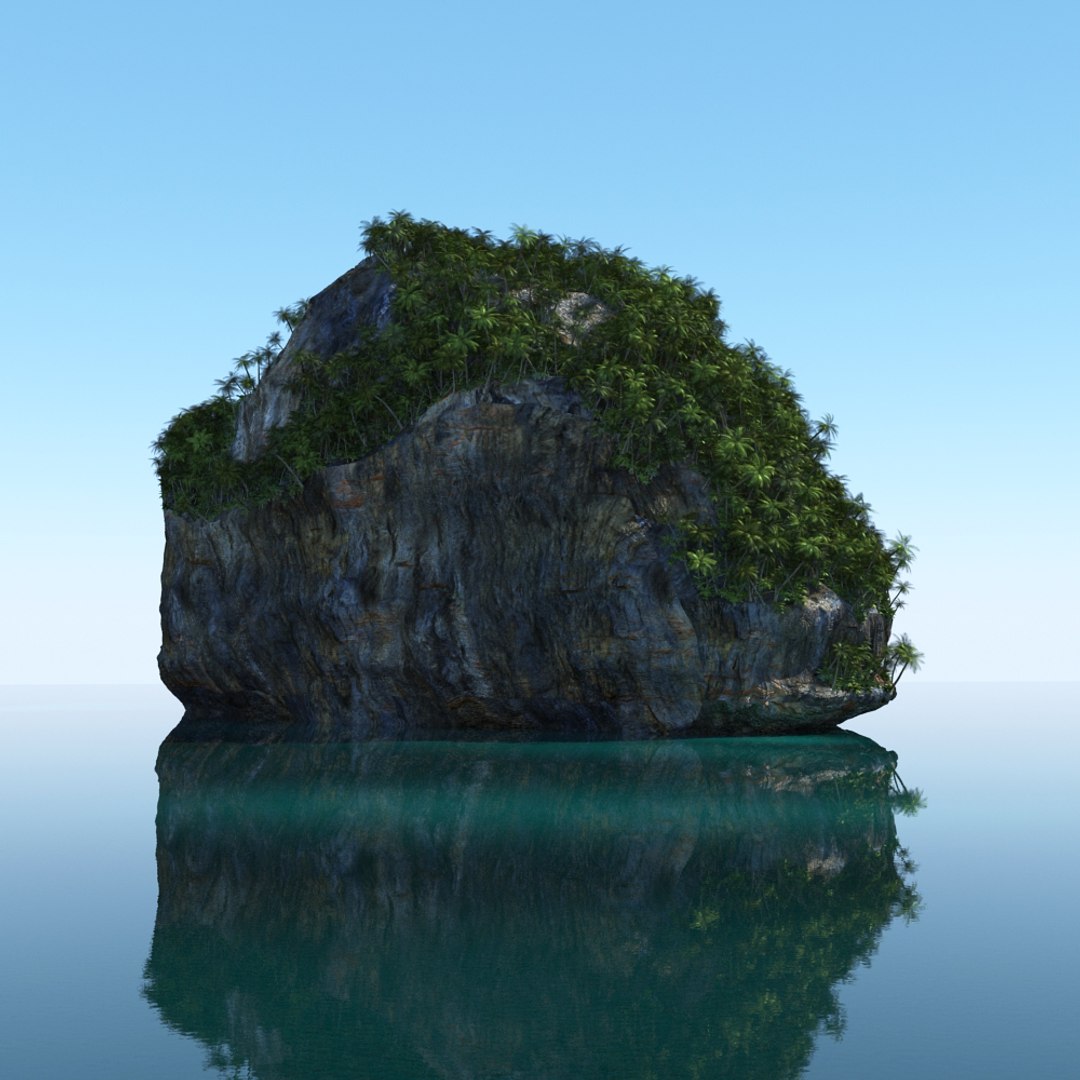
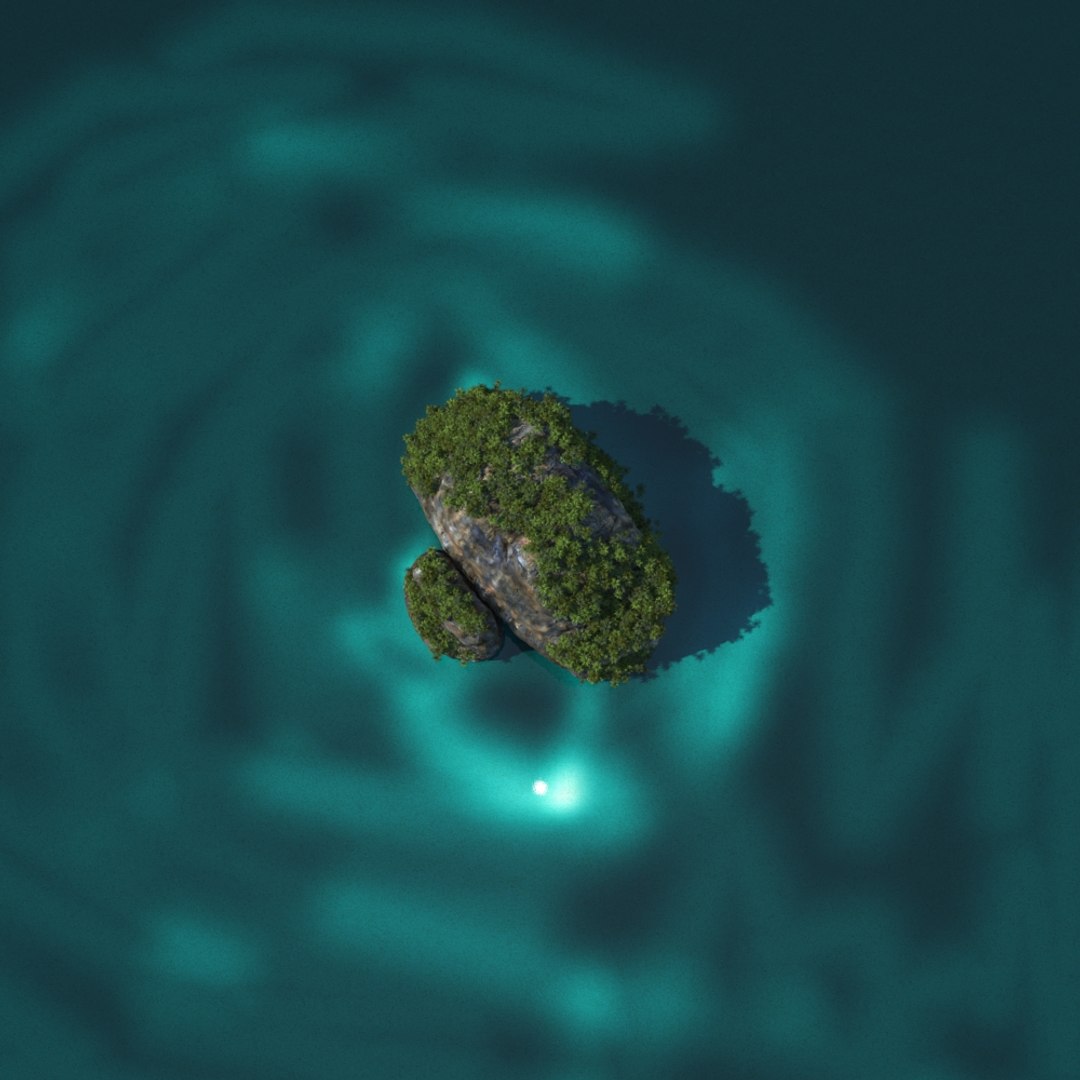
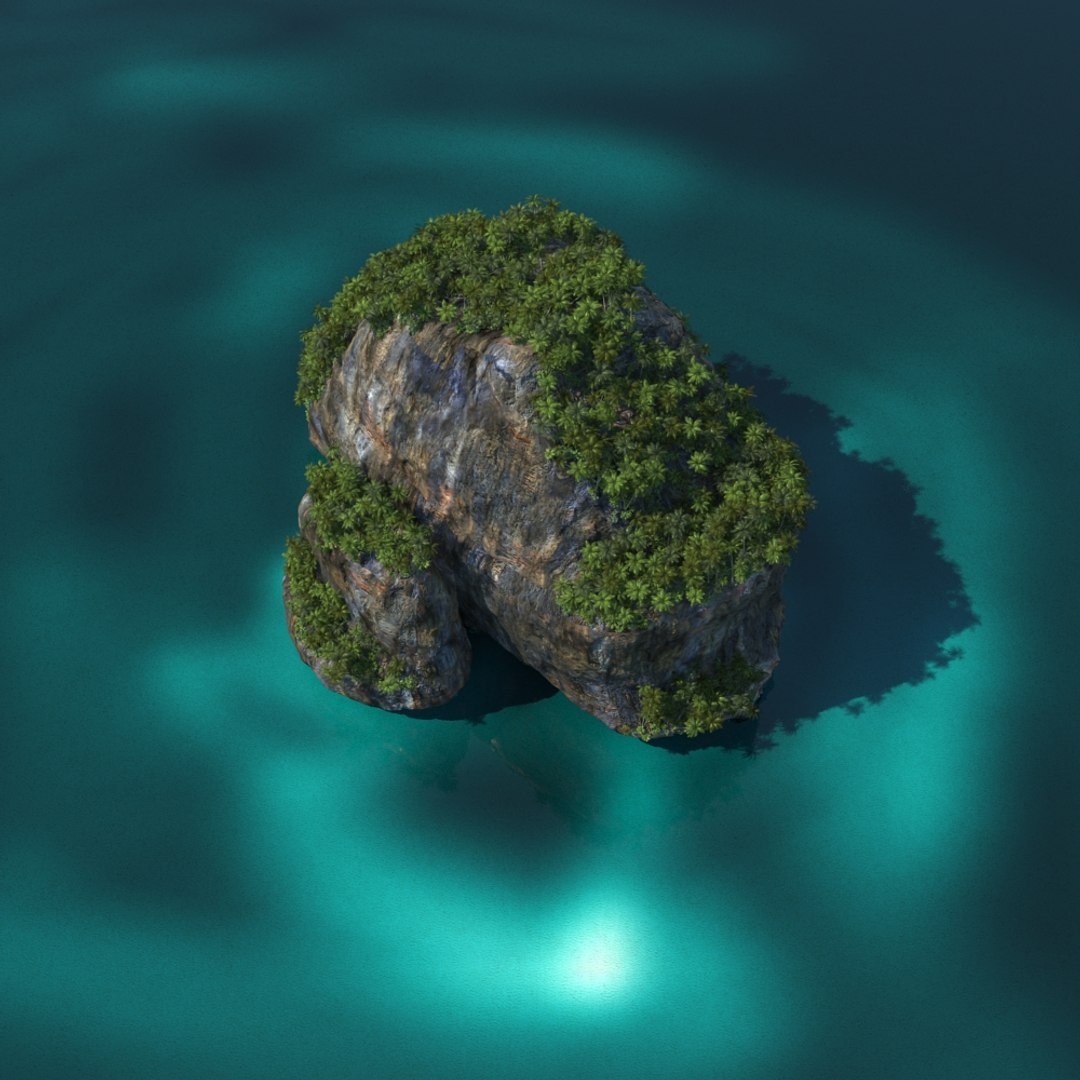
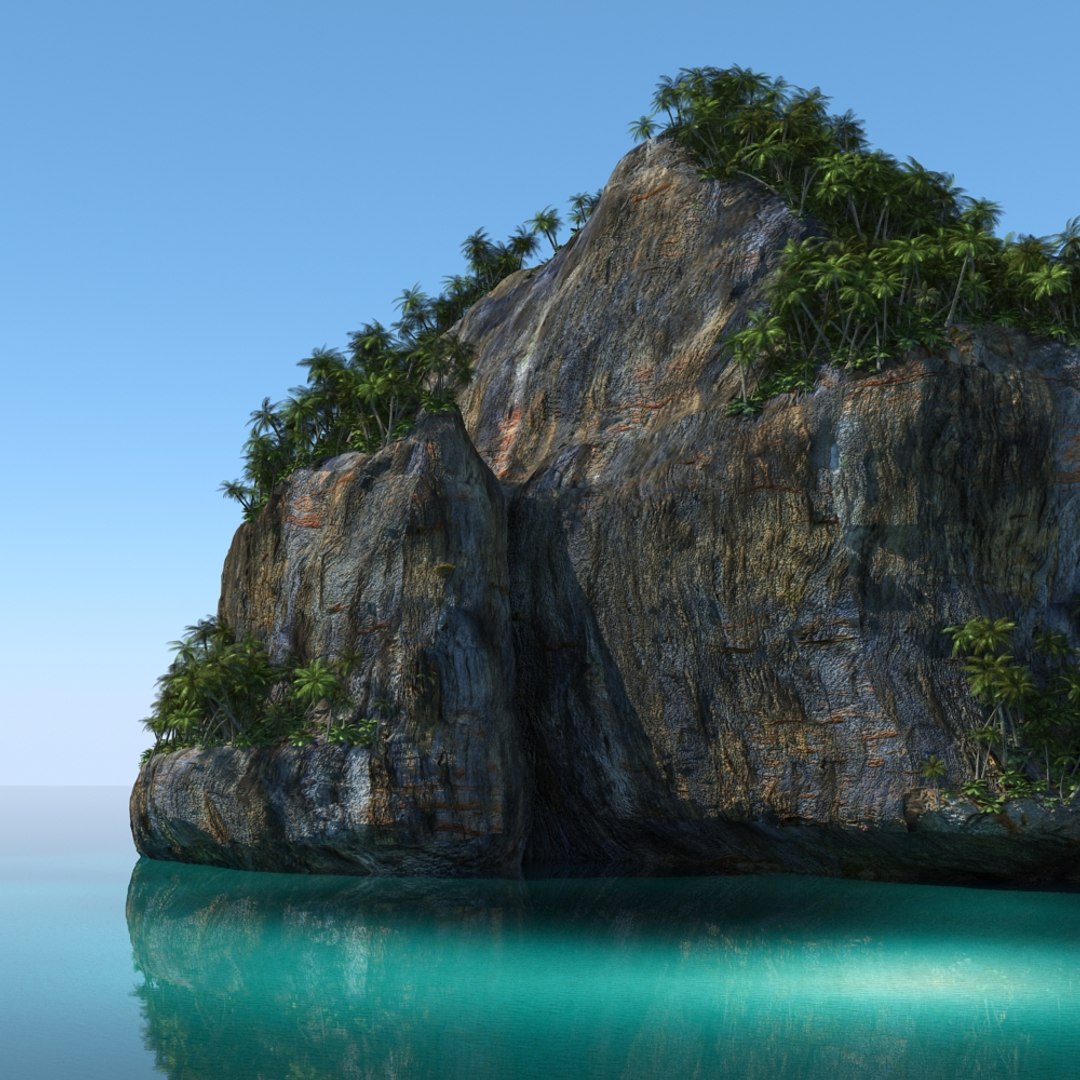
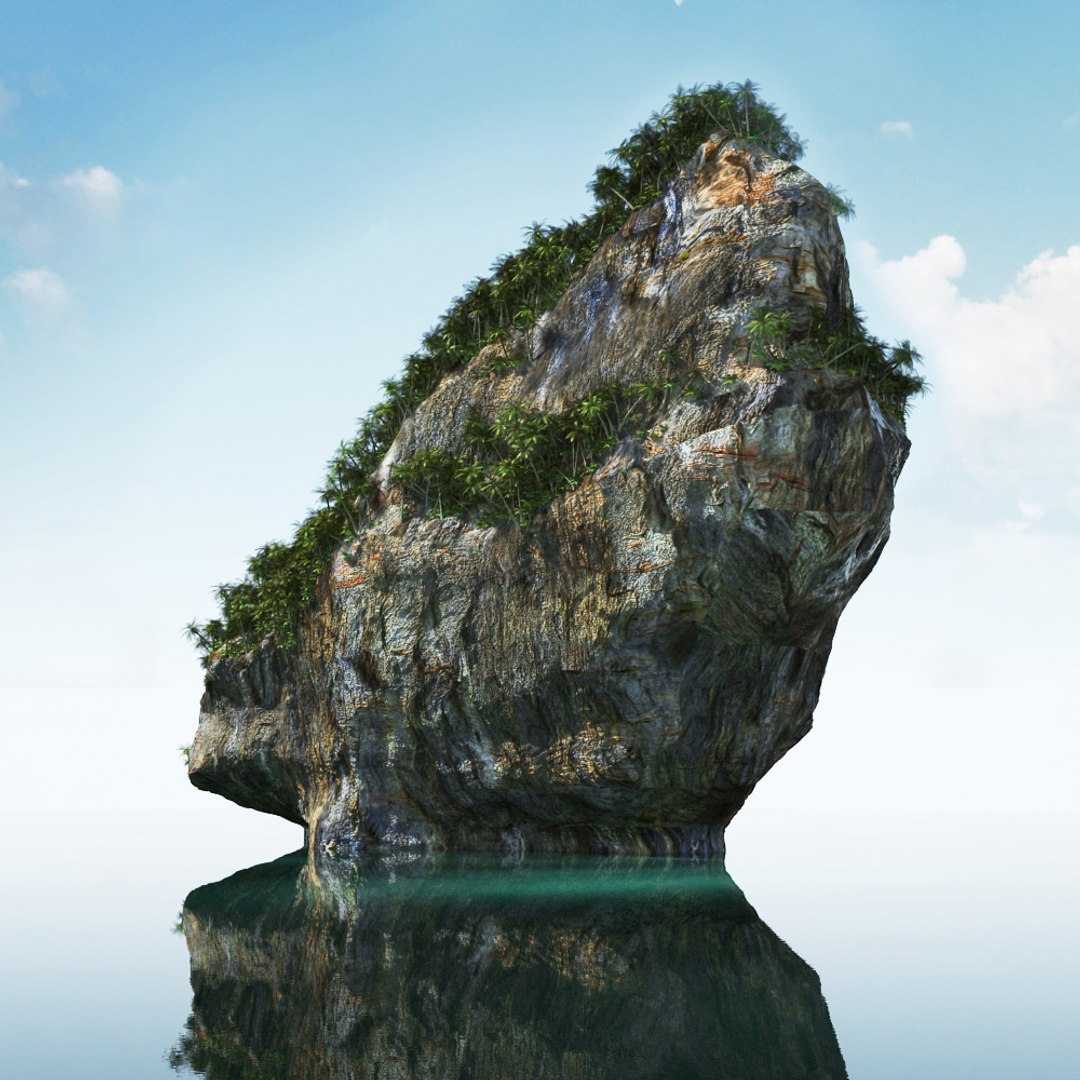
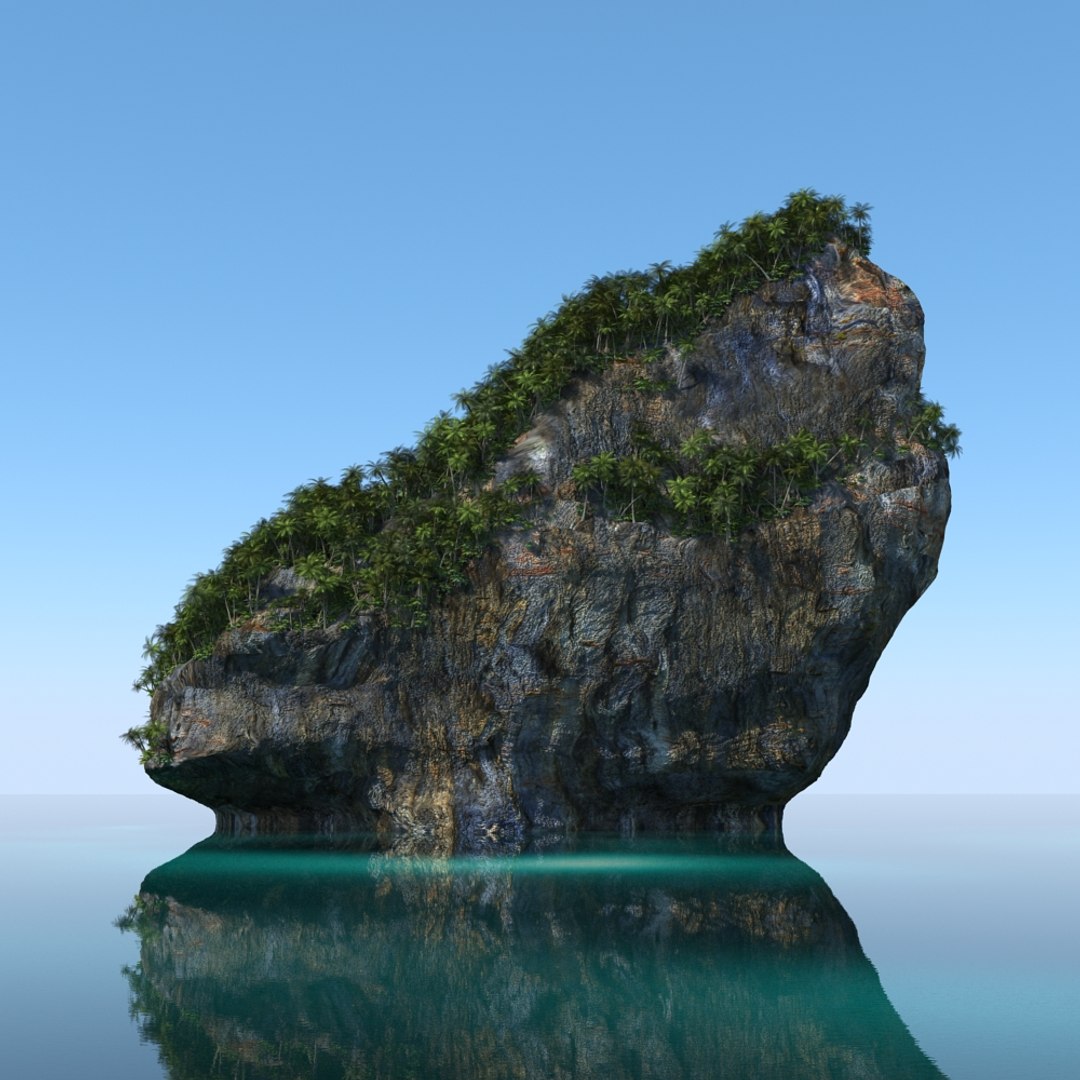
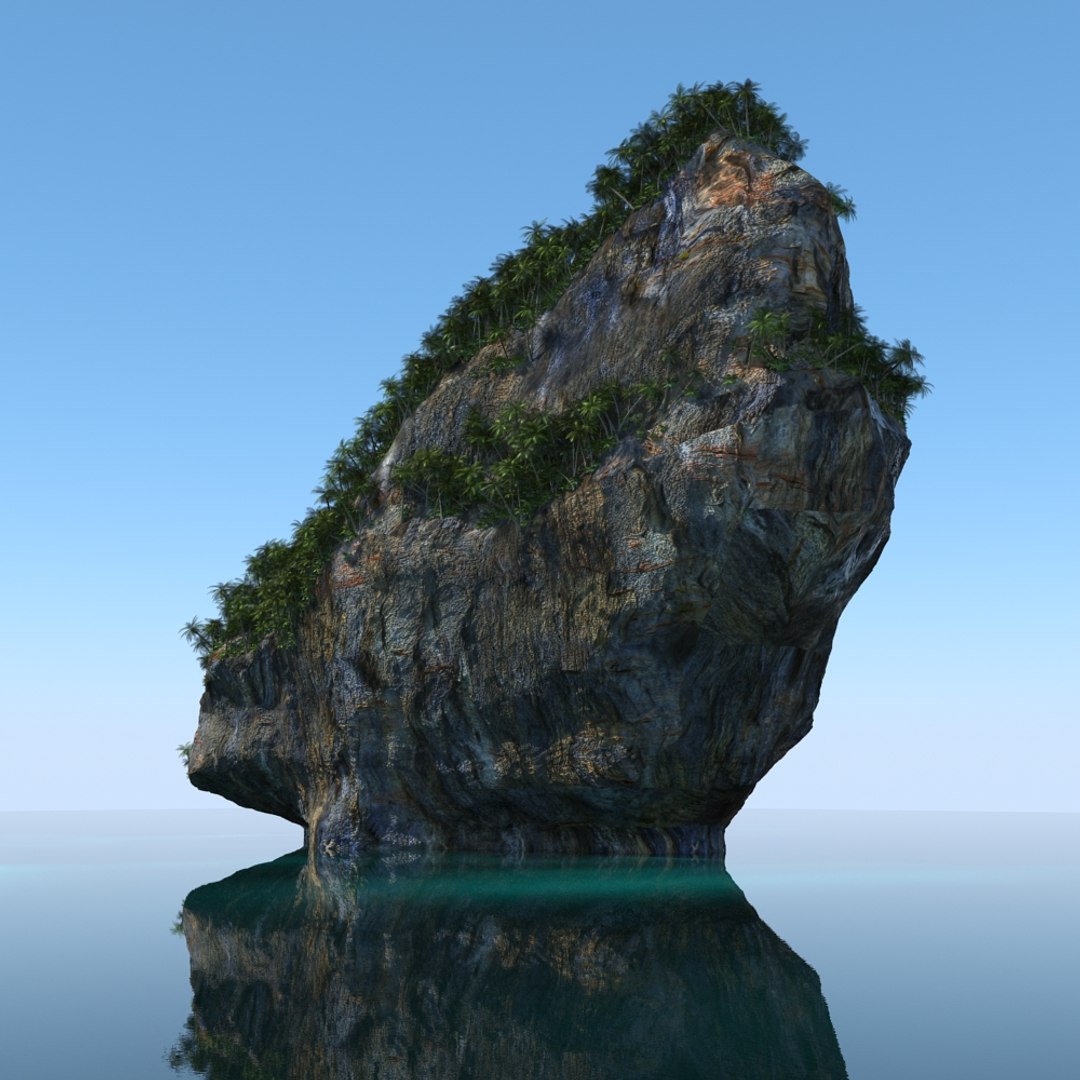
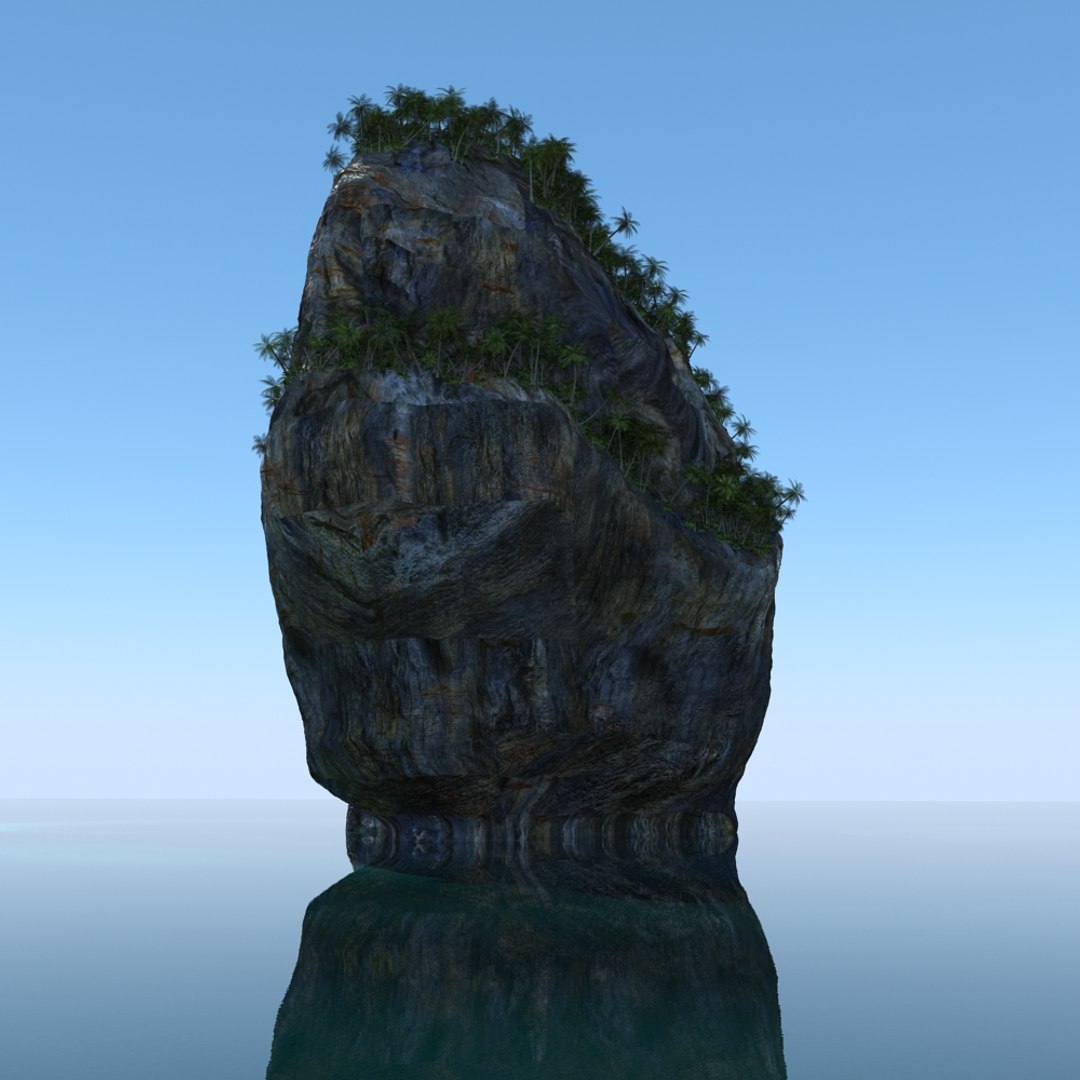
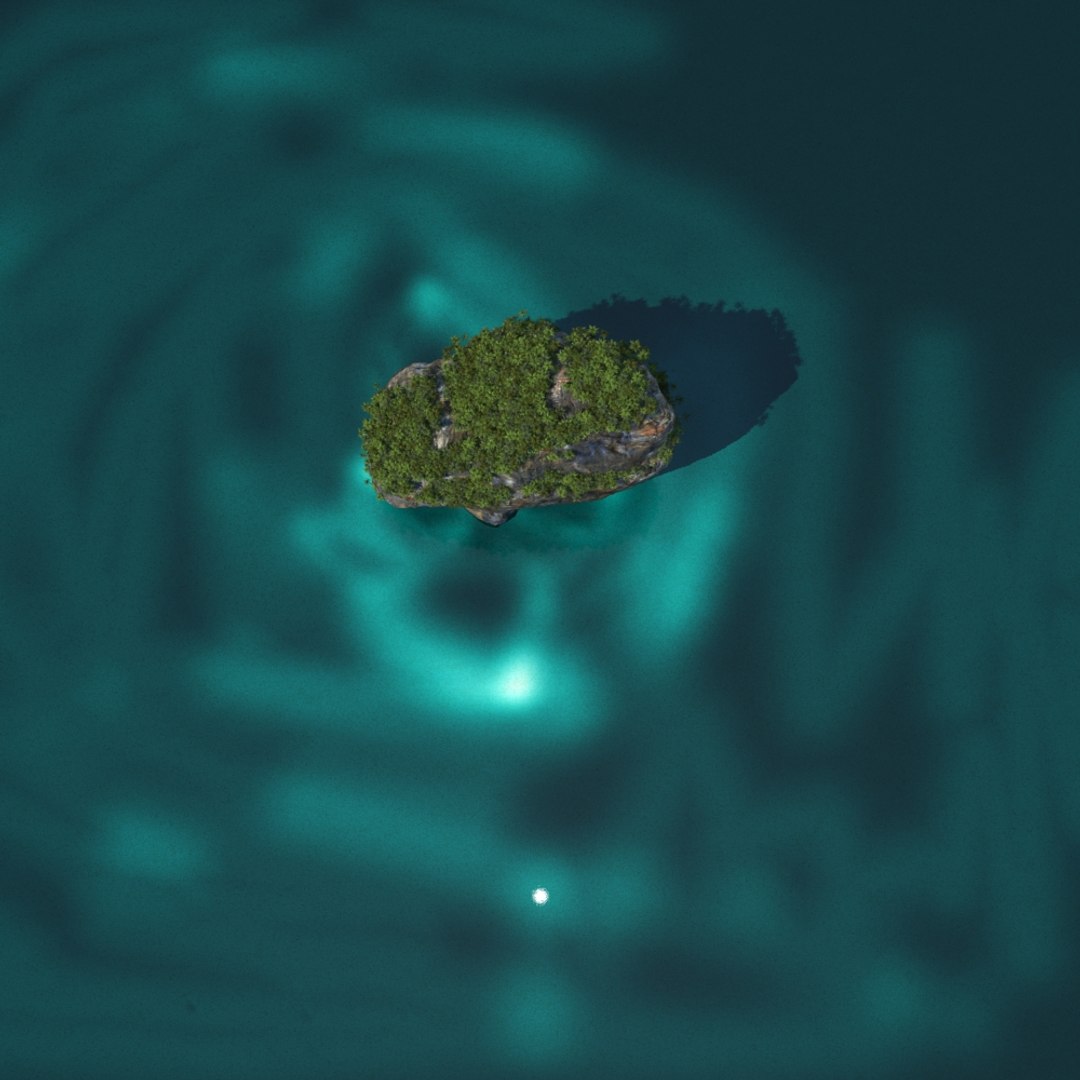
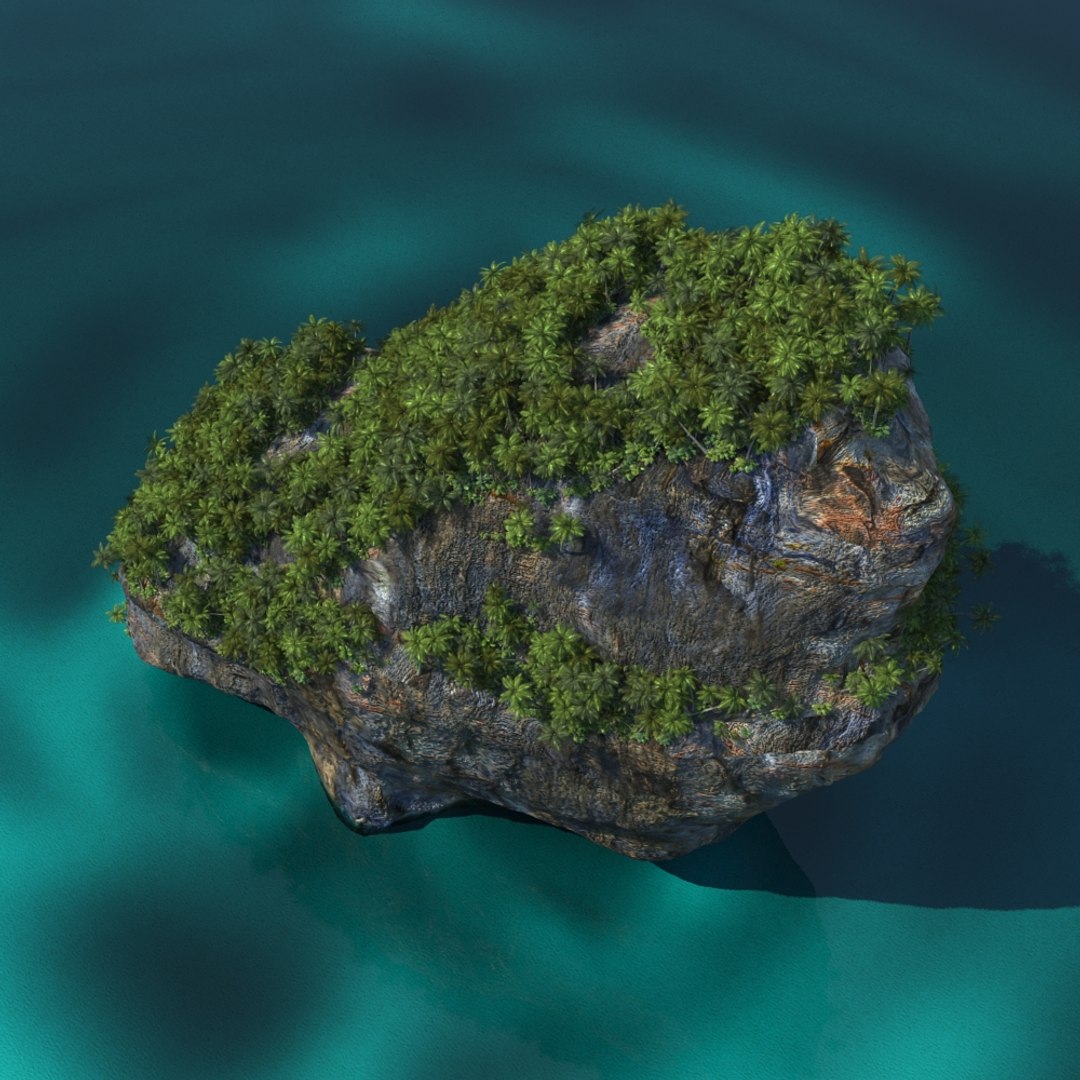
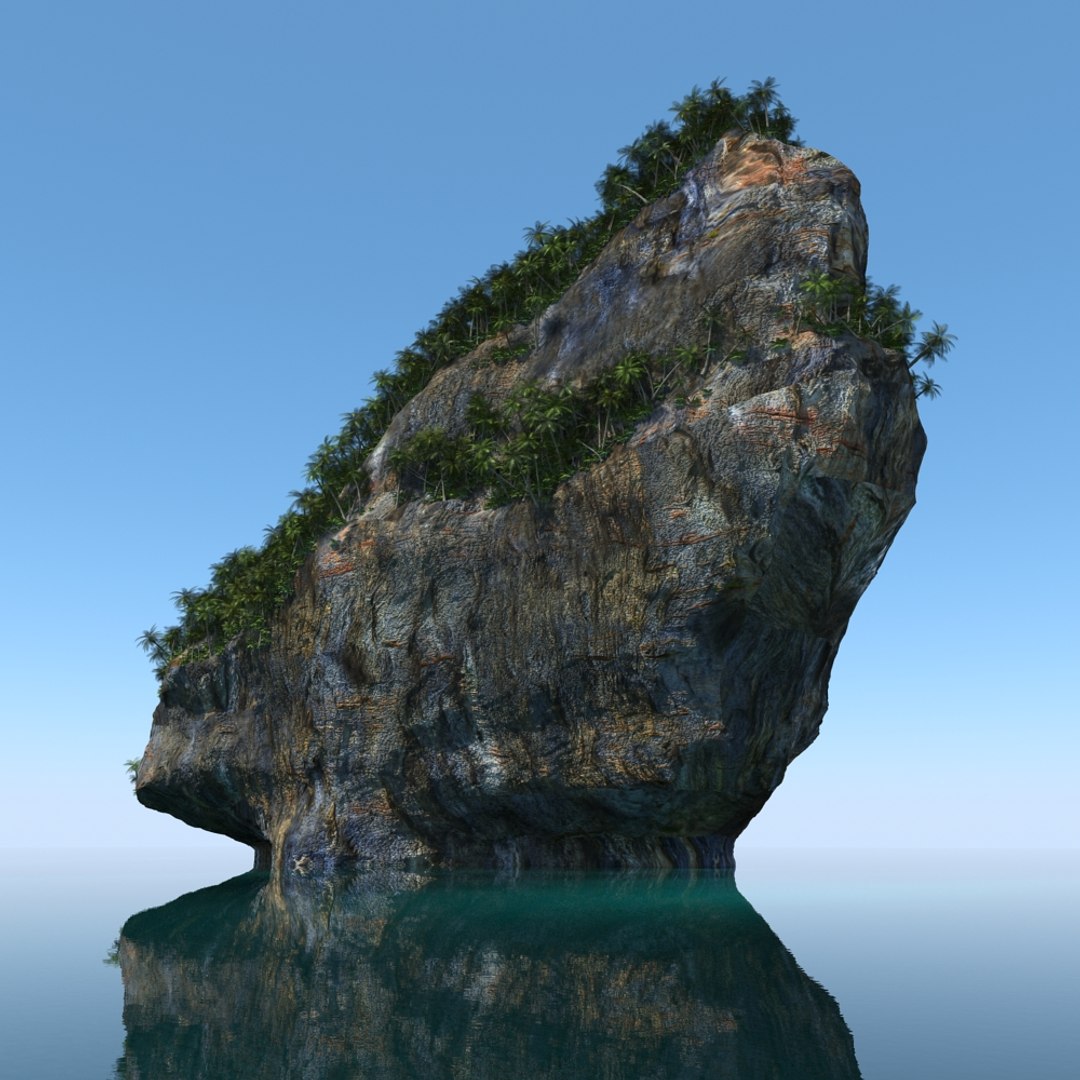
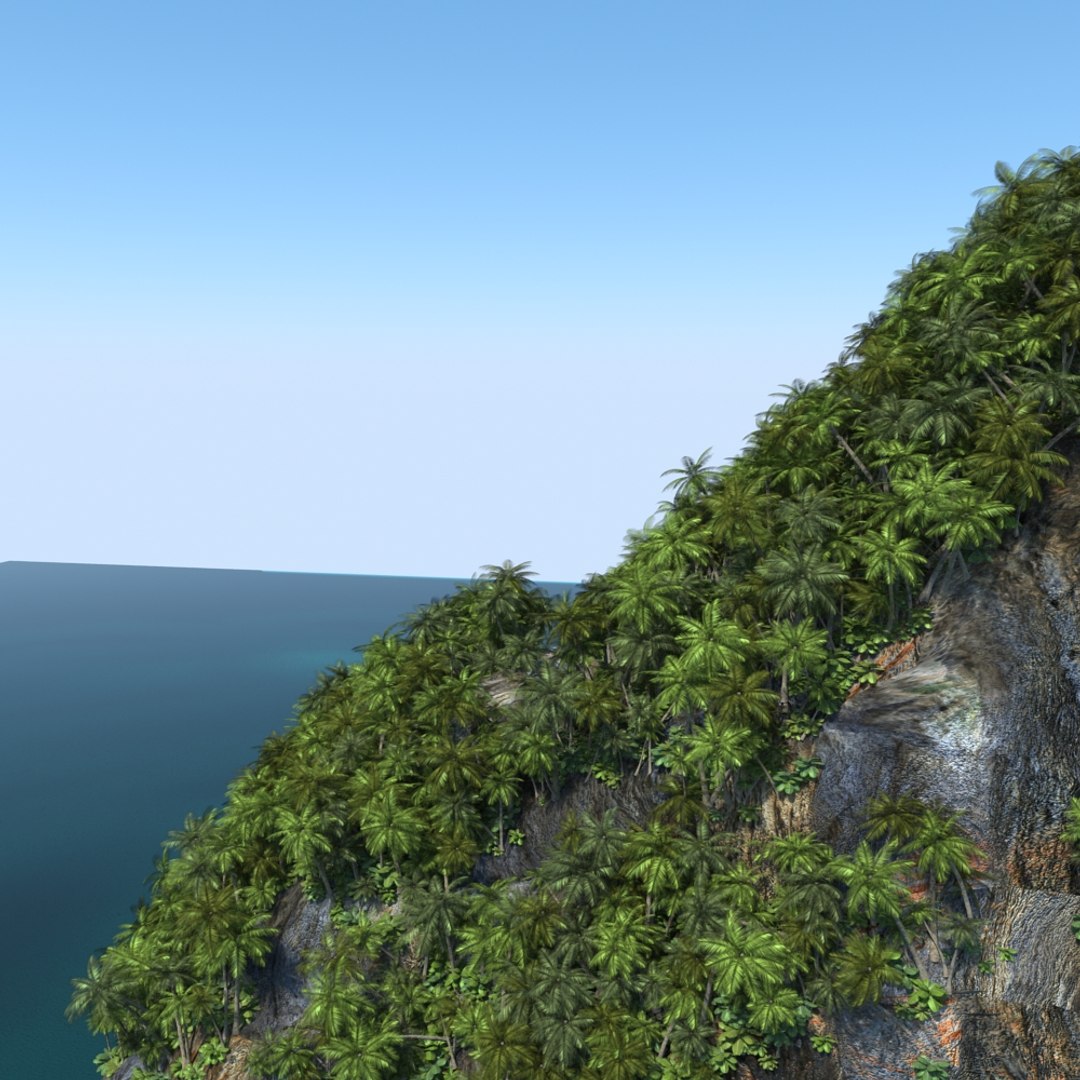
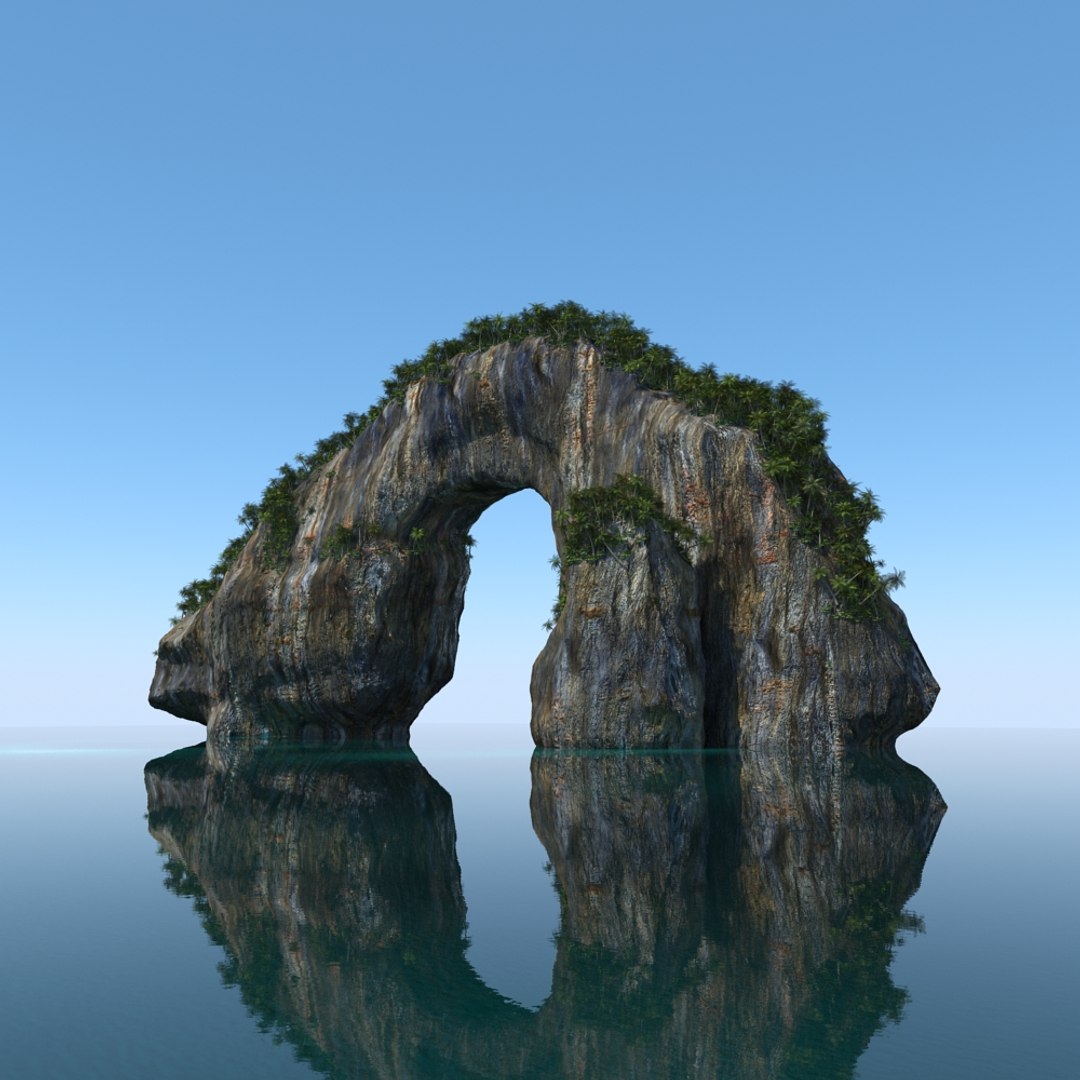
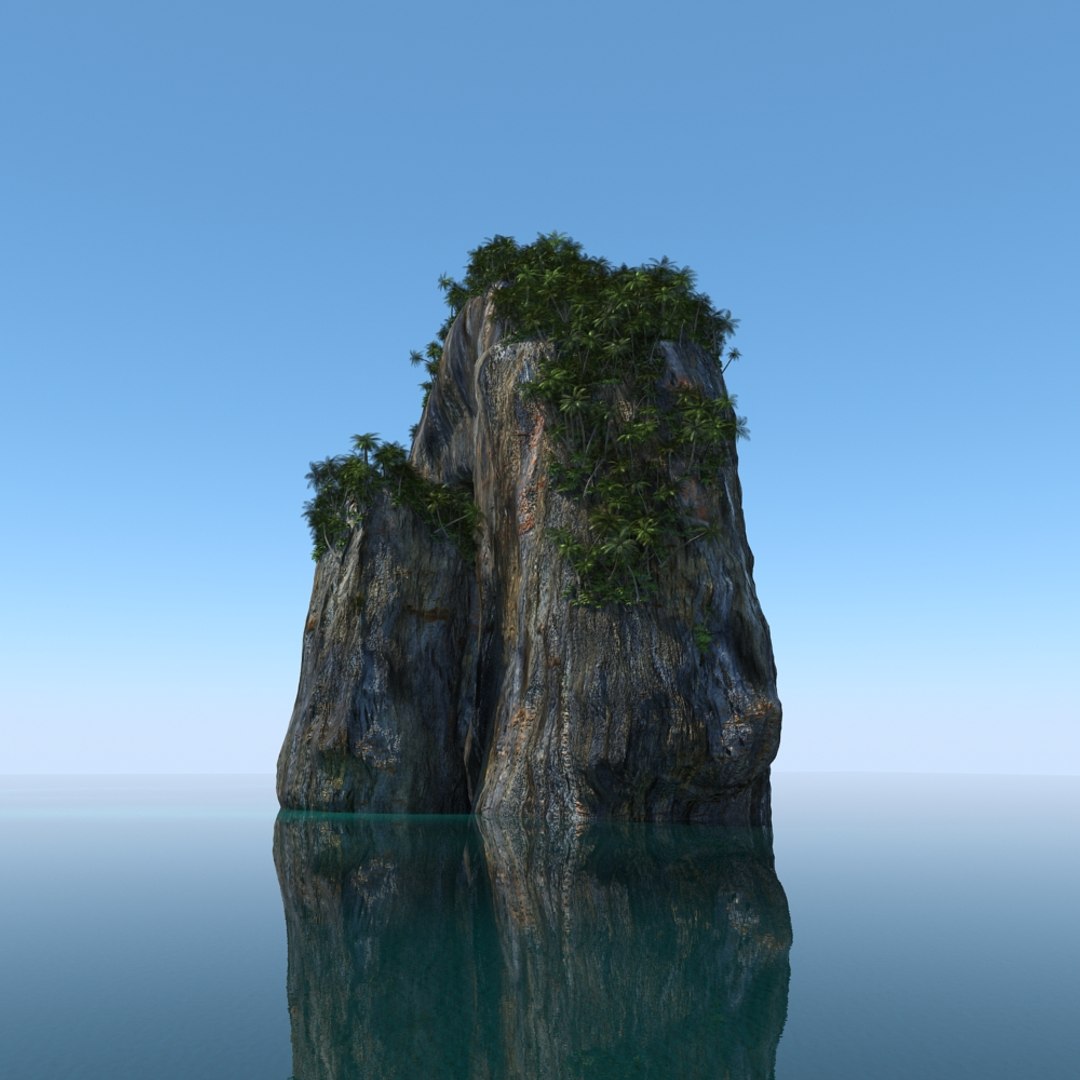
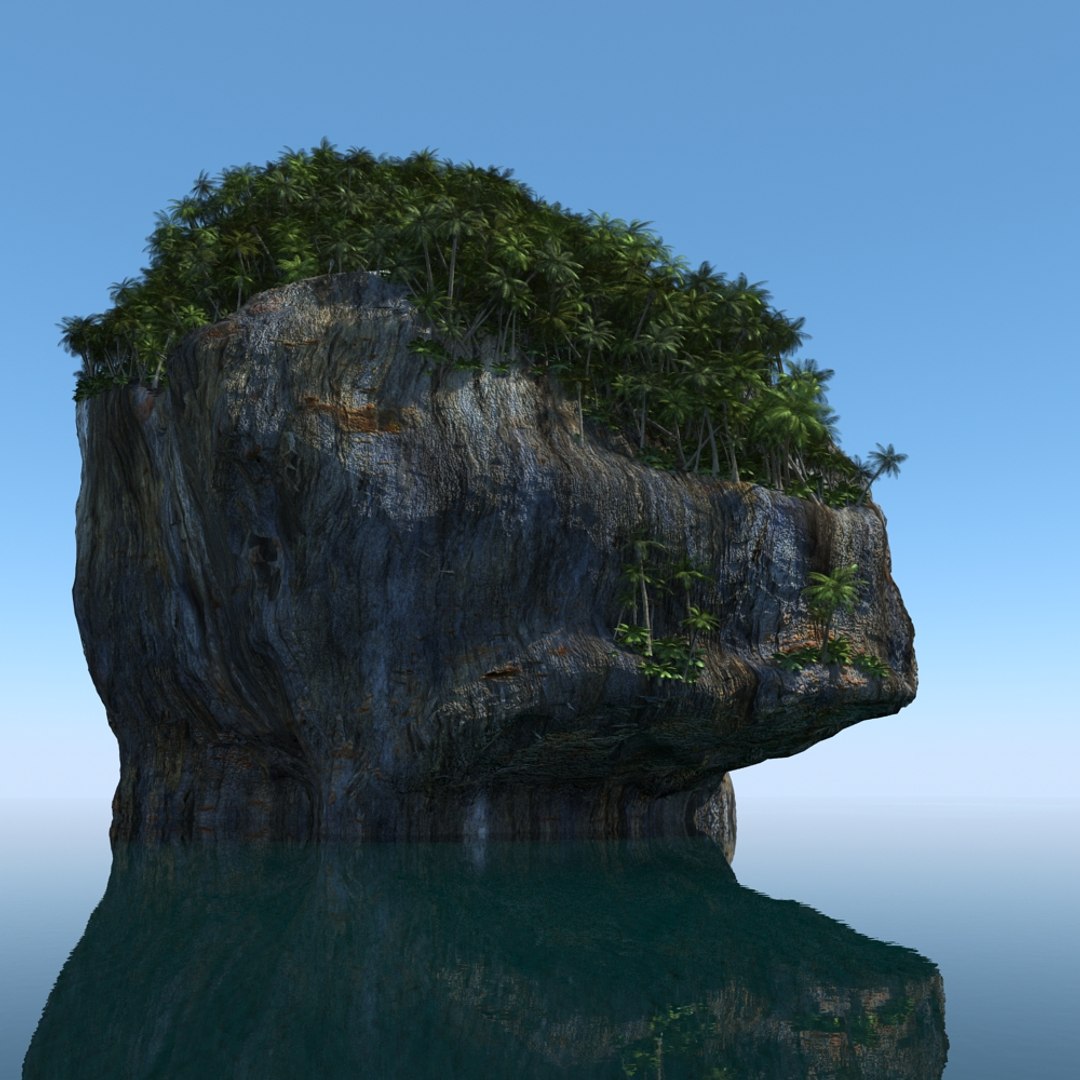
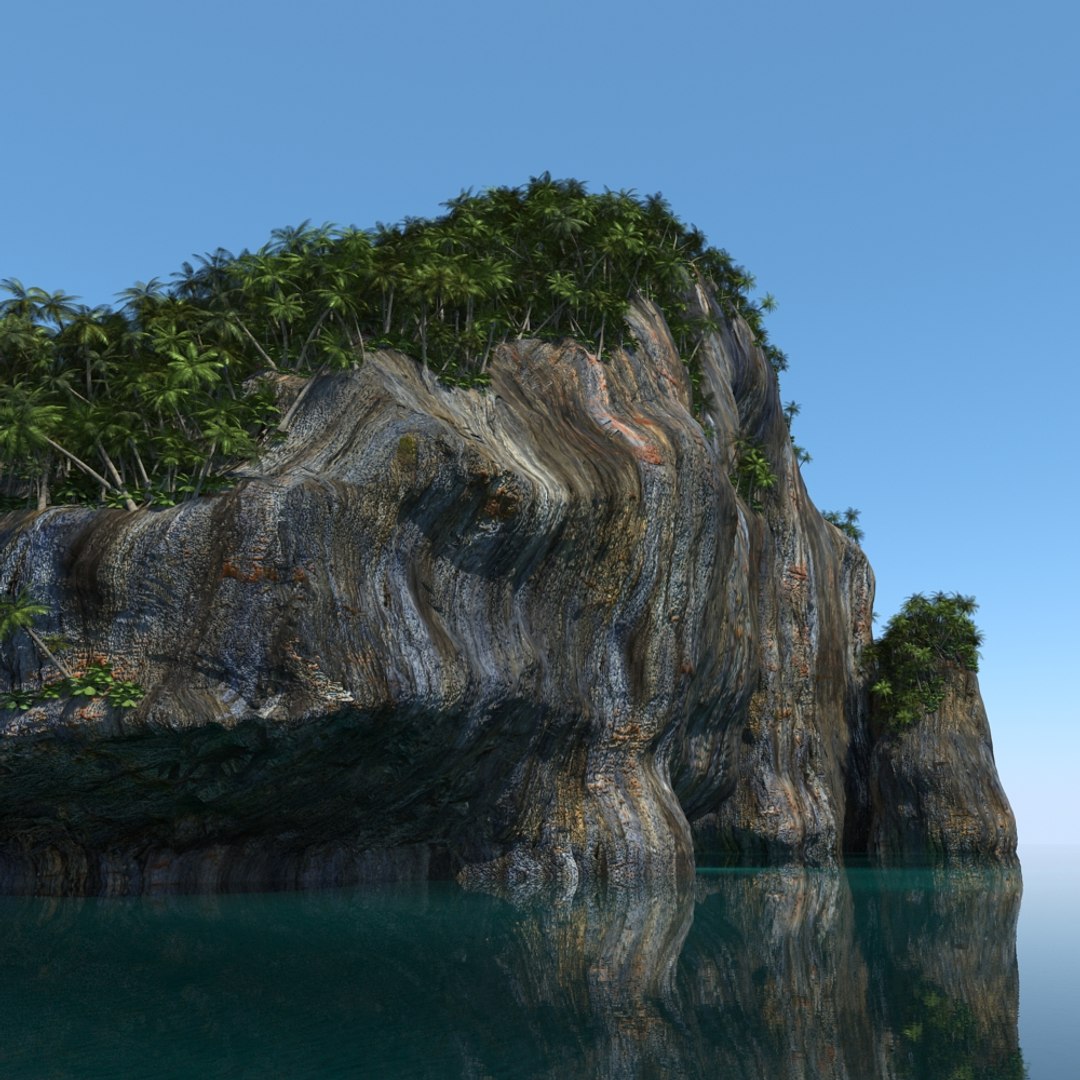
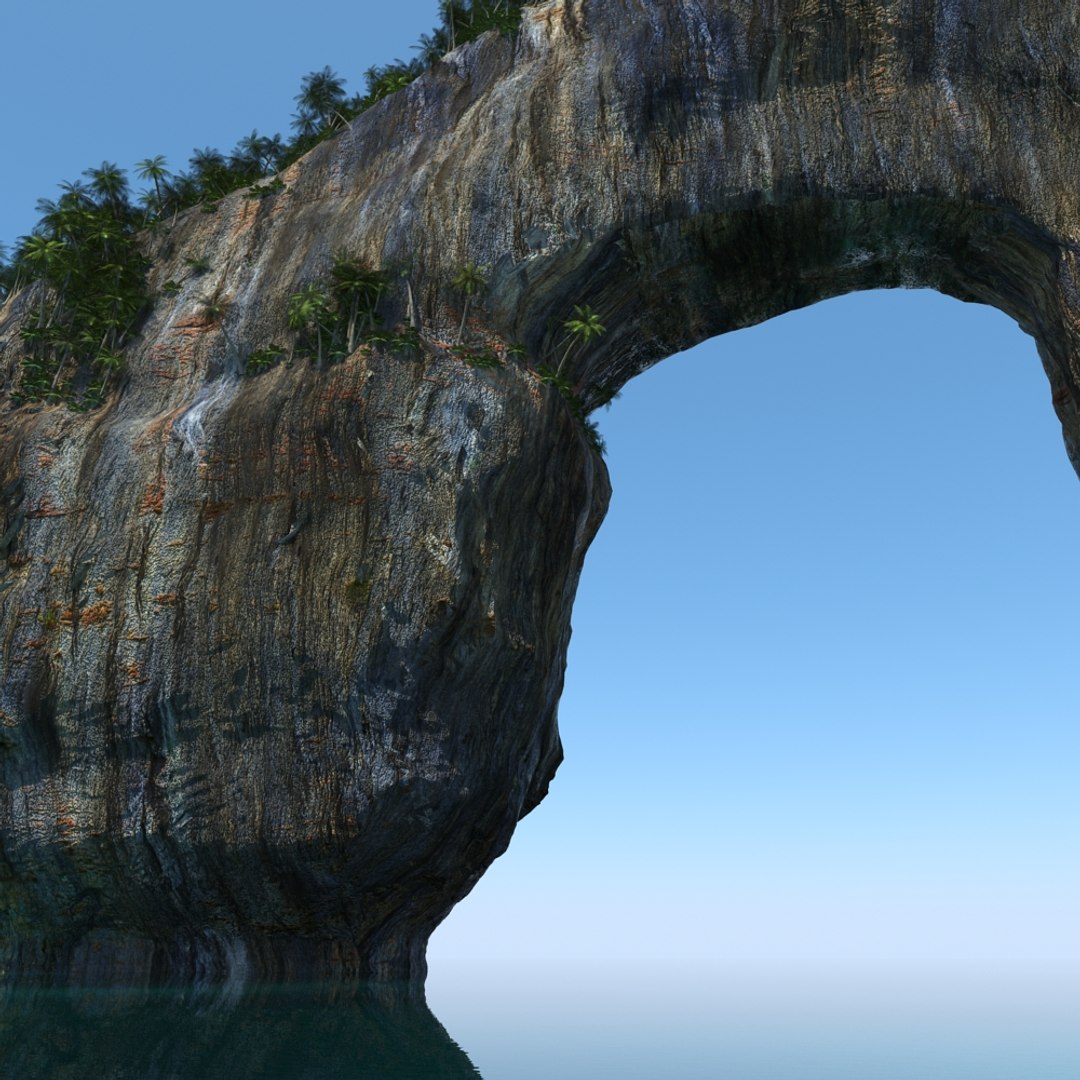
HIRES COLLECTION OF THAI ROCKS

>>> Scene Information

- the scene uses the Multiscatter plugin: you need this plugin to render the palmtrees!!!
- the scene is prepared for vray
- the scene uses Linear Workflow
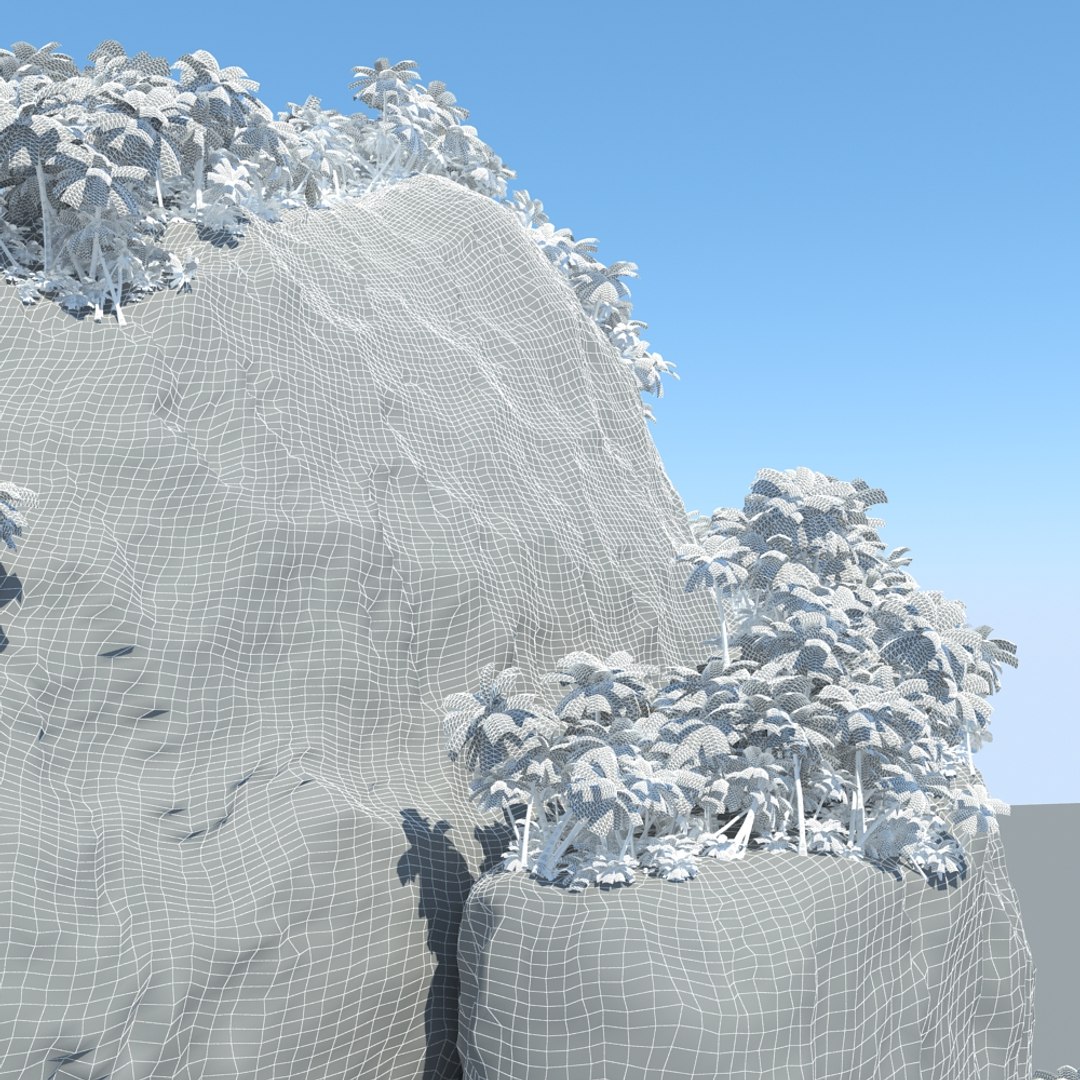
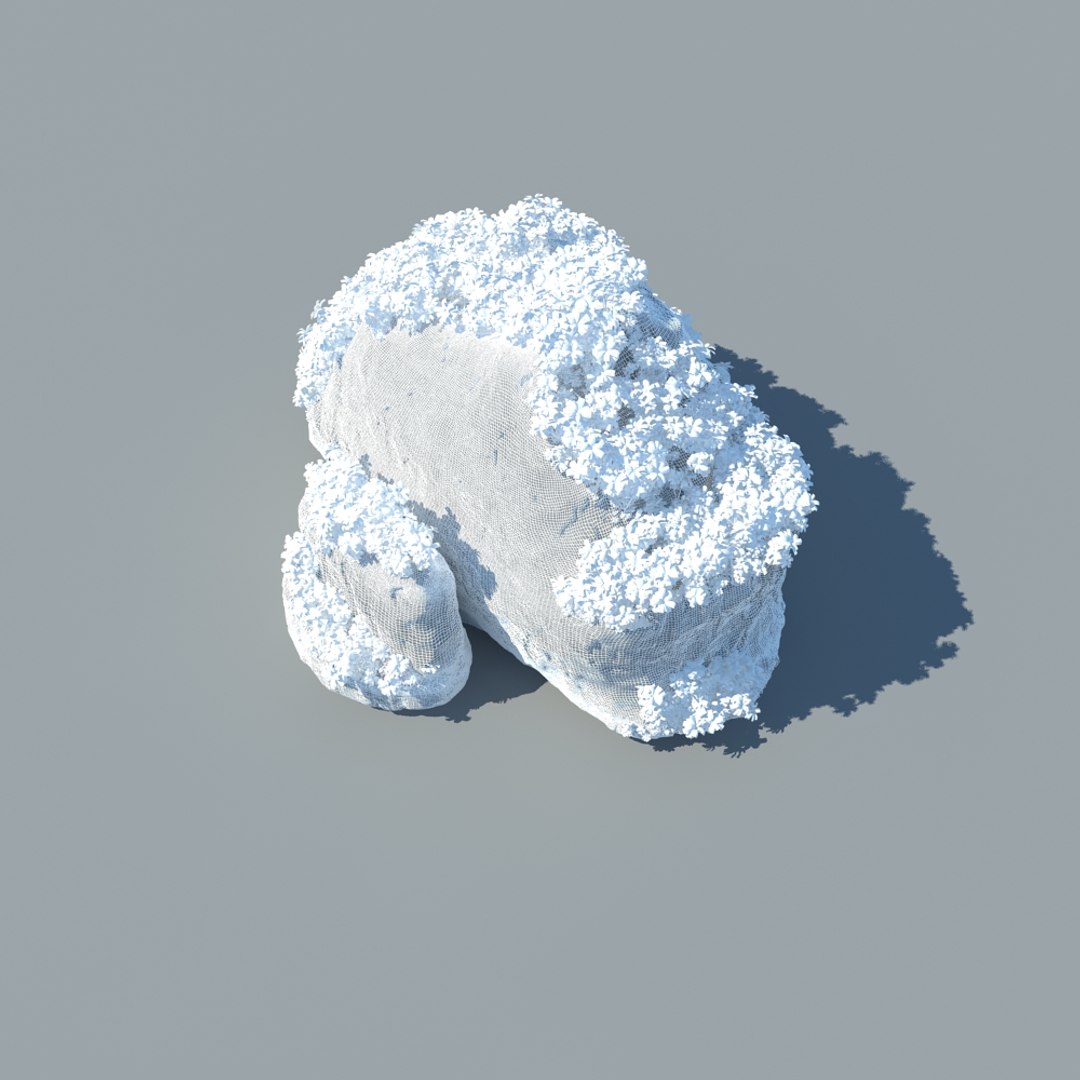
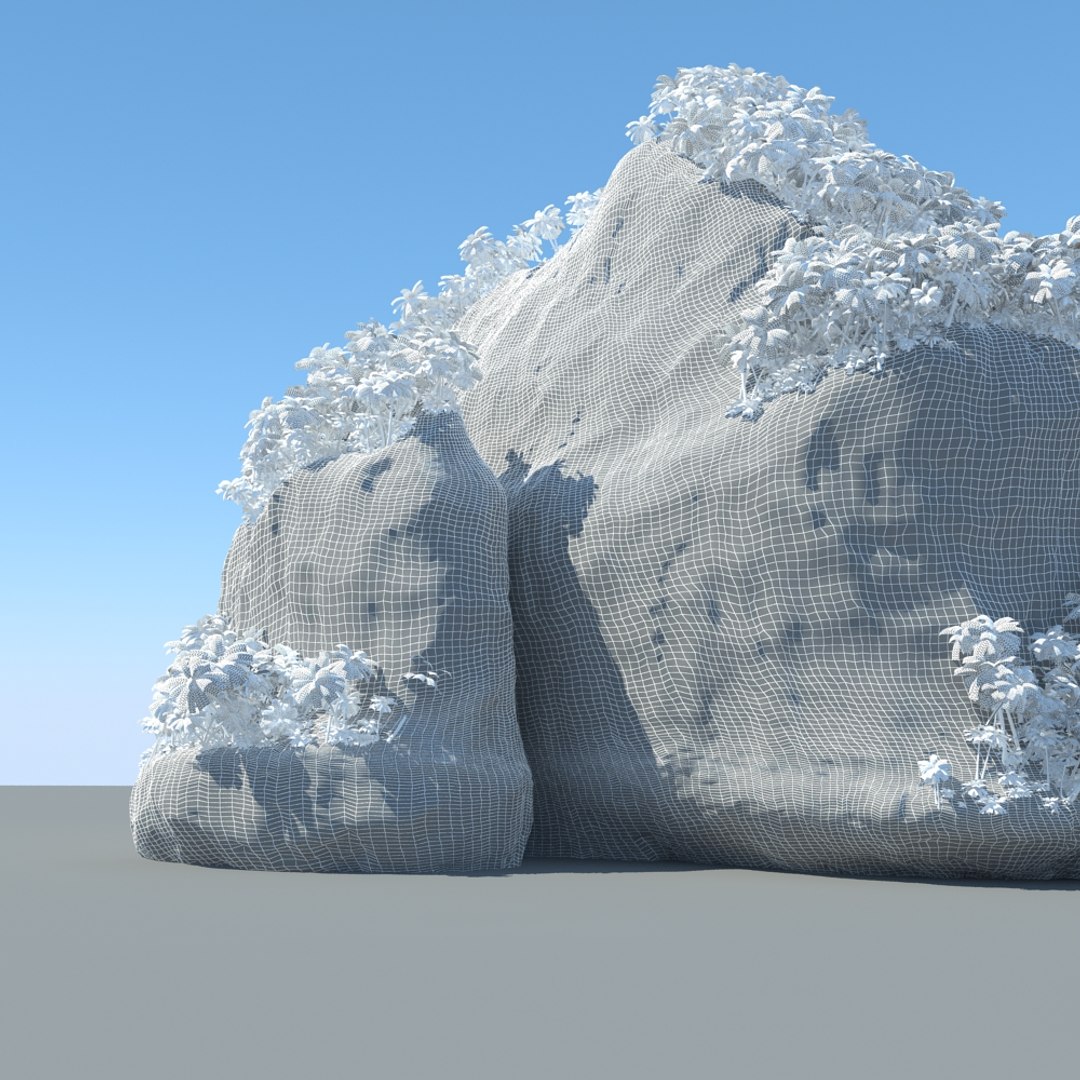
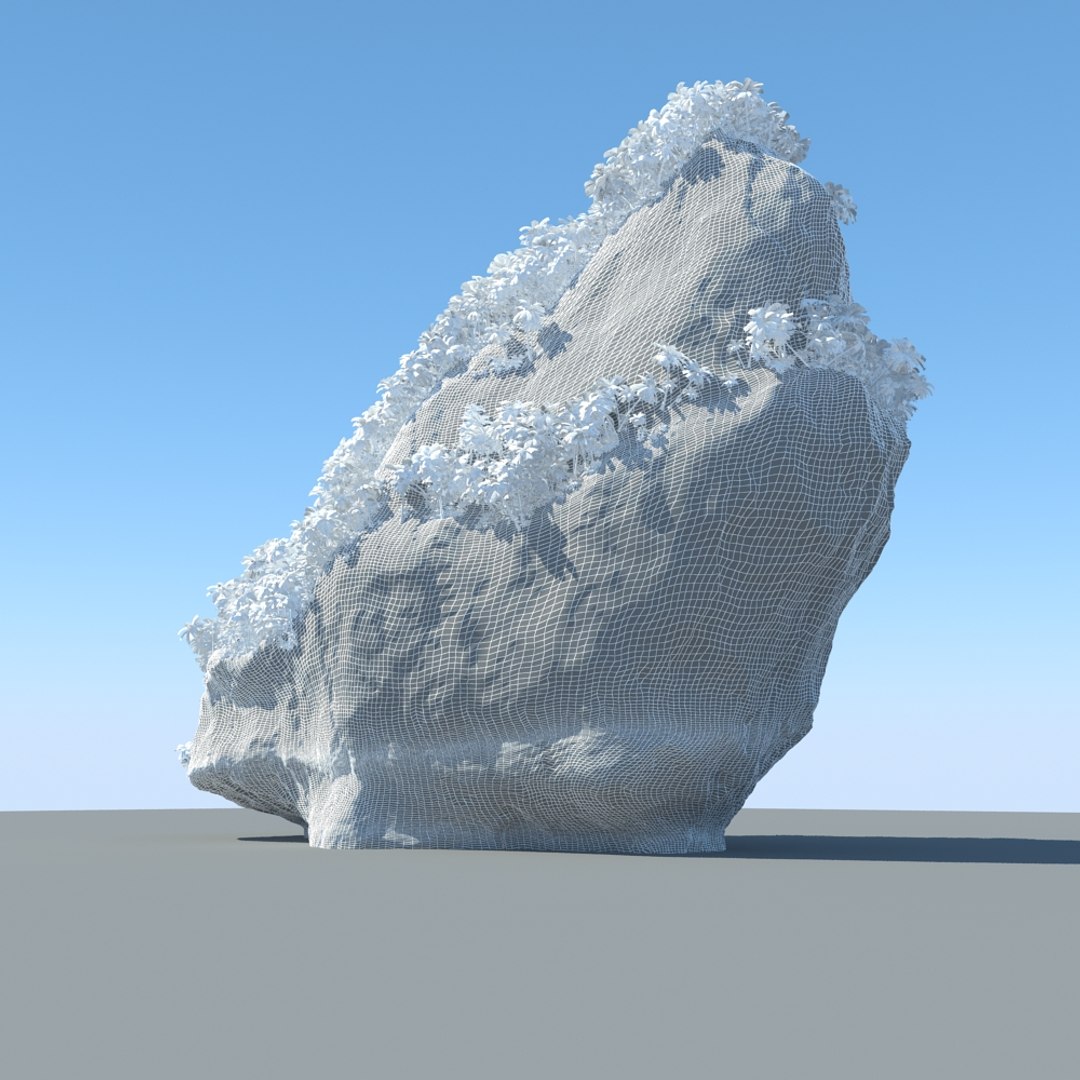
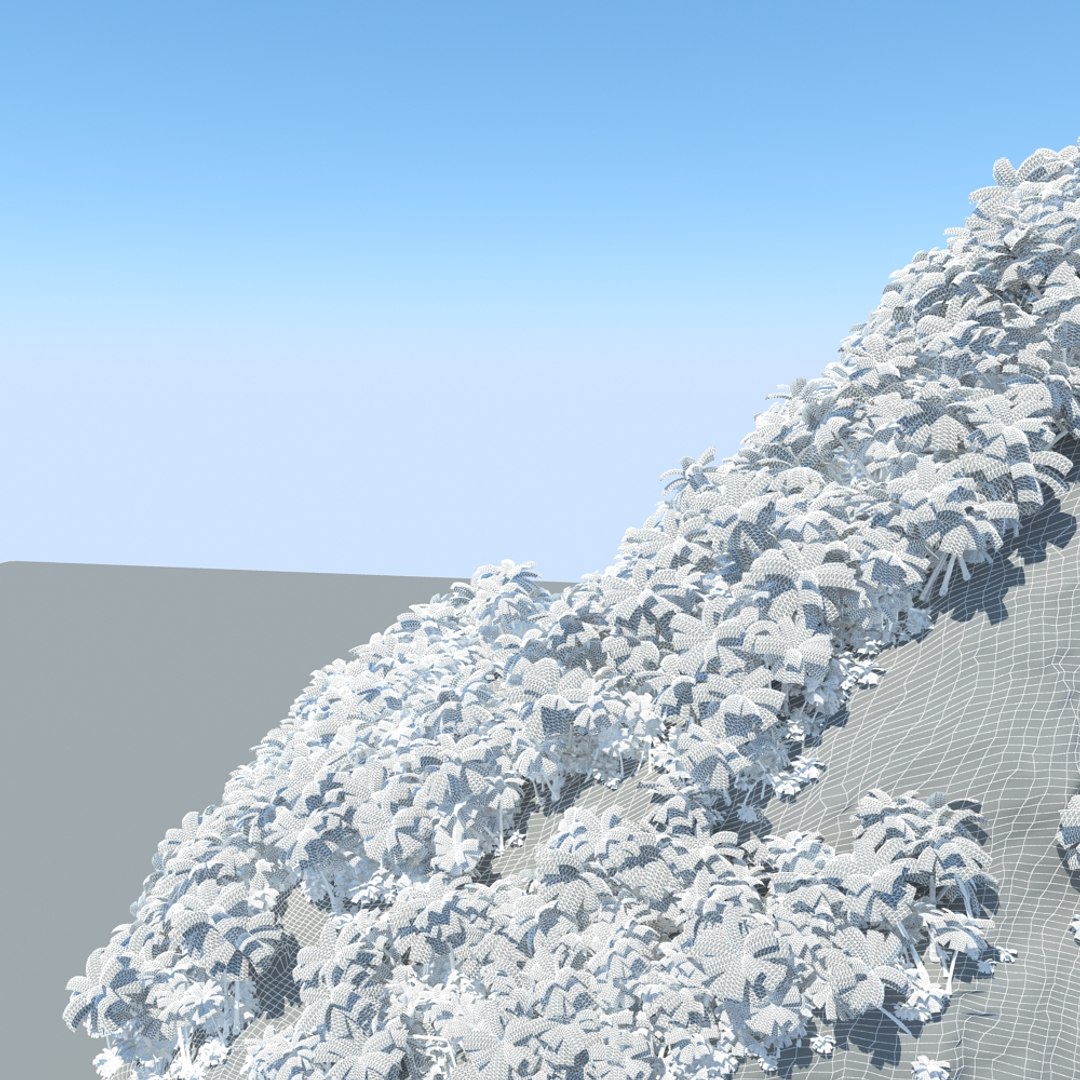
- polies rock no1 306.087
- polies rock no2 306.087
- polies rock no3 304.013
- polies rock no4 430.357

>>> Geometry

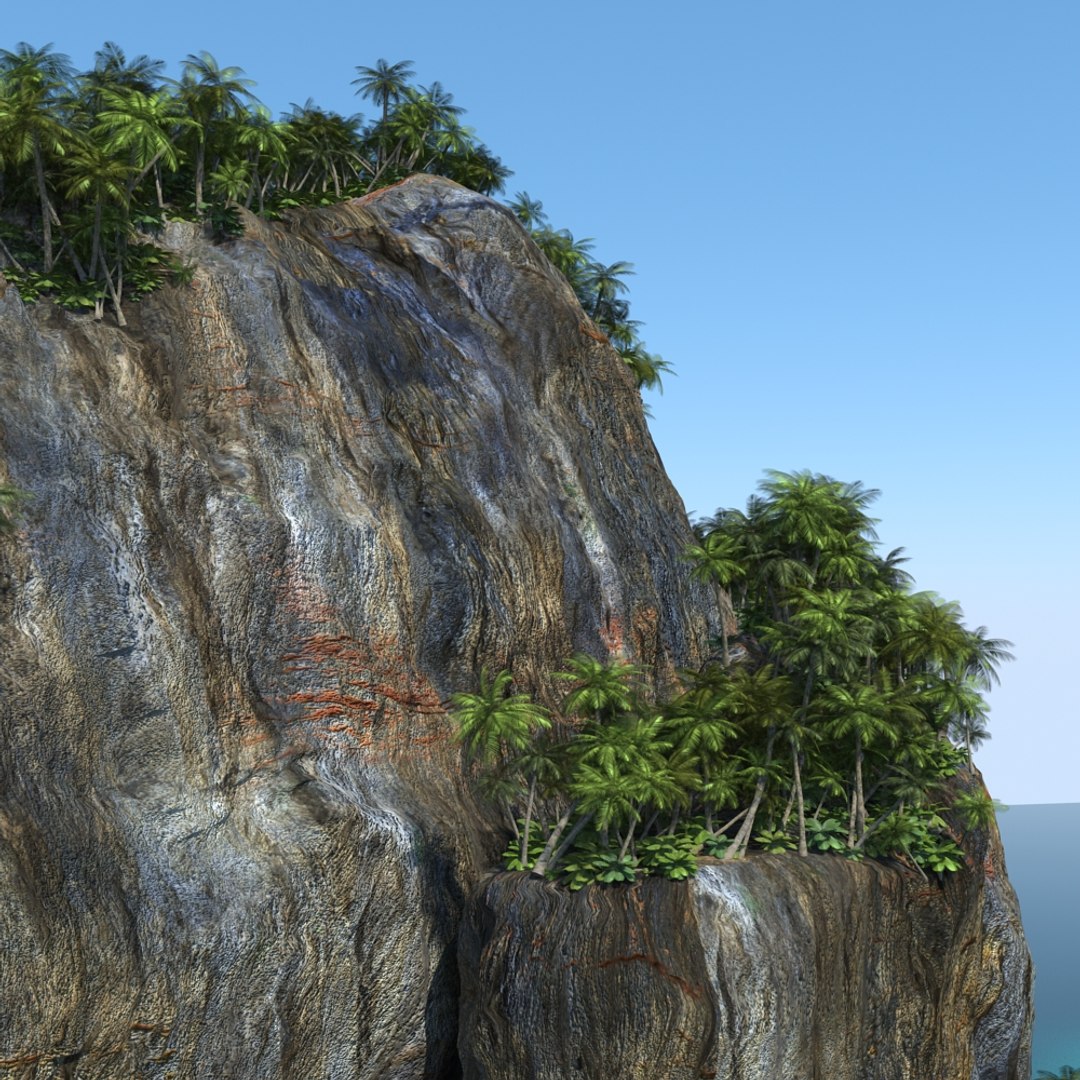
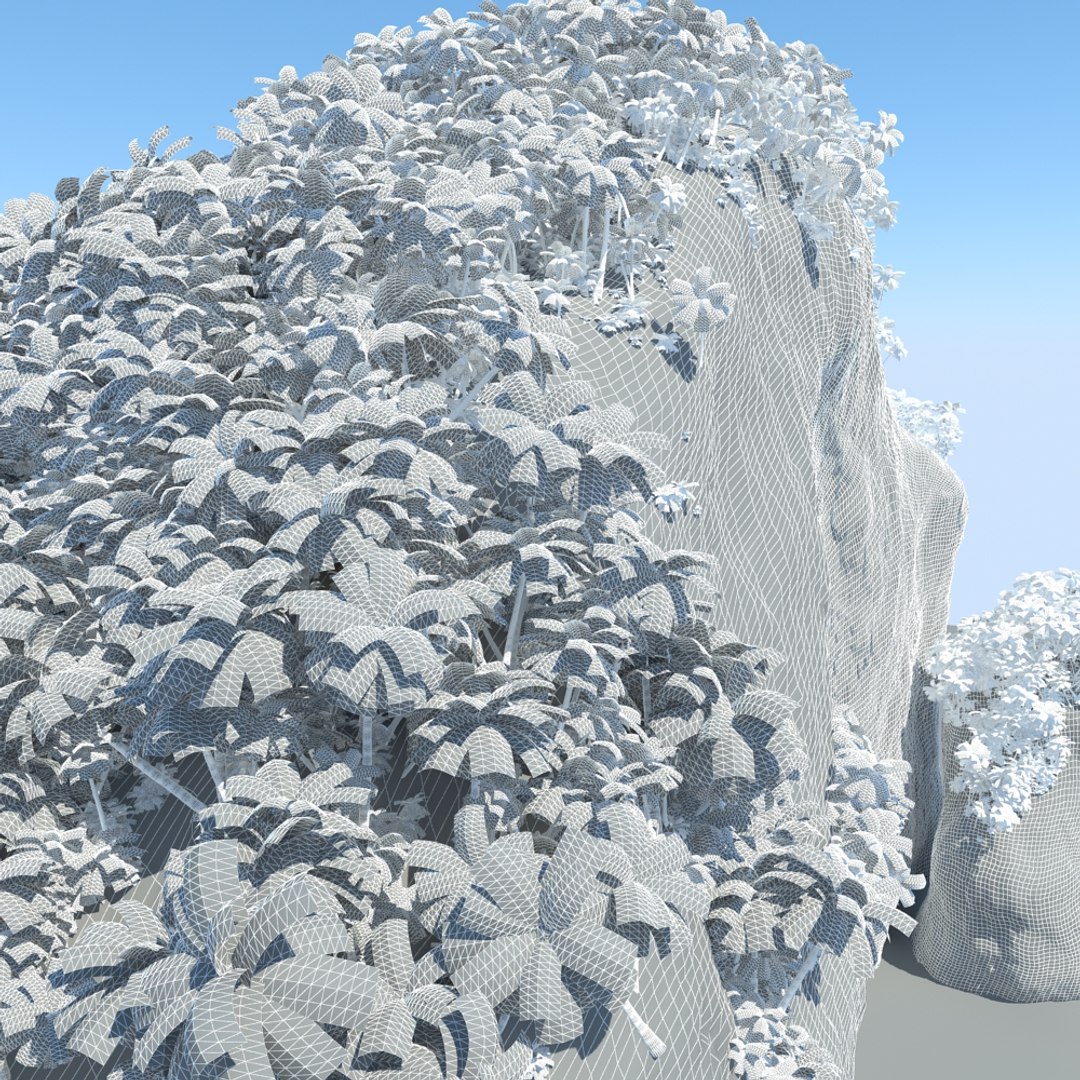
- very hires rock geometry
- the stack of the rock is still available
- you can decrease/increase the level of detail of the rock by adjusting the turbosmooth iteration value
- all objects are named and organized on layers
- the palmtrees are distributed using the Multiscatter plugin: you need this plugin to render the palmtrees!!!


>>> Materials

- the scene uses vray materials
- the scene uses a multisubobject material
- all maps are in the multiscatter archive
- the rock texture has an 8k resolution (diffuse, specular and normal map)


>>> Lightsetup

- the scene uses a vray daylight system with vray phyical camera
- the scene is set up for LWF


>>> Formats

- 3dsmax 2010

>>> all models can also be purchased individually
>>> please check out my catalogue for more hires and realistic models
>>> if you like this model I would kindly ask you to rate it
>>> this is a computer generated 3d model - it is not a real life object.

Select Enhanced License

  • $10,000 in Legal Protection (Indemnification)
  • Uncapped Legal Protection (Indemnification)
  • Waiver from injunctive relief
  • Assignable model rights
  • $1,000,000 in Legal Protection (Indemnification)
  • Waiver from injunctive relief
  • Assignable model rights
  • $250,000 in Legal Protection (Indemnification)
  • Assignable model rights
Read more about enhanced license tiers, or contact us at enterprise@turbosquid.com. Already a Shutterstock Enterprise Customer? Contact your Shutterstock Sales Support Agent to talk about adding 3D.

About Conversion Requests

To submit a conversion request for a purchased asset, please complete our Conversion Request Form.

If you have not yet purchased a model, please review our Documentation about Conversions to learn about what limitations you may encounter with a conversion.

For any additional questions about a model’s suitability for conversion, please contact TurboSquid Support.

Loading...