
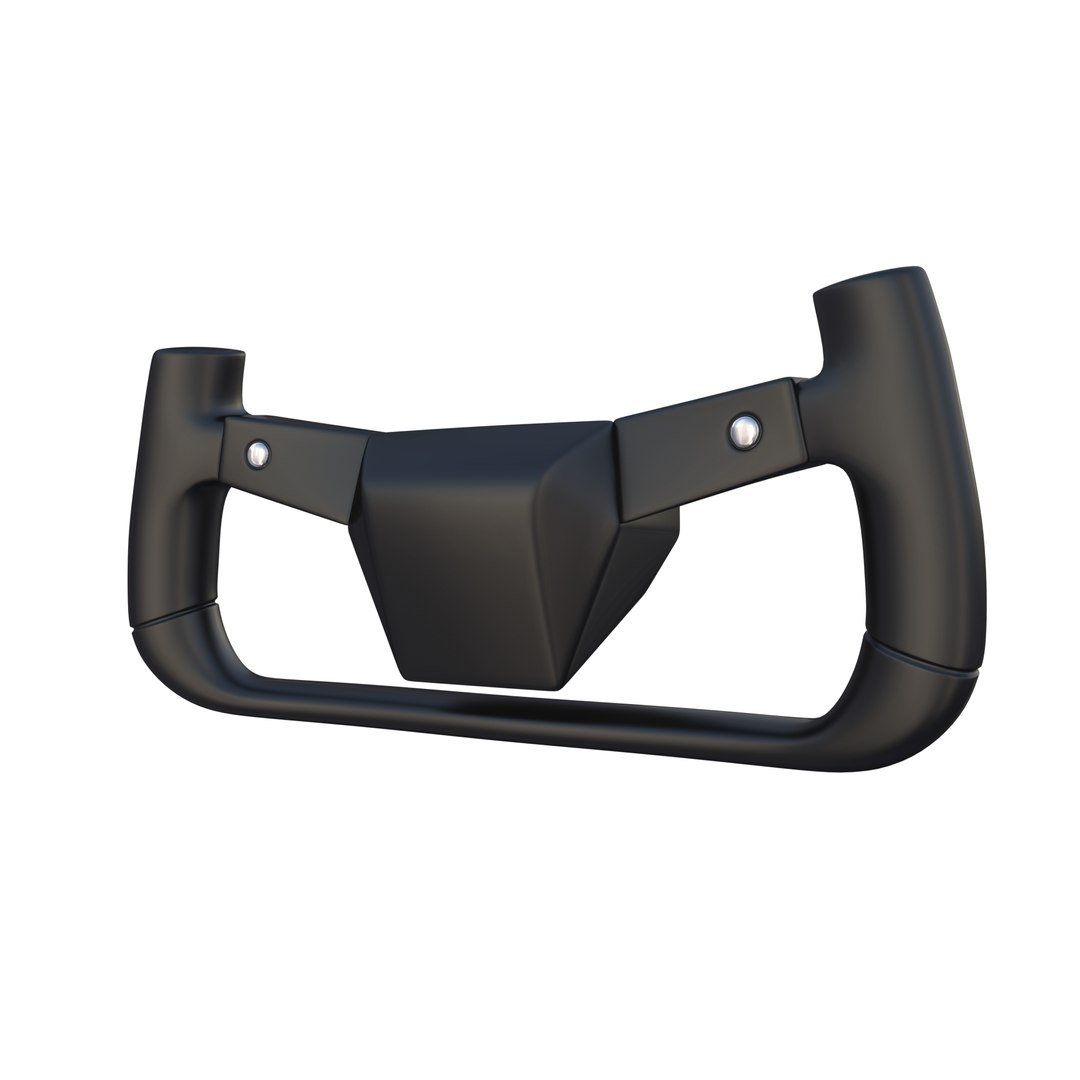
Tesla Cybertruck Steering Wheel

$19

Standard License | Upgrade License
Editorial Uses Only
Formats (5)
Native | Blender 2.79 | Cycles Render 2.79
Collada
FBX
OBJ
STL
Specifications
Publish Date July 10, 2020
Product ID 1589327
Polygons 808
Vertices 826
Subdivision
Materials

member avatar
dragosburian
2476 Products | Contributor Since 2012
Have questions? Chat with us now.

Description

Tesla Cybertruck Steering Wheel 3d model rendered with Cycles in Blender, as per seen on attached images.

File formats:
-.blend, rendered with cycles, as seen in the images;
-.obj, with materials applied;
-.dae, with materials applied;
-.fbx, with material slots applied;
-.stl;


Files come named appropriately and split by file format.

3D Software:
The 3D model was originally created in Blender 2.79 and rendered with Cycles.

Materials and textures:
The models have materials applied in all formats, and are ready to import and render.

Preview scenes:
The preview images are rendered in Blender using its built-in render engine 'Cycles'.
Note that the blend files come directly with the rendering scene included and the render command will generate the exact result as seen in previews.
Scene elements are on a different layer from the actual model for easier manipulation of objects.

General:
The models are built mostly out of quads and are subdivisable.
It comes in separate parts, named correctly for the sake of convenience.

For any problems please feel free to contact me.

Don't forget to rate and enjoy!

Select Enhanced License

  • $10,000 in Legal Protection (Indemnification)
  • Uncapped Legal Protection (Indemnification)
  • Waiver from injunctive relief
  • Assignable model rights
  • $1,000,000 in Legal Protection (Indemnification)
  • Waiver from injunctive relief
  • Assignable model rights
  • $250,000 in Legal Protection (Indemnification)
  • Assignable model rights
Read more about enhanced license tiers, or contact us at enterprise@turbosquid.com. Already a Shutterstock Enterprise Customer? Contact your Shutterstock Sales Support Agent to talk about adding 3D.

About Conversion Requests

To submit a conversion request for a purchased asset, please complete our Conversion Request Form.

If you have not yet purchased a model, please review our Documentation about Conversions to learn about what limitations you may encounter with a conversion.

For any additional questions about a model’s suitability for conversion, please contact TurboSquid Support.

Loading...