
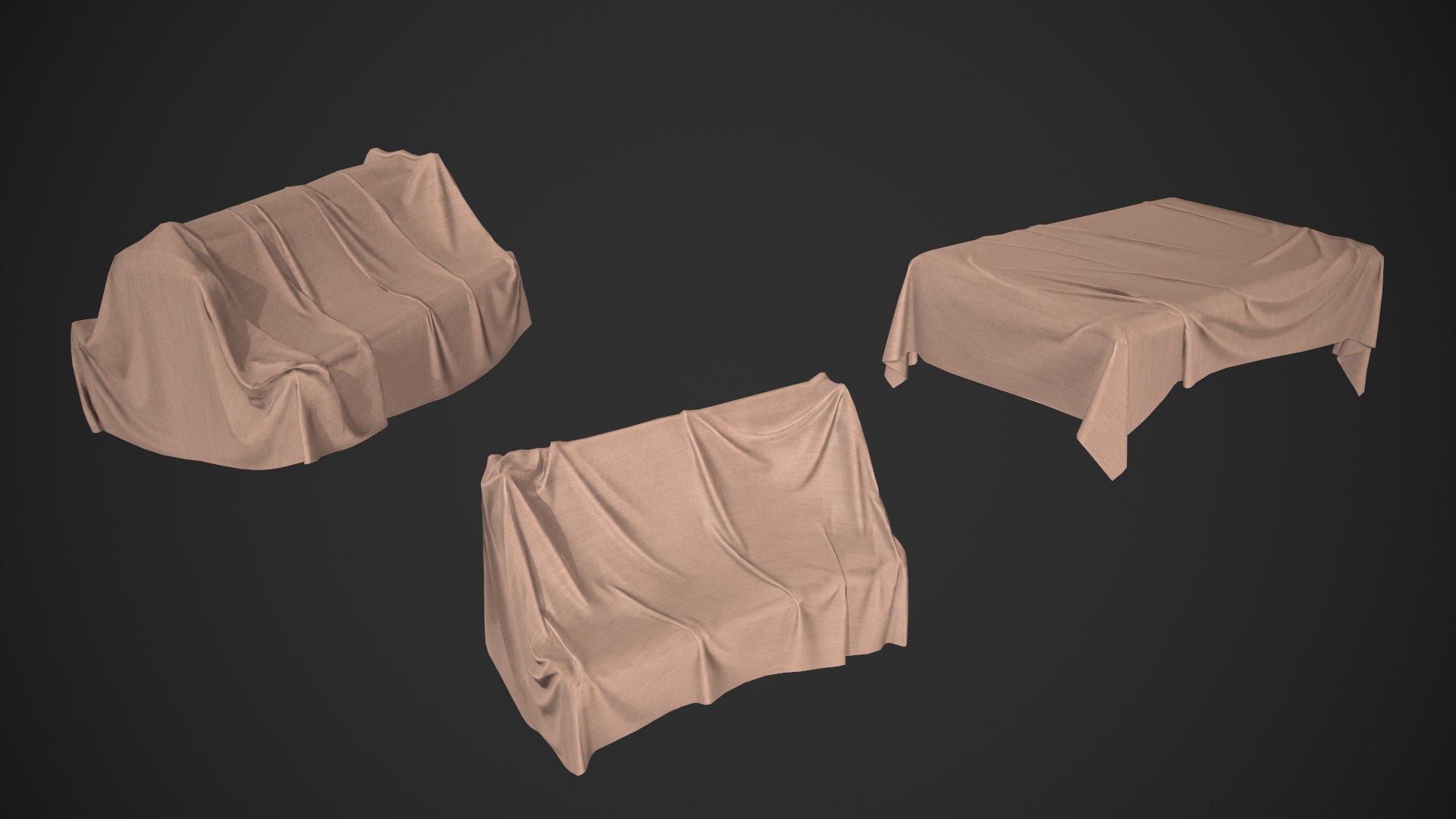
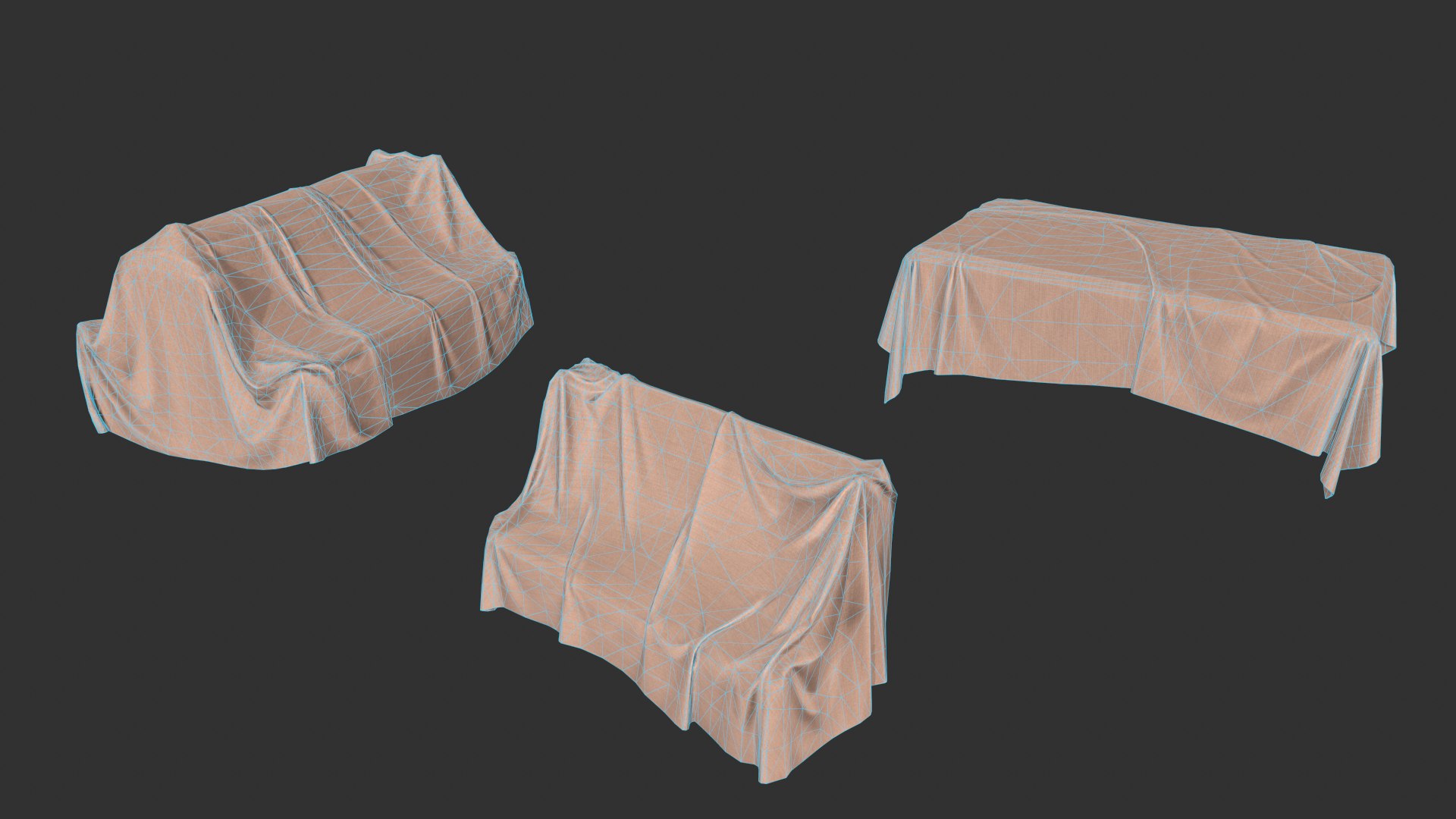
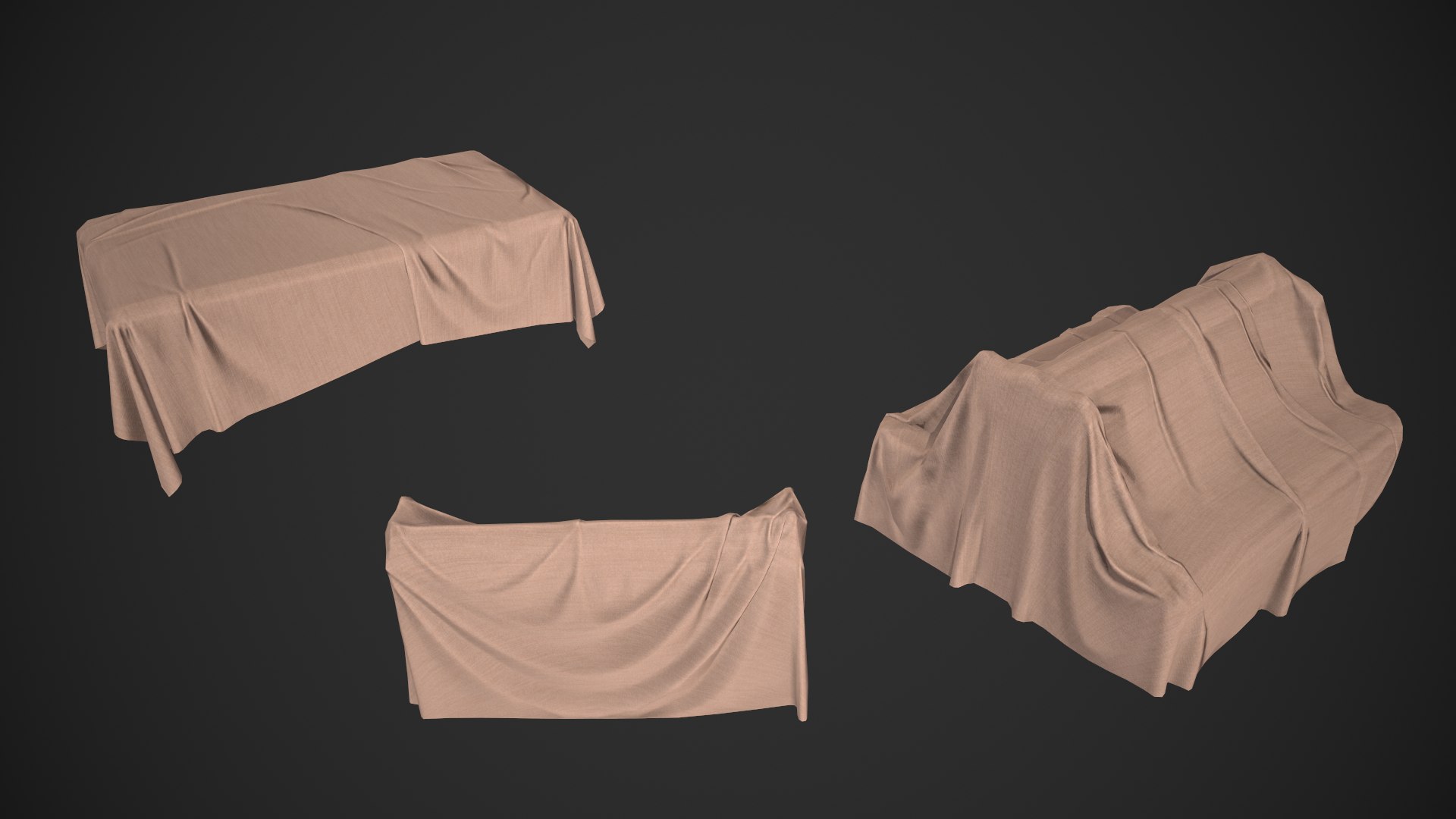
Table Cloth Drapery

$6

Standard License | Upgrade License
Formats (6)
Native | Maya 2018 | Default Scanline
Blender 2.93.4 | Blender Render
3ds Max 2018 | Default Scanline
Unity 2020.1.17f | Other
FBX
OBJ
Other Files
table_cloth_drapery_bake_textures.zip table_cloth_drapery_main_textures.zip
Specifications
Publish Date July 25, 2023
Product ID 2101164
Polygons 4,608
Vertices 4,286
Polygonal Quads/Tris Geometry
Textures
Materials
UV Mapped
Unknown Unwrapped UVs
PBR
Real-Time

member avatar
antwo3d
266 Products | Contributor Since 2016
Have questions? Chat with us now.

Description

Game-ready Table Cloth Drapery asset, with PBR textures included in the files. This has 4608 polys (8252 tris) and 4286 vertices. Note: changing the normal mesh settings in the native Maya file is not recommended.

- table_cloth_drapery_001 - 1372 polys (2429 tris) and 1298 vertices
- table_cloth_drapery_002 - 1928 polys (3495 tris) and 1778 vertices
- table_cloth_drapery_003 - 1311 polys (2328 tris) and 1210 vertices


Materials in this asset are for the following:

Table Cloth Drapery (One Material)

Maps included in this asset are the Base Color, Normals (OpenGL and DirectX), Metallic, Roughness and Ambient Occlusion.

As an added bonus, the World Space Normals, Curvature, Basic Normals, Position, Thickness Maps and the Color ID have been added for any re-texturing, along with a Unity Package file.

This asset was rendered in Marmoset Toolbag 3.

Select Enhanced License

  • $10,000 in Legal Protection (Indemnification)
  • Uncapped Legal Protection (Indemnification)
  • Waiver from injunctive relief
  • Assignable model rights
  • $1,000,000 in Legal Protection (Indemnification)
  • Waiver from injunctive relief
  • Assignable model rights
  • $250,000 in Legal Protection (Indemnification)
  • Assignable model rights
Read more about enhanced license tiers, or contact us at enterprise@turbosquid.com. Already a Shutterstock Enterprise Customer? Contact your Shutterstock Sales Support Agent to talk about adding 3D.

About Conversion Requests

To submit a conversion request for a purchased asset, please complete our Conversion Request Form.

If you have not yet purchased a model, please review our Documentation about Conversions to learn about what limitations you may encounter with a conversion.

For any additional questions about a model’s suitability for conversion, please contact TurboSquid Support.

Loading...