
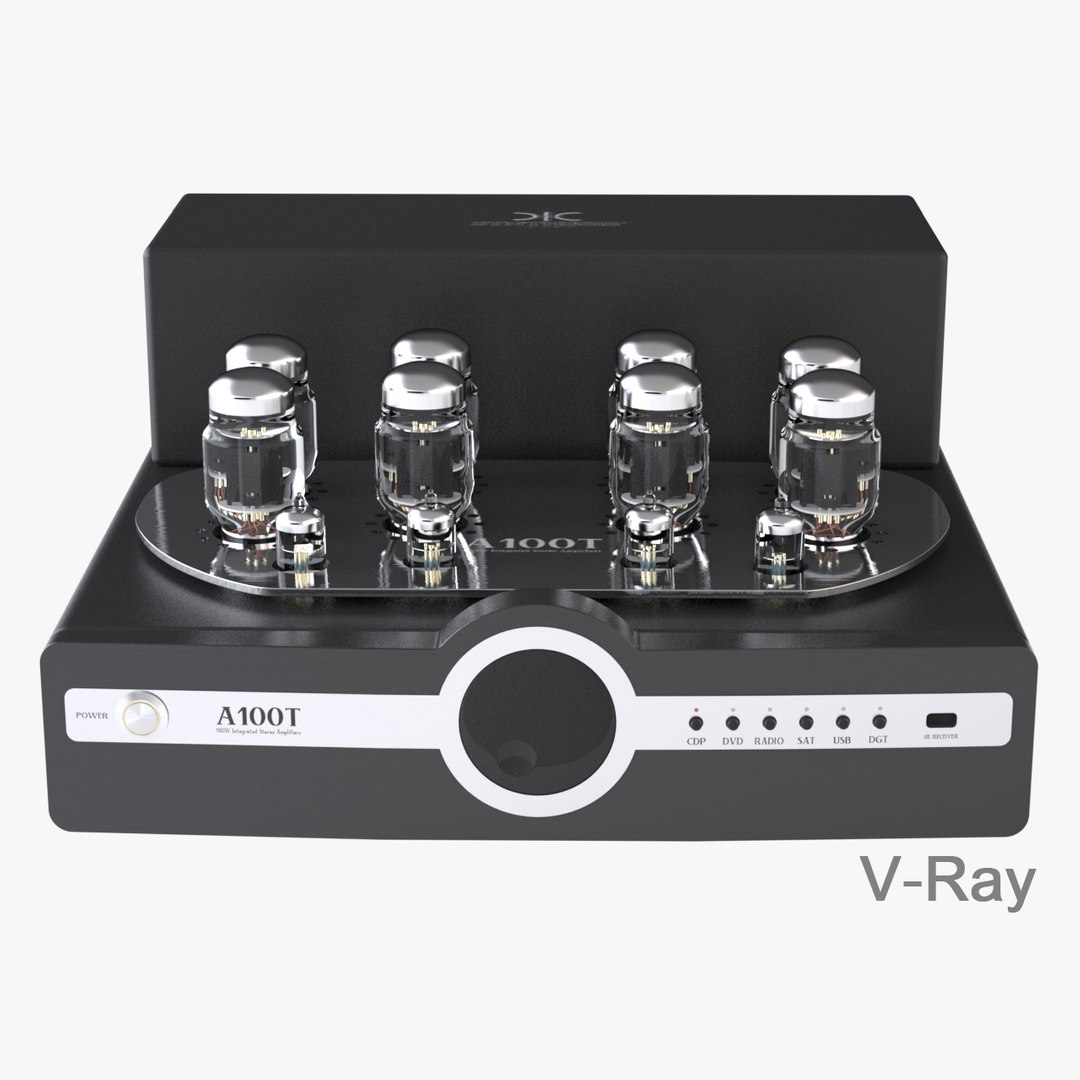
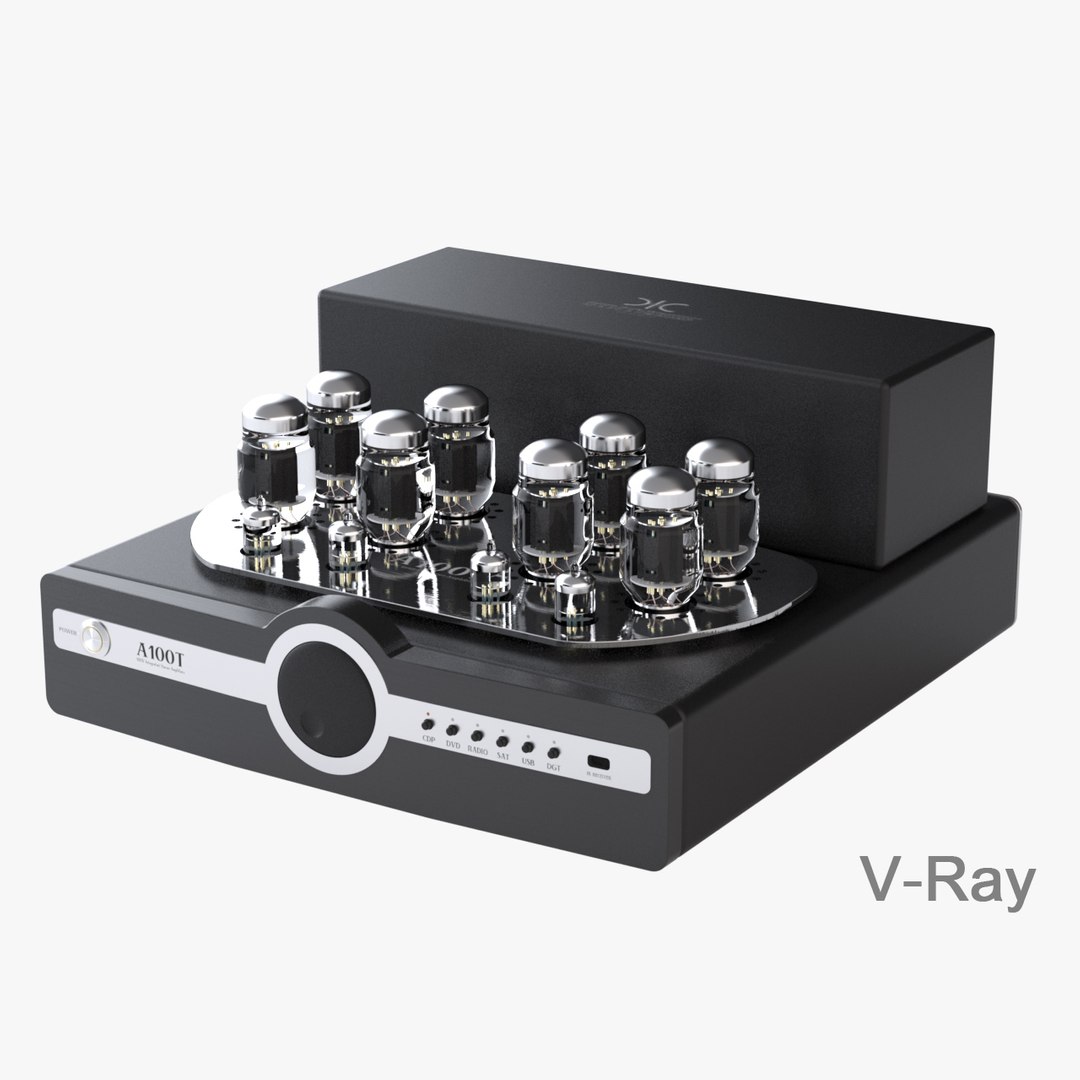
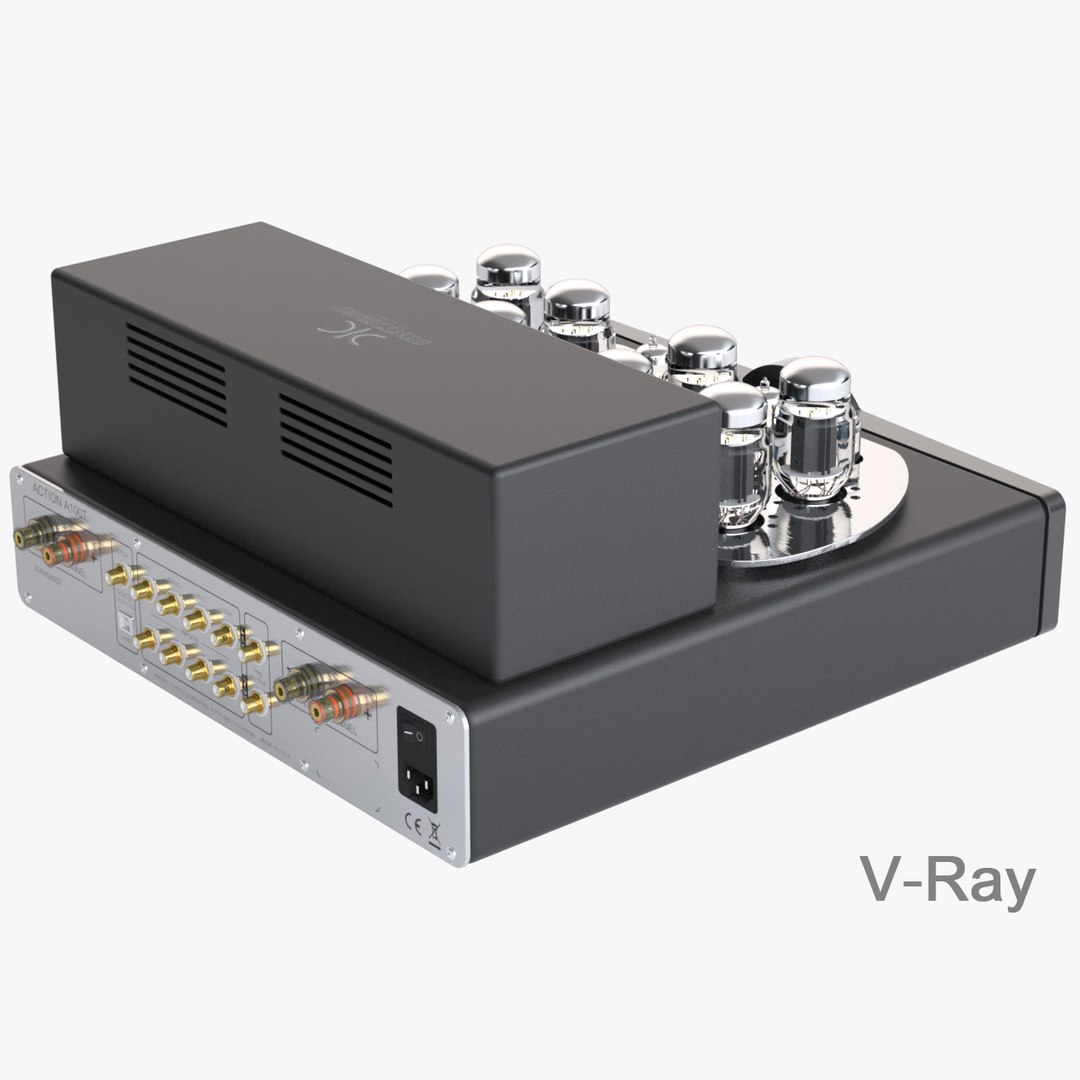
Synthesis A100T Amplifier

$39

Standard License | Upgrade License
Editorial Uses Only
Formats (11)
Free file format Conversions available
Native | 3ds Max 2013 | Maxwell 2.7
3ds Max 2010 | Maxwell 2.7
3ds Max 2010 | V-Ray 1.5
3ds Max 2012 | V-Ray 1.5
Rhino
IGES
Other Textures
STL
OBJ
3D Studio
FBX
Other Files
A100T_textures.zip
Specifications
Publish Date February 03, 2013
Product ID 721821
Polygons 172,478
Vertices 195,792
Polygonal Ngons Used
Textures
Materials
UV Mapped
TurboSquid Exclusive

member avatar
android99
211 Products | Contributor Since 2009
Have questions? Chat with us now.

Description

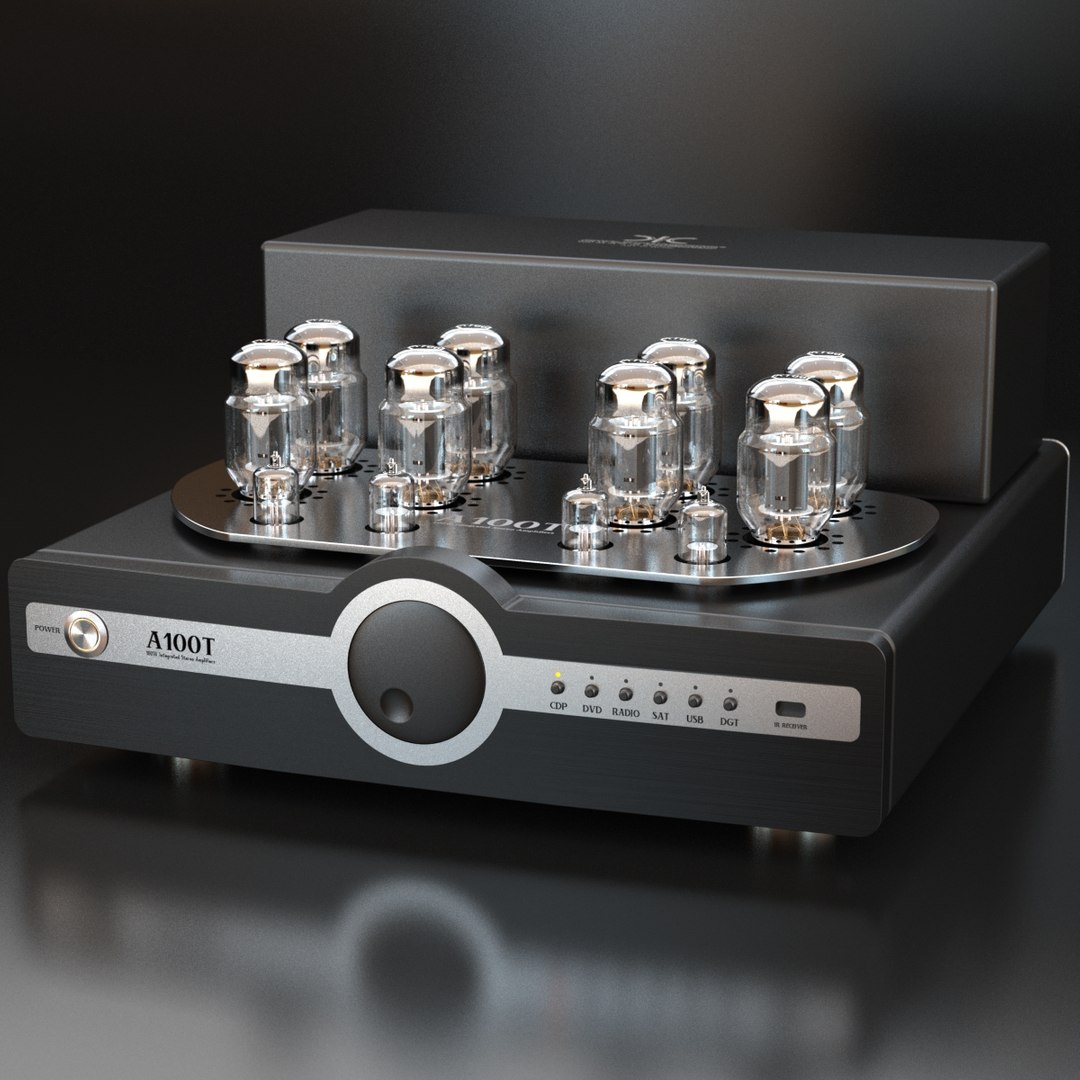
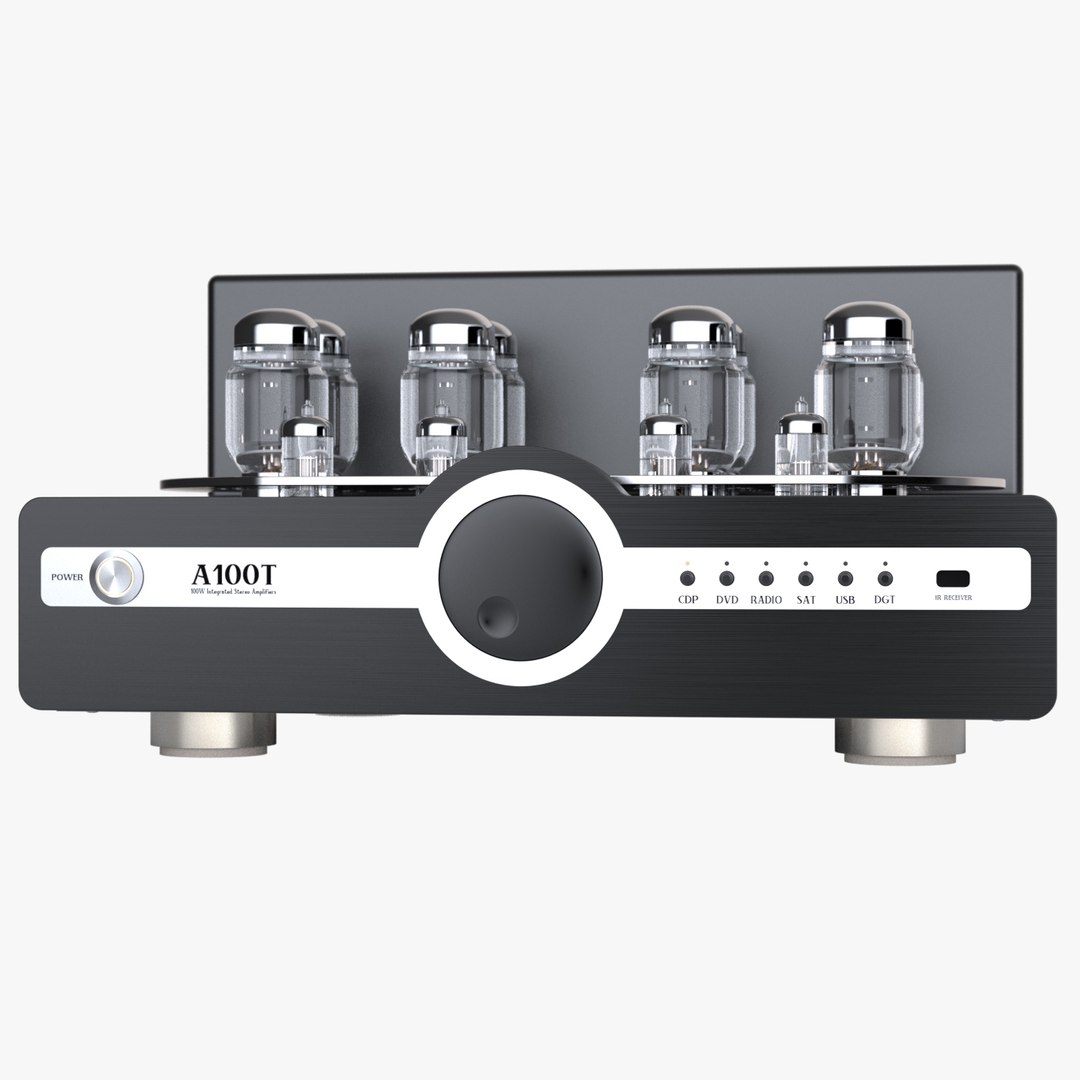
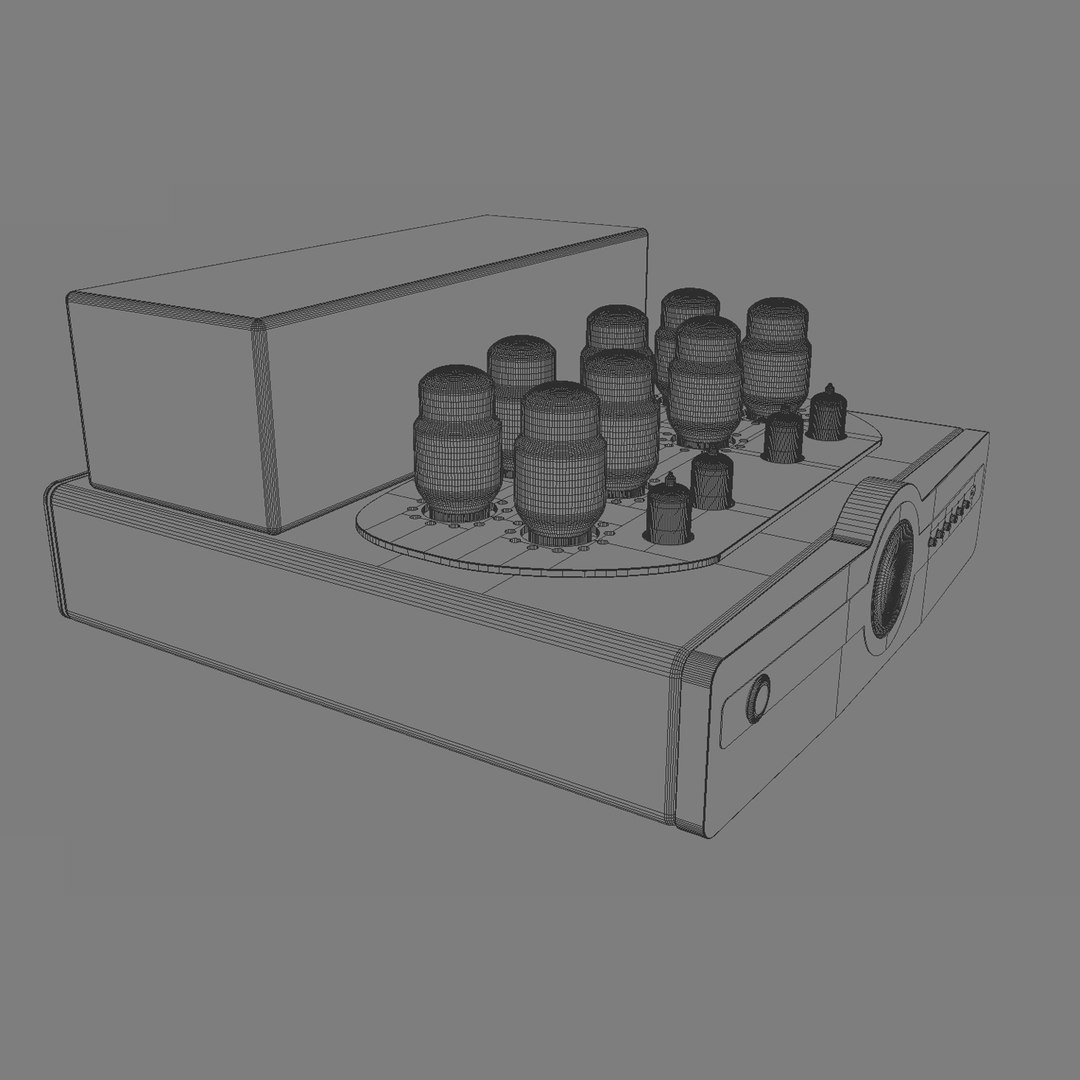
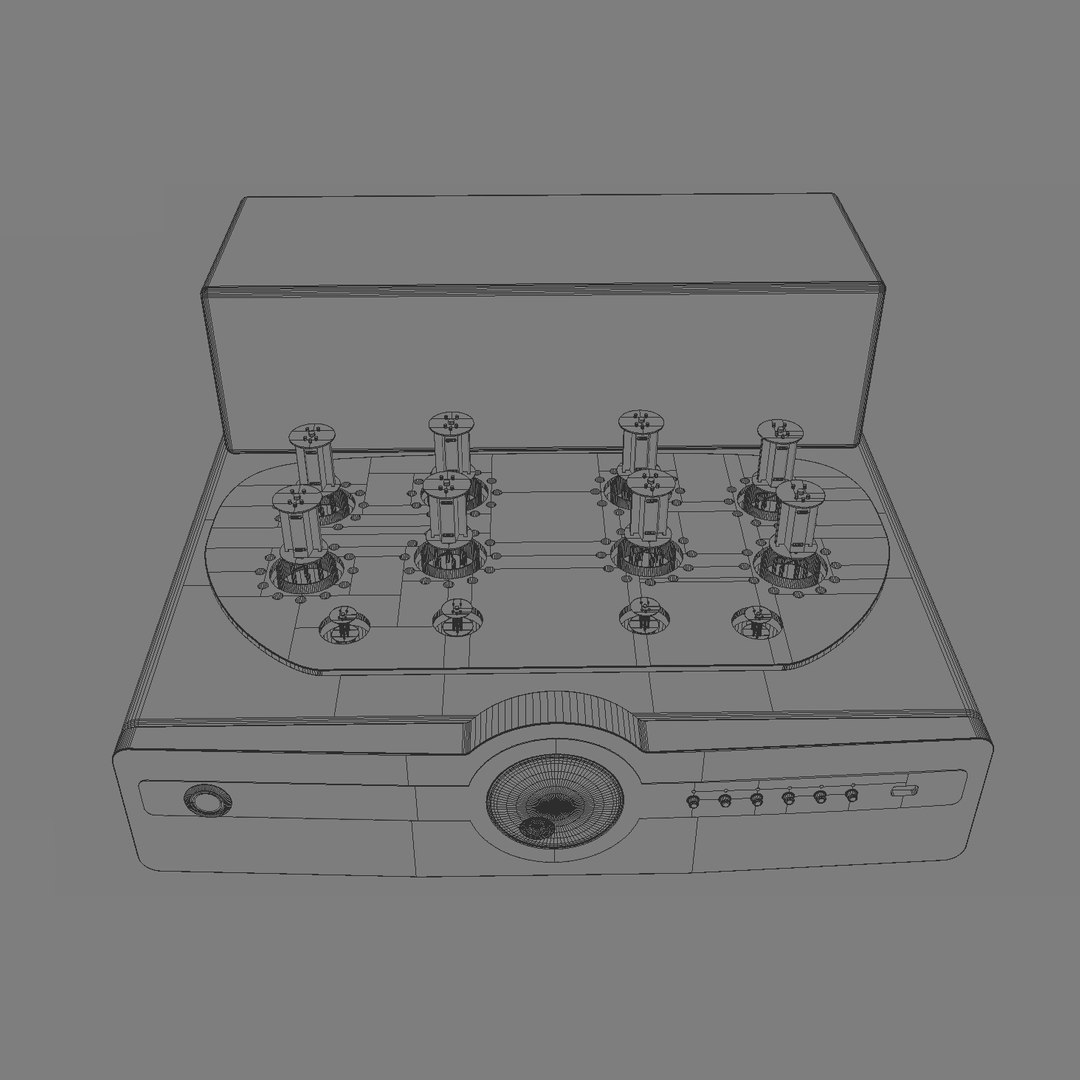
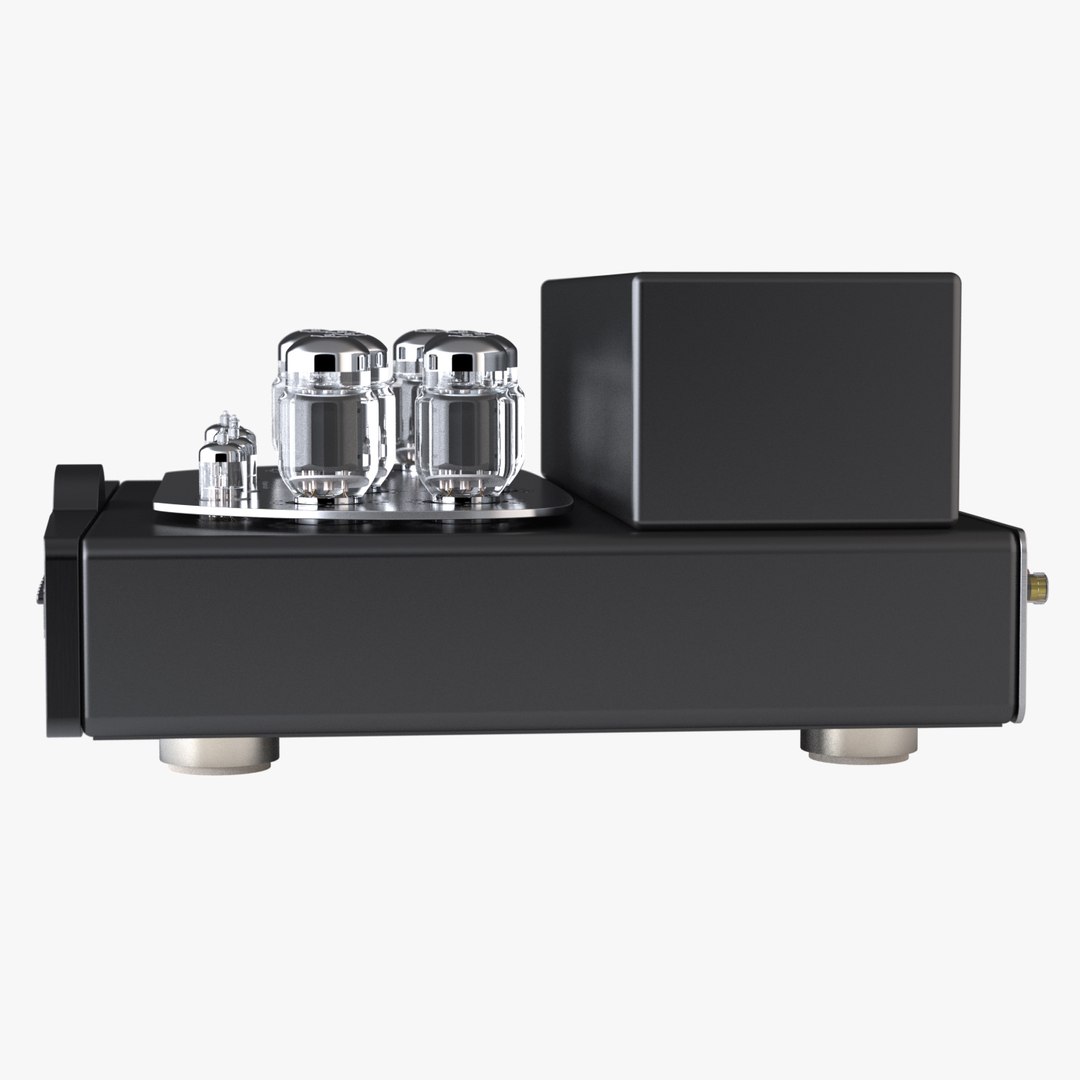
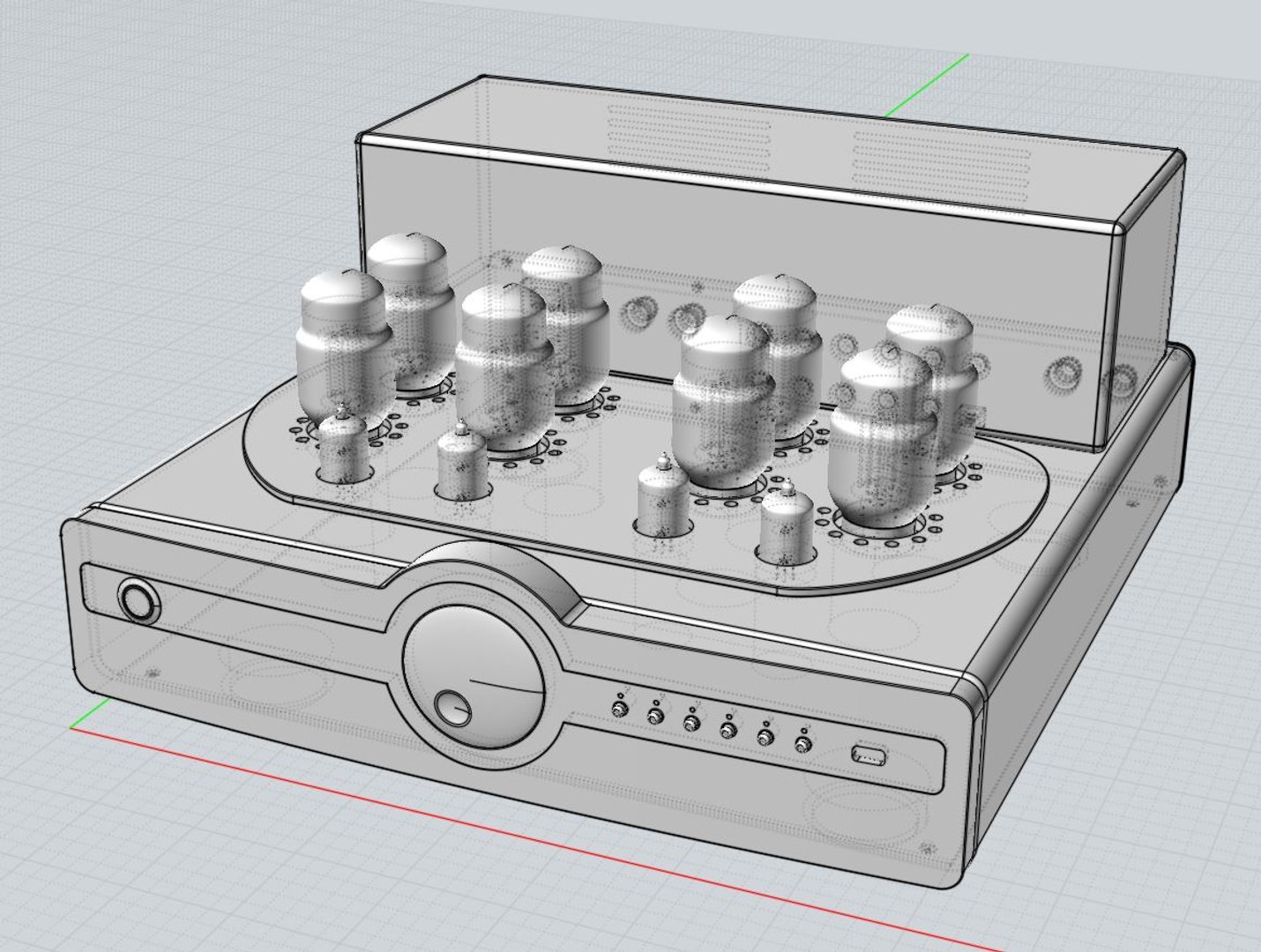
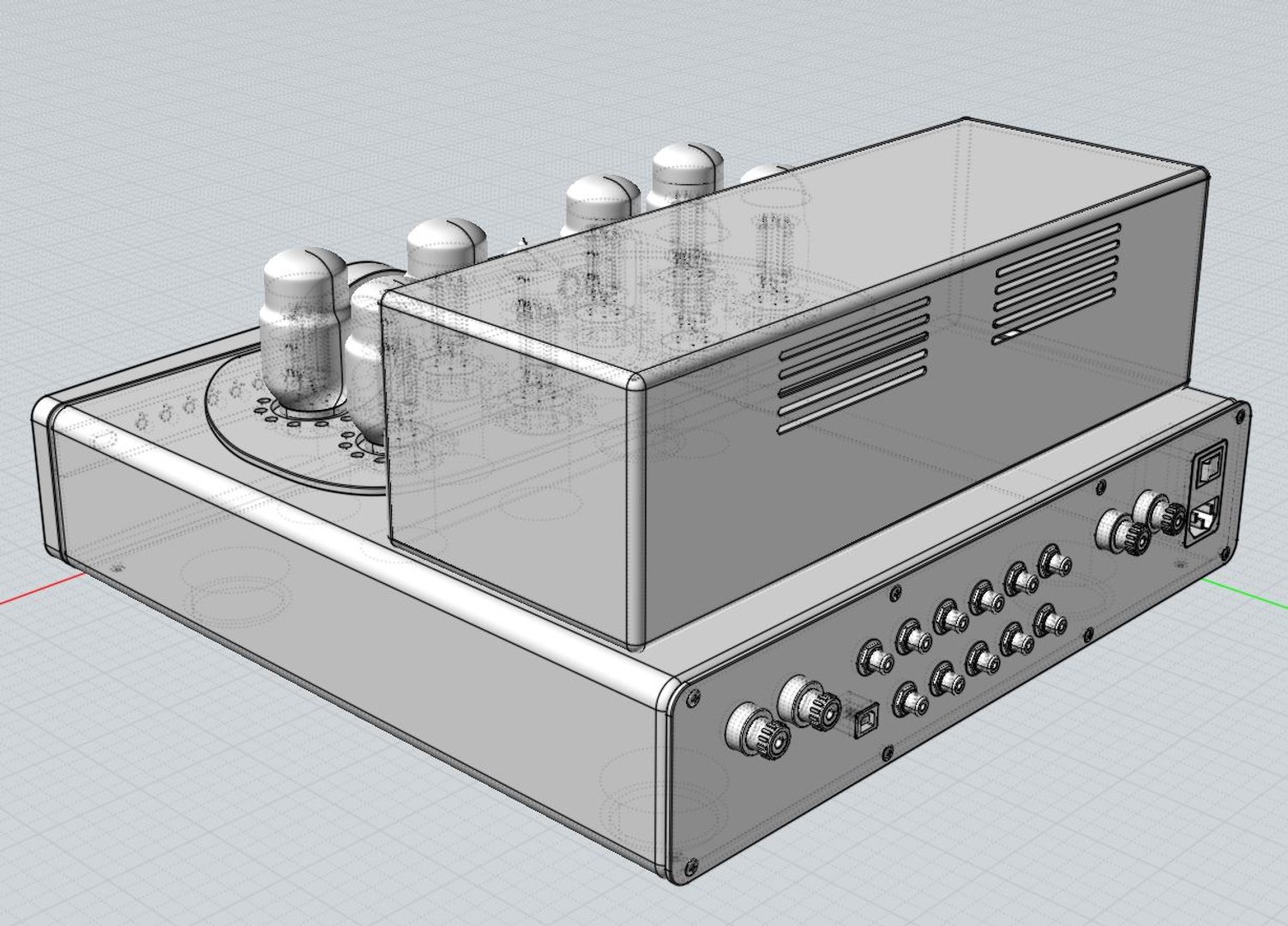
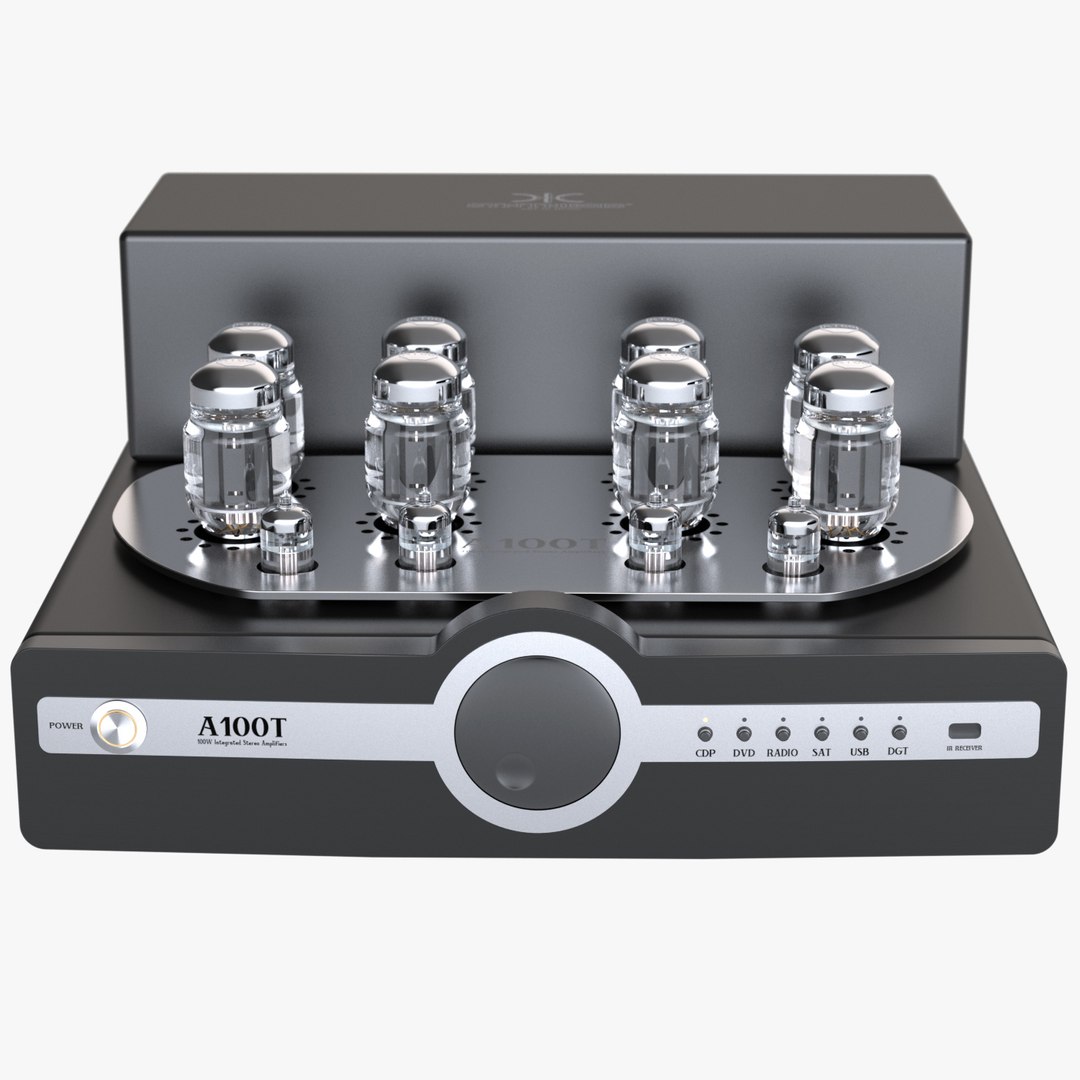
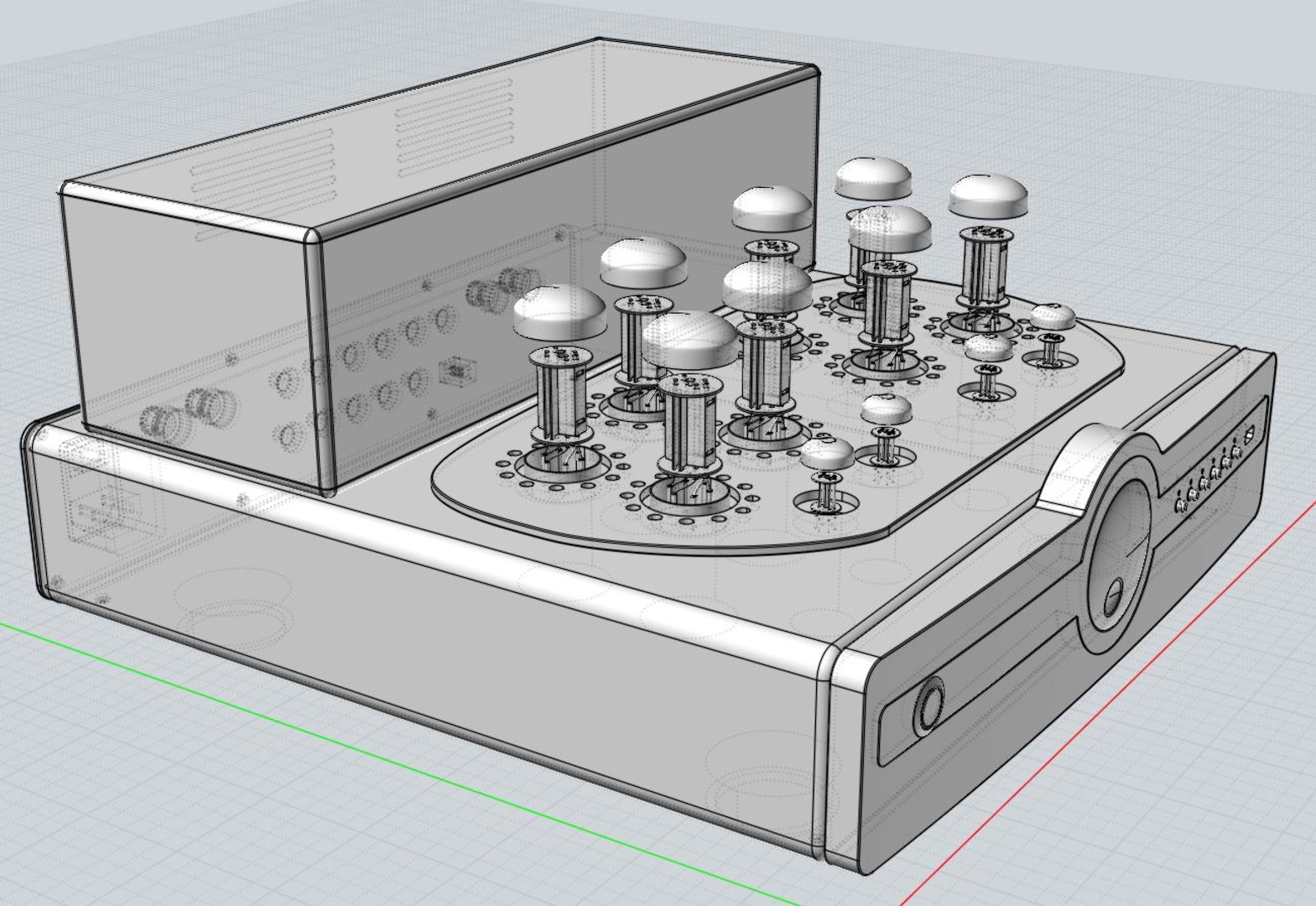
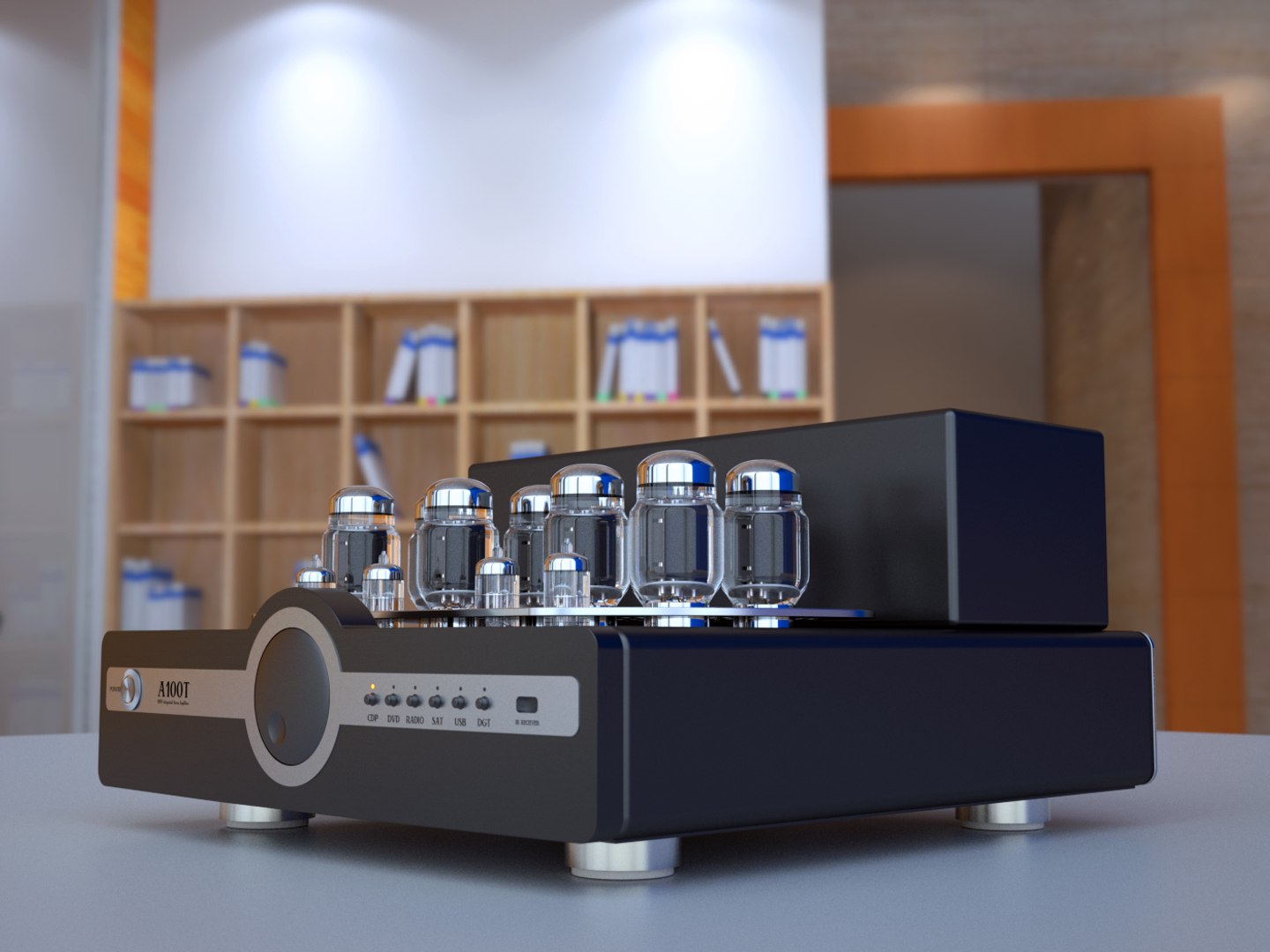
It's a high detailed photoreal Stereo Amplifer, Synthesis Action A100T

You can use Max 2010~2013 for rendering with Maxwell render and V-Ray.
You can also use FBX, 3DS, OBJ or STL formats for Polygonal tools
and 3DM, IGS or SAT for Nurbs modeler like Rhino.

In case of FBX, there are four version included. (normal & triangulated for 2006 & 2013version)

If you install FBX 2013.3 version, you can import FBX file with Maxwell materials into Maya.

In .Max and .3DM file, there are the same named layers embeded.
So if you need more subdivided mesh for some parts, you can easily change it from original Nurbs model.

In my case, I used 3DM->FBX->3dsMax converting process.

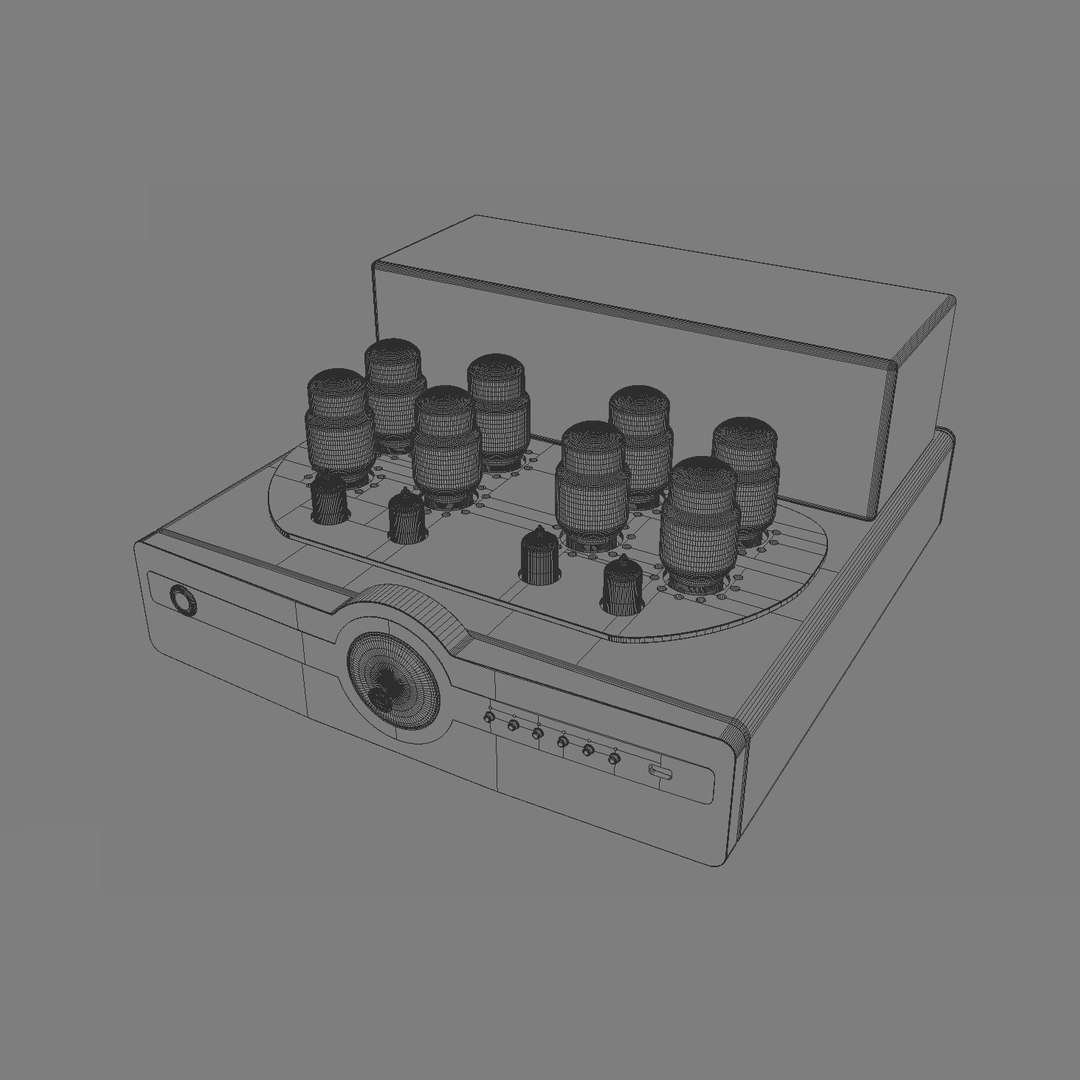
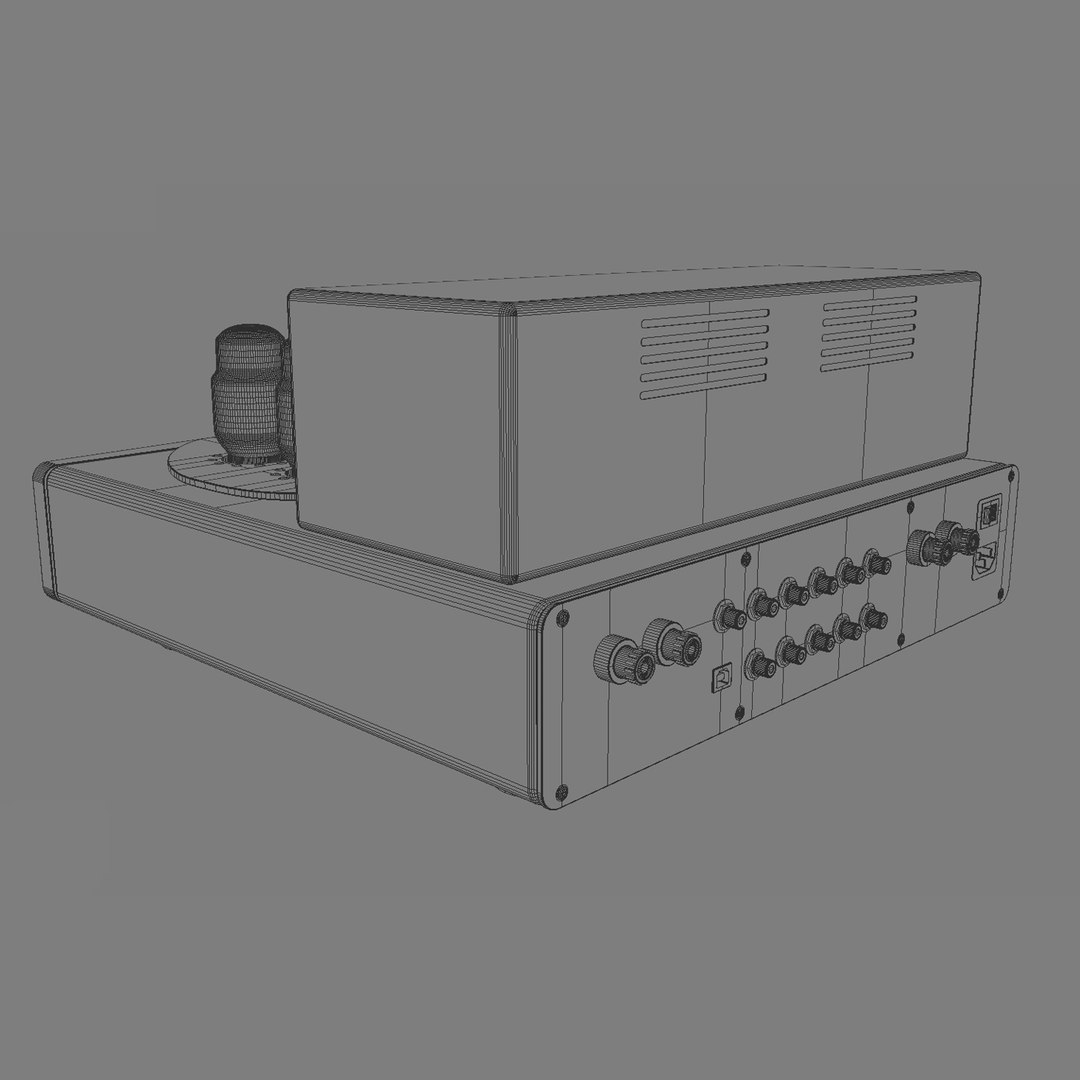
Objects / Polygon / Vertex count is (case of 3dsMax2013 file) :

objects 69
vertex 195792
polygon 172478

Camera setting, 10 bitmap textures and a HDRI (3200x1600) is included with Studio Lighting Setup.

Thanks,
JH

Select Enhanced License

  • $10,000 in Legal Protection (Indemnification)
  • Uncapped Legal Protection (Indemnification)
  • Waiver from injunctive relief
  • Assignable model rights
  • $1,000,000 in Legal Protection (Indemnification)
  • Waiver from injunctive relief
  • Assignable model rights
  • $250,000 in Legal Protection (Indemnification)
  • Assignable model rights
Read more about enhanced license tiers, or contact us at enterprise@turbosquid.com. Already a Shutterstock Enterprise Customer? Contact your Shutterstock Sales Support Agent to talk about adding 3D.

About Conversion Requests

To submit a conversion request for a purchased asset, please complete our Conversion Request Form.

If you have not yet purchased a model, please review our Documentation about Conversions to learn about what limitations you may encounter with a conversion.

For any additional questions about a model’s suitability for conversion, please contact TurboSquid Support.

Loading...