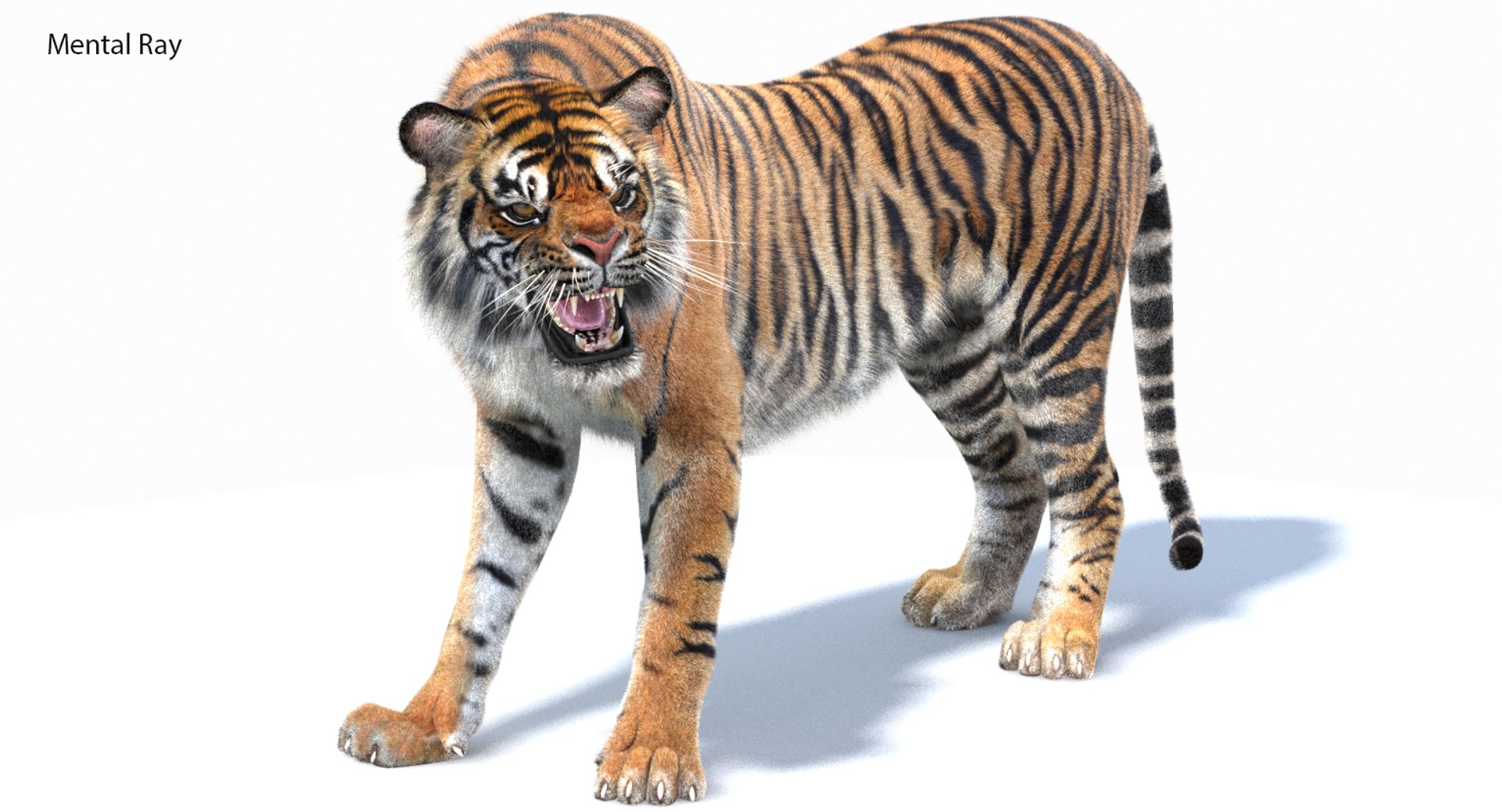
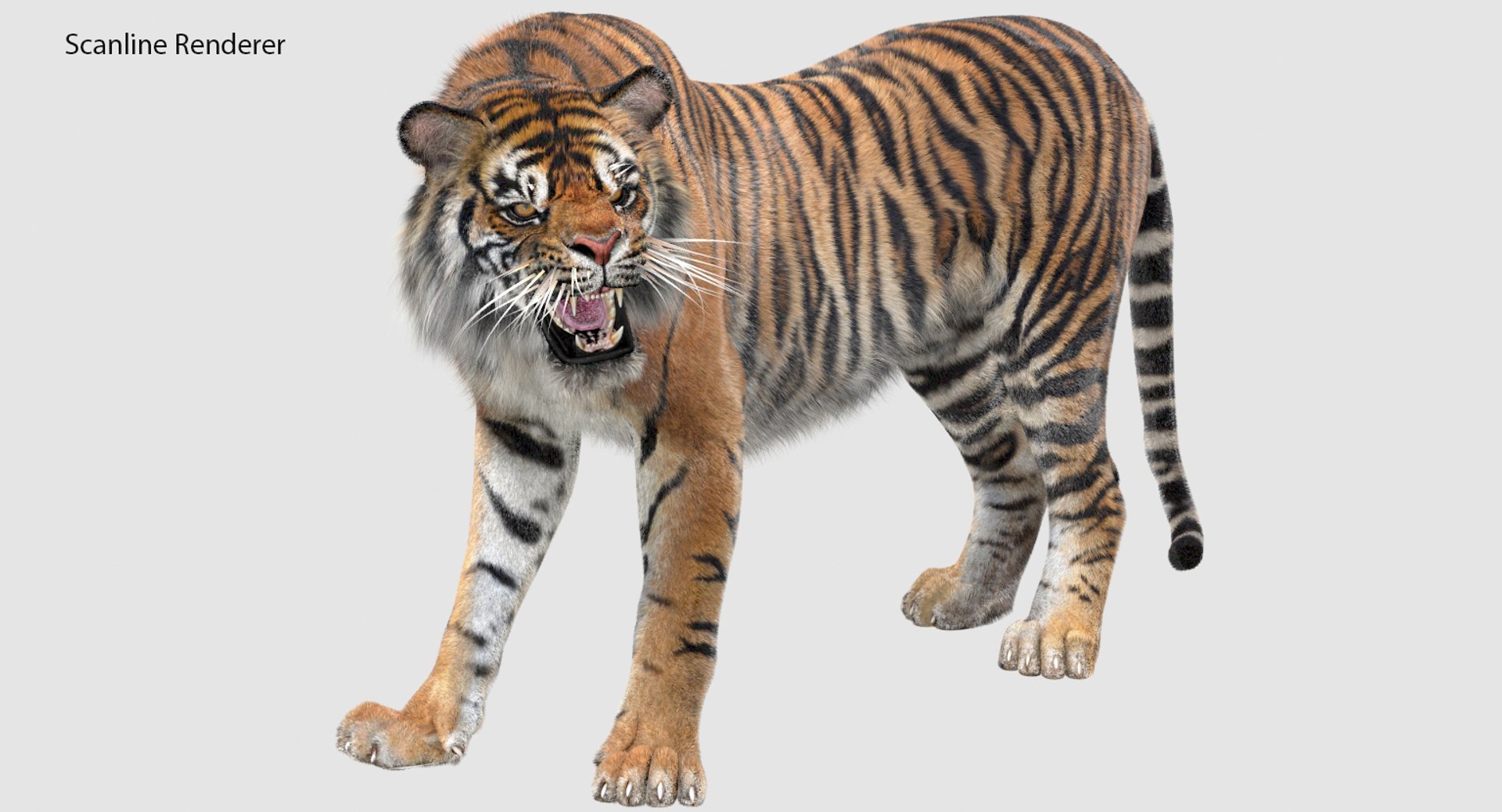
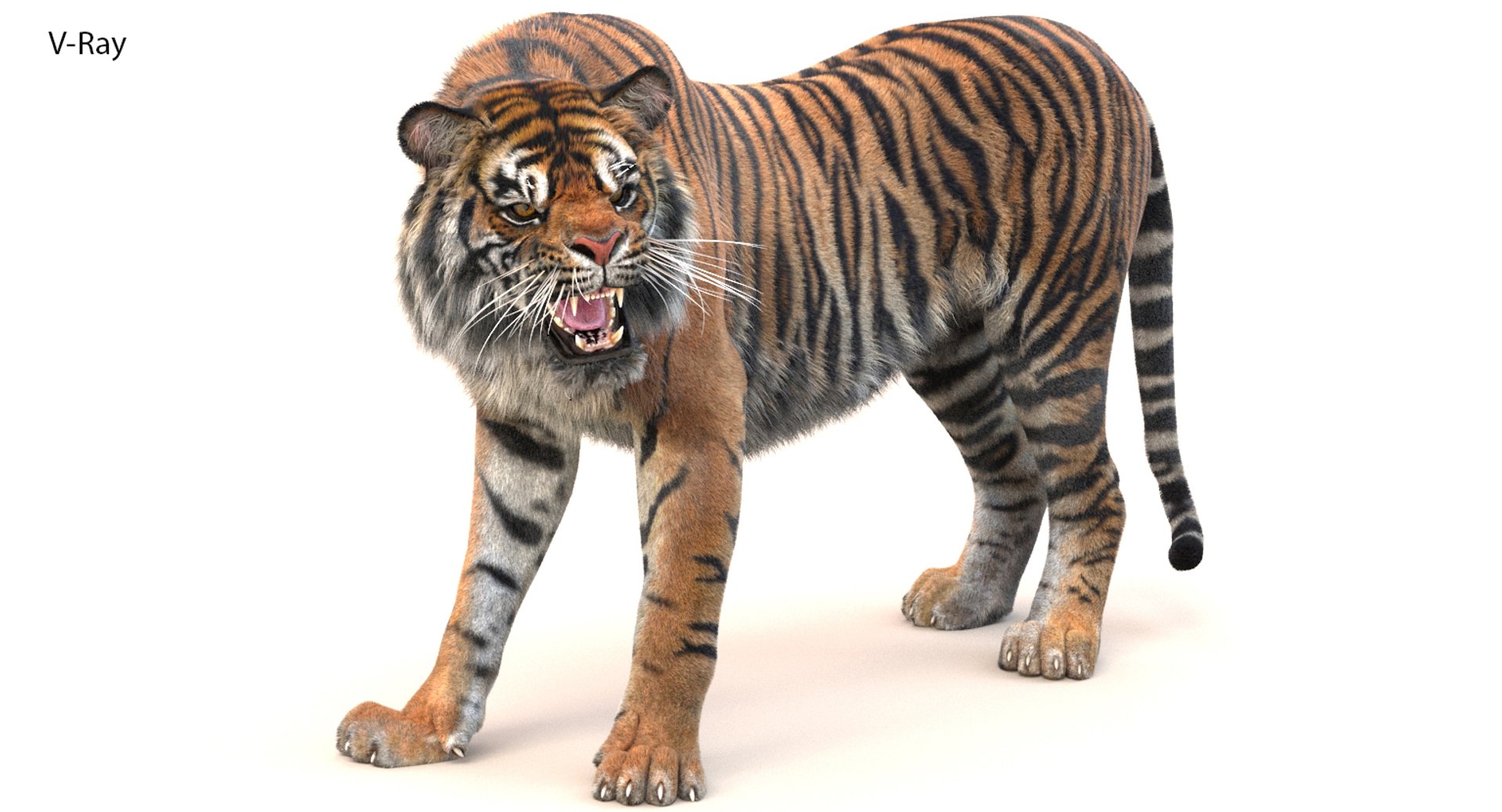
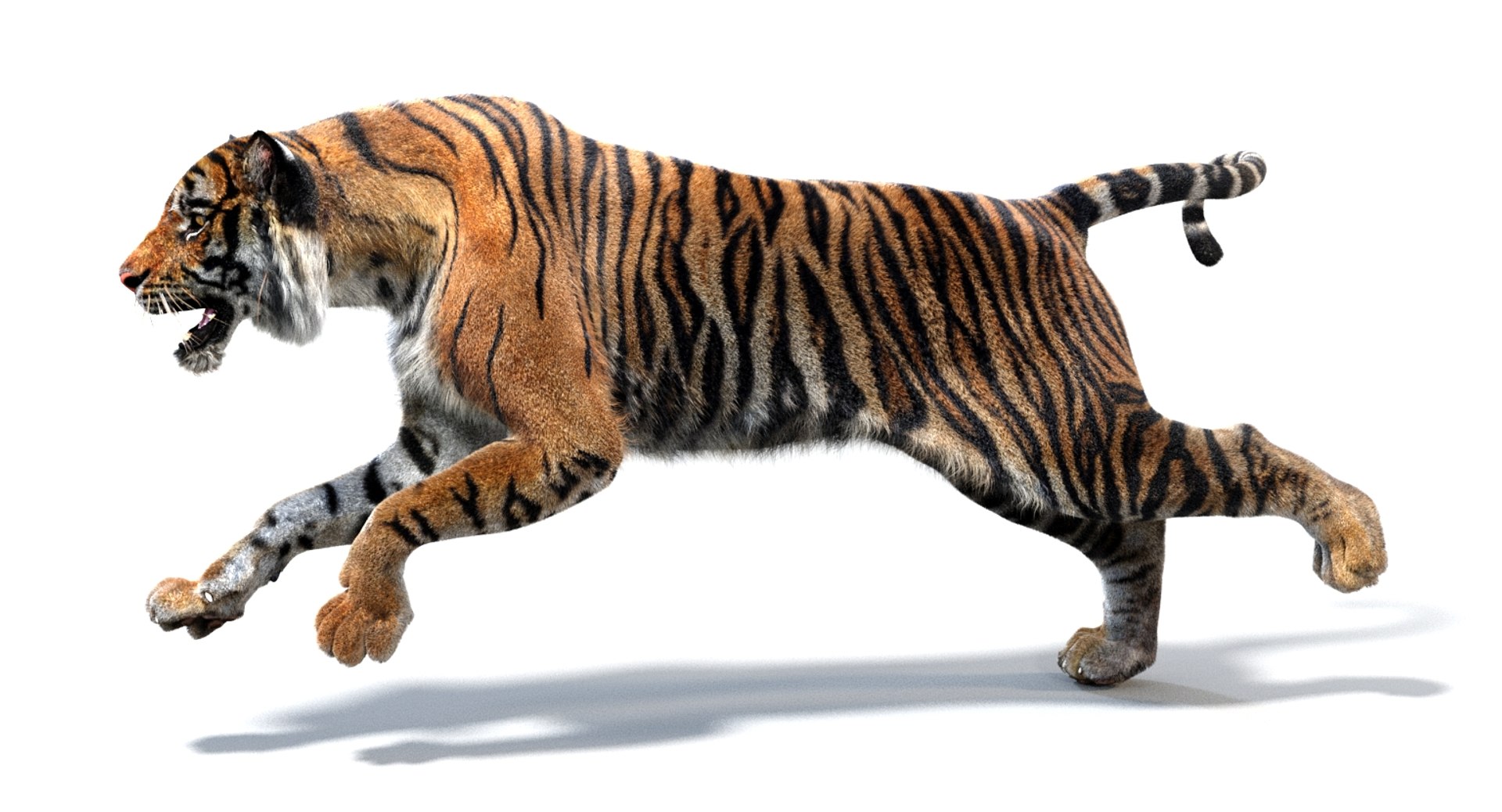
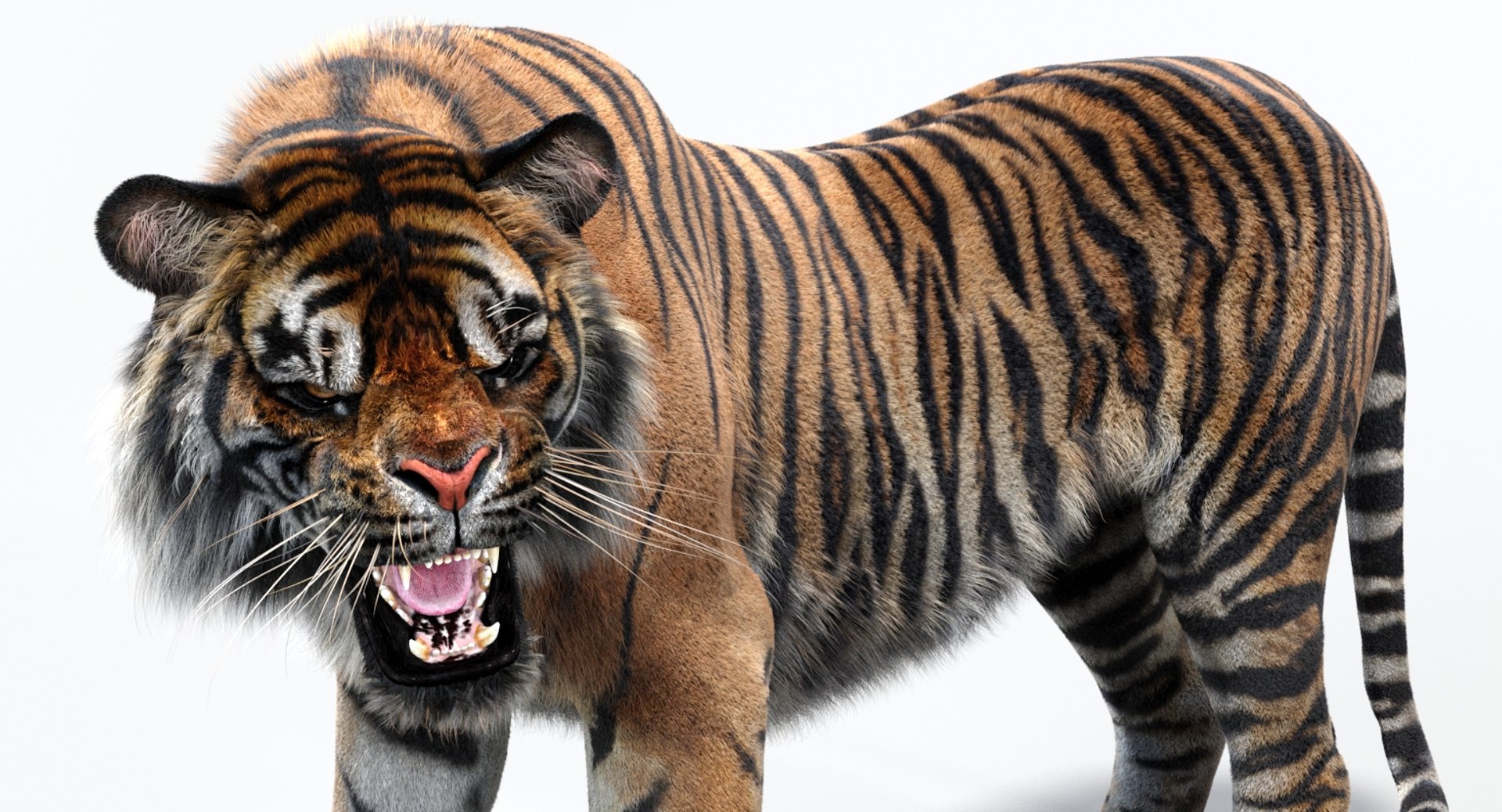
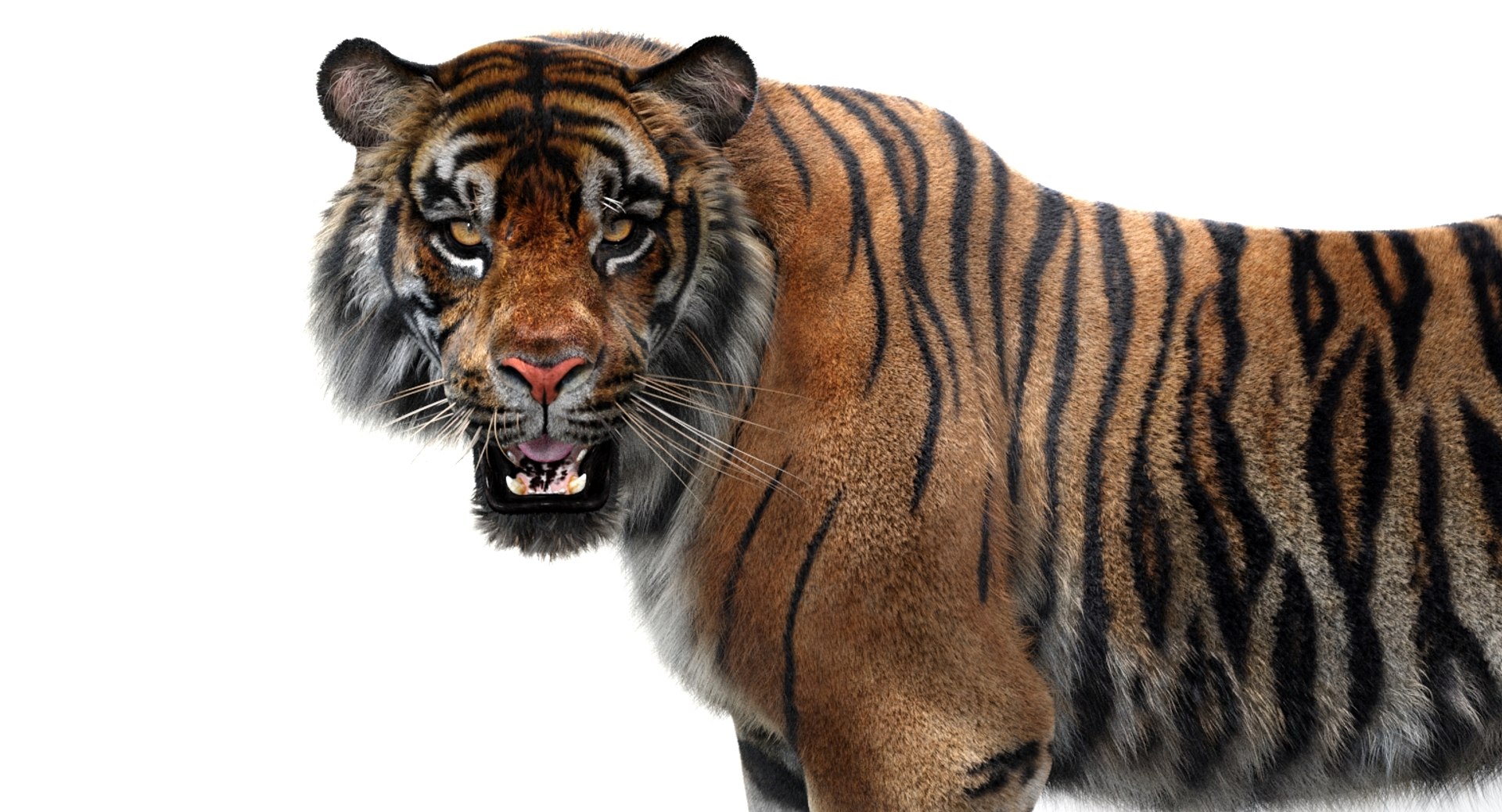
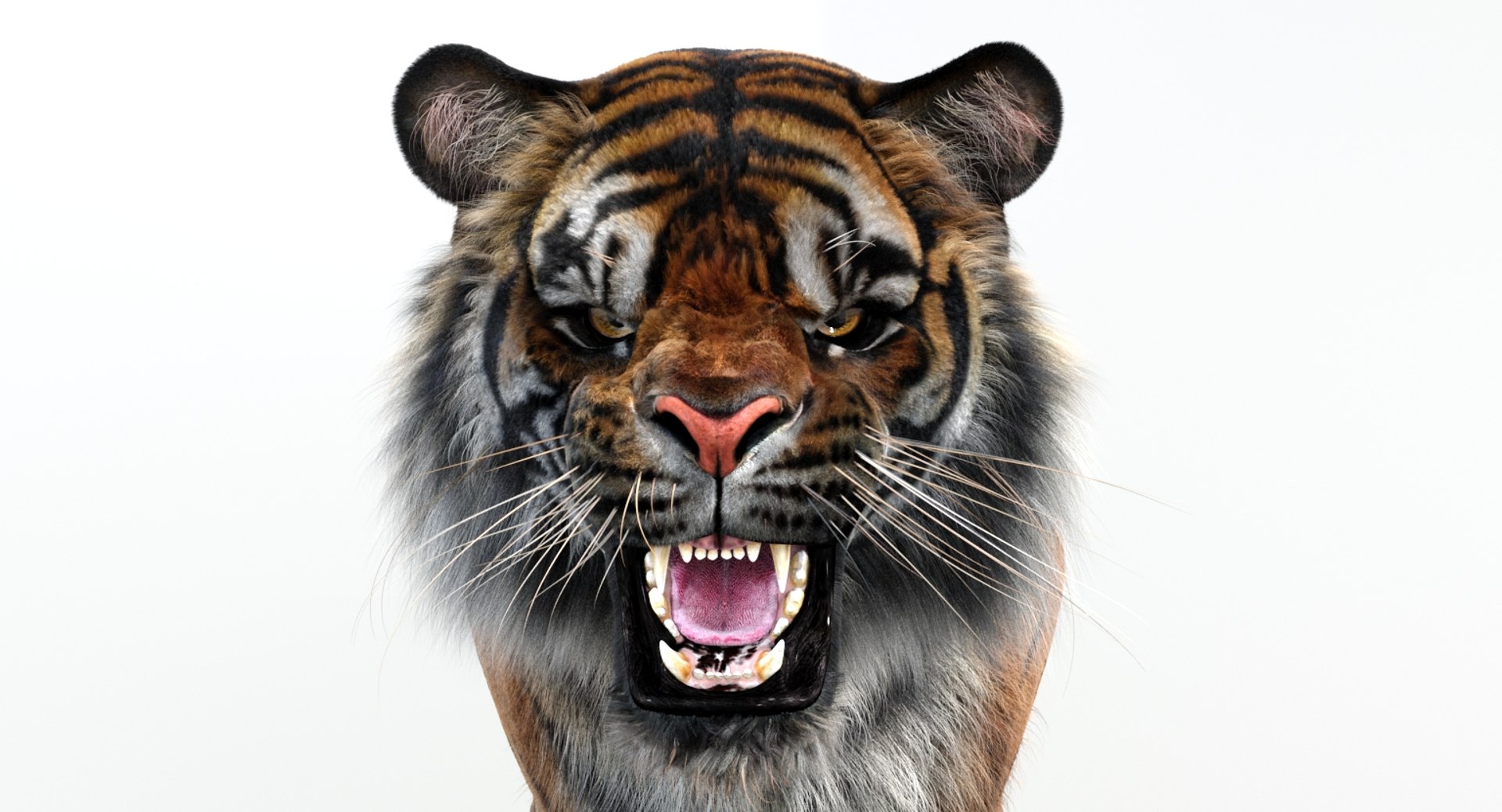
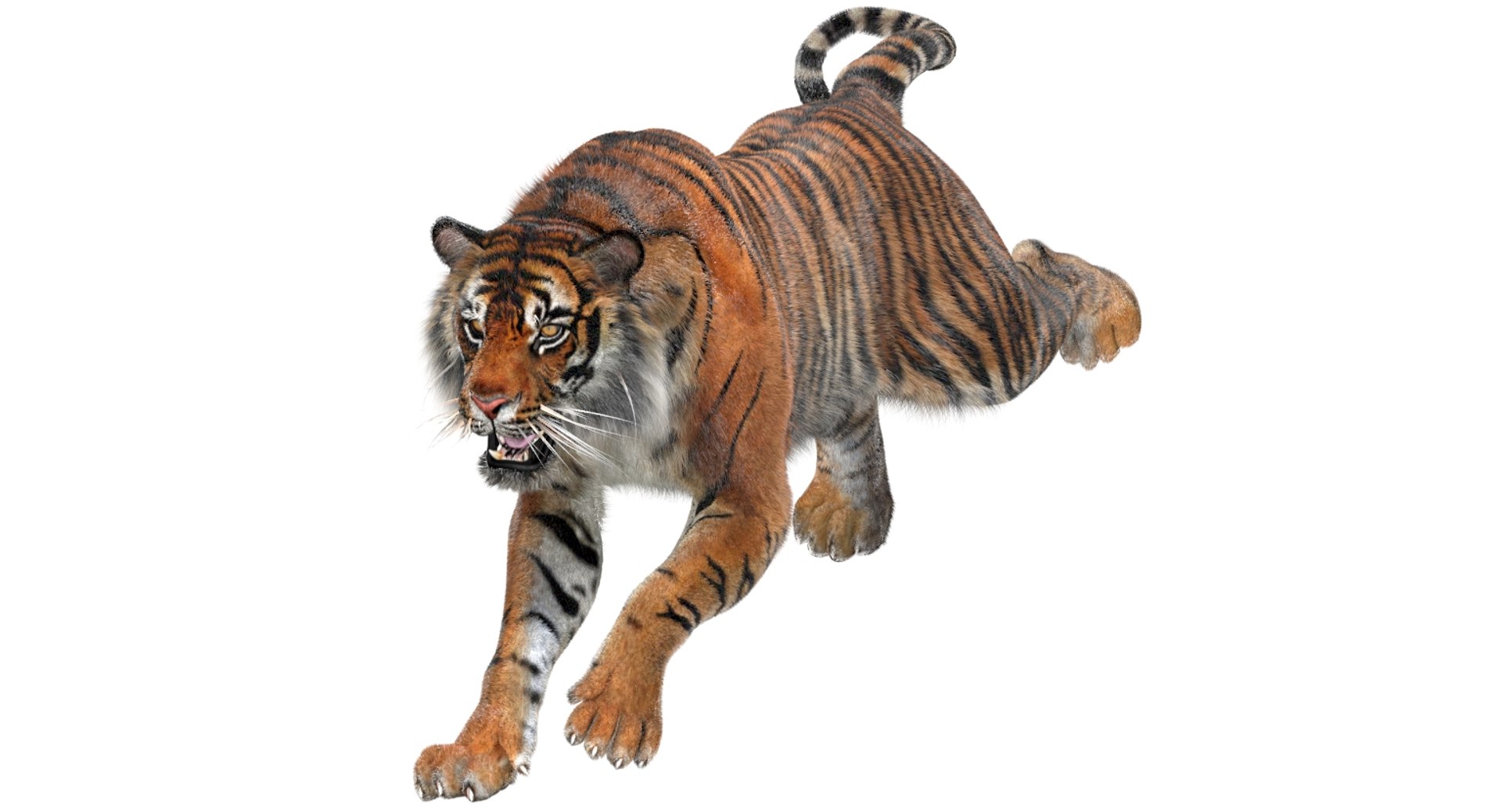
Sumatran Tiger Animated Fur

$249

Standard License | Upgrade License
Formats (11)
Free file format Conversions available
Native | 3ds Max 2023 | Arnold 5.6.6.3
3ds Max 2018 | Arnold 5.2.0.0
3ds Max 2019 | Arnold 5.2.0.0
3ds Max 2019 | Default Scanline
3ds Max 2016 | mental ray
3ds Max 2016 | V-Ray 3.20
3ds Max 2016 | Default Scanline
3ds Max 2018 | Default Scanline
OBJ
FBX
3D Studio
Specifications
Publish Date June 22, 2017
Product ID 1170597
Polygons 12,178
Vertices 12,338
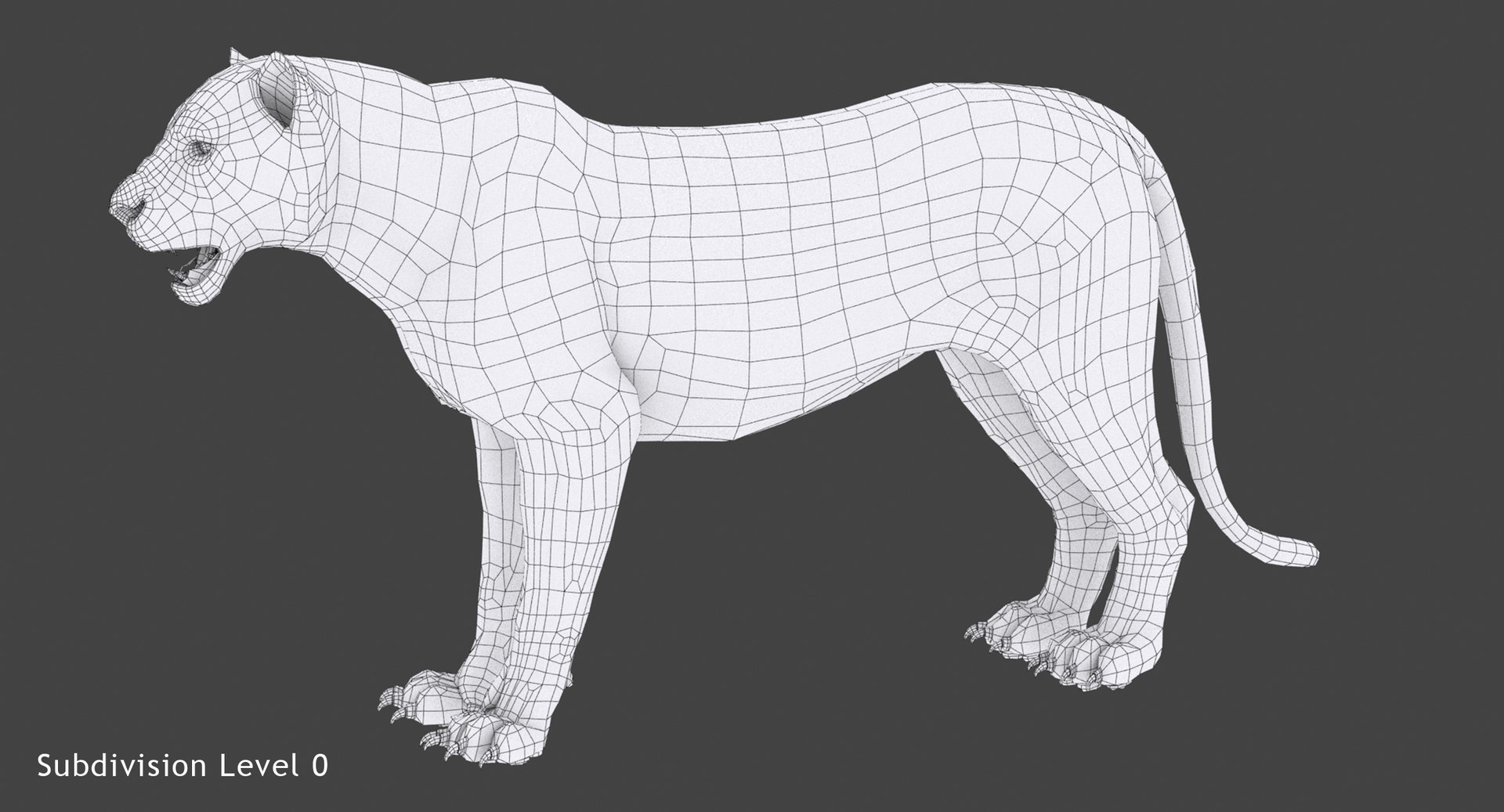
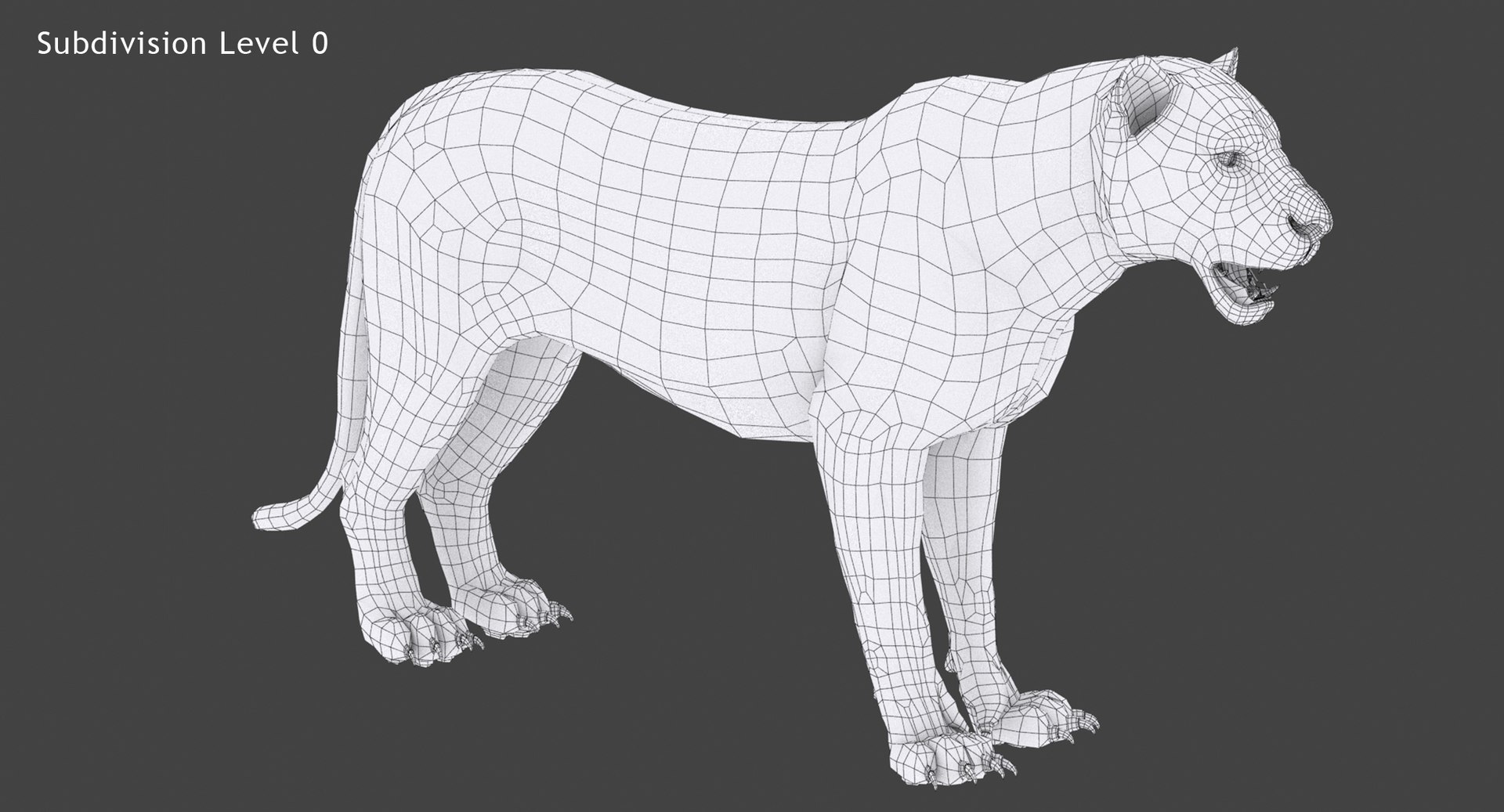
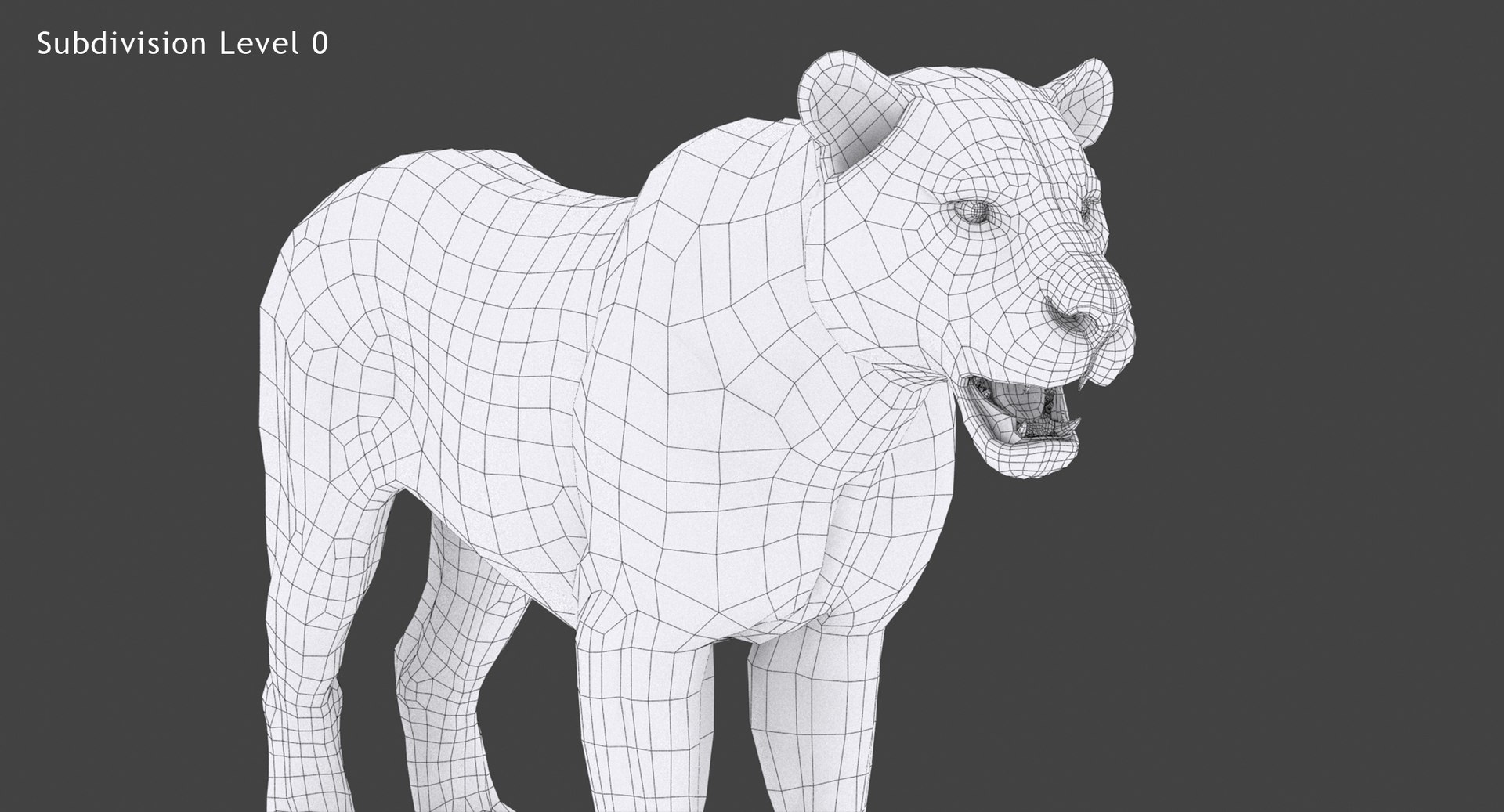
Polygonal Quads Only
Textures
Materials
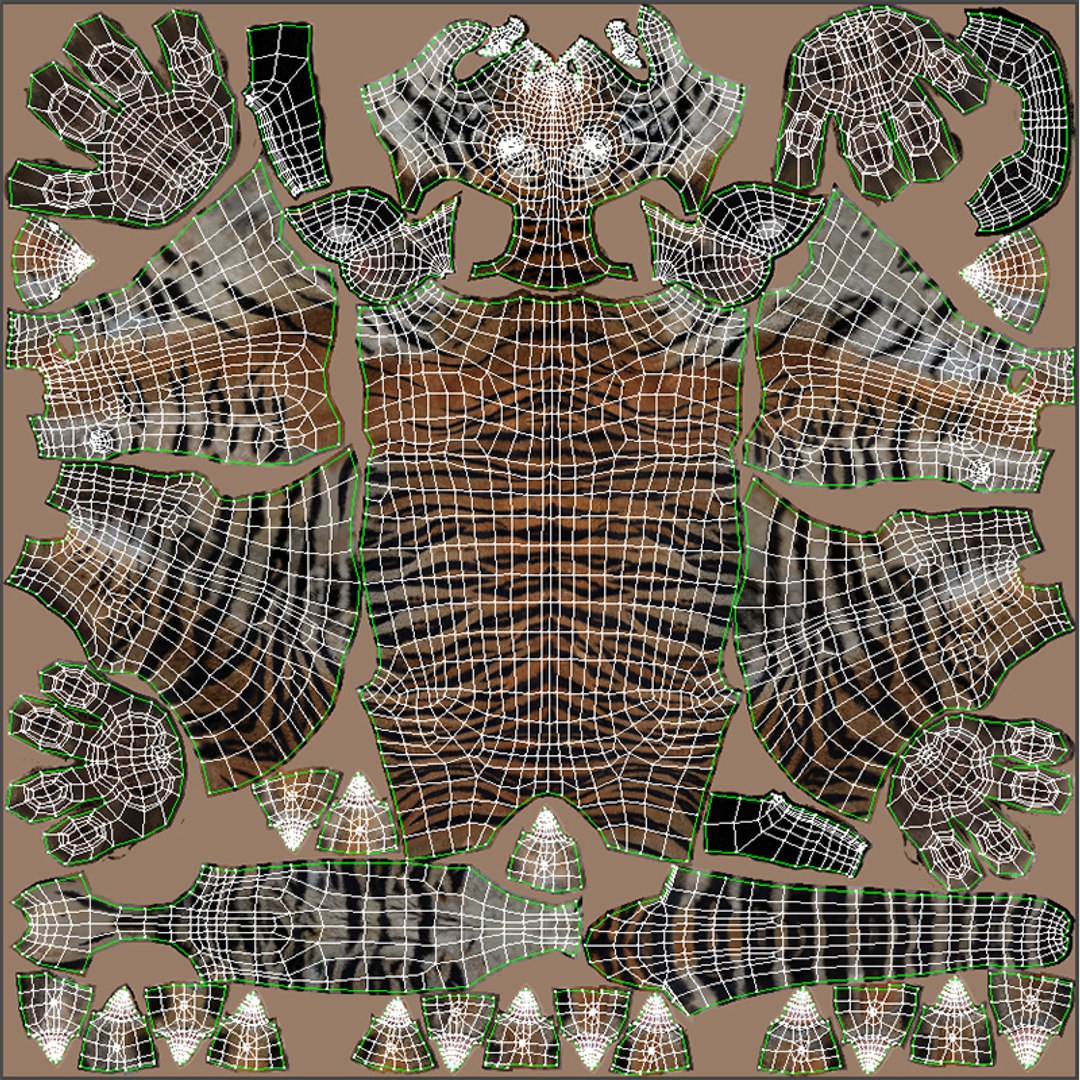
UV Mapped
Non-overlapping Unwrapped UVs
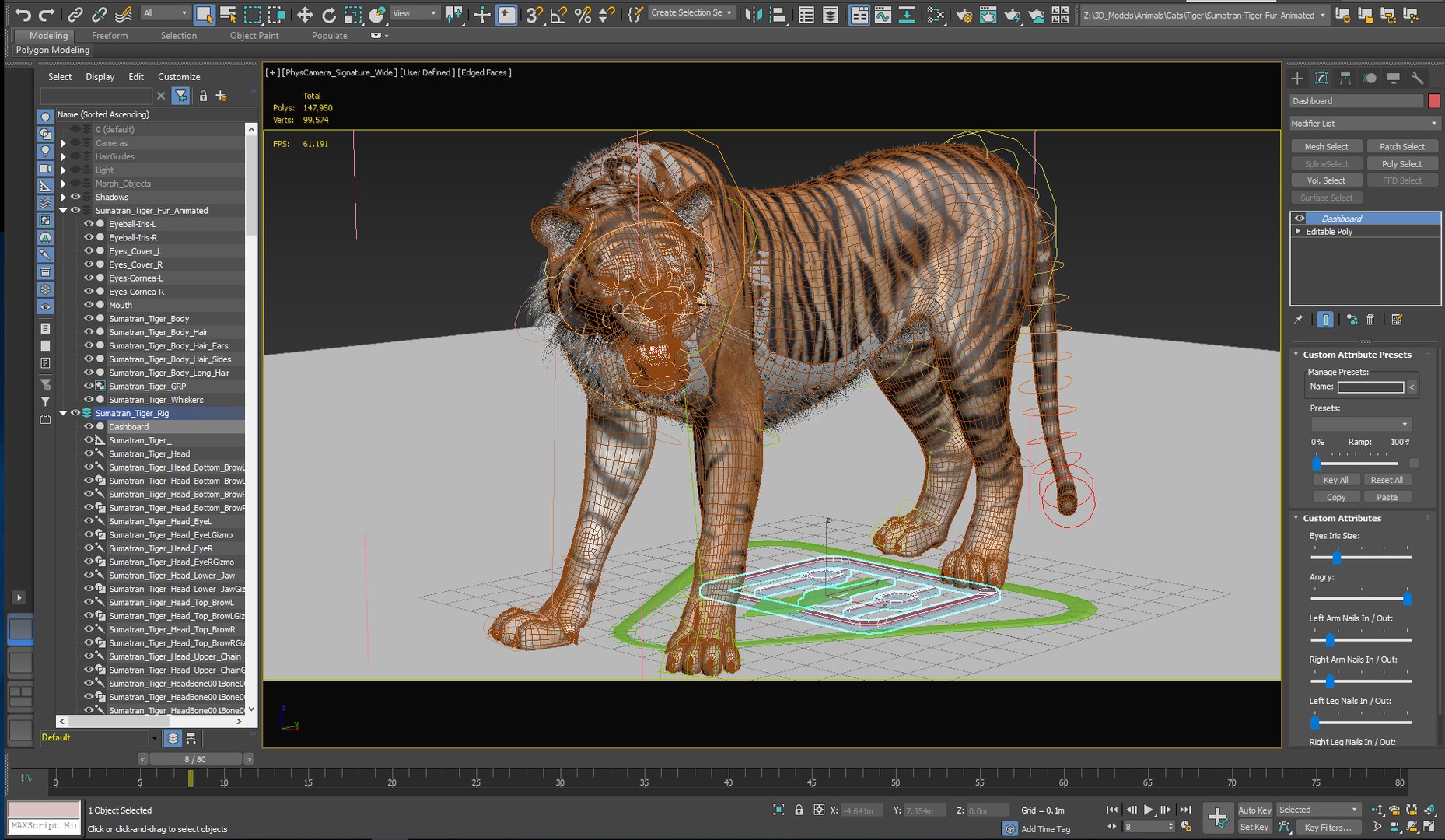
Rigged
Animated
member avatar
PROmax3D
330 Products | Contributor Since 2008
Have questions? Chat with us now.

Description

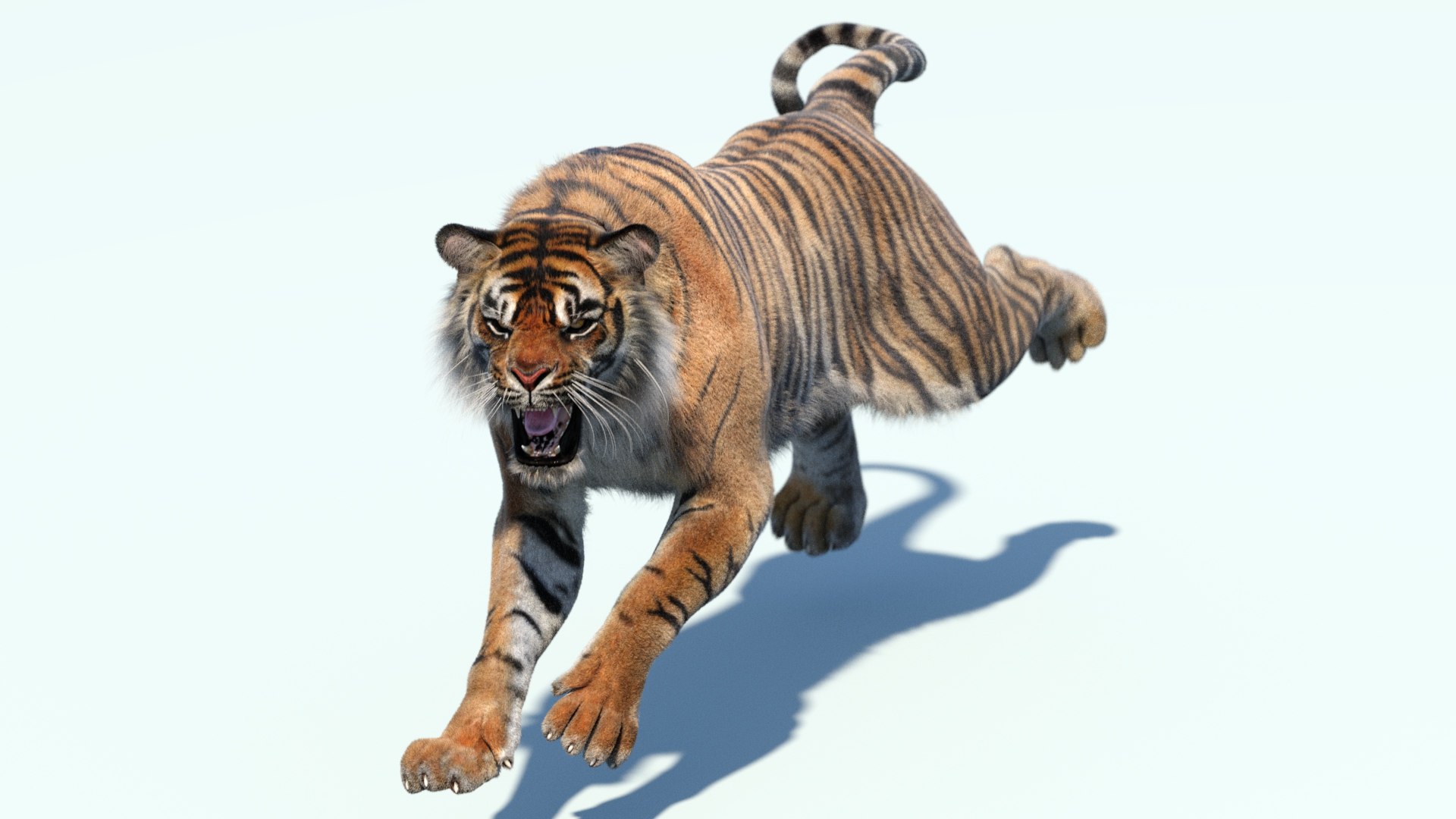
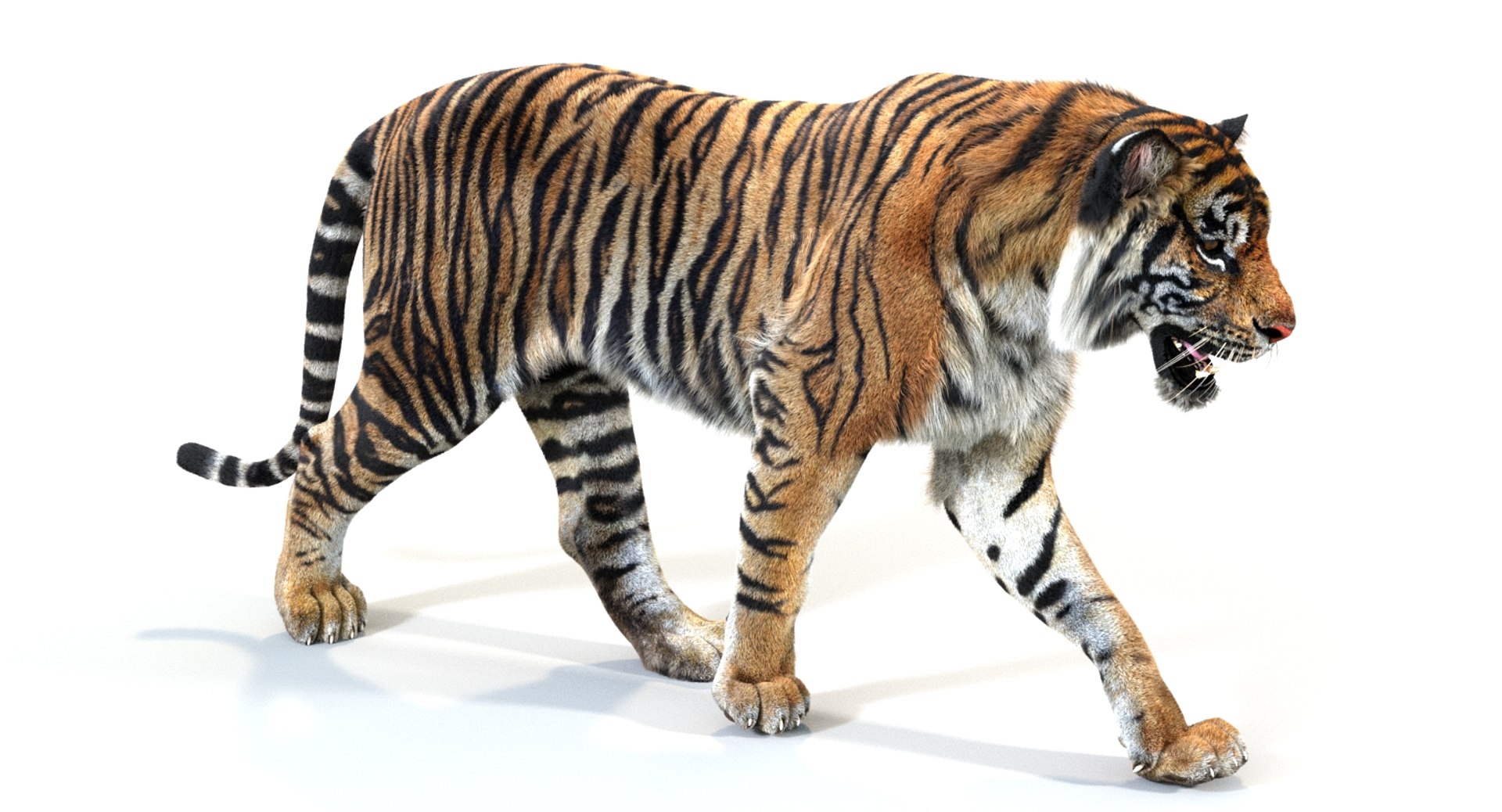
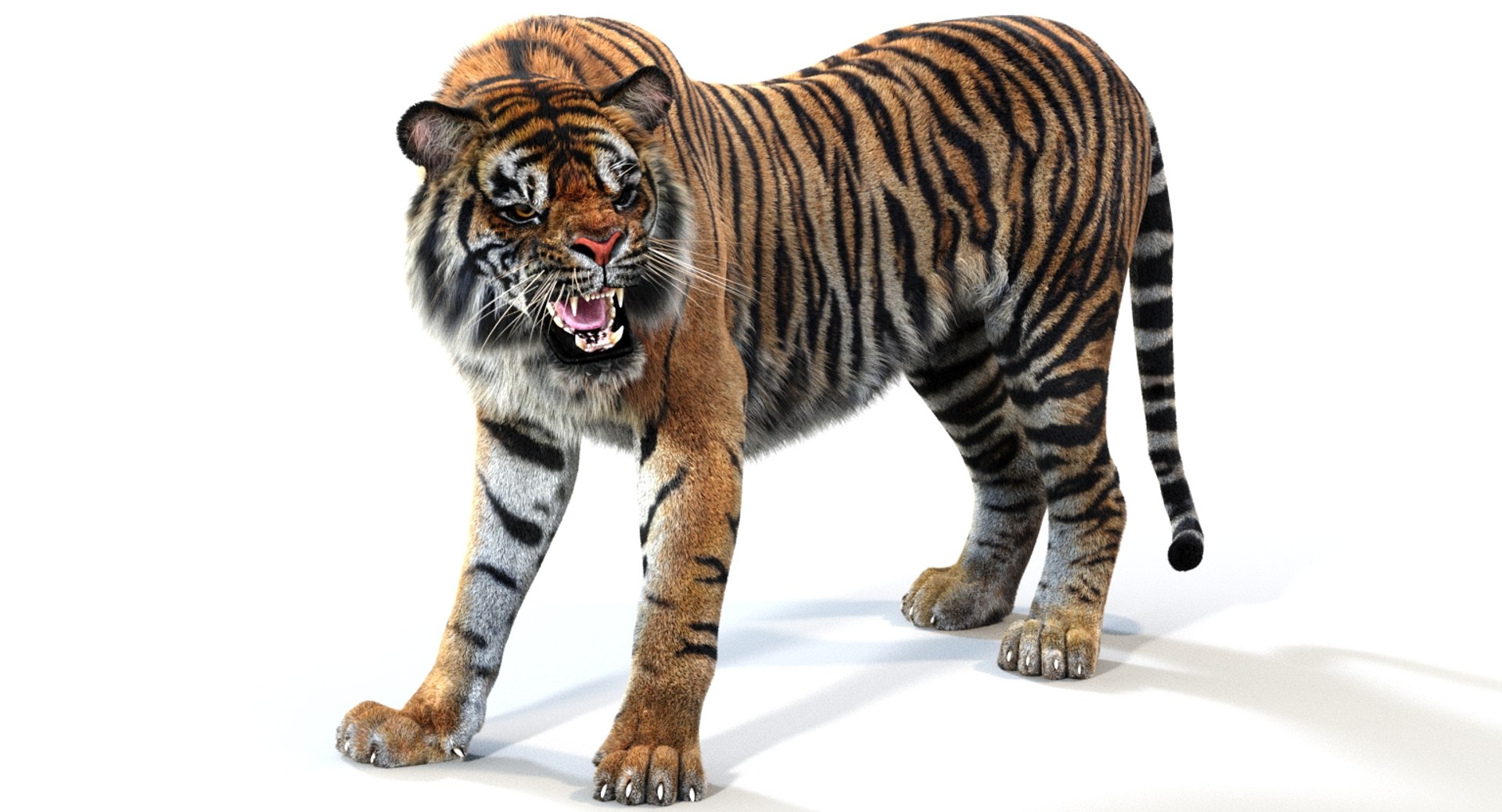
Sumatran Tiger Animated Fur 3d Model

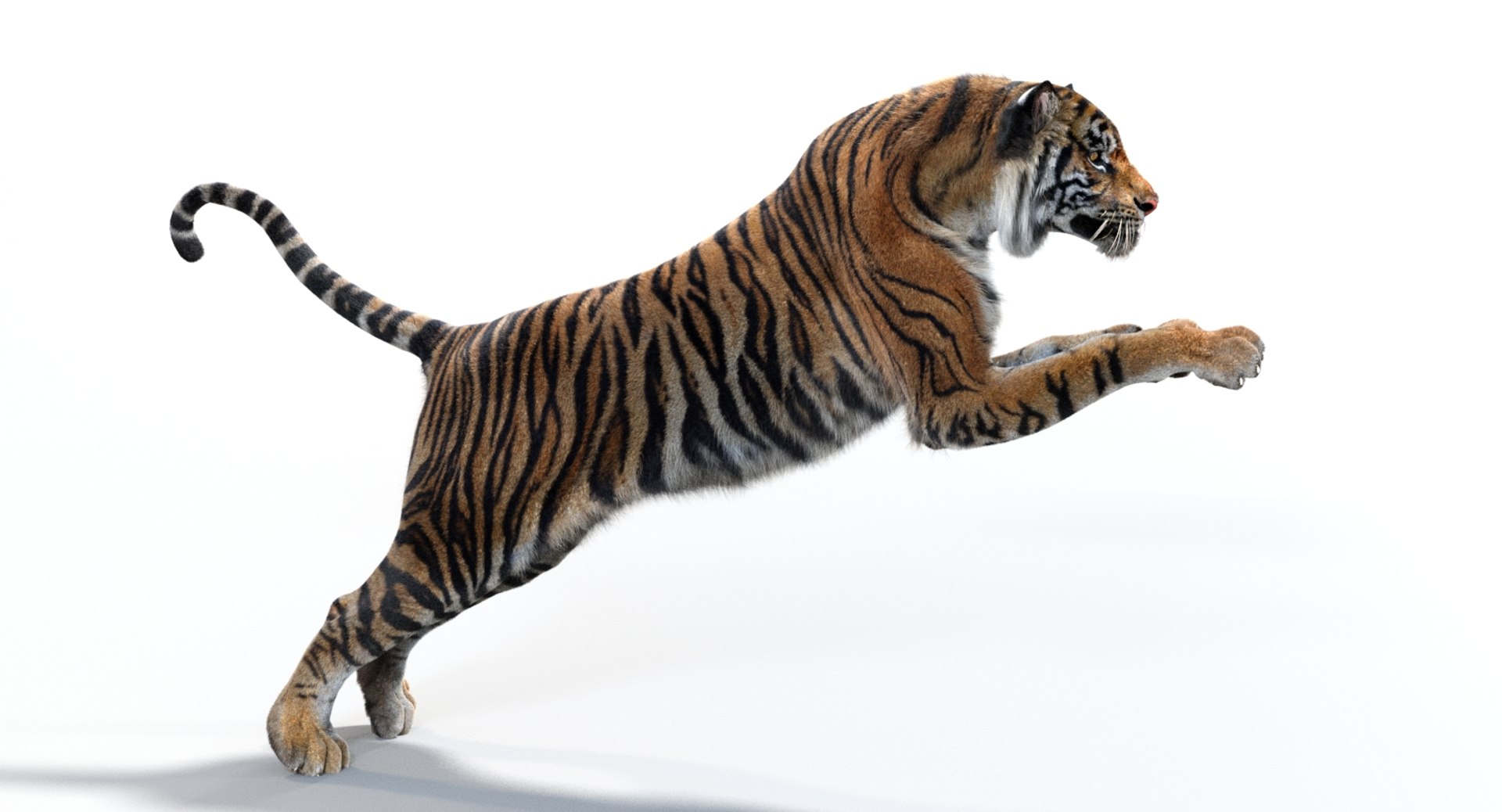
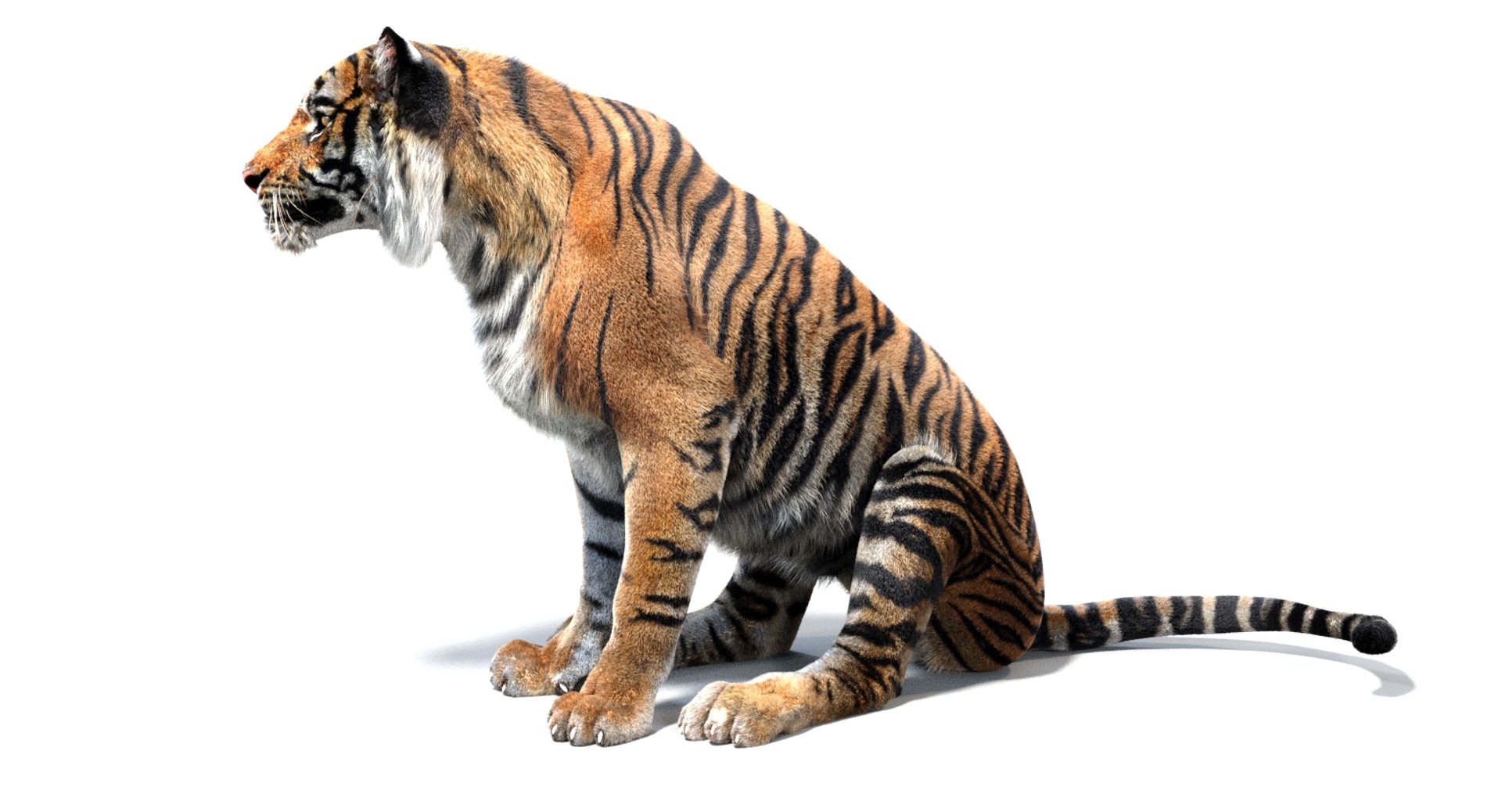
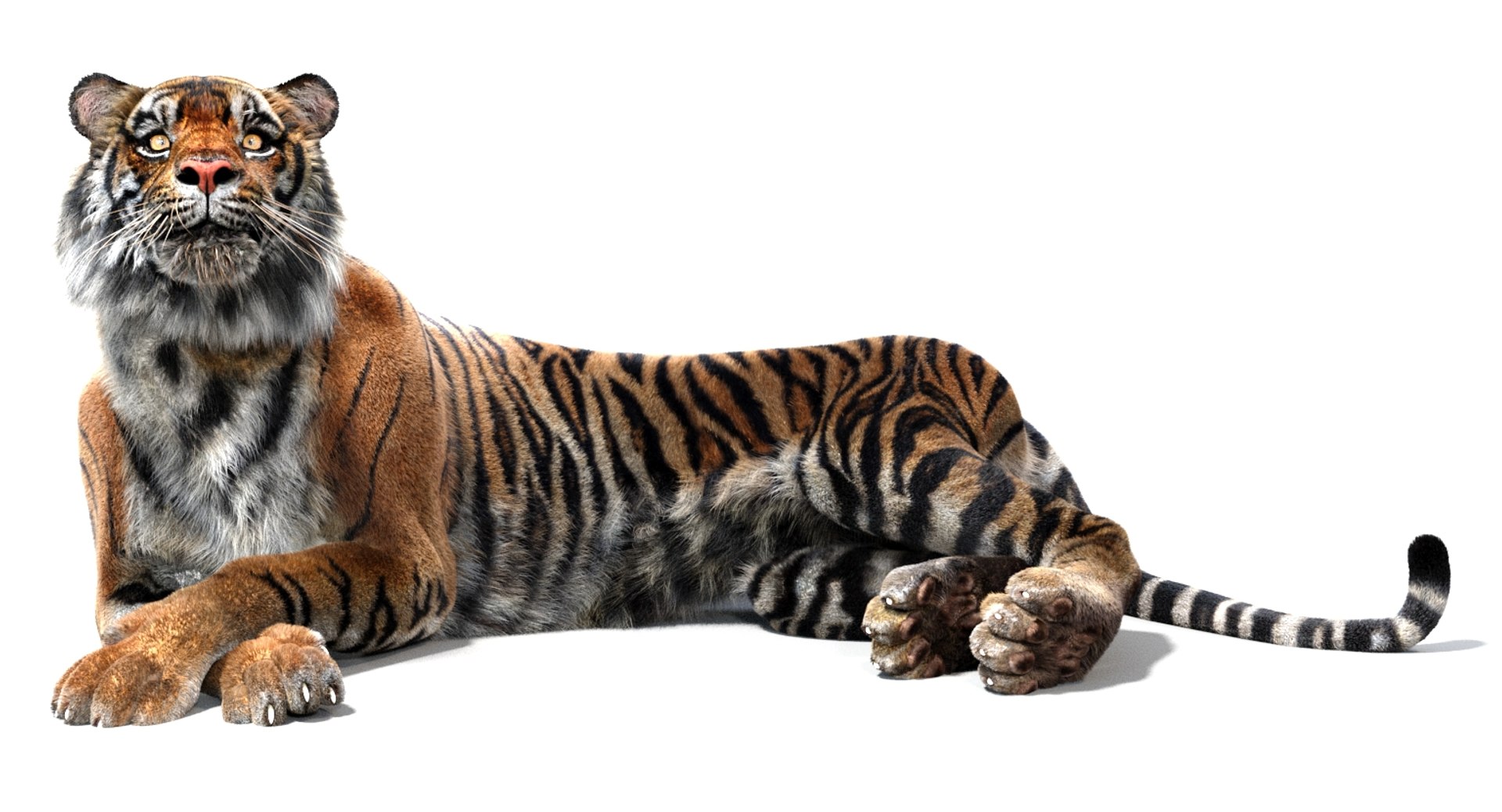
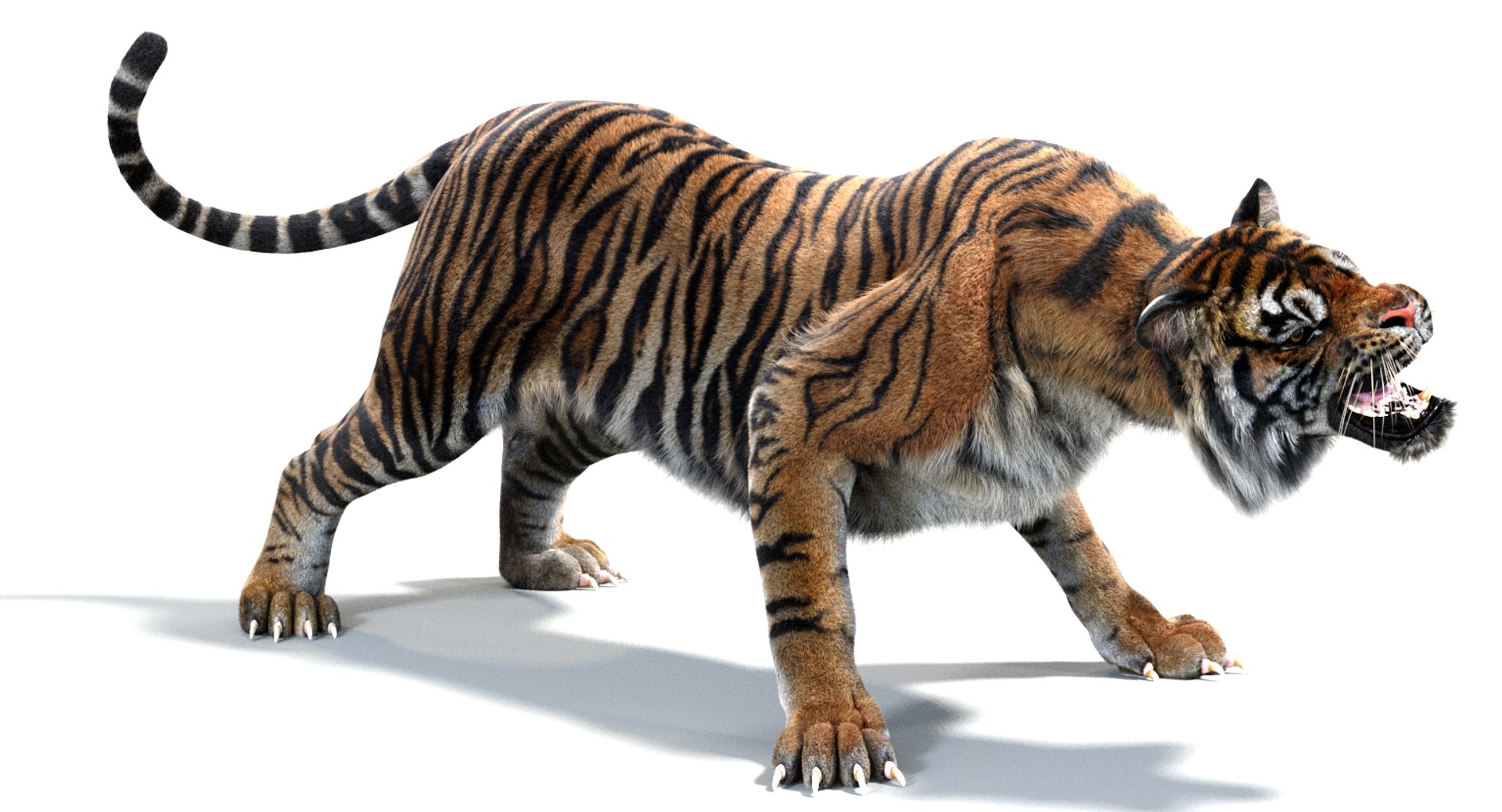
Sumatran Tiger Animated (Fur) - is a high-quality 3d model to add more details and realism to your rendering projects. Fully detailed, textured model. Detailed enough for close-up renders. Comes with detailed textures.

FEATURES

  • Body, mouth, and eyes are modeled separately.
  • High-quality polygonal model - correctly scaled accurate representation of the original objects.
  • The display Unit Scale is set to Metric - Meters.
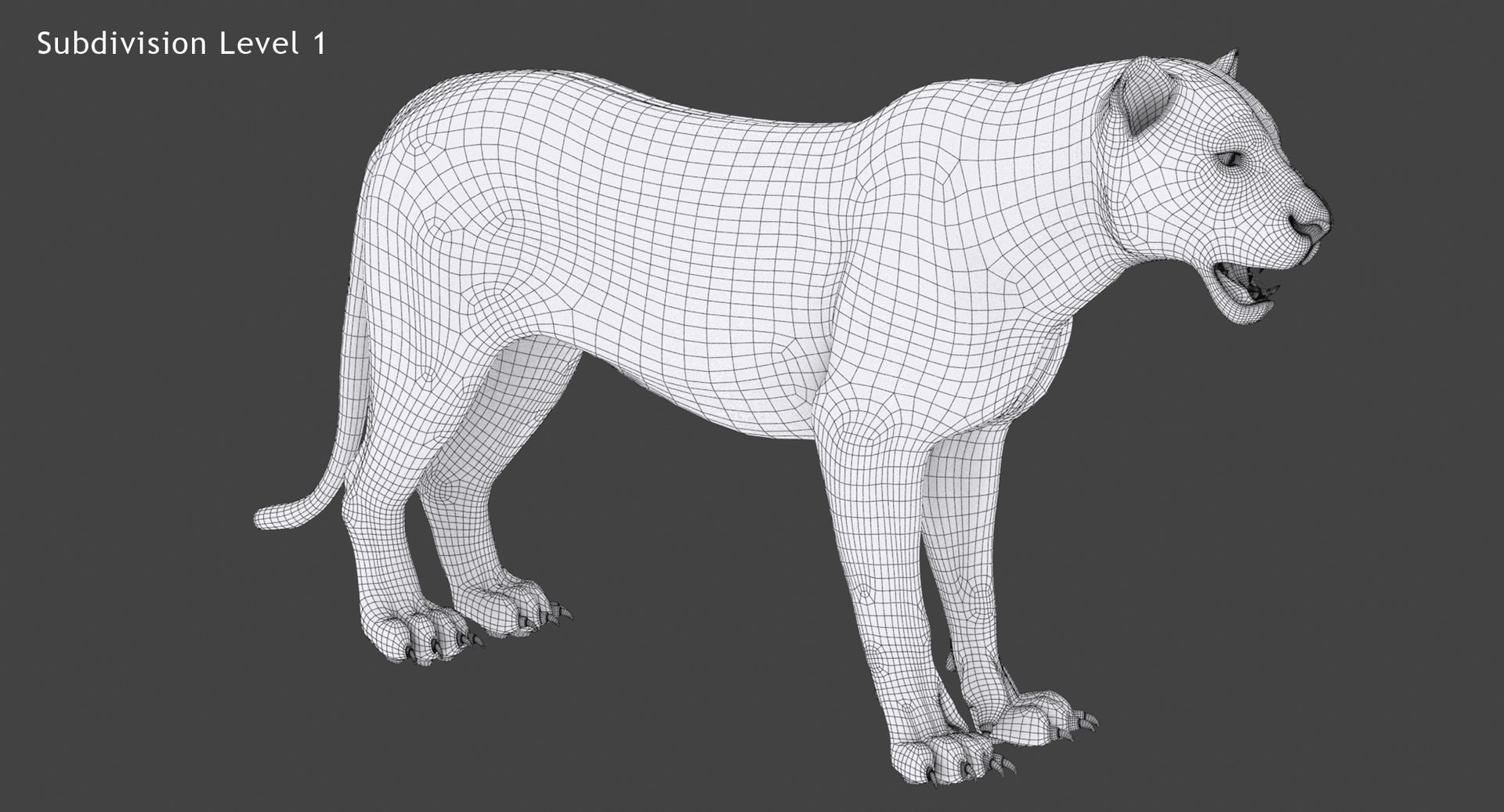
  • Model resolutions are optimized for polygon efficiency (in 3ds Max the TurboSmooth function can be used to increase mesh resolution if necessary).
  • All colors can be easily modified.
  • The model is fully textured with all materials applied.
  • All textures and materials are included and mapped in every format.
  • Max models are grouped for easy selection & objects are logically named for ease of scene management.
  • No part-name confusion when importing several models into a scene.
  • No cleaning up is necessary, just drop the model into your scene and start rendering.

File formats:

  • 3DS Max 2019 (Contains Arnold materials only!)
  • 3DS Max 2018 (Contains Arnold materials only!)
  • 3DS Max 2019 (Contains Default Scanline materials only!)
  • 3DS Max 2018 (Contains Default Scanline materials only!)
  • 3DS Max 2016 (Contains Default Scanline materials only!)
  • 3DS Max 2016 (Contains Mental Ray materials only!)
  • 3DS Max 2016 (Contains V-Ray materials only!)
  • 3DS (Multi Format)
  • OBJ (Multi Format)
  • FBX (Multi Format)

3DS, OBJ, and FBX formats are exported directly from 3ds Max.
Every model has been checked with the appropriate software.
NO POSTWORK (ARNOLD)

Textures formats and resolution:

The model is provided with high-resolution texture (color maps in PNG formats):

  • Sumatran_Tiger_Diffuse (8192x8192)
  • Sumatran_Tiger_Bumb (8192x8192)
  • Sumatran_Tiger_Specular (4096x4096)
  • Sumatran_Tiger_Hair_Root (8192x8192)
  • Sumatran_Tiger_Hair_Tip (8192x8192)
  • Eyes-Diffuse (1024x1024)
  • Eyes-Cover_Specular (1024x1024)
  • Eyes-Cover_Diffuse (1024x1024)
  • Tiger-Mouth-Diffuse (4096x4096)
  • Tiger-mouth-Bump (4096x4096)
  • Tiger-Mouth-Normal-Map (1024x1024)

Rigging and Animation:

Rigging was done via CAT object.

  • Abs T Pose
  • Abs Signature
  • Abs Standing
  • Abs Angry
  • Abs Defence
  • Abs Sitting
  • Abs Rest
  • Abs Hunting
  • Abs Looking a side
  • Abs Jump
  • Walk Run Animations (The main walk and run animation CATMotion layer. Click on the paw icon CatMotion Editor button, to edit the animation and to see the available layer below)
  • -Walk
  • -Run
  • +L Walk Adjustment
  • +W Run Adjustment
  • +L Head Shakes
  • +L Mouth Closed (Global Weight 100 is closing the mouth)
  • +L Roar
  • +L Eyes Closed (Global Weight 100 is closing the Eyes)

Wire Parameters Of Morpher Modifier

  1. Eyes Iris Size 0%-100%
  2. Angry 0%-100%
  3. Left Arm Claws In /Out 0%-100%
  4. Right Arm Claws In /Out 0%-100%
  5. Left Leg Claws In /Out 0%-100%
  6. Right Leg Claws In /Out 0%-100%

Select Enhanced License

  • $10,000 in Legal Protection (Indemnification)
  • Uncapped Legal Protection (Indemnification)
  • Waiver from injunctive relief
  • Assignable model rights
  • $1,000,000 in Legal Protection (Indemnification)
  • Waiver from injunctive relief
  • Assignable model rights
  • $250,000 in Legal Protection (Indemnification)
  • Assignable model rights
Read more about enhanced license tiers, or contact us at enterprise@turbosquid.com. Already a Shutterstock Enterprise Customer? Contact your Shutterstock Sales Support Agent to talk about adding 3D.

About Conversion Requests

To submit a conversion request for a purchased asset, please complete our Conversion Request Form.

If you have not yet purchased a model, please review our Documentation about Conversions to learn about what limitations you may encounter with a conversion.

For any additional questions about a model’s suitability for conversion, please contact TurboSquid Support.

Loading...