
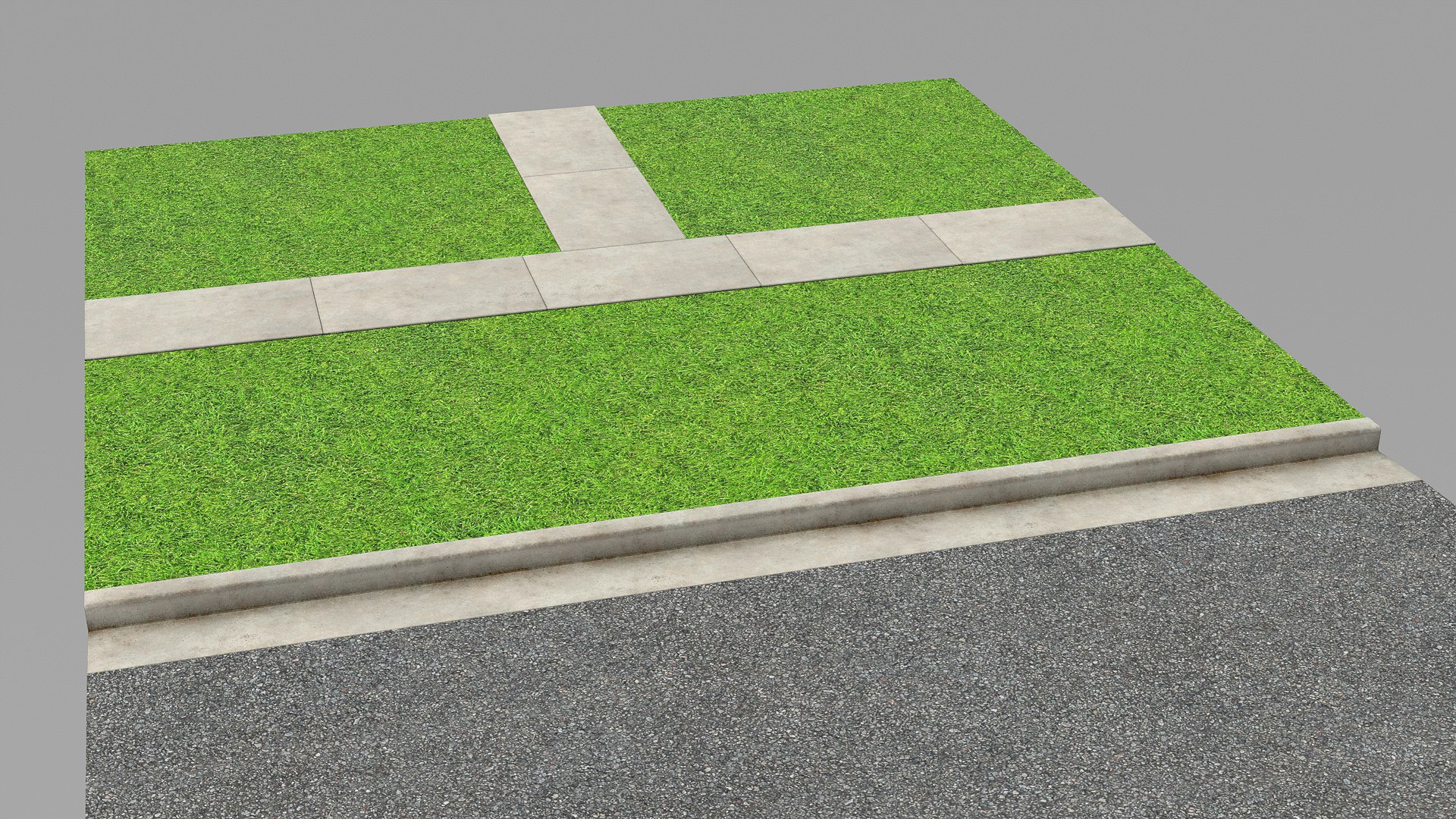
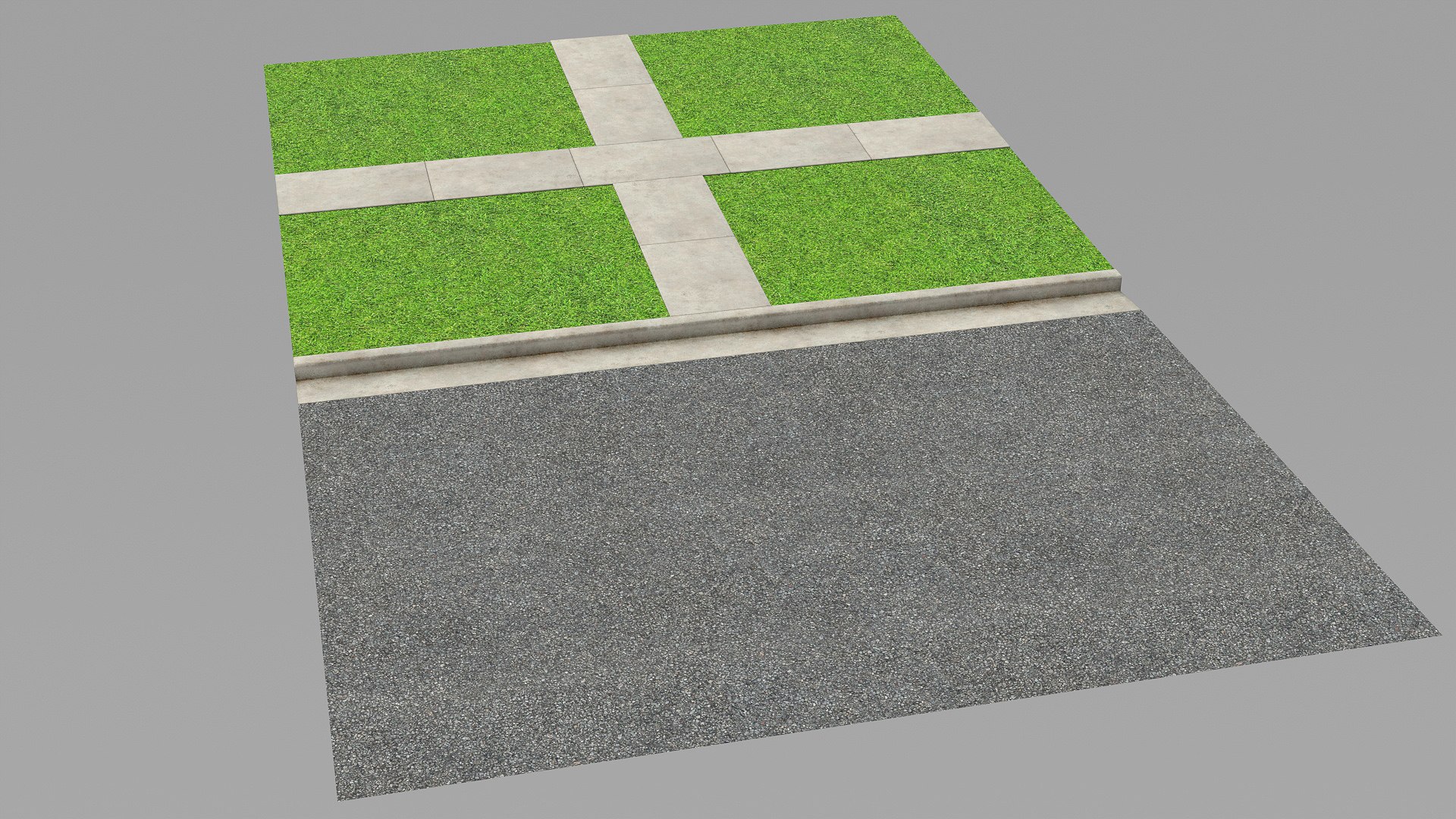
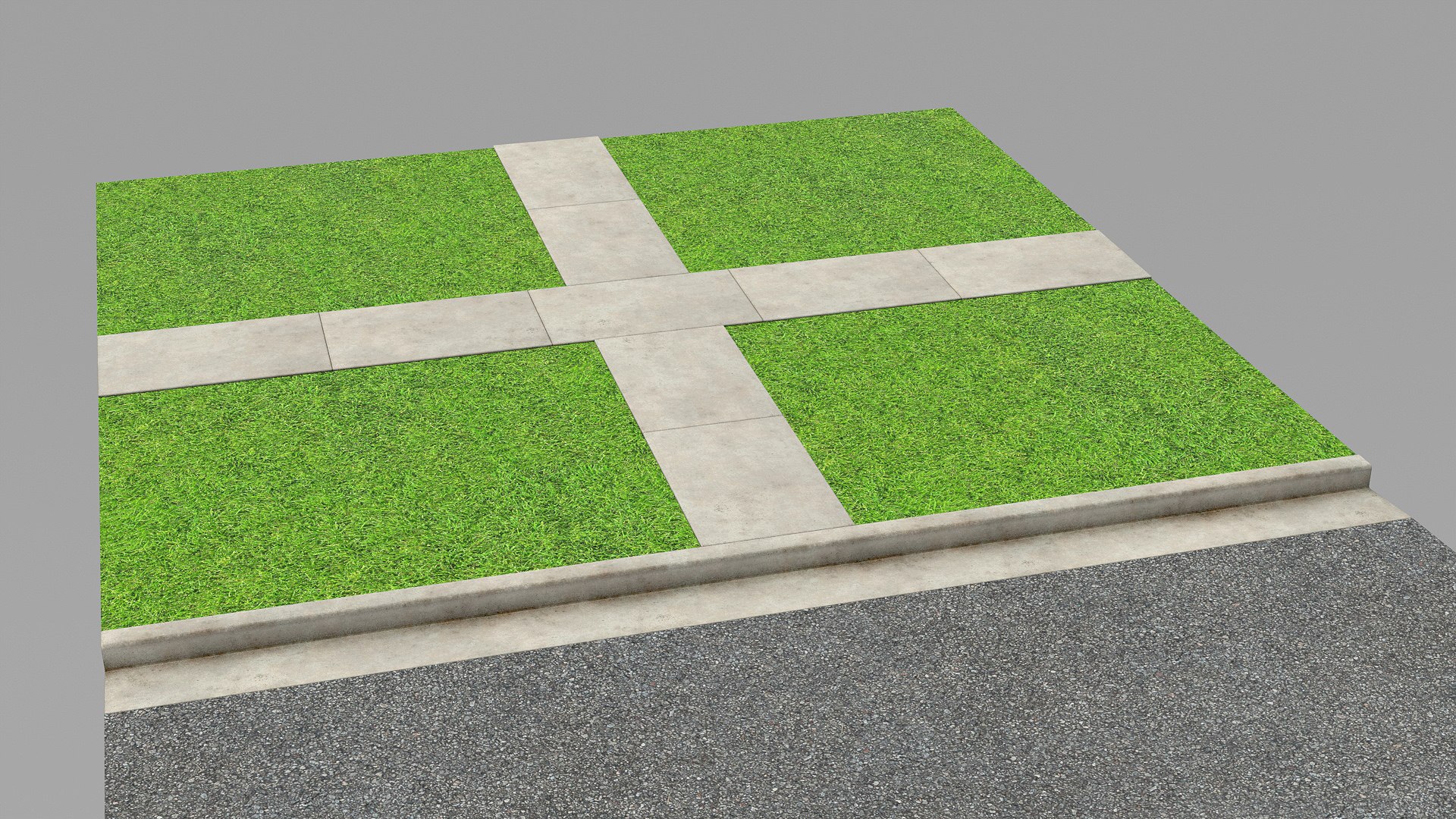
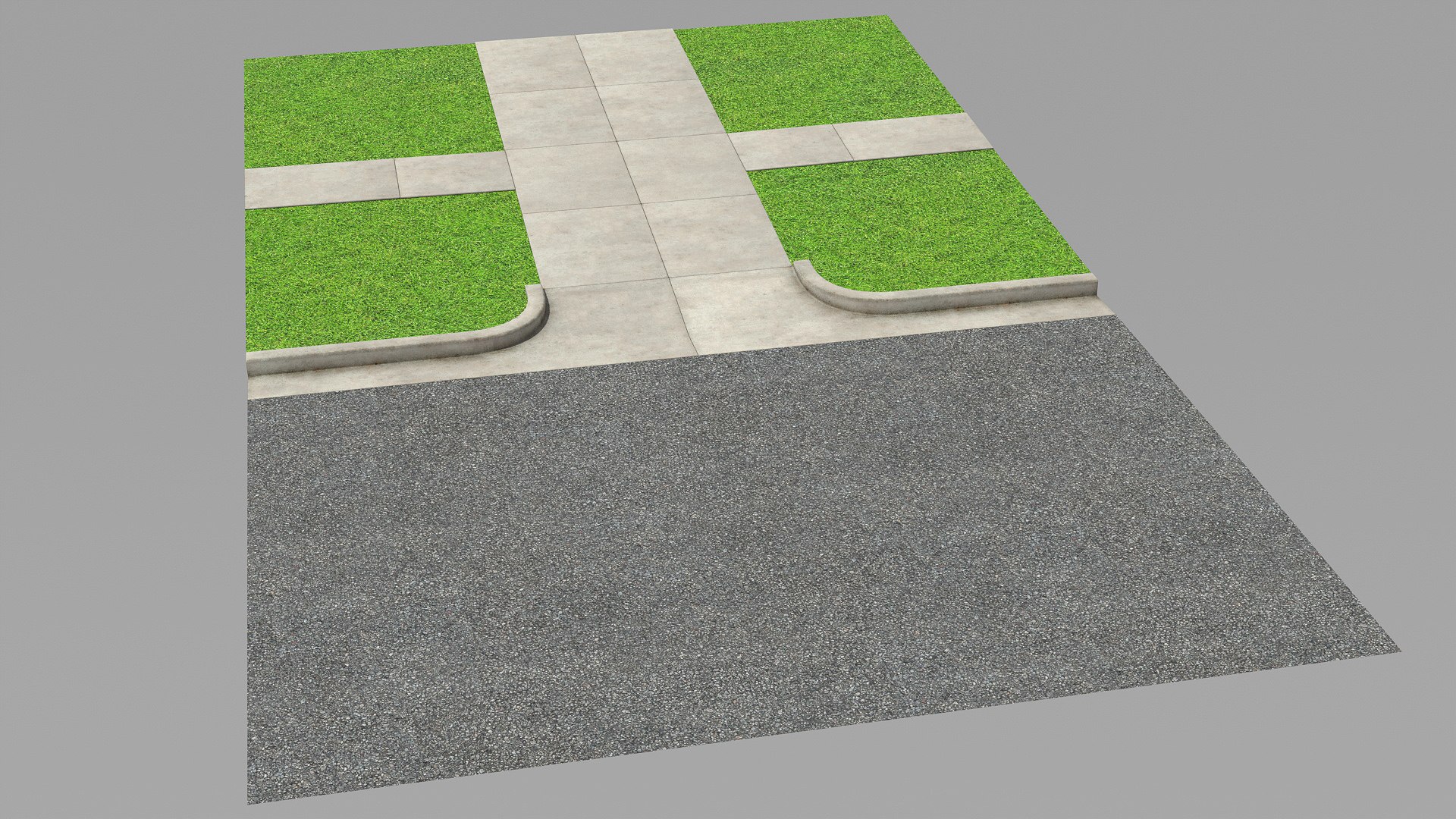
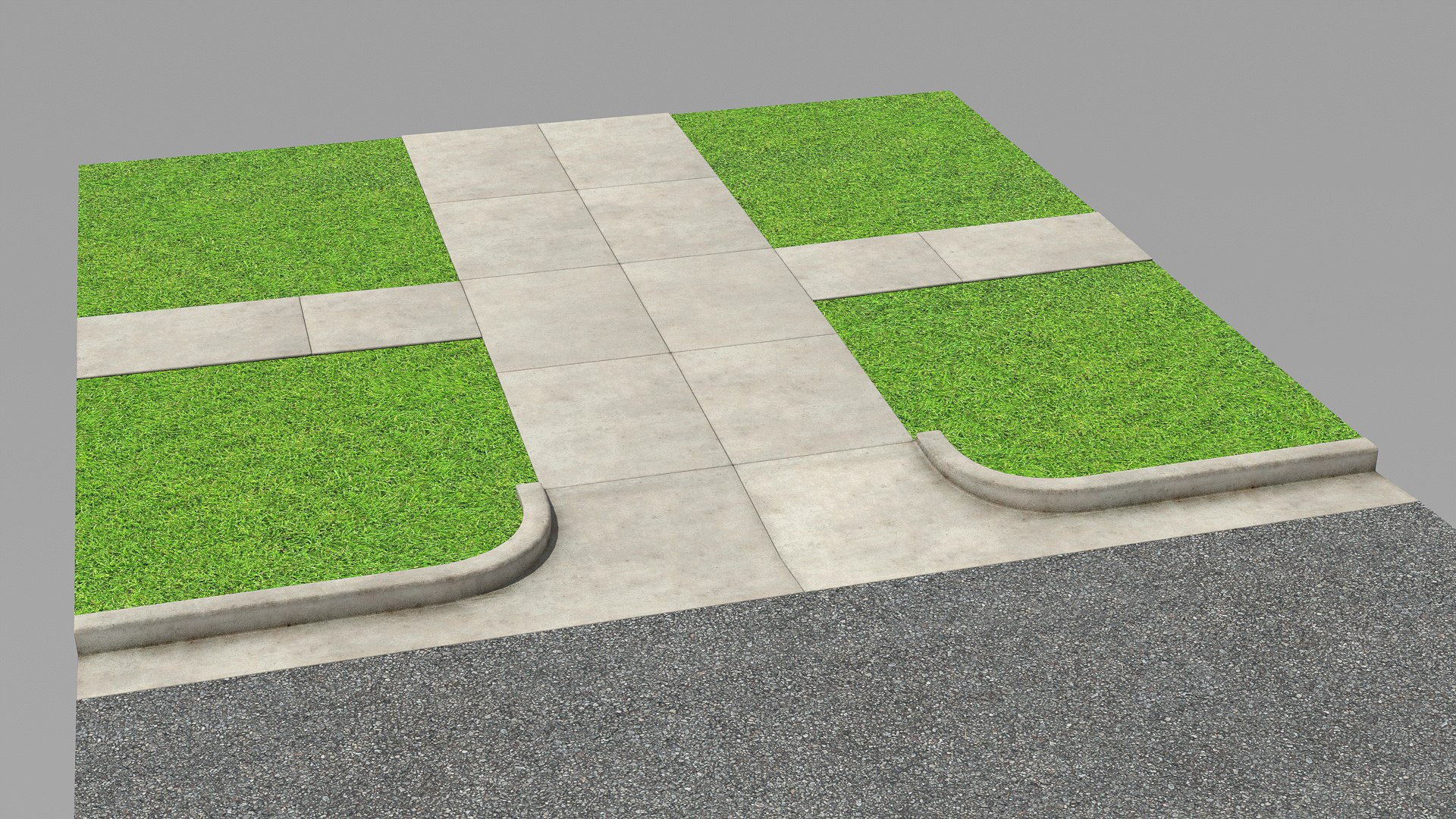
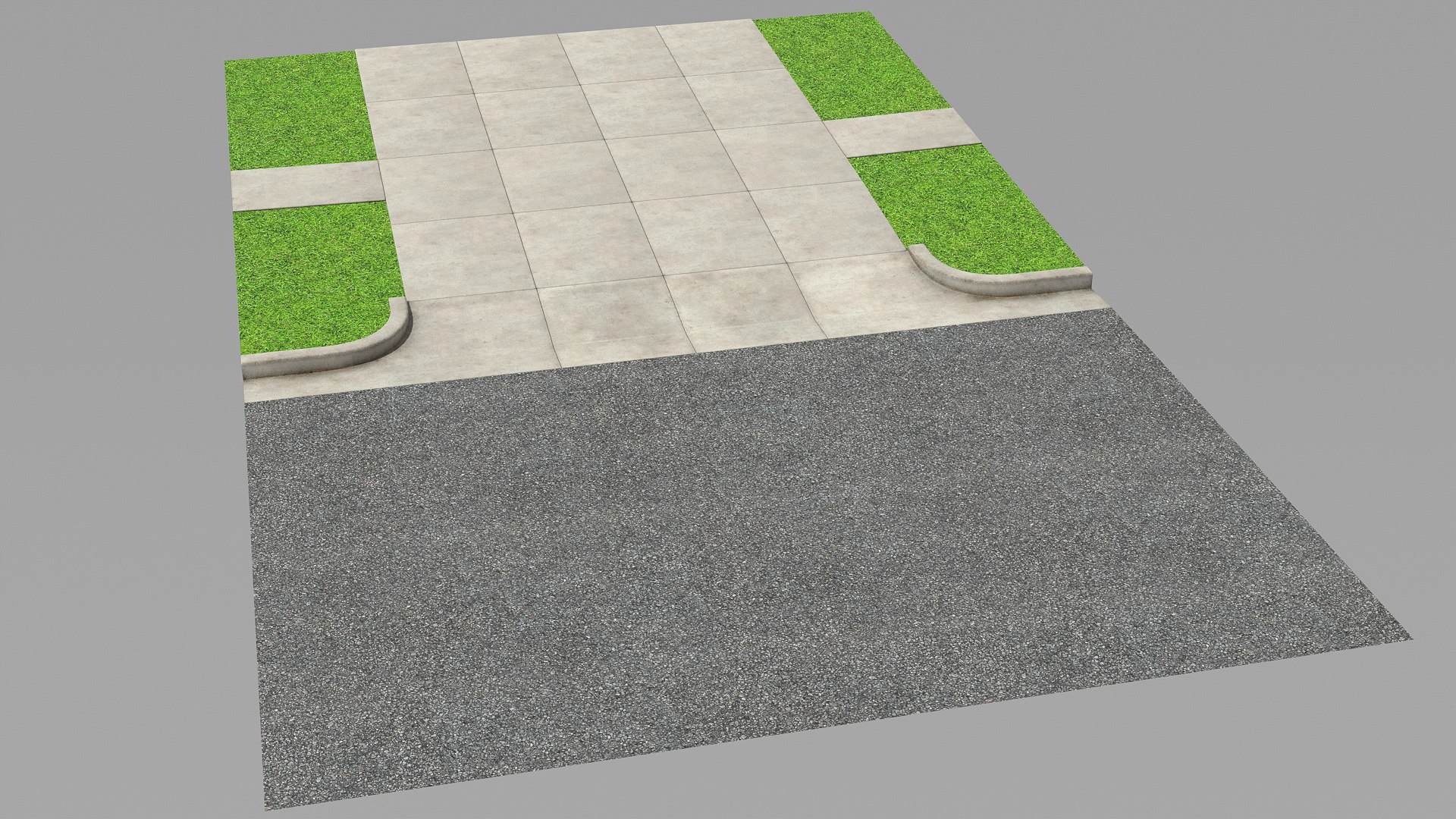
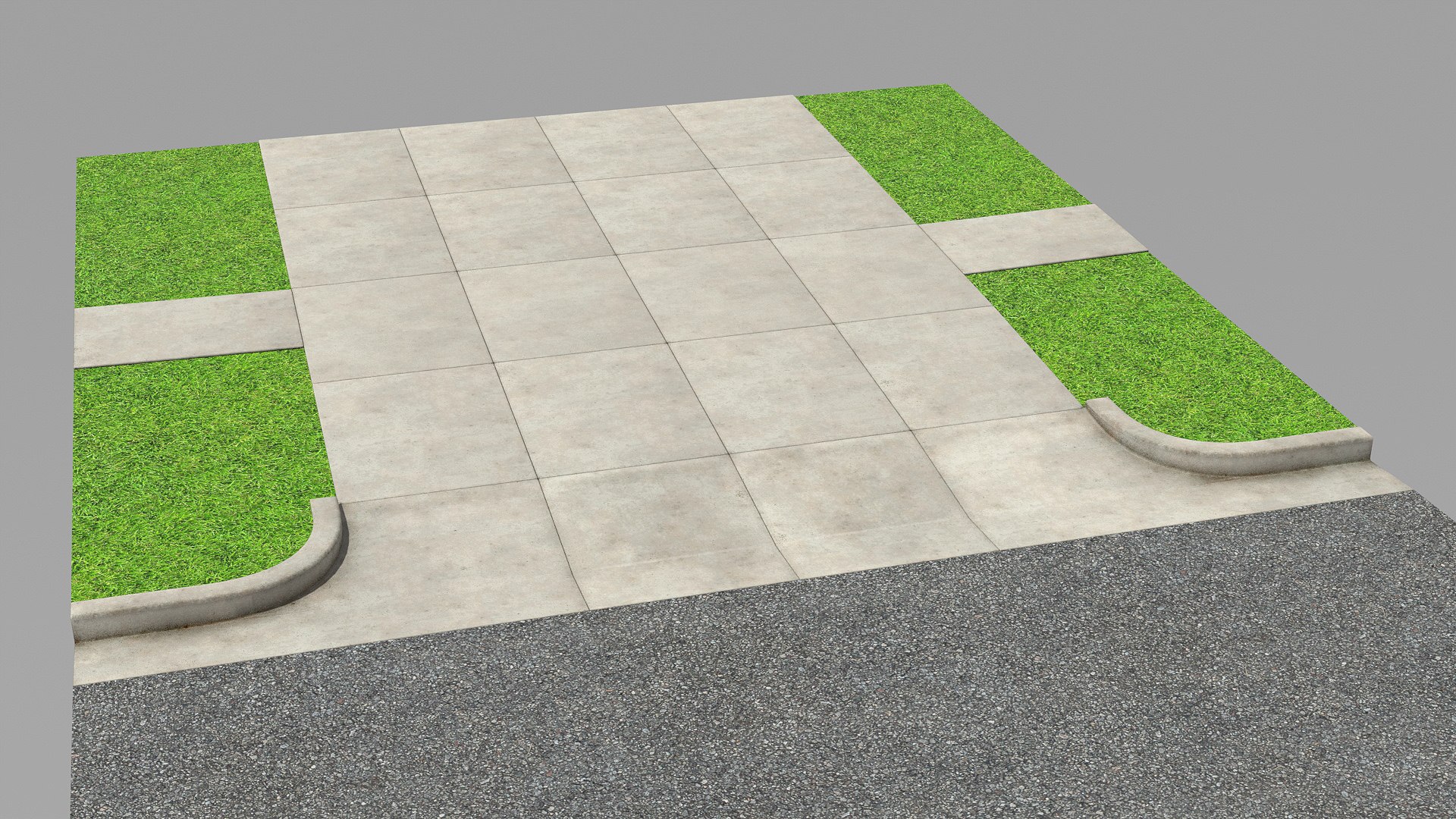
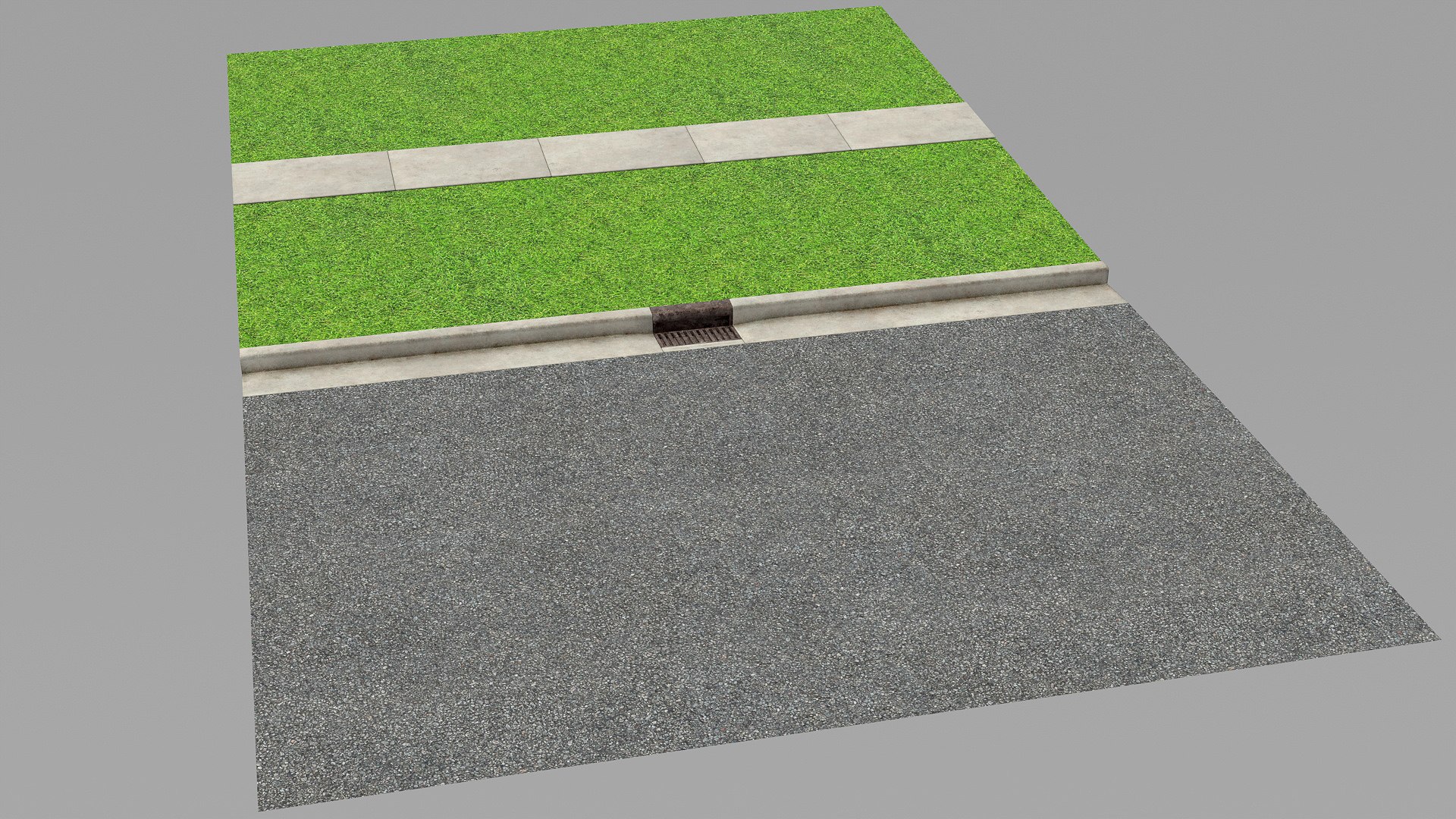
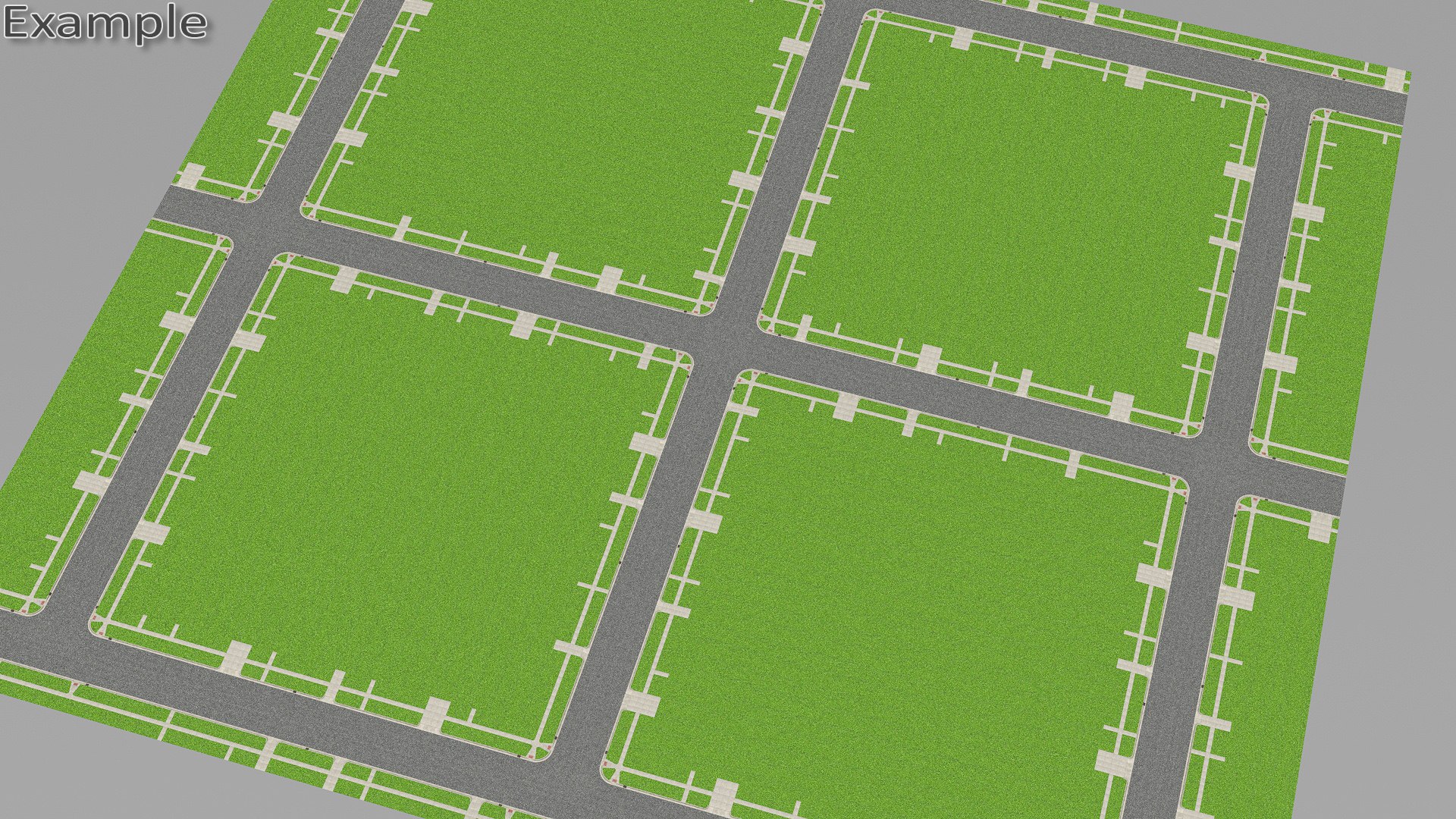
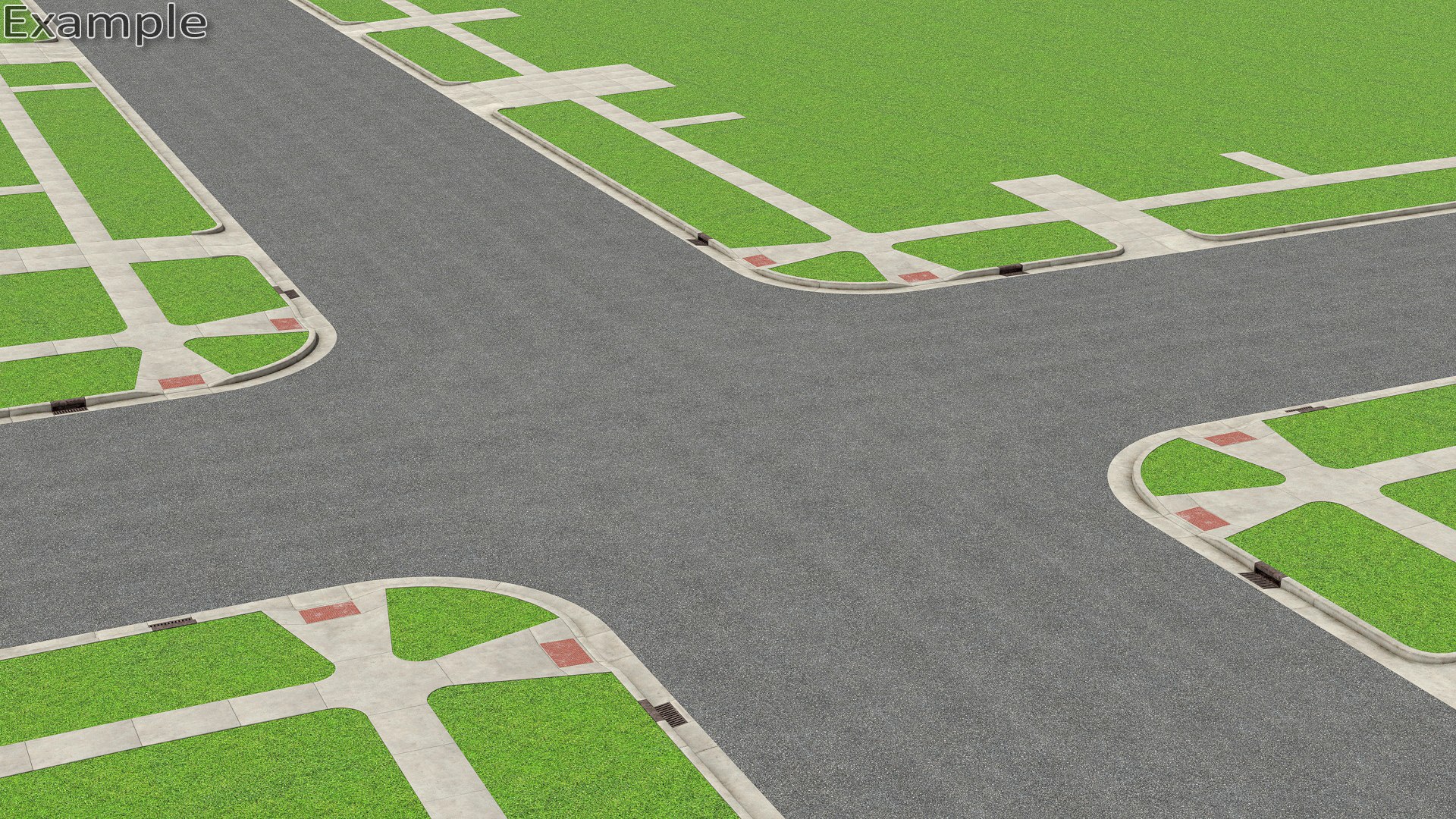
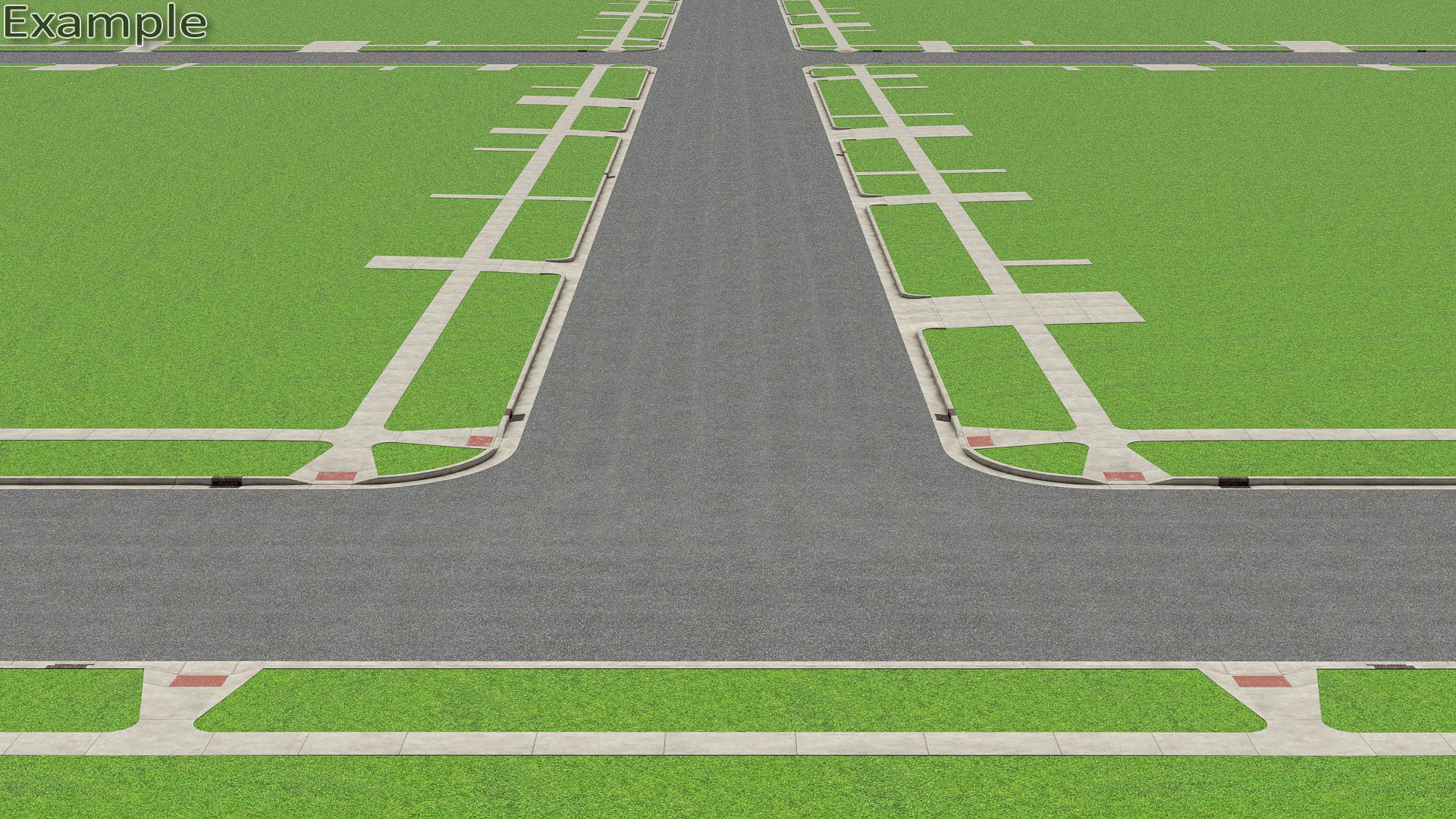
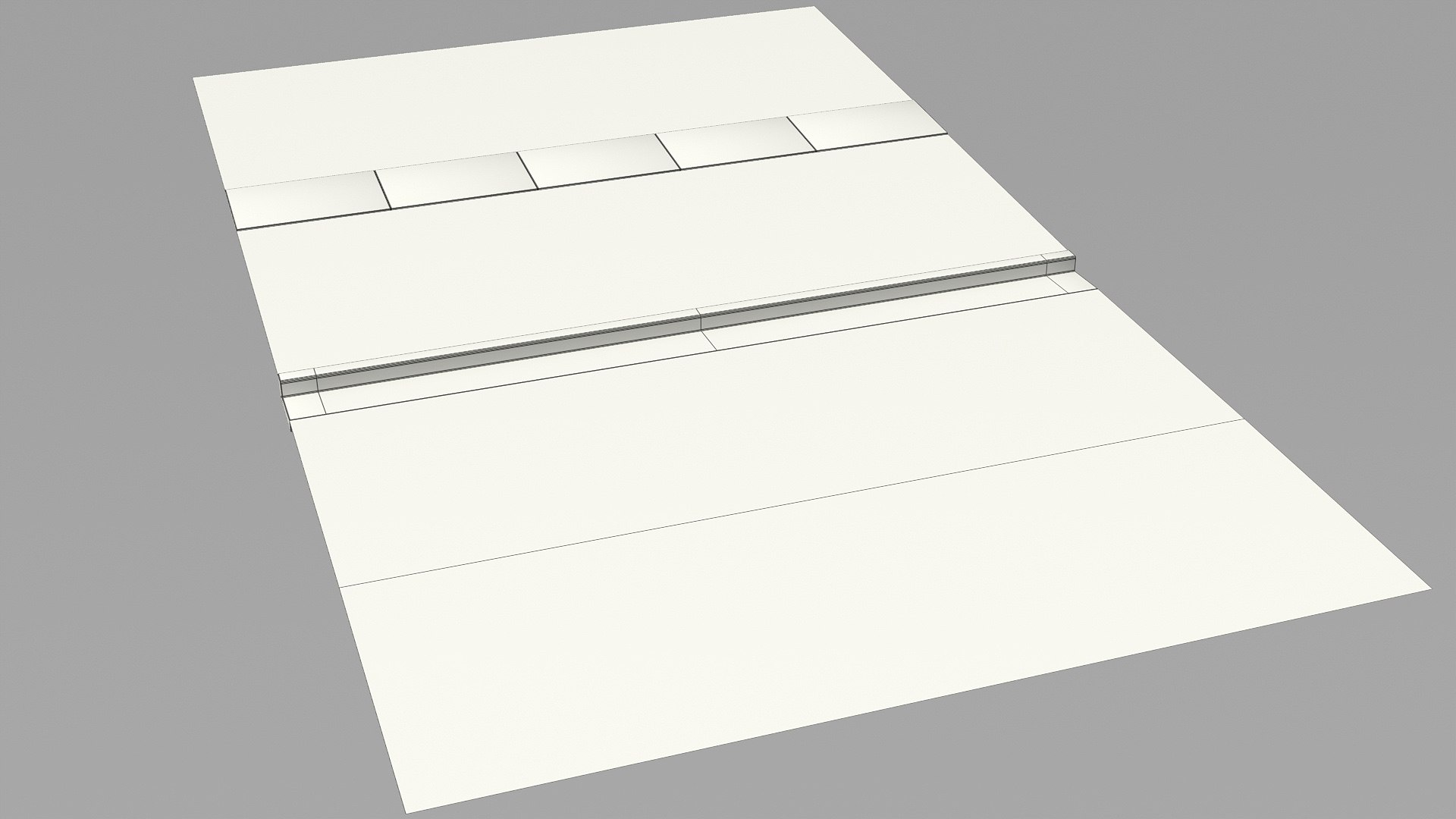
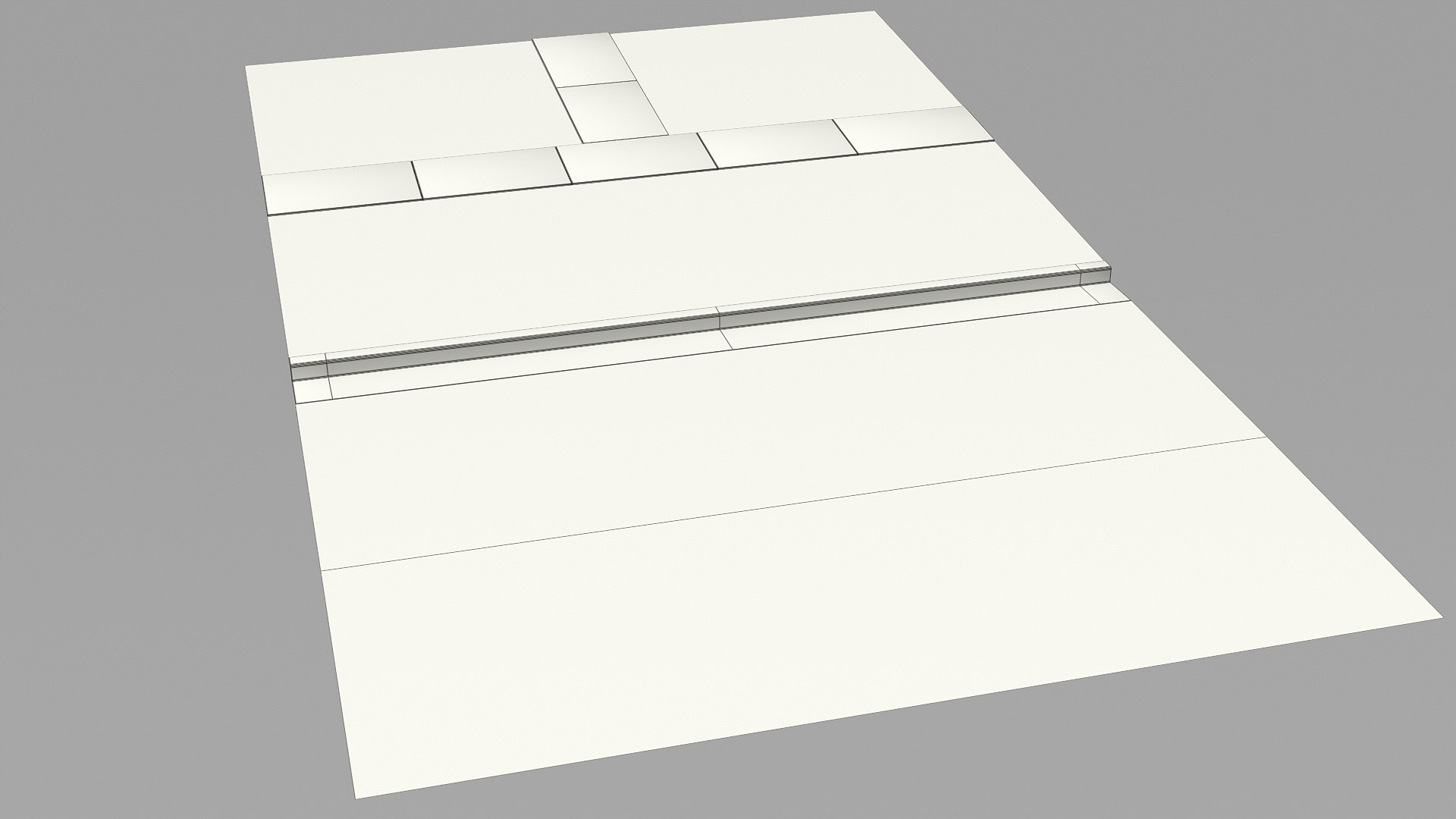
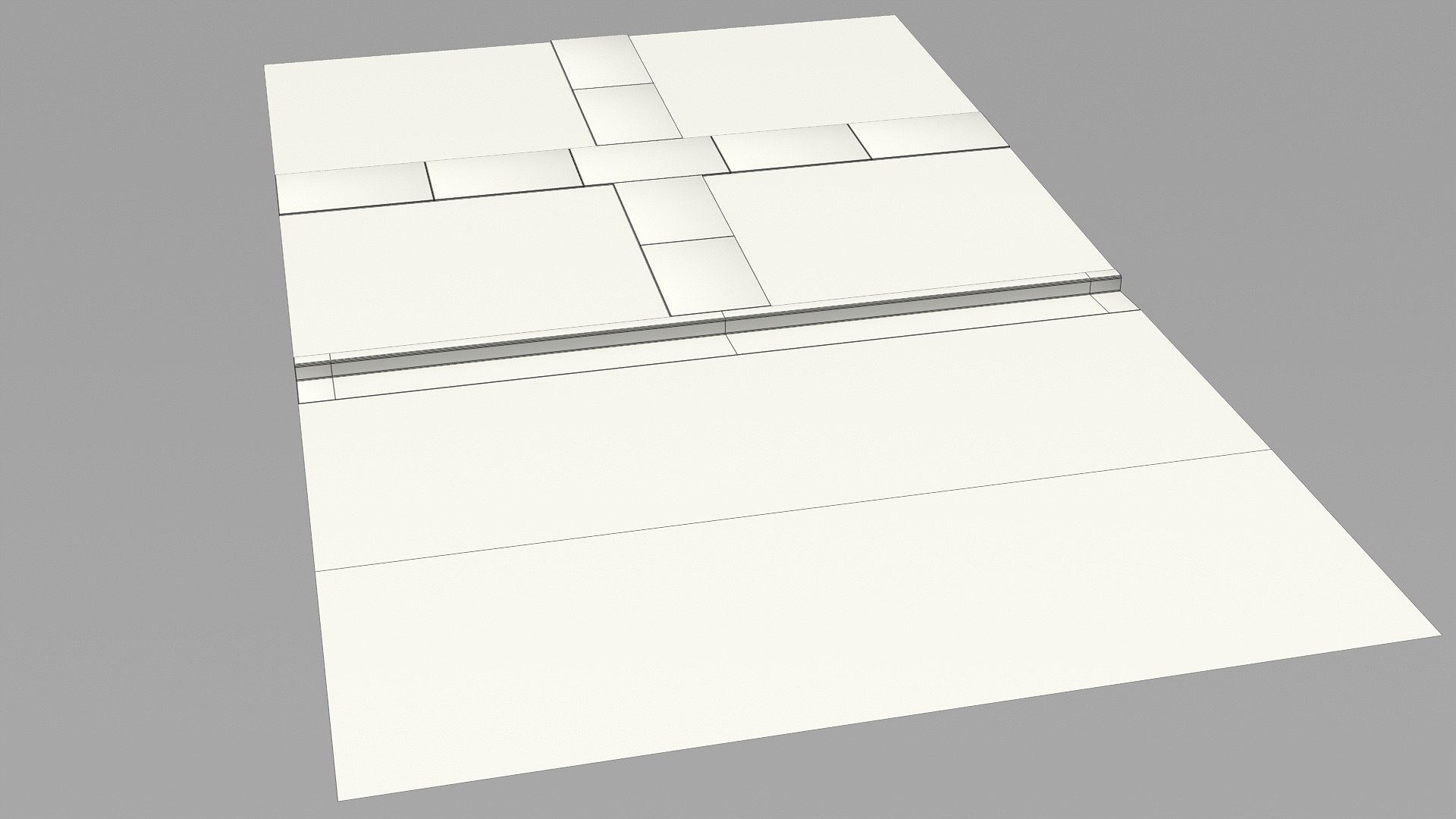
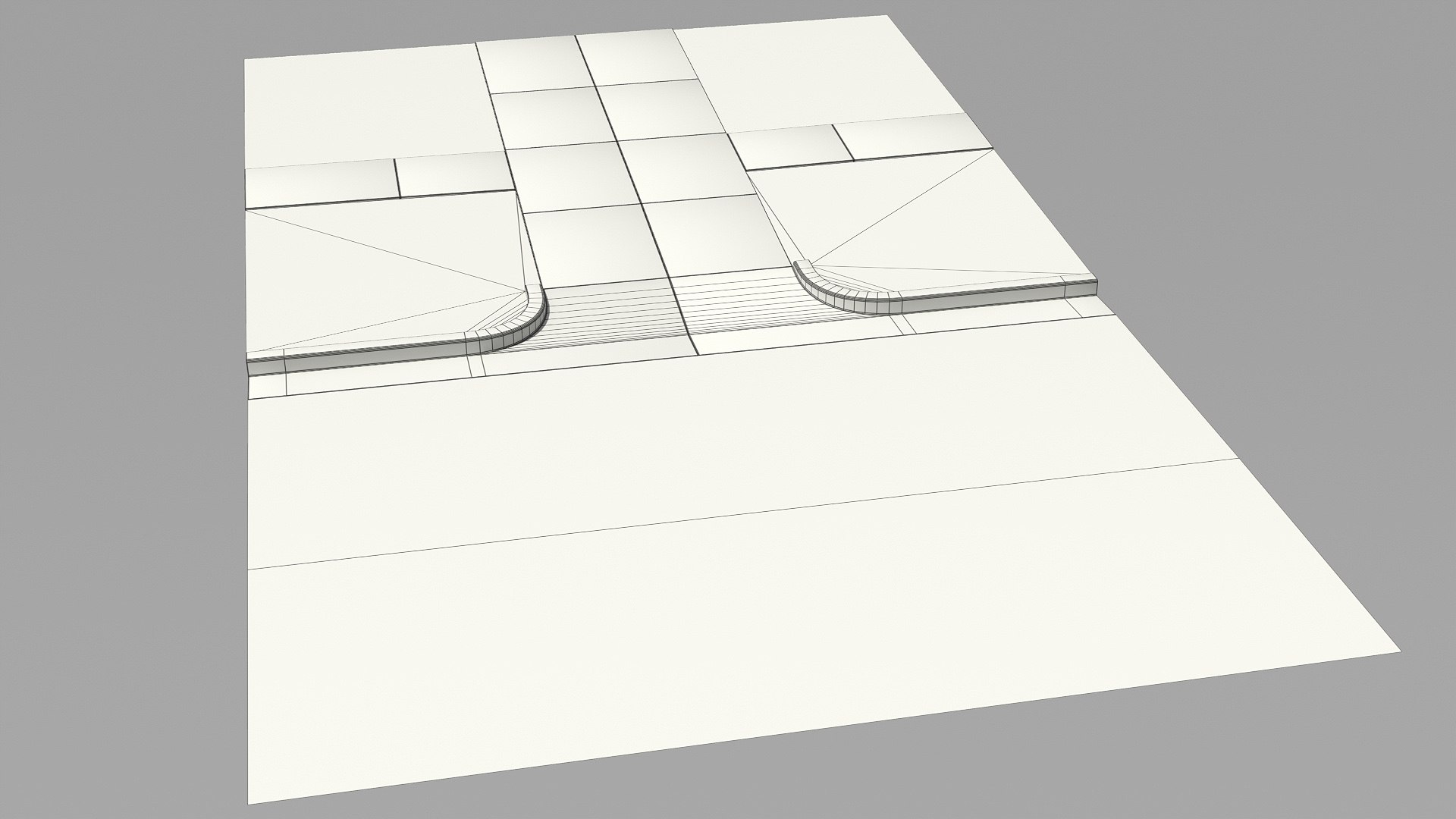
Suburban Planning Kit 001

$19

Standard License | Upgrade License
Formats (5)
Native | Blender 2.93 | Cycles Render
Modo 11 | Other
3ds Max 2016 | Default Scanline
Blender 2.93 | Cycles Render
FBX
Other Files
Textures_Suburban_Planning_Kit_001.zip Textures_Original_Tiles.zip
Specifications
Publish Date August 03, 2019
Product ID 1432705
Polygons 10,719
Vertices 11,704
Polygonal
Textures
Materials
UV Mapped
Non-overlapping Unwrapped UVs
TurboSquid Exclusive
member avatar
APEC_True
84 Products | Contributor Since 2015
Have questions? Chat with us now.

Description

!Update: July 19, 2022
Made in Blender 2.93 (Cycles or Eevee render)

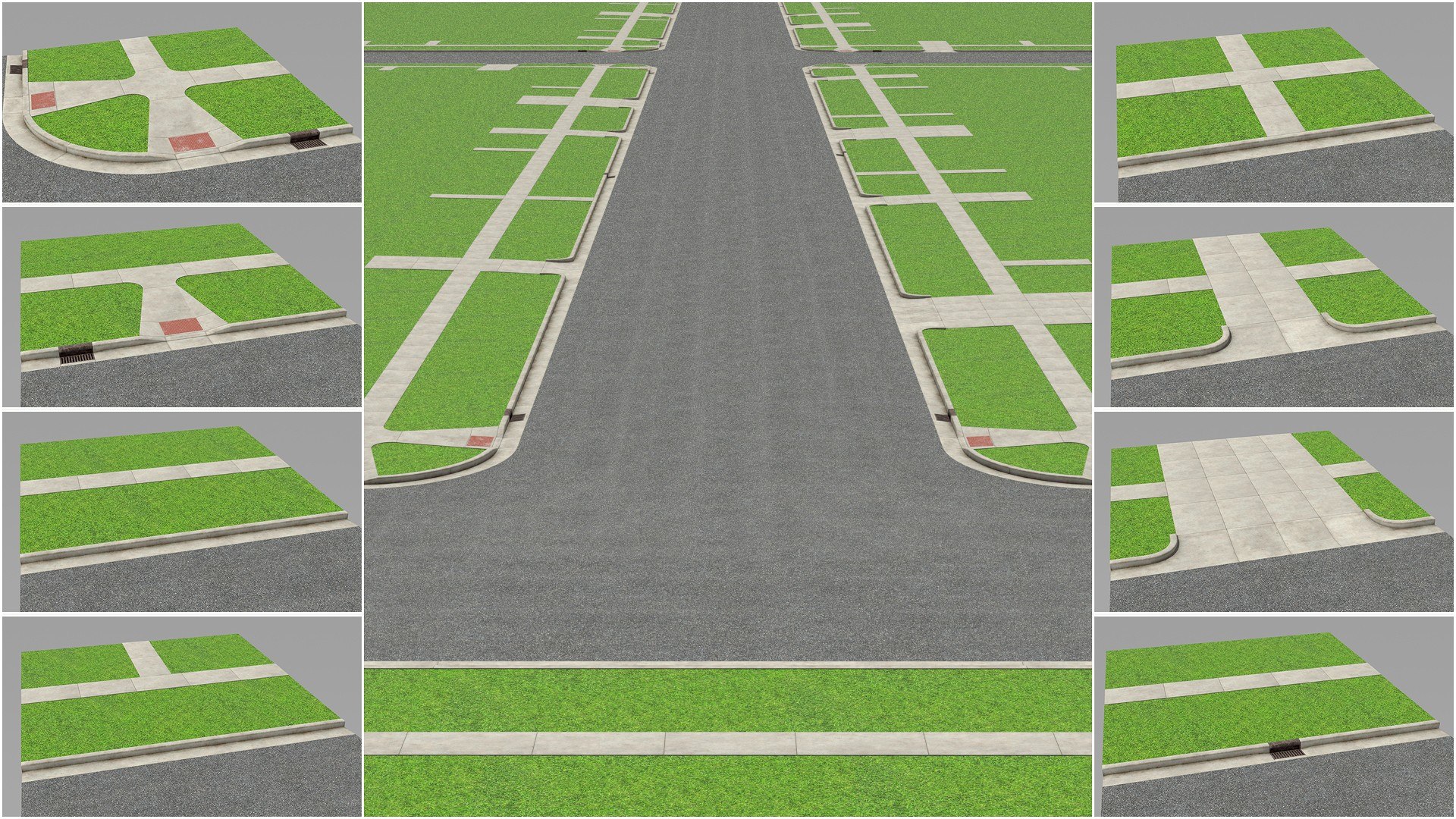
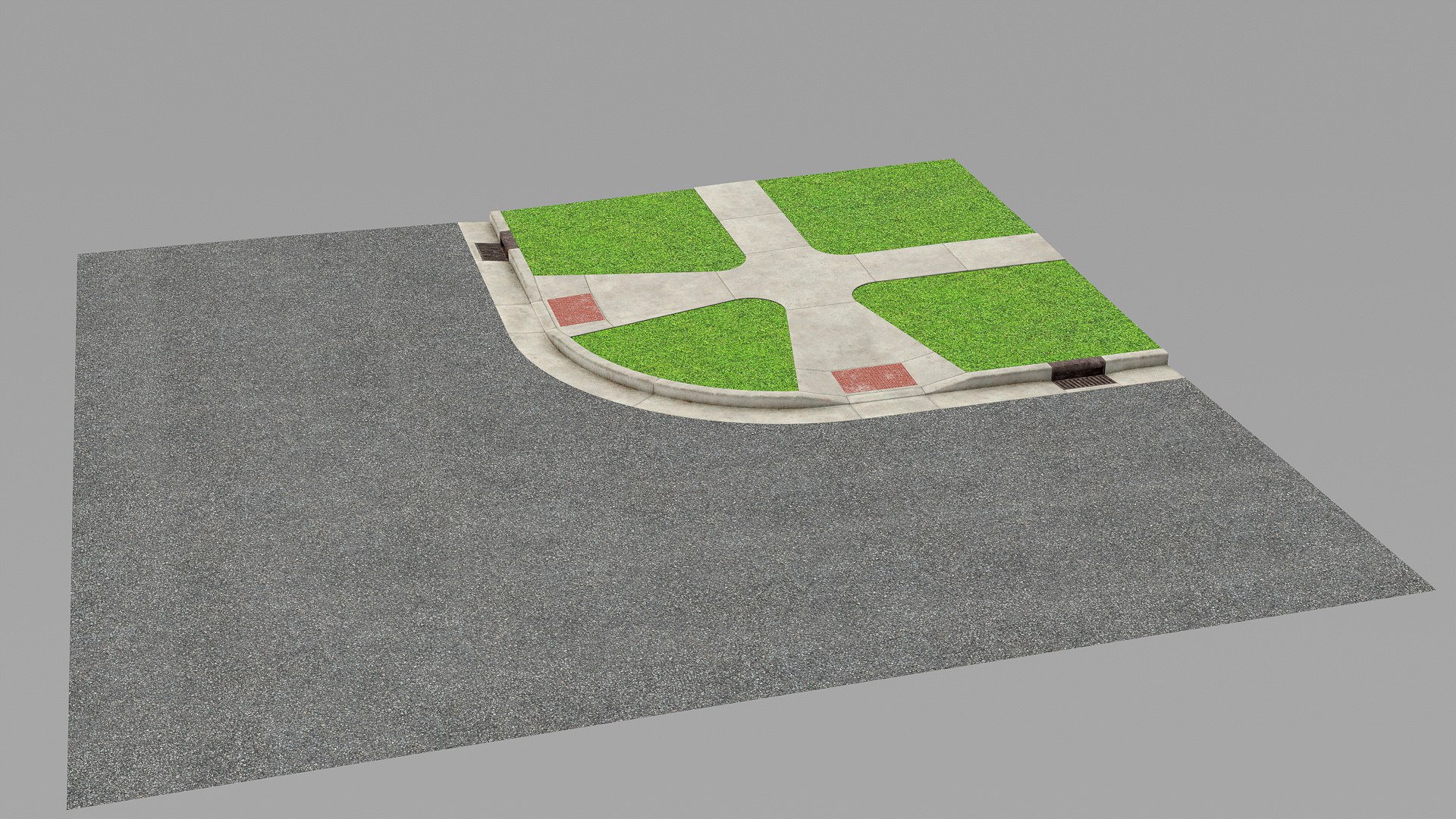
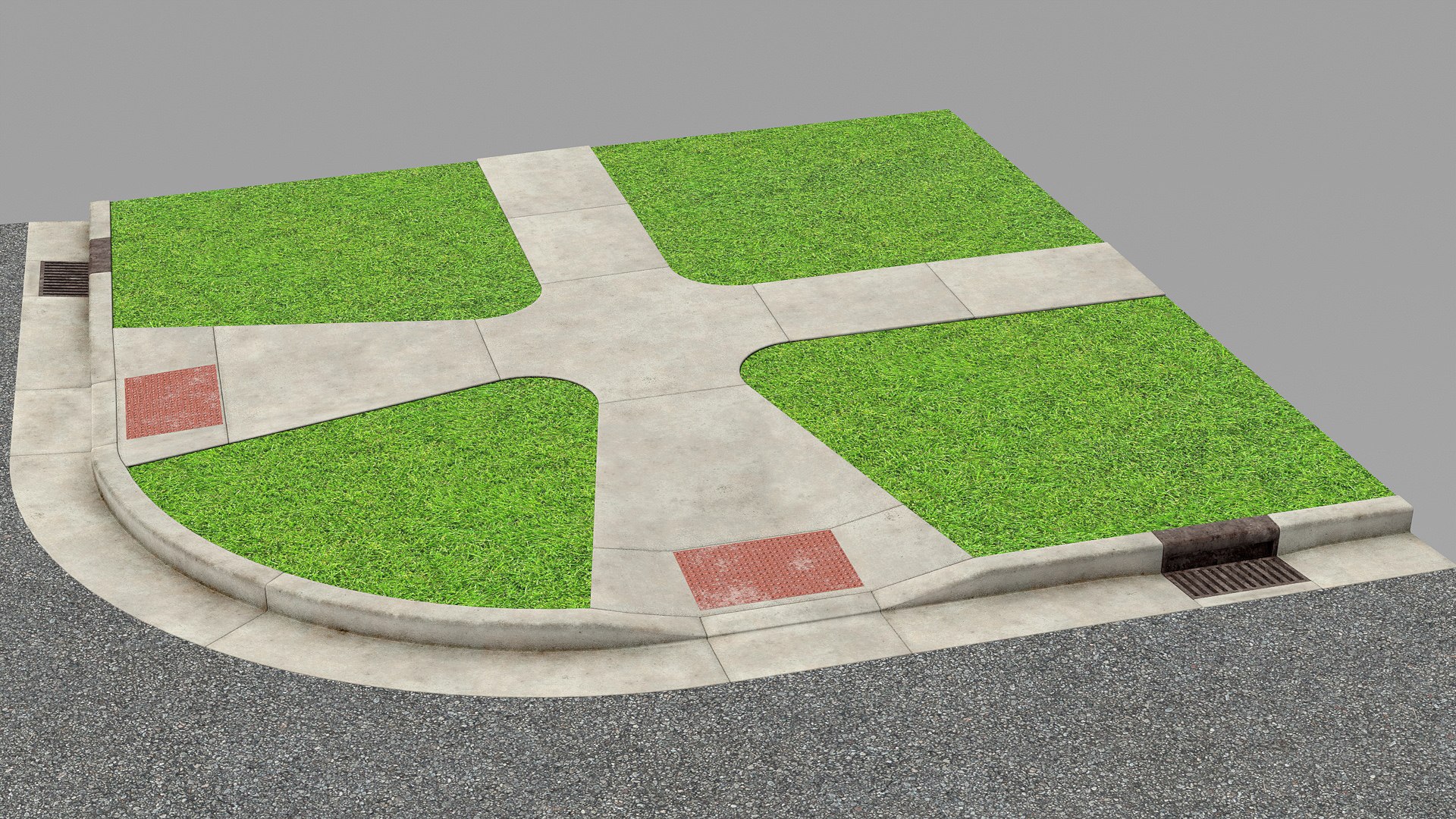
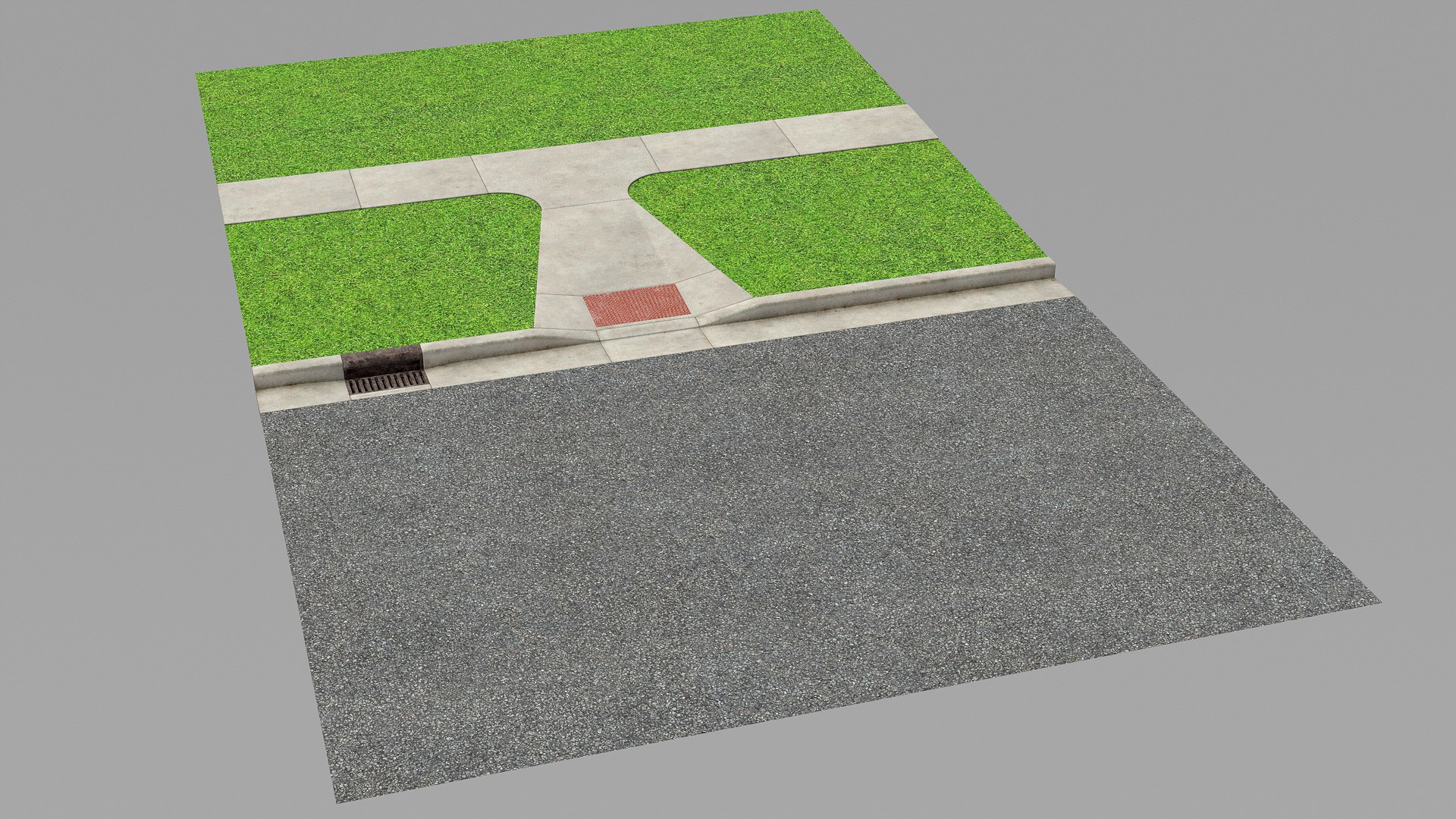
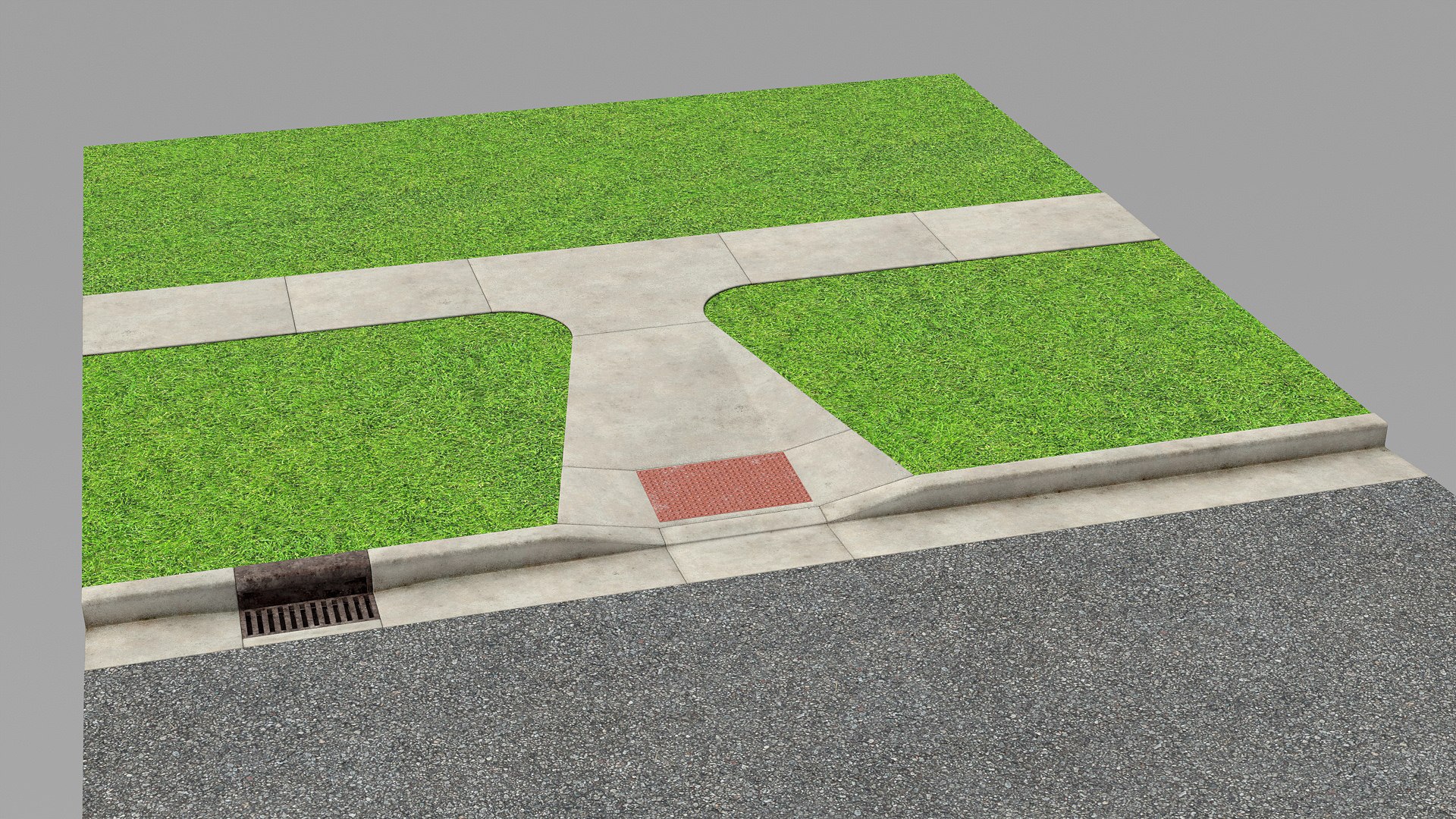
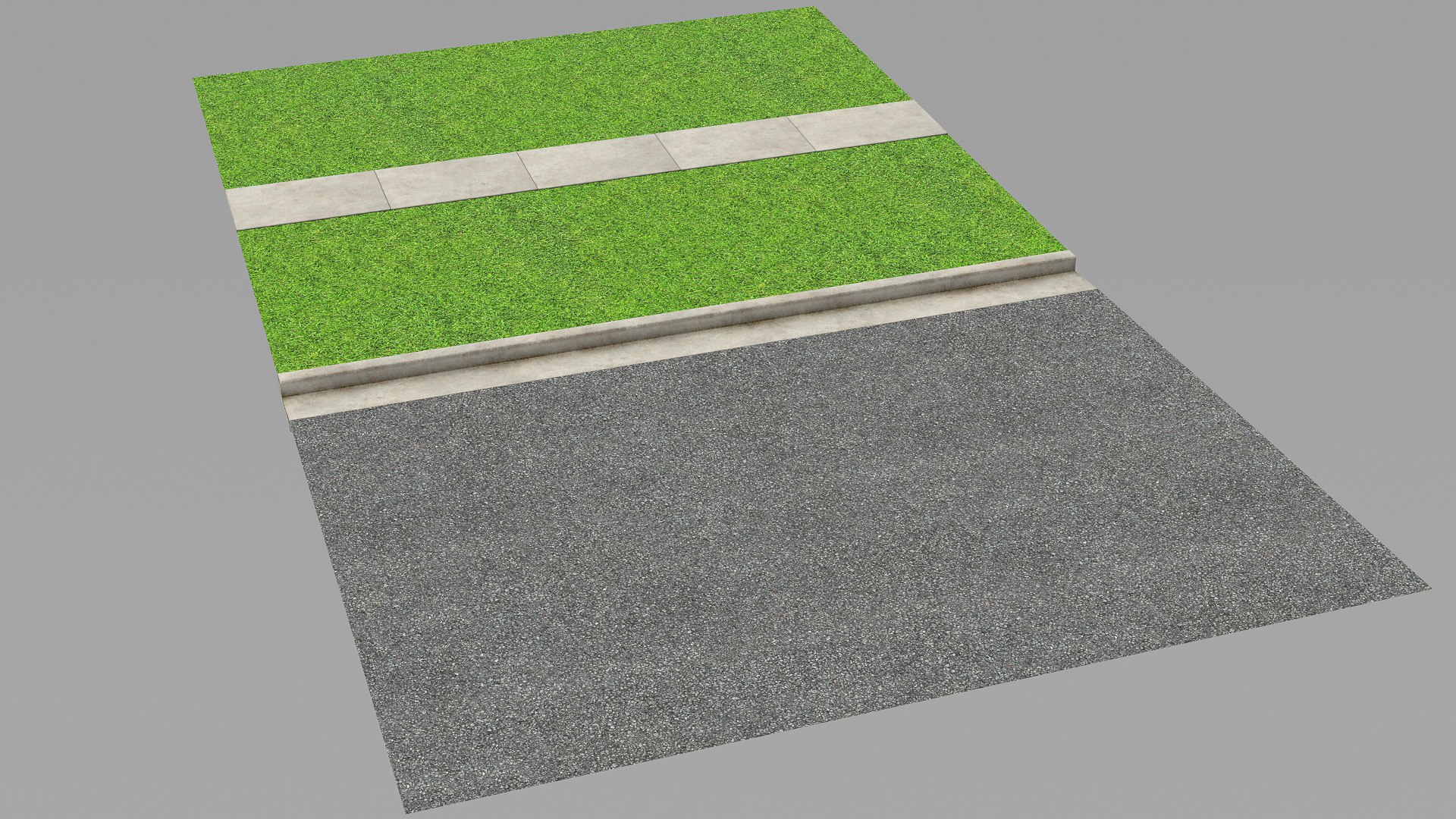
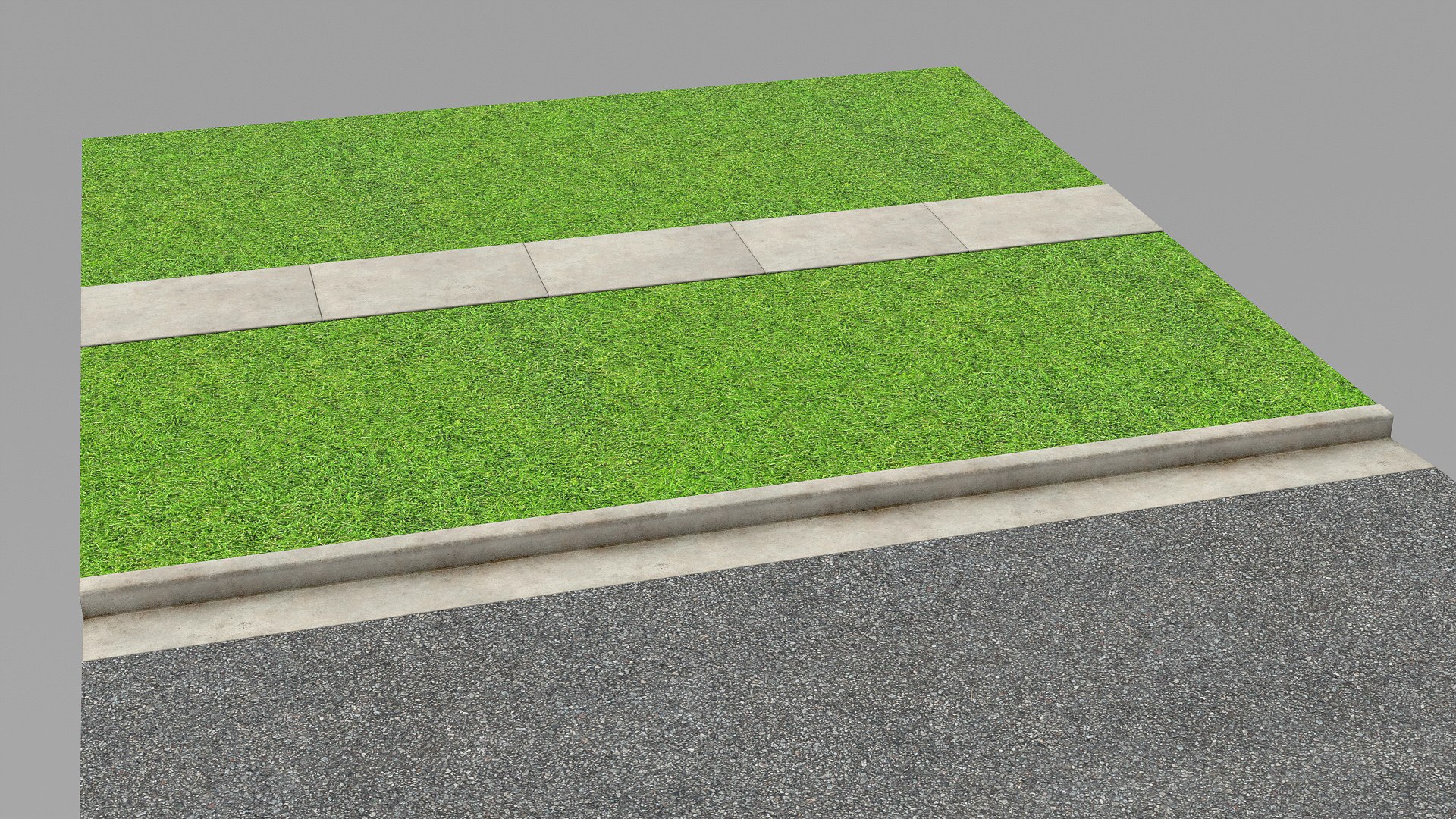
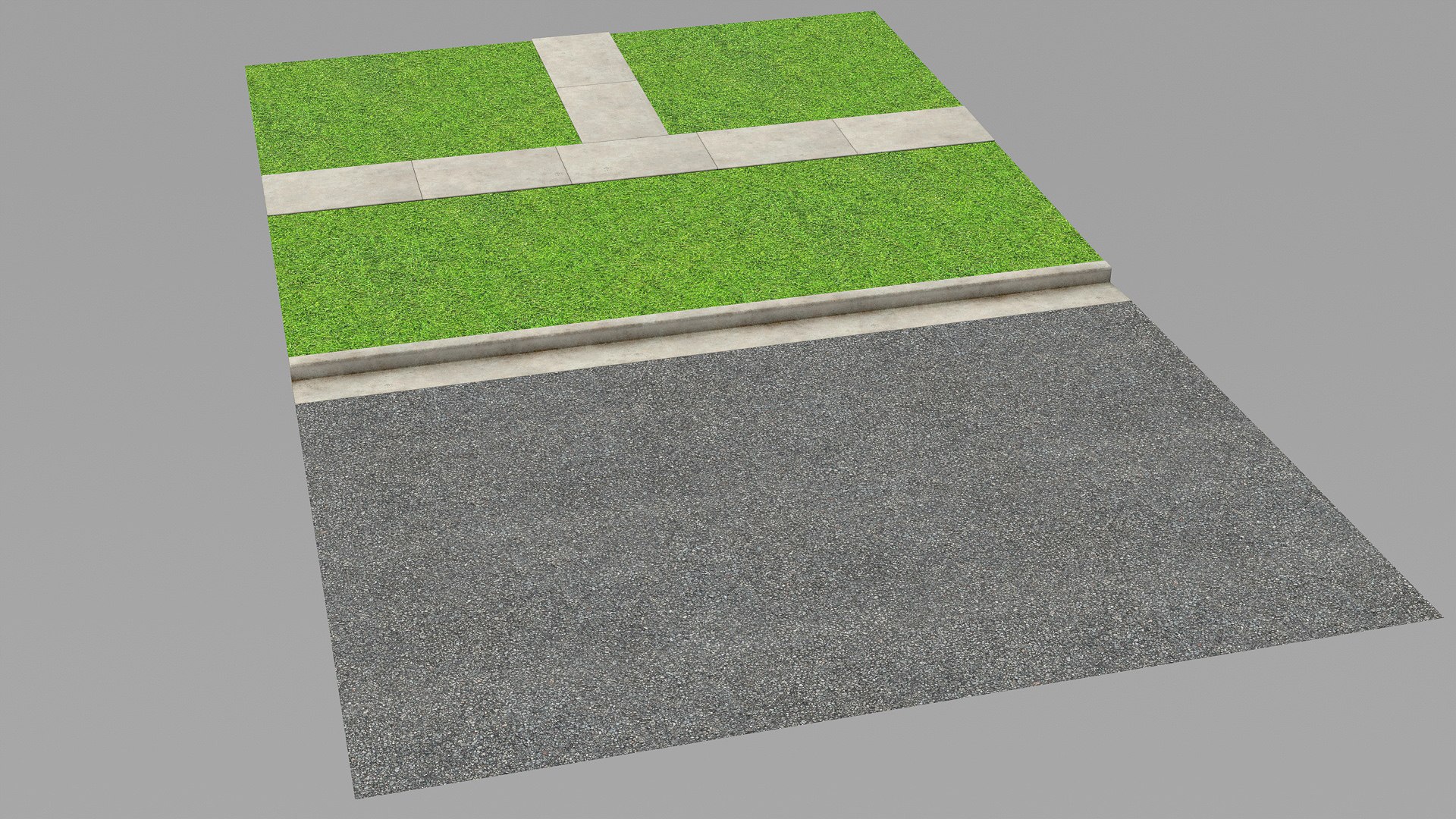
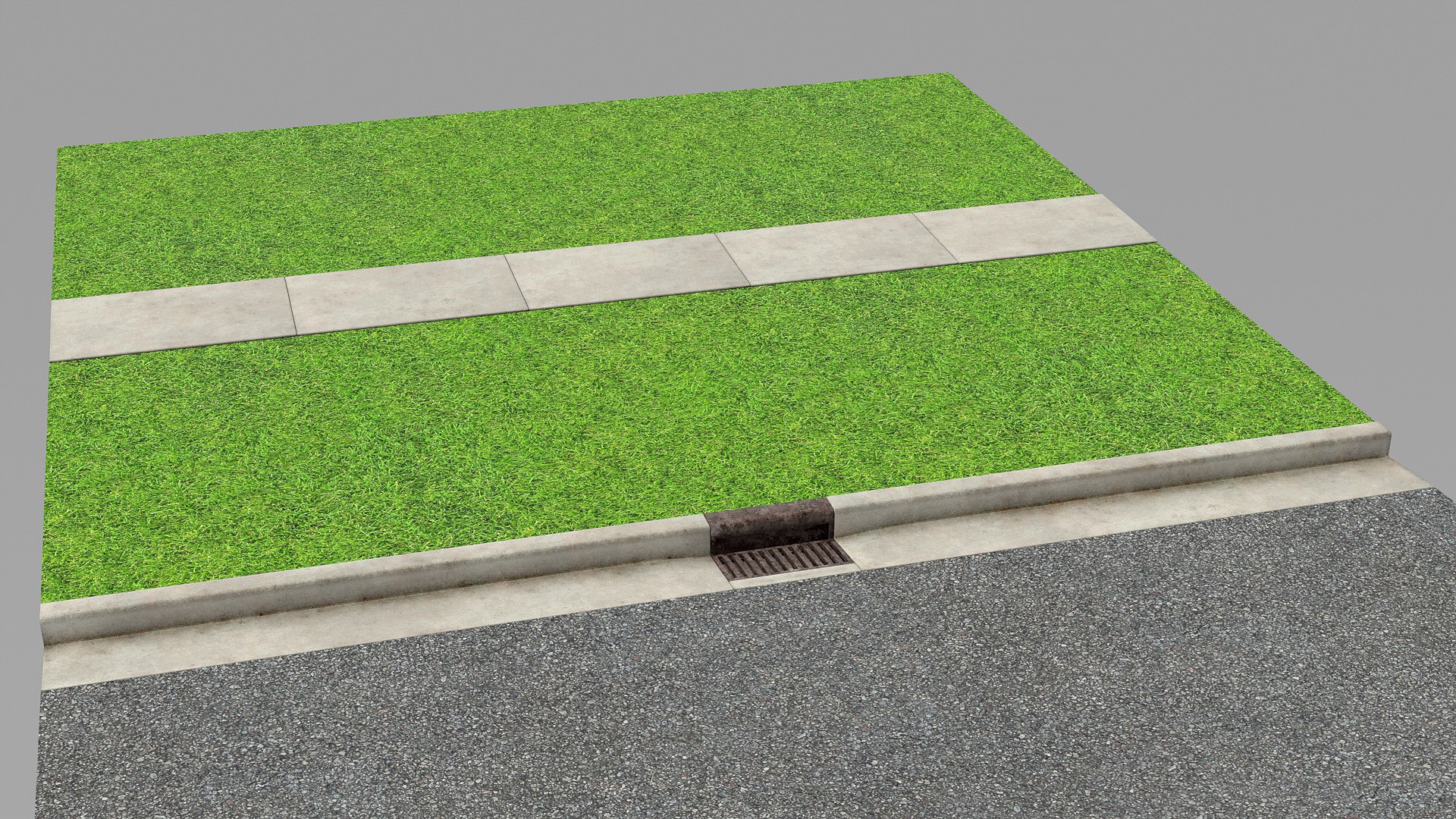
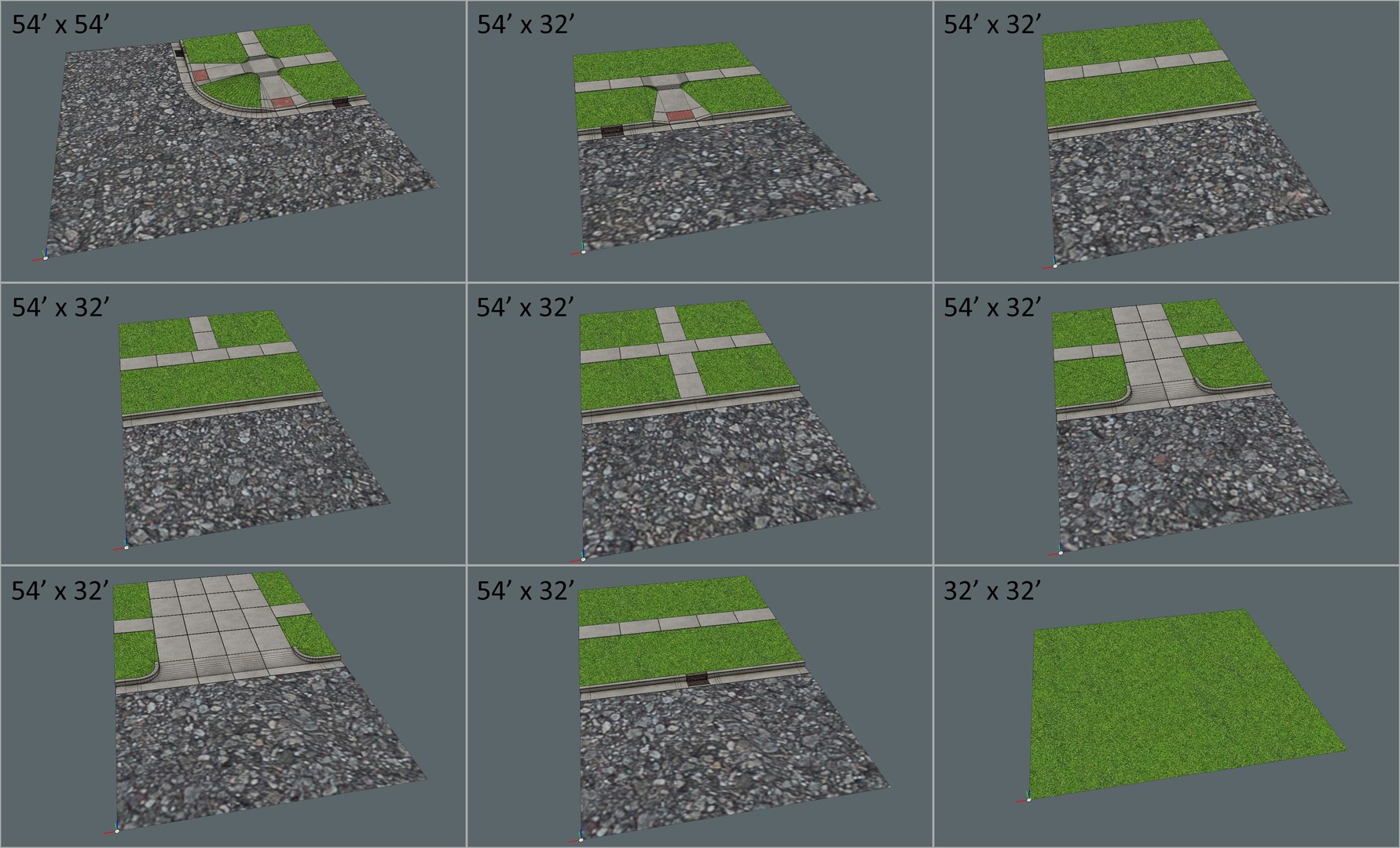
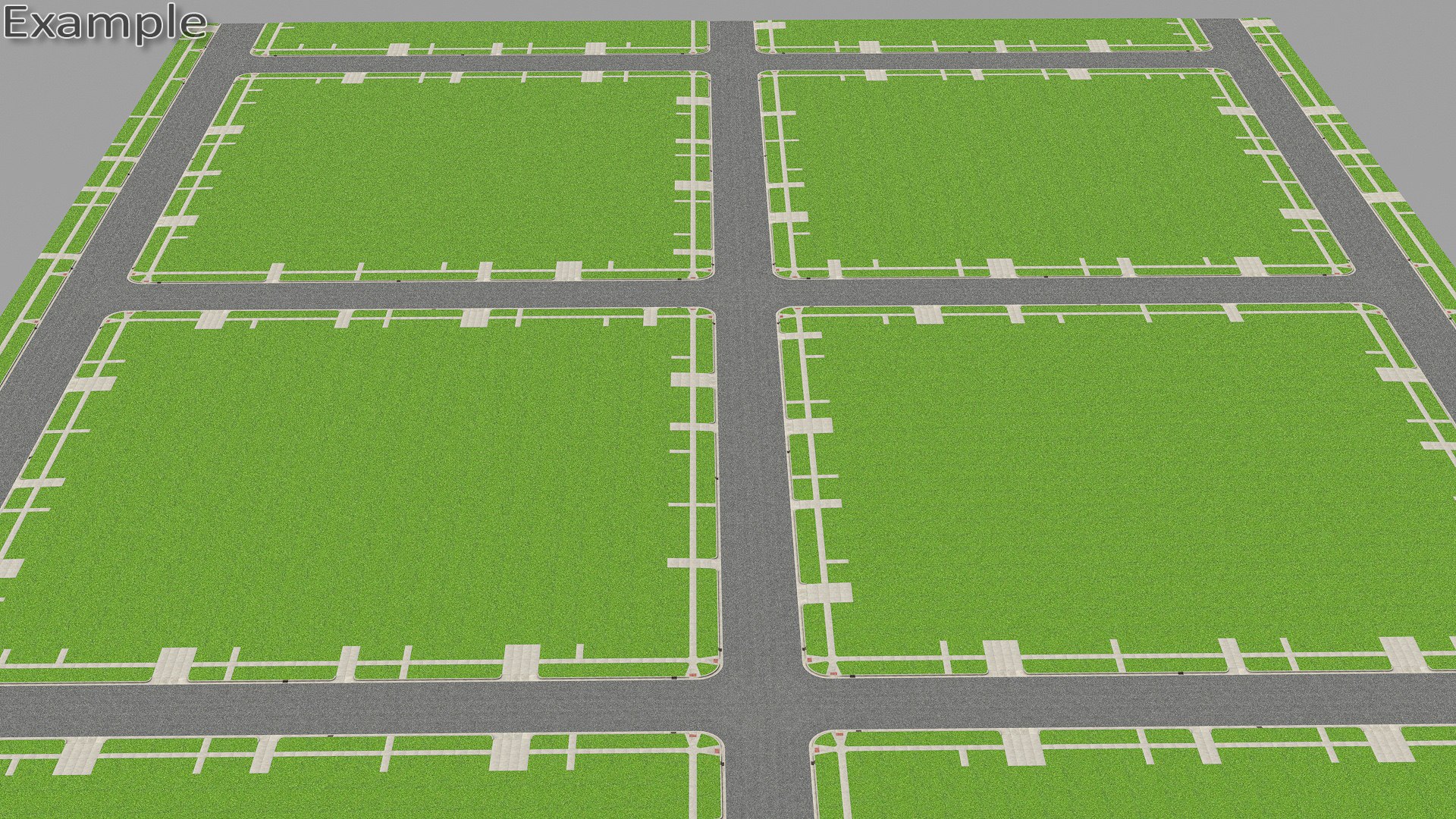
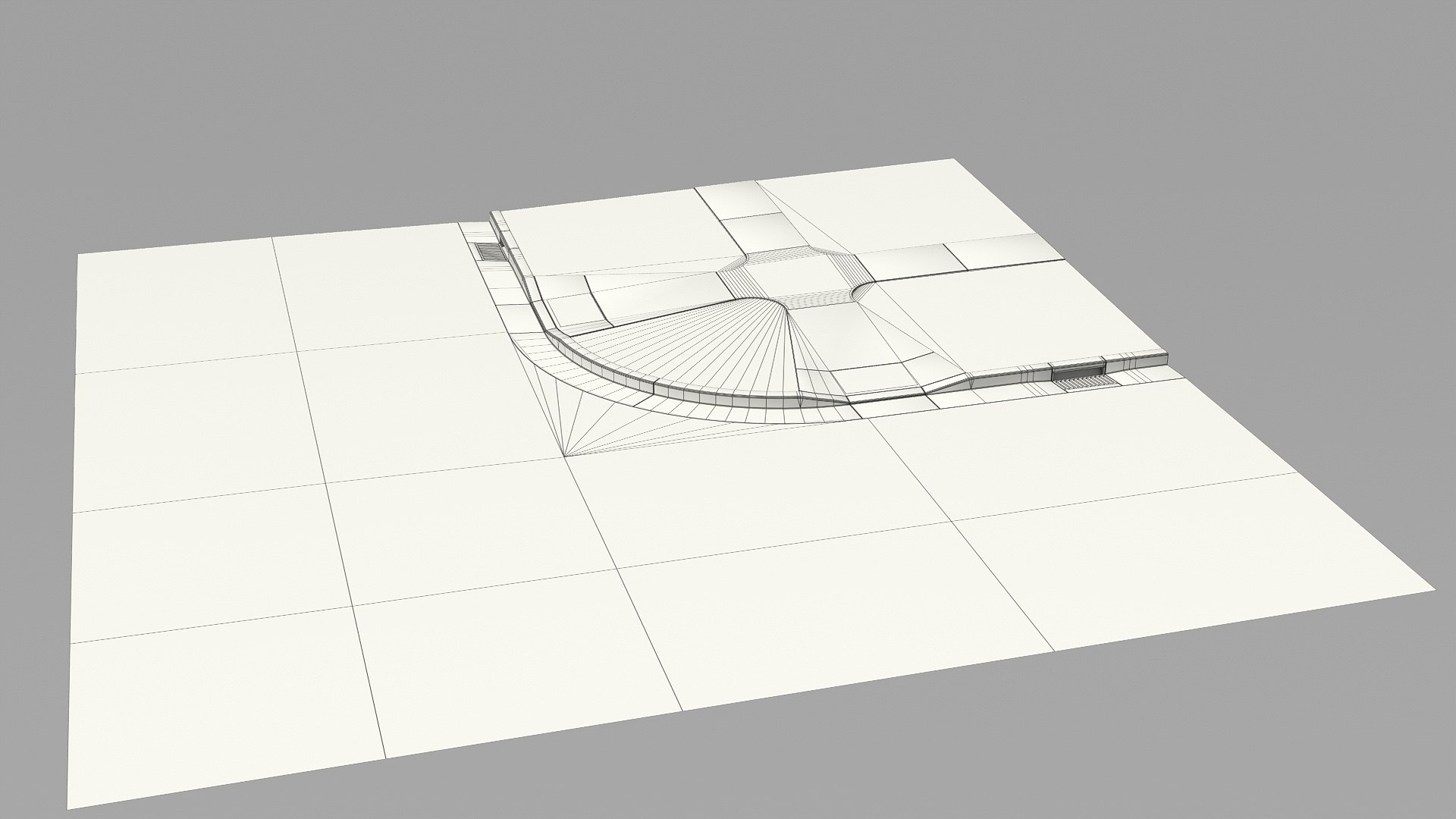
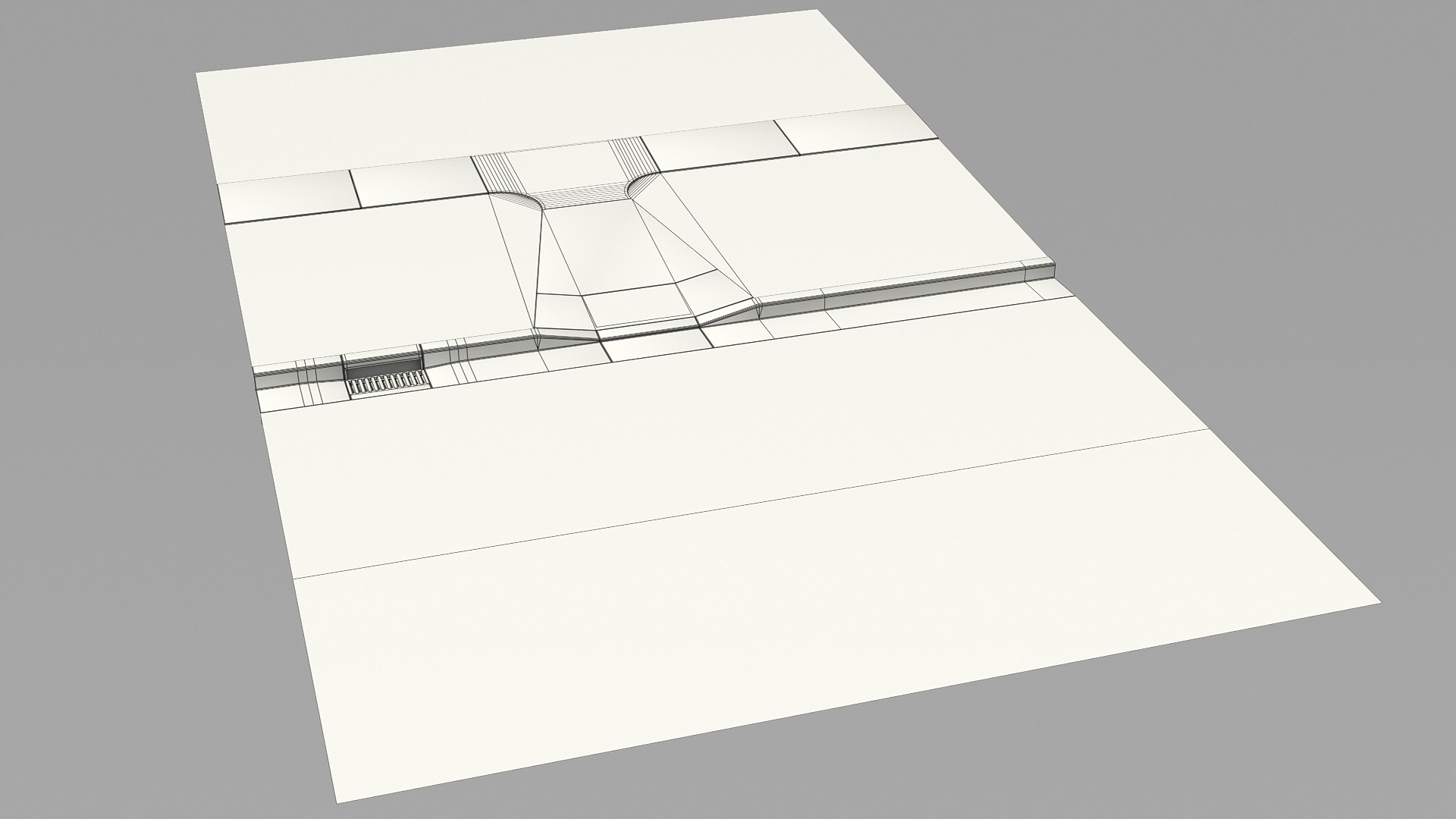
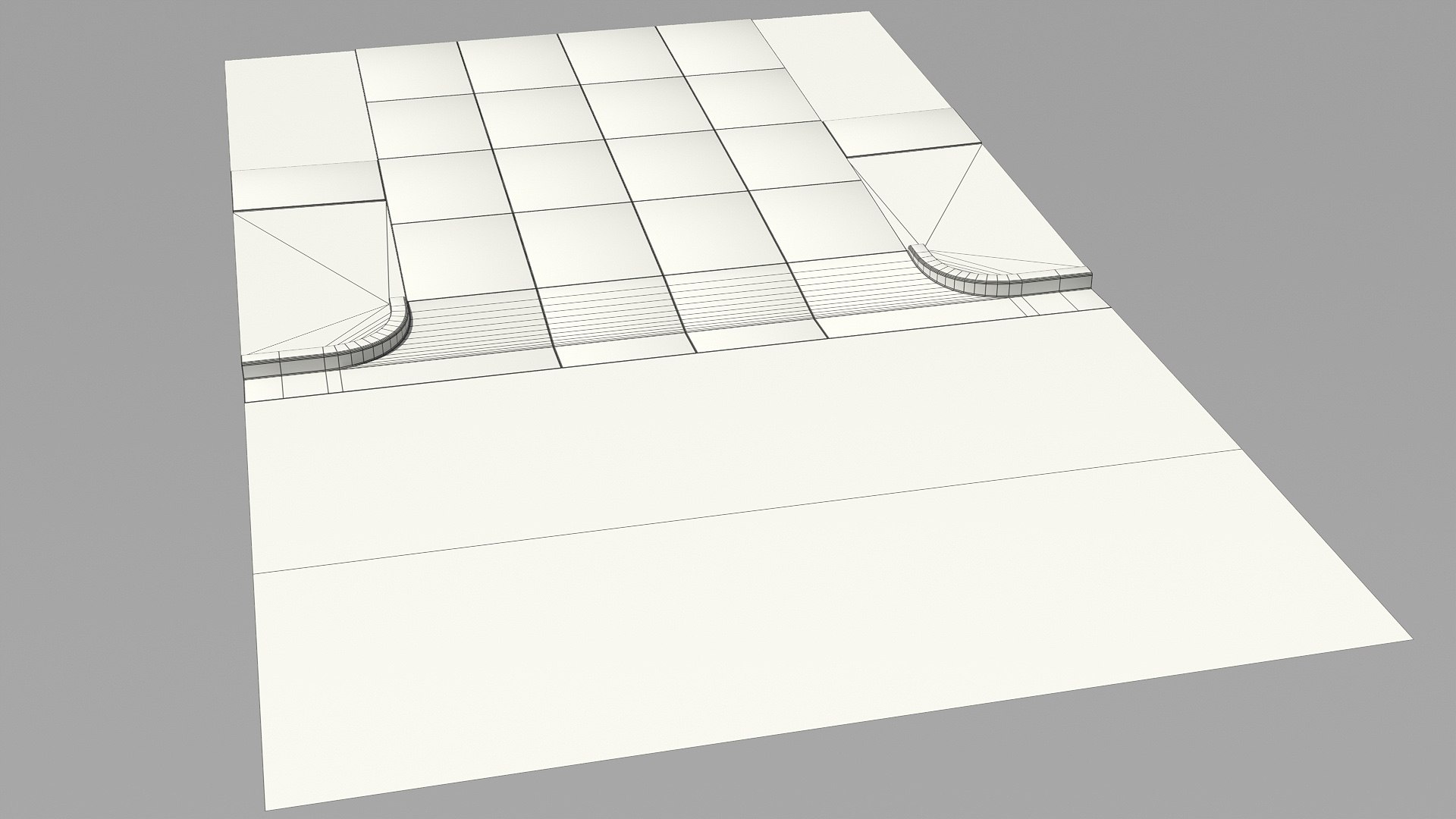
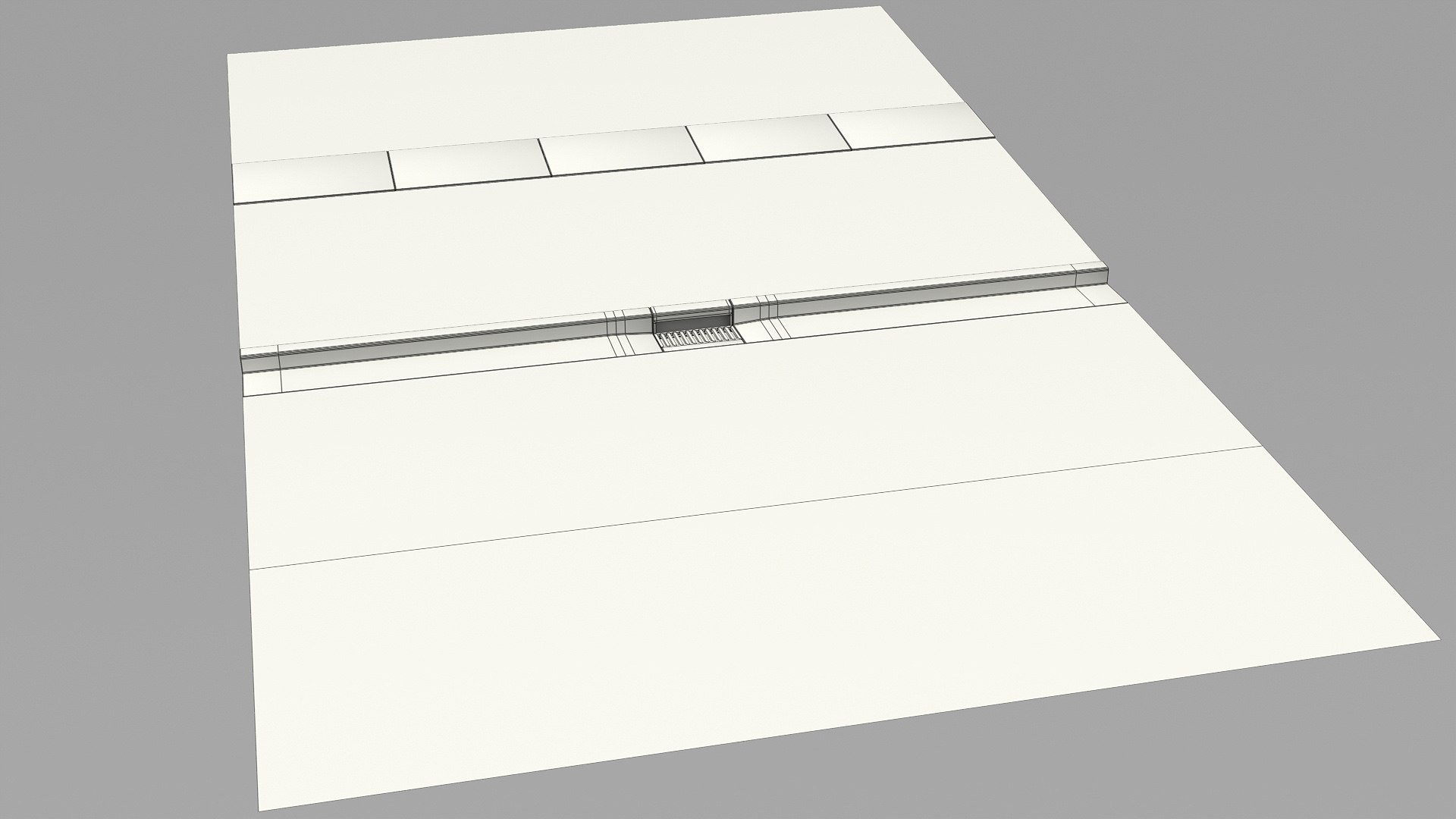
8 kit objects with proper center, allow easy drag and snap duplicates to create streets, crossroads etc.

Part_00: 3440(quads: 3108, tris: 332)
Part_01: 1737(quads: 1577, tris: 160)
Part_02: 299(quads: 293, tris: 6)
Part_03: 366(quads: 360, tris: 6)
Part_04: 433(quads: 427, tris: 6)
Part_05: 1306(quads: 1288, tris: 18)
Part_06: 2016(quads: 1998, tris: 18)
Part_07: 1124(quads: 973, tris: 148)
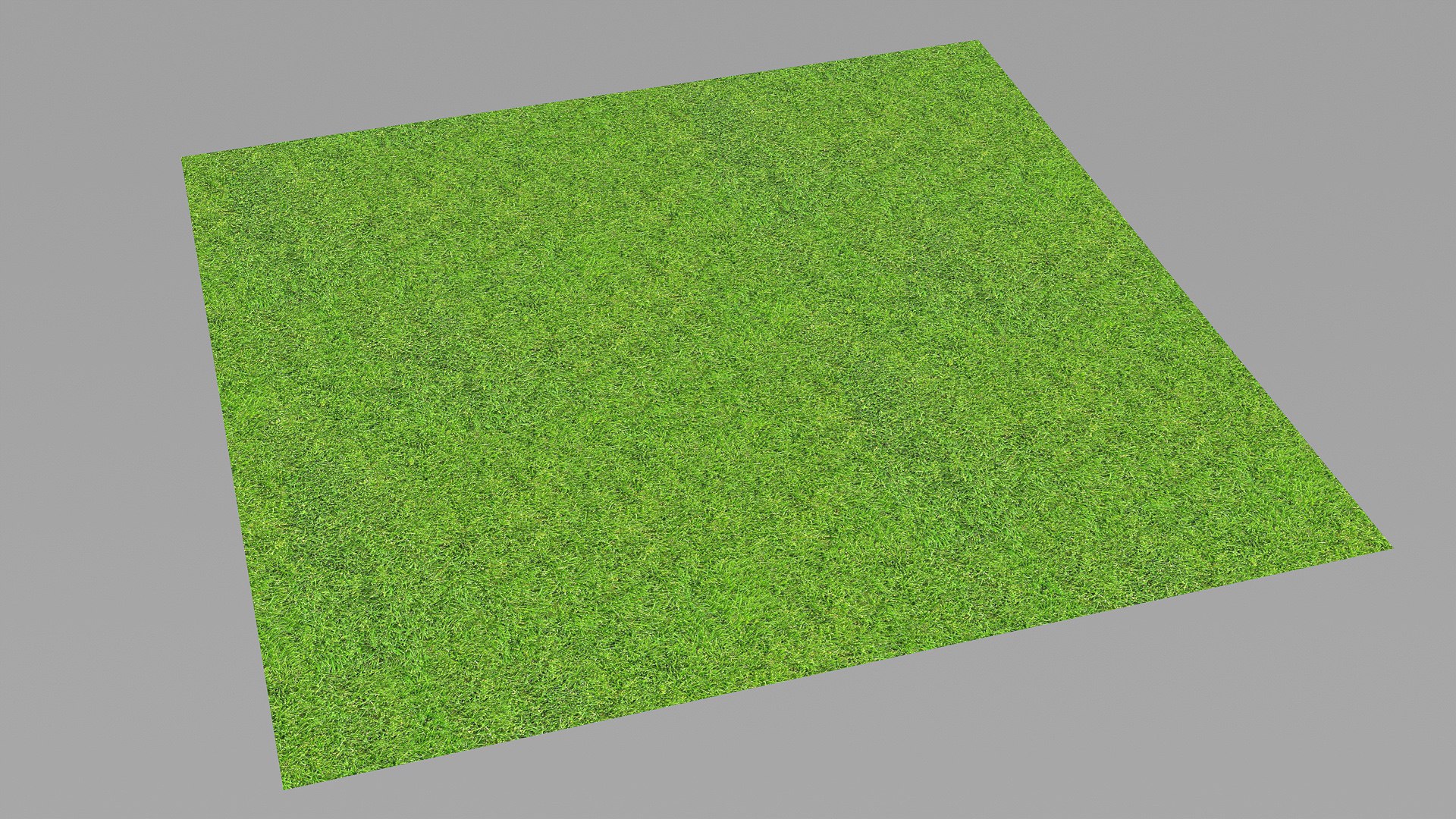
Lawn_Grass_Plane: just a plane polygon with proper size (32x32 feet) for fields array.

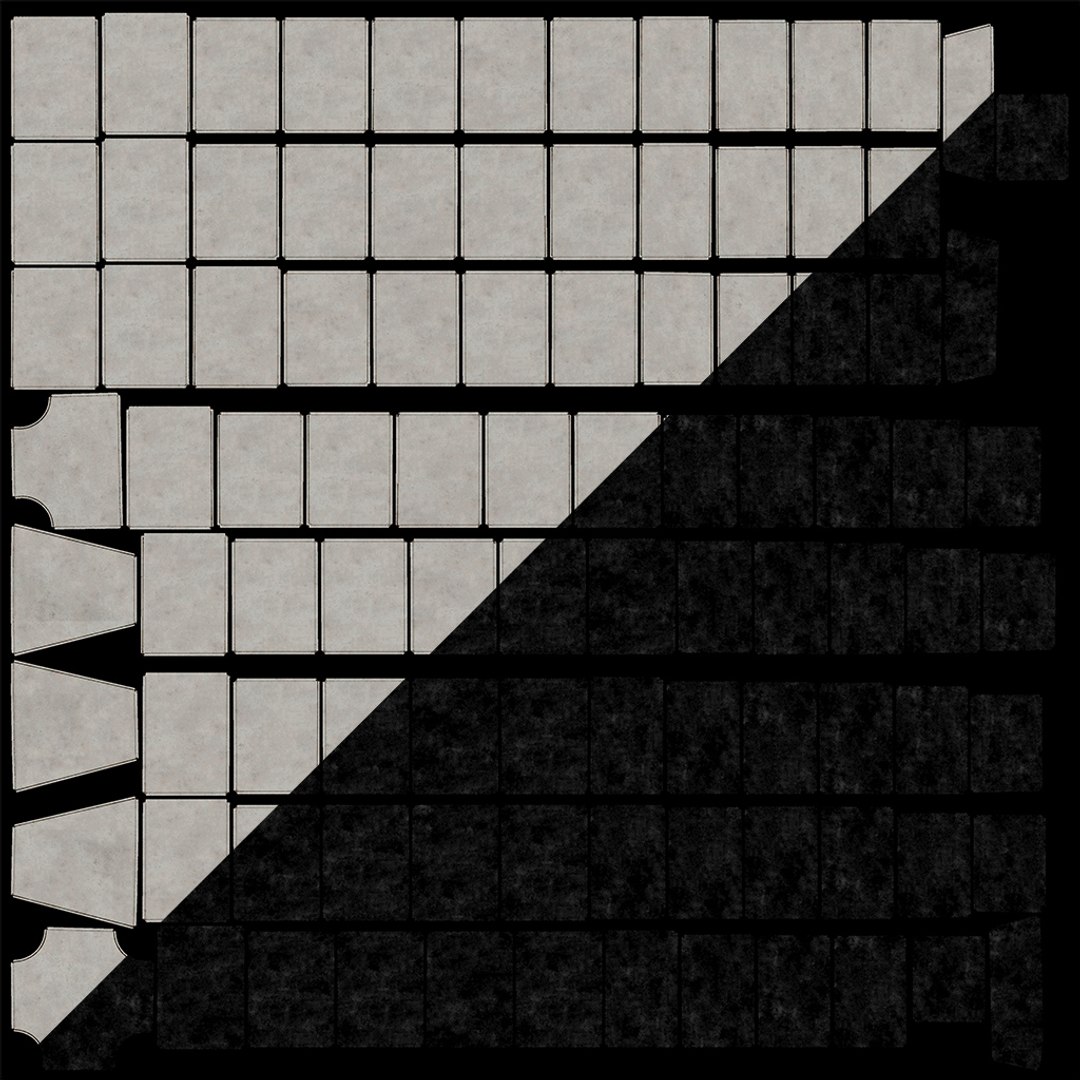
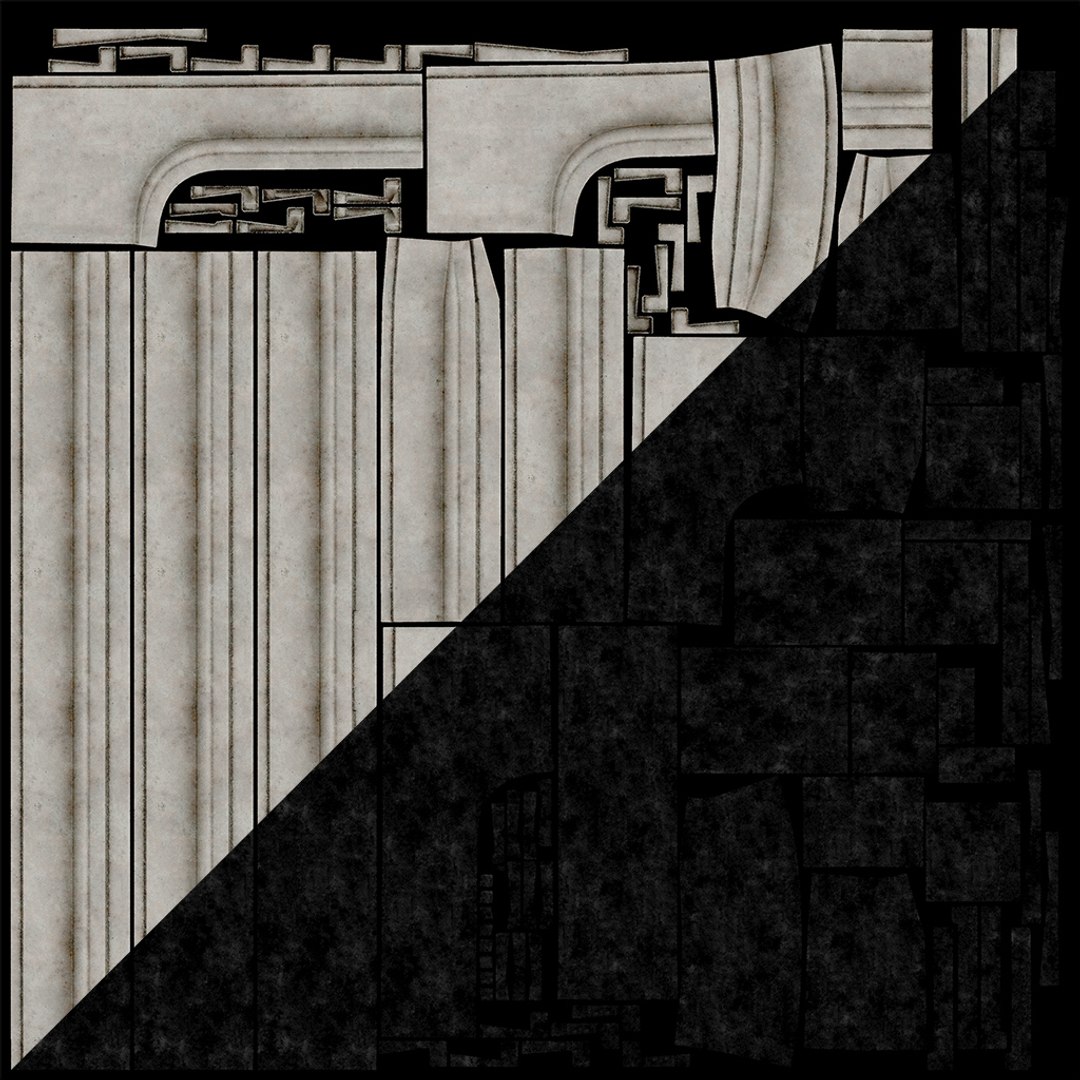
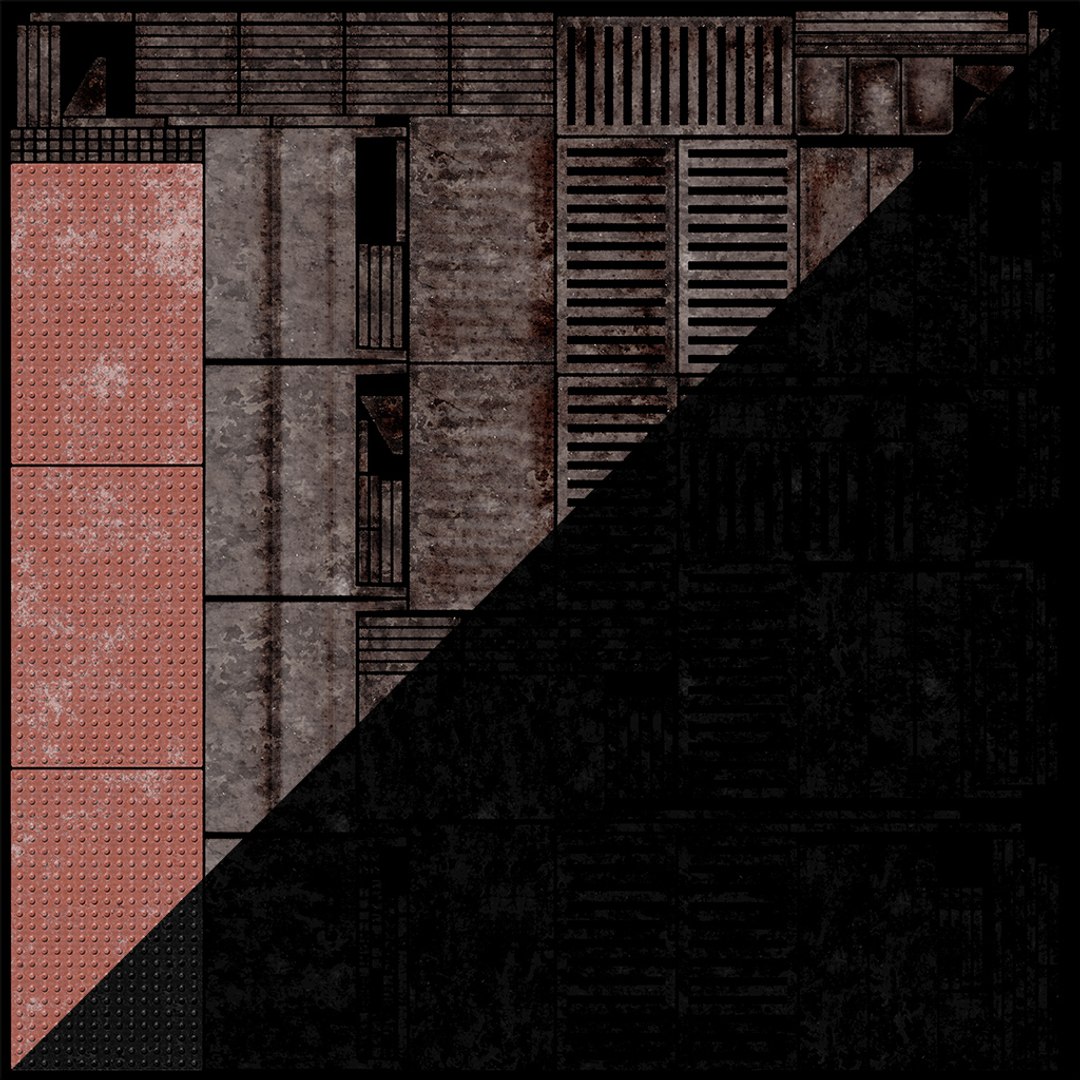
Baked textures 4K resolution for concrete sidewalk, curb and metal.

Tiled textures 2K resolution for asphalt and grass.
You can use tiled textures for concretes and metal in "Textures_Original_Tiles" archive.

!NOTE! Blender file:
No need textures folder. All packed into .blend file.
Texture resolutions : 2k & 4k.
Units used: feet.


!NOTE! 3ds MAX 2016 file:
All textures are placed in their materials, but the materials themselves are not configured.

Select Enhanced License

  • $10,000 in Legal Protection (Indemnification)
  • Uncapped Legal Protection (Indemnification)
  • Waiver from injunctive relief
  • Assignable model rights
  • $1,000,000 in Legal Protection (Indemnification)
  • Waiver from injunctive relief
  • Assignable model rights
  • $250,000 in Legal Protection (Indemnification)
  • Assignable model rights
Read more about enhanced license tiers, or contact us at enterprise@turbosquid.com. Already a Shutterstock Enterprise Customer? Contact your Shutterstock Sales Support Agent to talk about adding 3D.

About Conversion Requests

To submit a conversion request for a purchased asset, please complete our Conversion Request Form.

If you have not yet purchased a model, please review our Documentation about Conversions to learn about what limitations you may encounter with a conversion.

For any additional questions about a model’s suitability for conversion, please contact TurboSquid Support.

Loading...