
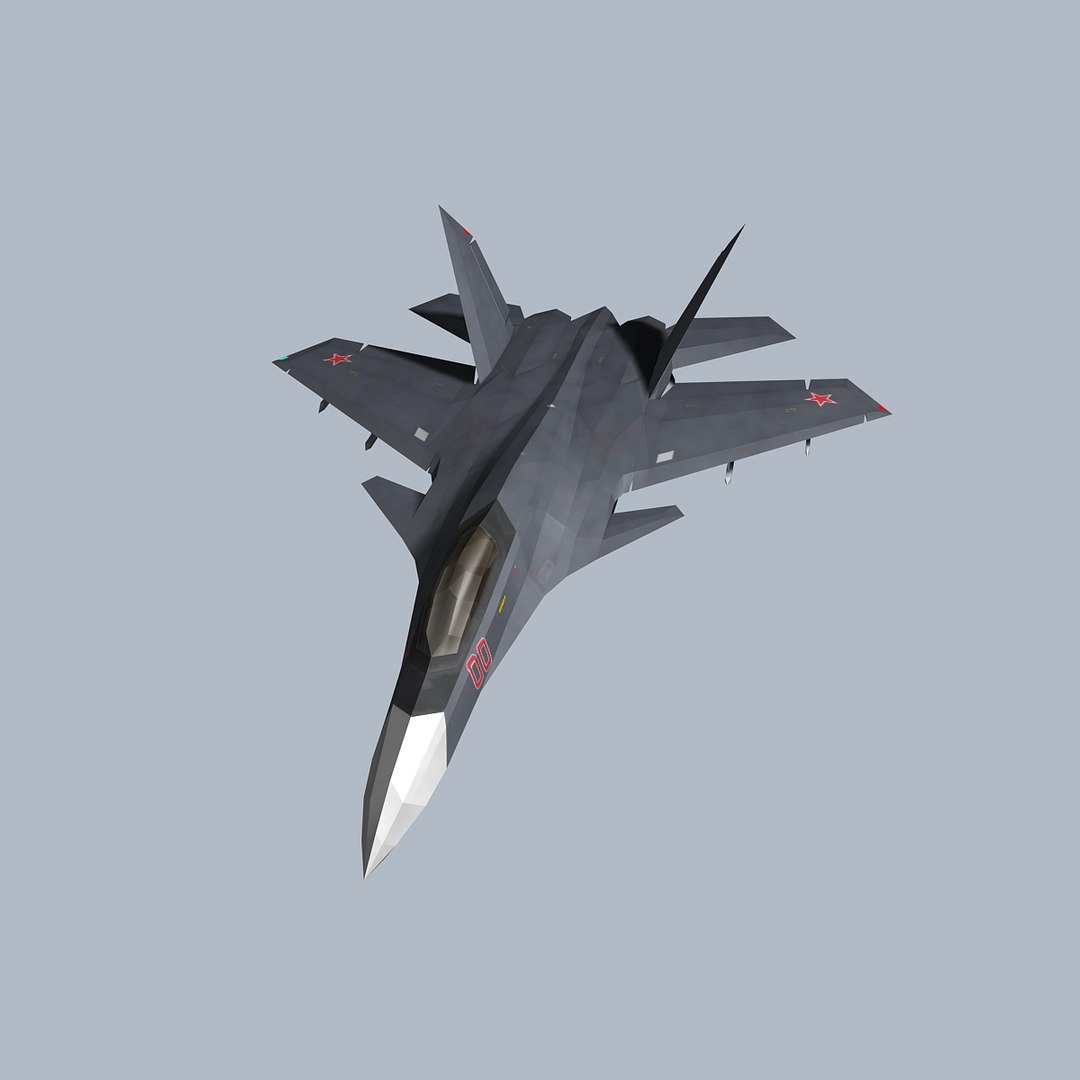
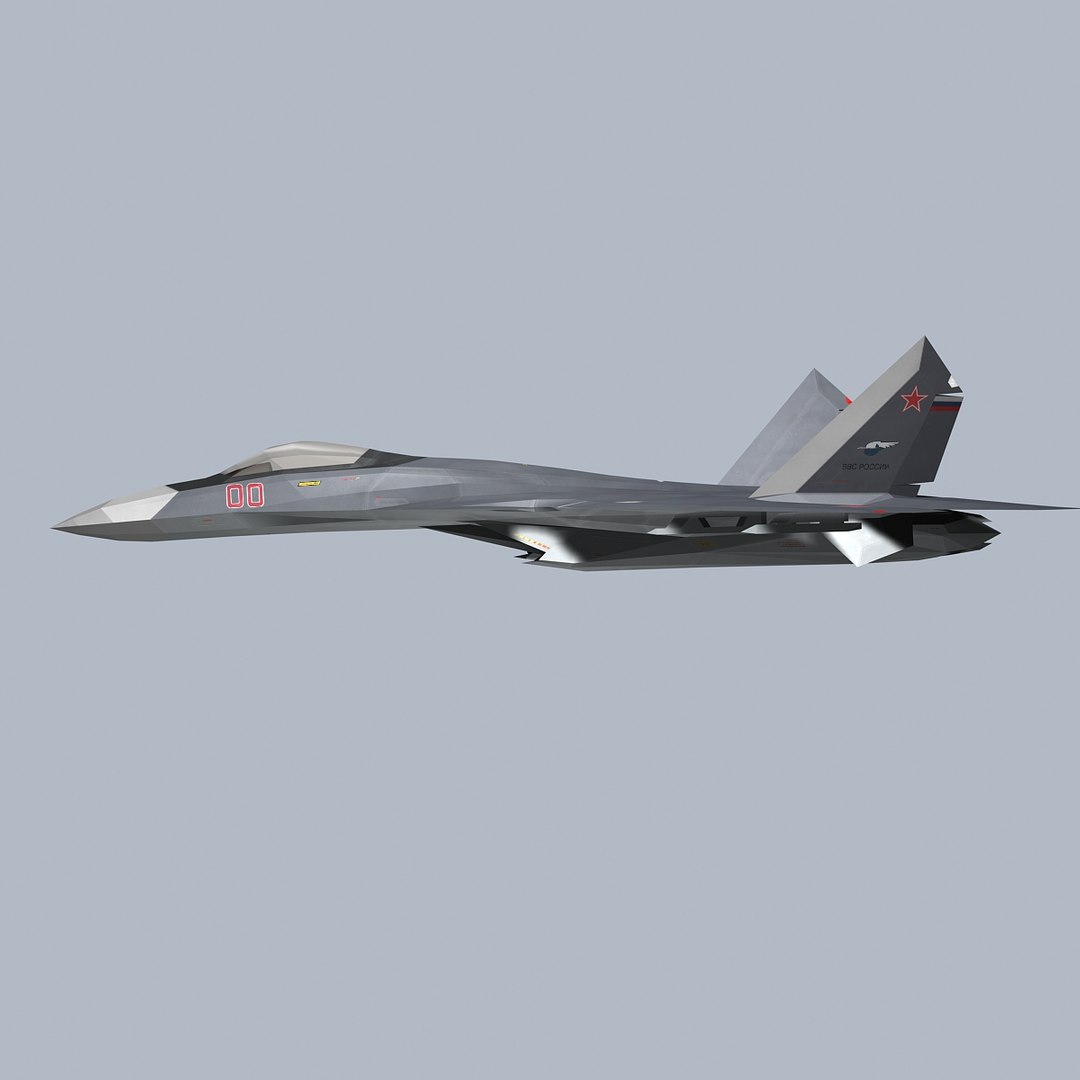
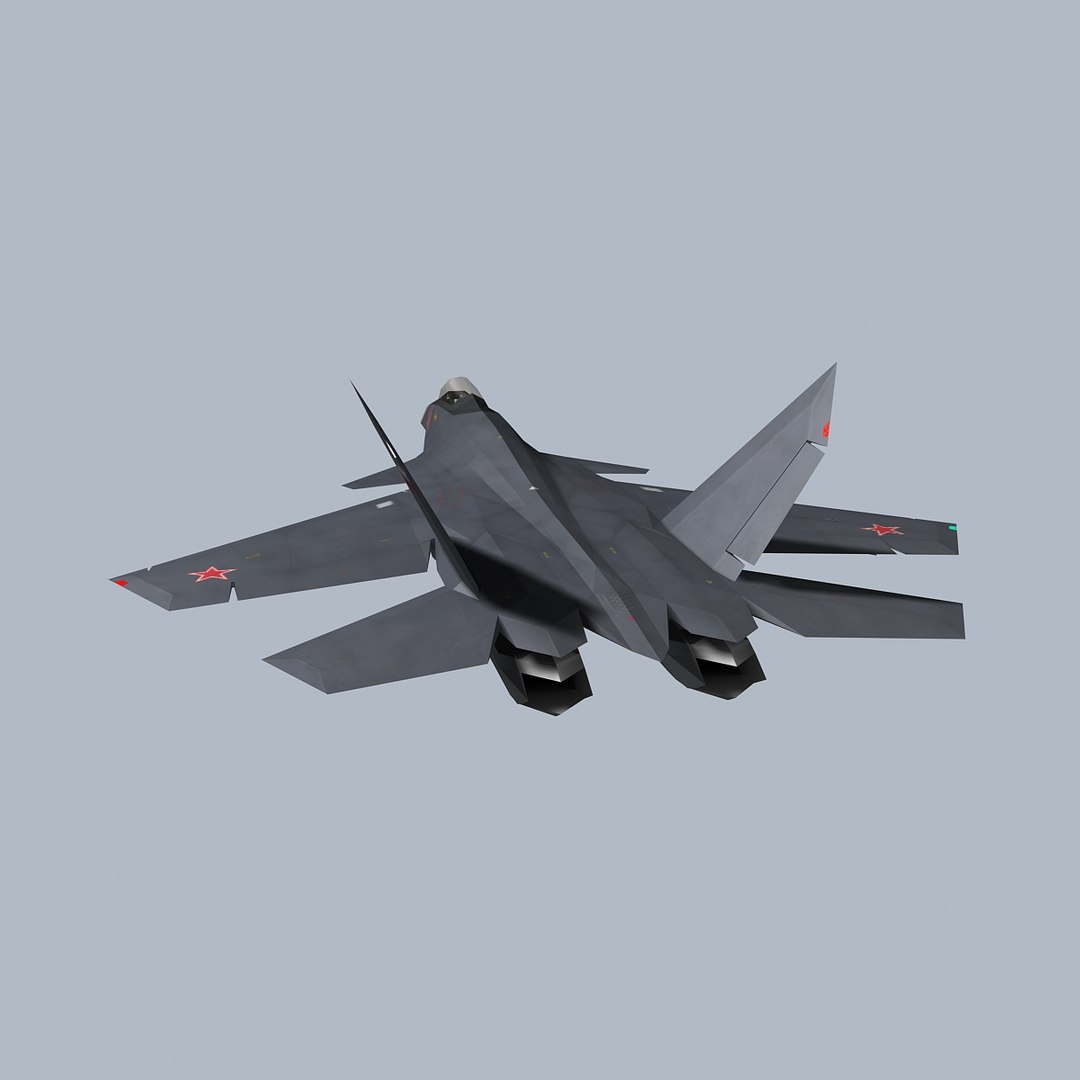
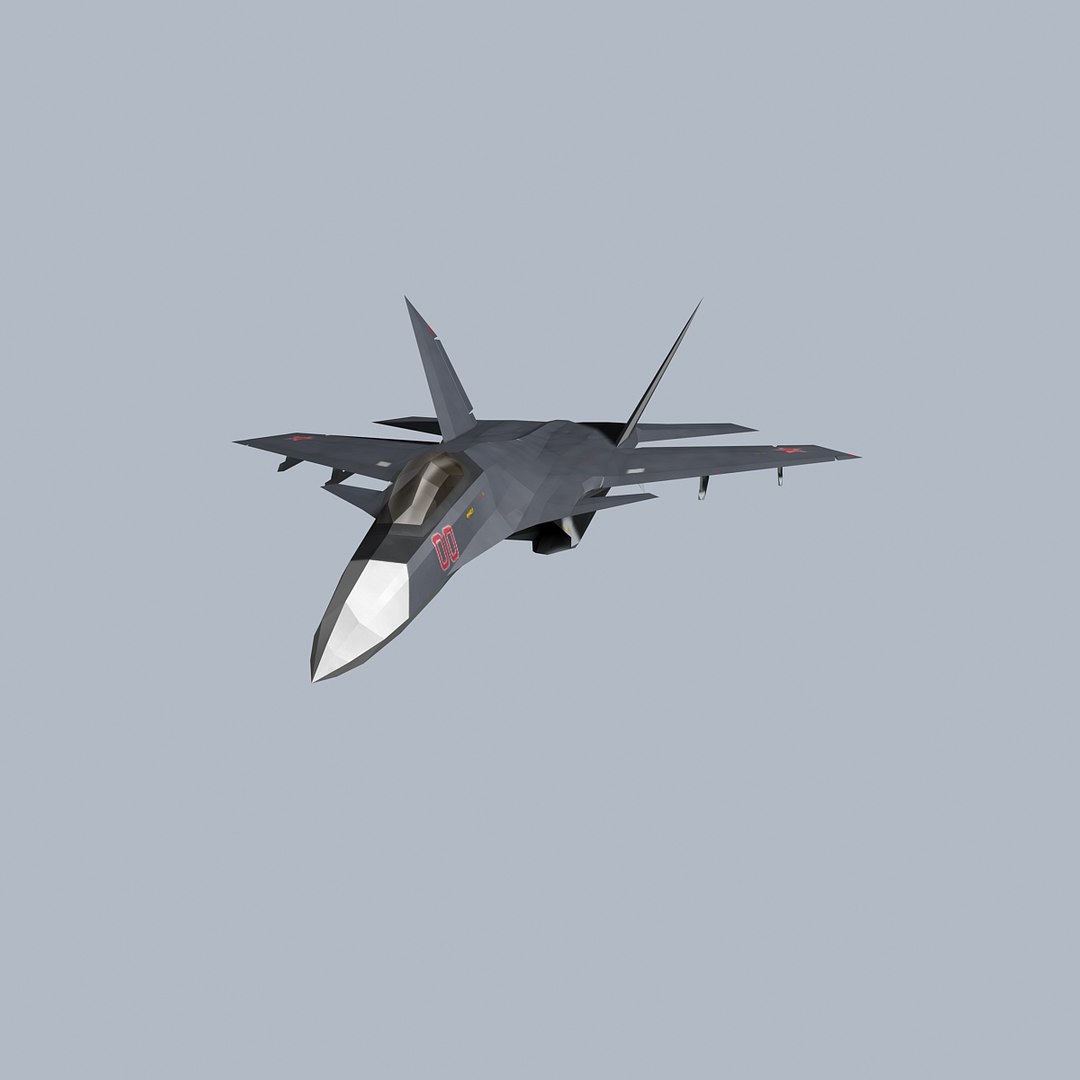
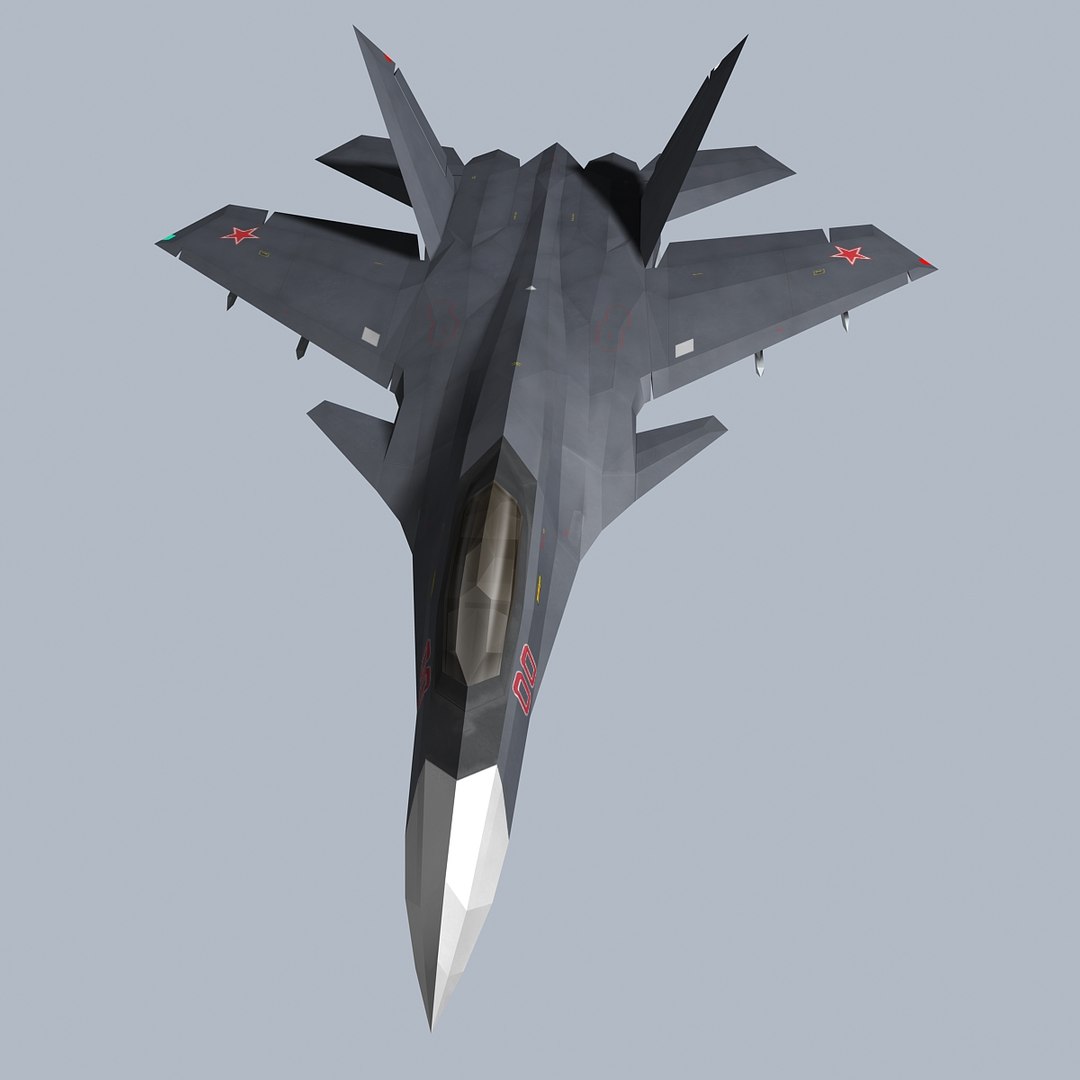
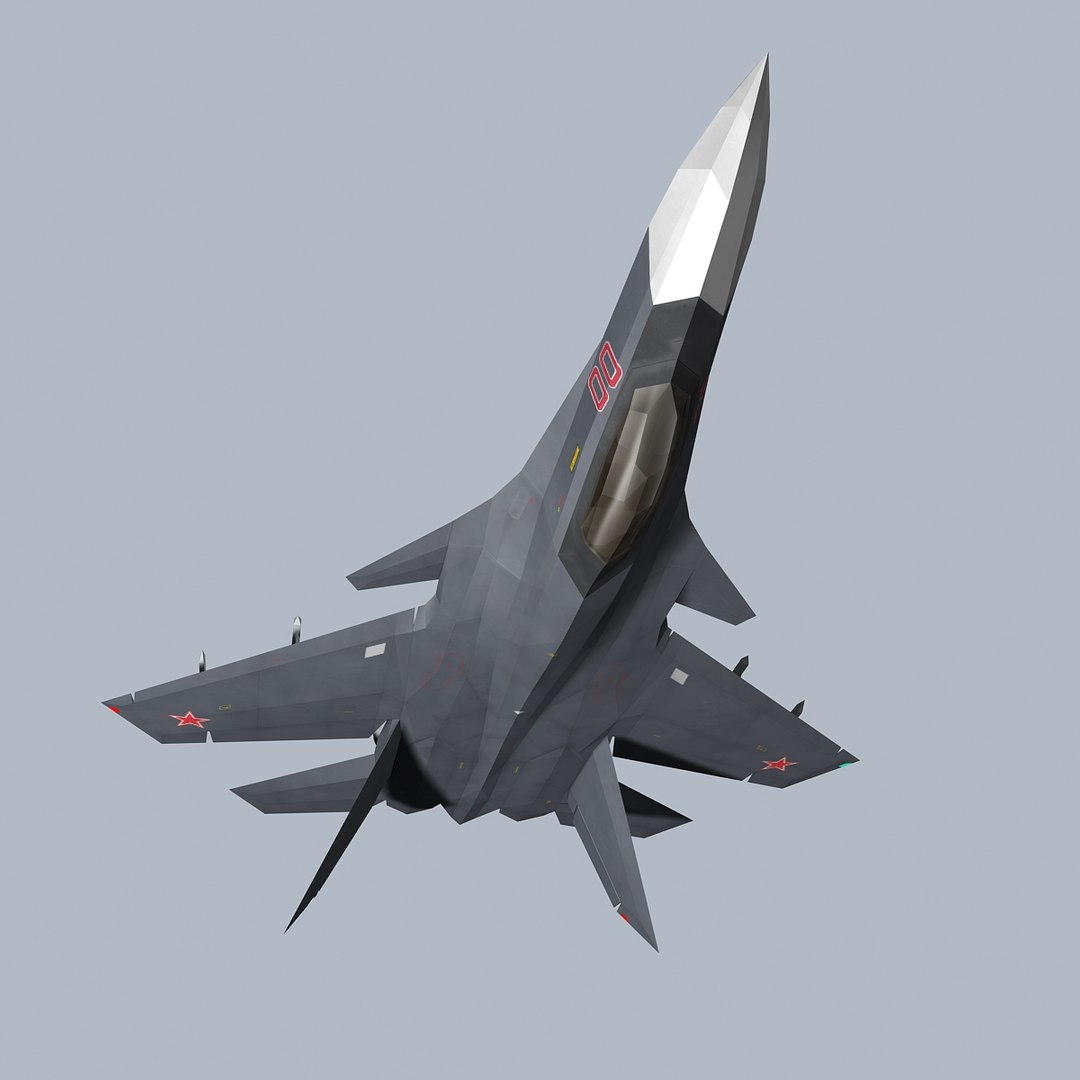
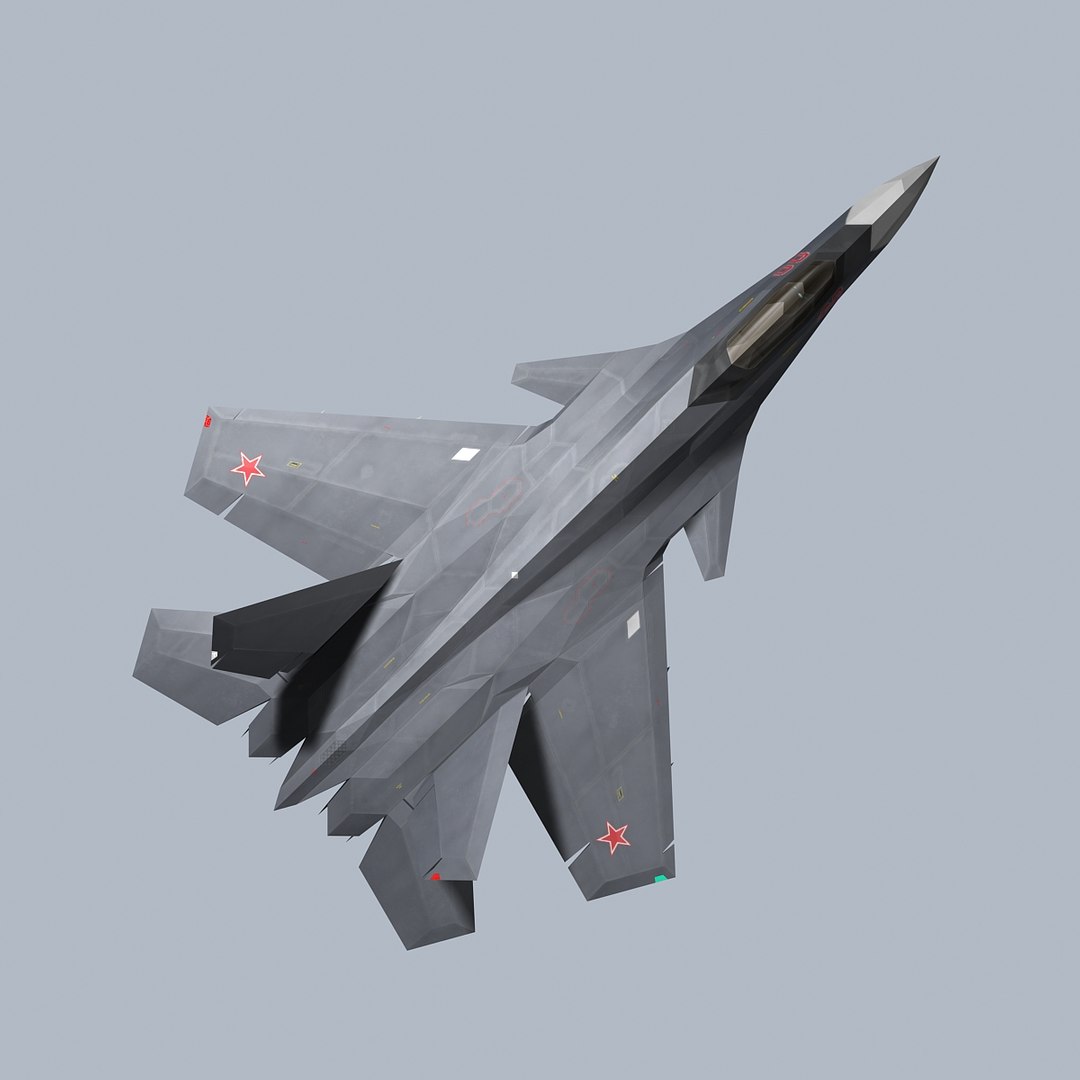
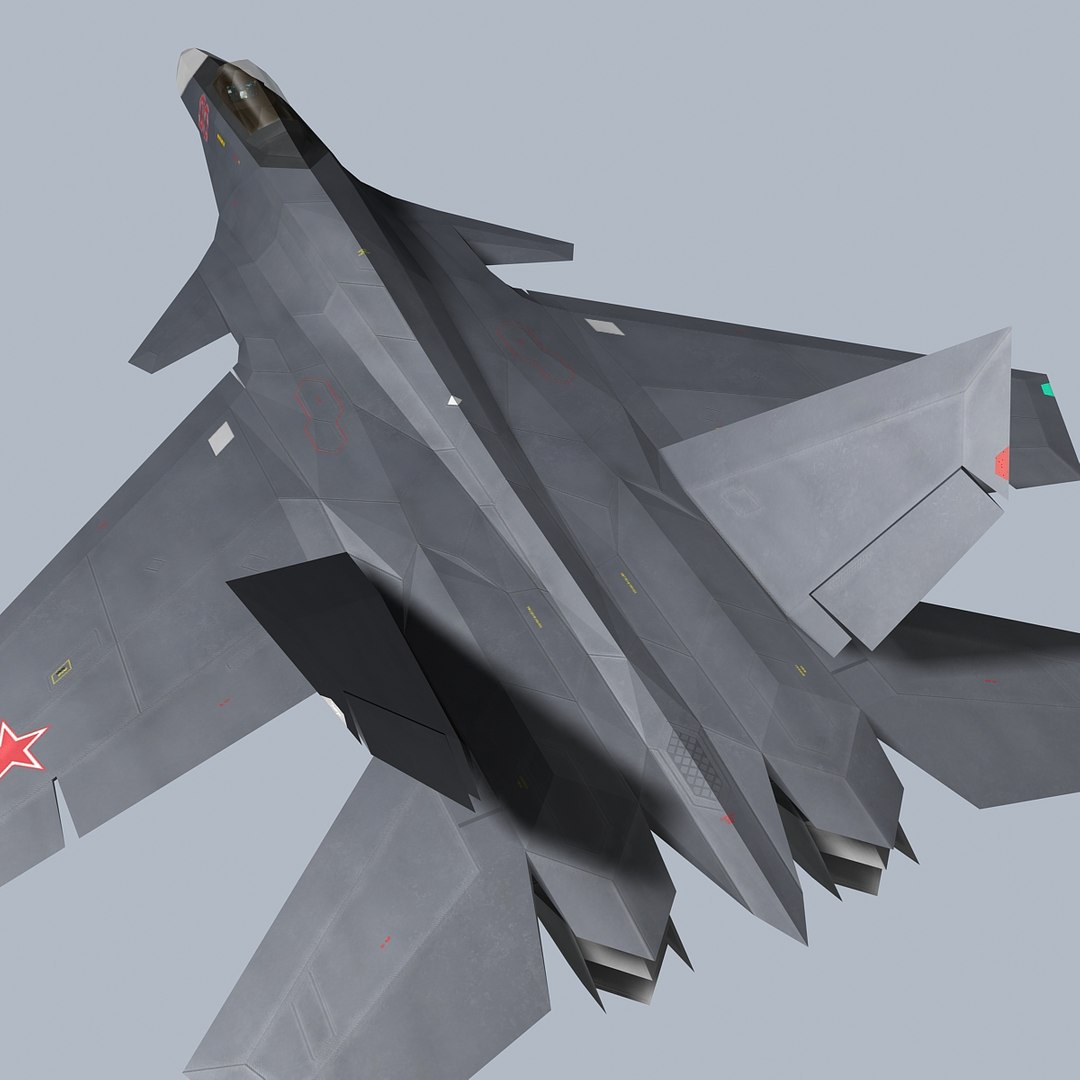
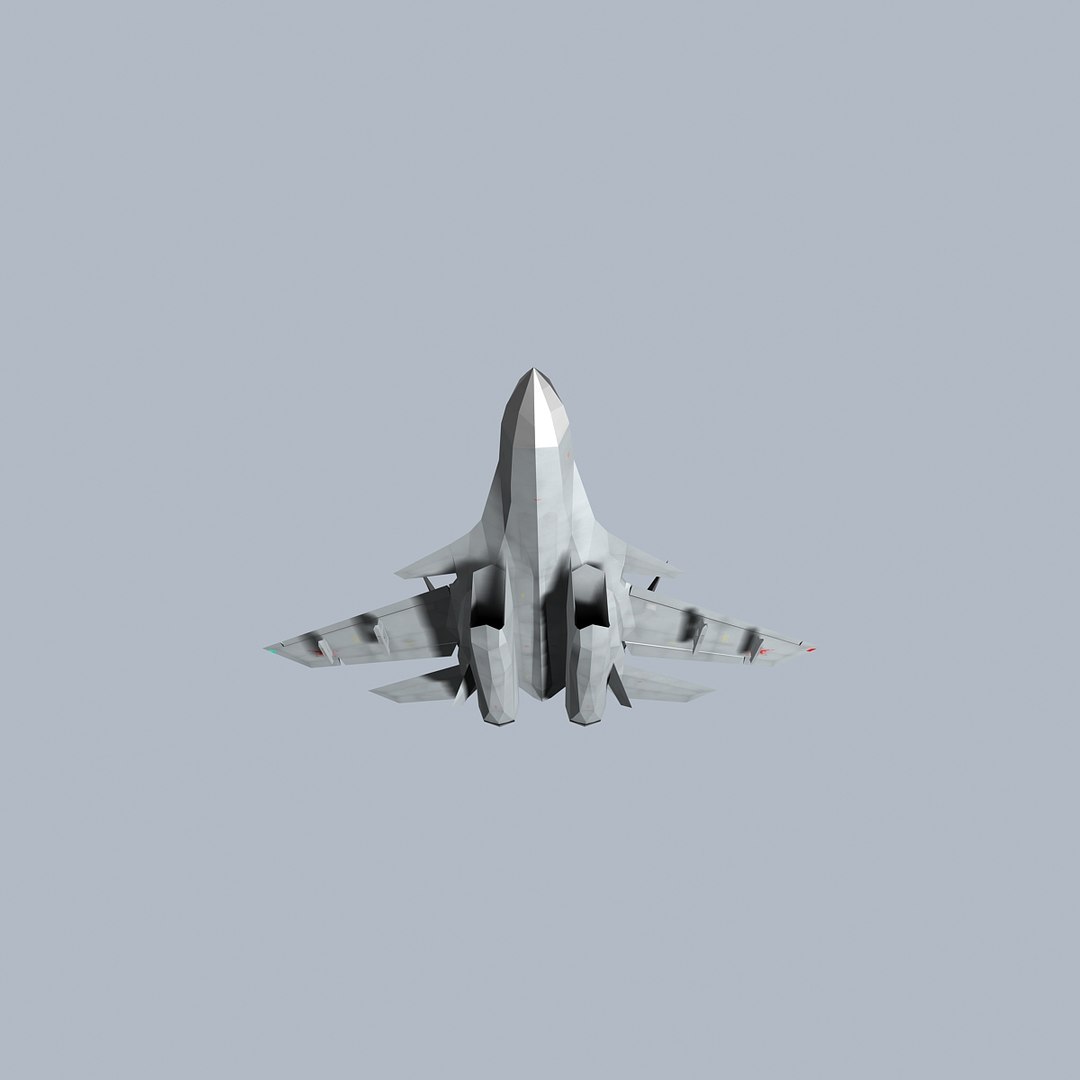
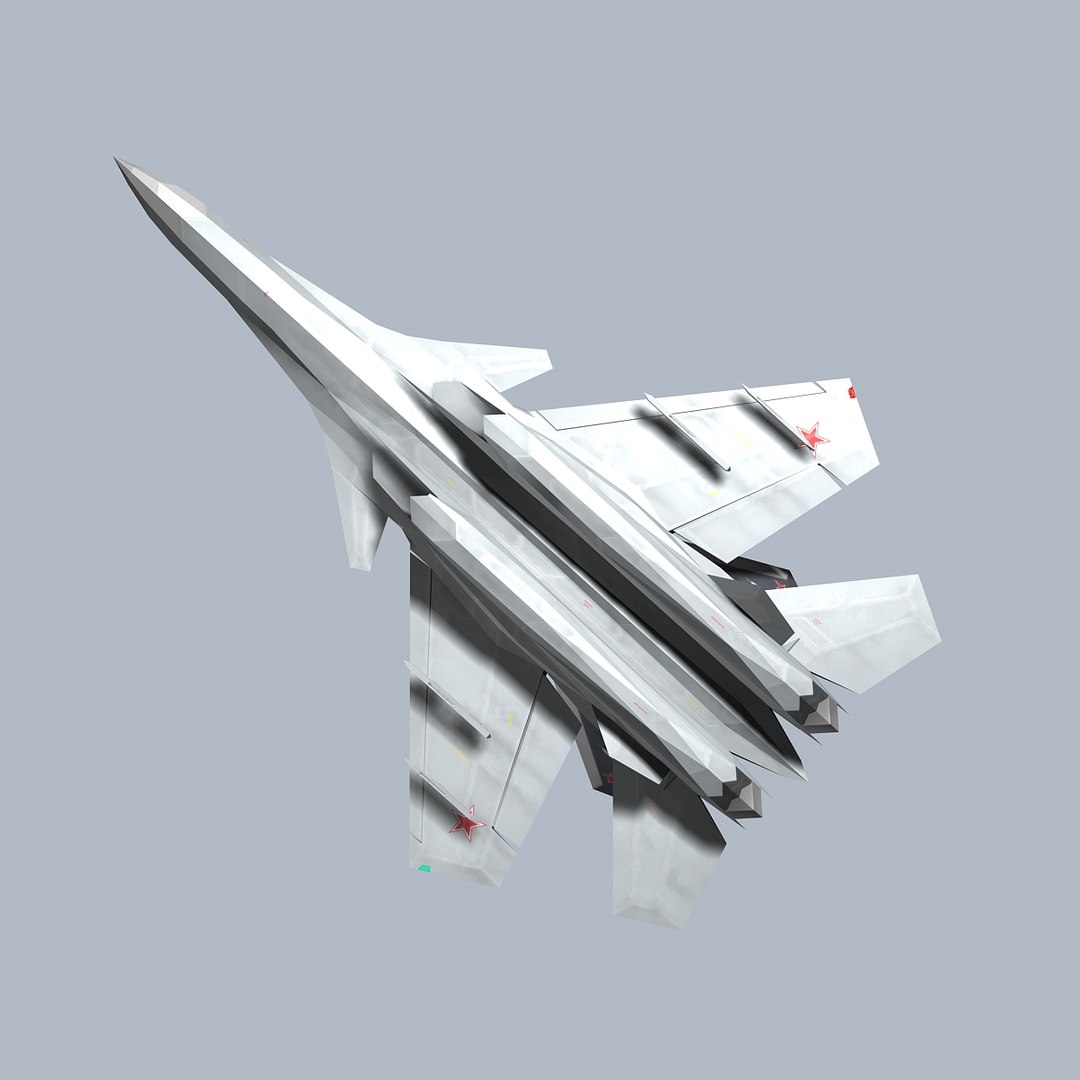
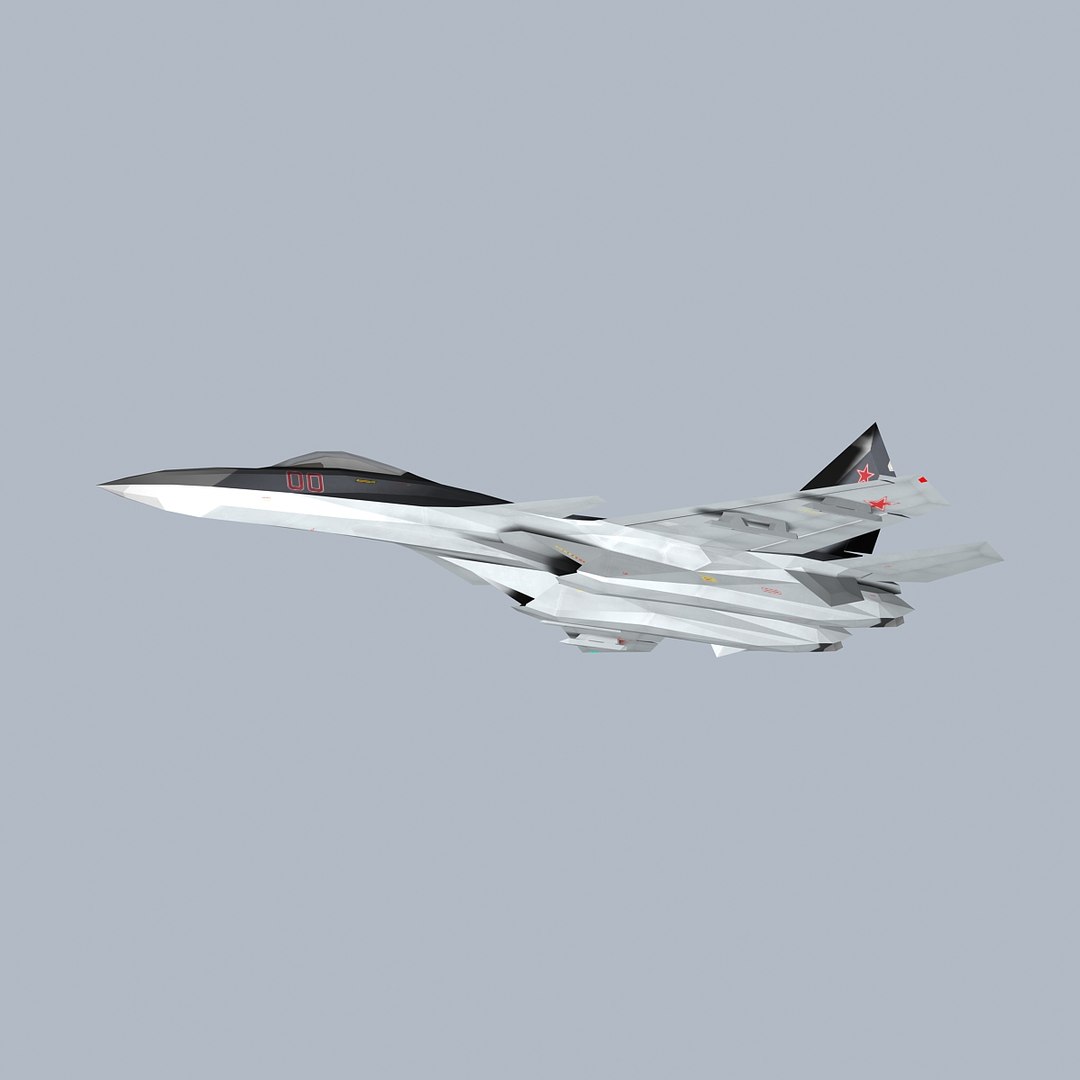
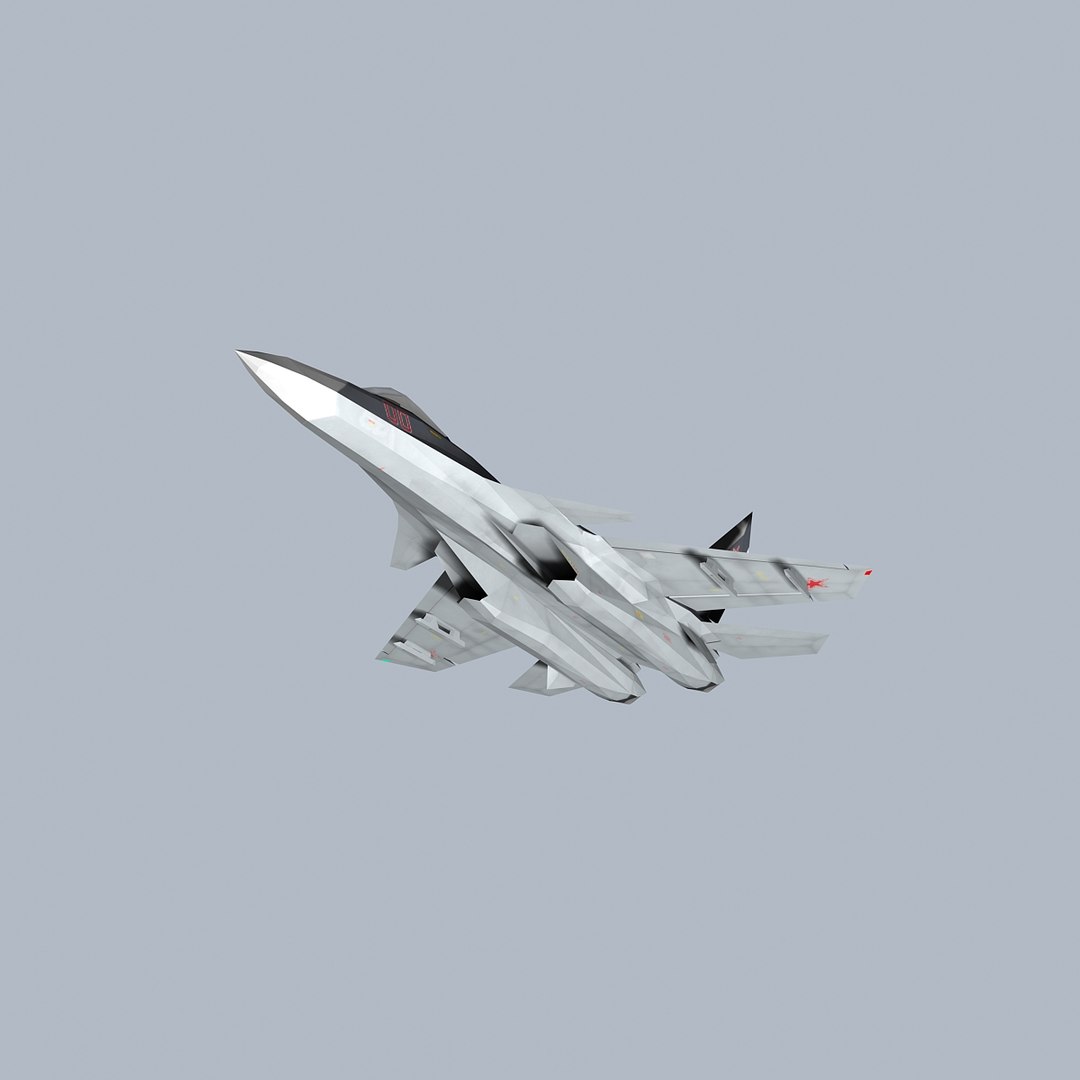
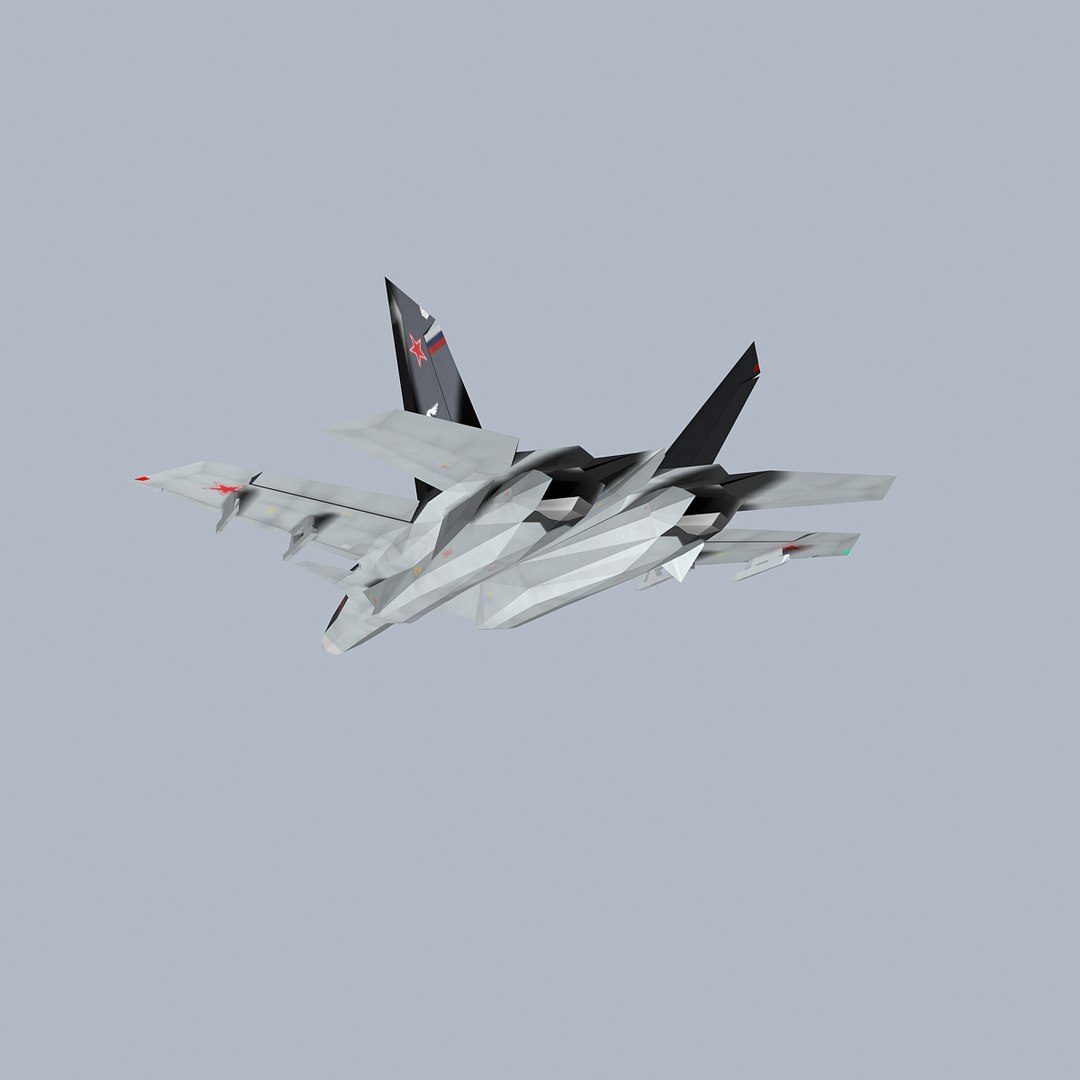
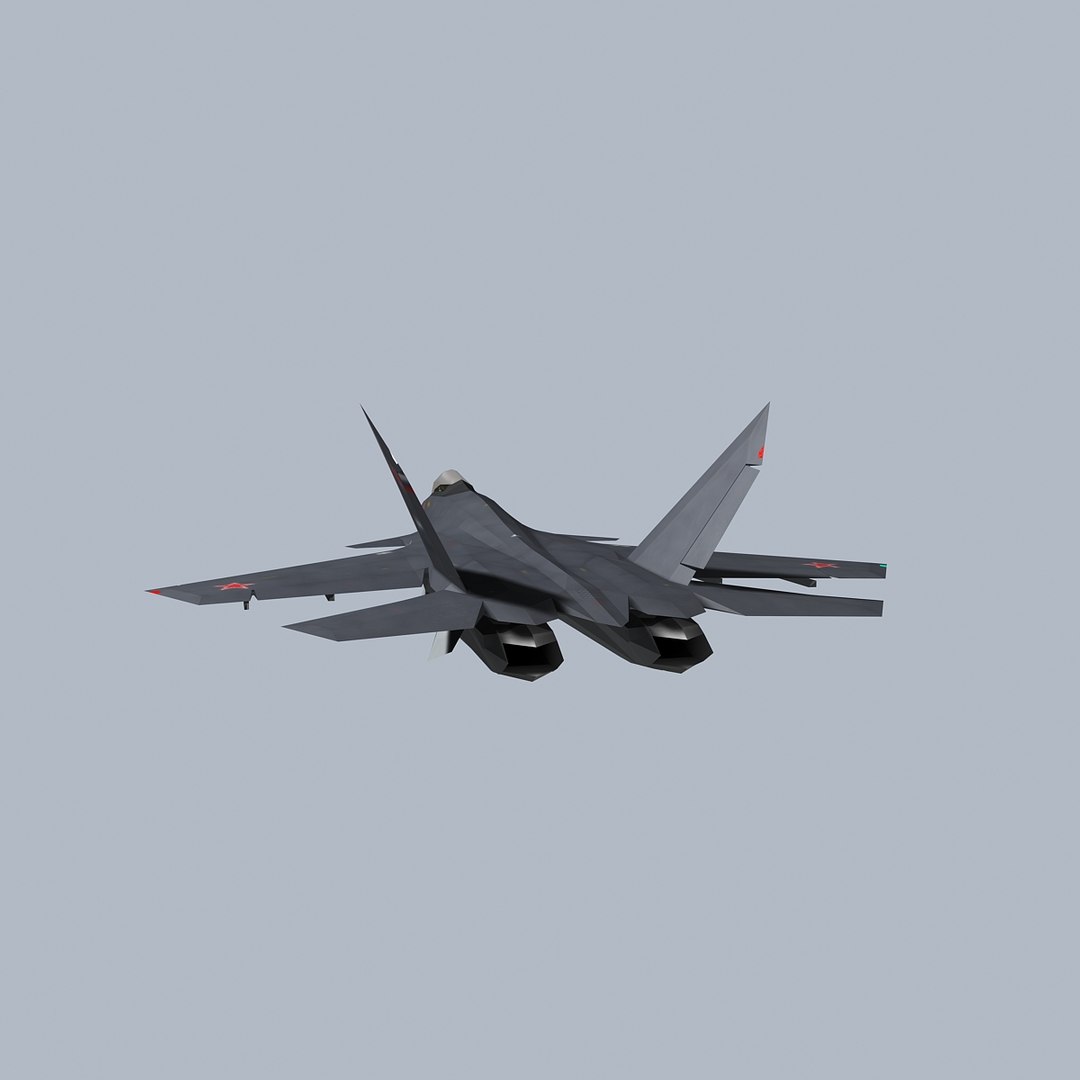
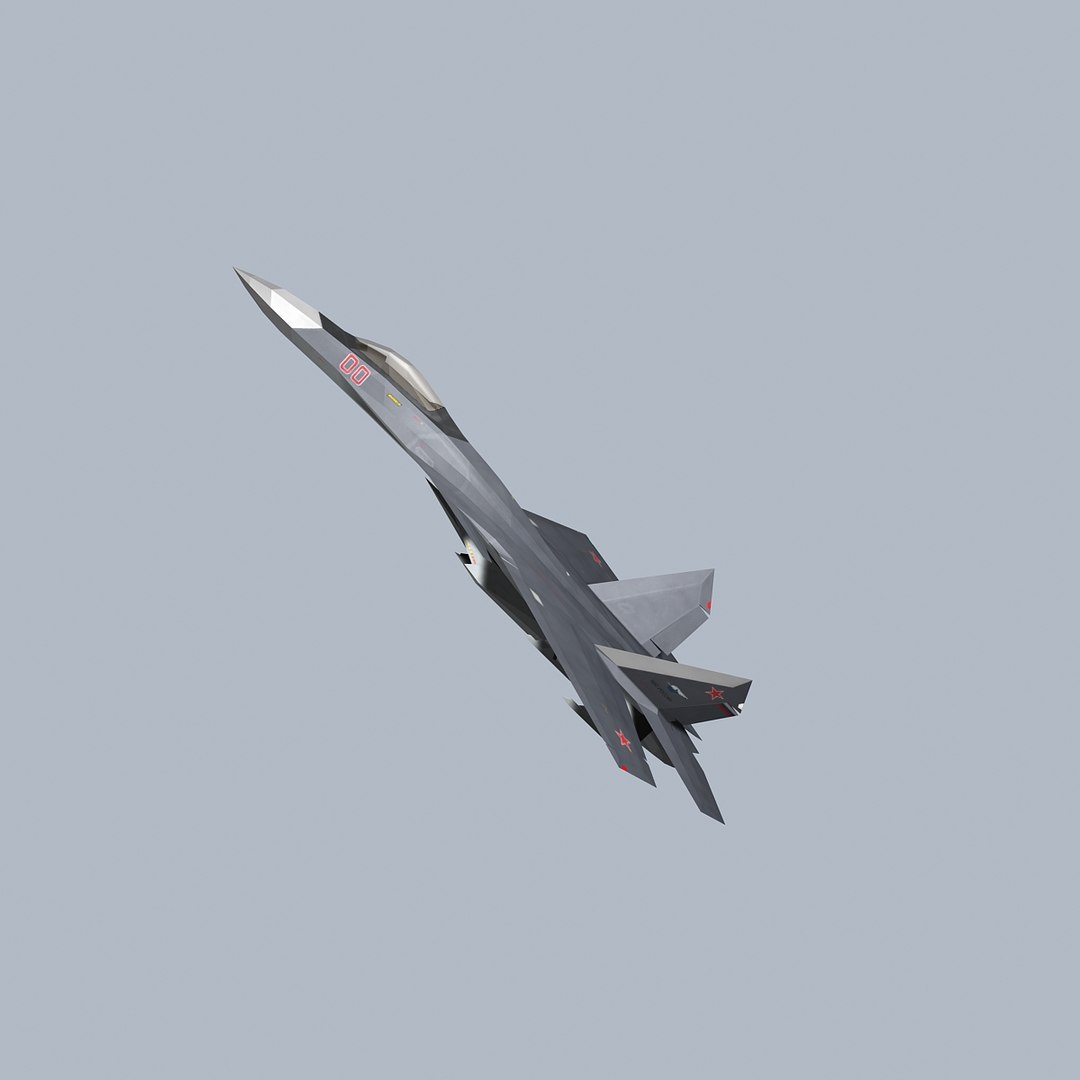
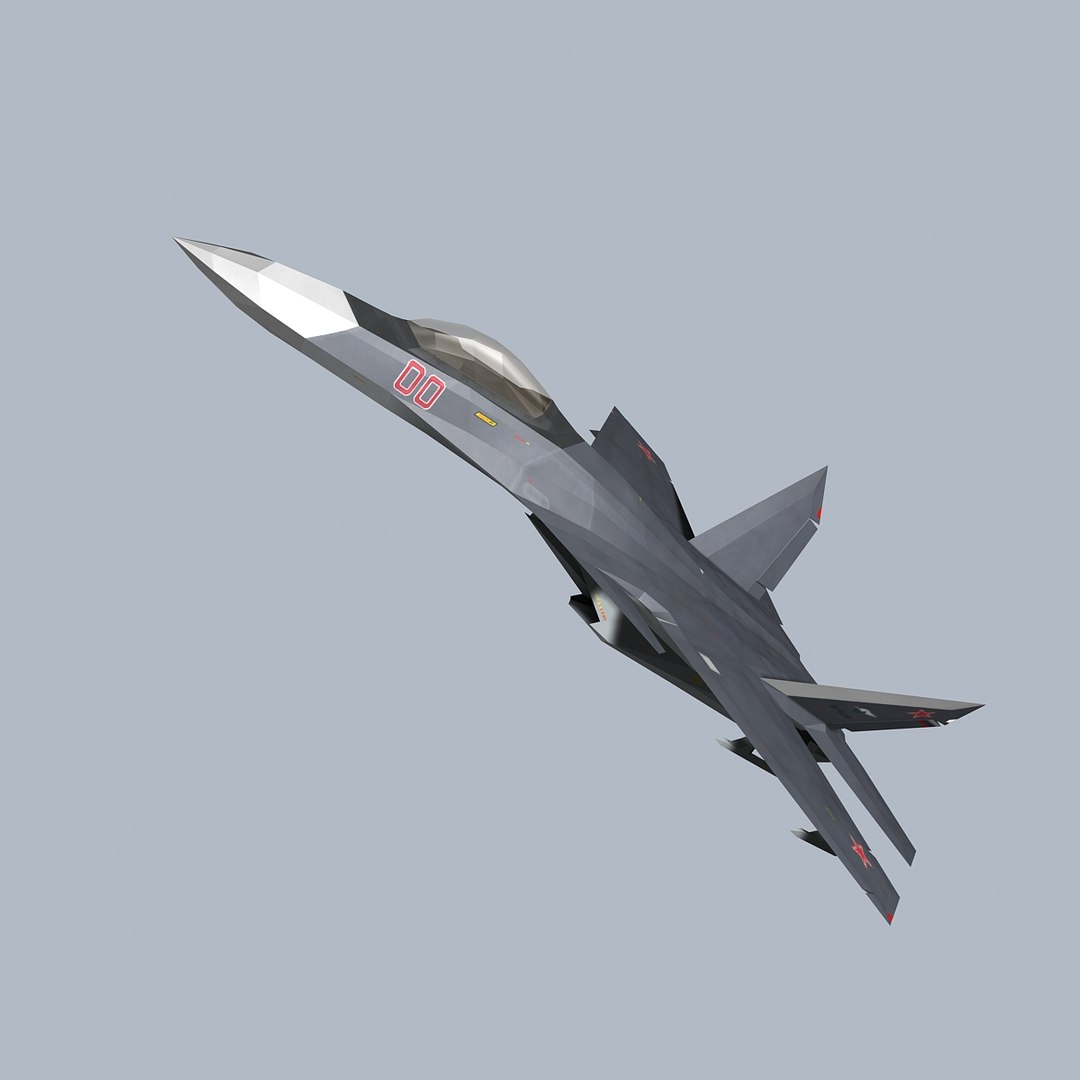
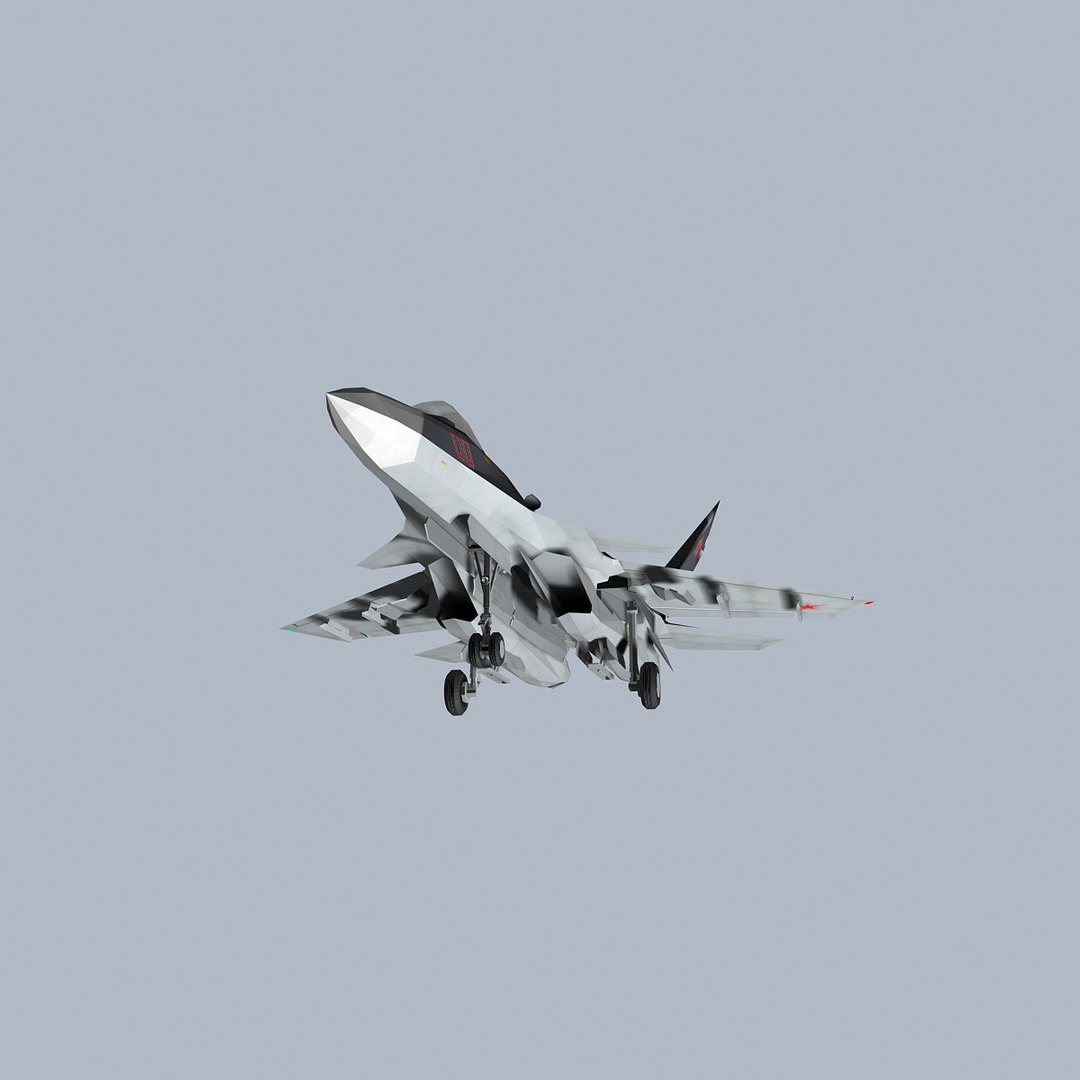
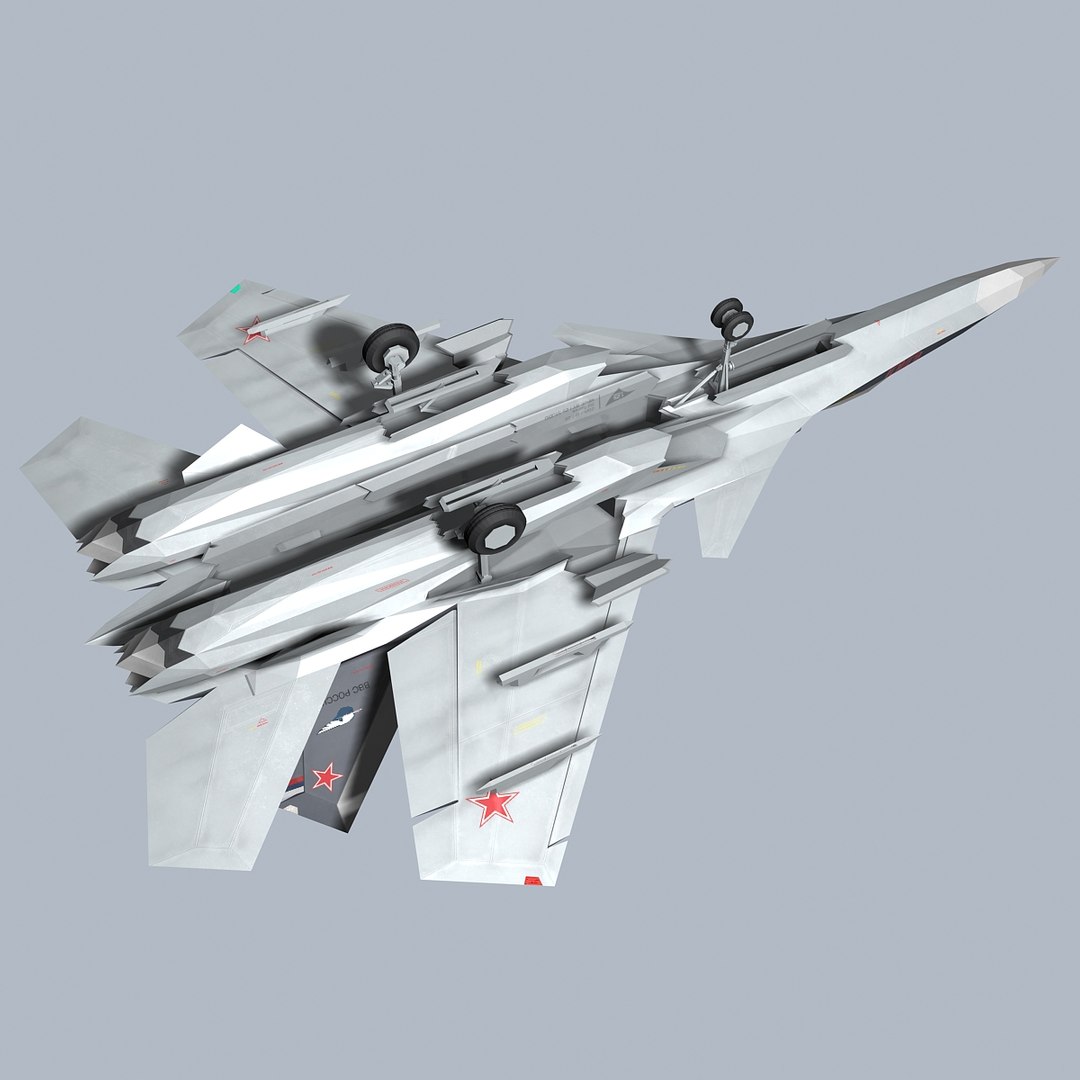
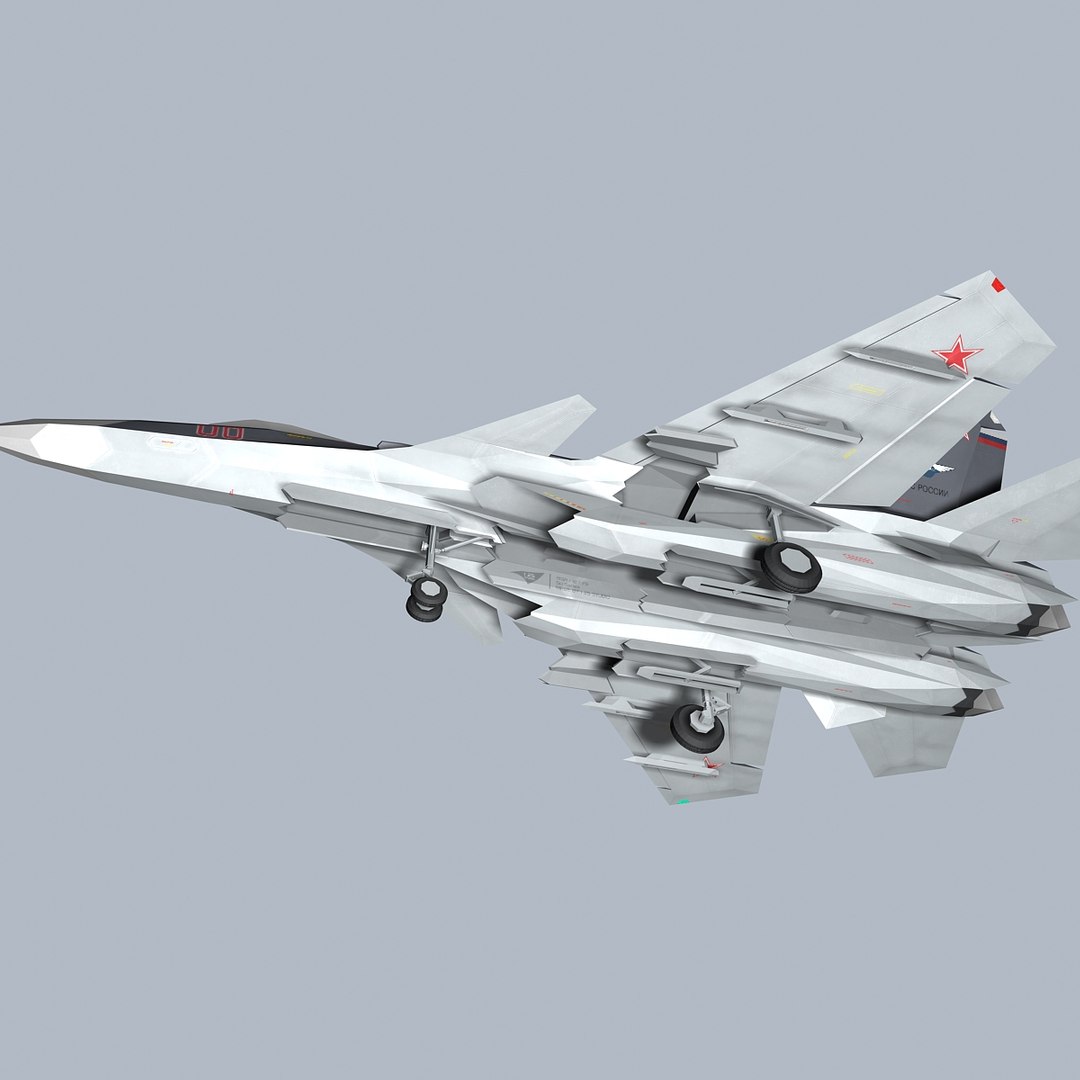
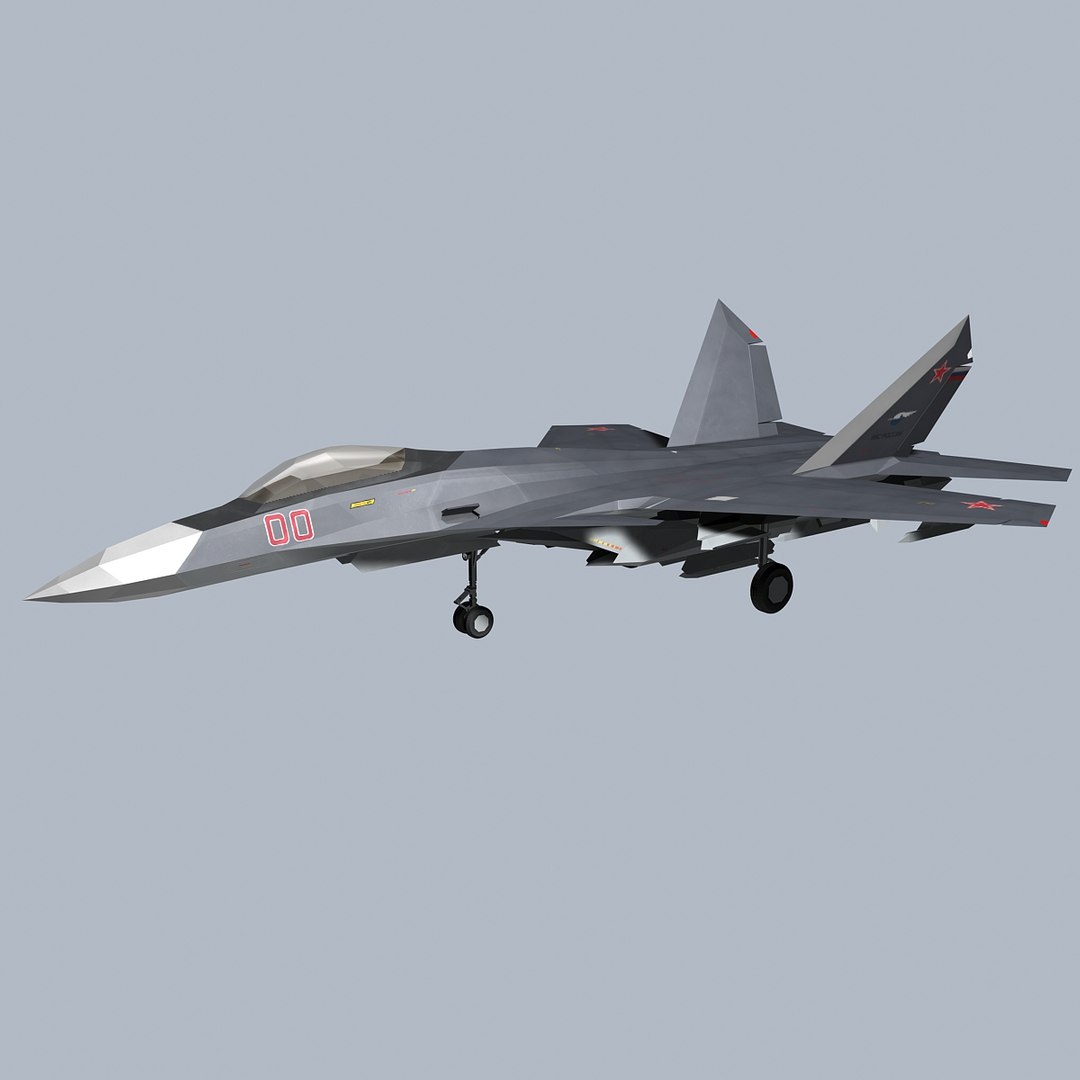
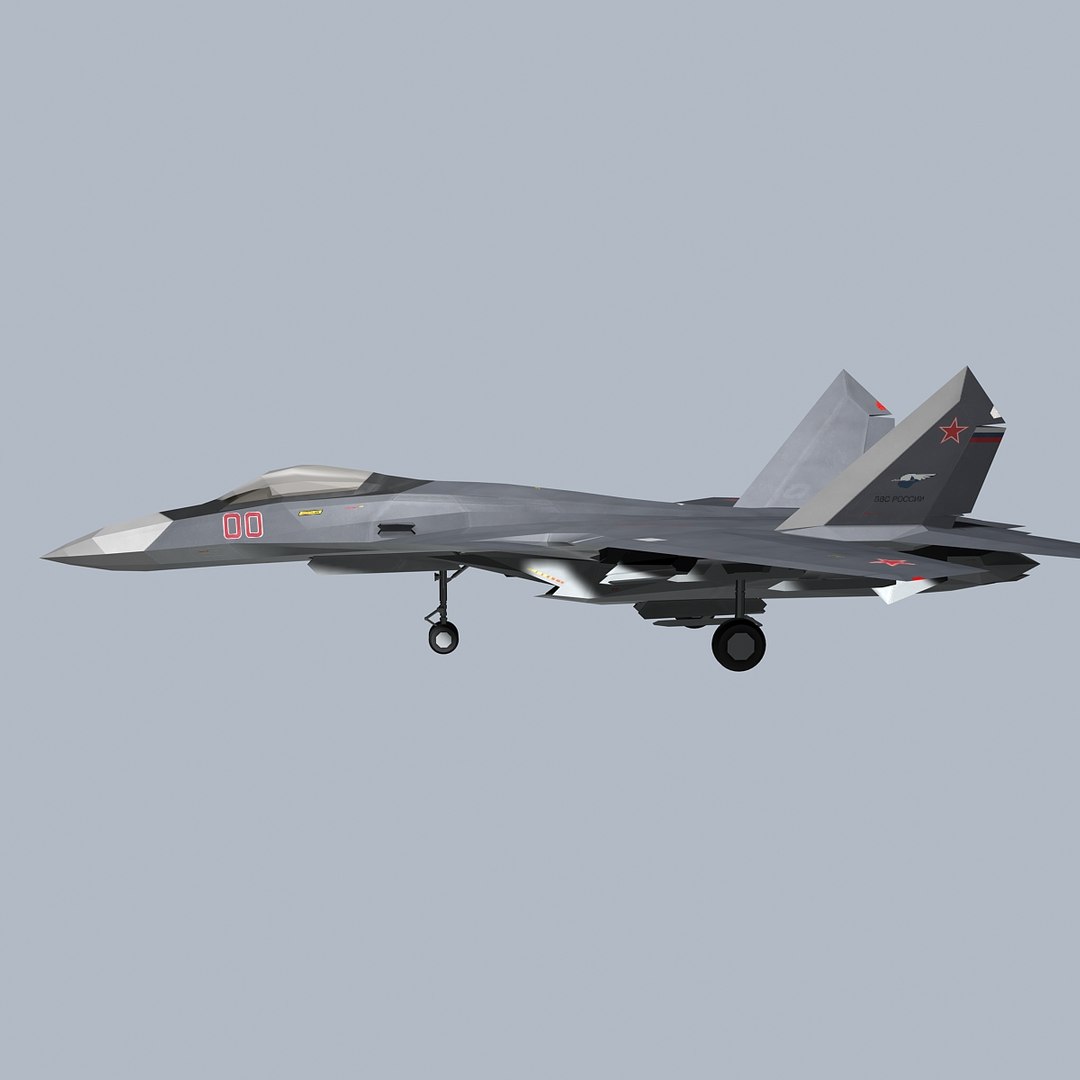
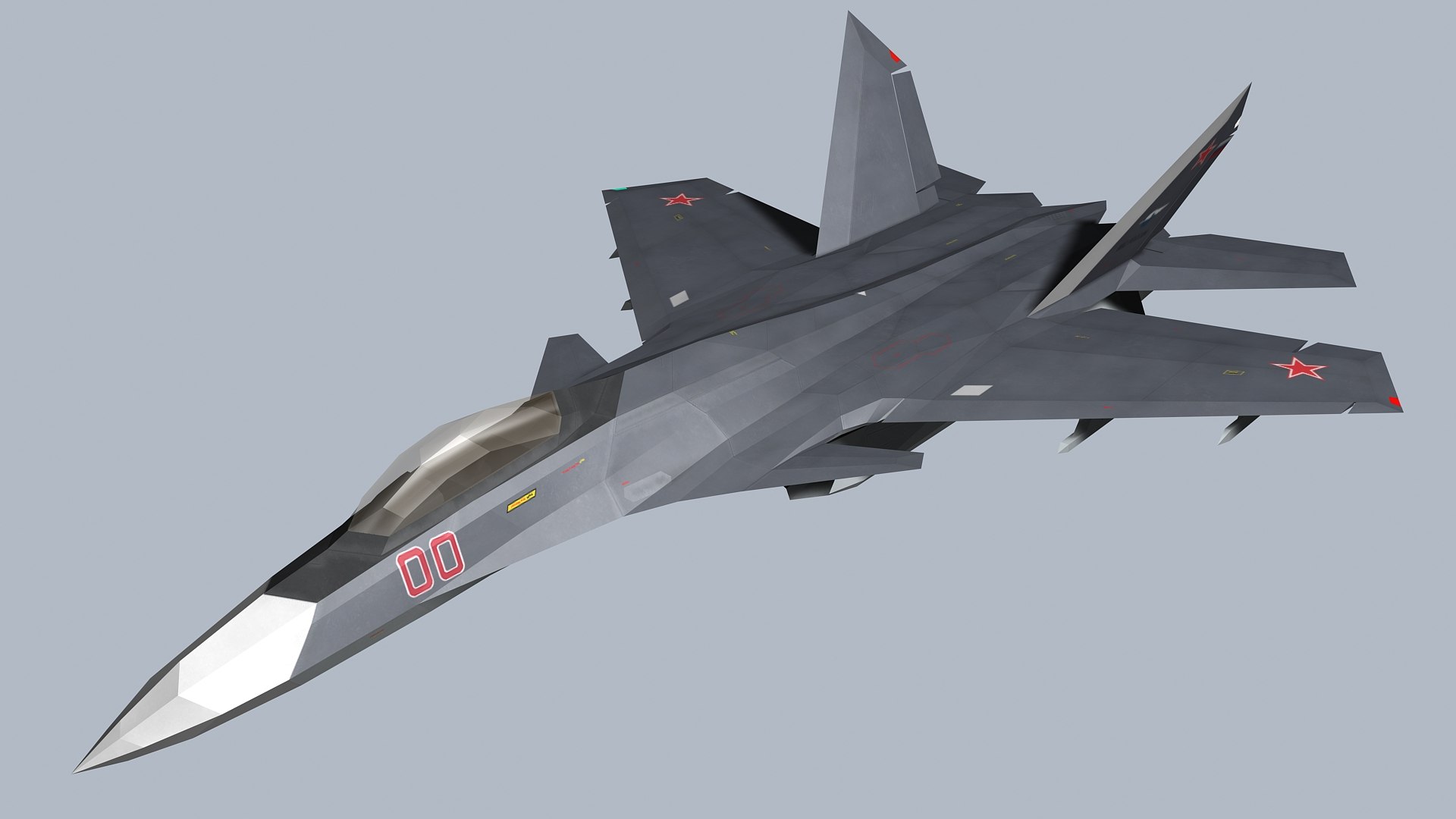
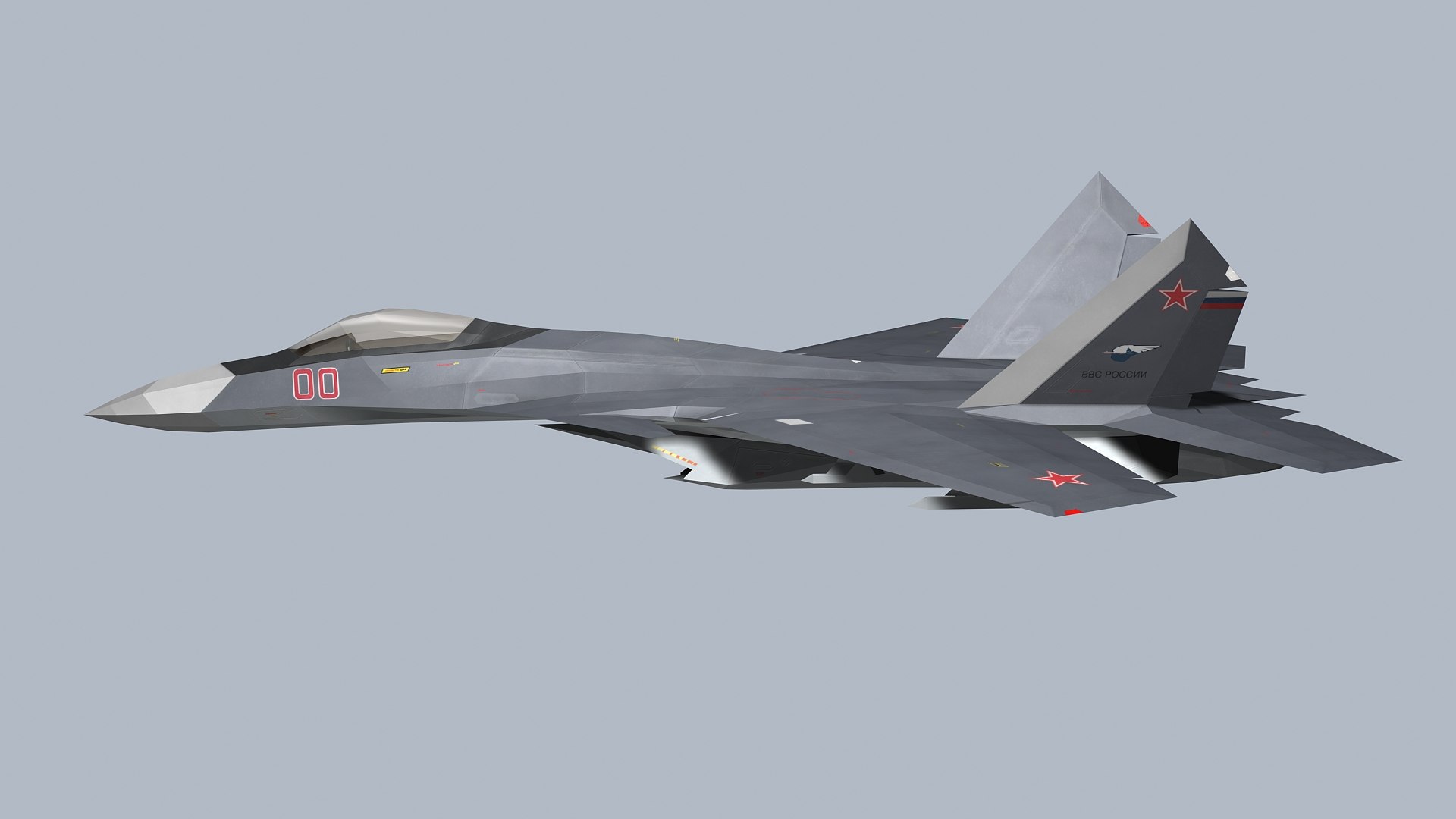
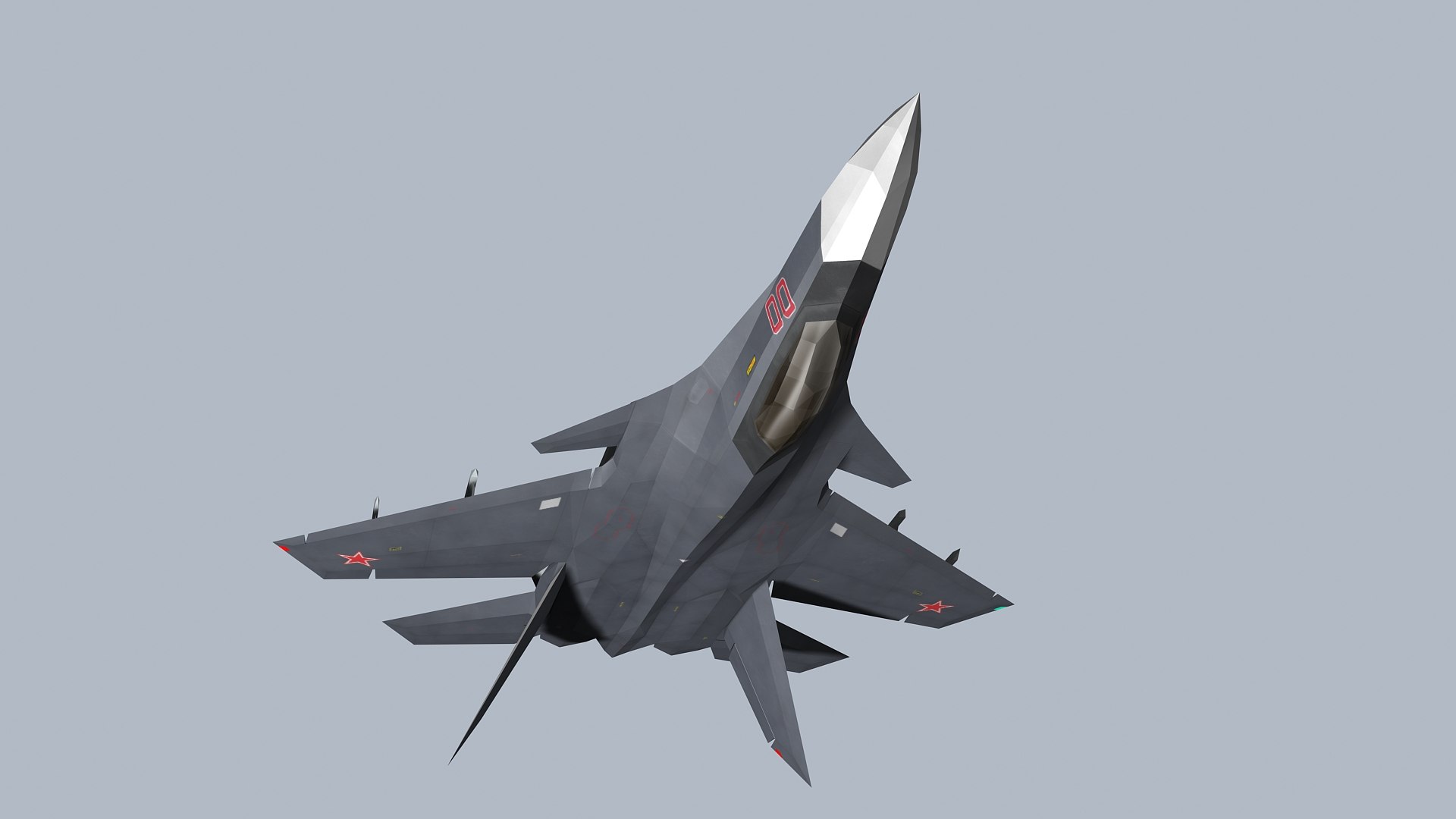
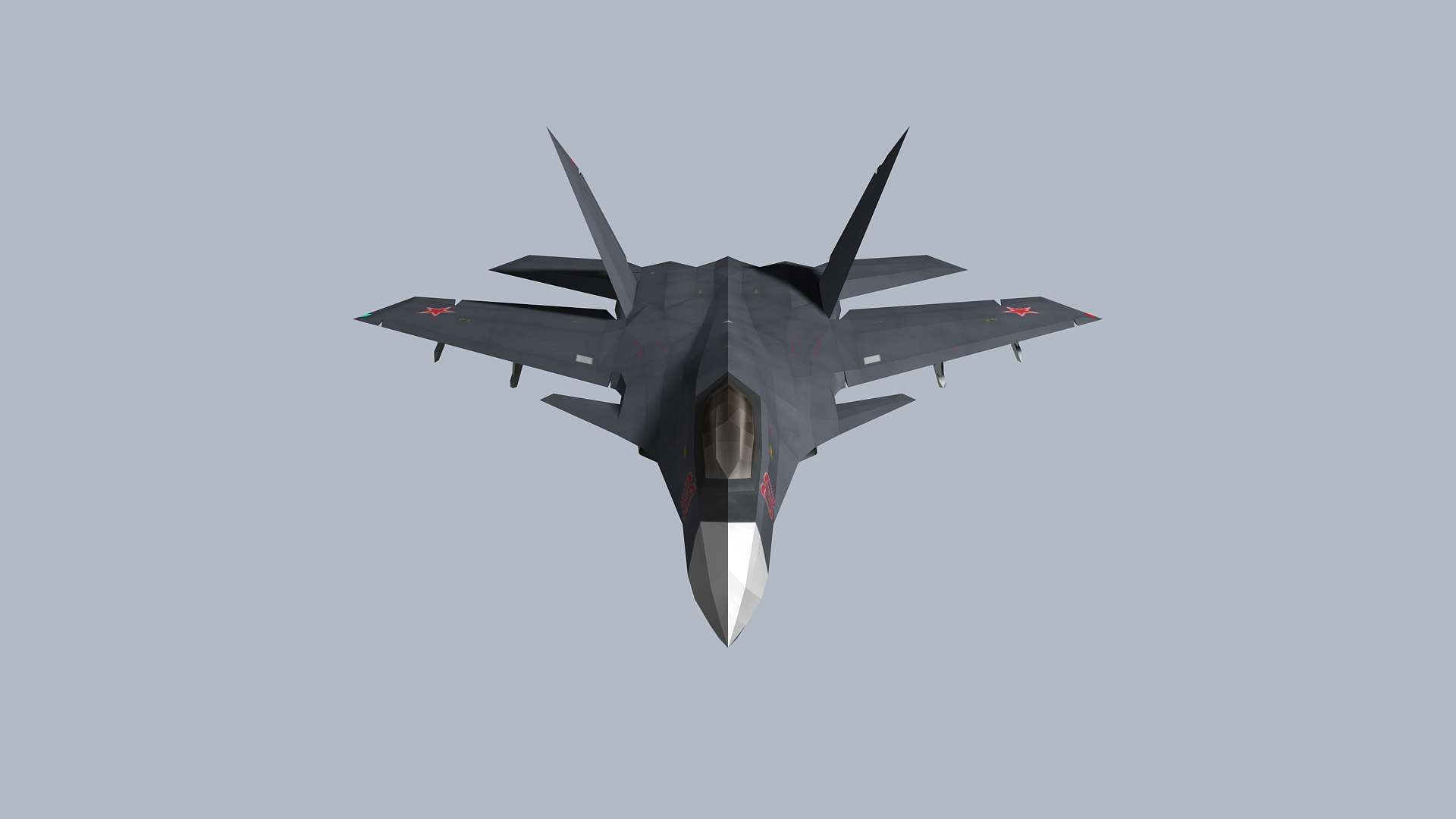
SU-33Z- Stealth Fighter

$20

Standard License | Upgrade License
Editorial Uses Only
Formats (4)
Rhino 2.0 | Other 2.0
3ds Max 2009 | Default Scanline 2009
OBJ
FBX
Specifications
Publish Date September 10, 2022
Product ID 1956544
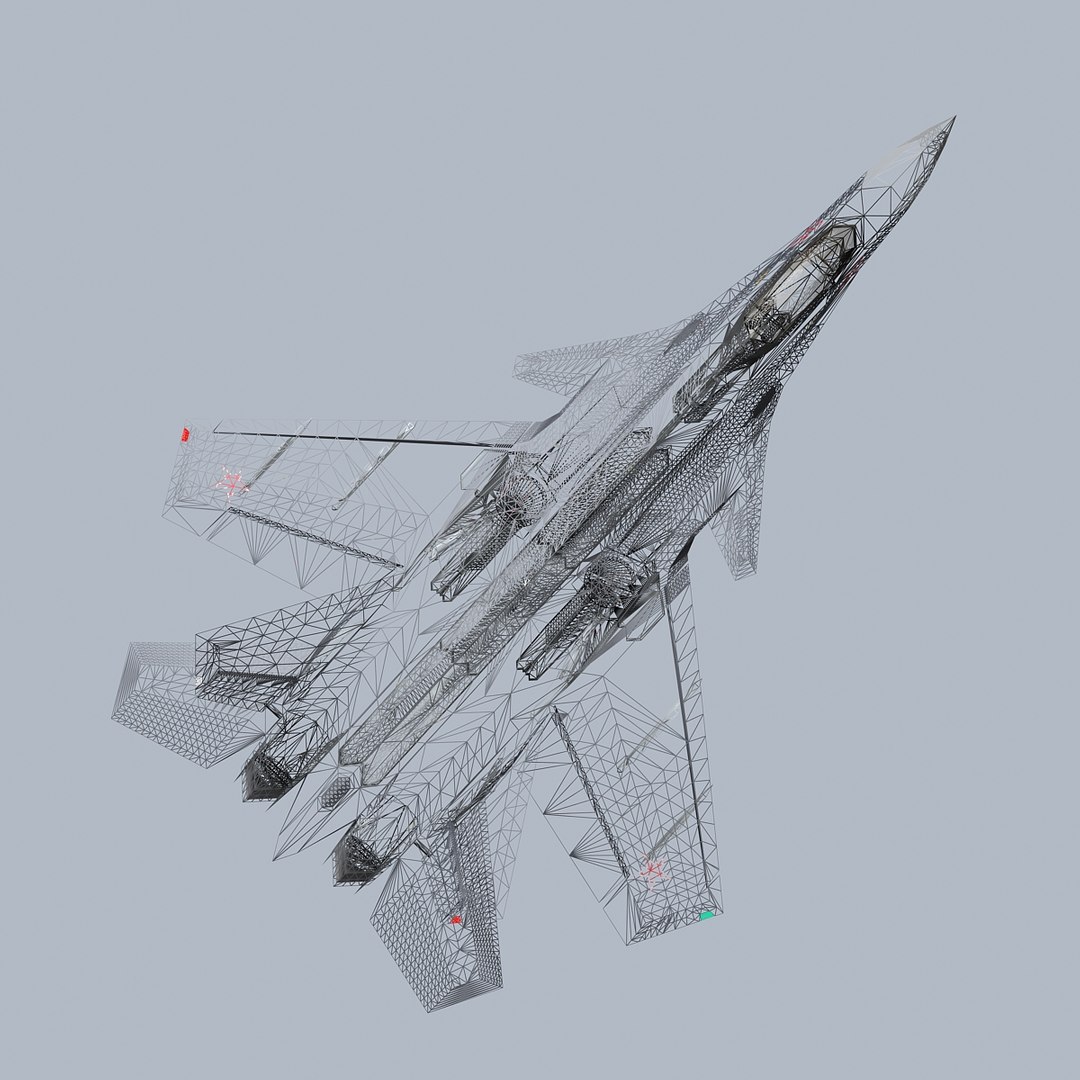
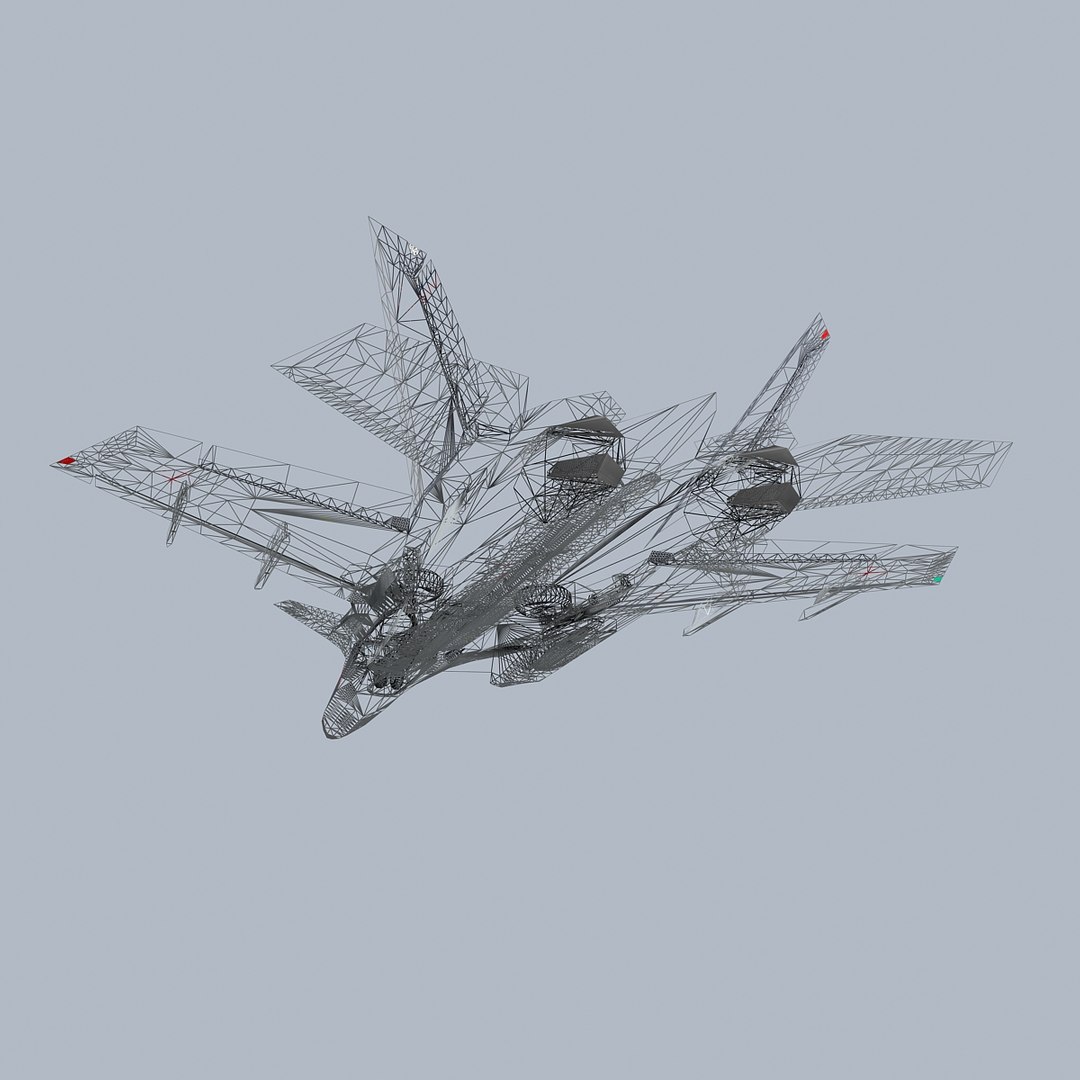
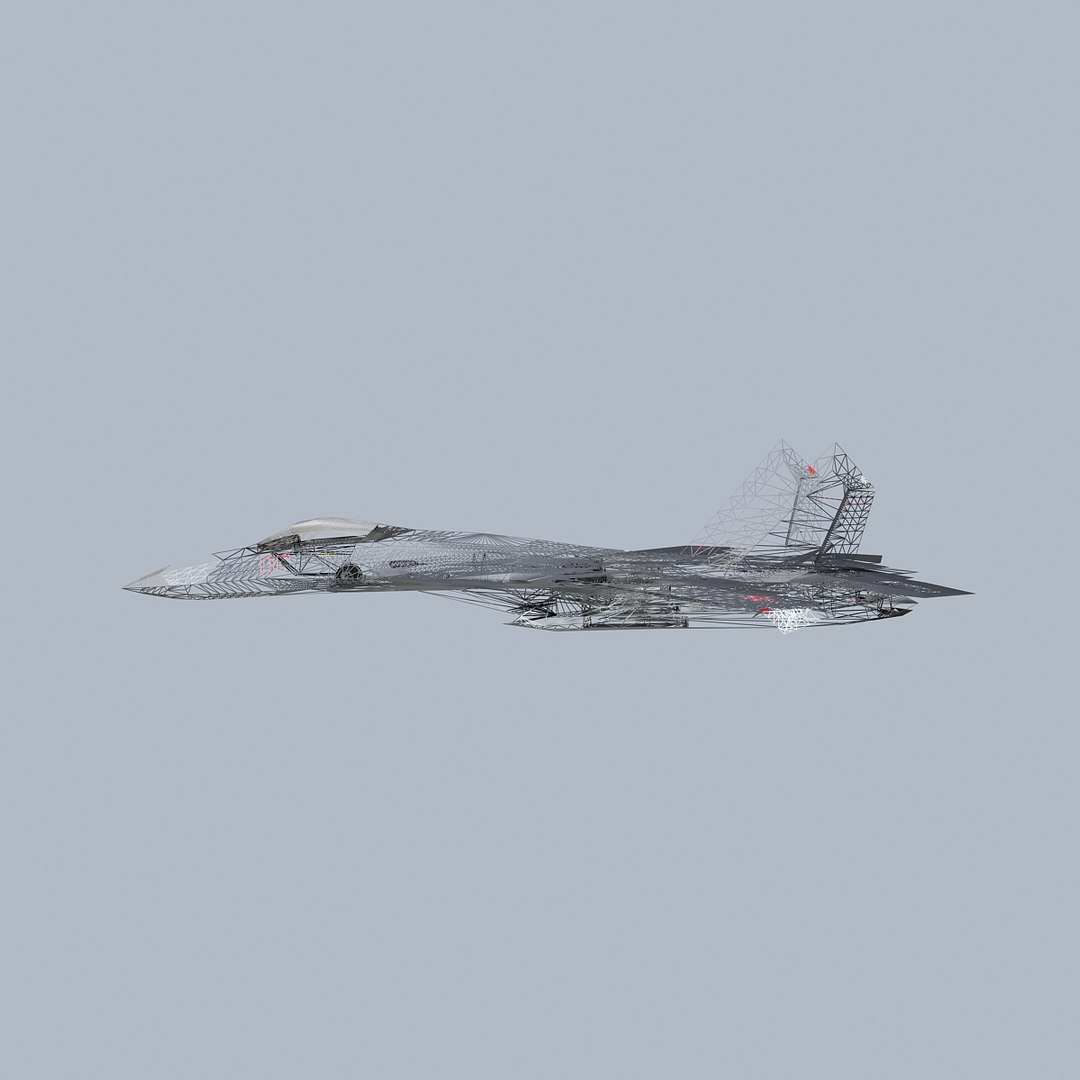
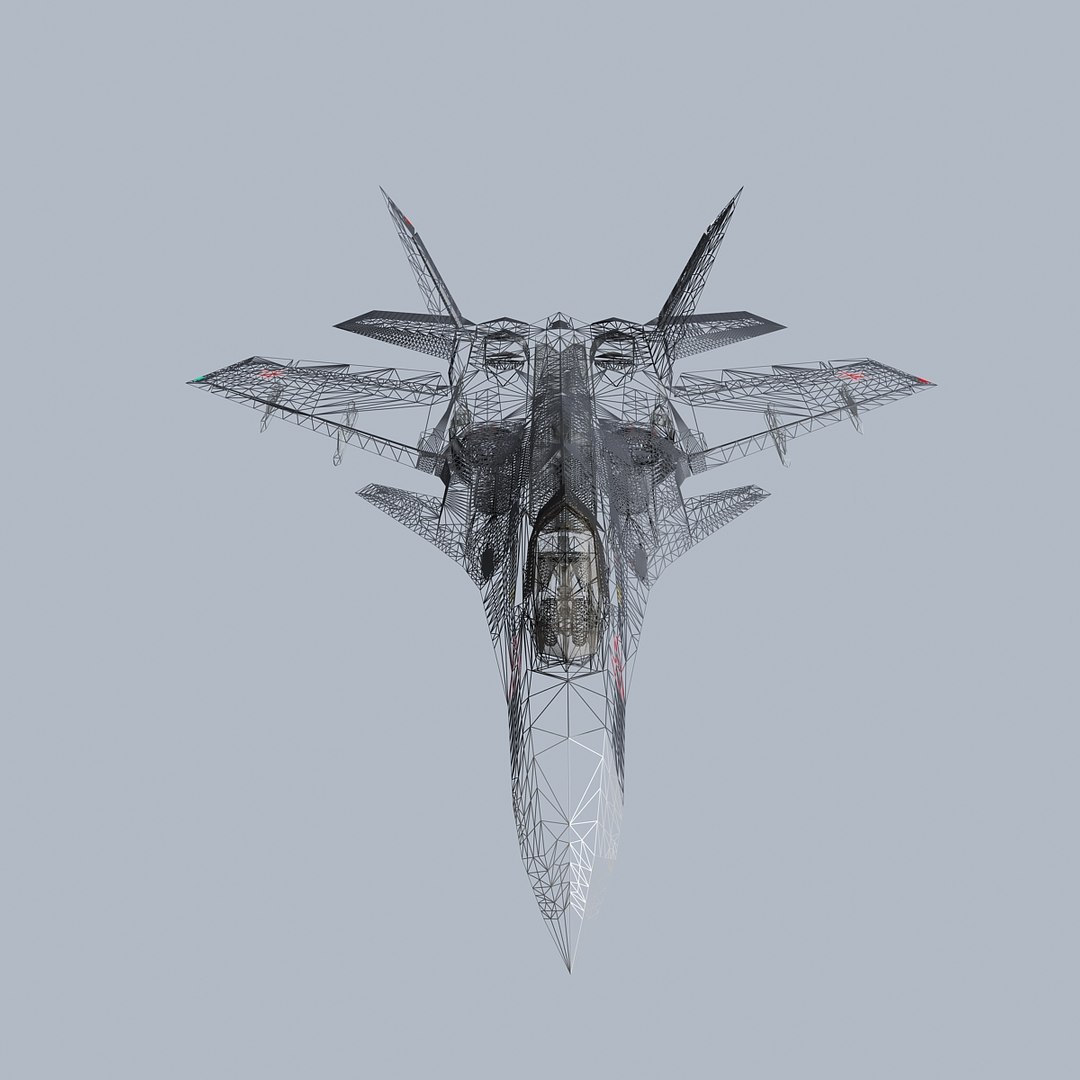
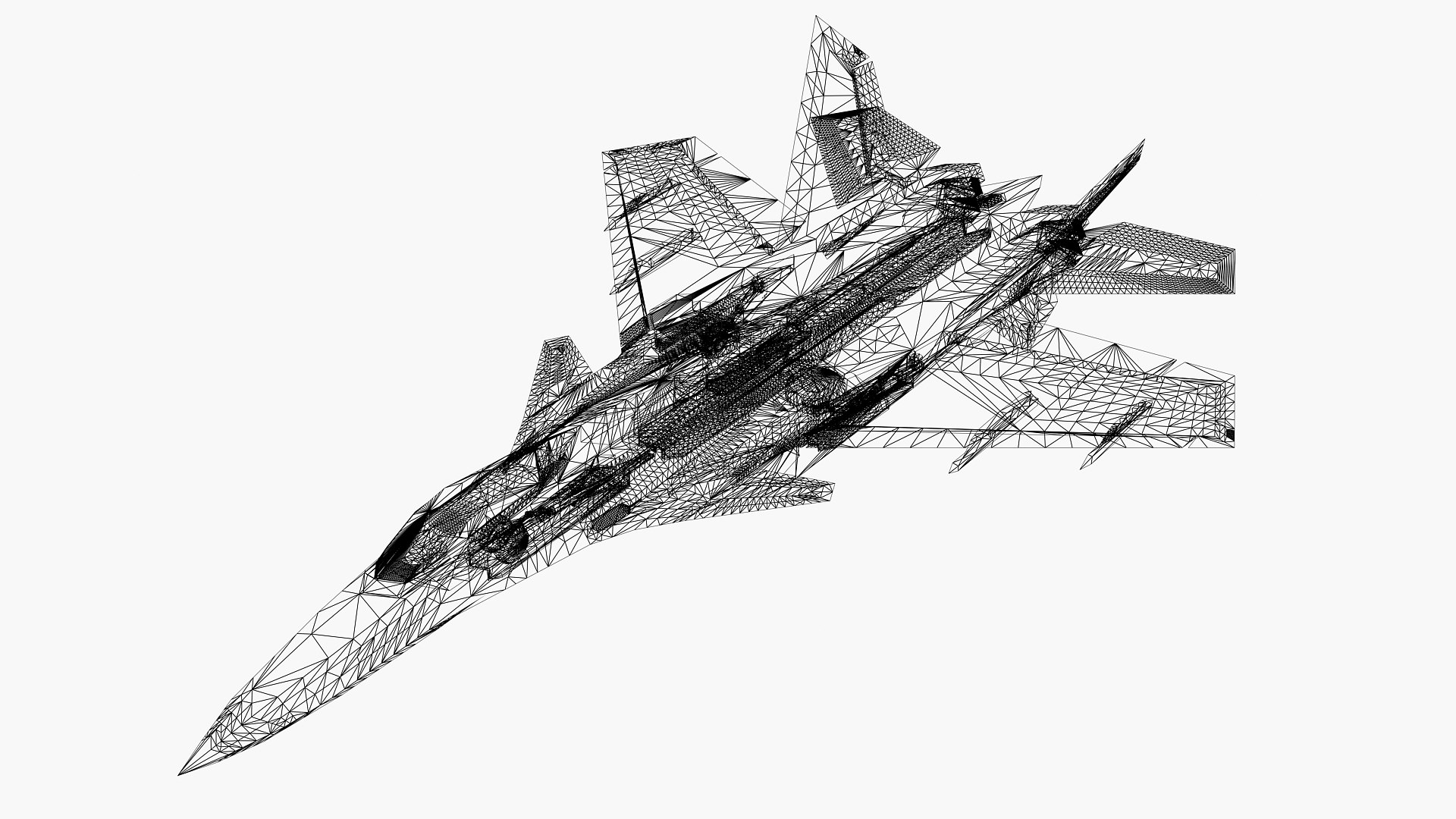
Polygons 45,208
Vertices 43,432
Polygonal Quads/Tris Geometry
Textures
Materials
UV Mapped
Mixed Unwrapped UVs
Animated
TurboSquid Exclusive

member avatar
icdi1257
16 Products | Contributor Since 2015
Have questions? Chat with us now.

Description

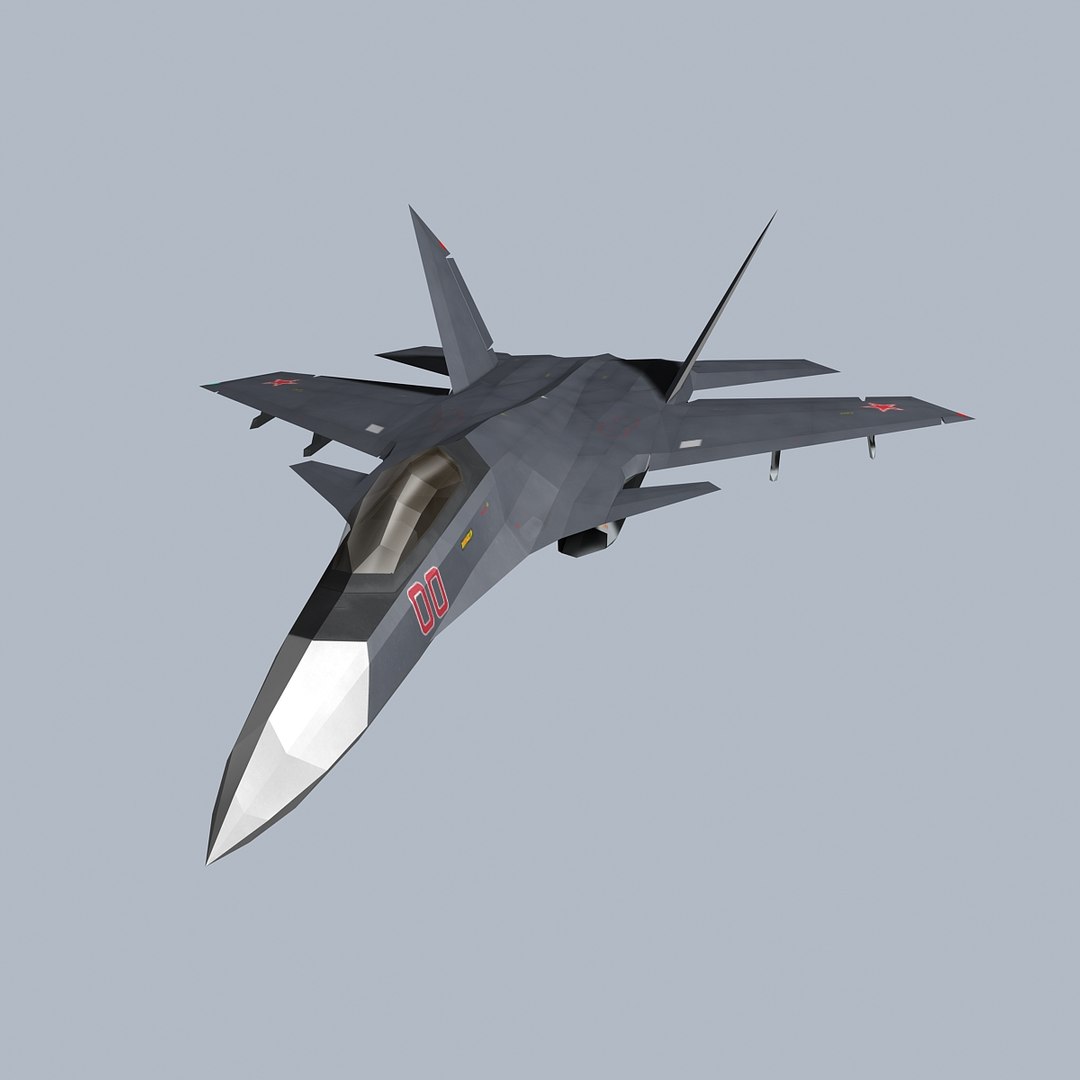
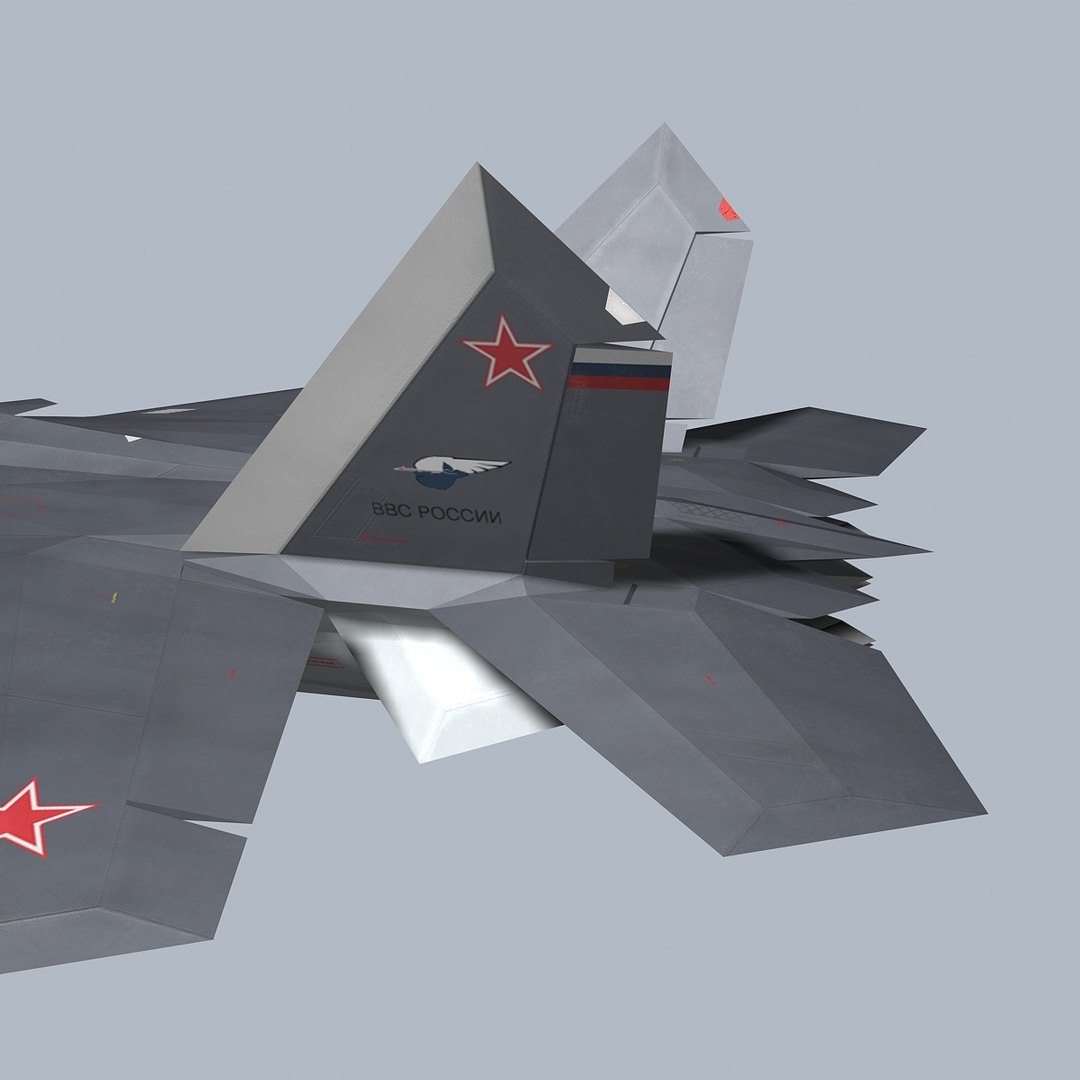
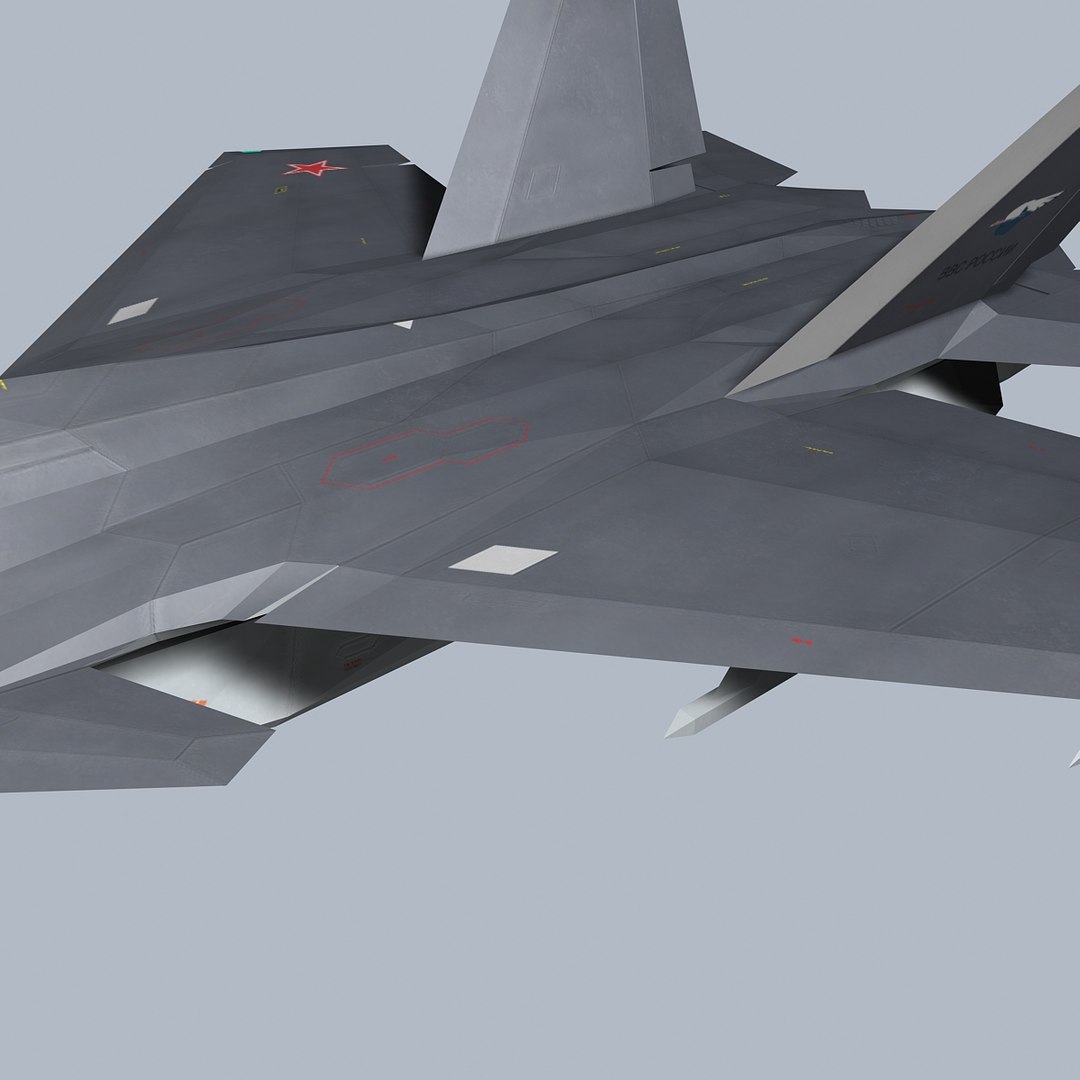
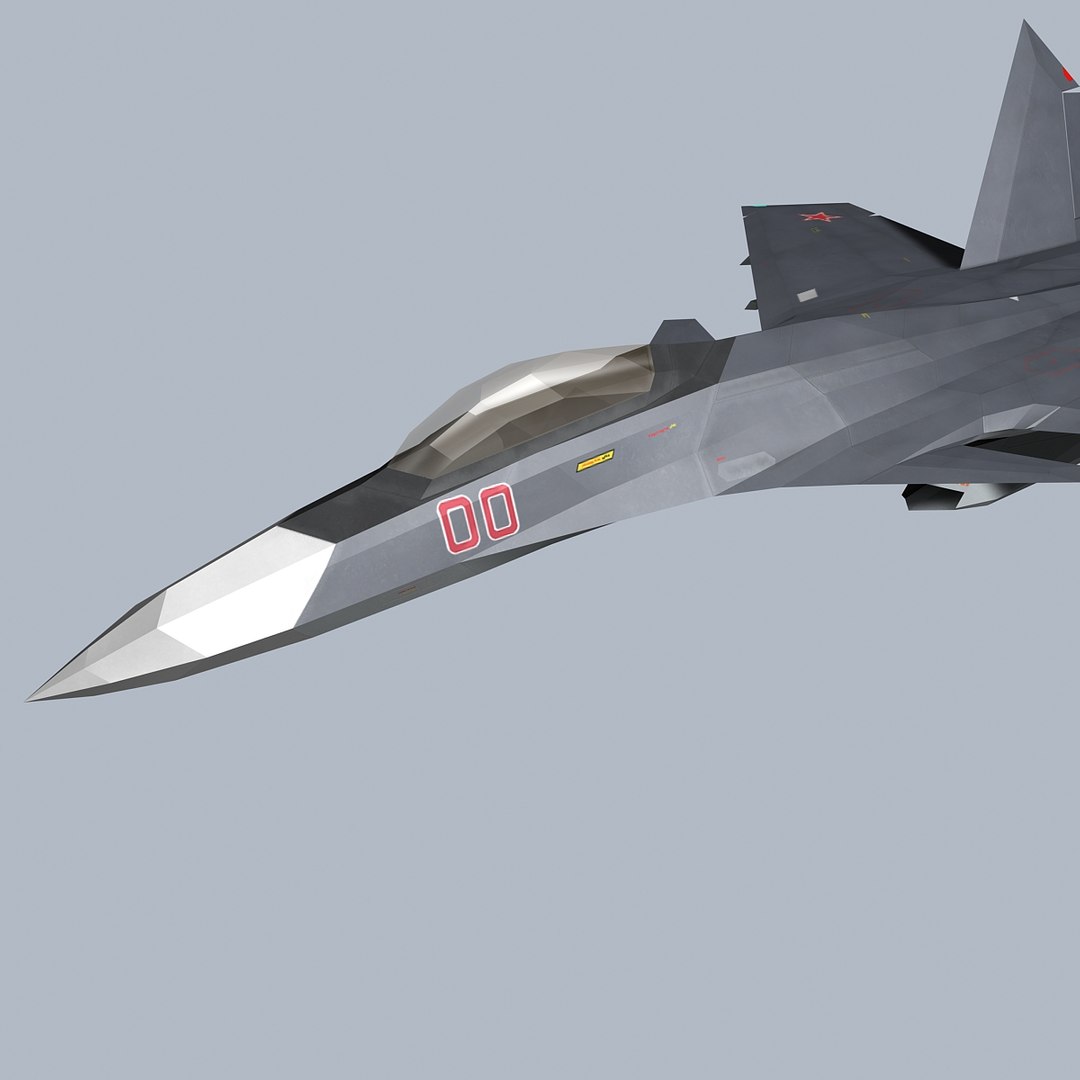
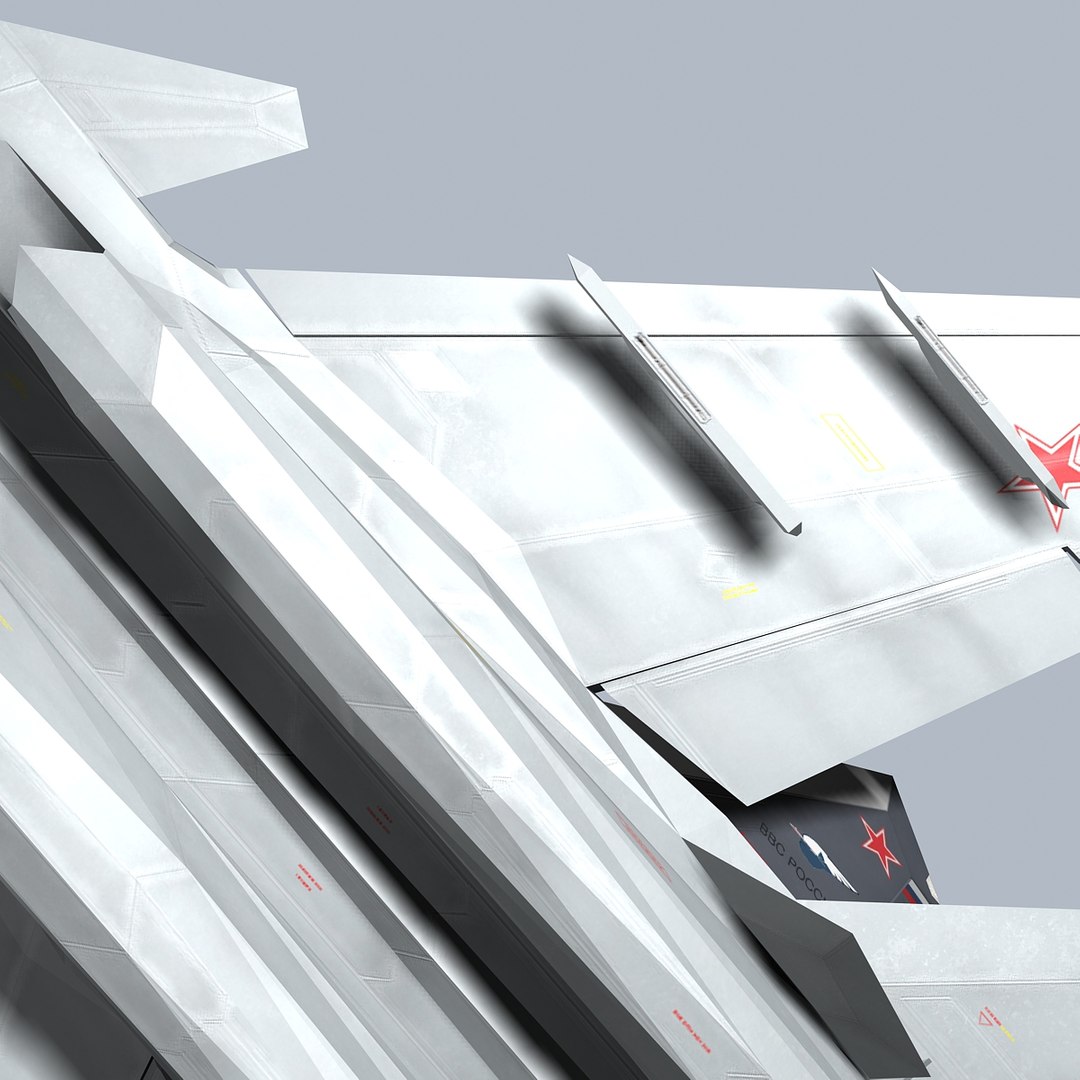
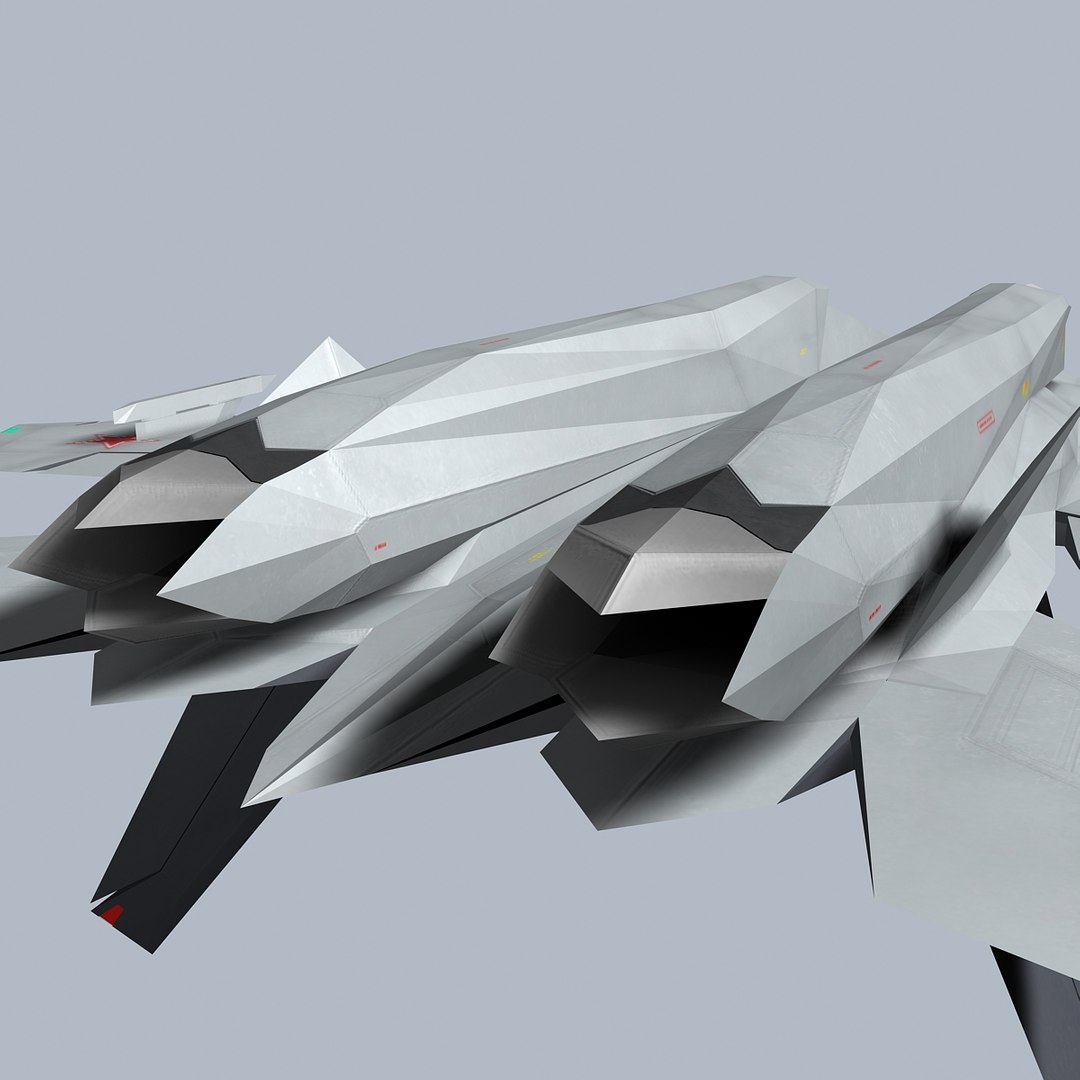
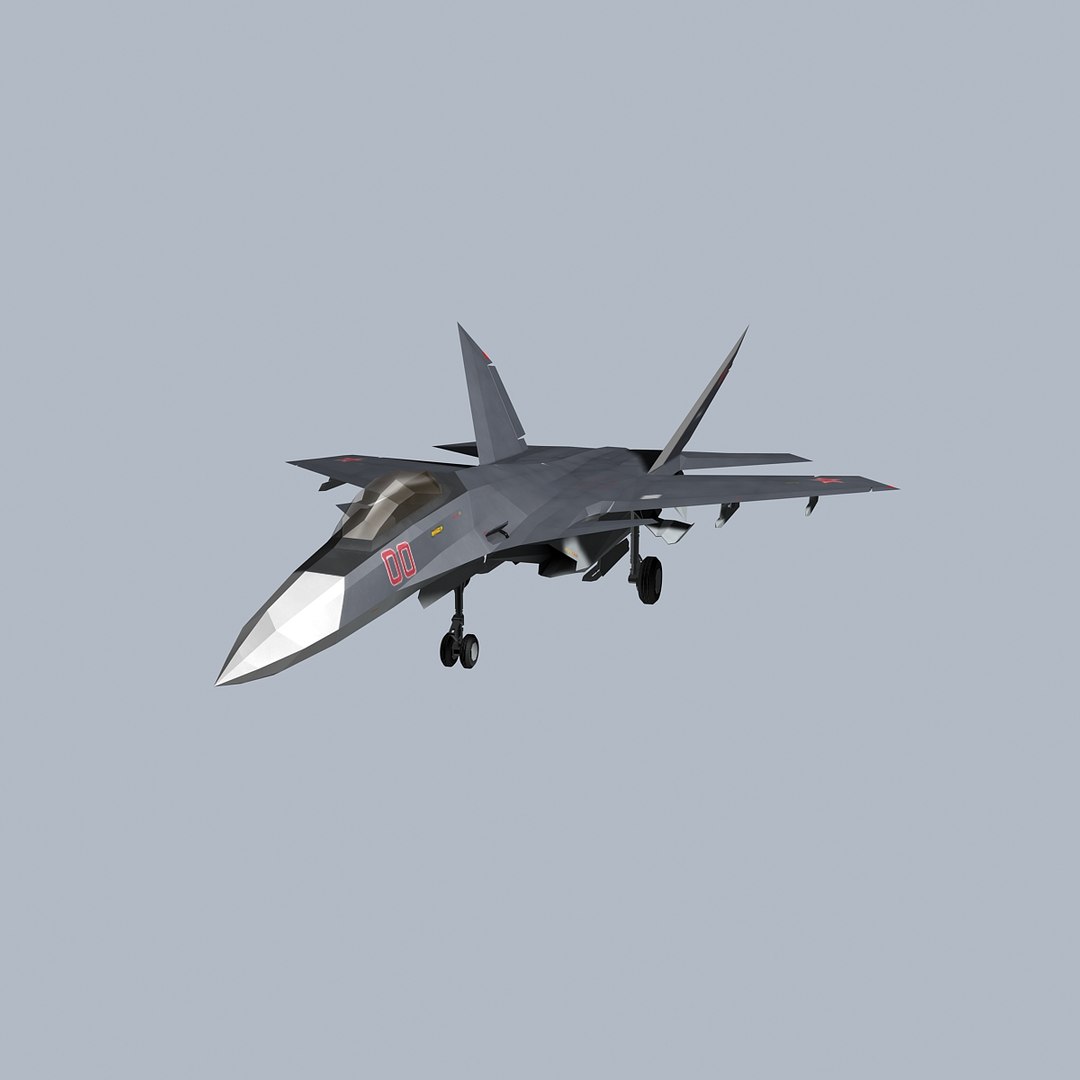
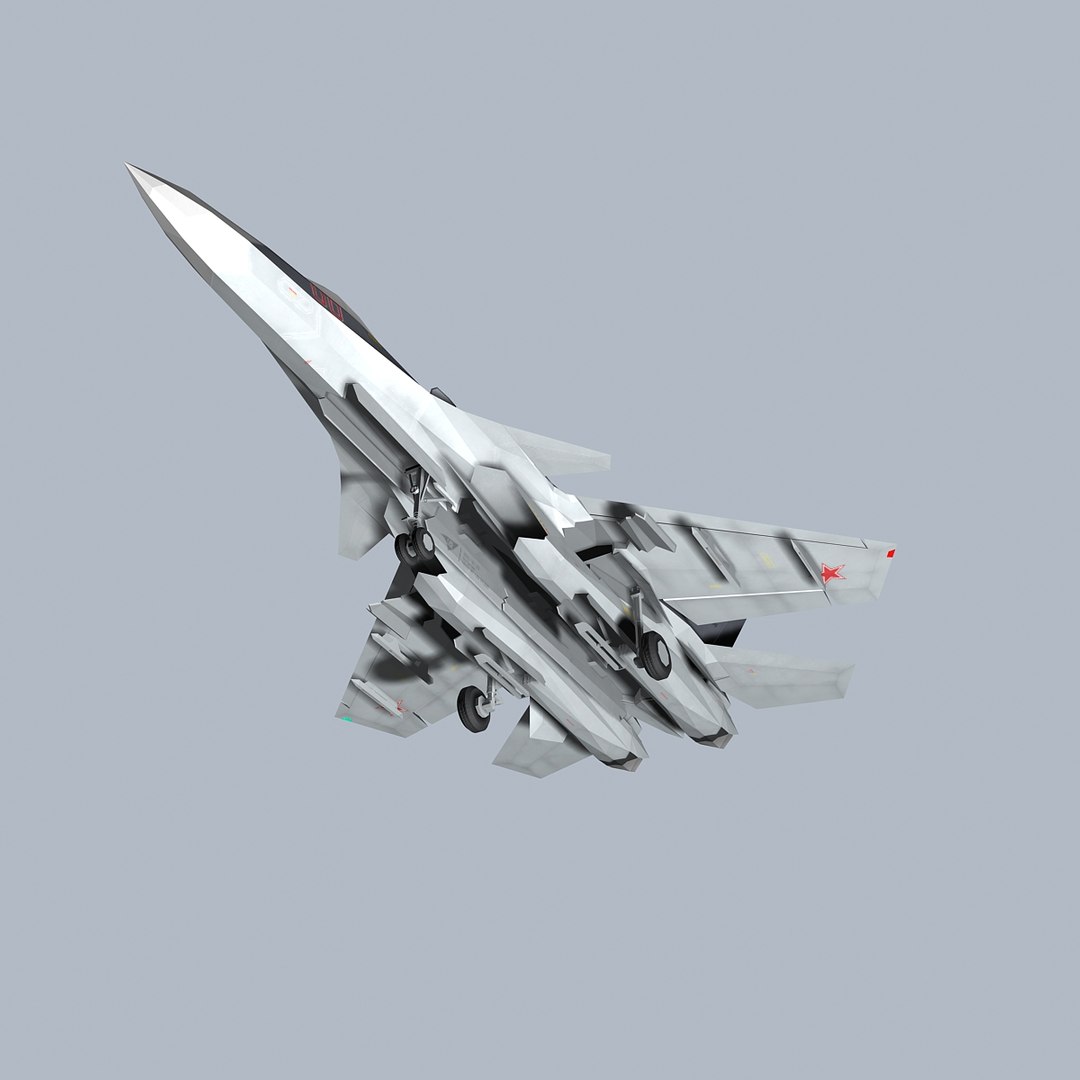
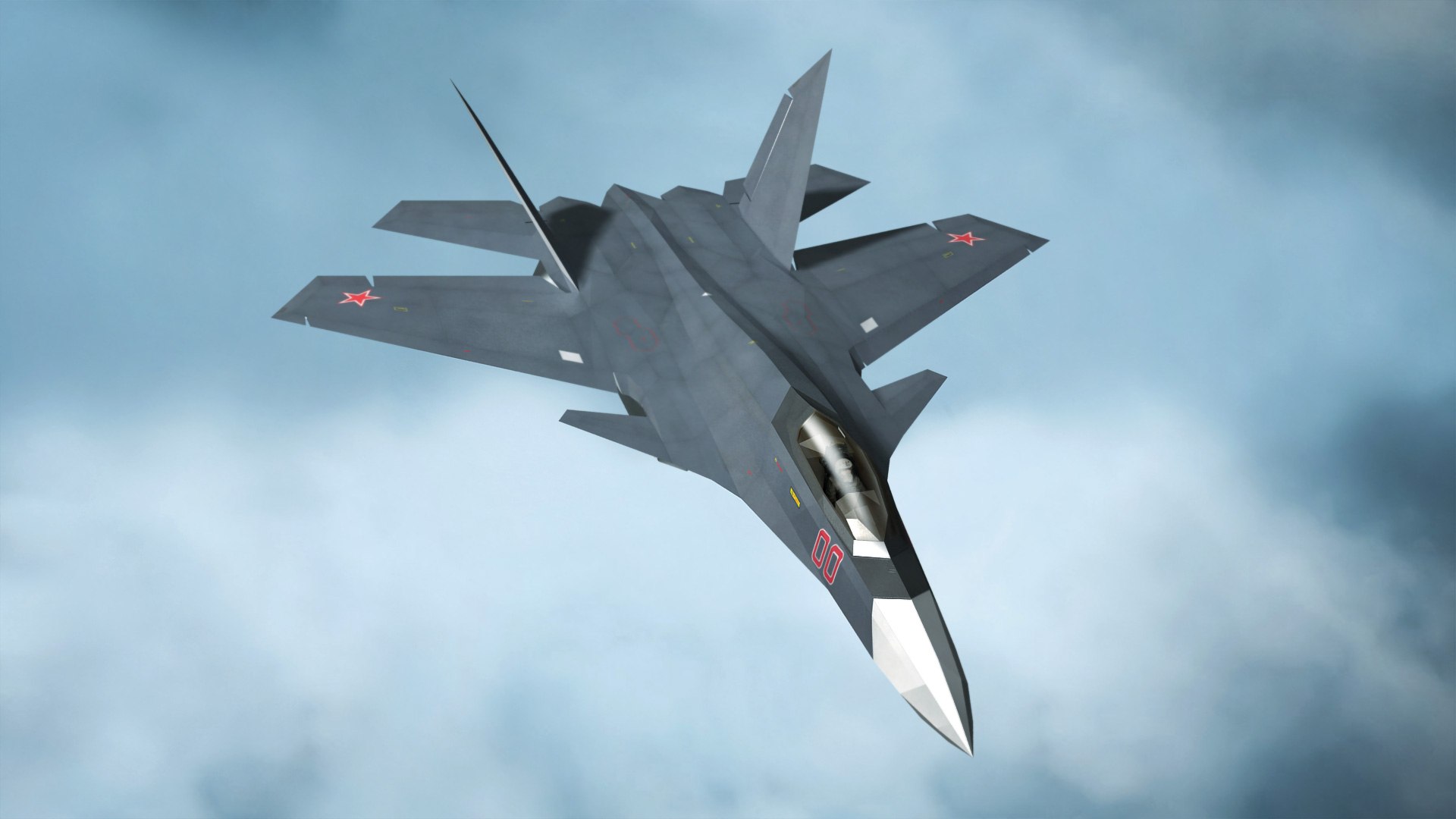
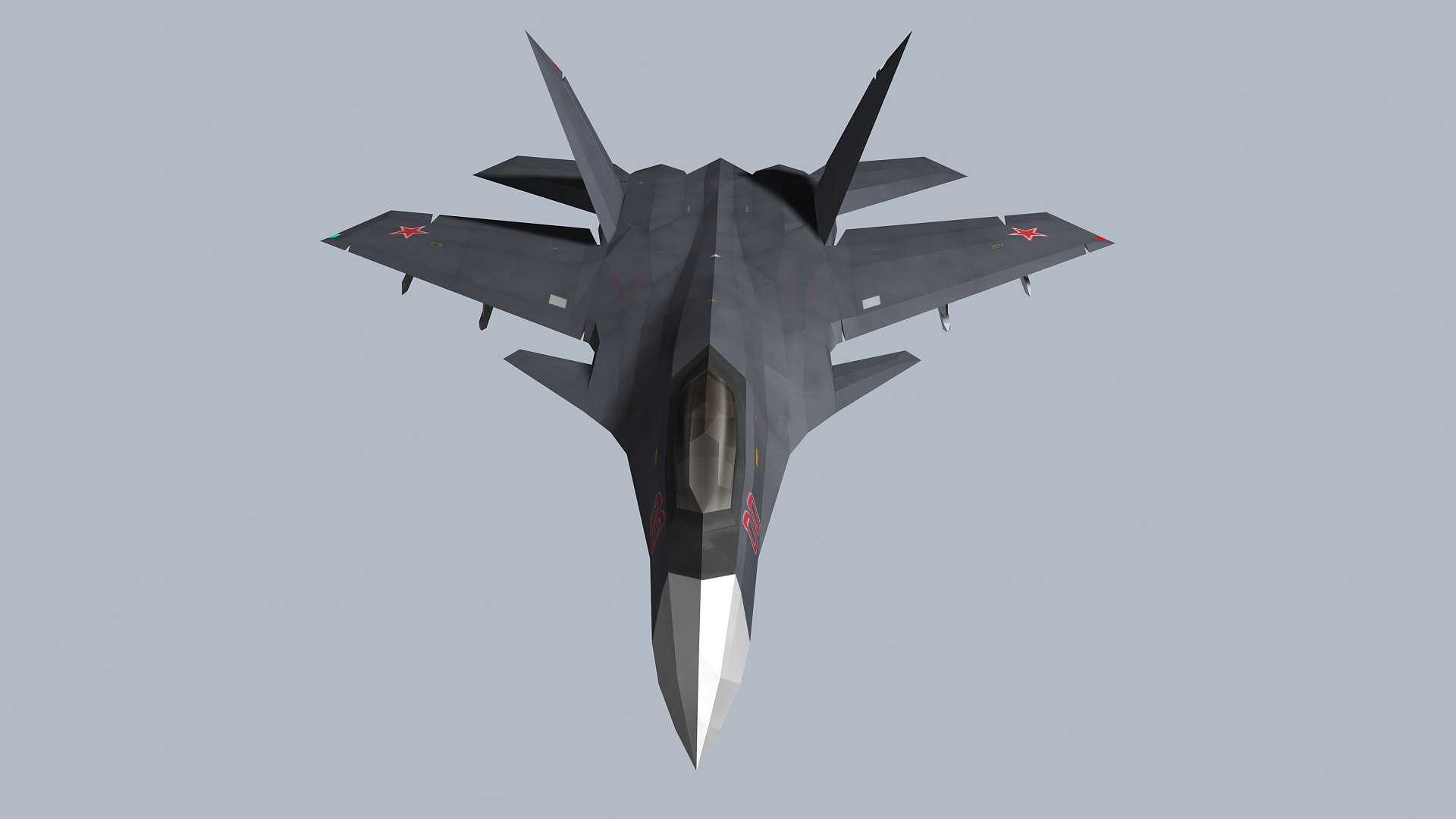
Concept Fighter (SU-33Z)

>This is a concept aircraft.


>Modeling is created in Rhino 5.
>Rendering and scene, Animated is created in 3ds max 2009.


>count.

-Objects: 135
-Vertices: 43432
-Faces: 45208


[ Main file description ]

-SU-33Z- 3ds max 2009
: It is included in the 3ds max(2009) file, Textures file.

-SU-33Z.fbx
: fbx file. Modelling file.

-SU-33Z- obj file
: fbx file. Modelling file.

-SU-33Z- Rhino 2.0 file
: Modelling file. 3dm file. (*Rhino 2.0 save file.)


[ Rendered with ]

-Default Scanline.


[ Reference note ]

-The model does not include weapons and pilots.


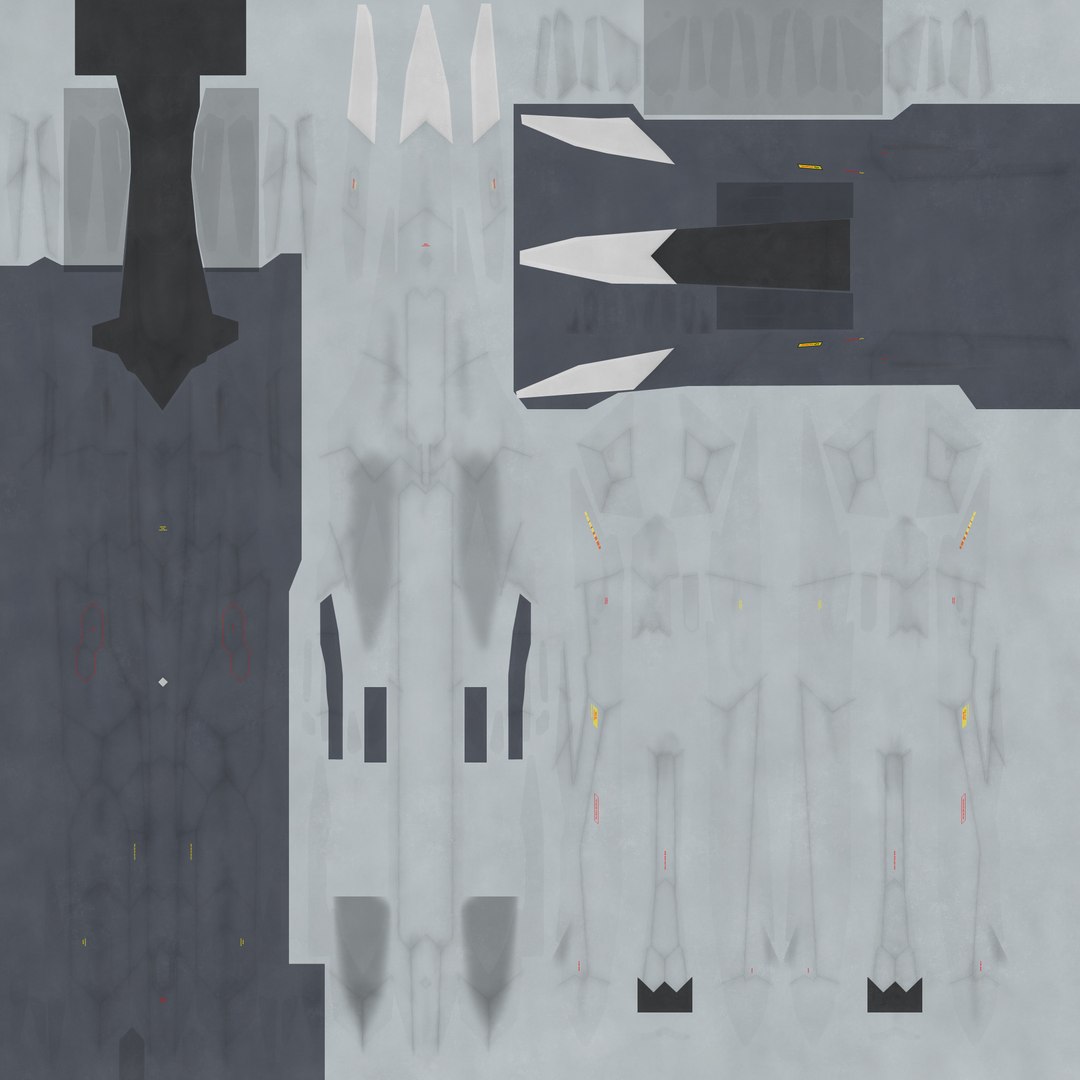
[ Textures information ]

-A_BODY_33/ B_WING_Z/ C_OTHER1/ D_OTHER2: textures.
*Size> 2048 x 2048 pixels
*Format> jpeg file

-SM_A_BODY_33/ SM_B_WING_Z/ SM_C_OTHER1/ SM_D_OTHER2: specular textures.
*Size> 2048 x 2048 pixels
*Format> jpeg file

-BM_A_BODY_33/ BM_B_WING_Z/ BM_C_OTHER1/ BM_D_OTHER2: bump textures.
*Size> 2048 x 2048 pixels
*Format> jpeg file

-Glass: textures.
*Size> 512 x 512 pixels
*Format> tga file


[ Animation part ]

-Landing gear/ Weapons bay/ Gun port/ Nozzle

Select Enhanced License

  • $10,000 in Legal Protection (Indemnification)
  • Uncapped Legal Protection (Indemnification)
  • Waiver from injunctive relief
  • Assignable model rights
  • $1,000,000 in Legal Protection (Indemnification)
  • Waiver from injunctive relief
  • Assignable model rights
  • $250,000 in Legal Protection (Indemnification)
  • Assignable model rights
Read more about enhanced license tiers, or contact us at enterprise@turbosquid.com. Already a Shutterstock Enterprise Customer? Contact your Shutterstock Sales Support Agent to talk about adding 3D.

About Conversion Requests

To submit a conversion request for a purchased asset, please complete our Conversion Request Form.

If you have not yet purchased a model, please review our Documentation about Conversions to learn about what limitations you may encounter with a conversion.

For any additional questions about a model’s suitability for conversion, please contact TurboSquid Support.

Loading...