
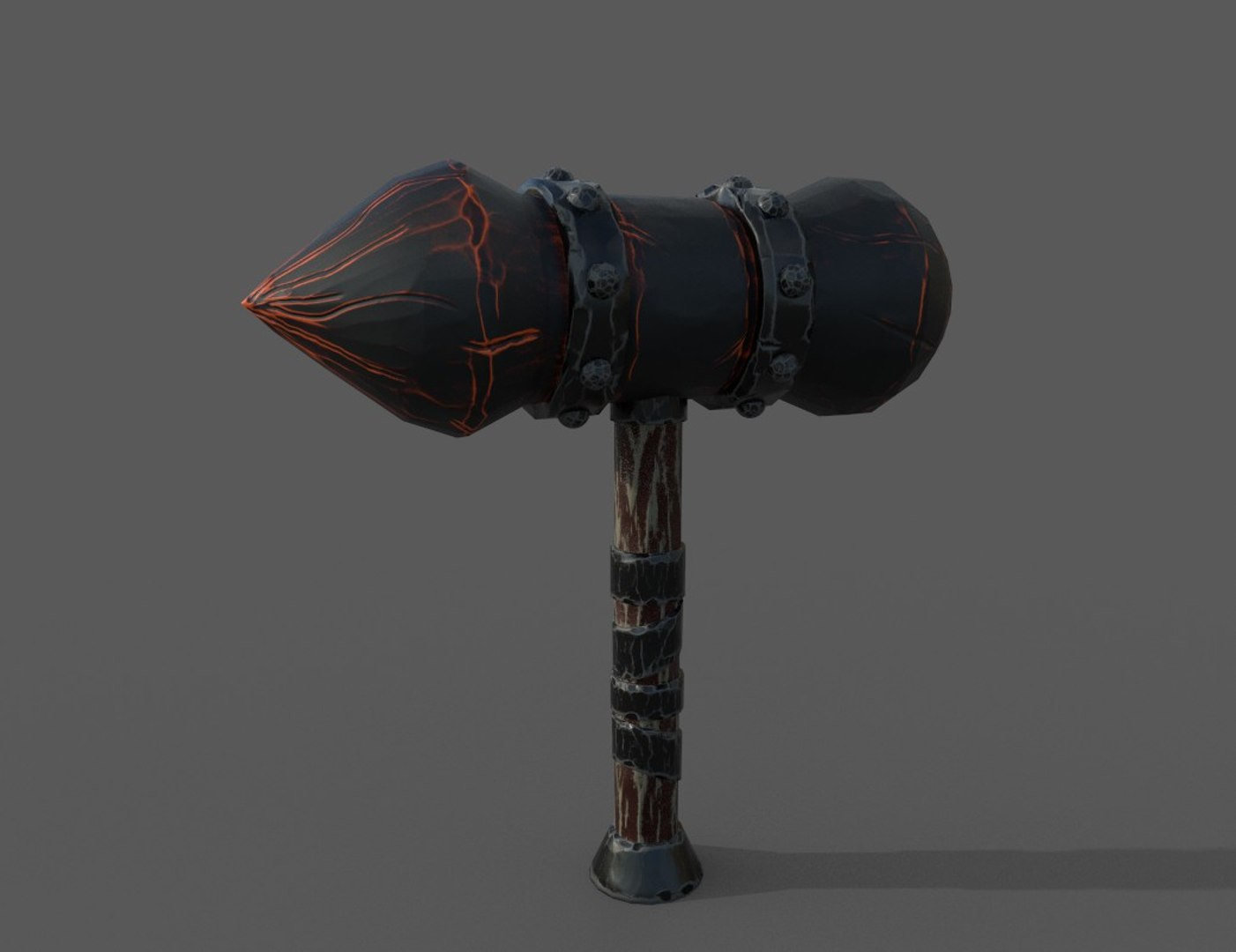
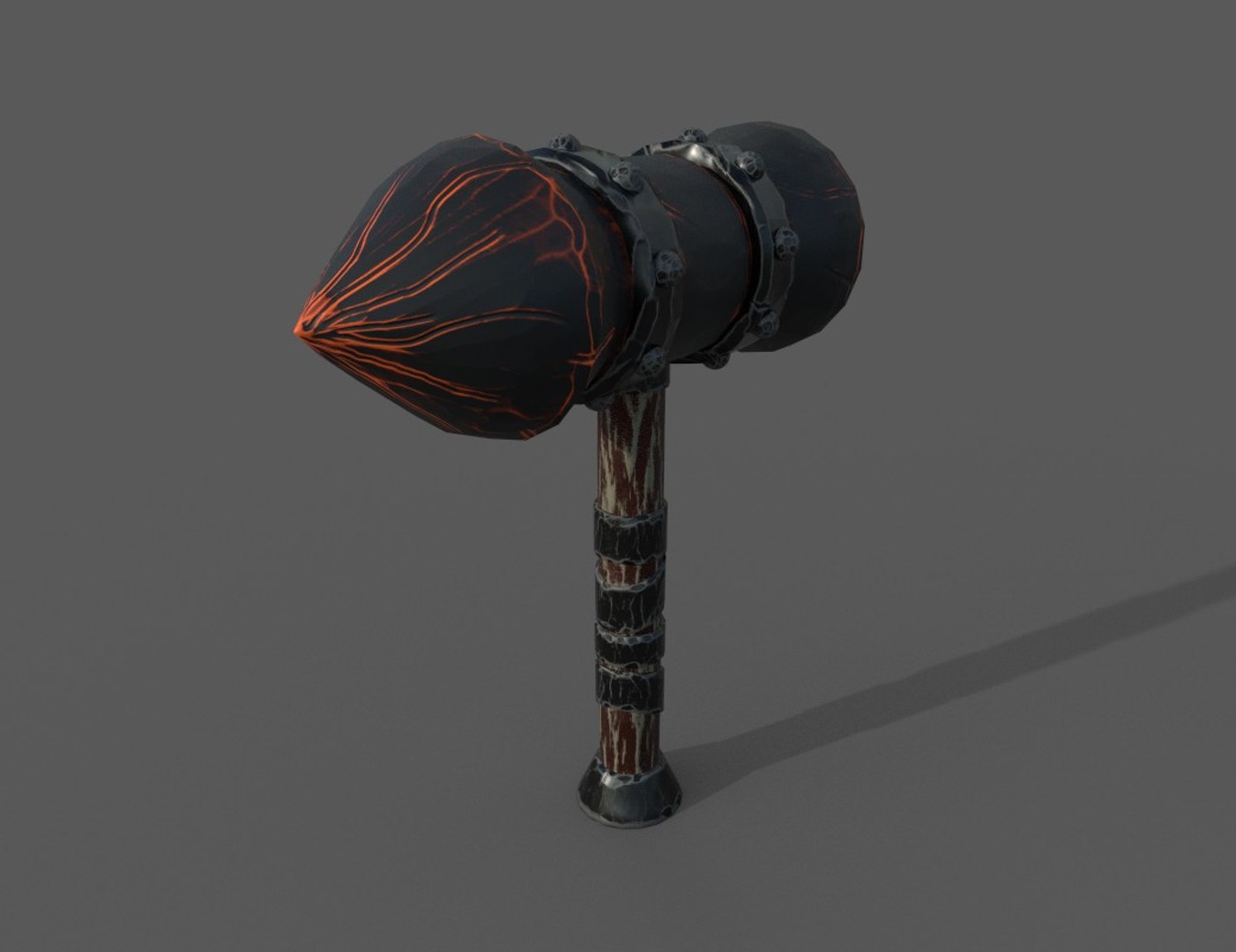
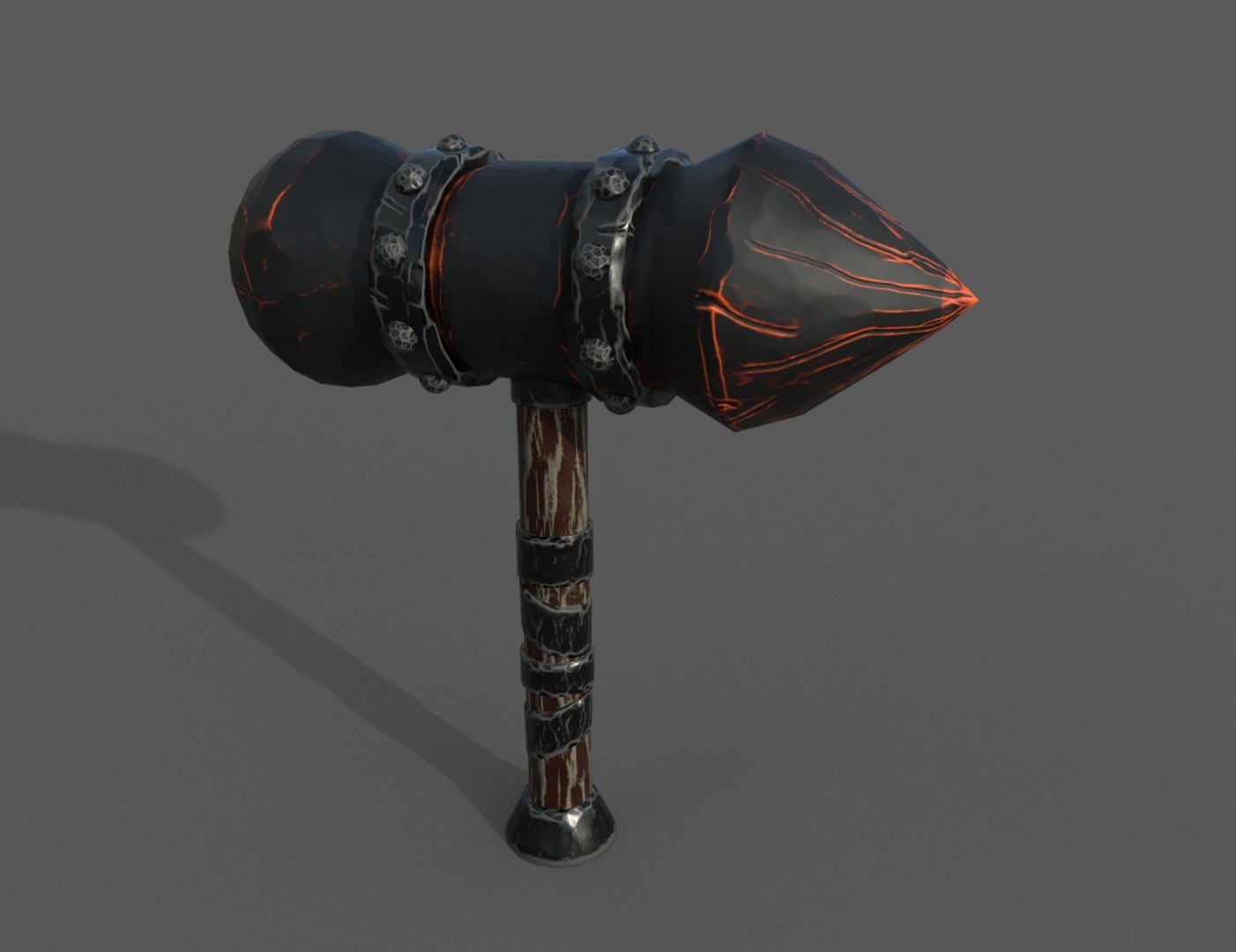
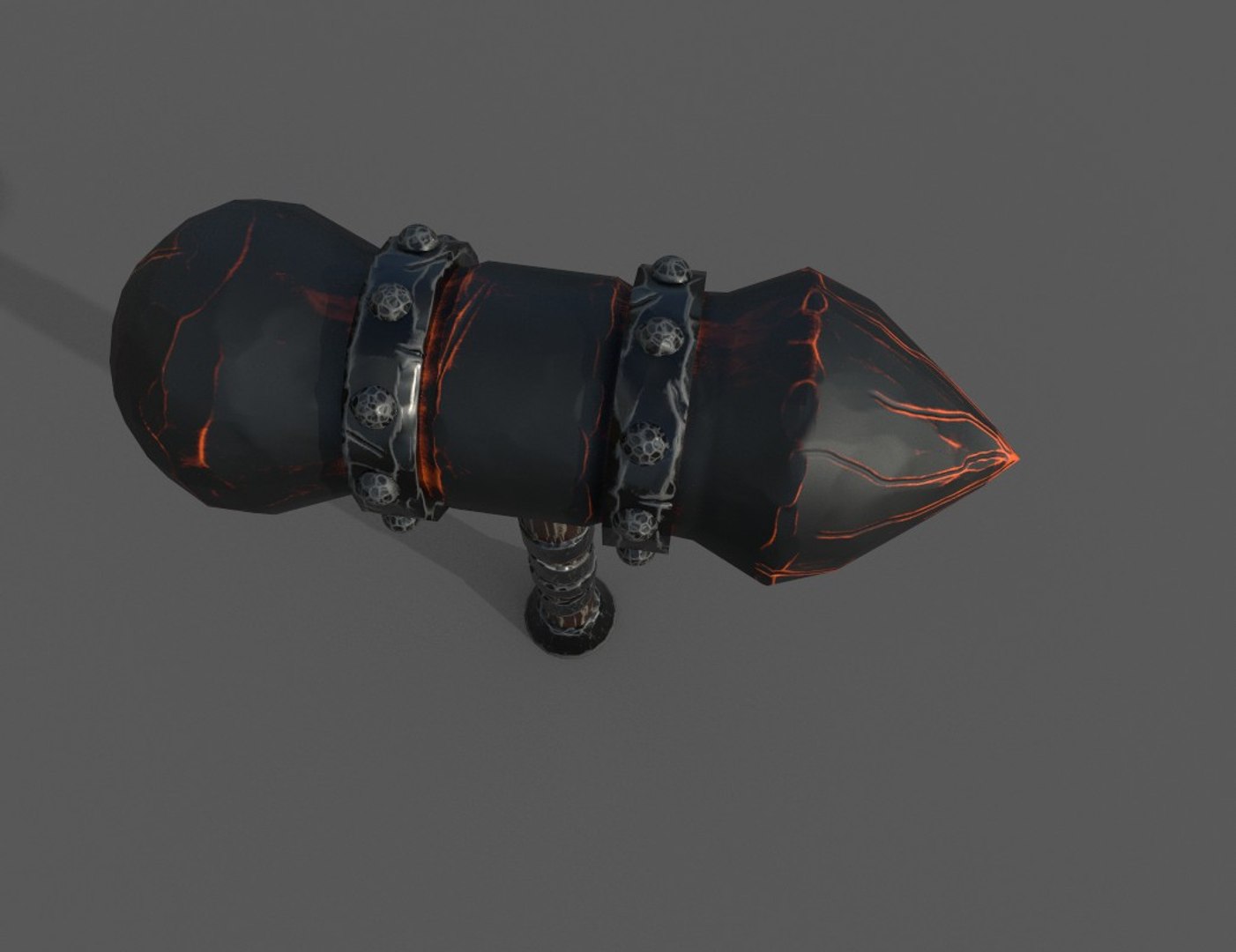
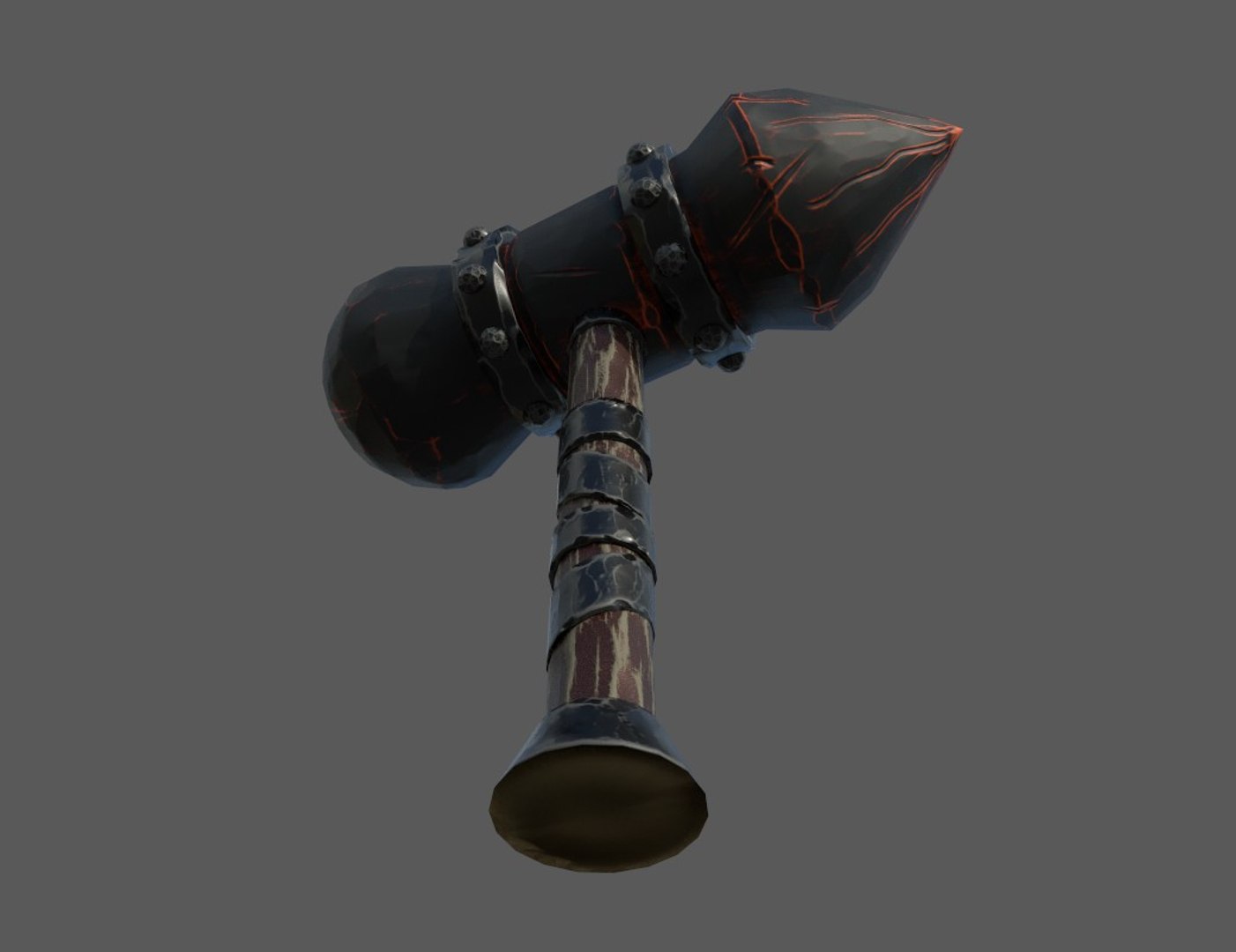
Great Axe - PBR

$50

Standard License | Upgrade License
Formats (12)
Free file format Conversions available
Native | 3ds Max 2019 | Default Scanline
3ds Max 2016 | Default Scanline
3ds Max 2017 | Default Scanline
3ds Max 2018 | Default Scanline
Blender 2019 | Blender Render
Cinema 4D 2019 | Default Scanline
STL
FBX
OBJ
Collada
Other Files
Texture.zip
Specifications
Publish Date April 12, 2020
Product ID 1540557
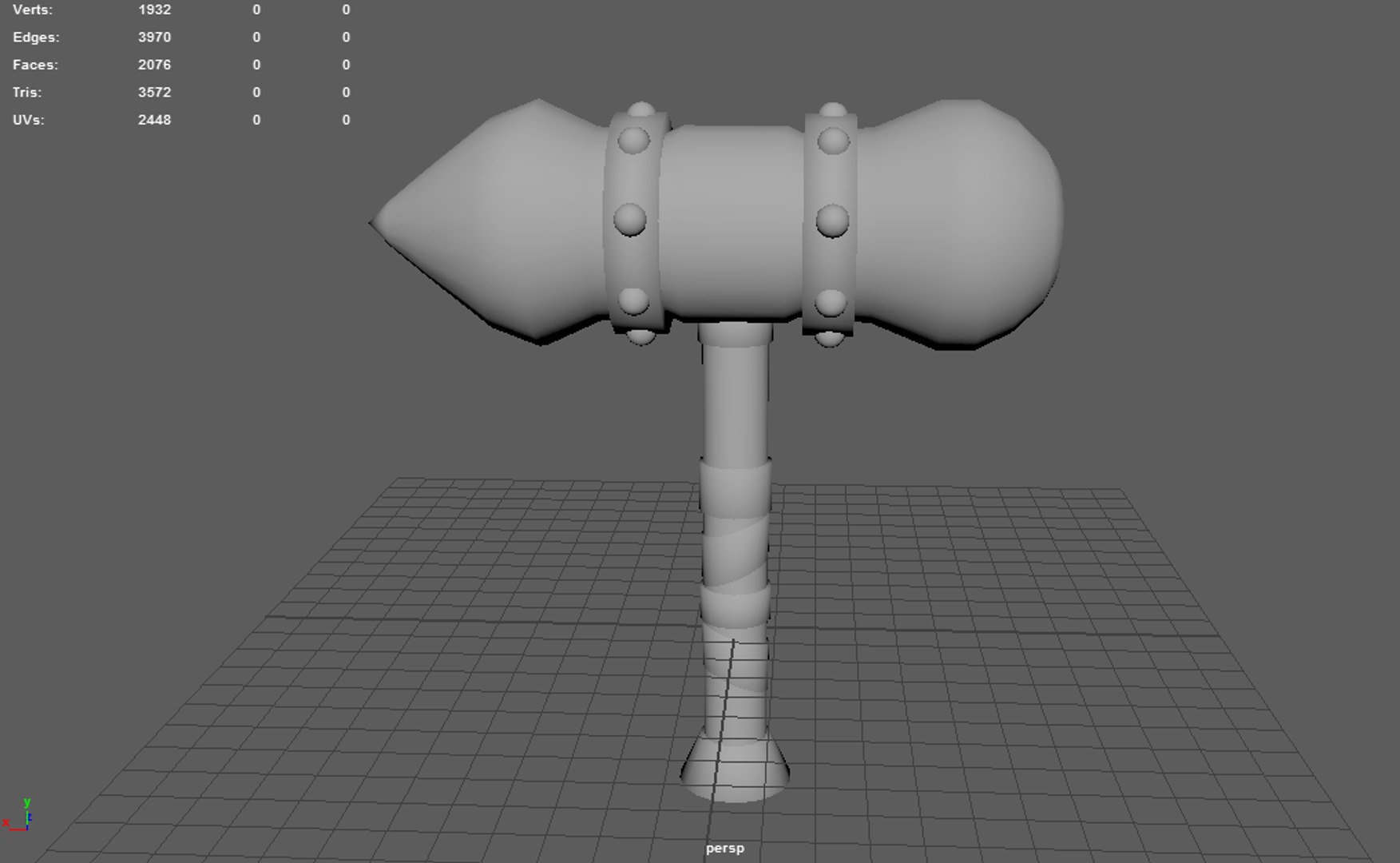
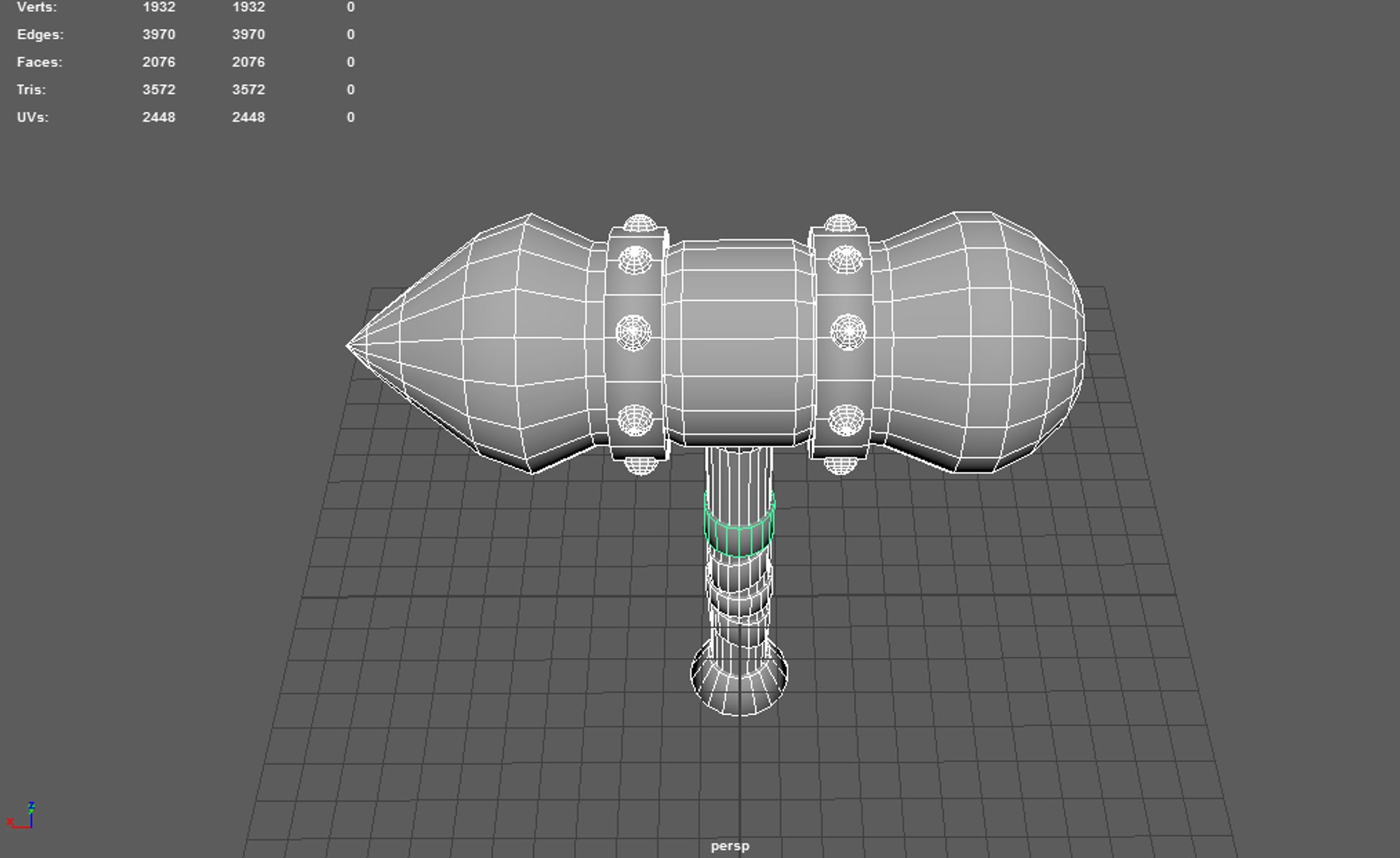
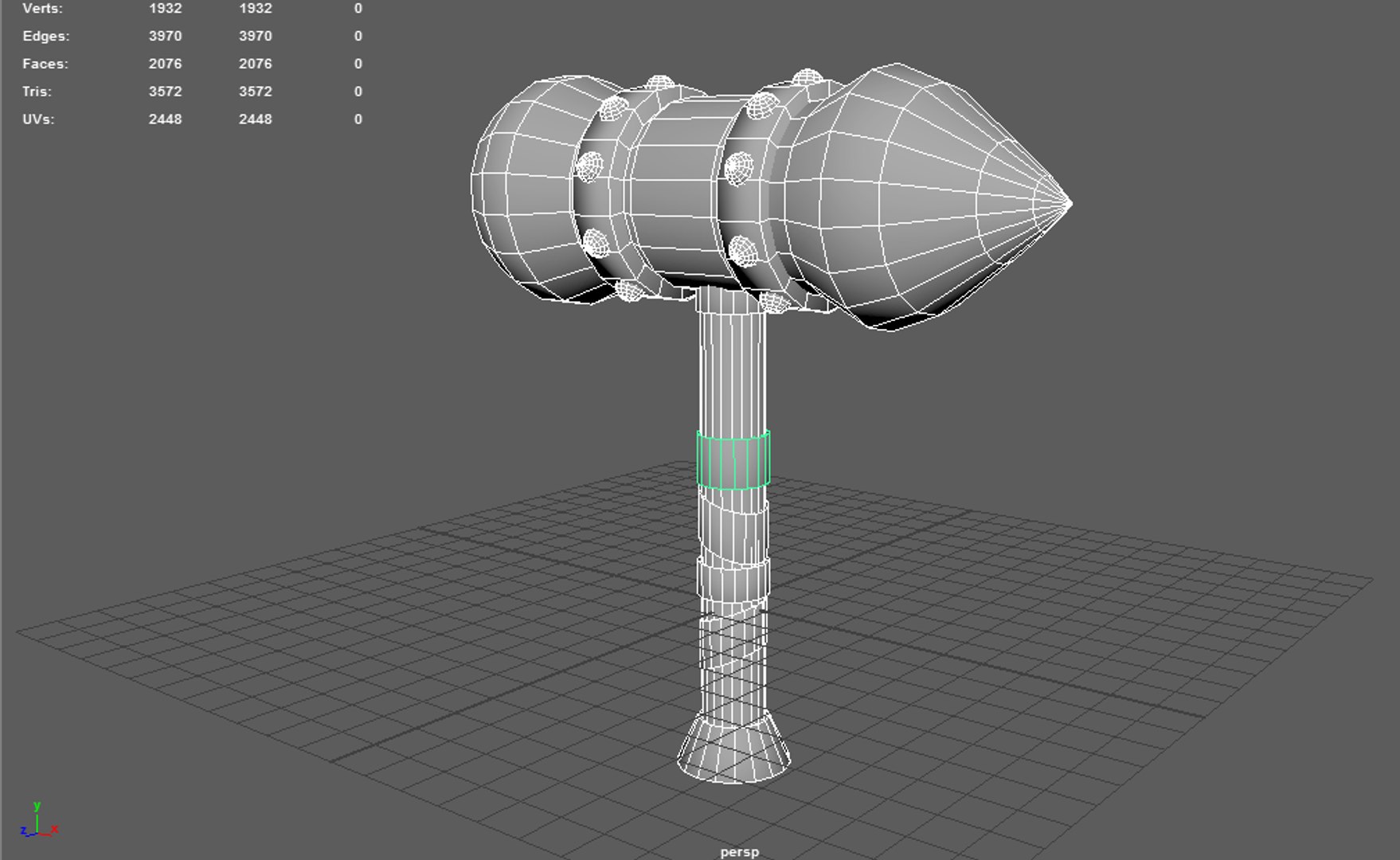
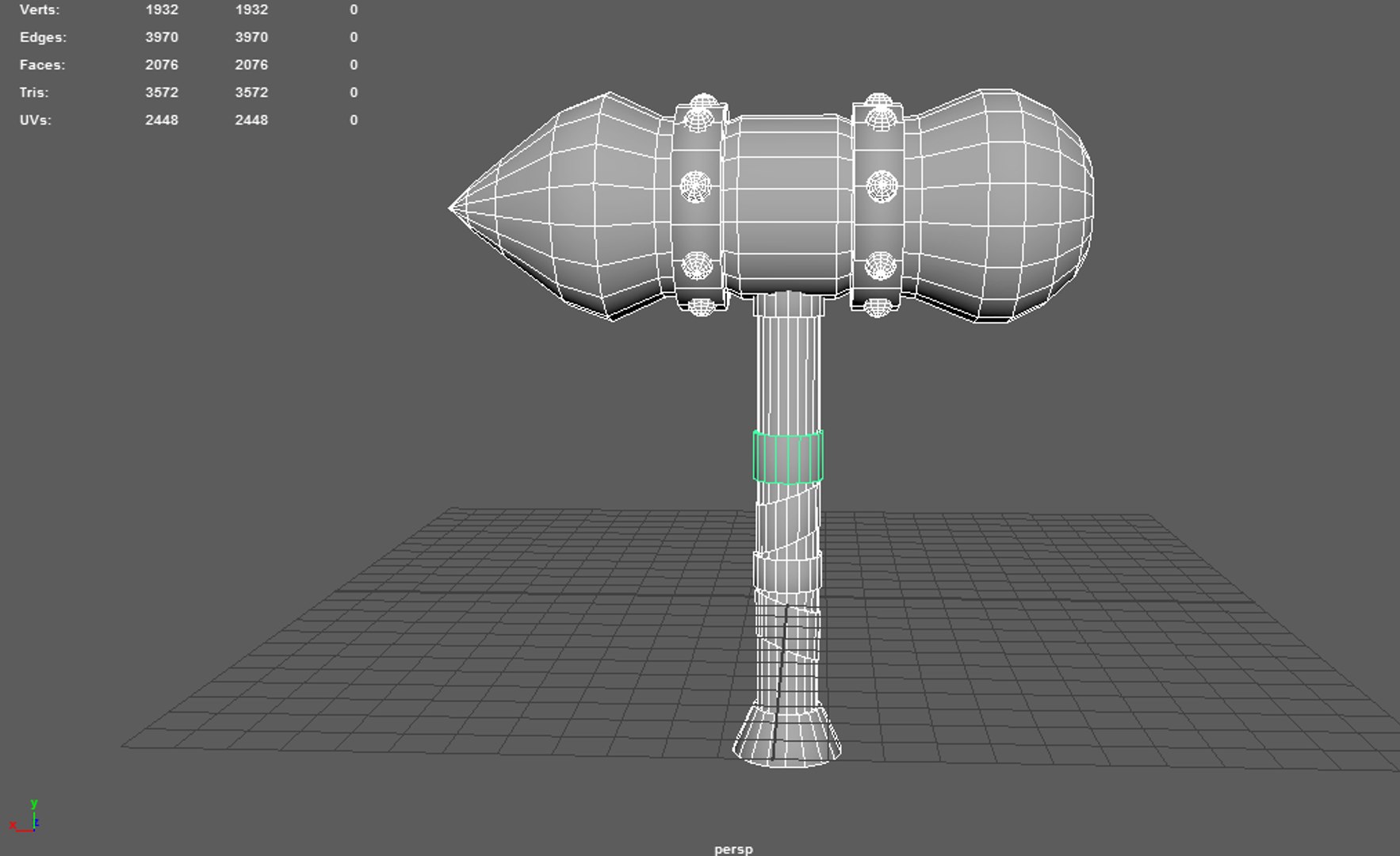
Polygons 2,076
Vertices 1,932
Polygonal
Textures
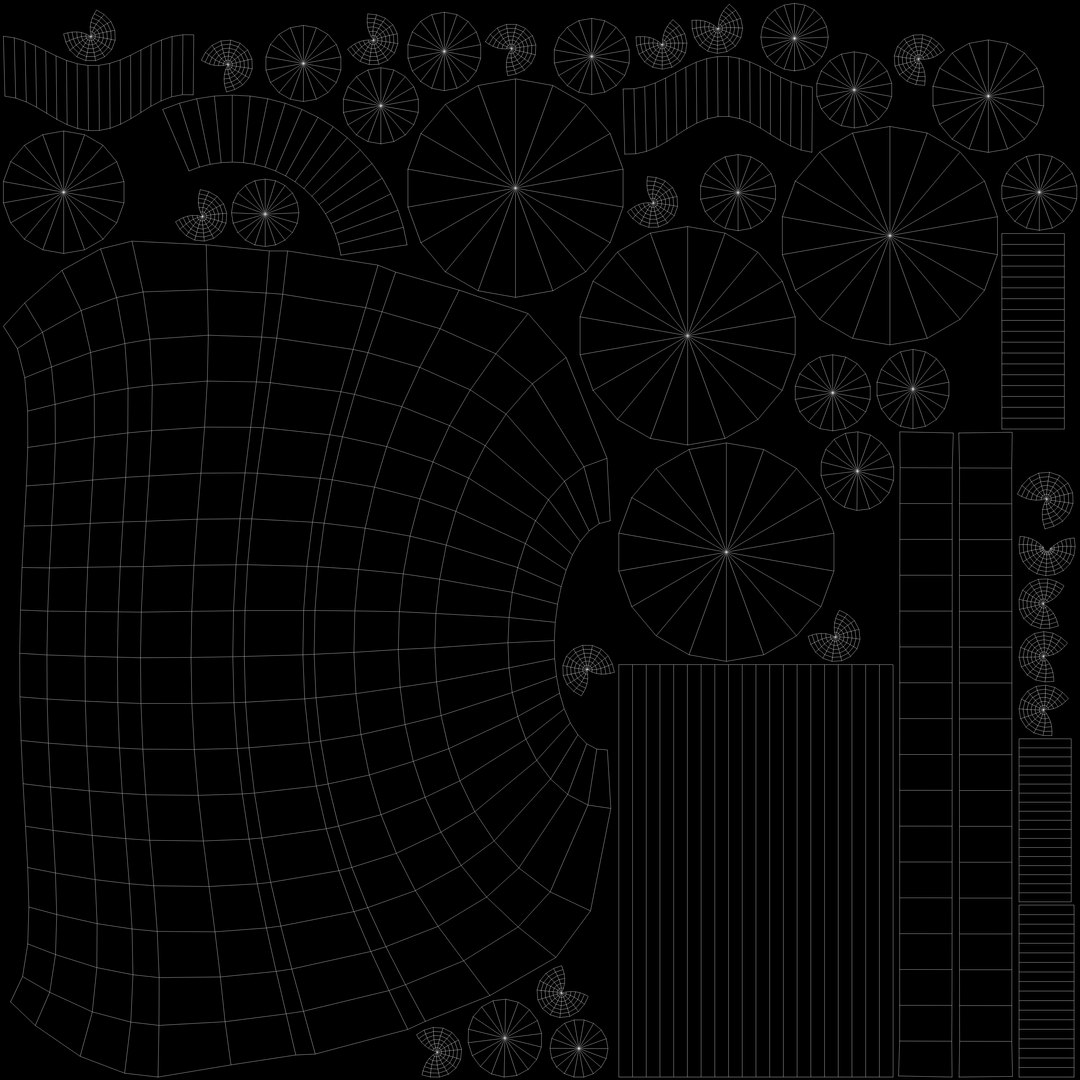
UV Mapped
Unknown Unwrapped UVs
PBR

member avatar
Ertan zorlu
482 Products | Contributor Since 2018
Have questions? Chat with us now.

Description

Great Axe - PBR

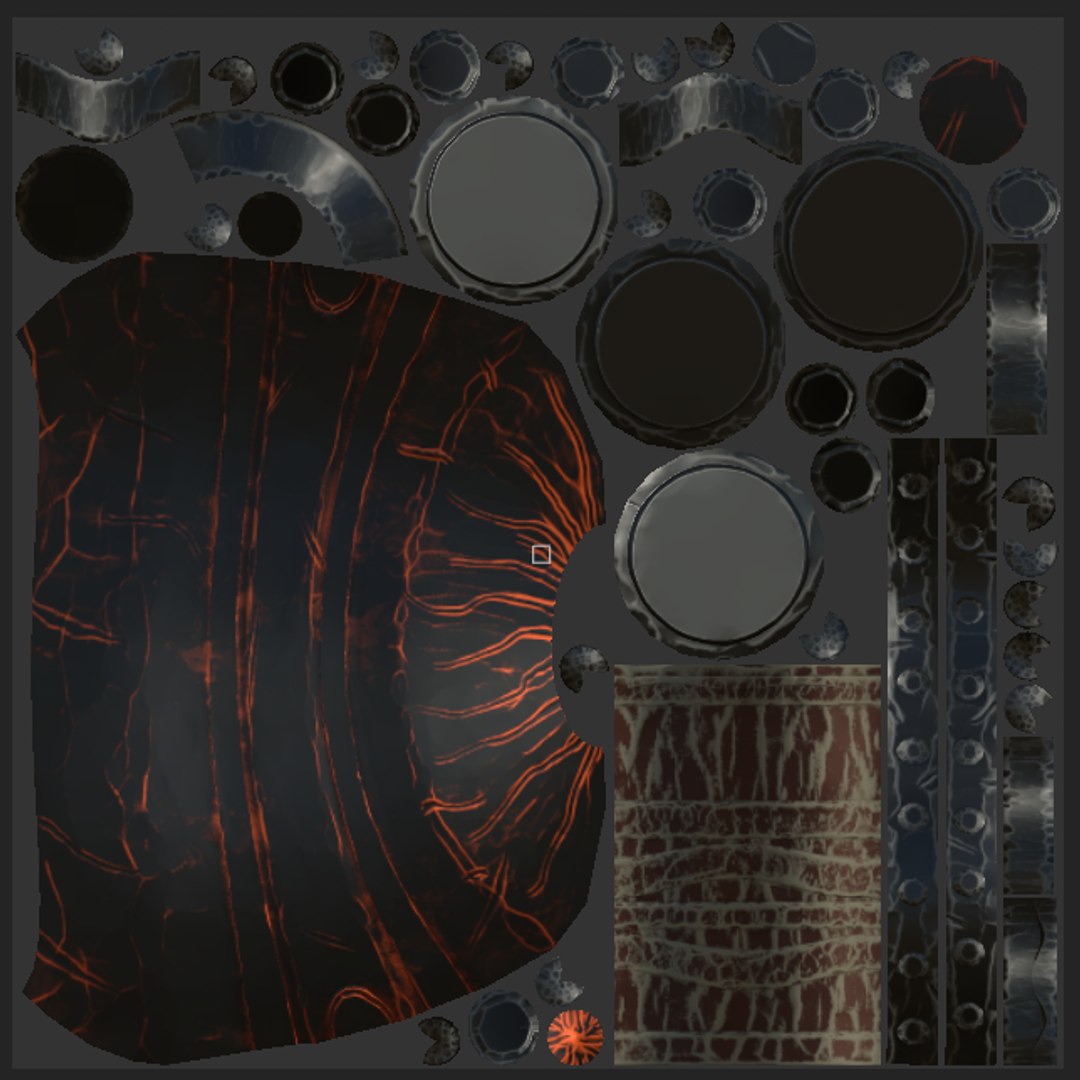
PBR MetalRough+ UE4 map (TEXTURE 4096X4096 )

The models are in real-world scale, and are Intended for game/realtime/background use. They were created in Autodesk Maya, maya 2018 and were rendered using Marmoset Toolbag 3 render.

There are texture maps included PBR MetalRough (Base color,normal map,Roughness,Emissive,Metallic,Height )and Unreal Engine 4 (packed) ( all in square resolutions (4096x4096). All objects, texture maps and materials are properly named for easy use. The models have clean topologies, and are centered to world (0,0,0).

Please note that the background scene, lights and render setup are not included in this product.

Texture resolutions: 4096x4096

Polygons: 2076
Vertex: 1932


File formats:
Autodesk maya 2018
OBJ multi format
FBX multi format
Maya mb format
Cinema 4d format
Blender format
Autodesk 3dsmax format
Autodesk 3dsmax 2019
Autodesk 3dsmax 2018
Autodesk 3dsmax 2017
Autodesk 3dsmax 2016
Collada format
3ds studio format

Select Enhanced License

  • $10,000 in Legal Protection (Indemnification)
  • Uncapped Legal Protection (Indemnification)
  • Waiver from injunctive relief
  • Assignable model rights
  • $1,000,000 in Legal Protection (Indemnification)
  • Waiver from injunctive relief
  • Assignable model rights
  • $250,000 in Legal Protection (Indemnification)
  • Assignable model rights
Read more about enhanced license tiers, or contact us at enterprise@turbosquid.com. Already a Shutterstock Enterprise Customer? Contact your Shutterstock Sales Support Agent to talk about adding 3D.

About Conversion Requests

To submit a conversion request for a purchased asset, please complete our Conversion Request Form.

If you have not yet purchased a model, please review our Documentation about Conversions to learn about what limitations you may encounter with a conversion.

For any additional questions about a model’s suitability for conversion, please contact TurboSquid Support.

Loading...