
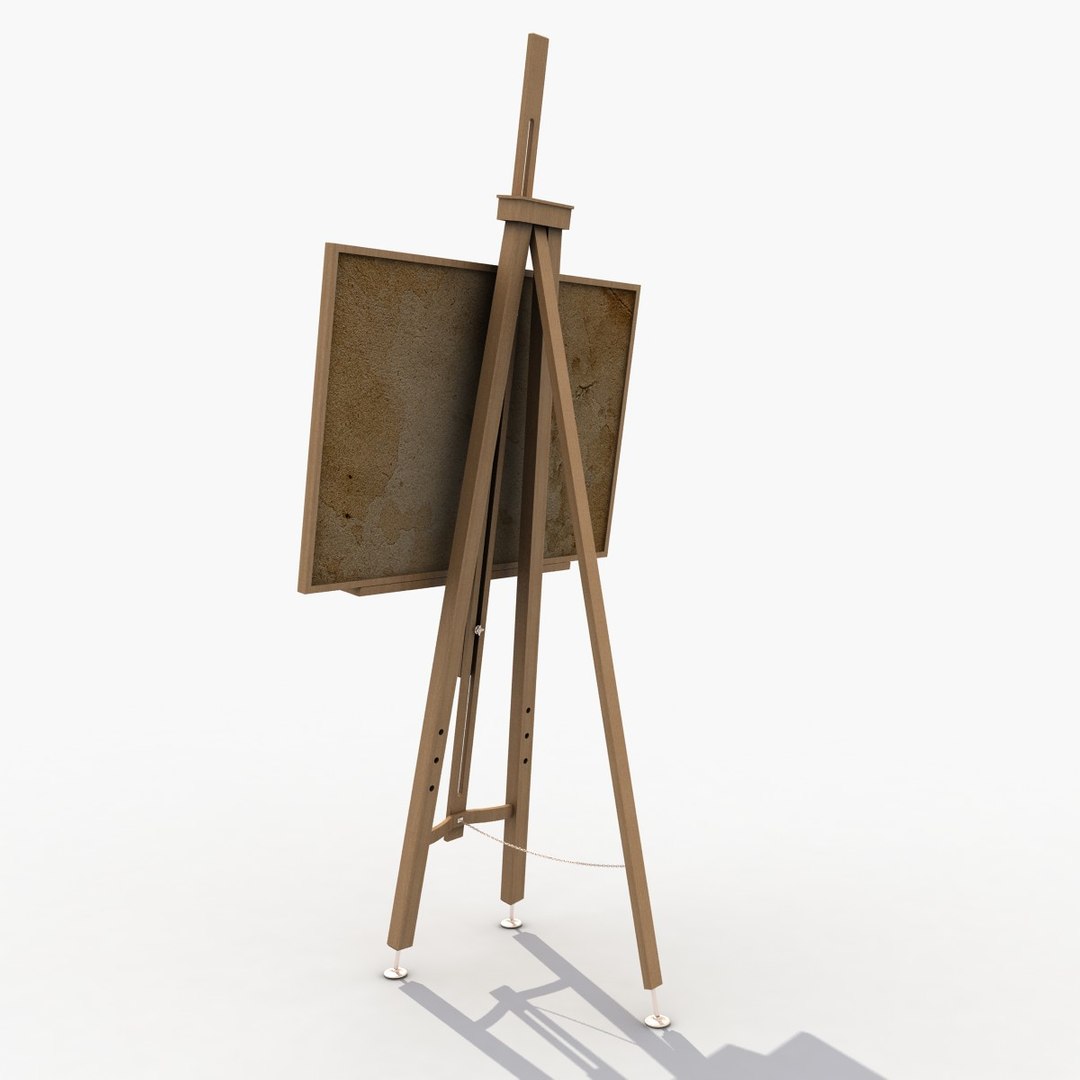
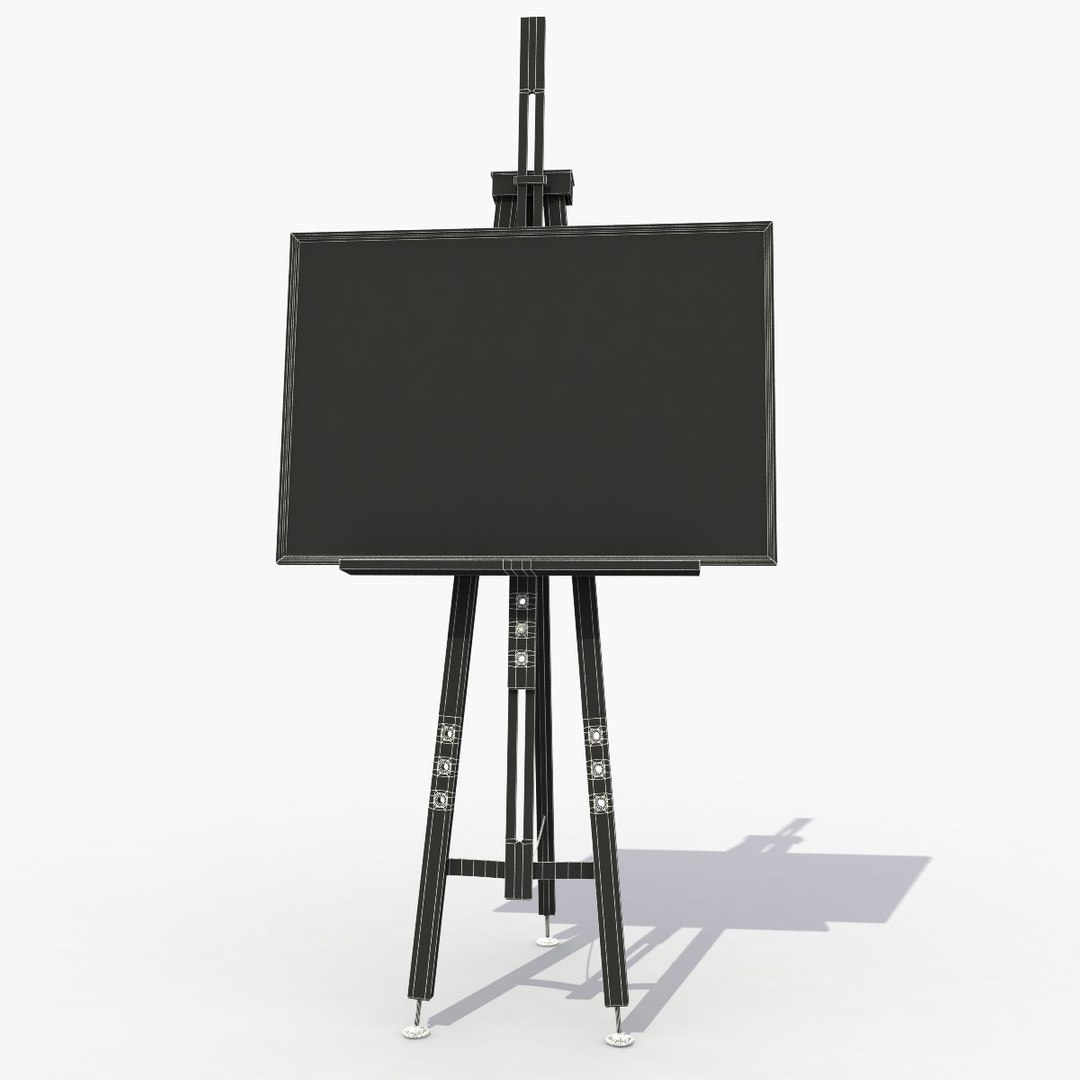
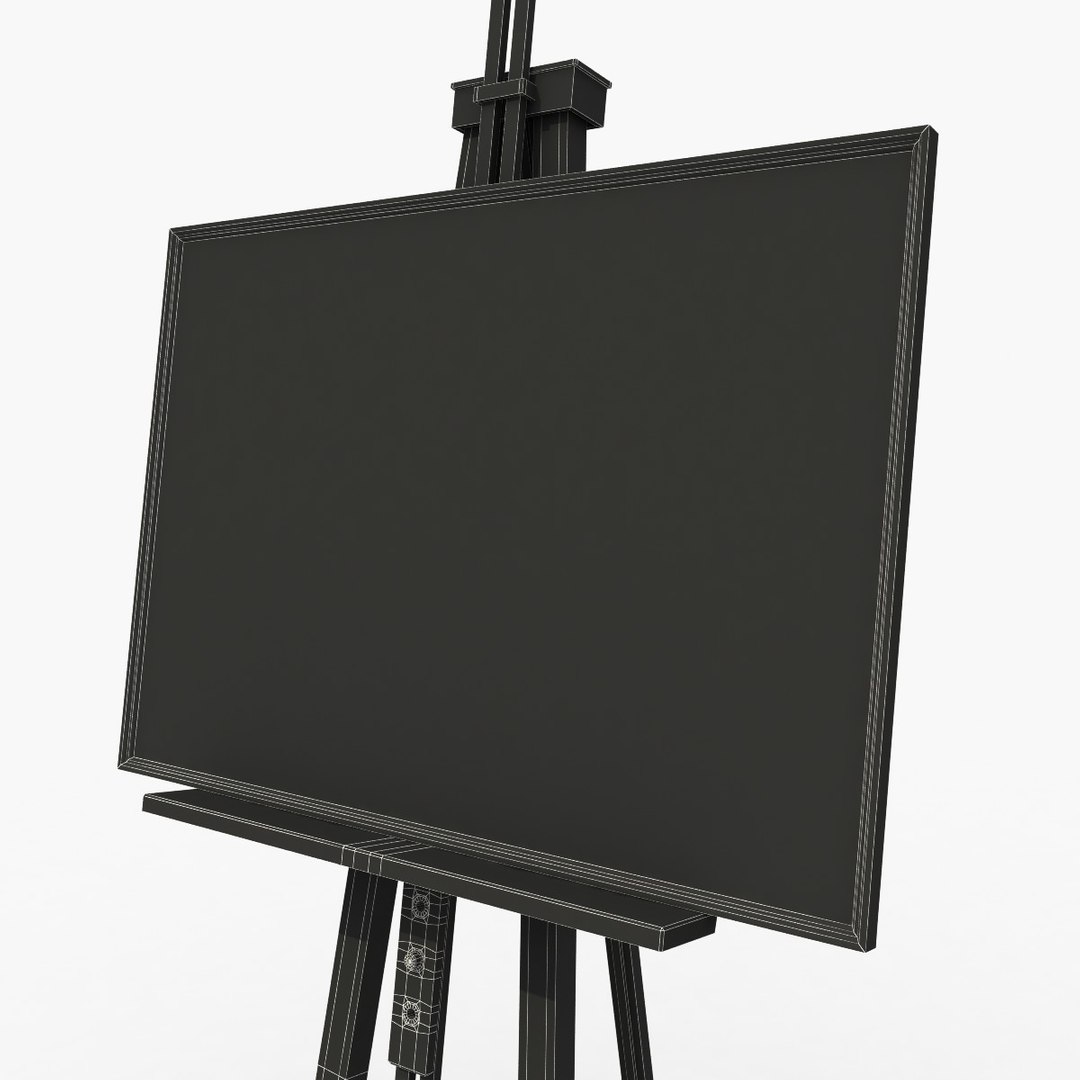
Studio Easel

$29

Standard License | Upgrade License
Formats (3)
Free file format Conversions available
Native | 3ds Max 9.0 | V-Ray 1.5
FBX
OBJ
Specifications
Publish Date February 02, 2012
Product ID 652827
Polygons 13,125
Vertices 13,072
Polygonal Quads/Tris Geometry
Textures
Materials
UV Mapped
Non-overlapping Unwrapped UVs
TurboSquid Exclusive

member avatar
3D Graphics
865 Products | Contributor Since 2008
Have questions? Chat with us now.

Description

Fully detailed, textured model. Detailed enough for close-up renders. Comes with detailed normal maps, diffuse map and specular map textures (4096x4096).

Textures: *.jpg
1) easel_DiffuseMap.jpg - 4096x4096
2) easel_SpecularMap.jpg - 4096x4096
3) easel_NormalsMap.jpg - 4096x4096

Originally modeled in 3ds Max 9. Final images rendered with V-Ray.

The 3ds Max zip file contains also V-Ray and standard materials scenes.

Easy to convert model in other formats.
No need for any special plug-in to open the model.
Useful for games, high resolution renders, magazines and production.

Clear topology.
No multi/Sub-Objects materials.
All done with textures, no procedural maps.
Materials, textures and objects are clearly named.
Export formats works correctly.

Model include game-ready texture.
Very easy to work it.

Hope you like it!
© 3d Graphics
********************************************************
Please RATE this product if you are satisfied.
Also check out my other models, just click on my user name to see complete gallery.
Categories

Select Enhanced License

  • $10,000 in Legal Protection (Indemnification)
  • Uncapped Legal Protection (Indemnification)
  • Waiver from injunctive relief
  • Assignable model rights
  • $1,000,000 in Legal Protection (Indemnification)
  • Waiver from injunctive relief
  • Assignable model rights
  • $250,000 in Legal Protection (Indemnification)
  • Assignable model rights
Read more about enhanced license tiers, or contact us at enterprise@turbosquid.com. Already a Shutterstock Enterprise Customer? Contact your Shutterstock Sales Support Agent to talk about adding 3D.

About Conversion Requests

To submit a conversion request for a purchased asset, please complete our Conversion Request Form.

If you have not yet purchased a model, please review our Documentation about Conversions to learn about what limitations you may encounter with a conversion.

For any additional questions about a model’s suitability for conversion, please contact TurboSquid Support.

Loading...