
Studio Display With Magic Accessories

$8

Standard License | Upgrade License
Editorial Uses Only
Formats (9)
Native | Cinema 4D R19
3ds Max 2016 | Corona 6
3ds Max 2016 | V-Ray 5.1
3ds Max 2019 | Corona 6
3ds Max 2019 | V-Ray 5.1
OBJ
FBX
Other Textures
Blender
Specifications
Publish Date April 09, 2022
Product ID 1880375
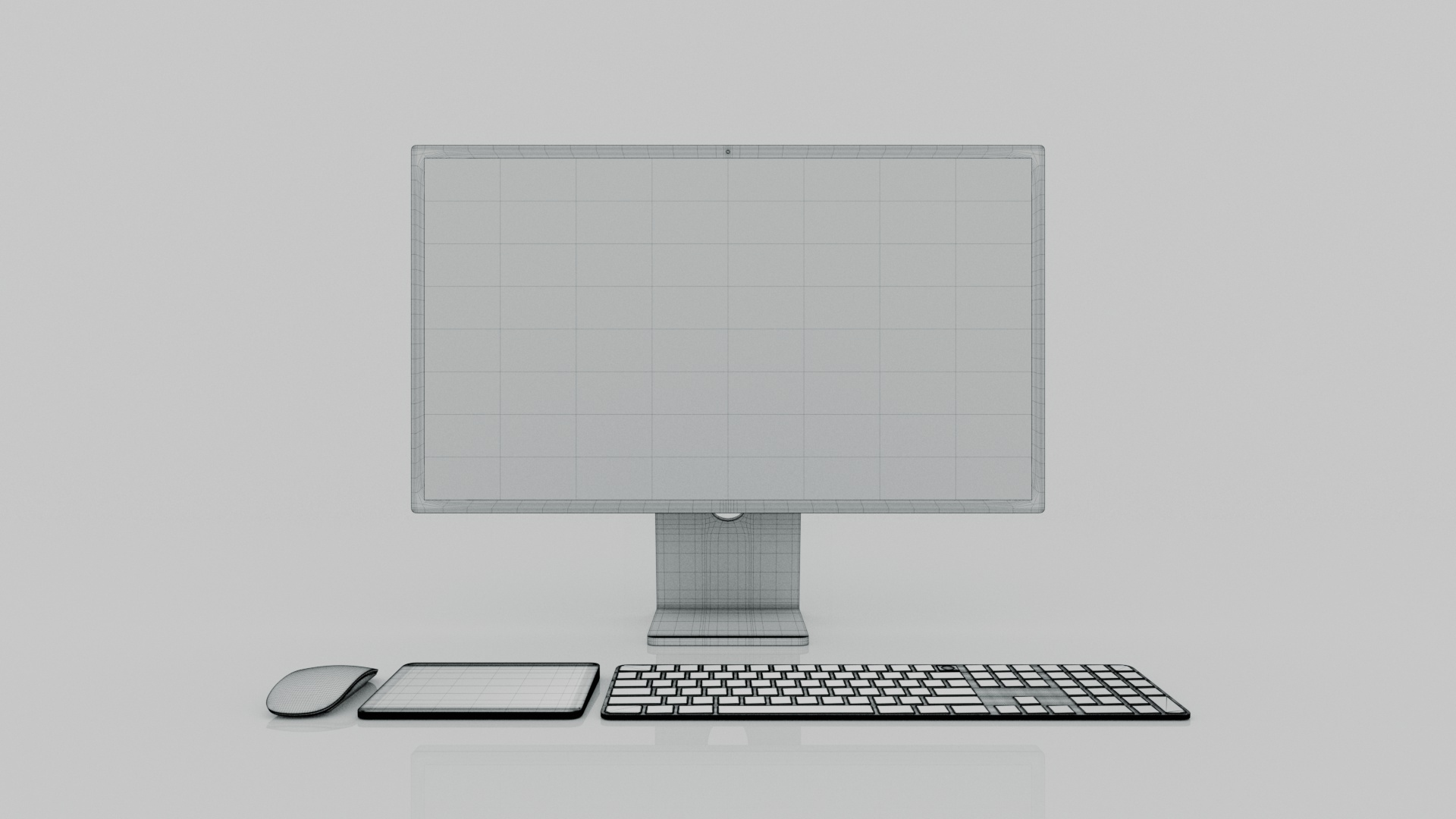
Polygons 354,790
Vertices 370,706
Polygonal Quads Only
Textures
Materials
UV Mapped
Non-overlapping Unwrapped UVs
PBR
TurboSquid Exclusive
member avatar
amirhs09
207 Products | Contributor Since 2020
Have questions? Chat with us now.

Description

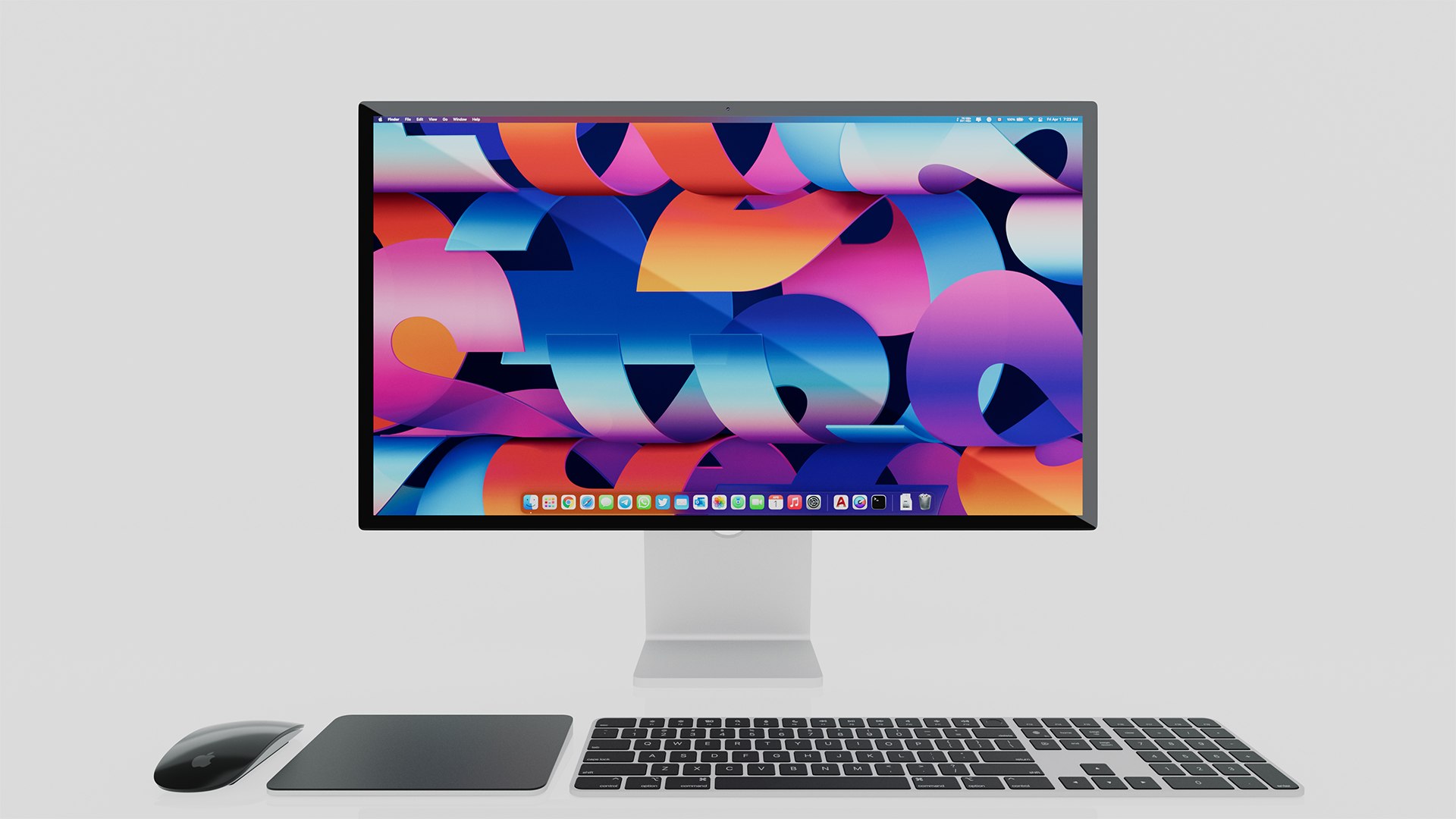
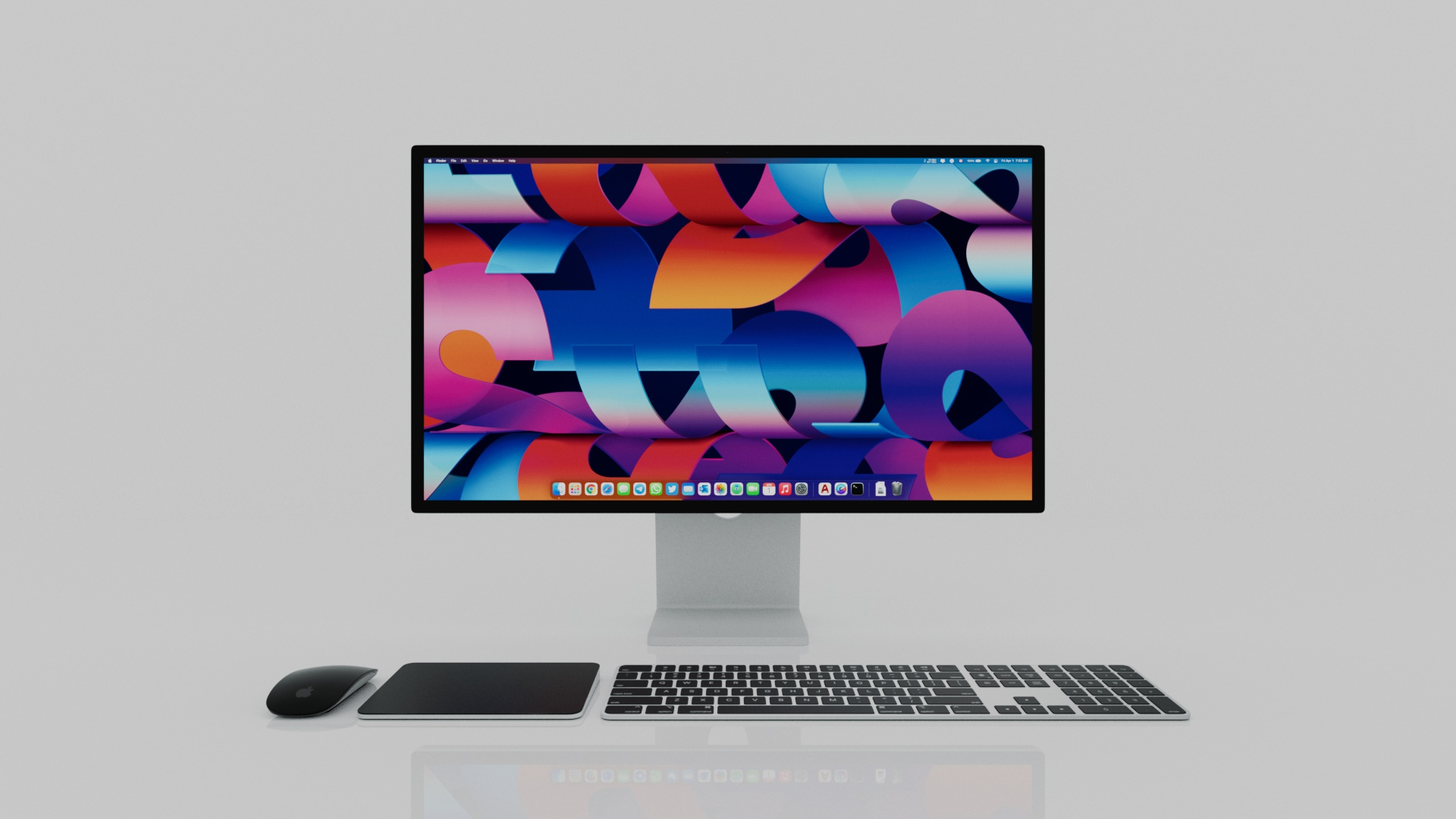
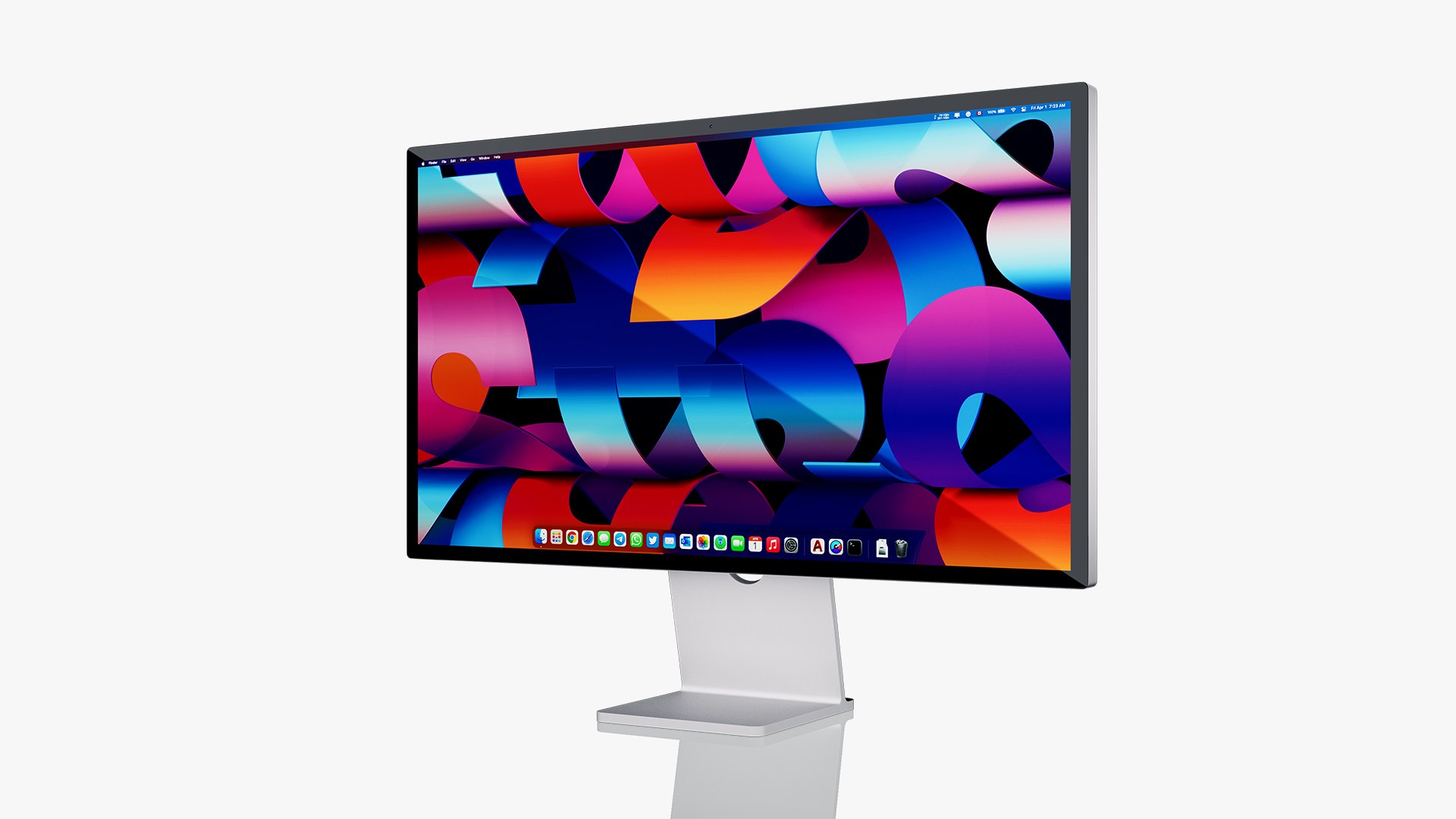
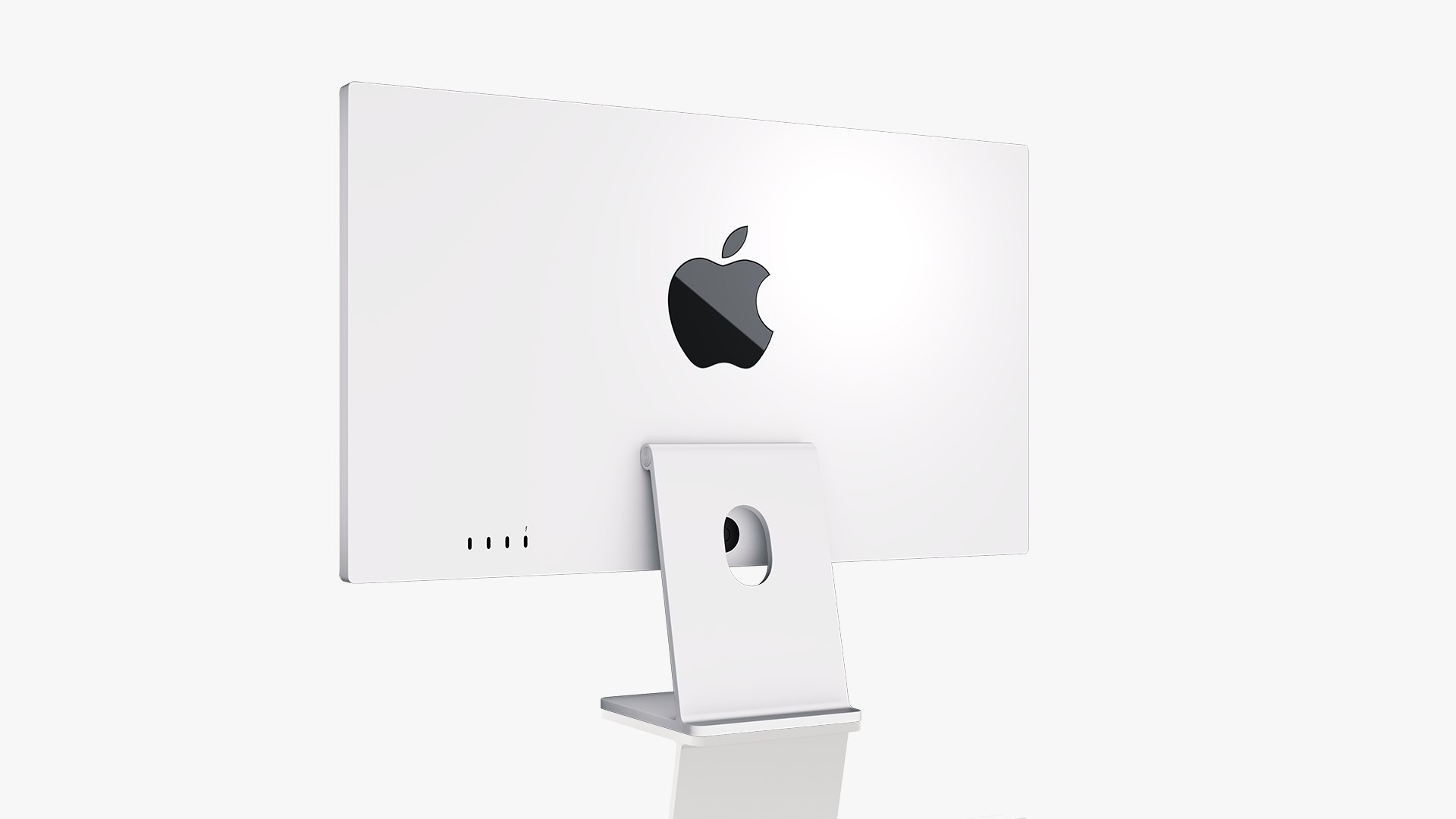
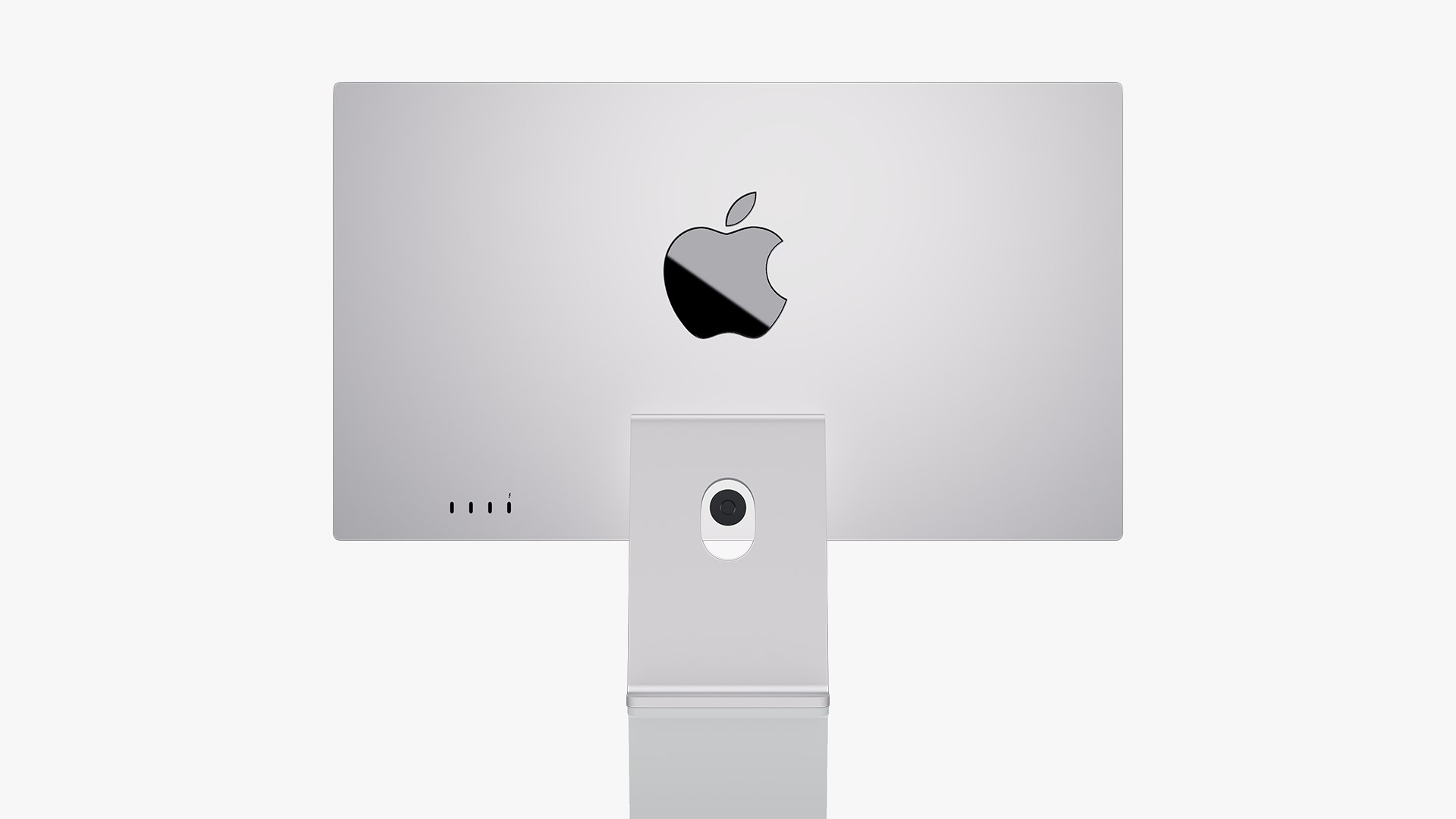
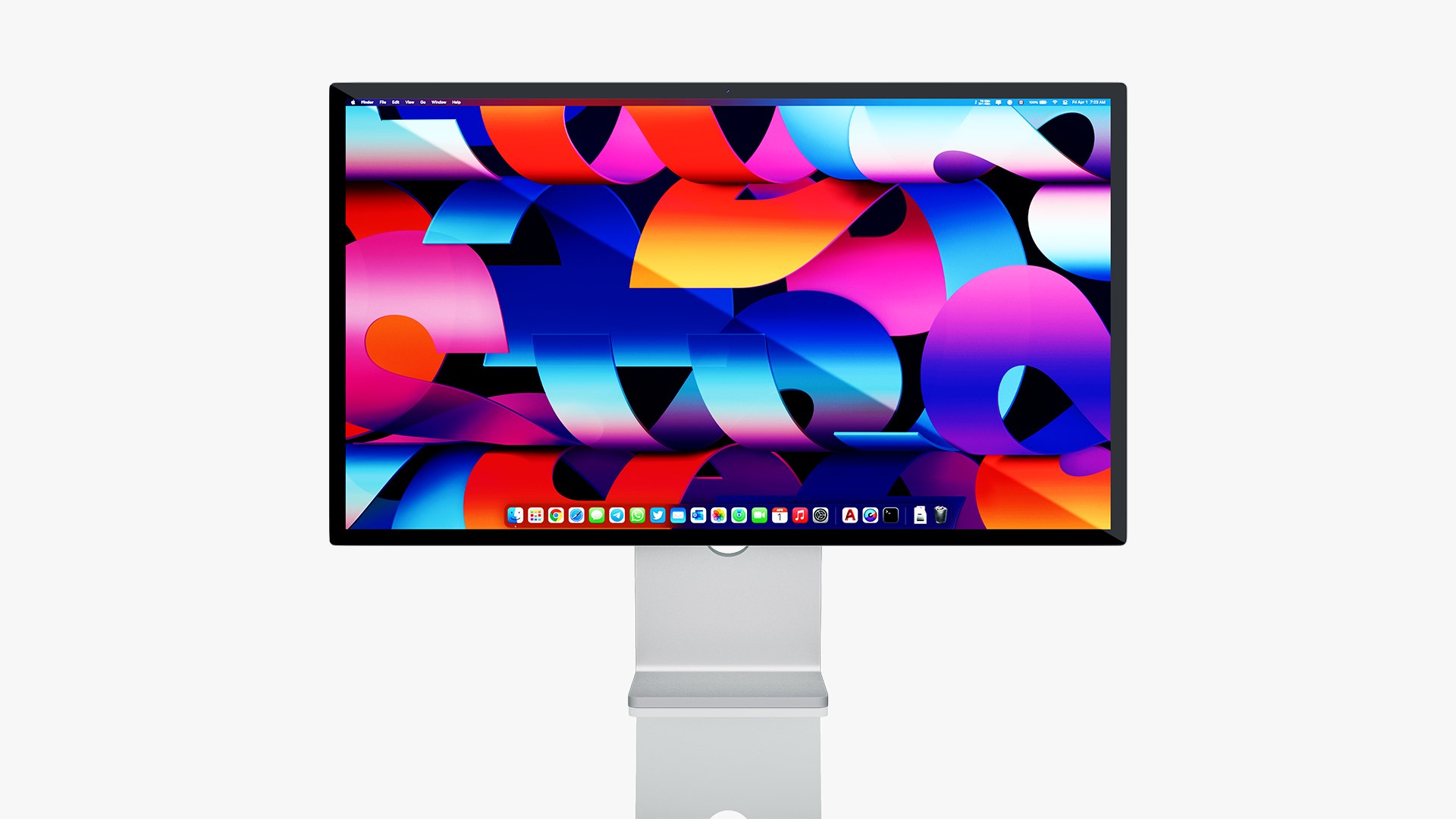
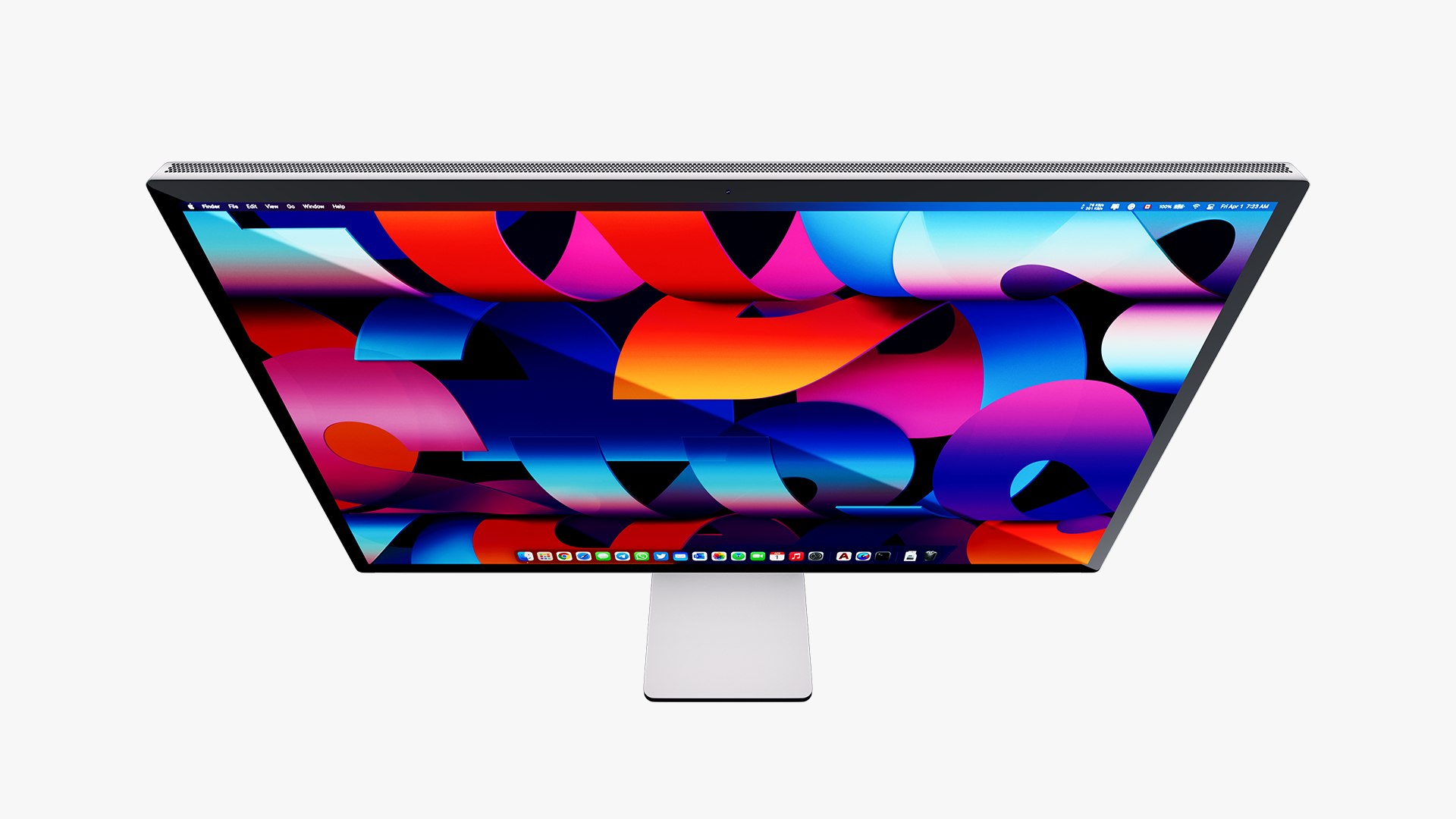
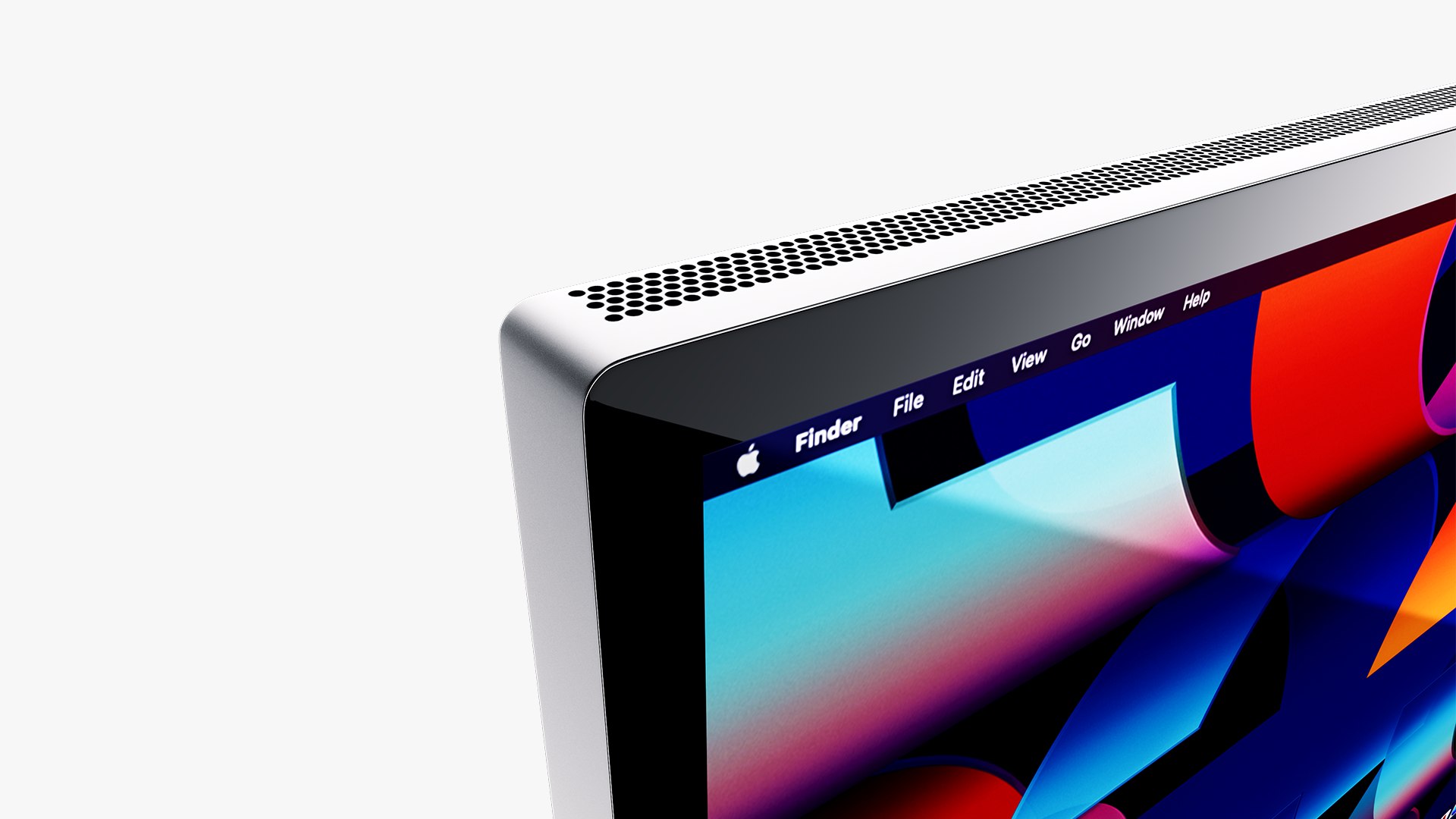
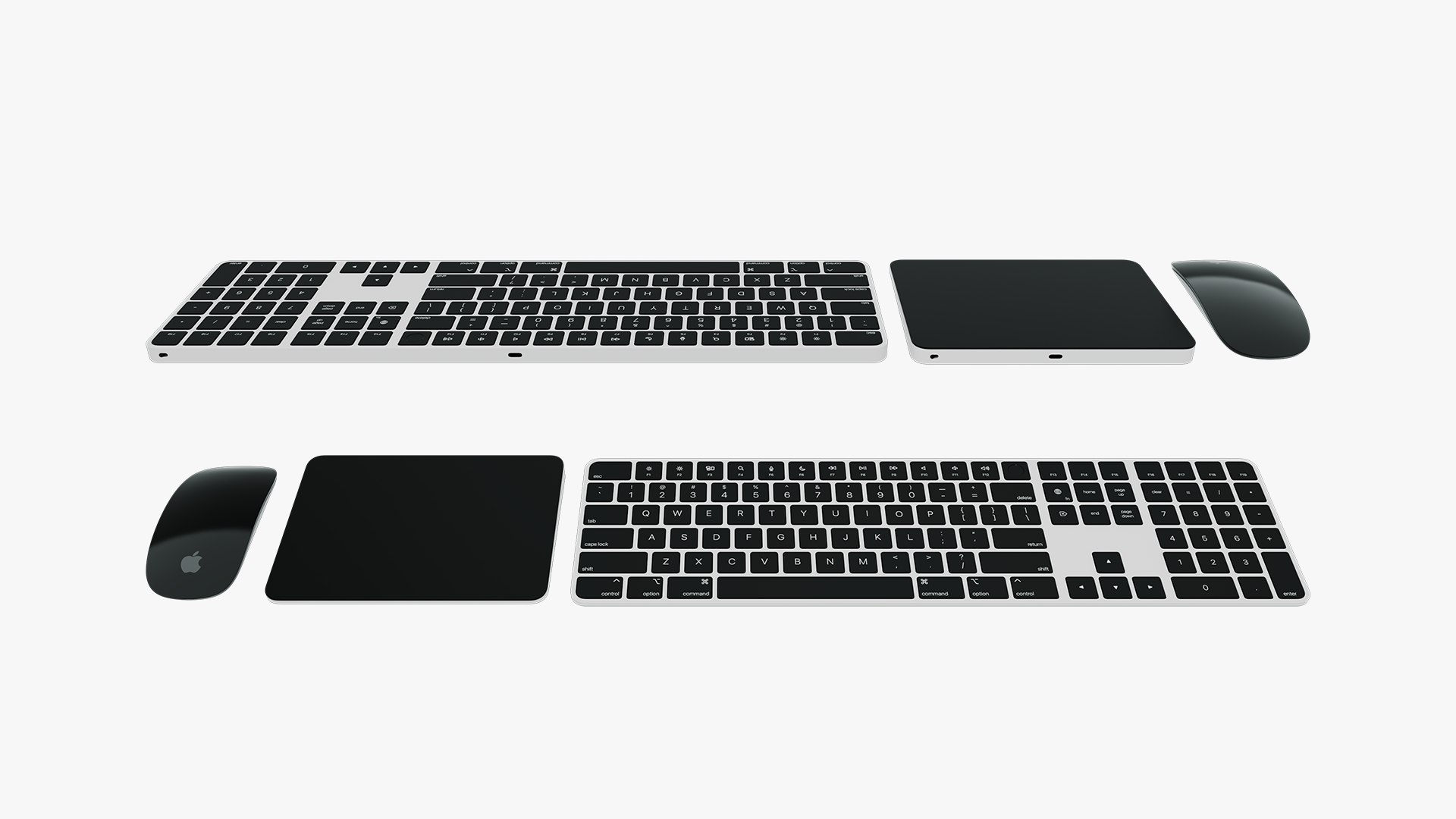
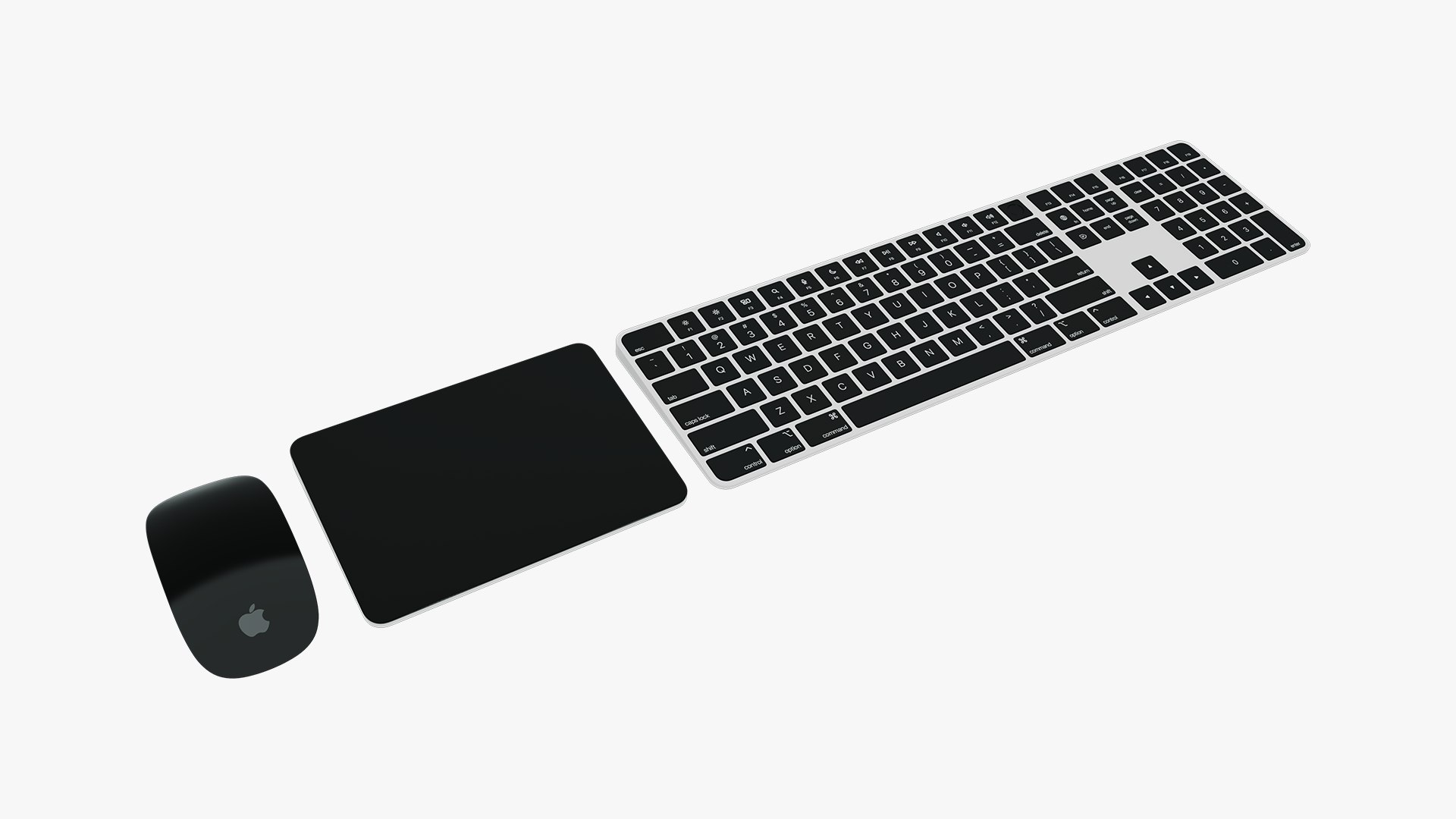
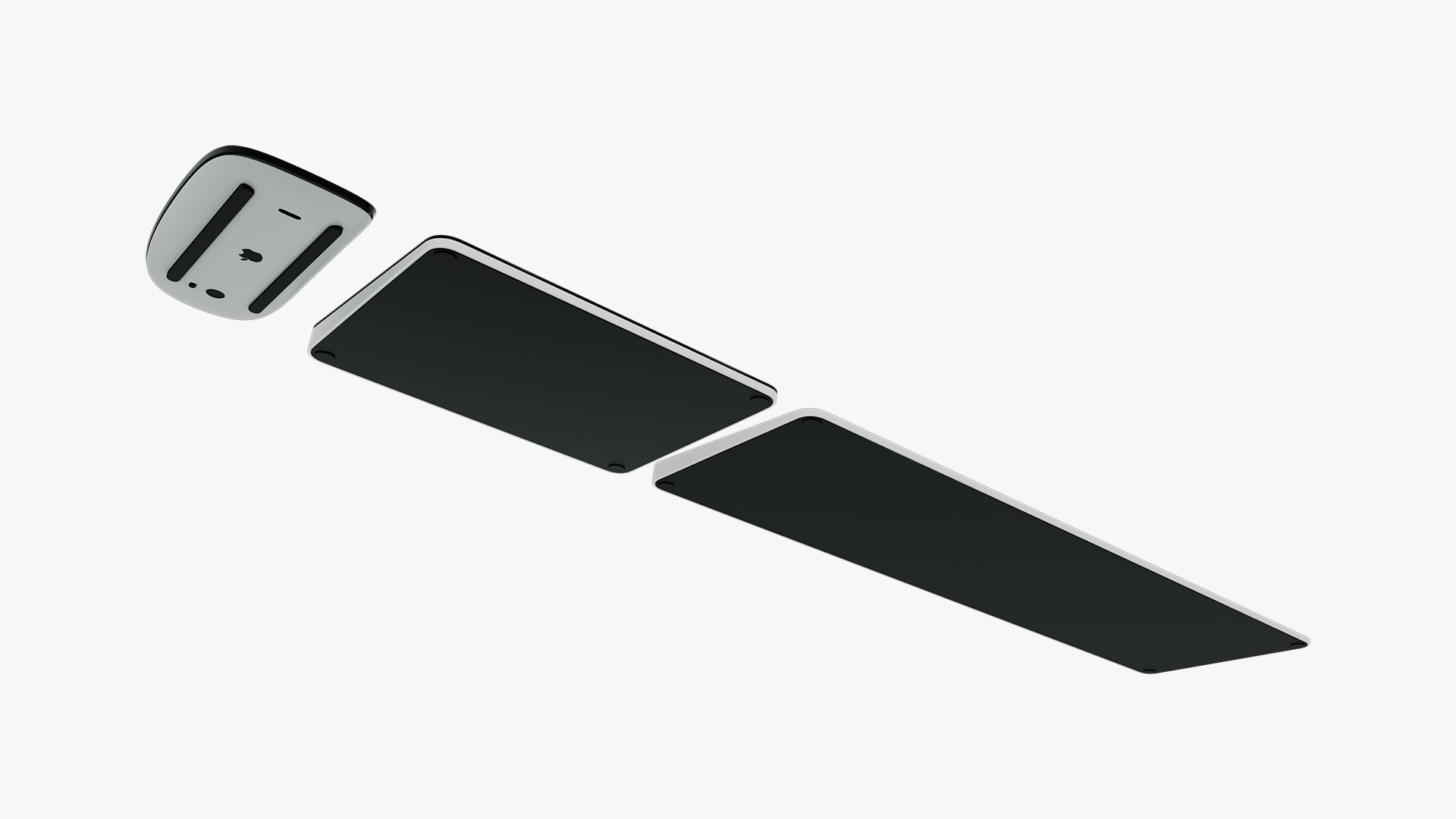
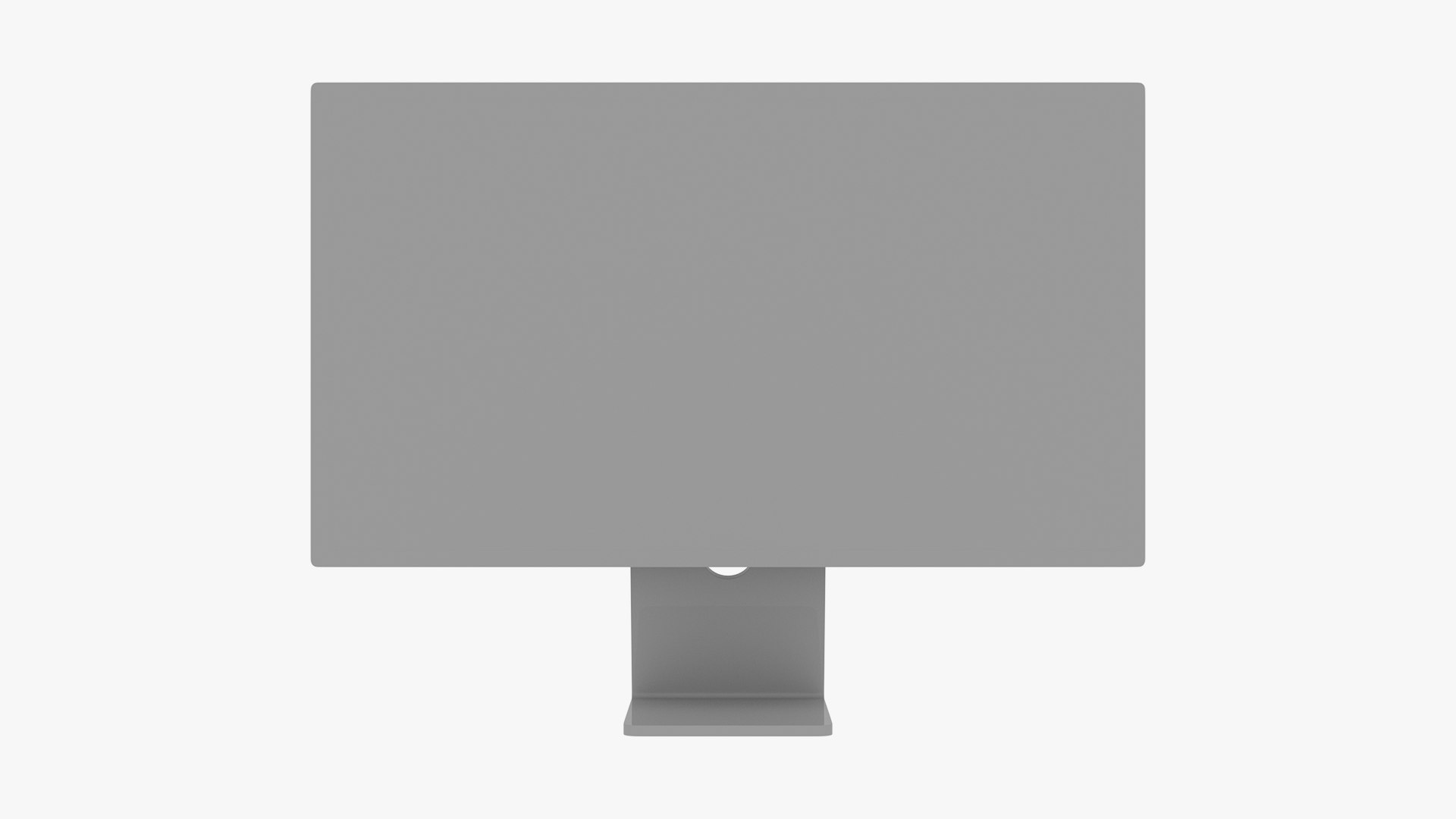
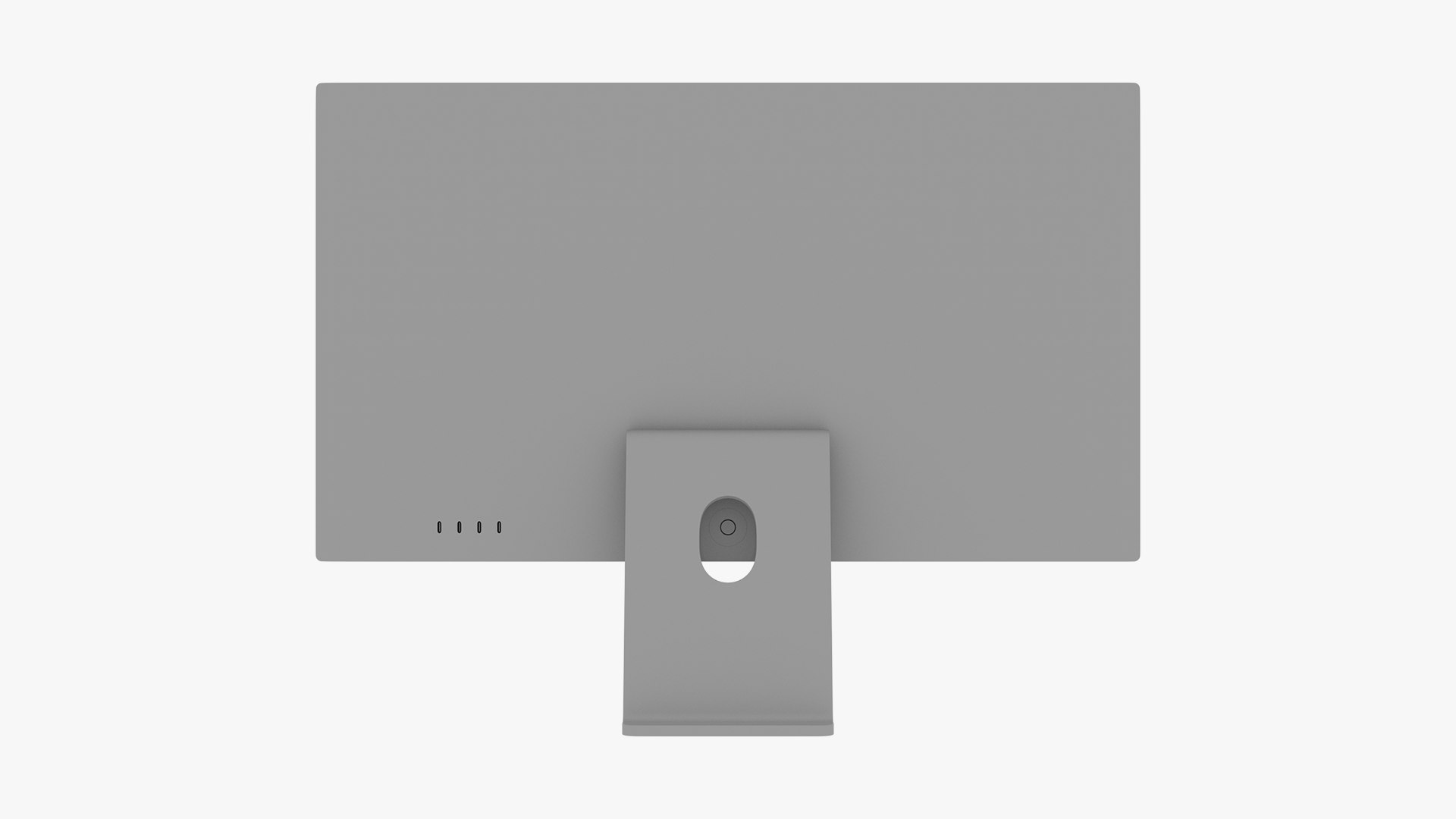
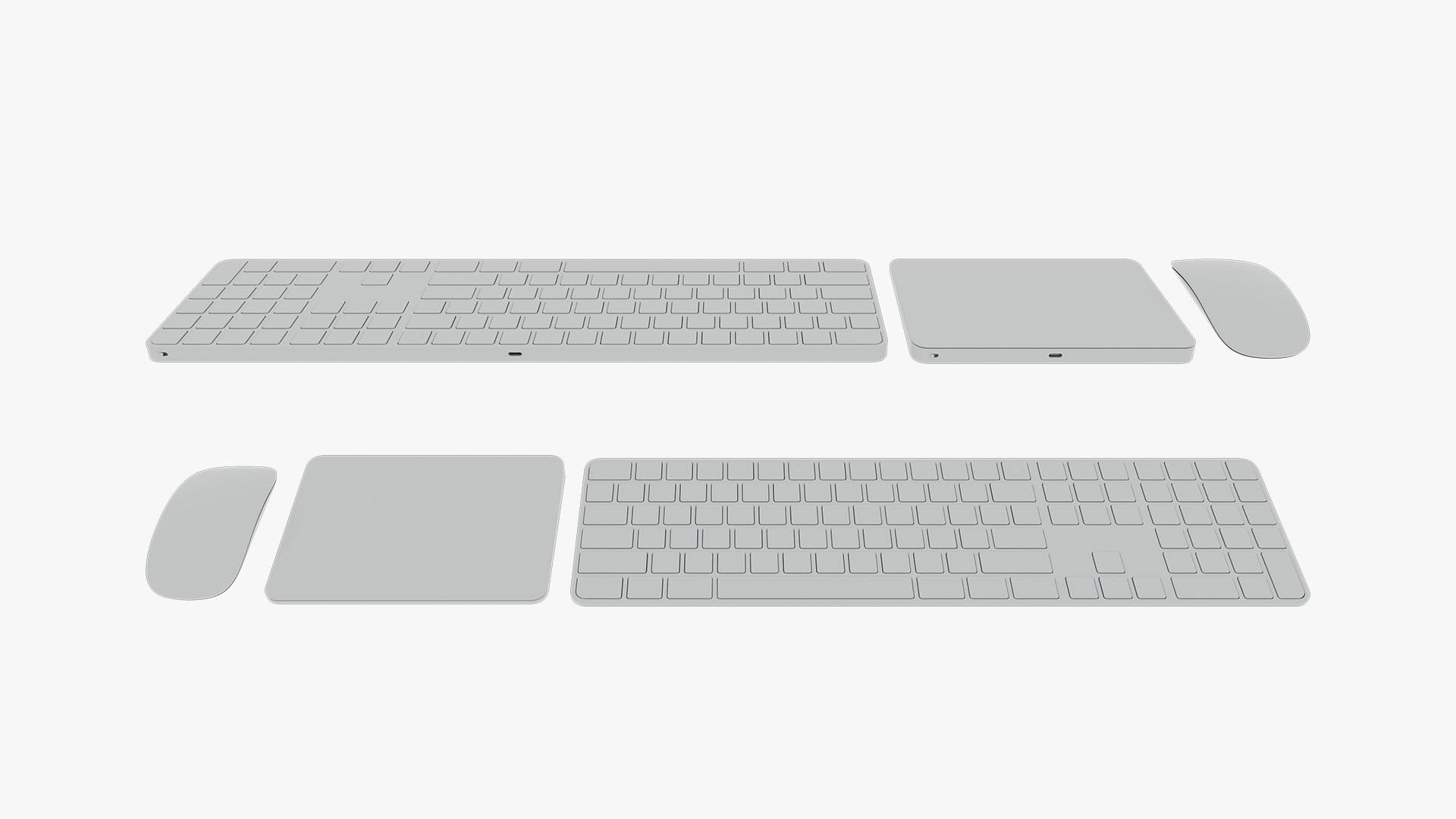
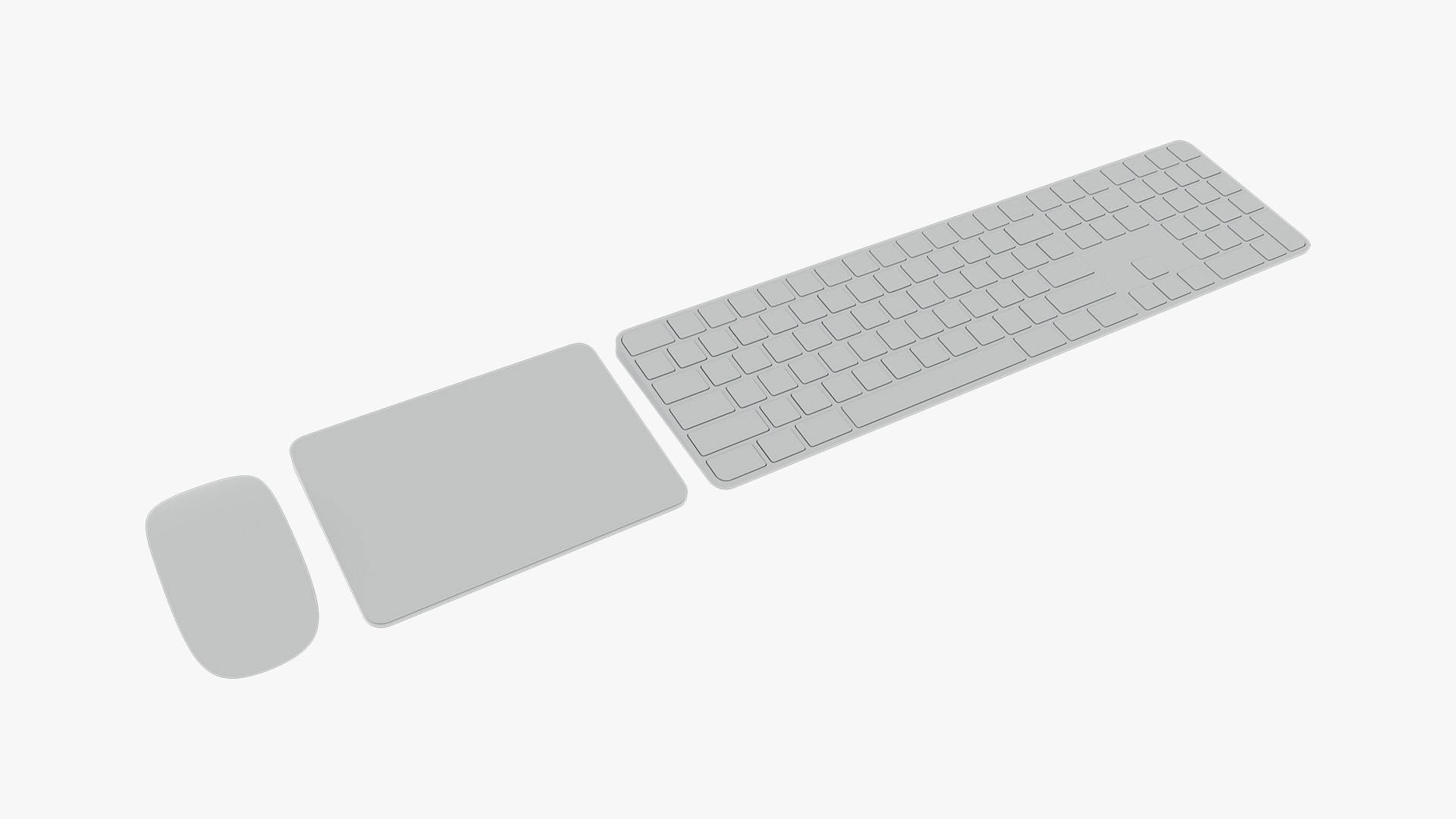
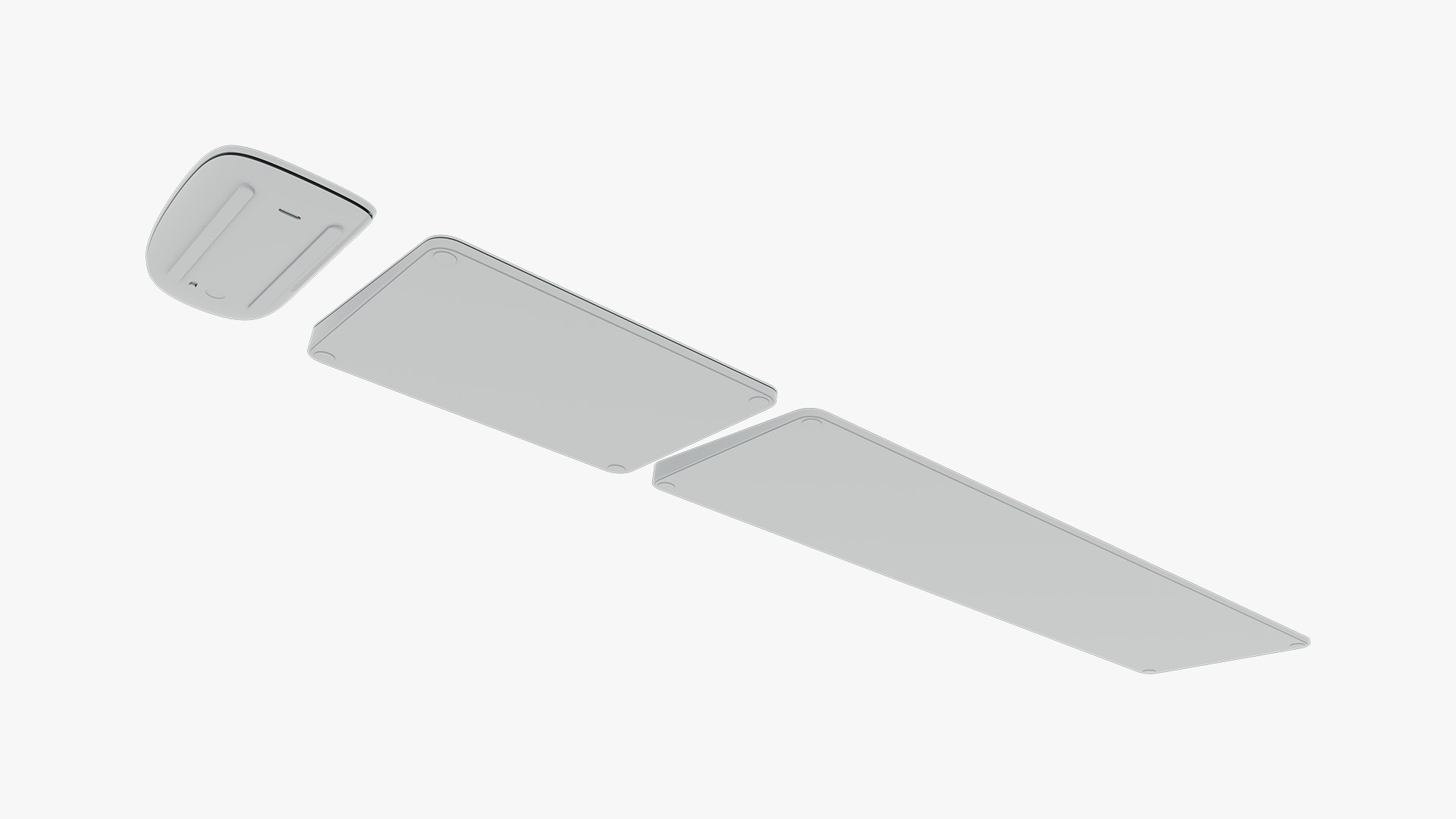
Apple Studio Display & Magic Accessories

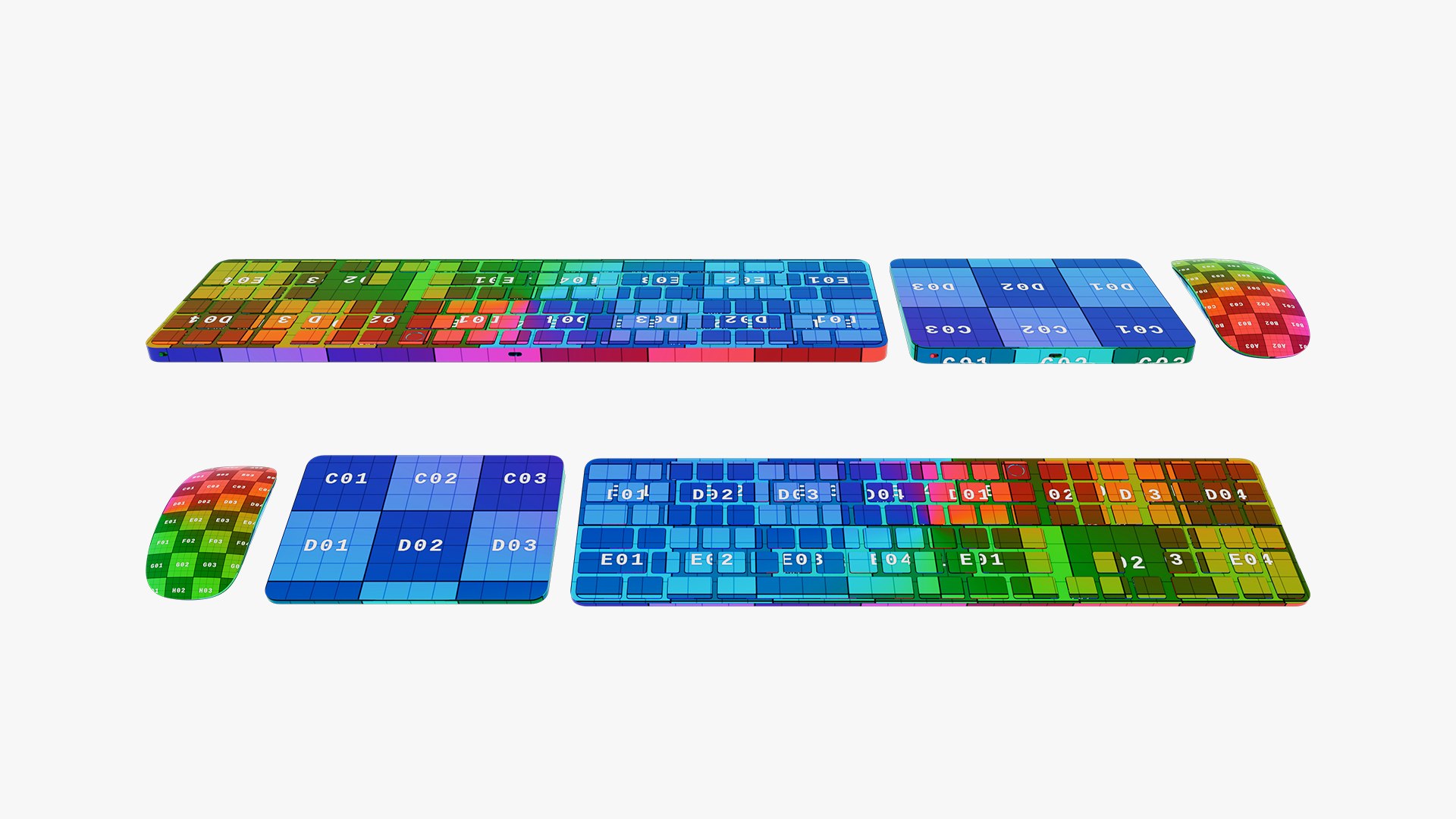
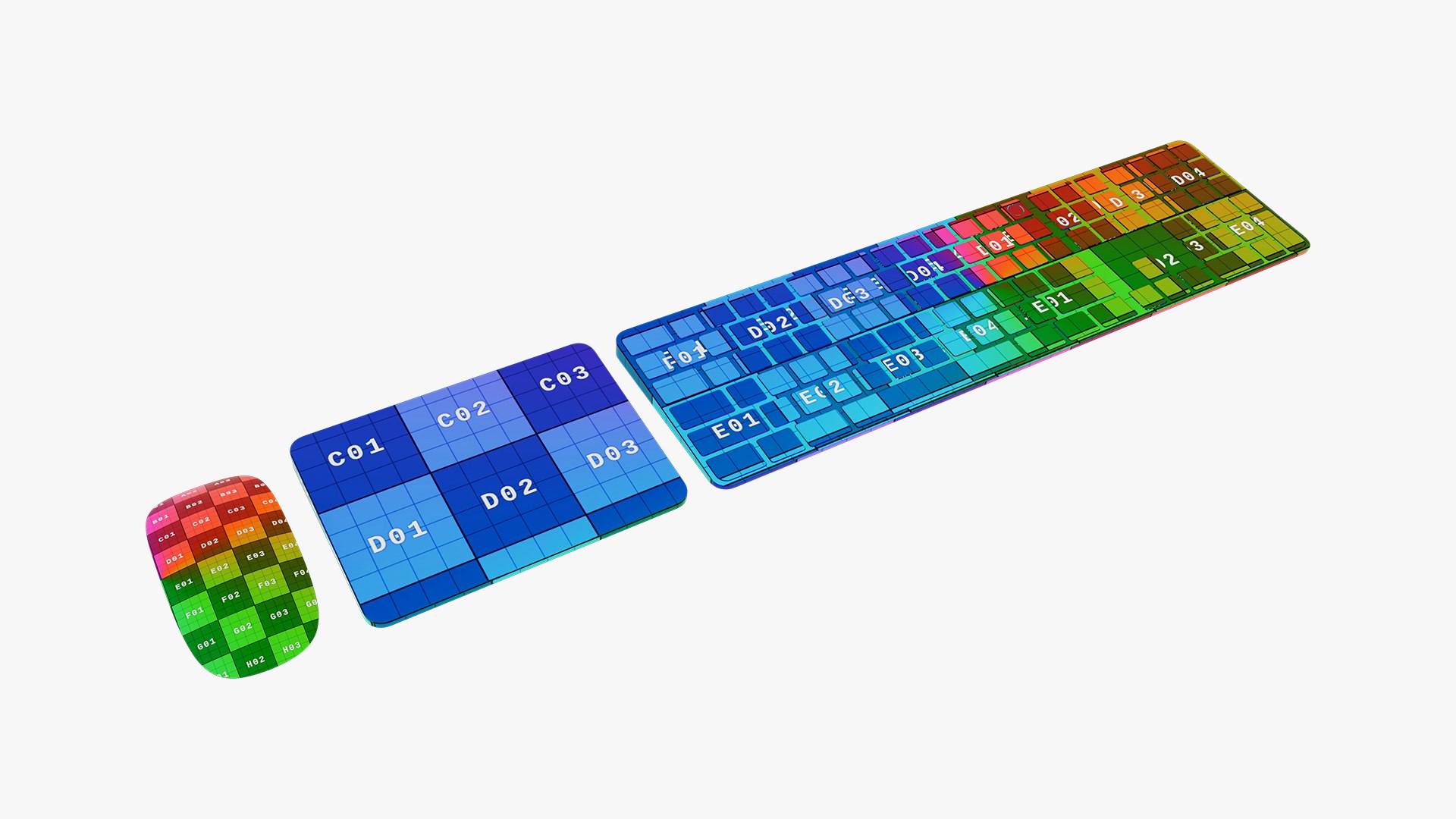
- This 3D model is based on dimensions of “ Apple Studio Display & All Magic Accessories”. 

- This 3D model was made in Cinema4D R19.
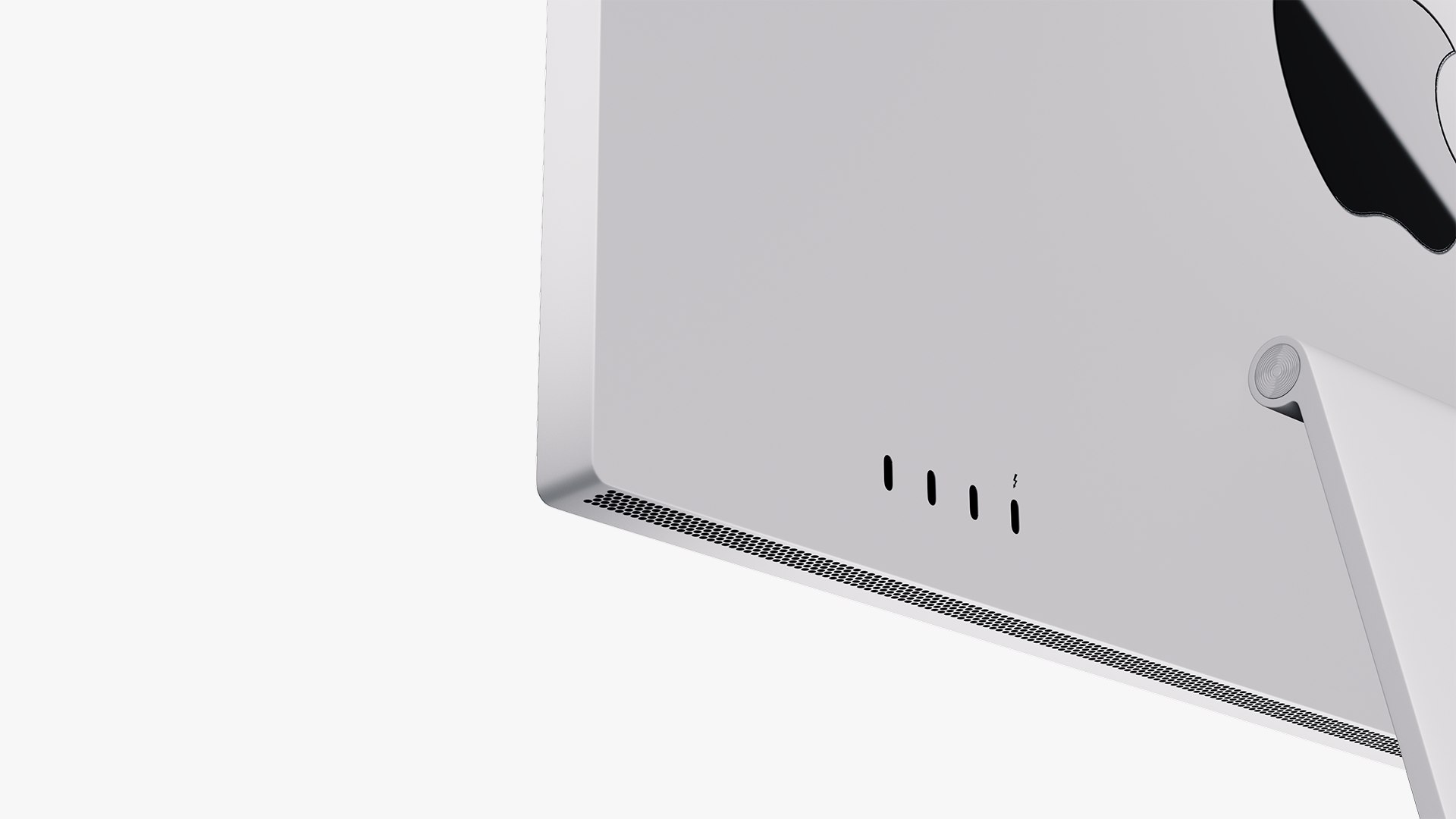
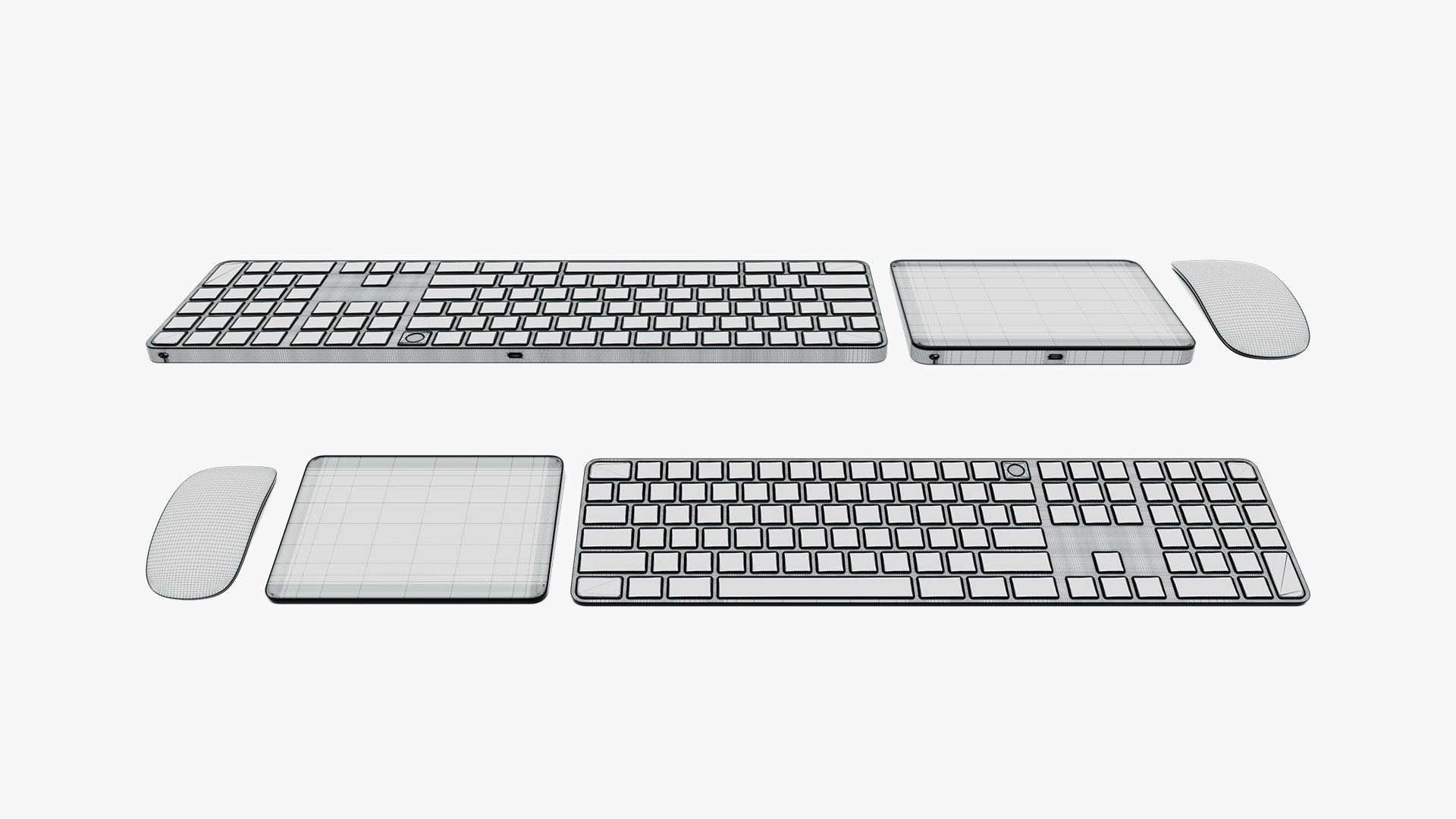
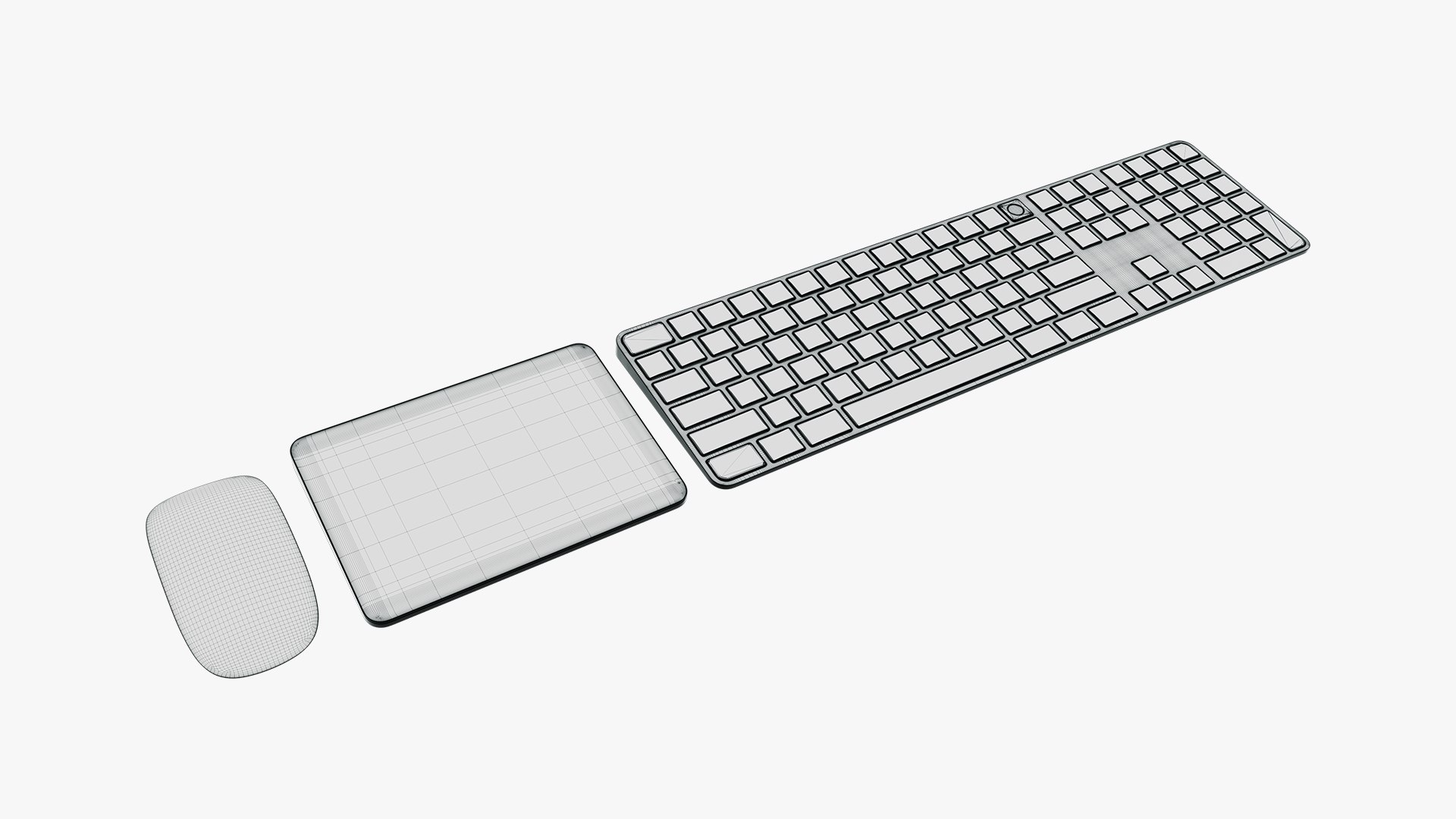
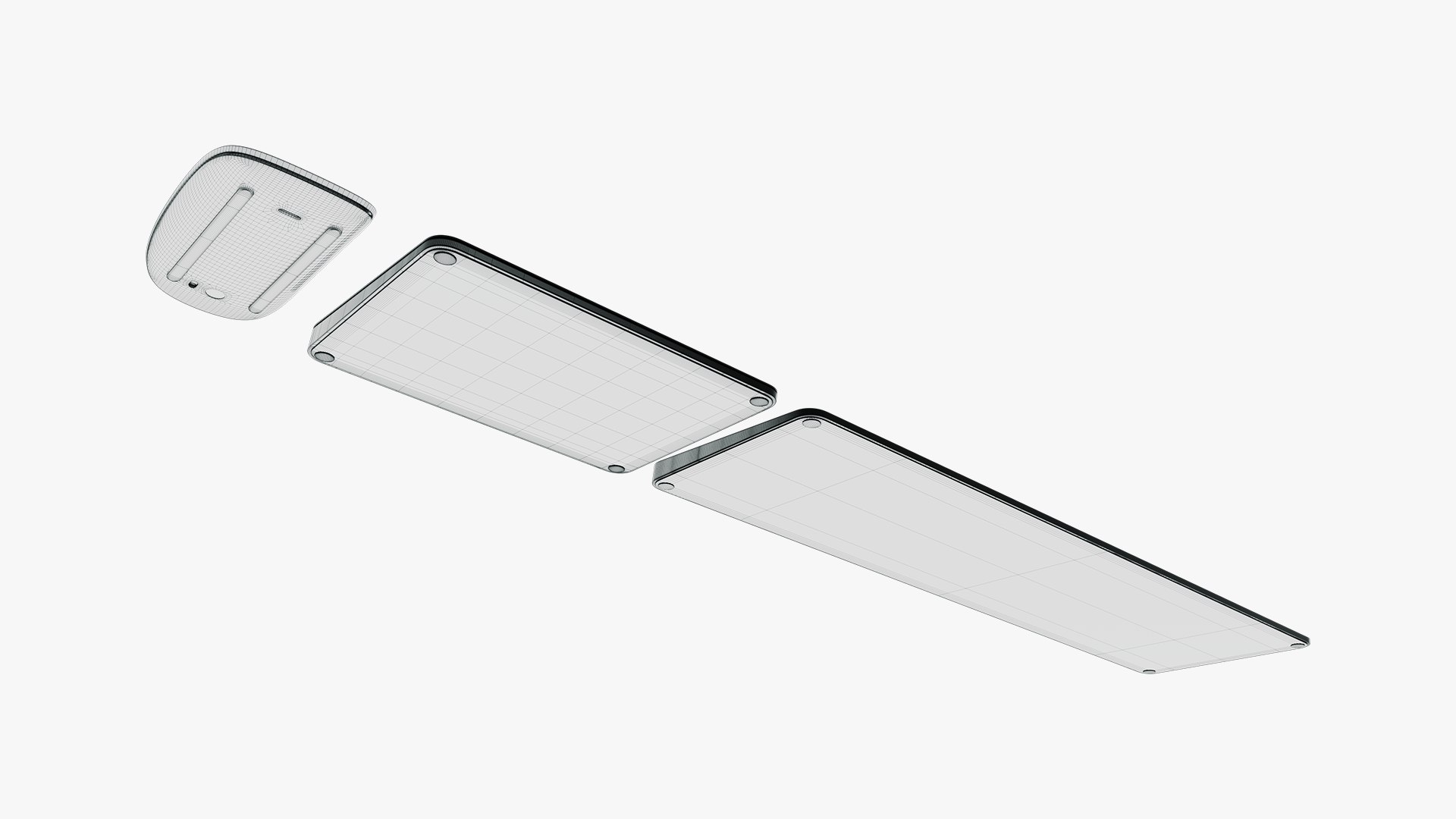
- The model is very detailed, great for detailed scenes and close-up renders.
- Previews of the products have been rendered with Redshift.
- Materials and textures included.
- All Textures in 4k resolution.
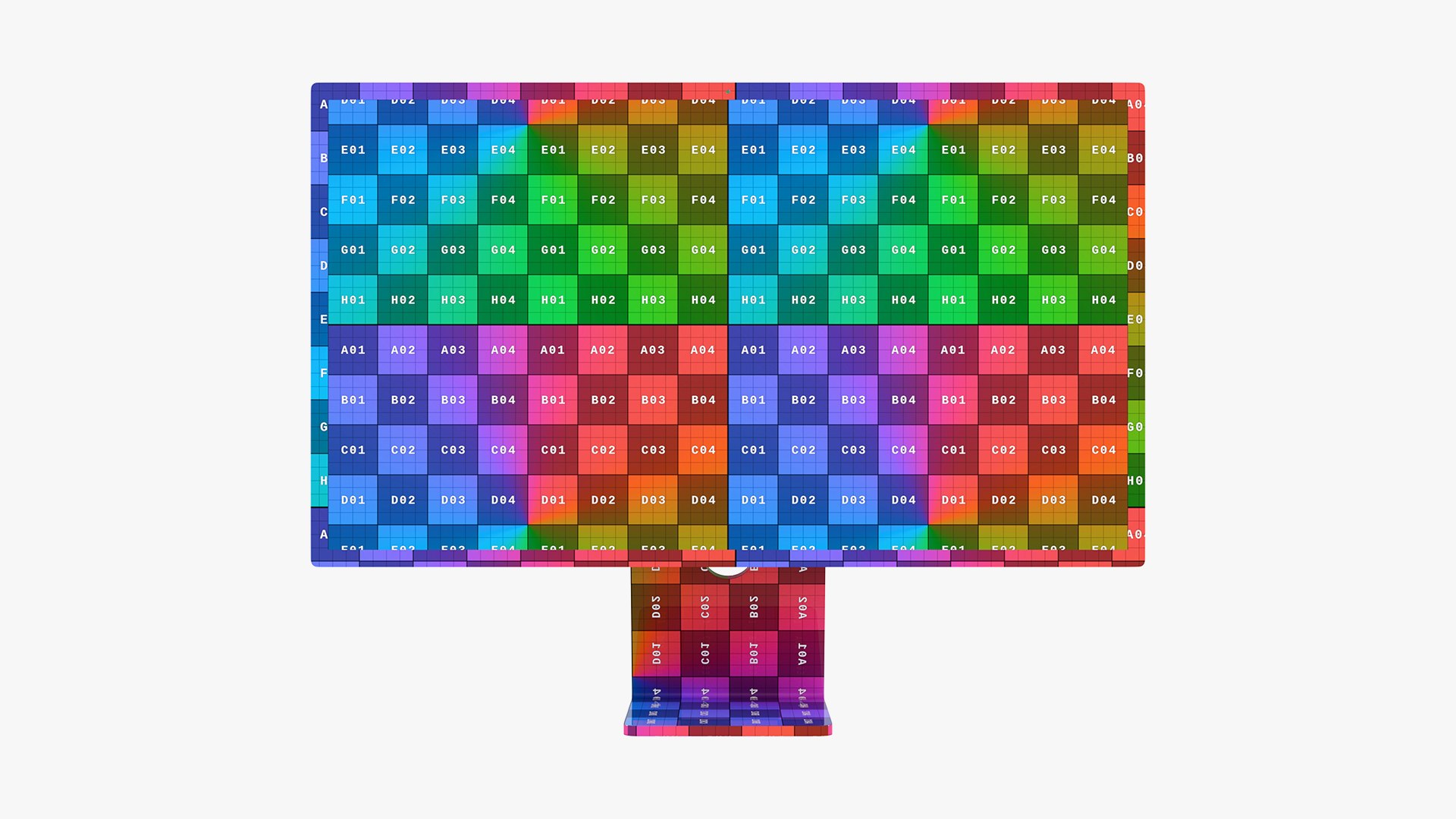
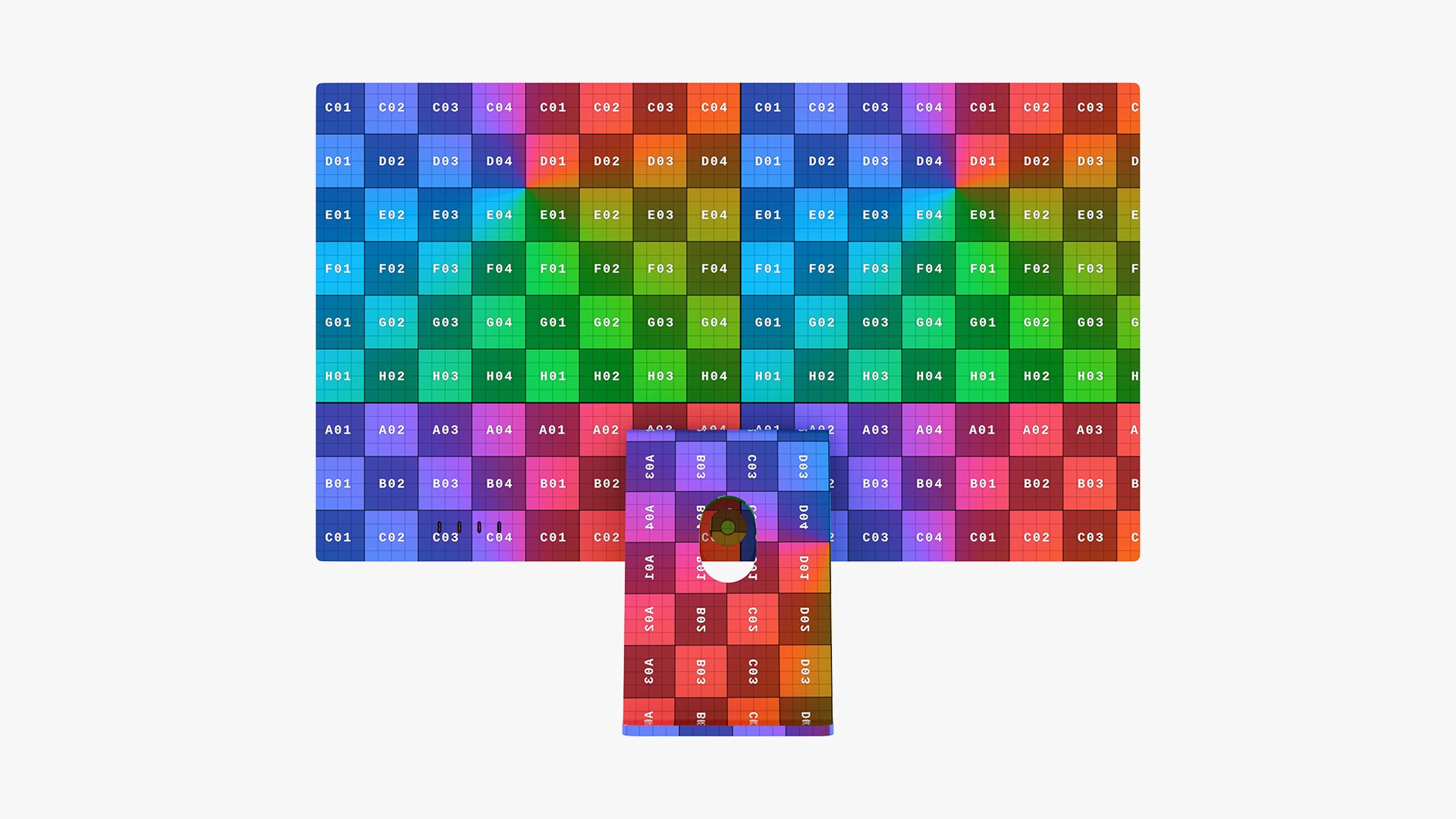
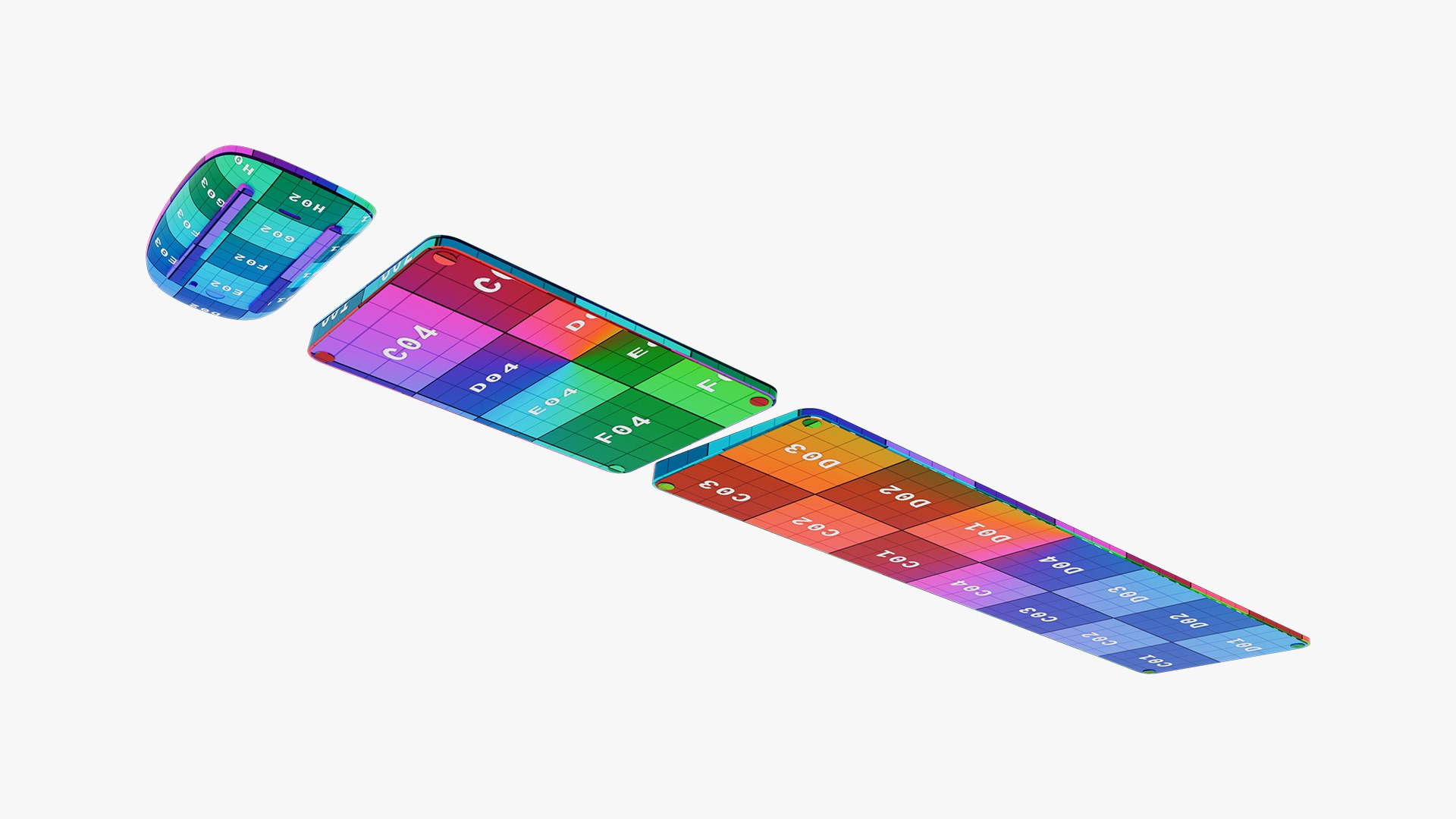
- The model is fully UV unwrapped so you can use any other textures you want.
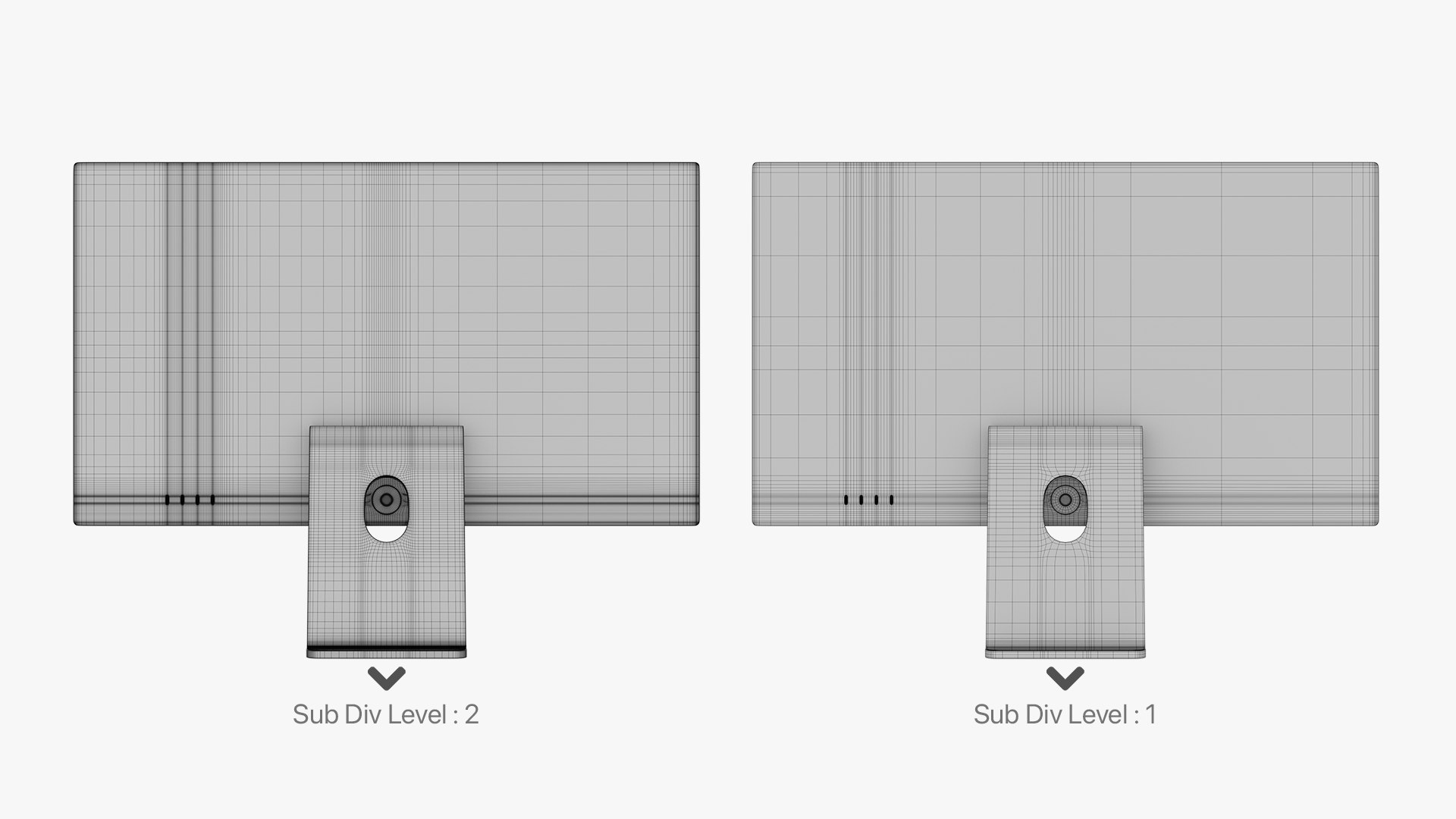
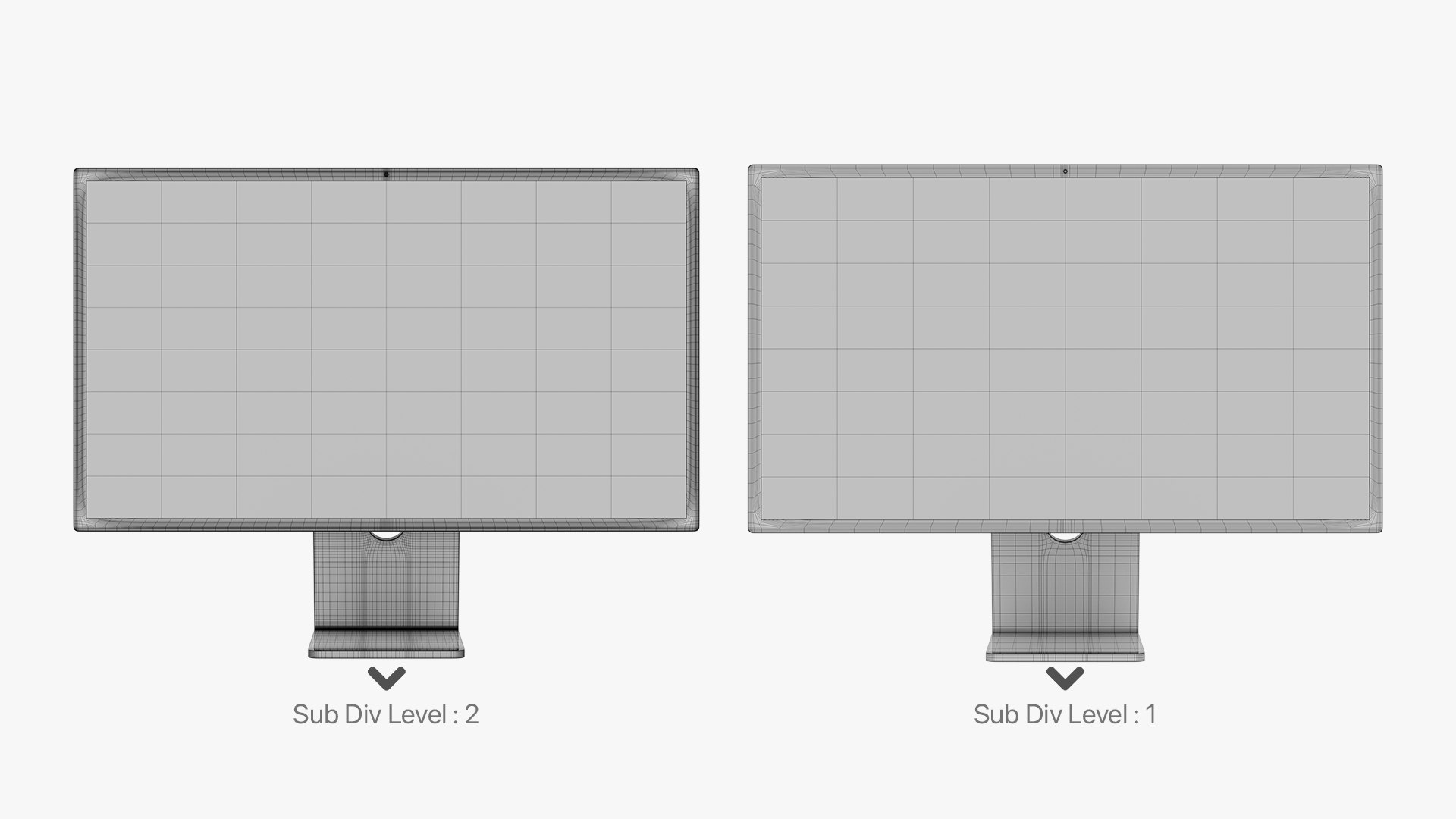
- The Sub-Div Surface is applied to the model but to get smoother result you can add an other Sub-Div Surface 

- In case you want to use an other renderer o 3D software there is a PBR Metallic-Roughness texture file that can be use with FBX or Obj in any other software 


- Available render engines :
      - Corona 6 & V-ray 5.1 for 3Dsmax
      - Redshift 2.6.41 for Cinema4d

      - Eevee For Blender

- Available File Types :
       - 3Ds Max 2016
       - 3Ds Max 2019
       - Cinema4D R19

       - Blender 3.0
       - FBX
       - Obj
       - 3ds


- Units: cm

Select Enhanced License

  • $10,000 in Legal Protection (Indemnification)
  • Uncapped Legal Protection (Indemnification)
  • Waiver from injunctive relief
  • Assignable model rights
  • $1,000,000 in Legal Protection (Indemnification)
  • Waiver from injunctive relief
  • Assignable model rights
  • $250,000 in Legal Protection (Indemnification)
  • Assignable model rights
Read more about enhanced license tiers, or contact us at enterprise@turbosquid.com. Already a Shutterstock Enterprise Customer? Contact your Shutterstock Sales Support Agent to talk about adding 3D.

About Conversion Requests

To submit a conversion request for a purchased asset, please complete our Conversion Request Form.

If you have not yet purchased a model, please review our Documentation about Conversions to learn about what limitations you may encounter with a conversion.

For any additional questions about a model’s suitability for conversion, please contact TurboSquid Support.

Loading...