
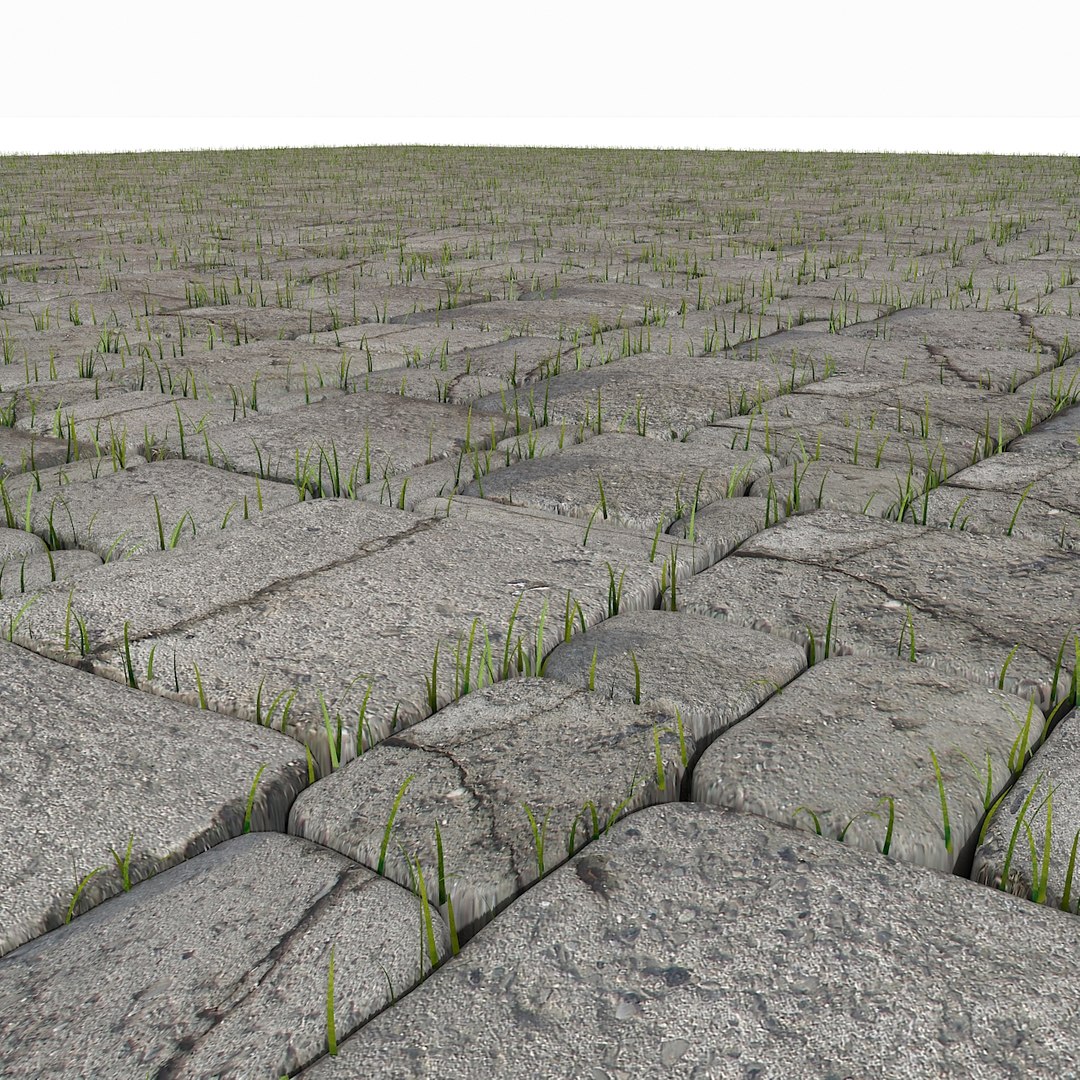
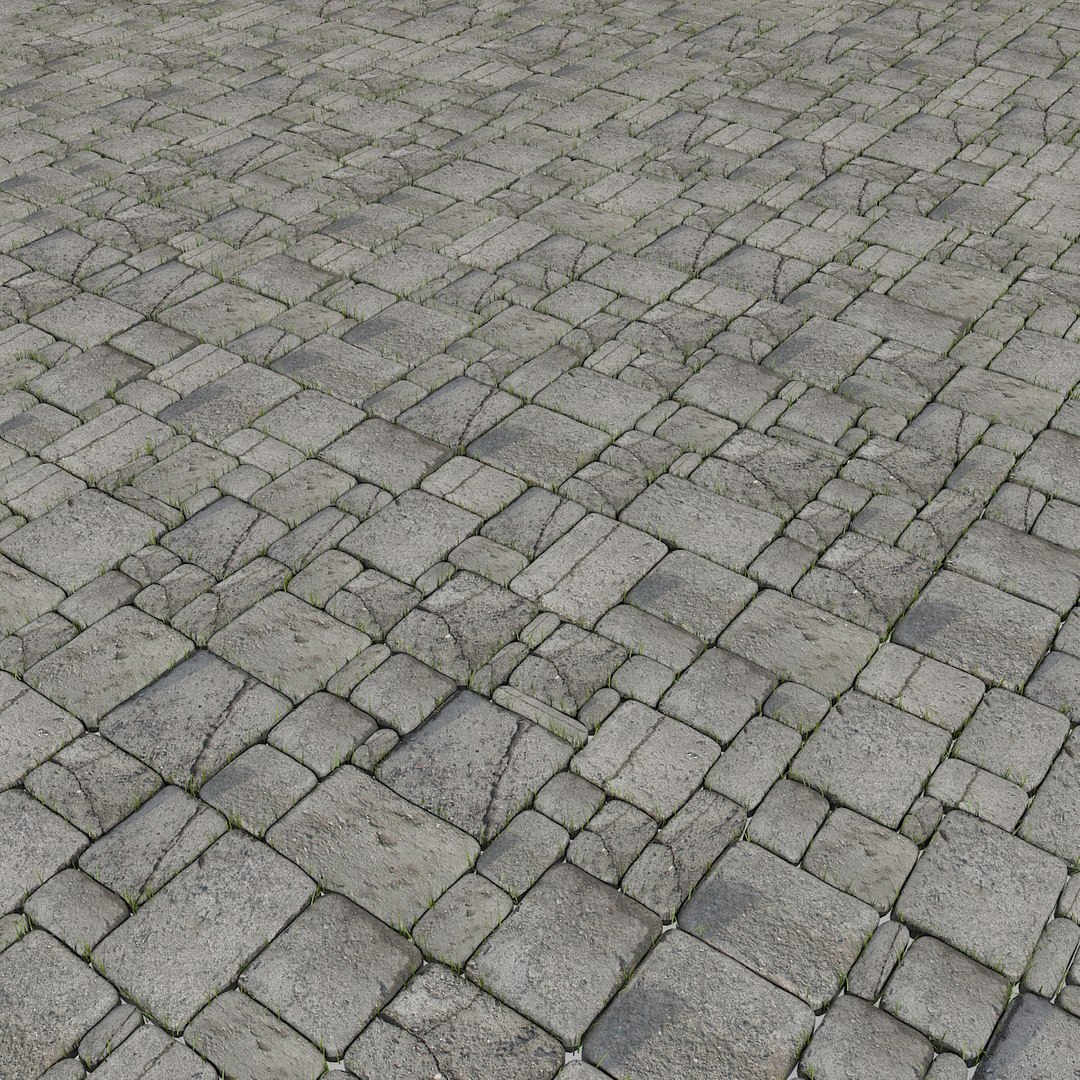
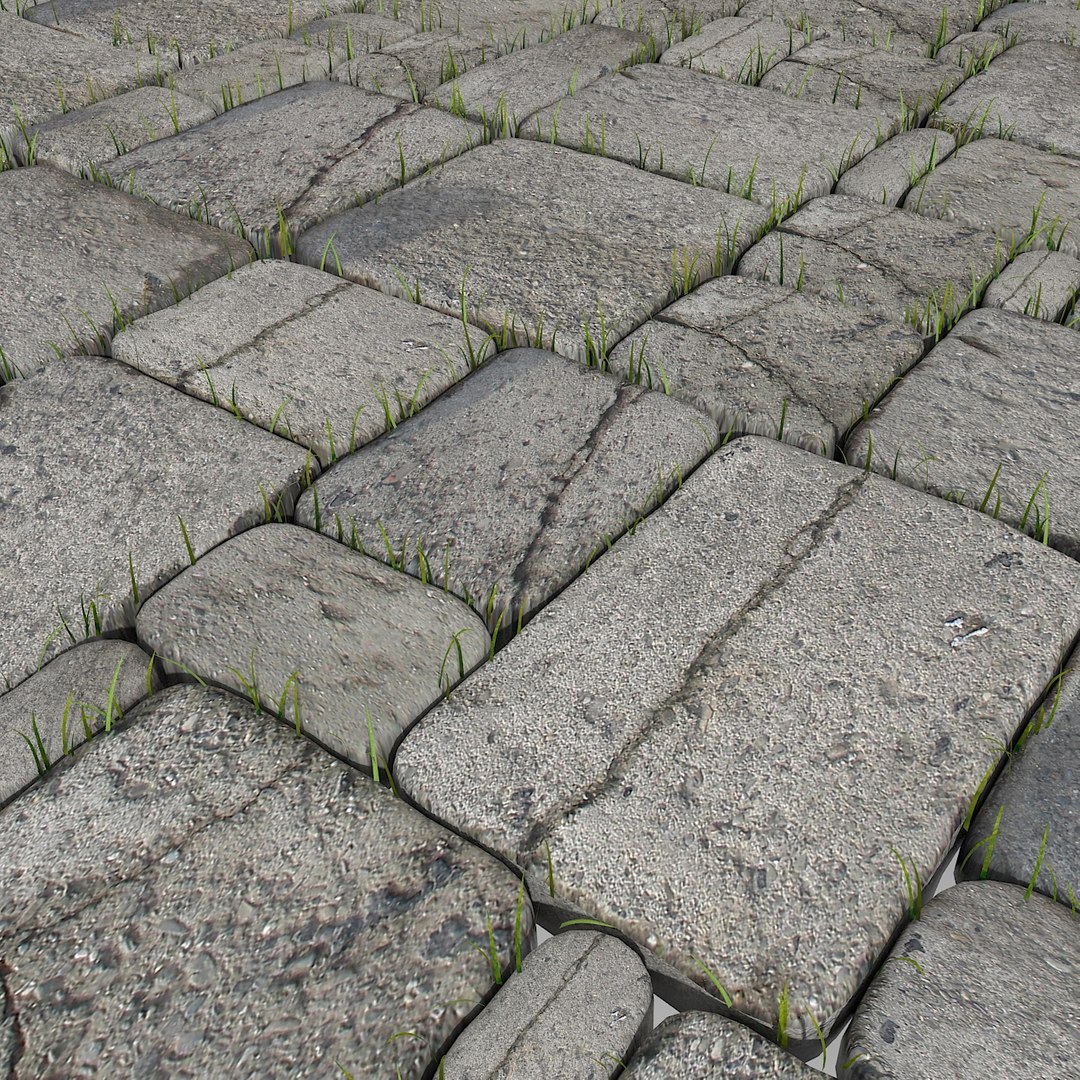
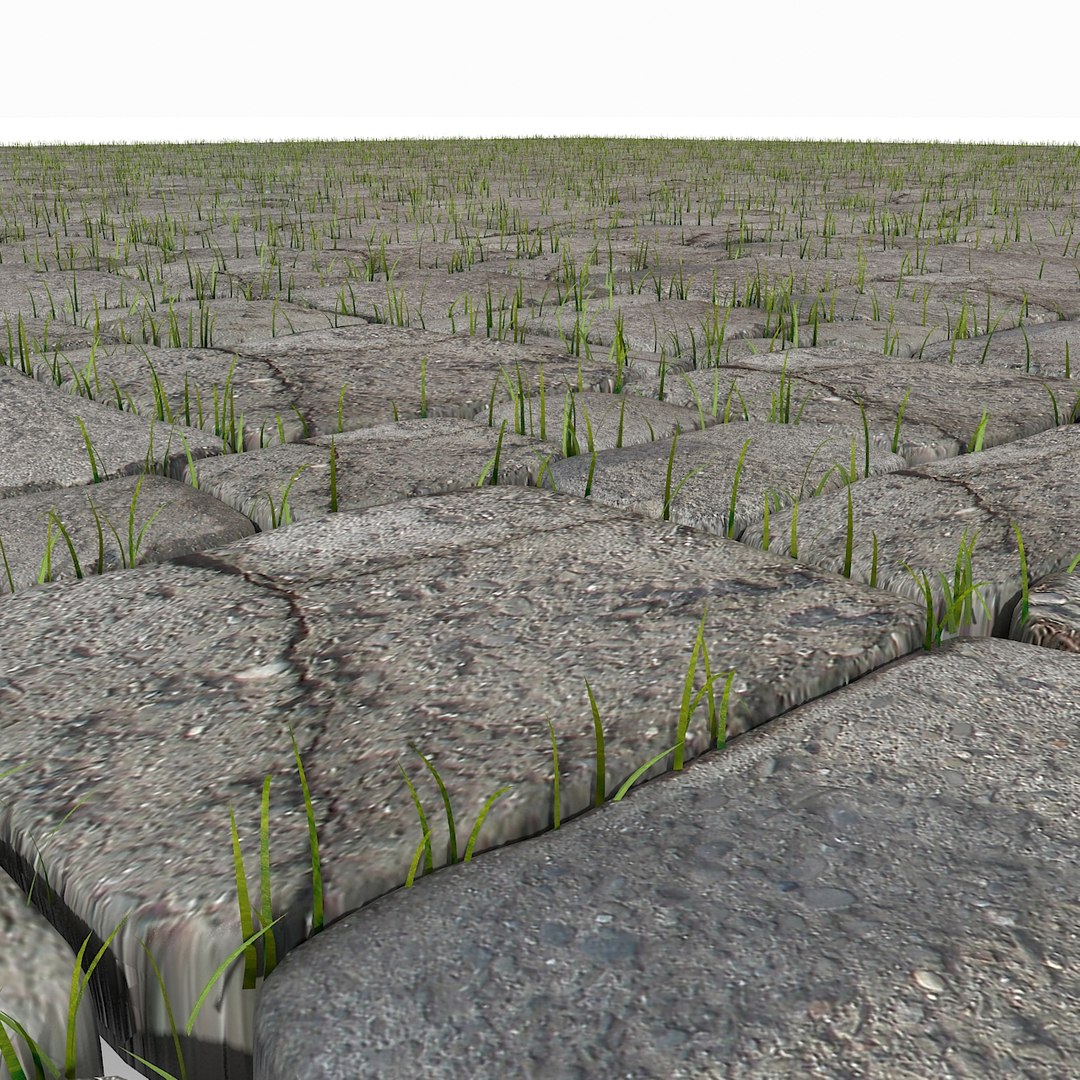
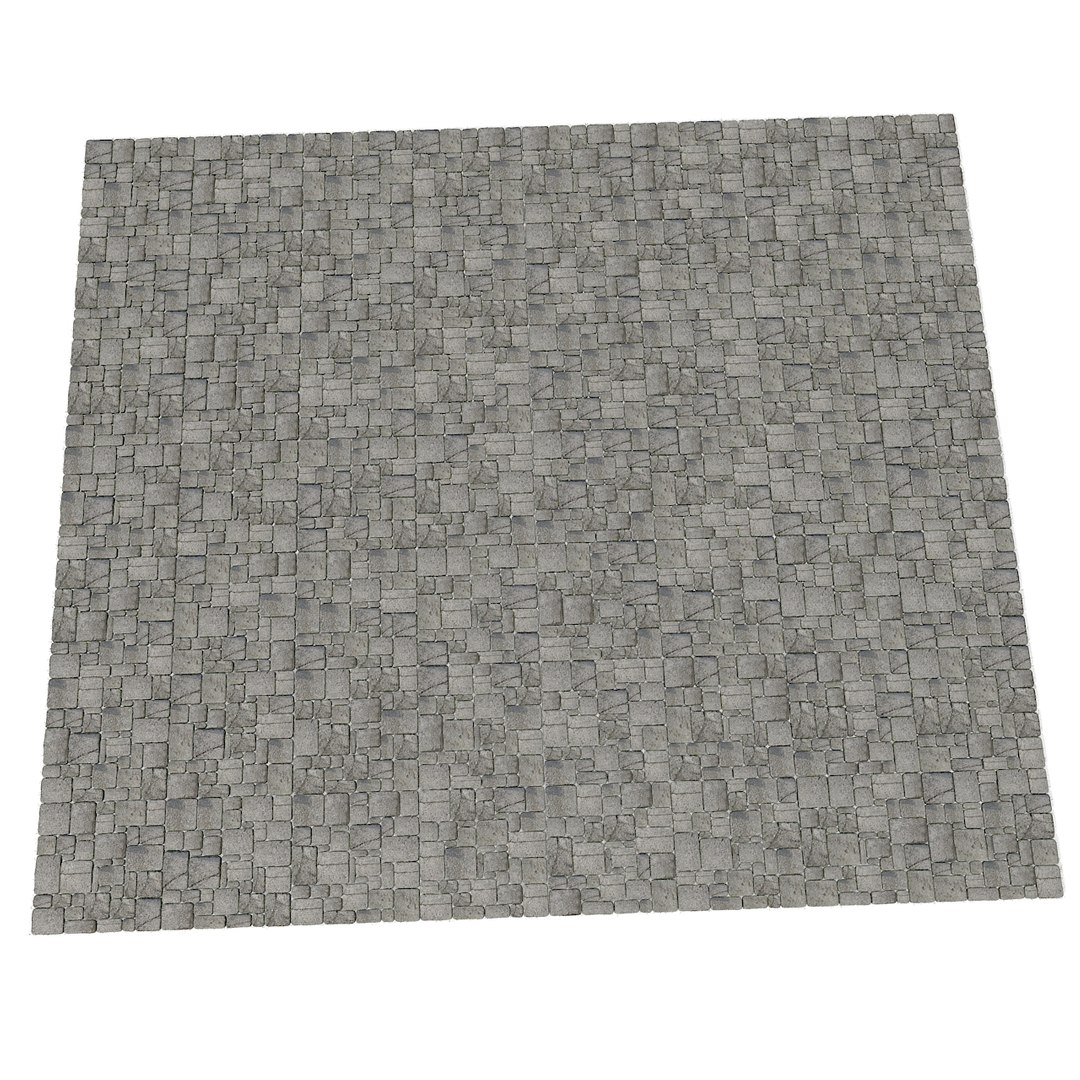
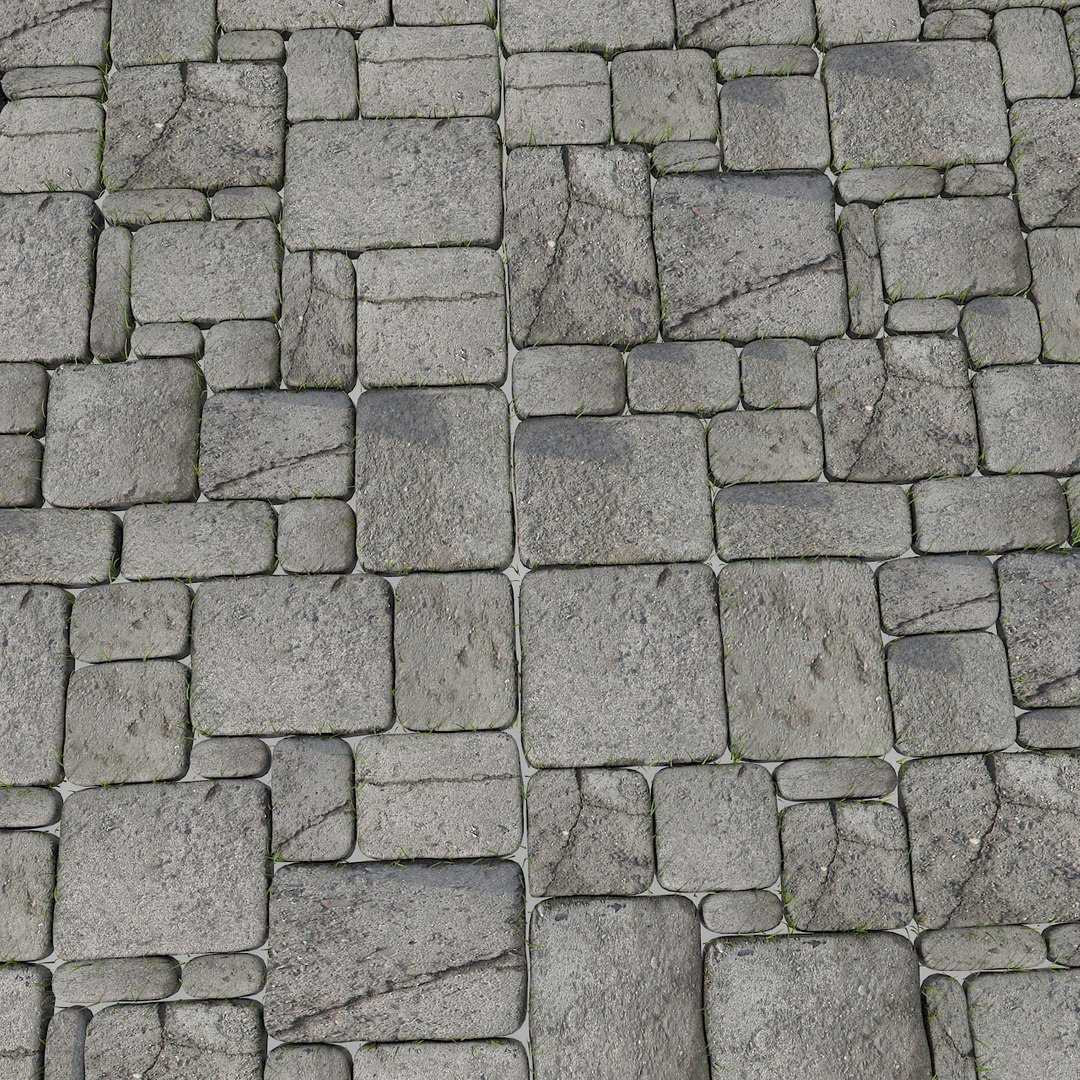
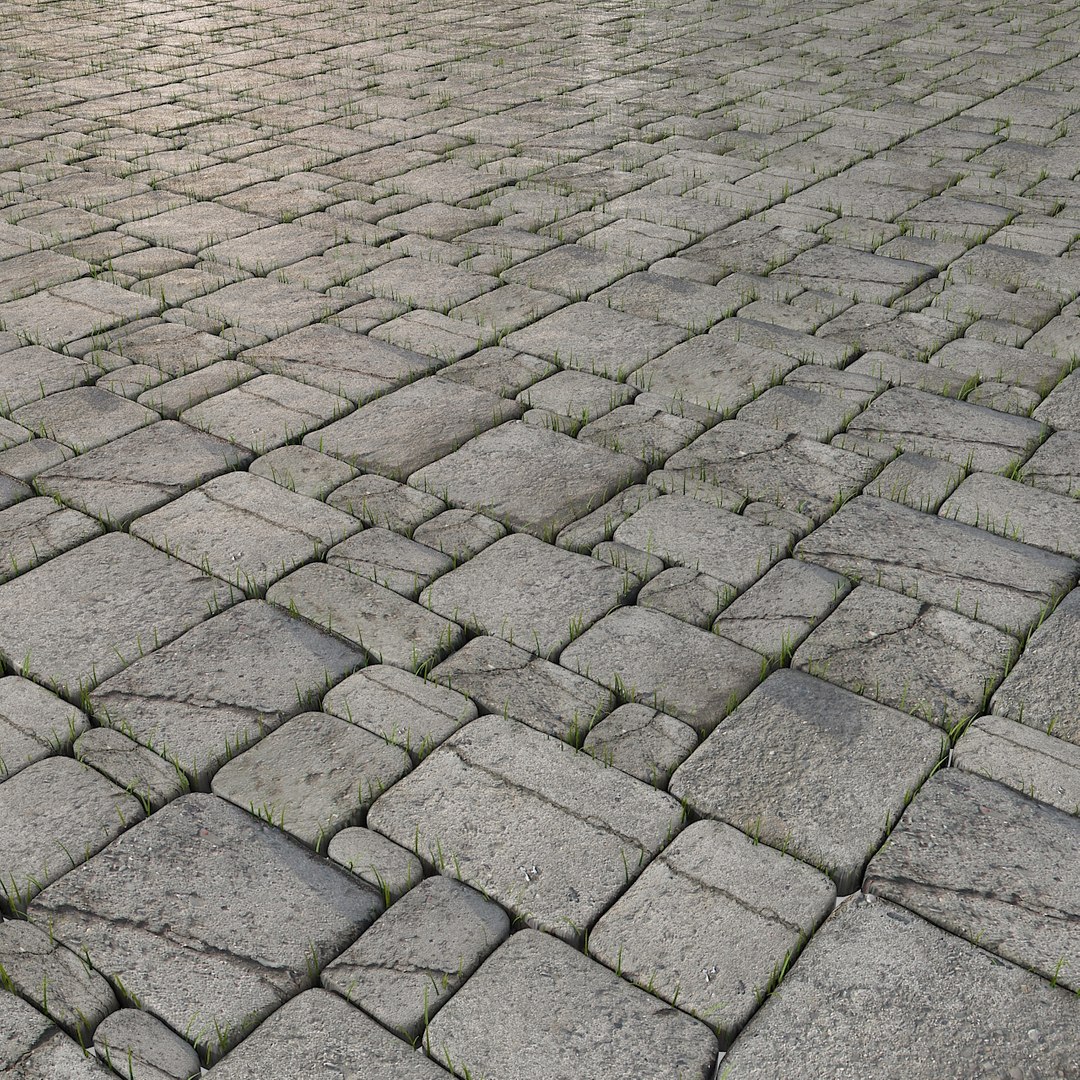
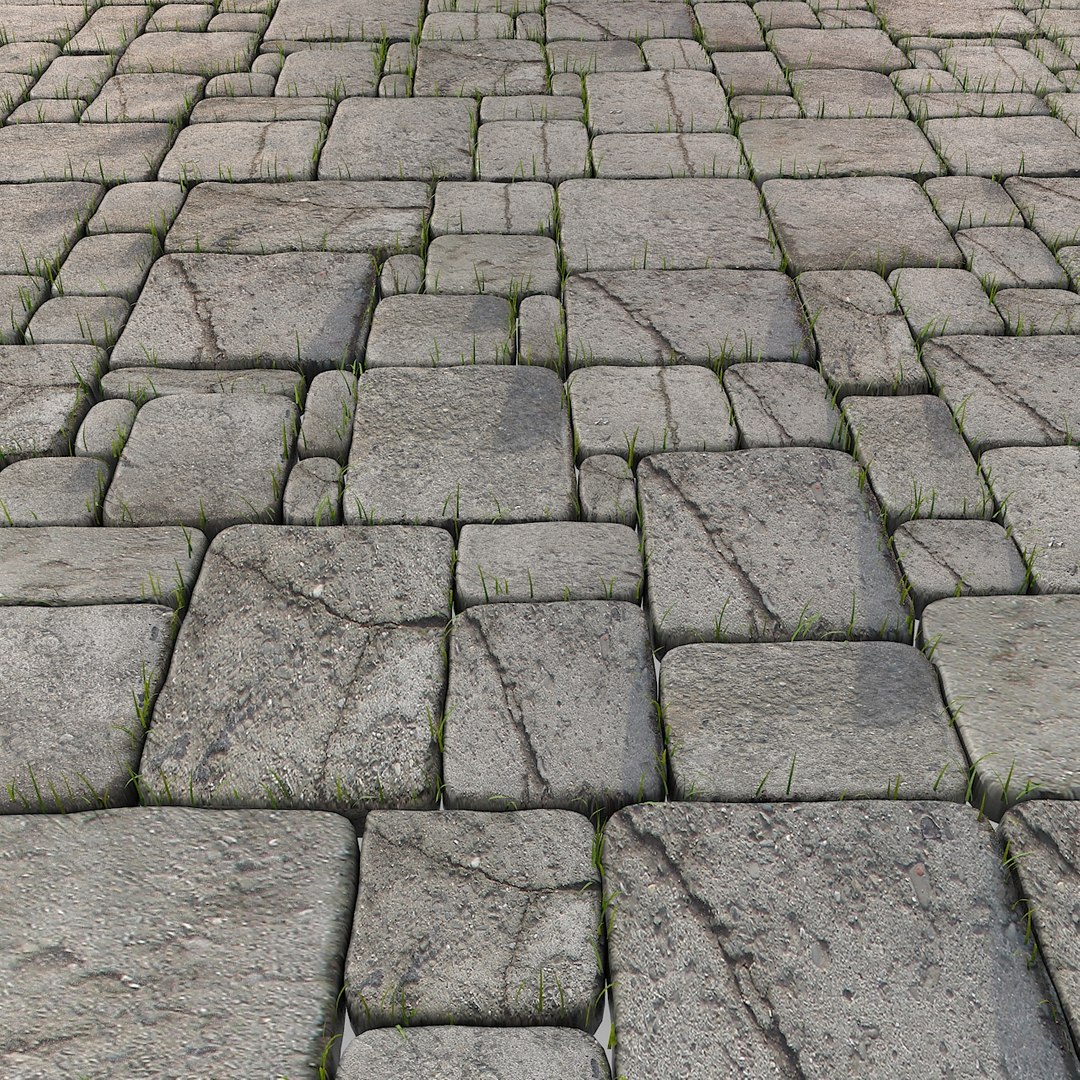
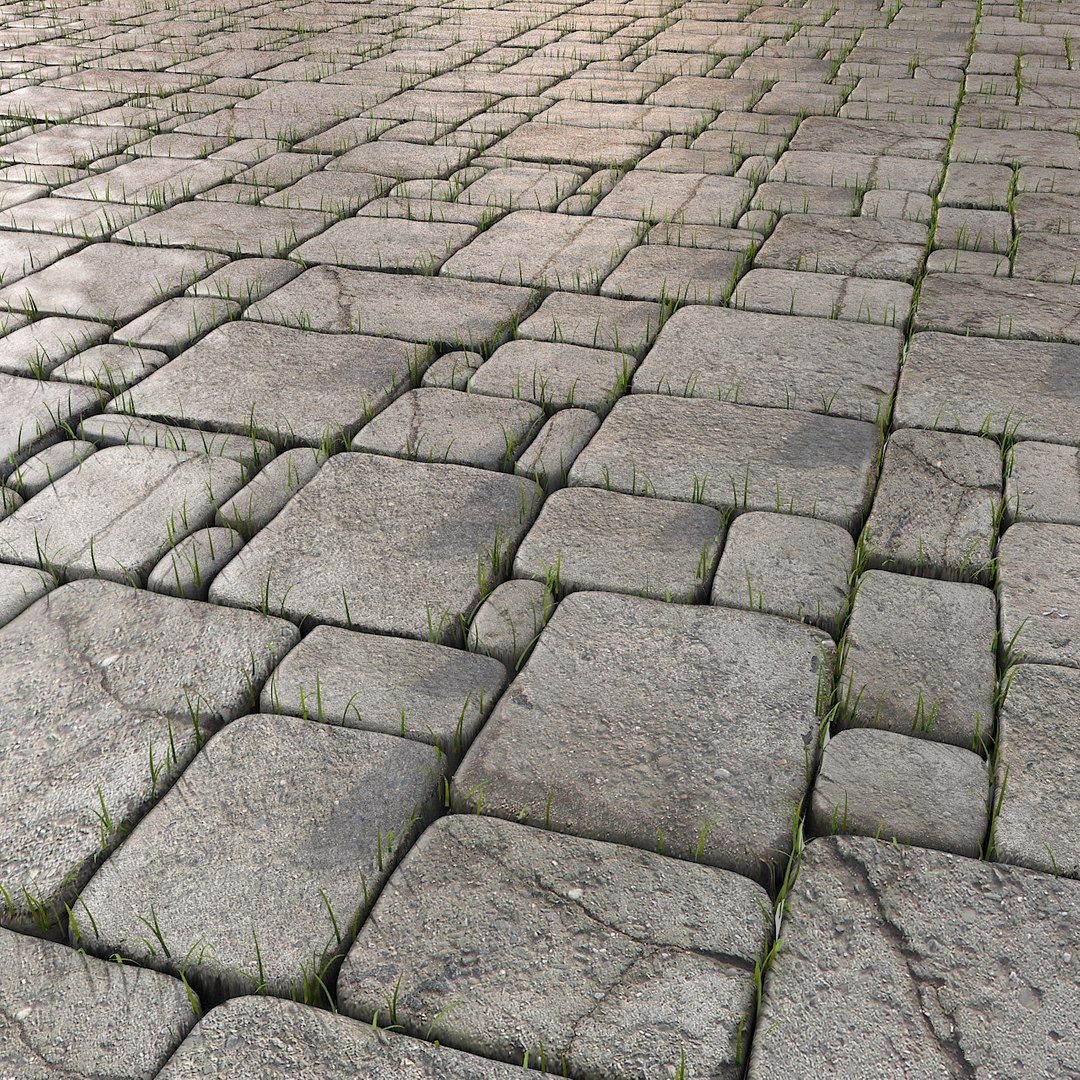
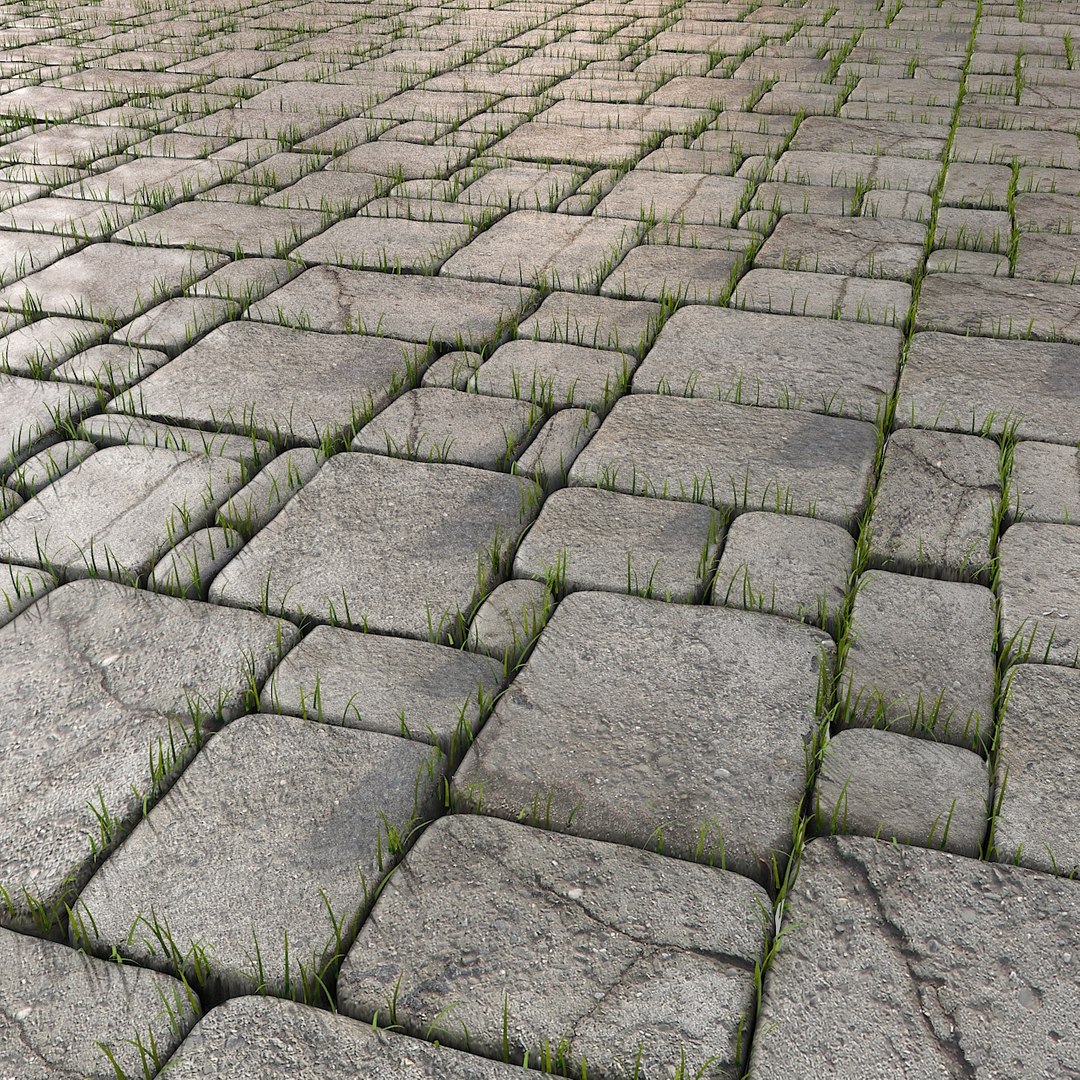
Stone Pavement Grass Floor park garden restaurant outside outdoor outside seating terrace location gone desolate abandoned deserted forsaken countryside plant moss

$24

Standard License | Upgrade License
Formats (5)
Free file format Conversions available
Native | 3ds Max 2009 | V-Ray 1.5 SP4
3ds Max 2009 | Default Scanline
Collada
FBX
OBJ
Specifications
Publish Date October 01, 2013
Product ID 771406
Polygons 1,718,327
Vertices 1,379,091
Polygonal
Textures
Materials
UV Mapped
Unknown Unwrapped UVs
TurboSquid Exclusive
member avatar
Litarvan
1028 Products | Contributor Since 2005
Have questions? Chat with us now.

Description

V-Ray and Standard materials are avaiable. The textures are in the 3ds Max file archive.

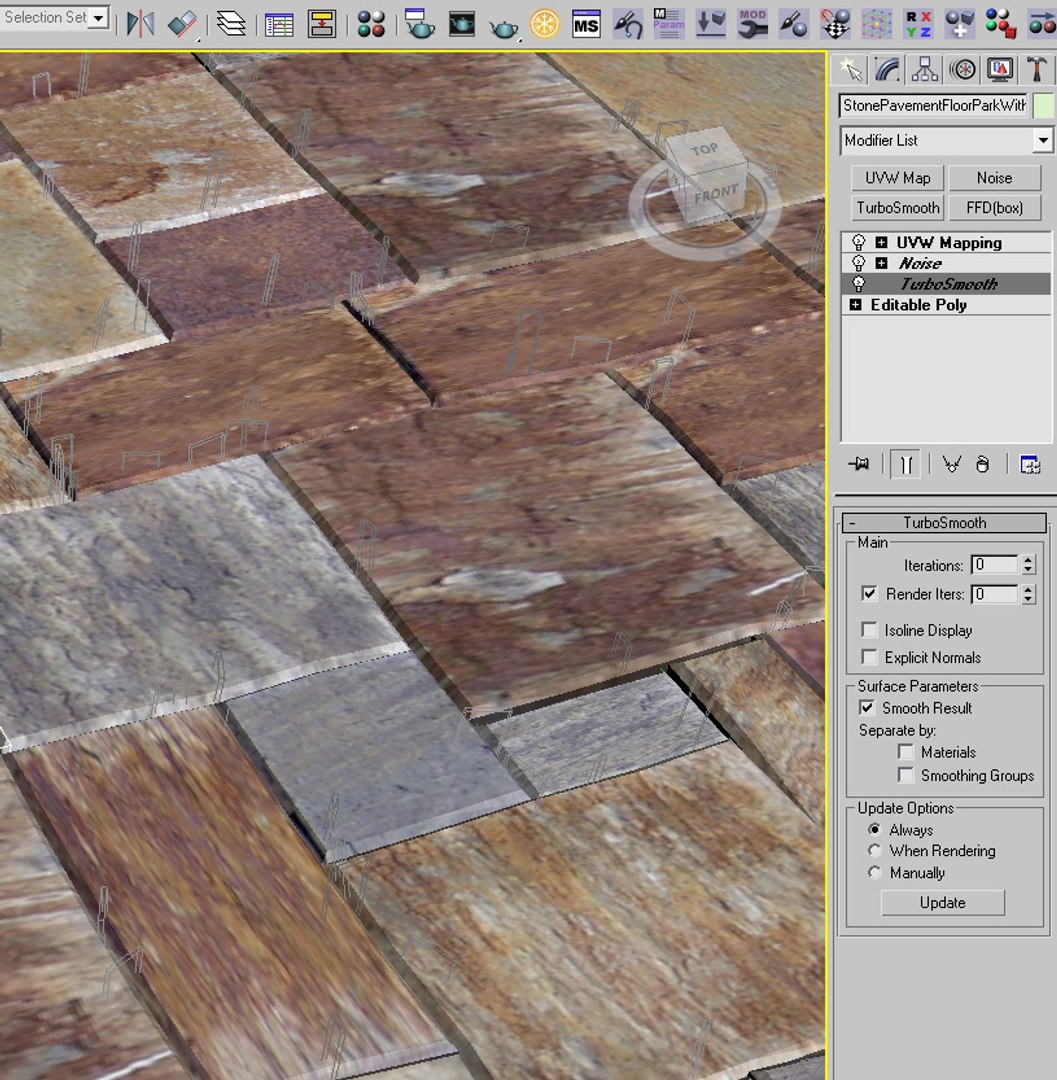
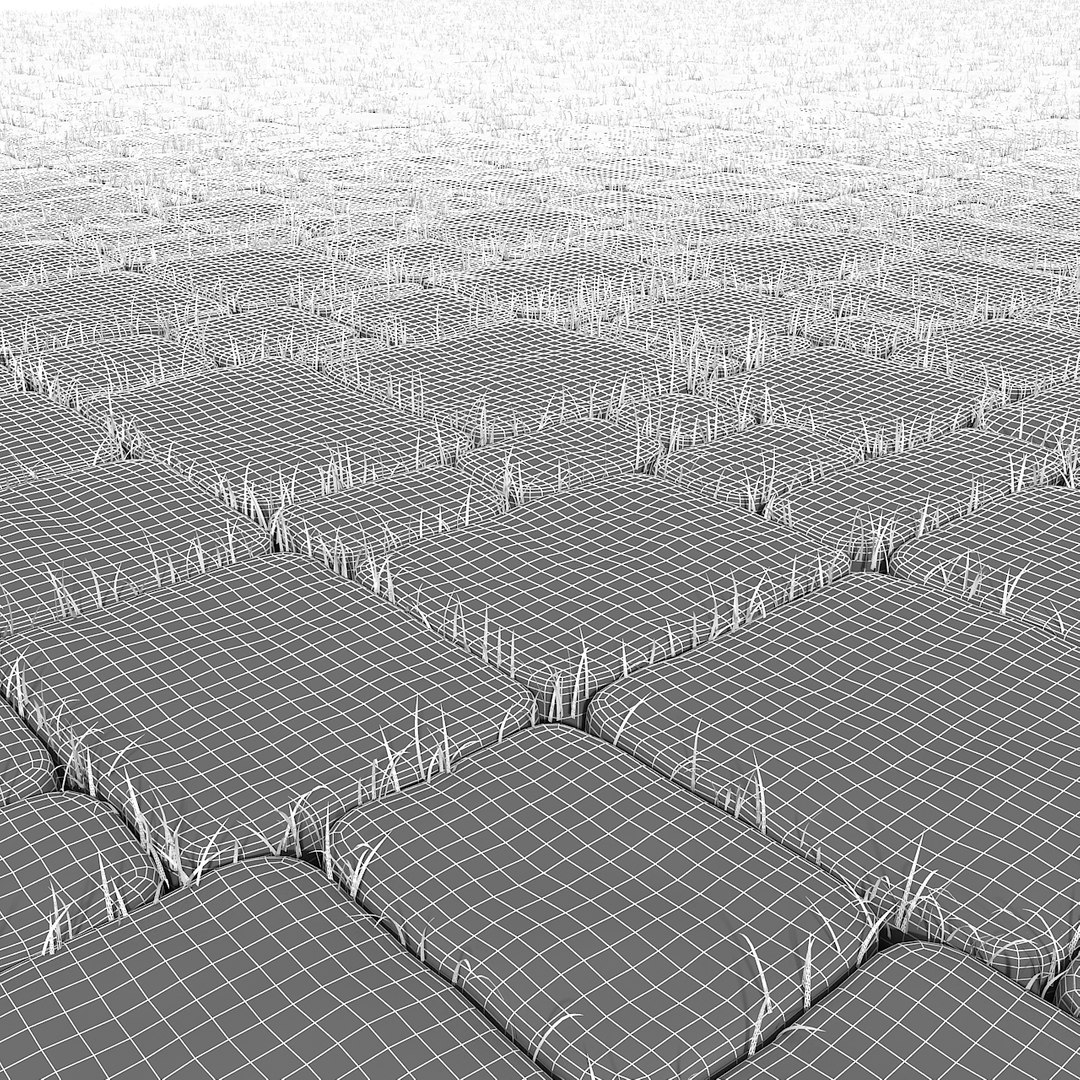
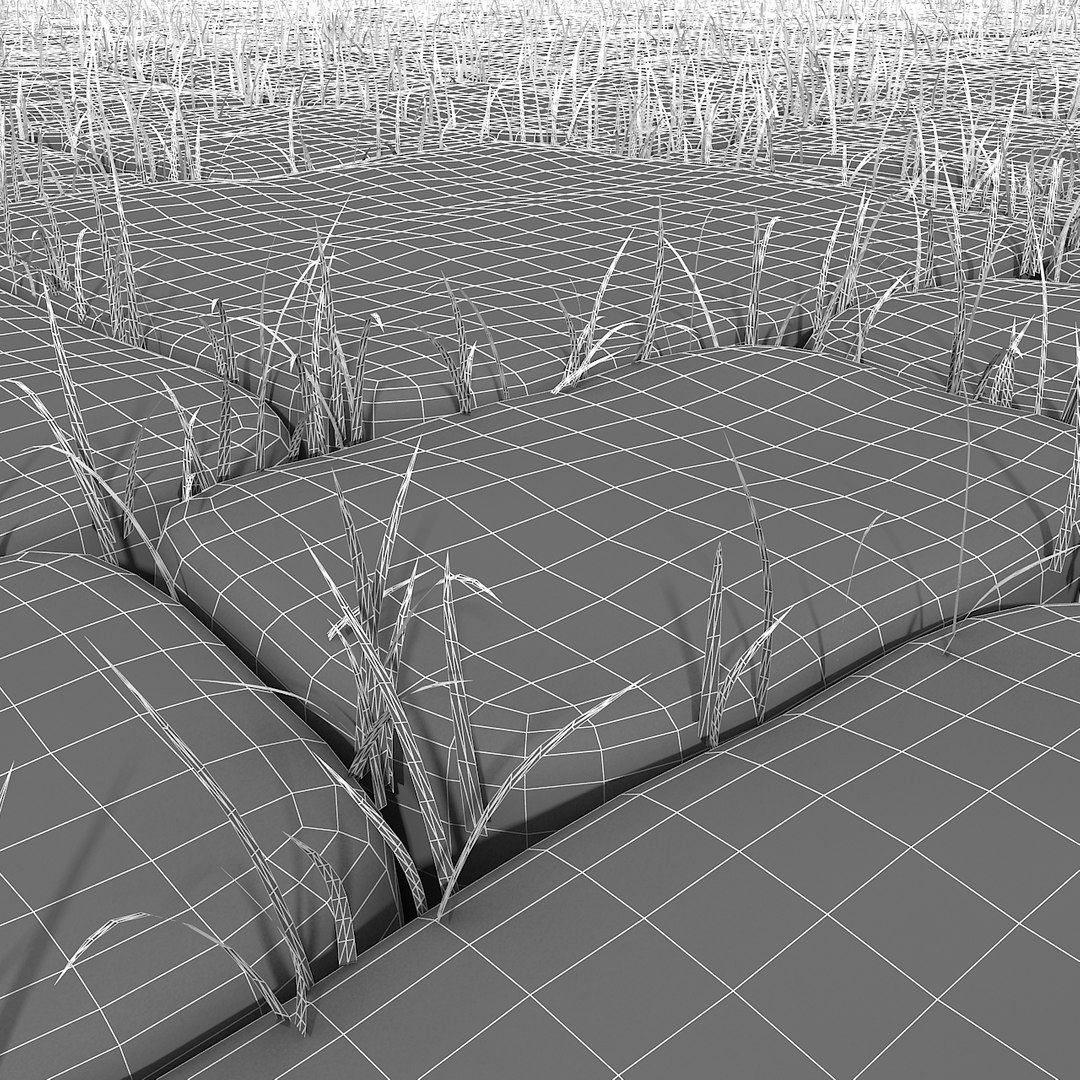
The poly and vertices count for 1 block is 112 polygons and 66 vertices in viewport, in render theres a turbosmooth modifier that applies its function only on render time.

The grass is scattered along a path between all the stones block, the path is a spline, and its present in the file so if you want, you can scatter even more grass in the gap/aperture between the stone blocks.

Compatible with 3ds Max 2009 and higher versions.
Detailed model, enough for close-up renders. Originally modelled in 3ds Max 2009. Different formats avaiable.
Correctly scaled accurate representation of the original object, no additional work needed.

Objects are in their own layer. Each item has unique name. No part-name confusion when importing. Centered on 0,0,0.

Select Enhanced License

  • $10,000 in Legal Protection (Indemnification)
  • Uncapped Legal Protection (Indemnification)
  • Waiver from injunctive relief
  • Assignable model rights
  • $1,000,000 in Legal Protection (Indemnification)
  • Waiver from injunctive relief
  • Assignable model rights
  • $250,000 in Legal Protection (Indemnification)
  • Assignable model rights
Read more about enhanced license tiers, or contact us at enterprise@turbosquid.com. Already a Shutterstock Enterprise Customer? Contact your Shutterstock Sales Support Agent to talk about adding 3D.

About Conversion Requests

To submit a conversion request for a purchased asset, please complete our Conversion Request Form.

If you have not yet purchased a model, please review our Documentation about Conversions to learn about what limitations you may encounter with a conversion.

For any additional questions about a model’s suitability for conversion, please contact TurboSquid Support.

Loading...