
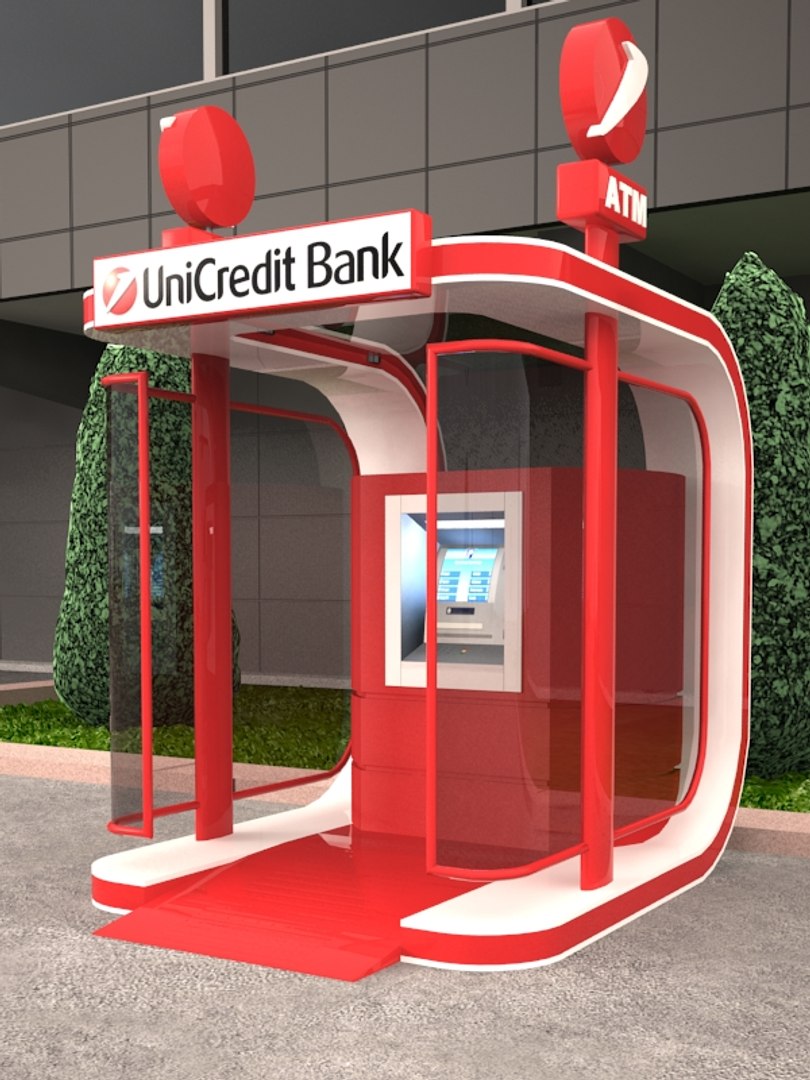
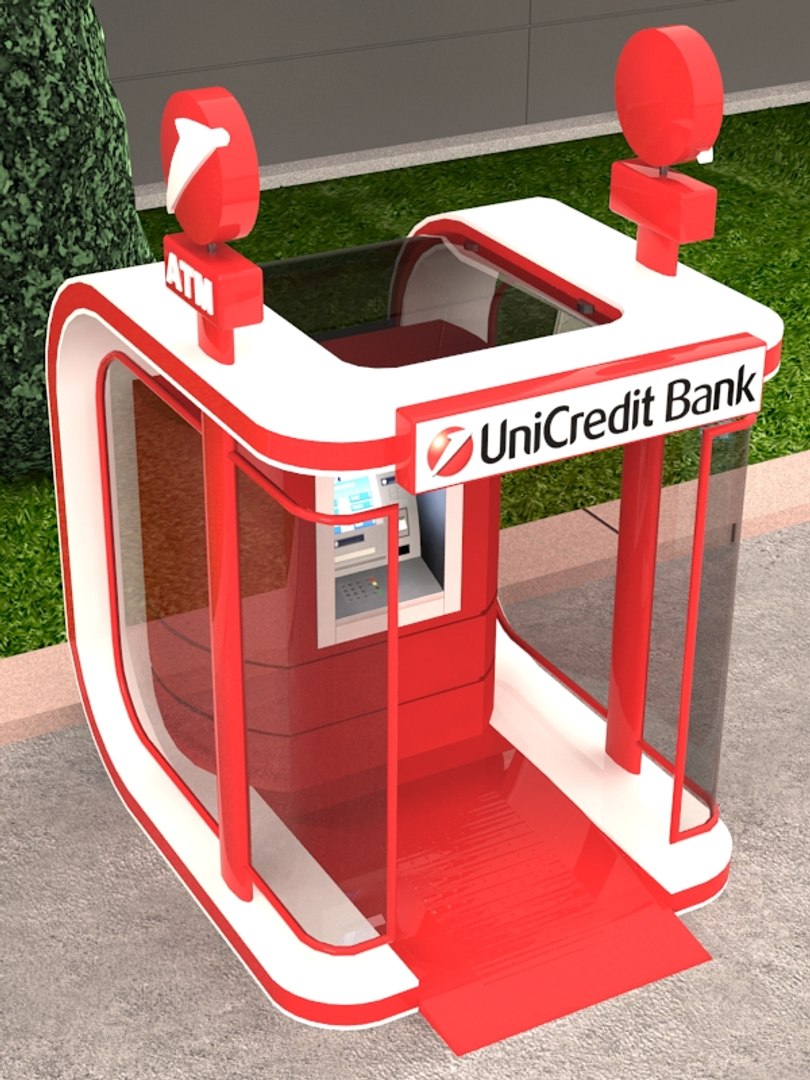
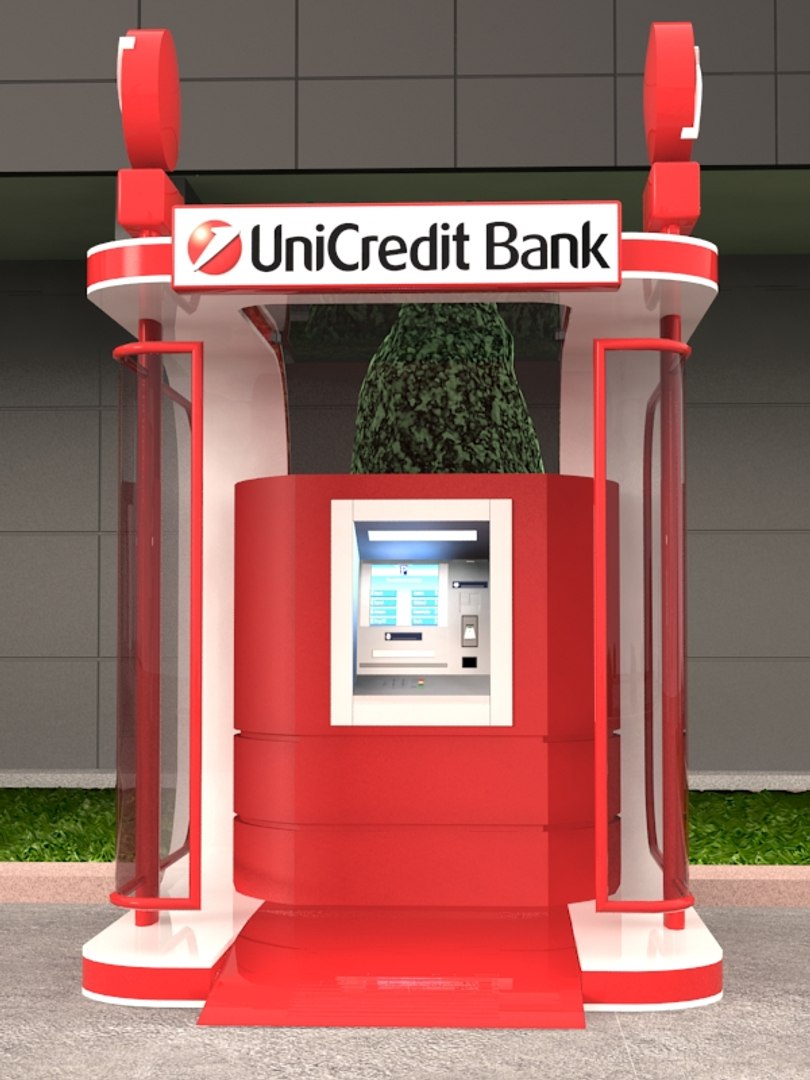
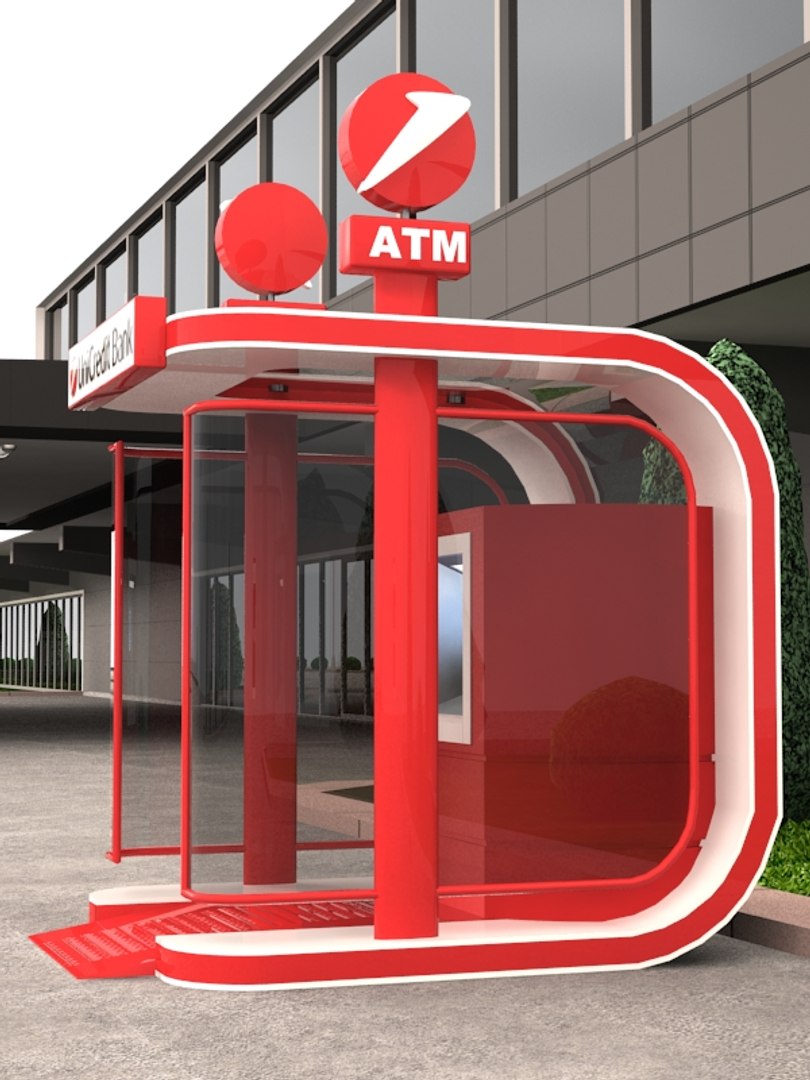
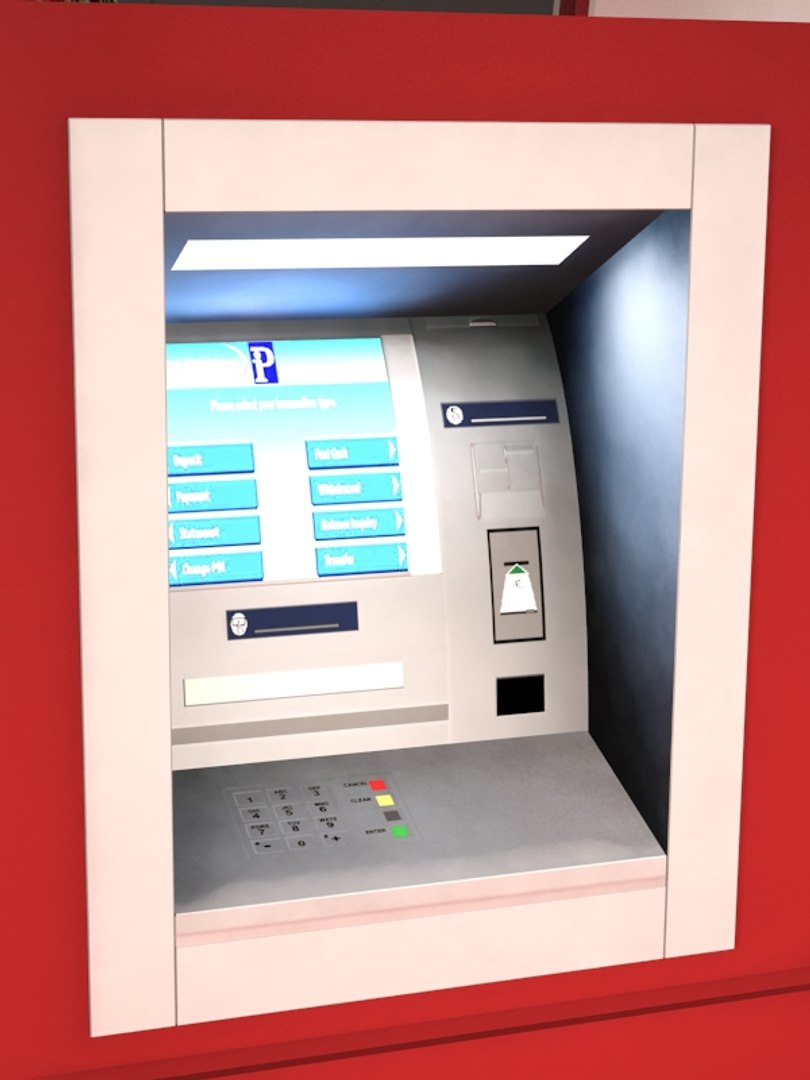
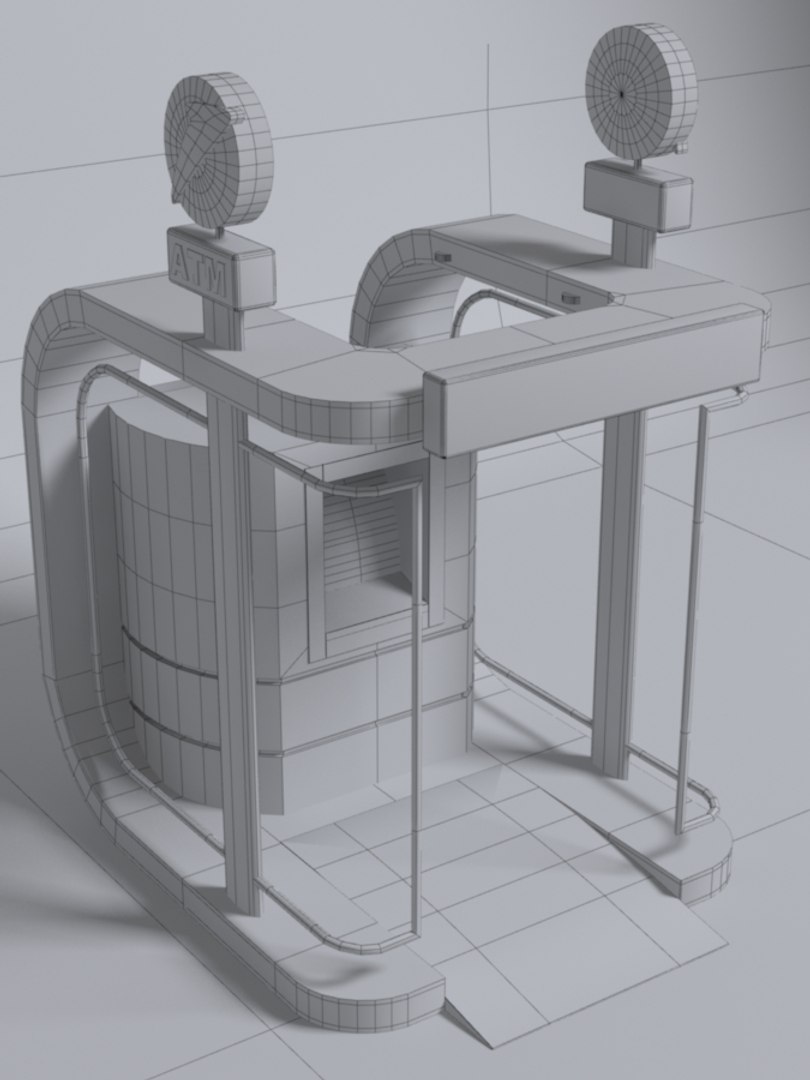
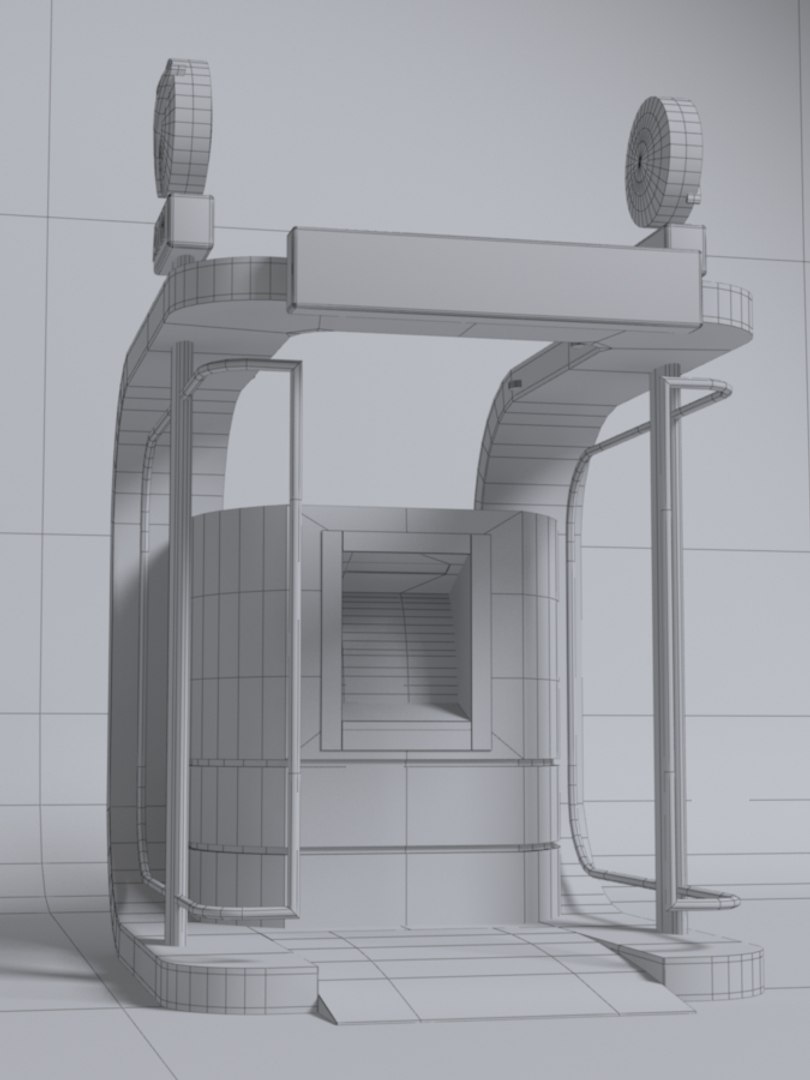
Exterior ATM kiosk 02

$15

Standard License | Upgrade License
Editorial Uses Only
Formats (7)
Native | 3ds Max 2015 | mental ray
3ds Max 2018 | mental ray
3ds Max 2017 | mental ray
3ds Max 2016 | mental ray
OBJ
FBX
3D Studio
Previews

Download a preview

Sign in or create a TurboSquid account to download preview files.

Selected file:

Specifications
Publish Date March 29, 2018
Product ID 1271440
Polygons 6,437
Vertices 3,457
Polygonal
Textures
Materials
UV Mapped
member avatar
samo_3D
61 Products | Contributor Since 2017
Have questions? Chat with us now.

Description

3d model of stand-alone ATM kiosk, .rps file (render preset),materials, textures and maps included.
Everything in file - objects,lights and render settings is prepared to render - see preview pictures. Exterior scene is not included.

used software: 3ds max 2018
render: mental ray

available formats:
3ds max 2015 (geometry, render preset, lights, materials, textures)
3ds max 2016 (geometry, render preset, lights, materials, textures)
3ds max 2017 (geometry, render preset, lights, materials, textures)
3ds max 2018 (geometry, render preset, lights, materials, textures)
Fbx (geometry, textures)
Obj (geometry, textures)
3ds (geometry, textures)

Mesh totals:

Verts: 3457
Faces: 6437

Scene Totals:

Objects: 22
Lights: 4

Objects in scene are created as editable mesh.
Materials are applied in all max formats. Textures and .mat file (materials for 3ds max) are included for all available formats,

Select Enhanced License

  • $10,000 in Legal Protection (Indemnification)
  • Uncapped Legal Protection (Indemnification)
  • Waiver from injunctive relief
  • Assignable model rights
  • $1,000,000 in Legal Protection (Indemnification)
  • Waiver from injunctive relief
  • Assignable model rights
  • $250,000 in Legal Protection (Indemnification)
  • Assignable model rights
Read more about enhanced license tiers, or contact us at enterprise@turbosquid.com. Already a Shutterstock Enterprise Customer? Contact your Shutterstock Sales Support Agent to talk about adding 3D.

About Conversion Requests

To submit a conversion request for a purchased asset, please complete our Conversion Request Form.

If you have not yet purchased a model, please review our Documentation about Conversions to learn about what limitations you may encounter with a conversion.

For any additional questions about a model’s suitability for conversion, please contact TurboSquid Support.

Loading...