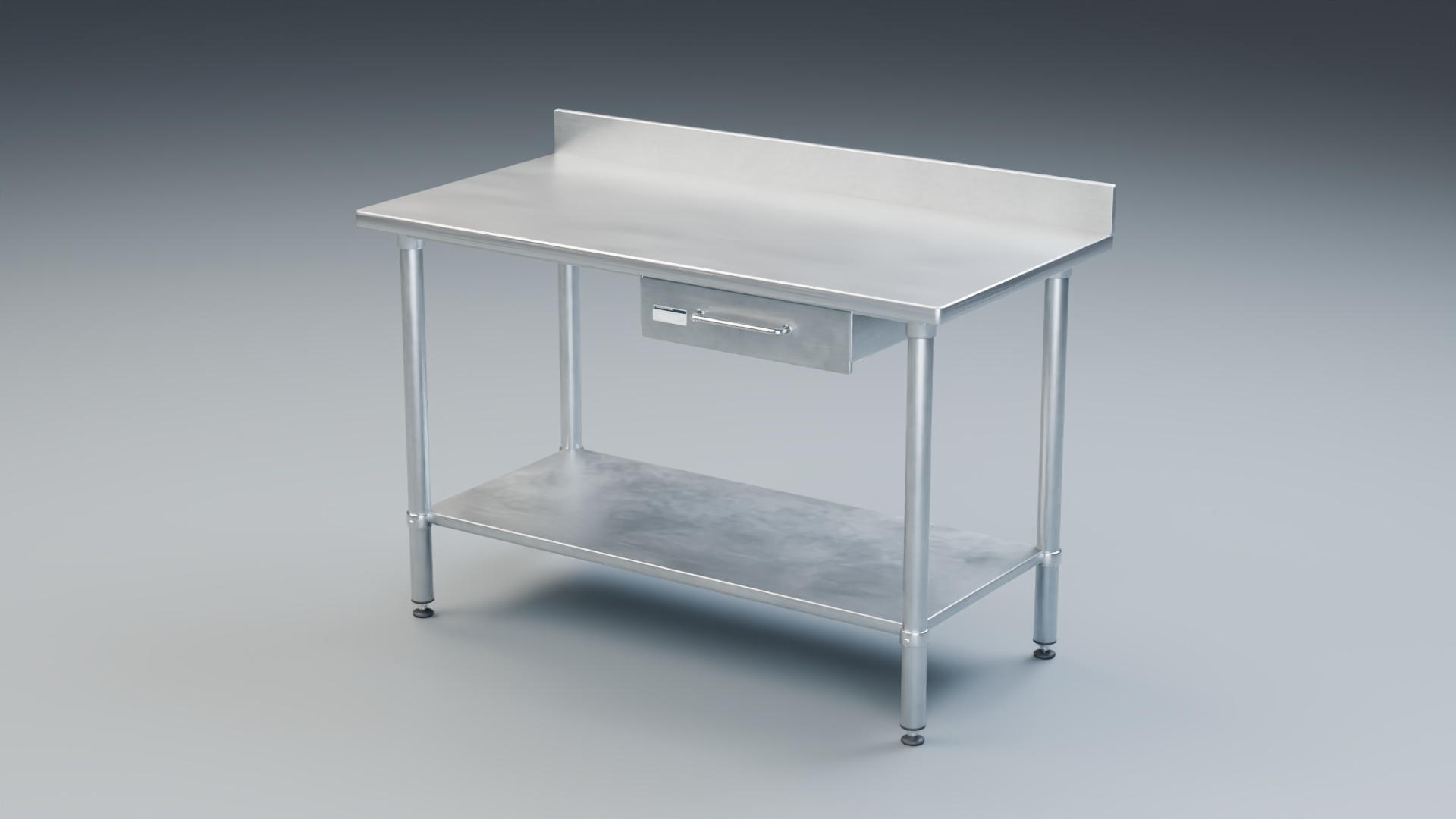
Stainless Steel Prep Table with Pull-Out Drawer and Undershelf

$17

Formats (1)
Native | Blender 4.2 | Cycles Render
Other Files
StainlessPrepTable_CAD.zip
Specifications
Publish Date November 19, 2026
Product ID 2656642
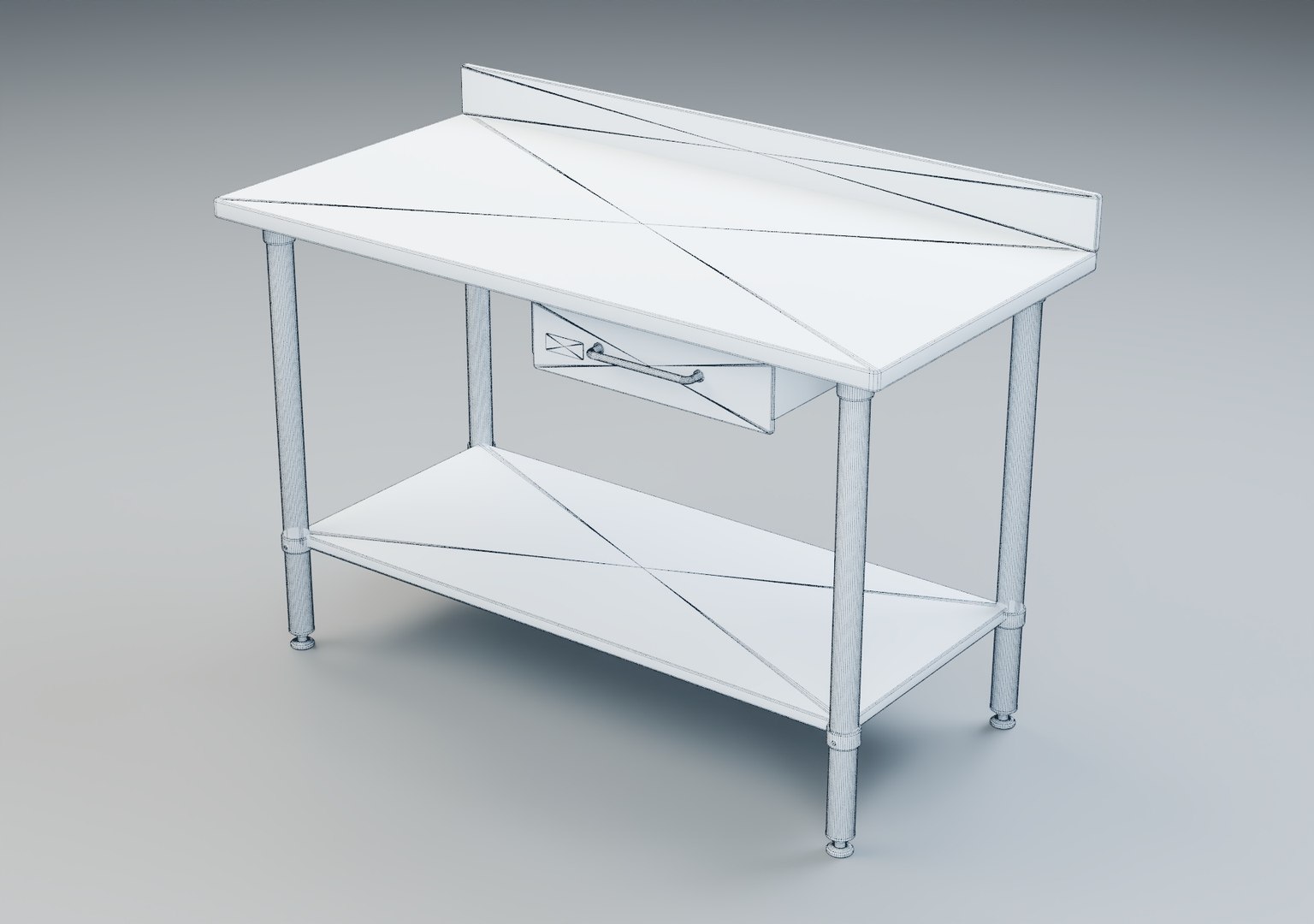
Polygons 9,804
Vertices 8,418
Polygonal
Textures
Materials
UV Mapped
Non-overlapping Unwrapped UVs
member avatar
Adam Coss
38 Products | Contributor Since 2019
Have questions? Chat with us now.

Description

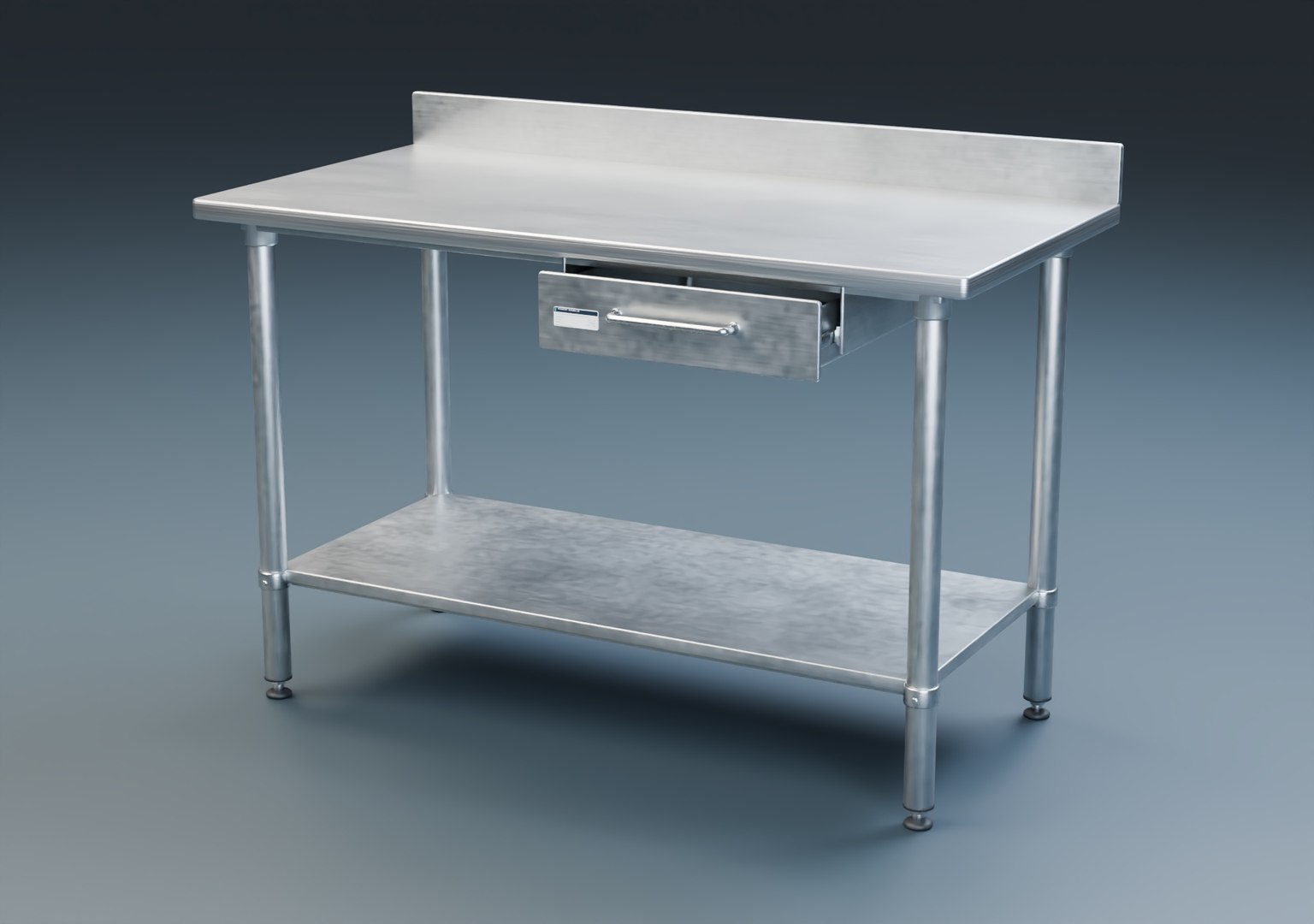
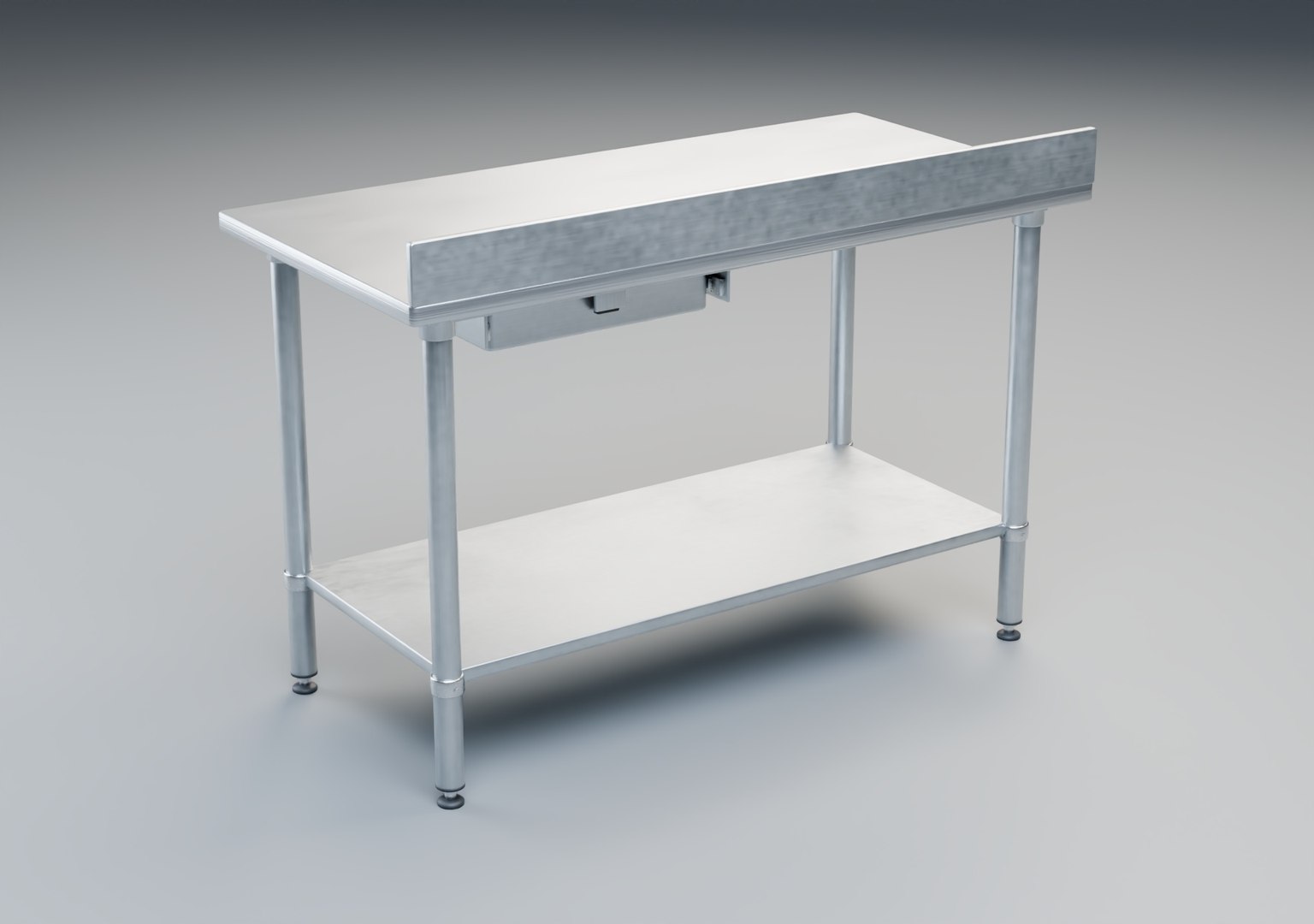
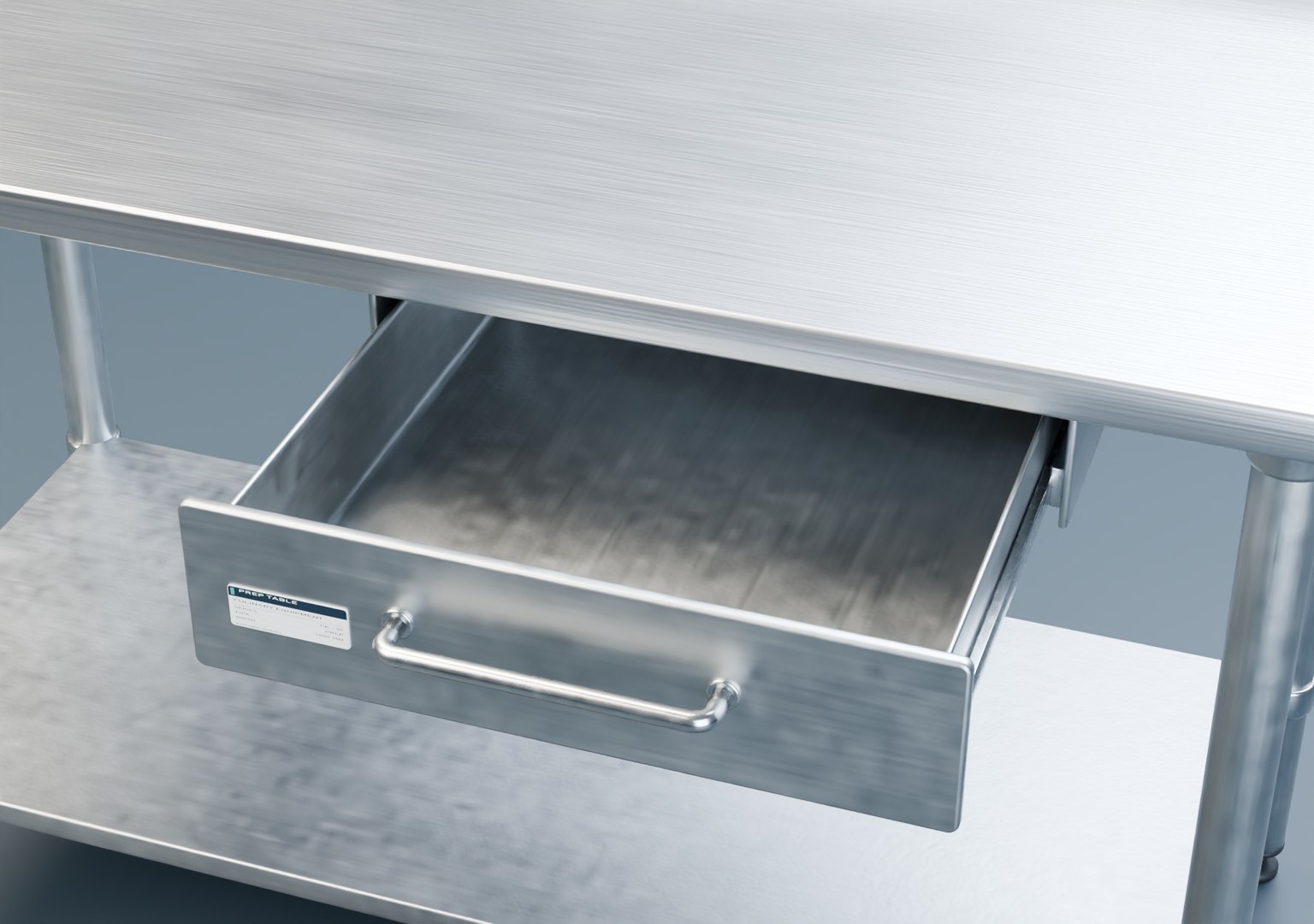
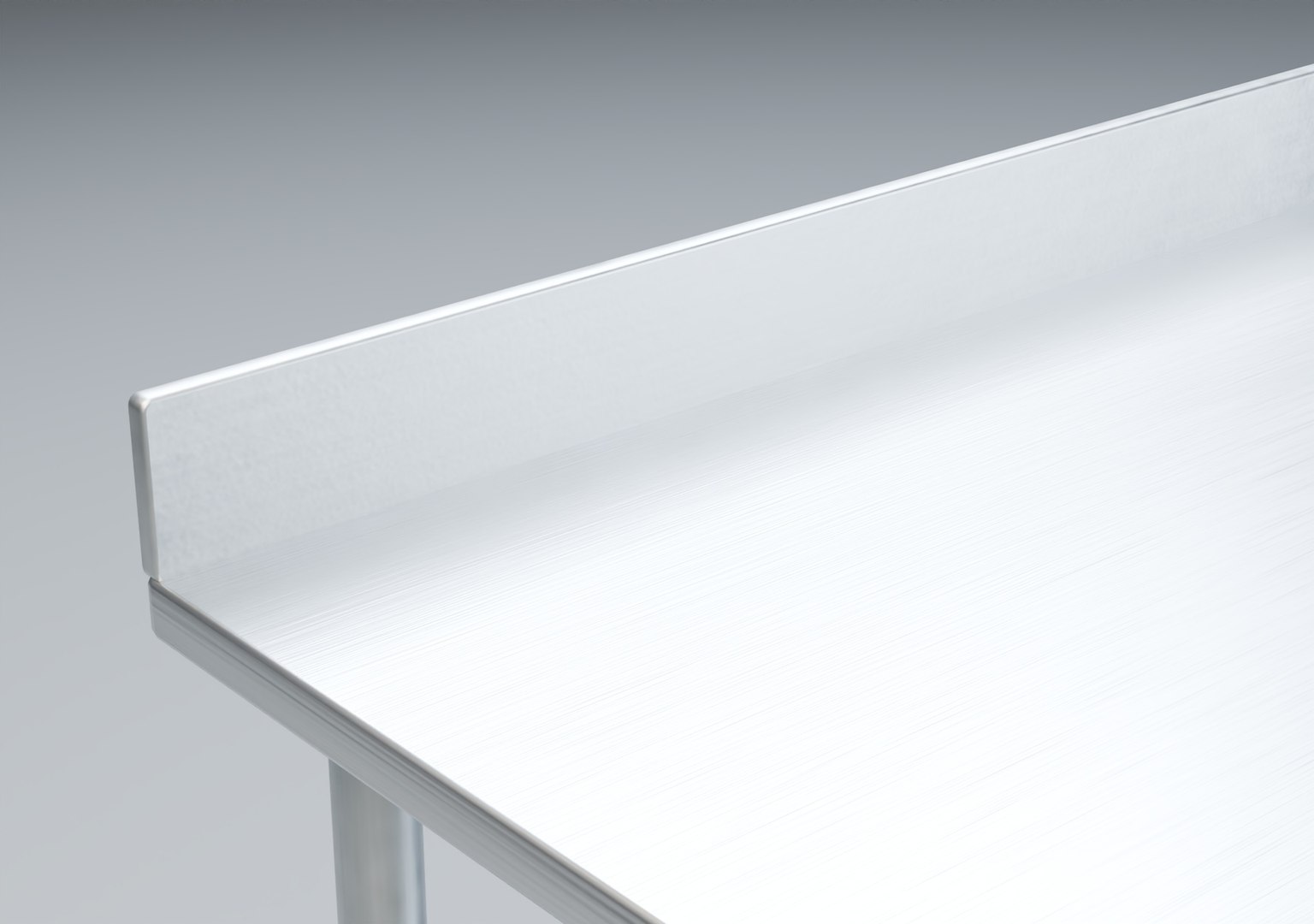
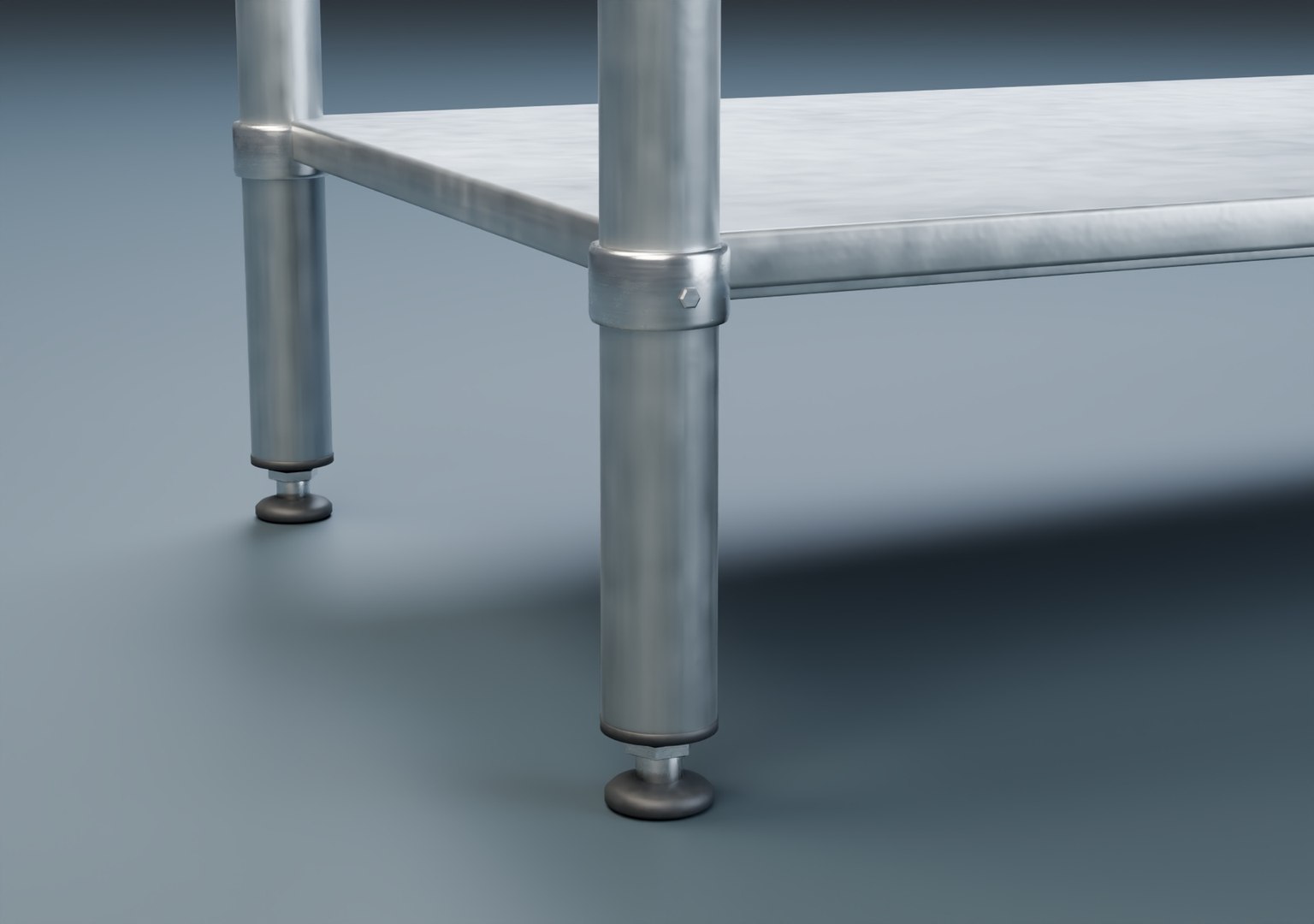
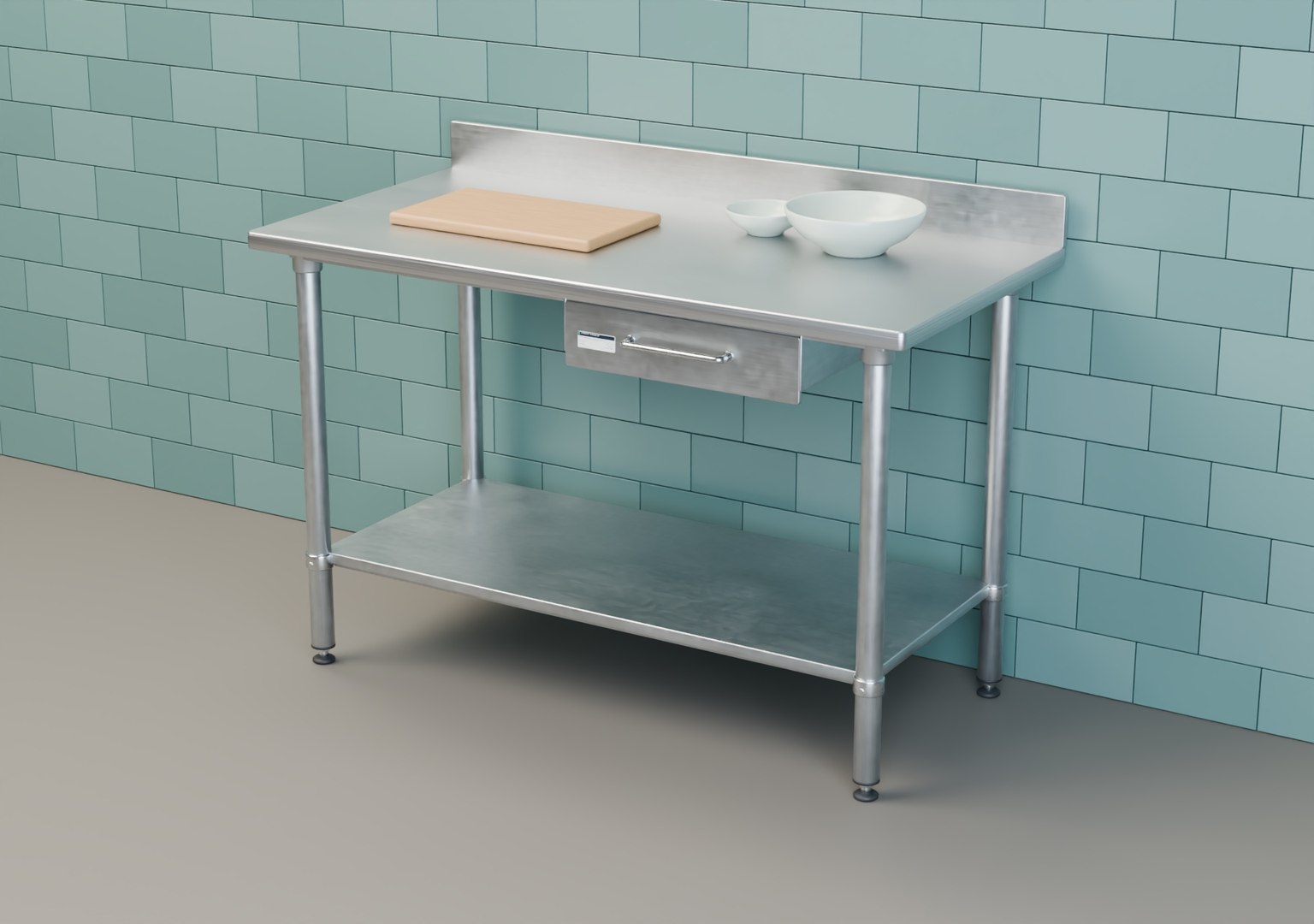
A 1.4 m stainless steel prep table for restaurant kitchens, catering spaces and food-service interiors. A raised backsplash runs along the rear edge. The open undershelf leaves room for stockpots, and the right-hand drawer has a rounded tray, tubular pull and separate runners.

The worktop measures 1,400 × 700 mm and stands 900 mm above the floor. Overall height including the backsplash is 1,000 mm. The Blender model opens with the drawer closed. To show it open, select the object named Drawer and move it 280 mm along negative global Y. Its front, handle and tray move together.

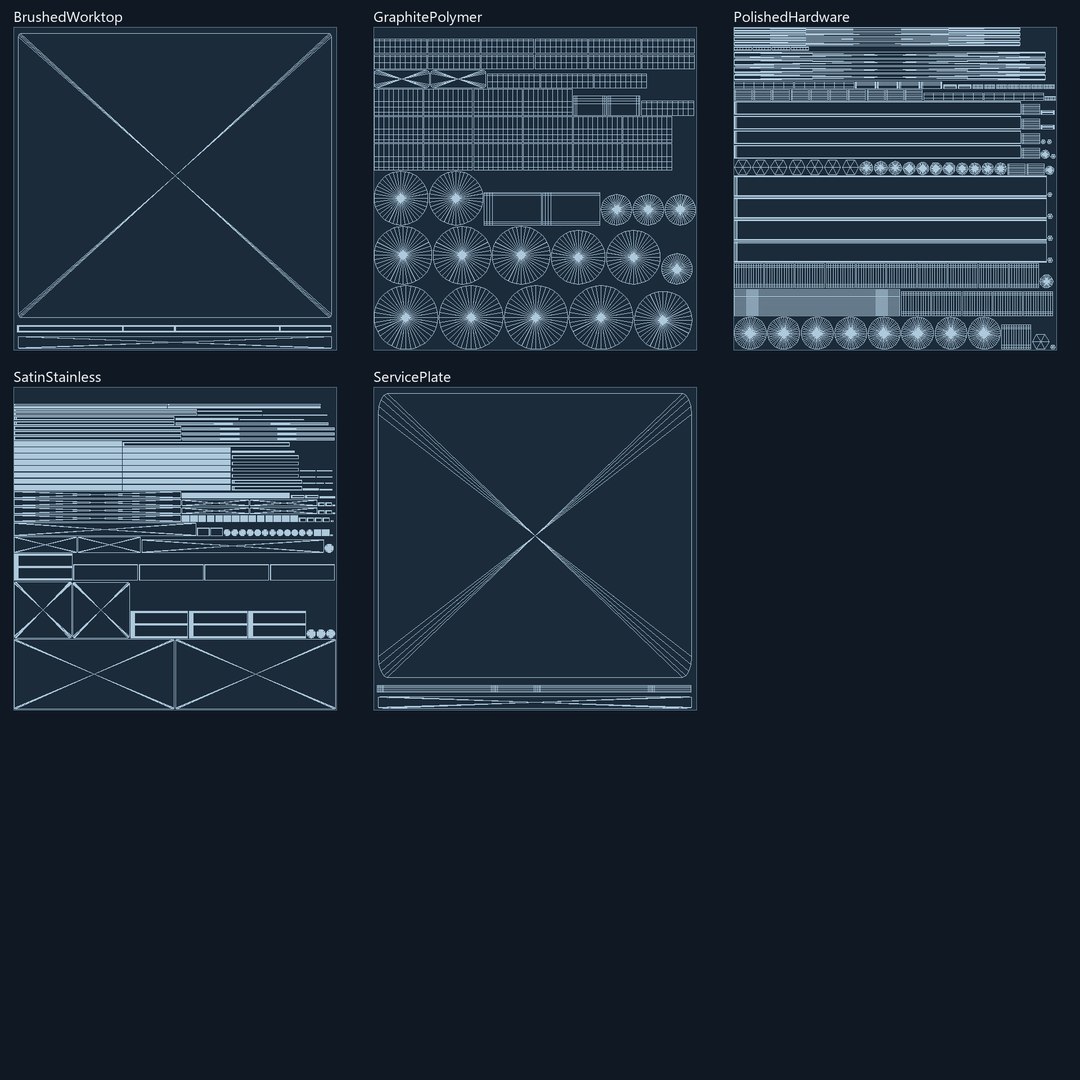
Blender 4.2 LTS / Cycles. 24 mesh objects, 8,418 vertices, 9,804 polygons and 16,616 triangles. Five UV-mapped PBR materials with 20 PNG textures covering base color, metalness, roughness and tangent-space normals. The main steel surfaces use 2K maps, with 1K maps for hardware, feet and the service plate.

The separate CAD archive contains the Fusion assembly (F3D) and a STEP file with 55 solid bodies. The CAD version uses simplified edge profiles and hardware. The bowls, cutting board and tiled room appear only in the kitchen preview.

Select Enhanced License

  • $10,000 in Legal Protection (Indemnification)
  • Uncapped Legal Protection (Indemnification)
  • Waiver from injunctive relief
  • Assignable model rights
  • $1,000,000 in Legal Protection (Indemnification)
  • Waiver from injunctive relief
  • Assignable model rights
  • $250,000 in Legal Protection (Indemnification)
  • Assignable model rights
Read more about enhanced license tiers, or contact us at enterprise@turbosquid.com. Already a Shutterstock Enterprise Customer? Contact your Shutterstock Sales Support Agent to talk about adding 3D.

About Conversion Requests

To submit a conversion request for a purchased asset, please complete our Conversion Request Form.

If you have not yet purchased a model, please review our Documentation about Conversions to learn about what limitations you may encounter with a conversion.

For any additional questions about a model’s suitability for conversion, please contact TurboSquid Support.

Loading...