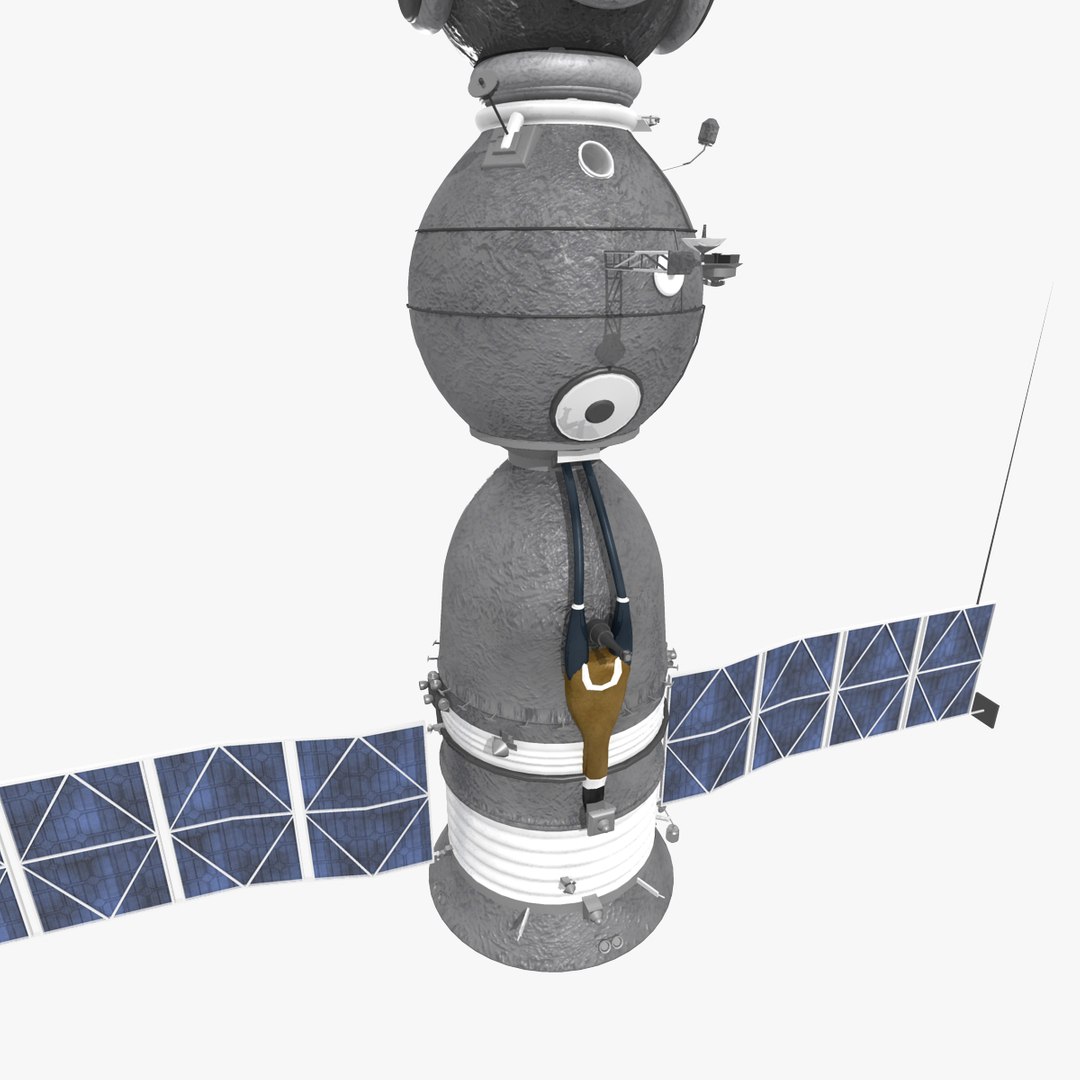
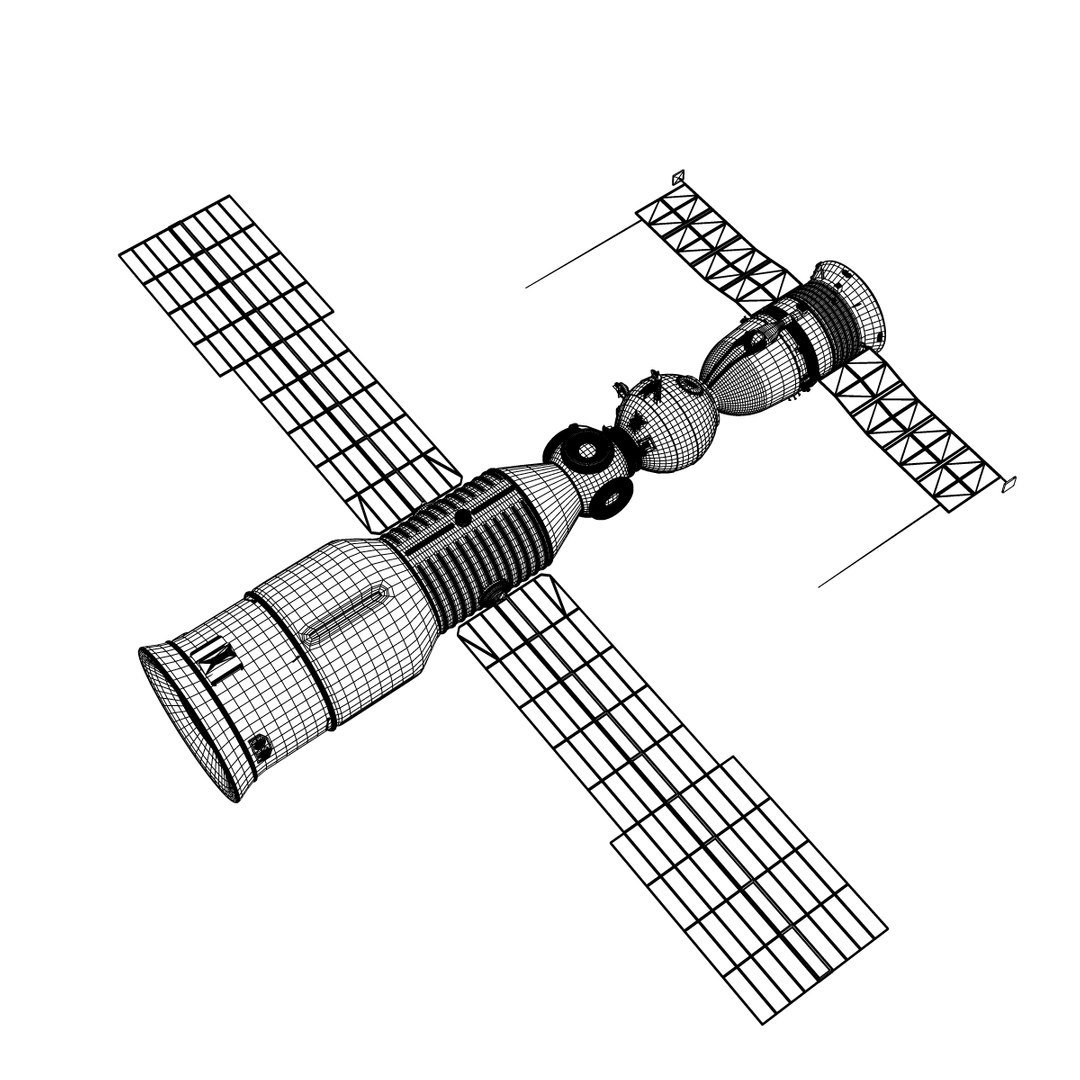
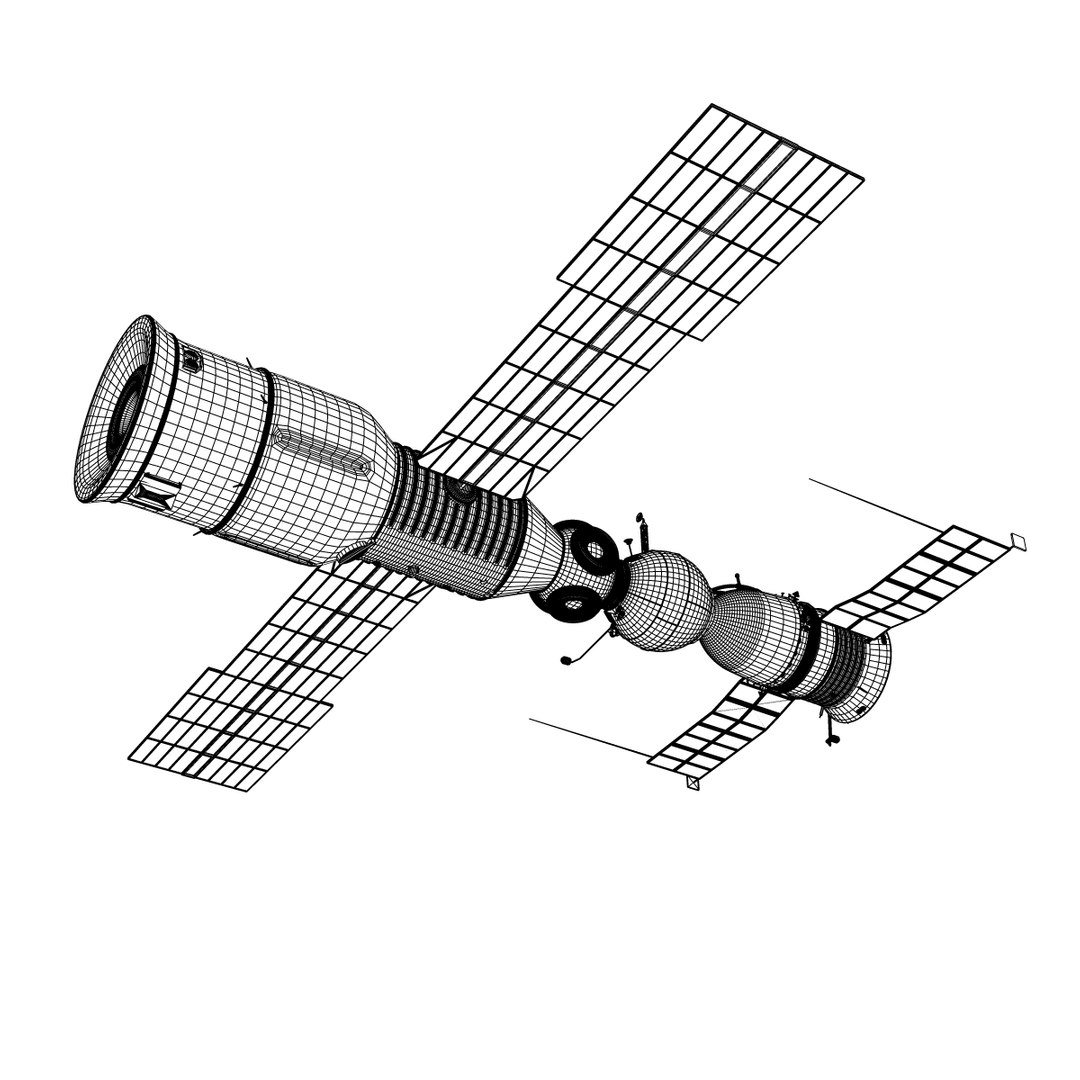
Soyuz and Docking Cargo ISS

$129

Standard License | Upgrade License
Editorial Uses Only
Formats (10)
Free file format Conversions available
Native | Maya 2011 | mental ray
3ds Max 9.0 | Default Scanline
Cinema 4D R10 | Default Scanline
Blender 3.3 | Cycles Render
3ds Max 2019 | V-Ray 3.6
OBJ
FBX
3D Studio
Collada 2014
Specifications
Publish Date April 16, 2012
Product ID 666485
Polygons 85,094
Vertices 88,211
Polygonal Quads/Tris Geometry
Textures
Materials
UV Mapped
Non-overlapping Unwrapped UVs
TurboSquid Exclusive

member avatar
PerspectX
807 Products | Contributor Since 2003
Have questions? Chat with us now.

Description

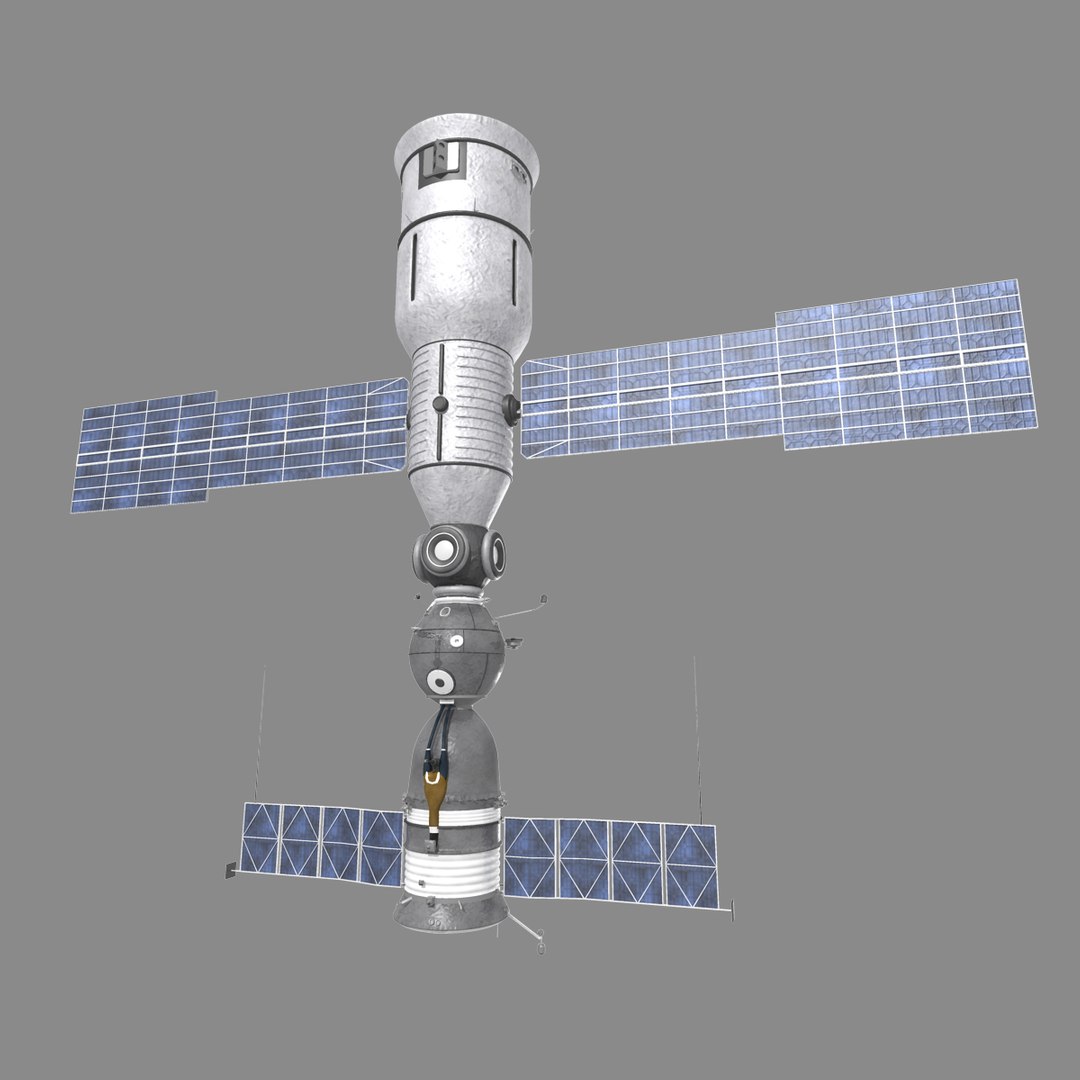
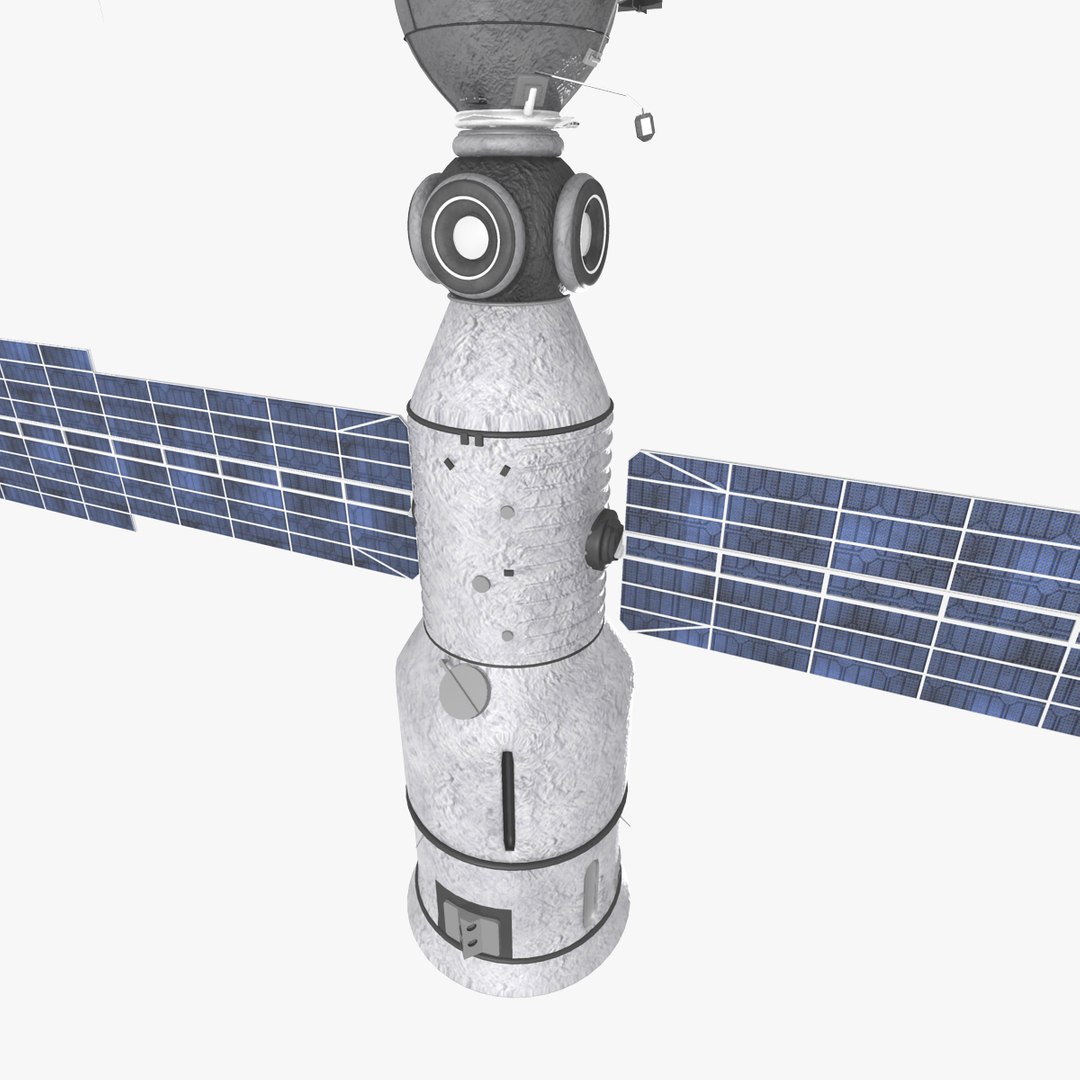
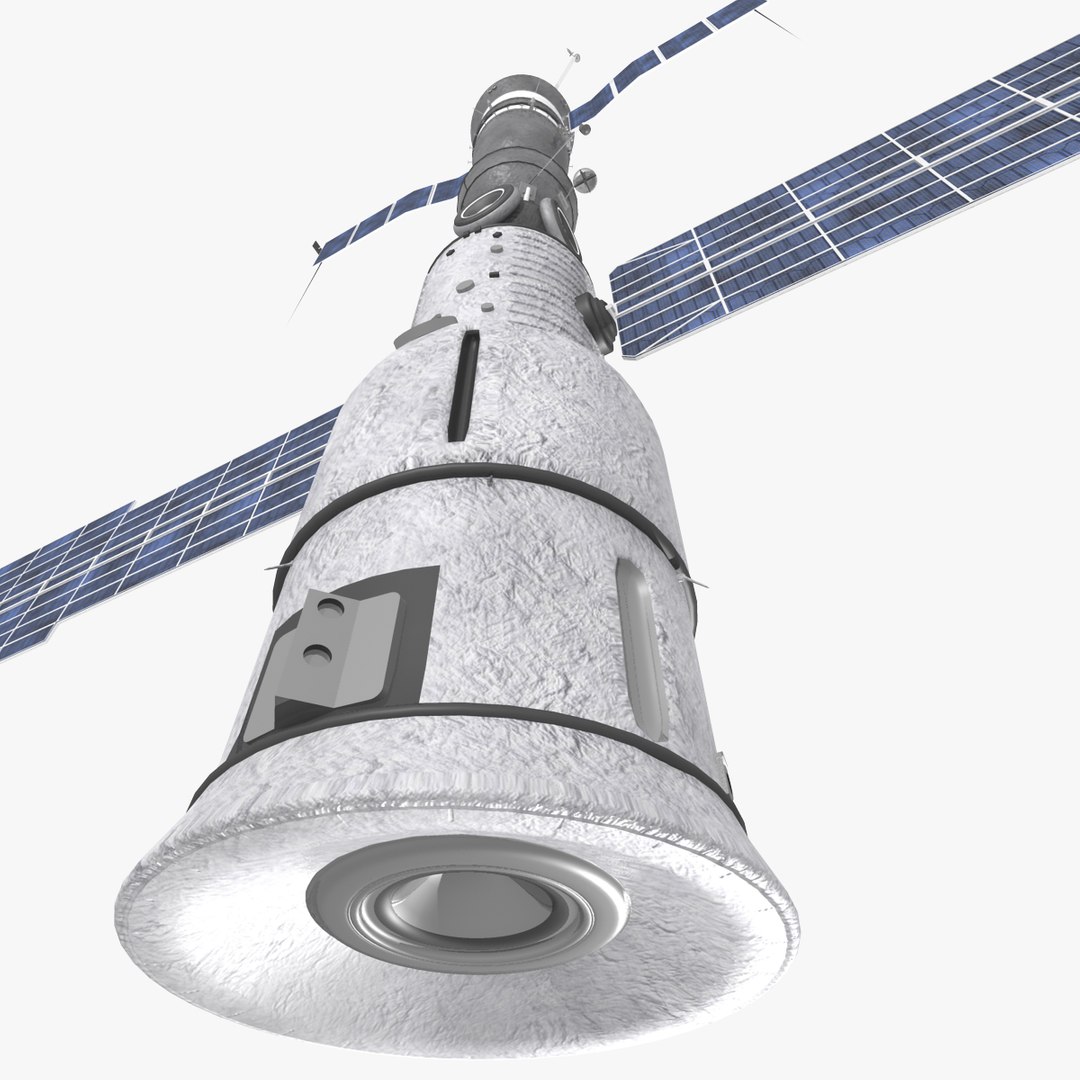
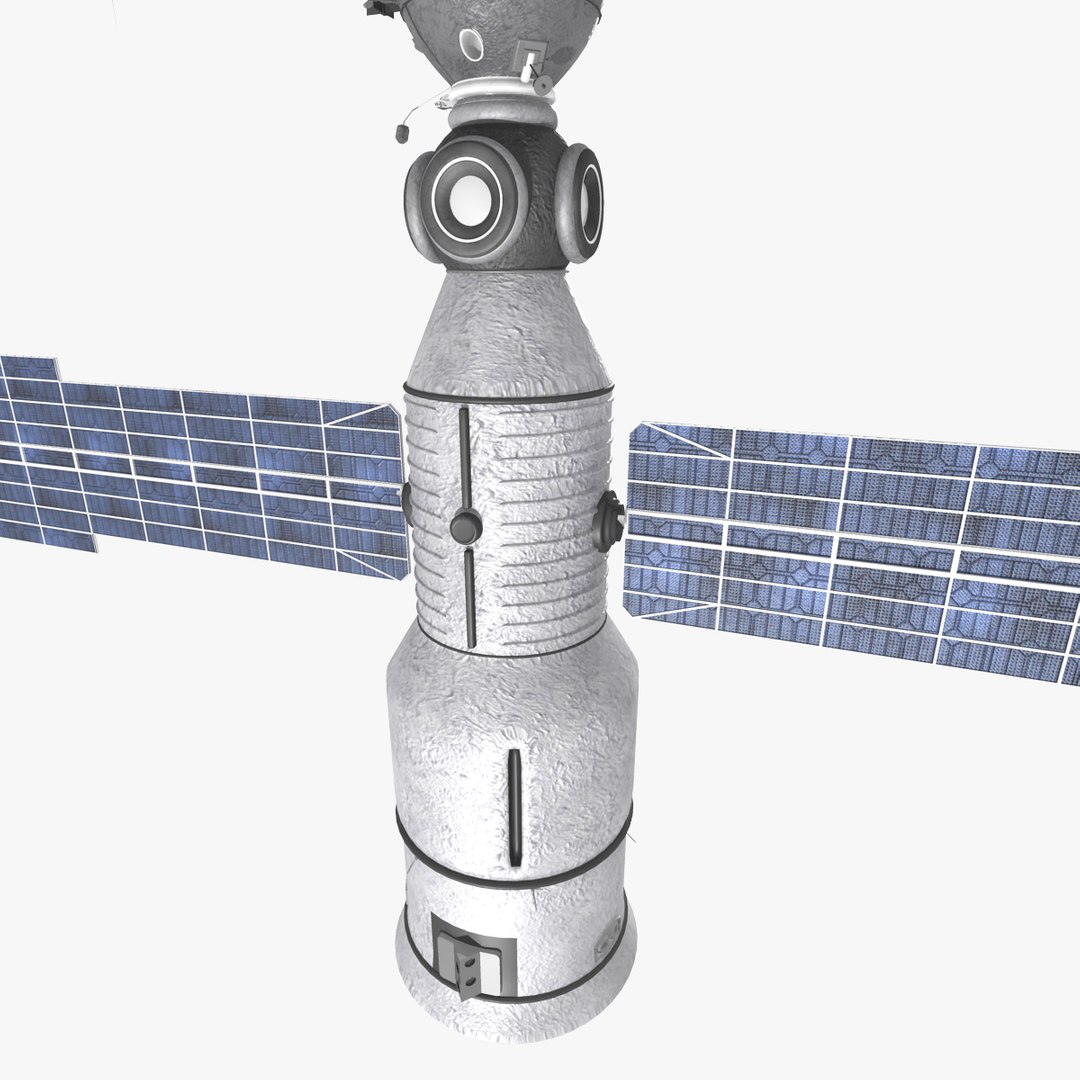
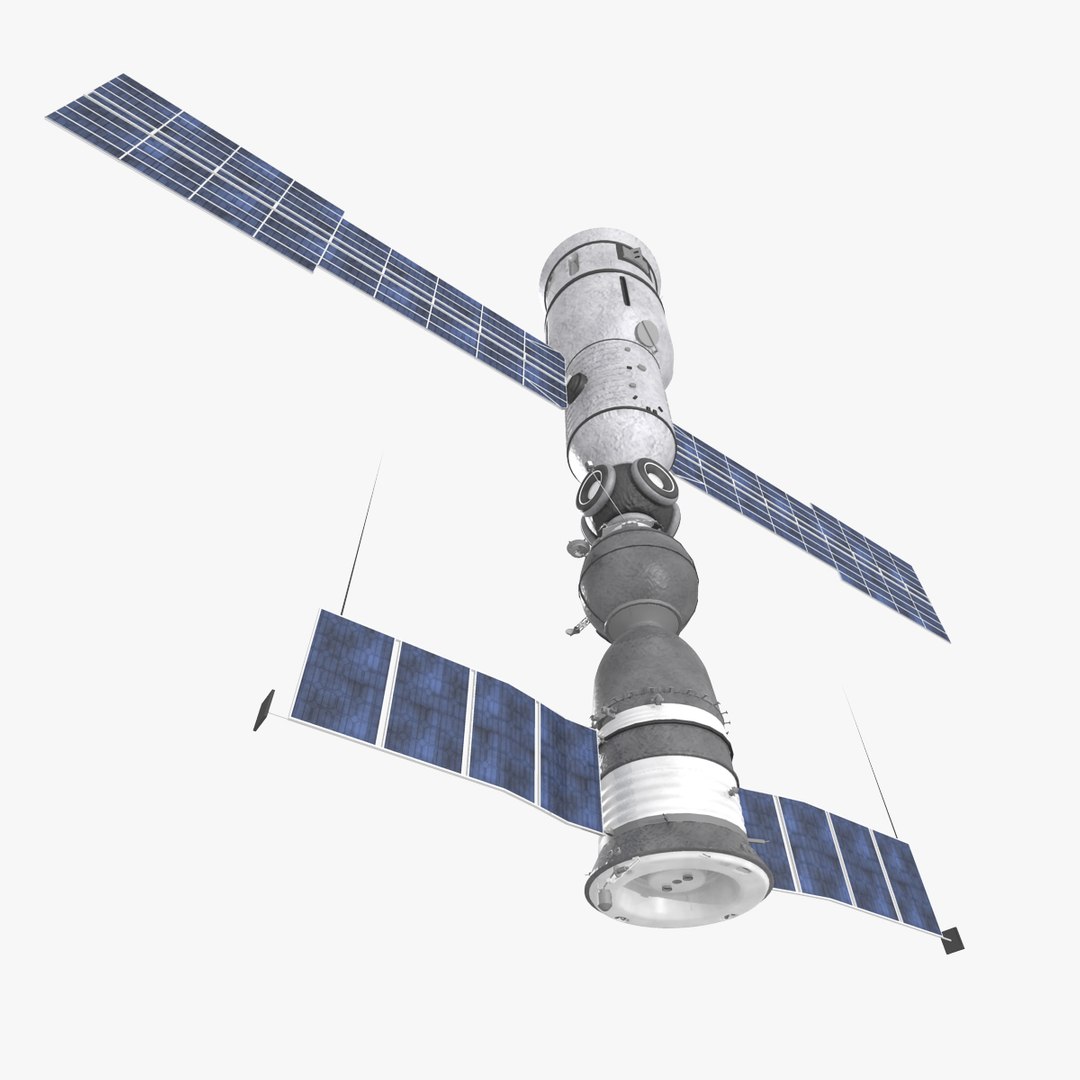
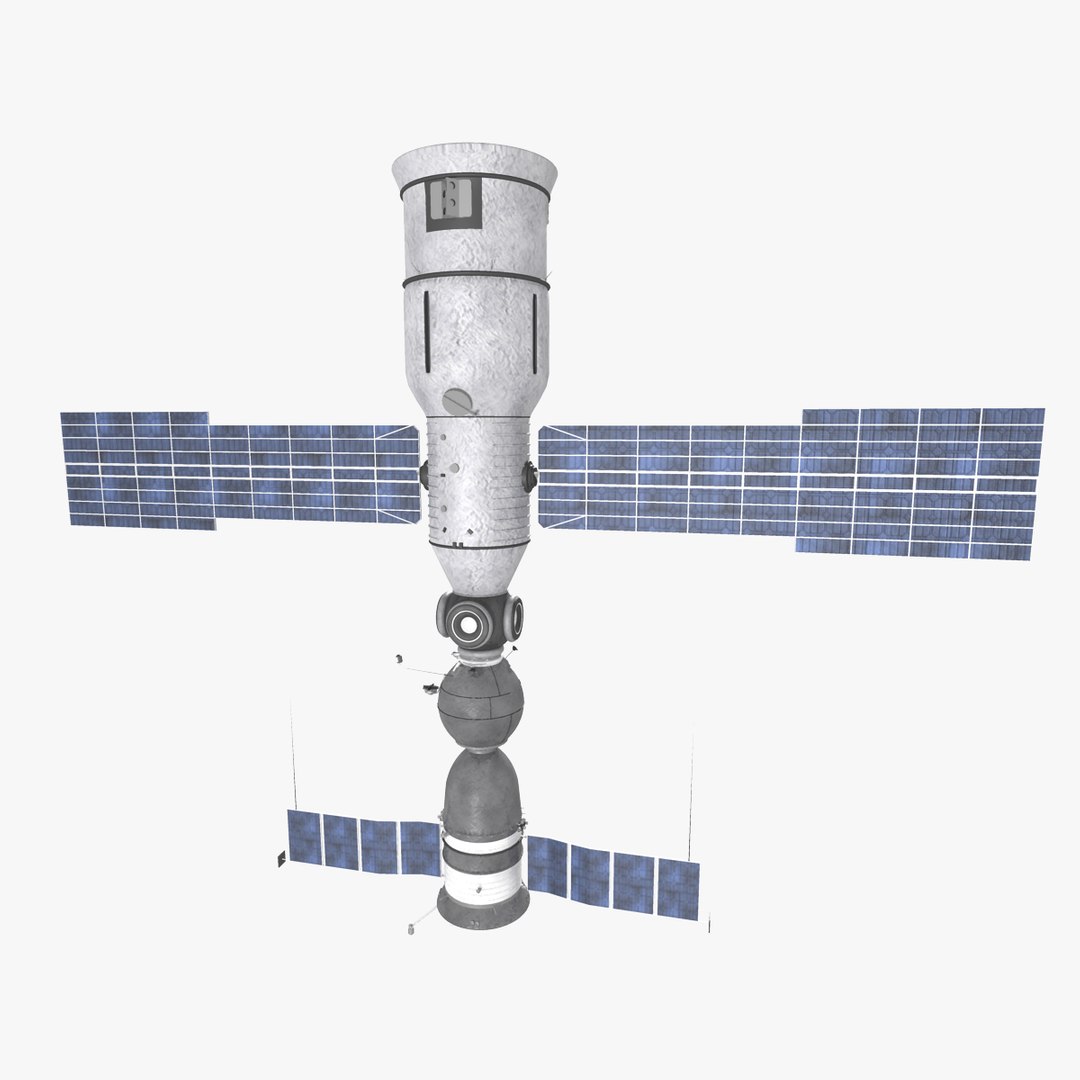
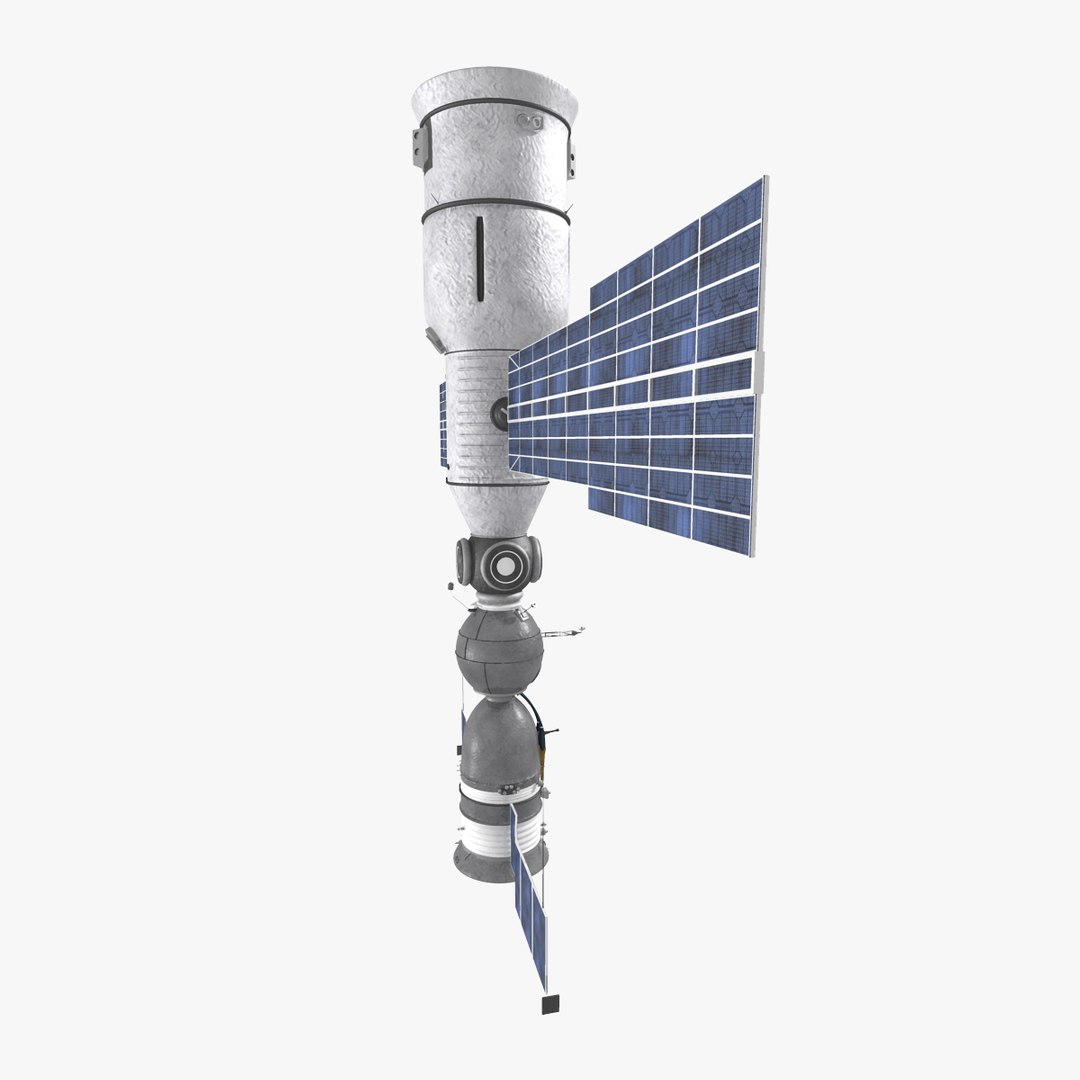
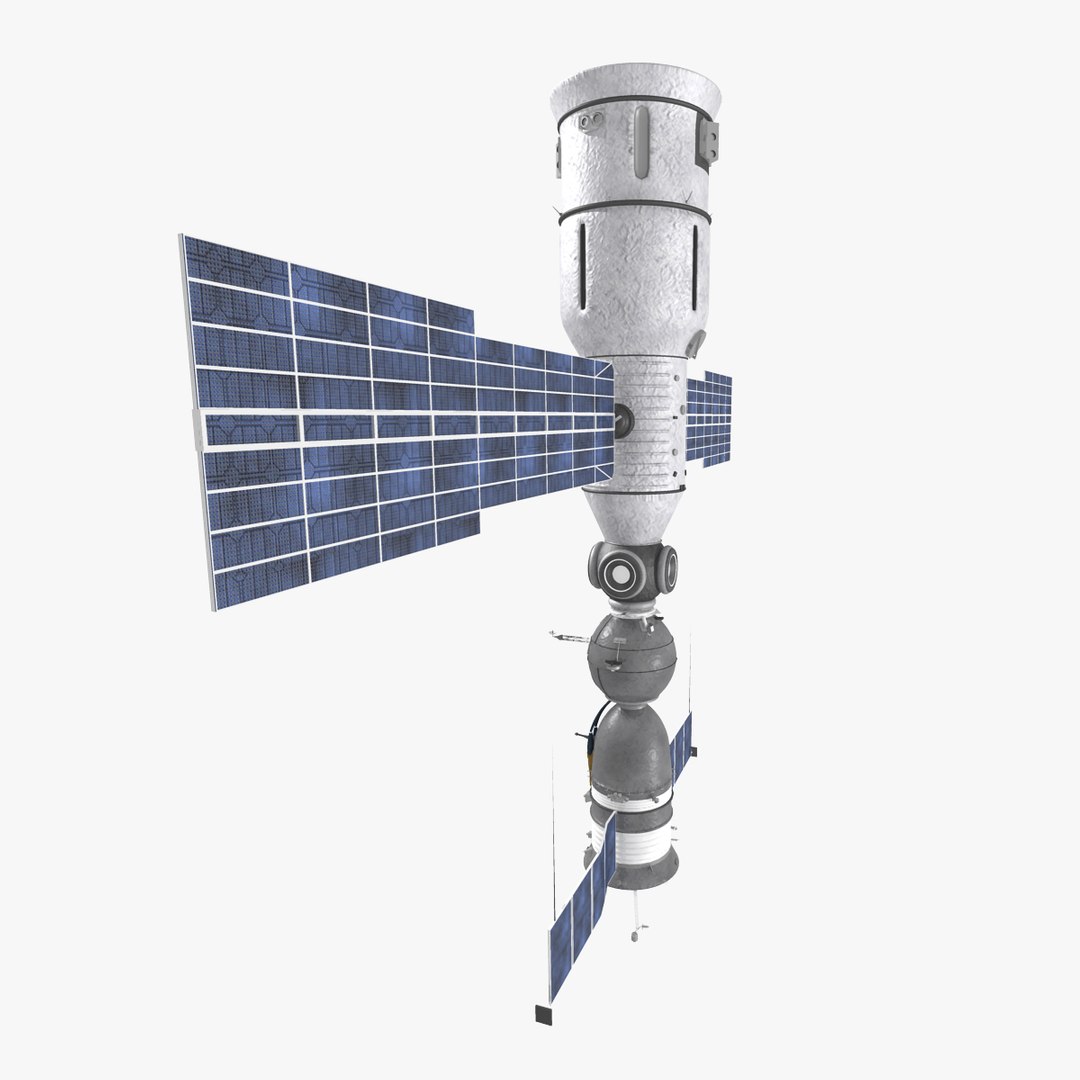
A Soyuz space capsule took the first crew to the International Space Station in November 2000. Since that time, at least one Soyuz has always been at the Station, generally to serve as a lifeboat should the crew have to return to Earth unexpectedly. After the Columbia accident in February 2003, the Soyuz TMA became the means of transportation for crewmembers going to or returning from the orbiting laboratory.

The Soyuz spacecraft is launched to the Space Station from the Baikonur Cosmodrome in Kazakhstan aboard a Soyuz rocket.

Once the Soyuz reaches orbit, it spends two days chasing the Station. The crew performs systems checks and keeps in touch with controllers at the Russian Mission Control Center during that time.

Before the final rendezvous phase, the crewmembers put on pressurized suits and then monitor the automated docking sequence.

Select Enhanced License

  • $10,000 in Legal Protection (Indemnification)
  • Uncapped Legal Protection (Indemnification)
  • Waiver from injunctive relief
  • Assignable model rights
  • $1,000,000 in Legal Protection (Indemnification)
  • Waiver from injunctive relief
  • Assignable model rights
  • $250,000 in Legal Protection (Indemnification)
  • Assignable model rights
Read more about enhanced license tiers, or contact us at enterprise@turbosquid.com. Already a Shutterstock Enterprise Customer? Contact your Shutterstock Sales Support Agent to talk about adding 3D.

About Conversion Requests

To submit a conversion request for a purchased asset, please complete our Conversion Request Form.

If you have not yet purchased a model, please review our Documentation about Conversions to learn about what limitations you may encounter with a conversion.

For any additional questions about a model’s suitability for conversion, please contact TurboSquid Support.

Loading...