
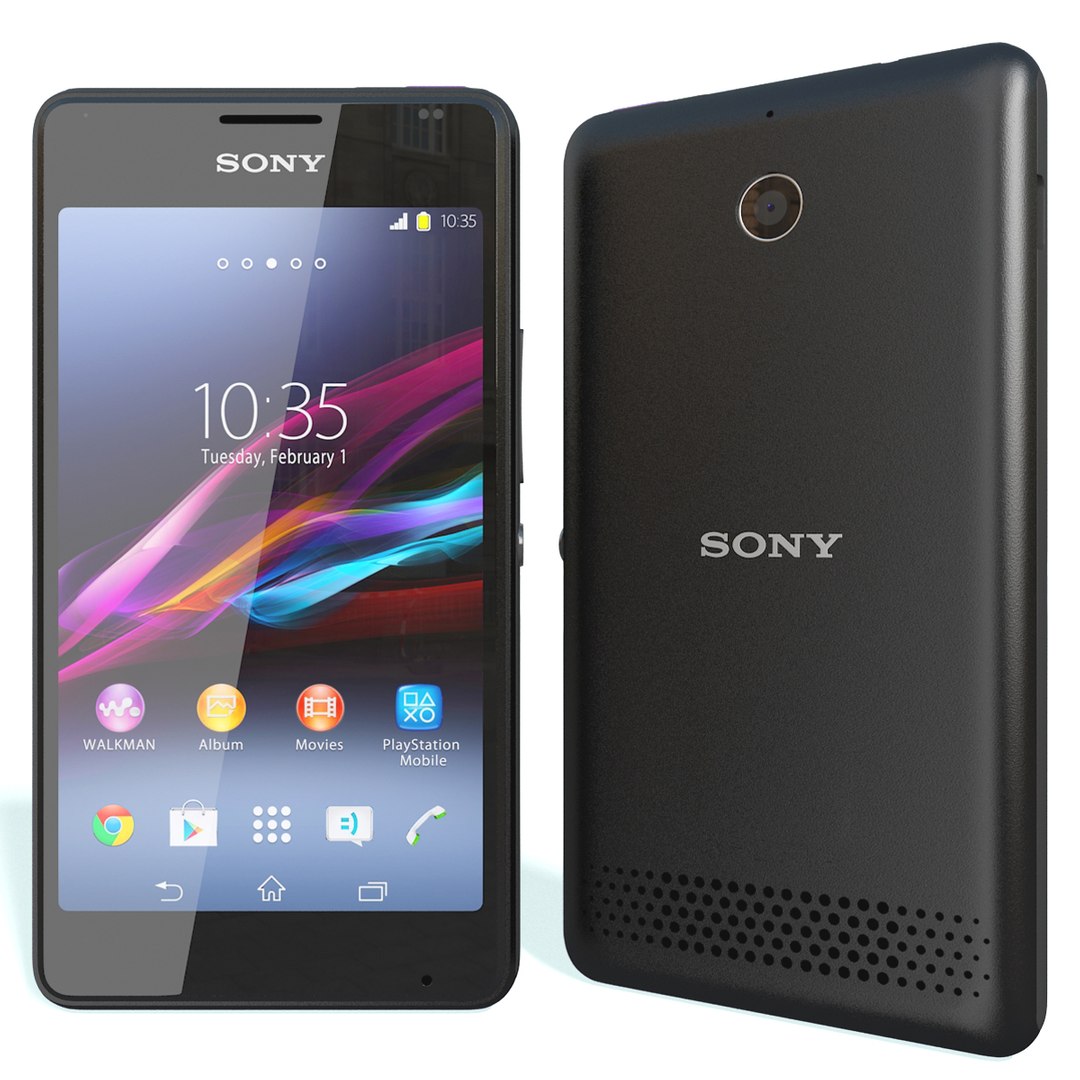
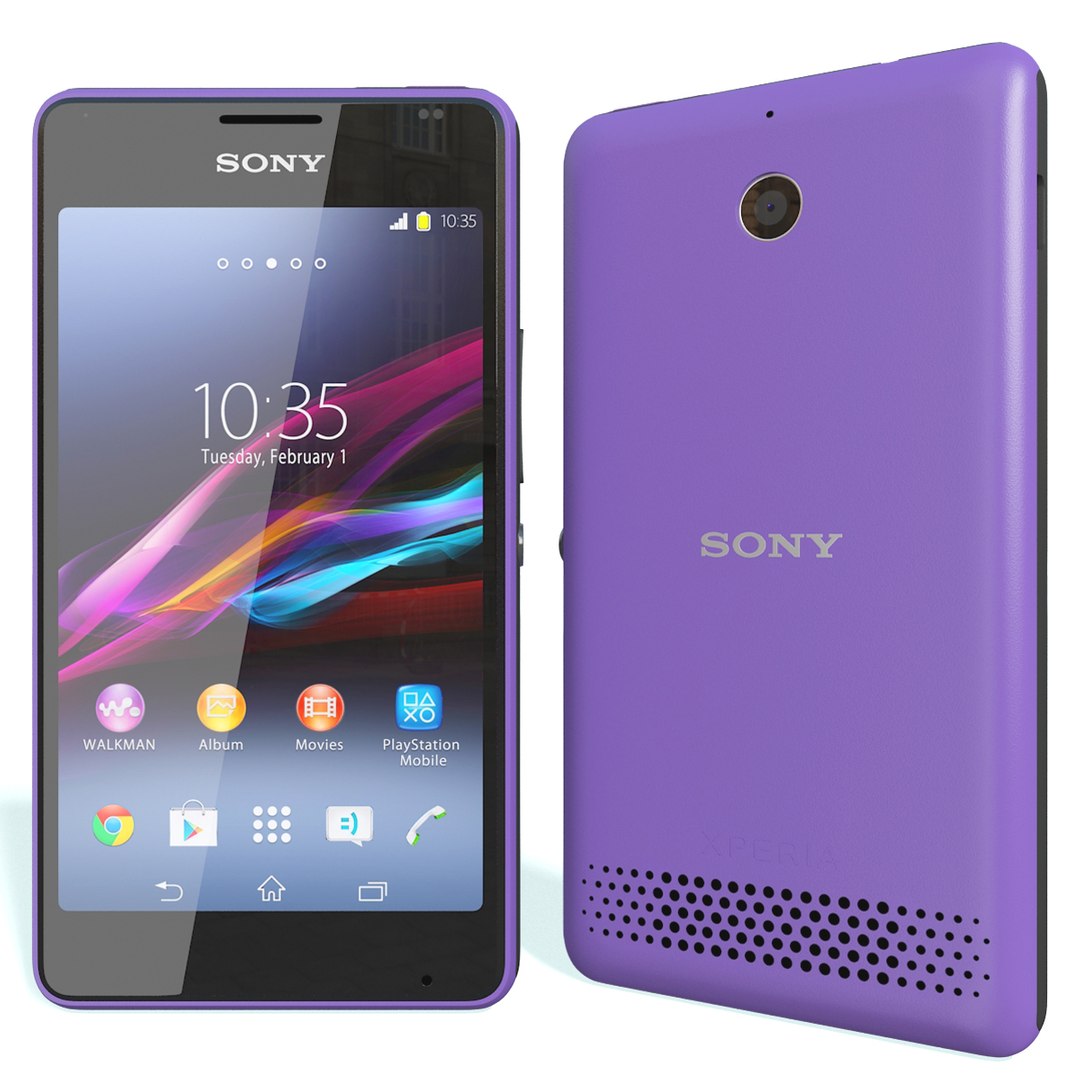
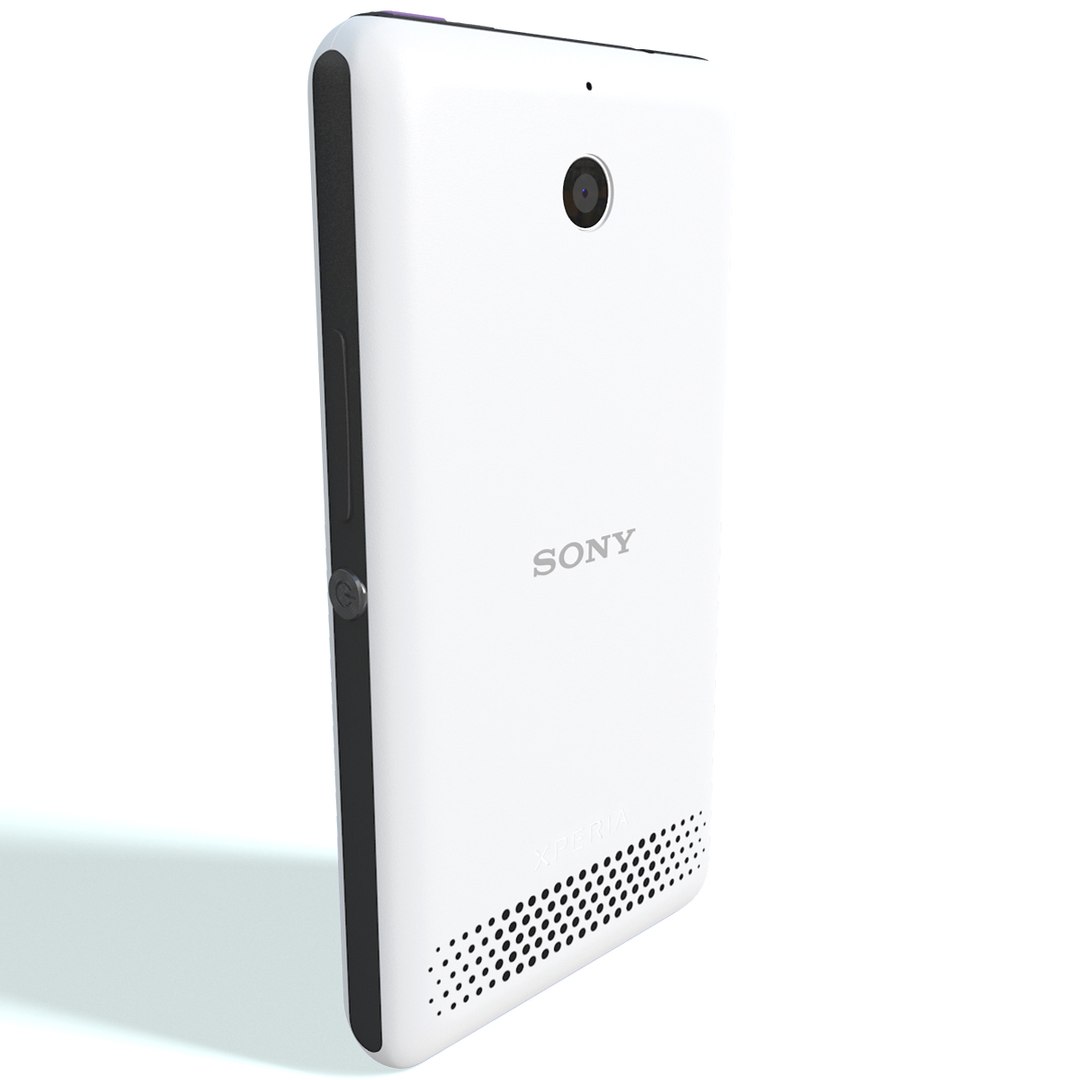
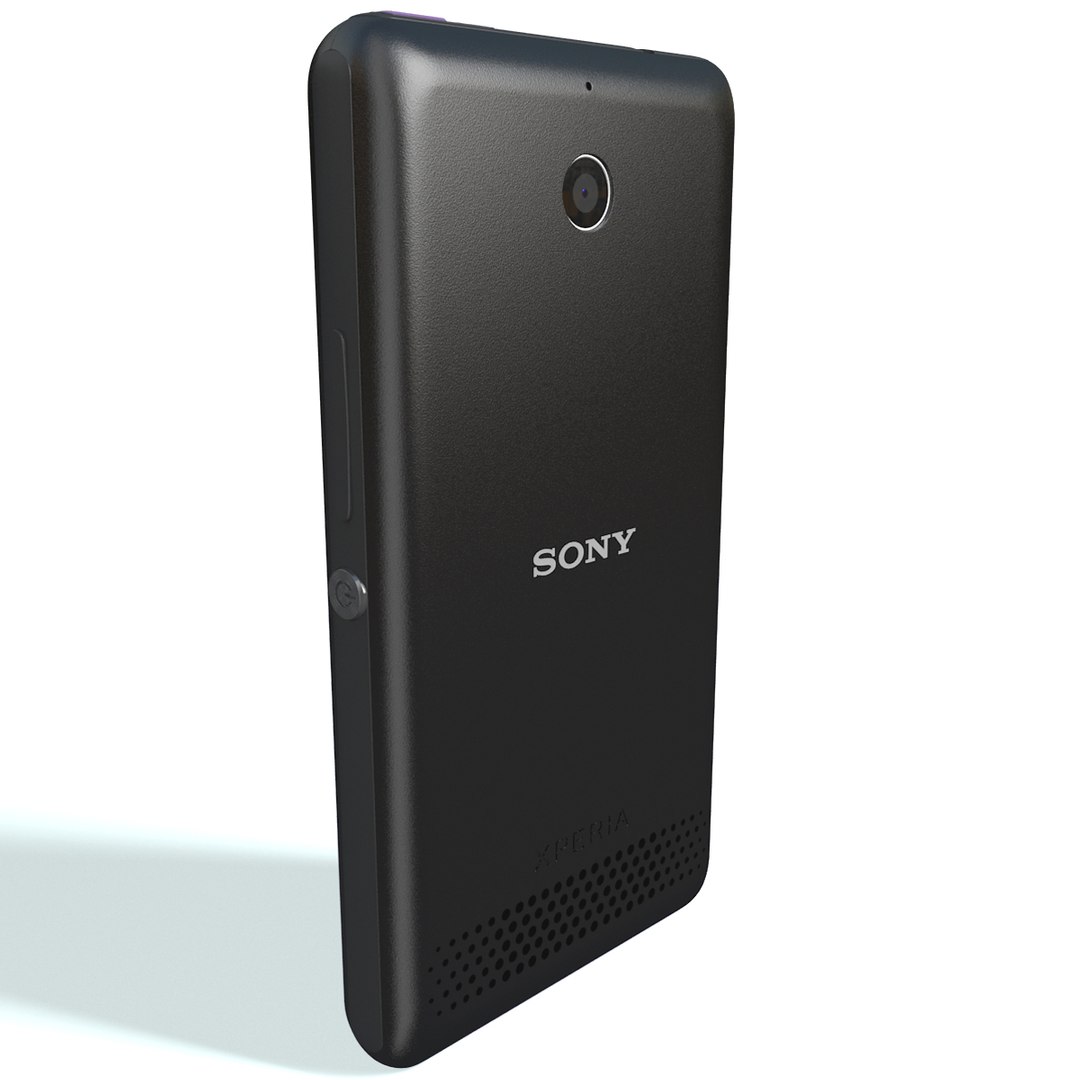
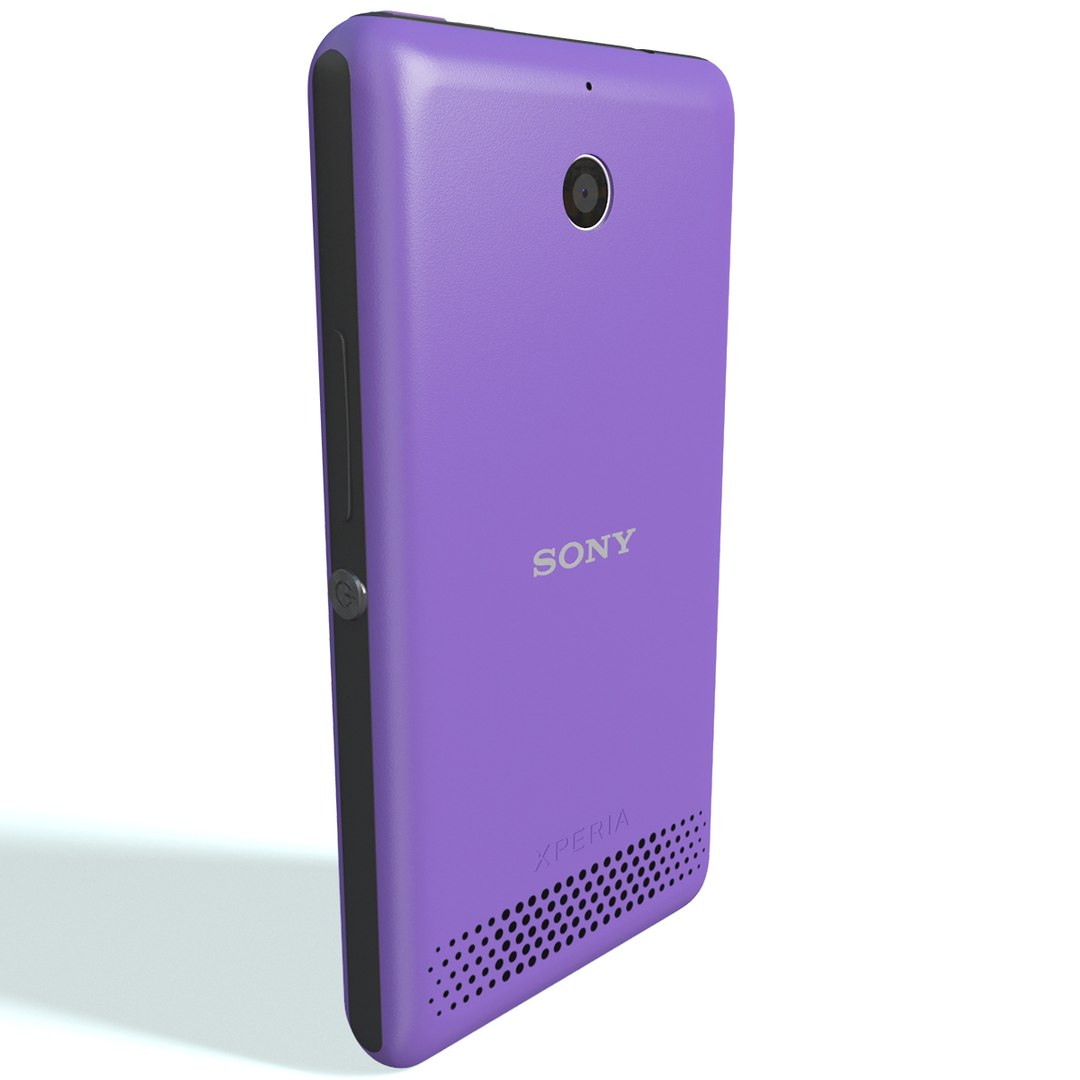
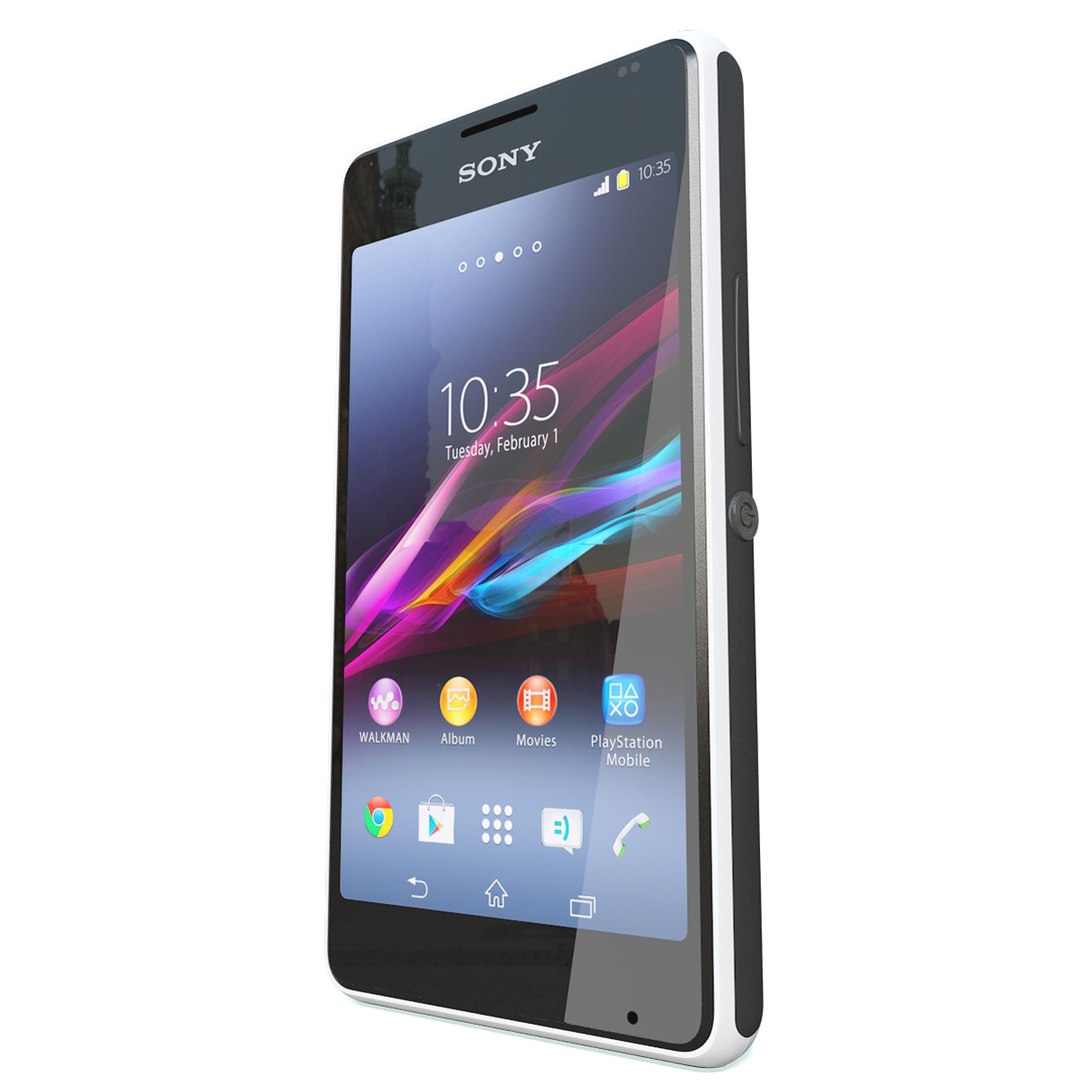
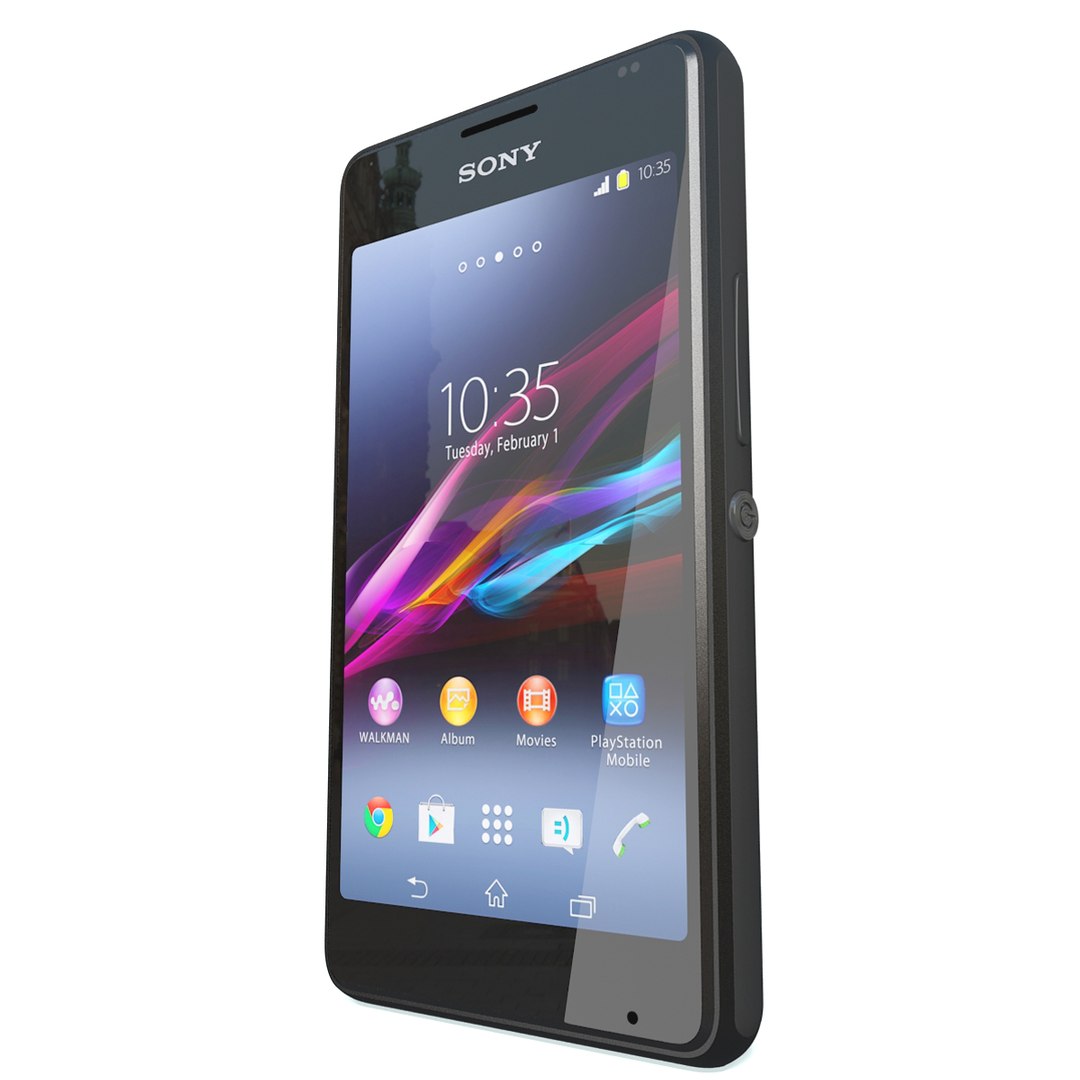
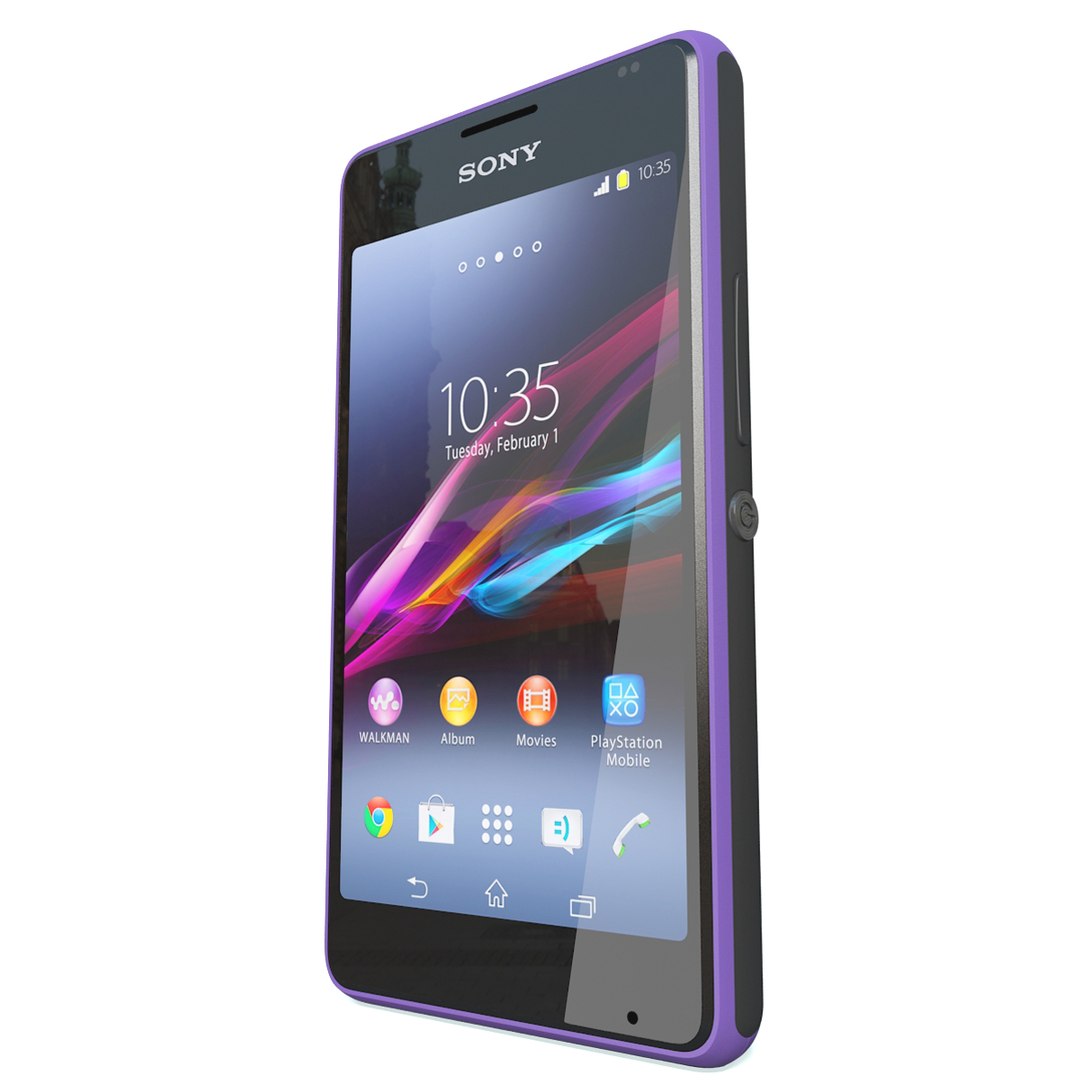
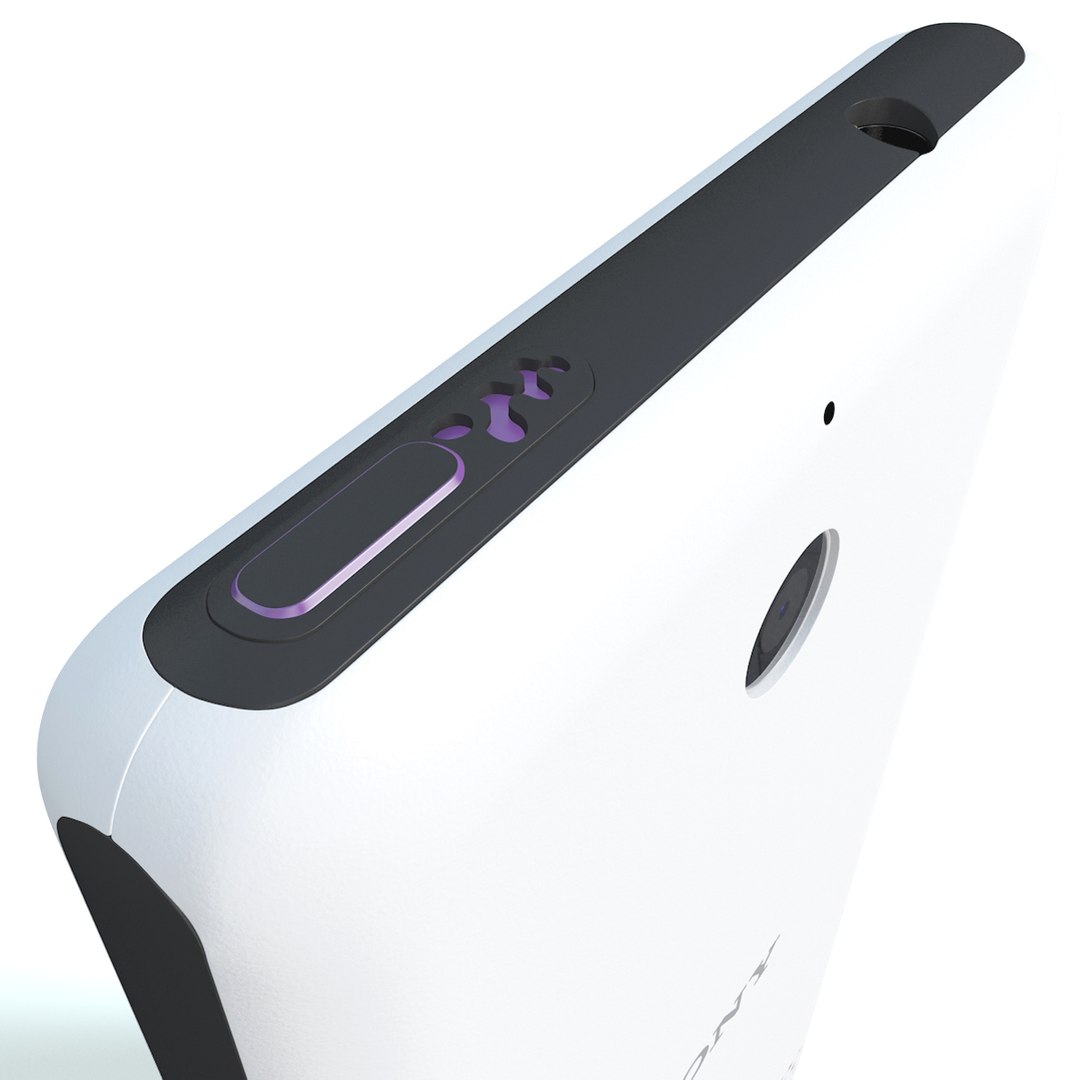
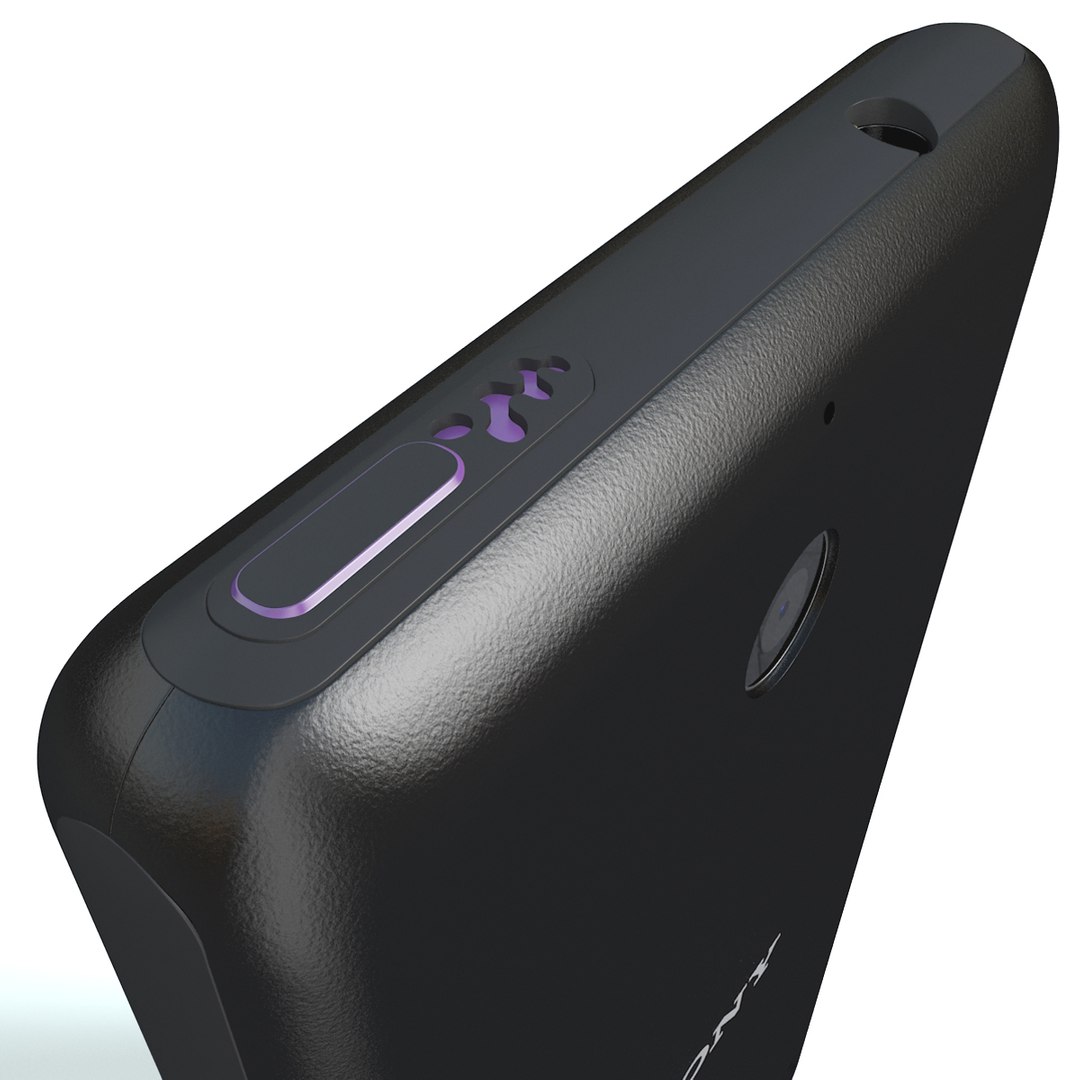
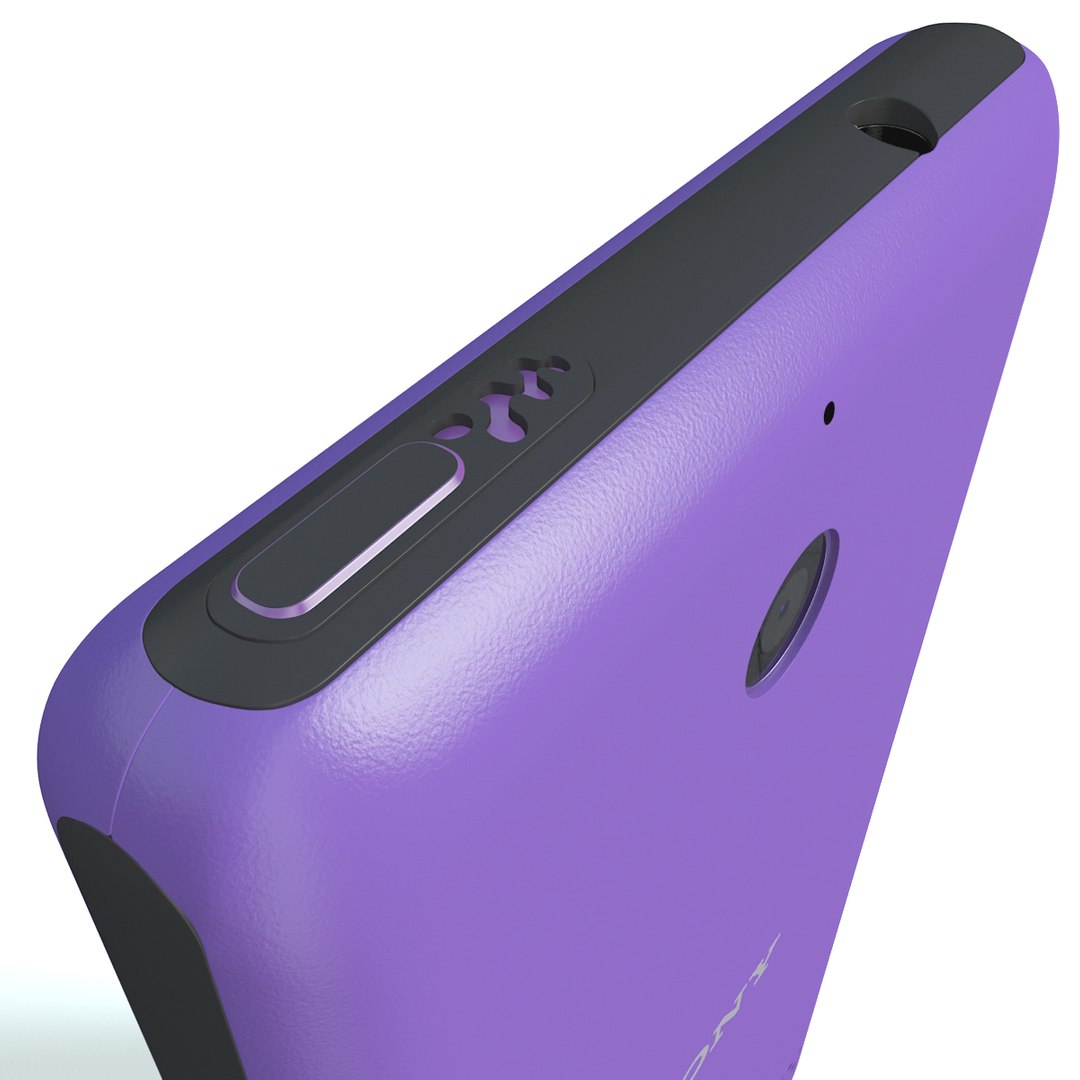
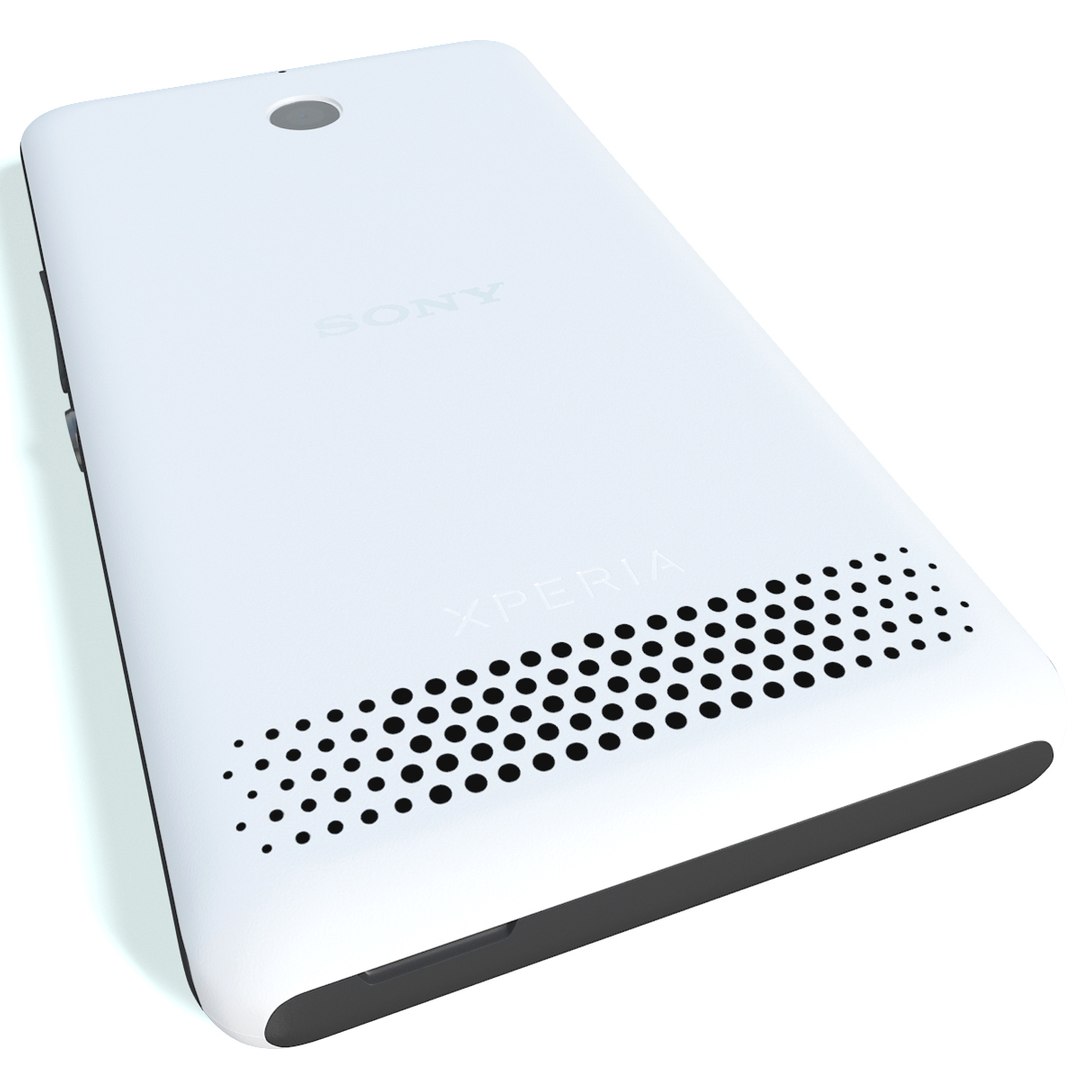
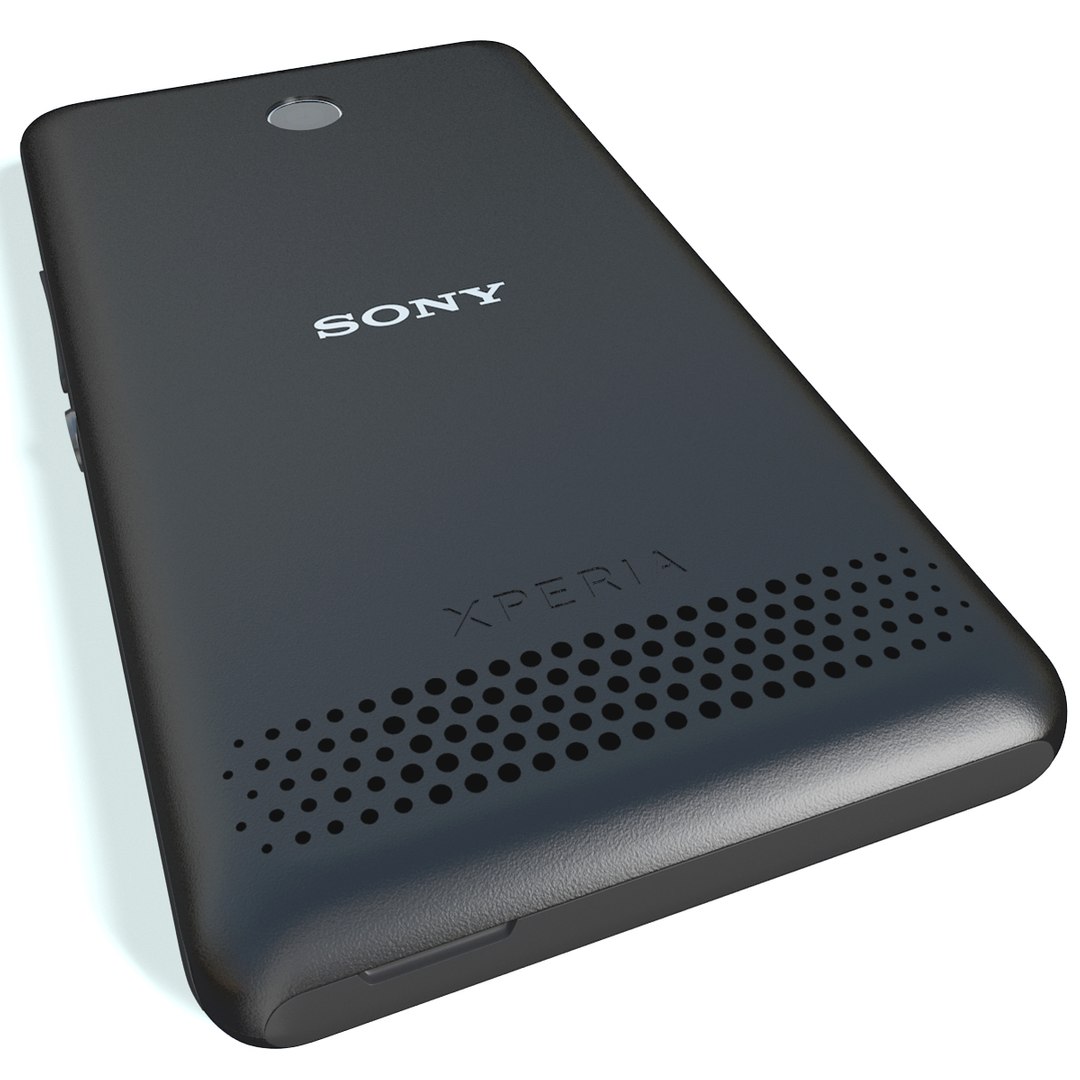
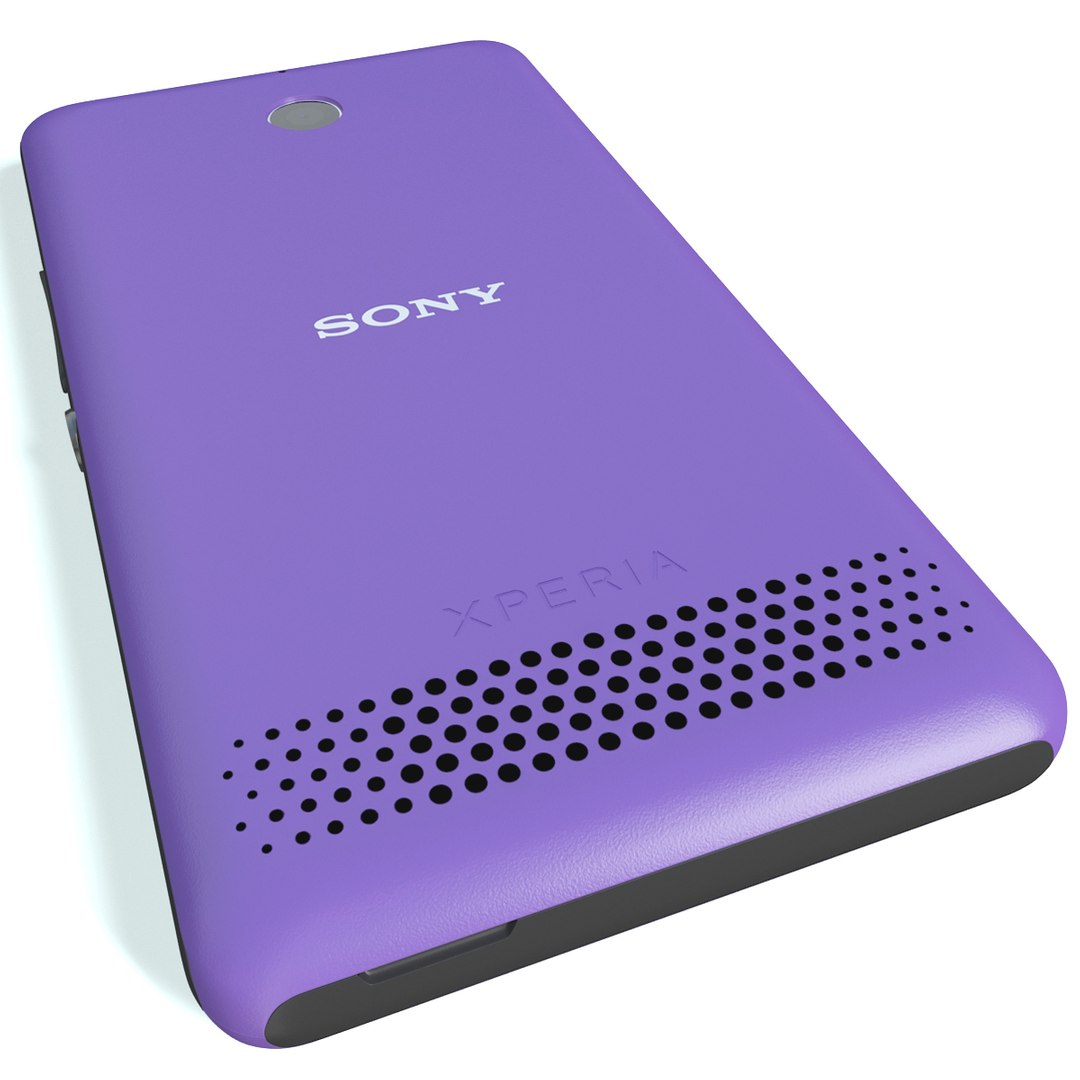
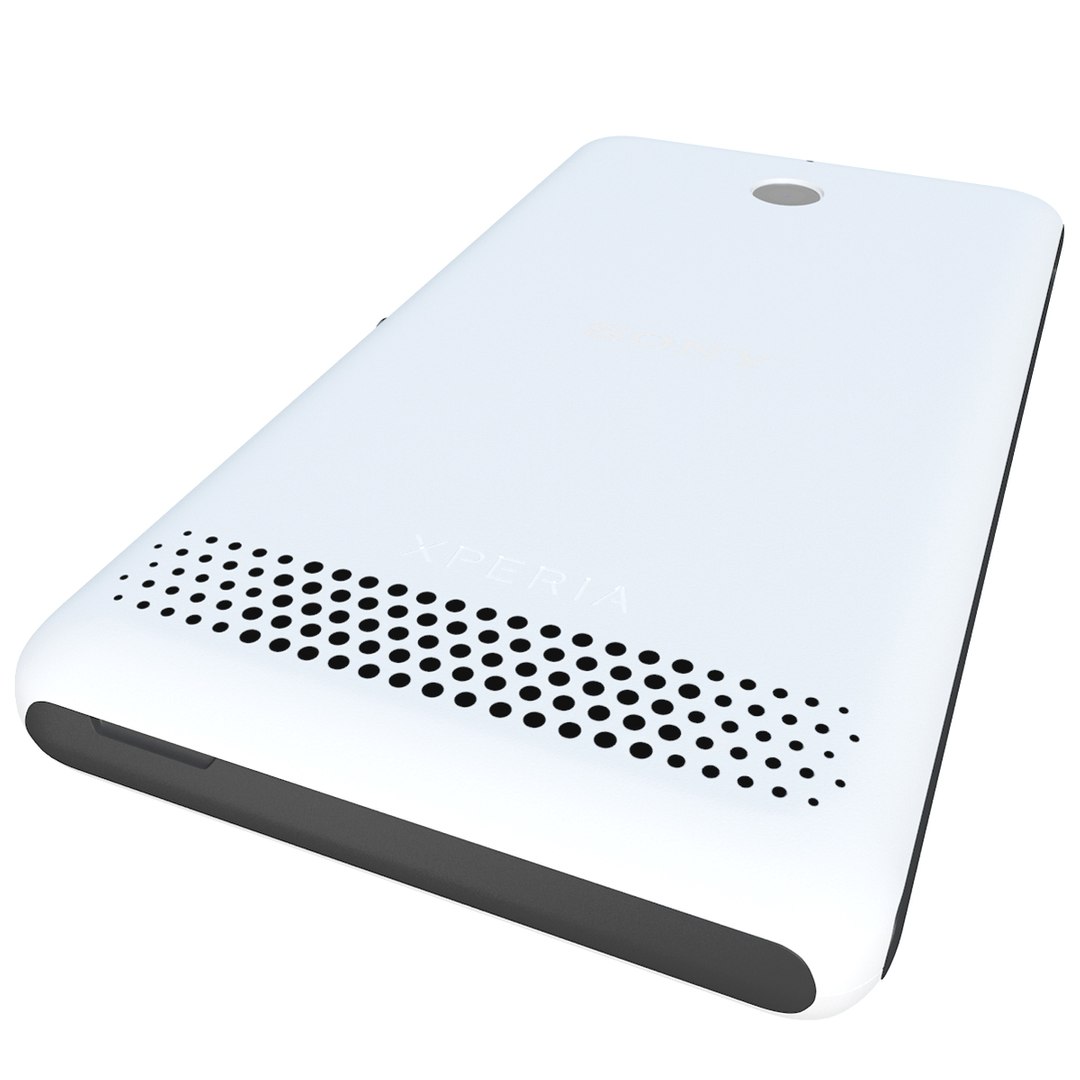
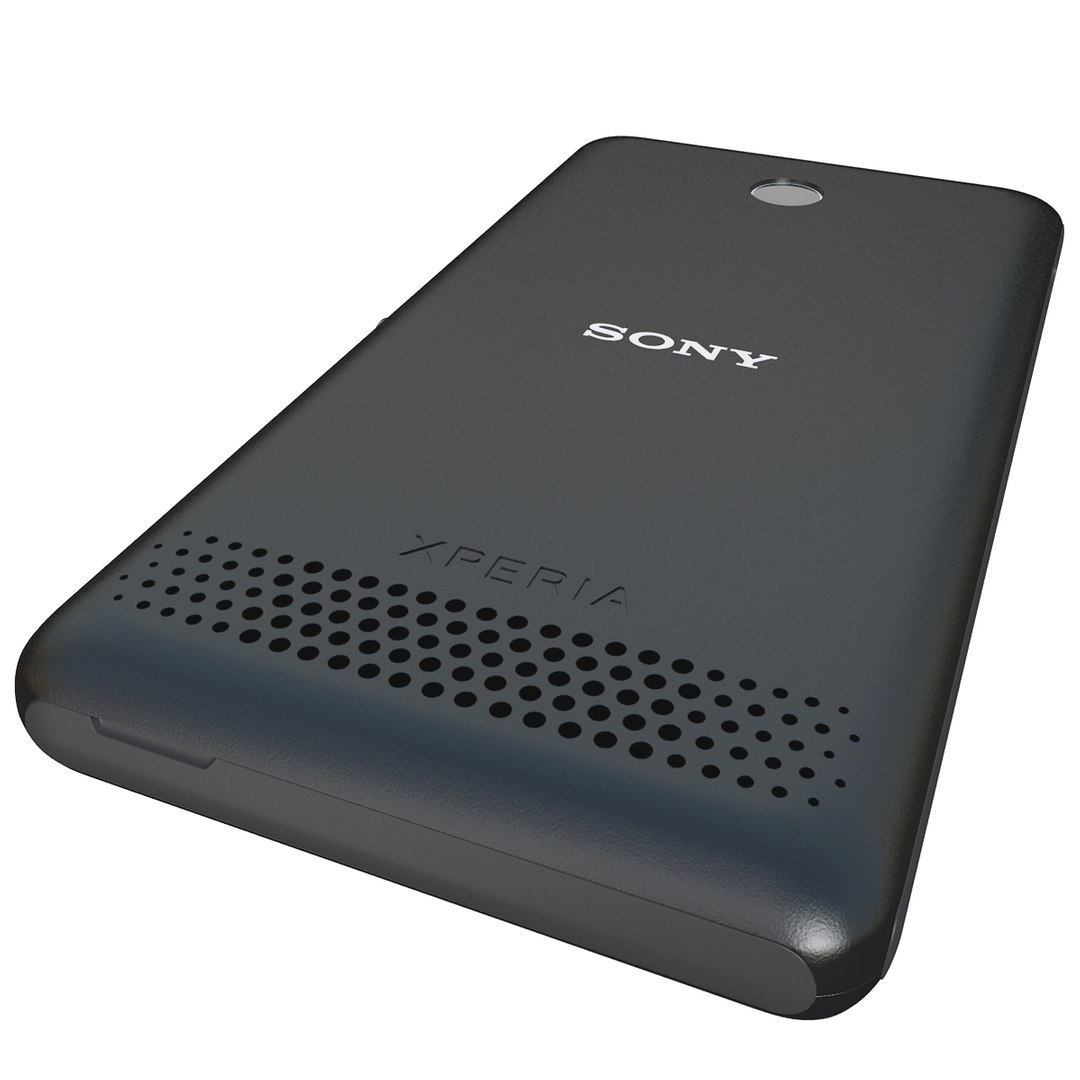
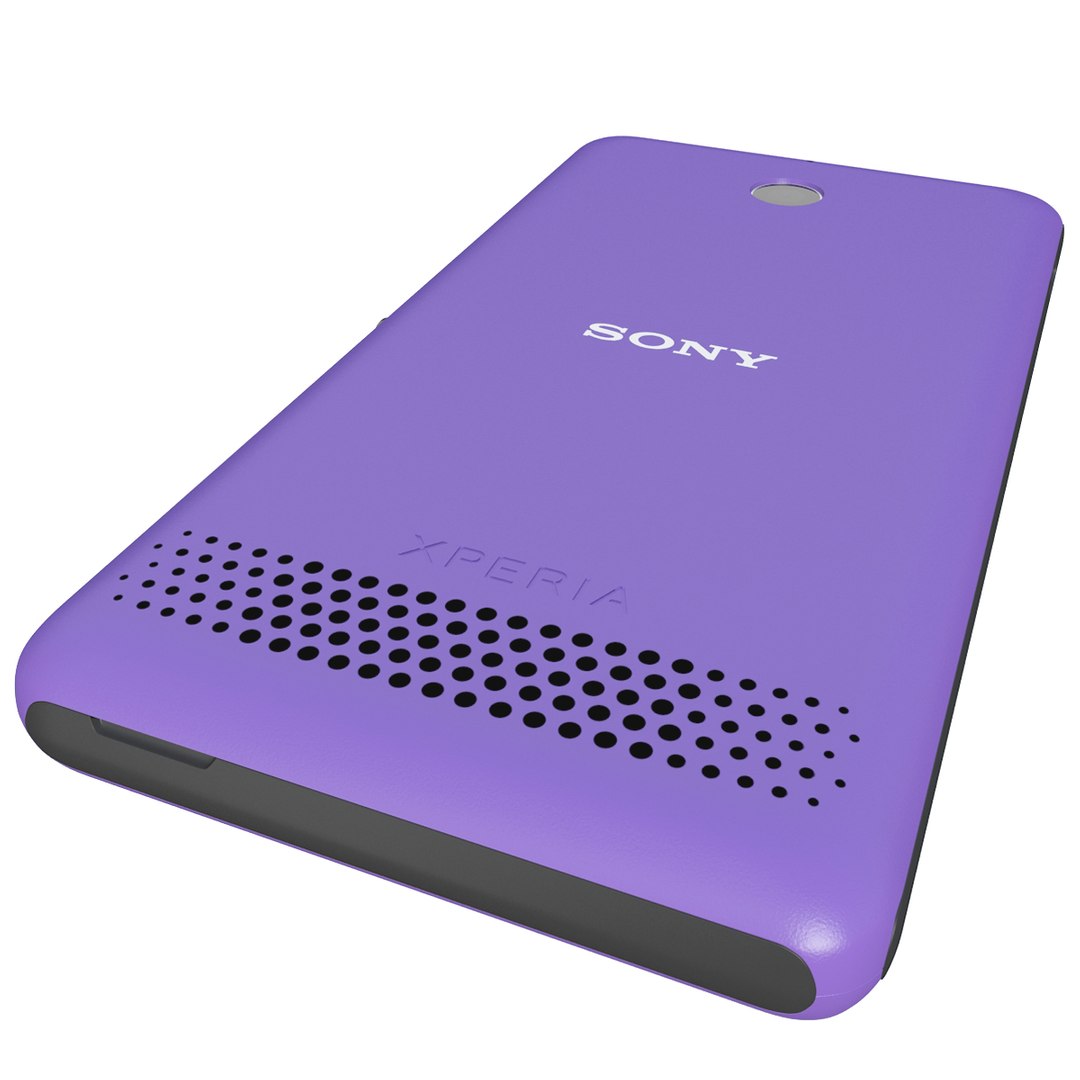
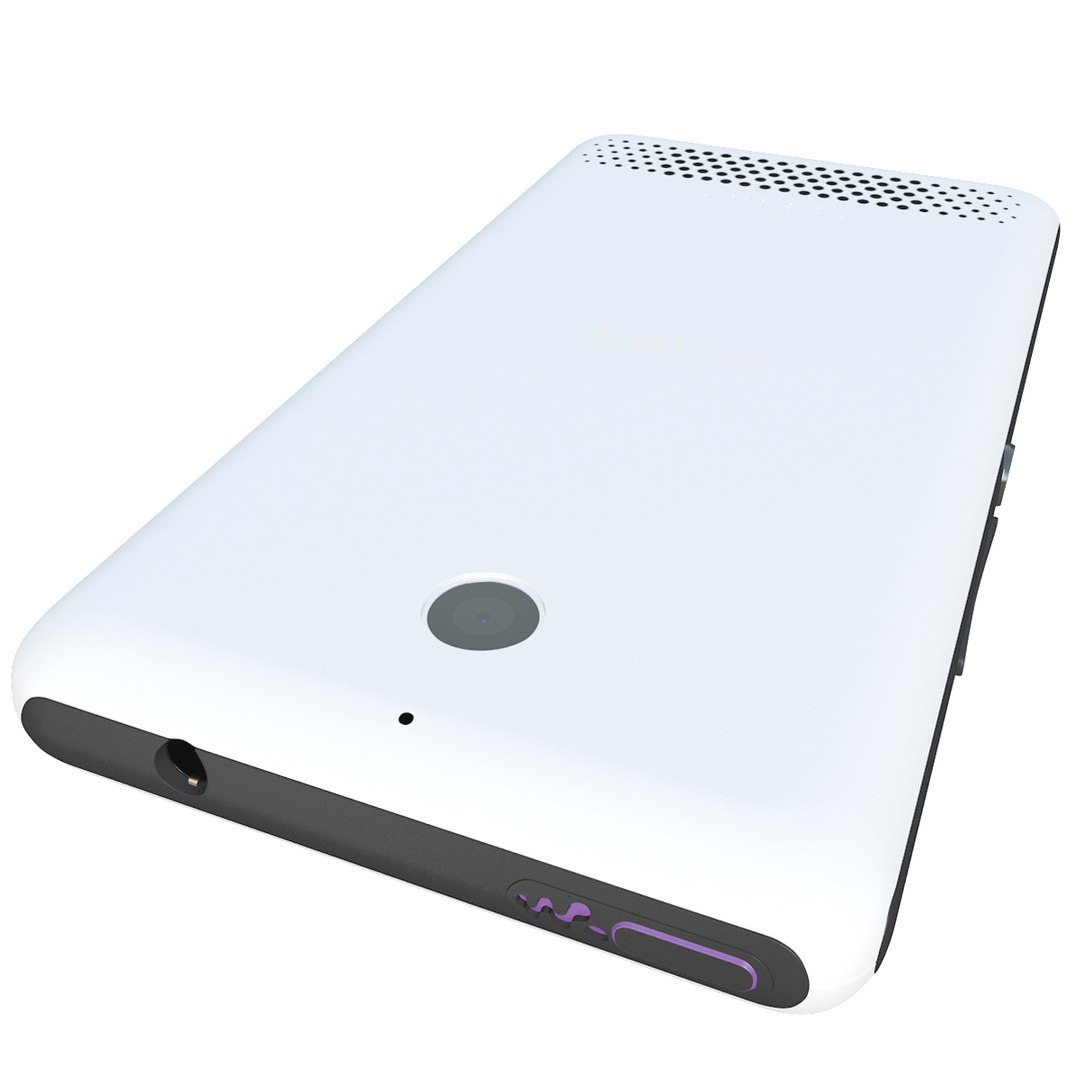
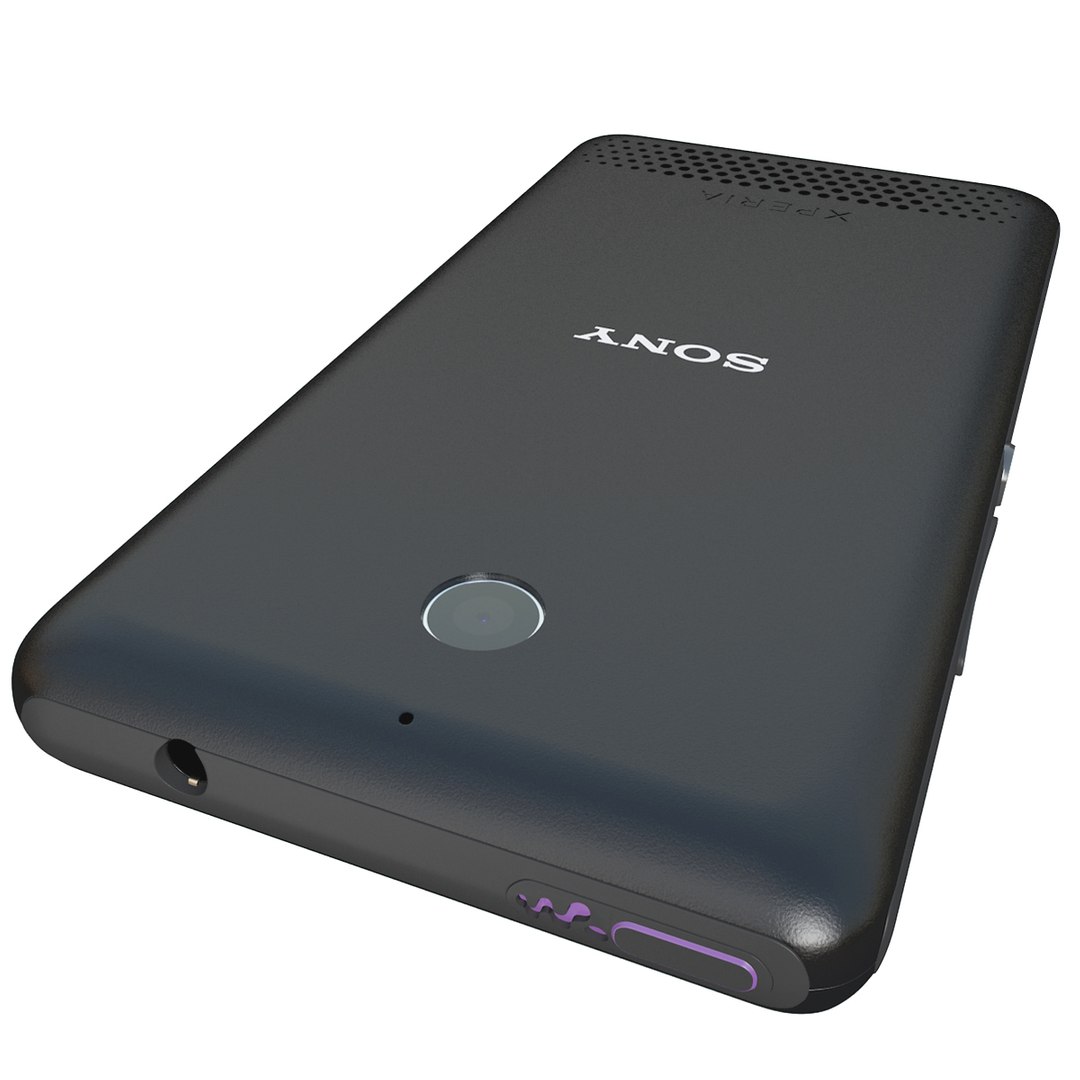
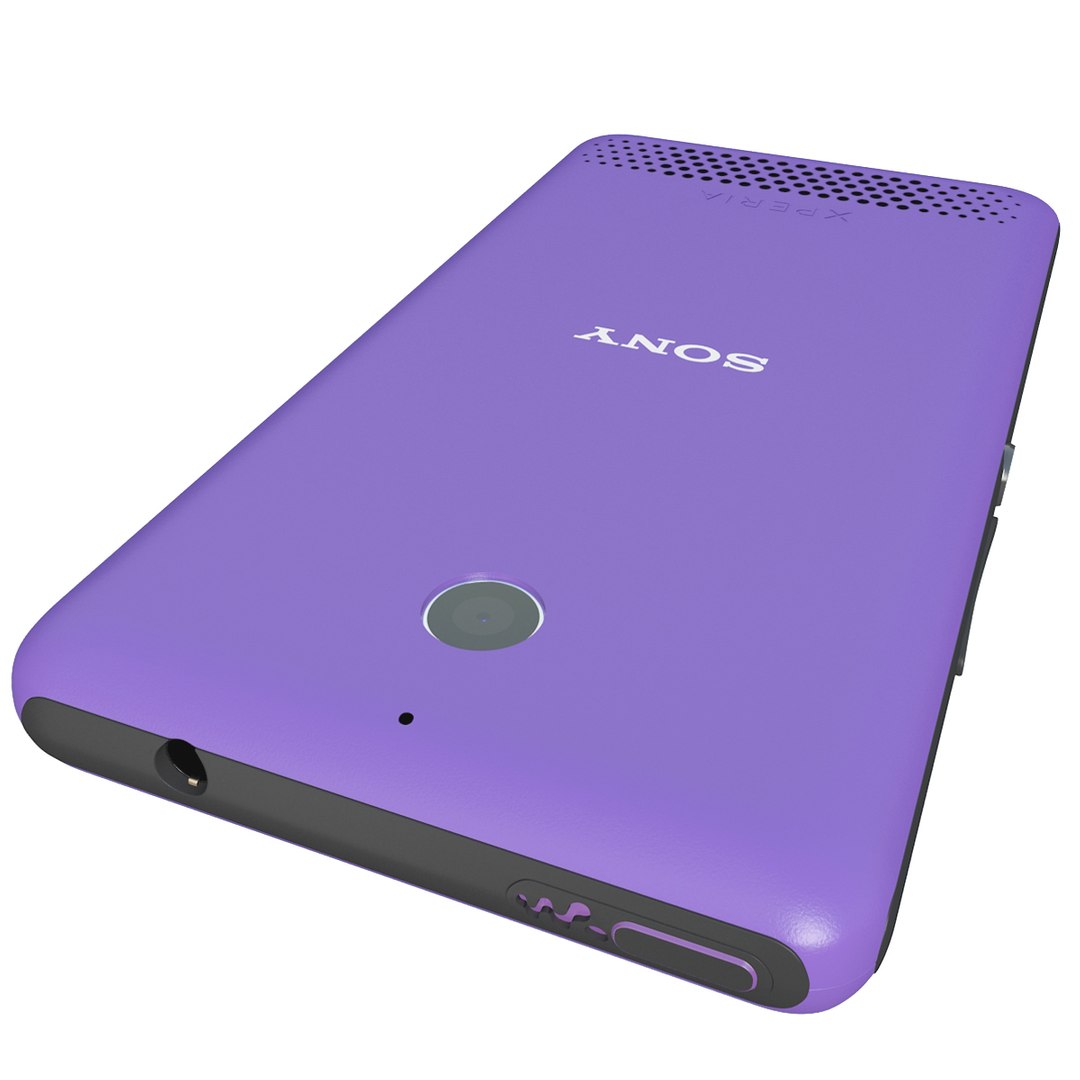
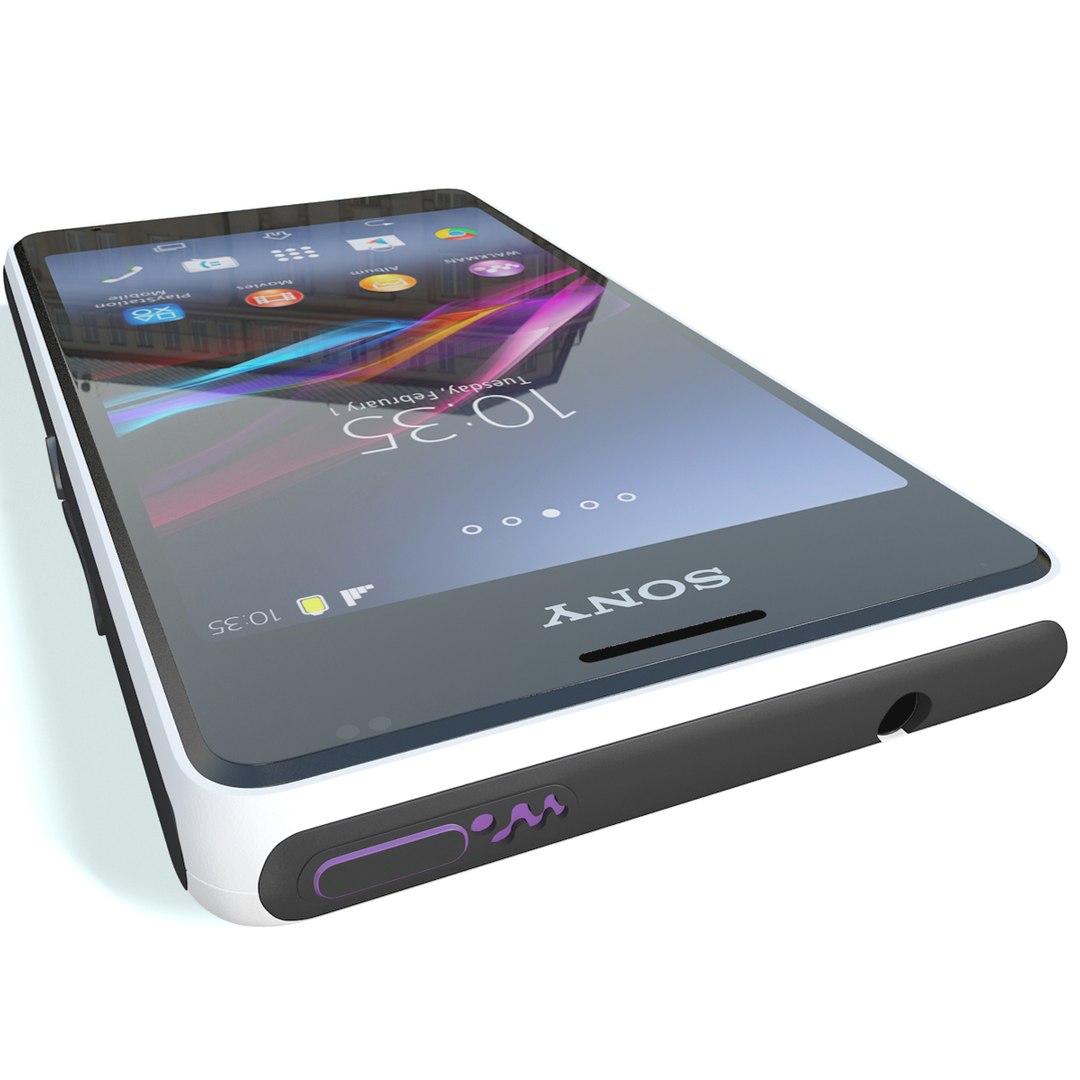
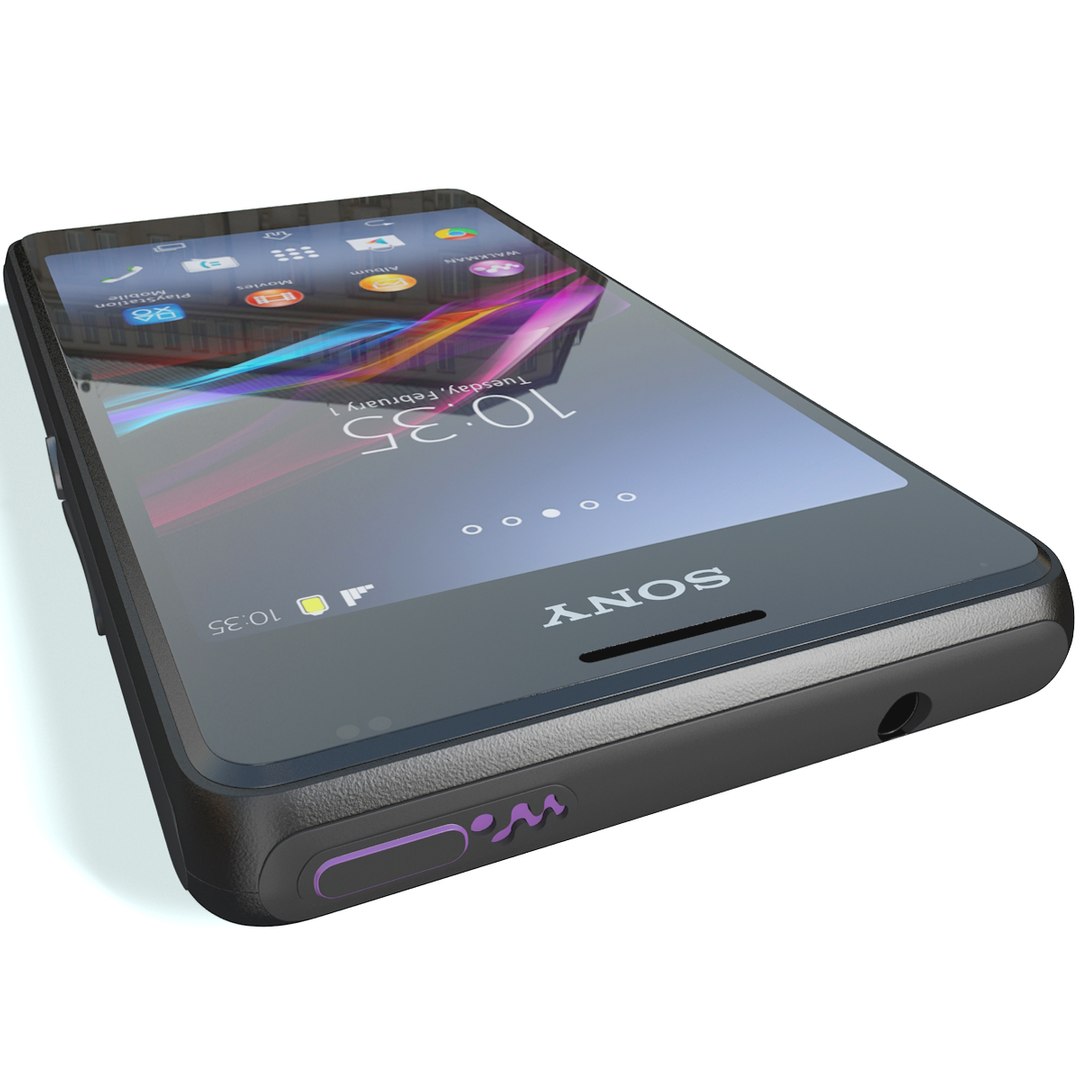
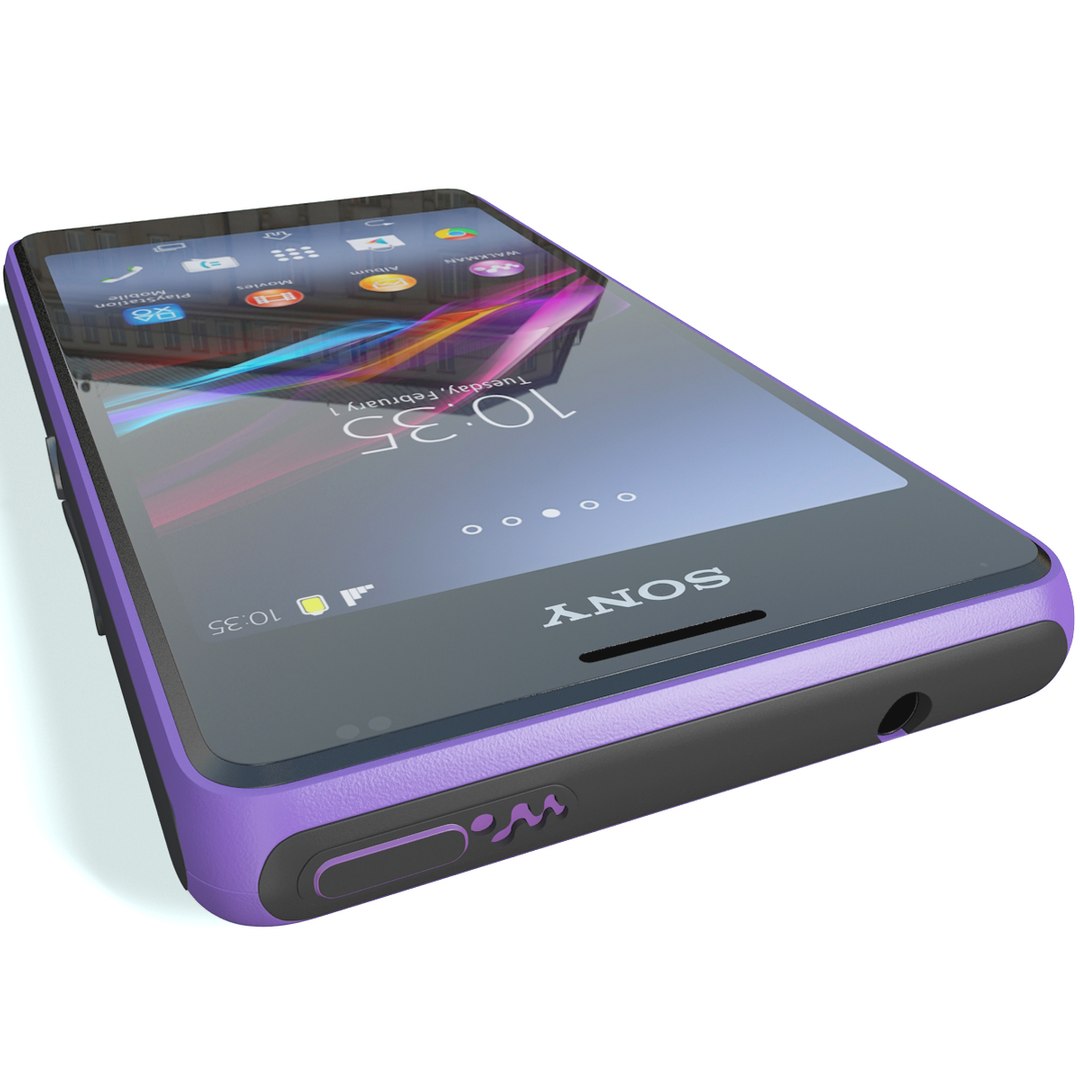
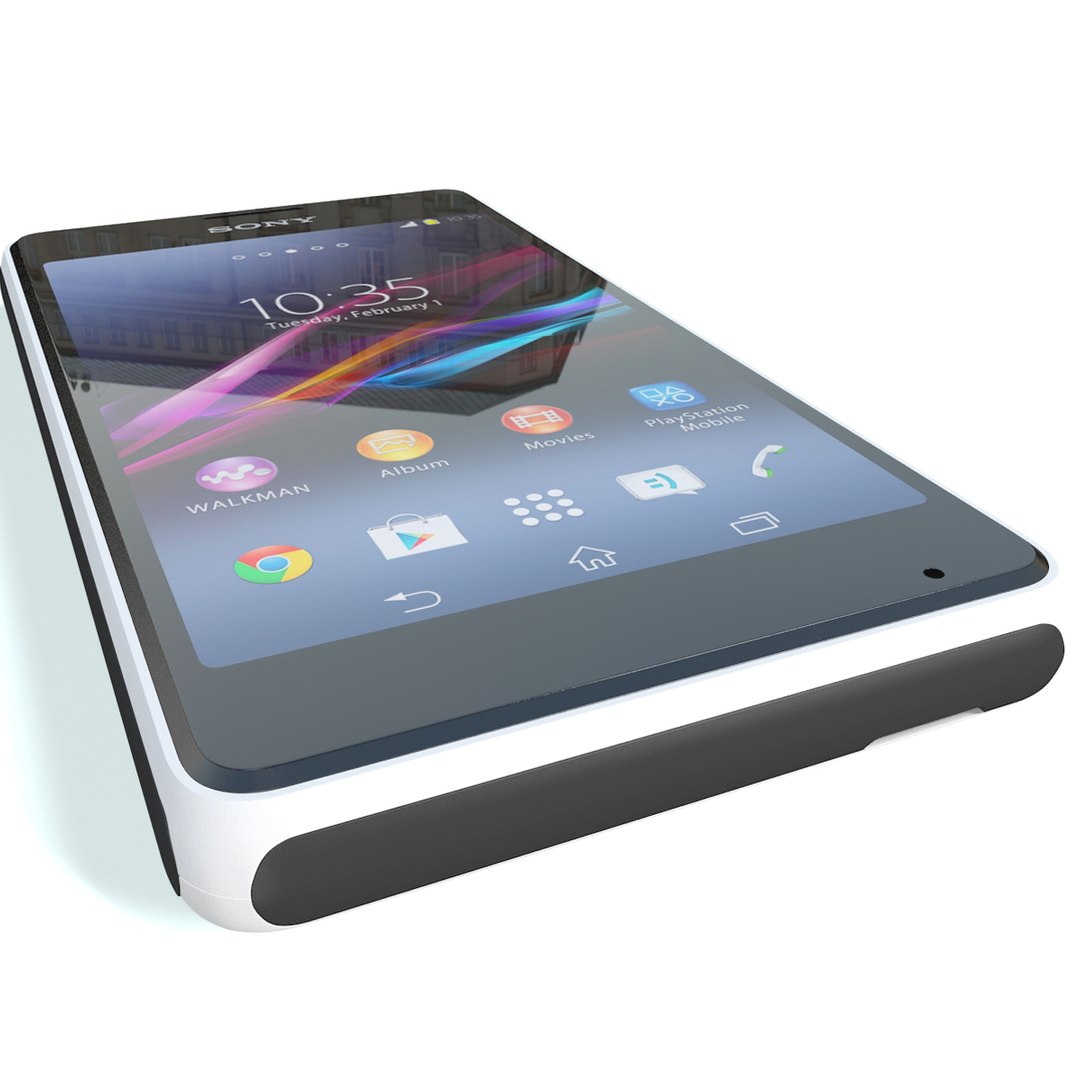
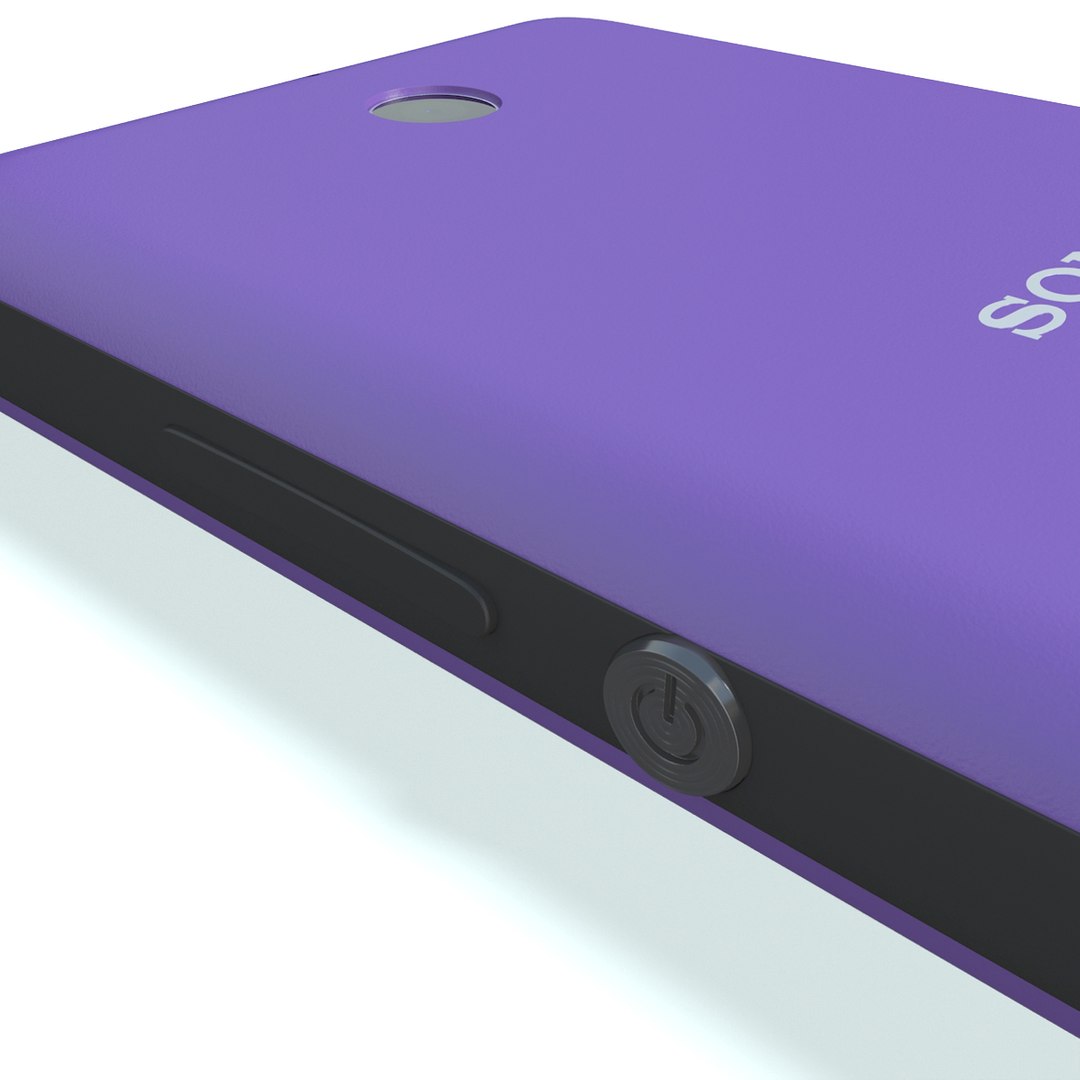
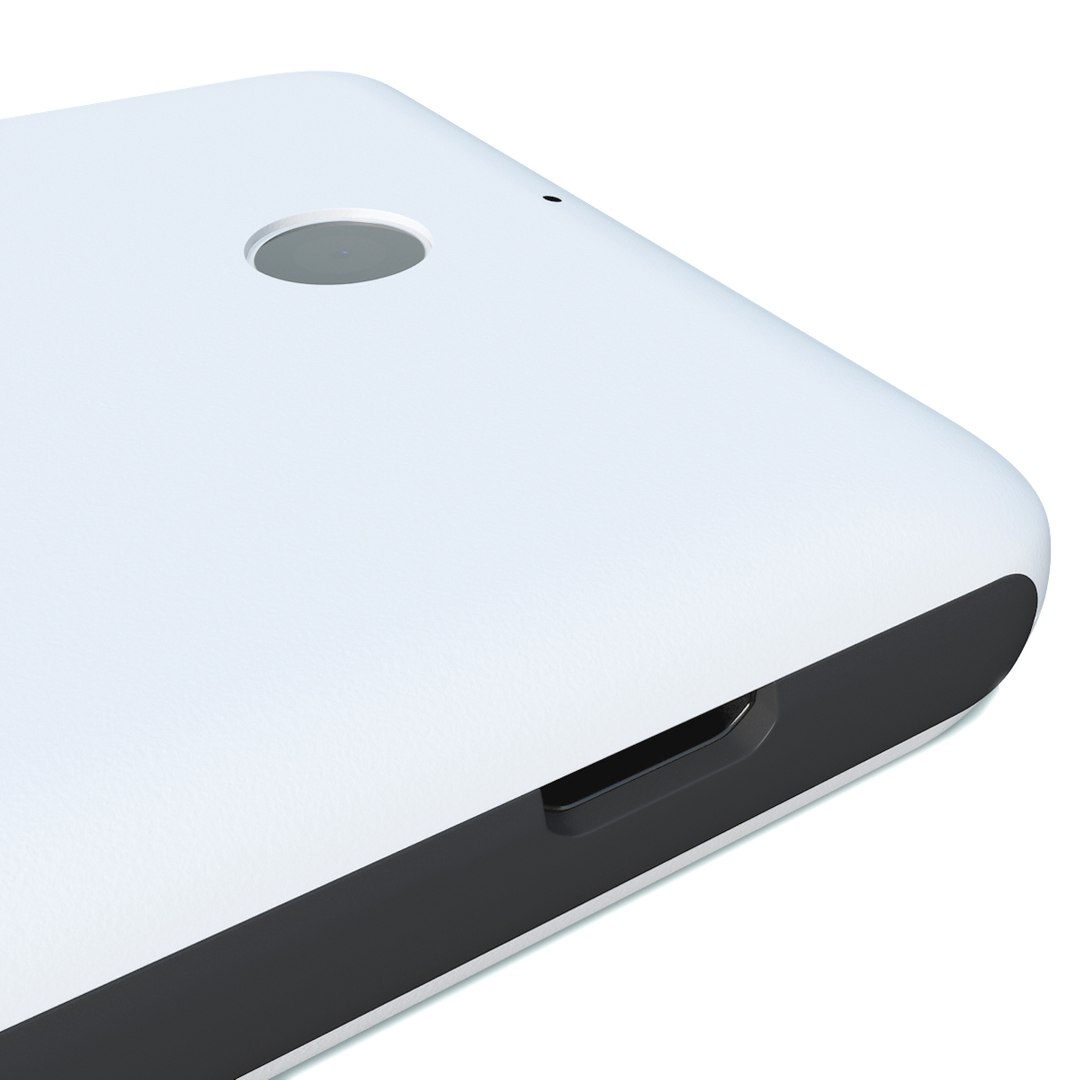
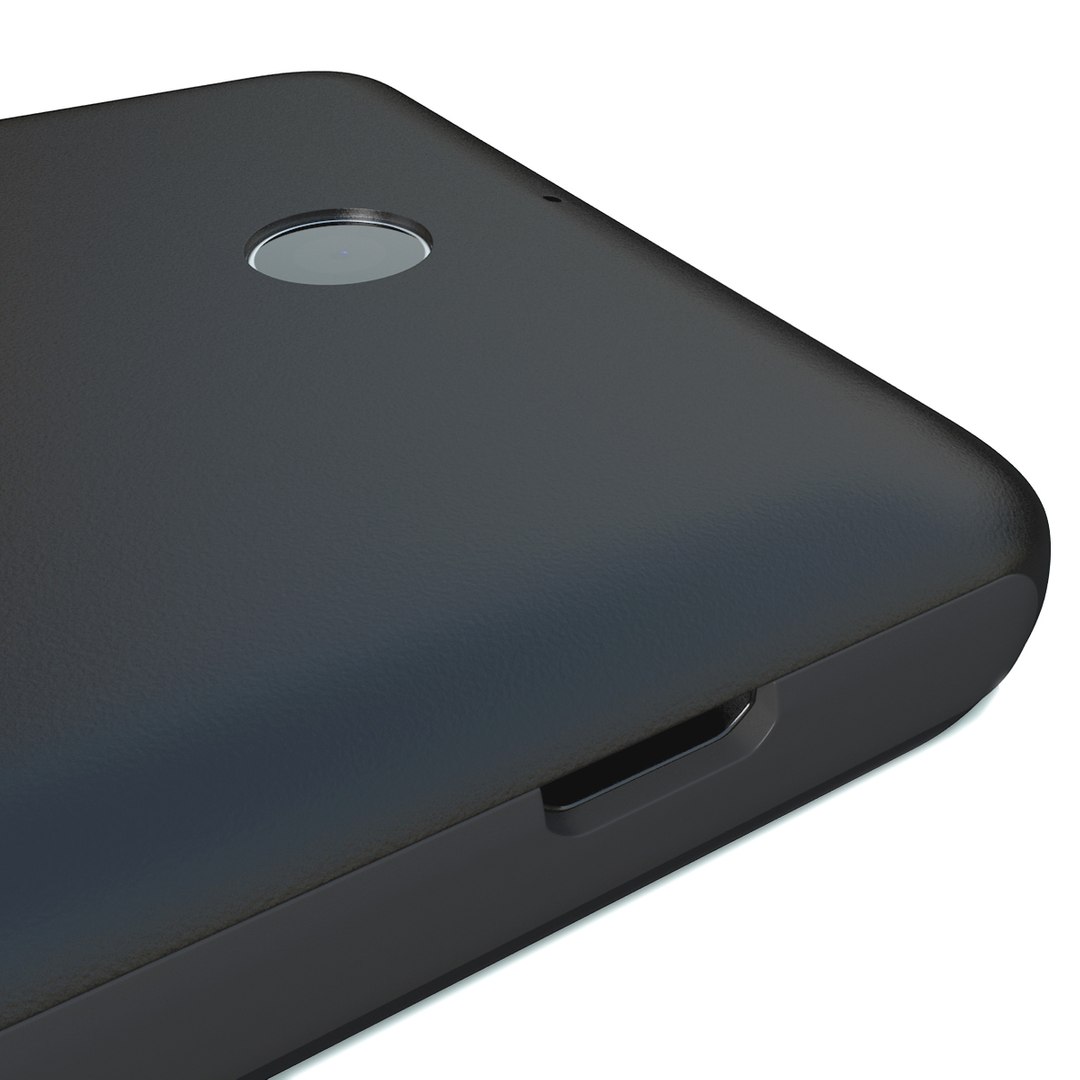
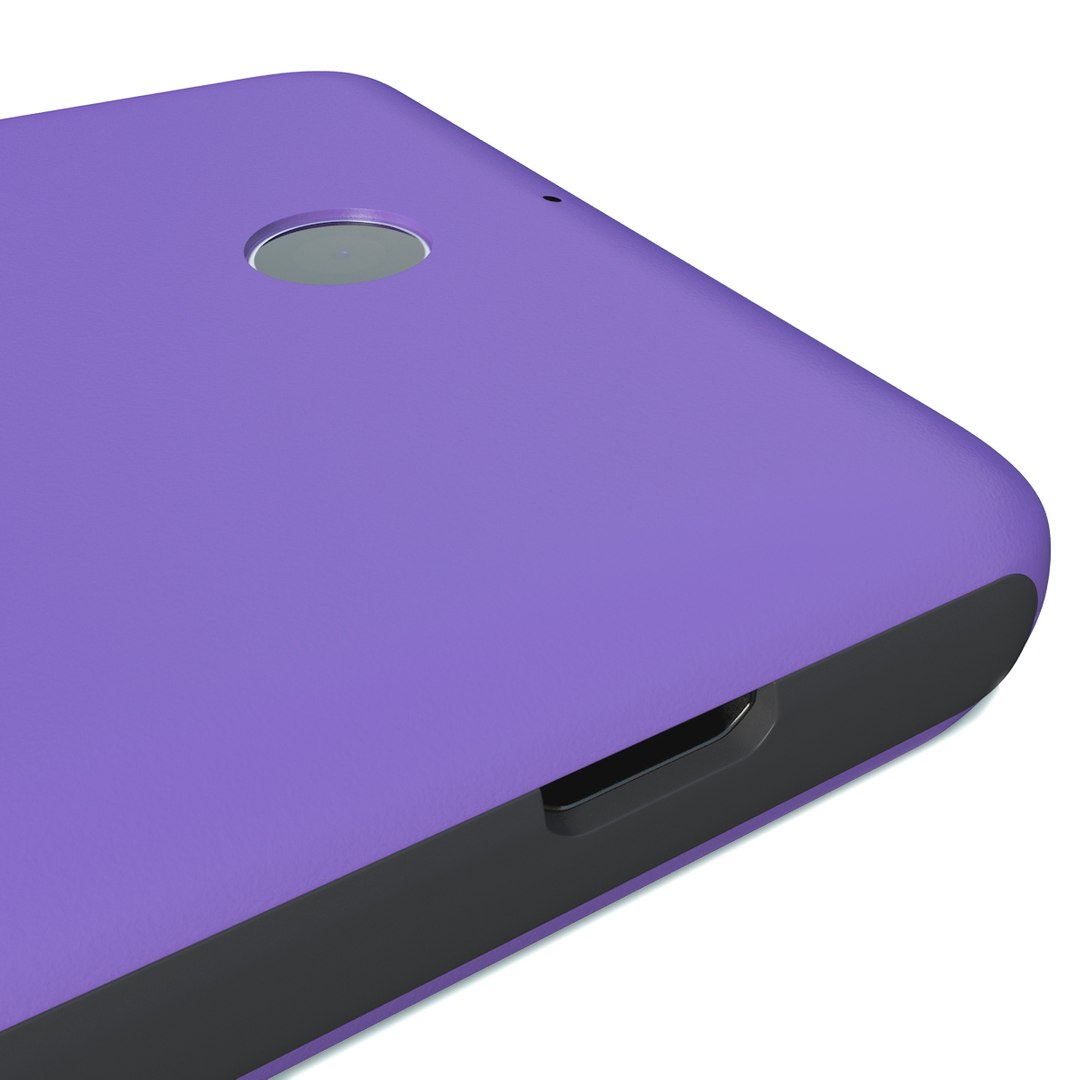
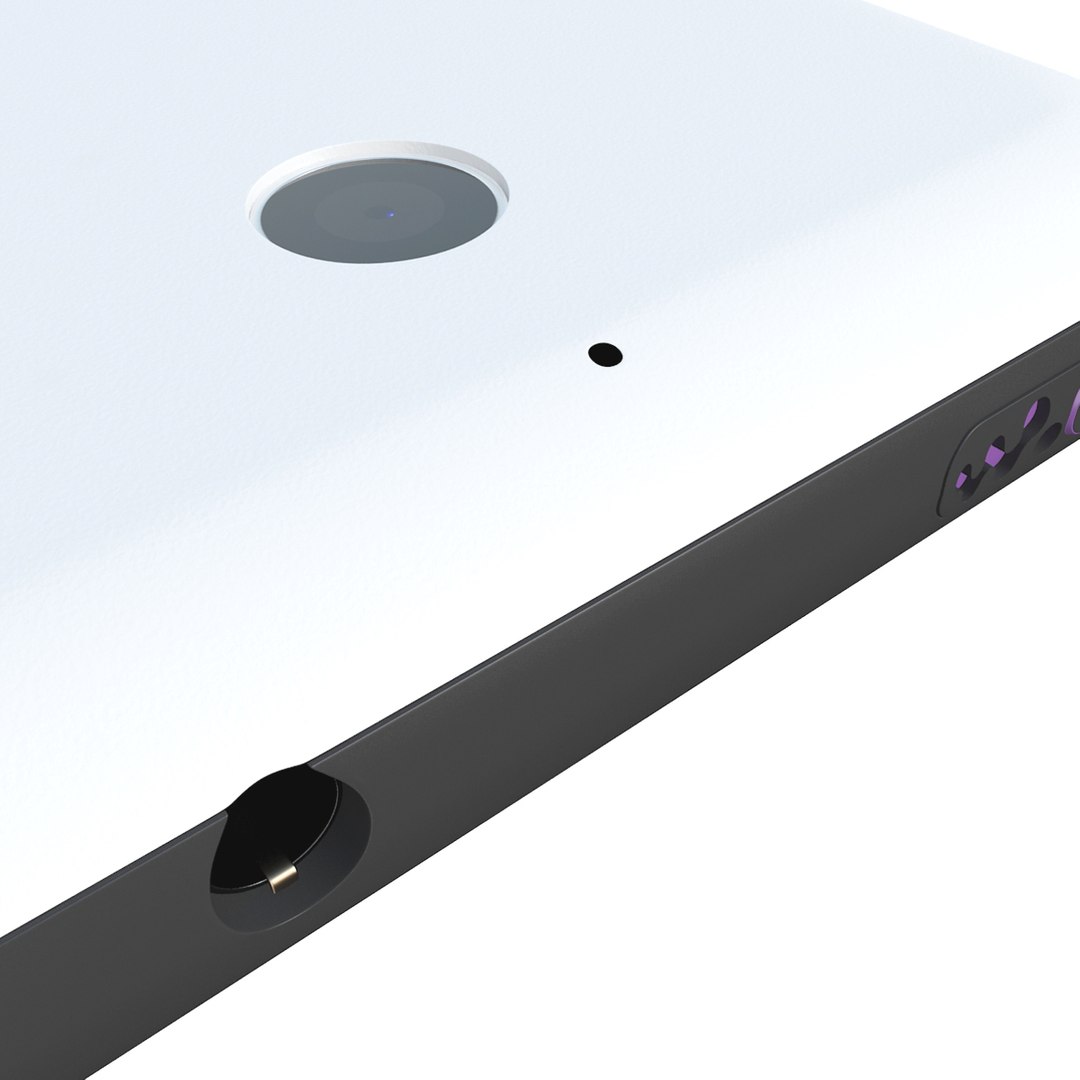
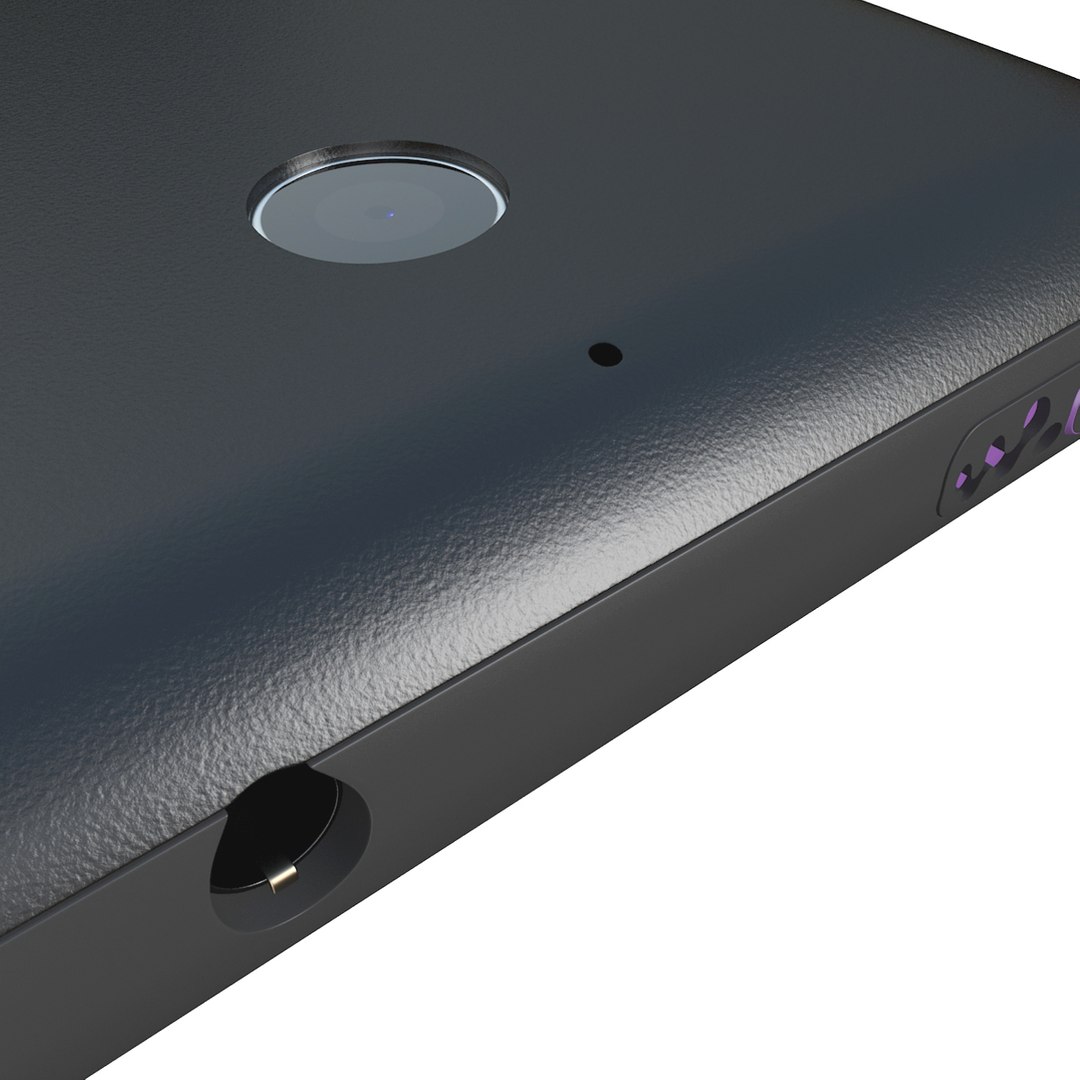
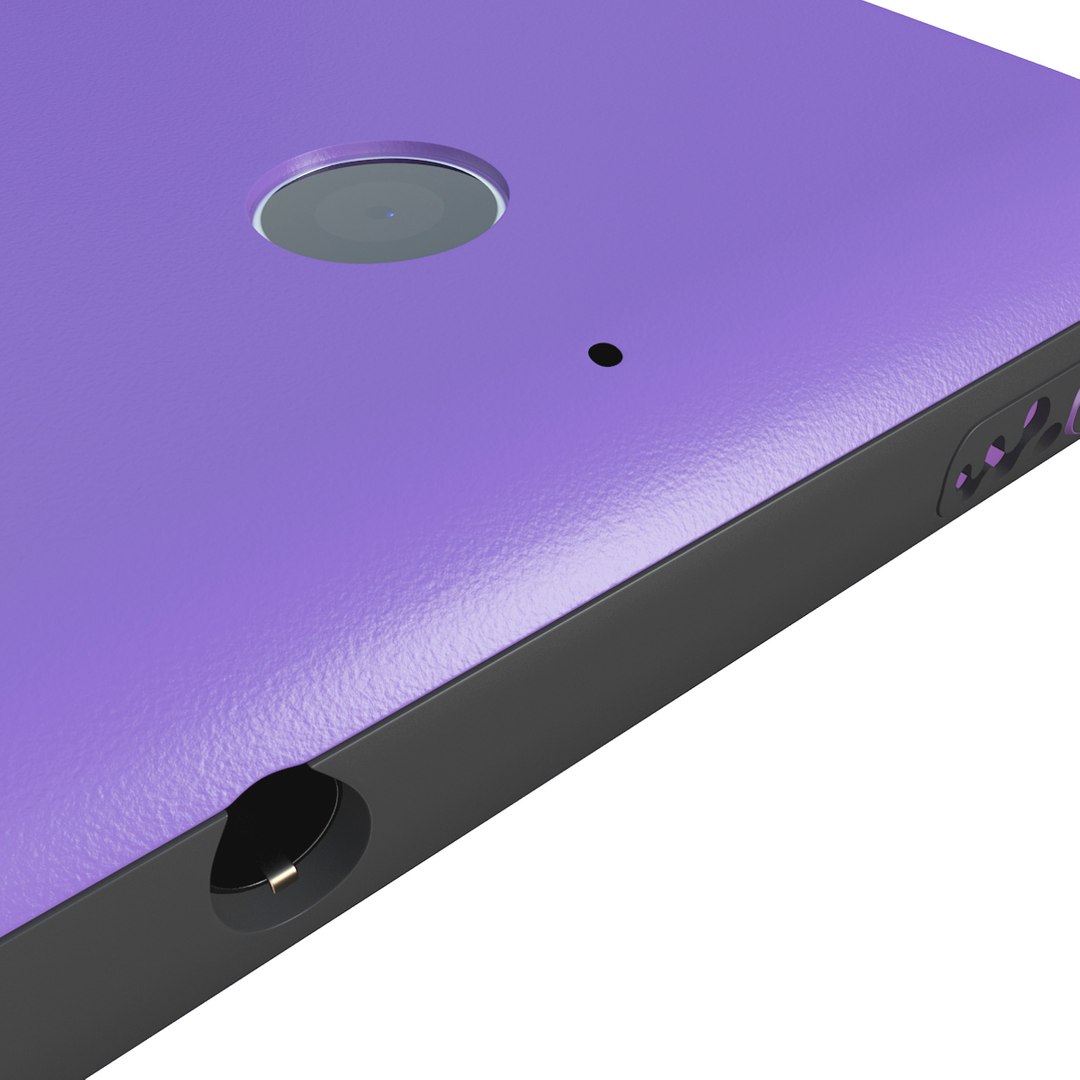
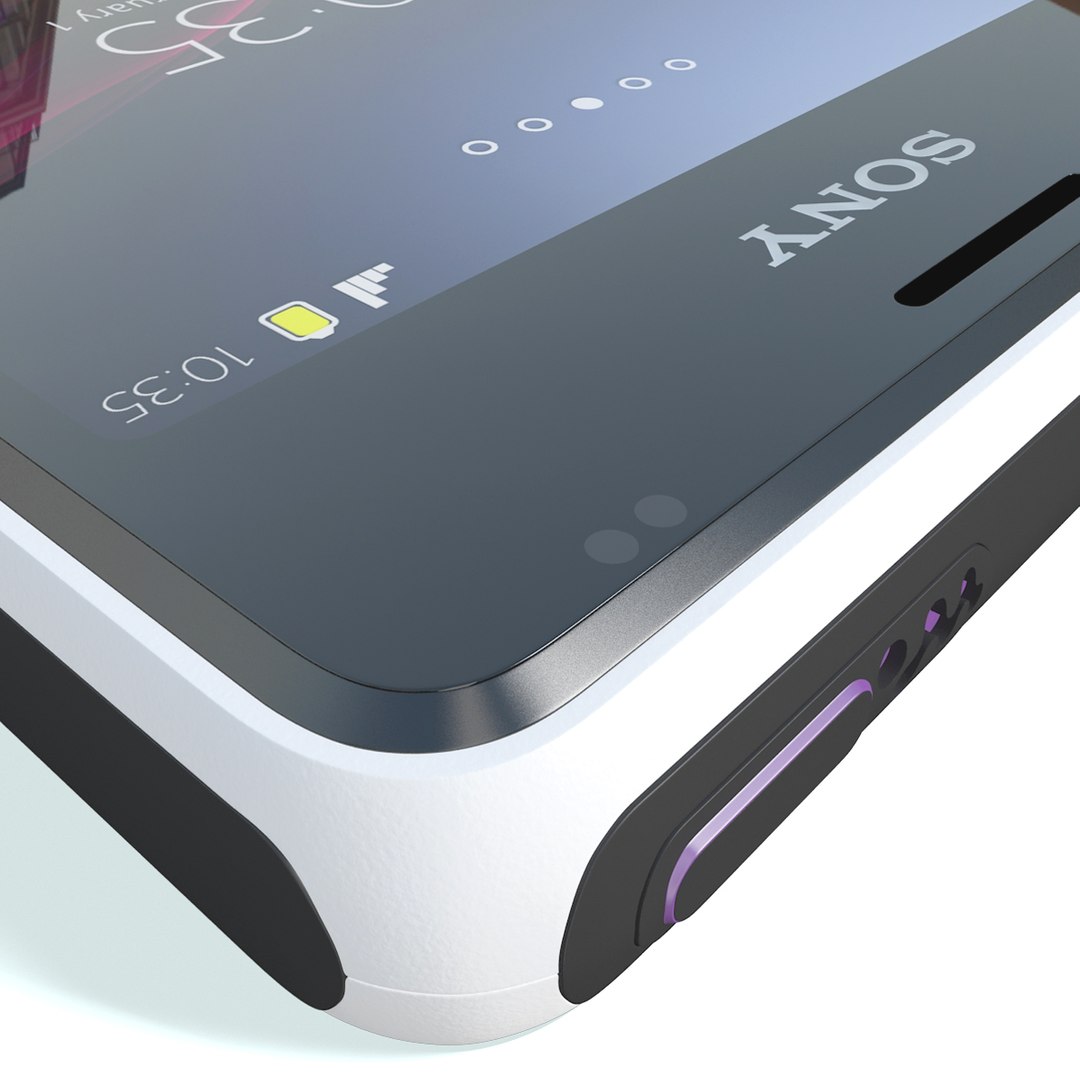
Sony Xperia E1 All Colors

$49

Standard License | Upgrade License
Editorial Uses Only
Formats (4)
Free file format Conversions available
Native | 3ds Max 2010 | V-Ray 2.00.02
FBX
3D Studio
OBJ
Specifications
Publish Date January 21, 2014
Product ID 794616
Polygons 12,204
Vertices 12,632
Polygonal Quads/Tris Geometry
Textures
Materials
TurboSquid Exclusive
member avatar
Barbarosa3D
4062 Products | Contributor Since 2011
Have questions? Chat with us now.

Description

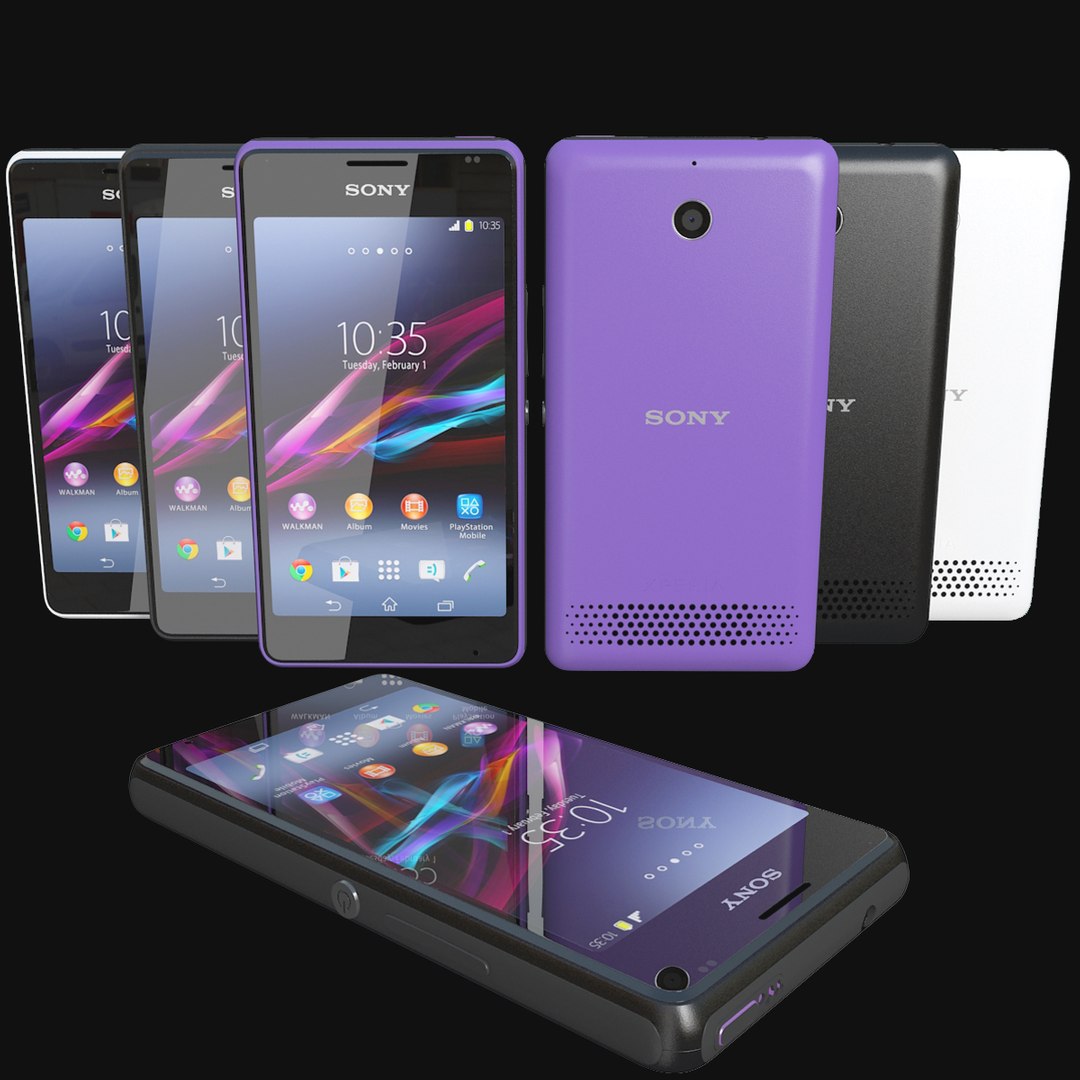
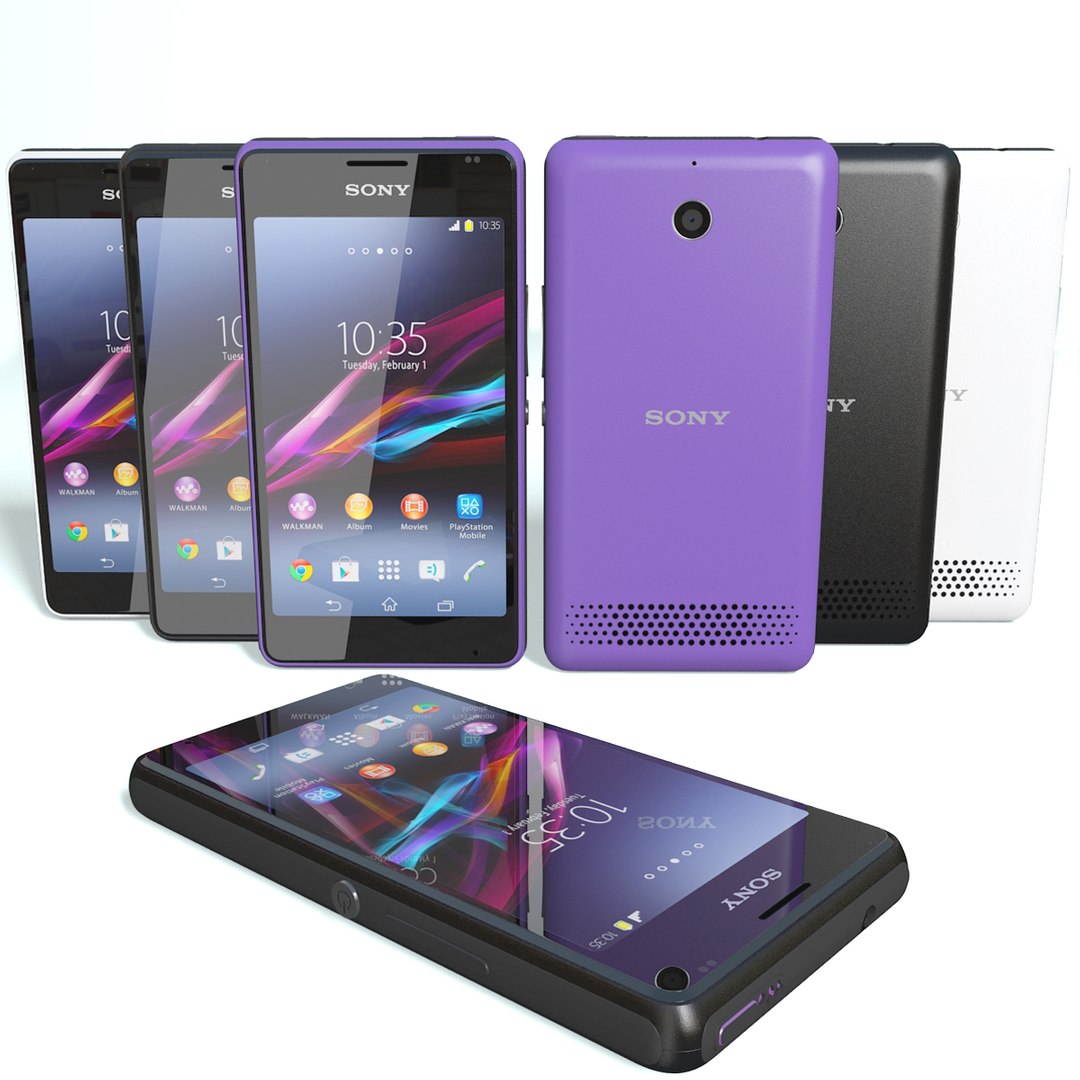
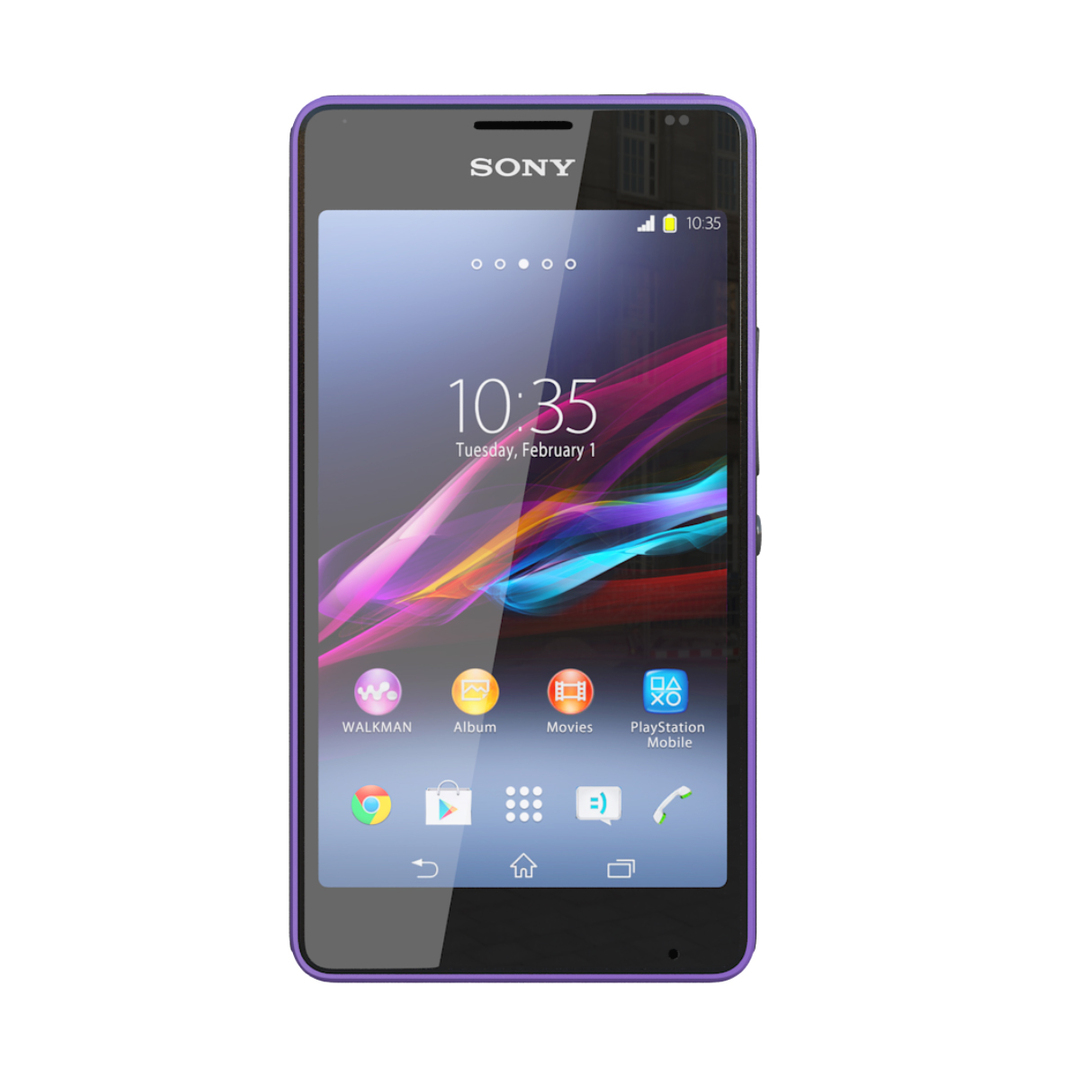
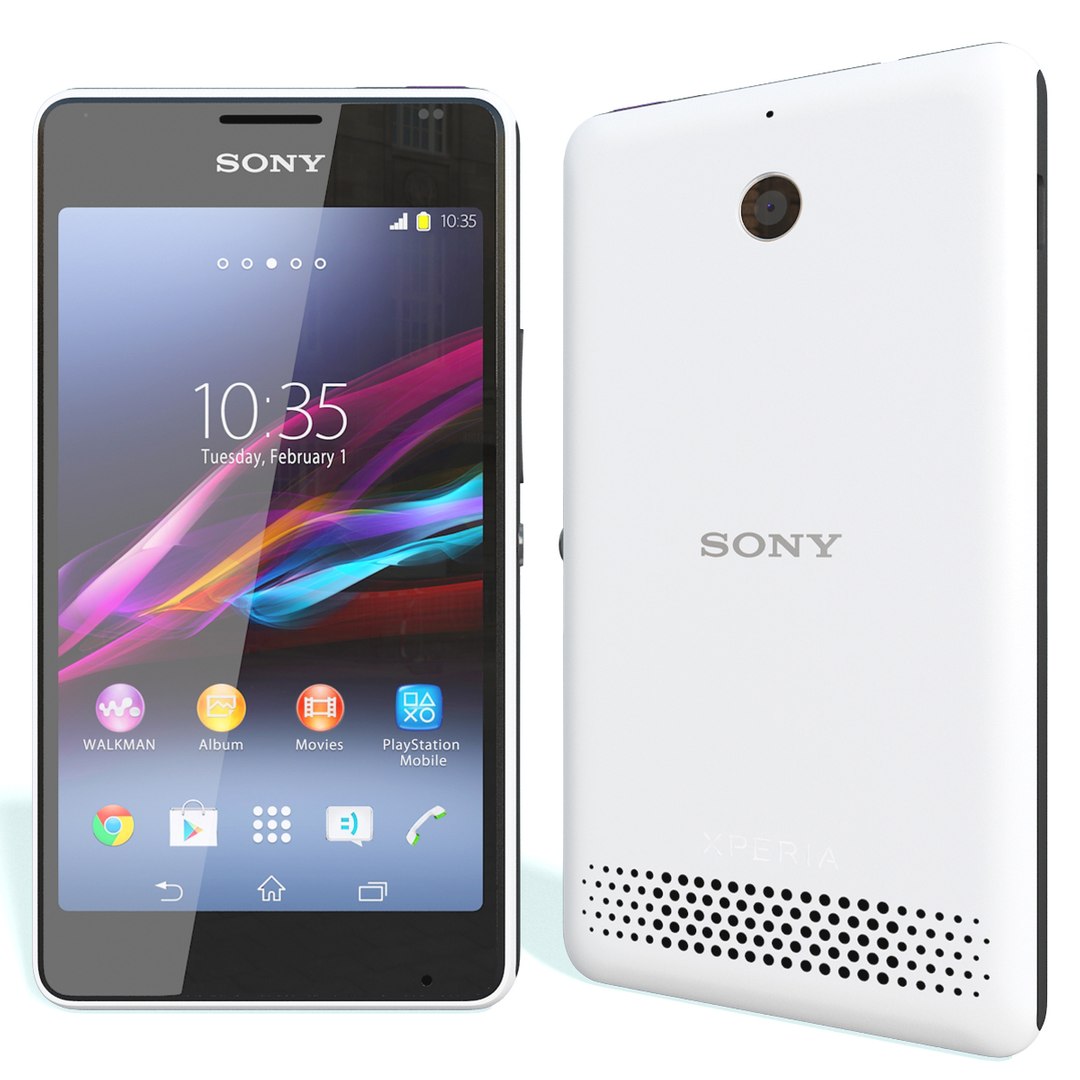
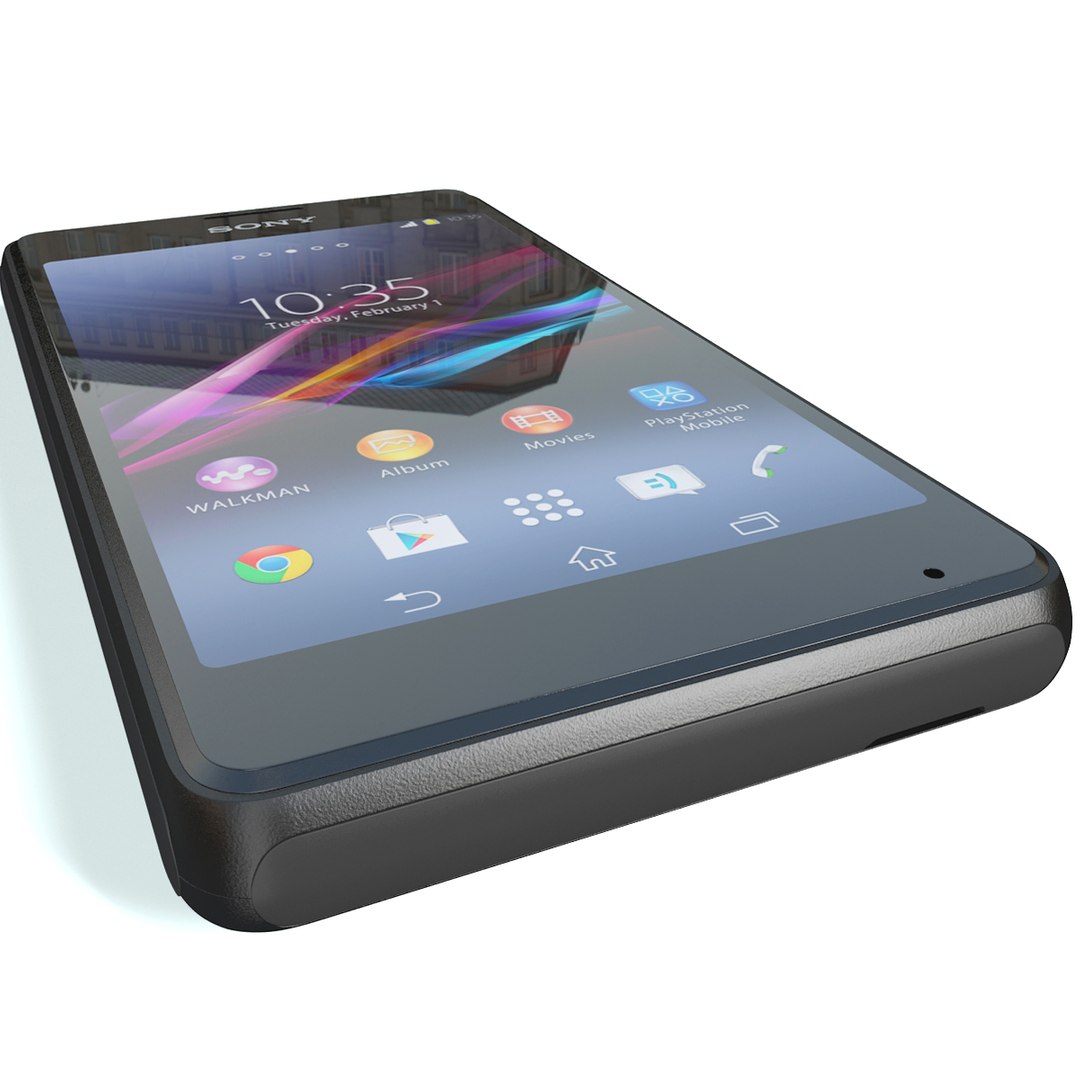
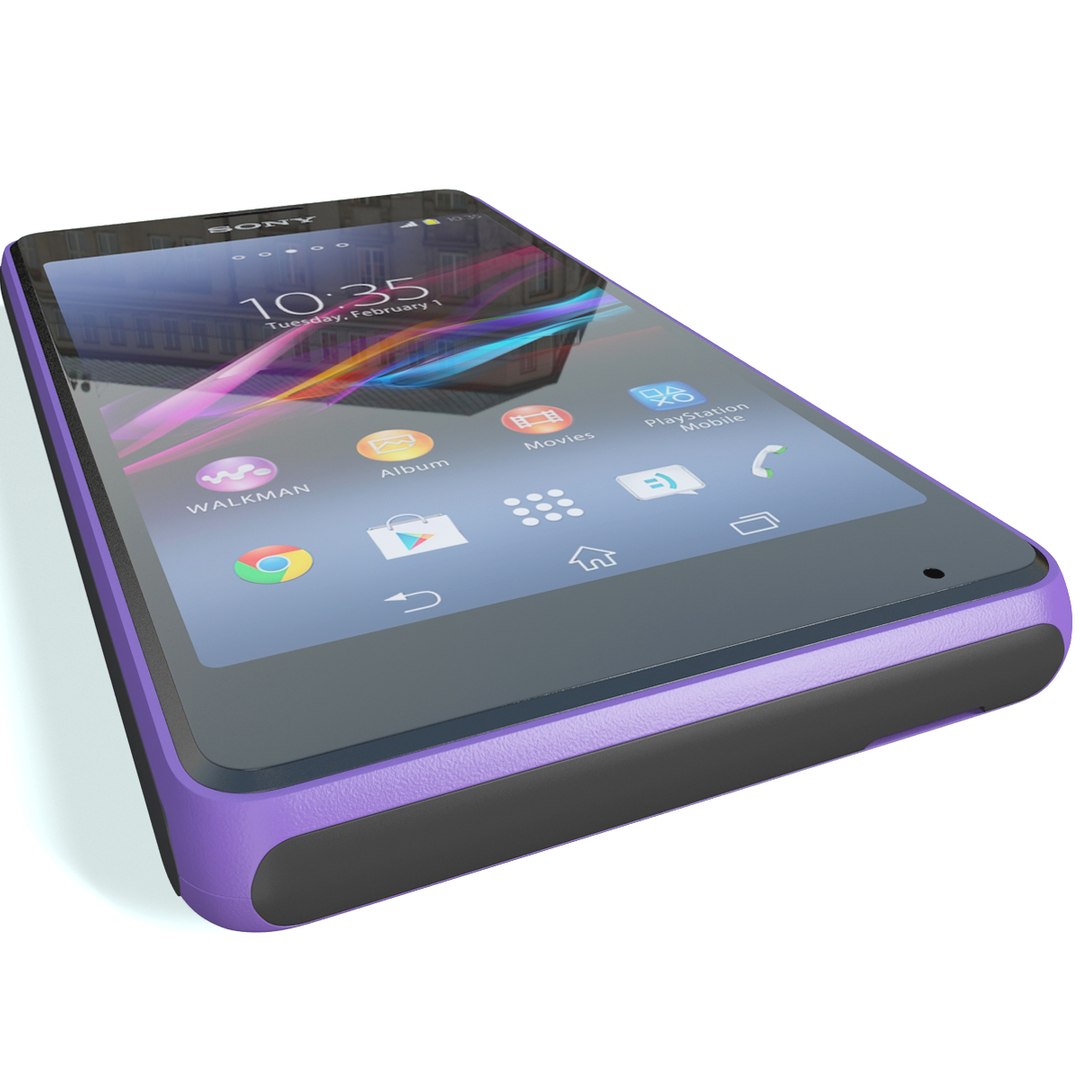
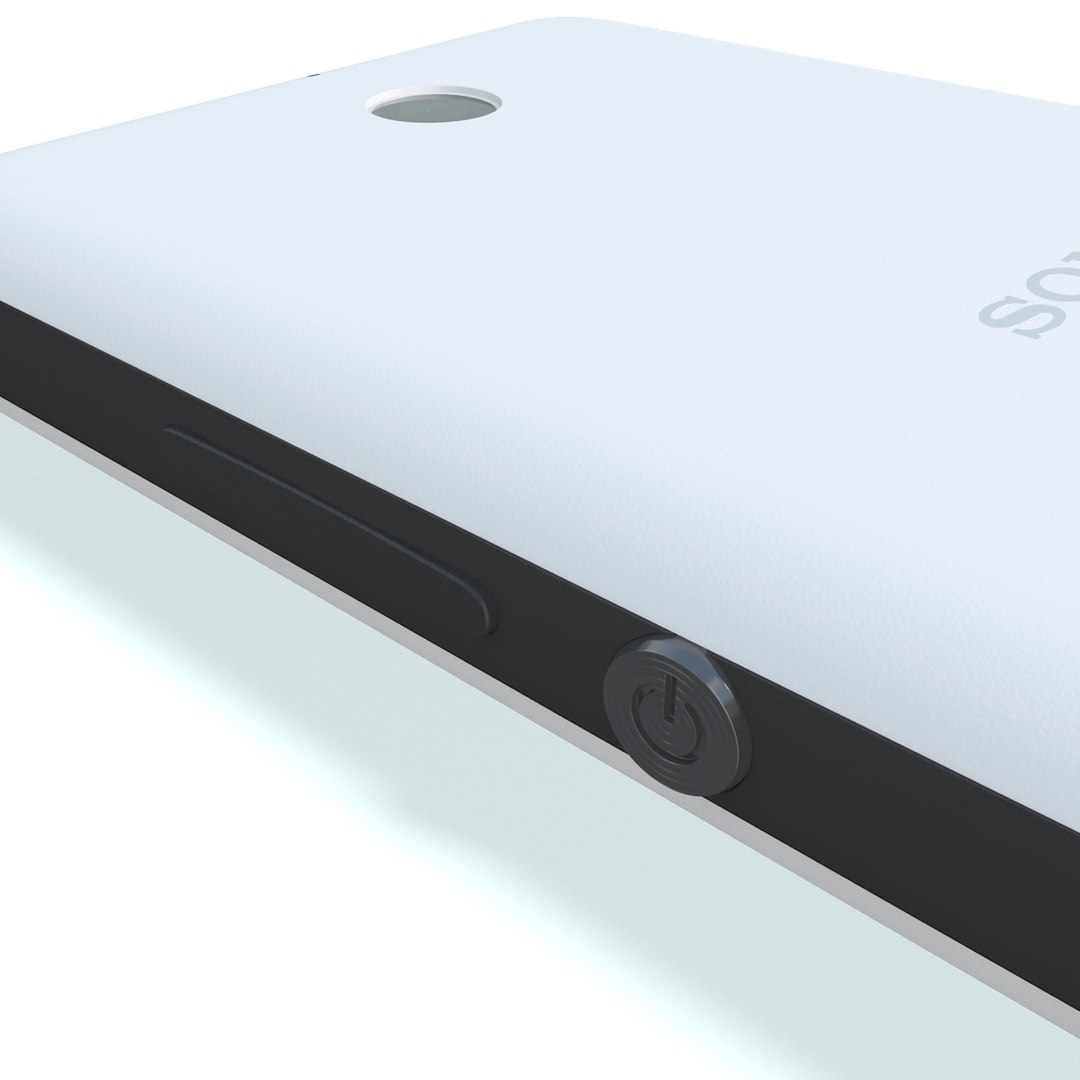
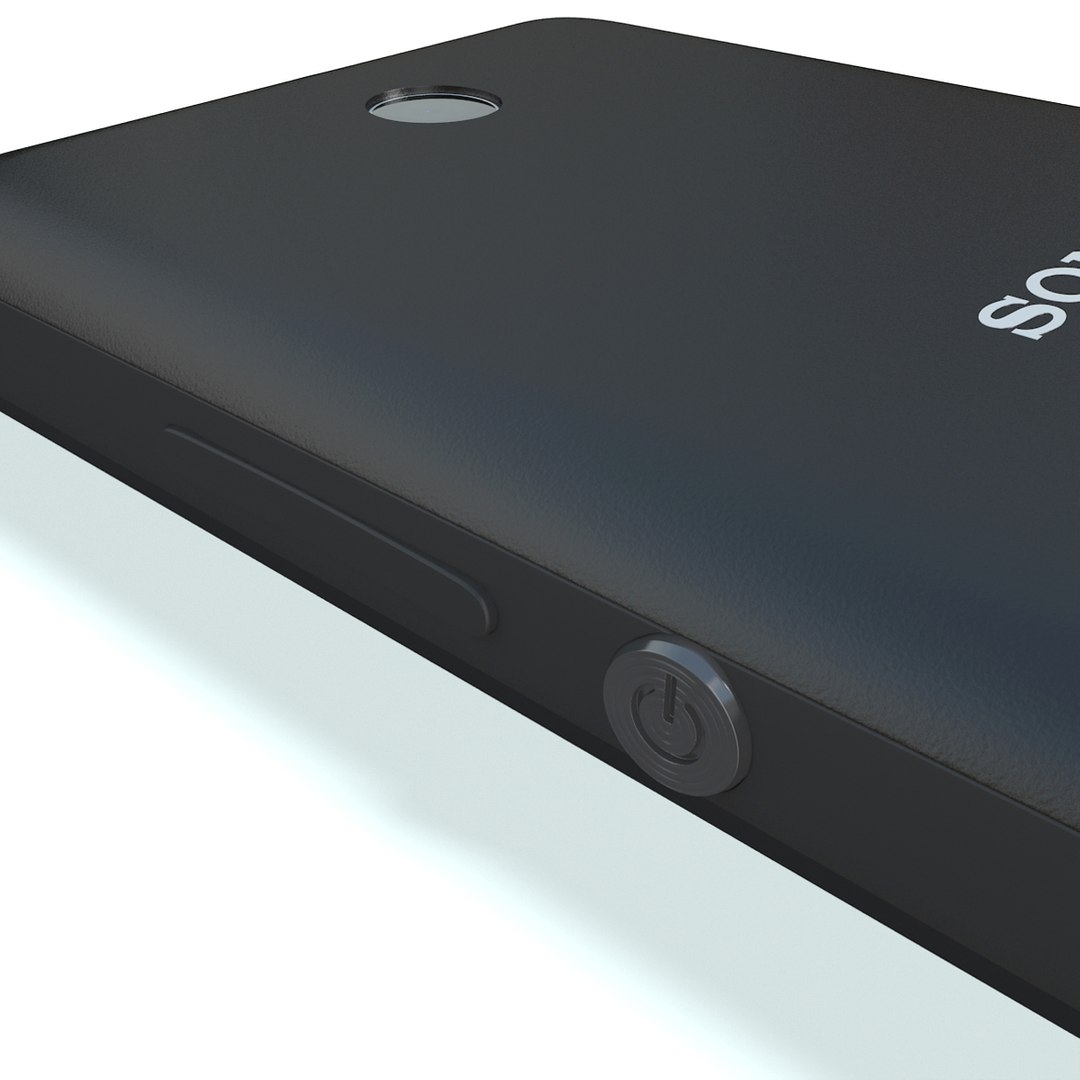
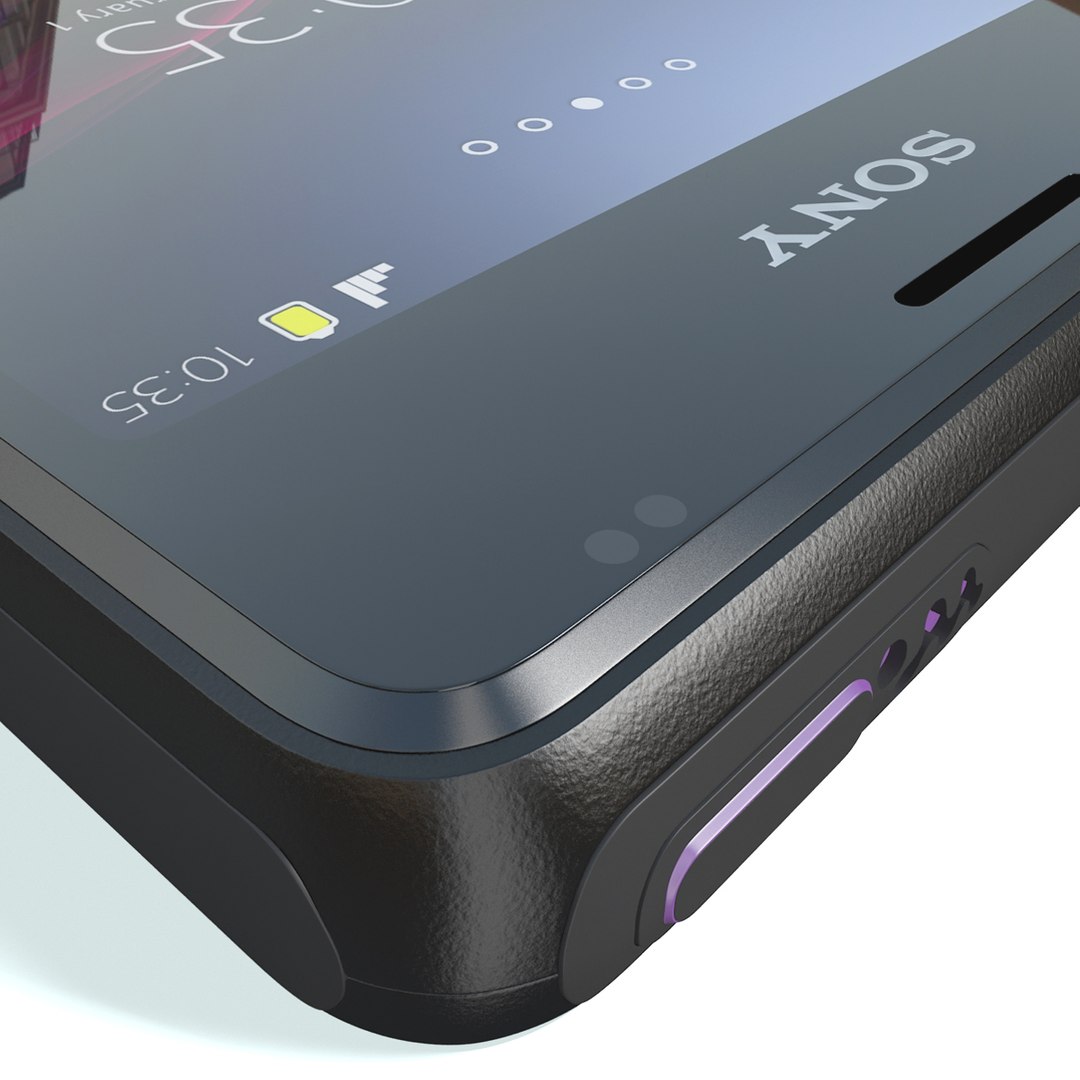
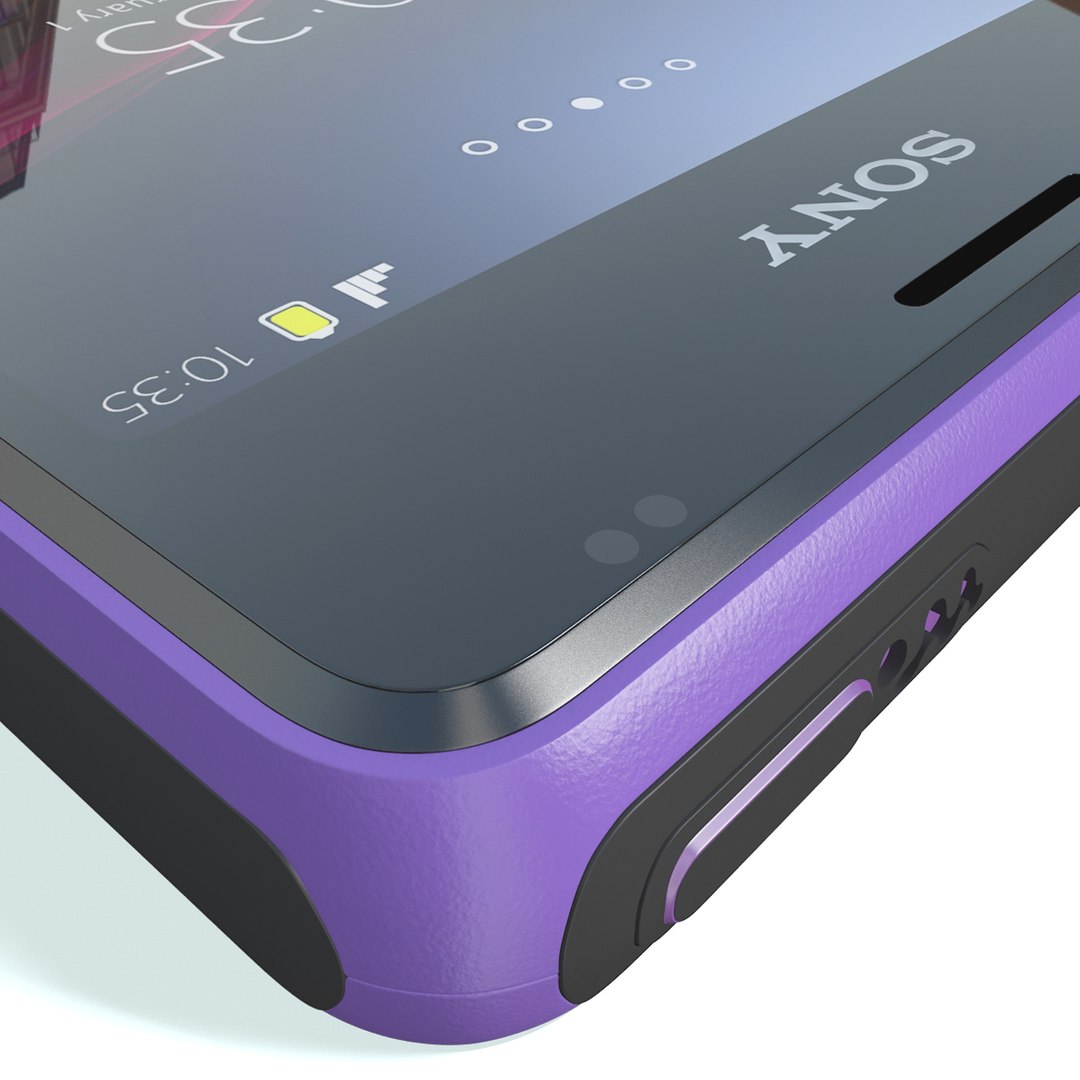
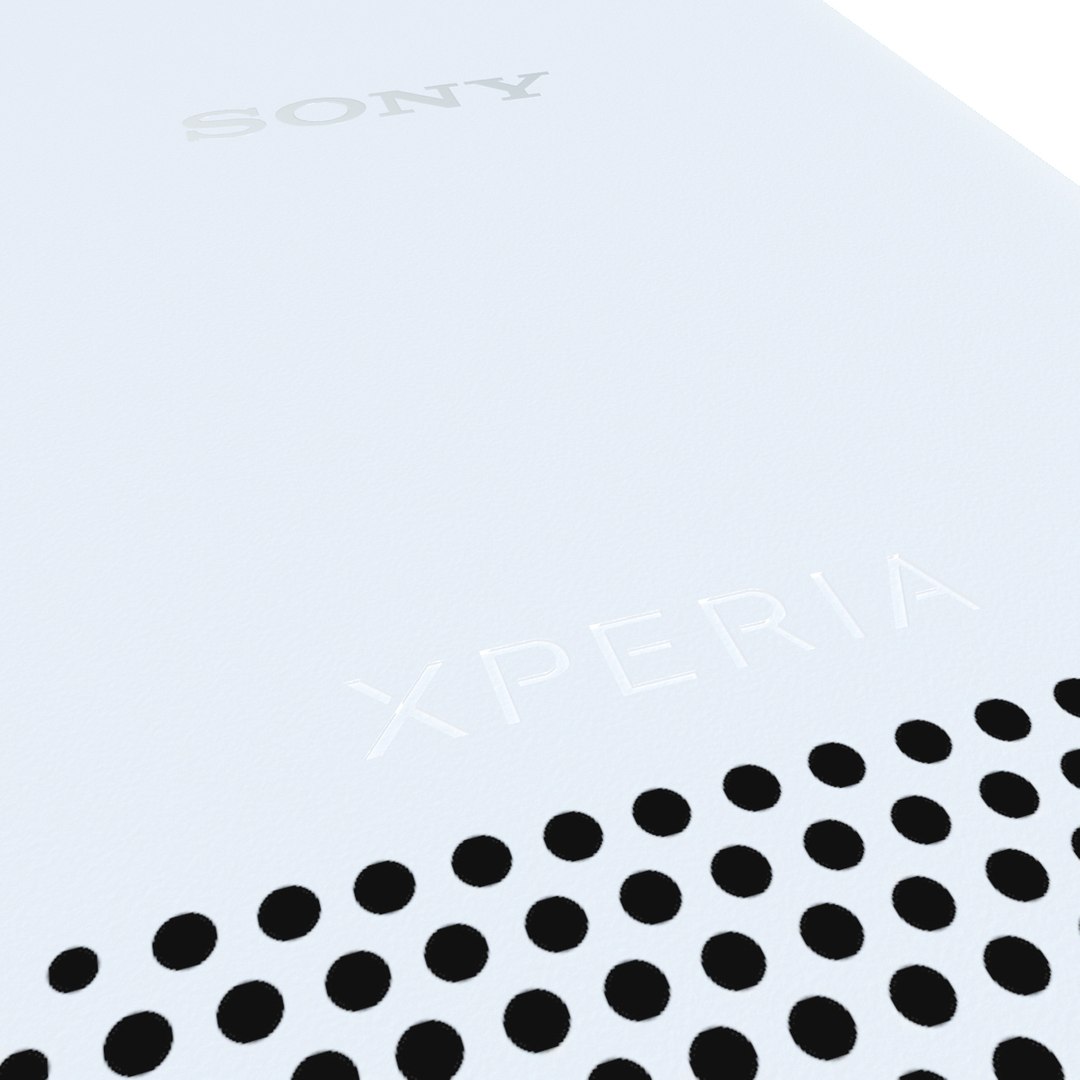
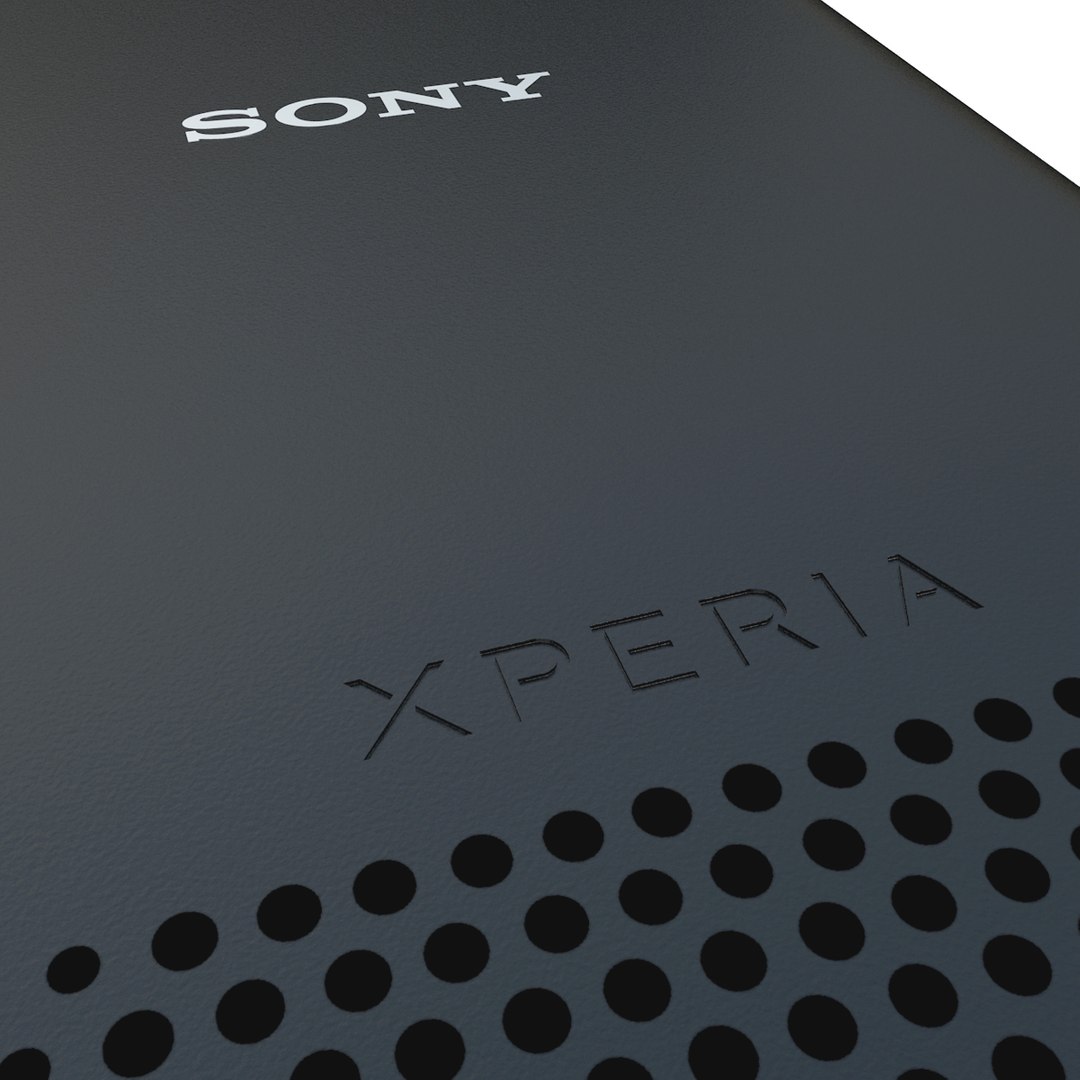
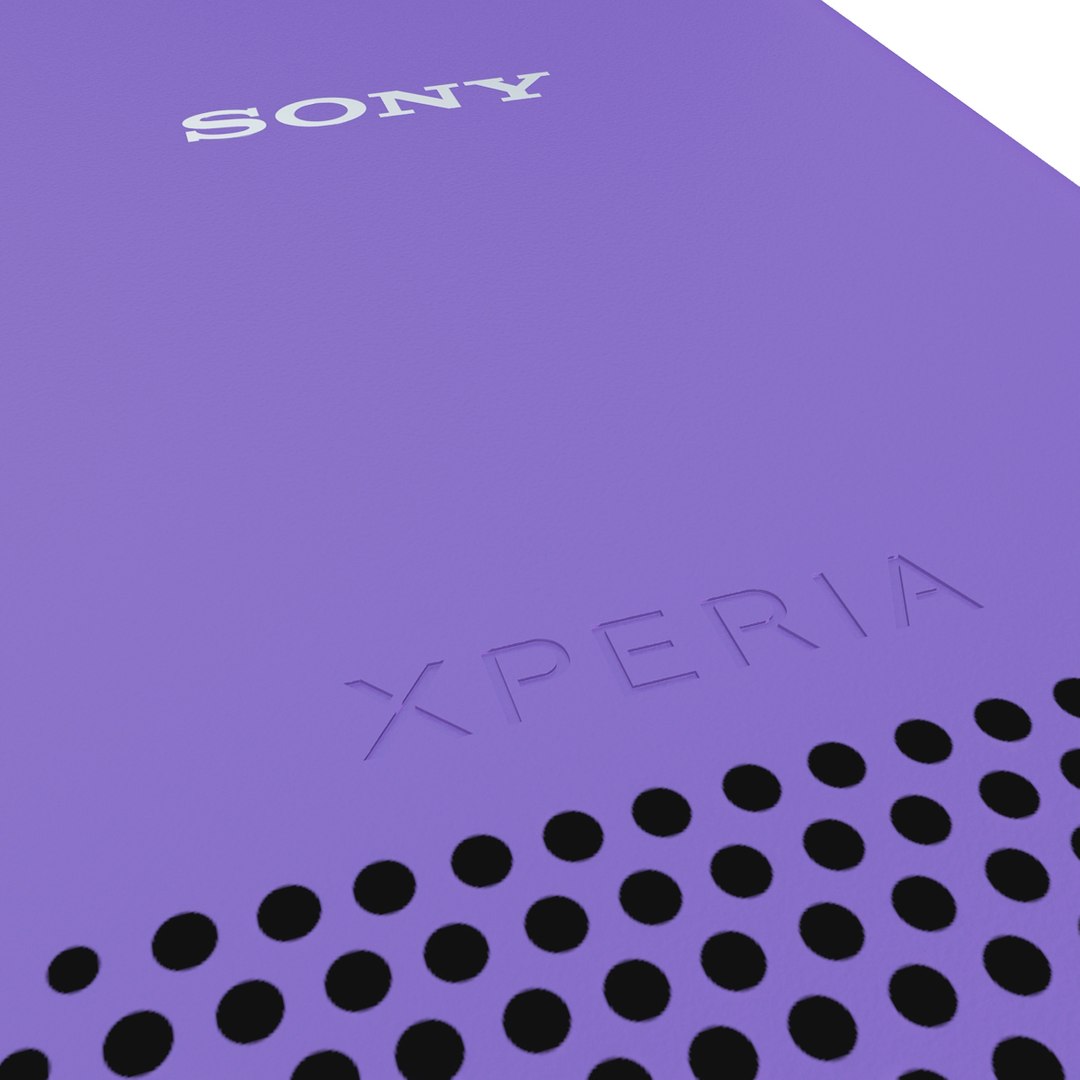
High detailed and realistic Sony Xperia E1 All Colors, modeled in 3ds Max 2010, using V-Ray as renderer.

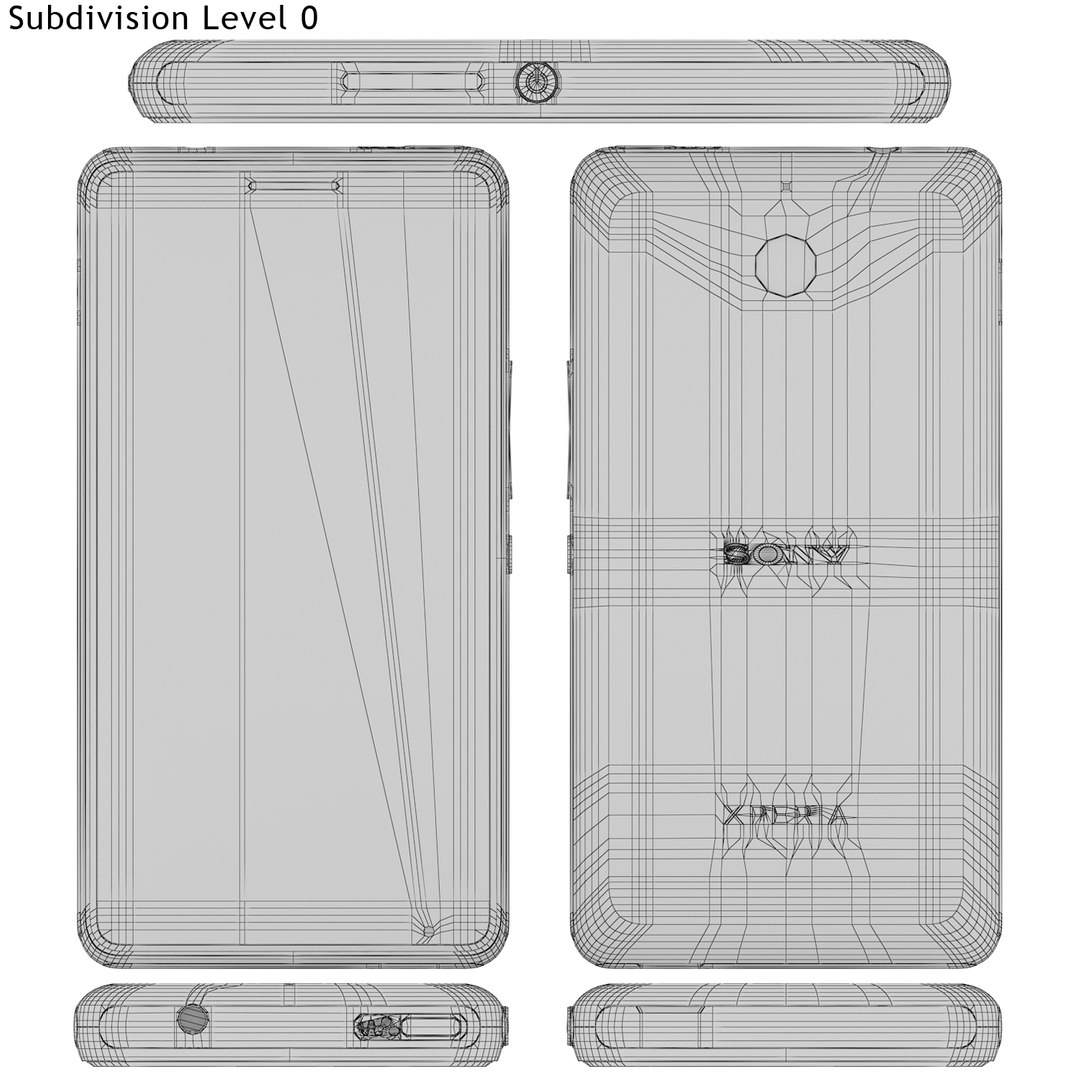
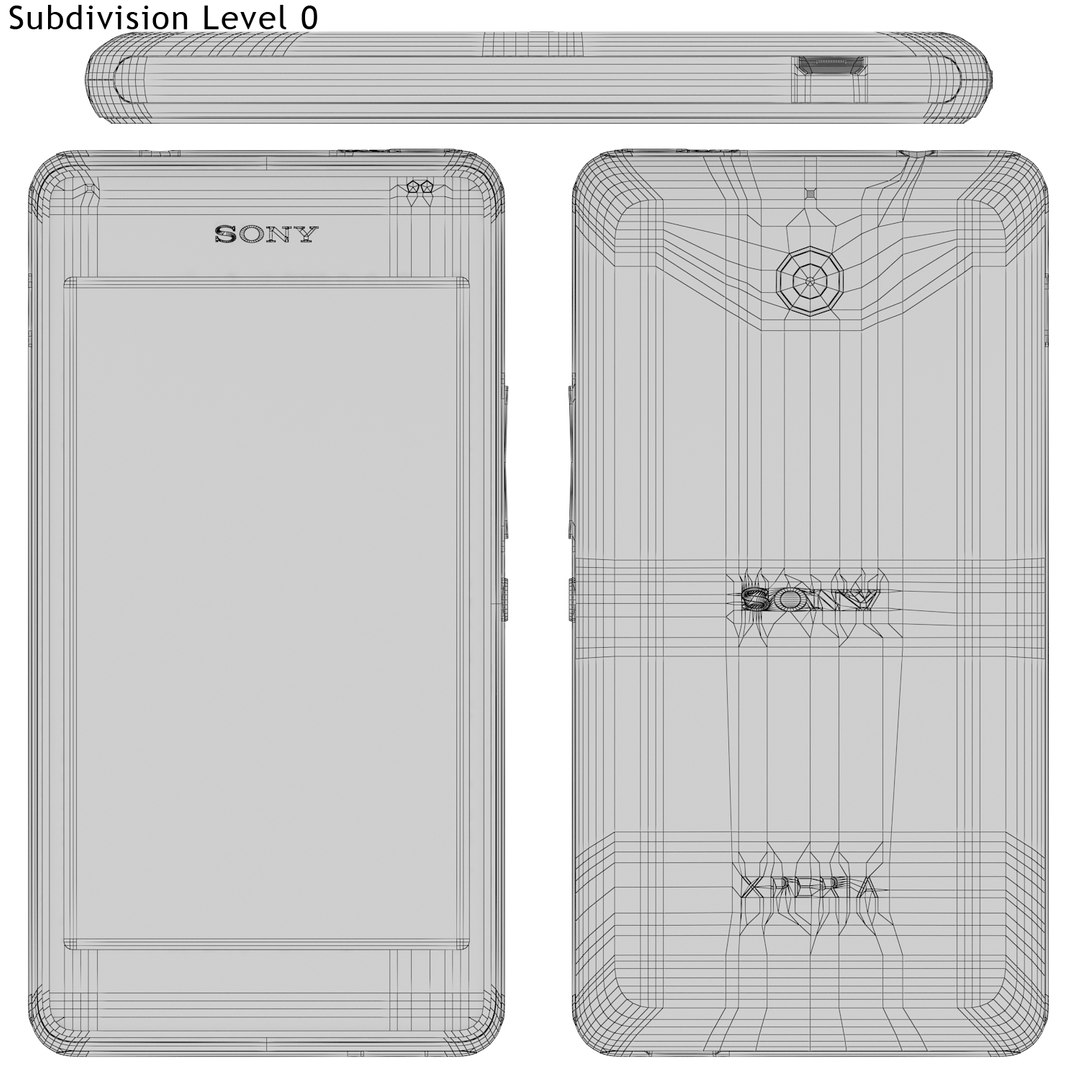
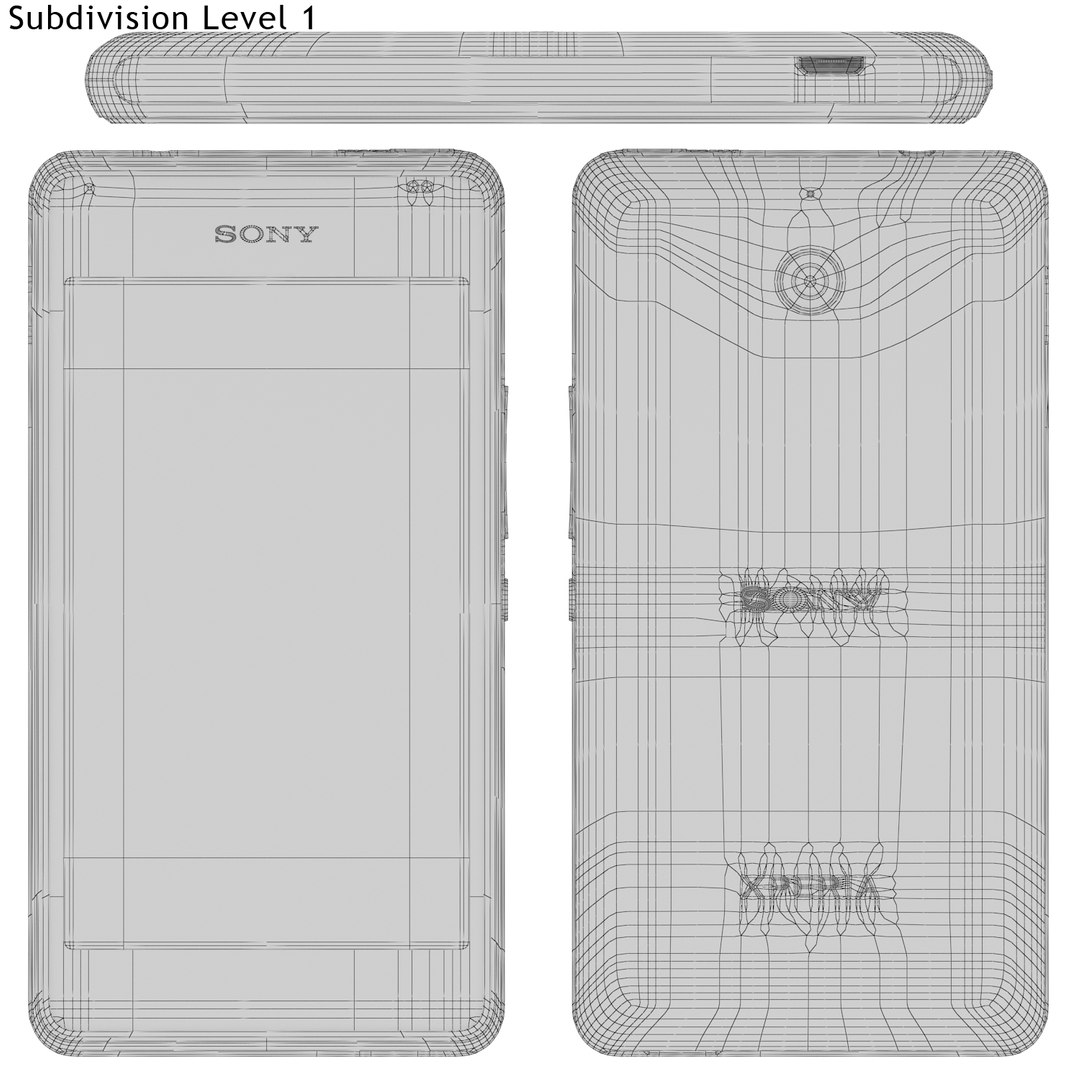
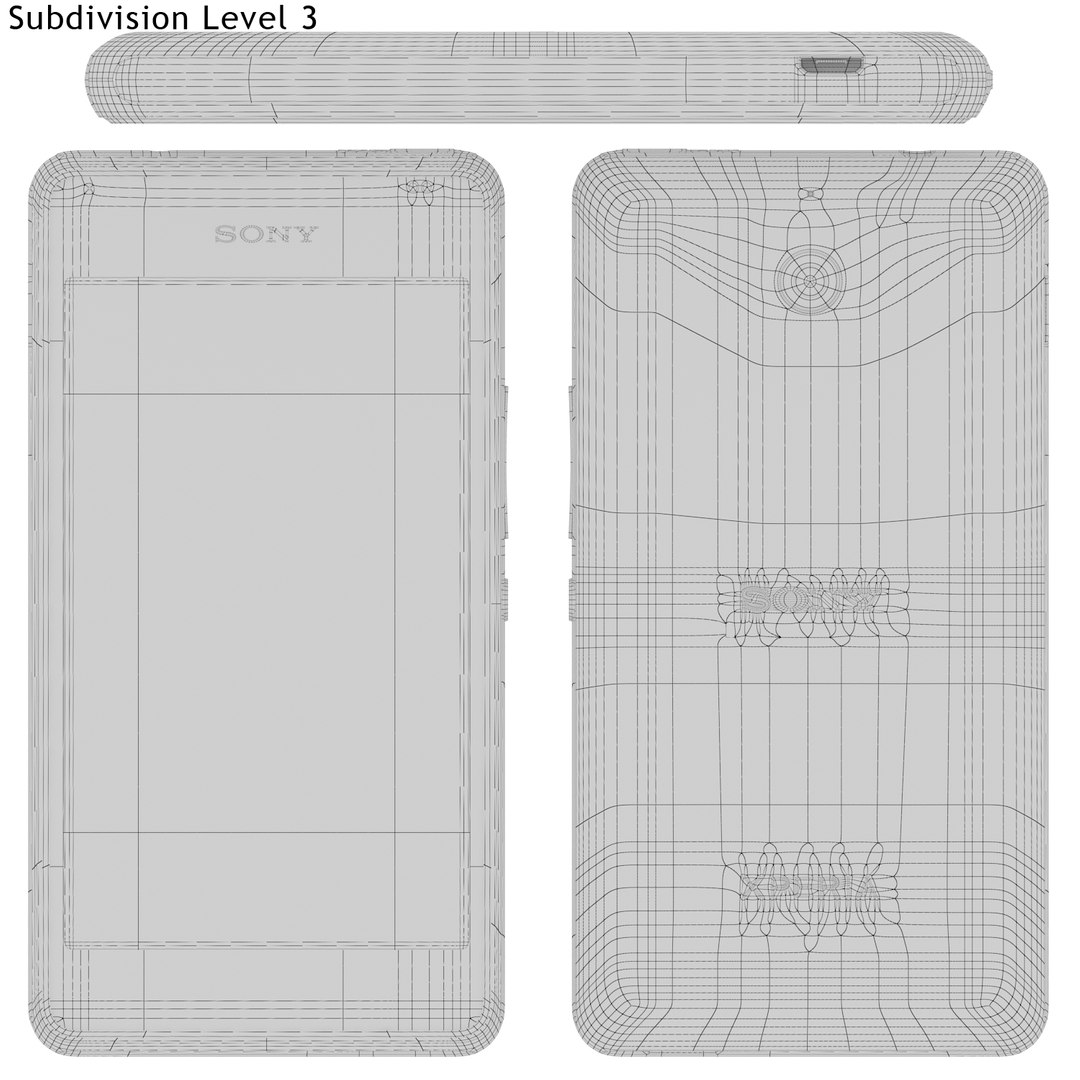
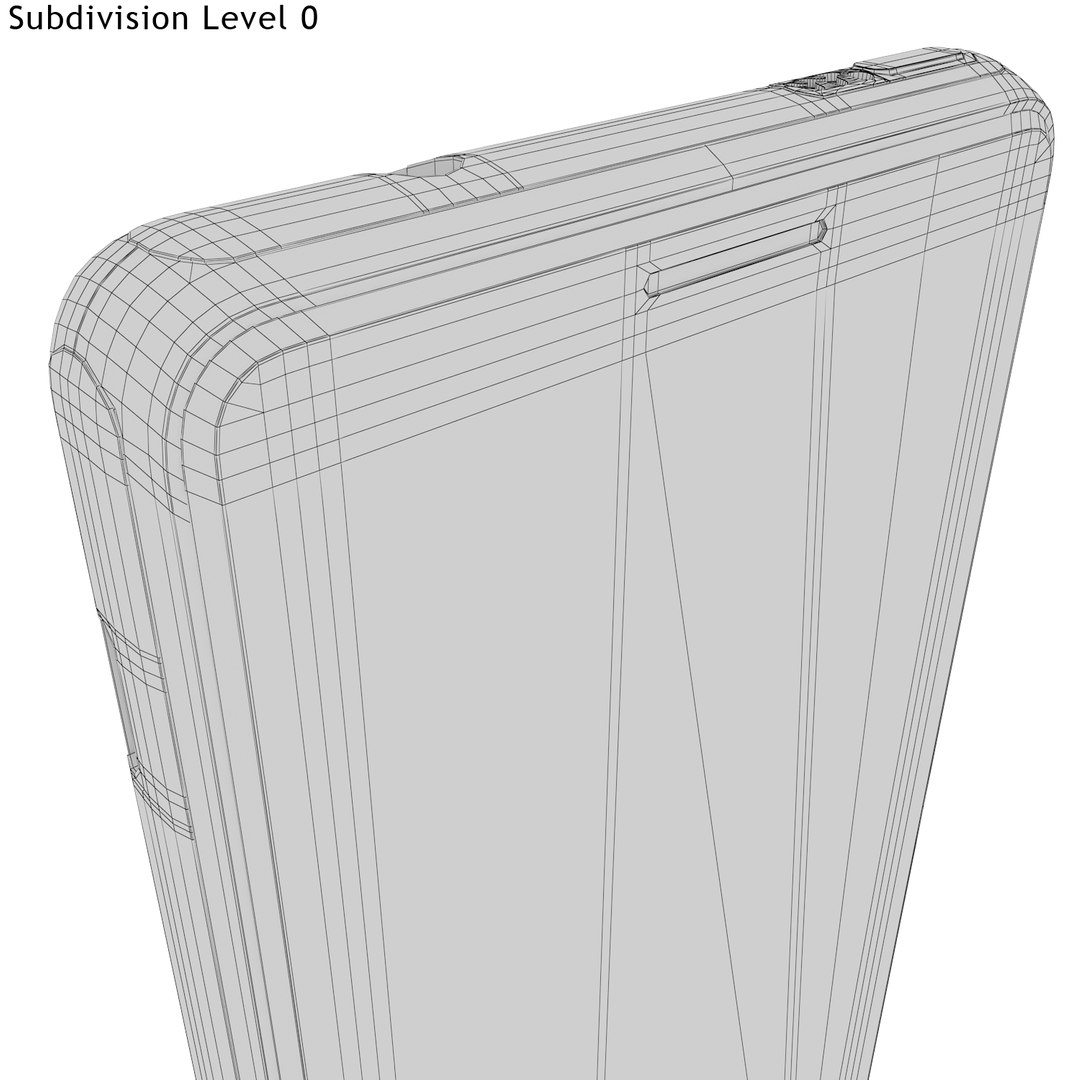
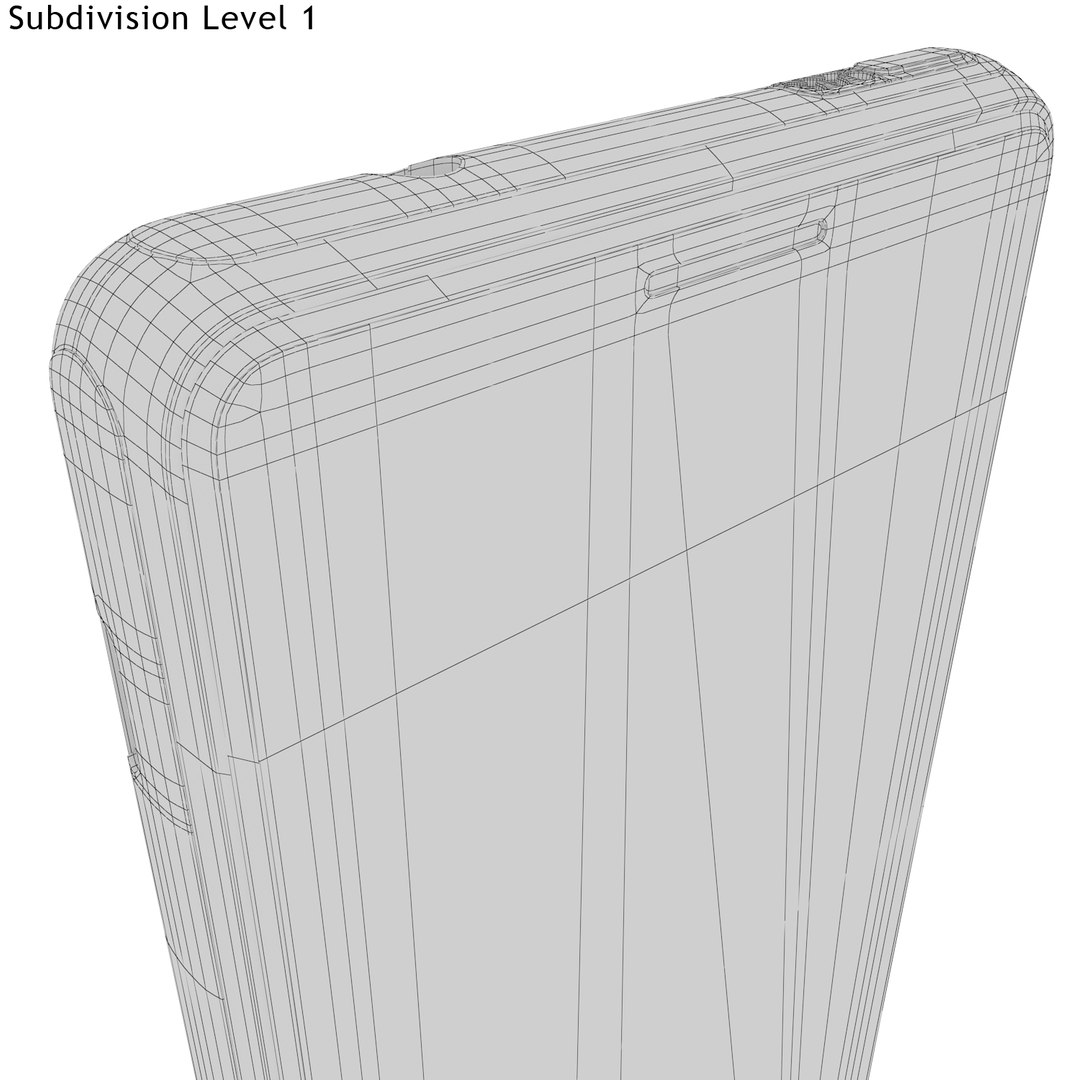
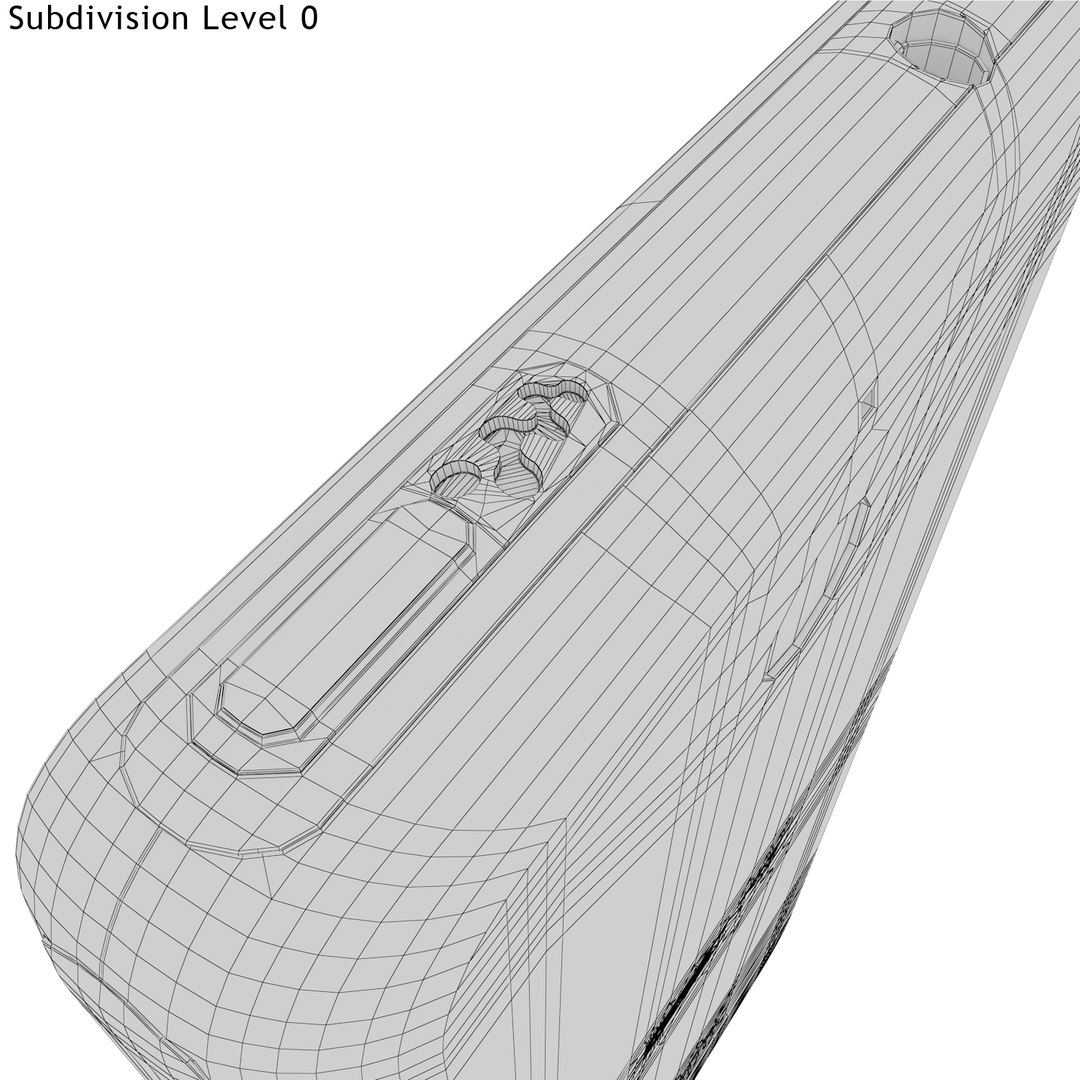
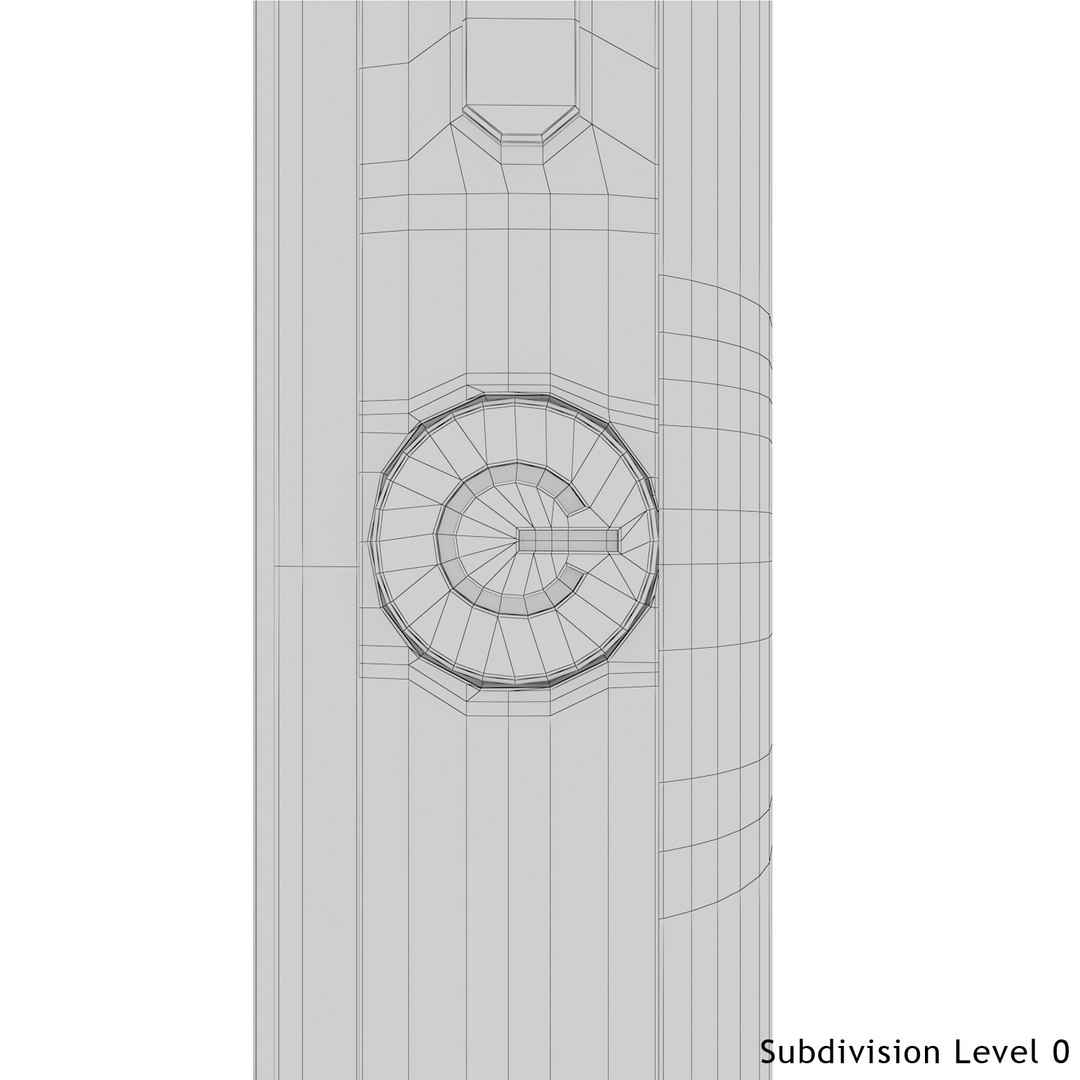
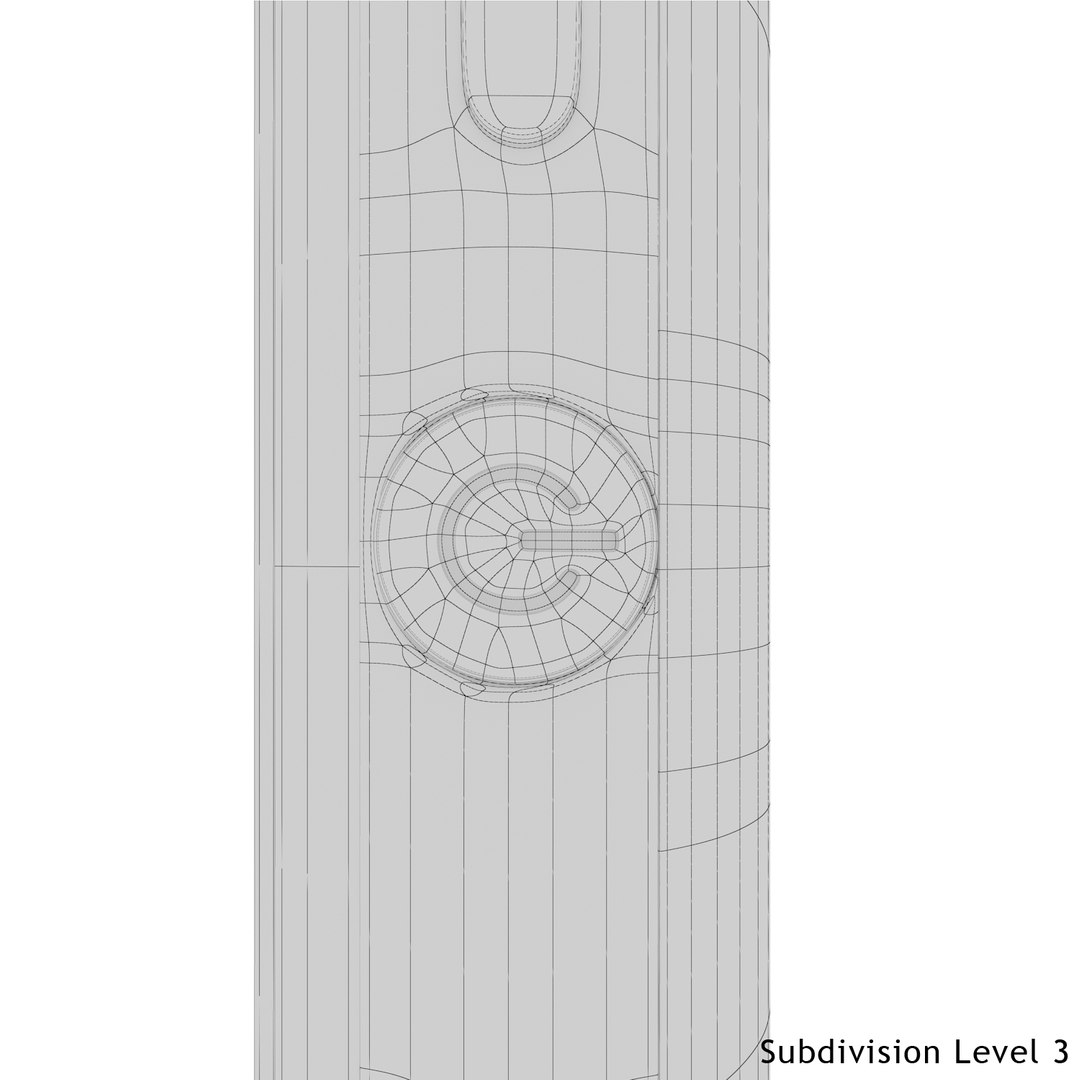
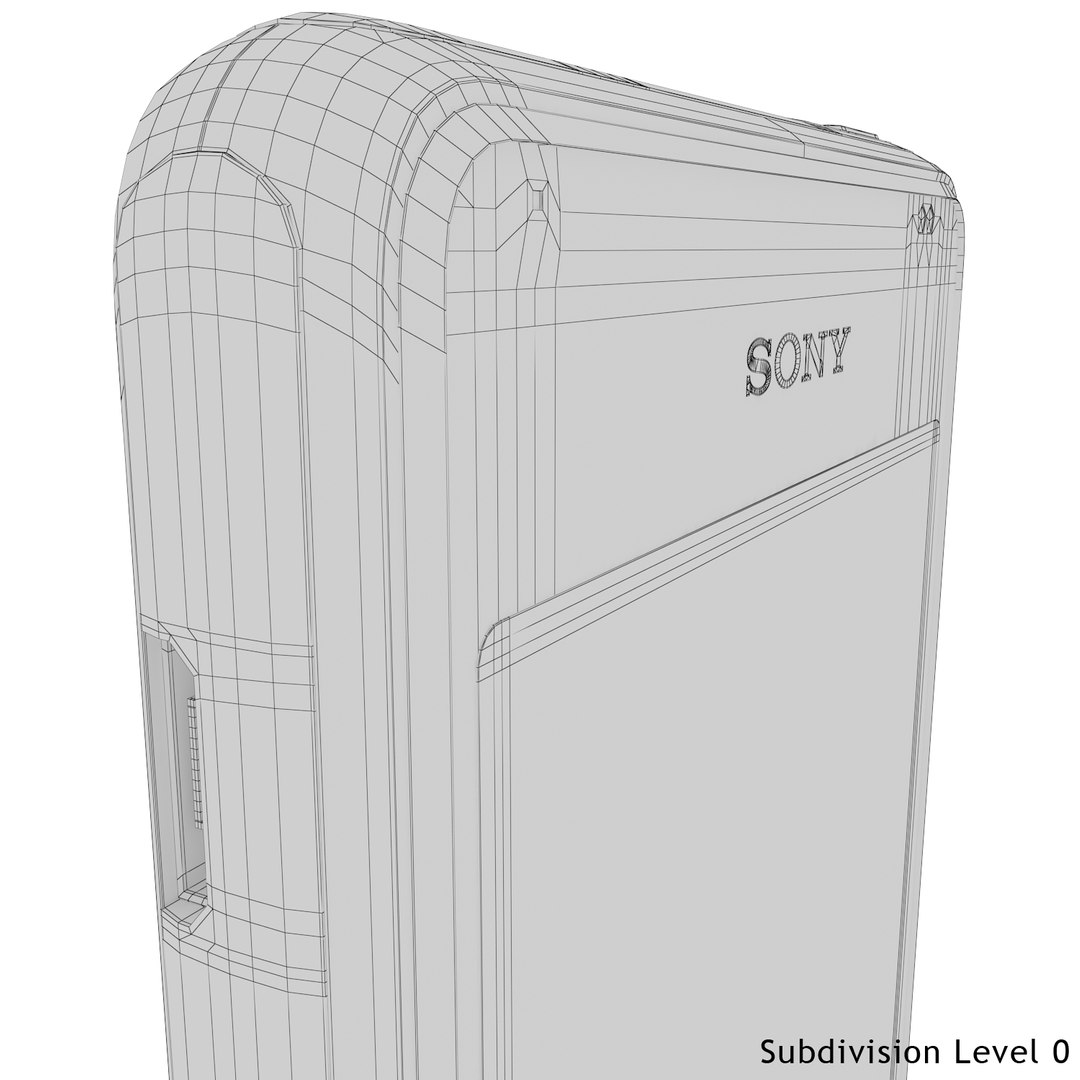
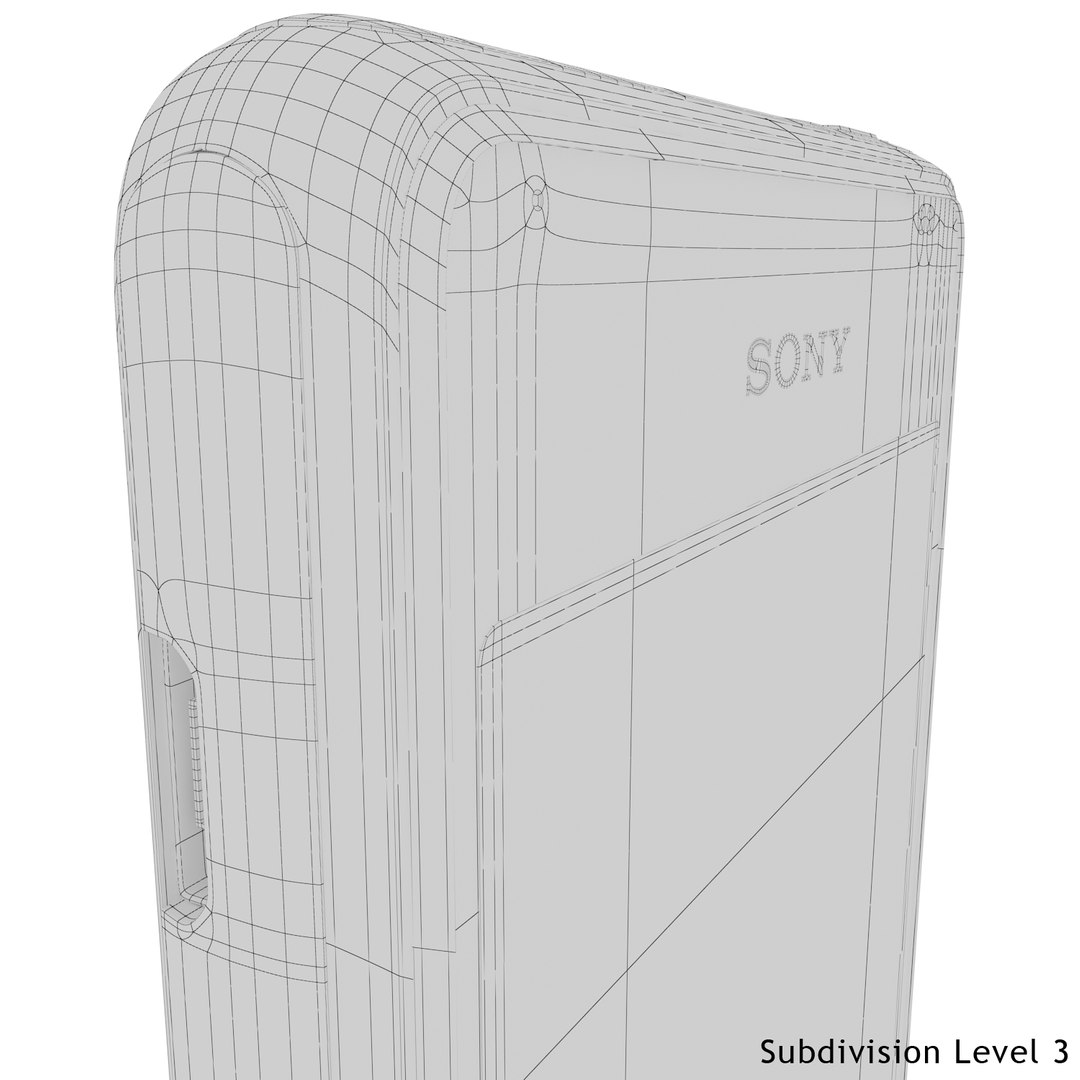
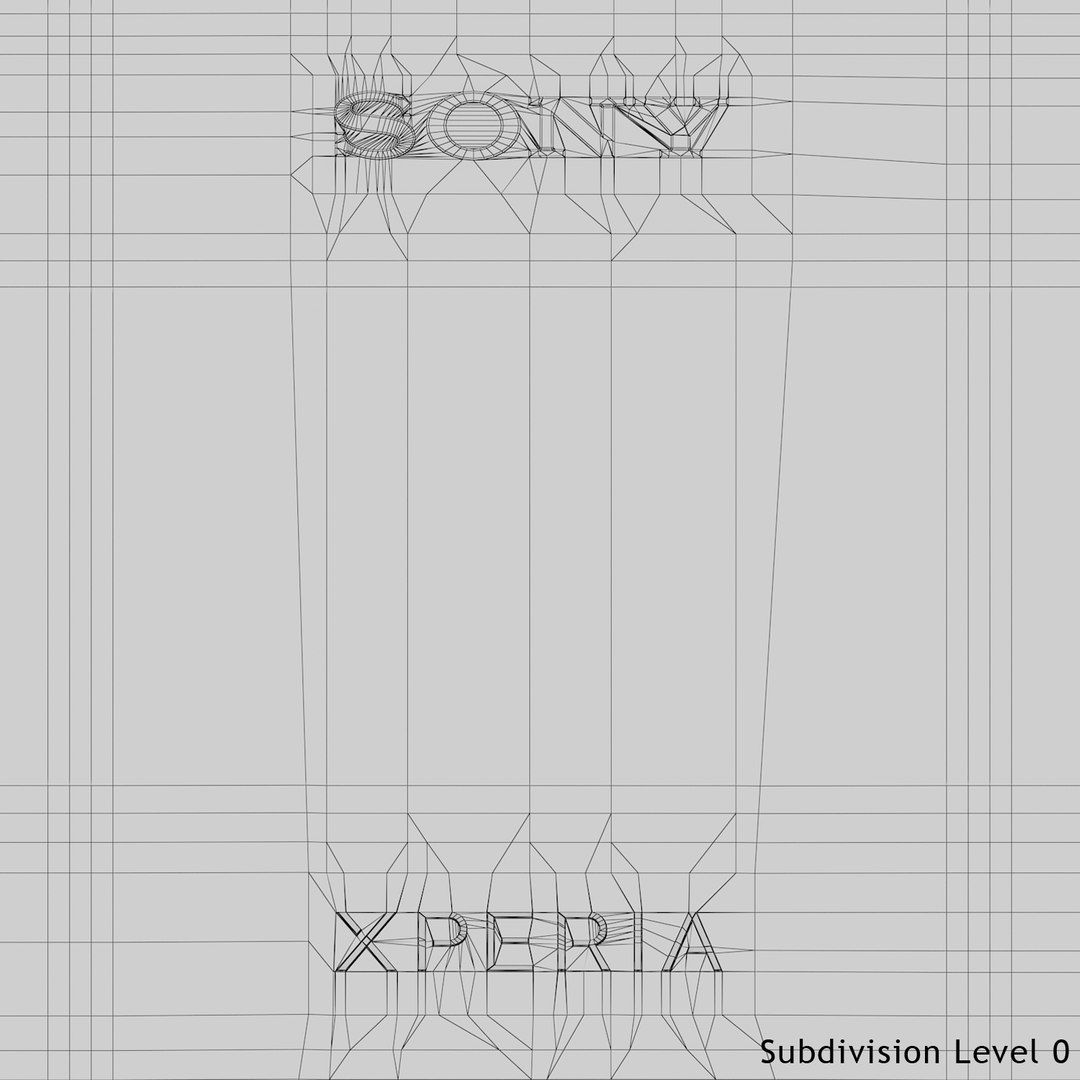
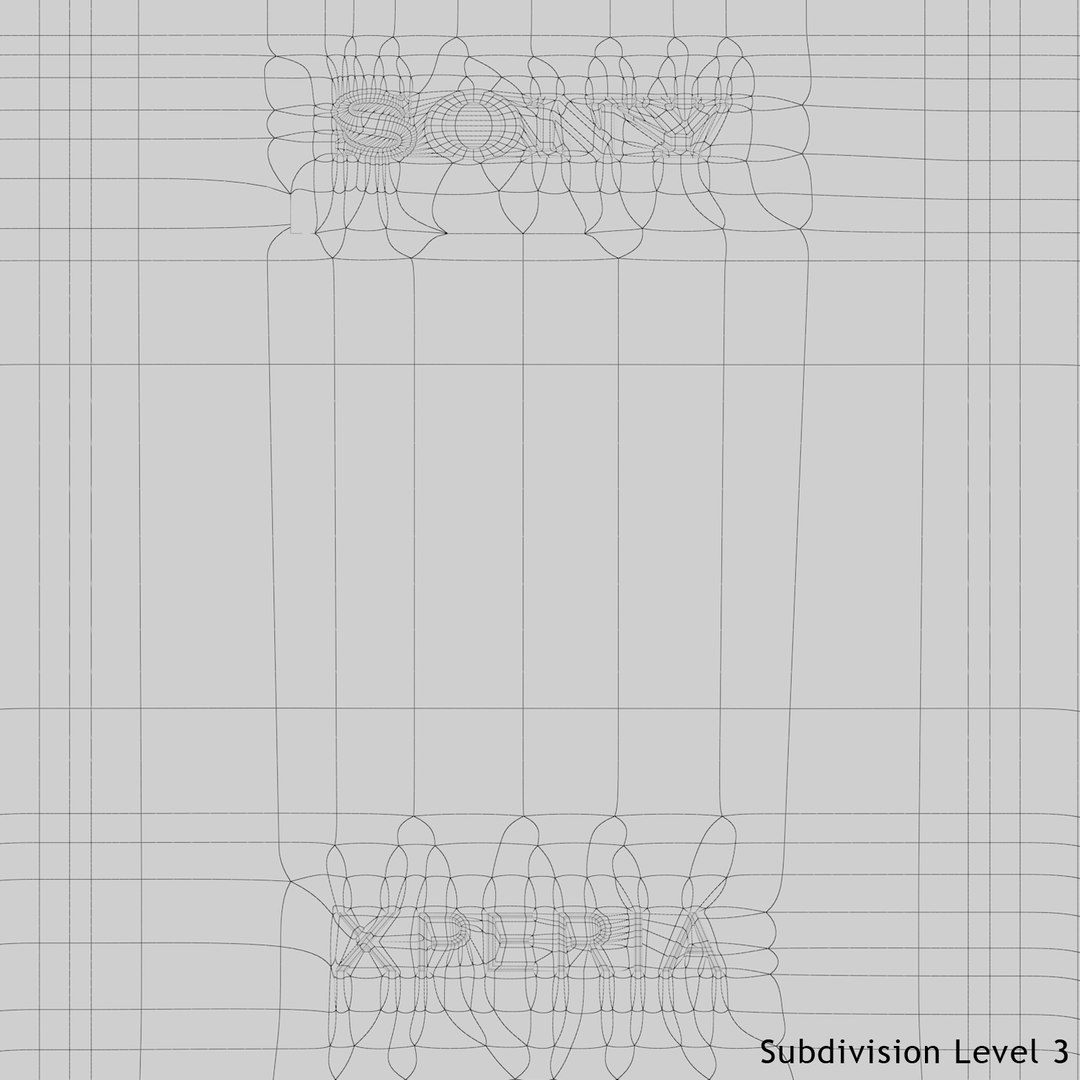
Lowpoly- 12 204 polygons; 12 632 vertices;
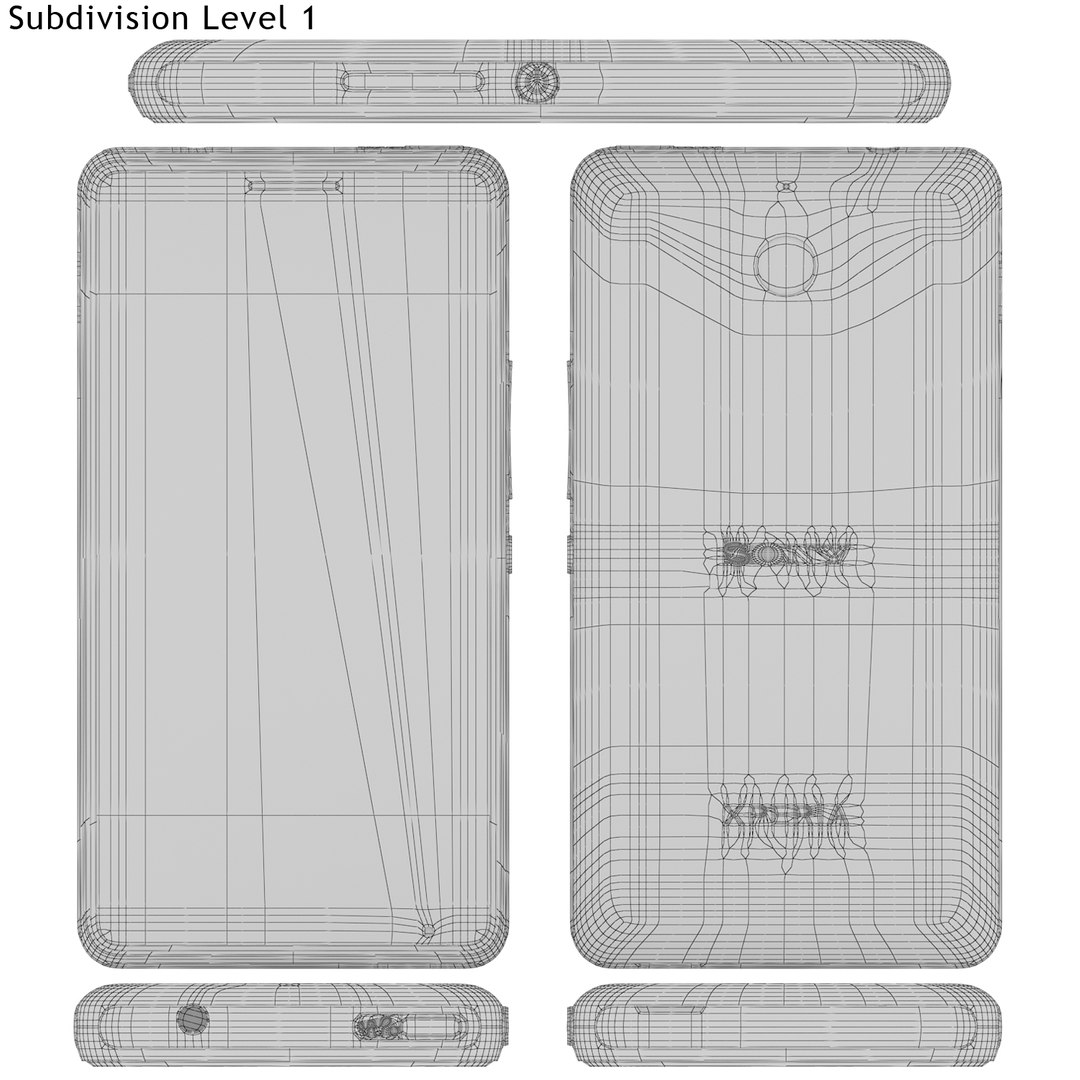
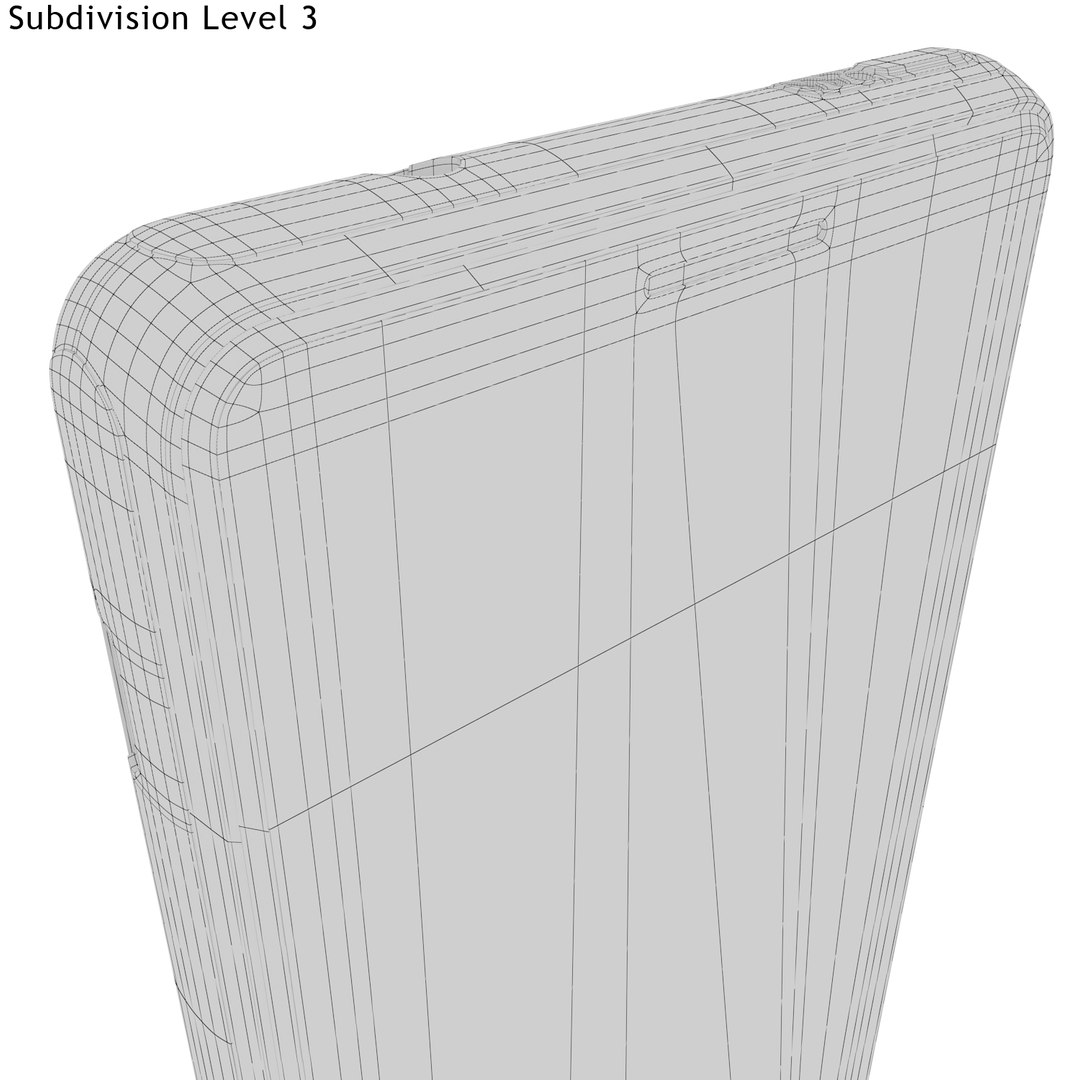
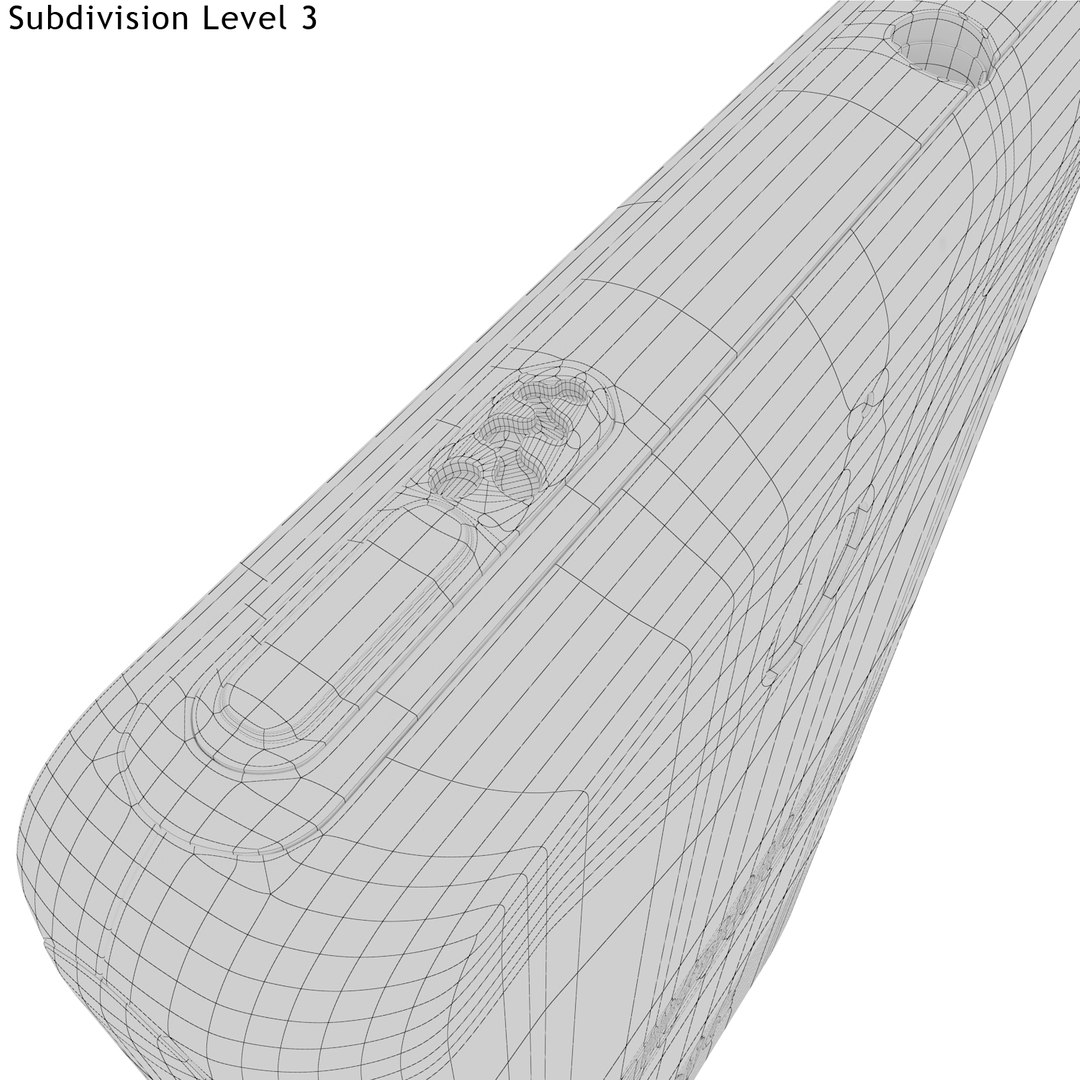
Turbosmooth 1- 96 576 polygons; 49 664 vertices;
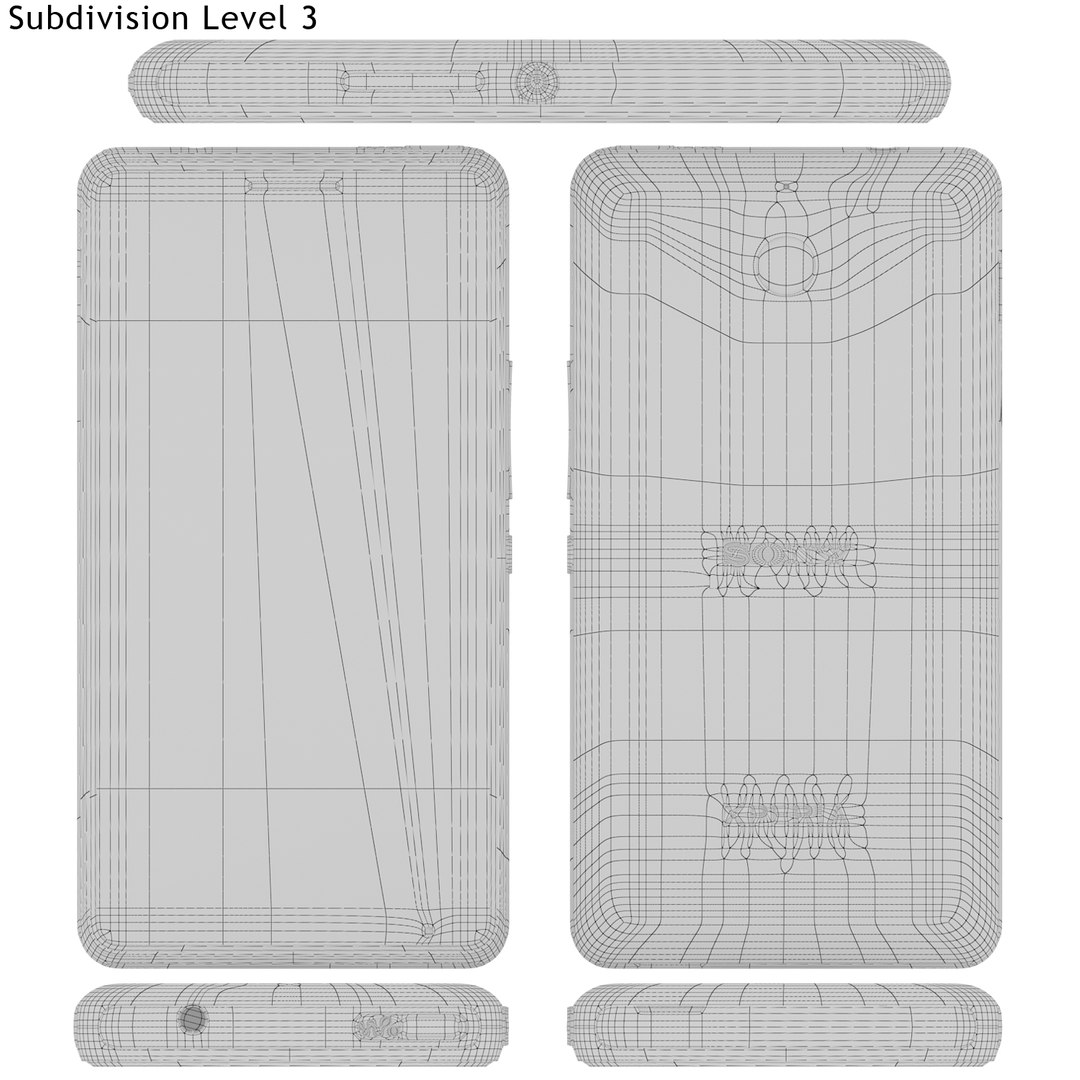
Turbosmooth 2- 386 304 polygons; 195 892 vertices;

Resolutions of JPG and PNG textures:
1155x1920~422x427

*************************************************************

- Product contains all materials, maps and textures, 3DS file, OBJ file, FBX file and MAX scene.
- Object is centered in 0,0,0; with real scales (mm).
- No coincident vertices, scales are reset, no 6= poles, all parts are in one group.
- Model have many separate details, which are clearly named- easy to use.
- Scene is loaded without errors.
- Materials are named correctly.
- Product does not contains HDRI.

Renderer: V-Ray Adv 2.00.02

*************************************************************

*Model is suited for high quality close-ups and animation.
** For great results you should use Turbosmooth modifier, which is instanced at all parts of model.

Select Enhanced License

  • $10,000 in Legal Protection (Indemnification)
  • Uncapped Legal Protection (Indemnification)
  • Waiver from injunctive relief
  • Assignable model rights
  • $1,000,000 in Legal Protection (Indemnification)
  • Waiver from injunctive relief
  • Assignable model rights
  • $250,000 in Legal Protection (Indemnification)
  • Assignable model rights
Read more about enhanced license tiers, or contact us at enterprise@turbosquid.com. Already a Shutterstock Enterprise Customer? Contact your Shutterstock Sales Support Agent to talk about adding 3D.

About Conversion Requests

To submit a conversion request for a purchased asset, please complete our Conversion Request Form.

If you have not yet purchased a model, please review our Documentation about Conversions to learn about what limitations you may encounter with a conversion.

For any additional questions about a model’s suitability for conversion, please contact TurboSquid Support.

Loading...