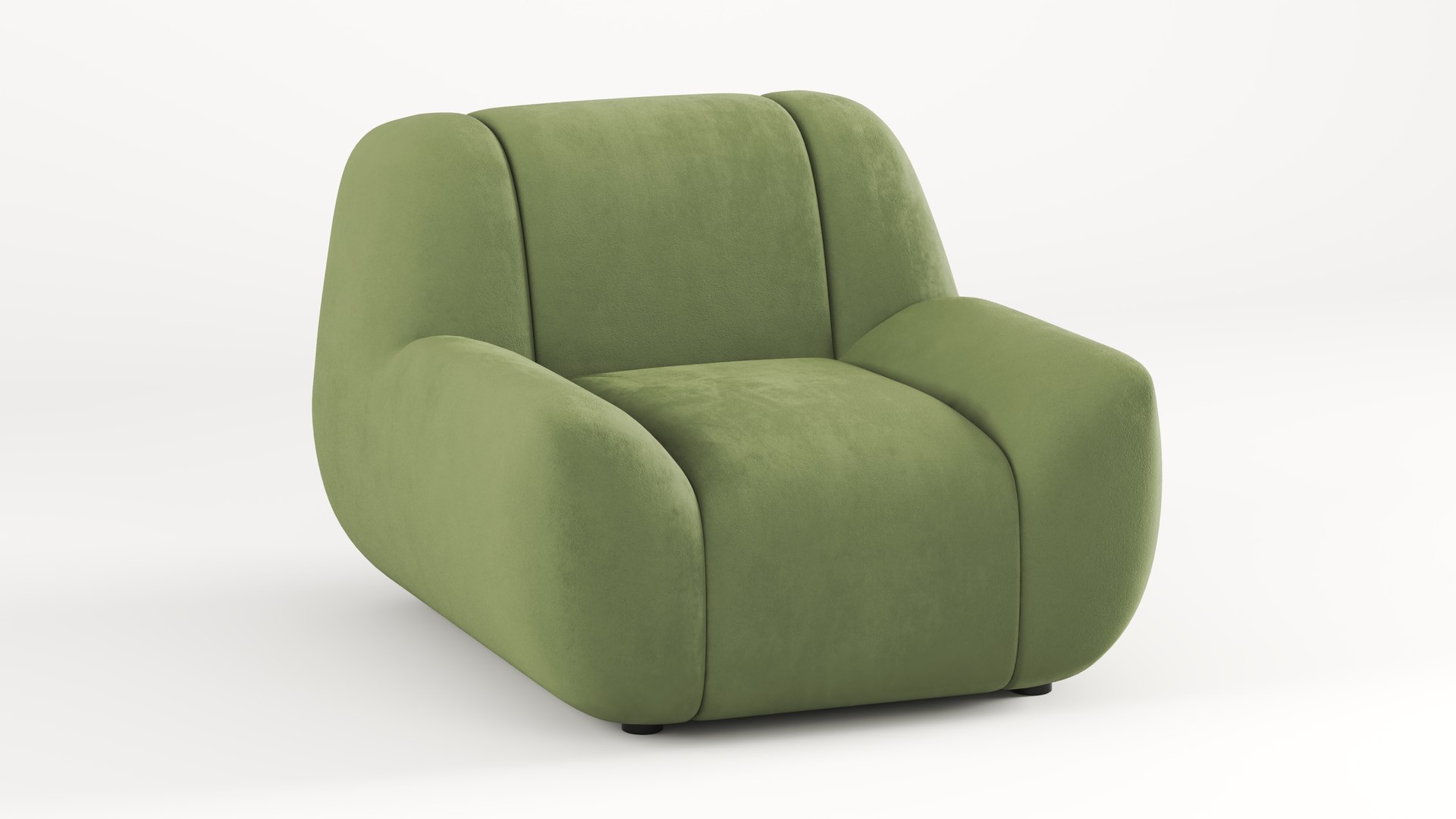
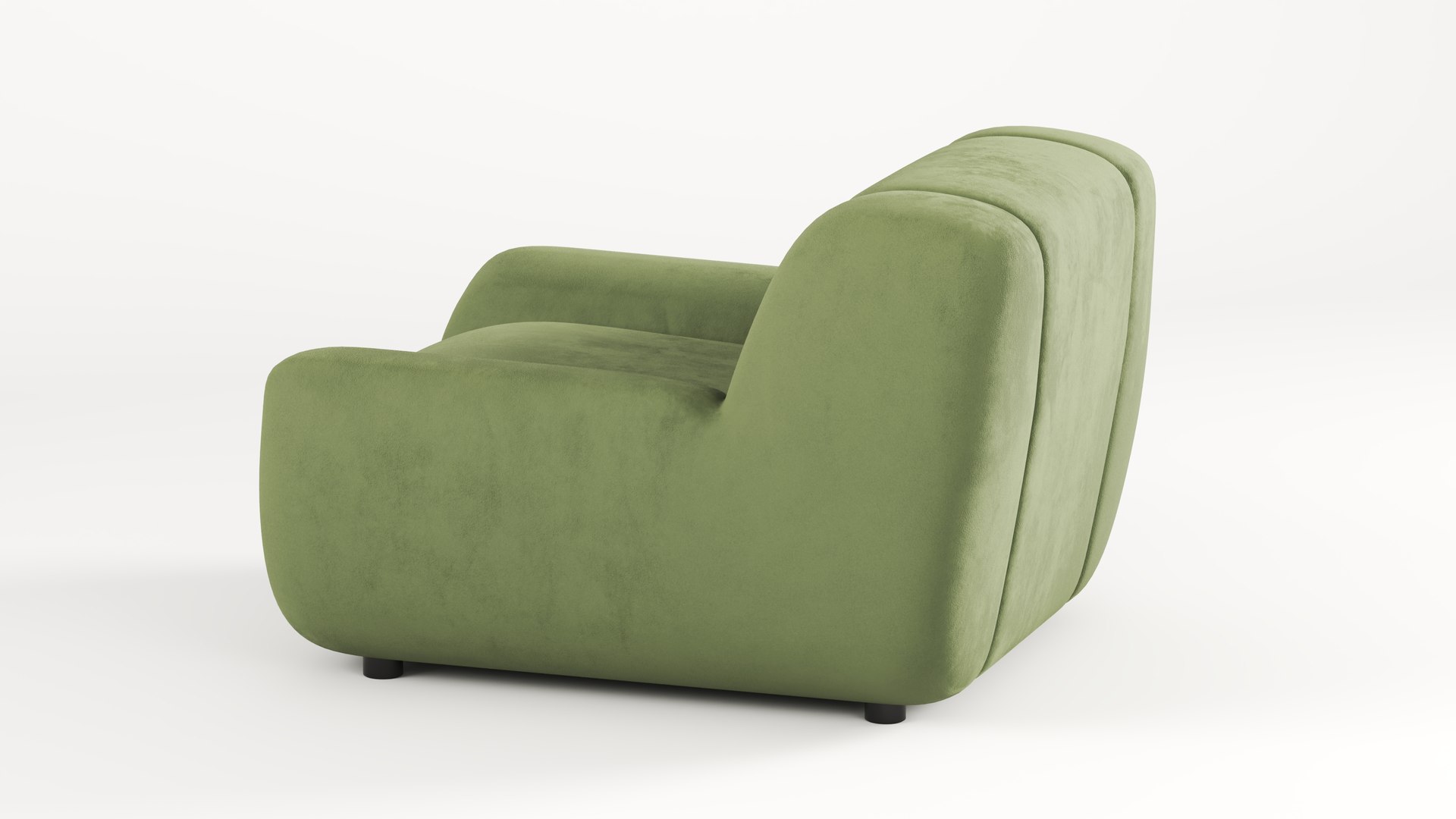
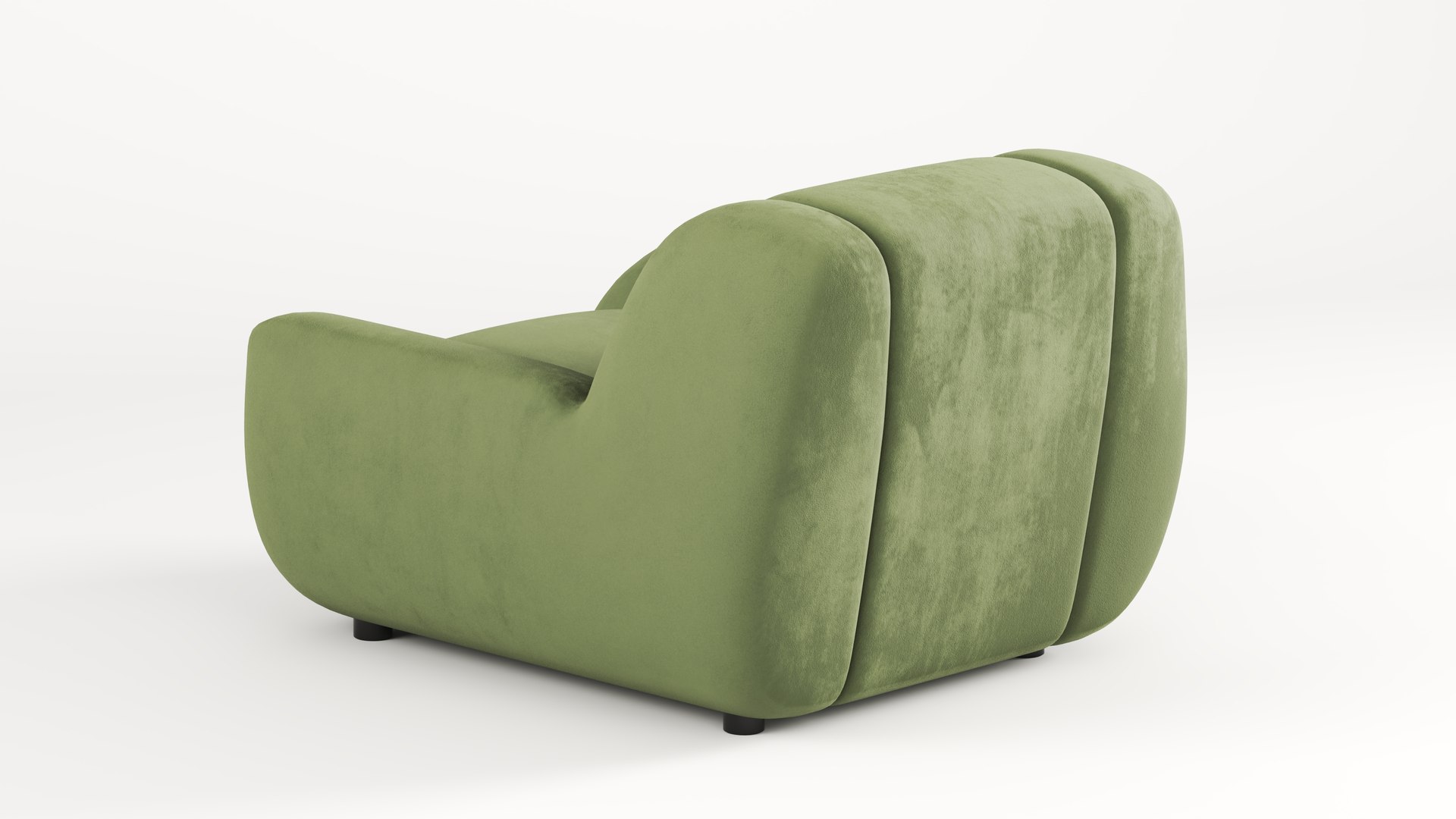
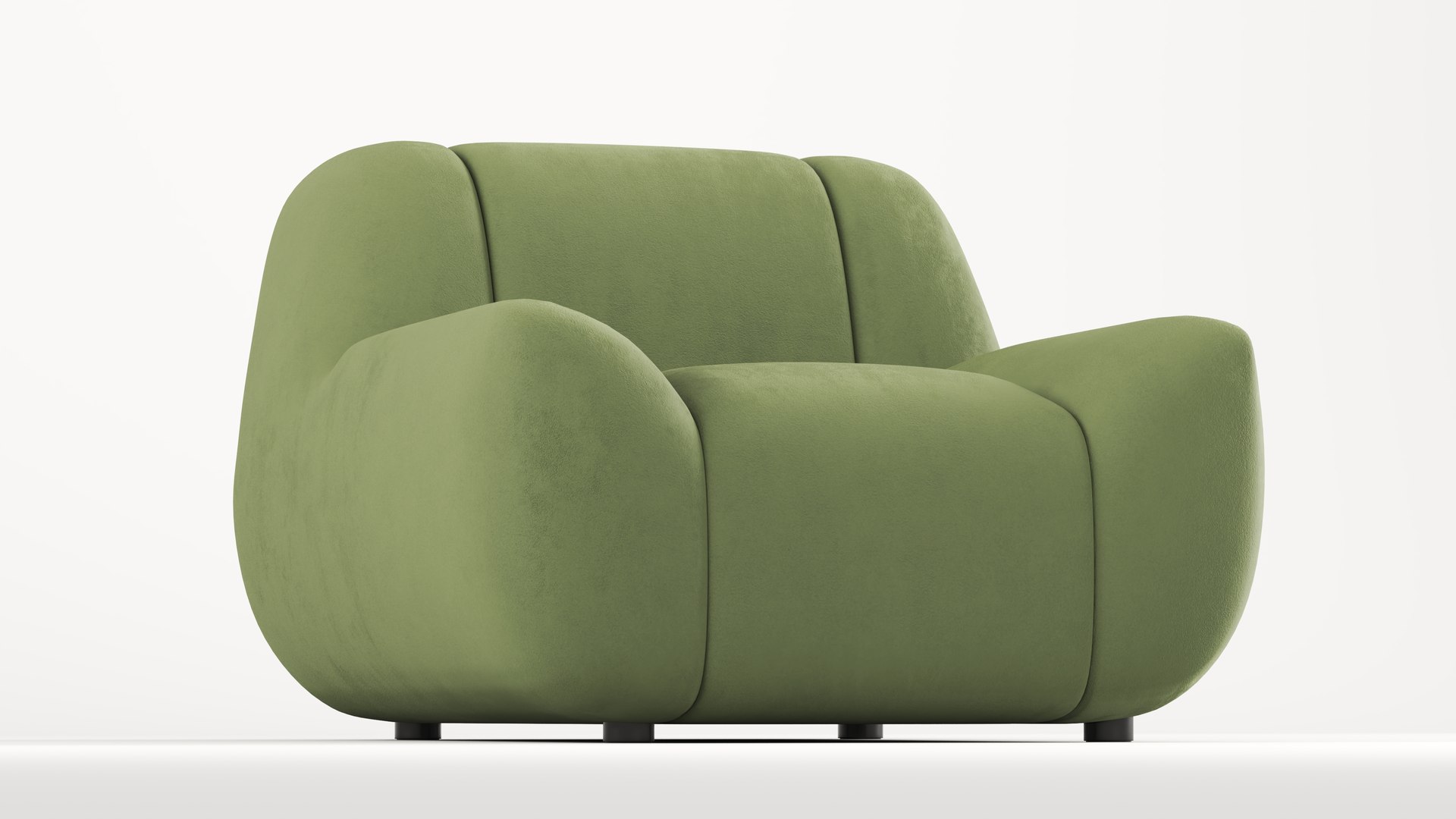
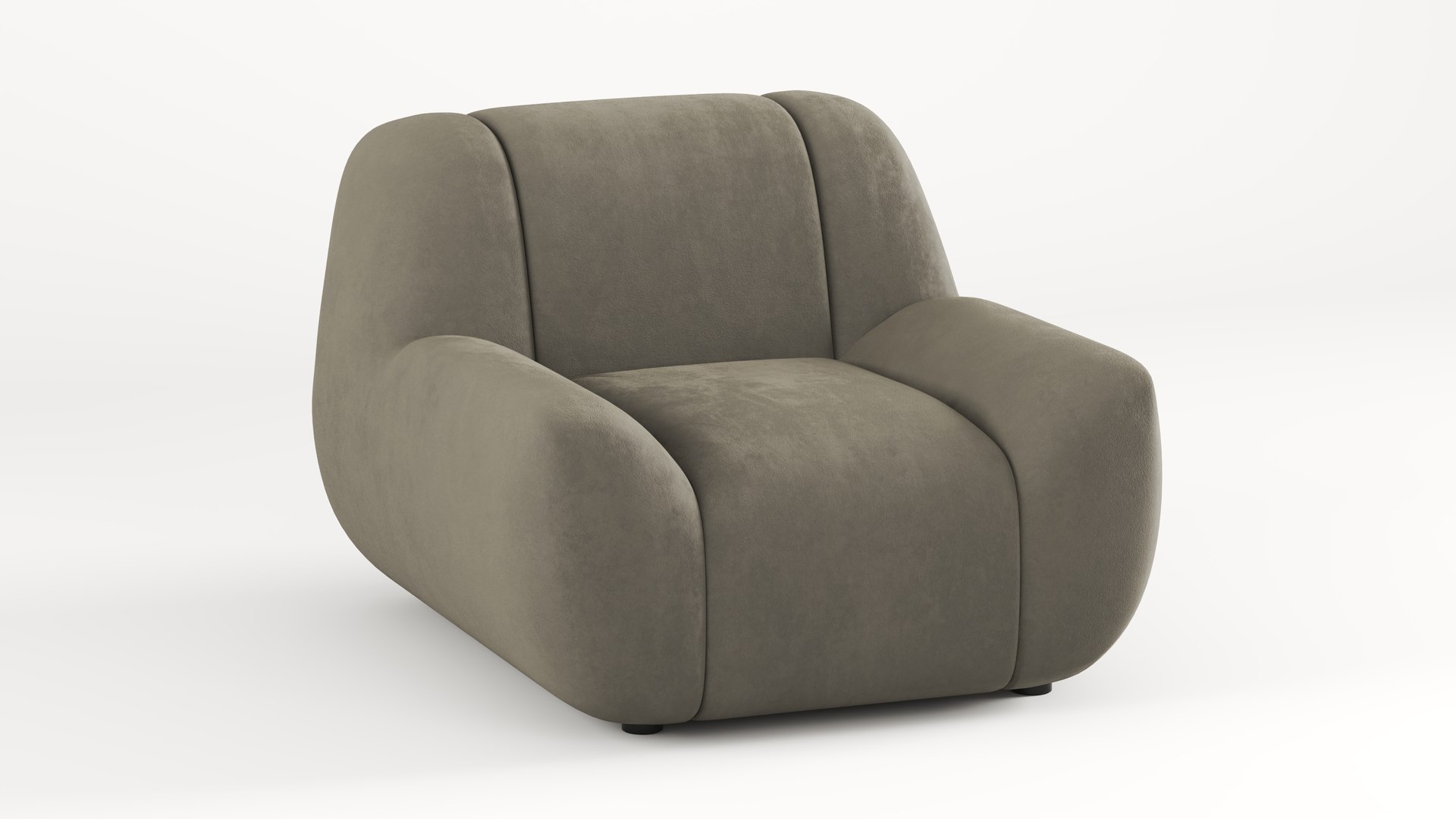
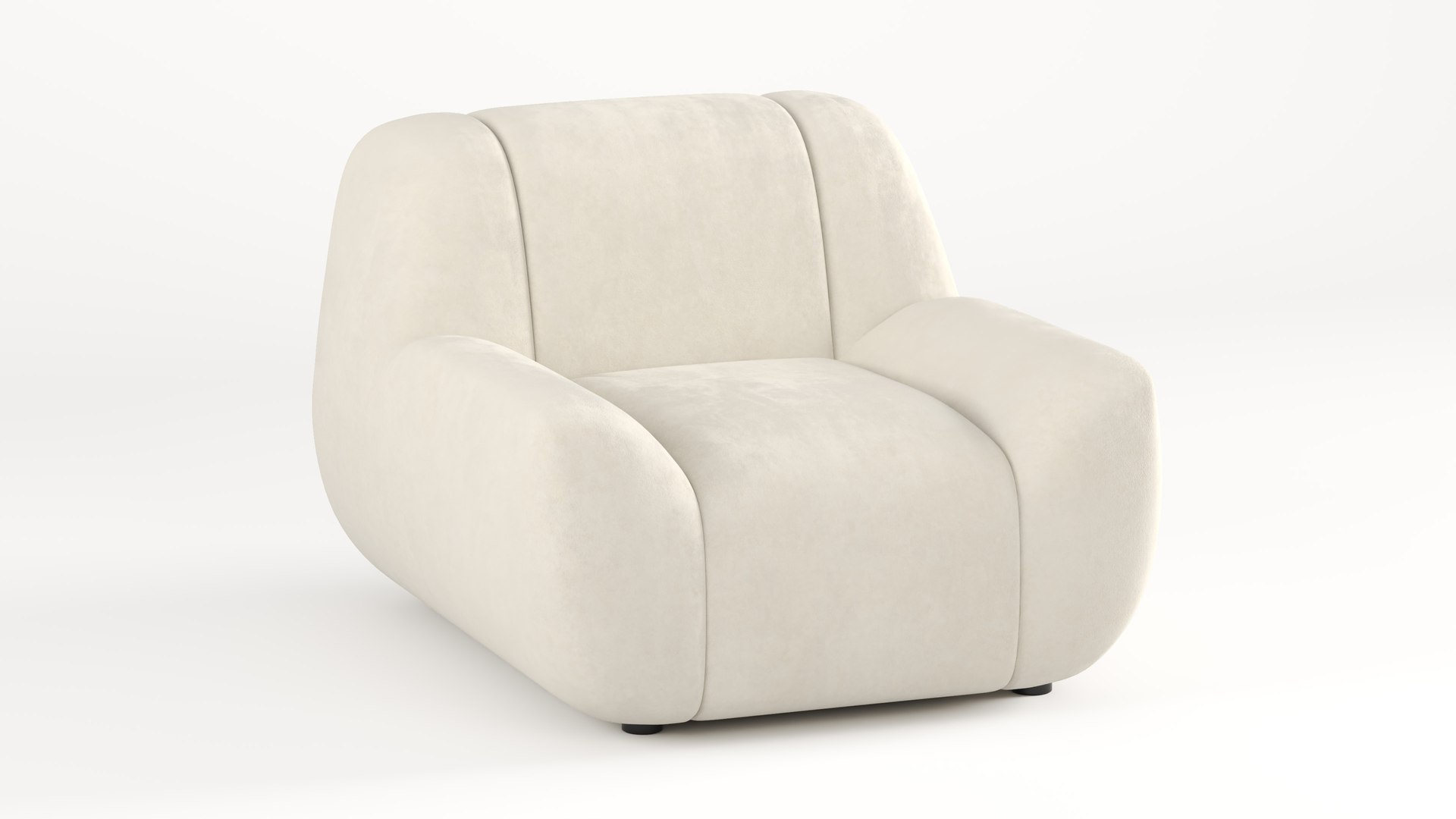

Sofa - One Seater - 3 Different Colors

$14

Standard License | Upgrade License
Formats (15)
Native | 3ds Max 2023 | V-Ray 6
Blender 3.4 | Blender Render 3,4
Maya 2017 | Arnold 5.3.1.1
Maya 2015 | V-Ray 3.2
Cinema 4D R18 | Arnold 3.2
Cinema 4D R18 | Advanced Render 3.2
3ds Max 2015 | V-Ray 5.20.23
3ds Max 2018 | Arnold 7.0
FBX
glTF
OpenUSD
FBX
OBJ
Other Files
Textures.zip
Specifications
Publish Date May 01, 2026
Product ID 2563176
Polygons 8,152
Vertices 8,162
Subdivision
Textures
Materials
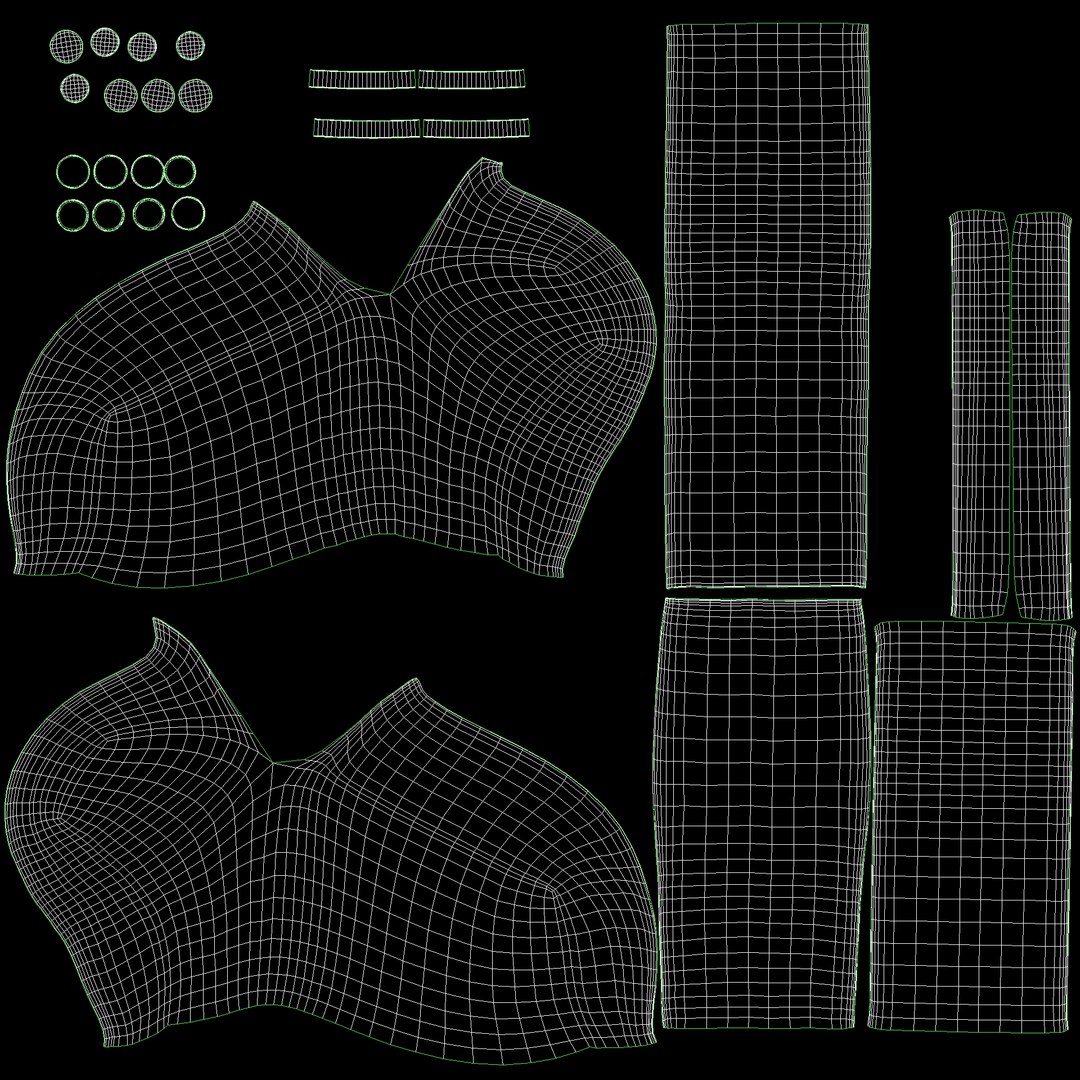
UV Mapped
Non-overlapping Unwrapped UVs
PBR
StemCell Certified

member avatar
Ali Maghsoudi
107 Products | Contributor Since 2010
Have questions? Chat with us now.

Description

For variations or any other requests, feel free to contact me

  • One-Seater (1-Seater, Single Seater) Sofa
  • 3 Different colors
  • Real world size
  • Medium-Poly, Subdivision Ready (wireframe preview of subdivion lvl 0 and lvl1 are among the preview images)
  • Poly Count = 8152
  • Quad poly
  • One material and one texture set
  • Fully unwrapped and textured, none-overlapping
  • 4K PBR textures: Color, Metallic, Roughness, Normal (DX), Height, Ambient Occlusion
  • Extra textures: Sheen Color (three, one for each color) and Sheen Roughness

Renders are done in V-Ray using the sheen color and sheen roughness maps, but as shown in the photos labeled "Without Sheen" the result will be fine without them too

The default assigned color is Green. To change color: in your shader editor replace the basecolor (and sheen color texture if you use it) with the desired variant

Select Enhanced License

  • $10,000 in Legal Protection (Indemnification)
  • Uncapped Legal Protection (Indemnification)
  • Waiver from injunctive relief
  • Assignable model rights
  • $1,000,000 in Legal Protection (Indemnification)
  • Waiver from injunctive relief
  • Assignable model rights
  • $250,000 in Legal Protection (Indemnification)
  • Assignable model rights
Read more about enhanced license tiers, or contact us at enterprise@turbosquid.com. Already a Shutterstock Enterprise Customer? Contact your Shutterstock Sales Support Agent to talk about adding 3D.

About Conversion Requests

To submit a conversion request for a purchased asset, please complete our Conversion Request Form.

If you have not yet purchased a model, please review our Documentation about Conversions to learn about what limitations you may encounter with a conversion.

For any additional questions about a model’s suitability for conversion, please contact TurboSquid Support.

Loading...