
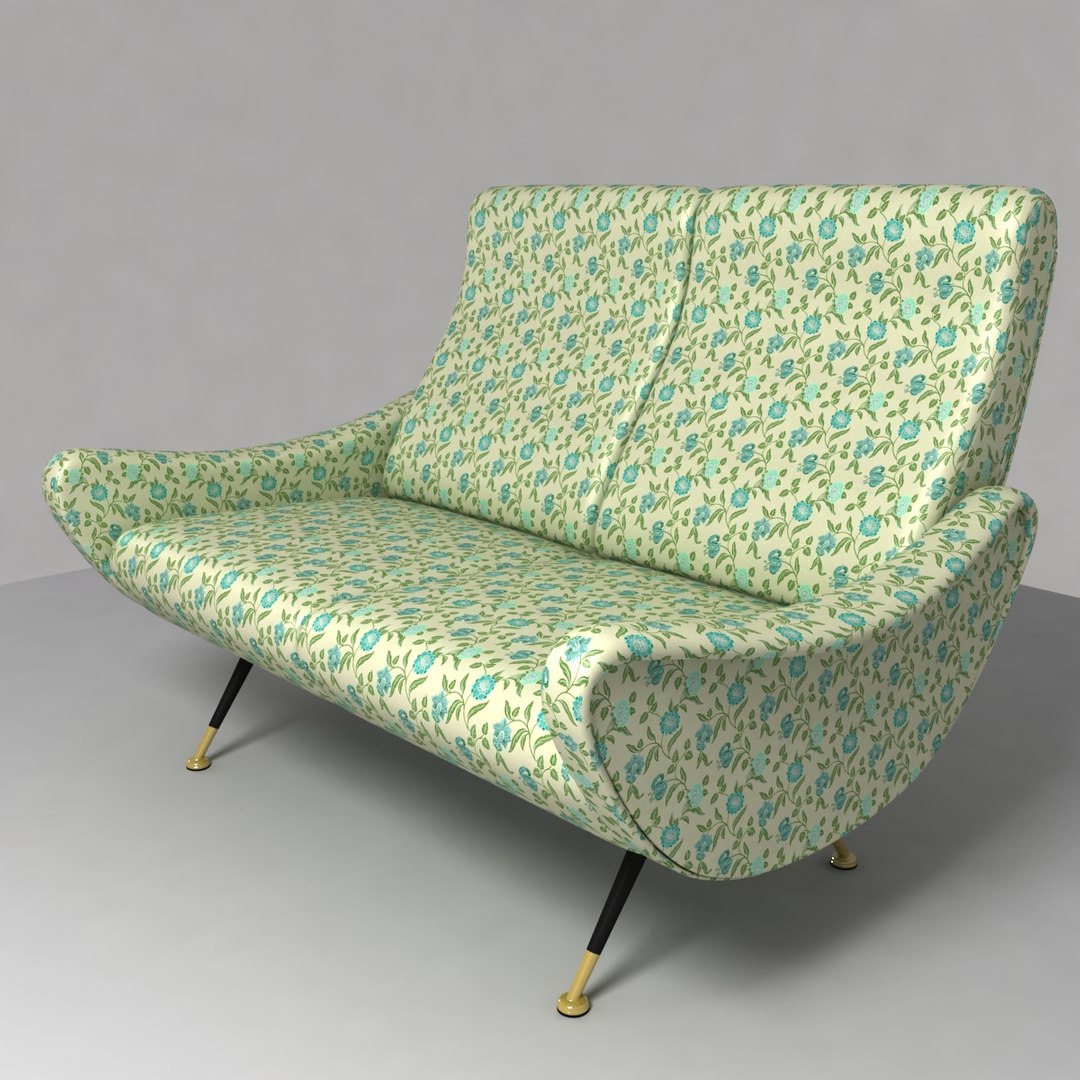
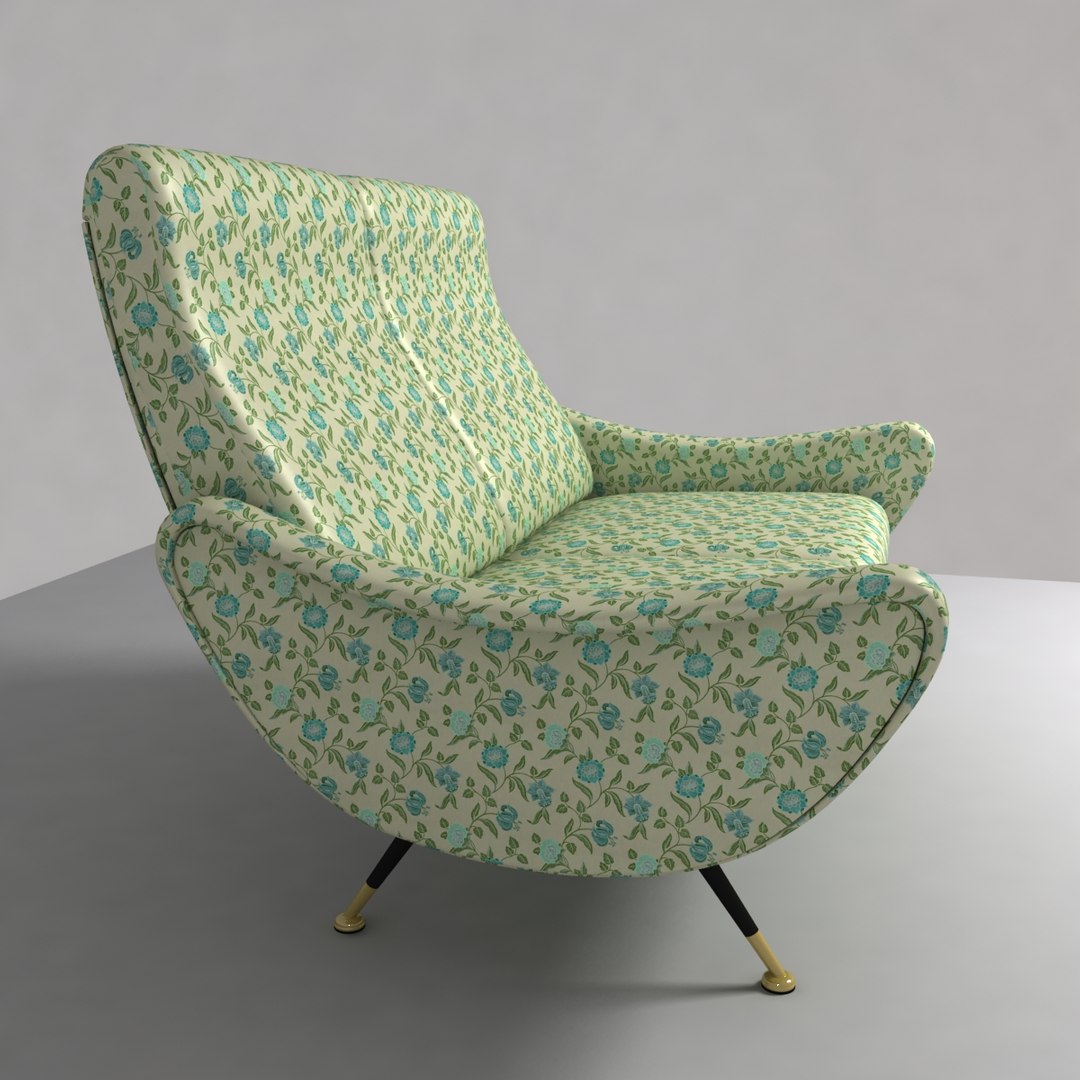
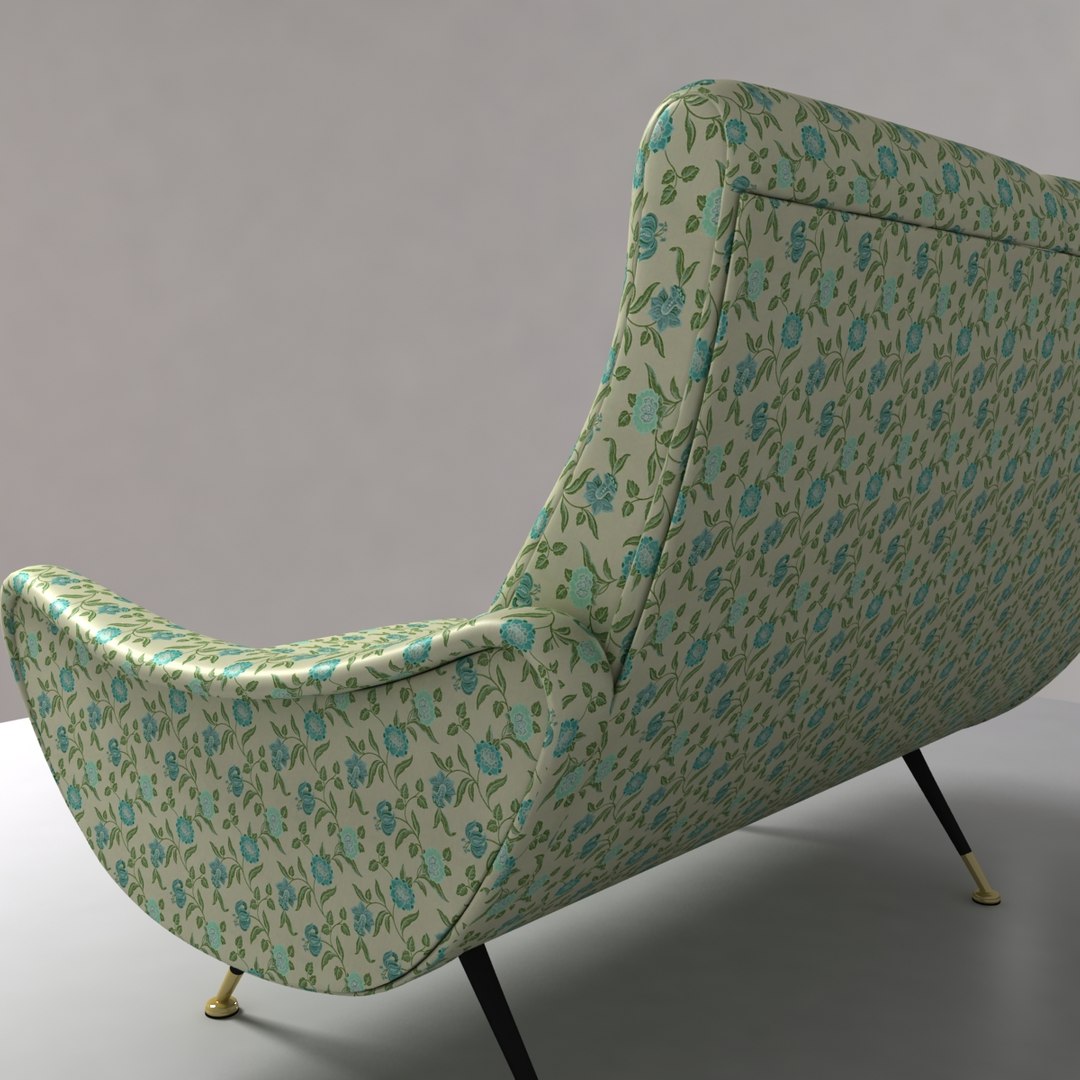
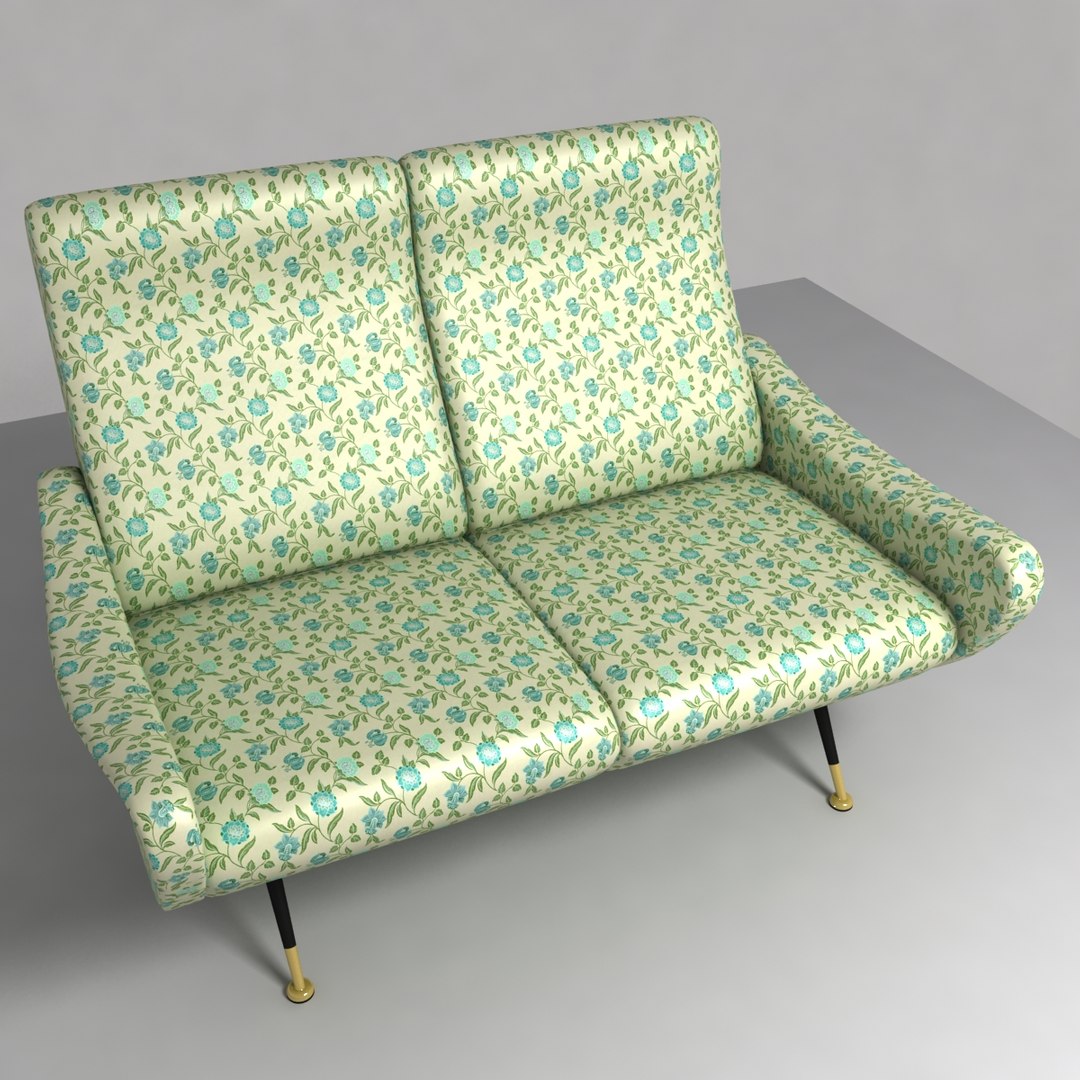
Sixties Sofa

$59

Standard License | Upgrade License
Formats (5)
Free file format Conversions available
Native | 3ds Max 2010 | V-Ray 1.50.sp5
3ds Max 2010 | mental ray
Softimage 2010 | Default Scanline
Lightwave 9.6 | Default Scanline
OBJ
Specifications
Publish Date October 03, 2011
Product ID 631518
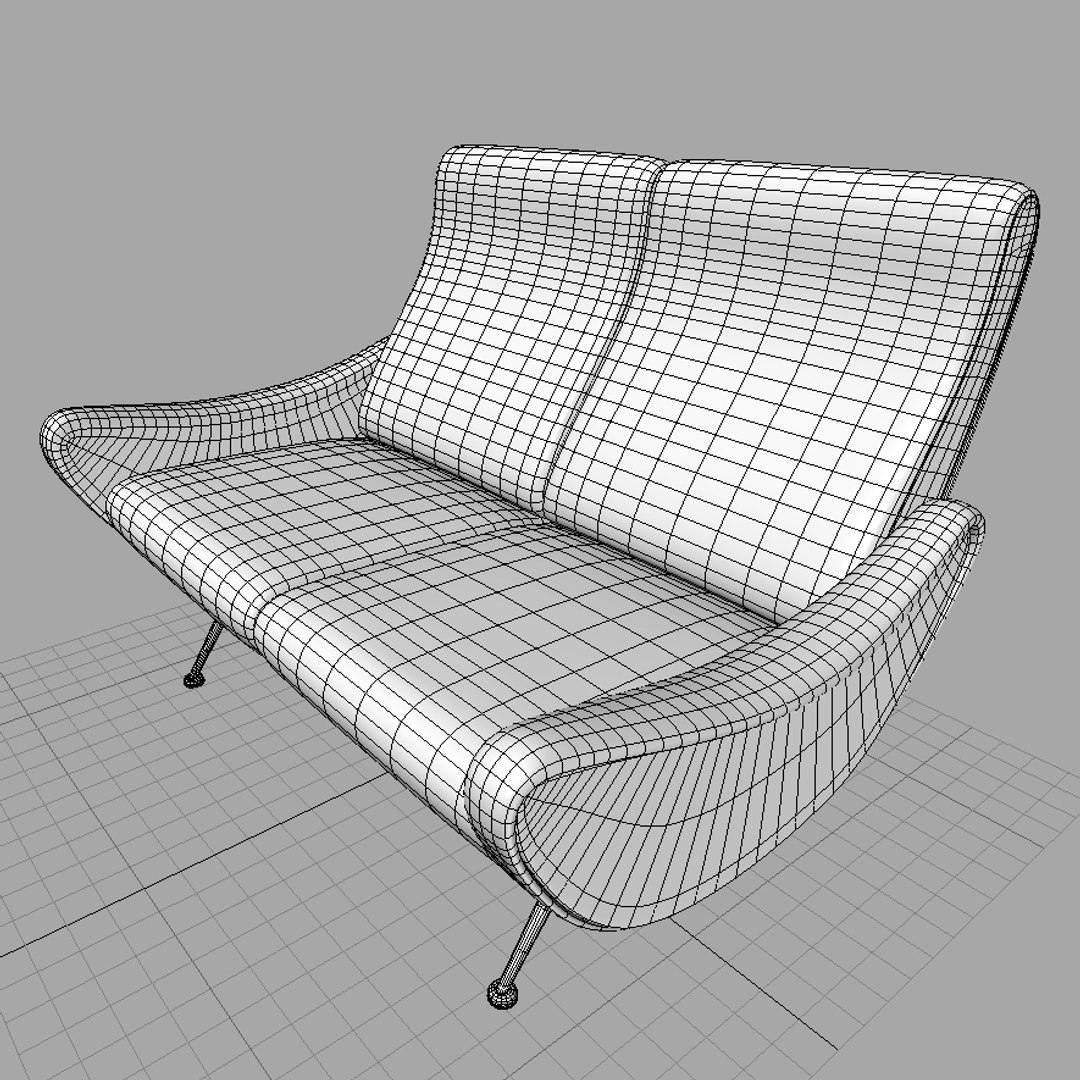
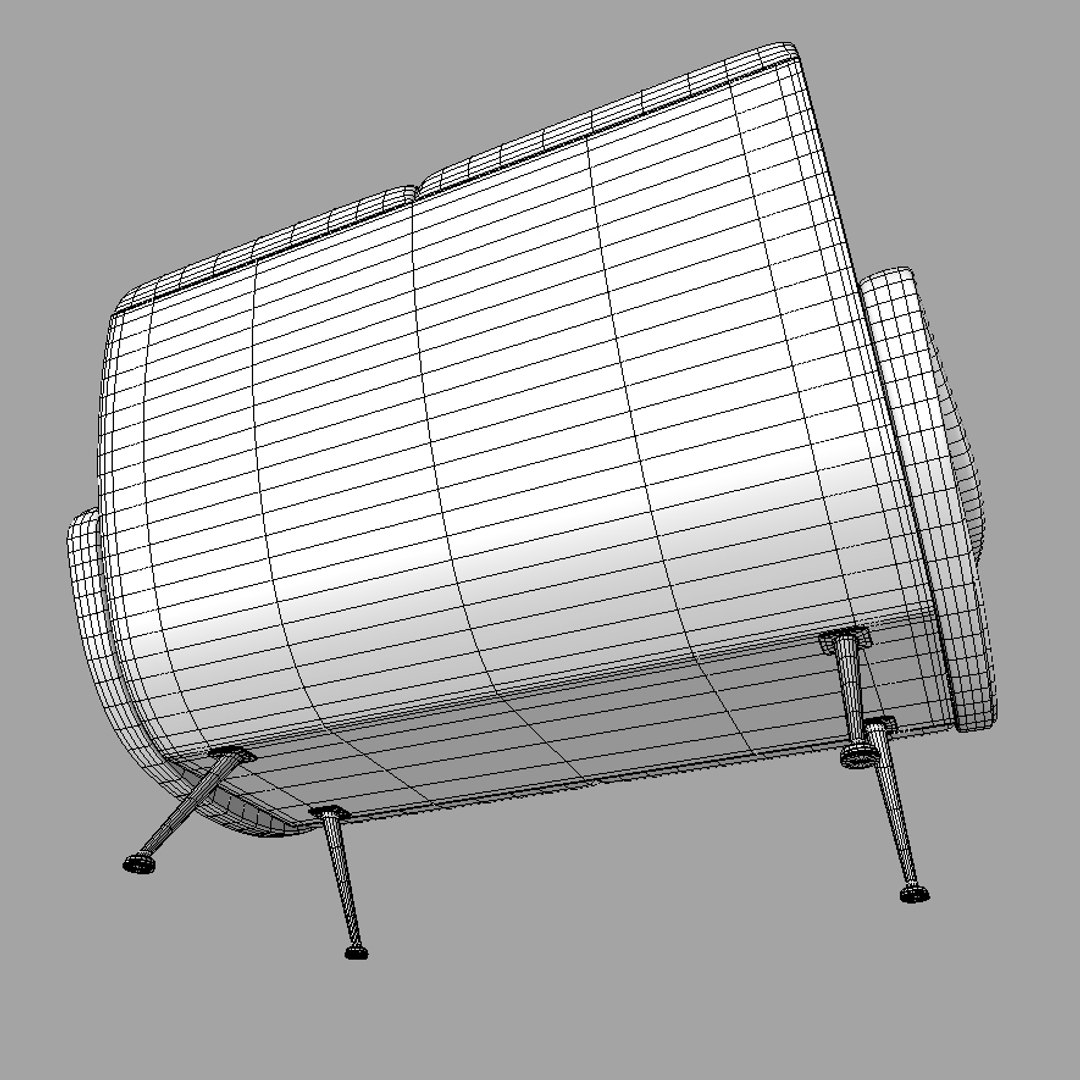
Polygons 14,354
Vertices 14,366
Polygonal Quads/Tris Geometry
Textures
Materials
UV Mapped
Non-overlapping Unwrapped UVs
TurboSquid Exclusive

member avatar
Lauranar
74 Products | Contributor Since 2009
Have questions? Chat with us now.

Description

Accurate Sofa, 1960 years style, UV mapped.
Subdivision activated, you may turn it off for distant views.

3D Studio Max - mental ray and V-Ray version:
- Complete scene
- 1 Texture tileable 1500 x 1500
The Sofa is a Group.
Subdivision method is Nurms Subdivision, Level 1, turn it off or increase under the Edit Poly tab.
V-Ray version is 1.50.sp5.

Lightwave:
- Complete scene
- Sofa and 2 environment objects (base, sphere)
- 1 Texture tiled 3600 x 3600
The Sofa is in 1 layer with different surfaces and UV maps for each piece.
Subdivision activated, press Tab to toggle in modeler.

Softimage:
- Project with complete scene
- 1 Texture tileable 1500 x 1500
Subdivision active at Level 1, press "+" or "-" on numeric keyboard to toggle or increase.
The Sofa is a Model.

Obj:
- Sofa
- 1 Texture tiled 3600 x 3600
No subdivision, it is exported at Level 0.

Sofa Polygons at Level 0: 14354
Total Polygons in the provided scenes (Sofa, environment sphere and base box) : 14942 at Level 0
Categories

Select Enhanced License

  • $10,000 in Legal Protection (Indemnification)
  • Uncapped Legal Protection (Indemnification)
  • Waiver from injunctive relief
  • Assignable model rights
  • $1,000,000 in Legal Protection (Indemnification)
  • Waiver from injunctive relief
  • Assignable model rights
  • $250,000 in Legal Protection (Indemnification)
  • Assignable model rights
Read more about enhanced license tiers, or contact us at enterprise@turbosquid.com. Already a Shutterstock Enterprise Customer? Contact your Shutterstock Sales Support Agent to talk about adding 3D.

About Conversion Requests

To submit a conversion request for a purchased asset, please complete our Conversion Request Form.

If you have not yet purchased a model, please review our Documentation about Conversions to learn about what limitations you may encounter with a conversion.

For any additional questions about a model’s suitability for conversion, please contact TurboSquid Support.

Loading...