Skeleton Torso Rigged

$49

Standard License | Upgrade License
Formats (1)
Free file format Conversions available
Native | Maya 2018 | Arnold
Specifications
Publish Date February 04, 2015
Product ID 892863
Polygons 39,902
Vertices 46,461
Polygonal Quads/Tris Geometry
Textures
Materials
UV Mapped
Non-overlapping Unwrapped UVs
Rigged
member avatar
dcbittorf
315 Products | Contributor Since 2009
Have questions? Chat with us now.

Description

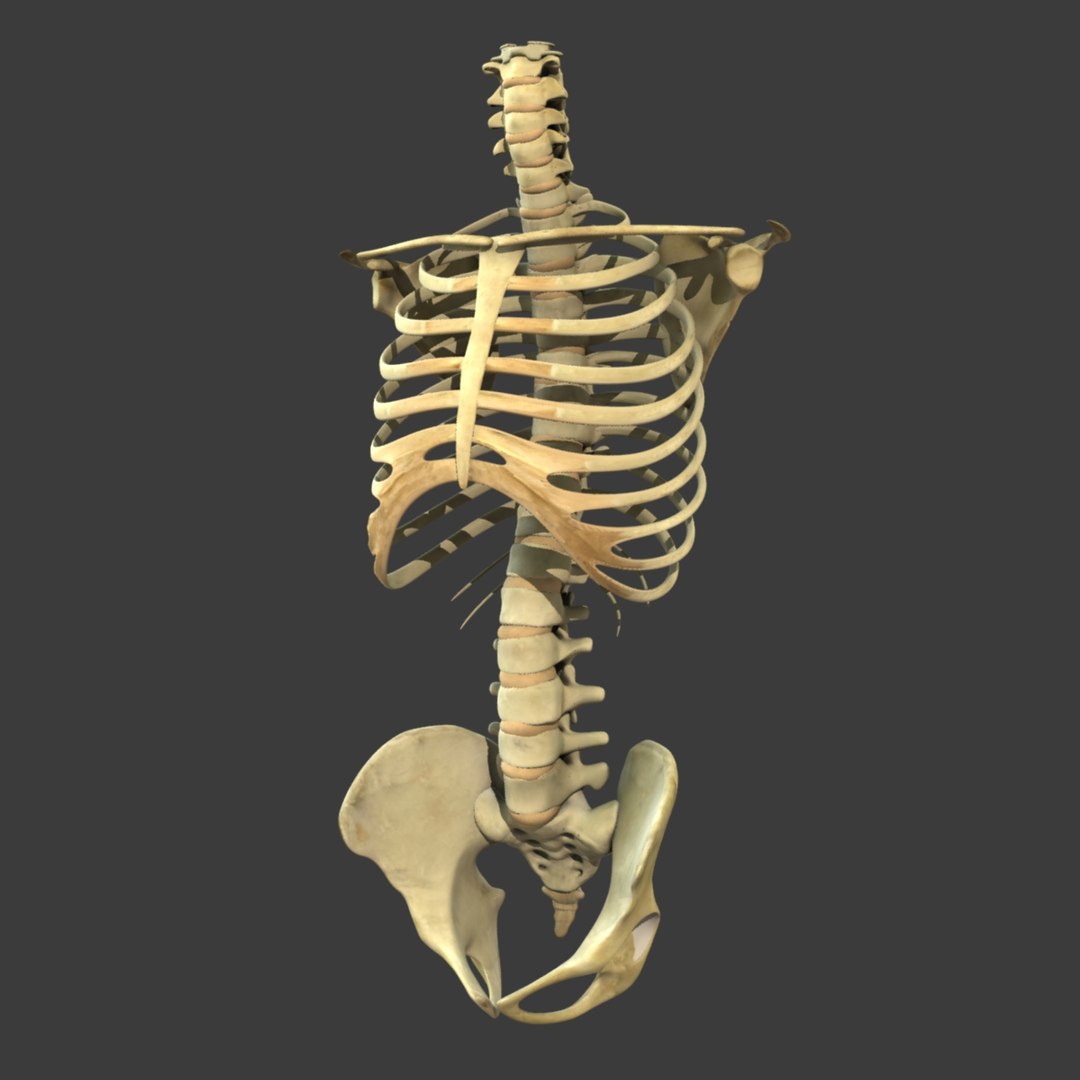
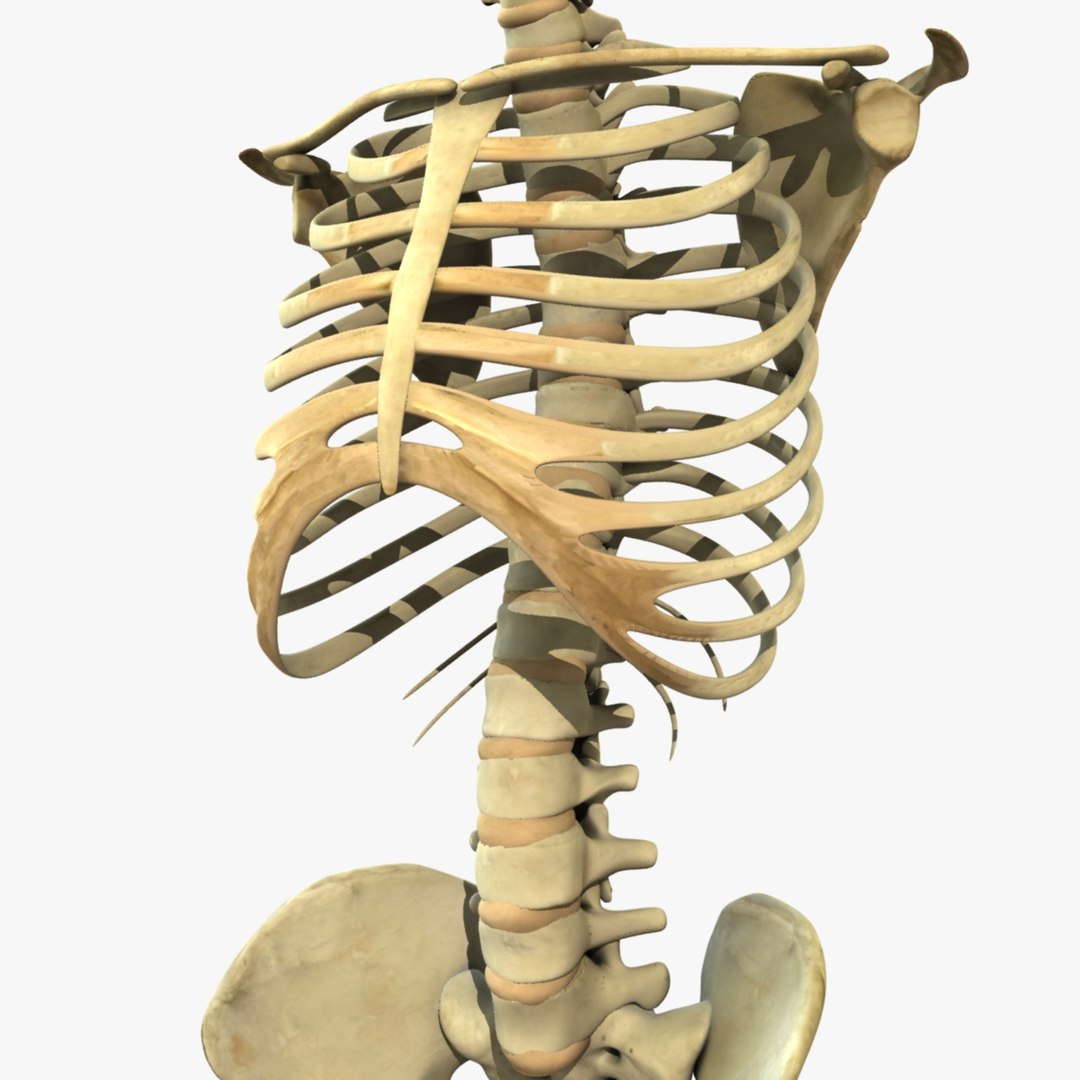
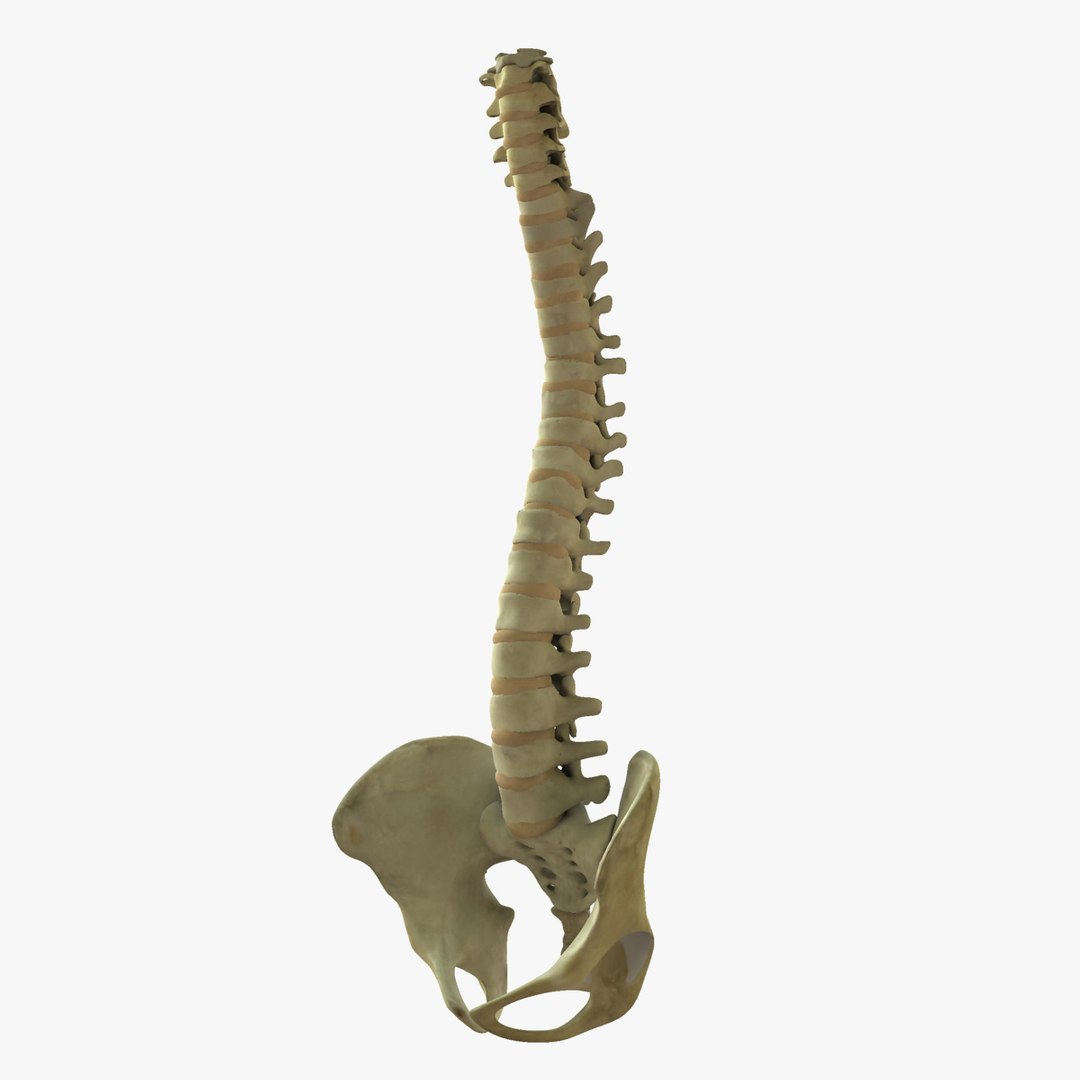
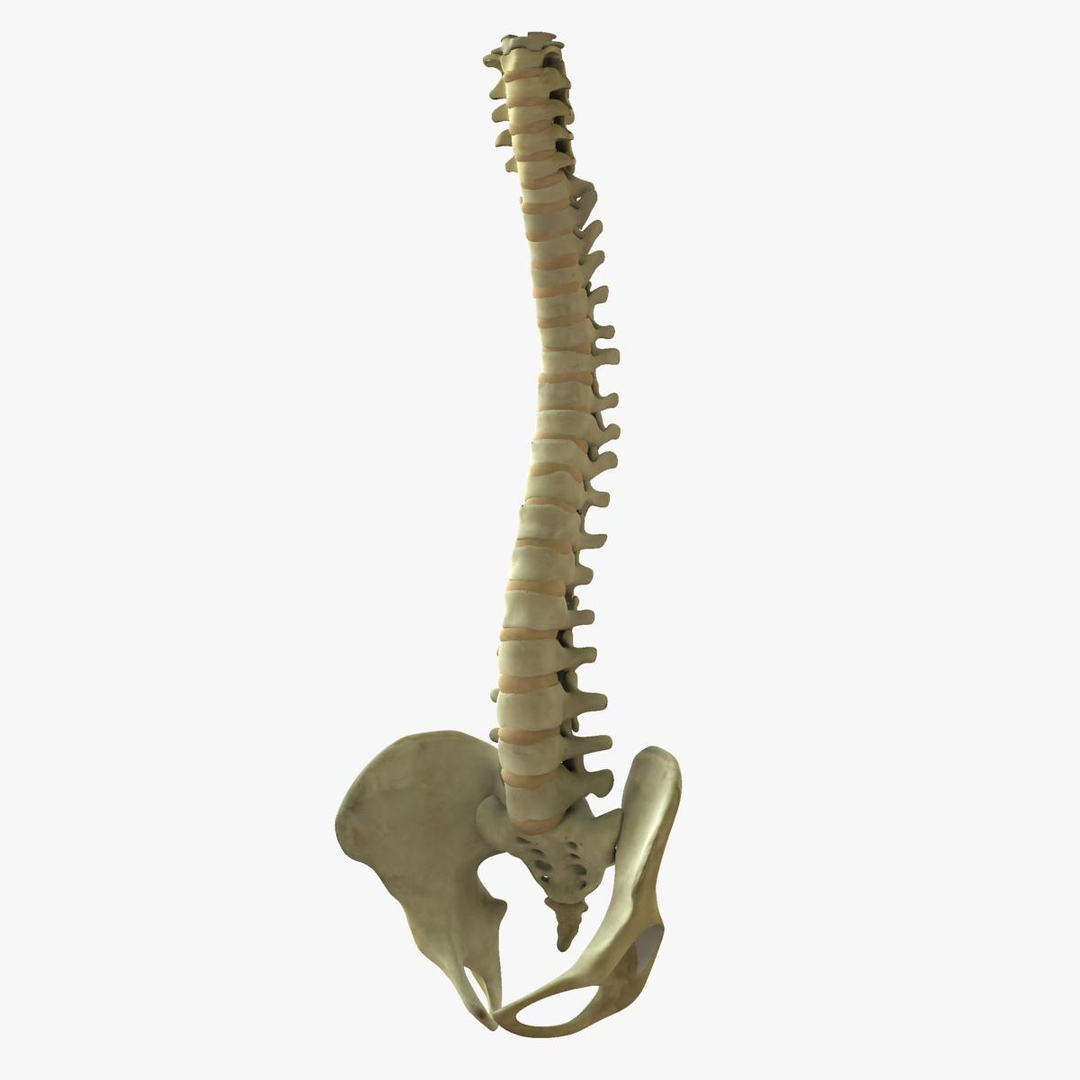
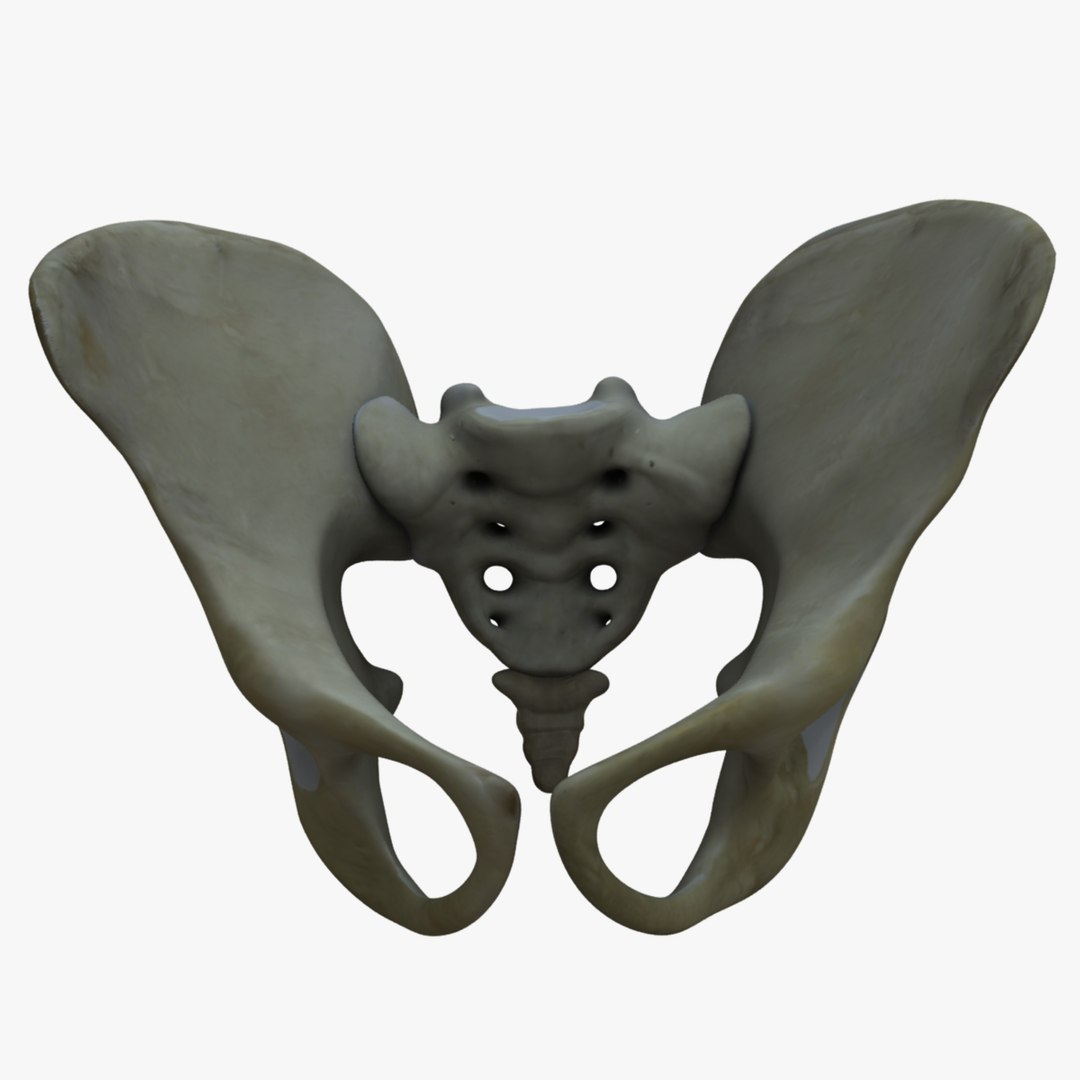
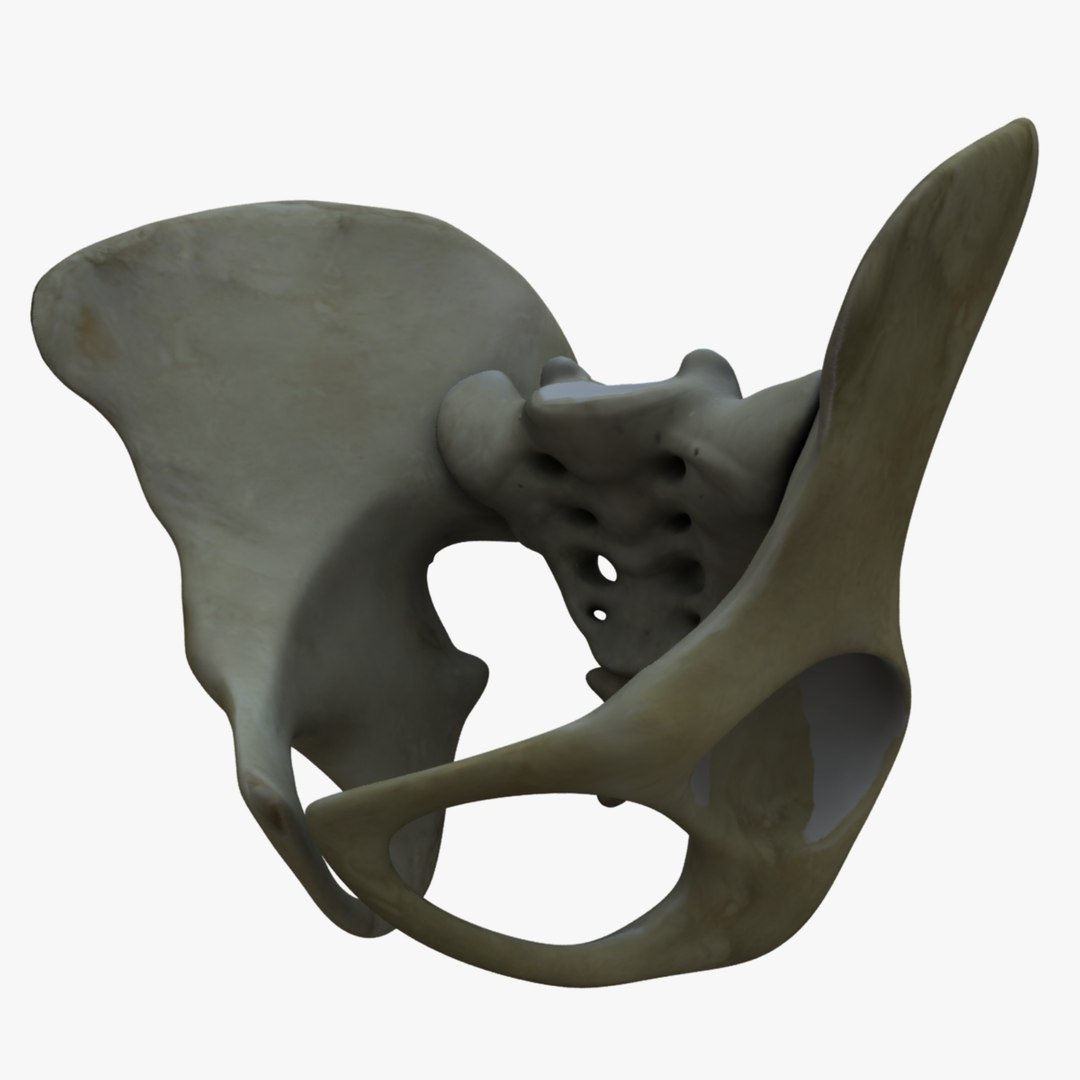
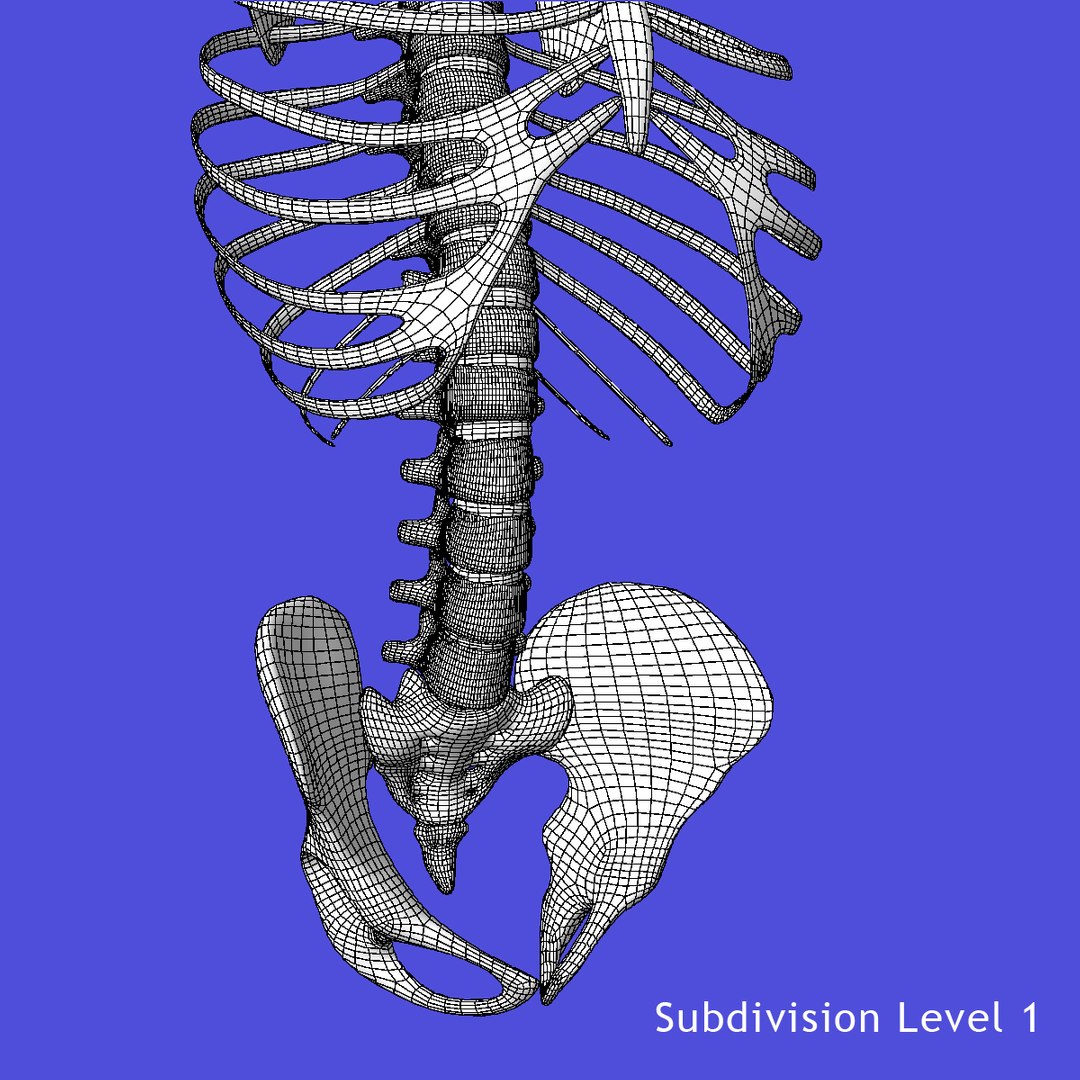
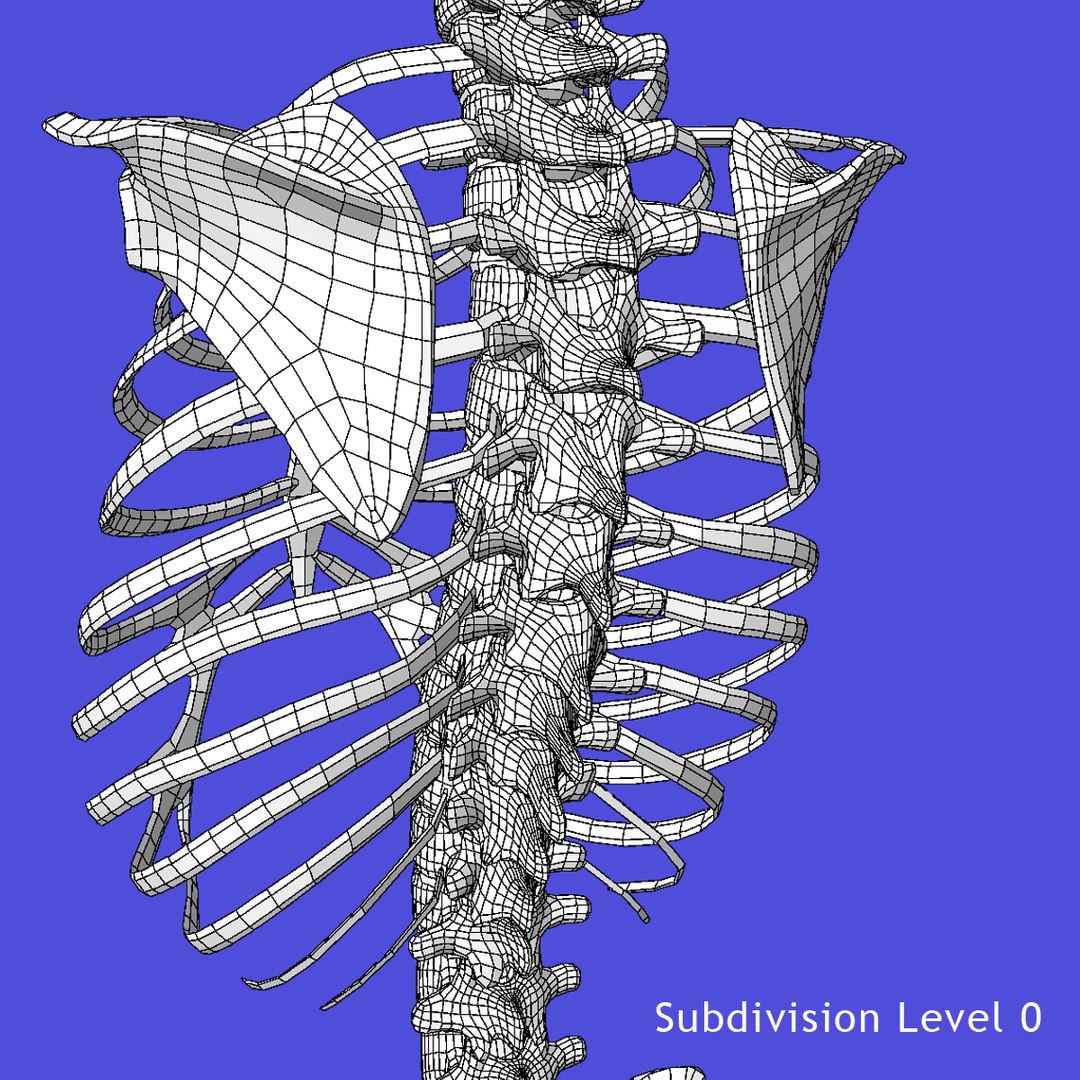
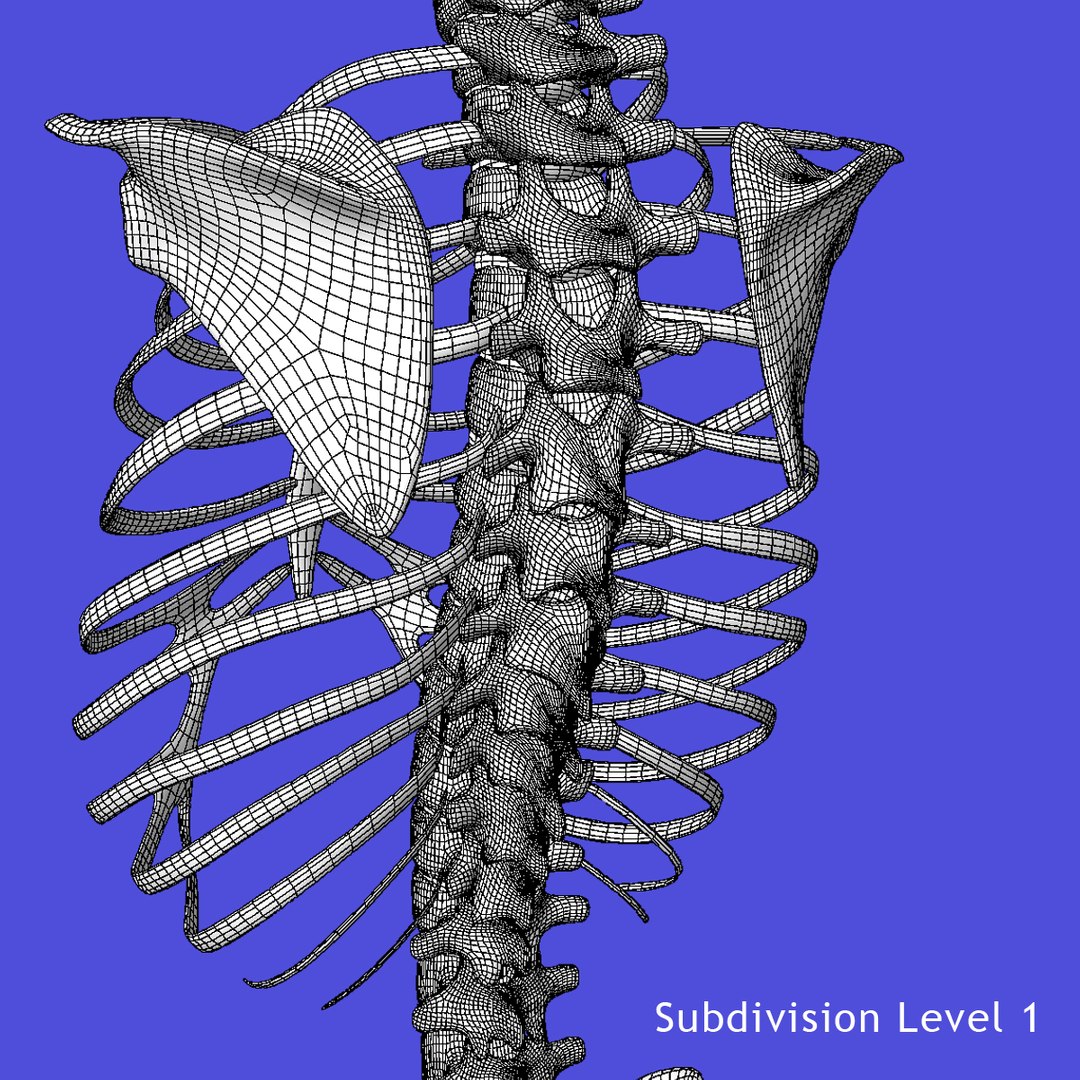
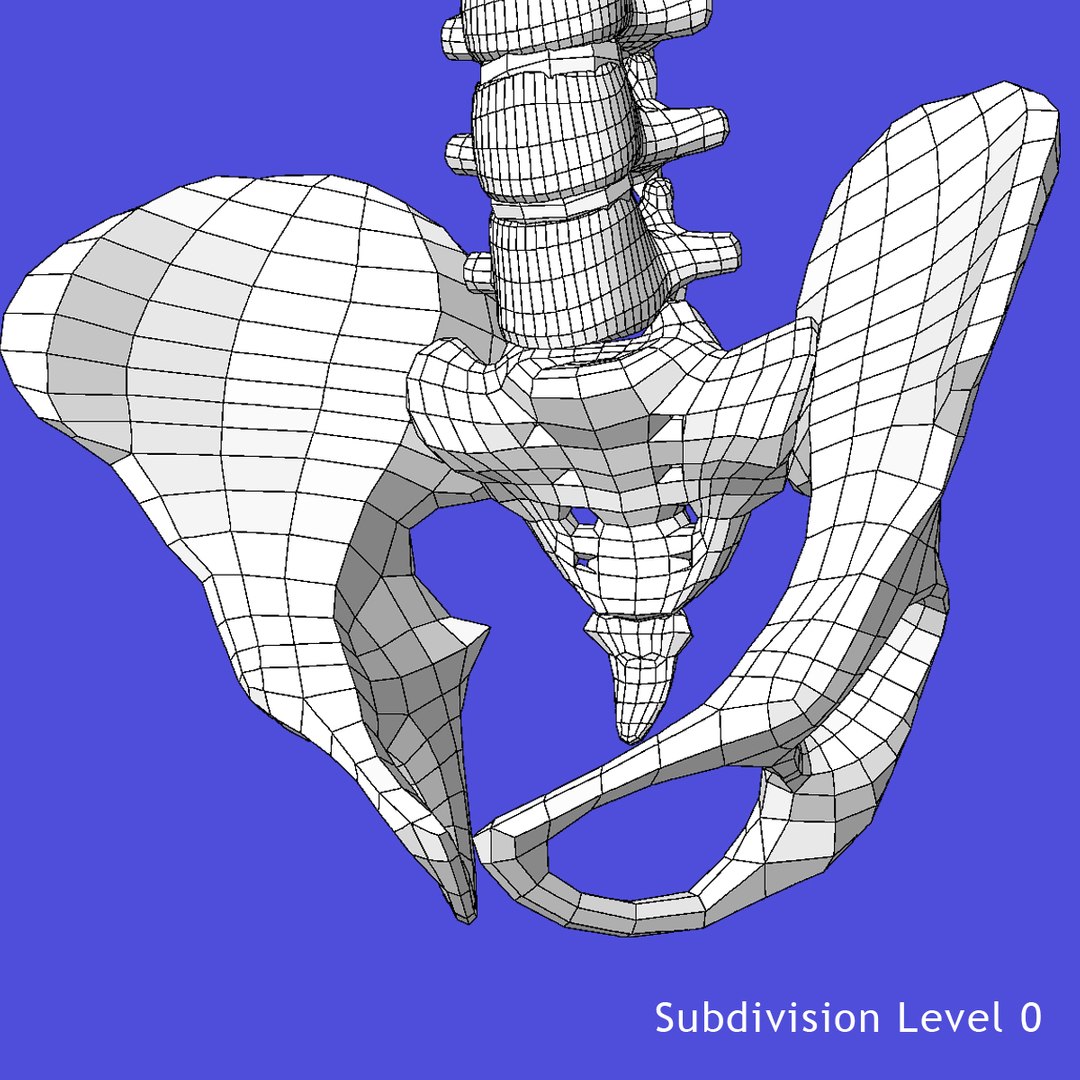
Skeleton Torso Rigged

==FEATURES==
-Rigged Skeleton Torso
-Native Maya File
-Real World Scale
-Realistic Textures
-Displacement map for extreme detail
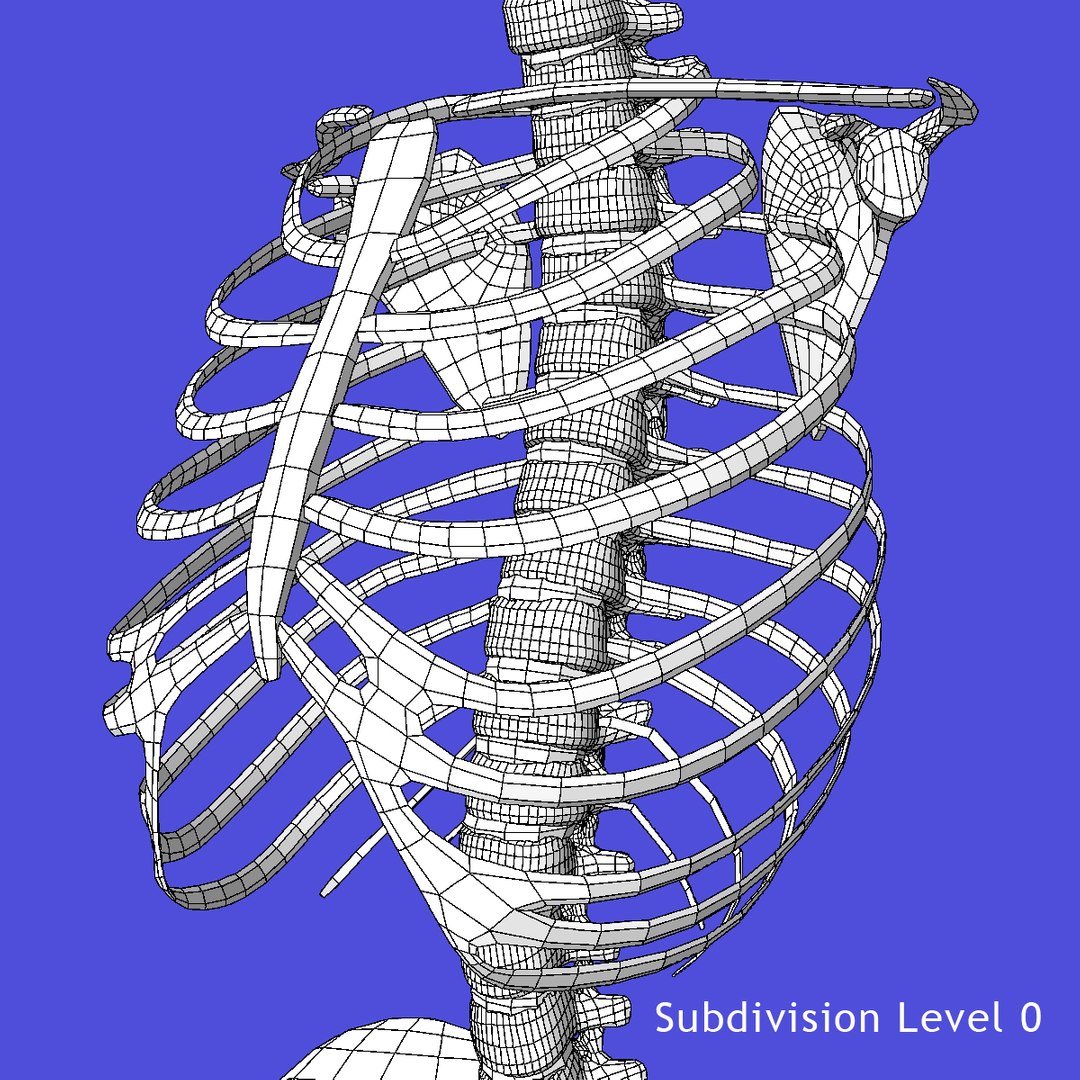
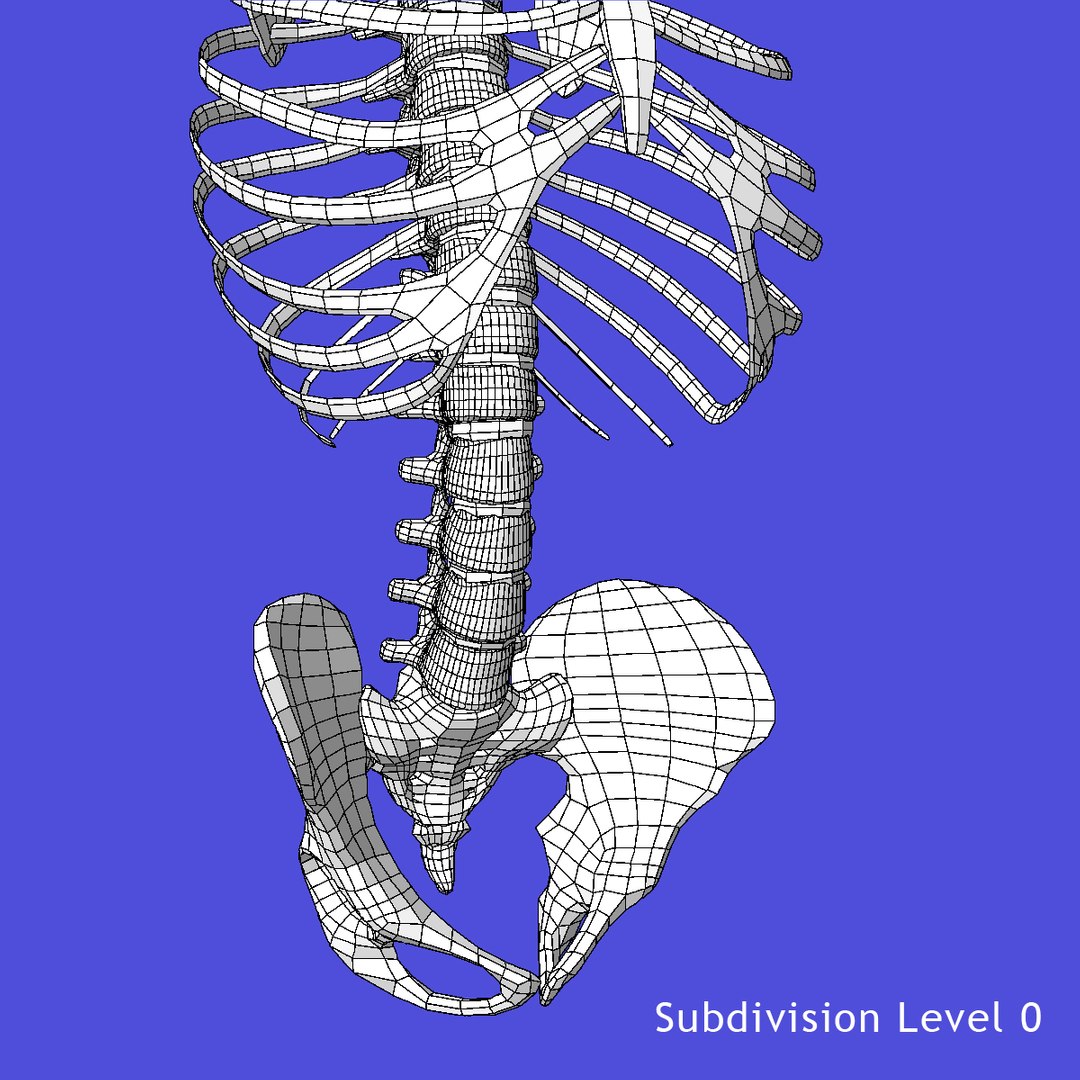
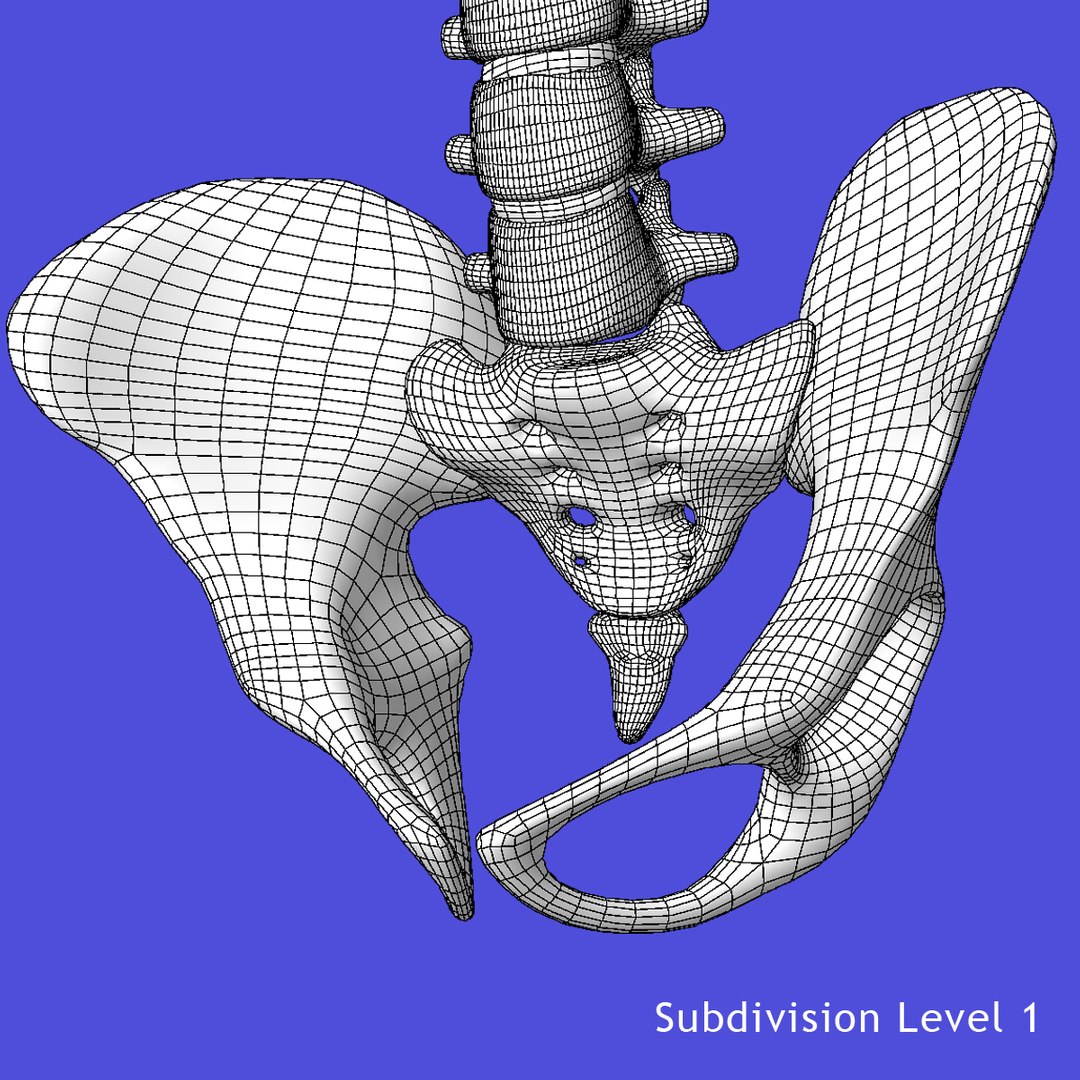
-Clean edge-loop based topology
-Each bone is selectable and named / grouped properly for easy organization
-Light set up ready to Render

==SUPPORT==
-Contact the author via 'Support Ticket' for any questions
-This model will be updated upon request

==POLY COUNT==
Spine (24456 Polys / 24662verts)
Scapula (1156 Polys / 1158 verts)
Clavicle (176 Polys / 180 verts)
Ribs (6364 Polys / 6358 verts)
Sternum (76 Polys / 78 verts)
Pelvis (1622 Polys / 1608 verts)

==Texture Maps==
ImageBasedLighting (2048x1024) 6 MB
Pelvis_Color.tif (4096x4096) 48MB
Pelvis_Displacement.tif (4096x4096) 32MB
Skeleton_Torso_Color.tif (8192x8192) 192MB
Skeleton_Torso_Displacement.tif (8192x8192) 128MB
Ribs_Color.tif (8192x8192) 213MB

==Rendering==
This model is set up to automatically be subdivided to proper division at render time.
It is recommended that you render using the camera named 'Perspective' for best results.
Clean File paths are setup to allow no hassle setup.

Select Enhanced License

  • $10,000 in Legal Protection (Indemnification)
  • Uncapped Legal Protection (Indemnification)
  • Waiver from injunctive relief
  • Assignable model rights
  • $1,000,000 in Legal Protection (Indemnification)
  • Waiver from injunctive relief
  • Assignable model rights
  • $250,000 in Legal Protection (Indemnification)
  • Assignable model rights
Read more about enhanced license tiers, or contact us at enterprise@turbosquid.com. Already a Shutterstock Enterprise Customer? Contact your Shutterstock Sales Support Agent to talk about adding 3D.

About Conversion Requests

To submit a conversion request for a purchased asset, please complete our Conversion Request Form.

If you have not yet purchased a model, please review our Documentation about Conversions to learn about what limitations you may encounter with a conversion.

For any additional questions about a model’s suitability for conversion, please contact TurboSquid Support.

Loading...