
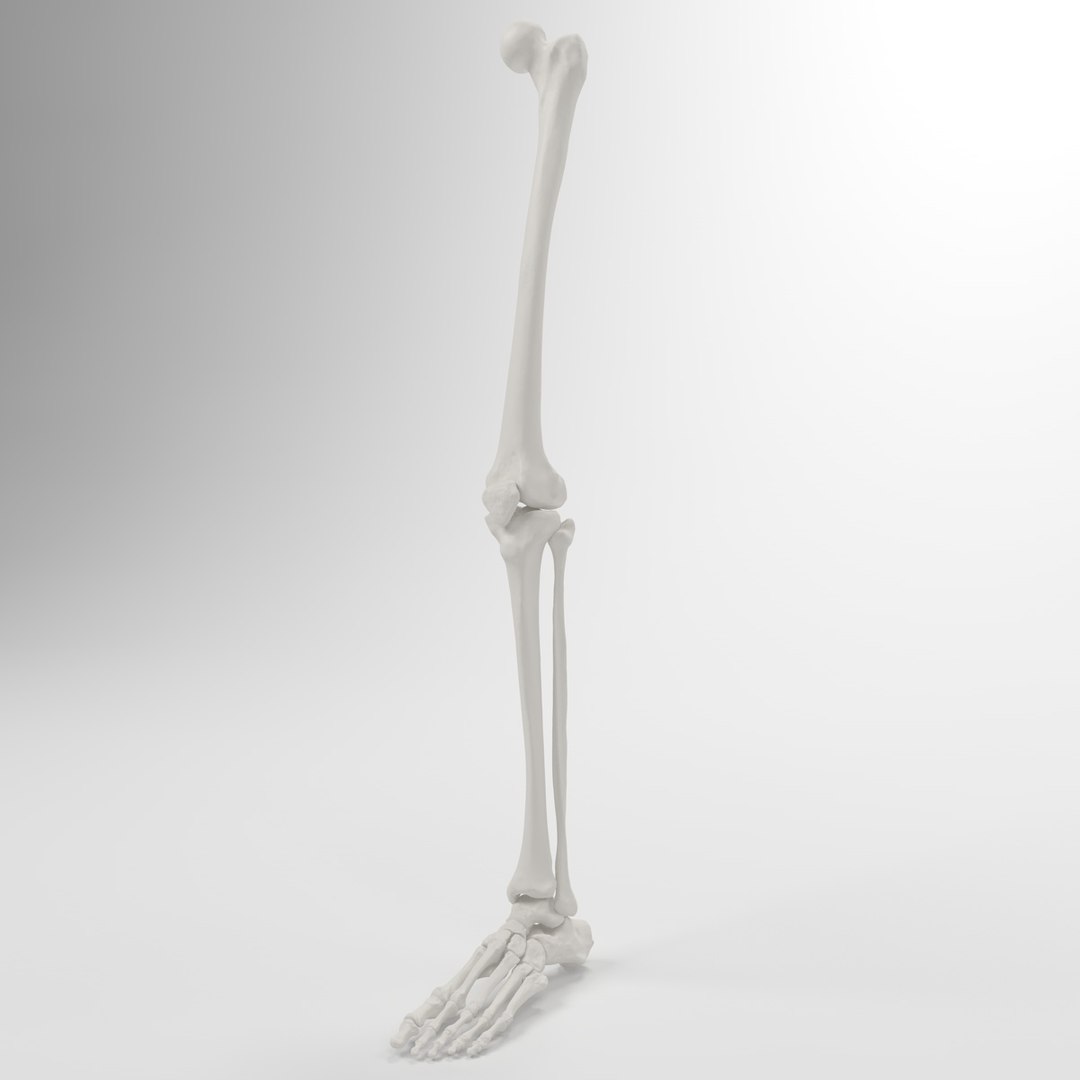
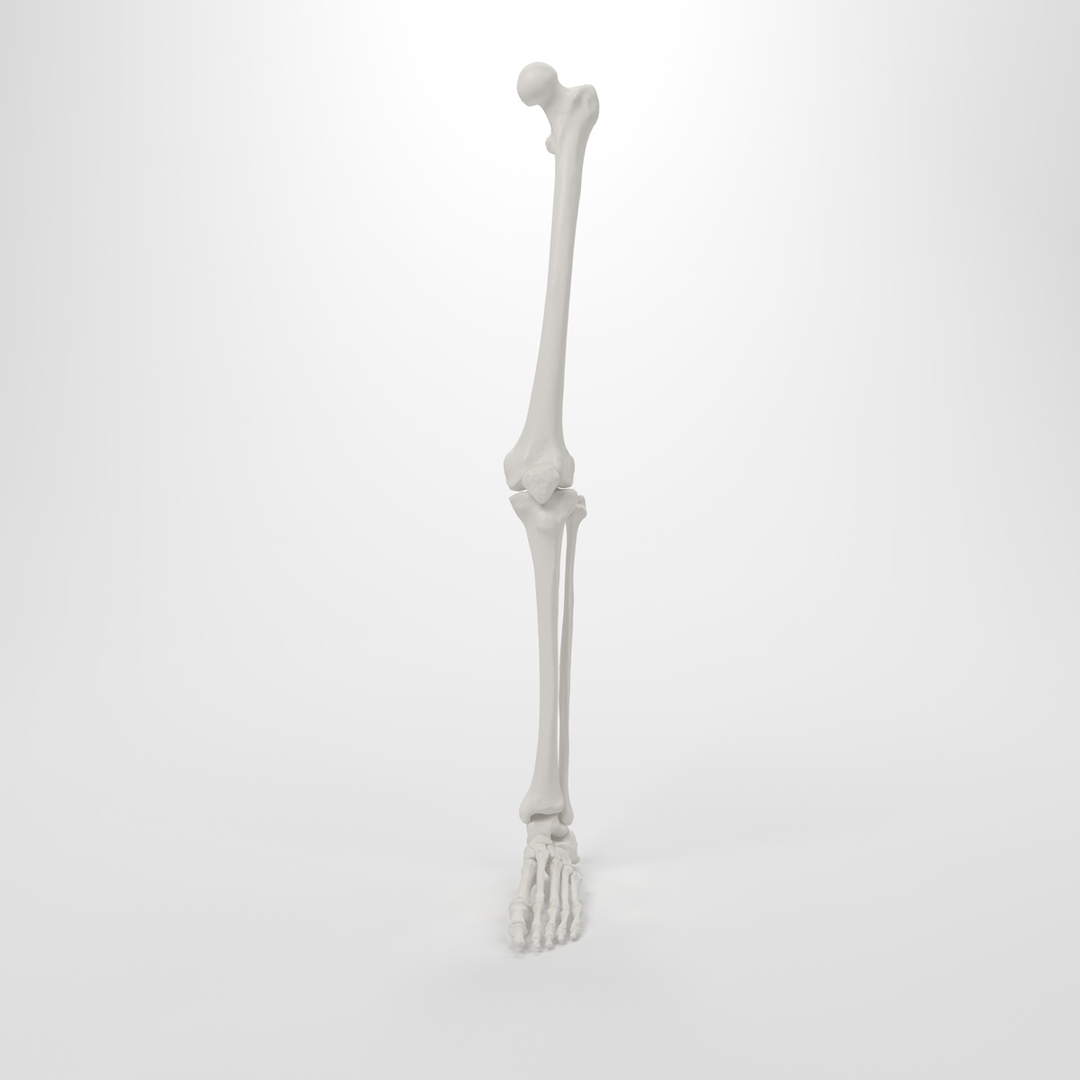
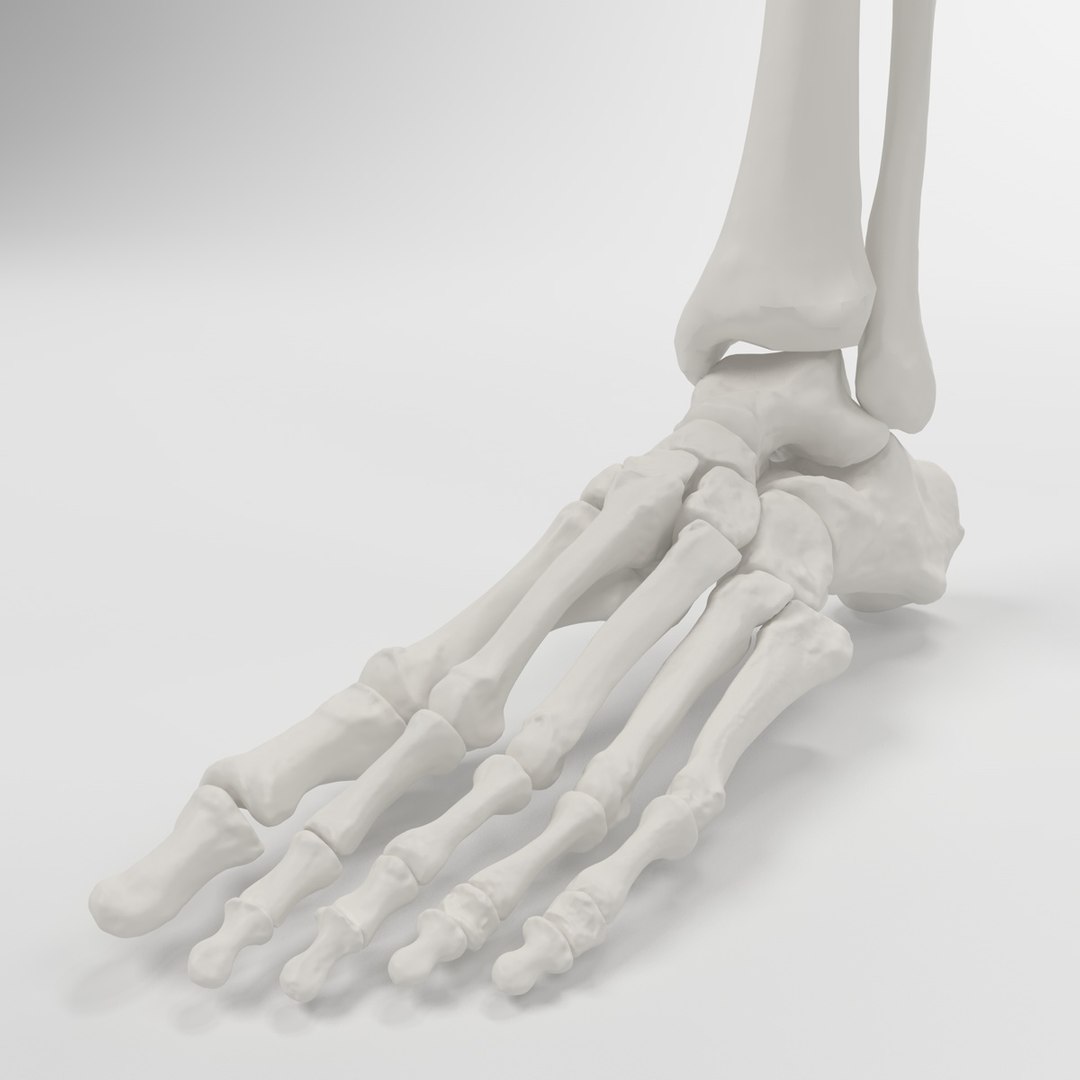
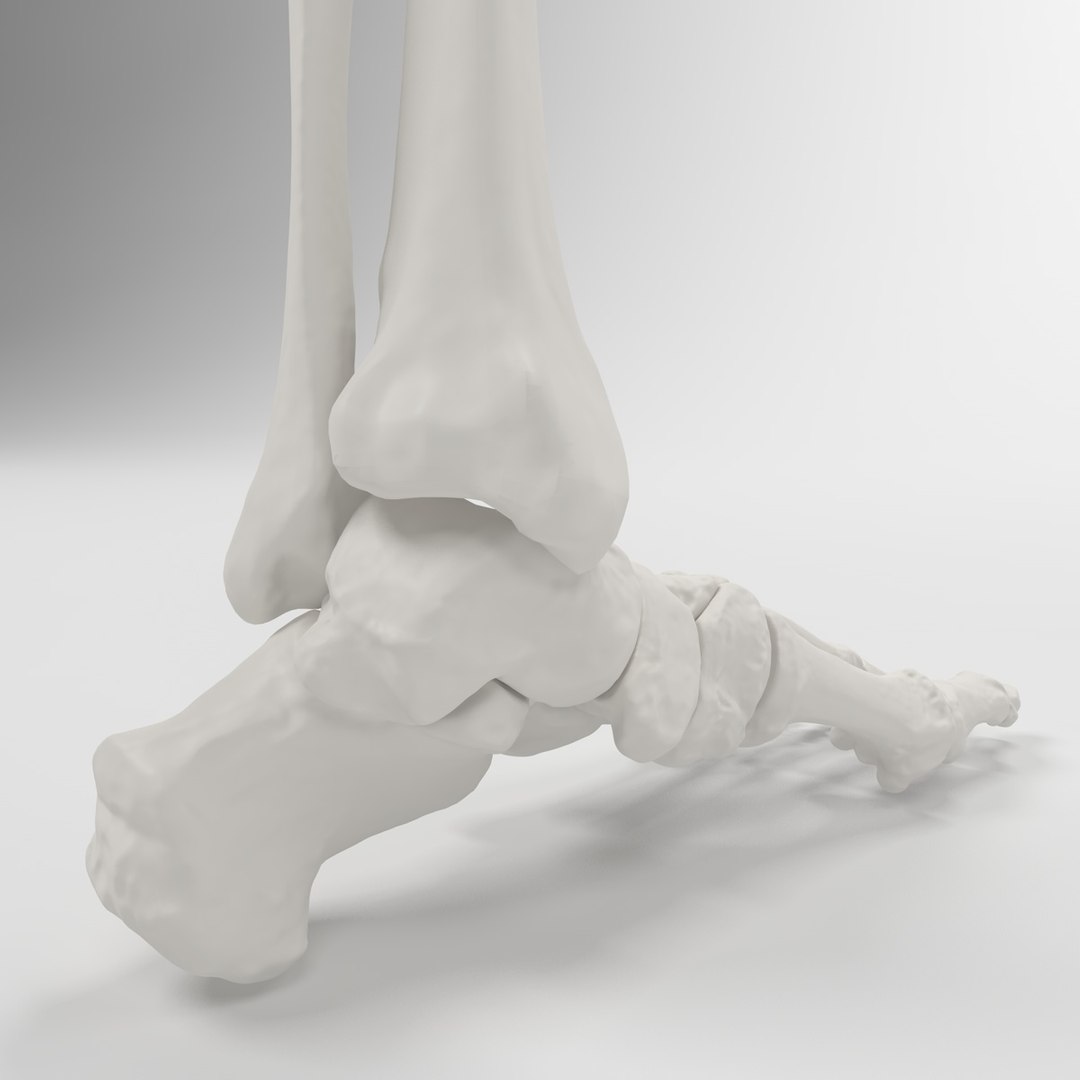
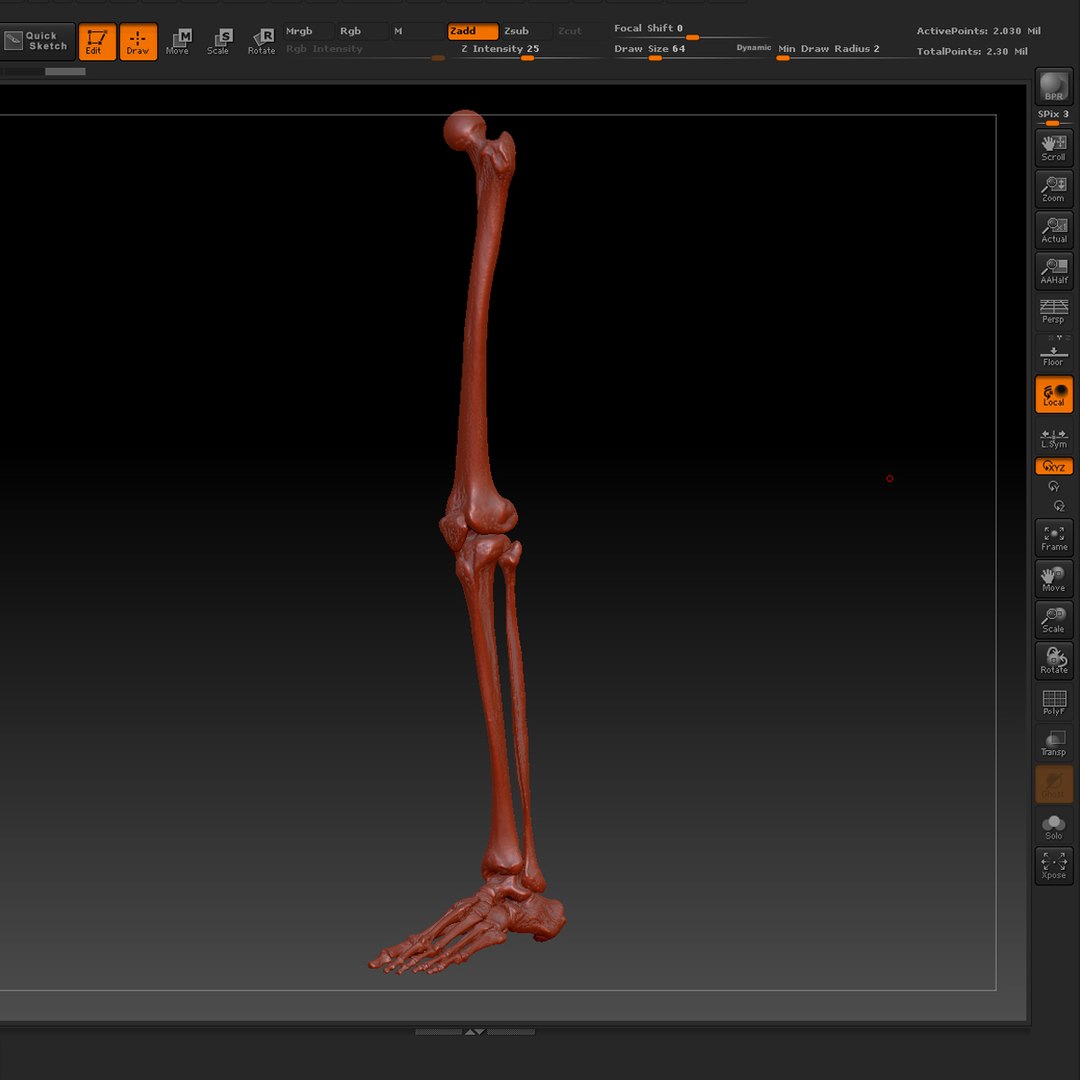
Skeleton Leg

$99

Standard License | Upgrade License
Formats (5)
Free file format Conversions available
Native | Cinema 4D 11.5 | Advanced Render
3ds Max 2010 | Default Scanline
Maya 2012 | mental ray
OBJ
ZBrush
Specifications
Publish Date June 30, 2013
Product ID 751002
Polygons 31,727
Vertices 31,787
Polygonal Quads/Tris Geometry
Textures
Materials
UV Mapped
Non-overlapping Unwrapped UVs
TurboSquid Exclusive
member avatar
ID Guy
40 Products | Contributor Since 2004
Have questions? Chat with us now.

Description

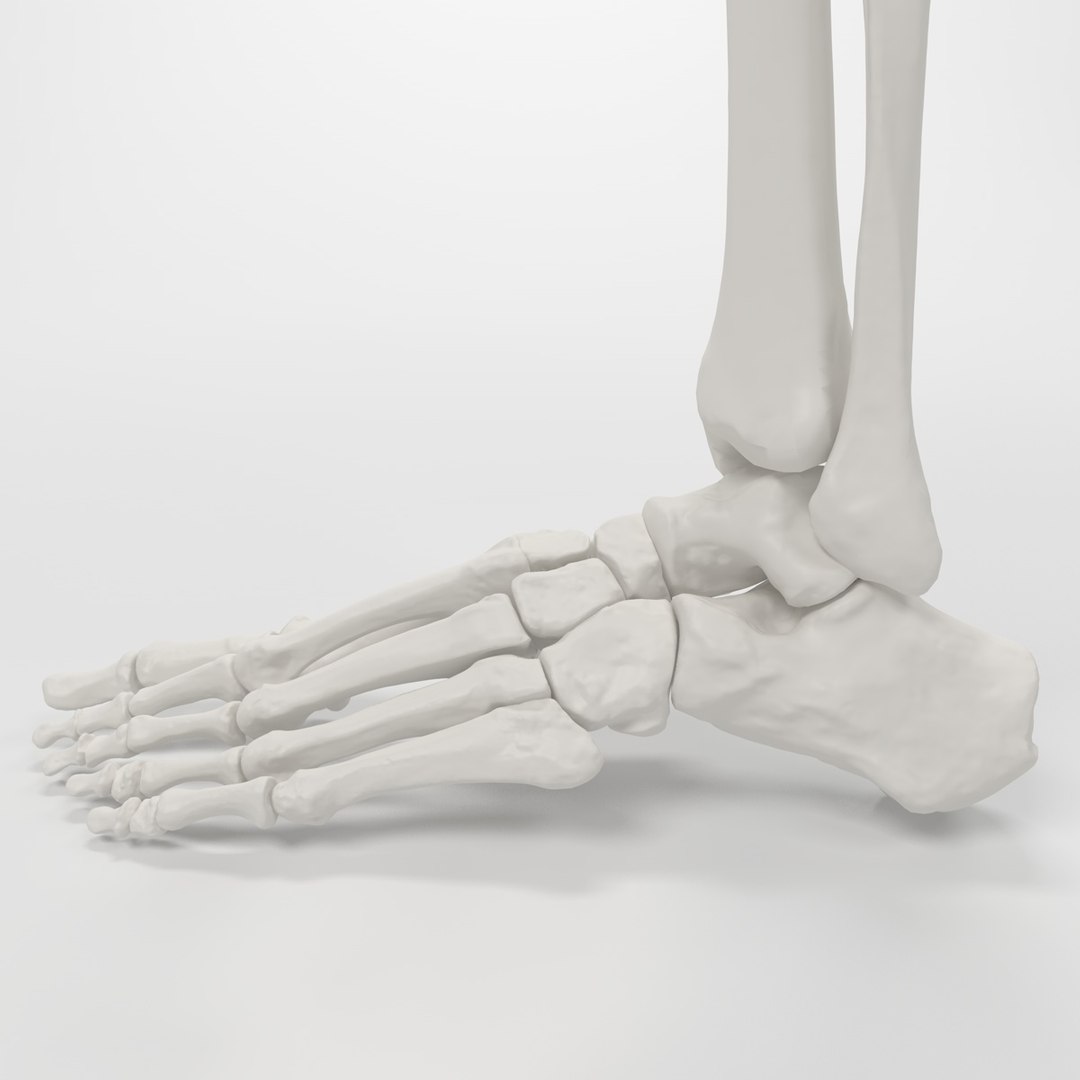
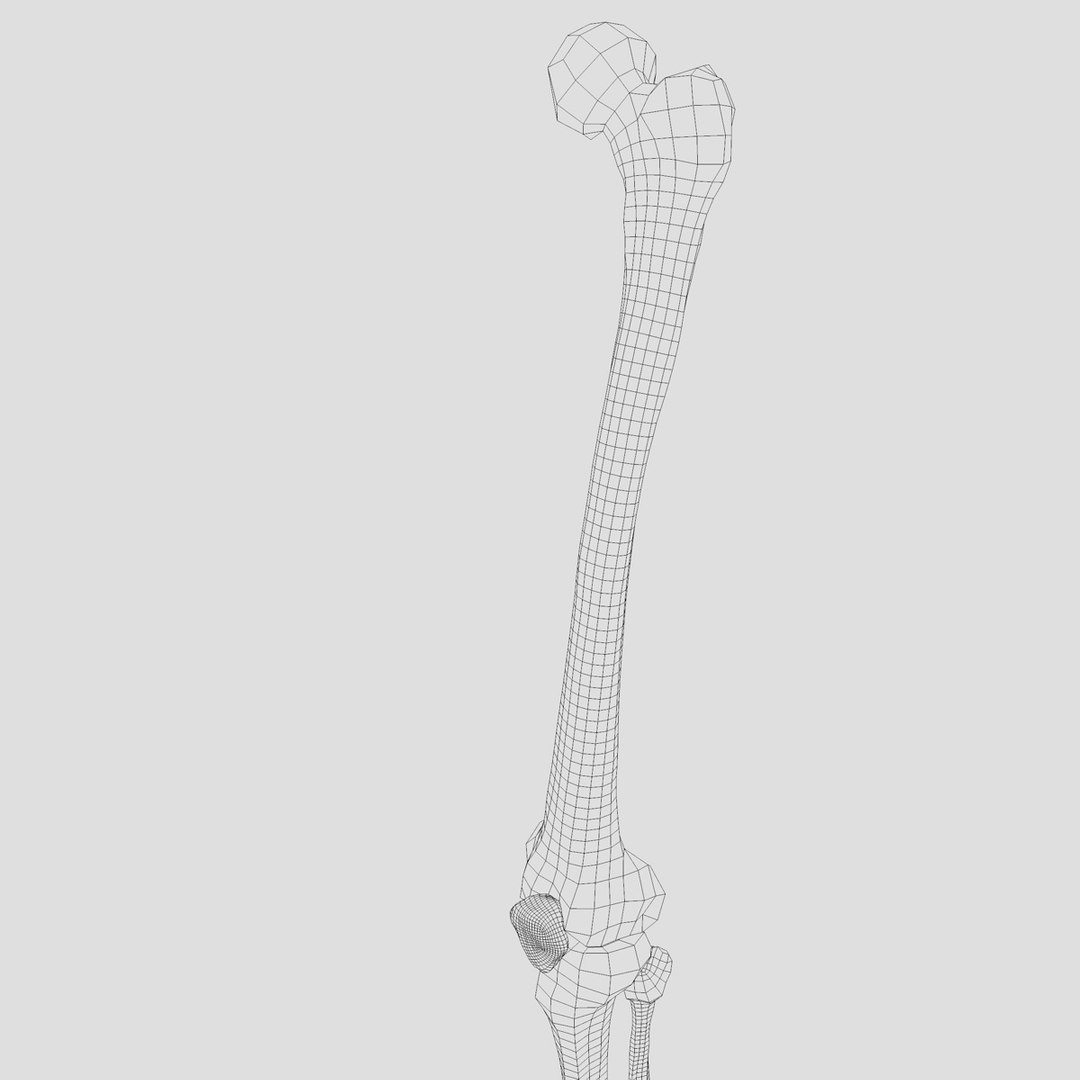
Highly detailed and accurate model of skeleton legprovided in 5 formats.

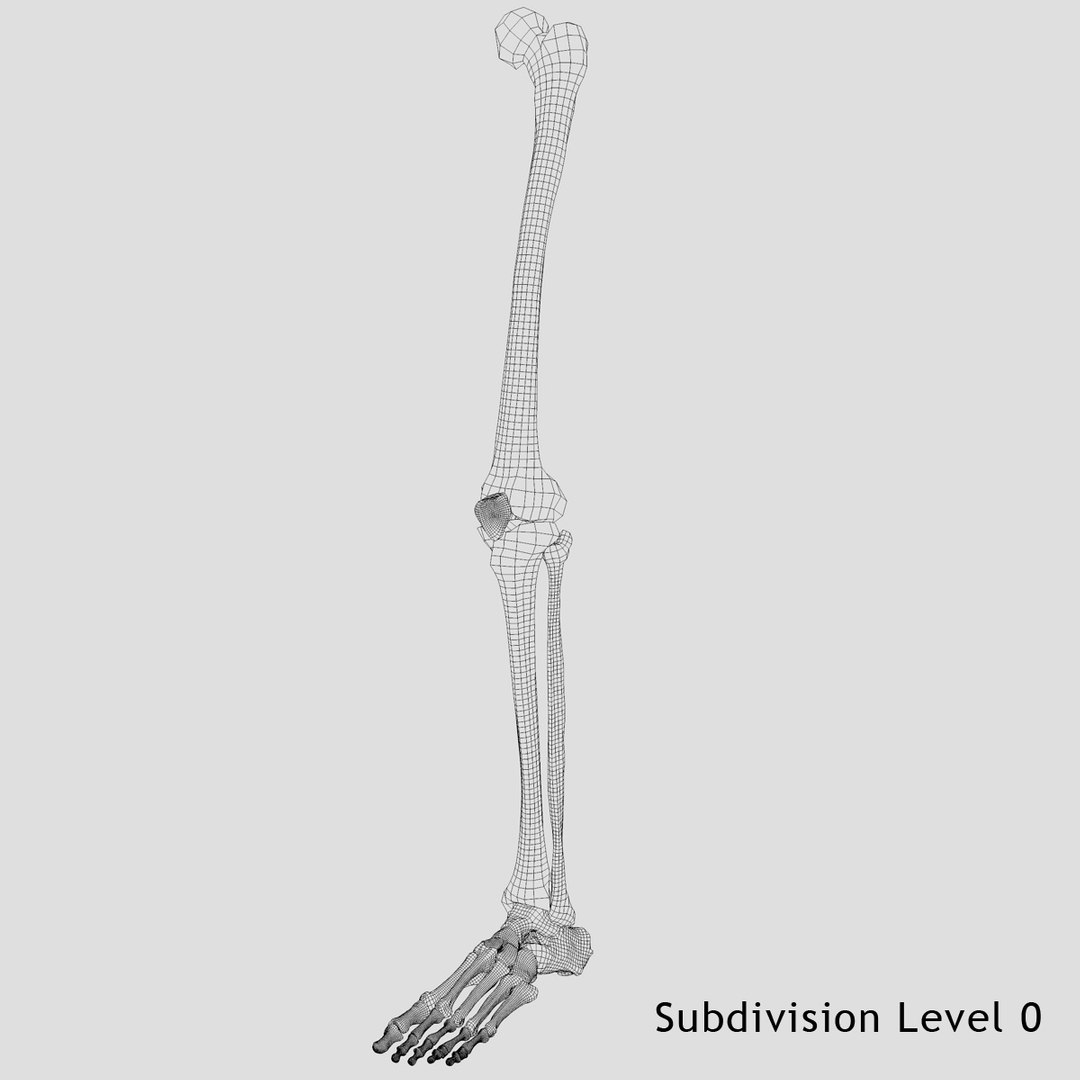
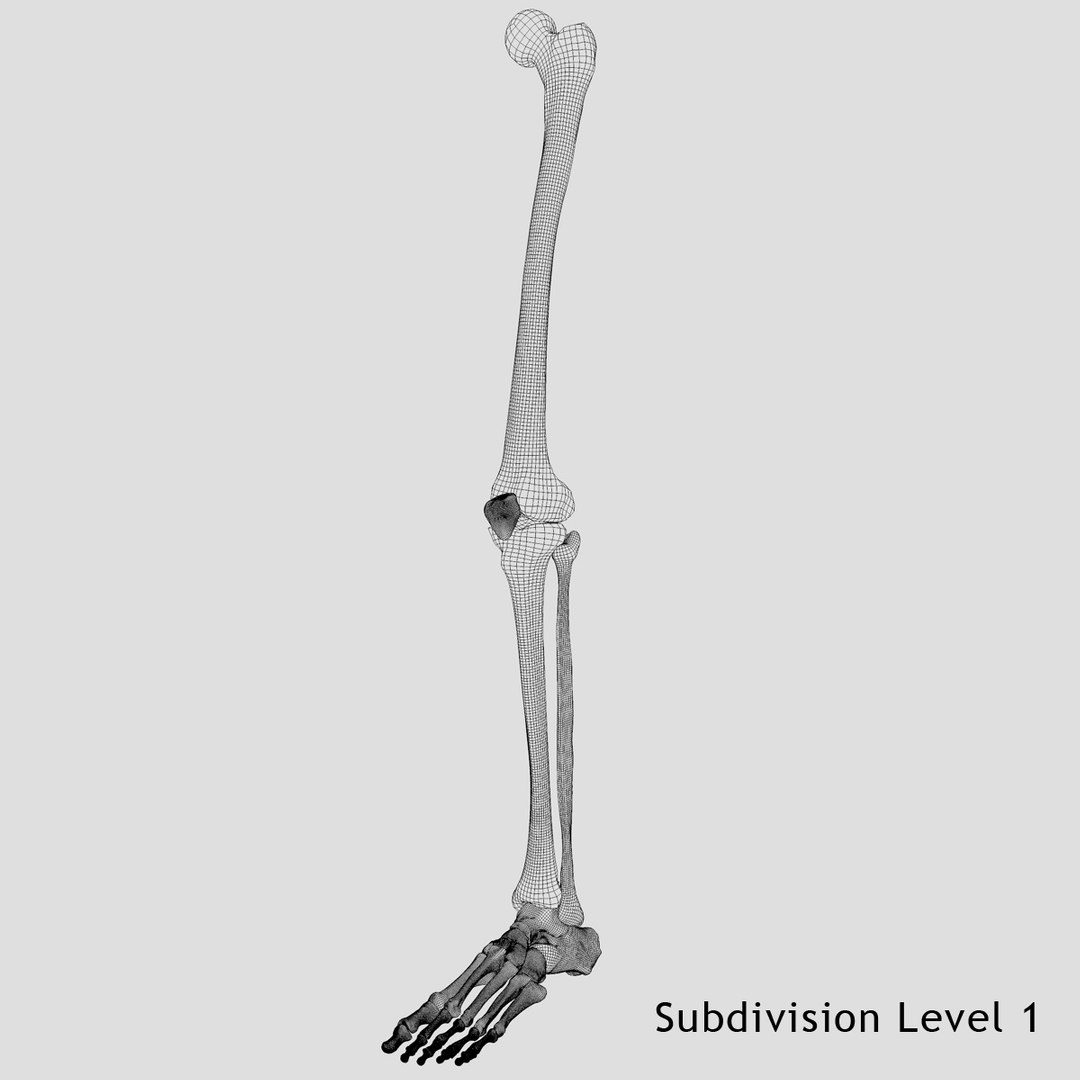
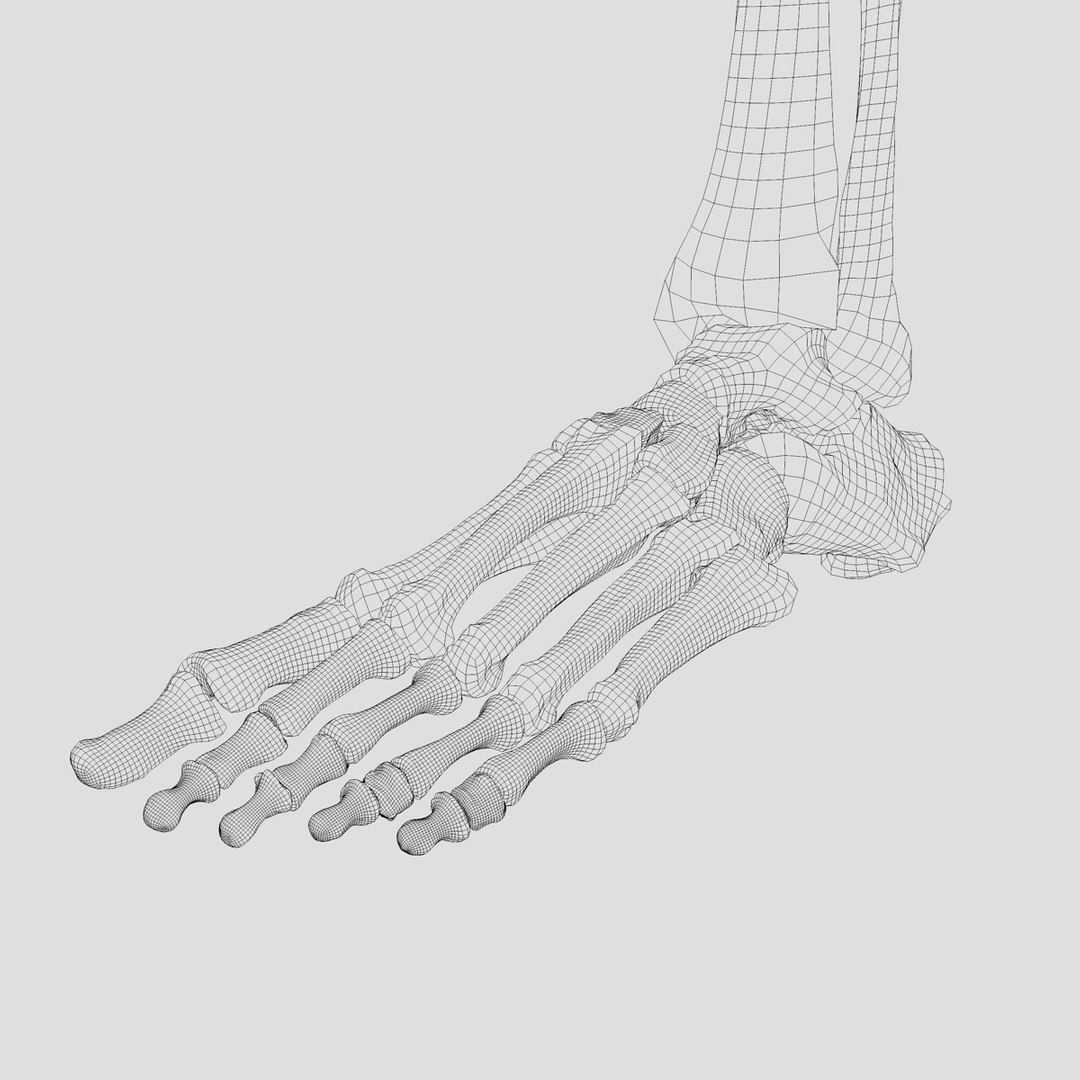
Geometry composed of 99.9% quads

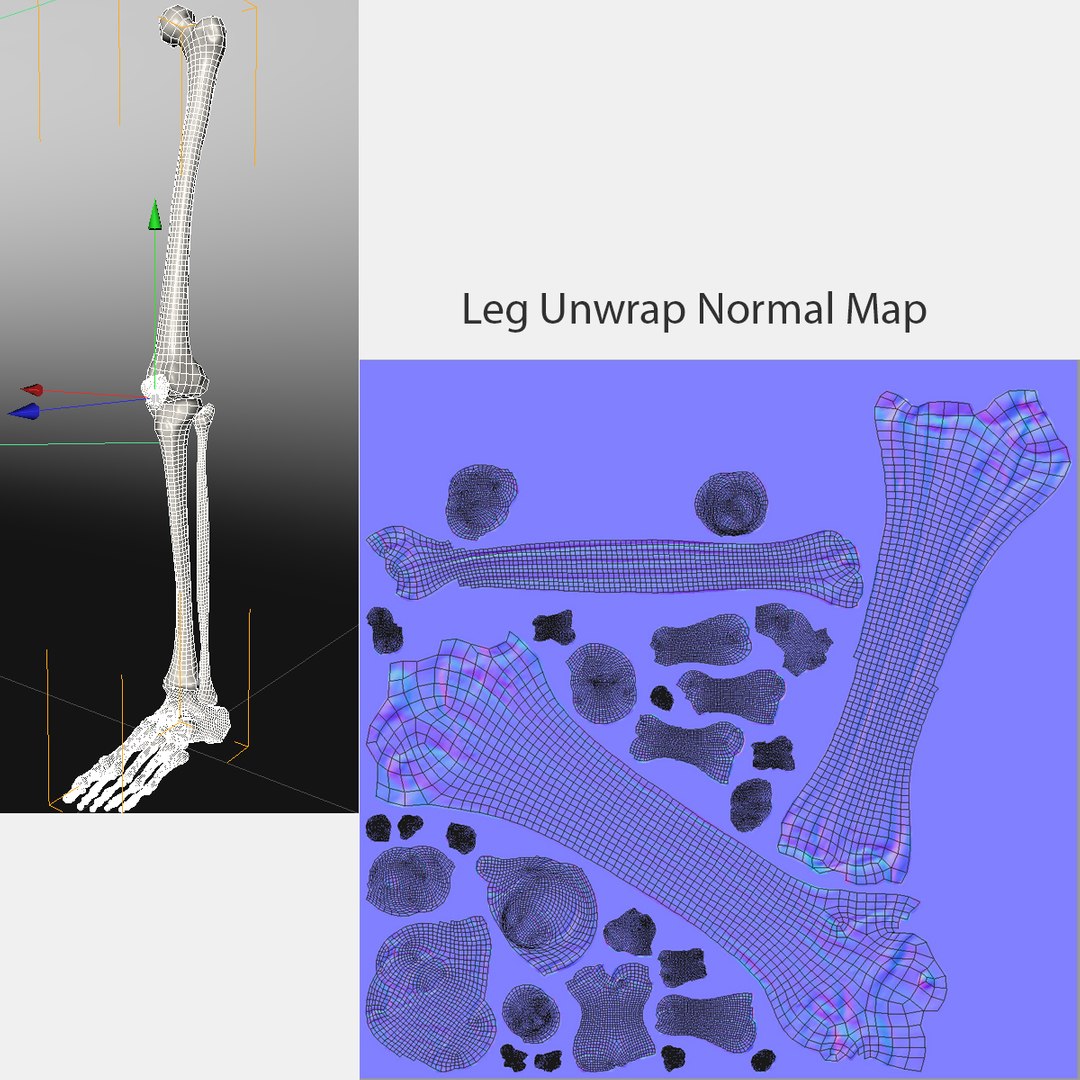
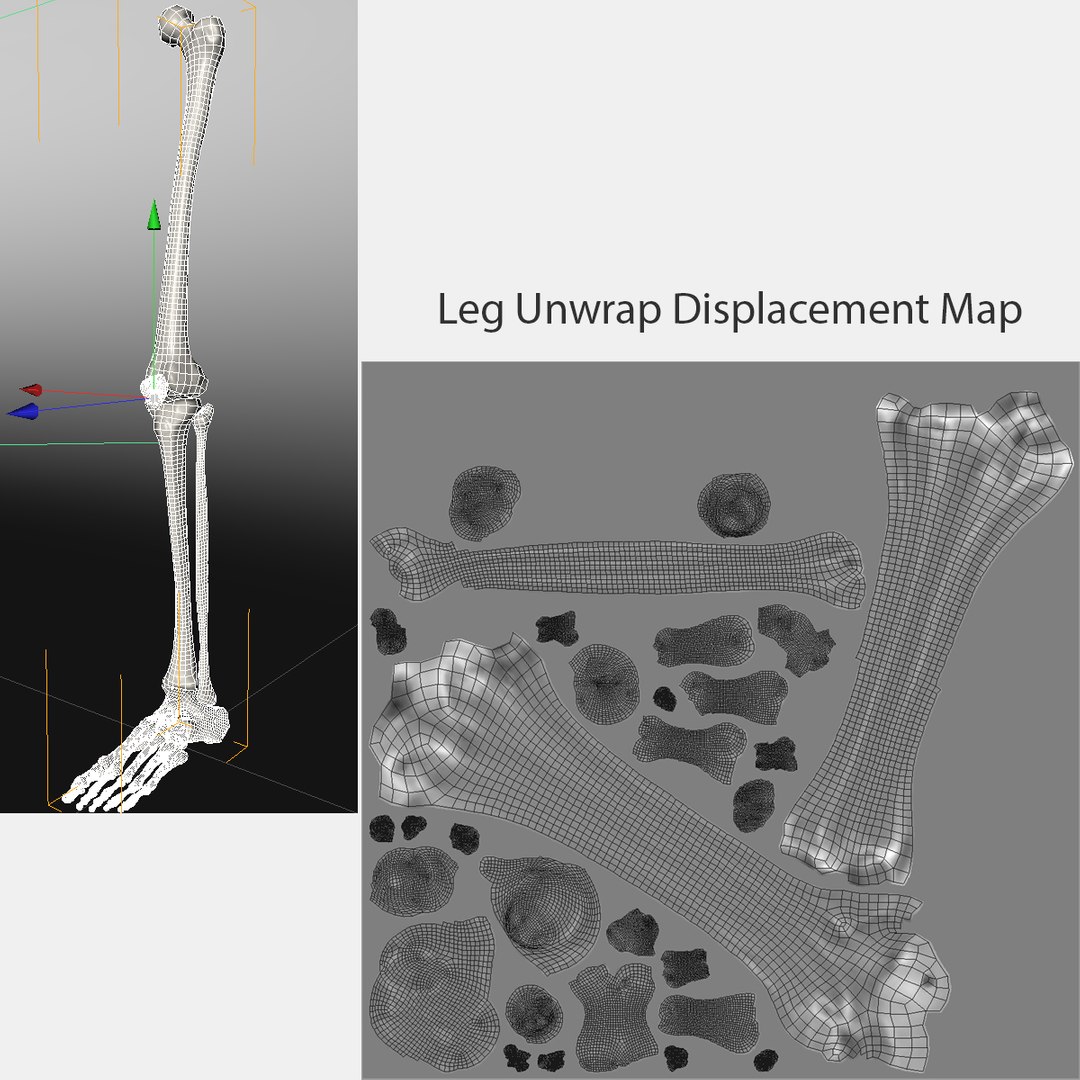
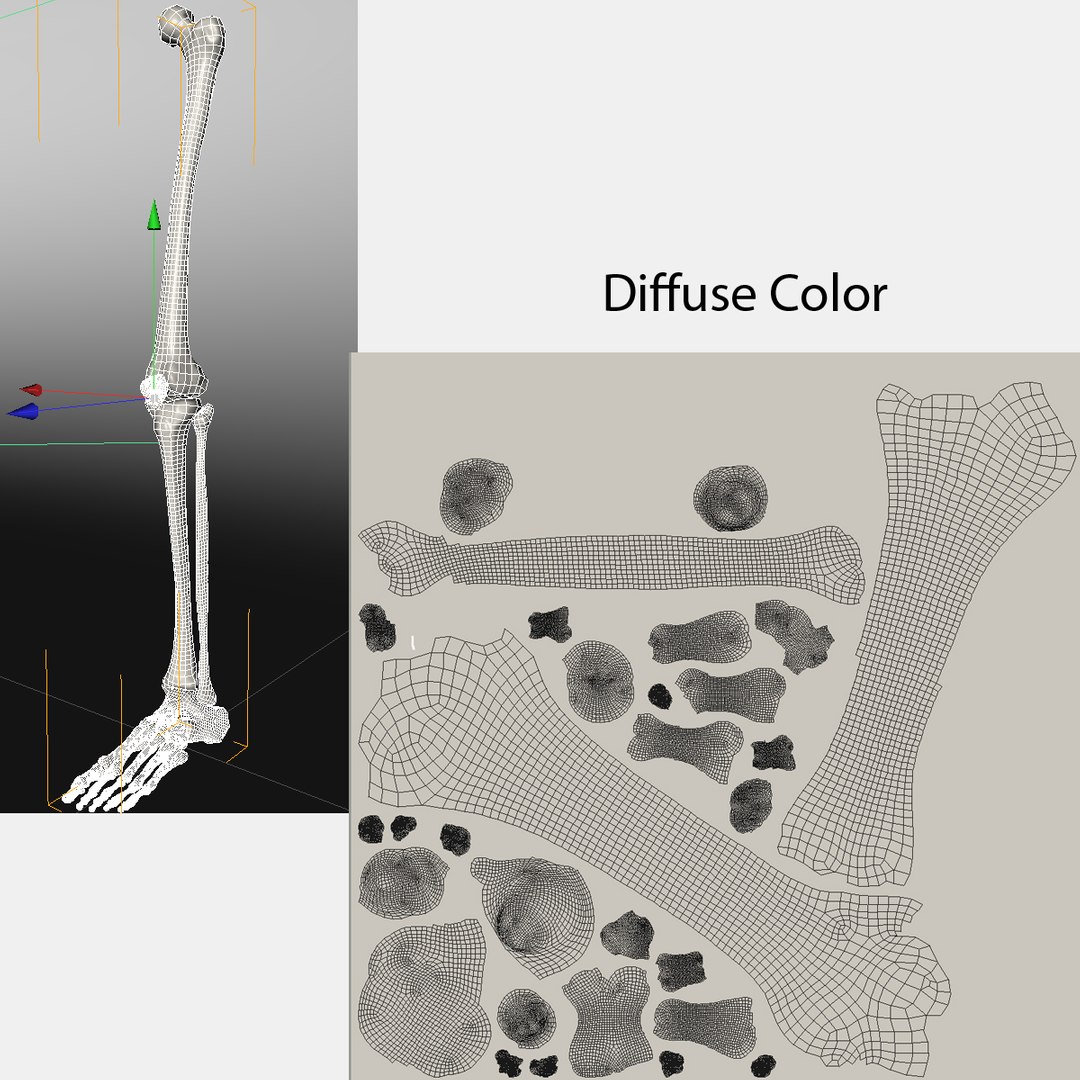
Texture Resolution = 2048x2048

Normal maps and displacement maps generated from Zbrush to each application. Zbrush file included for further texture tweaking and export to other applications not listed.

Formats include:

Cinema 4D- Material contains normal and displacement texture maps. Preview images were rendered with Cinema 4D.

3d Max - Exported from zbrush to Max with GoZ. Further tweaking of materials will be needed based on render engine used, desired look and render speed performance needed.

Maya - Exported from zbrush to Maya with GoZ. Further tweaking of materials will be needed based on render engine used, desired look and render speed performance needed.


OBJ- Obj Exported from Cinema 4D with textures and UV. Open in desired application and place texture maps in appropriate material slot.

Zbrush- High res zbrush model with multiple subdivision levles.

Select Enhanced License

  • $10,000 in Legal Protection (Indemnification)
  • Uncapped Legal Protection (Indemnification)
  • Waiver from injunctive relief
  • Assignable model rights
  • $1,000,000 in Legal Protection (Indemnification)
  • Waiver from injunctive relief
  • Assignable model rights
  • $250,000 in Legal Protection (Indemnification)
  • Assignable model rights
Read more about enhanced license tiers, or contact us at enterprise@turbosquid.com. Already a Shutterstock Enterprise Customer? Contact your Shutterstock Sales Support Agent to talk about adding 3D.

About Conversion Requests

To submit a conversion request for a purchased asset, please complete our Conversion Request Form.

If you have not yet purchased a model, please review our Documentation about Conversions to learn about what limitations you may encounter with a conversion.

For any additional questions about a model’s suitability for conversion, please contact TurboSquid Support.

Loading...