
Shipping Container

$20

Standard License | Upgrade License
Formats (5)
Native | 3ds Max 9.0 | Default Scanline
OBJ
FBX
DXF
3D Studio
Specifications
Publish Date February 26, 2010
Product ID 517805
Polygons 24,733
Vertices 45,366
Polygonal
Textures
Materials
UV Mapped
TurboSquid Exclusive

member avatar
mzubak
358 Products | Contributor Since 2003
Have questions? Chat with us now.

Description

General
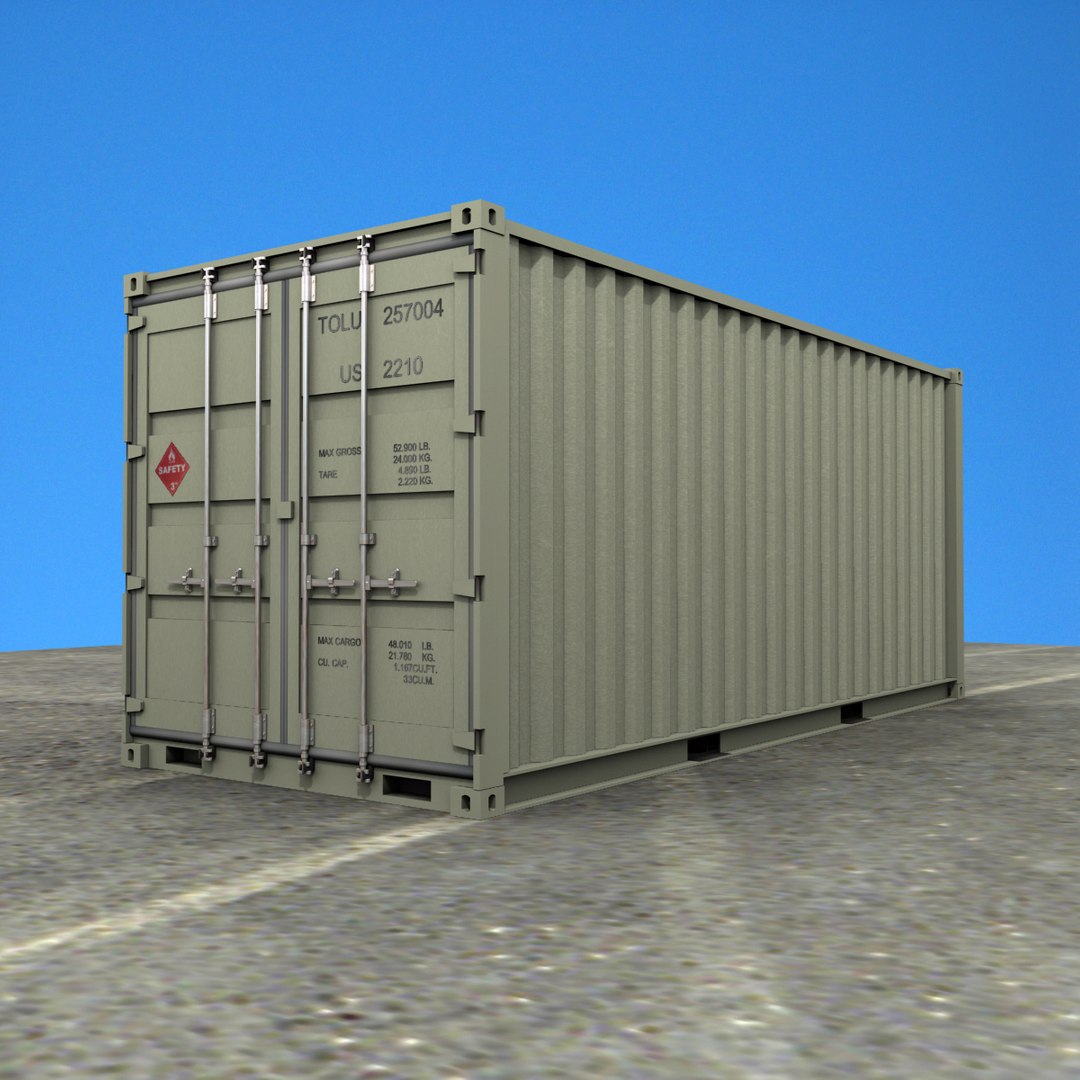
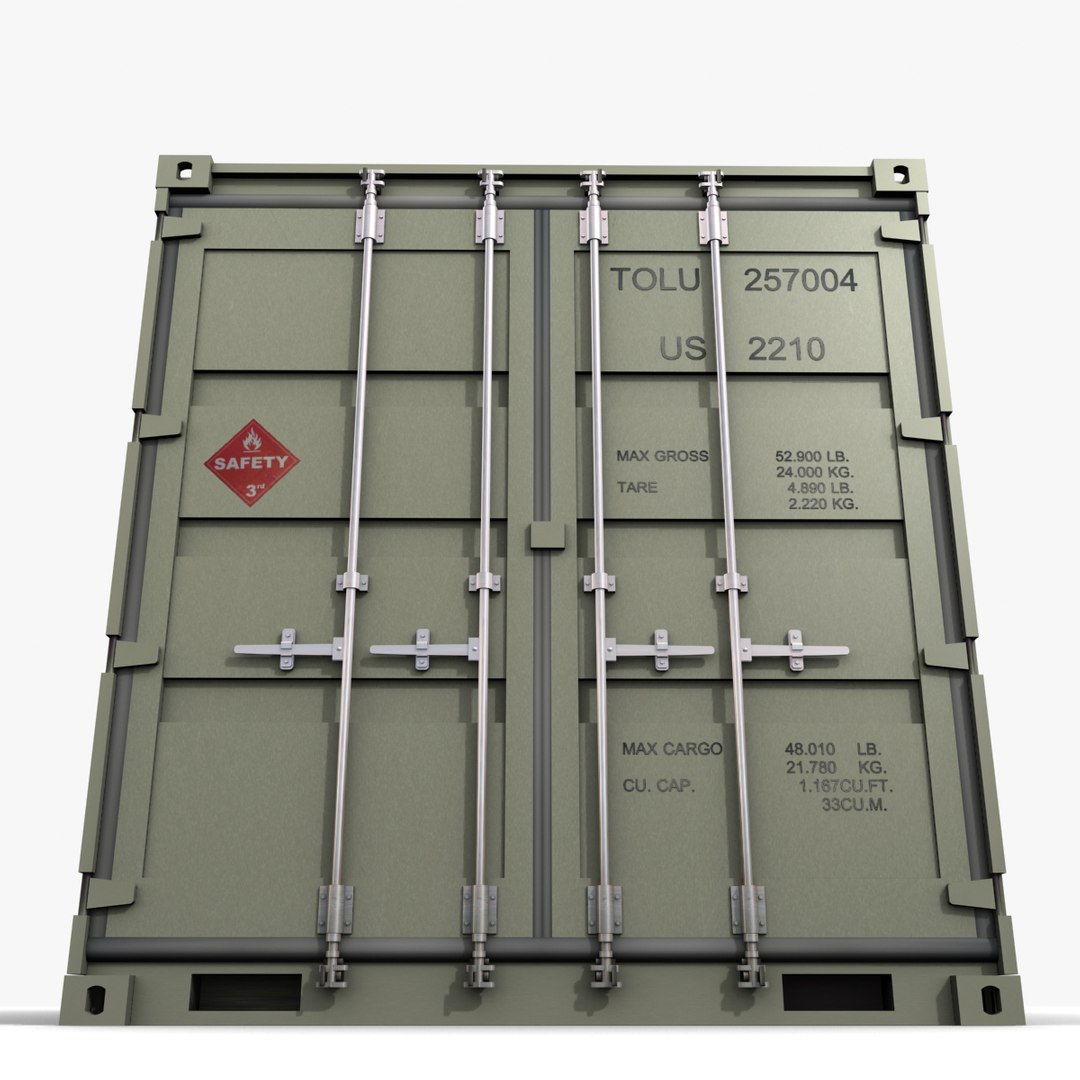
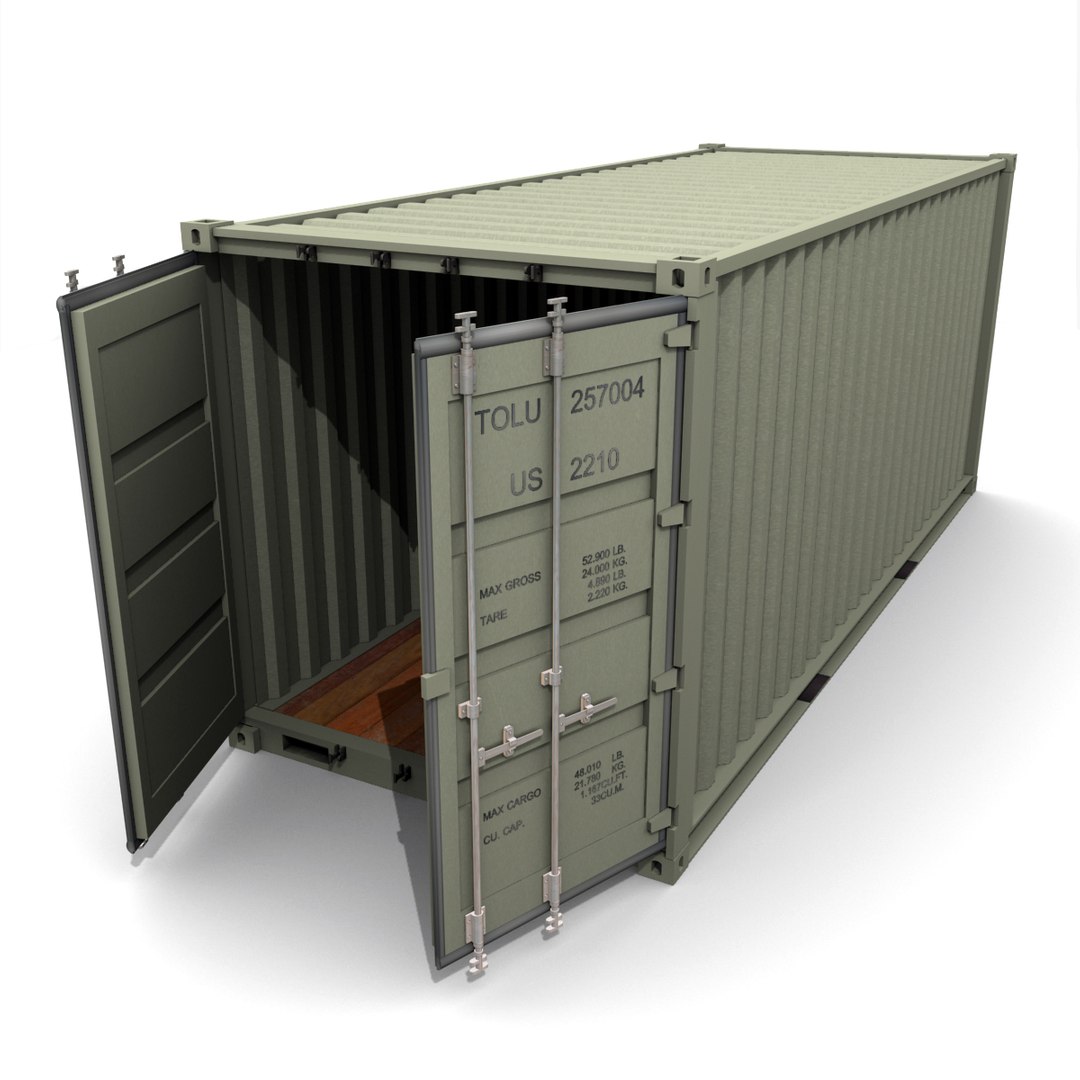
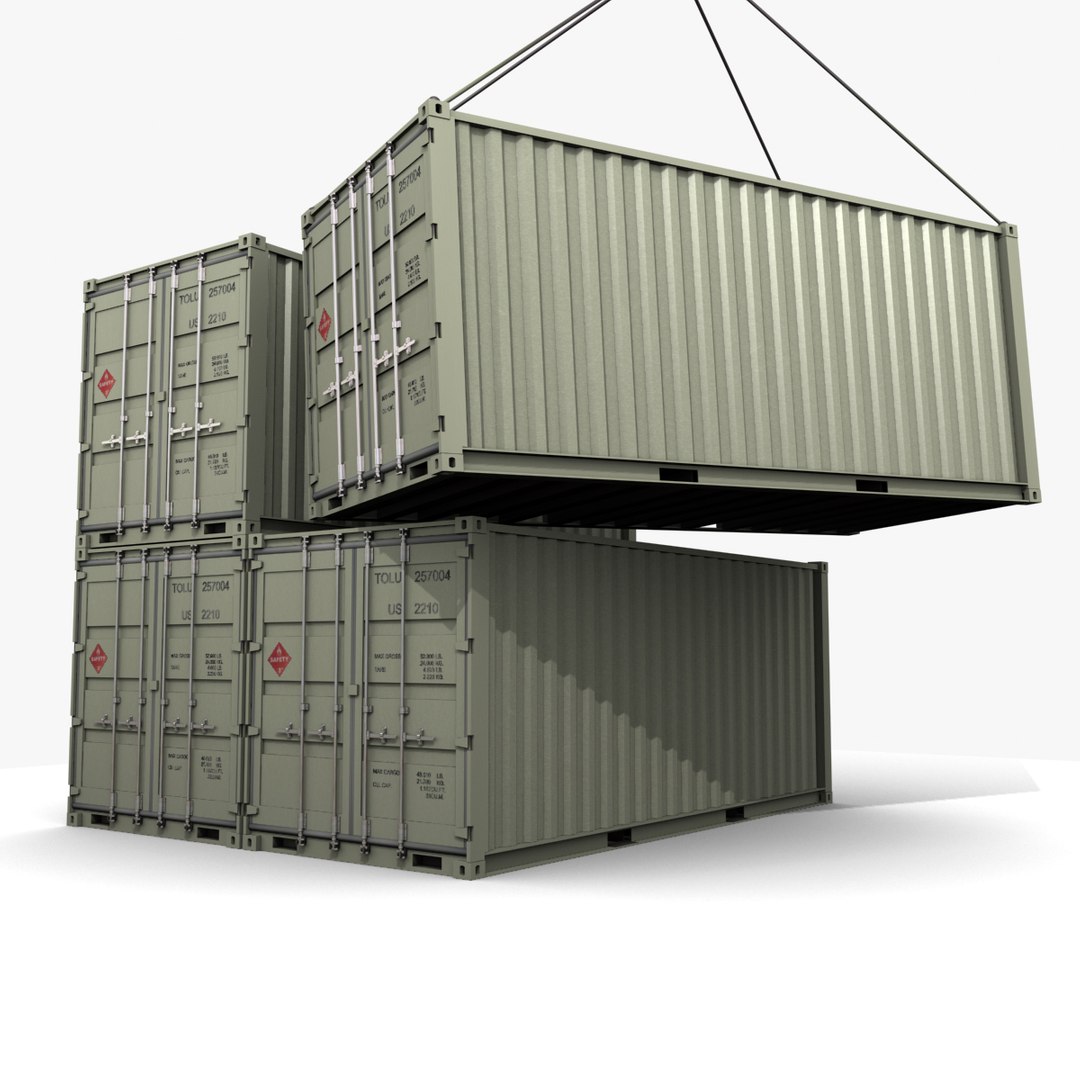
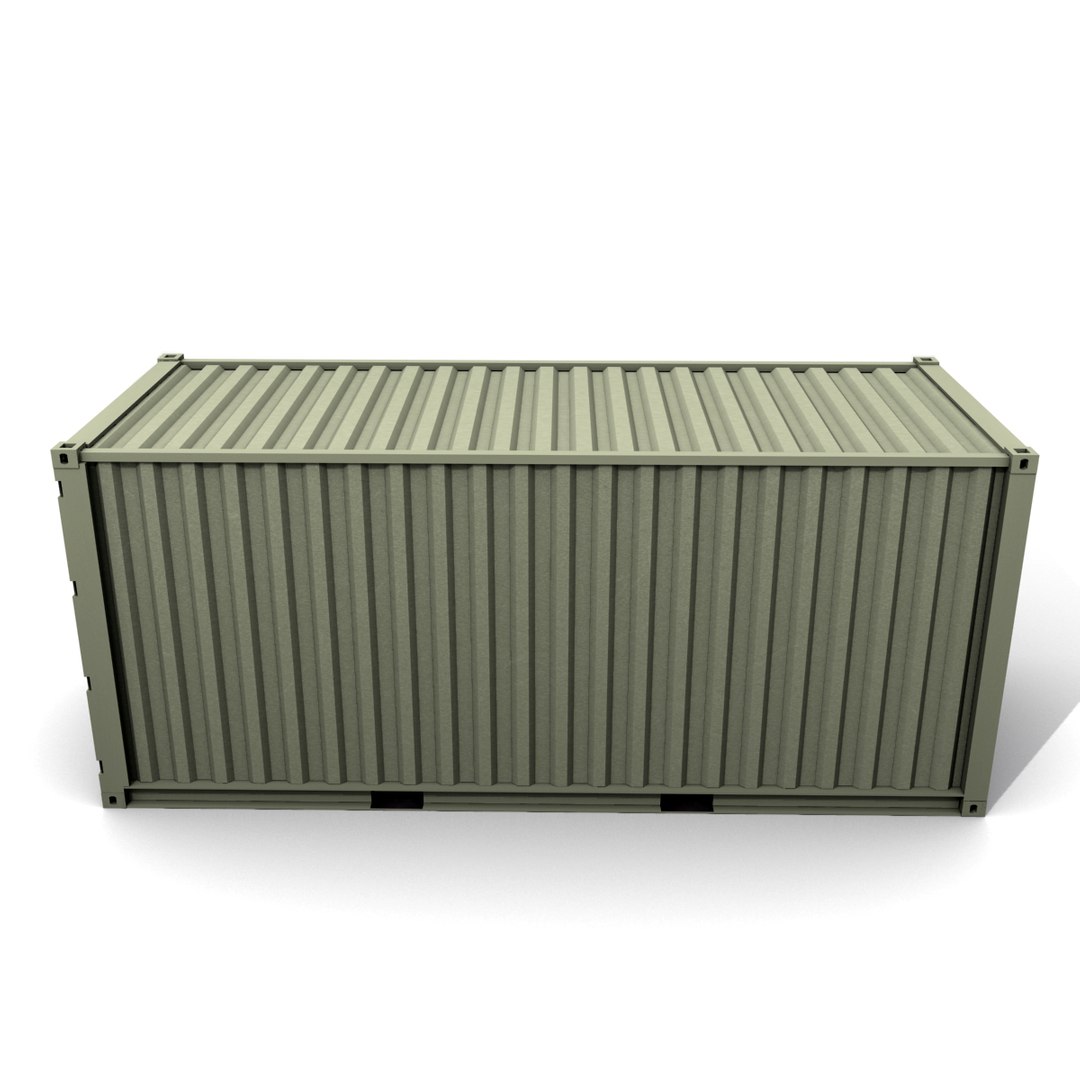
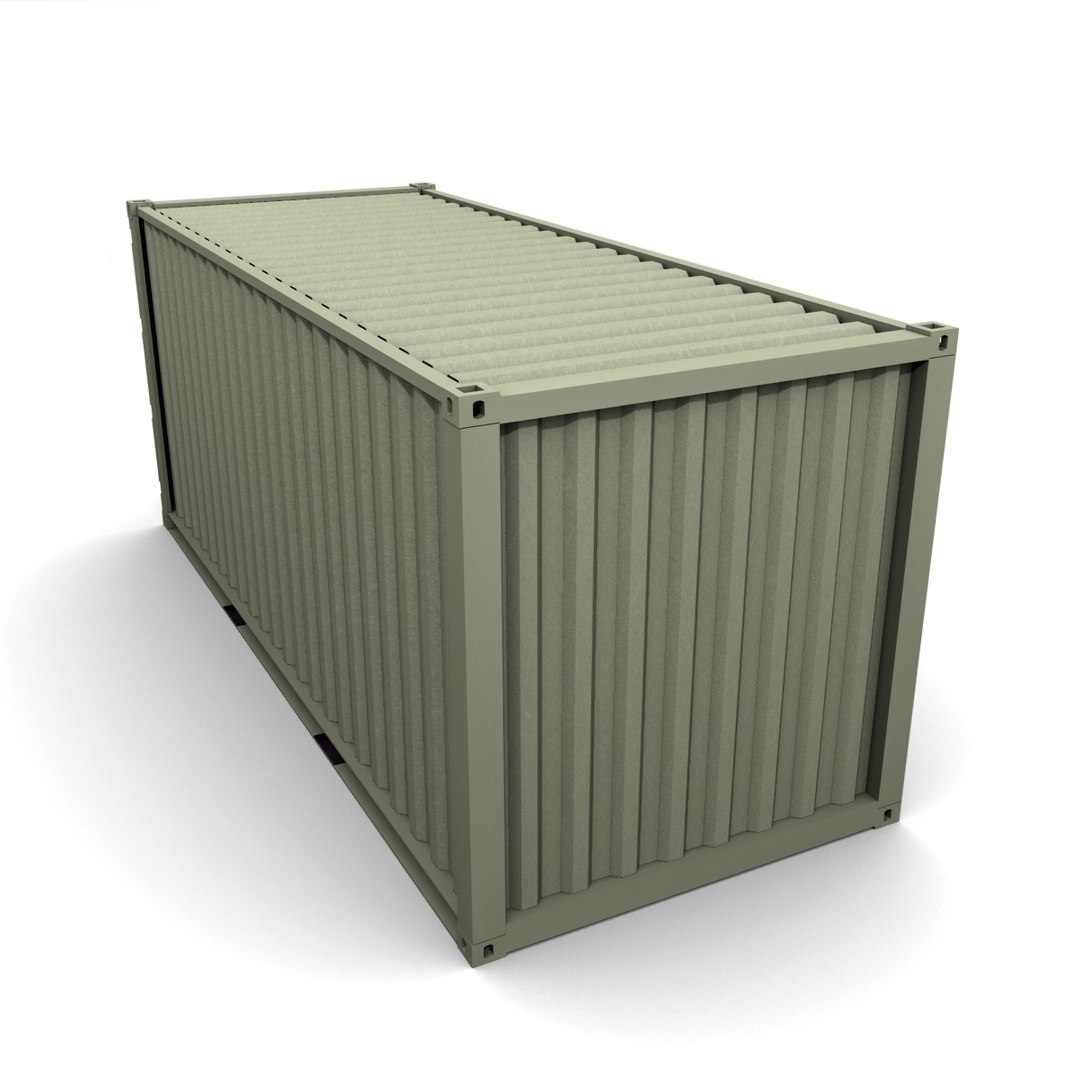
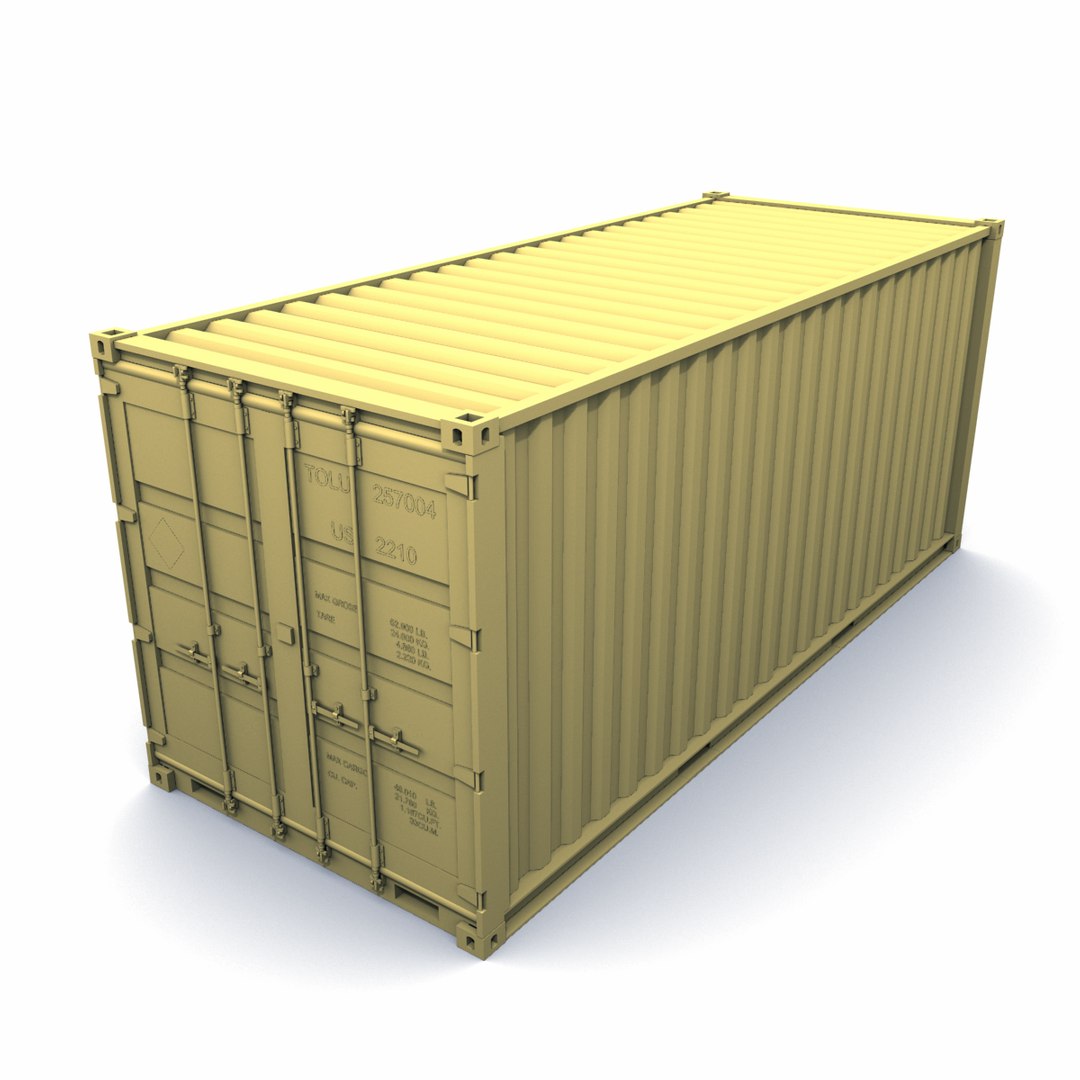
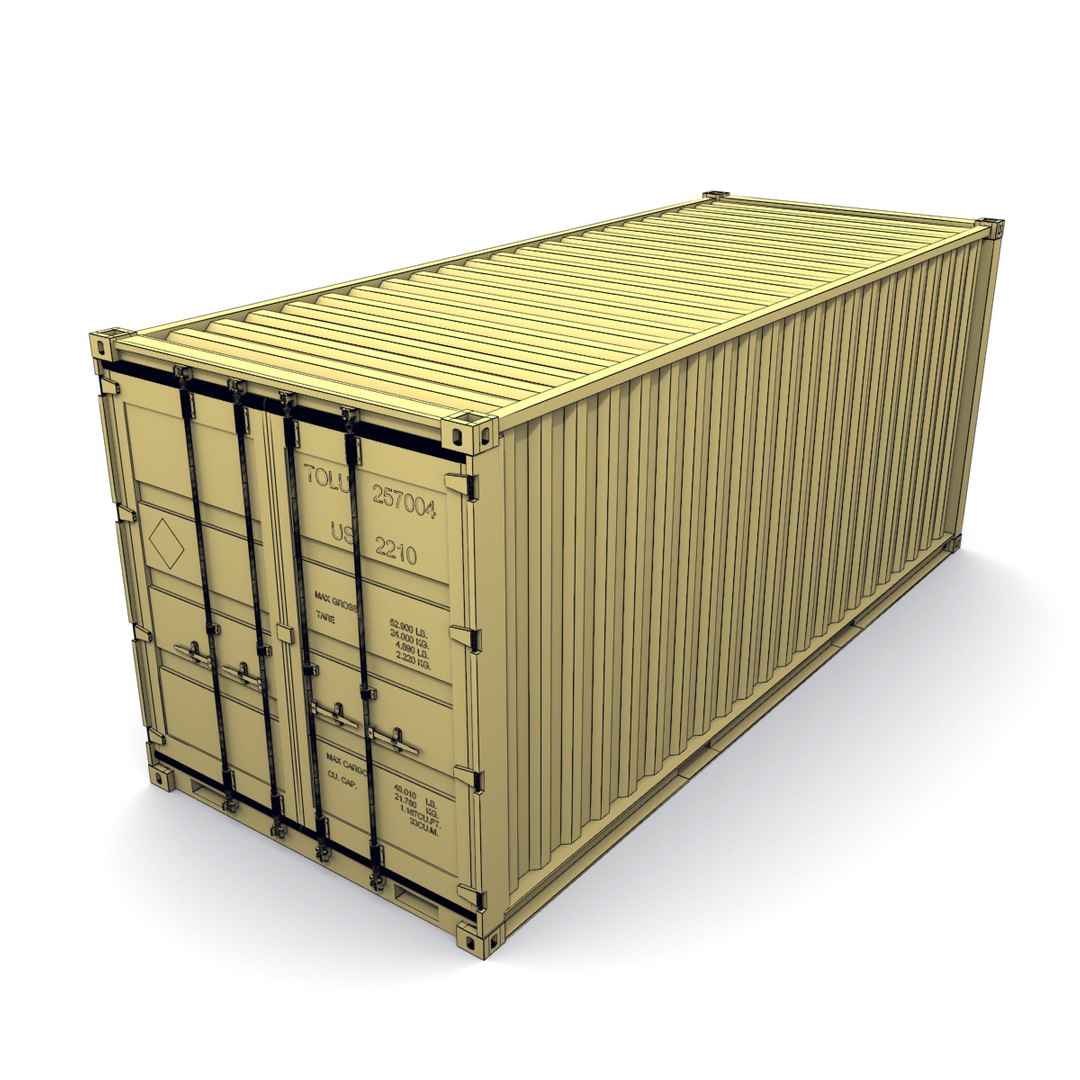
High detail model of ISO cargo 20' ft Shipping Container.
Model is Published on Apr, 2010 but has been completely redesigned in Feb, 2012.
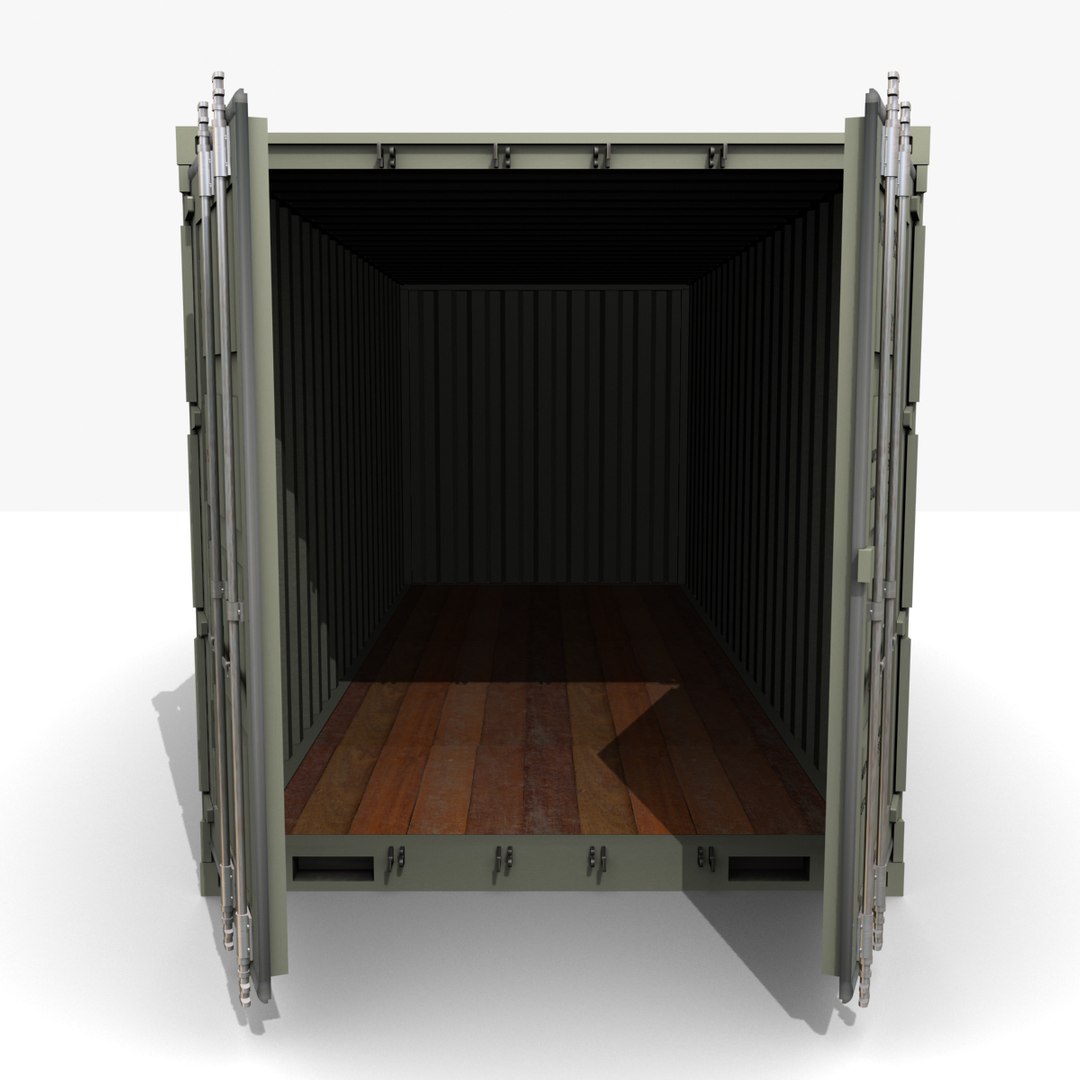
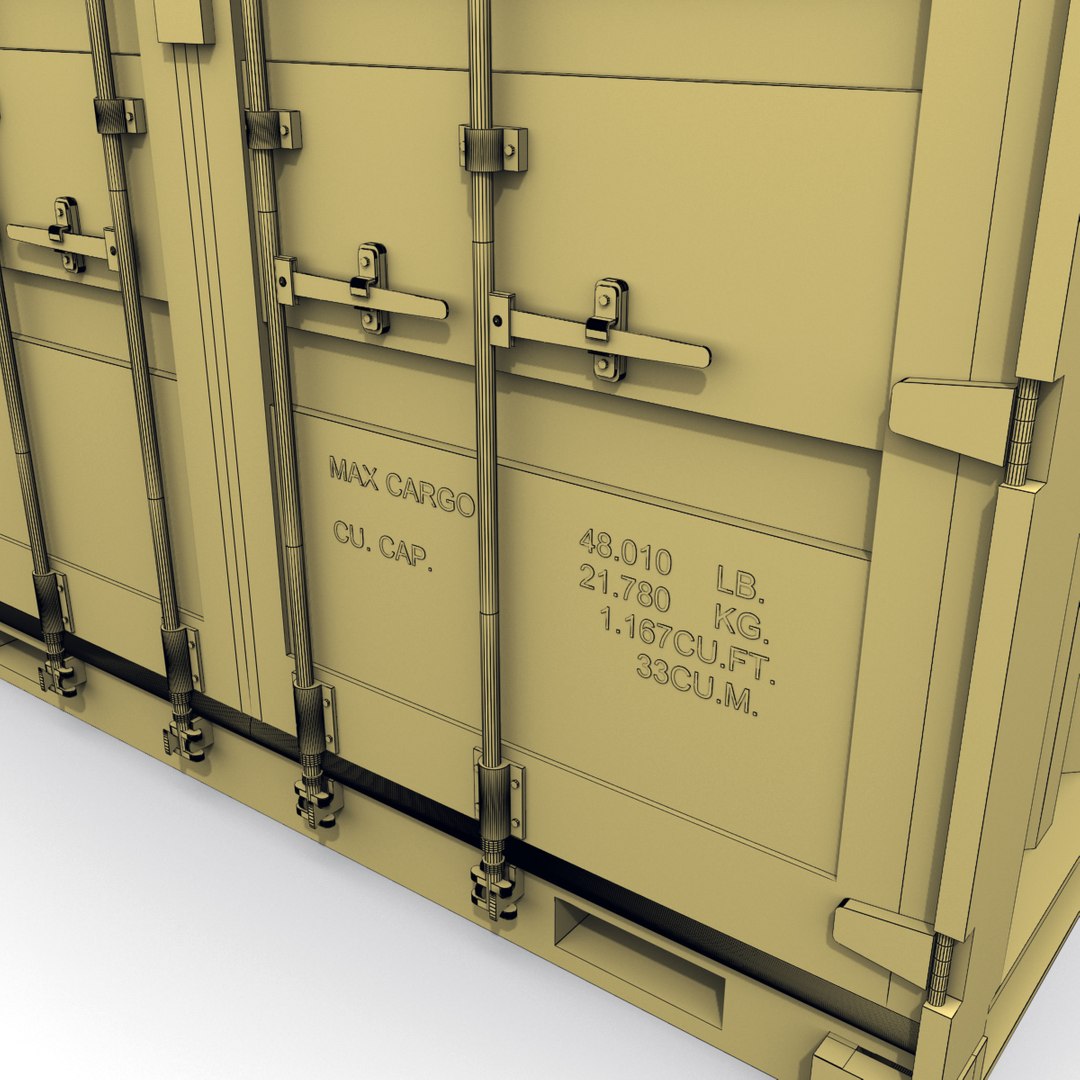
Model is segmented, which allows it to be easily redesigned, (size to 40f, or logo on side). The doors and handles can be opened and turned. Model is made with great attention to small details, high exact and realistic proportions, All Objects are properly named, this model is modeled in real world scale.
Native 3d model format is: 3ds Max 9.0.

Geometry
High level of detail with the best compromise of the number of polygons. All details on the Container have been fully modeled out making the model ideal for close-ups and print work. Geometry: Polygonal some Ngons used.

Material and Textures
Object have UVW Mapping projections. Model used 8 *.jpg Textures, resolution depends on the importance within the model. Material and colors can be easily changed if desired.

Rendering
Render is done with non-illuminated 3Ds Max version with standard materials.
Lighting and environment are included in 3ds max version. Renderer by default, no 3rd Party Plug-ins required to load files or render scene.
Summary Info:
Objects: 14
Lights: 2
Material: 7

Select Enhanced License

  • $10,000 in Legal Protection (Indemnification)
  • Uncapped Legal Protection (Indemnification)
  • Waiver from injunctive relief
  • Assignable model rights
  • $1,000,000 in Legal Protection (Indemnification)
  • Waiver from injunctive relief
  • Assignable model rights
  • $250,000 in Legal Protection (Indemnification)
  • Assignable model rights
Read more about enhanced license tiers, or contact us at enterprise@turbosquid.com. Already a Shutterstock Enterprise Customer? Contact your Shutterstock Sales Support Agent to talk about adding 3D.

About Conversion Requests

To submit a conversion request for a purchased asset, please complete our Conversion Request Form.

If you have not yet purchased a model, please review our Documentation about Conversions to learn about what limitations you may encounter with a conversion.

For any additional questions about a model’s suitability for conversion, please contact TurboSquid Support.

Loading...