
Seamless Metal Fence 05

$19

Standard License | Upgrade License
Formats (13)
Native | 3ds Max 2016 | V-Ray 3.5
Maya 2015 | V-Ray 3.2
Maya 2015 | mental ray
Maya 2017 | Arnold 5.3.1.1
3ds Max 2018 | Arnold 5.3.1.1
Cinema 4D R18 | Arnold 5.3.1.1
Cinema 4D R18 | Advanced Render
OBJ
FBX
OBJ
FBX
Other Files
Metal Fence 05 PSD.rar
Specifications
Publish Date March 13, 2023
Product ID 2040545
Polygons 197,322
Vertices 197,509
Polygonal Quads Only
Textures
Materials
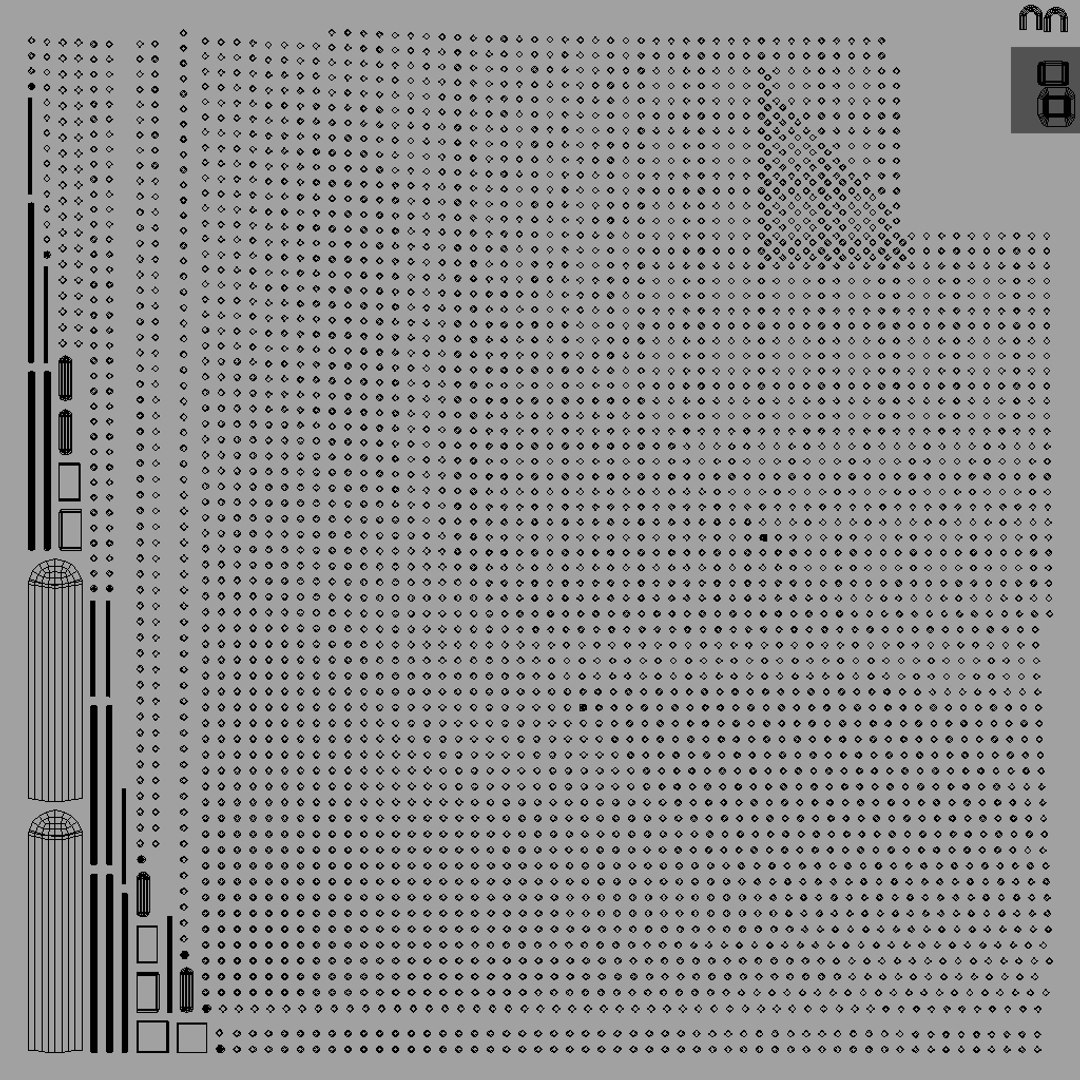
Non-overlapping Unwrapped UVs
PBR
StemCell Certified
TurboSquid Exclusive

member avatar
3D Pro_Stem
2108 Products | Contributor Since 2015
Have questions? Chat with us now.

Description

--General--

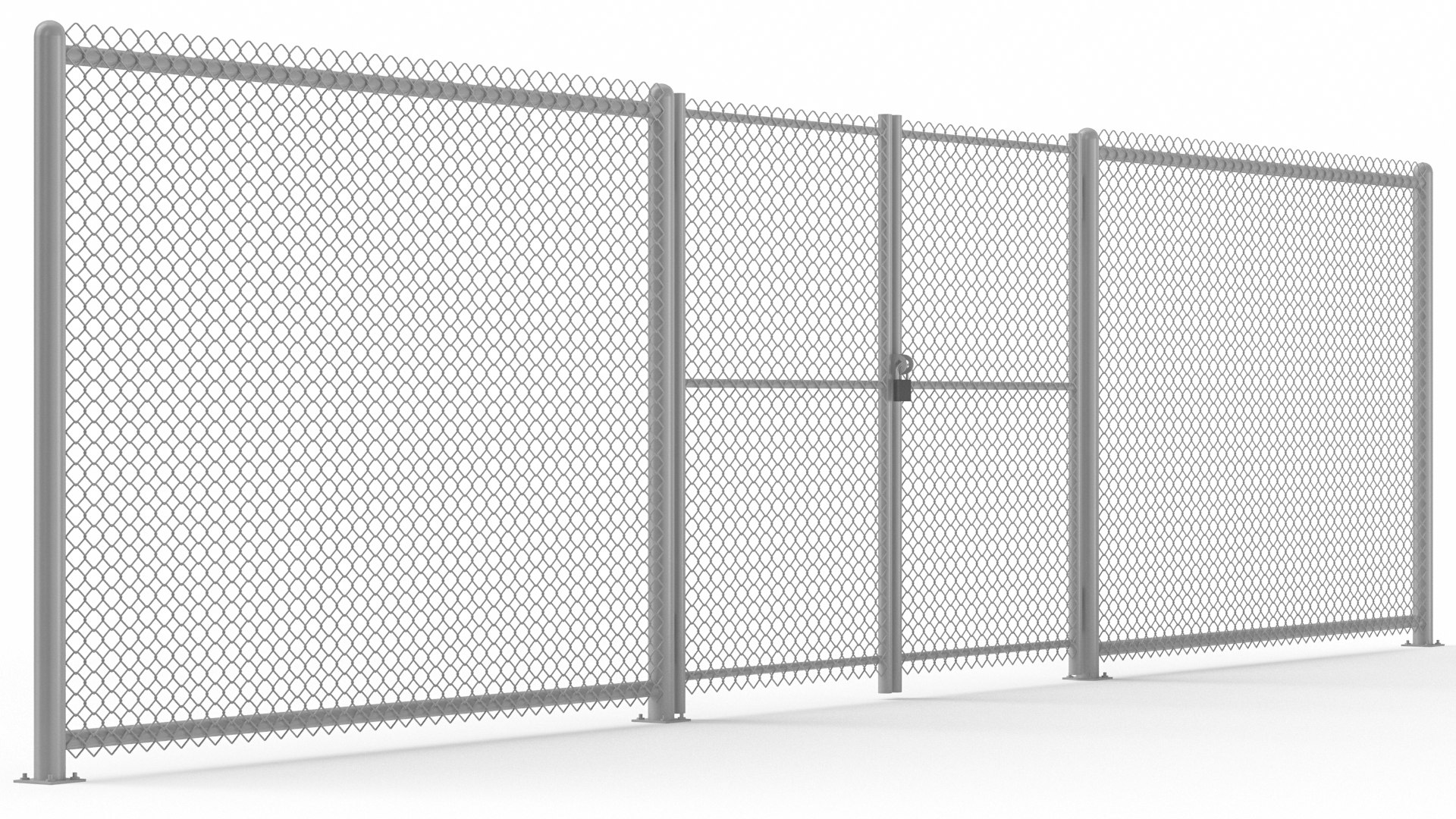
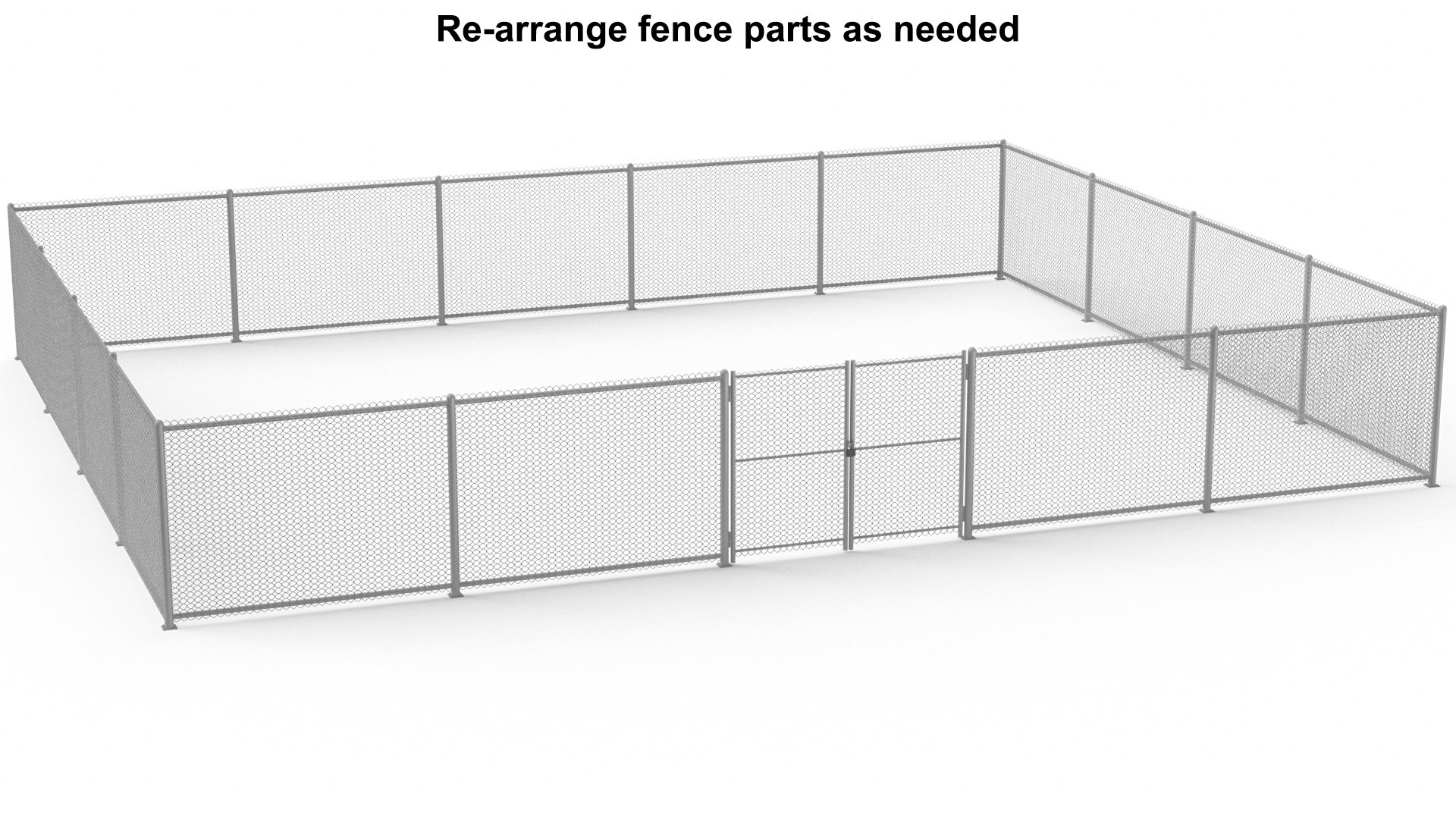
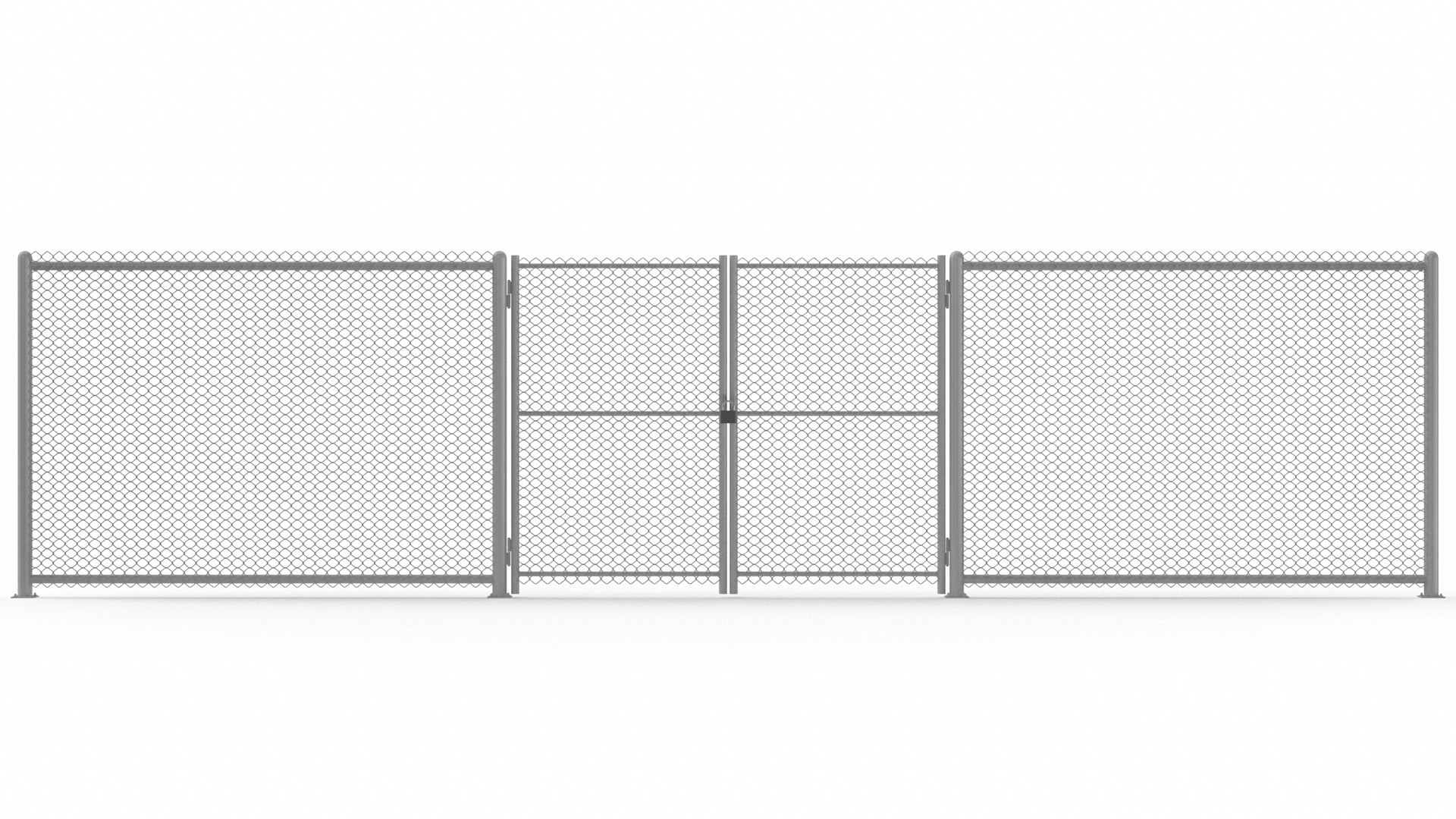
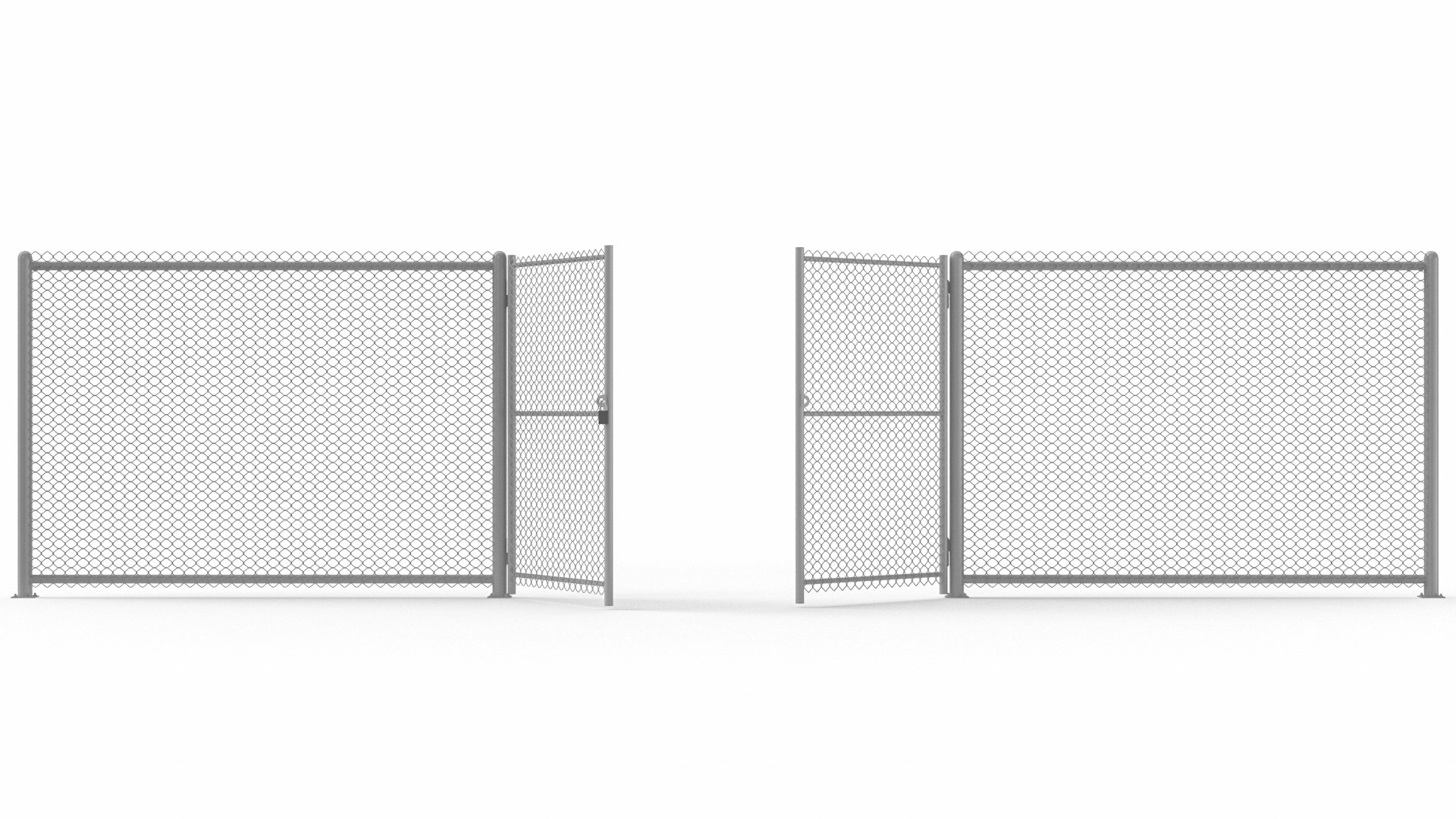
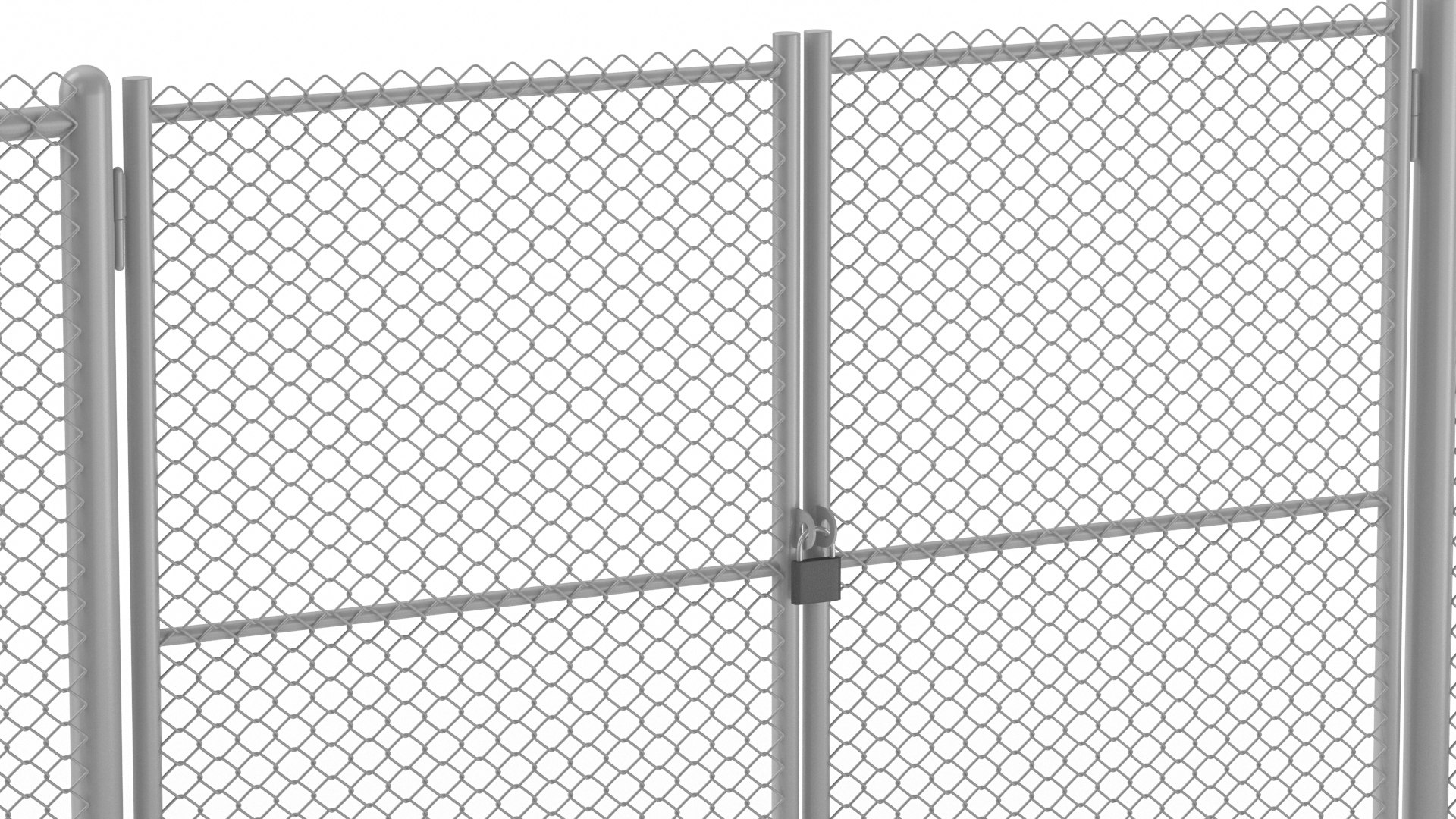
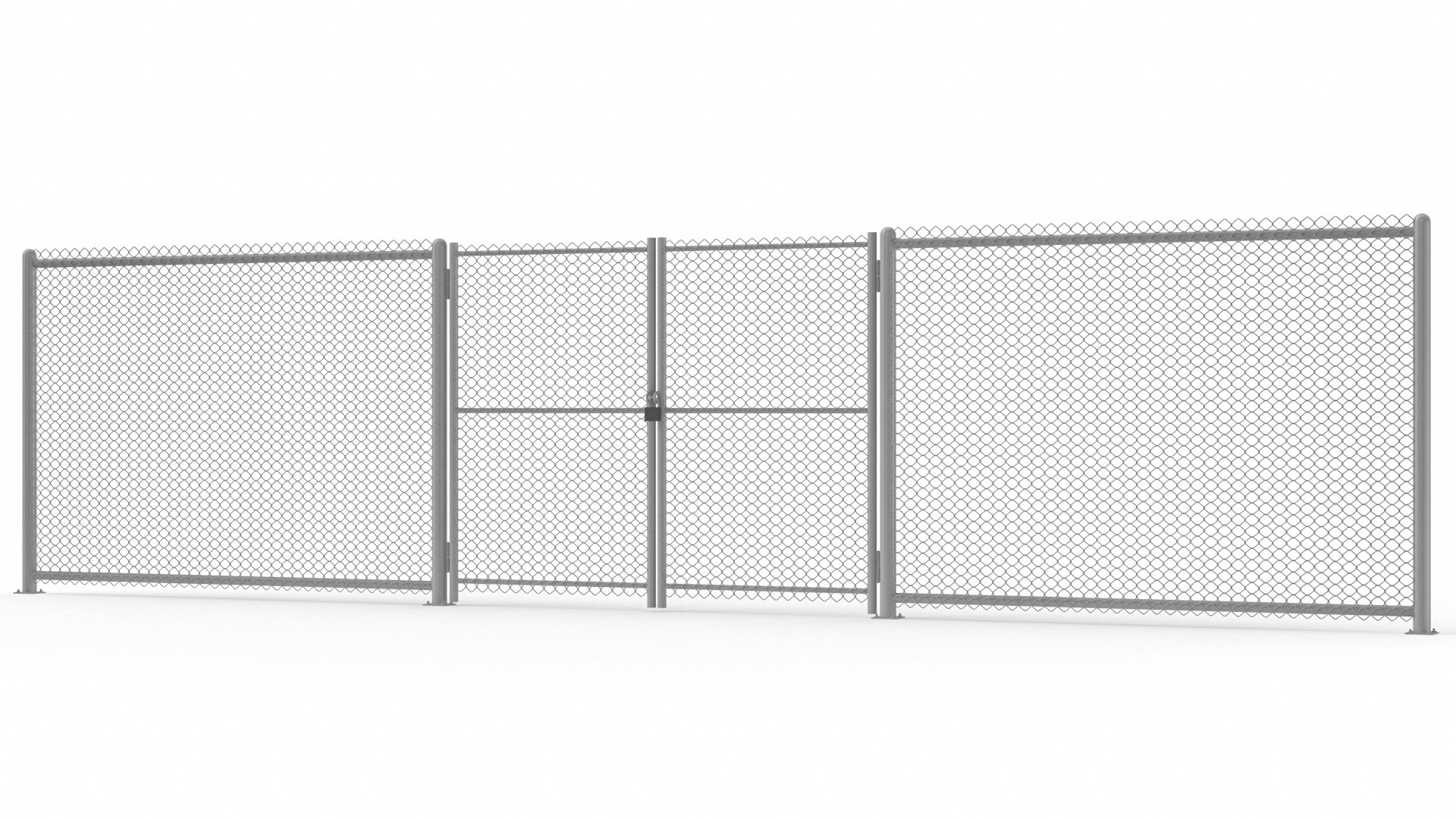
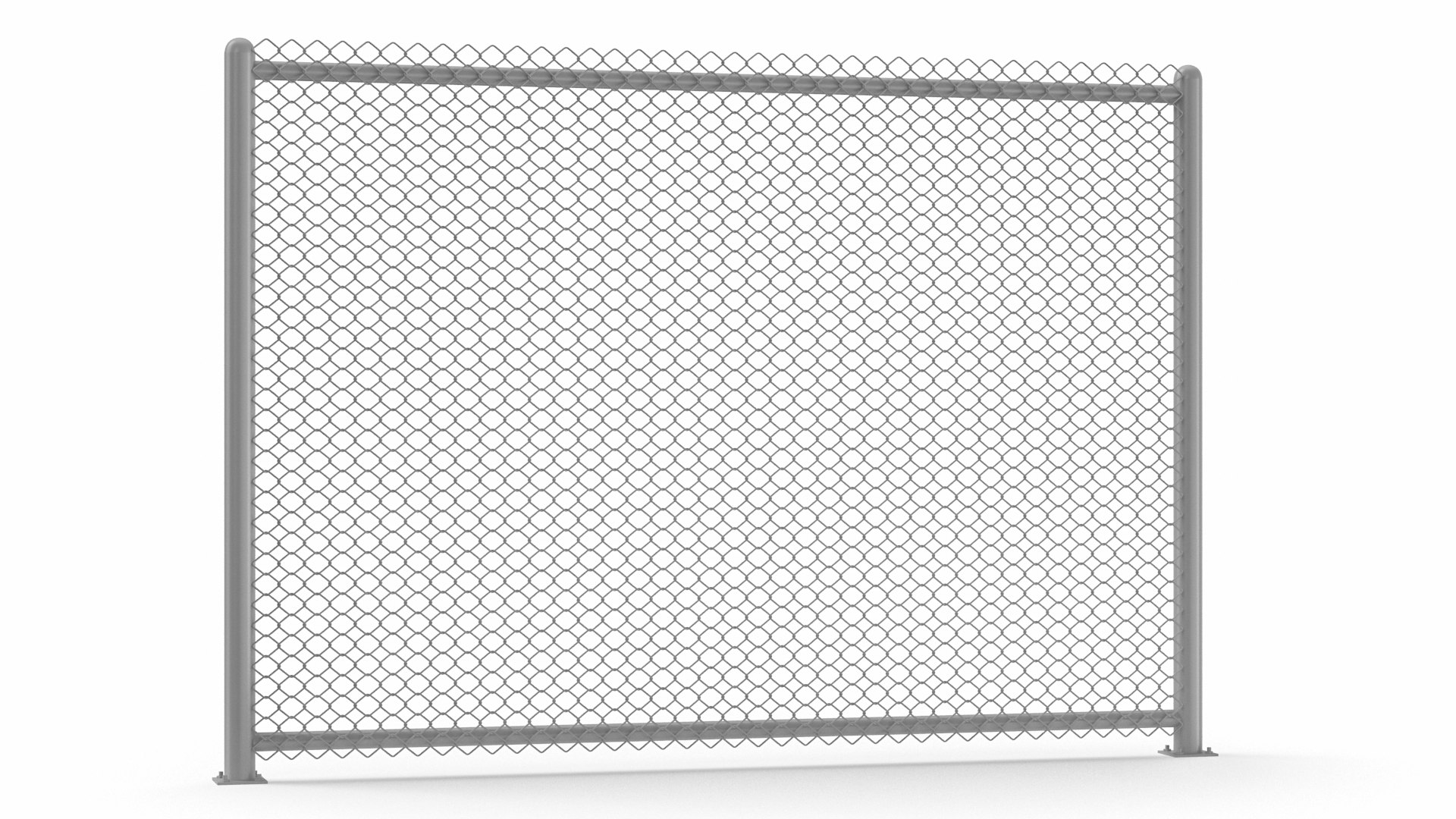
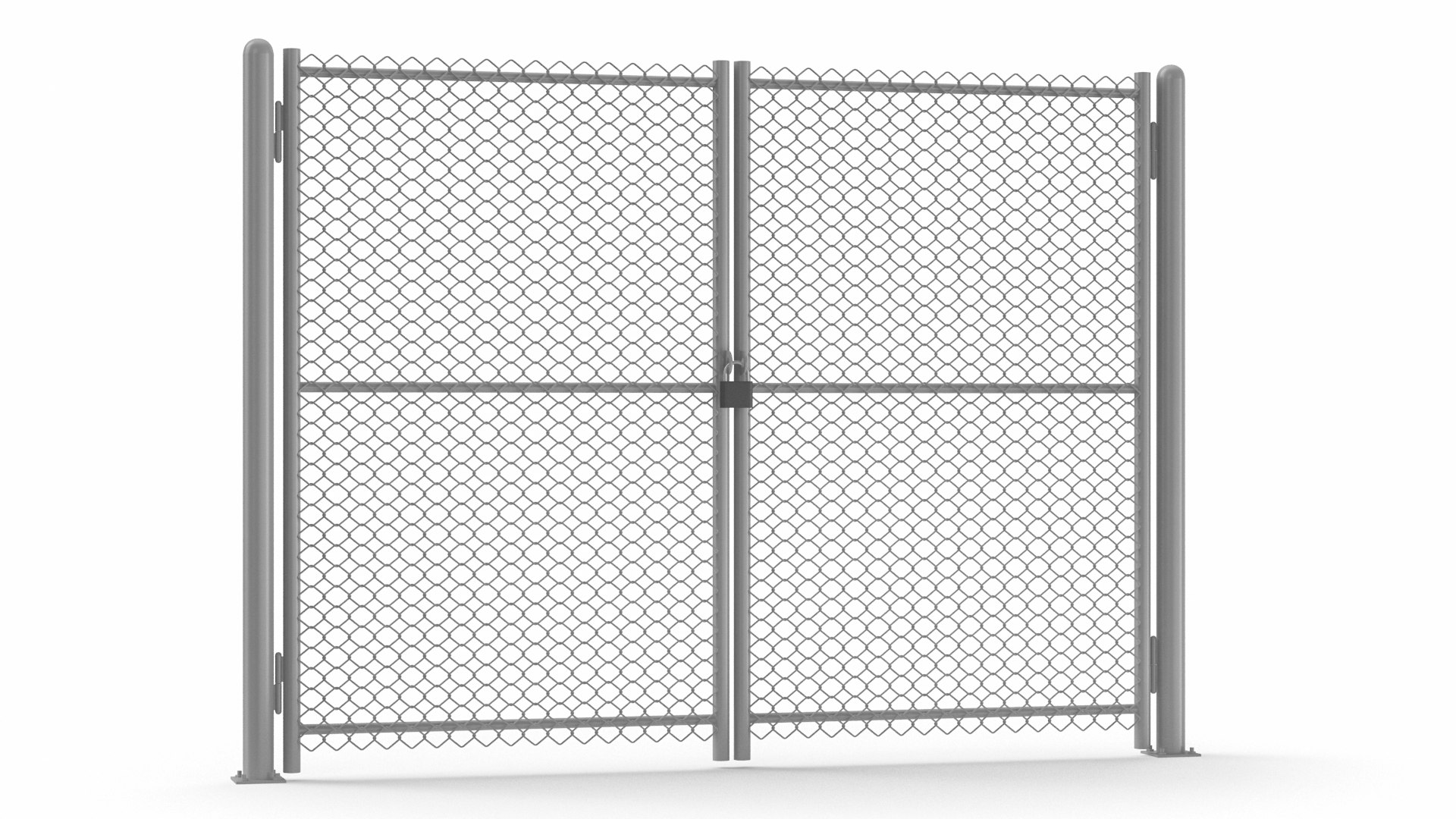
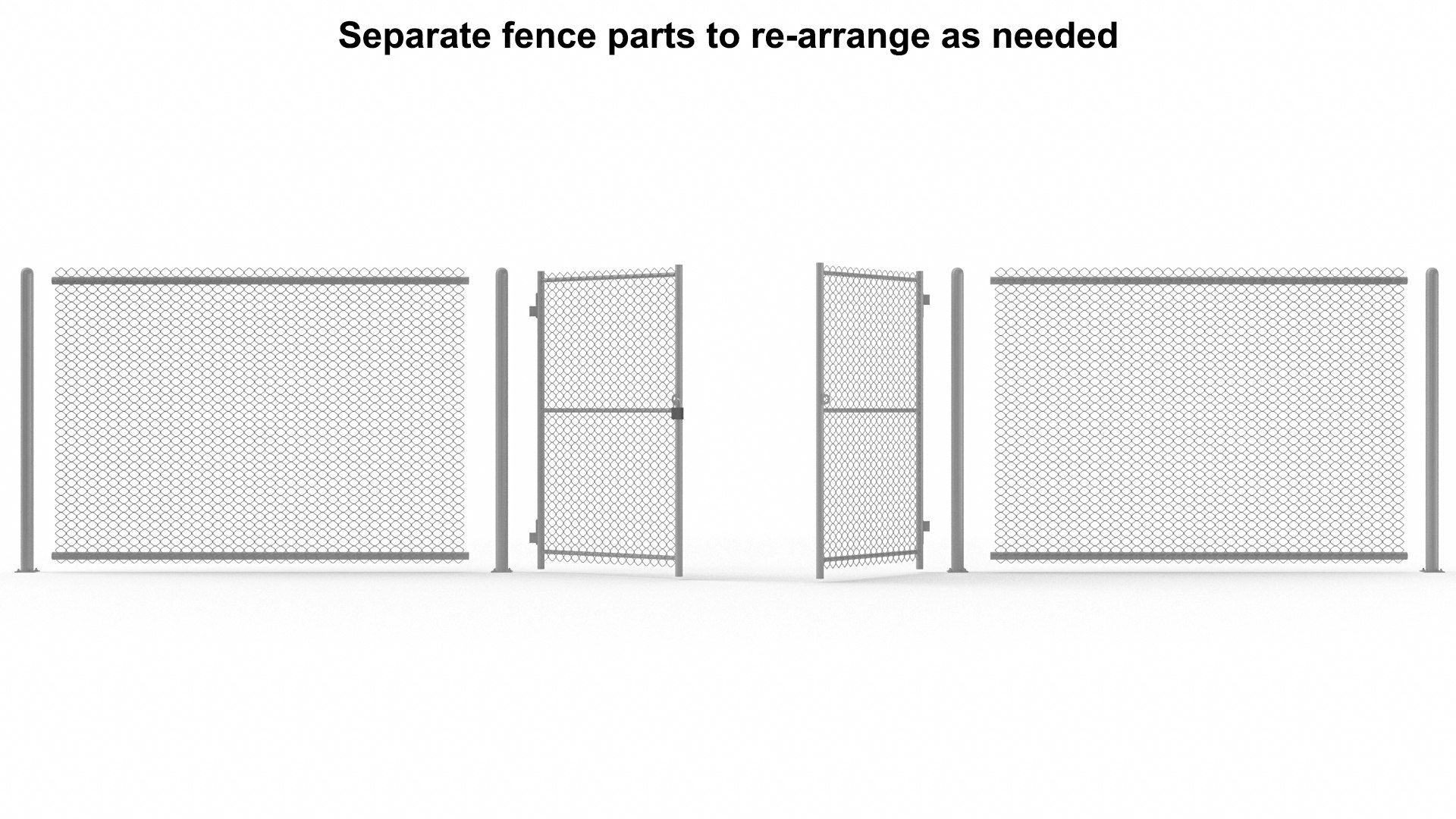
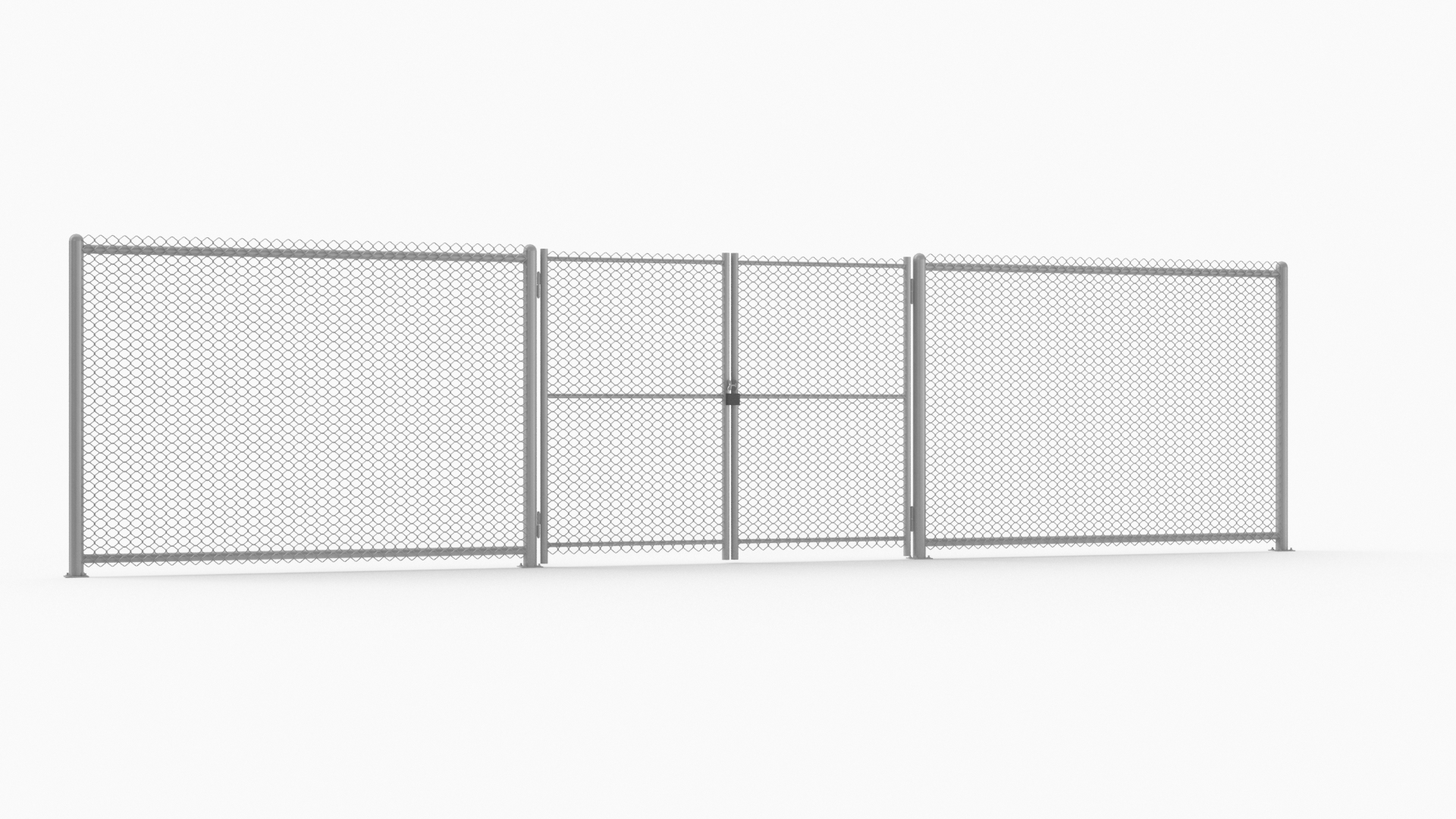
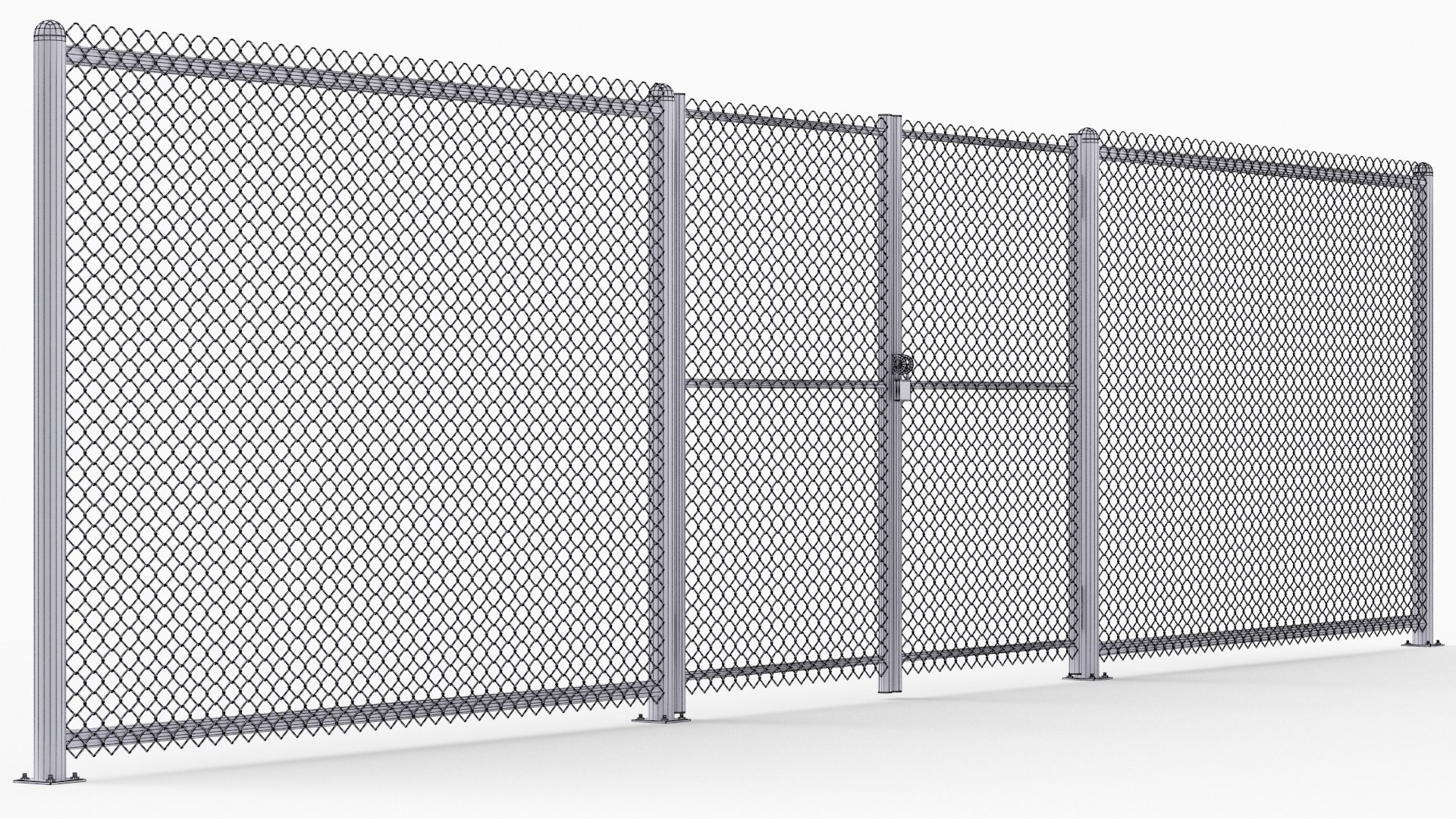
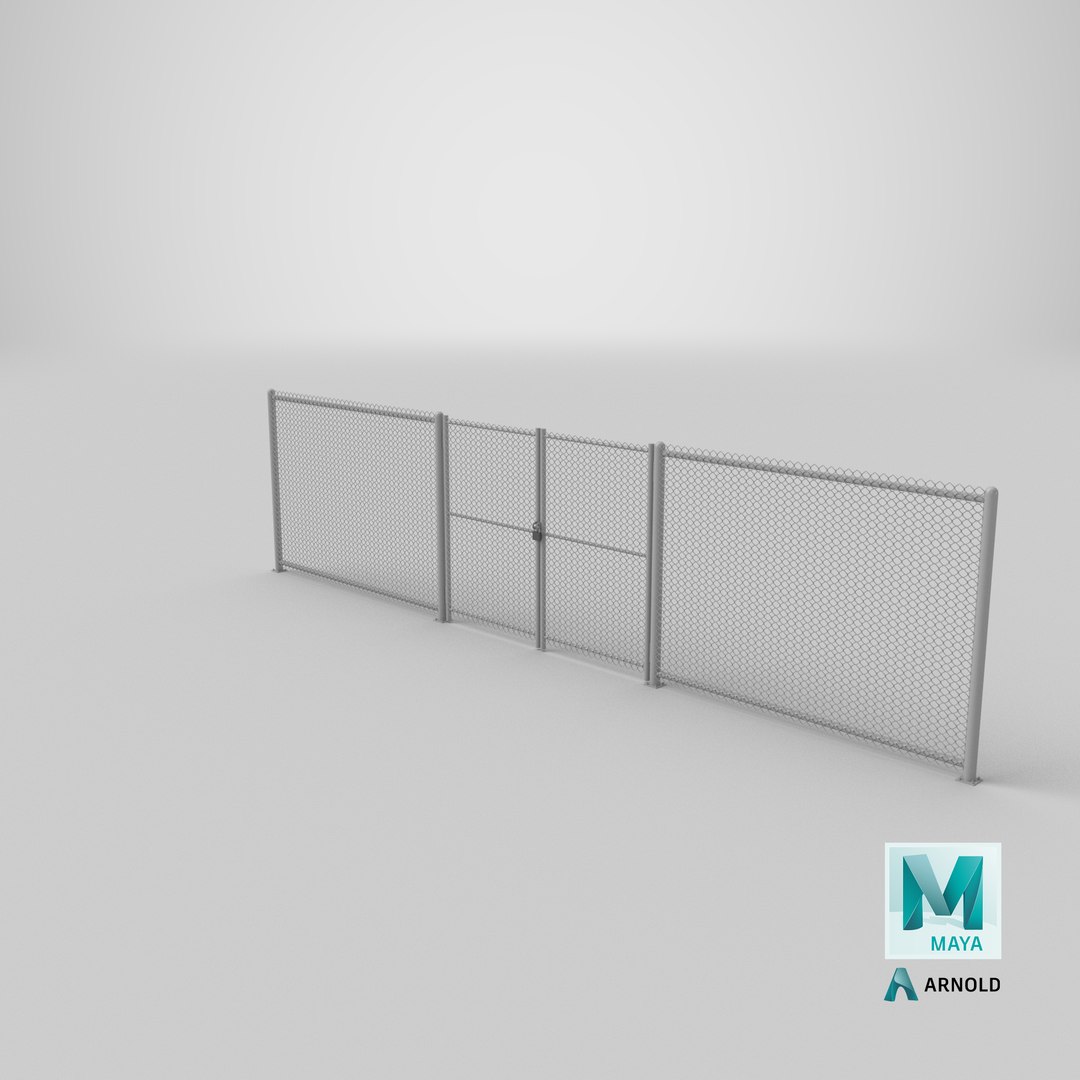
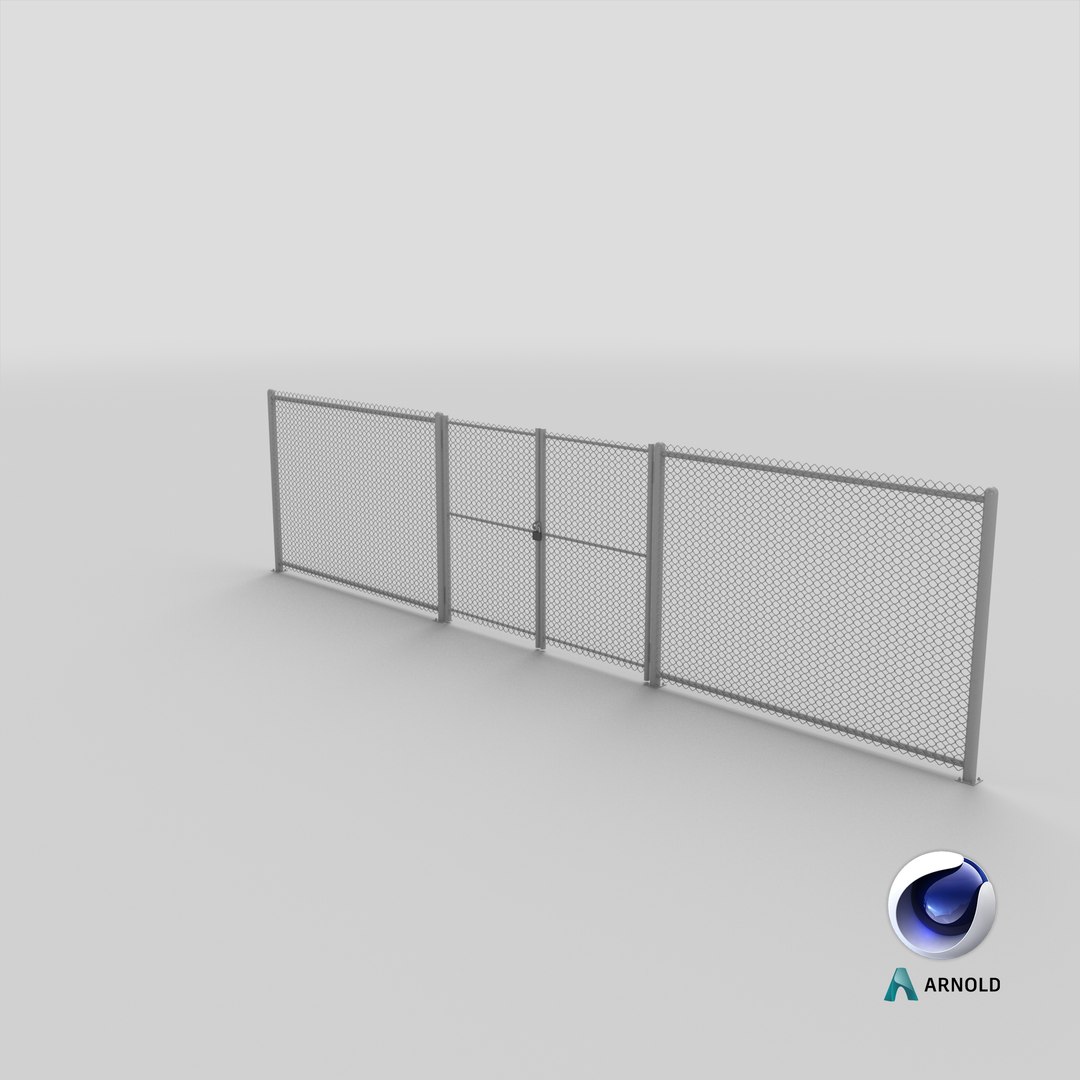
Metal Fence. (Re-Arrange the seamless fence parts as needed).

--Features--

-Edit Colors & Textures using the included Photoshop File.

-The Model is built to real-world scale - Units: cm.

-Fully optimized for games and videos.

-The Model is Named, Grouped & Layered Professionally.

-The Model is fully unwrapped UVs.

--Geometry--

-The Model was created in 3DSMAX.

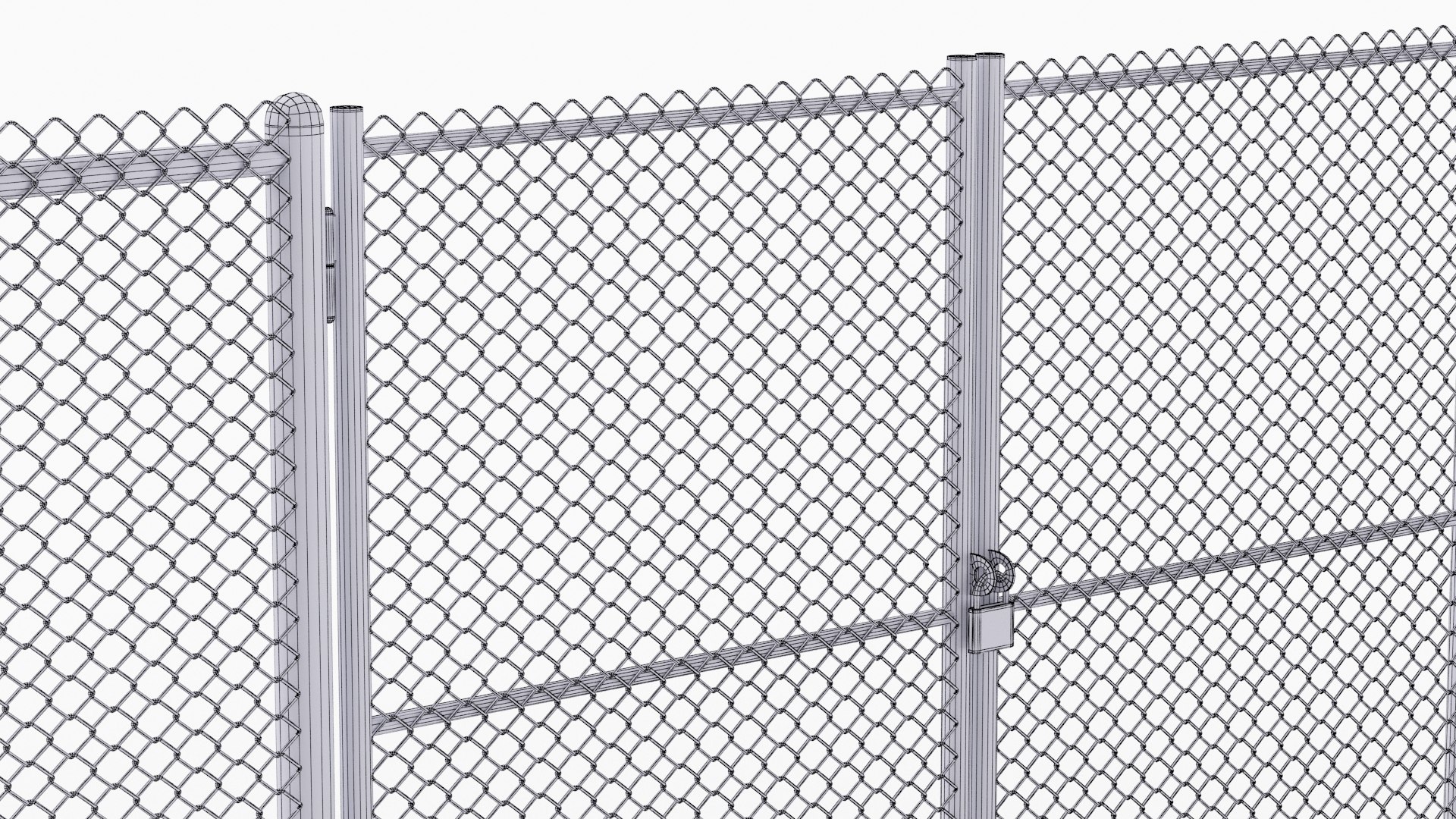
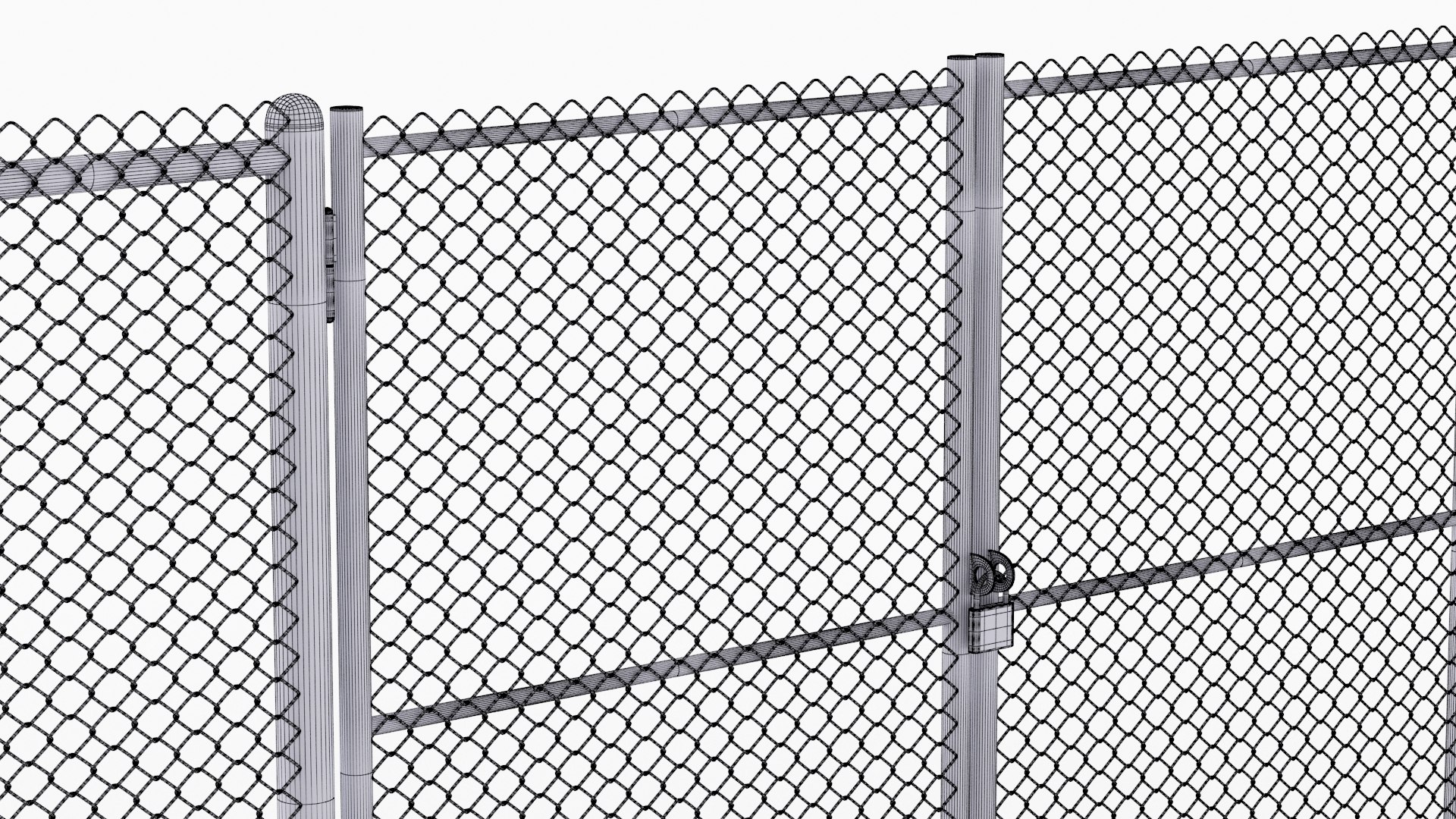
-Clean and optimized topology.

-This model consists of Quads only.

-The geometry is Low Poly.

-Optimized with mesh smooth modifiers.

--Textures--

-All textures are tailored and applied for high quality render results.

-All Textures are PNG format.

-All Textures are 1024 x 1024 px resolution.

-Diffuse - Specular - Glossiness - Normal Maps, Included with the native file.

--Rendering--

-The Native file rendered by Vray.

- Render setup, Lights, Camera Included.

Select Enhanced License

  • $10,000 in Legal Protection (Indemnification)
  • Uncapped Legal Protection (Indemnification)
  • Waiver from injunctive relief
  • Assignable model rights
  • $1,000,000 in Legal Protection (Indemnification)
  • Waiver from injunctive relief
  • Assignable model rights
  • $250,000 in Legal Protection (Indemnification)
  • Assignable model rights
Read more about enhanced license tiers, or contact us at enterprise@turbosquid.com. Already a Shutterstock Enterprise Customer? Contact your Shutterstock Sales Support Agent to talk about adding 3D.

About Conversion Requests

To submit a conversion request for a purchased asset, please complete our Conversion Request Form.

If you have not yet purchased a model, please review our Documentation about Conversions to learn about what limitations you may encounter with a conversion.

For any additional questions about a model’s suitability for conversion, please contact TurboSquid Support.

Loading...